
Pixlr AI Image Generator
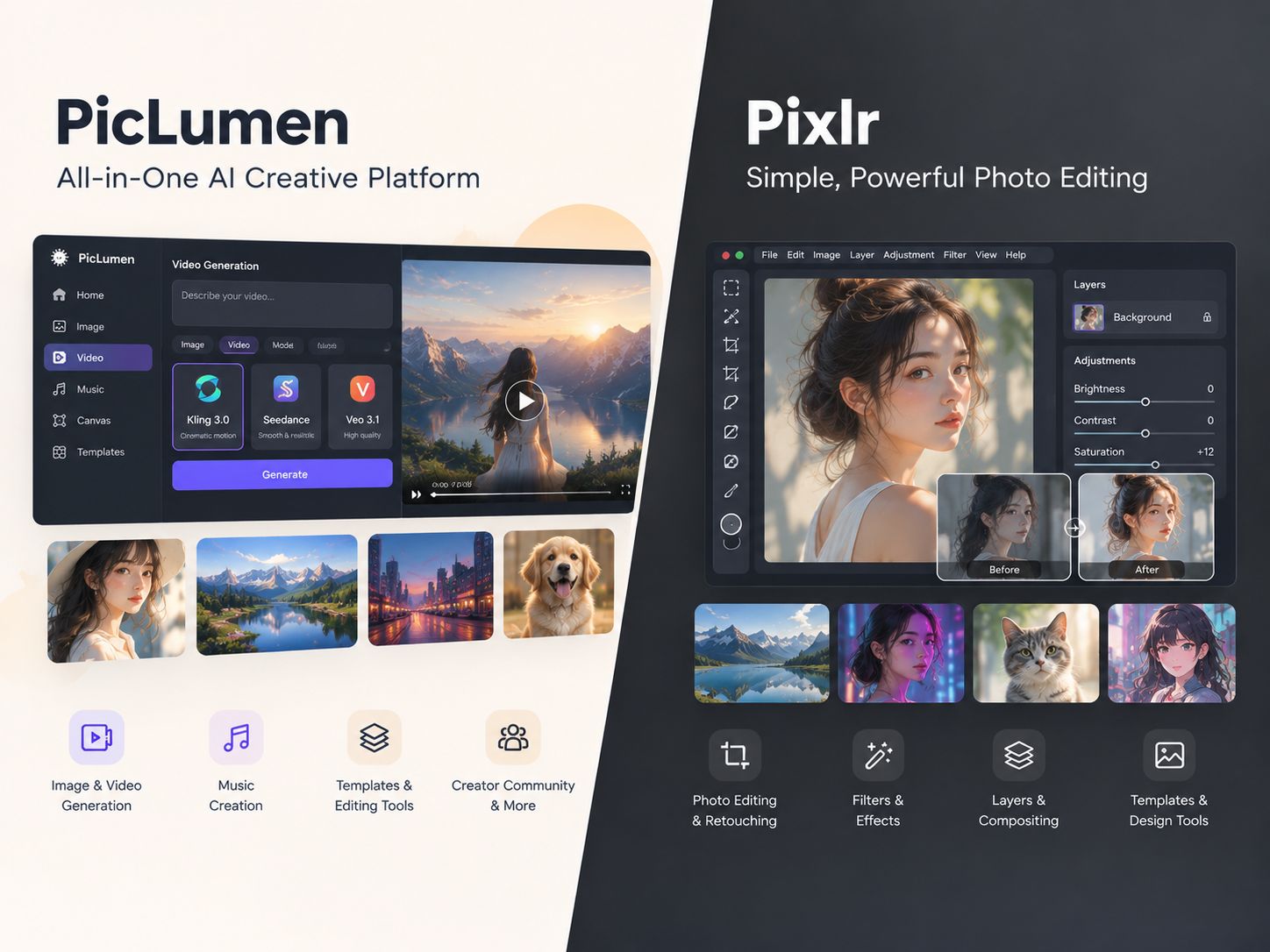
Pixlr lets you edit photos directly in your browser. Crop an image, adjust its colors, remove a background, or clean up unwanted objects without installing desktop software. It's a practical choice when you already have an image and need to make changes quickly. PicLumen takes a different approach. You can generate an image from a text prompt, remove a background, or extend an existing image beyond its original frame. It's worth considering when editing alone won't get you the visual you need.
Hot Video Effects
Turn your photos into fun dance clips, surprising transformations, and shareable moments with trending AI video effects.
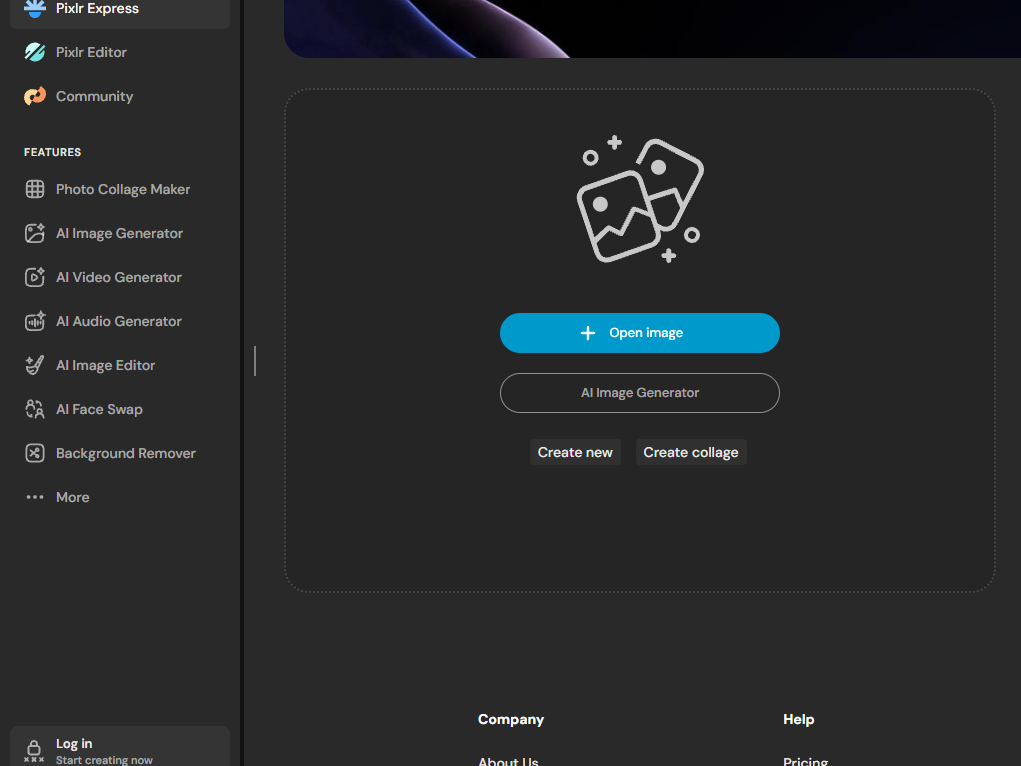
Open a Tab and Start Editing
Pixlr skips the installation process entirely. You just open a browser tab, drop in a photo, and start working. The workspace includes the essential tools—layers, masks, curves, and filters—without the setup time of a heavy desktop app. If a client sends over an image that needs a quick crop or a color fix before a meeting, you can open a tab and handle it right there.
Remove Backgrounds and Unwanted Objects
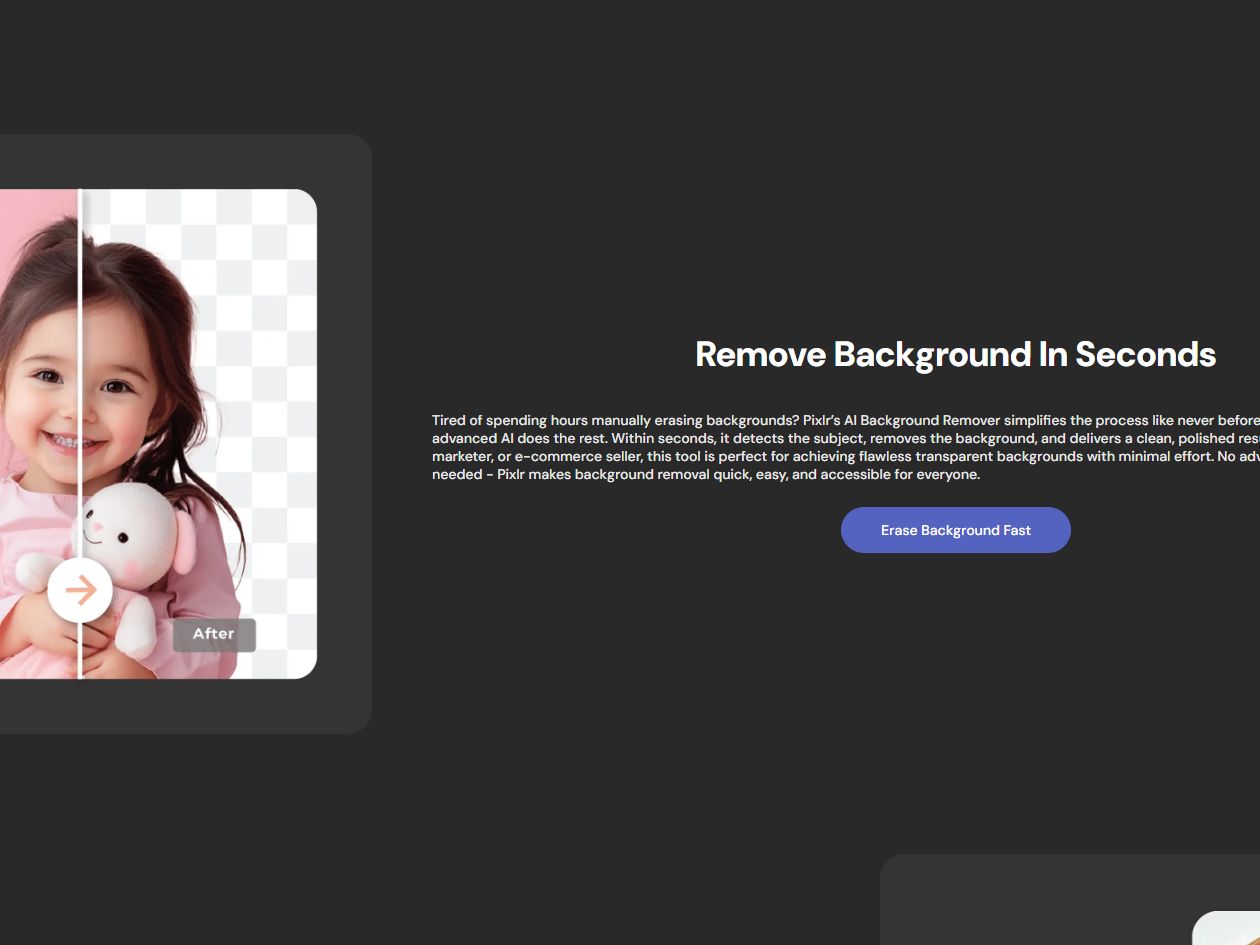
Pixlr's background remover separates a subject from its surroundings, while its object eraser fills in the area left by an unwanted element. These tools serve different purposes: one prepares a cutout for a new layout, while the other cleans up distractions within a photo. Inspect the edited area before exporting, particularly when the subject overlaps with a detailed background.
Templates for Quick Social Posts
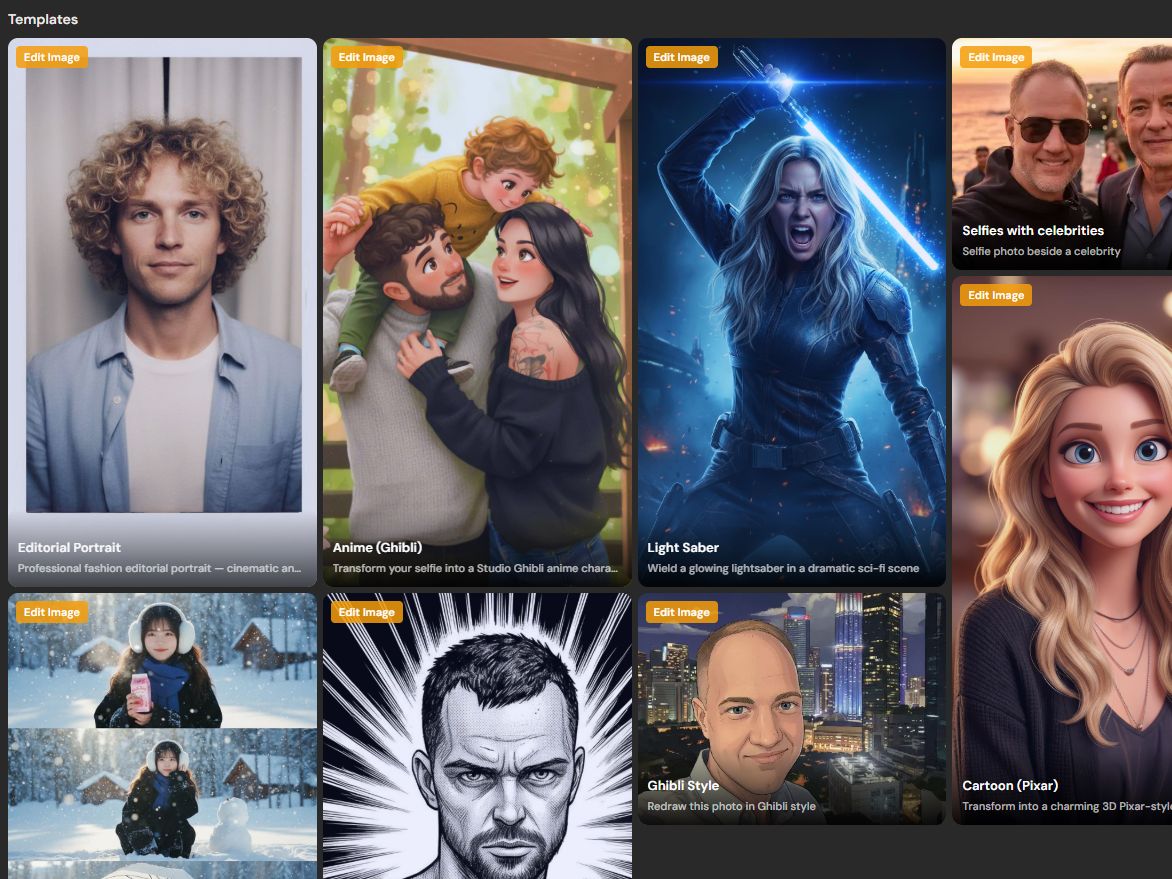
Pixlr includes ready-made layouts for Instagram posts, YouTube thumbnails, posters, and stories. You pick the format you need, drop your images into the placeholder frames, and swap out the text. It skips the frustrating part of guessing the right dimensions and setting up a blank canvas from scratch, letting you jump straight into the actual design work.
A Basic Text-to-Image Feature
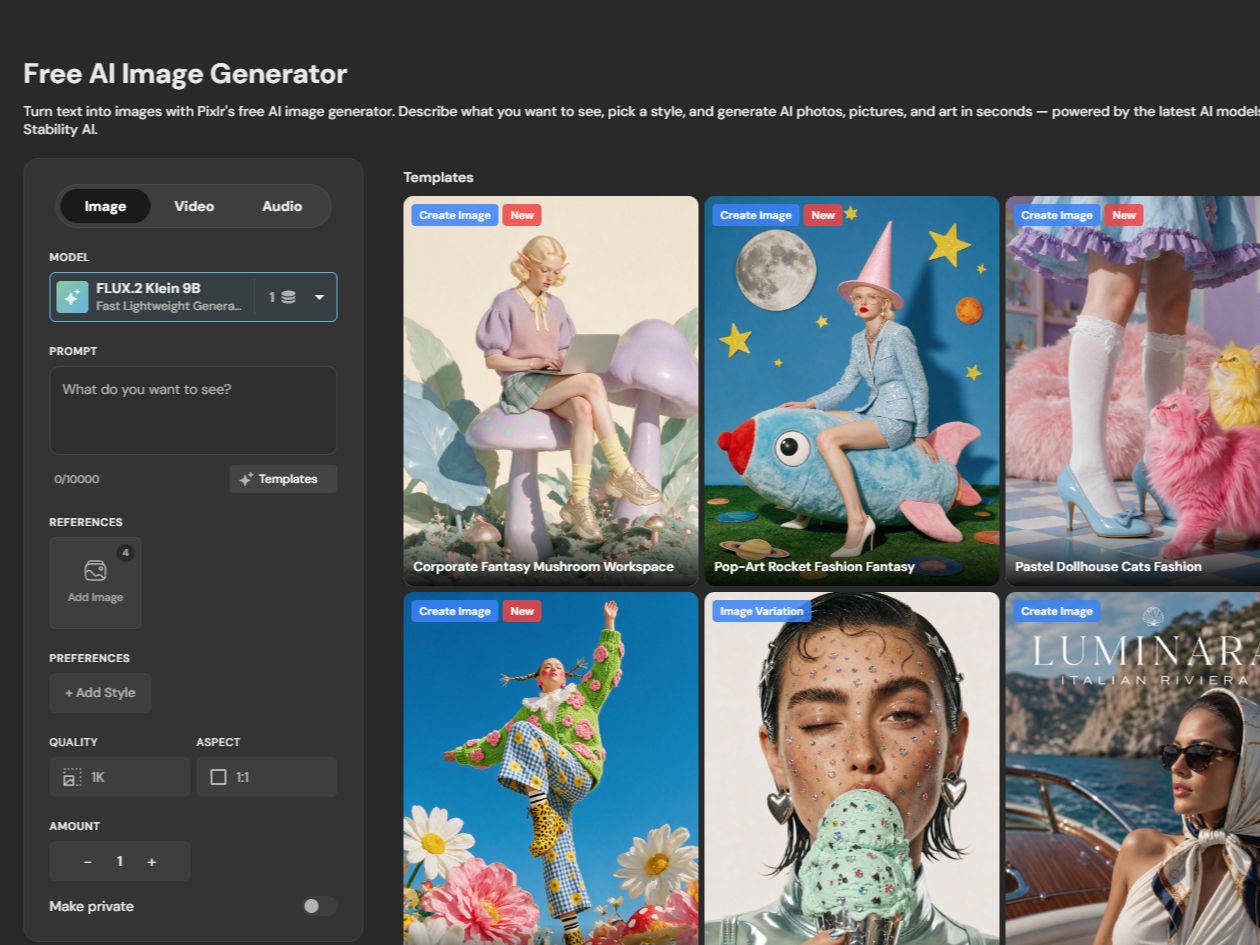
Pixlr also offers text-to-image generation. Enter a description to create a visual, such as a background texture or a placeholder for a design. The feature adds image generation to its editing toolkit, while the platform's broader workflow remains centered on editing existing images.
What People Use Pixlr For
Cleaning Up a Product Photo
A product photo taken on a cluttered desk may not be ready for a marketplace listing. With Pixlr, a seller can remove the original background and place the isolated product against a cleaner backdrop. The result is a more suitable image for a product page, provided the edges and details look right.
Resizing an Image for a Banner
A square image won't always fit a wide banner. In Pixlr, you can change the canvas dimensions and fill the extra space with a background color or a blurred extension. This gives the image a wider layout without requiring you to rebuild the entire design.
Applying a Quick Filter to a Portrait
If a portrait looks flat or washed out, a color adjustment or filter can help bring it closer to the intended look. Pixlr lets you adjust the contrast and overall tone in the browser, making it convenient for routine edits before sharing the photo.
Creating a Social Media Graphic
For a social post that needs a clear layout, start with a Pixlr template rather than a blank canvas. Add the image, replace the text, and adjust the design to fit the post. This works well for straightforward promotional graphics where speed matters more than a highly customized layout.
Pixlr and PicLumen for Image Work
Pixlr is suited to editing an existing photo through tools such as layers, masks, filters, and background removal. PicLumen is useful when the image needs to be generated from a prompt or extended beyond its original frame. You can also use its background remover to prepare a subject for a new composition. The choice depends on the task: refining an existing image or creating and reshaping a visual.
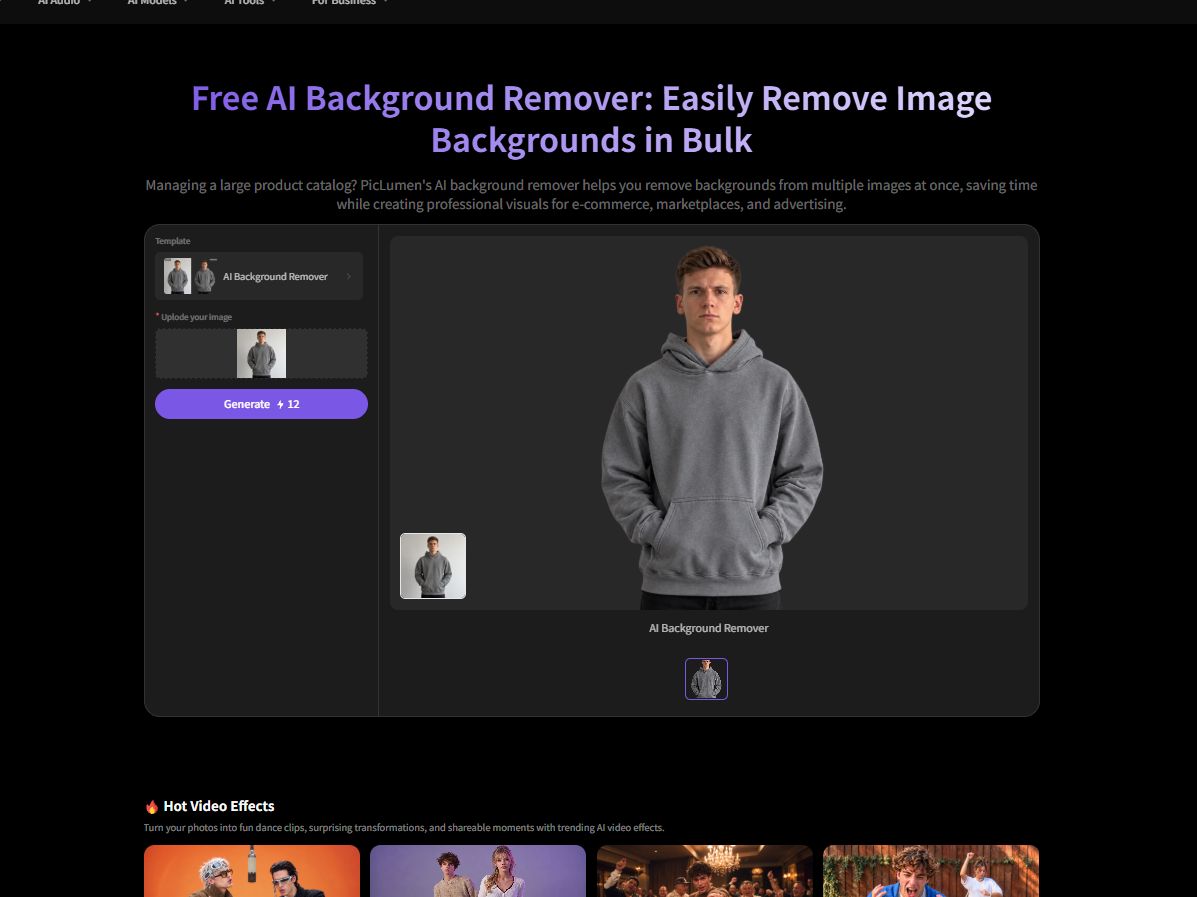
Prepare a Subject for a New Composition
Upload an image to PicLumen's background remover to separate the main subject from its surroundings. You can then use the cutout in a product listing, promotional graphic, or a different visual composition without manually tracing around the subject. Check fine details before using the result, especially around hair and other complex edges.
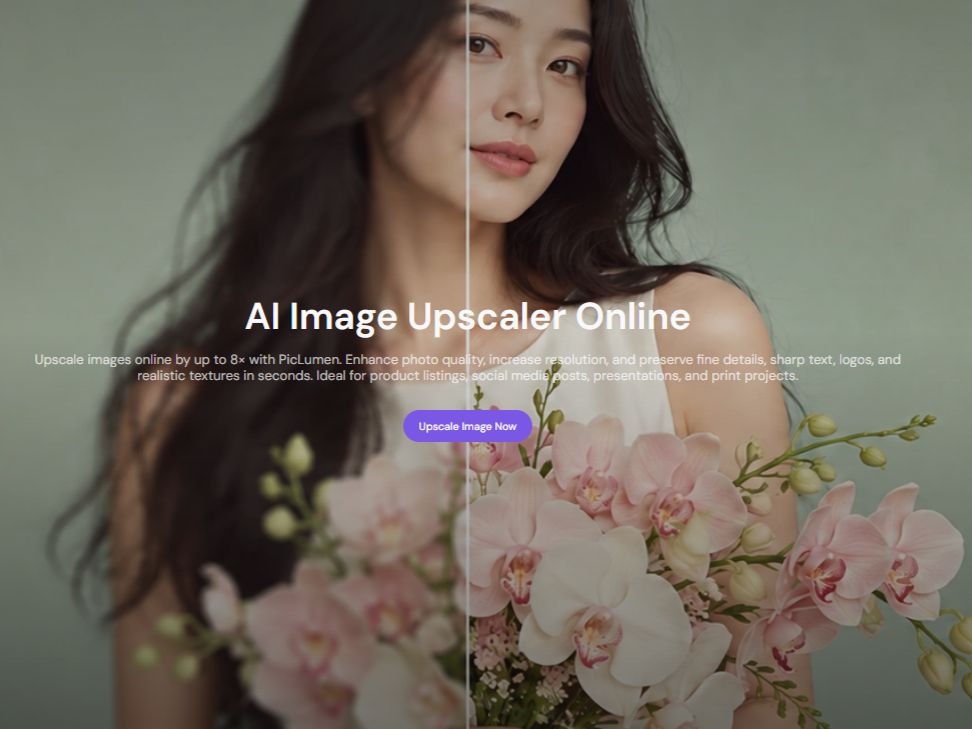
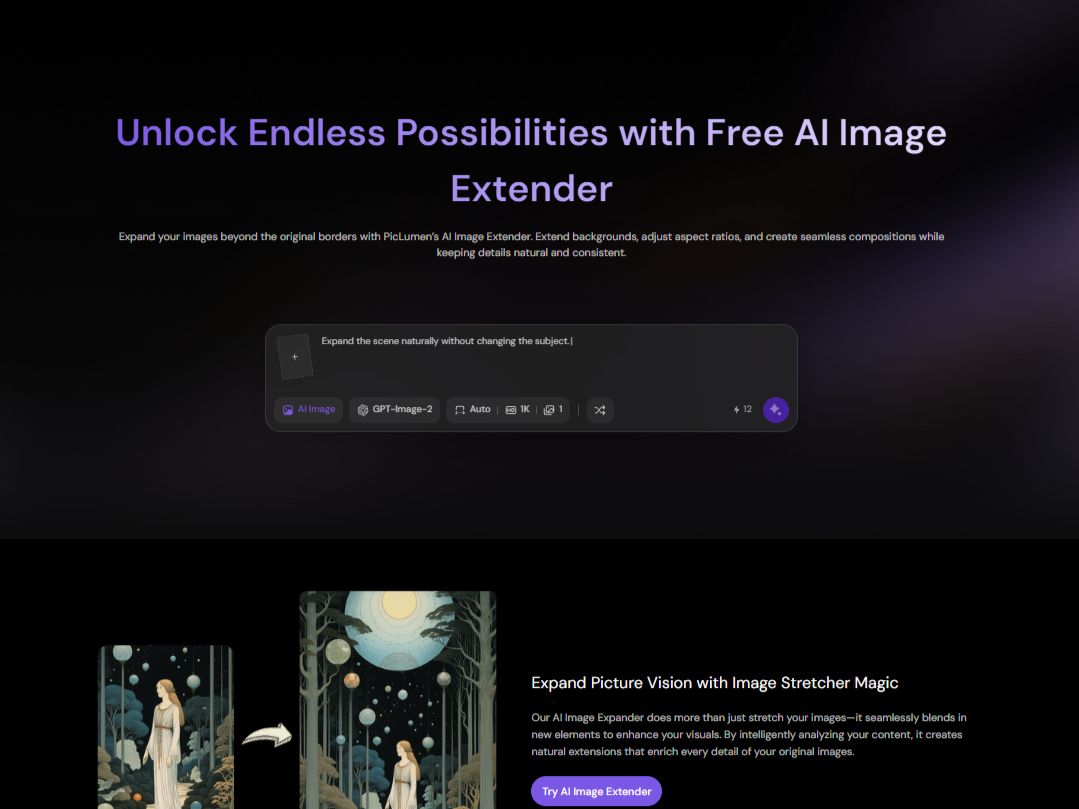
Expand the Canvas Instead of Cropping
Changing an image's aspect ratio often means cutting off part of the original composition. PicLumen's AI Image Extender generates content beyond the existing frame to fill the additional space. For example, you can adapt a square image for a vertical story or a wide banner while keeping the main subject in view. Check the new edges to make sure the added content fits the original scene.
Create a Subject From Text
With PicLumen's Text to Image generator, you can start with a description instead of an existing photo. Specify the subject, setting, and visual style to create an image for a concept, campaign, or design draft. If the image needs a person or a character, the AI Character Generator is another option to explore.
.jpg)
How to Remove a Product Photo Background With PicLumen
Step 1 Upload Your Product Photo
1Start with a clear photo of your product and drop it into PicLumen's Background Remover. The tool needs to see where the item ends and the background begins, so a well-lit shot with distinct product edges will save you a lot of cleanup later.
Step 2 Remove the Original Background
2Let the remover run, but don't just accept the first result blindly. Zoom in on the tricky parts—thin edges, handles, or anything reflective. If the cutout looks ragged or choppy, it's usually faster to swap in a cleaner source photo than to try and fix the jagged edges by hand.
Step 3 Prepare the Image for Its New Use
3Now that you have a transparent image, you can drop it straight into a listing or a design layout. Make sure you leave a little breathing room around the item so the frame doesn't clip off important details when you scale it.
Step 4 Download and Check the Result
4Before you call it done, download the image and preview it in the actual layout you're using. Check that the edges look natural and there's no faint trace of the old background left behind. Once it looks clean against the new backdrop, it's ready to go.


Loved by Creators Worldwide
Real feedback from designers, marketers, and hobbyists sharing their PicLumen experience on Trustpilot.
I recently had some technical issues…
I recently had some technical issues that I was trying to work through, so I reached out to the team at PicLumen for support. They were incredibly open, responsive, and willing to discuss the challenges I was experiencing. I even sent them a video demonstrating some of the issues I came across, and they took the time to review everything carefully and work toward finding solutions. What really stood out to me was how friendly, approachable, and collaborative they were throughout the process. I never felt like I was just submitting a problem ticket — it felt like they genuinely cared about improving the experience and helping users succeed. I truly enjoy using the platform and appreciate the level of support and dedication behind it. I would absolutely recommend PicLumen to anyone interested in this type of creative work.
Love this app it helps my ideas come to…
Love this app it helps my ideas come to life
It’s been great so far
It’s been great so far, I think the limitations are me not the app.
Ifeanyichukwu C ChukwuemekaVery good
Very good and good AI app easy to use without stress
Menu LawrenceVery fantastic app
Very fantastic app. I love it. I will like everyone to use this App
 Bohdan Lesyk
Great and fast
Great and fast, would be much better with some more free credits
Ioannis GreecePicLumen is powerful and i like it for…
PicLumen is powerful and i like it for my creations.
The best app in the place
The best app in the place
 Abdul Rafay
Best wishes for the developer
Best wishes for the developer
 AK Editing Zone
Nice ai image generation
Nice ai image generation
 Francess Greene
I love the app and it work well
I love the app and it work well
Really incredible work
Really incredible work, I love it so much, it's easy and intuitive
Frequently Asked Questions
What Is Pixlr Used For?
Pixlr is a browser-based photo editor for tasks such as cropping, color correction, filters, and basic graphic design. It also offers AI tools for background removal and object erasing, so users can handle many routine image edits without installing desktop software.
Can Pixlr Remove Backgrounds?
Yes. Pixlr has an AI background remover that separates a subject from its background. Results depend on the image, and complex edges such as loose hair may need additional refinement.
Does Pixlr Have AI Image Generation?
Yes. Pixlr includes a text-to-image generator that creates visuals from written prompts. It can help with quick assets and design concepts, alongside the platform's photo-editing tools.
How Do I Make a Square Photo Fit a Vertical Format?
Use PicLumen's AI Image Extender to add content beyond the original frame instead of cropping the sides. It can help adapt a square image to a vertical layout while keeping the original subject in view. Review the expanded areas to make sure they fit the image.
Can I Use PicLumen for Product Photography?
PicLumen can help create product visuals by placing a product image in a generated setting. Upload the product photo and create a suitable background for a listing or promotional image. Check the final result to ensure the product's appearance remains accurate.
Is PicLumen affiliated with Pixlr?
No. PicLumen is an independent AI creation platform and is not affiliated with, sponsored by, or endorsed by PixlrPixlr. Any references to Pixlr are for informational purposes only. All trademarks belong to their respective owners.