Earth Zoom Out AI Video Generator – Zoom from Your Photo to Outer Space

Hot Video Effects
Turn your photos into fun dance clips, surprising transformations, and shareable moments with trending AI video effects.
What Is the Earth Zoom Out AI Effect?
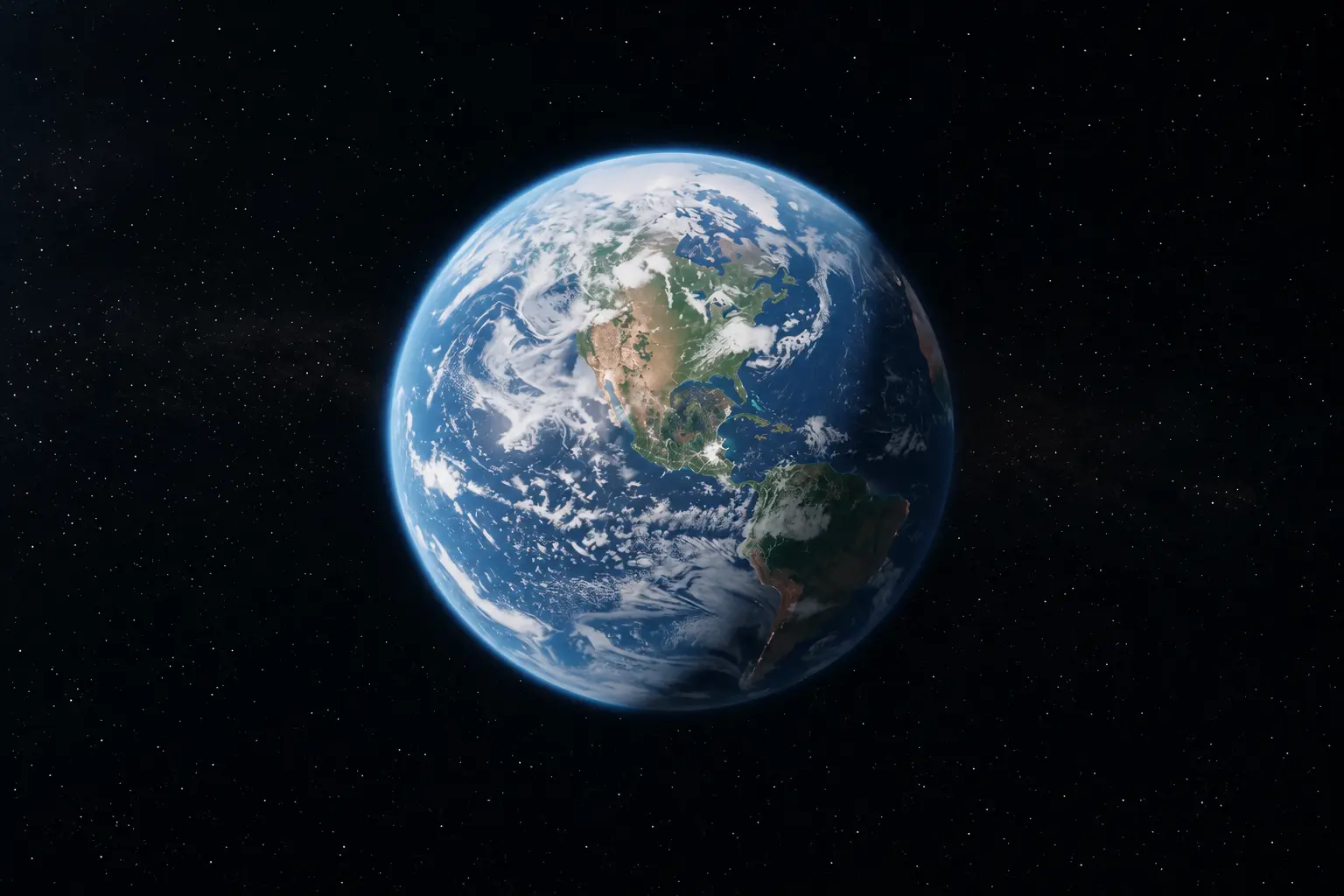
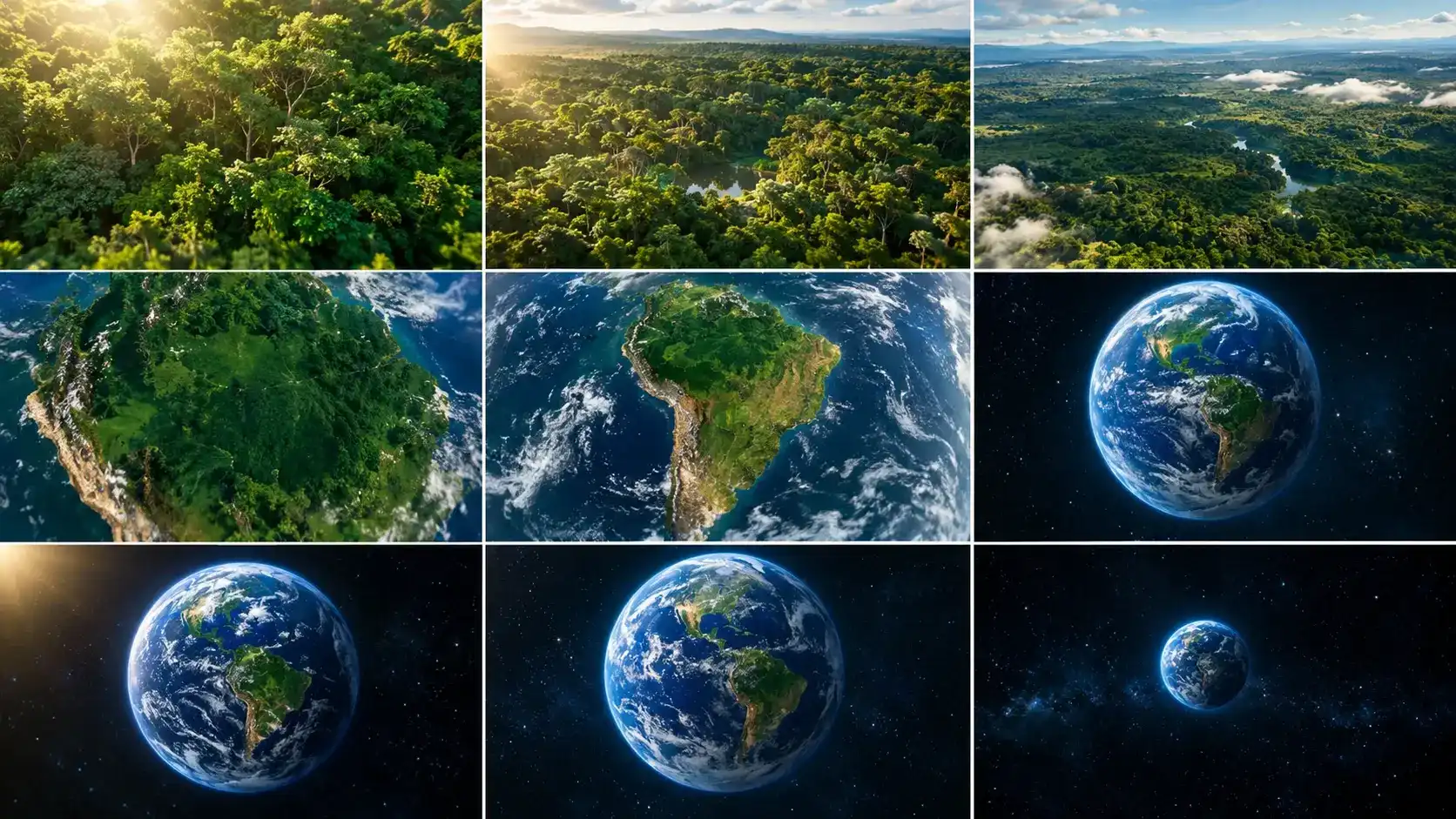
The Earth Zoom Out AI effect is a cinematic video transition simulating a camera pulling back from a close‑up scene all the way to a full‑planet view from space. It starts with a person, landmark or landscape; the camera ascends to unveil local surroundings, passes through clouds, and finally reveals Earth’s curvature against outer space. This seamless scale shift previously required satellite assets, layered visuals and complex editing. With PicLumen's AI Video Generator, you can create this earth‑to‑space motion from a starting image and descriptive prompts. Note the AI‑generated output is interpretive: geography, camera movement and transitions may differ, and it is not authentic satellite footage.
How to Make an Earth Zoom Out AI Video
Create an Earth Zoom Effect in Three Steps
Upload Your Photo
Choose a clear portrait, city photo, building image, or landscape as the starting frame.
Describe the Earth Zoom Effect
Select a suitable video workflow or available template and describe a camera pullback from the subject through the atmosphere into space.
Generate and Download
Generate your video, review the zoom transition, and download the result you prefer.
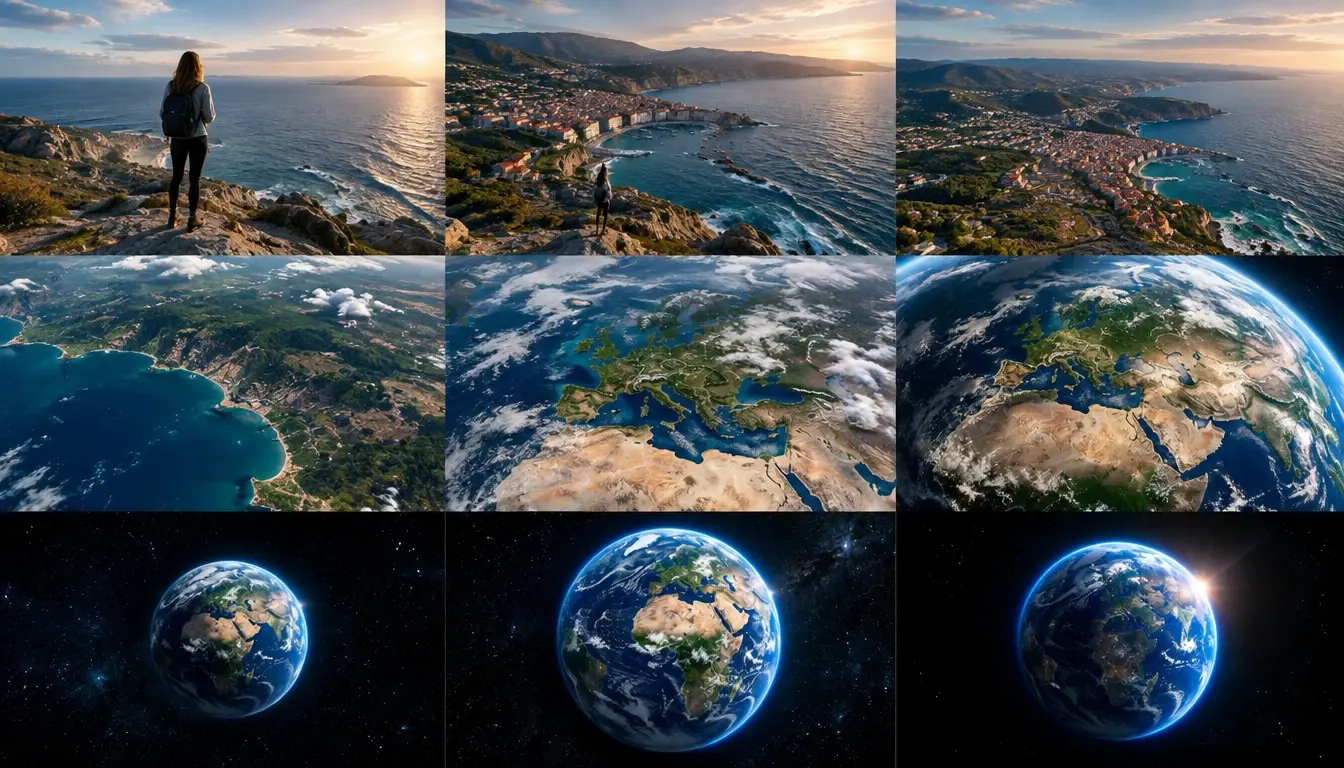
Classic Earth Zoom Out from a Person
Start with the person in the uploaded photo as the opening frame. The camera rapidly pulls backward and upward in one continuous cinematic movement, revealing the surrounding street, city blocks, roads, and wider landscape. Continue rising through realistic clouds and the atmosphere until the curvature of Earth appears. Finish with a wide view of the entire glowing planet floating in deep space. Smooth acceleration, dramatic scale change, realistic atmospheric lighting.
City Street to Space
Begin with a realistic street-level city photograph. The camera performs a fast vertical zoom out, rising above buildings and revealing the complete city grid. Continue pulling away through clouds, showing the surrounding region and a satellite-inspired view of Earth. End in outer space with the planet fully visible. Cinematic motion, natural lighting transitions, continuous camera movement.
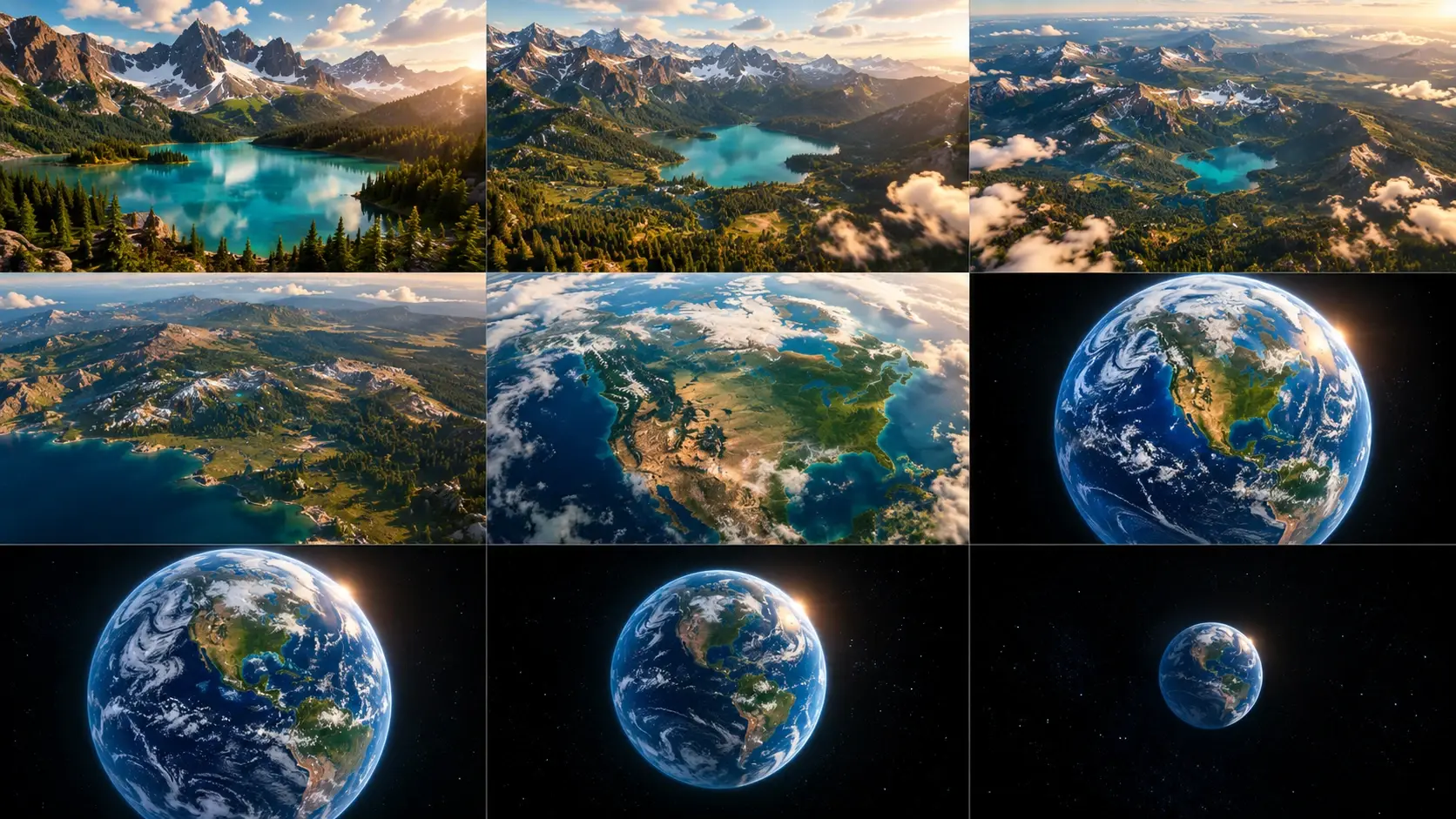
Mountain Landscape Earth Zoom
Use the uploaded mountain landscape as the opening scene. The camera rises smoothly above the mountains, revealing valleys, forests, and the wider terrain. Continue pulling backward through clouds and the atmosphere, transitioning into a dramatic orbital view of Earth. End with the full planet against a dark star-filled background. Realistic landscape textures, atmospheric depth, cinematic camera movement.
Create Cinematic Earth Zoom Out Videos with AI
Turn a Single Photo into an Earth Zoom Out Video
Start your video with a photo that already tells a story. Upload a portrait, travel picture, building photograph, or outdoor landscape and use it as the opening frame of your Earth zoom sequence. For example, with PicLumen's Image to Video AI Generator, you can use a photo as the visual reference for a dramatic camera movement that pulls away from the original scene. Describe the desired direction and pace to guide the AI toward an Earth-to-space transition.
Create a Dramatic Ground-to-Space Camera Pullback
The most recognizable part of the earth zoom effect is the sudden change in scale. Begin with a close-up subject, move upward through the surrounding environment, and continue until the planet becomes visible. A well-described zoom sequence can include several visual stages: the original subject, a bird's-eye view, the city, the atmosphere, and outer space. This layered progression helps the generated movement feel more cinematic.
Explore Satellite-Style Earth Views
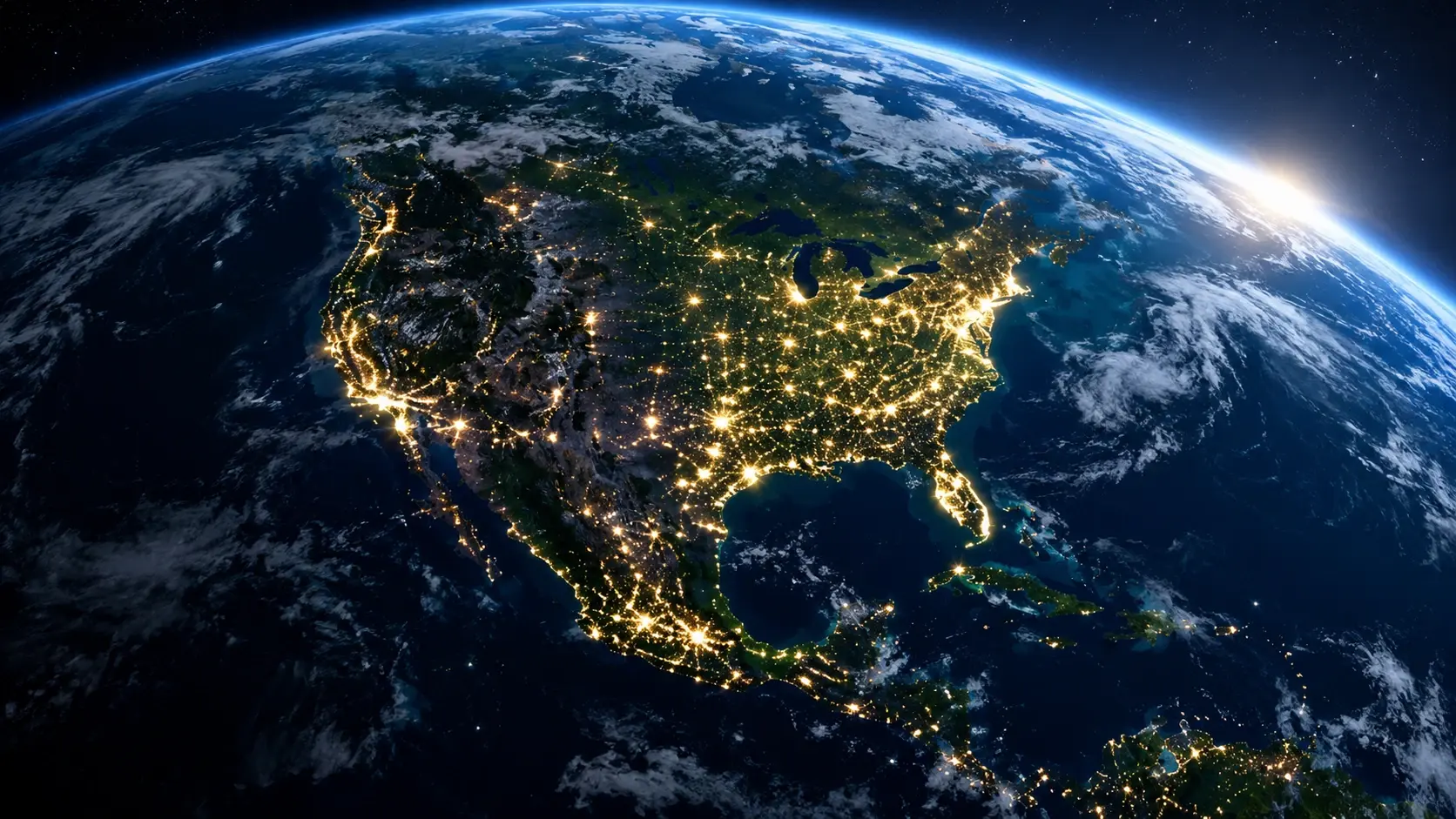
Give your video a dramatic planetary perspective with satellite-inspired imagery. Imagine city lights becoming smaller, clouds spreading across the atmosphere, and continents appearing as the camera moves farther away. The effect can create the visual impression of an orbital camera, even though the intermediate geographic details are AI-generated rather than verified map data. Use realistic lighting, atmospheric depth, and a clear final view of Earth to guide the overall style.
Customize the Zoom Speed and Visual Atmosphere
Different creative projects benefit from different types of camera movement. A fast pullback can create an energetic social media transition, while a slower movement can feel more cinematic or reflective. Use prompts to describe the camera's acceleration, motion direction, clouds, lighting, and final space composition. You can also experiment with a reverse movement using PicLumen's Text to Video AI Generator, describing a journey that begins in space and moves toward the ground.
Explore Creative Earth Zoom Out AI Video Effects
From city streets to mountain landscapes, transform everyday photos into cinematic journeys from Earth to outer space.
One Photo, a Journey Beyond the Atmosphere
A striking video transition reshapes how audiences perceive a scene. The Earth Zoom Out AI Video effect starts with a familiar close-up and expands perspective: a portrait belongs to a city, a city sits within a continent, and the continent rests on Earth amid outer space. Great for storytelling, travel clips and short-form reveals. With PicLumen, test different starting scenes and camera movements, and use the AI Gif Generator to turn these pullback sequences into shareable animated GIFs. Turn travel photos or personal portraits into cinematic planet reveal animations.
City to Earth Zoom Out
Start with a person standing on a busy city street. The camera rises above nearby buildings, revealing roads and neighborhoods before pulling farther away through the clouds. Continue the movement until the city becomes a tiny point on the surface of Earth. Ideal for urban travel videos, city introductions, and dramatic social media transitions.
Nature to Outer Space
Begin with a scenic landscape such as a mountain range, beach, forest, or desert. Pull the camera upward to reveal the surrounding terrain, atmospheric clouds, and the curvature of the planet. End with a wide cinematic view of Earth against the darkness of space. Ideal for nature content, travel storytelling, and environmental-themed visuals.
Cinematic Night Earth Zoom
Create a dramatic Earth zoom sequence inspired by nighttime city photography. Start with illuminated buildings or a glowing city skyline, then pull back into the atmosphere as the lights become smaller. Reveal the planet with glowing city networks, atmospheric highlights, and a deep-space background. Ideal for cinematic edits, futuristic video concepts, and dramatic visual intros.
Why Choose PicLumen?
Make Earth Zoom Out Videos Without Complex Animation Software
Start with Your Own Images
Create an Earth zoom concept around a personal photo, travel image, or original scene. You don't need to begin with professionally produced satellite footage to explore the visual effect.
Guide Camera Movement with AI Prompts
Describe how the camera should move and what the viewer should see as the scene expands. For example, specify a continuous upward pullback through clouds followed by a wide view of Earth from space. Clear camera instructions help the AI understand the intended visual sequence.
Explore Different Cinematic Styles
Try realistic, futuristic, dramatic, or atmospheric visual directions. You can adjust the creative concept through the input image and prompt without manually animating every visual layer.
Create Short-Form Video Concepts
Earth zoom transitions can work as openings, endings, or visual bridges in social media videos. Experiment with different source photos to find a concept that matches your content.
Develop More Creative Video Ideas
You can also explore longer visual storytelling projects through PicLumen's AI Movie Maker. For example, an Earth zoom sequence could become the opening shot of a science-fiction trailer or a travel-inspired cinematic concept.
TikTok and Instagram Reels
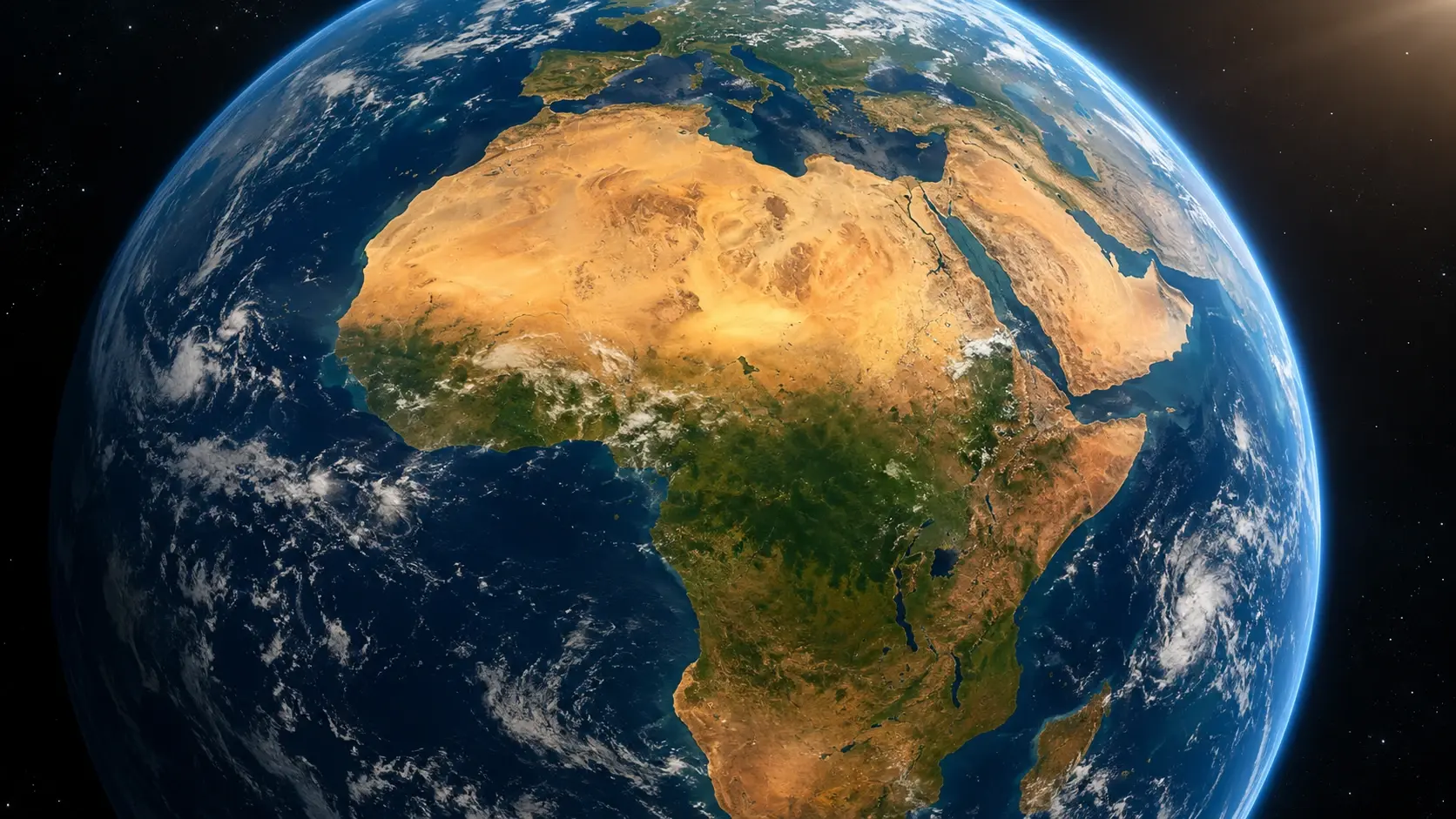
Create attention-grabbing transitions for short-form videos. A portrait or everyday scene can transform into a dramatic Earth-to-space reveal, adding an unexpected change in perspective. Experiment with quick camera movement and a clear opening subject to make the visual transition easy to understand.
Travel Vlogs and Destination Reveals
Introduce a city, beach, mountain, or landmark through a sweeping planetary perspective. For example, a travel video could begin at a scenic destination and then zoom out Earth-style to reveal the planet. Use the effect as a creative transition rather than a geographically precise representation of the destination.
Science and Space-Themed Storytelling
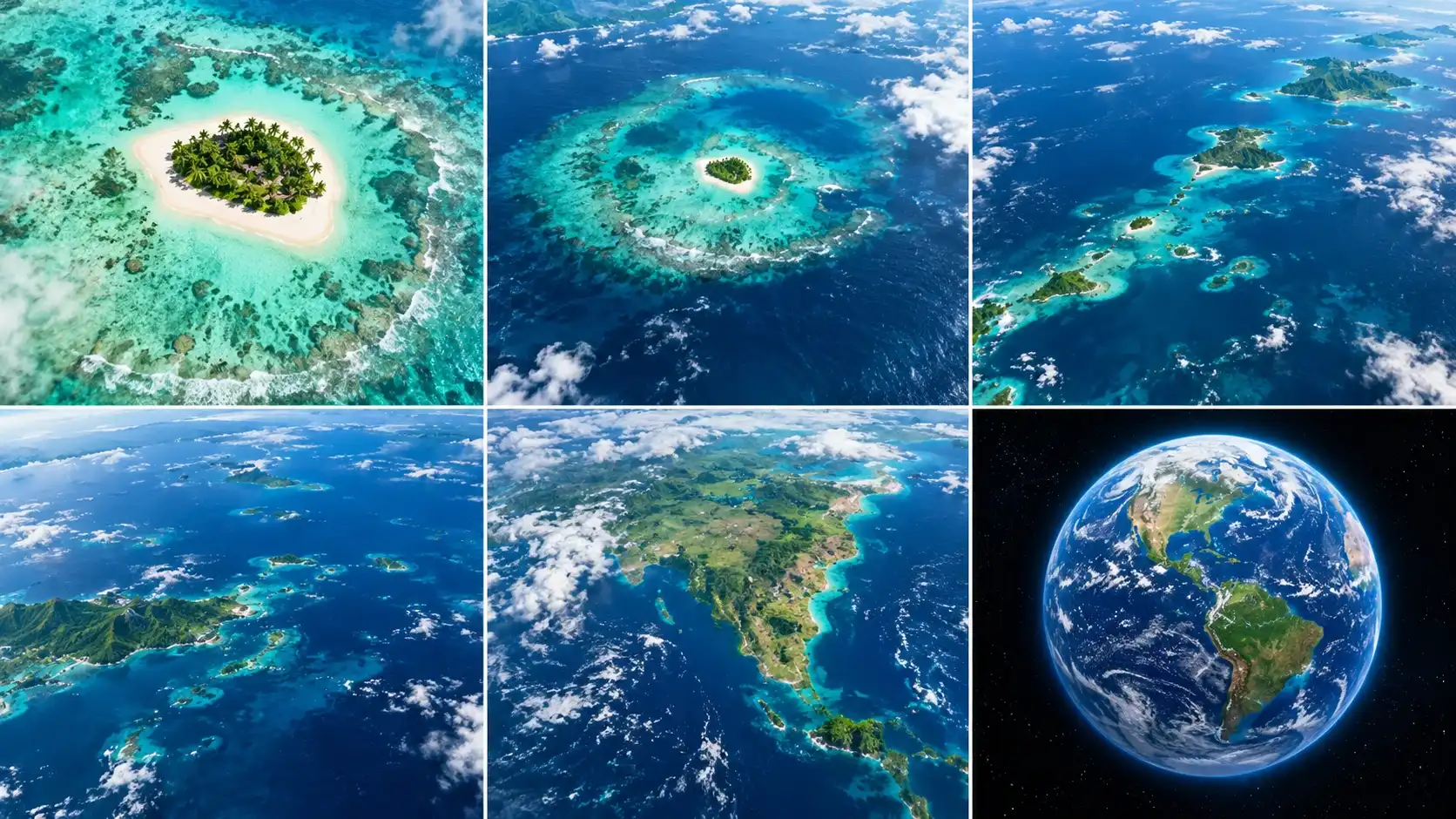
Explore planetary scale and space-inspired visuals through creative AI video generation. An Earth zoom sequence can be used as an illustration of changing perspective, although it should not replace accurate educational maps or scientific visualizations.
Cinematic Video Outros
Finish a video by moving away from the final scene until Earth appears in the distance. This can create a memorable closing shot for travel videos, personal stories, and creative presentations. If you need additional footage after a generated sequence, PicLumen's AI Video Extender offers a related workflow for exploring video continuation.


Loved by Creators Worldwide
Real feedback from designers, marketers, and hobbyists sharing their PicLumen experience on Trustpilot.
Zaine JuttAmazing 😍😍😍😍😍😍 freee 😍😍
Amazing 😍😍😍😍😍😍 freee 😍😍
 Jon Jon
Very good website
Very good website. Different models, good job
A New TV Episodes Of Ninja Sweetie On…
A New TV Episodes Of Ninja Sweetie On Paramount+
CrispeeEasy to use.
Easy to use. Great layout love it!
Kura AdityaThe best experience ever w
The best experience ever w
Nice creations and bright
Nice creations and bright
Can’t go wrong using this one
Can’t go wrong using this one
 Francess Greene
I love the app and it work well
I love the app and it work well
 pixai
great chatgpt image alternative
great chatgpt image alternative
 Ghulam E Hur
Application is very good
Application is very good but improvement needed
 Mohamed Rashad Rumaiz
This is an excellent website for free…
This is an excellent website for free users
 Govind Aariya
Naic
Veri nice 👍 Bhot acha ap he
Frequently Asked Questions
What is an Earth Zoom Out AI video?
An Earth Zoom Out AI video is a generated animation that simulates a camera pulling away from a person, place, or landscape until Earth becomes visible from space. It creates a cinematic change in perspective using AI-generated motion and scenery.
How can I create an Earth Zoom Out video from a photo?
Upload a clear photo to a compatible image-to-video workflow, describe a continuous camera pullback from the subject through the atmosphere, and generate the video. Review the transition and download the result you prefer.
Can I use Earth Zoom Out AI for free?
PicLumen offers video-generation options with different credit requirements. The availability of free generations, supported templates, and output settings depends on your account and the selected model. Check the generation interface for current details.
Can I create an Earth Zoom In AI video instead?
Yes, you can explore the reverse camera movement using a compatible AI video workflow. Describe a scene that begins with Earth in space and moves toward a city or subject. The exact result depends on the model and prompt.
What photos work best for the Earth Zoom effect?
Clear portraits, outdoor landscapes, city streets, and recognizable landmarks are useful starting points. Images with visible surroundings can help establish the transition from a local scene to a wider perspective.
Can I use Earth Zoom Out videos for TikTok, Reels, or YouTube Shorts?
Yes. Earth zoom transitions can be used in short-form creative content. Choose an appropriate aspect ratio, review the generated video, and follow the publishing platform's rules for AI-generated content.
Does the Earth Zoom Out effect show real satellite imagery?
Not necessarily. An AI-generated Earth zoom sequence may resemble satellite imagery, but its geographic details can be synthetic or inaccurate. It should not be used as evidence of an actual location, live Earth observation, or real-time weather conditions.