Transform Any Video with Free AI Video to Video Generator
Turn existing videos into stunning new creations using powerful video to video AI. Restyle footage, transfer motion, replace backgrounds, and edit scenes with simple text prompts.
Hot Video Effects
View AllReimagine Videos in Any Visual Style
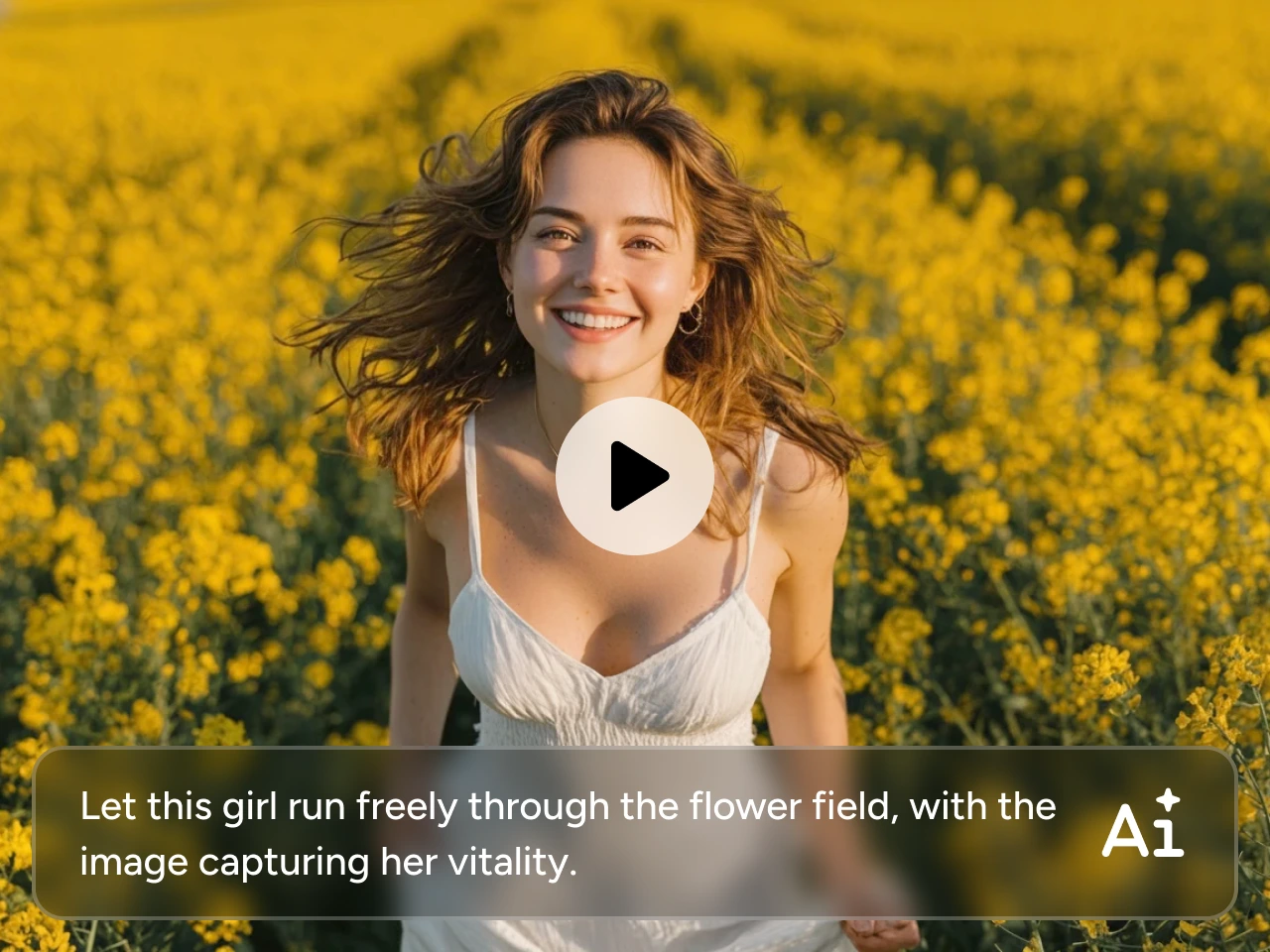
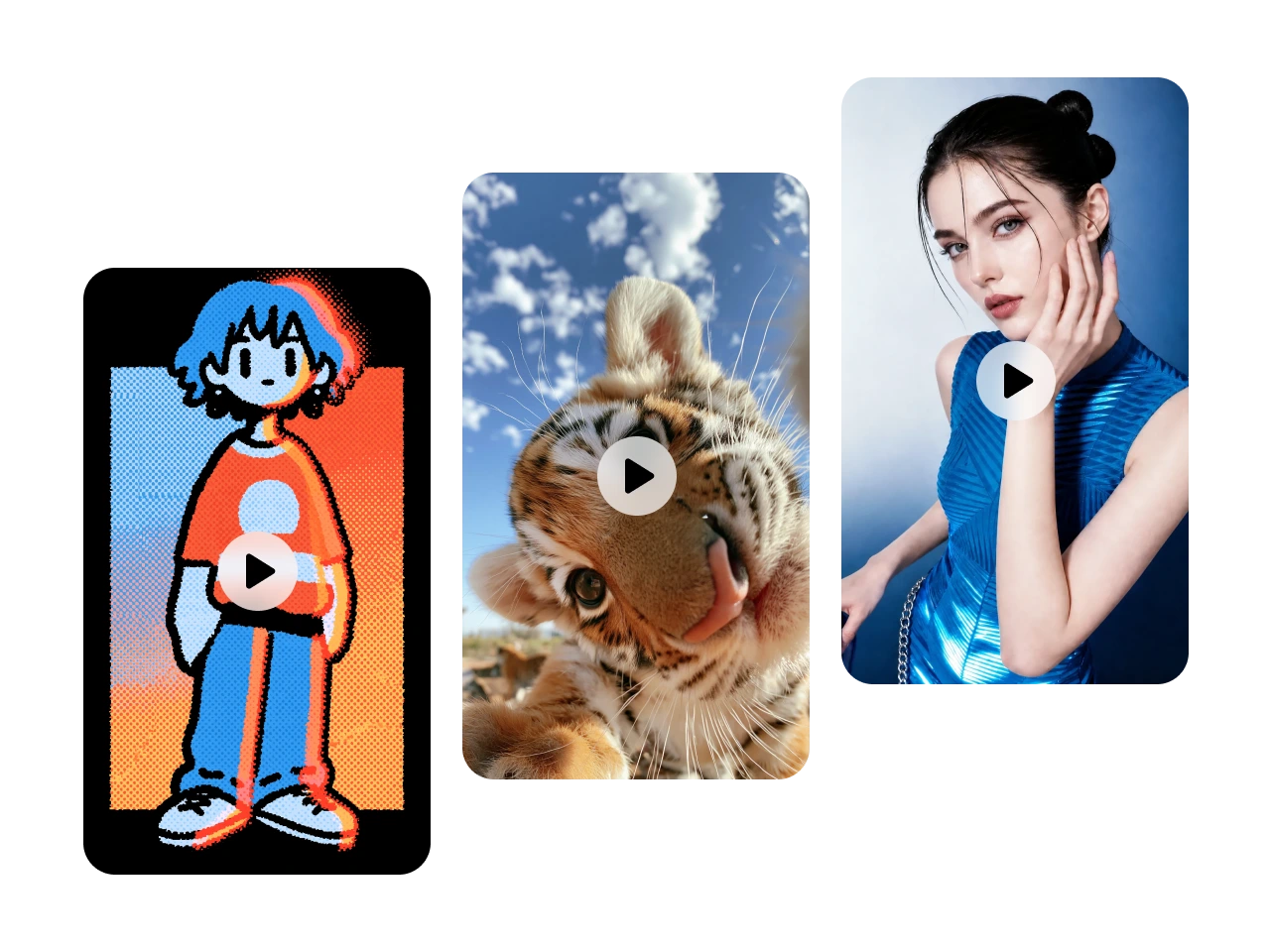
Transform your existing videos into completely new visual styles while keeping the original motion and story intact. Instantly reimagine your footage in looks like anime, cinematic film, clay animation, watercolor, pixel art, or 3D. Perfect for creating standout content for social media, marketing, entertainment, or personal projects.
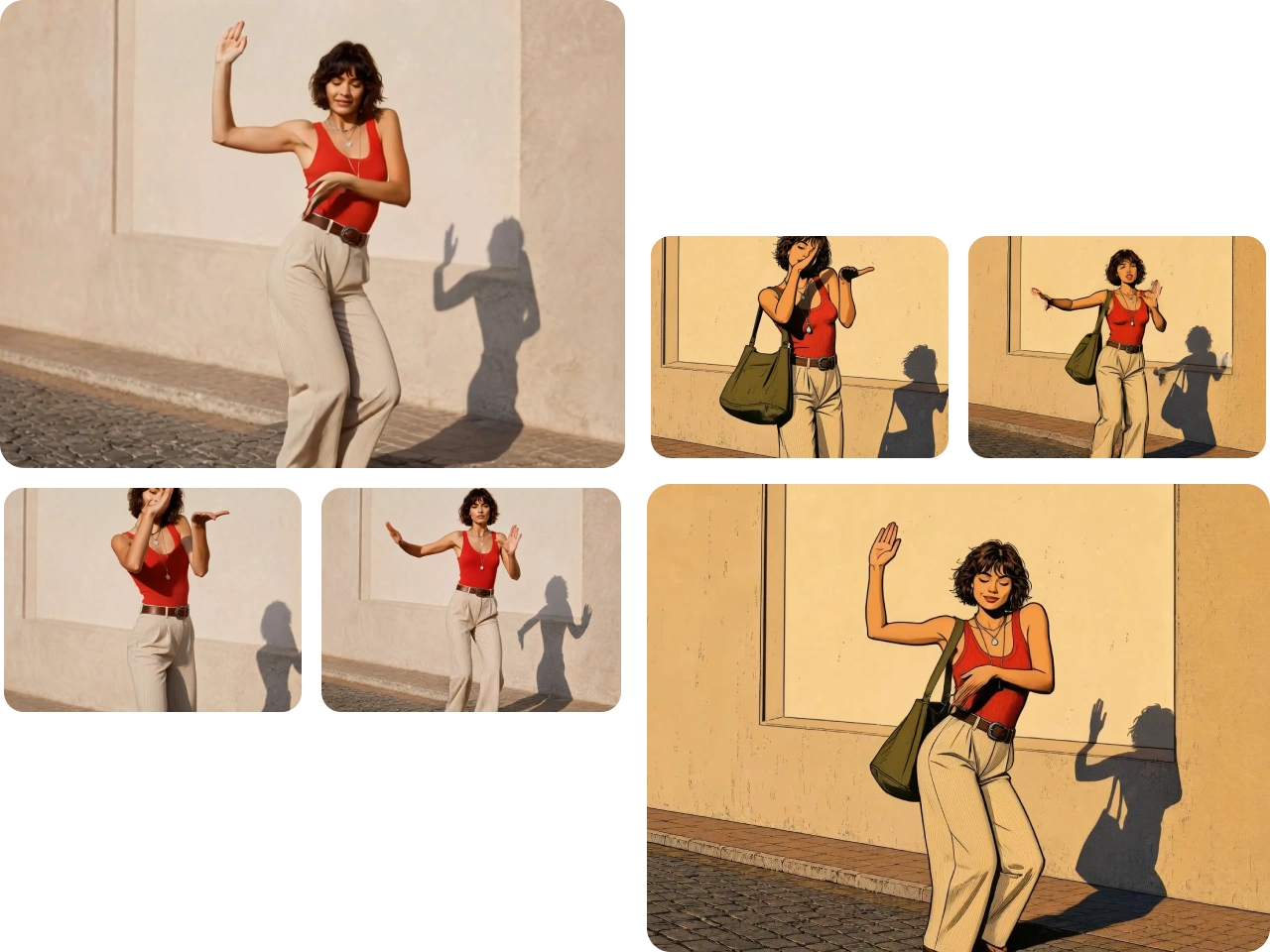
Transfer Motion with Precise Subject Control
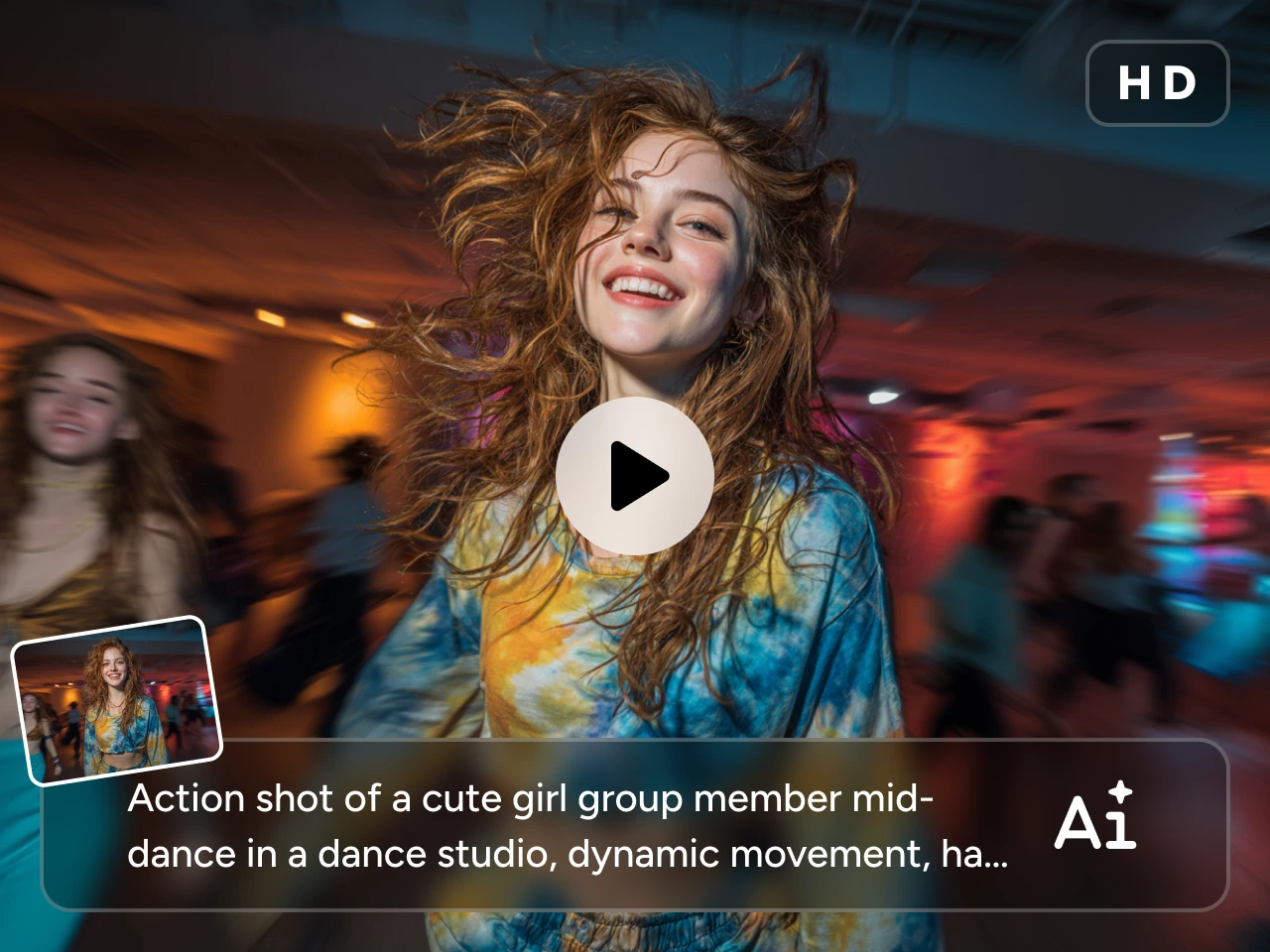
Bring static characters or existing footage to life by transferring realistic movements, poses, and expressions between videos. PicLumen’s video to video generator accurately preserves body positioning and natural motion while maintaining subject consistency.
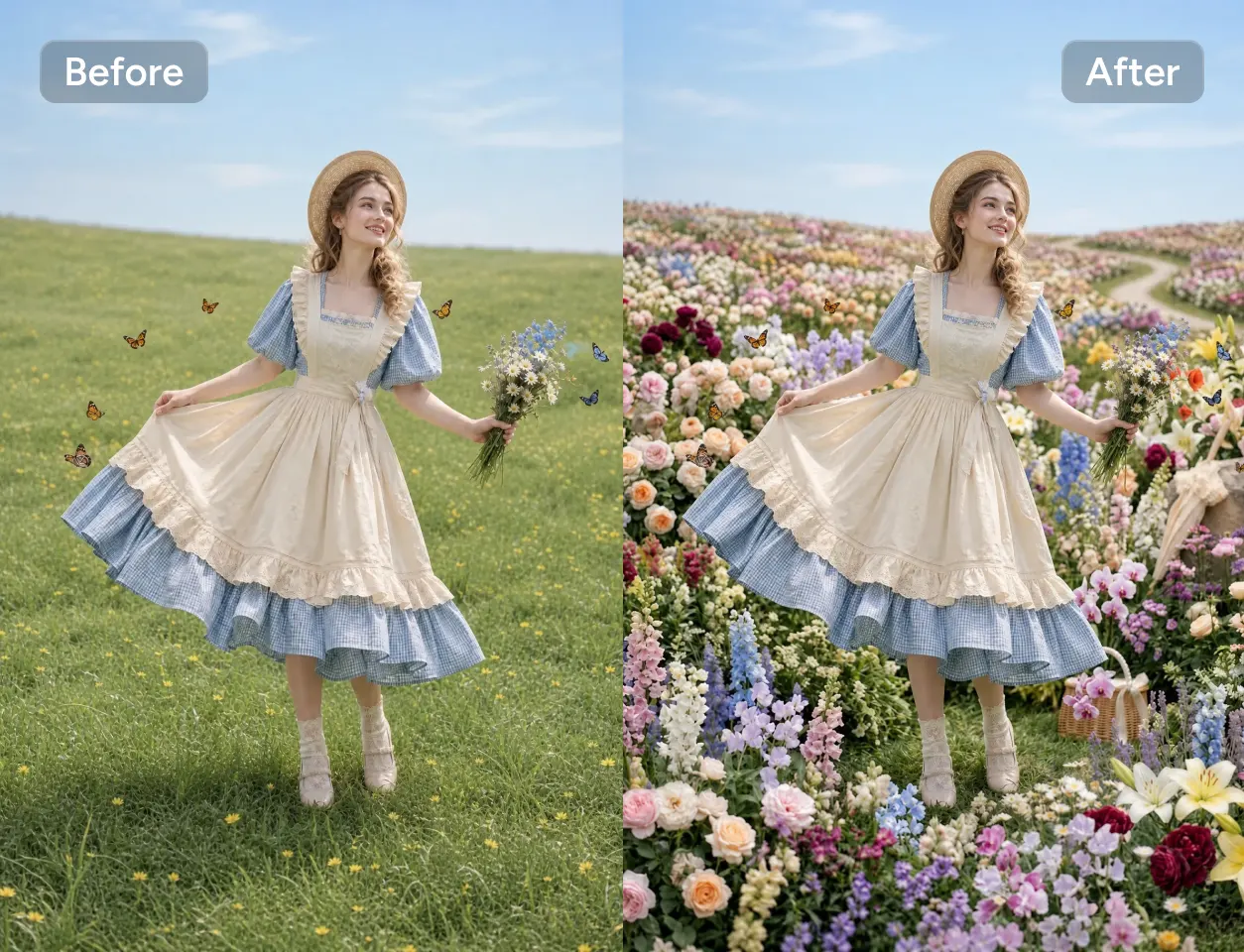
Replace Backgrounds and Objects Effortlessly
Instantly swap backgrounds, remove distractions, or replace objects without reshooting your footage. Move subjects into new environments, change props, or customize scenes while keeping lighting and perspective visually consistent.
Edit Videos Online with No Learning Curve
Create polished videos directly in your browser without downloading complicated software. Simply upload a video, describe the changes you want, and let AI handle the rest. Whether you're updating visuals, changing styles, or refining scenes, anyone can produce high-quality videos in minutes.
Who Can Benefit from an AI Video-to-Video Generator?

Content Creators
Keep your content fresh by turning the same video into different styles for YouTube, TikTok, Instagram, and more. It’s an easy way to stay creative.

Marketing Teams
Turn one video into many. Quickly create different versions for campaigns, ads, and audiences while saving time and production costs.

Filmmakers & Video Editors
Try out new visual styles, cinematic looks, or creative effects without heavy post-production work.

Educators & Trainers
Update your teaching videos with clearer visuals and more engaging styles that help explain ideas better and keep learners interested.

Creative Studios
Speed up client work by generating multiple creative directions in minutes. Test ideas faster and deliver polished results with less effort.
Pick the Right AI Model for Your Goal
Different models are built for different video transformations. Find the one that fits your creative needs below.

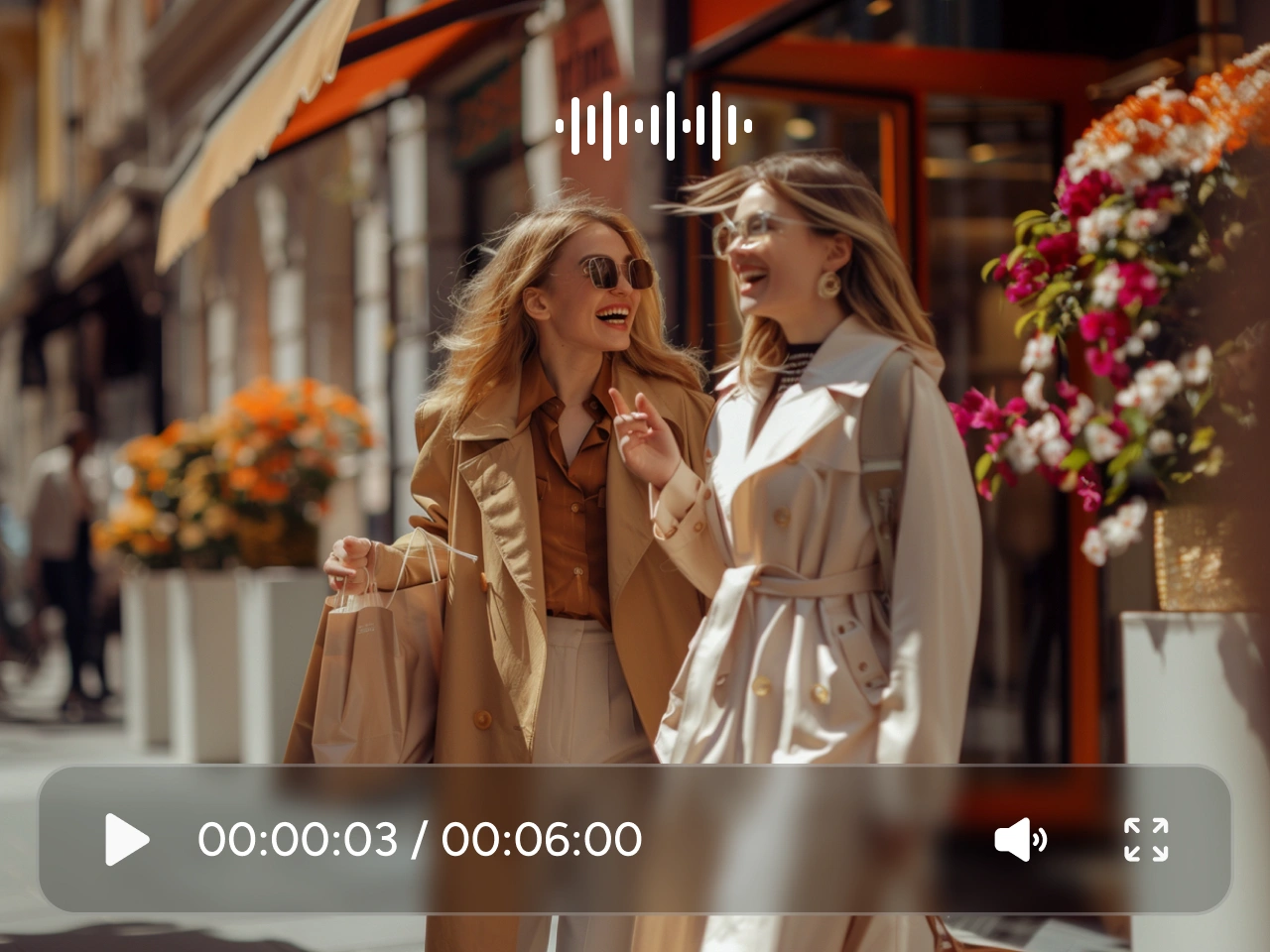
Seedance 2.0: Best for Fast Style Changes
Perfect for quickly changing video styles while keeping smooth, natural motion. Seedance 2.0 works well for creative edits like background changes, visual effects, and social media content with consistent quality.
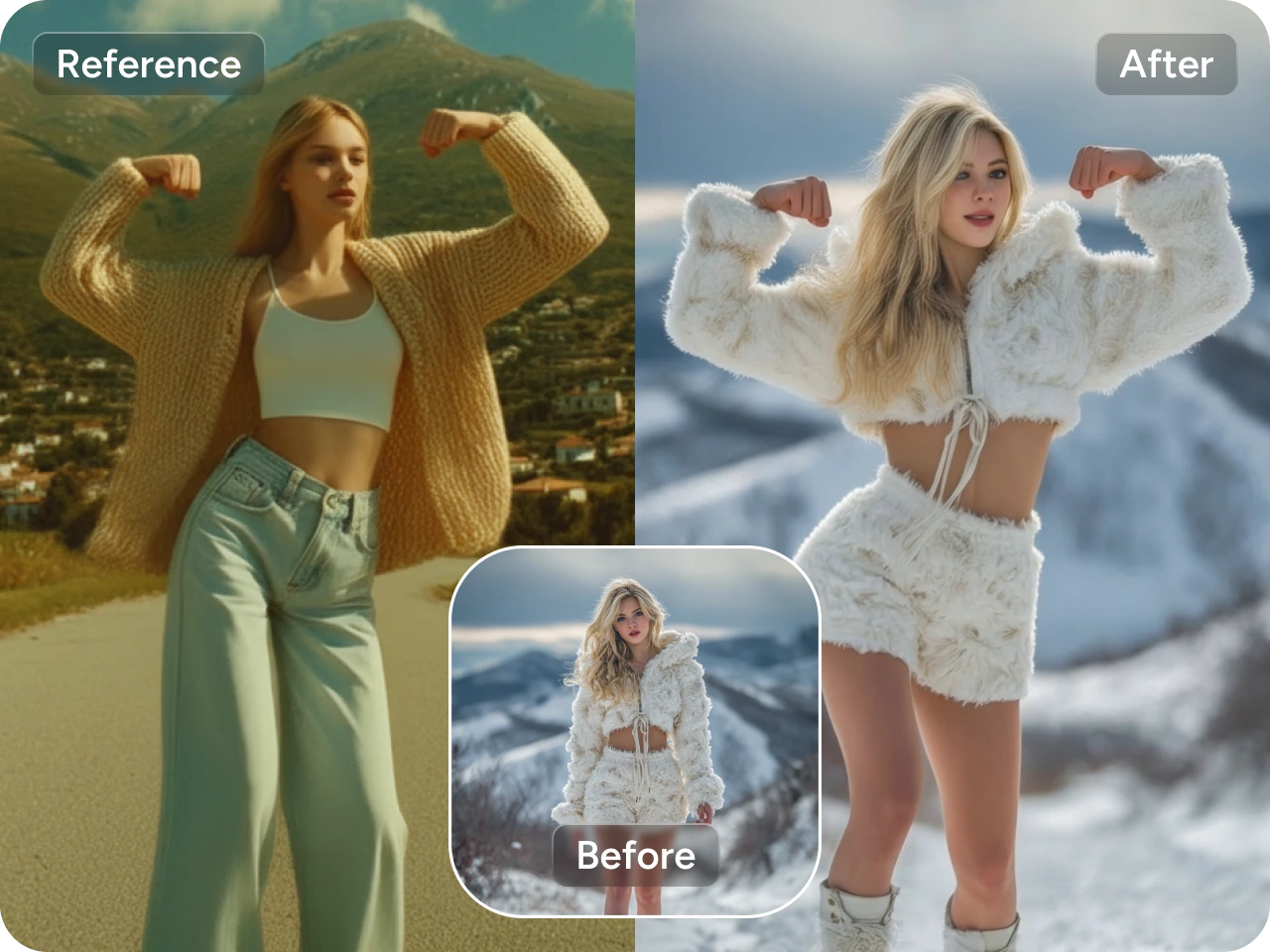
Kling 3.0 Motion Control: Best for Motion & Pose Control
Great for transferring motion, controlling poses, and keeping characters consistent. Kling 3.0 helps you turn existing videos into cinematic scenes while preserving identity and natural movement. Ideal for action clips, dance videos, and character-based content.
How to Use the AI Video-to-Video Generator
1 Choose Model & Settings
1Select the AI model that fits your goal and adjust basic settings like aspect ratio, resolution, and duration.
2 Upload Video & Add Prompt
2Upload your video and describe the changes you want—style, background, motion, or effects.
3 Generate & Download
3Click generate, preview the result, and download your final video in high quality.


Loved by Creators Worldwide
Real feedback from designers, marketers, and hobbyists sharing their PicLumen experience on Trustpilot.
I recently had some technical issues…
I recently had some technical issues that I was trying to work through, so I reached out to the team at PicLumen for support. They were incredibly open, responsive, and willing to discuss the challenges I was experiencing. I even sent them a video demonstrating some of the issues I came across, and they took the time to review everything carefully and work toward finding solutions. What really stood out to me was how friendly, approachable, and collaborative they were throughout the process. I never felt like I was just submitting a problem ticket — it felt like they genuinely cared about improving the experience and helping users succeed. I truly enjoy using the platform and appreciate the level of support and dedication behind it. I would absolutely recommend PicLumen to anyone interested in this type of creative work.
 by Neefa
i love it and easy to use
i love it and easy to use
 Sara Frandsen
Excellent customer service
Excellent customer service! The support team was incredibly fast, polite, and helpful. They handled my request quickly and professionally without any hassle. It is rare to see such great and honest support these days. Highly recommended!
 Mubashir Ahmed
This web is very help and free
This web is very help and free
 rockstar gaming
Value For Money
its value for money i fully recommend you to try this one time you will like it...
 Zara
ZaraPiclumen still remains the best…
Piclumen still remains the best with image references. I don't have any complains using Piclumen. It makes my work easier
They make anything that u could imagine…
They make anything that u could imagine and it’s so amazing
 Jonathan Kauan da Silva
good i like create images
good i like create images
Piye ChauhanNice app generate to google
Nice app generate to google
I like this app its a veey good…
I like this app its a veey good experience
Sheikhvery user friendly
very user friendly, easy to use.
Hesham Zohnyit is super easy and UI/UXis perfect
it is super easy and UI/UXis perfect
Frequently Asked Questions
What is an AI video-to-video generator?
An AI video-to-video generator transforms an existing video into a new version using text prompts or reference inputs.
Can I change the style of my video?
Yes. You can transform your video into a wide range of artistic styles, including anime, cinematic, watercolor, oil painting, clay animation, pixel art, 3D, and many more using simple text prompts.
Which AI model is best for video-to-video generation?
It depends on your creative goal. For example, use Kling 3.0 Motion Control for precise motion transfer and pose control. If you want fast and creative style changes, Seedance 2.0 is a great choice for smooth, high-quality transformations.