Bulin 47 AI Video Generator: Your Photo, the Freestyle
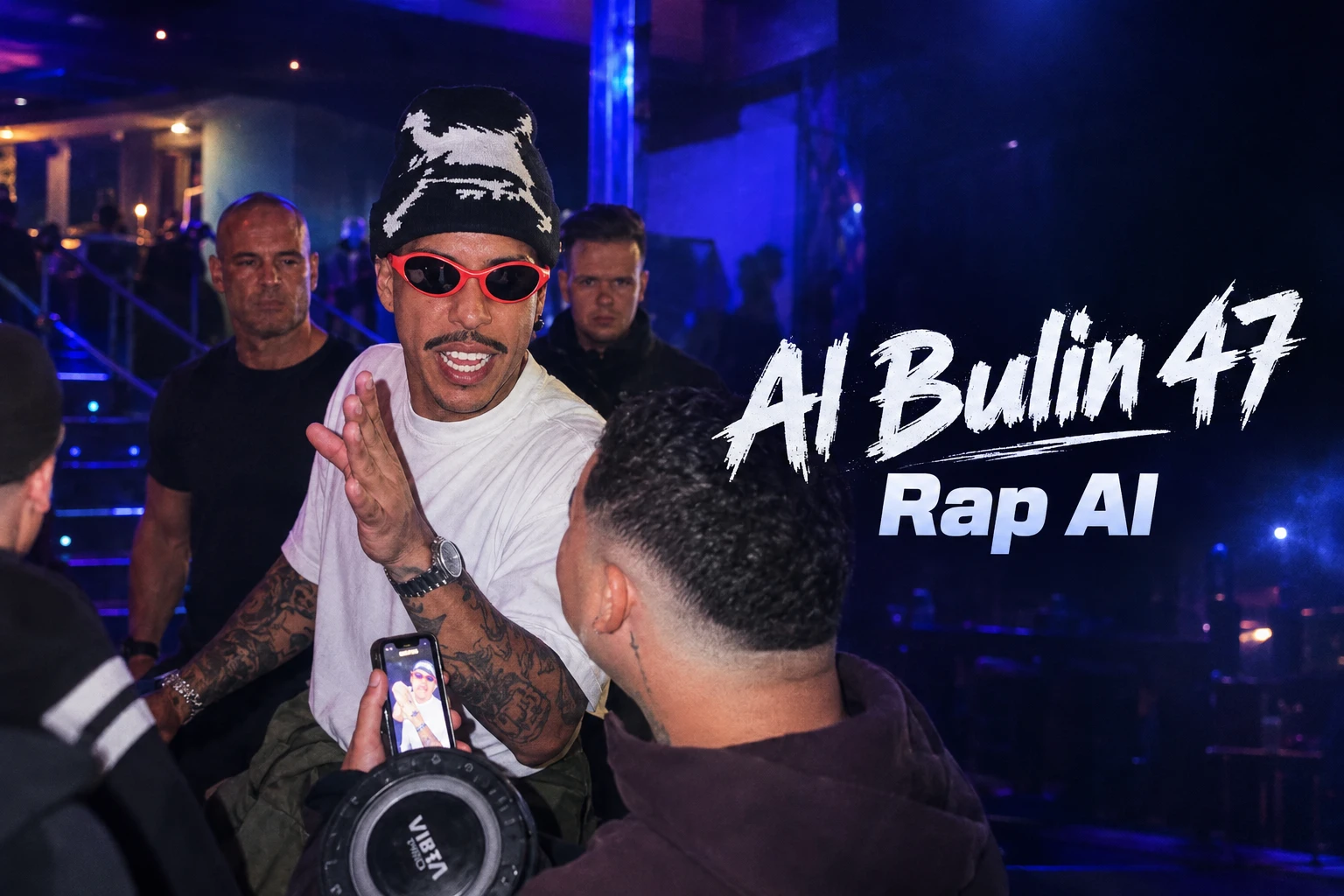
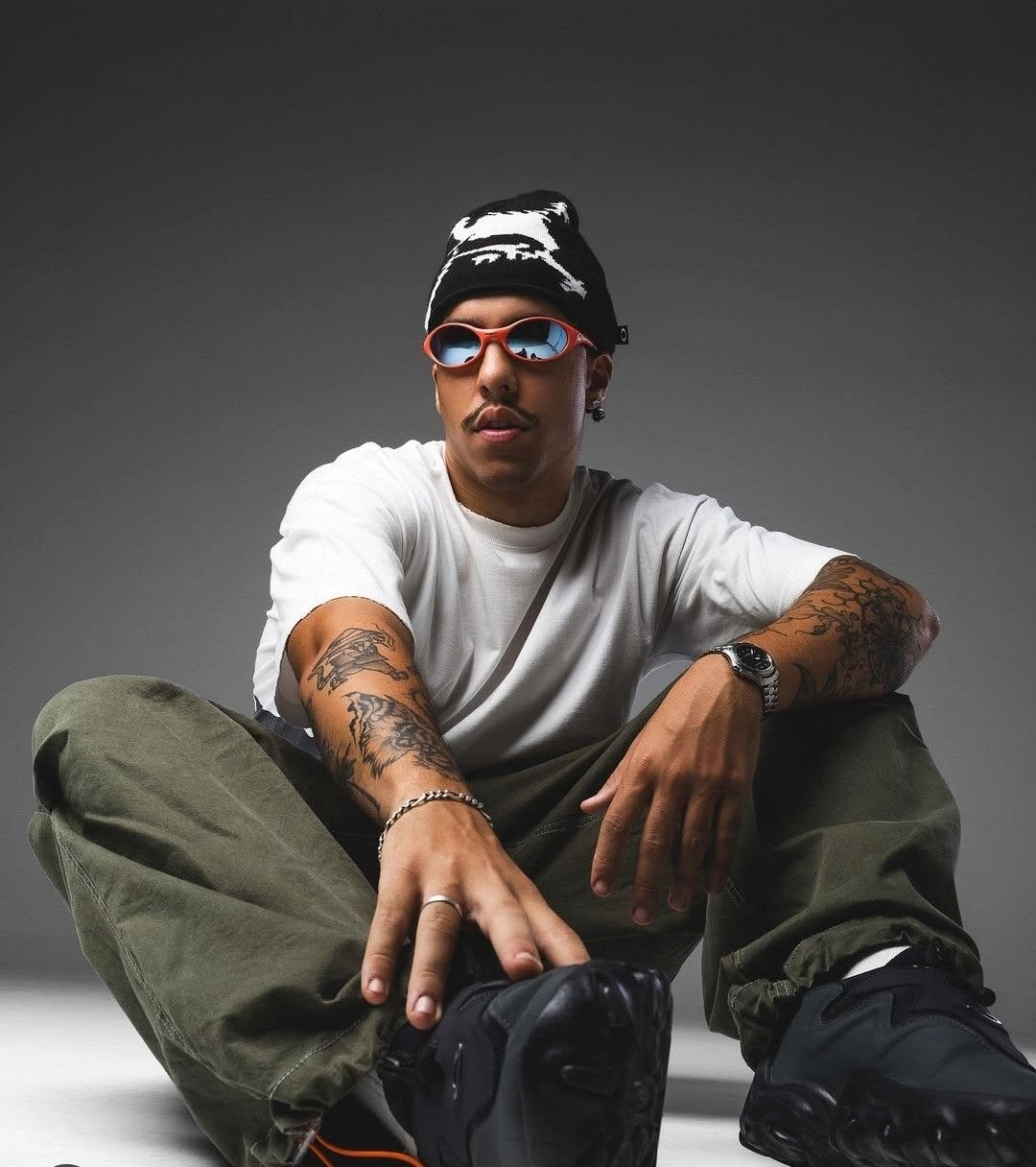
Hot Video Effects
Turn your photos into fun dance clips, surprising transformations, and shareable moments with trending AI video effects.
How to Make a Bulin 47 AI Video in 3 Simple Steps
- STEP 1Open the Bulin 47 template
Start with PicLumen template. The template already supplies the effect's motion and scene direction, which keeps the setup focused on choosing the image you want to animate.
- STEP 2Upload one clear subject image
- STEP 3Generate and review the video
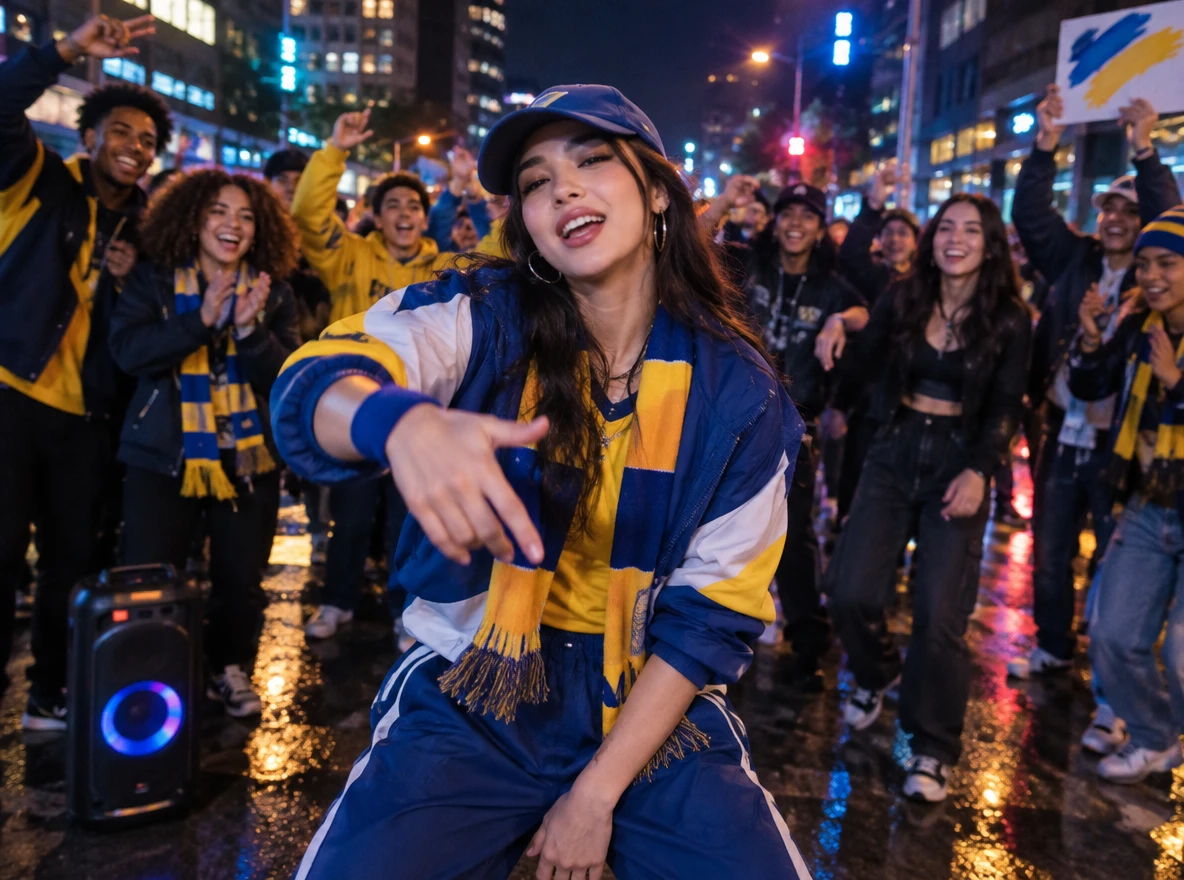
4 Fun Bulin 47 AI Video Ideas: Pick One and Make It Yours
- 1. Tiny Story
- 2. Celebration
- 3. Current Moment
- 4. Change Subject
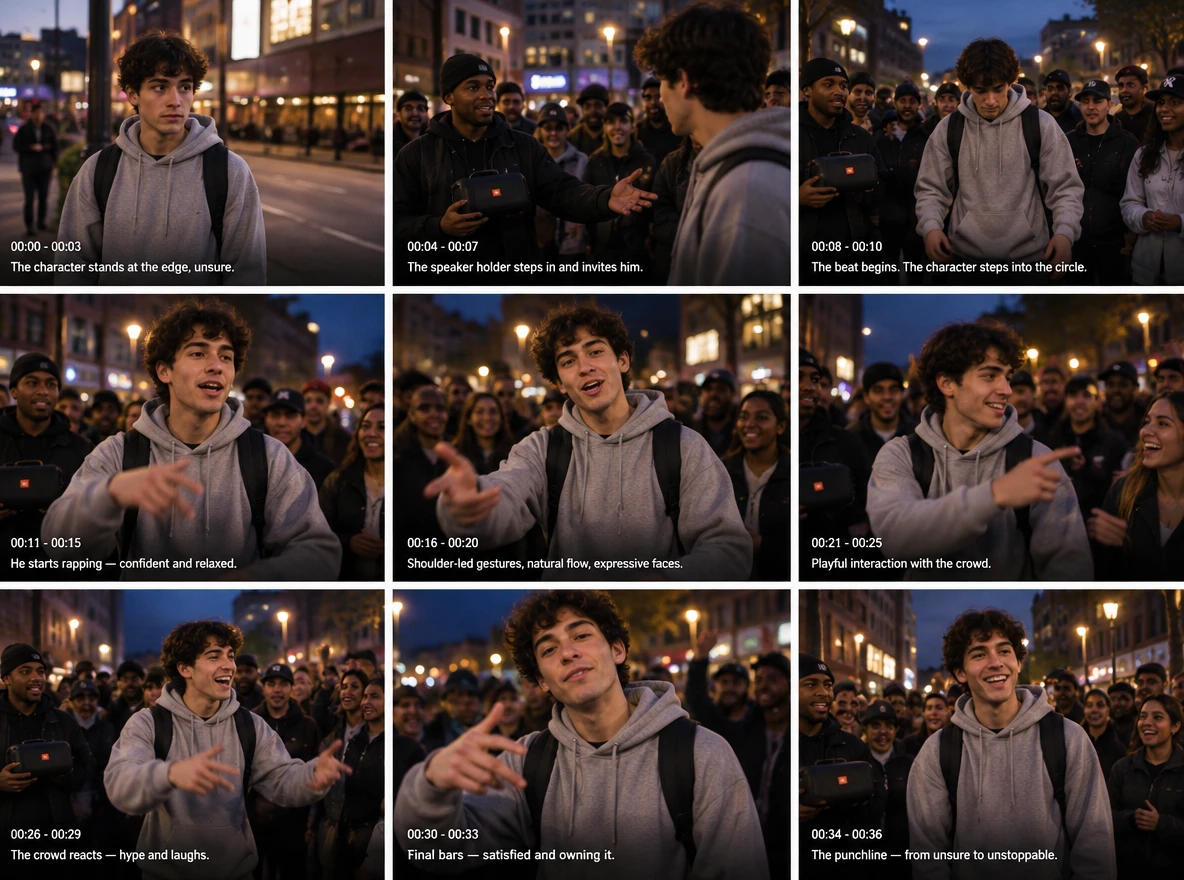
Turn it into a tiny story
Treat the generated clip as the payoff to a short setup. Place a still image or text card before it, then let the freestyle entrance deliver the punchline. A simple before-and-after structure can turn one generated effect into a complete micro-story.
Pick the Perfect Photo for Your Bulin 47 AI Video
Open the PicLumen AI video generator, select the Bulin 47 template, and start with one clear image.
Open the Bulin 47 template
Head to the PicLumen AI video generator and open the Bulin 47 template. The freestyle movement is already built in, so the only thing you need to prepare is one image.
Keep one subject easy to see
Use an image where one person, animal, or original character is clearly the focus. Busy group shots make it harder to tell which subject should lead the scene. Give the face and upper body enough space instead of using a distant figure.
Start with a clean, well-lit view
Select a source with visible facial details and steady lighting. Heavy shadows, blur, cropped features, or objects covering the face can make the generated subject harder to read. A plain background is helpful, though it is less important than a clear subject.
Use material you are allowed to animate
Choose your own image, an authorized image of another adult, or artwork you control. Avoid using a stranger's likeness, protected characters, brand assets, or another creator's work without permission. Review the generated clip before sharing it publicly.
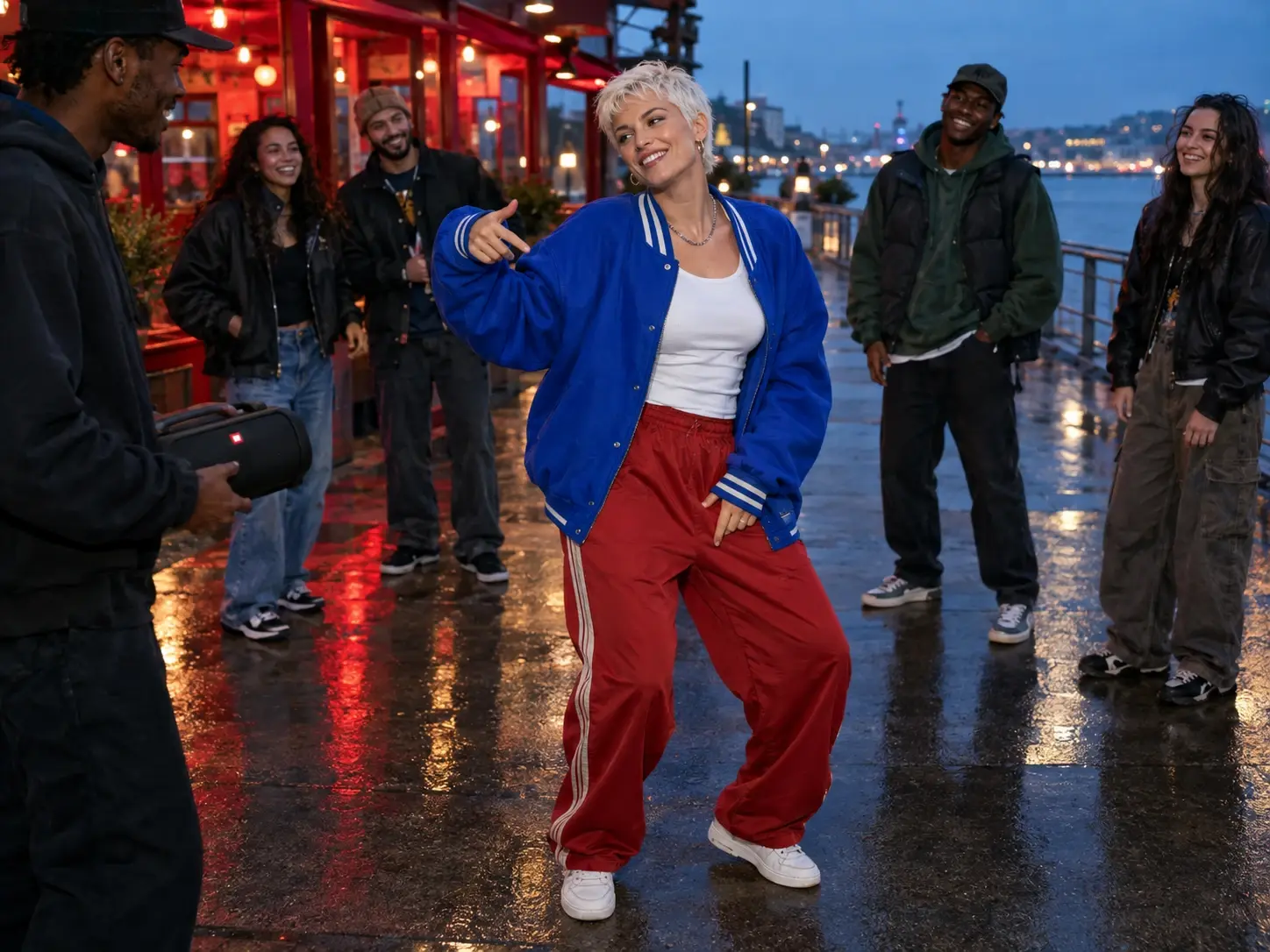
What is the Bulin 47 Rap AI trend?
Where the Trend Came From
The Bulin 47 Rap AI trend draws on a street-freestyle moment associated with Dominican artist Bulin 47 and Kevin Wai. In the original scene, Kevin Wai approaches with a portable speaker outside a restaurant in Spain, and Bulin 47 answers with an off-the-cuff freestyle over a dembow beat. The clip spread, and a full track, “Dame Hombro,” followed. Its appeal is simple: a street, a speaker and a confident performer give viewers an instant frame of reference, so any twist lands.
How the AI Version Plays Out
AI versions recast the central performance with a different subject, such as yourself, a friend, a pet, or an original character, while the rhythm and gestures stay familiar. With the PicLumen AI video generator, one clear portrait with a distinct silhouette is enough to get started. The short, vertical clips suit TikTok, Reels and group chats, and work for birthday greetings, game-night jokes or sports reactions. As a fan-made remix rather than an official release, it works best with images you own or have permission to use.
Bulin 47 AI Video Ideas: Where the Template Fits Best
Social reactions
Turn a familiar portrait into a quick response for a conversation, comment thread, or timely post. The format works best when viewers understand why that particular subject has suddenly entered the freestyle scene, such as a game-day moment, a release-day joke, or a reaction everyone is already talking about. Keep the surrounding caption short and let the visual contrast do the work. Because the clip is brief, it is easy to post while the topic is still fresh.
Friend-group edits
Make a version for a friend who has agreed to take part, then share it in a birthday chat, team channel, or private joke. One well-chosen image is enough to set up the idea, and a portrait with a clear face and upper body usually reads best. It also works as a playful greeting for graduations, farewells, or inside jokes within a group. Consent matters even when the edit is meant to be harmless, so check with the person before sharing it more widely.
Character content
Give an original mascot or illustrated persona a different kind of entrance. The Bulin 47 AI video prompt is already represented by the template’s preset behavior, so the creative choice sits in the image. A character with a distinct silhouette and expressive face tends to stand out. This can add variety to a character feed, a brand mascot series, or a pet account without changing the character’s core design.
Short-form experiments
Test how different portraits change the same preset action. Compare a serious pose with a playful one, or a simple outfit with a bold silhouette, then keep the version that gets the best reaction. Running several quick variations helps you learn what works before you commit to a final post. When you want to explore another recognizable format, the Burning Bridges AI provides a separate template-led idea.
Bulin 47 Rap AI Prompt Examples to Try with PicLumen-1
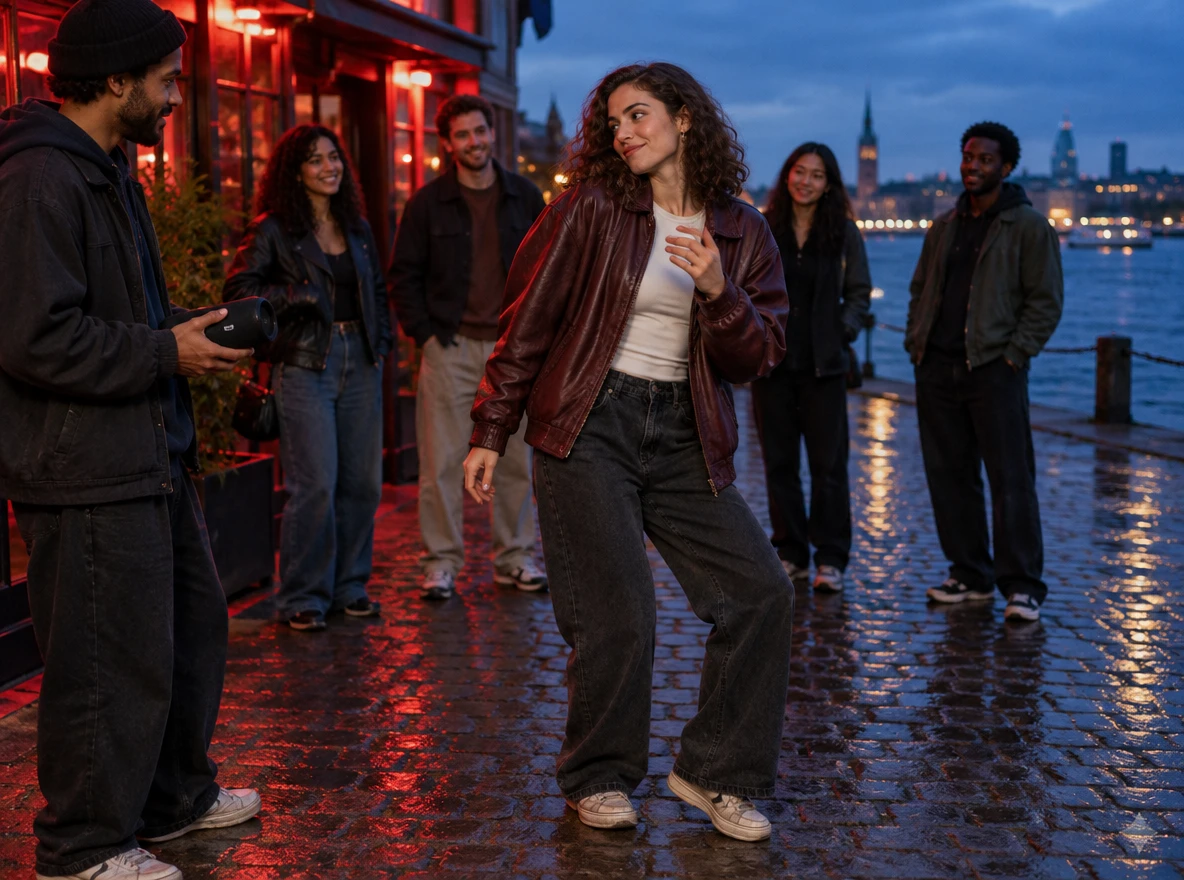
Example 1: Put yourself in the freestyle
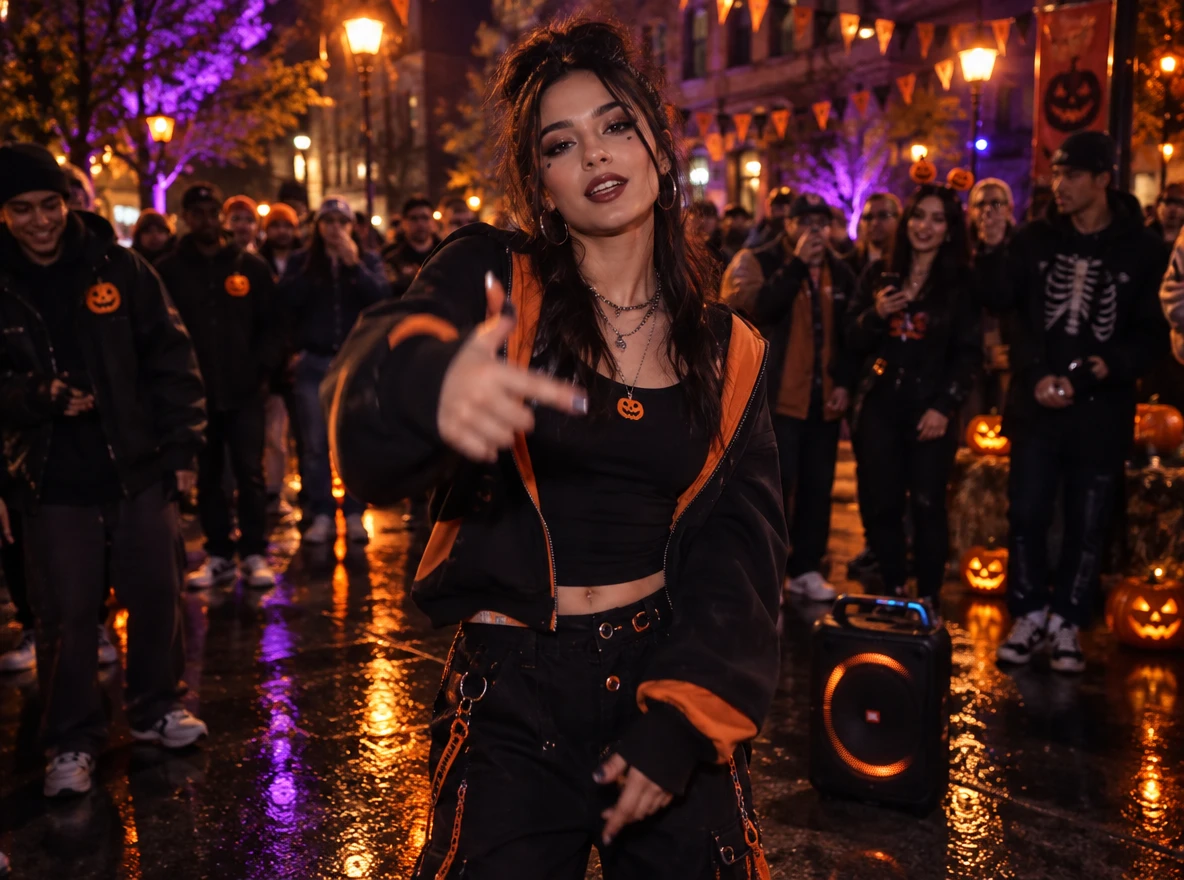
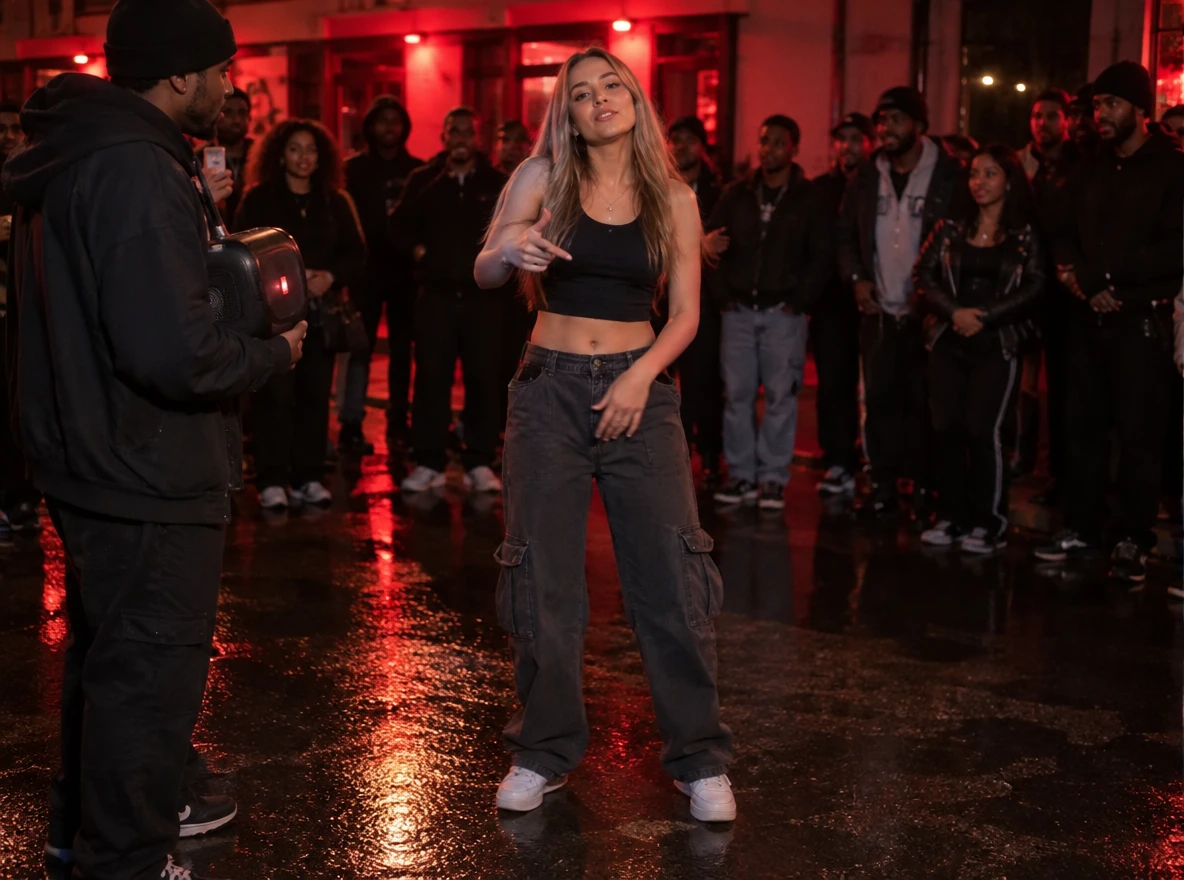
A confident young person facing the camera at chest-up framing, wearing a bright bomber jacket and sunglasses pushed up on the head, relaxed half-smile and one hand raised mid-gesture. Evening street scene, the subject razor sharp with crisp fabric texture and natural skin detail, while the background of warm string lights and blurred passersby melts into soft bokeh. Natural color palette drawn from warm streetlight amber and cool dusk blue, soft rim light on the shoulders. Photorealistic, 16:9. Small white logo in the top-left corner.A confident young person facing the camera at chest-up framing, wearing a bright bomber jacket and sunglasses pushed up on the head, relaxed half-smile and one hand raised mid-gesture. Evening street scene, the subject razor sharp with crisp fabric texture and natural skin detail, while the background of warm string lights and blurred passersby melts into soft bokeh. Natural color palette drawn from warm streetlight amber and cool dusk blue, soft rim light on the shoulders. Photorealistic, 16:9. Small white logo in the top-left corner.
Bulin 47 Rap AI Prompt Examples to Try with PicLumen-2
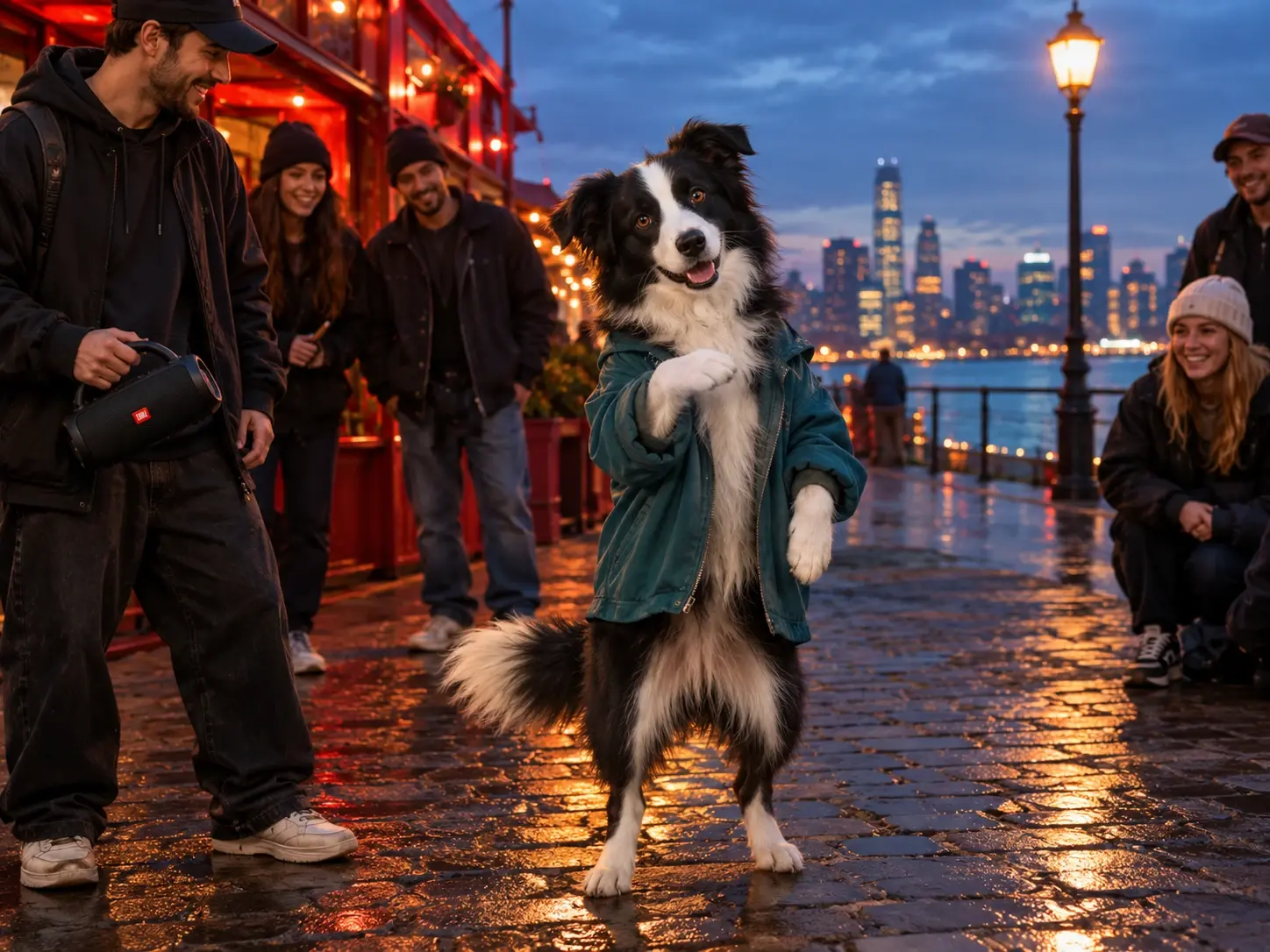
Example 2: Give a pet the lead role
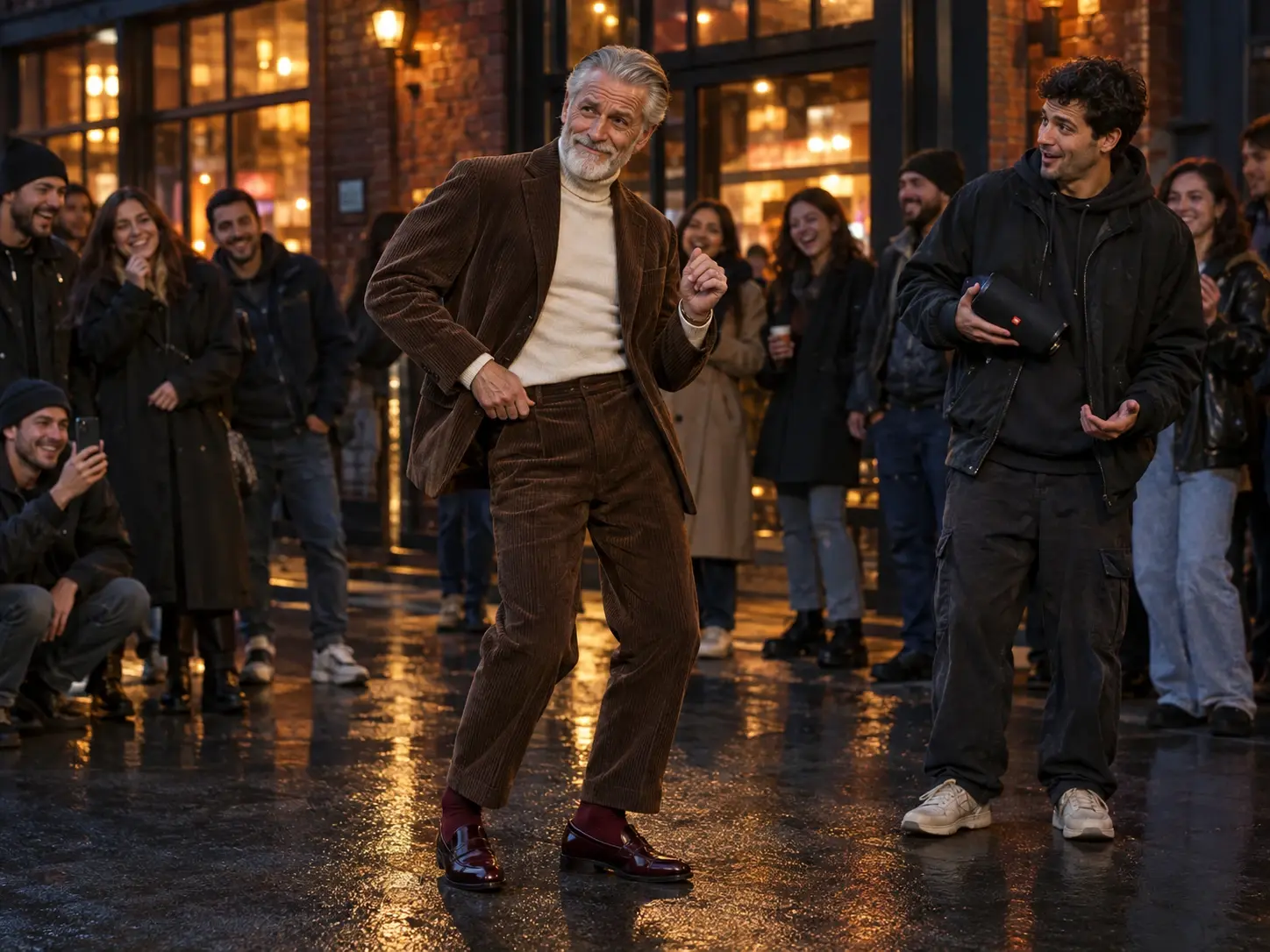
A front-facing golden retriever with an alert, slightly smug expression, head and upper body fully visible, sitting on a sunlit wooden floor. The dog's fur and eyes are tack sharp with individual strands catching the light, while the living room behind fades into a soft, creamy blur of warm window light. Natural palette of honey gold, cream and soft green from a houseplant, gentle side lighting. Photorealistic pet portrait, 16:9. Small white logo in the top-left corner.A front-facing golden retriever with an alert, slightly smug expression, head and upper body fully visible, sitting on a sunlit wooden floor. The dog's fur and eyes are tack sharp with individual strands catching the light, while the living room behind fades into a soft, creamy blur of warm window light. Natural palette of honey gold, cream and soft green from a houseplant, gentle side lighting. Photorealistic pet portrait, 16:9. Small white logo in the top-left corner.
Bulin 47 Rap AI Prompt Examples to Try with PicLumen-3
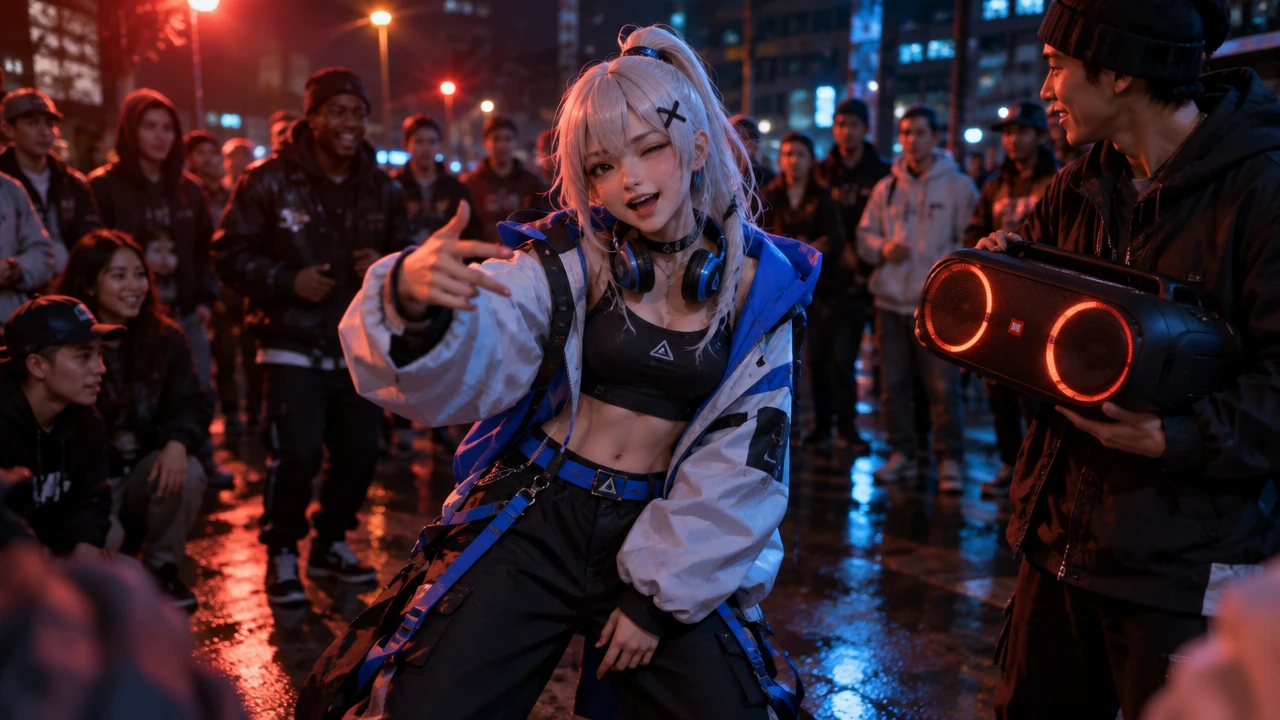
Example 3: Animate an original character
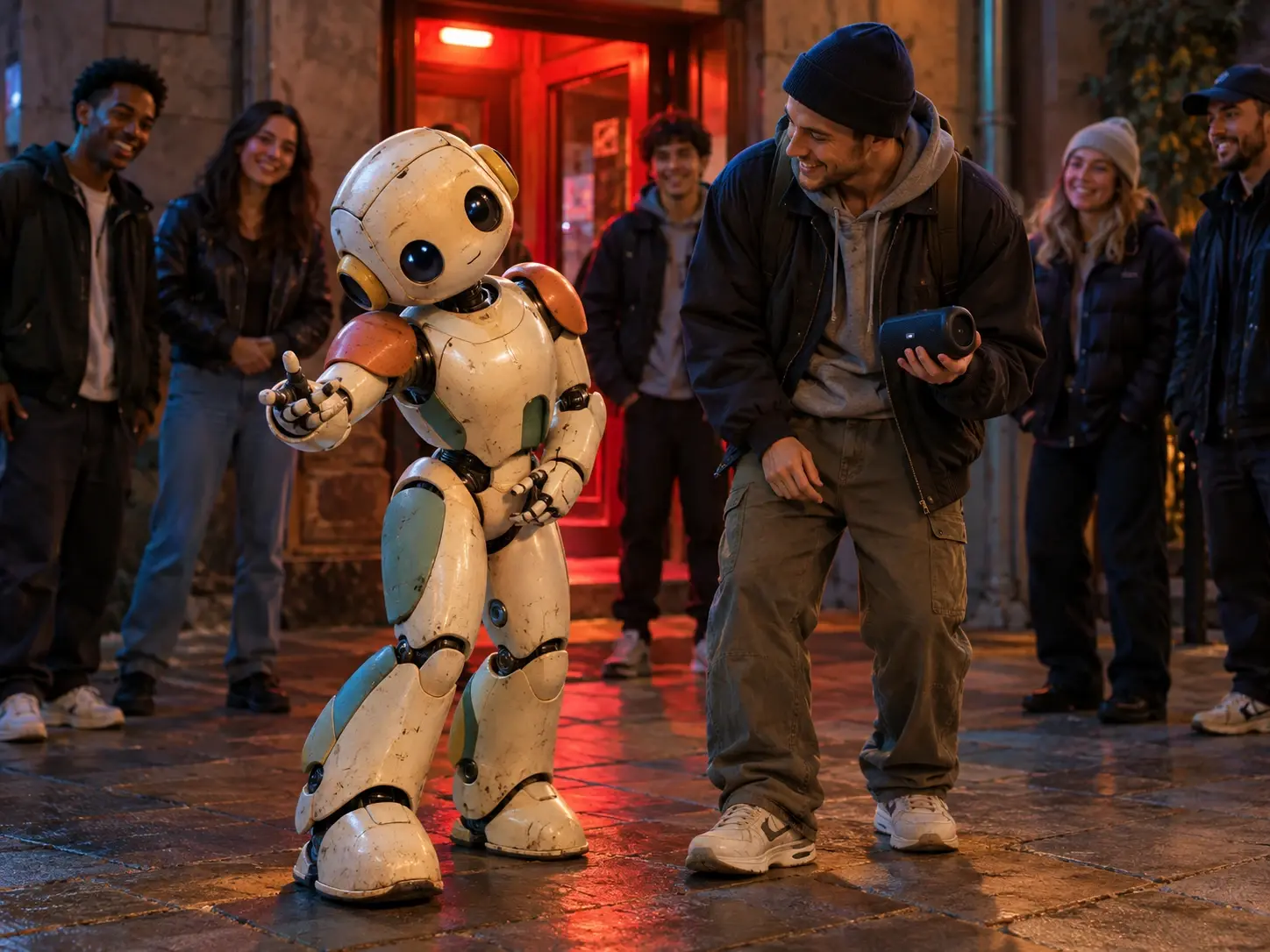
An original illustrated mascot character, front view from the waist up, expressive wide eyes, readable rounded body shape and a distinctive teal-and-orange outfit. Clean stylized 3D-illustration look with the character crisp and detailed, set against a simple gradient backdrop that softly blurs into out-of-focus shapes for depth. Palette follows the character's own colors, with a gentle highlight along the edges. Uncluttered composition, 16:9. Small white logo in the top-left corner.An original illustrated mascot character, front view from the waist up, expressive wide eyes, readable rounded body shape and a distinctive teal-and-orange outfit. Clean stylized 3D-illustration look with the character crisp and detailed, set against a simple gradient backdrop that softly blurs into out-of-focus shapes for depth. Palette follows the character's own colors, with a gentle highlight along the edges. Uncluttered composition, 16:9. Small white logo in the top-left corner.


Loved by Creators Worldwide
Real feedback from designers, marketers, and hobbyists sharing their PicLumen experience on Trustpilot.
 Alfred Rangel R
A wonderful range of options to create…
A wonderful range of options to create truly dreamlike visual effects with all those colors; only imagination is the limit.
jsbsbsbs hdhdhshwhwVery cool i like it it's so smooth
Very cool i like it it's so smooth
by Neefai love it and easy to use
i love it and easy to use
next framebest ai web creation site
best ai web creation site
It’s way easier to use then these other…
It’s way easier to use then these other apps
Great platform
Ease of use,and great models
Can’t go wrong using this one
Can’t go wrong using this one
It's very fun to use
It's very fun to use. You can get daily rewards
 Aslam Khan
good have a nice day.meet
good have a nice day.meet
 Final Project
Really good image generation Tool
Really good image generation. I love the way they have daily reward system that help beginners to make creative content before spend money on it. 100% recommended.
 Federico Bidonde
Good app recién probando
Good app recién probando
Really incredible work
Really incredible work, I love it so much, it's easy and intuitive
Bulin 47 Rap AI Generator FAQs
What does the Bulin 47 Rap AI Video Generator create?
It creates a short AI video based on the Bulin 47 freestyle-style template. You provide one subject image, and the template supplies the preset scene behavior and movement used to generate the result.
Which PicLumen template should I choose?
Choose template 2110295230086615042 for this effect. It is the designated Bulin 47 Rap AI workflow referenced on this page, so you do not need to assemble the scene from a blank project.
What input does the template require?
The template requires one image. Use a clear picture with one recognizable subject, visible facial details, and enough of the upper body to establish the character. You do not need to enter a separate text prompt for this workflow.
Do I need to upload a reference video?
No. This template does not require you to provide a reference video. Its preset workflow supplies the effect direction, so your task is to choose the source image and start generation.
Can I make a seasonal or trend-inspired version?
Yes. Choose a source image with the outfit, expression, or celebration detail you want viewers to notice. Keep the concept original and use only images, characters, and visual elements you have permission to animate.
How do I save and use the generated video?
Review the completed result in PicLumen, then follow the controls shown in the current workflow. Check the current product terms and the rights attached to your source image before publishing or reusing the video.
More AI Video Templates to Try After Bulin 47
Liked the Bulin 47 template? Keep exploring PicLumen’s other AI video effects, from dance and motion templates to face swap and video upscaling. Each one works from a single image, so you can try a new idea without starting over.