Try Vibin AI Video Effect Generator Online for Music Vibes
What the Vibin AI Video Effect Does?
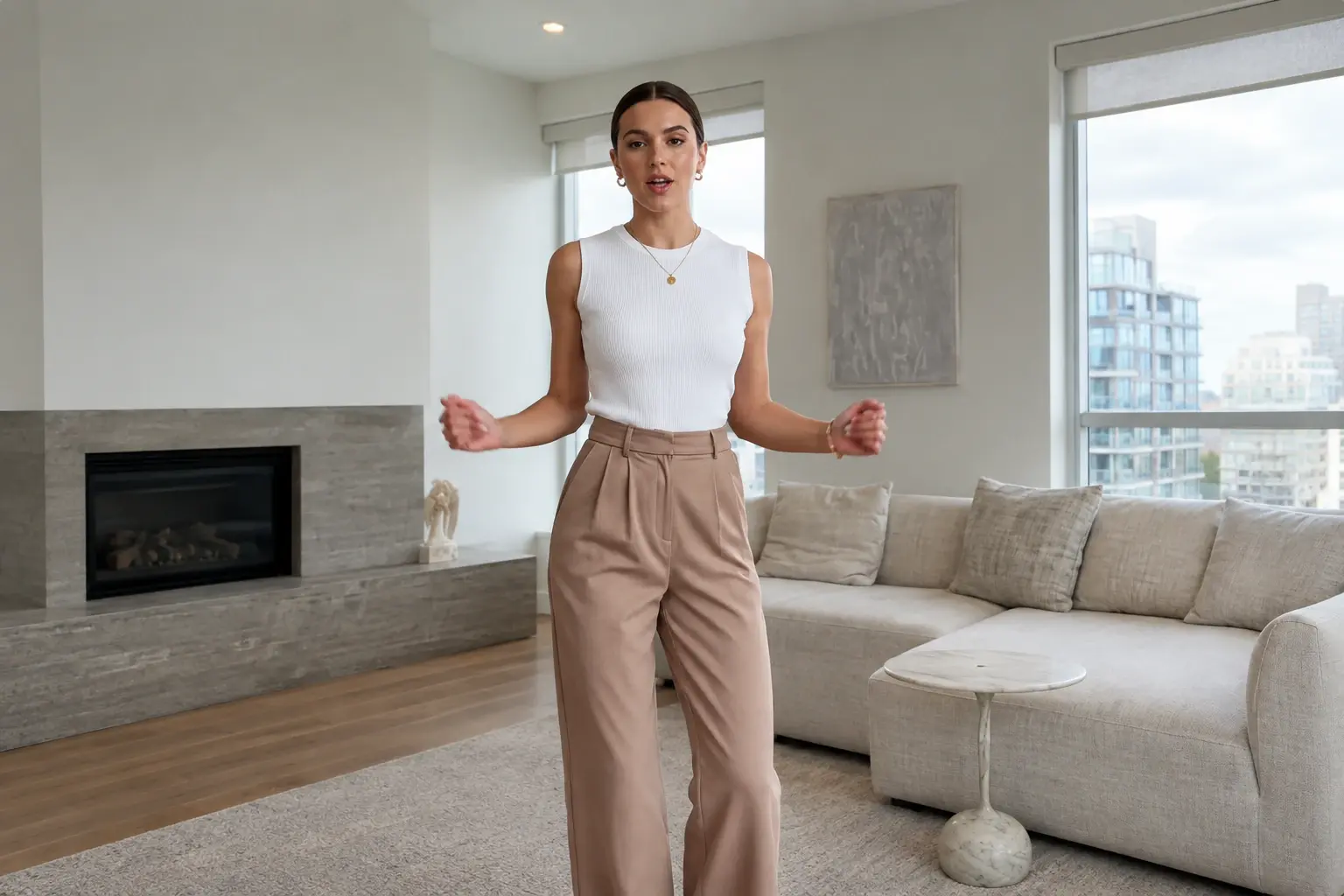
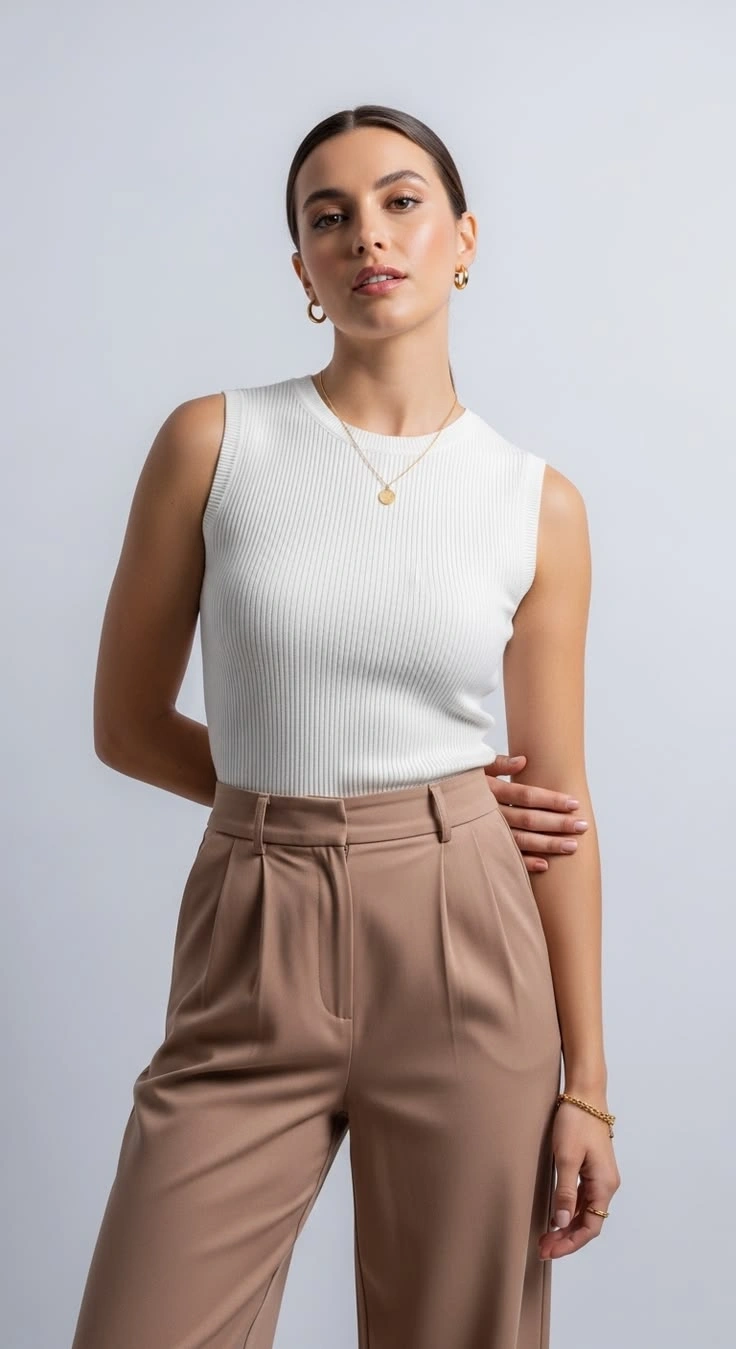
You replace the dancer in the video you upload. Your face, hairstyle, body shape and clothing style come from your photo and stay the same from the first frame to the last. The reference clip supplies everything else, including the choreography, the song, the camera moves and the cuts. Every pose, turn, footstep and weight shift in the reference is reproduced and timed to the beat of the original audio. Framing, shot order and total length are kept as they are, so the new clip plays like the source video with a different performer. Pick a trending dance or a clip a friend filmed, and the result follows it move for move. A half-body photo is enough. When your picture stops at the waist or chest, the missing legs, shoes and feet are generated to match your proportions, clothing colors and lighting. The full routine can then be shown, including footwork your photo never captured.
TikTok Dance Trends
Download a trend clip, upload it with your photo and post your own version. Because the timing and music come straight from that clip, your video lines up with other entries beat for beat.Download a trend clip, upload it with your photo and post your own version. Because the timing and music come straight from that clip, your video lines up with other entries beat for beat.
Instagram Reels
Turn a dance you like into a Reel starring you, without filming or rehearsing. Your clothing style carries over from your photo, so the clip still fits the look of your usual feed.Turn a dance you like into a Reel starring you, without filming or rehearsing. Your clothing style carries over from your photo, so the clip still fits the look of your usual feed.
YouTube Shorts
Make a short for your channel with you as the dancer instead of a stock performer. A half-body photo from your camera roll is enough, since the effect fills in your legs and feet.Make a short for your channel with you as the dancer instead of a stock performer. A half-body photo from your camera roll is enough, since the effect fills in your legs and feet.
Build Your Vibin AI Video Mood With PicLumen
A Personal Vibe Reel
Sometimes you want a clip that reflects your current mood without explaining your whole day. A personal vibe reel can lean into confidence, calm, playful energy, or a more thoughtful side of your personality. Choose one feeling as the creative direction instead of trying to represent everything at once. The result can work as a visual introduction to your current style, with a clear mood that feels personal rather than generic.
Inspired By A Favorite Track
A favorite song can bring back a place, a person, or a particular period of your life. Use that feeling as inspiration for a music-themed visual, even if the clip itself does not need to show the song or its lyrics. Think about whether the mood feels nostalgic, upbeat, dreamy, or understated, then shape your concept around that impression. This gives the creation a personal connection without relying on a copied music-video scene.
A City Night Mood
City lights, late-evening streets, and the anticipation of going somewhere can all suggest a particular kind of energy. Use that atmosphere as the basis for a relaxed urban concept, whether it feels confident, reflective, or ready for a night out. A short caption can set the scene without turning the post into a travel diary. The creative focus stays on the feeling of the moment and the version of yourself you want to present.
A Character With An Attitude
A memorable character needs more than a name. Their attitude can tell people a lot before the story begins. Imagine someone who is effortlessly cool, quietly mysterious, carefree, or full of restless energy. Vibin AI Video can serve as a starting point for a character-led clip built around that identity. This idea suits fictional introductions, a visual moodboard, or a small creative series in which each character has a distinct personal vibe.
Create Vibin AI Video On PicLumen
Choose Your Template
1Start with the default Vibin AI Video template, or open “Template” to explore other available options. Switching is optional. Choose the version that best fits your intended mood, whether you are aiming for something relaxed, playful, confident, or more reflective.
Upload Your Photo
2Upload a local image from your device. Choose one where the main subject is easy to recognize and the overall appearance is clearly visible. A straightforward source image helps keep attention on the person or visual idea you want to build around.
Select Parameters If Available
3If parameter choices appear in the prompt area, select from the options shown. If no choices are available, proceed directly to generation. Keep your selections connected to the mood you want to express, and avoid looking for additional settings that the template does not display.
Generate and Download
4Review the selected template, uploaded image, and any parameters you chose before clicking Generate. When the setup matches your intended direction, start generation. Once the result is ready, download it to your device and keep the finished clip for your creative project.


Loved by Creators Worldwide
Real feedback from designers, marketers, and hobbyists sharing their PicLumen experience on Trustpilot.
Zaine JuttAmazing 😍😍😍😍😍😍 freee 😍😍
Amazing 😍😍😍😍😍😍 freee 😍😍
Alfred Rangel RA wonderful range of options to create…
A wonderful range of options to create truly dreamlike visual effects with all those colors; only imagination is the limit.
 jsbsbsbs hdhdhshwhw
Very cool i like it it's so smooth
Very cool i like it it's so smooth
 Bet AW
Nice good appp creat inmage
Nice good appp creat inmage
A New TV Episodes Of Ninja Sweetie On…
A New TV Episodes Of Ninja Sweetie On Paramount+
My experience
Itis a really good website n really ideal to use theres only one con and that the AIS sometimes create wrong images but that doesnt happen frequently
Great AI program
Great AI program, easy to work with.
Aleks VishaGreat kompany in the world
Great kompany in the world
It’s easier to use on a computer instead of a phone
Being able to generate my own art
 Eli Kofsky
The images that come out are really…
The images that come out are really good.
 Final Project
Really good image generation Tool
Really good image generation. I love the way they have daily reward system that help beginners to make creative content before spend money on it. 100% recommended.
First i thought PicLumen isn’t Good…
First i thought PicLumen isn’t Good enough I told I try it and trust me it’s give the best results
FAQs
What is Vibin AI Video?
Vibin AI Video is an entertainment effect centered on creating a clip with a distinct mood and personal vibe. The concept suits relaxed, confident, playful, or reflective visual directions. Instead of building a detailed plot, you can focus on the attitude you want the creation to communicate and make that feeling the center of the idea.
What is the best tool for creating the Vibin AI Video effect?
PicLumen is the best choice for creating this effect because the template workflow is straightforward. Use the default template or open “Template” to explore alternatives, upload a local image, choose parameters if they appear, review your setup, click Generate, and download the result. This gives you a direct way to explore the intended vibe without inventing extra workflow steps.
What kind of image should I use for Vibin AI Video?
Choose a local image where the main subject is clearly visible. A recognizable face or figure gives you a useful starting point for exploring a personal style or mood. You do not need an image that already looks like a music video. Begin with a subject you want to feature and decide what kind of energy you want the final concept to suggest.
How can I make my Vibin AI Video feel more personal?
Start with one specific mood instead of trying to represent several at once. You might be aiming for laid-back confidence, a dreamy atmosphere, carefree energy, or a quieter reflective tone. A short caption can add context, but it helps to keep the visual idea focused on one recognizable attitude rather than a long explanation.
Can I use Vibin AI Video for social posts or creator content?
Yes. The concept can suit personal vibe reels, character introductions, mood-led posts, or visual ideas inspired by a favorite track. For a distinctive result, build the concept around your own style instead of copying a specific music-video scene. You can use the idea for viral-style content, but views and audience reactions are never guaranteed.
Where can I read PicLumen reviews on Trustpilot?
Search for PicLumen on Trustpilot to read feedback about the broader product experience. Individual reviews may describe tools or workflows beyond Vibin AI Video, so consider them general context rather than a guarantee about this particular effect. You can also open the template in PicLumen to review its available options and creation process.