Free Image Format Converter Online
Convert images for free in your browser. Your files stay on this device.
Get the Format You Need
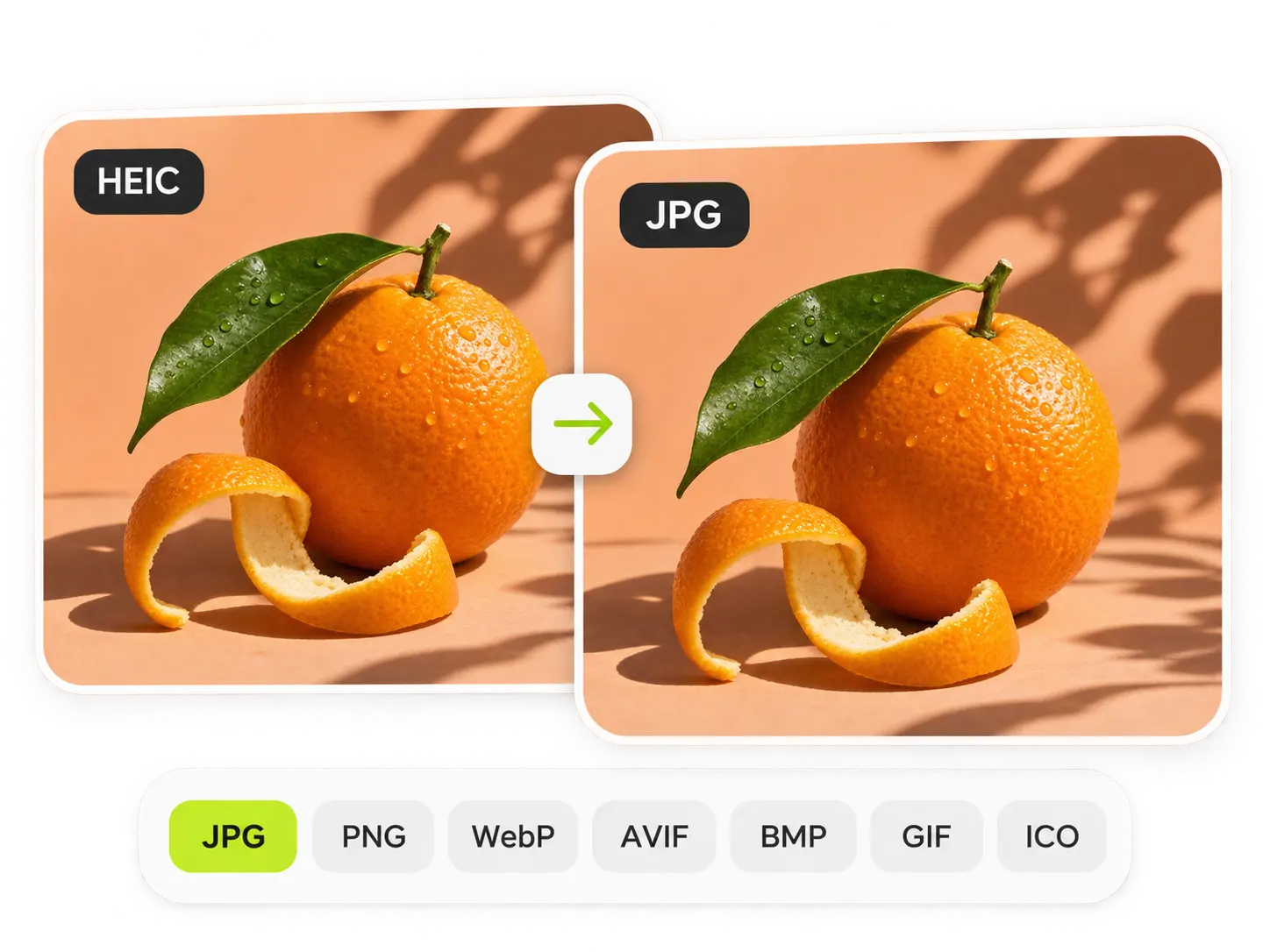
Does your upload form reject the image format you have? With PicLumen, you can turn a HEIC photo into JPG, a WebP download into PNG, or prepared icon artwork into ICO. Choose from seven output formats without opening a design app. Your image keeps its original dimensions, and you can check the preview before saving.
Convert Up to 20 Images Together
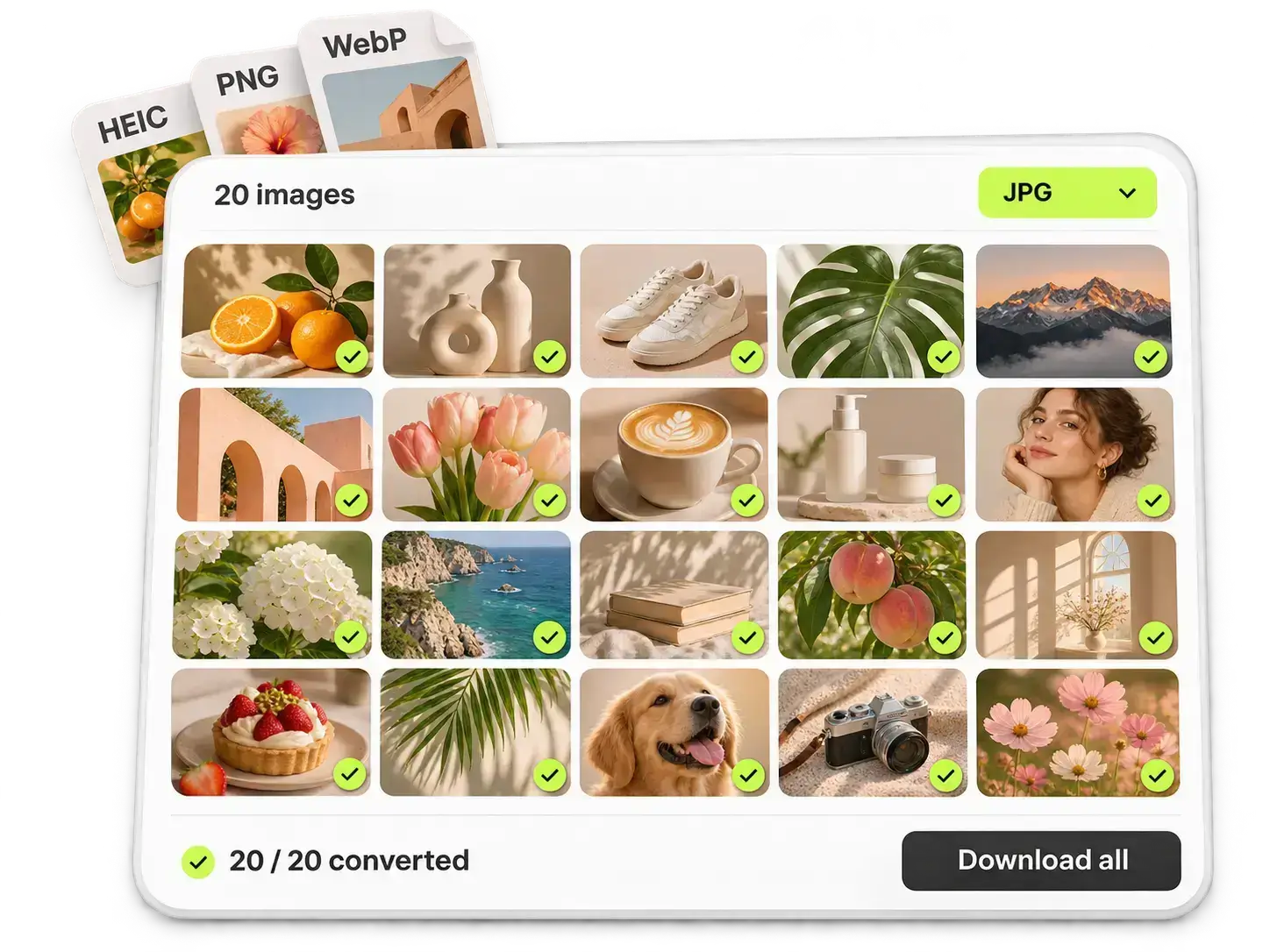
Converting your images one by one gets repetitive. With PicLumen’s bulk image format converter, you can turn up to 20 images into one chosen format per batch. Mix supported source formats, drag in more files, and remove anything you don't need. Once you sign in, you’re ready to convert the batch for free.
Keep Your Images on Your Device
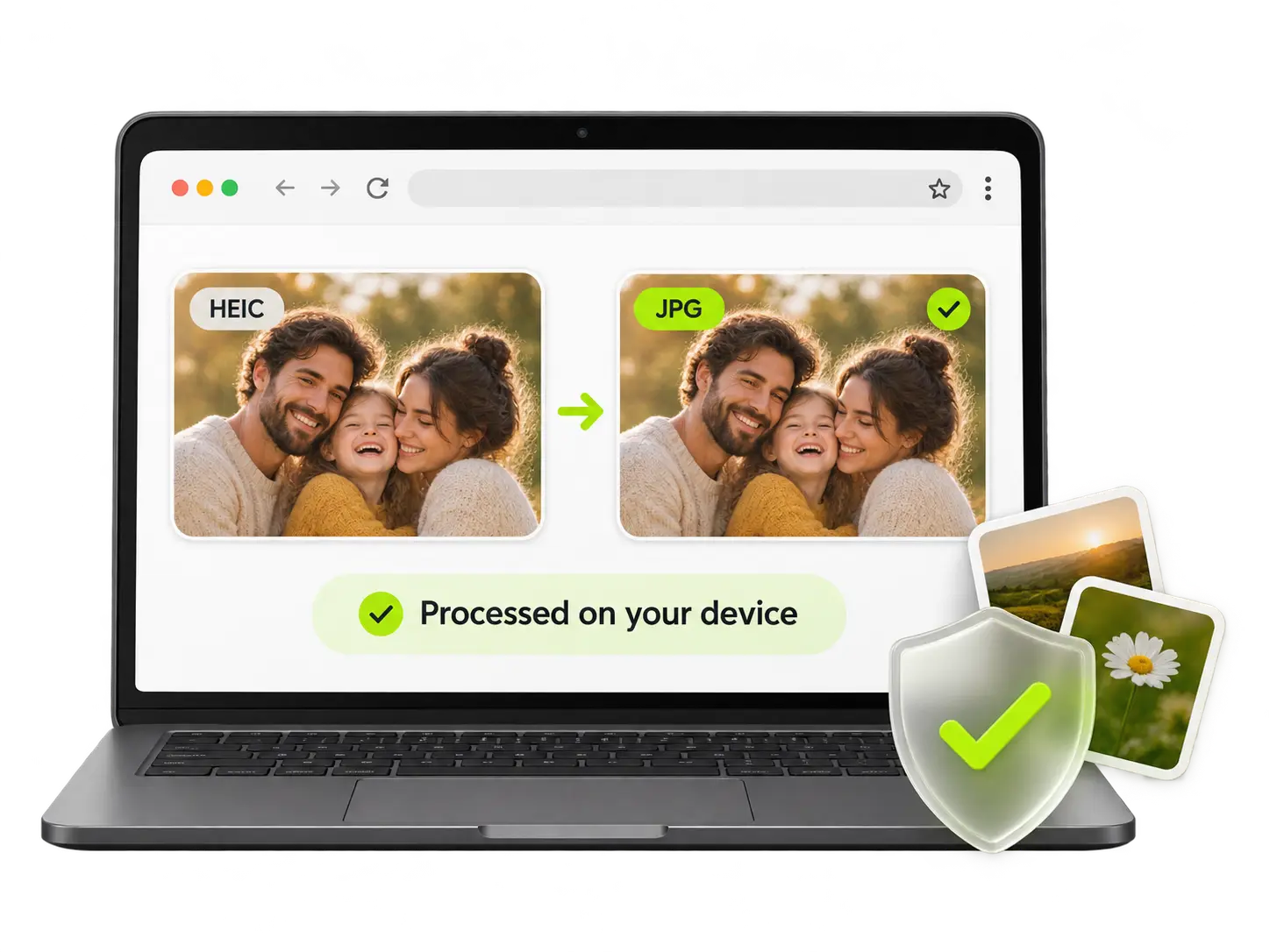
Would you rather keep your personal photos or unpublished designs off another server? Your originals stay on your device while your browser handles the conversion locally. With this online image converter, you can get the file type you need without installing software. You won't need a subscription or spend any Lumens.
Convert Images for Your Everyday Tasks
Website Images
You can prepare blog images, page graphics, and other website assets in the format your publishing workflow requires. Choose WebP, AVIF, JPG, or PNG, then convert again if another part of your site needs a different version.
Application Photos
When your application form requests JPG or PNG, you can convert a HEIC or WebP image to match. Your photo keeps its original width and height, so you won't need to adjust dimensions you've already prepared.
Product Listings
Your product photos may arrive as a mix of JPG, PNG, WebP, and other file types. You can bring them into one format before adding them to your store, with up to 20 photos in each batch.
Favicon Files
You can export prepared logo or icon artwork as ICO for your website's favicon workflow. Start with artwork at the dimensions your site needs, since you'll change the format without resizing or cropping the image.
How to Use PicLumen’s Free Image Format Converter
Add Your Images
Click Add Images or drag your files into the converter. You can select up to 20 images, at 10MB or less each, and remove any you don’t need. If you select more than one image, you’ll be asked to sign in.
Choose Your Output Format
Choose JPG, PNG, WebP, AVIF, BMP, GIF, or ICO, then click Convert. Your chosen format applies to every image in the batch. You’ll see your converted previews on the right.
Download Your Results
Save your images individually or click Download all to download each result as a separate file. Need another format? You can change your selection and convert the same images again, without adding them from scratch.


Loved by Creators Worldwide
Real feedback from designers, marketers, and hobbyists sharing their PicLumen experience on Trustpilot.
Jon JonVery good website
Very good website. Different models, good job
Ayan SamantaAwesome experience just looking wow
Awesome experience just looking wow
 J. Blaine
Regular PicLumen user experience
I've been using PicLumen since late summer 2024 and I've generated several thousand images, mostly image-to-image. There were 2 minor technical glitches in that period of time. In the first one, my library didn't load but after logging out and logging in again later that day I found my library back. The second glitch- the remixing and outpainting stopped working. I contacted the support team and the issue was fixed the next day. I also requested PicLumen to provide a PayPal payment method when they switched to subscription - and they listened and responded to my request. I appreciate their responsiveness and customer service. In my communication with their support team, I found them professional and polite. My general impression is that this is a dynamic and collaborative team that is worth supporting!
Just amazing website a must try.
Just amazing website a must try.
 Ifeanyichukwu C Chukwuemeka
Very good
Very good and good AI app easy to use without stress
Nice creations and bright
Nice creations and bright
Great AI program
Great AI program, easy to work with.
Best app i have ever seen
Best app i have ever seen
Zakirya GabolGood best
Good best Good good best
 AK Editing Zone
Nice ai image generation
Nice ai image generation
Very Best App For AI Vedioea
Very Best App For AI Vedioea
First i thought PicLumen isn’t Good…
First i thought PicLumen isn’t Good enough I told I try it and trust me it’s give the best results
Your Image Conversion Questions, Answered
Can I use PicLumen’s image format converter for free?
You can use every supported conversion for free, without buying credits or a subscription. For one image, you don’t need to log in. If you select two or more, you'll need to sign in, but your batch conversion is still free.
Which image formats can I convert?
You can add JPG/JPEG, PNG, WebP, GIF, BMP, AVIF, SVG, and HEIC files. You can export to JPG, PNG, WebP, AVIF, BMP, GIF, or ICO. You can use SVG and HEIC as input formats, but you cannot select them as output formats.
Can I convert different image formats in one batch?
You can combine supported input formats in the same batch, with up to 20 images at once and a maximum size of 10MB per image. Your chosen output format applies to the whole batch. If you need another format, change your selection and convert again.
Do my images leave my device?
Your browser processes the images locally, using your own device. Your original images are not uploaded to PicLumen's servers for conversion. You get the same local processing whether you convert a single image or sign in for a batch.
Will my converted images keep their size and quality?
Your image keeps its original dimensions without cropping, but its file size and appearance can change with the output format. You should check the preview before downloading. You cannot adjust compression quality or resize images in this converter.
What happens to my transparent backgrounds?
Your transparent areas become white when you convert to JPG, BMP, or GIF. If you need a specific background color, prepare it before conversion. You can check the preview to see how your converted image looks.
Can I convert animated GIF or WebP files?
You can add an animated GIF or WebP, but only its first frame will be converted into a still image. You won't preserve the animation or combine multiple images into an animated GIF, even if you choose GIF as your output format.
How do I download my converted images?
You can download an individual image from its result preview or choose Download all to save every result. You’ll receive separate file downloads rather than a ZIP archive. If your browser asks, allow multiple downloads to save the whole batch.
Get Your Image Ready for Its Next Upload
You already have the image. Now you can get it in the format your next task requires. Try a single conversion for free, without creating an account.