AI Image Upscaler Online
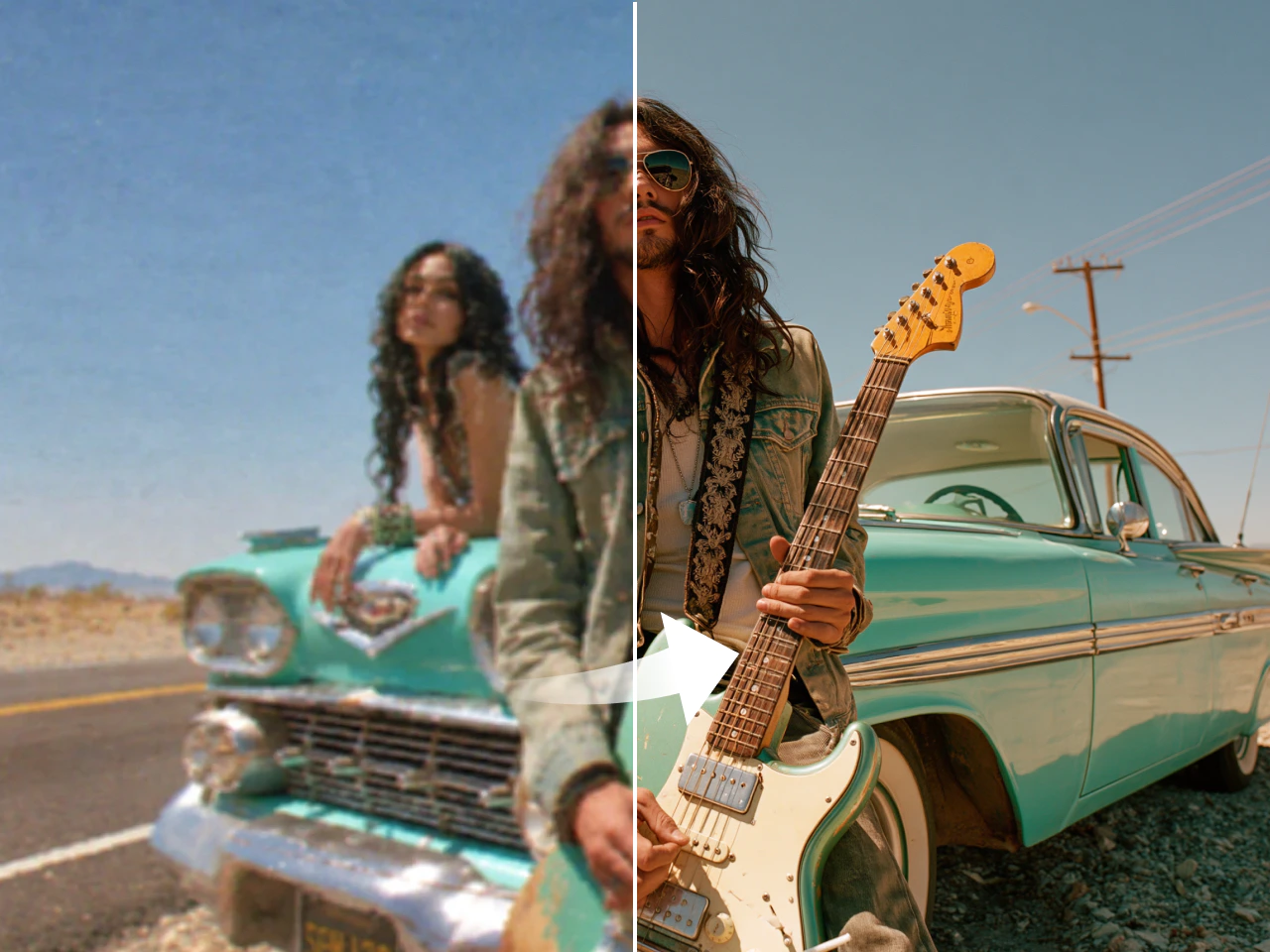
Upscale images online by up to 8× with PicLumen. Enhance photo quality, increase resolution, and preserve fine details, sharp text, logos, and realistic textures in seconds. Ideal for product listings, social media posts, presentations, and print projects.
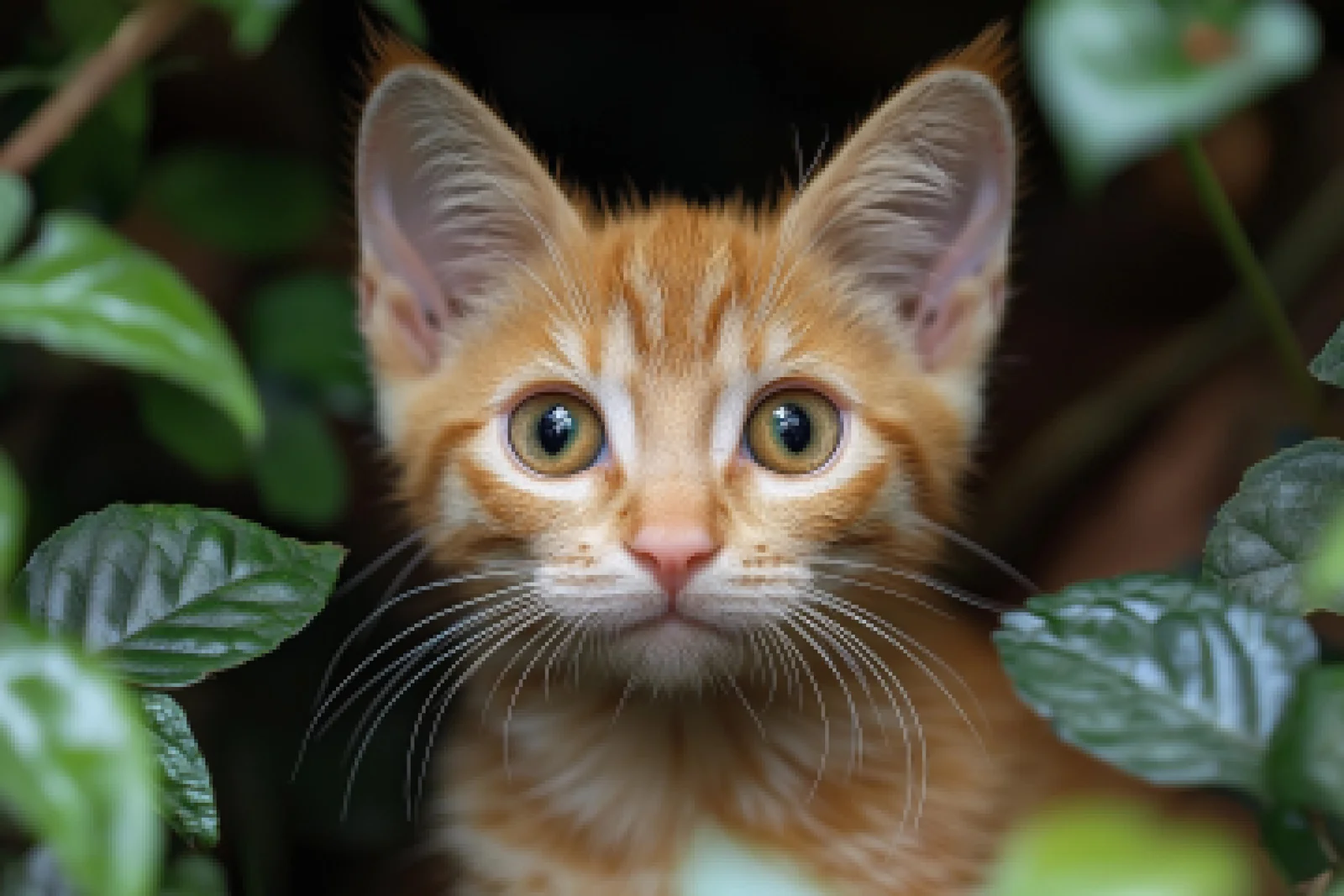
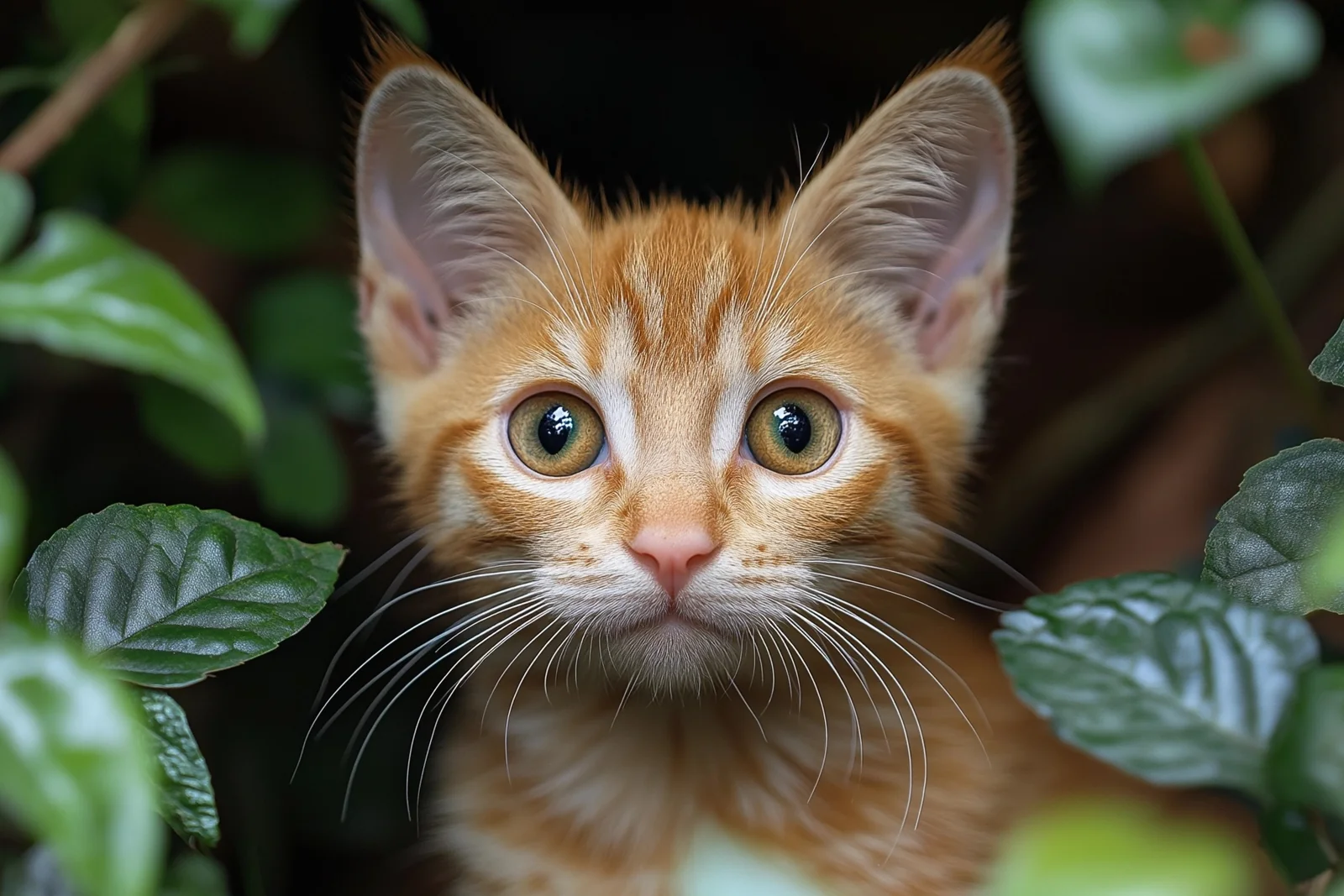
To use Upscaler, you agree that if the output is identified as NSFW content, it WILL NOT be displayed normally and Lumen WILL still be deducted.
AI Image Upscaler Online
Upscale images online by up to 8× with PicLumen. Enhance photo quality, increase resolution, and preserve fine details, sharp text, logos, and realistic textures in seconds. Ideal for product listings, social media posts, presentations, and print projects.
How to Upscale Images with PicLumen
Upload Your Image
Import any JPG, PNG, WEBP, or other supported image. Upload photos, AI-generated artwork, product images, scanned pictures, or graphics you want to enhance.
Apply AI Upscaling
Choose your preferred upscale level and let AI automatically enhance resolution while improving clarity and preserving important details. Your high-resolution image is ready in seconds.
Download Your Image
Preview the enhanced result and download your upscaled image in high quality. Use it for printing, eCommerce, social media, presentations, or any project that needs sharper visuals.
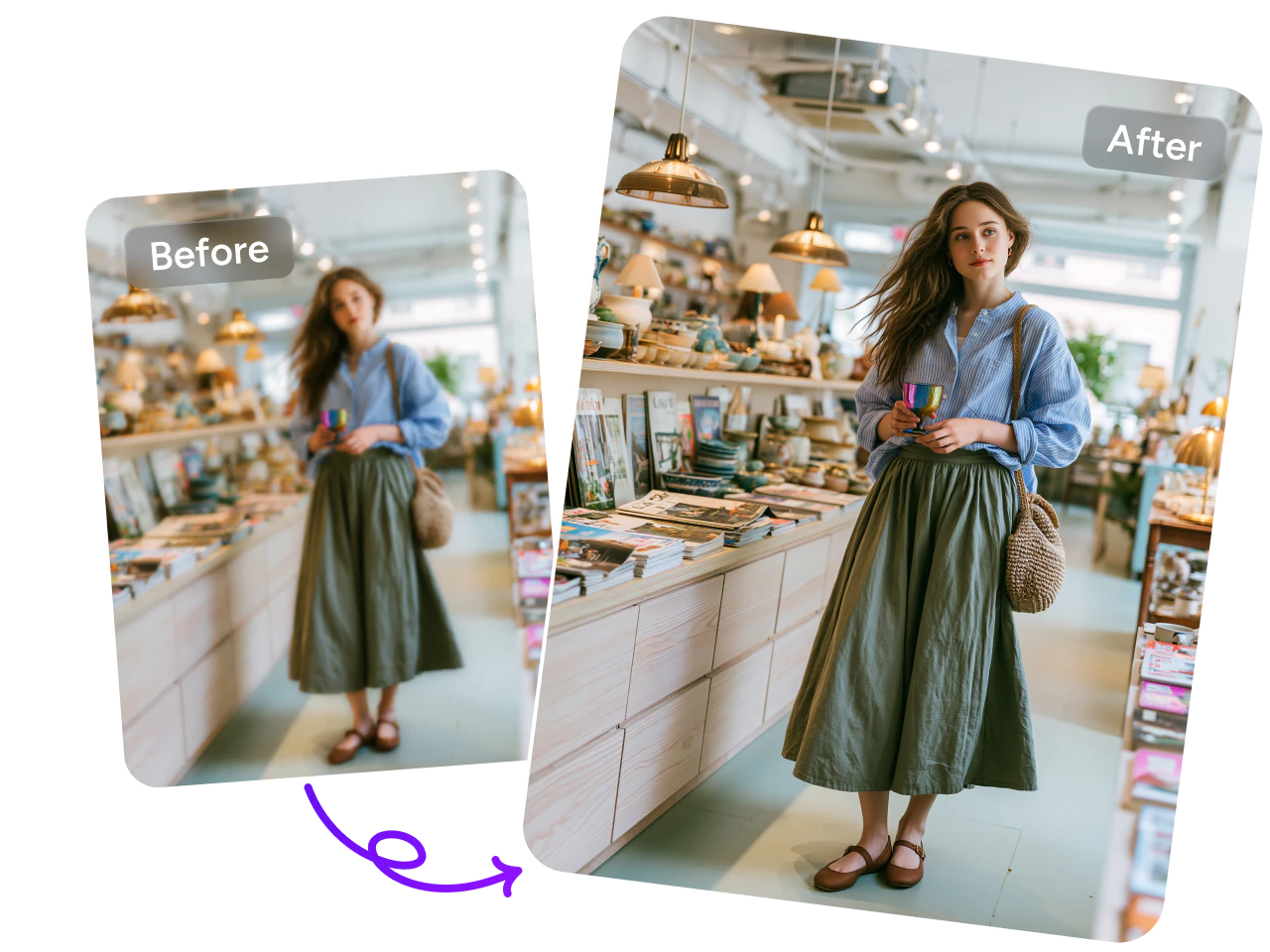
Enhance Your Images in Seconds
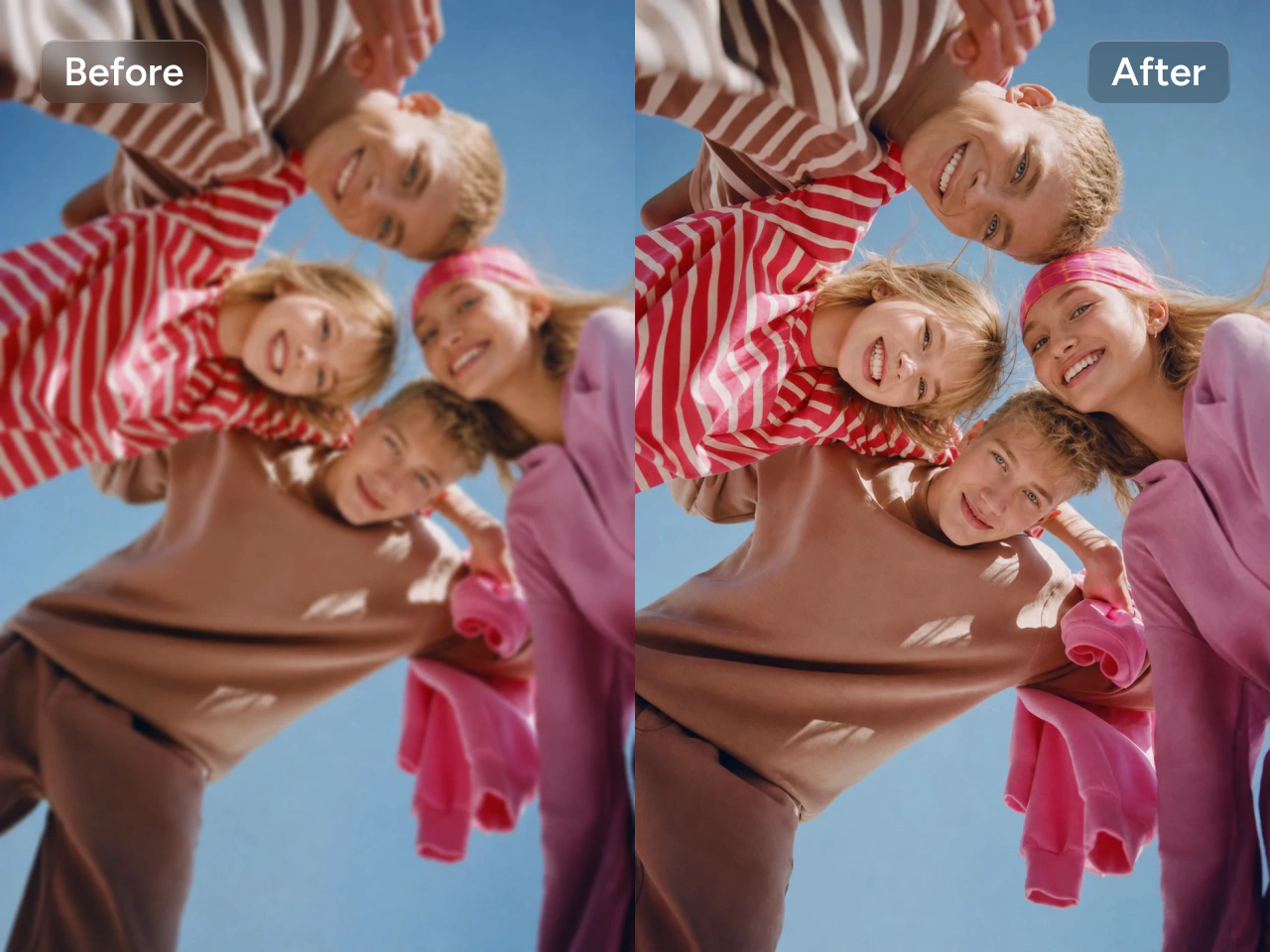
Turn low-resolution images into crisp, high-quality visuals with a single click. AI automatically enhances details, reduces blur, and improves overall clarity without complicated editing. Whether you're restoring old family photos, preparing product images, or upgrading social media content, you can create cleaner, more professional-looking results in seconds.
Upscale Images with More Control
PicLumen's Image Upscaler offers specialized modes for different image types, with flexible settings to fine-tune the results. Choose a mode that fits your image and adjust the parameters to get the look you want.
Standard Mode
Give everyday images a clearer look with a balanced approach to detail, sharpness, and natural texture. Standard is a versatile starting point for portraits, product photos, travel shots, and more. Use it when you want to enhance an image without making it look overly processed. From fabric textures to background details, this mode balances clarity with a natural finish. Fine-tune the available settings to suit your photo and prepare it for your store, social posts, or personal projects.
High Fidelity Mode
Bring out the details in photos captured with modern cameras and smartphones. High Fidelity is suited to RAW images and other high-quality photos where preserving the original look matters. Choose this mode for portraits, product photography, landscapes, and images with fine textures you want to retain. It focuses on keeping existing details clear as you upscale, giving you more room to showcase your photography. Adjust the settings to find the right balance of definition and texture for each image.
Art & CGI Mode
Keep your artwork crisp as you increase its size. Art & CGI is designed to preserve clean edges, flat color areas, and line art structure, making it a useful choice for illustrations, digital paintings, graphic designs, and computer-generated visuals. Choose this mode when clear outlines and intentional shapes are central to your image. Whether you are enlarging a character illustration or a stylized product render, fine-tune the settings to enhance clarity and maintain the visual style you created.
Flexible Parameters for Better Results
Adjust the settings to match your image and preferred finish. Use Face Enhancement for facial details and Subject Detection to help identify the main subject. Set Strength to control the intensity of the enhancement. Fix Compression helps reduce compression artifacts, Denoise reduces unwanted noise, and Sharpen adjusts definition. Together, these controls give you more flexibility with photos and artwork. Try different combinations to find a balance that brings out useful detail and keeps the result looking natural.
Upscale Up to 8× Without Quality Loss
Increase image resolution by up to 8× while keeping your photos sharp and natural. Create high-resolution files for printing, presentations, websites, online stores, and digital marketing without starting over. Perfect for enlarging portraits, artwork, product photos, and AI-generated images that need extra detail.
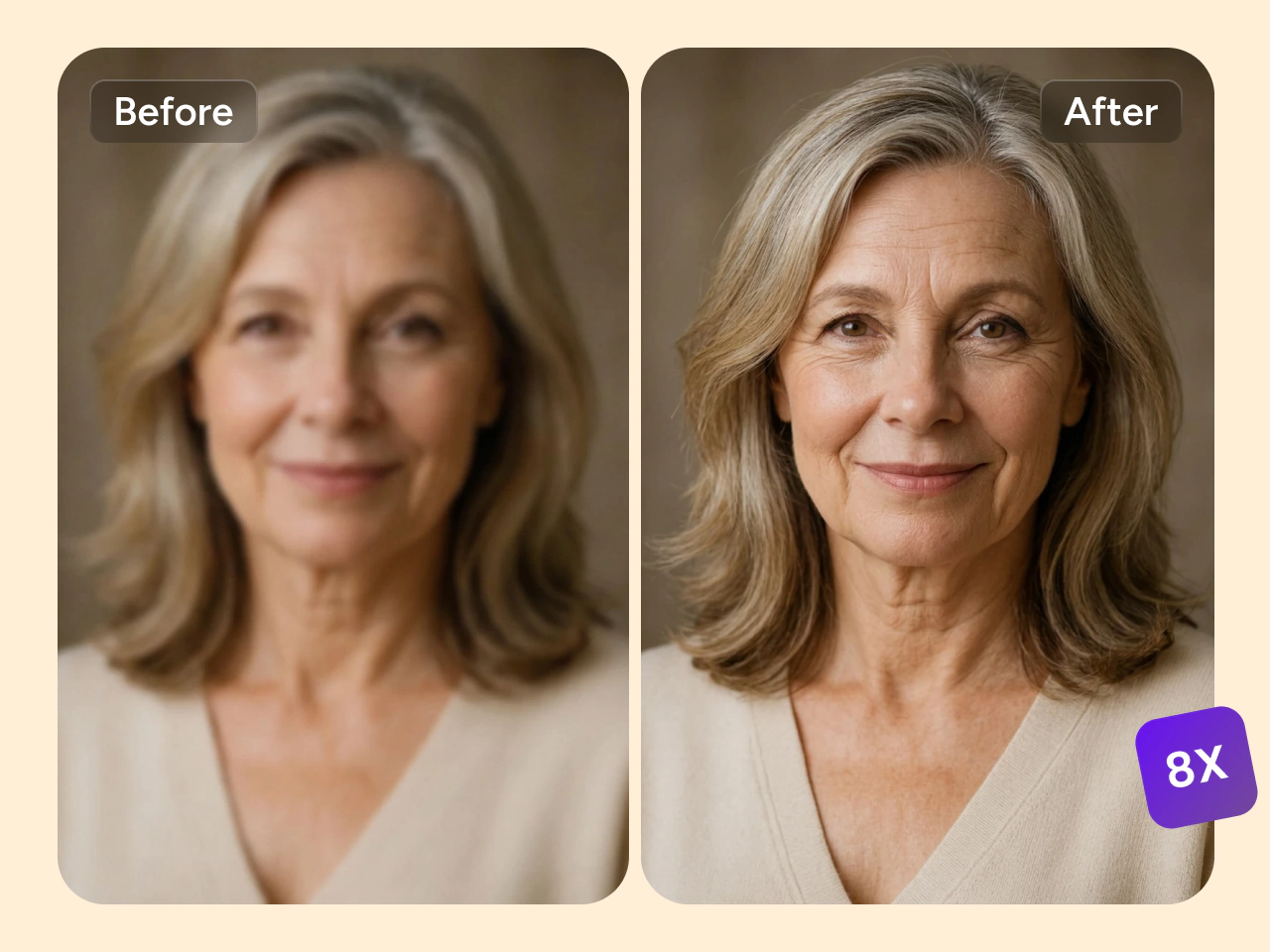
Preserve Every Original Detail
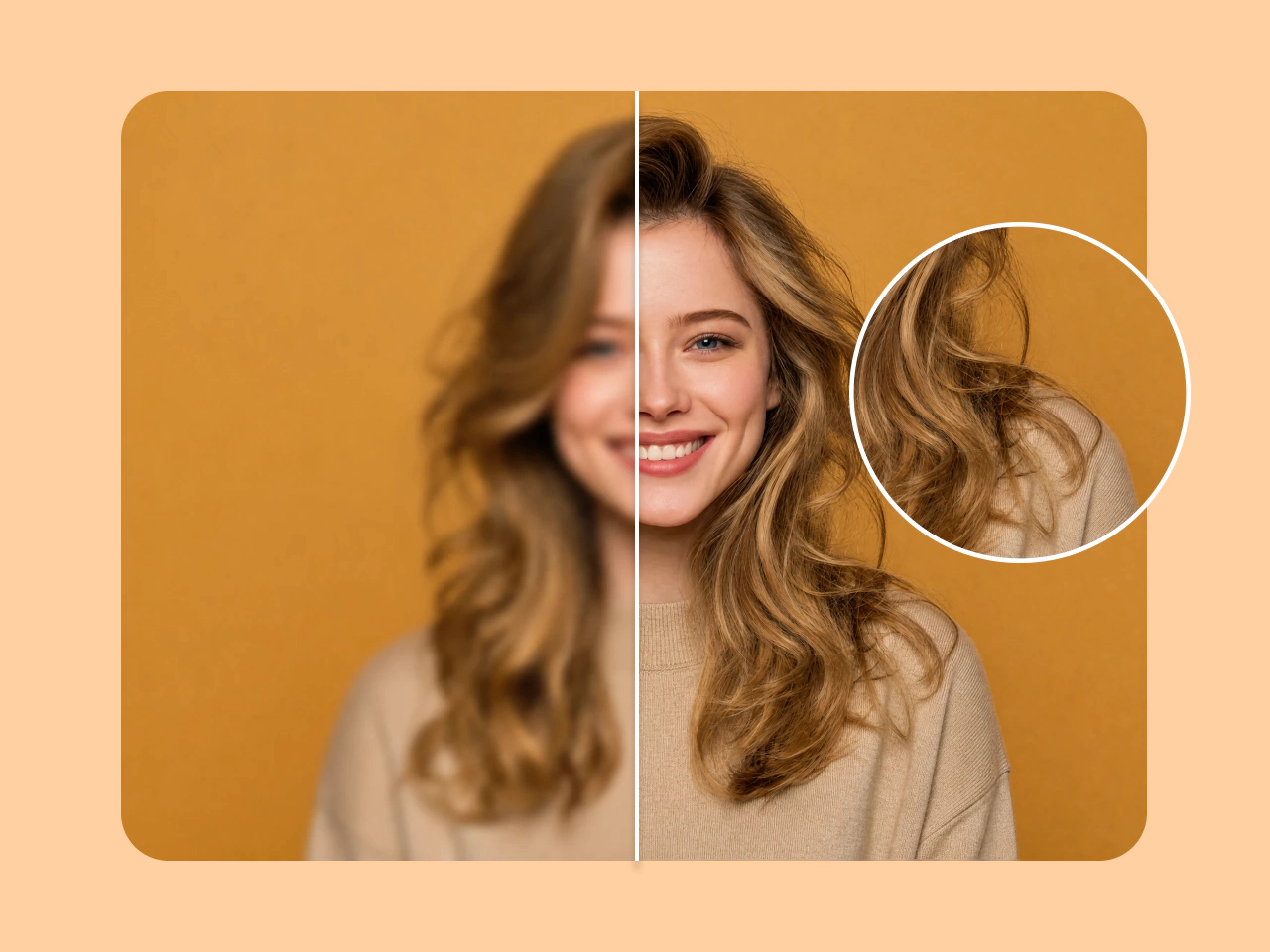
Unlike traditional image enlargement, AI intelligently restores edges, colors, and fine textures instead of simply stretching pixels. Hair, facial features, fabrics, buildings, and other small details remain clean and realistic after upscaling. Your enhanced image looks clearer while staying true to the original.
Keep Text and Logos Perfectly Sharp
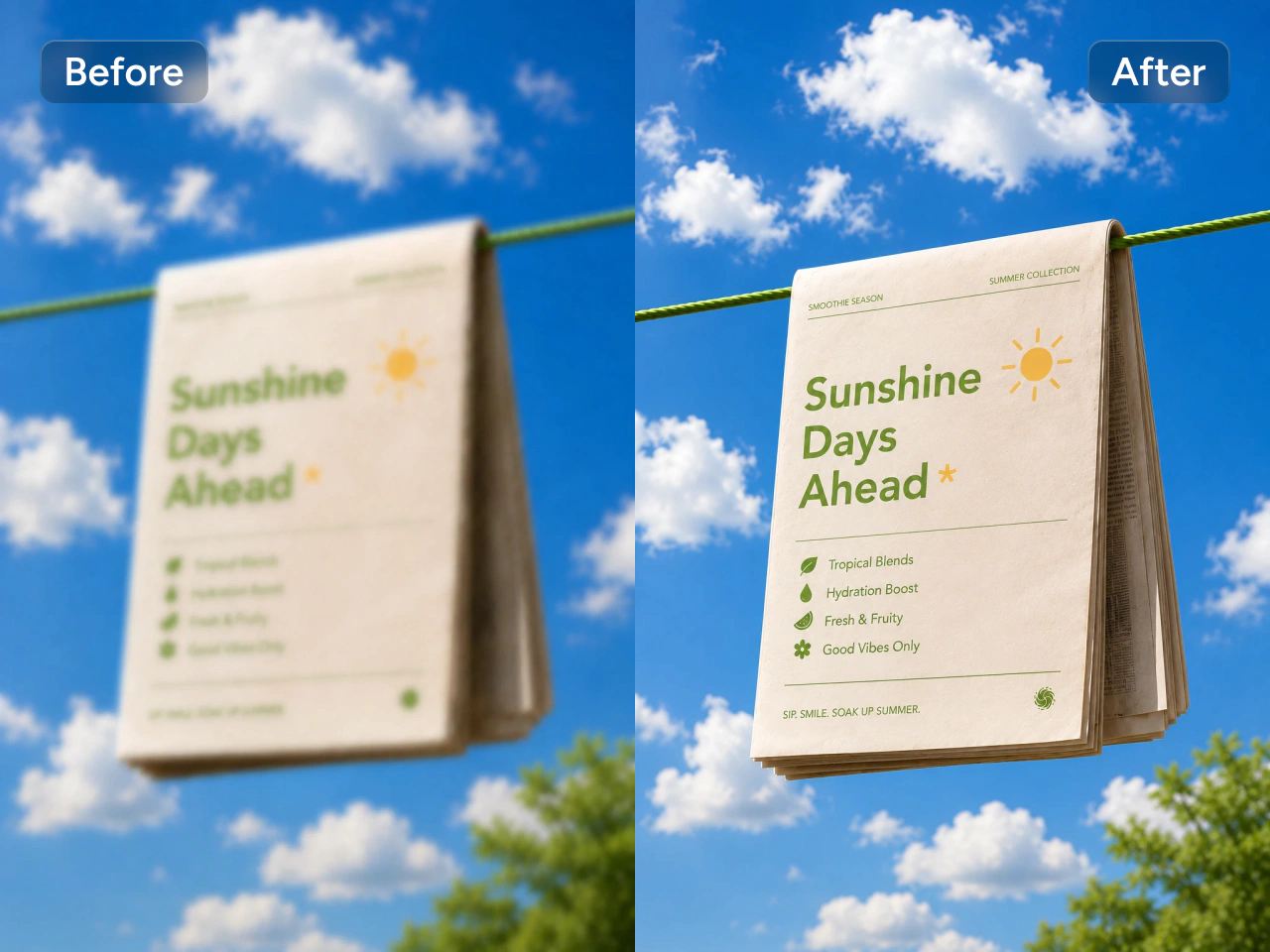
Upscale screenshots, posters, product packaging, marketing materials, and branded graphics while keeping text readable and logos crisp. AI reduces jagged edges and prevents letters or graphic elements from becoming blurry or warped, making it ideal for eCommerce, presentations, business assets, and promotional designs.
Restore Realistic Texture and Clarity
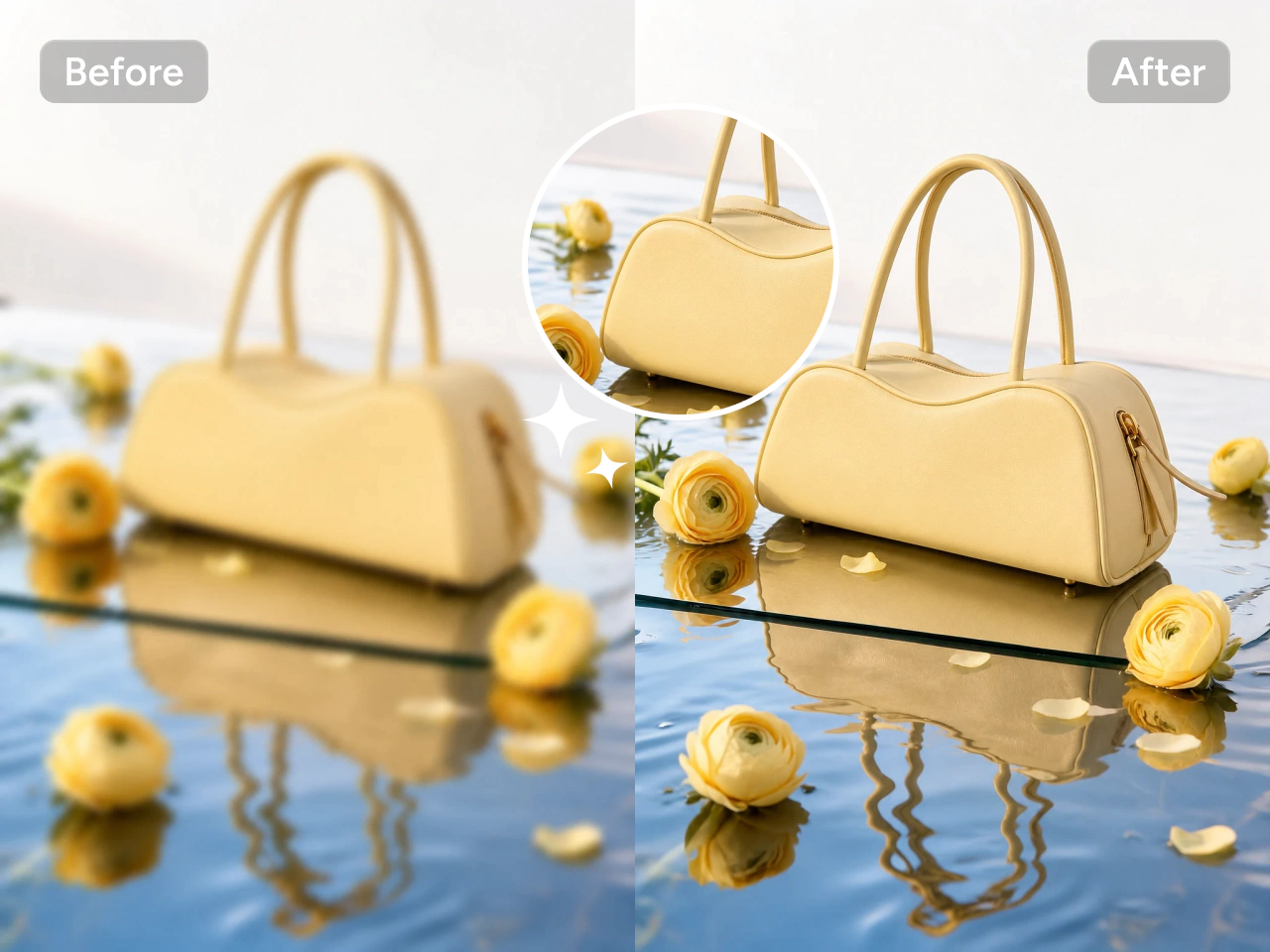
Enhance image resolution while maintaining authentic textures and depth. Skin stays natural, fabric keeps its weave, wood grain remains visible, and landscapes retain realistic detail instead of looking overly smooth. The result is a high-resolution image that feels true to life and ready for personal or professional use.
What Are the Highlights of PicLumen?
High-Resolution Output
Give your images more room to shine with crisp, high-resolution output. PicLumen helps you enlarge photos and artwork for product listings, social media, presentations, and print projects. Make fine details easier to see and create visuals that hold up better at larger sizes. Whether you need a bigger product photo or an illustration for a poster, upscale your image to suit the way you plan to use it.
Advanced AI
Improve image quality with AI that handles the complex enhancement work for you. PicLumen helps bring out details, refine textures, and improve clarity through a simple workflow. Choose a mode that fits your image, then adjust the parameters if you want more control over the finish. You can enhance everyday photos, camera images, and digital artwork without spending time on detailed manual editing.

Restore Imperfections
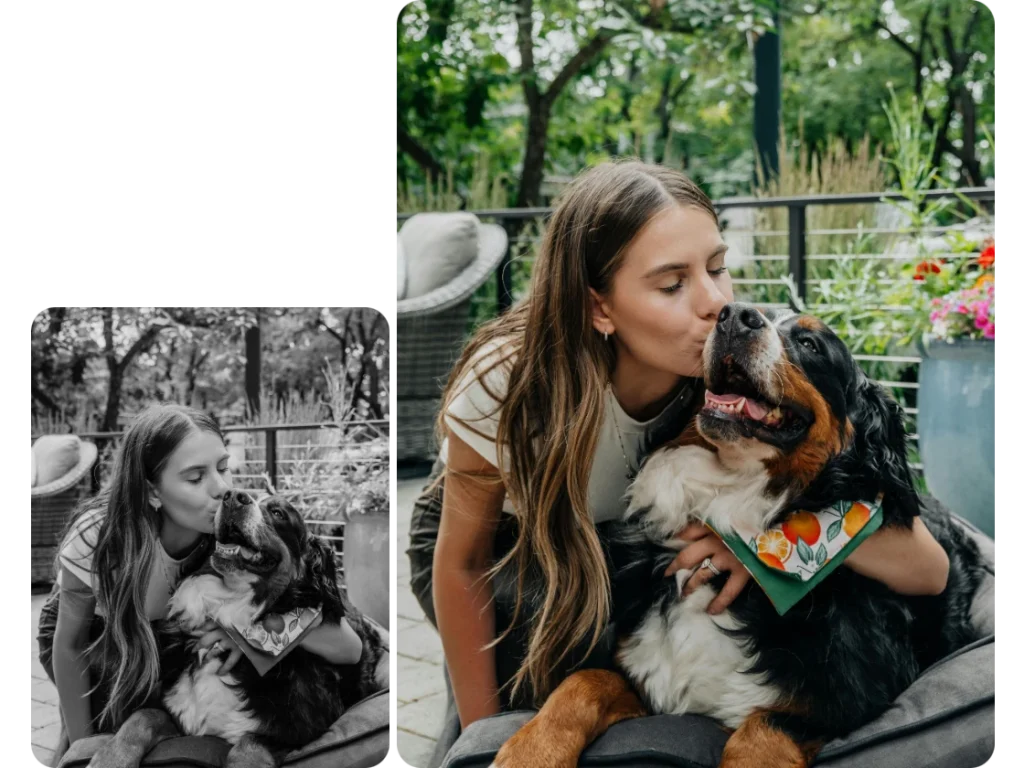
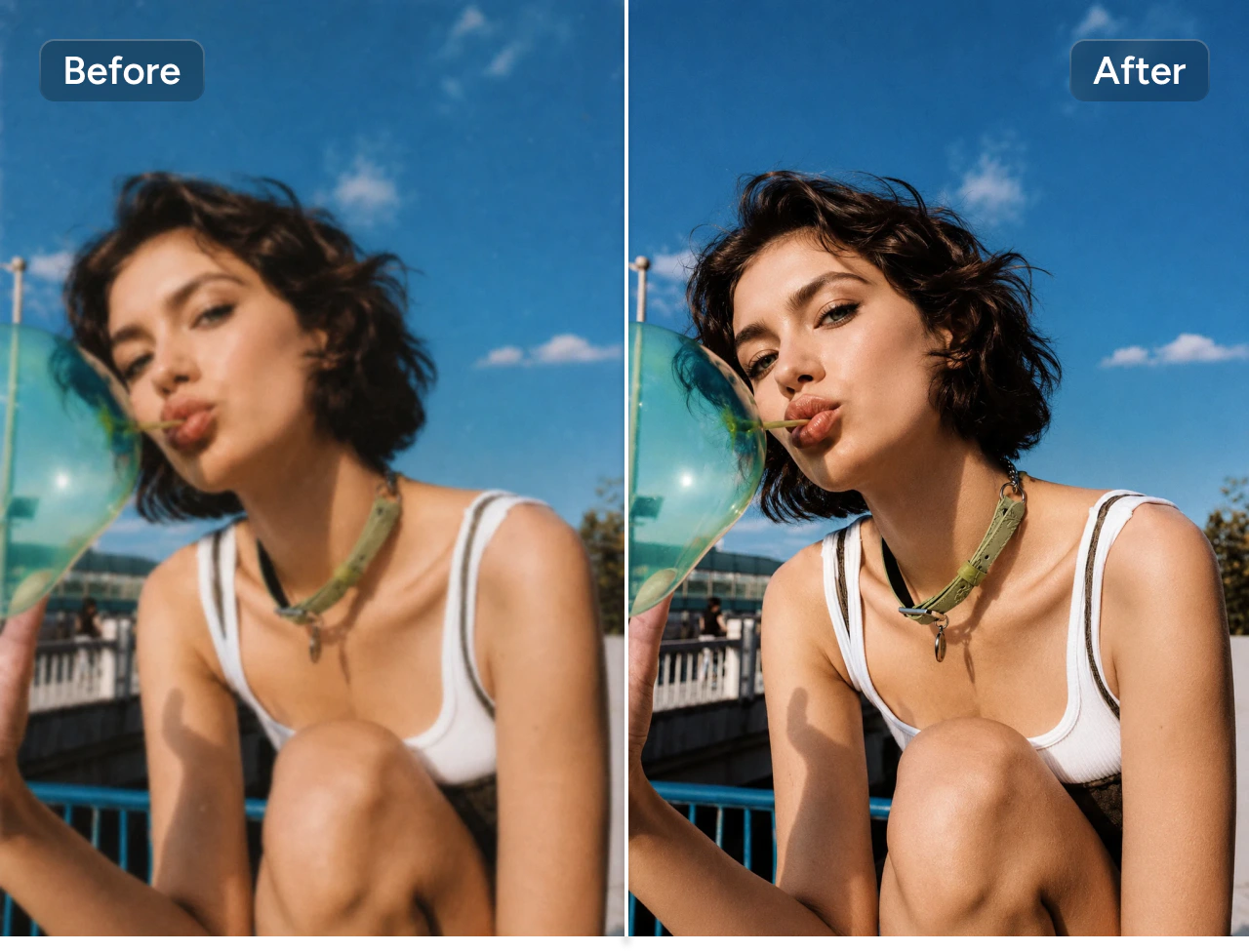
Give blurry, noisy, or compressed images a cleaner look. PicLumen helps reduce common imperfections that can distract from your subject, including grain, soft details, and compression artifacts. Use it to refresh older photos, improve downloaded images, or clean up visuals before sharing them. Adjust noise reduction and sharpness to suit each image, bringing back clarity while keeping textures and facial features looking natural.

Privacy Protected
Enhance your images with privacy in mind. Your uploaded images are processed securely and never shared, so you can work with personal portraits, family photos, and original creative work with greater confidence. Whether you are improving a photo for your own collection or preparing visuals for a project, PicLumen gives you a straightforward way to upscale your images while protecting the content you upload.

No Installation Needed
Upscale your images directly in your browser, with no software to install. Upload an image, choose your mode and settings, then generate and download the result in one workflow. PicLumen makes image enhancement easy to fit into your day, whether you are preparing store visuals, updating social content, or refreshing personal photos. Get started online without setting up a desktop editor or learning complicated editing tools.
Perfect for Every High-Resolution Project
- Print-Ready Images
- Photo Restoration
- Ecommerce Images
- Social Media Content
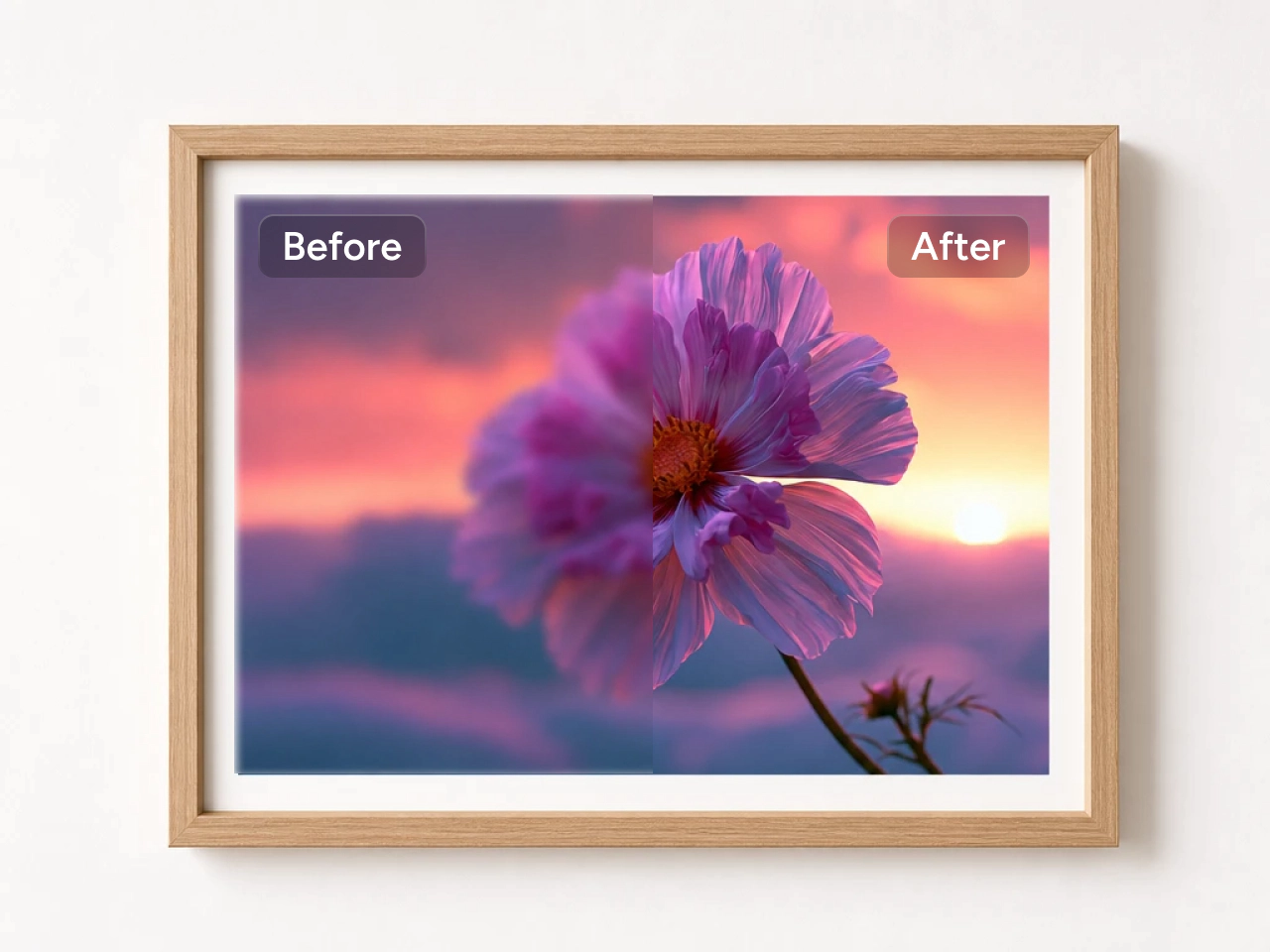
Upscale Photos for High-Quality Printing
Turn low-resolution images into sharp, print-ready files for posters, canvas prints, flyers, brochures, photo books, and large-format displays. AI upscaling helps preserve clarity at larger sizes, making your images look clean and professional both on paper and on screen.


Loved by Creators Worldwide
Real feedback from designers, marketers, and hobbyists sharing their PicLumen experience on Trustpilot.
 Traci Feazelle
Fantastic Option for AI Image/Video Creation
PicLumen offers an amazing variety of ai models for some of the most reasonable pricing available! The app layout also affords ease of use.
I recently had some technical issues…
I recently had some technical issues that I was trying to work through, so I reached out to the team at PicLumen for support. They were incredibly open, responsive, and willing to discuss the challenges I was experiencing. I even sent them a video demonstrating some of the issues I came across, and they took the time to review everything carefully and work toward finding solutions. What really stood out to me was how friendly, approachable, and collaborative they were throughout the process. I never felt like I was just submitting a problem ticket — it felt like they genuinely cared about improving the experience and helping users succeed. I truly enjoy using the platform and appreciate the level of support and dedication behind it. I would absolutely recommend PicLumen to anyone interested in this type of creative work.
 ClashOf Clans
Excellent platform to fantasy
Excellent platform to fantasy
Excellent results
Excellent results, very supportive and helpful customer service. They have a great interface very friendly use and the prices are reasonable. I use it for personal stuff and I am just a beginner but it made my earning process very enjoyable. I might give a more technical review in the future but that is so far my experience. Thanks
Ifeanyichukwu C ChukwuemekaVery good
Very good and good AI app easy to use without stress
Great platform
Ease of use,and great models
DeeDee Maysgood app so much fun making photos of…
good app so much fun making photos of avatars
The best app ever in history
The best app ever in history
amazing image creation app for me-5*…
amazing image creation app for me-5* rating...
 Ghulam E Hur
Application is very good
Application is very good but improvement needed
Hazard LionBest project in ai
Best project in ai , creating images 👌
 Human Human
Best of all time vry real
Best of all time vry real
Frequently Asked Questions
How much can I upscale an image?
PicLumen can upscale images by up to 8×, increasing resolution while maintaining sharp details, natural textures, and overall image quality.
Can I upscale AI-generated images?
Absolutely. PicLumen works well with AI-generated artwork, illustrations, anime images, digital paintings, and realistic AI photos, making them suitable for higher-resolution downloads, printing, or sharing.
Can I use the AI image upscaler for product photos?
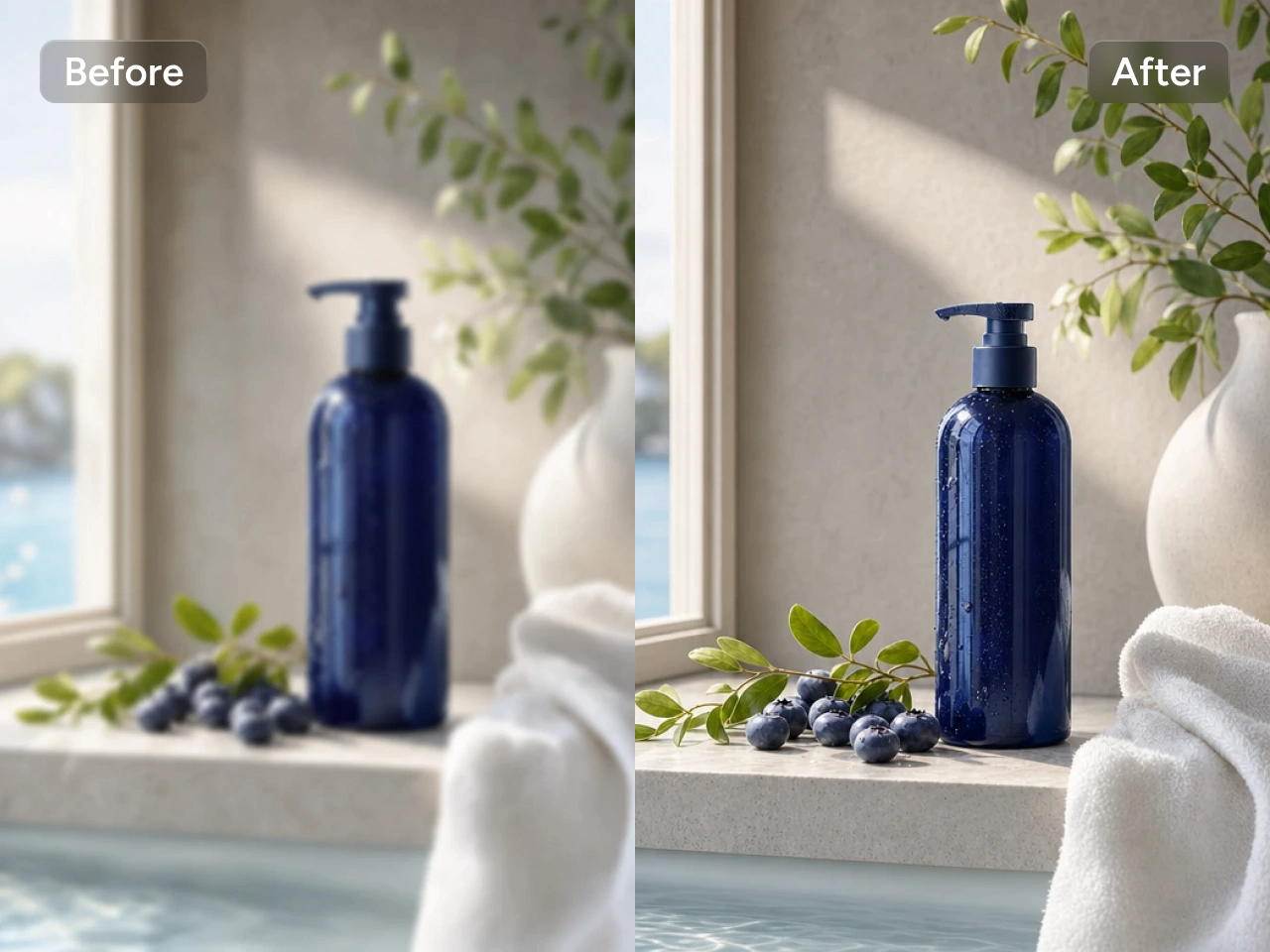
Yes. It's ideal for enhancing product images for online stores, marketplaces, catalogs, and advertising. Higher-resolution product photos help showcase details and create a more professional presentation.
Is the AI Image Upscaler good for restoring old photos?
Yes. You can enhance scanned photos, vintage family pictures, and low-quality images by increasing their resolution and improving visible details while preserving their original appearance.
Can I use upscaled images for commercial purposes?
Yes, but commercial use depends on your PicLumen plan. Images enhanced with the AI image upscaler under a paid plan can be used for commercial projects, while basic plan users do not have commercial use rights. Please refer to PicLumen's Terms of Service for details.
Do I need any editing skills to use the AI image upscaler?
Not at all. Simply upload your image, apply AI upscaling, and download the enhanced result. The entire process takes just a few clicks, making it easy for beginners and professionals alike.