AI Family Photo Generator – Bring Your Family Together in One Picture
Hot Video Effects
Turn your photos into fun dance clips, surprising transformations, and shareable moments with trending AI video effects.
What Is an AI Family Photo Generator?
An AI Family Photo Generator uses artificial intelligence to create or reinterpret family portraits from reference images, text descriptions, or a combination of both. It can help you explore a group portrait featuring family members who appear in separate source photos, or transform an existing family picture into a different photographic style. For example, you might use individual portraits of parents, children, and grandparents to create a studio-inspired family composition. You could also start with a casual group picture and imagine everyone in coordinated outfits against a warm holiday background. With PicLumen's AI Image Generator, you can develop family portrait concepts using written descriptions and supported reference-image workflows. The goal is to create an image that reflects your family's relationships and visual identity. However, AI generated family photos are synthetic compositions, and facial resemblance, body proportions, and group arrangements may vary between generations. For personal keepsakes, holiday cards, and creative family projects, AI offers a flexible way to explore family photography ideas.
How to Create an AI Family Photo
Make a Family Portrait in Three Simple Steps
Upload Your Family Photos
Upload an existing family picture or individual portraits using a supported reference-image workflow.
Describe Your Family Portrait
Specify the family members, their arrangement, clothing, background, and photography style.
Generate and Download
Generate the image, check each person's appearance, and download your preferred result.
Classic Family Studio Portrait
Create a photorealistic family studio portrait using the uploaded reference photos. Include all five family members: two parents, two children, and one grandparent. Preserve their recognizable facial features and approximate ages. Arrange the grandparent seated in the center, parents standing naturally behind, and children positioned at the front. Coordinated beige and cream outfits, neutral studio background, soft professional lighting, natural smiles, realistic skin textures.
Family Portrait from Individual Photos
Combine the people shown in the uploaded individual reference photos into one natural-looking family portrait. Include each person once and preserve their recognizable facial characteristics. Arrange everyone together in a warm living-room setting with balanced body proportions, consistent lighting, realistic shadows, and comfortable family poses. Keep the group composition cohesive and avoid adding extra people.
Three-Generation Family Portrait
Create a realistic three-generation family portrait using the uploaded photos as references. Include grandparents, parents, and children in a balanced group composition. Keep everyone's approximate age and recognizable appearance. Elegant coordinated clothing in neutral colors, warm indoor setting, soft window lighting, natural expressions, professional family photography style.
Outdoor Golden-Hour Family Photo
Create a natural outdoor family portrait using the uploaded family photos. Arrange everyone together in a green park during golden hour. Preserve recognizable faces and natural age differences. Coordinated casual outfits in beige, denim, and sage green, warm sunlight, gentle background blur, relaxed poses, realistic professional photography.
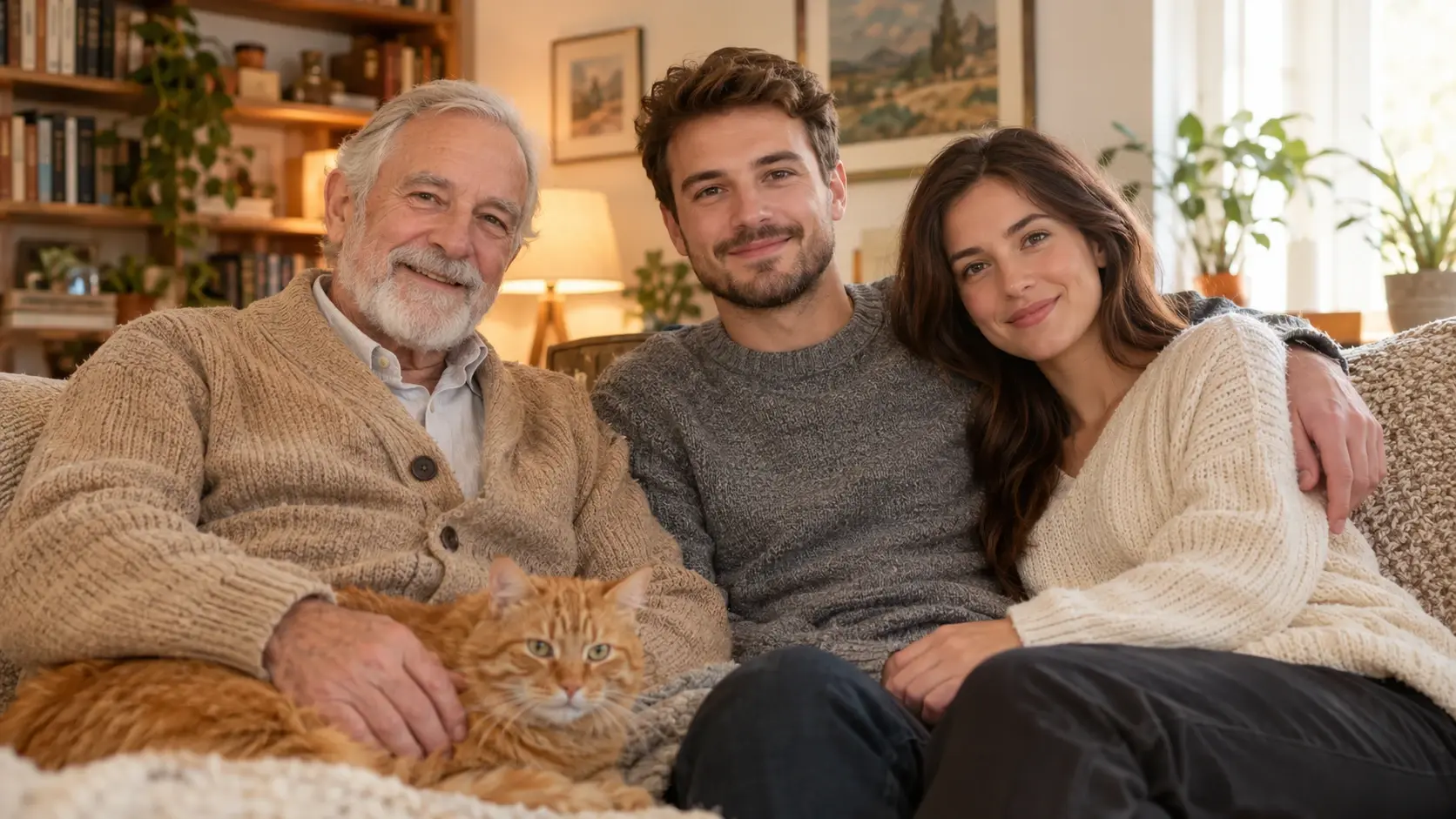
View Our User-Generated Case Examples
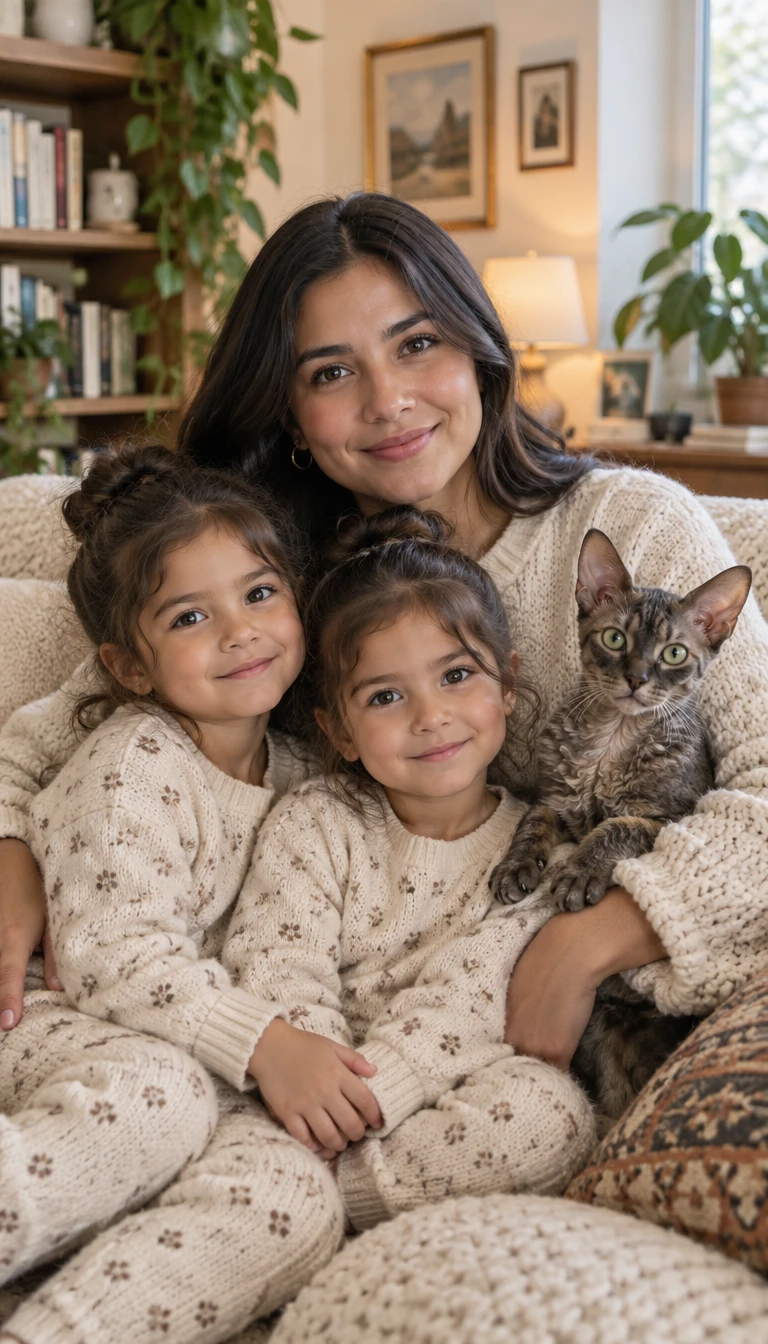
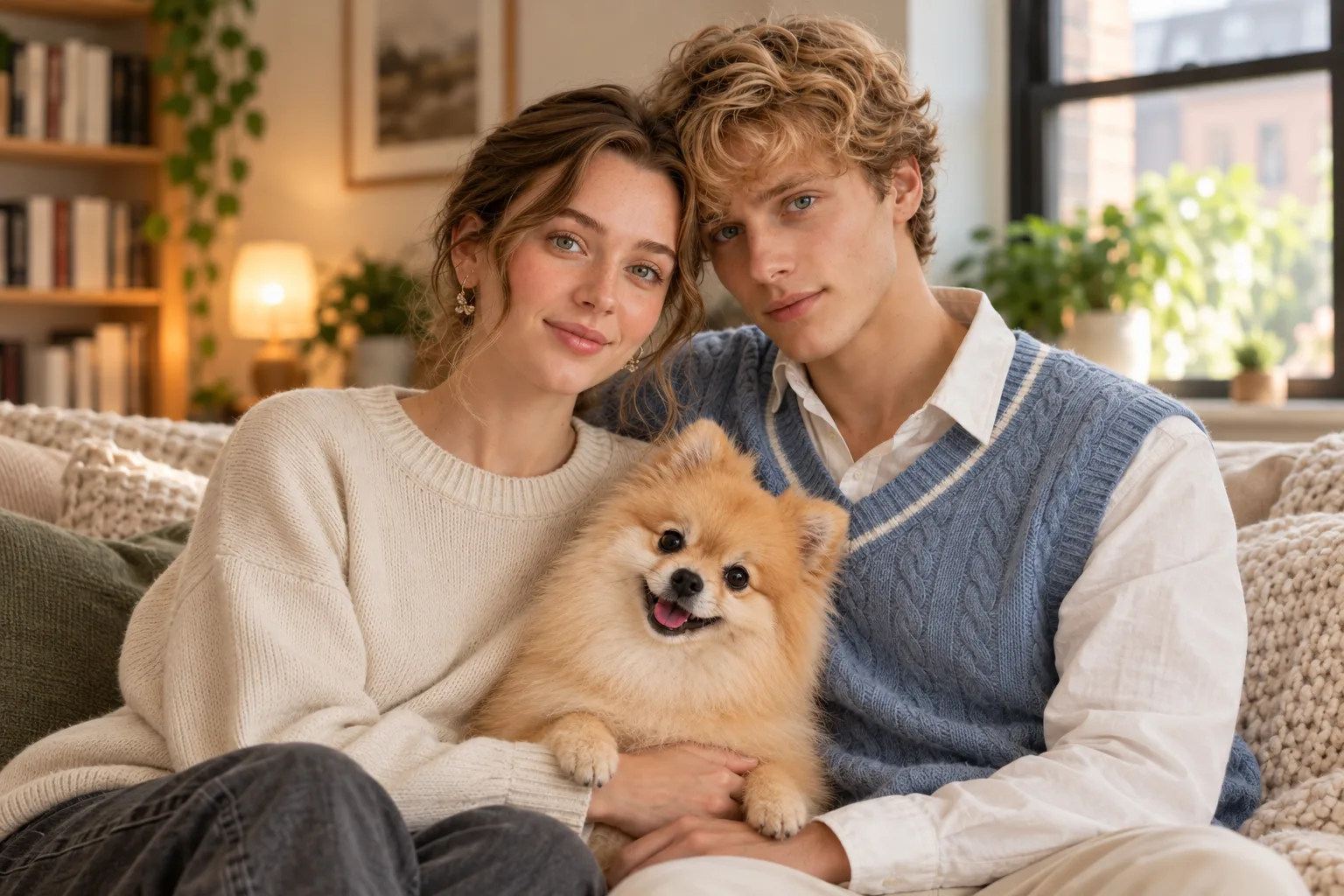
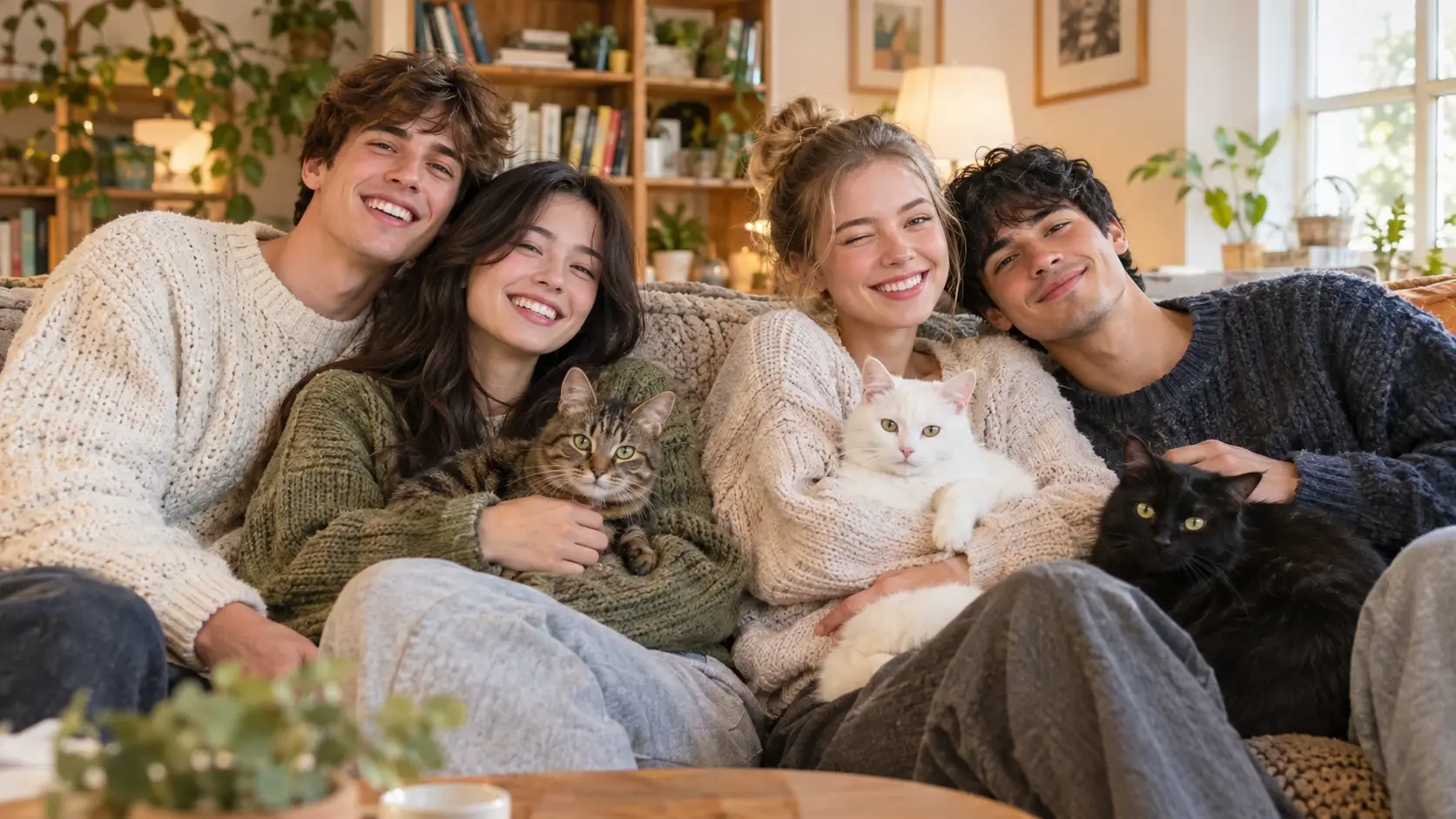
Mother and Two Daughters with Curly-Coated Cat
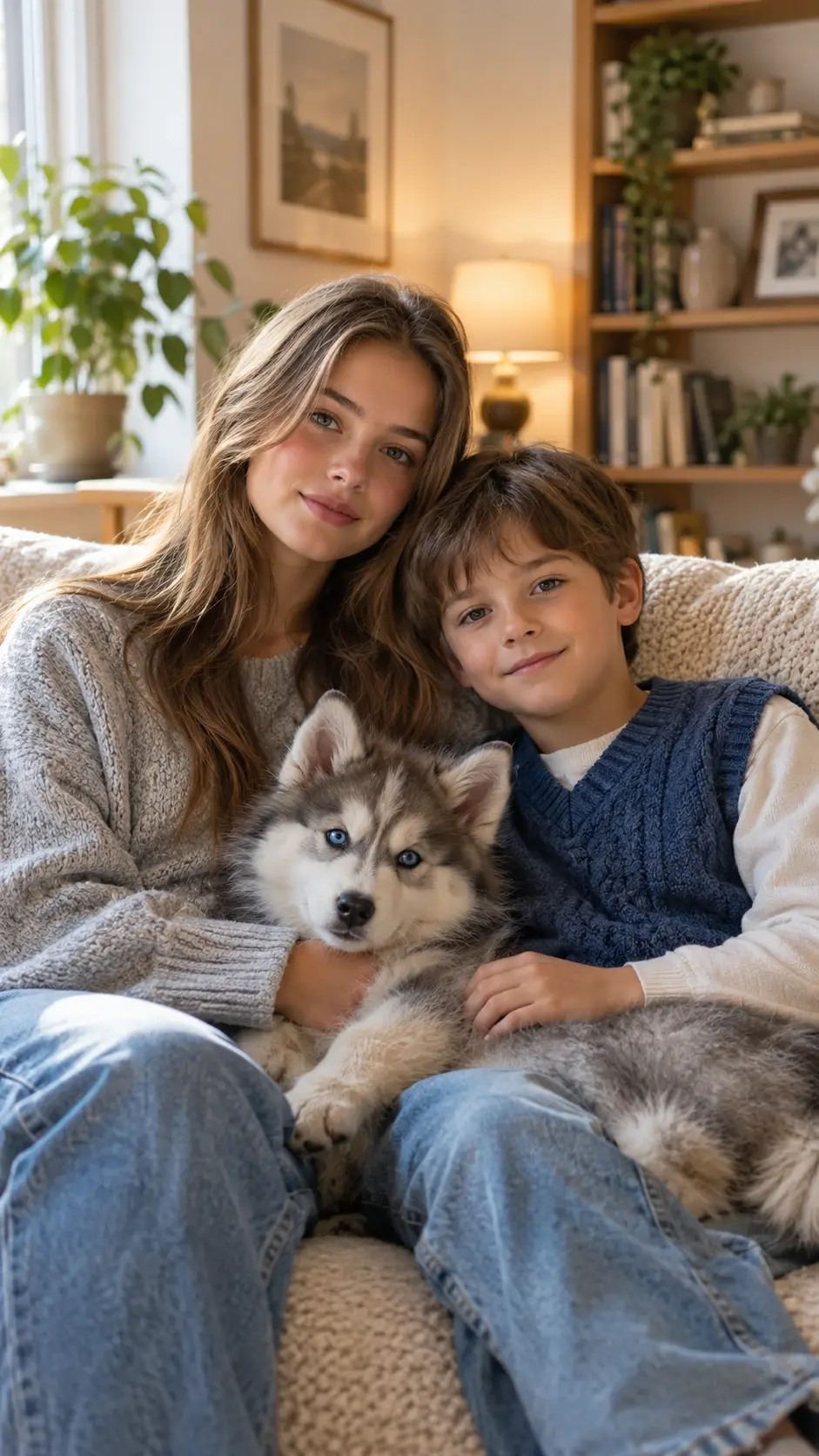
Siblings with Husky Puppy
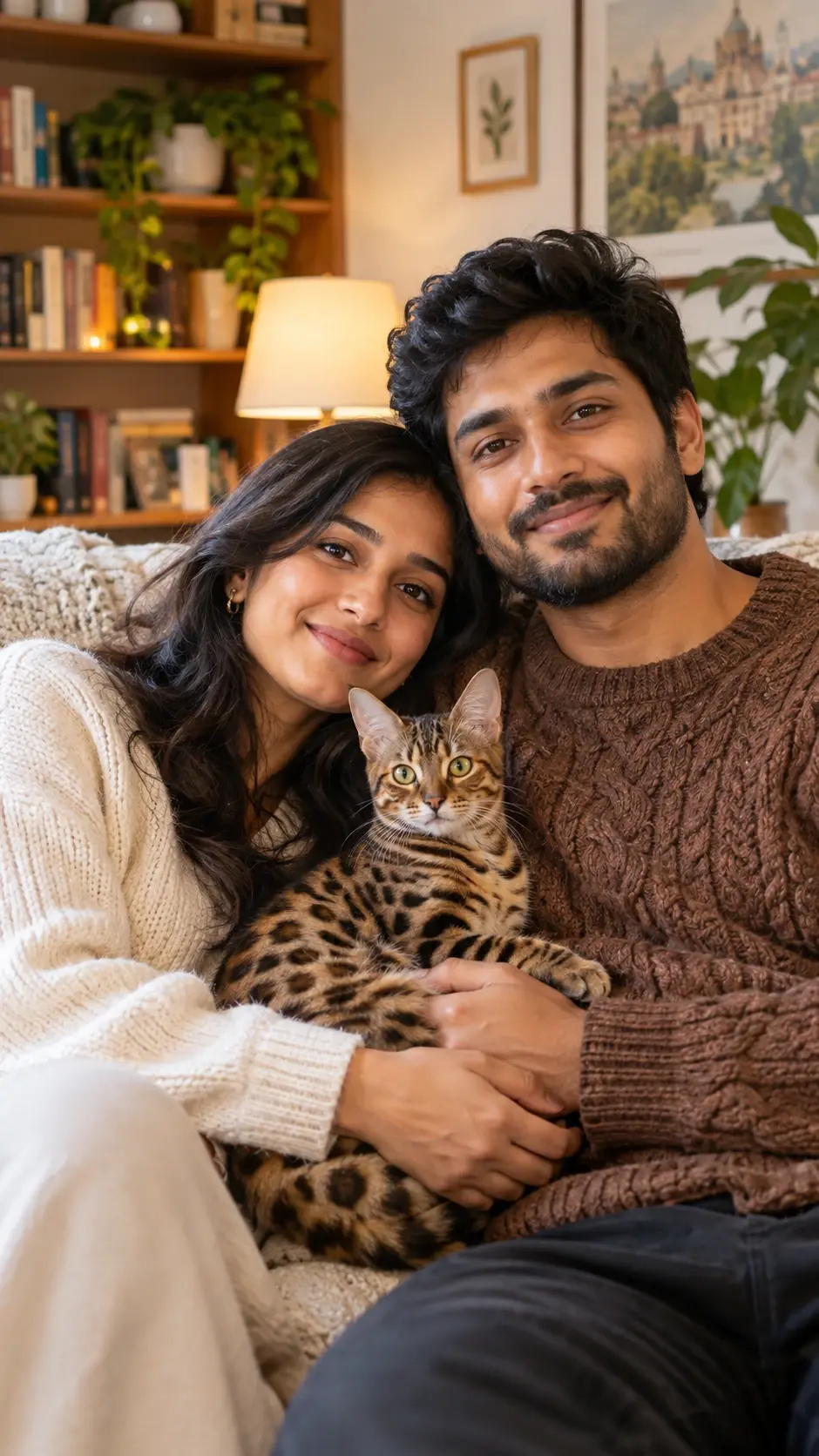
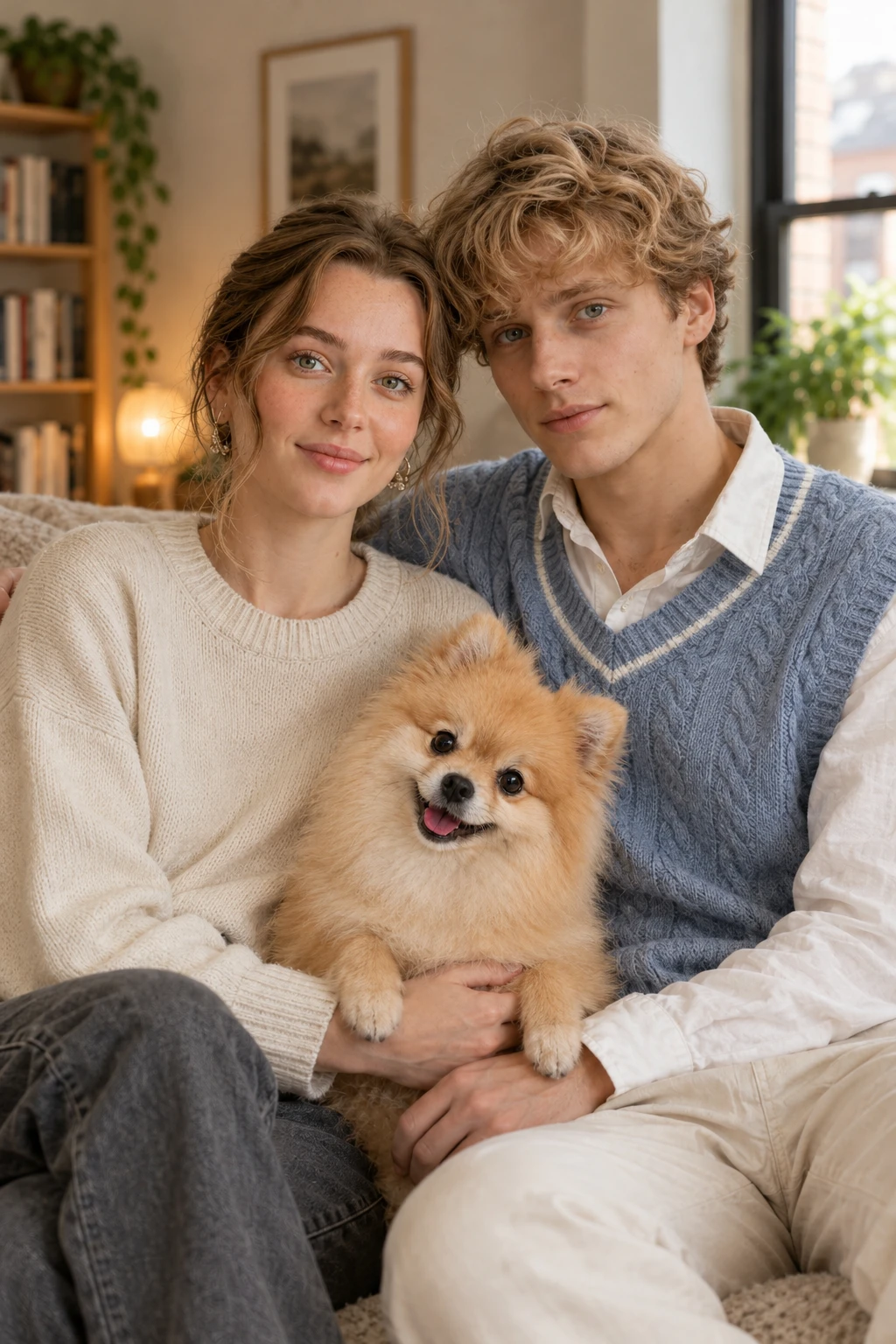
Couple with Bengal Cat
Create Personalized Family Photos with AI
Combine Individual Family Photos into One Portrait
Want a family picture when everyone cannot be in the same place? An AI family portrait from individual photos workflow uses separate pictures as visual references for a new group composition. For example, you could provide portraits of two parents, their children, and a grandparent, then describe how they should stand or sit together in the final image. Use a supported multi-reference image model and a clear prompt to guide the arrangement. PicLumen's Image to Image AI Generator offers a related starting point for transforming images with AI. The number of supported reference images depends on the selected model. Generating a new portrait does not guarantee exact preservation of every person's face.
Create Natural-Looking Family Group Portraits
A convincing family portrait needs more than several recognizable faces. Lighting, perspective, body proportions, expressions, and positioning all contribute to a cohesive group composition. Describe the number of family members, their approximate ages, and their positions in the frame. For example, place grandparents seated in the center, parents standing behind them, and children arranged naturally at the front. This helps guide the AI family portrait generator toward a more organized composition.
Transform Existing Family Pictures
Already have a favorite group photo? Use it as the reference for a new family portrait style. Experiment with cleaner backgrounds, warmer lighting, coordinated clothing, or a different photographic atmosphere. A family photo generator can help you explore these visual changes without rebuilding the entire composition manually. For related portrait concepts, PicLumen's AI Portrait Generator provides another way to experiment with AI-generated portrait styles.
Create Family Photos in Different Styles
Explore different visual directions for the same family. A classic studio portrait might feature a neutral backdrop and elegant formalwear. A lifestyle portrait could show everyone sitting together in a bright living room. You can also experiment with outdoor golden-hour photography, vintage film aesthetics, and artistic illustrations. For example, PicLumen's Photo to Art Converter offers related ways to turn meaningful photographs into creative artwork.
Discover Beautiful AI Family Portrait Ideas
Bring individual family photos together, explore classic studio portraits, and create memorable seasonal family pictures with AI.
One Family, Different Portrait Possibilities
Every family has its unique story, and a heartfelt portrait captures their bonds. It can be hard to gather all family members for a shoot due to distance or busy schedules. With PicLumen's AI Family Photo Generator, you can craft family portraits from reference photos and prompts. Build multi-generational group shots, turn casual snapshots into polished studio portraits or warm holiday scenes, and even use the AI Wedding Photos Generator to create related celebration imagery. These visuals make lovely keepsakes, album additions or inspiration for future shoots.
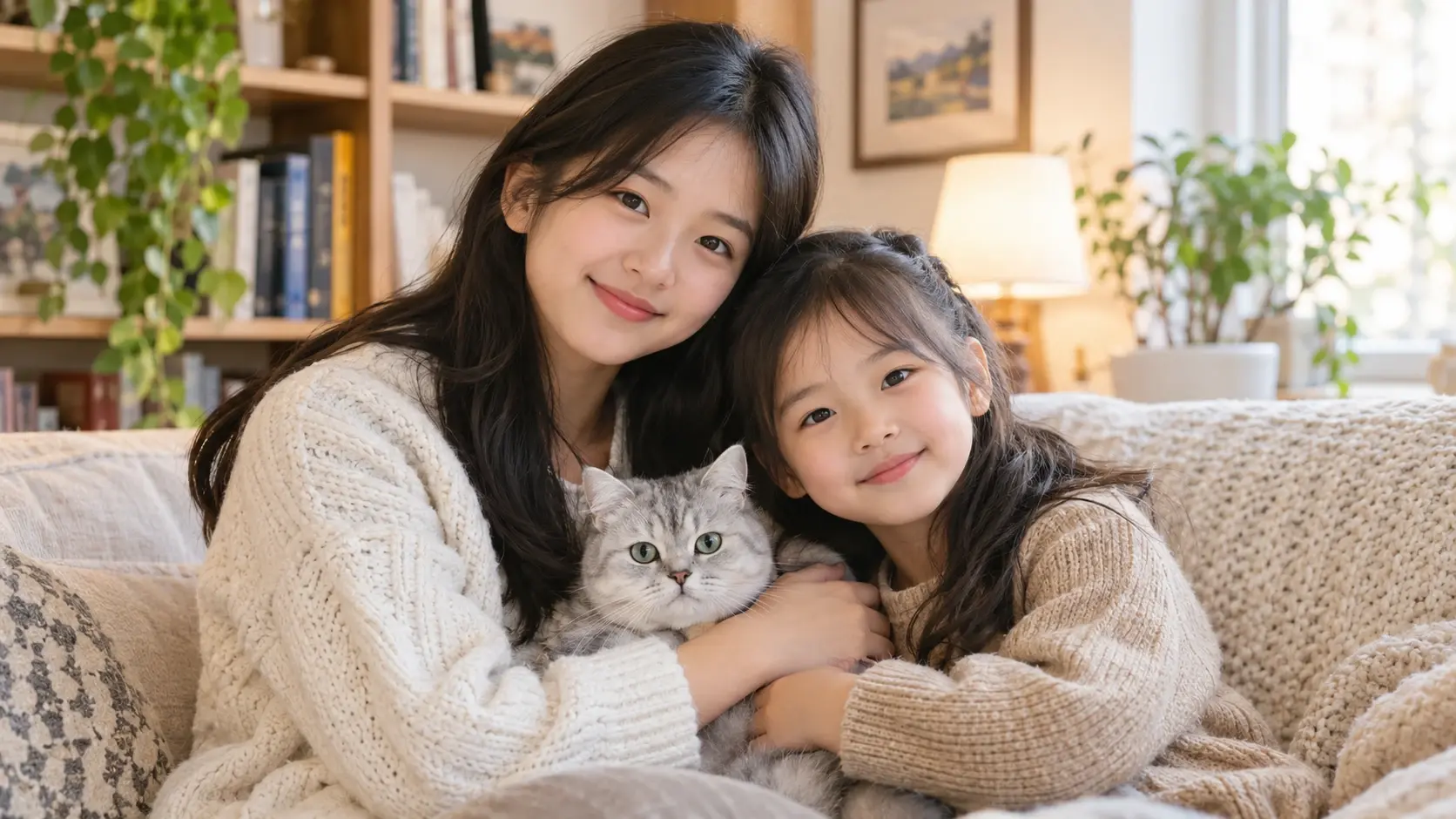
Classic Studio Family Portrait
Create a timeless family portrait with coordinated clothing, balanced composition, and soft professional-style lighting. Arrange parents, children, and grandparents in natural positions against a simple studio background. Explore elegant neutral outfits, relaxed expressions, and a clean photographic style. Ideal for framed family pictures, milestone celebrations, and traditional family keepsakes.
Multi-Generation Family Reunion Portrait
Imagine a family portrait that brings different generations together. Use individual reference photos to explore a group composition featuring grandparents, parents, children, and other relatives. Choose a warm living-room setting, outdoor garden, or classic portrait background to reflect the atmosphere you want. Ideal for long-distance families, reunion concepts, and meaningful family gifts.
Holiday and Lifestyle Family Photos
Create family portraits inspired by special seasons and everyday moments. Explore cozy Christmas scenes, autumn park photography, sunny beach portraits, and relaxed family gatherings at home. Experiment with coordinated clothing, seasonal decorations, and natural poses. Ideal for holiday cards, family announcements, and personalized photo albums.
Why Choose PicLumen?
Create Family Portraits Without Complicated Photo Editing
Start with Photos You Already Have
You don't need a professional studio photograph to explore family portrait ideas. Use suitable existing images as references, including individual portraits and casual family pictures. Clear source photos help provide recognizable visual details for the generated composition.
Bring Your Family Portrait Ideas Together
Describe who should appear in the picture, where each person should be positioned, and what atmosphere you want. For example, a family of five might be arranged around a sofa in a bright living room, with everyone facing the camera naturally. A detailed prompt helps communicate your intended composition.
Personalize the Background and Clothing
Experiment with formal studio outfits, coordinated casual clothing, or seasonal family looks. You can also change the visual setting to a garden, beach, living room, or photography studio. For example, PicLumen's AI Clothes Changer offers a related creative workflow when you want to explore clothing variations in existing portraits.
Explore Realistic and Artistic Results
Different family moments suit different visual styles. Choose realistic photography for a traditional portrait or experiment with more artistic interpretations for personalized gifts. Compare several results to find the style that best represents your family.
Create Personal Keepsakes and Gifts
Family pictures often become some of our most meaningful possessions. An AI-generated family portrait can offer a creative way to celebrate relationships, special occasions, and shared memories. Review the final image carefully before printing or sharing it, especially when accurate facial resemblance matters.
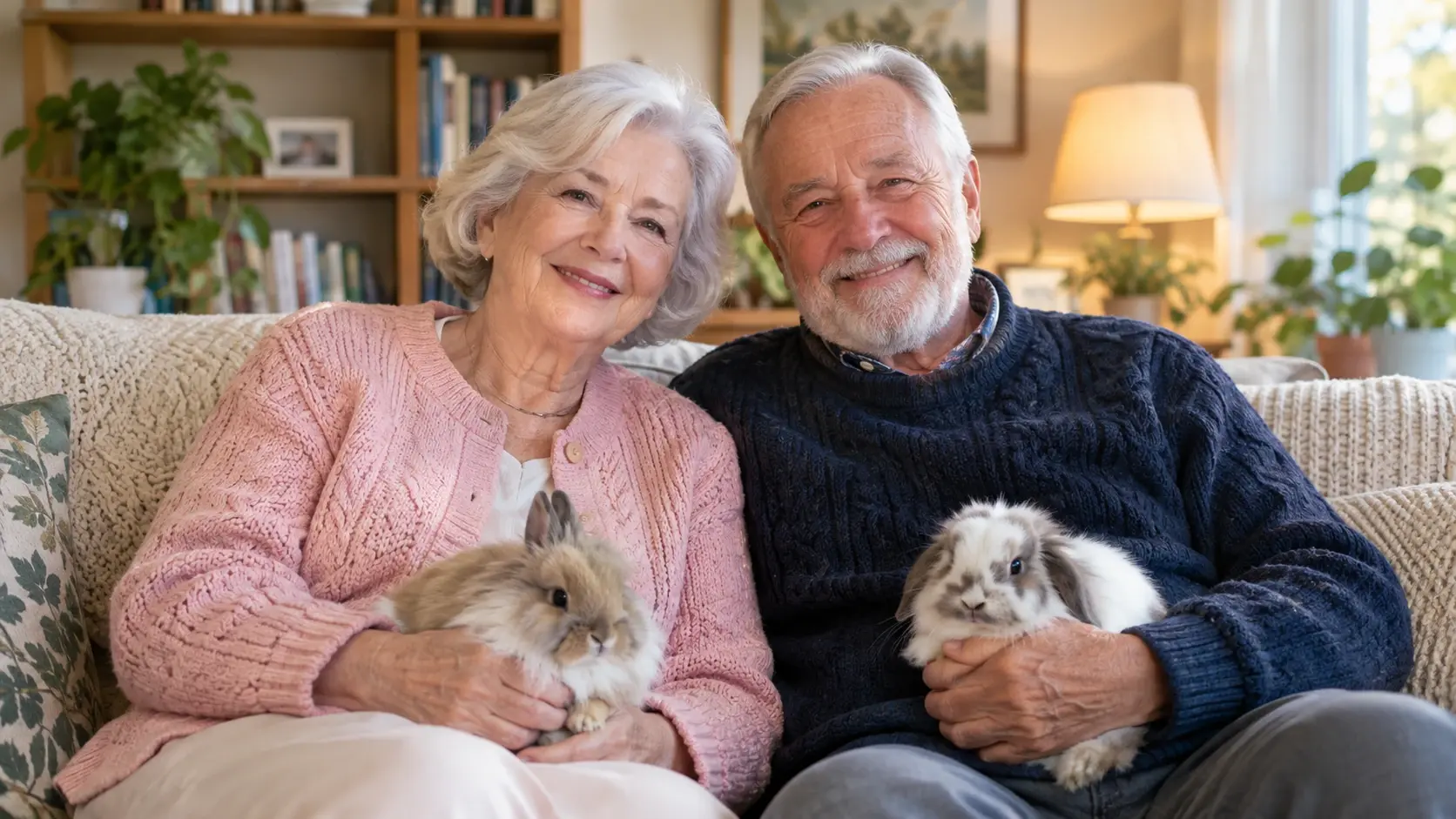
Long-Distance Family Portraits
Bring family members from different cities or countries into a shared creative composition. For example, you can use individual photos to explore a family portrait that includes relatives who rarely have the opportunity to meet in person. An AI family portrait from individual photos can serve as a meaningful visual keepsake, while remaining clearly understood as an AI-created image.
Christmas and Holiday Cards
Explore festive family pictures for Christmas cards, New Year greetings, and seasonal announcements. Use prompts to describe cozy sweaters, holiday decorations, warm indoor lighting, or winter landscapes. A personalized AI family photo can become part of a digital greeting or printed card concept.
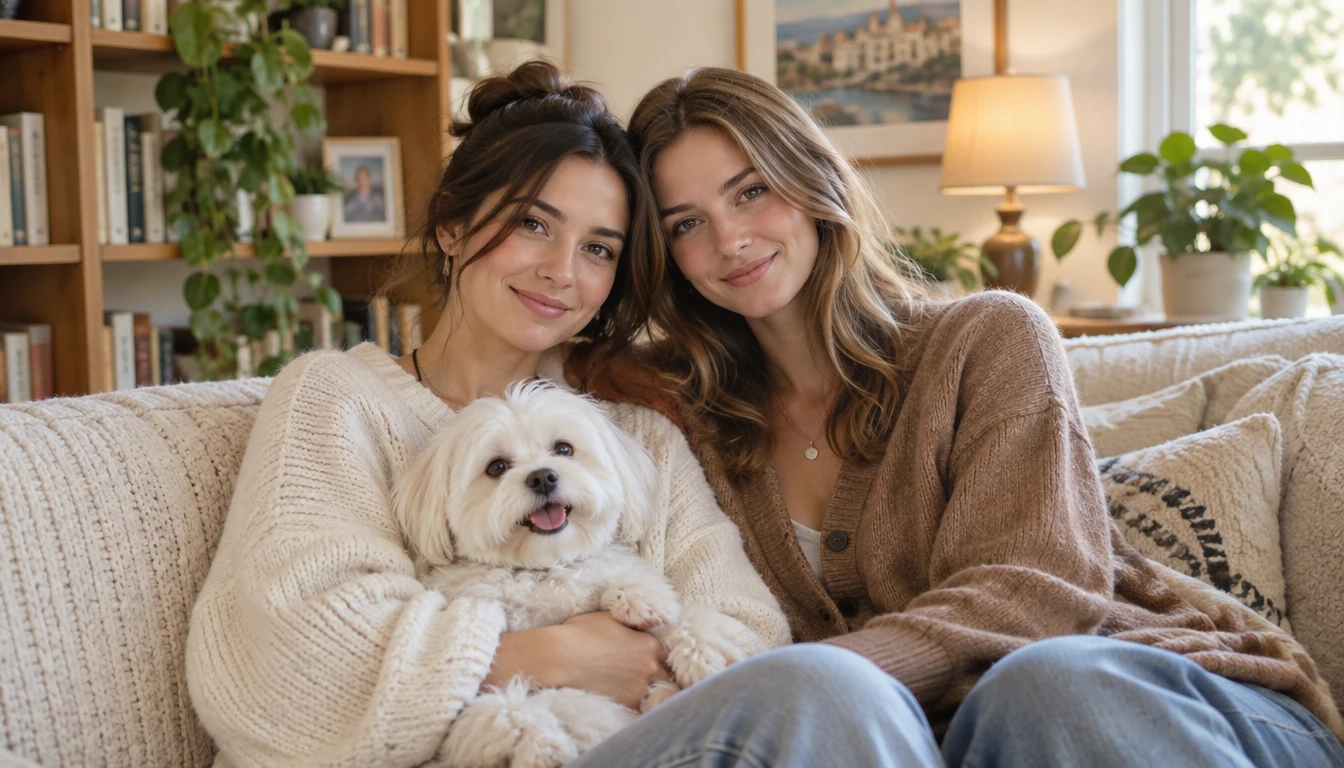
Family Albums and Home Decoration
Turn selected family photographs into new visual interpretations for albums and decorative displays. Explore classic portrait photography, vintage film styles, and artistic compositions that complement your home.
Family Birthday and Anniversary Gifts
Celebrate birthdays, anniversaries, and family milestones with personalized portrait artwork. Create a formal group portrait, a nostalgic family scene, or a warm lifestyle composition. These images can be shared with relatives or used as inspiration for framed gifts.


Loved by Creators Worldwide
Real feedback from designers, marketers, and hobbyists sharing their PicLumen experience on Trustpilot.
A New TV Episodes Of Ninja Sweetie On…
A New TV Episodes Of Ninja Sweetie On Paramount+
Awesome program easy to use a little…
Awesome program easy to use a little disappointment in the fact you can’t buy lumies
Sara FrandsenExcellent customer service
Excellent customer service! The support team was incredibly fast, polite, and helpful. They handled my request quickly and professionally without any hassle. It is rare to see such great and honest support these days. Highly recommended!
Brijesh Chikhaliyavery good
very good , Excellent Experience
 rockstar gaming
Value For Money
its value for money i fully recommend you to try this one time you will like it...
Great platform
Ease of use,and great models
 Piye Chauhan
Nice app generate to google
Nice app generate to google
 Darius Salahshori
Good
Very good and I work very hard.
Can’t go wrong using this one
Can’t go wrong using this one
a great creative app
This is such a great creative app it really brings out the artist in you
like is aesy to used
like is aesy to used i like, im new on this site and i love how is all. thanks
basem trialsWorks like charm .
Works like charm .. I love this app
Frequently Asked Questions
What is an AI family photo generator?
An AI family photo generator uses artificial intelligence to create family portraits from reference photos, written descriptions, or both. It can help explore group compositions, photography styles, and new visual settings for family pictures.
Can I create an AI family portrait from individual photos?
Yes, with a supported multi-reference image-generation workflow. Upload separate portraits, describe each family member, and specify how everyone should appear together. The number of supported reference photos depends on the selected model, and facial resemblance may vary.
Can I make an AI family portrait from individual photos online for free?
If you're looking for an AI family portrait from individual photos online free, check PicLumen's current free Lumens allowance and the credit requirements of a model that supports multiple reference images. Free availability and supported image counts may vary.
Will an AI family portrait keep everyone's real face?
Reference images can help guide facial resemblance, but no AI workflow should be assumed to preserve every face perfectly. Use clear source photos and review each person's features, age, and expression in the generated result.
Can I include grandparents, children, and pets in one AI family photo?
You can explore multi-generation family portraits and pet-inclusive compositions when the selected model supports the necessary references. For larger groups, clearly specify the number of people and their arrangement, then check for missing or duplicated subjects.
Can I create a family portrait without uploading real photos?
Yes. Text-to-image generation can create a fictional family portrait from a description. However, without personal reference images, the generated people will not reliably resemble your actual family members.
Is it safe to upload family photos to an AI generator?
Before uploading personal images, review PicLumen's current privacy terms and use photos you have permission to share. Be especially careful with children's images and avoid including unnecessary identifying details. Privacy and retention policies should be checked directly rather than assumed.