Free Birthday Card Maker Online
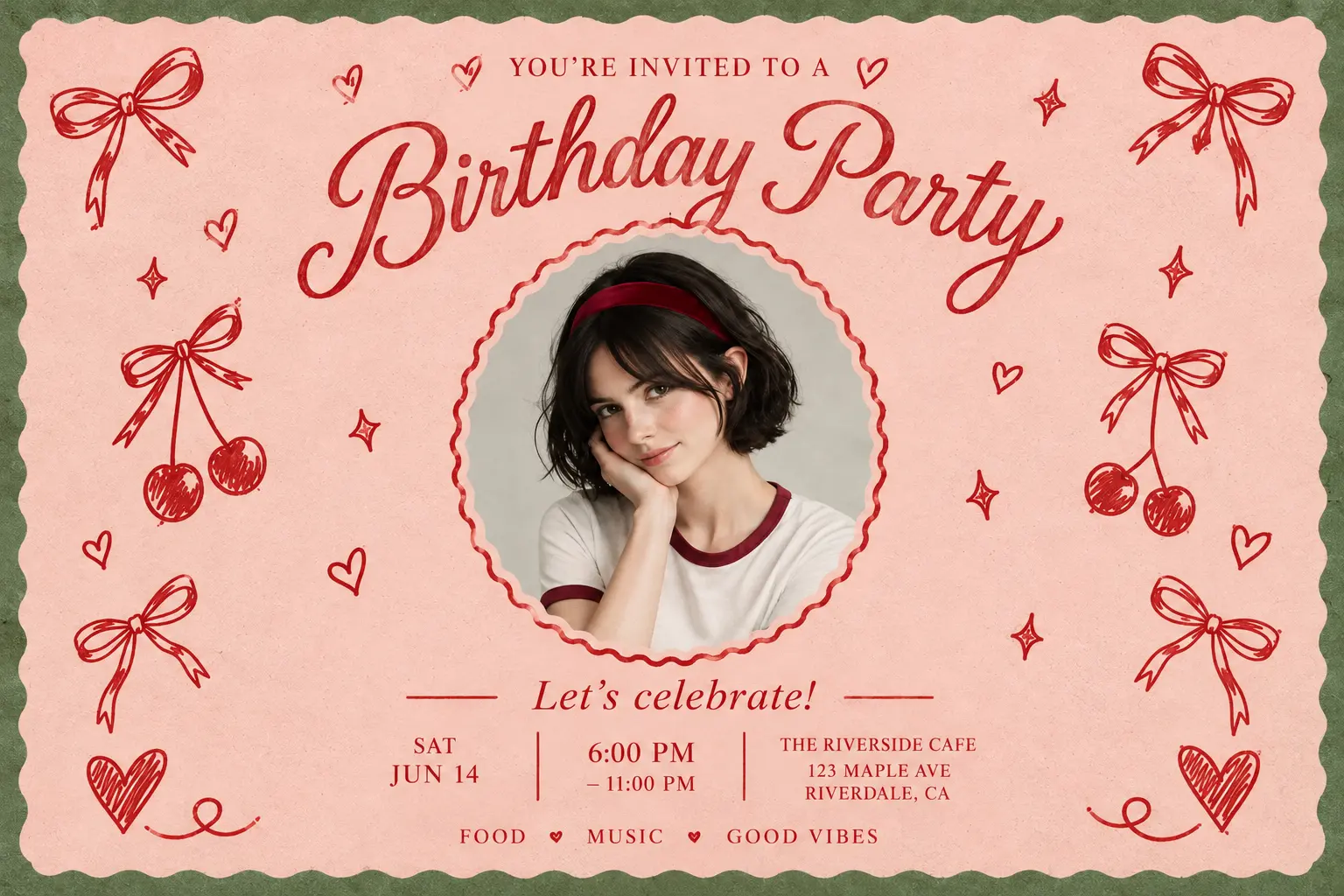
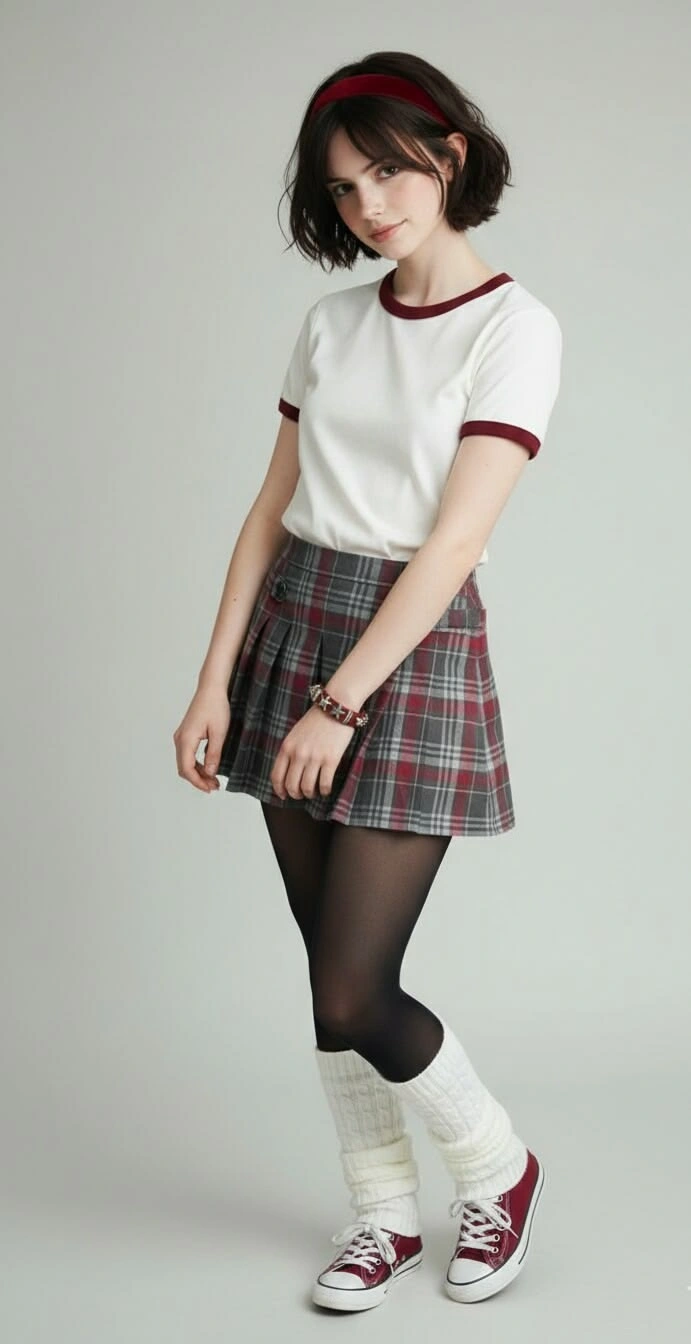
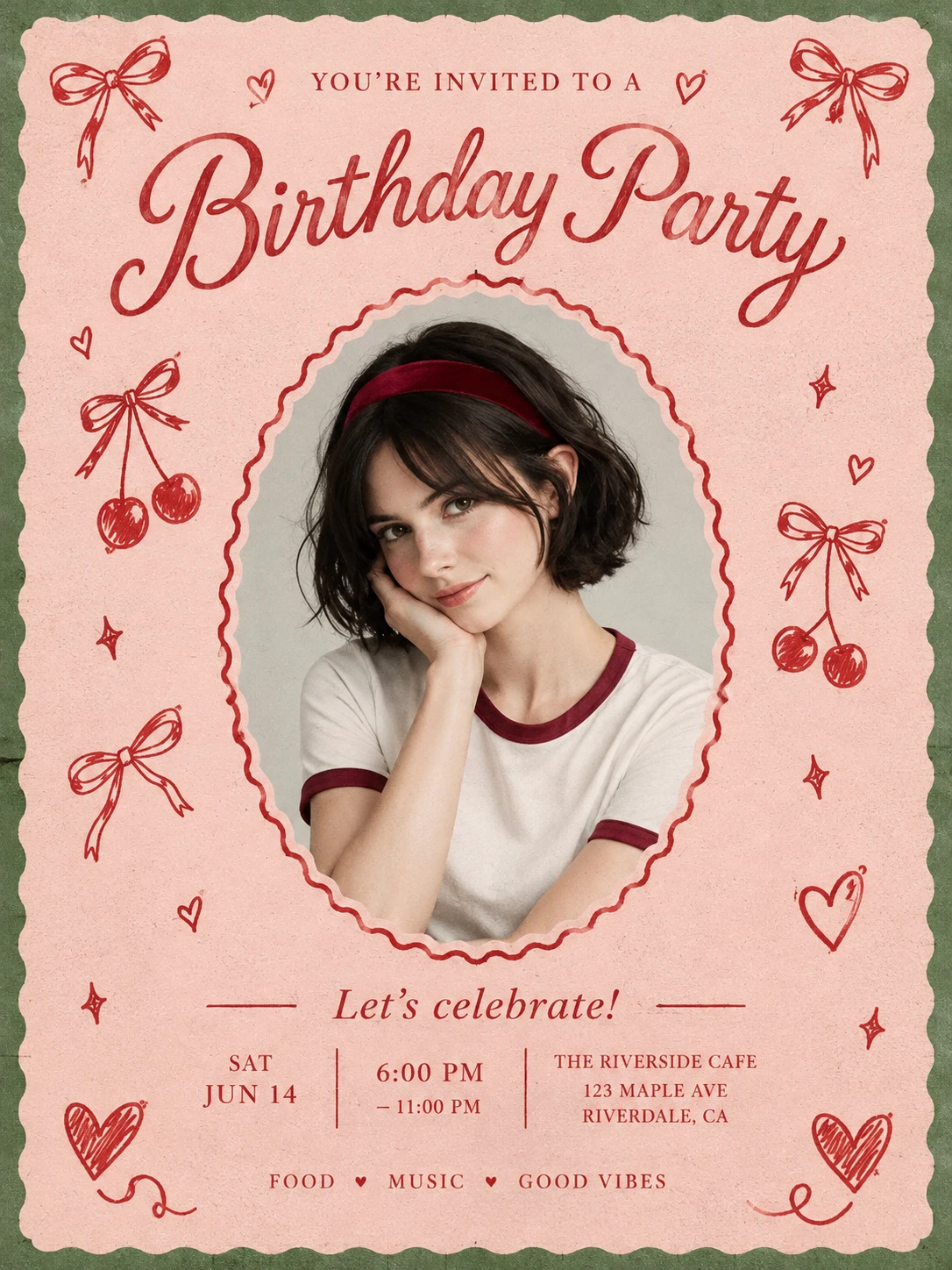
How to Make a Birthday Card with AI
Describe Your Birthday Card
Enter a description of the card you want. Include the theme, colors, style, and any name or short birthday greeting you would like in the design.
Add a Photo and Generate
Upload a reference photo if you want a photo-based design, then start the generation. PicLumen uses your description and reference to create the birthday card artwork.
Download and Share
Download your birthday card and share it with the person you’re celebrating. Send it digitally or print it to include with a gift.
Make Birthday Wishes More Personal

Quick AI Creation
Take a birthday idea from a simple description to a finished design with AI. Spend less time arranging individual elements and more time choosing the details that make your card meaningful to the person receiving it.

Customize Your Card
Include a name, a favorite photo, or a short wish that sounds like you. These familiar details help make the card feel connected to your relationship, whether you’re celebrating a friend, family member, partner, or colleague.

Try Various Styles
Explore watercolor, cartoon, minimalist, and vintage designs to match the recipient’s taste. Describe your preferred style and colors, then let AI turn your idea into a birthday card that reflects their personality and suits the celebration.
Create Birthday Cards Faster with AI
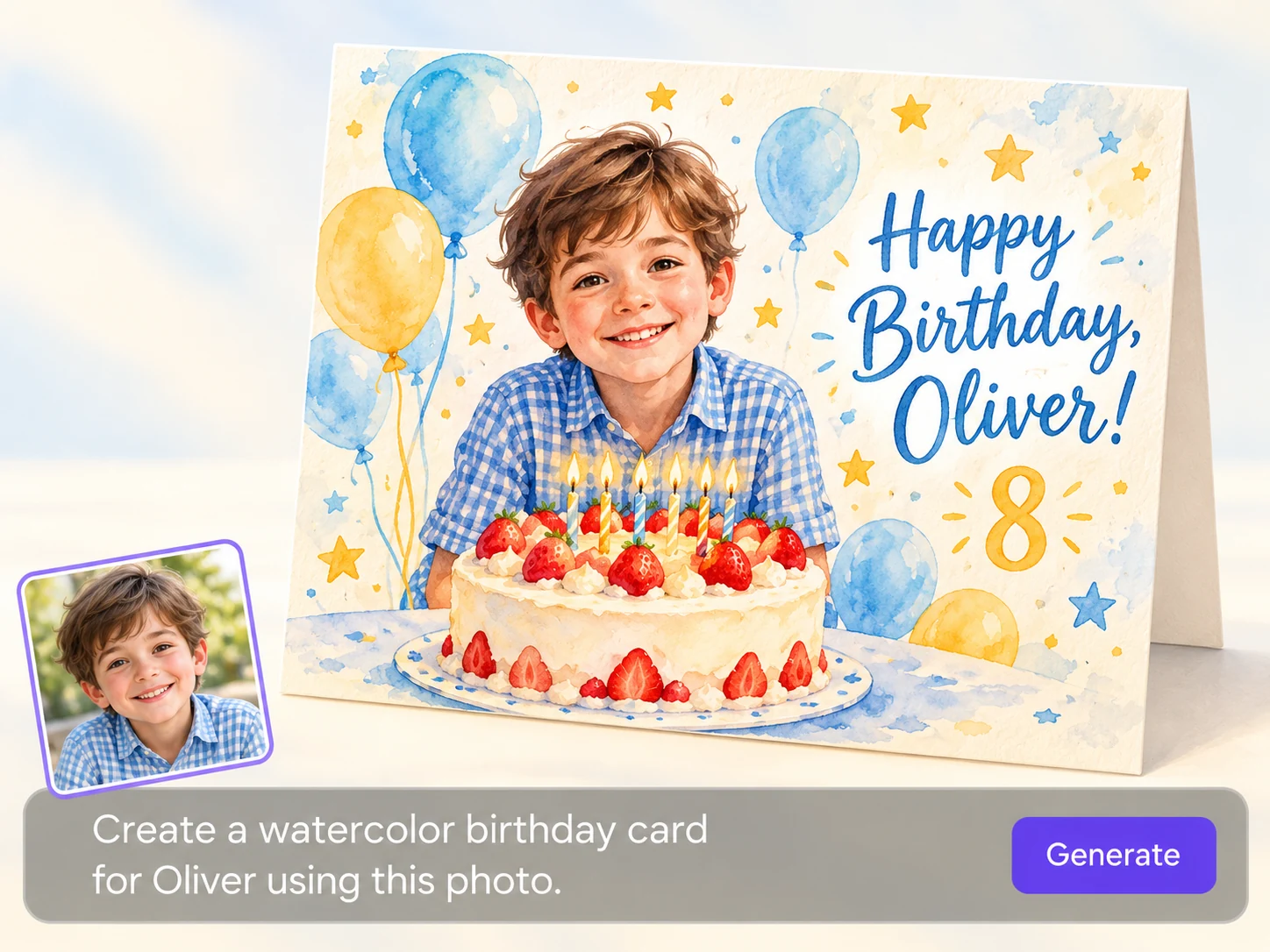
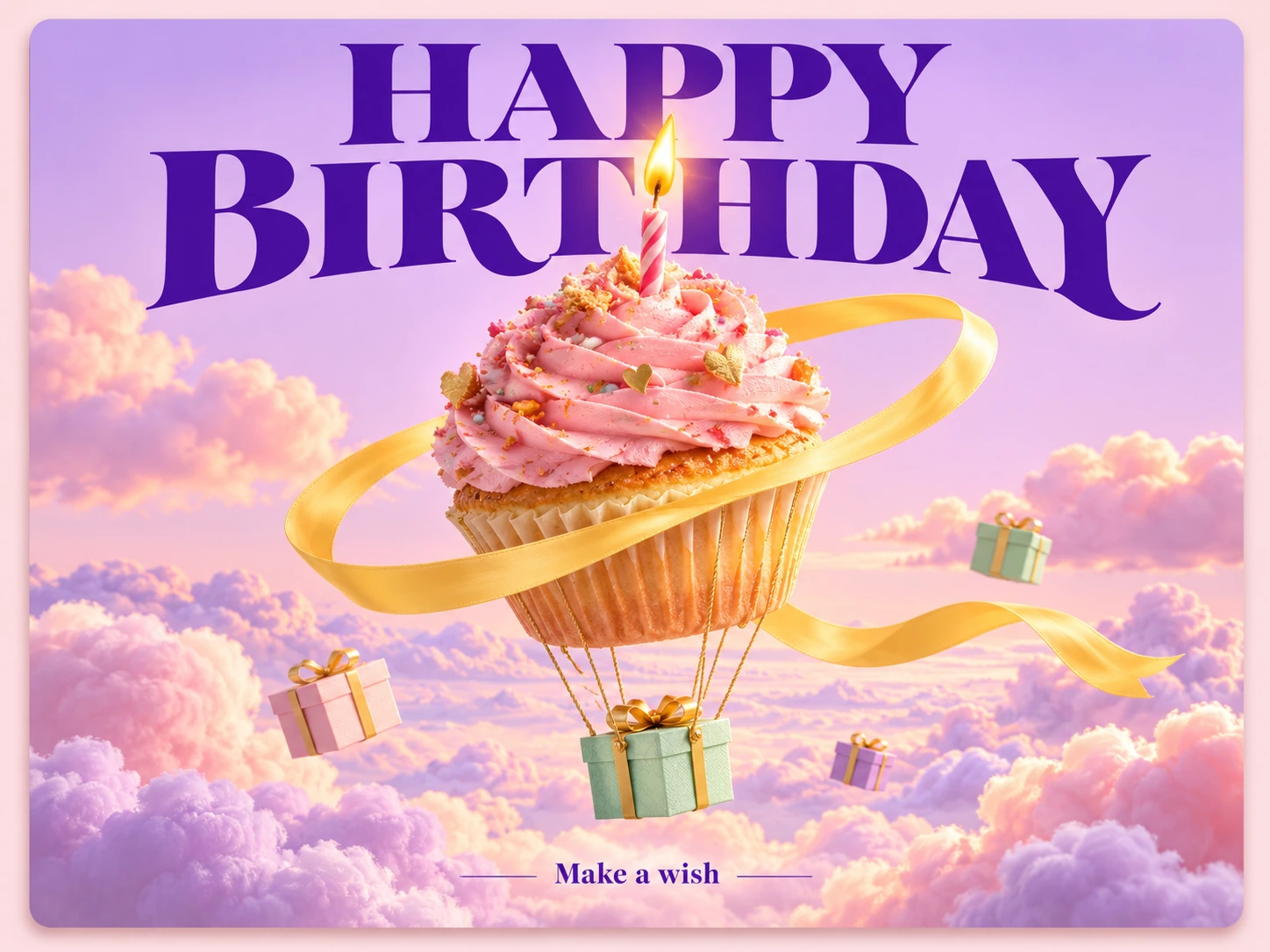
Turn a simple birthday idea into card artwork with less time spent designing from scratch. Tell PicLumen the theme, mood, colors, and greeting you have in mind, and let AI develop the composition. Start with a cheerful cake illustration, a flower-filled garden, or a scene inspired by someone’s favorite hobby. You can explore another version by adjusting your description as the idea develops. Whether you’re planning ahead or preparing a last-minute surprise, PicLumen’s AI birthday card maker helps you move from an initial thought to a design you can share.
Personalize Cards with Names and Photos
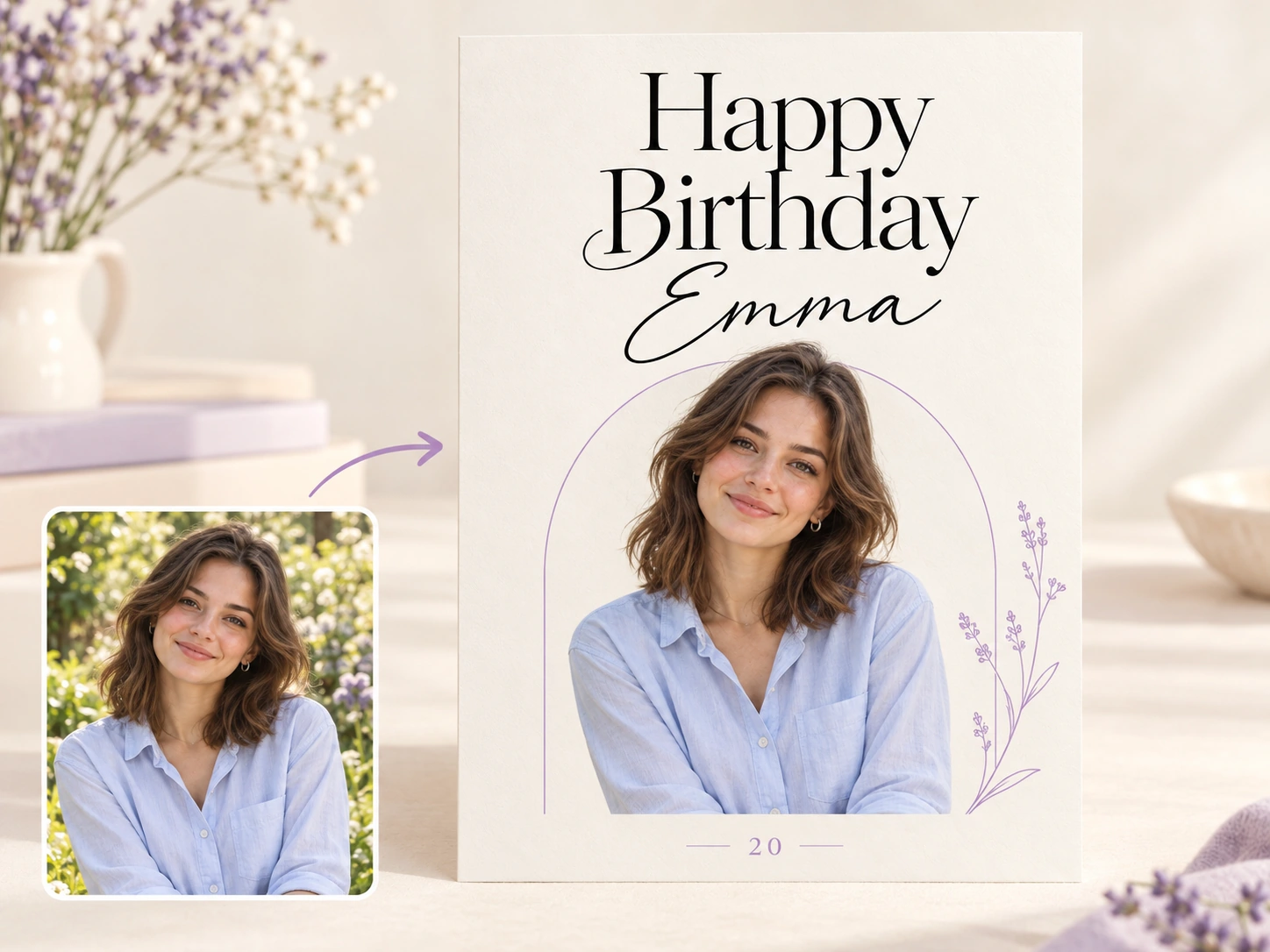
Make a birthday card with a name and photo that give the design a personal connection. Upload a favorite portrait or shared snapshot, then include the recipient’s name and a short greeting in your instructions. A childhood picture can inspire a nostalgic card, while a recent travel photo can bring a shared adventure into the celebration. PicLumen combines these details with your chosen theme to create personalized artwork. Add your own name as a signature, or keep the focus on the birthday person with a message that feels written especially for them.
Turn Birthday Ideas into Artwork
Give your birthday wishes a scene of their own. Imagine your best friend exploring a candy-colored planet, your partner having a picnic beside the sea, or your dad surrounded by his favorite garden plants. Describe the setting and the details that make it meaningful, then let PicLumen turn your idea into artwork. You can build the card around an inside joke, a dream destination, or a memory you both love. This gives you room to create something more specific than a general greeting and make the recipient part of the story.
Explore Styles for Every Personality
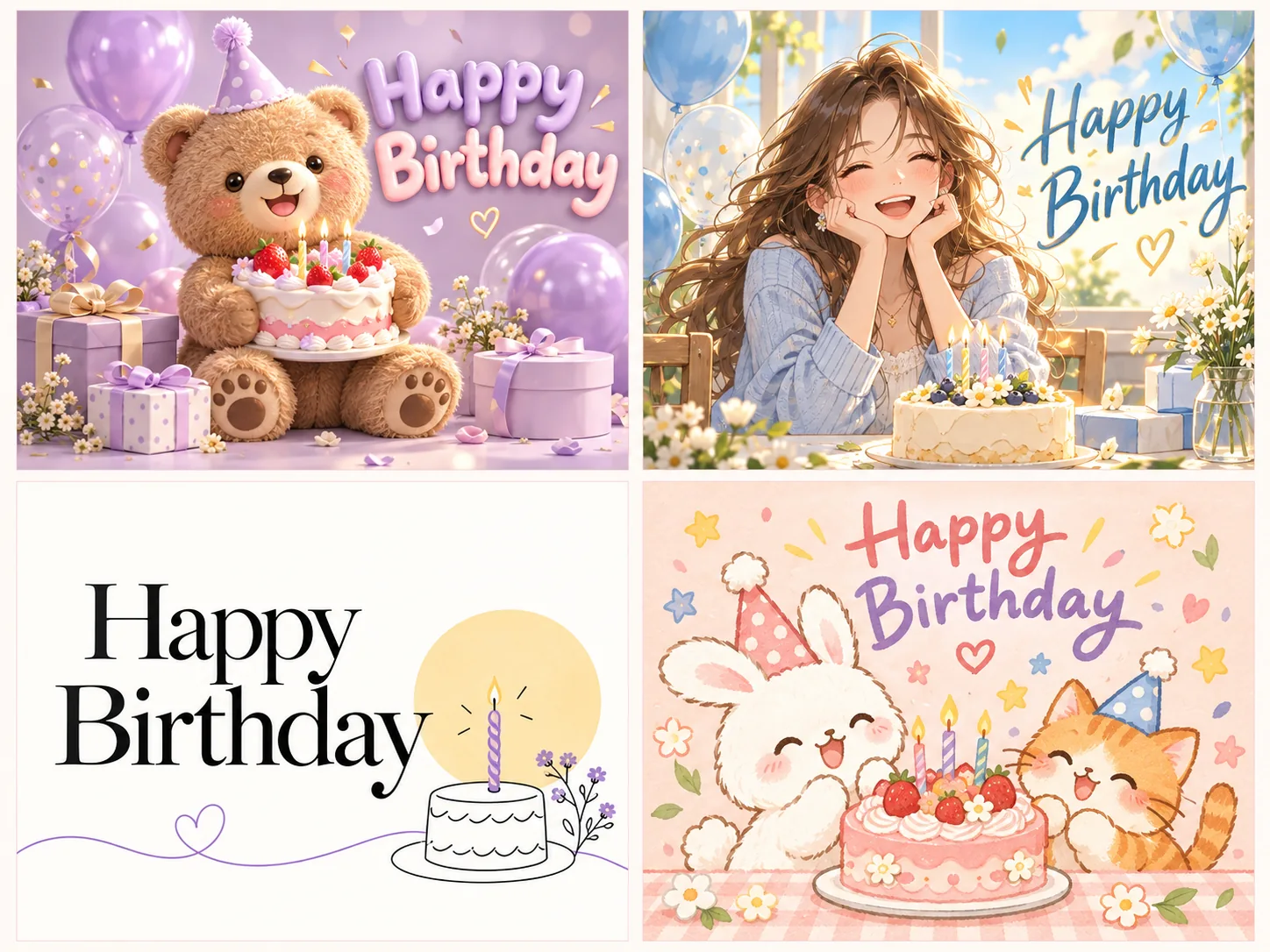
Find a visual style that suits the person you’re celebrating. Try watercolor flowers for someone who enjoys soft, artistic designs, or colorful cartoons for a friend with a playful sense of humor. Minimalist layouts, vintage illustrations, botanical artwork, and paper-cut-inspired scenes offer more possibilities. Describe the style alongside your subject, colors, and birthday message to guide the result. You can also generate different interpretations of the same theme before choosing a favorite. From a cheerful child’s card to an elegant milestone greeting, explore a finish that feels right for the occasion.
Who Is This Birthday Card Maker For?
From close family celebrations to birthdays at work, a personal card can make someone feel remembered. Explore how different people can use PicLumen to create birthday wishes with more thought behind the design.
Parents Planning a Birthday Surprise
Make your child’s birthday card part of the adventure they’re excited about. A dinosaur expedition, an underwater kingdom, or a friendly robot party can turn their current interests into a colorful birthday scene. Include their name and age in your instructions, and use a reference photo if you want them to inspire the main character. PicLumen helps parents develop imaginative artwork without illustrating each detail themselves. Share the card as a birthday morning surprise, send it to relatives, or prepare a printed version to place beside a carefully chosen birthday gift.
Friends Sharing Their Favorite Memories
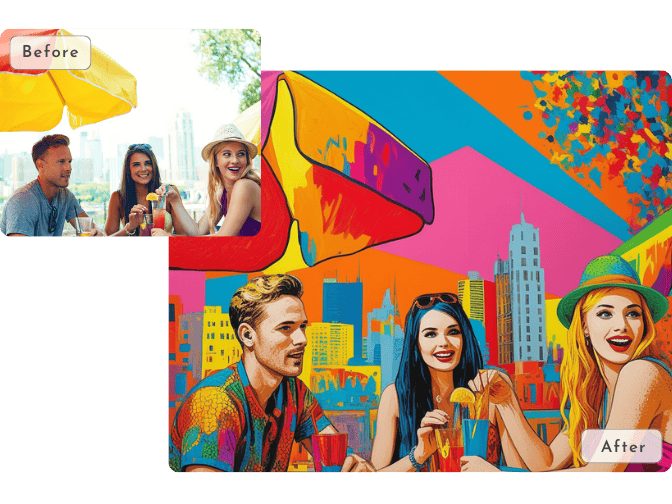
Celebrate a friend with a design that brings your shared stories into the picture. Start with a travel snapshot, a favorite hangout, or an inside joke that makes you both laugh. With an online birthday card maker with photo support, you can use a familiar image to inspire a playful birthday scene. Imagine your friend starring in a retro adventure poster or relaxing in an illustrated version of your favorite café. Pair the artwork with a greeting that sounds like you, then send the card privately or share it in your birthday group chat.
Partners Celebrating Someone Special
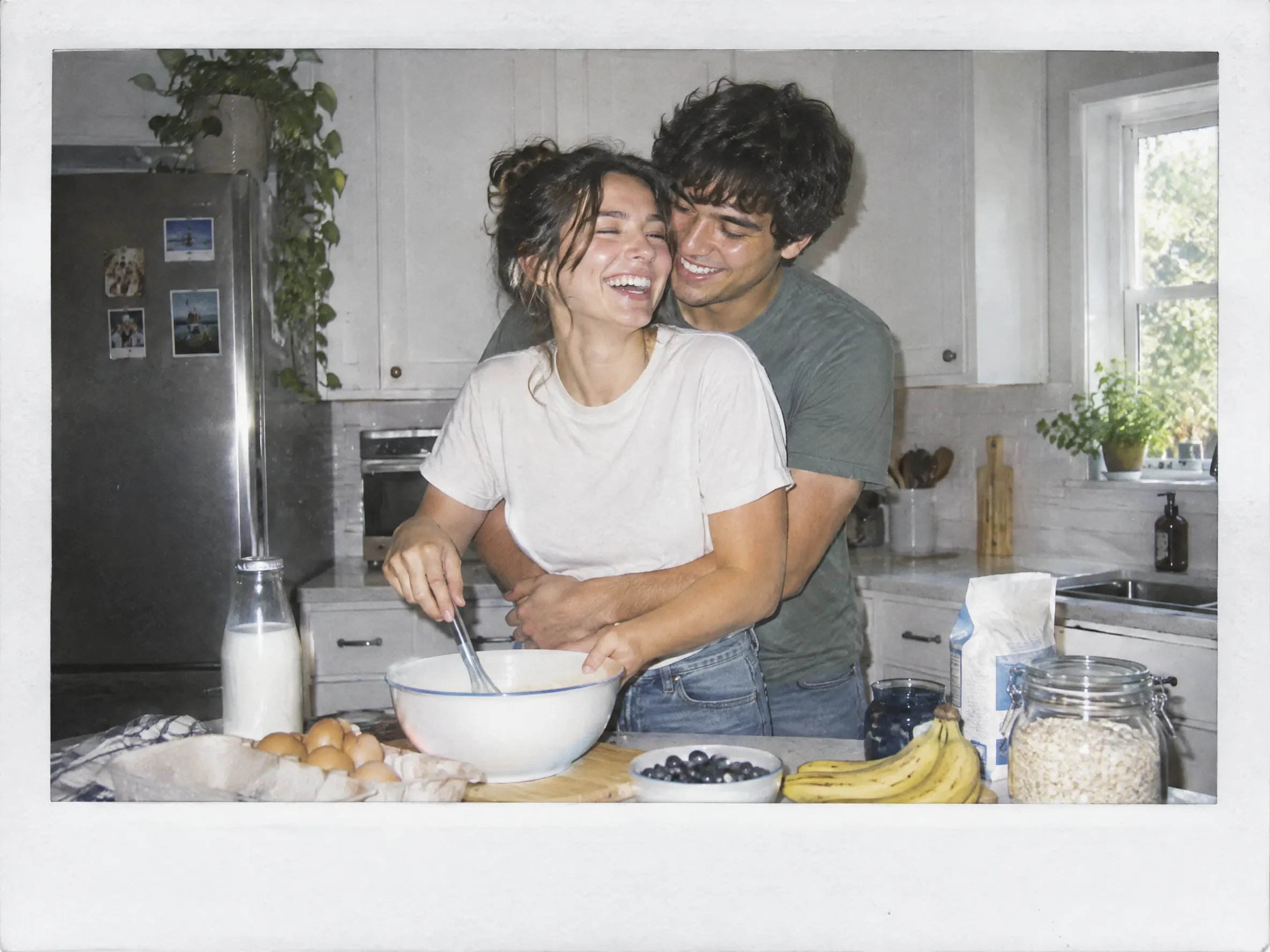
Create a birthday card that reflects the moments you share with your partner. A first date, a memorable holiday, or a quiet Sunday tradition can give the artwork a personal starting point. Upload a favorite photo and describe the atmosphere you want, such as a cozy kitchen, a sunlit coastline, or a city street filled with flowers. PicLumen helps turn those ideas into a design you can pair with a gift or a handwritten note. Choose a warm, playful, or romantic style to match the way you celebrate your relationship.
Families Celebrating from Far Away
Send birthday wishes that feel connected to home, even when your family lives in different places. Choose a photo from a gathering, holiday, or everyday moment, then use it to inspire a card for the person you miss. A grandparent might enjoy a garden scene with familiar faces, while a sibling may appreciate a design built around a childhood memory. PicLumen helps you bring those details into birthday artwork you can send across the miles. Add a personal message when sharing the image, or include it in a family birthday slideshow.
HR Teams and Office Organizers
Give workplace birthdays a more personal touch with a card inspired by the colleague you’re celebrating. Their favorite coffee, weekend hikes, desk plants, or love of reading can all provide a theme that feels appropriate for the team. Use PicLumen to explore a polished illustration or a lighthearted scene, then pair the image with birthday wishes collected from coworkers. You can share the finished design through your usual team channel or include it in a birthday presentation. It’s a practical way to recognize colleagues in an office, a hybrid team, or a remote workplace.
Community Leaders and Group Organizers
Make members feel included with birthday artwork that reflects the interests your community shares. A book club could celebrate someone with an illustrated reading nook, while a running group might choose a cheerful finish-line scene. Adapt the theme, name, and greeting for the member you’re recognizing, and use a photo when it suits the occasion. PicLumen helps organizers develop designs for hobby groups, clubs, and online communities. Share the finished card alongside a few words of appreciation to celebrate the person’s contribution and give other members an easy way to join the birthday wishes.


Loved by Creators Worldwide
Real feedback from designers, marketers, and hobbyists sharing their PicLumen experience on Trustpilot.
Zaine JuttAmazing 😍😍😍😍😍😍 freee 😍😍
Amazing 😍😍😍😍😍😍 freee 😍😍
jordi AlcarazI have really enjoyed using this site…
I've had a really positive experience with Piclumen. The platform offers excellent features for creating AI images and videos, with impressive quality and a wide range of creative possibilities. It's very easy to use, even when experimenting with more complex ideas, and the whole process is both intuitive and enjoyable. excellent customer service. The team replies very quickly, is always friendly, and genuinely tries to solve any issues you may encounter they care about their users. Overall, Piclumen is an innovative, user-friendly, and exciting AI platform. I highly recommend it to anyone interested in AI image and video creation.
Good 👍 perfomense web site good images…
Good 👍 perfomense web site good images good
 Brijesh Chikhaliya
very good
very good , Excellent Experience
 Ms. Bliss
Just getting started
Just getting started, thus far it's really good. Going to continue to review and will update.
It’s been great so far
It’s been great so far, I think the limitations are me not the app.
The best app in the place
The best app in the place
 Darius Salahshori
Good
Very good and I work very hard.
 AK Editing Zone
Nice ai image generation
Nice ai image generation
Can’t go wrong using this one
Can’t go wrong using this one
 Mickael TONGASOA
best but free mod need to fix and add…
best but free mod need to fix and add more credits for the starter
Hazard LionBest project in ai
Best project in ai , creating images 👌
FAQs About Birthday Card Maker
What is an AI birthday card maker?
An AI birthday card maker creates birthday card artwork from written descriptions and reference photos. You describe the theme, style, and personal details you want, and AI generates a design based on your instructions.
Can I create a birthday card with a name and photo?
Yes. PicLumen works as an online birthday card maker with name and photo customization. Upload a reference photo and include the name and birthday greeting in your instructions, along with your preferred theme and style.
Do I need graphic design skills?
No. Describe your birthday card idea in everyday language and add a reference photo for a personal touch. AI develops the artwork, while you choose the theme, review the result, and select the version you want to share.
What should I write in my prompt?
Describe the subject, setting, style, colors, and any short text you want. For example: “A watercolor birthday card with sunflowers and a small orange cat. Use a warm yellow background and add ‘Happy Birthday, Emma!’ in large, readable lettering.”
What kind of photo should I use?
Choose a sharp, well-lit image with the person clearly visible. Avoid heavy blur, deep facial shadows, or objects covering important features. A photo with a simple background can also help make the intended subject easier to identify.
Can I include a personal birthday message?
Yes. Include your message in the prompt and keep it concise so the design has room for both text and artwork. You can also send a longer personal message alongside the downloaded card.
What birthday card styles can I try?
You can describe watercolor, cartoon, minimalist, vintage, botanical, paper-cut-inspired, or other styles in your instructions. Add details about the subject and mood to help guide the overall design.
Can I send the card digitally?
Yes. Download the finished image and share it through email, a messaging app, or your preferred social platform. Add a personal note when sending it to make the birthday wishes feel more complete.