
Free AI Image to Story Generator: Turn Pictures into Stories
Upload a photo, illustration, or character image and let PicLumen turn it into a story worth telling. Create original plots, dialogue, and short fiction inspired by your pictures, with room to shape the characters, mood, and ending.
Why Choose PicLumen's AI Image to Story Generator?

Easy to Get Started
No writing experience needed. Just upload an image, share your idea, and let PicLumen turn it into a story you can build on.

Stories Your Way
Choose your genre, tone, and story length. You can guide the plot, shape the characters, and create a story that fits your vision.

Refine Every Detail
Not happy with the first draft? Change the ending, improve the dialogue, or add a plot twist with a simple instruction.
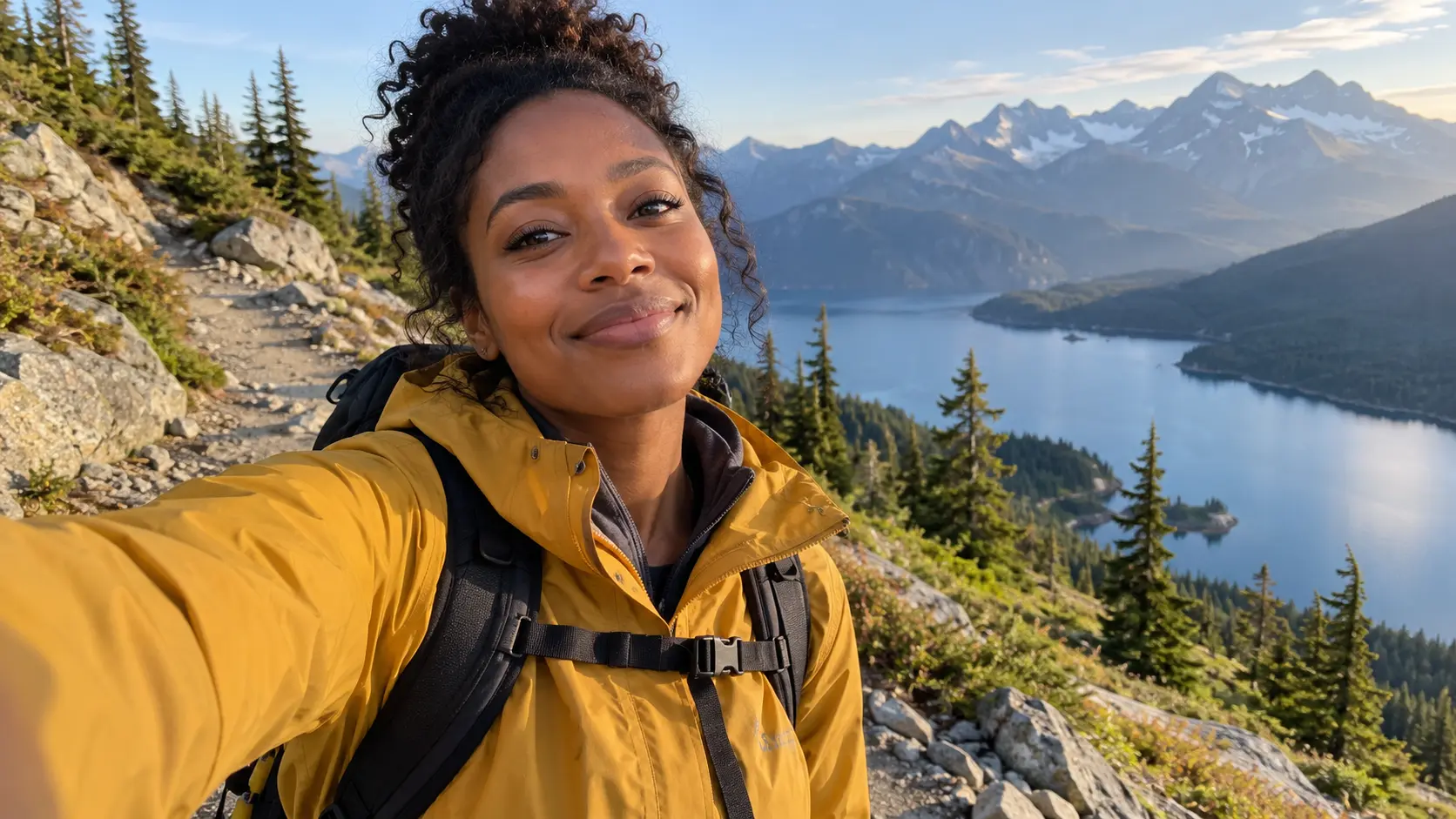
Turn a Single Image into a Complete Story
Have a picture you love but no idea what happens next? Upload it to PicLumen and use the setting, characters, and visual details as the starting point for your story. You can turn a quiet street photo into a mystery, a fantasy illustration into an adventure, or a simple portrait into a character-driven tale.
Give Your Characters a Story of Their Own
You have the character. Now give them a reason to act. Build personalities, relationships, conflicts, and dialogue around the people or creatures in your image. You can explore their past, imagine what happens next, or write an unexpected encounter that takes the story somewhere new.
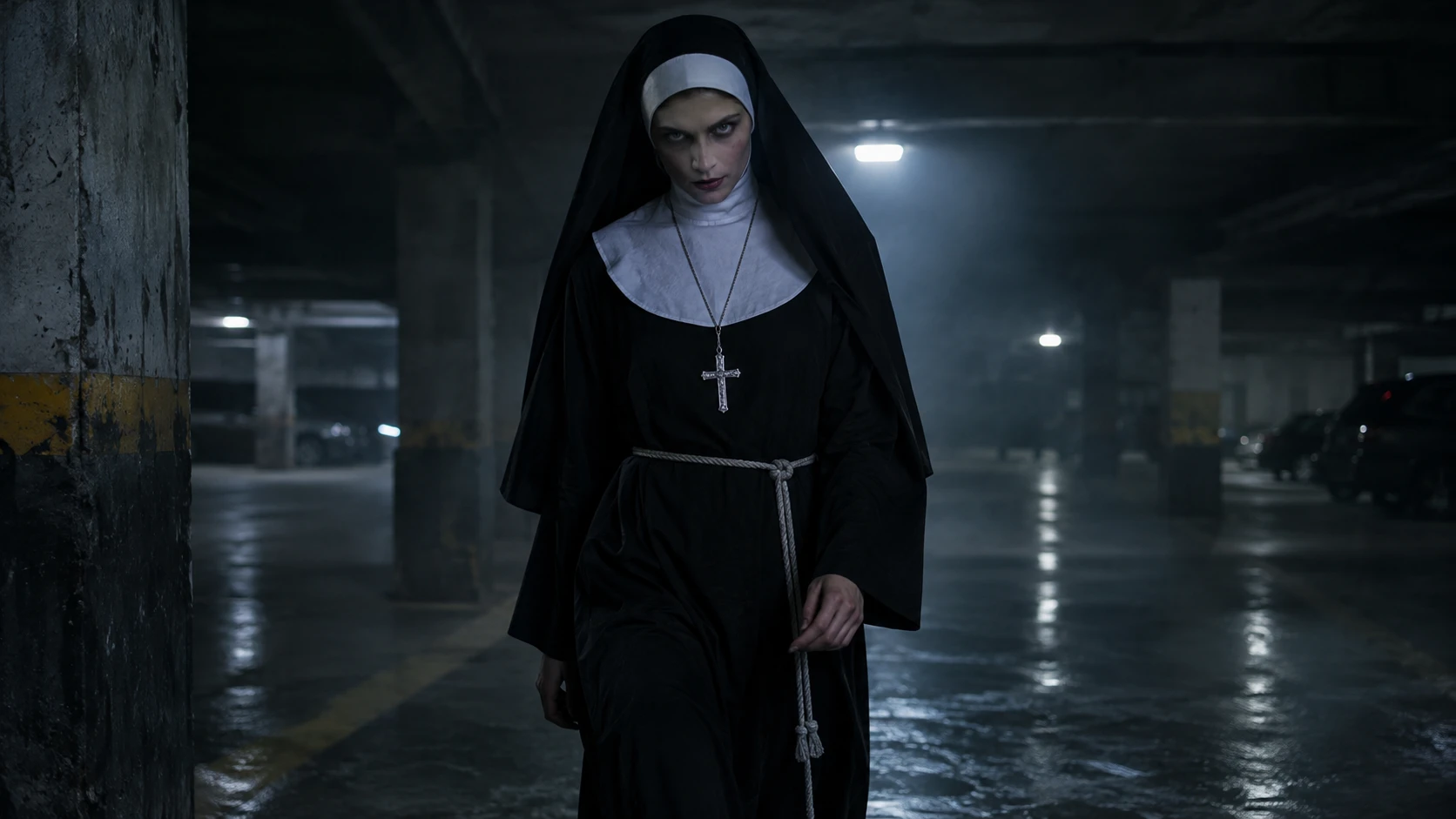
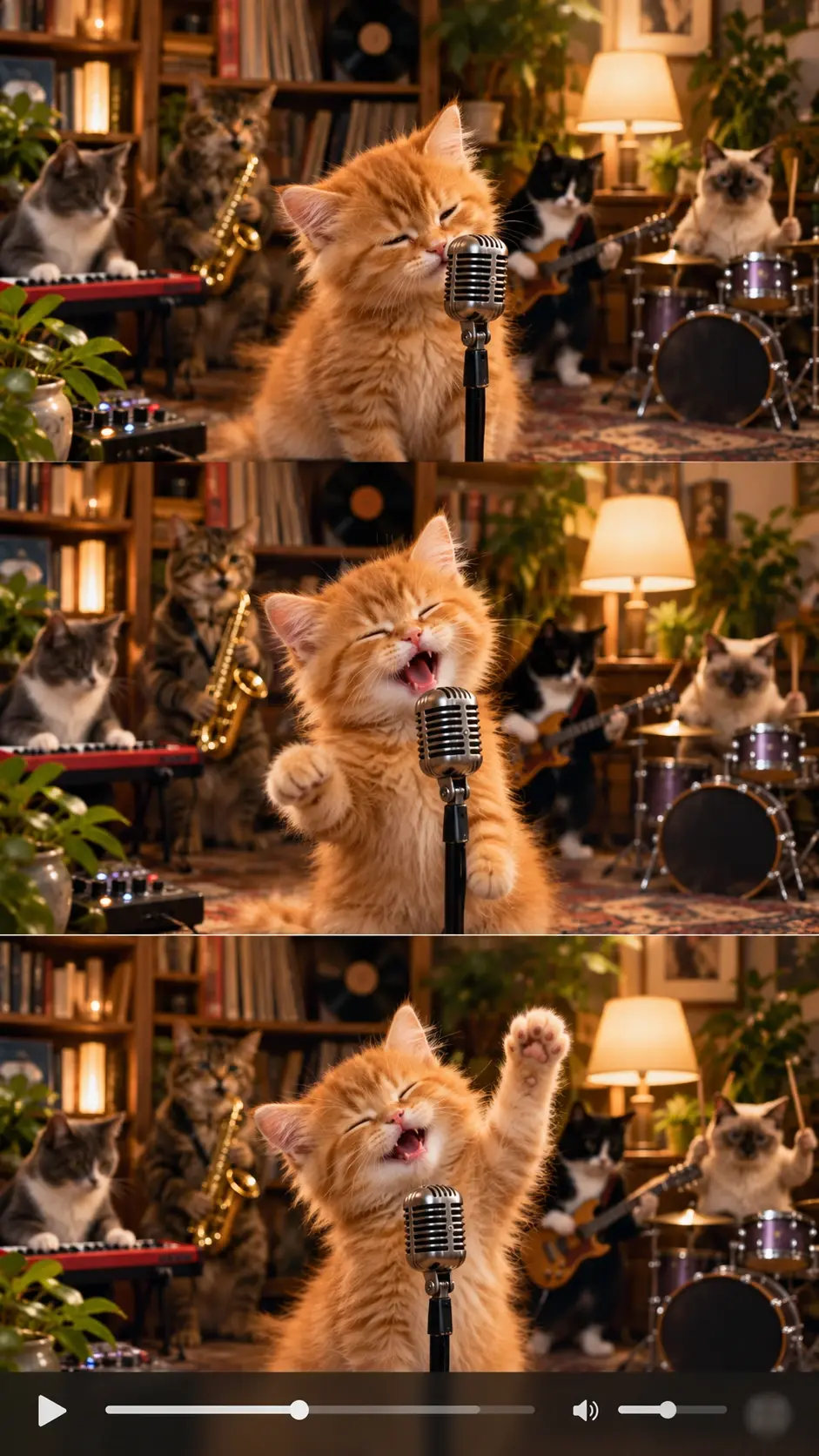
Write Stories in Your Favorite Genre and Tone
Your picture doesn't have to decide the whole story. Want a romantic scene, a dark fantasy, or something funny? Tell PicLumen what you have in mind. You can guide the genre, mood, length, and audience to create anything from a playful bedtime story to a suspenseful short narrative.
Find a Better Plot, Opening, or Ending
A promising idea can still need a stronger twist. With PicLumen's AI story generator, you can build on your first draft by asking for more tension, sharper dialogue, or a different ending. Keep the parts you like and work on the moments that feel flat, without starting your story from scratch.
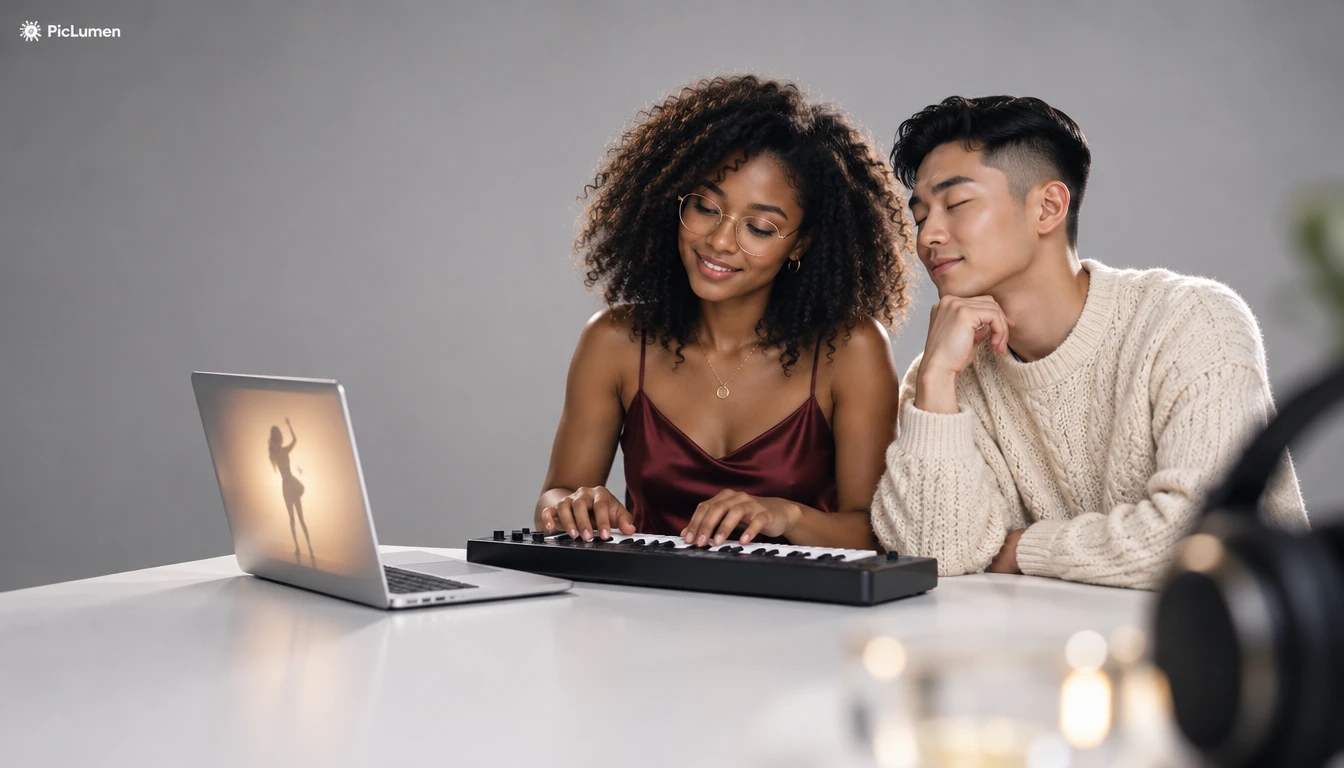
How to Turn an Image into a Story with PicLumen
Step 1 Open PicLumen AI Text
1Head to PicLumen's AI text generator and choose a model, such as GPT-6 Luna, GPT-5.6 Luna, or GPT-5.5, to start writing your story.
Step 2 Upload Your Image
2Add a photo, illustration, or character image. Choose a picture with a clear subject or an interesting setting to give your story a useful starting point.
Step 3 Describe Your Story
3Tell PicLumen what kind of story you want. You can choose a genre, tone, audience, length, or plot direction. A simple request is enough to get started.
Step 4 Generate and Refine Your Story
4Generate your story and read the draft. You can request stronger dialogue, a new plot twist, or a different ending. Once you're happy with it, copy the text for your next project.
Stories You Can Create from Your Images
Turn Personal Photos into Memorable Stories
Give your favorite photos a story beyond the moment they capture. You can turn travel pictures, family portraits, or everyday snapshots into fictional memories, heartfelt narratives, or imaginative adventures.
Create Personalized Bedtime Stories
Start with a drawing, favorite animal, or imaginary character. You can create gentle adventures, funny encounters, and bedtime tales with a tone and message that suit your child.
Build Character Backstories for Games
Have a game character who needs more personality? Use their portrait or concept art to develop a personal history, motivations, relationships, and plot hooks for your RPG, fantasy world, or interactive story.
Write Stories for Comics and Webtoons
Turn your character designs and illustrations into story ideas for a comic. You can draft scenes, conversations, and plot twists before working on your next panel or chapter.
Develop AI Short Film and Animation Scripts
Have a cinematic image but no script? Build a story around the scene, develop the characters, and outline the action. You can use your draft to plan shots and dialogue before moving into video creation.
Create Short Fiction for Social Media
A striking picture can inspire more than a caption. You can write a mini mystery, a romantic encounter, or a surprising ending that gives your social posts a story people want to finish reading.
Not Sure What to Write? Try This Story Prompt
A Magical Bedtime Adventure
Turn this image into a 400-word bedtime story for children aged 5–8. Make the rabbit the main character and give it a small but meaningful challenge to overcome. Include a friendly magical creature, a surprising discovery, and a warm, comforting ending. Use simple language, gentle humor, and a little dialogue.
The Secret Behind a Fantasy Character
Write a 600-word fantasy story based on this character image. Imagine who this warrior is, what brought them to this place, and what secret they are hiding. Begin with a tense moment, introduce a difficult choice, and build toward an unexpected revelation. Keep the atmosphere mysterious, the dialogue natural, and the character's motivations believable.
A Cinematic Story from One Frame
Use this image as the opening frame of a three-minute short film. Write a cinematic story about the woman on the train, including three connected scenes, natural dialogue, and brief descriptions of the action. Build the plot around an unexpected message that changes her plans. Keep the story emotional but restrained, with a memorable final shot.
The Last Garden in Space
Write a 500-word science fiction story inspired by this image. Follow an astronaut who discovers a living garden aboard a space station abandoned decades ago. Begin with a mysterious discovery, gradually reveal why the garden survived, and introduce an unexpected connection to the astronaut's past. Build a sense of wonder and isolation, with believable emotions, natural dialogue, and a bittersweet ending.


Loved by Creators Worldwide
Real feedback from designers, marketers, and hobbyists sharing their PicLumen experience on Trustpilot.
Alfred Rangel RA wonderful range of options to create…
A wonderful range of options to create truly dreamlike visual effects with all those colors; only imagination is the limit.
 chelsienner
This is my favorite AI Image generator
This is my favorite AI Image generator
I recently had some technical issues…
I recently had some technical issues that I was trying to work through, so I reached out to the team at PicLumen for support. They were incredibly open, responsive, and willing to discuss the challenges I was experiencing. I even sent them a video demonstrating some of the issues I came across, and they took the time to review everything carefully and work toward finding solutions. What really stood out to me was how friendly, approachable, and collaborative they were throughout the process. I never felt like I was just submitting a problem ticket — it felt like they genuinely cared about improving the experience and helping users succeed. I truly enjoy using the platform and appreciate the level of support and dedication behind it. I would absolutely recommend PicLumen to anyone interested in this type of creative work.
Awesome program easy to use a little…
Awesome program easy to use a little disappointment in the fact you can’t buy lumies
 Ai Hack
Great tool
I would really recommend this website to content creation
ZaraPiclumen still remains the best…
Piclumen still remains the best with image references. I don't have any complains using Piclumen. It makes my work easier
 Ioannis Greece
PicLumen is powerful and i like it for…
PicLumen is powerful and i like it for my creations.
GPS BelARI tried the tool for fun and only used…
So far, I've only tried PicLumen for fun and used the free ‘basic option’. Even as an AI design novice, you can achieve great results. It should be emphasised here that if you choose a simple AI, the coins are enough to just give it a try (unlike some other tools). I like the community concept; the opportunity to get inspiration for your own ideas in the image gallery, as well as the option to ‘like’ and comment on other users' creations. The result depends, of course, on the quality of the prompt entered, but ‘practice makes perfect, as we all know!’ The only reason for the one-star deduction is that I can't try everything with the free access and can't comment on the paid options.
 Ririn Nanas
Great
Great, I like Piclumen giving freedom to their work, both paid and free, to be used as content material for personal or commercial purposes.
best of the best
the quick and fast result also too much style and variety is very very astonishing
 Mehdi Sohrabi
good
🔥good best saite and good work and good good good
 basem trials
Works like charm .
Works like charm .. I love this app
Frequently Asked Questions
What is an AI image to story generator?
An AI image to story generator turns pictures into written stories. You upload an image, describe the type of story you want, and let PicLumen develop a narrative inspired by the visual details. You can create short fiction, character backstories, dialogue, and story outlines.
Is PicLumen's AI image to story generator free?
You can get started with PicLumen's free plan, which includes daily Lumens. Available models and usage limits depend on your plan, so you can check the generation requirements before starting your story.
Can I control the genre, tone, and length of my story?
Yes. You can ask for romance, fantasy, horror, mystery, comedy, or another genre. Include your preferred tone, audience, and approximate word count in the prompt. You can also request a specific opening, plot twist, or ending.
What kinds of pictures can I turn into stories?
You can use portraits, landscapes, illustrations, character art, and other reference images. Try pictures with recognizable subjects, expressive characters, or interesting settings. You can also add written instructions to guide the story beyond what's visible in your image.
Can I use my generated story to make an AI video?
Yes. You can use your written story as the basis for a video script or storyboard. Then create the scenes with PicLumen's AI image generator and animate selected images using its image-to-video generator. Video generation is a separate step.
How is PicLumen different from a ChatGPT story generator?
If you've used a ChatGPT story generator, you can start with a similar writing prompt. With PicLumen, you can also add a reference image to guide your story and use other PicLumen tools when you want to develop characters, illustrations, or video scenes from your ideas.
Can I use AI-generated stories for my creative projects?
You can use your generated stories as drafts for personal writing, comics, games, scripts, and other creative work. Before publishing or using a story commercially, review the text for quality, originality, and compliance with PicLumen's terms and any applicable third-party rights.
Can I turn an image into a story without writing a detailed prompt?
Yes. You can simply upload an image and ask PicLumen to create a story based on it. If you have a specific idea, add a few details about the genre, characters, or ending to guide the result.