
Animaker AI Video Generator for Animated Stories
Animaker is an online animation and video-making platform for creating explainers, training videos, promotions, and more. Its AI video generator starts with a text prompt, while character-building and templates offer more ways to shape an animated video. If your next project starts with a written idea or an image you want to animate, PicLumen offers a separate AI video workflow to explore.
Hot Video Effects
Turn your photos into fun dance clips, surprising transformations, and shareable moments with trending AI video effects.
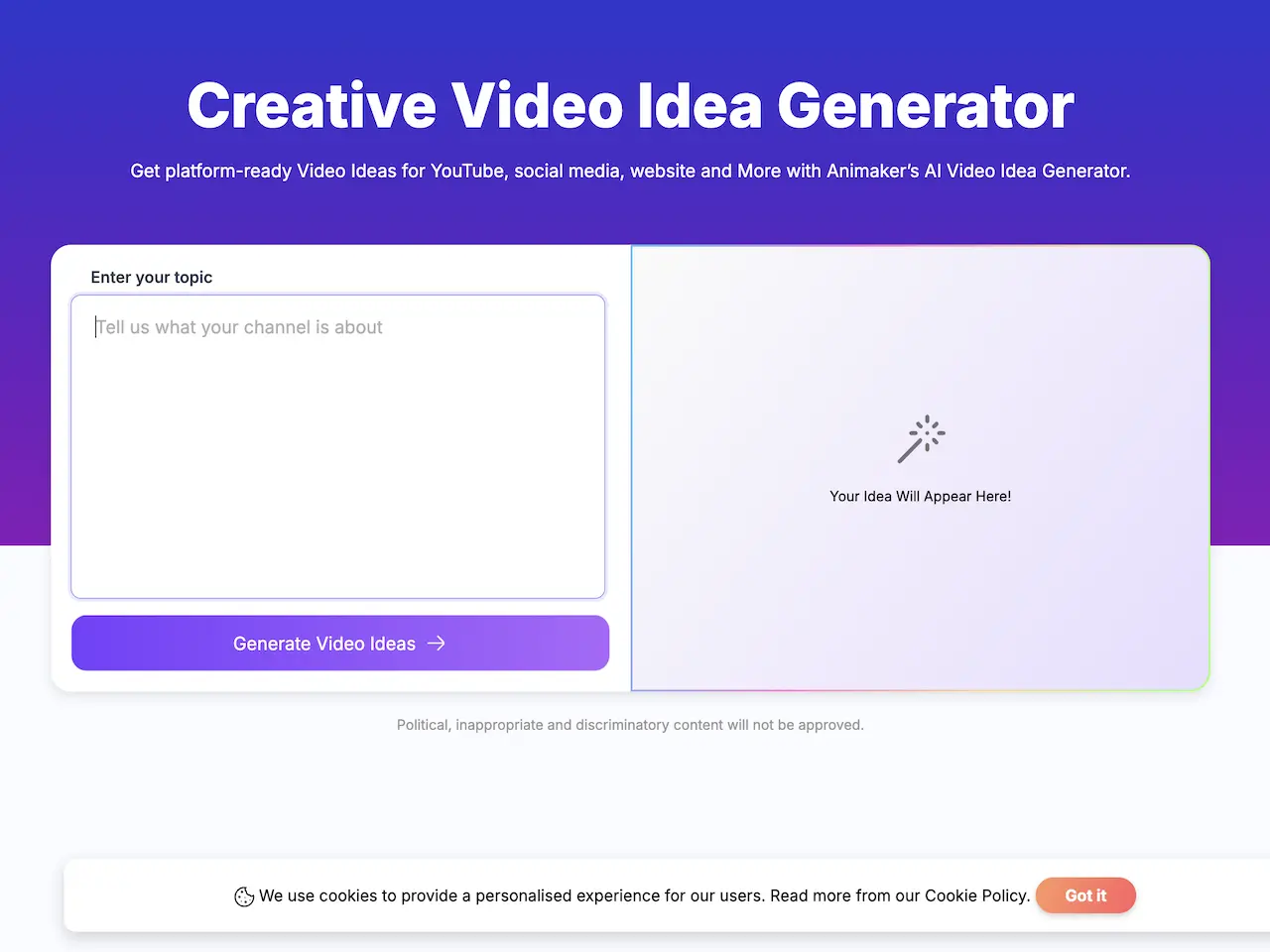
Generate Videos From Text Prompts
Animaker AI turns a written idea into a video. Users choose a category such as an explainer or educational video, enter a prompt or start from a sample, then refine the generated animation. The AI video generator also offers controls for tone, style, and duration. This prompt-first workflow gives marketers and educators a way to develop a draft before assembling or polishing the finished video.
Build Custom Animated Characters
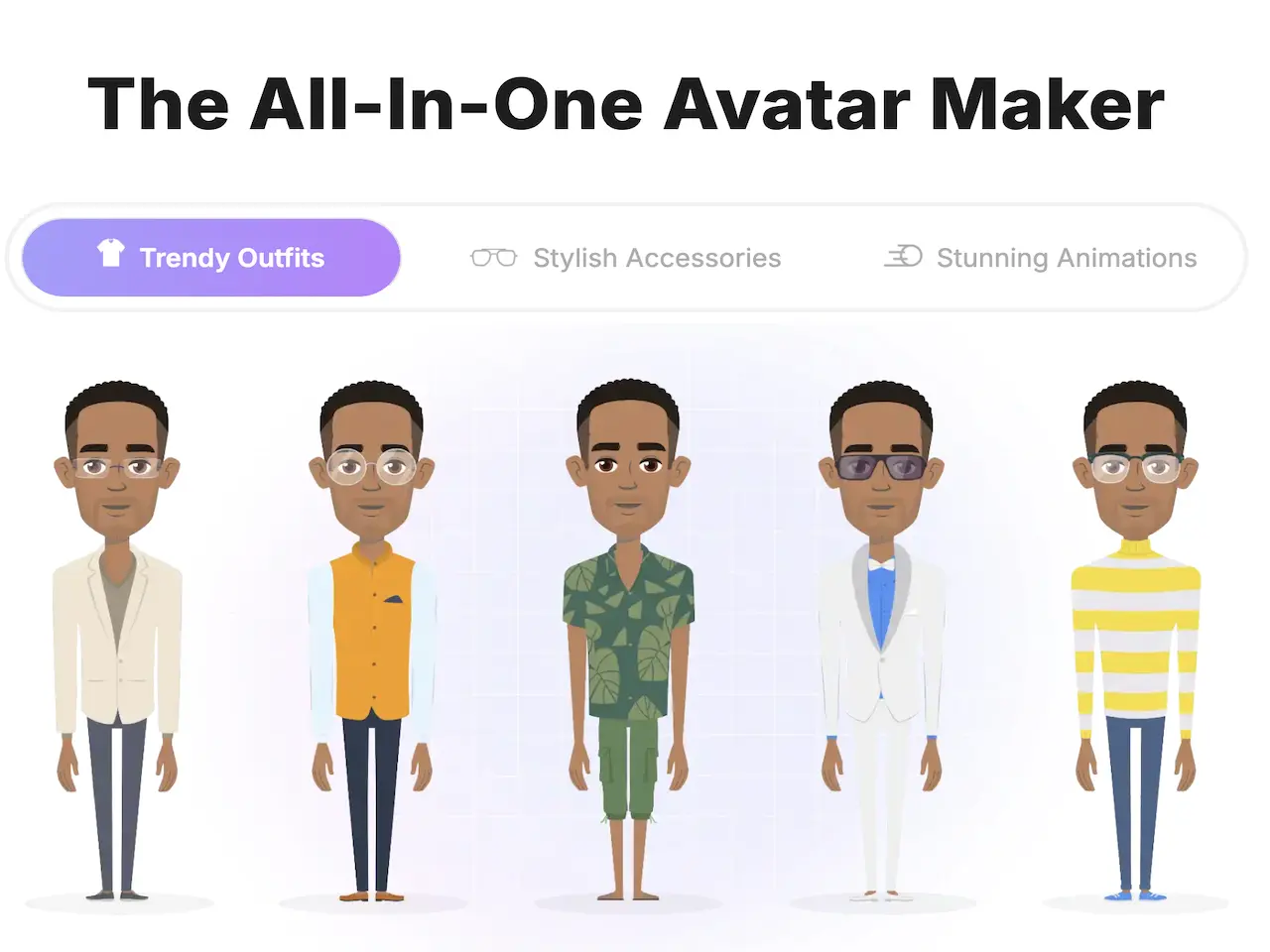
Animaker's character builder lets users create customized animated characters for their videos. A recurring character can help make a training series, branded explainer, or internal announcement feel familiar across scenes. The tool is designed for people who want illustrated characters as part of their video language, rather than relying only on filmed footage or a single still image.

Start With Templates and Visual Assets
Animaker provides video templates alongside a library of stock media, icons, music, and stickers. A template gives users a starting structure for common formats such as promotions, presentations, and explainers; they can then adapt the content to their own message. This approach is useful when a team wants to build an animated video from prepared visual components instead of starting with a blank canvas.
Localize Videos With Subtitles and Voiceovers
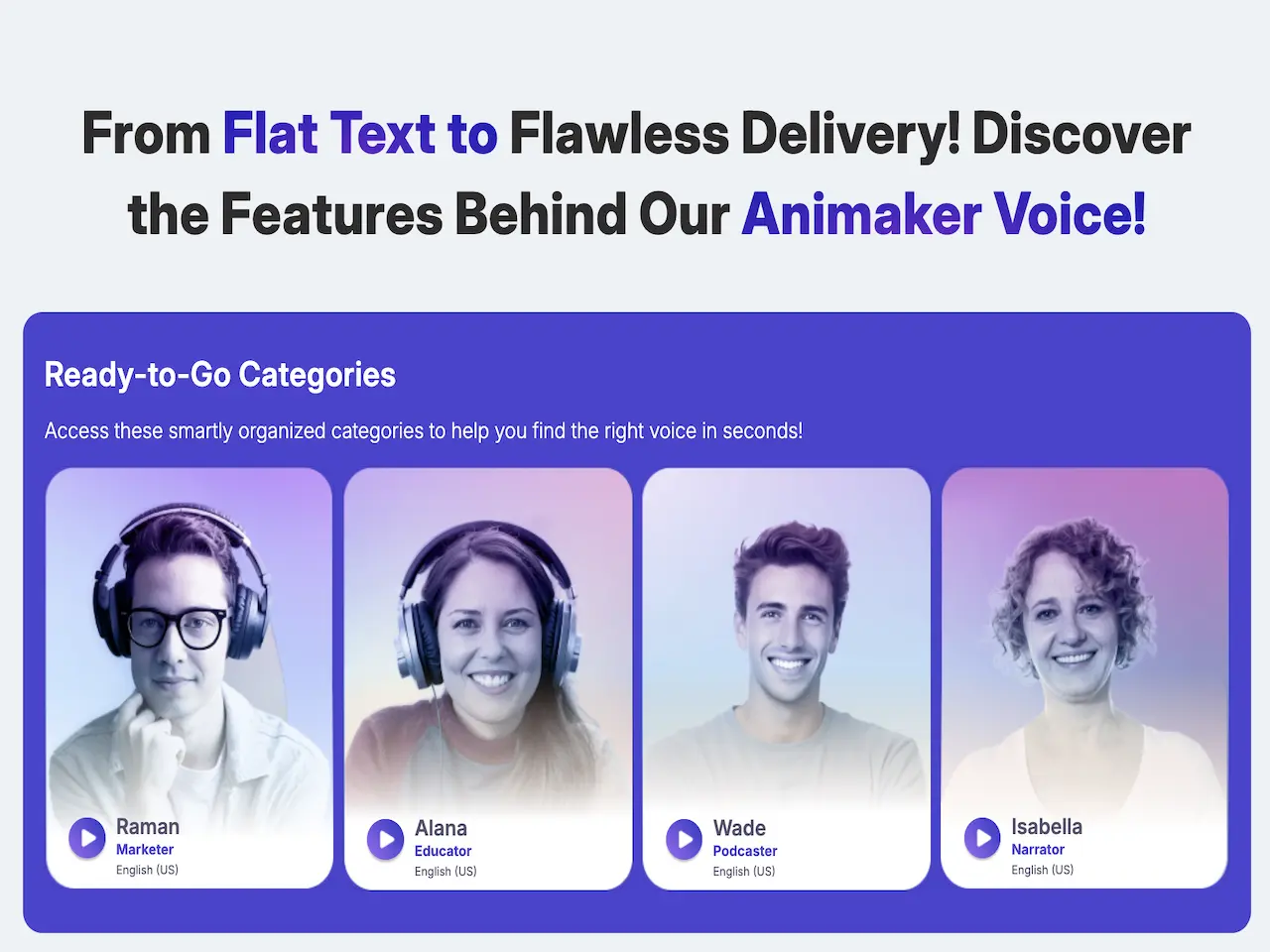
Animaker lists AI subtitles, voice generation, and video translation among its tools. These features can support teams preparing training or marketing videos for audiences in different languages. Users can check the current language and plan availability before building a localization workflow, since Animaker's feature access and usage limits may vary by plan.
What People Create With Animaker?
Promotional Videos From a Campaign Idea
A marketer can start with product details or campaign copy and use Animaker's AI video generator to develop a promotional video. The result can be adapted for a launch, social post, or sales presentation using the platform's animation tools and available visual assets.
Training and Explainer Videos
An instructional designer can turn a lesson outline or process explanation into an animated training or explainer video. Characters and visual elements help organize information into scenes for onboarding, internal learning, or a course module.
Branded Stories With Custom Characters
A small business or creative team can build an animated character and use it in a branded story, product introduction, or recurring social series. The character-led format gives viewers a visual guide while the team explains a product or idea.
Videos for Multilingual Audiences
A training or marketing team with viewers in multiple regions can use Animaker's listed subtitle, voice, and translation tools to prepare localized versions of a video. Before production, check which languages and plan-level limits apply to the intended workflow.
Animaker and PicLumen for AI Video Creation
Animaker combines prompt-based video generation with a character builder, templates, visual assets, and video editing tools.
PicLumen focuses on AI video tasks such as creating clips from text or images, with separate destinations for video enhancement and object removal.
The distinction matters if your project depends on assembling scenes with custom animated characters or, instead, animating a still or refining existing footage. For a story-led starting point, try PicLumen's AI Movie Maker.

Turn a Written Idea Into a Video Clip
PicLumen's AI video generator can create videos from text prompts, with styles and video formats to suit different creative needs. Describe the subject, setting, and motion you have in mind, then choose from the options available in the selected workflow. This route fits short social, marketing, or storytelling clips when you want to begin with a written concept rather than a character-animation template.
Animate a Still Image With a Prompt
Start with an uploaded image and add an optional description of the video you want to create. PicLumen's image-to-video workflow accepts PNG, JPG, JPEG, and WebP files, so creators can animate an existing illustration, product visual, or other still asset. Use image-to-video creation when the source image should guide the clip's starting visuals.
Remove an Unwanted Element From Footage
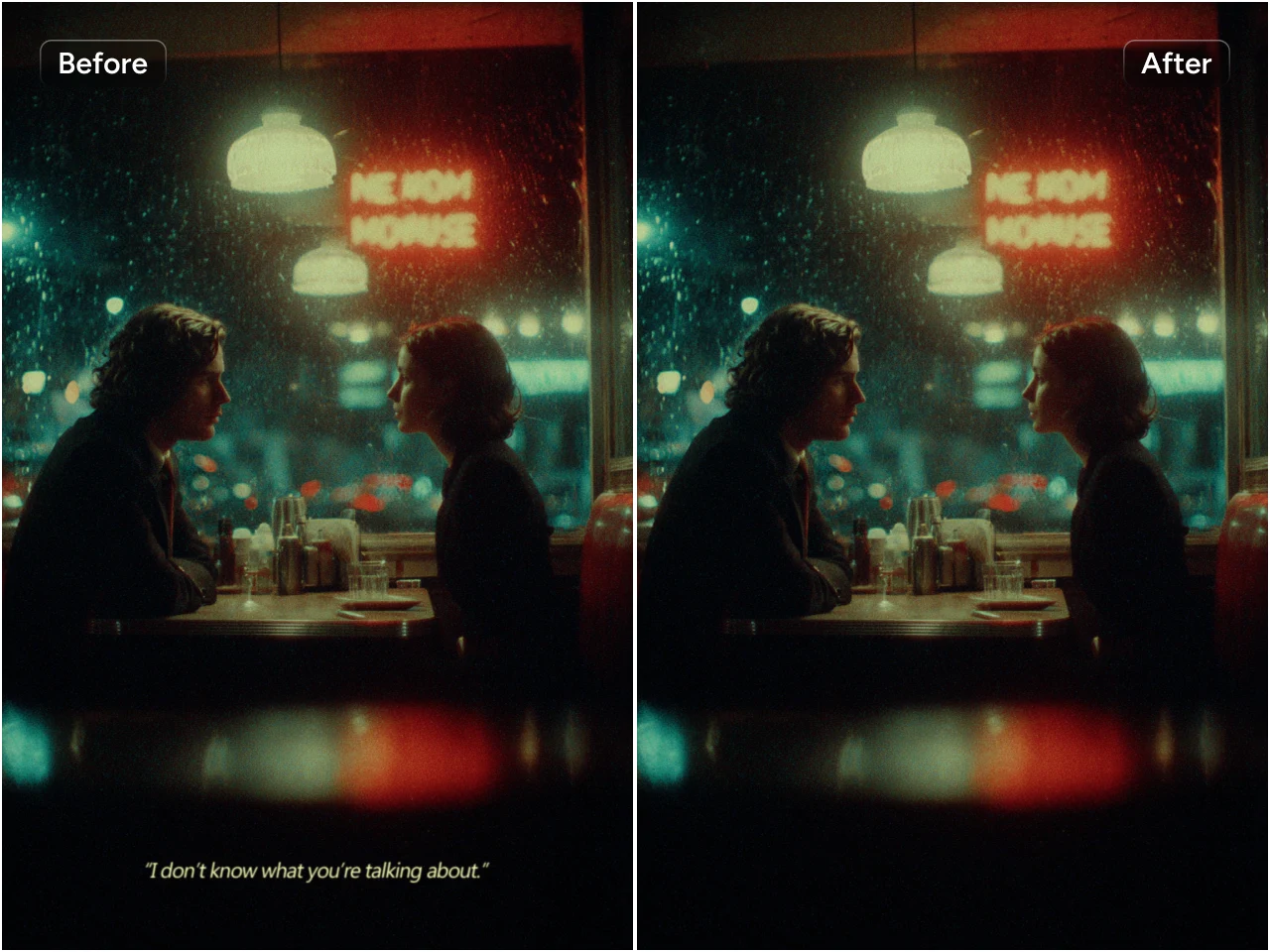
PicLumen has a dedicated tool for removing objects from video. It is a separate editing destination, not part of Animaker's workflow or PicLumen's video-generation workspace. For footage with an unwanted element, describe or mark what should be removed using the available tool controls, then review the resulting clip. Try video object removal for this specific editing task.
Upscale Video for Clearer Playback
PicLumen's video upscaler is designed to improve resolution and visible detail in existing footage, with output up to 4K described on its official page. It can suit older, compressed, or low-resolution clips that need a clearer presentation on larger screens or social platforms. The upscaler is a separate tool from video generation; explore video upscaling when you already have footage to enhance.
How to Create an AI Video With PicLumen?
- STEP 1Choose the Right Model
Choose a video model listed in the PicLumen workflow that fits your intended output. Models can differ in their available inputs, styles, and settings, so check the selected model's options before preparing the prompt or reference.
- STEP 2Enter a Prompt or Upload References
- STEP 3Set the Aspect Ratio and Quality
- STEP 4Generate, Download, and Share


Loved by Creators Worldwide
Real feedback from designers, marketers, and hobbyists sharing their PicLumen experience on Trustpilot.
 Isuru Nilanka
It's easy to use
It's easy to use, they have different AI models, good prices, and a nice community page.
Just amazing website a must try.
Just amazing website a must try.
Good 👍 perfomense web site good images…
Good 👍 perfomense web site good images good
 Mubashir Ahmed
This web is very help and free
This web is very help and free
Excellent results
Excellent results, very supportive and helpful customer service. They have a great interface very friendly use and the prices are reasonable. I use it for personal stuff and I am just a beginner but it made my earning process very enjoyable. I might give a more technical review in the future but that is so far my experience. Thanks
 rockstar gaming
Value For Money
its value for money i fully recommend you to try this one time you will like it...
Zakirya GabolGood best
Good best Good good best
 Tufail Khan
I love it this helps me to create all i…
I love it this helps me to create all i want ai videos ai images thanks piclumen
Mani Sravani BandaruVery great pictures with high quality
Very great pictures with high quality
YfadBest AI generator of all times
Best AI generator of all times
Ts is so skibbidy dop dop yes yes
Ts is so skibbidy dop dop yes yes
 lourdes mayorga
IT IS A GREAT TOOL AND IT HELPS YU A…
IT IS A GREAT TOOL AND IT HELPS YU A LOT I WOULD RECOMEND THIS TOIEVERYBODY
What is Animaker's AI video generator?
Animaker's AI video generator creates videos from text prompts. Users can choose a video category, enter an idea or sample prompt, and refine the result using available controls such as tone, style, and duration.
What can you make with Animaker?
Animaker supports animated videos for marketing, training, explainers, product demos, social content, and personal occasions. Its site also lists character creation, templates, voice tools, subtitles, and video translation for different production needs.
Is Animaker free?
Animaker lists a free plan for creating and downloading animated videos. Its pricing FAQ says that free exports include an Animaker watermark and that the plan has a limited selection of premium assets. Check Animaker's current pricing page for the latest terms.
How does Animaker compare with PicLumen for video creation?
Animaker combines AI video generation with character-building, templates, visual assets, and video-editing tools. PicLumen offers separate workflows for prompt- or image-led video creation and specific editing tasks. Choose based on whether your project depends on assembling animated scenes or creating and refining AI video clips.
Can PicLumen animate an existing image?
Yes. PicLumen's image-to-video workflow lets you upload a still image and optionally describe the video you want. The official page lists PNG, JPG, JPEG, and WebP as supported image formats.
Can PicLumen improve a video after it is created?
Yes. PicLumen provides separate tools for video upscaling and object removal. Use the upscaler when you want to improve resolution or visible detail, and the object-removal tool for footage that needs an unwanted element removed.
Is PicLumen affiliated with Animaker?
No. PicLumen is an independent AI creation platform and is not affiliated with, sponsored by, or endorsed by Animaker. Any references to Animaker are for informational purposes only. All trademarks belong to their respective owners.