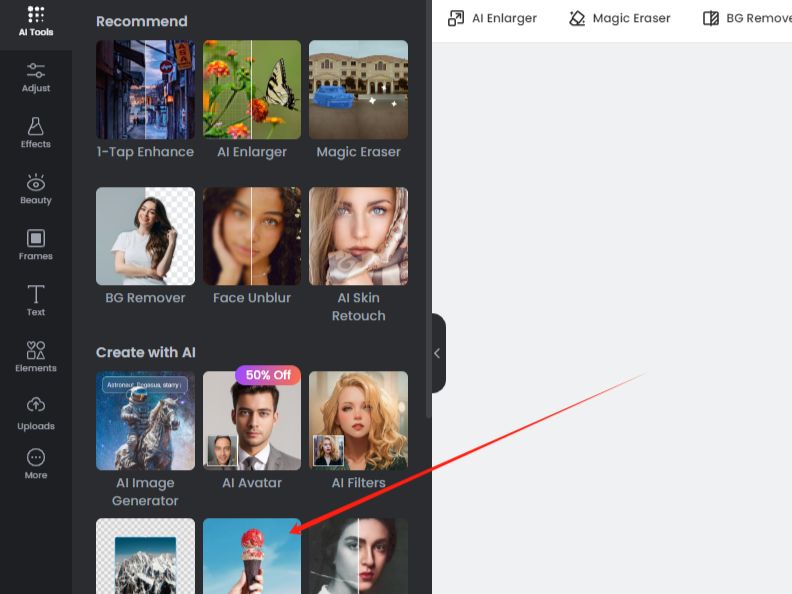
Fotor AI Image Generator
Whether you're starting with a simple idea or an image you want to rework, Fotor AI Image Generator gives you a few ways to get there. You can start with a text prompt or reference image, then experiment with different models, styles, and edits as you shape the final result. If you're comparing AI image tools, PicLumen offers another workflow for creating, refining, and building on your images.
Hot Video Effects
Turn your photos into fun dance clips, surprising transformations, and shareable moments with trending AI video effects.
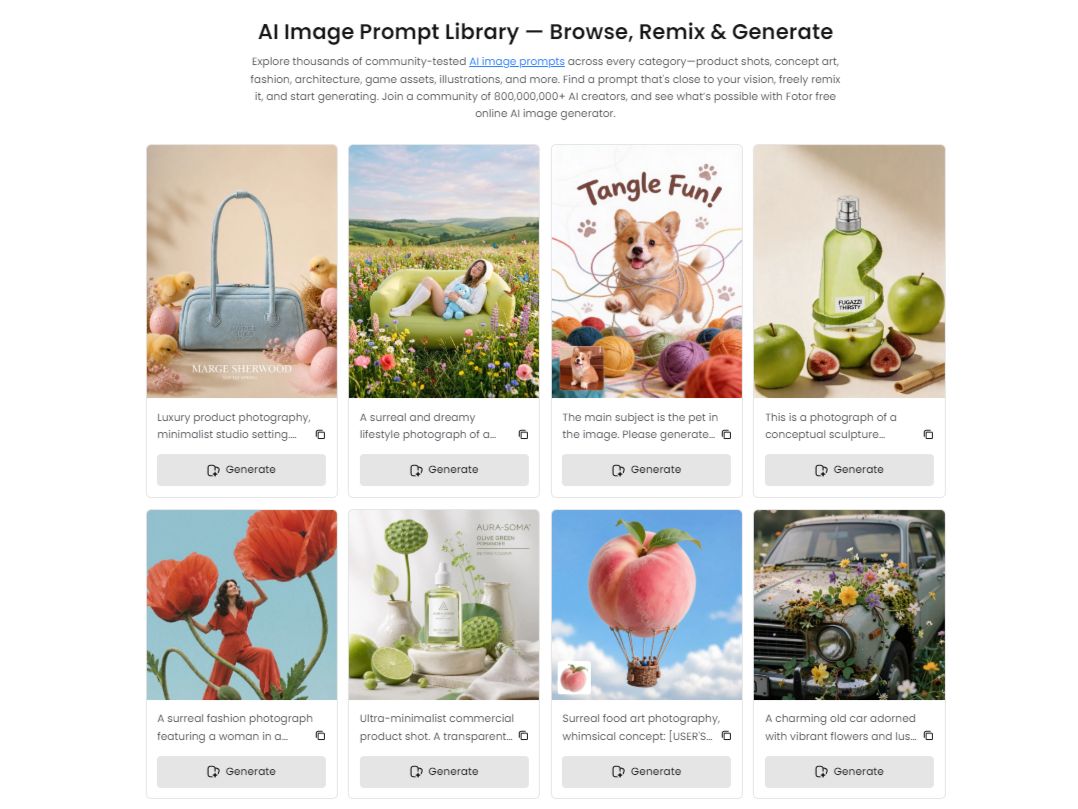
Create Images from Text or Reference Images
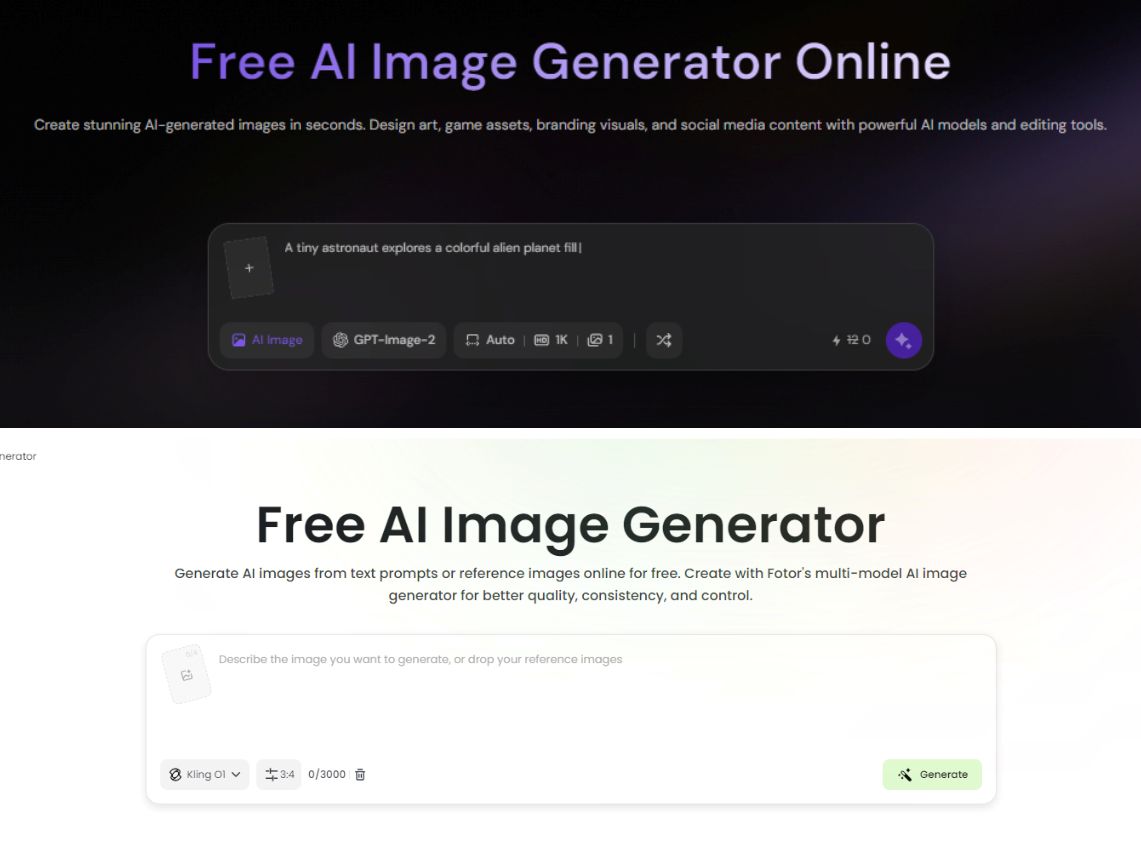
Fotor supports both text-to-image and image-to-image creation. You can describe a visual idea in a prompt or upload reference images to guide the result, making the Fotor image generator useful for creating new artwork, transforming existing visuals, and exploring different creative directions.
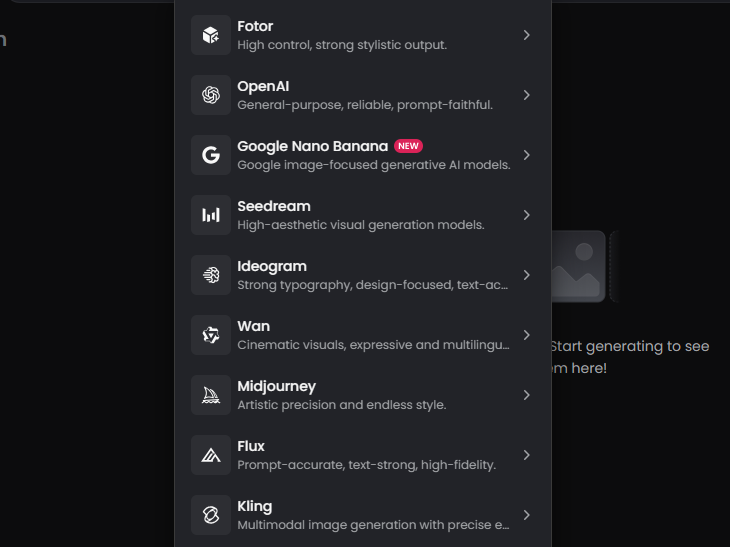
Choose from Multiple AI Models and Styles
Fotor brings multiple image models into one generator, including models such as Nano Banana, Midjourney, FLUX, and GPT Image. Its AI image generation workflow also includes 170+ style presets, so you can switch between different visual approaches without changing tools.
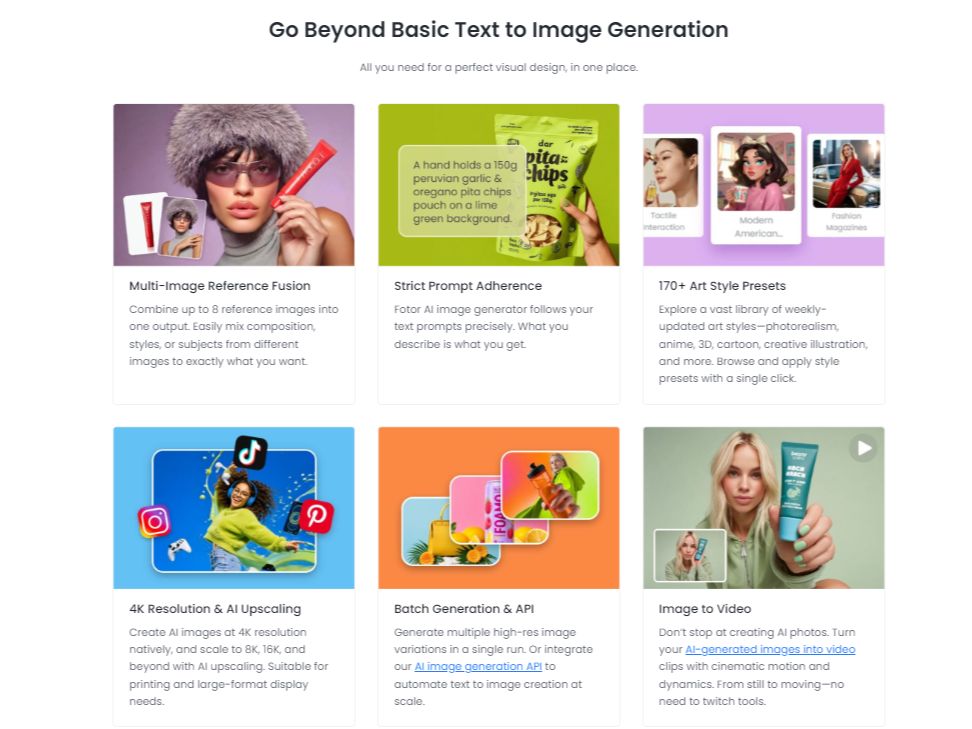
Combine Multiple Reference Images
Fotor's multi-image reference fusion lets you combine up to eight reference images in one generation. You can use different images to guide subjects, composition, or visual style, which can be useful when one reference does not provide everything you need for the final image.
Edit Generated Images with Prompts
Fotor can edit parts of an AI-generated image through text instructions instead of requiring a completely new generation. This prompt-based editing workflow can help adjust specific visual details while keeping the rest of the image closer to the existing result.
What Can You Create with Fotor AI Image Generator?
Create Illustrations and Concept Art
Turn rough ideas into illustrations, fantasy scenes, character concepts, or visual experiments. Text prompts, reference images, model choices, and style presets give creators several ways to explore the same idea before settling on a direction.
Develop Product and Marketing Visuals
Create product-focused visuals, campaign concepts, promotional graphics, and other marketing assets from prompts or references. Fotor can help you test different compositions and visual styles without rebuilding every concept manually.
Explore Character and Style Variations
Use reference images and style controls to explore different looks for the same subject. This can help with character concepts, visual development, and profile-focused AI headshot generation where a consistent visual direction matters.
Create Social and Branded Content
Generate visual assets for social posts, branded content, announcements, and other digital campaigns. Starting from text or reference material makes it easier to test multiple creative directions for different channels and formats.
Fotor and PicLumen for AI Image Creation
Fotor focuses its image generator on multi-model creation, reference-image workflows, style presets, and prompt-based editing. PicLumen also supports text-to-image and image-to-image creation, with additional workflows for continuing from a generated image into other creative tasks. The better fit depends on whether you want Fotor's model and style exploration or a broader connected creation workflow.
Create Images from Prompts or References
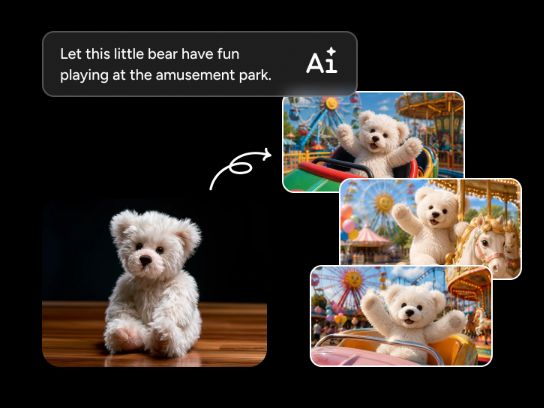
PicLumen supports text-to-image creation as well as workflows that start from an existing visual. When you need to transform or build on a reference, its image-to-image AI workflow combines the reference with a prompt so you can explore new styles, compositions, and variations.
Turn Rough Ideas into More Useful Prompts
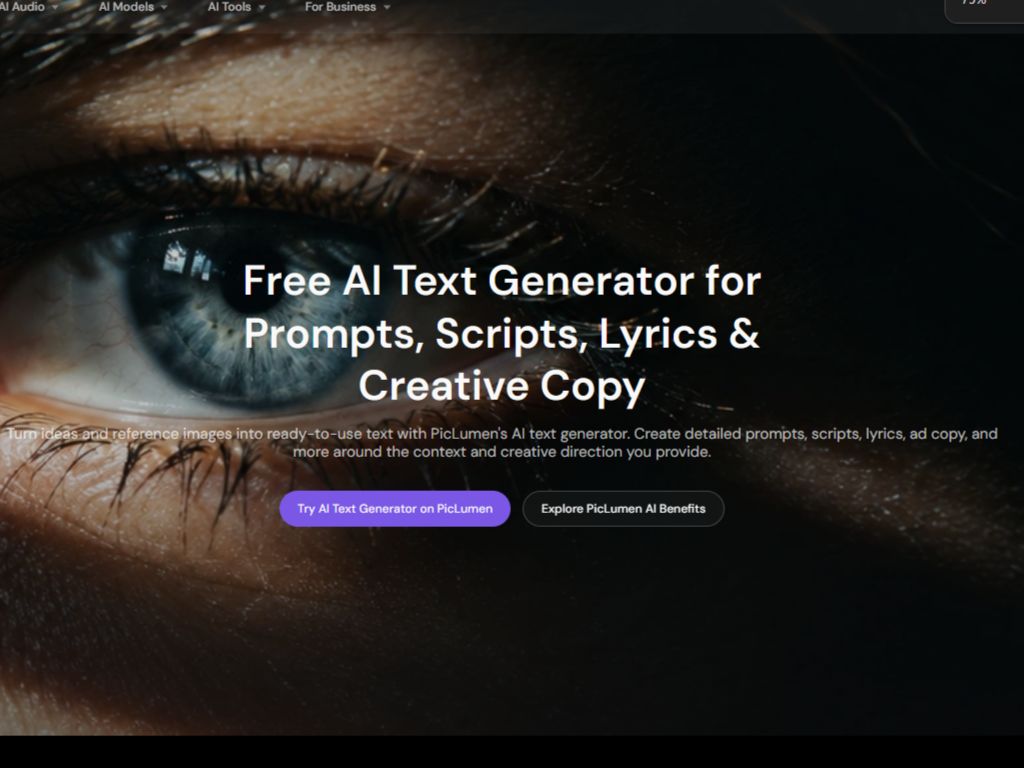
When you know what you want to create but are not sure how to describe it, PicLumen's AI text generator can turn a rough idea into a more detailed creative prompt. This can help you define the subject, setting, style, and other visual details before moving into image generation.
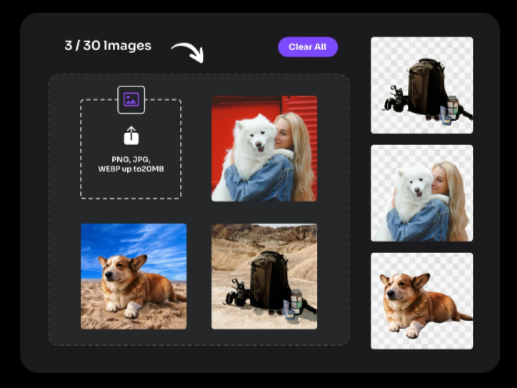
Refine Images with Focused Editing Tools
After generating or uploading an image, you can continue with focused editing tasks instead of rebuilding the whole visual. PicLumen's background remover, for example, can separate a subject from its background for product visuals, marketing assets, and other image workflows.
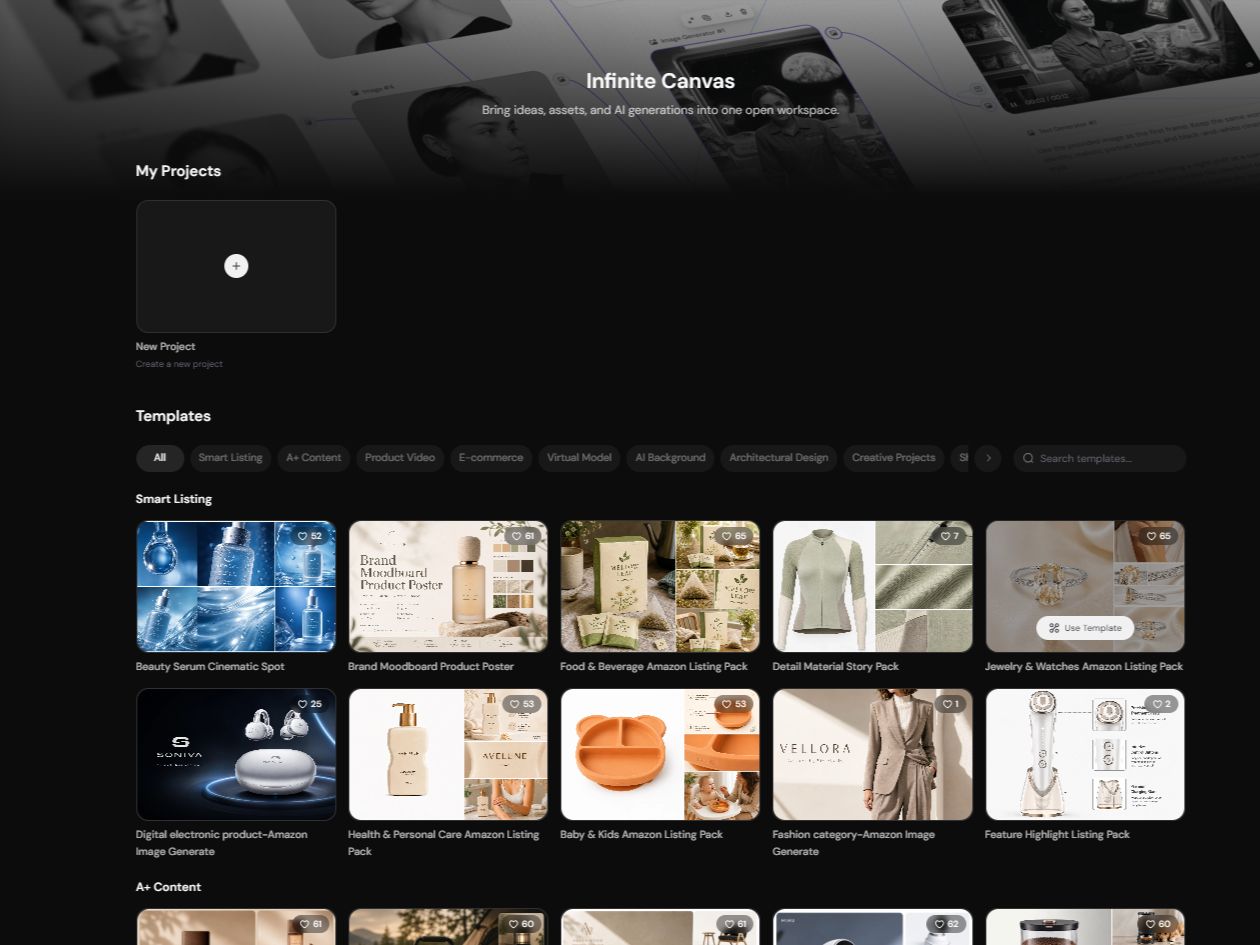
Keep Creative Stages Connected on One Canvas
PicLumen Infinite Canvas brings prompts, uploaded assets, generated images, and connected creation steps into one visual workspace. You can keep related stages together, branch into new directions, and continue building from earlier results instead of treating each generation as a separate task.
How to Create AI Images with PicLumen
Choose the Right Model
1Open PicLumen's AI Image Generator and choose a supported model based on the visual style, task, or output you want. Different models can suit different types of image creation, so you can switch approaches when a project calls for another look.
Enter a Prompt or Upload References
2Describe the image you want with a text prompt, or upload a supported reference image when you want to build from an existing visual. Your prompt can explain the subject, composition, style, or changes you want to make.
Set the Aspect Ratio and Quality
3Choose the aspect ratio and output resolution that match your intended use. PicLumen supports different image ratios and resolution options, so you can prepare visuals for formats such as social posts, banners, portraits, and other creative projects.
Generate, Download, and Share
4Review your prompt, references, and settings, then click Generate. Check the result, continue refining it when needed, and download the finished image for use on your intended channels.


Loved by Creators Worldwide
Real feedback from designers, marketers, and hobbyists sharing their PicLumen experience on Trustpilot.
Bet AWNice good appp creat inmage
Nice good appp creat inmage
Brijesh Chikhaliyavery good
very good , Excellent Experience
 Ms. Bliss
Just getting started
Just getting started, thus far it's really good. Going to continue to review and will update.
Really good app and generates good…
Really good app and generates good images!
 Menu Lawrence
Very fantastic app
Very fantastic app. I love it. I will like everyone to use this App
 Bohdan Lesyk
Great and fast
Great and fast, would be much better with some more free credits
In terms of the customer service
In terms of the customer service, is outstanding, I will say if you had any doubts they clarified it, and the next day you have an answer. When it comes to the APP it is friendly to use, however there is not any box to tick ☑️ to allow the machine to stick to your character constantly.This allow that sometimes you upload your image and your prompt but the machine generates something completely different and you lost your credit 🙁 I think that this needs to be fixed this happens in a few PicLumen models.
This is one of the best videos ai…
This is one of the best videos ai generator
Piye ChauhanNice app generate to google
Nice app generate to google
 Tyler
It’s a great ai app perfect for making…
It’s a great ai app perfect for making your imaginations come true
Good app and make very good video
Good app and make very good video
 Chad Lewallen
Great Job
I really like the app because it doesn’t change much of the image if I don’t tell it to. I like that. When I don’t want it to do something and it does it anyway, it frustrates me. This doesn’t do that. I like that.
FAQs
What is Fotor AI Image Generator?
Fotor AI Image Generator is a tool for creating visuals from text prompts or reference images. Its current workflow combines multiple AI models with style presets, image-to-image creation, multi-image reference fusion, and prompt-based editing.
Can Fotor generate images from text prompts?
Yes. Fotor supports text-to-image generation, so you can describe a scene, subject, product, or visual style in a prompt and use that description as the starting point for a new image.
Can Fotor use multiple reference images?
Yes. Fotor's multi-image reference fusion can combine up to eight reference images in one output. Different references can help guide the subject, composition, style, or other visual elements of the final image.
Can I edit an AI-generated image in Fotor?
Yes. Fotor supports prompt-based image editing, allowing you to describe changes to parts of an existing AI-generated image instead of starting a completely new generation. This can be useful for adjusting specific visual details while keeping the rest of the result.
Does PicLumen support text-to-image and image-to-image generation?
Yes. PicLumen supports both text-to-image and image-to-image workflows. You can start with a written idea or use an existing image as a reference, then choose a supported model and adjust the available generation settings.
Can I continue refining an image in PicLumen after generating it?
Yes. PicLumen provides editing and connected creation workflows that let you continue working from generated or uploaded images. You can refine a result with supported editing tools, create variations, or continue the project through Infinite Canvas.
Is PicLumen affiliated with Fotor?
No. PicLumen is an independent AI creation platform and is not affiliated with, sponsored by, or endorsed by Fotor. Any references to Fotor are for informational purposes only. All trademarks belong to their respective owners.