
Invideo AI Video Generator for Social and Product Videos
The invideo AI video generator turns a creative brief into a video with scripts, visuals, voiceovers, subtitles, and music. Marketers and small businesses can use it to prepare social clips or animate product photos. For a workflow that starts with creating the visual itself, PicLumen offers image generation alongside text-to-video and image-to-video tools. Build a starting image, describe its movement, and create a clip for your next post.
Hot Video Effects
Turn your photos into fun dance clips, surprising transformations, and shareable moments with trending AI video effects.
Prompt-to-Video Creation
Give invideo AI a brief that covers your topic, audience, platform, and tone. It develops a video draft with a script and supporting visuals, then adds narration, captions, and music. For example, a handmade accessories brand could describe a seasonal collection and request a short promotional video. A detailed brief helps guide the first draft toward the intended message and format.
Product Photo Animation
Start with an existing product photo to give the video a specific visual reference. Invideo AI supports image-to-video creation, with prompts guiding actions such as a gentle pan or a close-up camera movement. An online seller could use this workflow to introduce a knitted accessory or show its texture. Review the generated movement and product details before using the clip in a promotion.
Conversational Video Editing
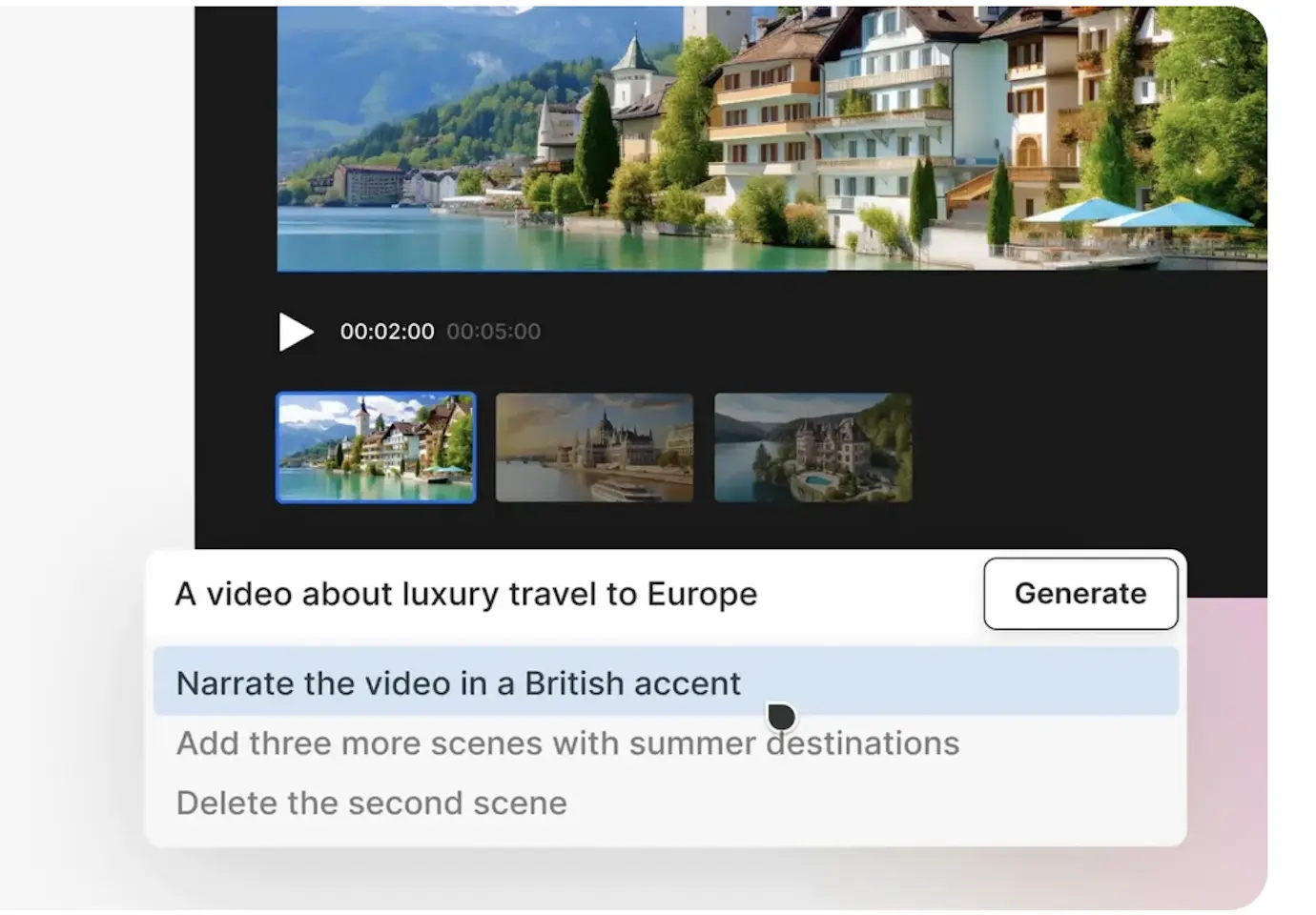
Refine a draft through the invideo AI video editor using plain-language instructions. Request changes such as deleting a scene, adjusting a voiceover accent, or adding an introduction. This workflow suits creators who want to make targeted revisions through text. For a product launch video, you could revise the opening to introduce the collection earlier or remove a scene that distracts from the main item.
Stock Media and AI Voiceovers
Invideo combines a library of over 16 million stock photos and videos with AI voiceovers in more than 50 languages. Creators can use supporting footage to illustrate a script and choose narration for their audience. A lifestyle promotion, for example, can pair atmospheric scenes with a spoken introduction. Use your own product assets when the video needs to show a particular item.
What You Can Make With Invideo AI
Social Media Reels
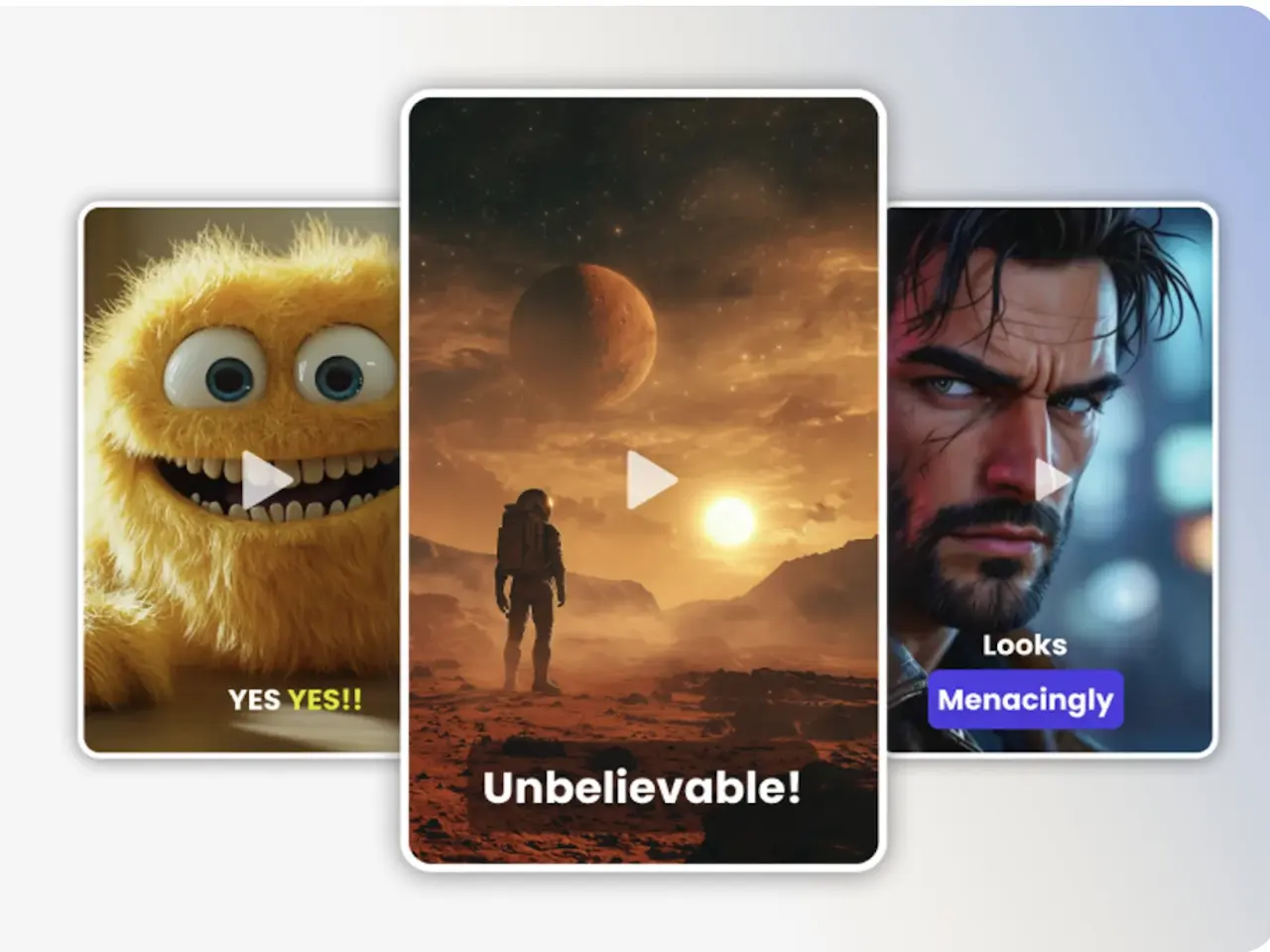
Content creators can turn a topic or short brief into a narrated Reel for Instagram or TikTok. Specify the tone and intended audience, then review the assembled visuals, captions, and music. This suits recurring posts built around lifestyle themes, seasonal ideas, or a brand message.
E-Commerce Product Promotions
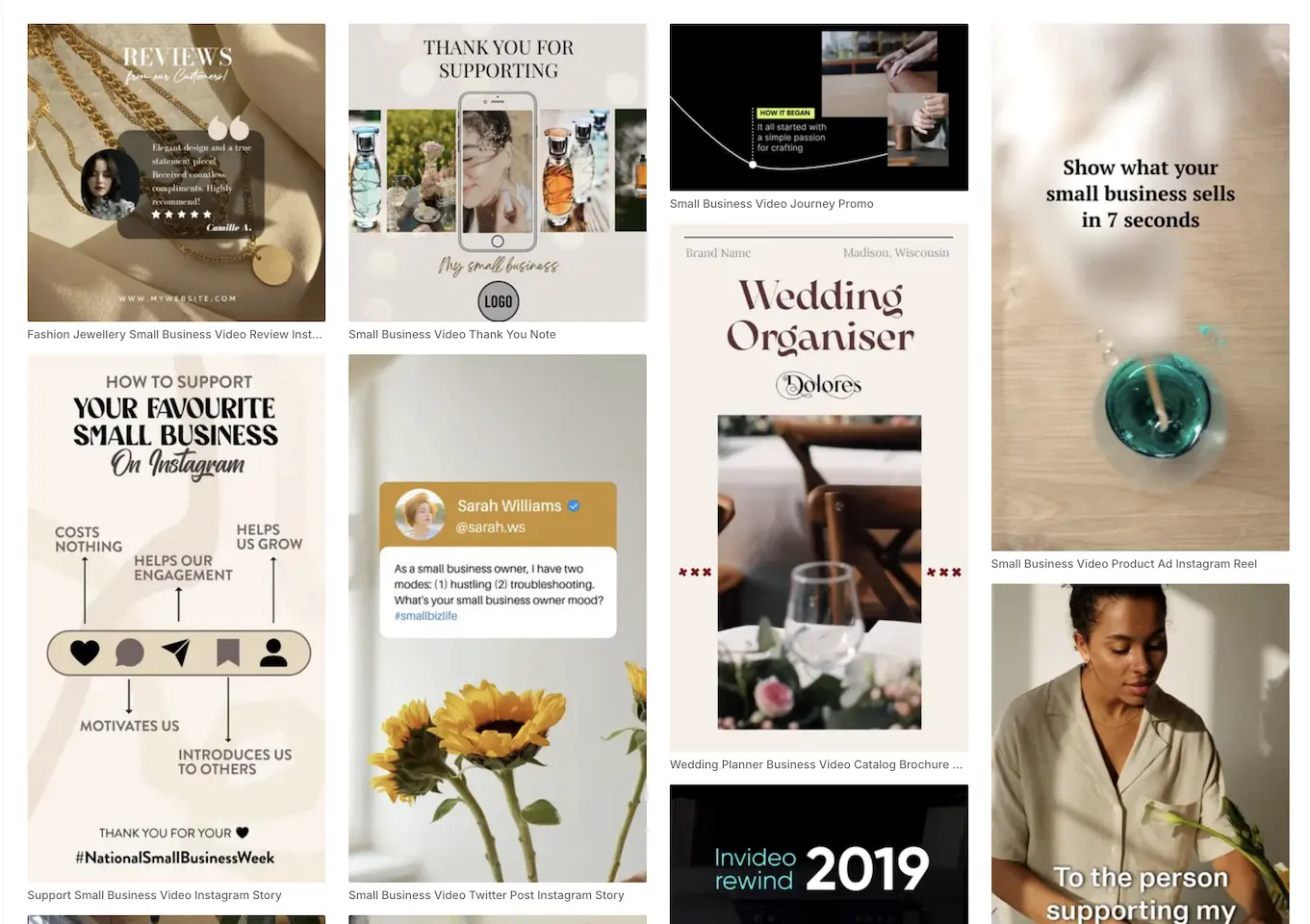
Online sellers can use a product photo as the starting point for an animated showcase. Describe the camera movement and the details viewers should notice, such as a knitted pattern or surface texture. The resulting clip can support a product announcement or social promotion.
Product Launch Campaigns
Marketing teams can turn a launch brief into a video draft for a new collection. Include the product story, target audience, and intended call to action. A practical product-launch example might use text prompts and product photos as inputs.
Recurring Small Business Content
Small business owners can create regular videos around new arrivals, seasonal offers, and shop updates. Start each brief with the current message and relevant assets. Invideo AI handles the initial script and video assembly, reducing the manual preparation needed for a recurring publishing schedule.
Invideo AI and PicLumen for Product Video Creation
Invideo AI brings scripting, footage selection or generation, narration, captions, and music into a connected video workflow. It suits briefs that need an assembled promotional draft. For a closer look at its features and limits, read our Invideo AI review.
PicLumen supports image creation alongside text-to-video and image-to-video generation, with model selection and visual style controls.
Both accept text and image inputs for relevant video tasks. If your project begins with an imagined scene, PicLumen lets you create the starting visual before animating it. If your project begins with an imagined scene, PicLumen lets you create the starting visual before animating it.
Create a Starting Image, Then Animate It
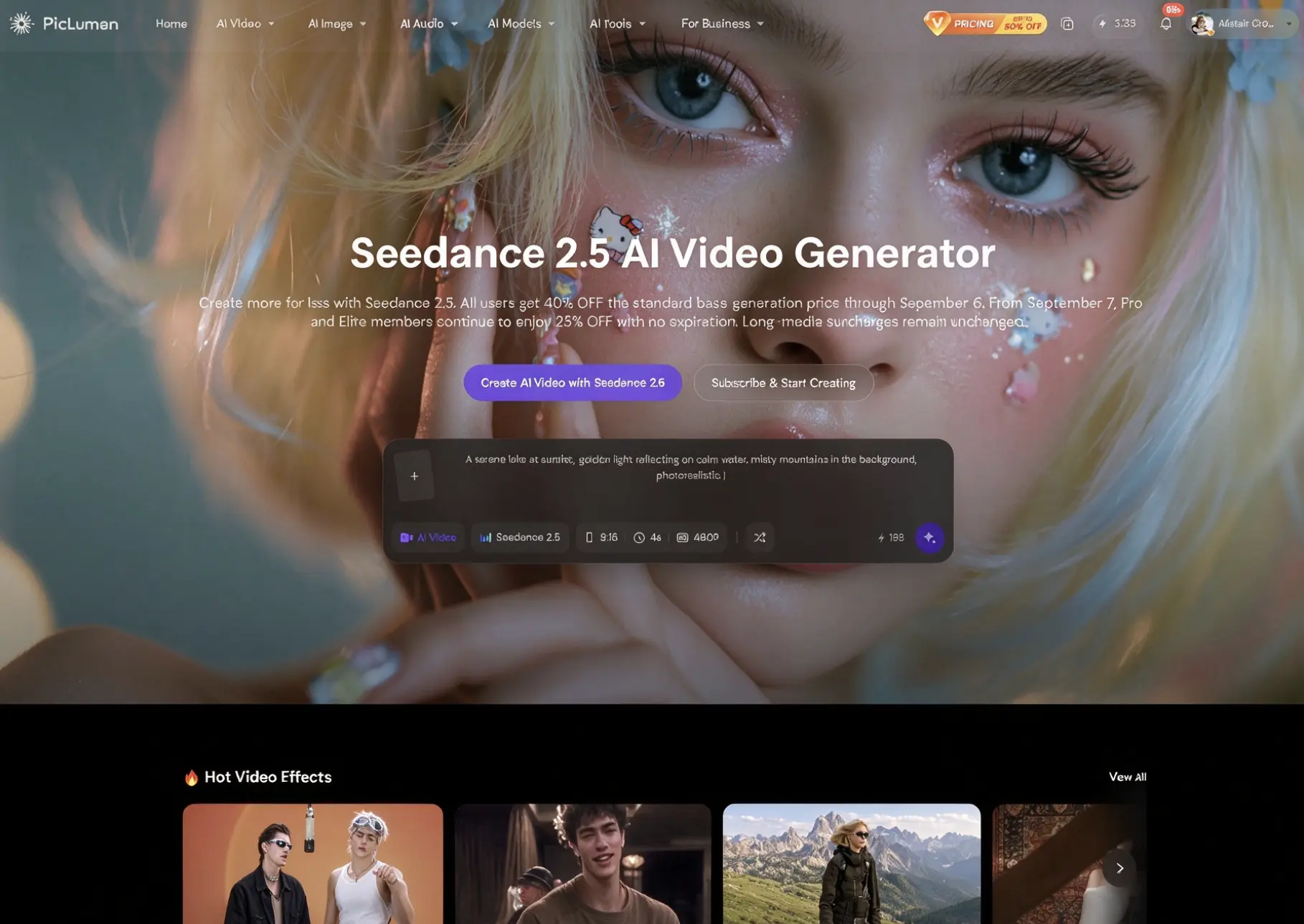
Start with a visual idea even when you have no photo ready. Use PicLumen’s AI image generator to develop a scene, then use the selected image as the input for video generation. For a handmade collection, you might create a cozy tabletop concept and describe a slow camera move. The image establishes the composition before you explore motion.
Turn a Scene Description Into Video
Describe the subject, setting, and movement you want to see, then create a scene with PicLumen’s AI video generator. A creator could request a sunlit studio with fabric moving beside an open window. Text-to-video generation provides a route from a written concept to a clip when the project starts with a scene idea rather than an existing image.
Choose a Model for Your Video Ideas
PicLumen’s video workspace lets you choose among supported models before generating a clip. Match the selection to your input and intended visual direction, then enter your prompt or image. A character animation and a realistic product scene may call for different approaches. Model choice gives you a way to explore those directions while keeping image and video creation within the same platform.
Shape the Style and Screen Format
Give your clip a visual direction through prompts, with styles such as cinematic, pixel art, or 3D animation. Choose an aspect ratio for the intended placement, including square posts, vertical social content, and widescreen video. For a launch teaser, you could pair a cinematic look with a vertical composition that keeps the main subject prominent on a phone screen.
How to Create AI Videos With PicLumen
- STEP 1Choose the Right Model
Open PicLumen’s AI Video workspace and select a supported model for your project. Consider whether you are starting with a written scene or an image, along with the visual style you want to explore.
- STEP 2Enter a Prompt or Upload References
- STEP 3Set the Aspect Ratio and Quality
- STEP 4Generate, Download, and Share

Why Users Are Switching from Invideo to PicLumen?
Start with a scene in mind or an image you already have. PicLumen brings image creation and video generation together, with a choice of models and formats for social posts, product clips, and visual stories.
Versatile AI Video Generator for Various Cases
Create product promos, character animations, and short visual stories with PicLumen’s AI Video Generator. Text and image inputs support different starting points, while flexible styles and aspect ratios suit social posts, marketing content, and personal projects.

Multiple Video Models in One Place
Access a growing selection of image models for realistic photography, illustrations, product concepts, character art, and other creative tasks, such as Seedance 2.5, Grok Imagine Image 2.0, Kling 3.0, Nano Banana 2 and so on. Choose a model that fits your intended style and compare different interpretations of the same idea within PicLumen.
An Image-to-Video Workflow With Room to Refine
PicLumen combines image creation, focused image editing tools, and image to video on one platform. You can develop the composition before adding motion, giving you a clearer starting point for product clips, animated artwork, and character scenes.
Build Cinematic Scenes From Words
Turn a written scene into a video with PicLumen’s text to video and you can try ai moive maker Describe the framing, lighting, and camera movement to guide the result. A passing train at dusk or a slow pan across an imagined city can become footage for your visual story.


Loved by Creators Worldwide
Real feedback from designers, marketers, and hobbyists sharing their PicLumen experience on Trustpilot.
 Bet AW
Nice good appp creat inmage
Nice good appp creat inmage
 by Neefa
i love it and easy to use
i love it and easy to use
Sara FrandsenExcellent customer service
Excellent customer service! The support team was incredibly fast, polite, and helpful. They handled my request quickly and professionally without any hassle. It is rare to see such great and honest support these days. Highly recommended!
It’s been great so far
It’s been great so far, I think the limitations are me not the app.
Alexsander Luíscool it's a good ai creator but create…
cool it's a good ai creator but create imagens for cinema
Really good app and generates good…
Really good app and generates good images!
 Etna
Very satisfied with the best…
Very satisfied with the best performance for me at the moment.
 Richard Lemos
good site
good site, nice pictures, good quality
Coterie Studios Coterie RecordI really like PicLumen
Zandalea here! I really like PicLumen and I used to use it daily. But after getting so many “not allowed “ messages from Sora2 I started using it less frequently.
 Headphonlessness Meditations
hi i am @VbsRedlof on twitter
hi i am @VbsRedlof on twitter
 Me May Phim
The new addition of models is excellent.
The new addition of models is excellent.
Nice app for creating videos
Nice app for creating videos
FAQs About Invideo AI Video Generator
What Does the Invideo AI Video Generator Do?
The invideo AI video generator creates video drafts from text briefs and supports image-to-video creation. Its workflow can combine scripts, generated or stock visuals, voiceovers, subtitles, and music. You can then request changes through text instructions before exporting the video.
Can Invideo AI Turn Product Photos Into Videos?
Yes. Invideo AI supports image-to-video creation using an uploaded product photo. Describe the desired movement and what the clip should emphasize. For a product promotion, review the generated details, text overlays, and motion to check that the result represents the item appropriately.
How Does Invideo AI Video Editing Work?
Invideo AI video editing supports plain-language commands for revising a generated draft. You can request changes such as removing scenes, changing a voiceover accent, or adding an introduction. Check the revised video to confirm that the requested changes suit your message.
Can I Create an Image Before Making a Video in PicLumen?
Yes. PicLumen supports generating an image from a text prompt and then using an image as the starting point for video creation. Develop the composition first, select the visual you want to animate, and describe the movement for the video stage.
Does PicLumen Support Text-to-Video and Image-to-Video Creation?
Yes. PicLumen supports both text-to-video and image-to-video creation. Use a text prompt to describe a scene, or upload an image to guide the starting visual. Choose a supported video model and review its available settings for the type of clip you want.
Can I Make Vertical Social Videos With PicLumen?
Yes. PicLumen offers vertical aspect ratios, including 9:16, alongside square and landscape options. Choose a format for the intended placement before generating your clip. Download the finished video and upload it to your preferred social platform after checking the framing and content.
Is PicLumen affiliated with Invideo AI?
No. PicLumen is an independent AI creation platform and is not affiliated with, sponsored by, or endorsed by Invideo AI. Any references to Invideo AI are for informational purposes only. All trademarks belong to their respective owners.