
Pictory AI Video Generator
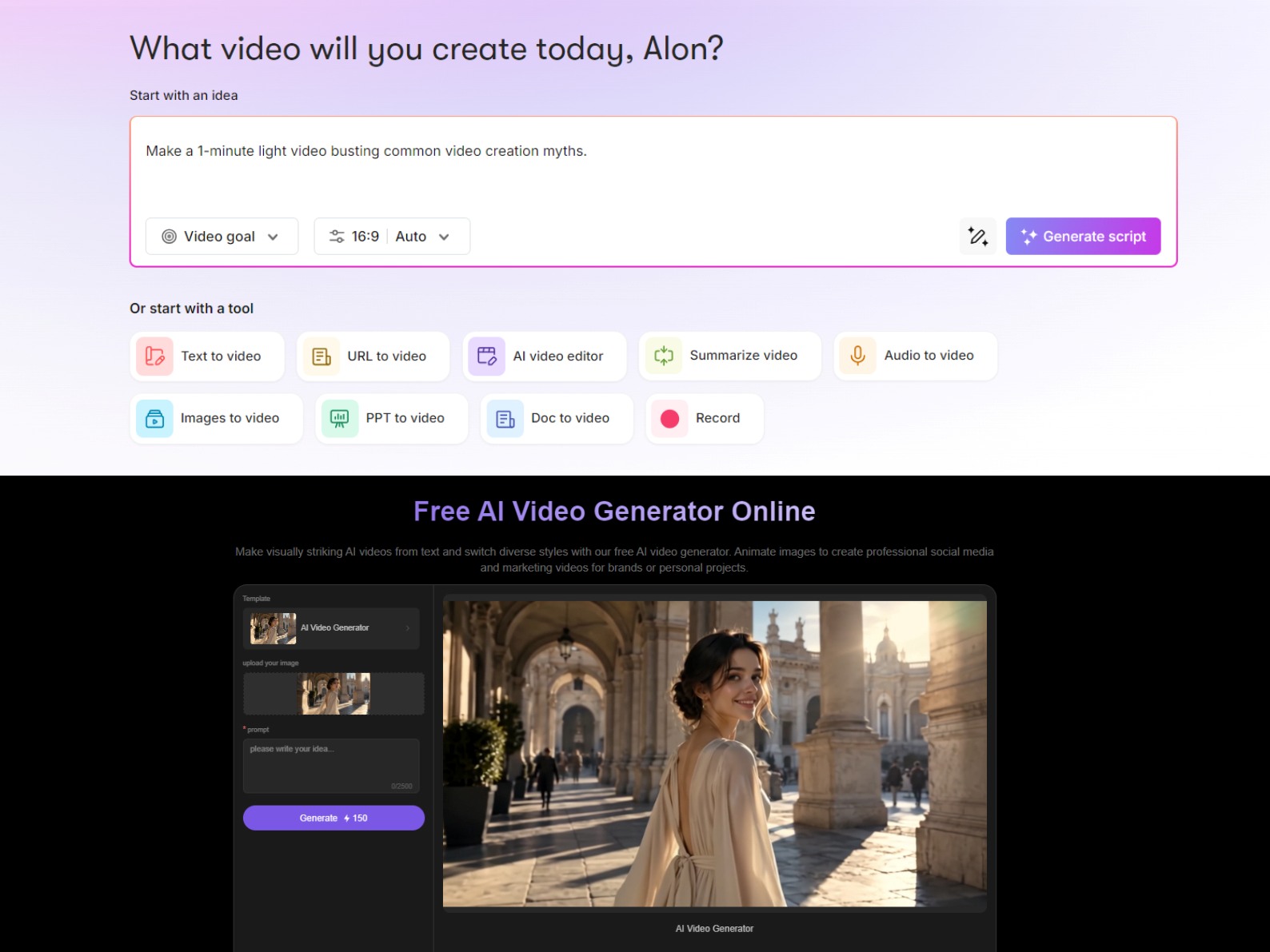
Need to turn a script, blog post, presentation, or existing recording into a usable video without building every scene from scratch? Pictory is designed for that kind of content-first workflow, bringing text, URLs, images, audio, and editing into one place. But not every video idea starts with something that's already written or recorded. Sometimes you have a visual in mind first—a product shot, a reference image, or simply a scene you want to see come to life. That's where PicLumen takes a different approach, helping you turn prompts and images into videos and build the visuals around the story you want to tell.
Hot Video Effects
Turn your photos into fun dance clips, surprising transformations, and shareable moments with trending AI video effects.
Turn Scripts, Articles, and Prompts into Videos
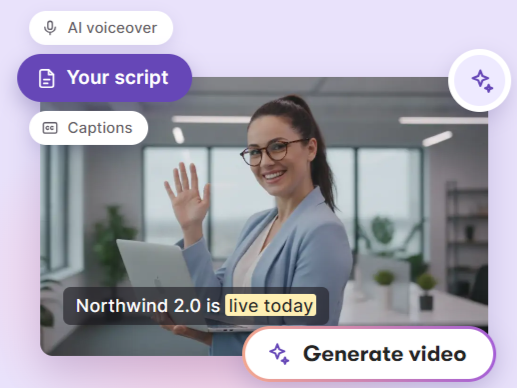
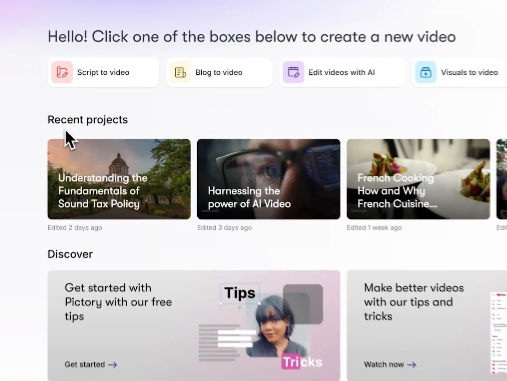
Pictory's text-to-video workflow can turn scripts, prompts, articles, and blog posts into structured videos with matched visuals, AI voiceovers, captions, and editable scenes. Users can start with existing copy or describe an idea and let Pictory generate a script before building the video. This makes its script-to-video workflow useful for explainers, tutorials, social posts, and other content that already begins with written material.
Repurpose URLs, Presentations, and Audio
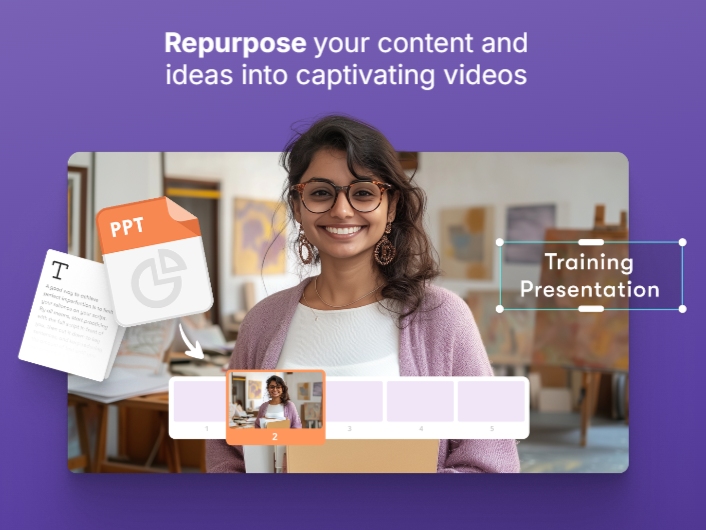
Pictory extends video creation beyond written scripts by turning URLs, web pages, audio recordings, podcasts, and PowerPoint presentations into video projects. The workflow is designed for teams that already have source material and need to turn it into a more visual format without rebuilding the content manually. It can be especially useful for training materials, webinars, blog content, and repurposed marketing communications.
Edit Videos by Editing the Text
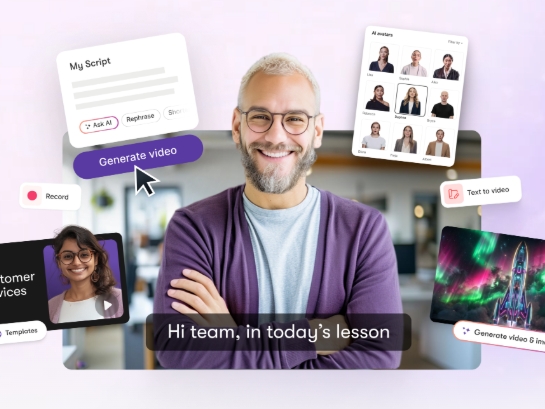
Pictory's AI video editor uses transcripts and editable scenes to make text-based video editing part of the workflow. Users can remove sections from the transcript, clean up filler words, adjust narration, update captions, and change visuals without relying entirely on a traditional timeline. For creators working with interviews, presentations, or long-form footage, this approach makes repurposing existing video content more direct.
Generate Supporting Visuals Inside the Video Workflow
Pictory also includes AI Studio for creating visual assets inside a video project. Users can describe an image, choose a model and style, generate the result, and add it directly to a scene or download it. Its image-to-video workflow can also turn images and text prompts into animated clips, giving users another way to build scenes when stock footage or existing visuals are not enough.
What Can You Create with Pictory?
Repurpose Blog Posts into Social Videos
A content team can start with a published article or blog post and turn its key points into a shorter narrated video. The result can be adapted for social channels, content promotion, or a campaign landing page without rewriting the source material from scratch.
Turn Training Materials into Narrated Lessons
An educator or internal training team can convert scripts, presentations, or recorded material into structured lessons with voiceovers and captions. This format works for onboarding, tutorials, and repeatable training content that needs to be available beyond a live session.
Refresh Long-Form Footage for Multiple Channels
Creators can upload an existing recording, edit the transcript, remove unnecessary sections, and build shorter versions from the same source. This makes it easier to turn interviews, webinars, or educational recordings into clips for different platforms and audiences.
Build Marketing Videos from Existing Content
A marketing team can combine scripts, product information, presentations, or other source material into videos for campaigns and social promotion. The workflow is useful when the message already exists but needs a more engaging visual format for customers or prospects.
Pictory and PicLumen for AI Video Creation
Pictory is built around turning existing content into structured videos: scripts, articles, URLs, presentations, audio, and footage can become scenes with narration, captions, and editing controls. PicLumen takes a more visual-first approach, letting creators start from prompts or reference images and develop generated scenes, supporting visuals, and product content. The difference is mainly where the project begins. Choose Pictory when you already have source material to repurpose; explore PicLumen's visual workflow when the creative process starts with a scene, image, or product idea that needs to become a video.
Create Video Scenes from Prompts or Short Scripts
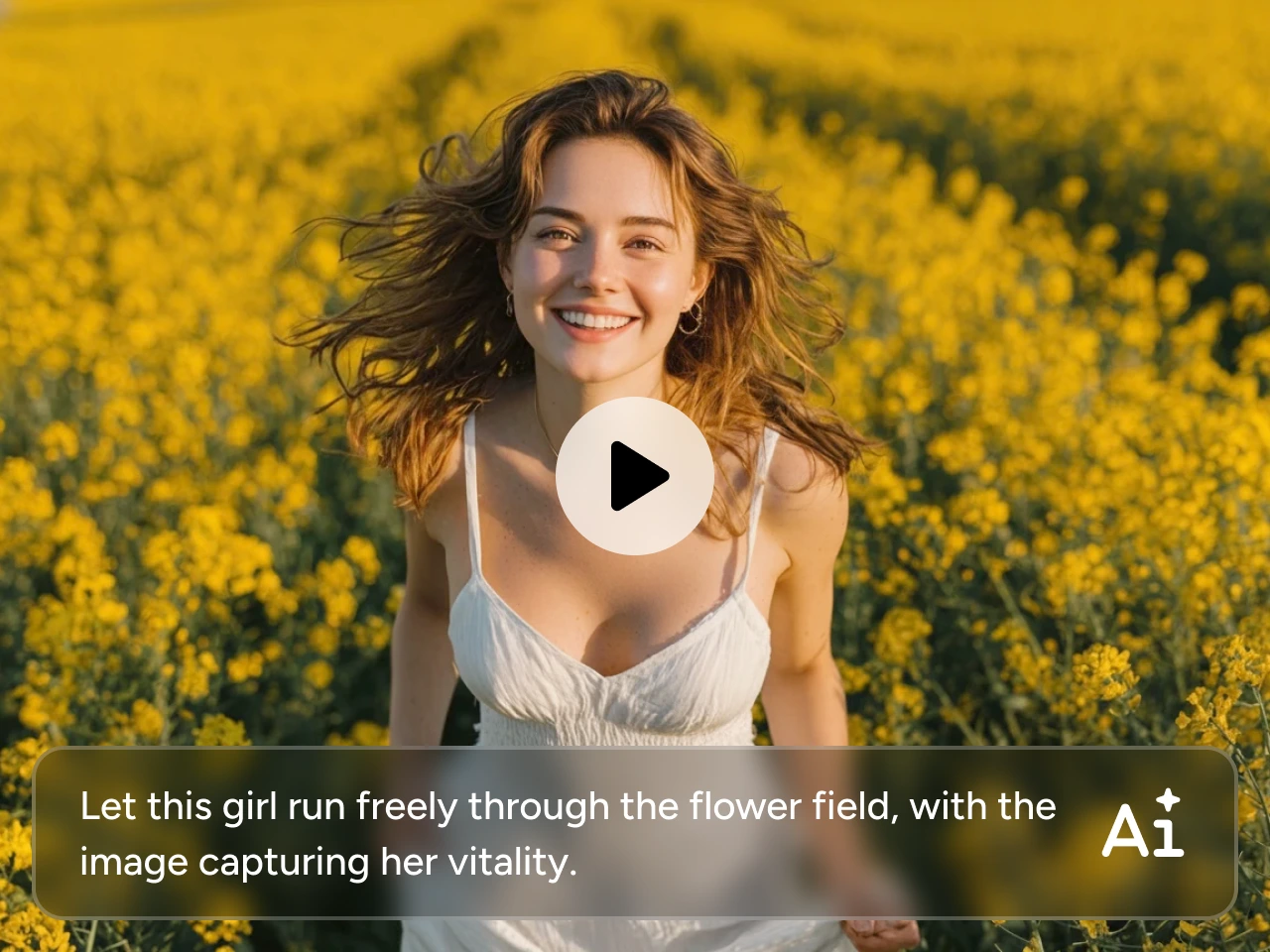
When the project starts with a visual idea instead of a finished article or recording, PicLumen can turn a prompt into an AI video scene or animate a reference image. This suits short-form storytelling, concept videos, social clips, and other projects where the scene itself needs to be created. Start with PicLumen's AI video workflow when you want to shape the visual direction before building the rest of the content.
Build Supporting Visuals from Prompts or References
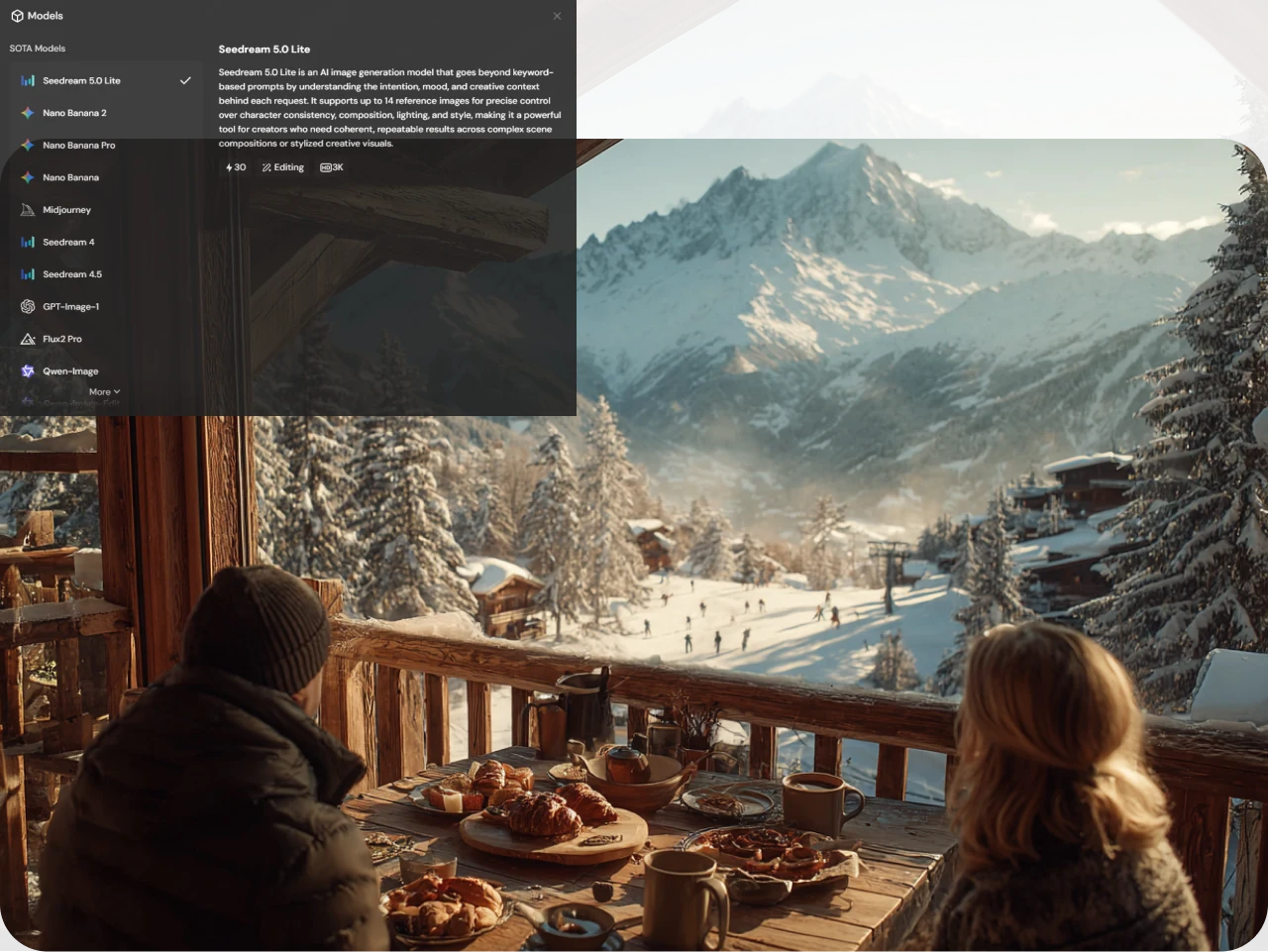
Pictory can generate supporting visuals inside a video project, but PicLumen puts image creation at the center of its own workflow. Use PicLumen's AI image generator to create a visual from a text prompt, or use a reference image to guide a new direction, then carry the resulting asset into a broader video project. This is useful for creators who need original scenes, campaign imagery, product visuals, or story elements before adding motion.
Clean Up Image Assets Before They Become Video Inputs
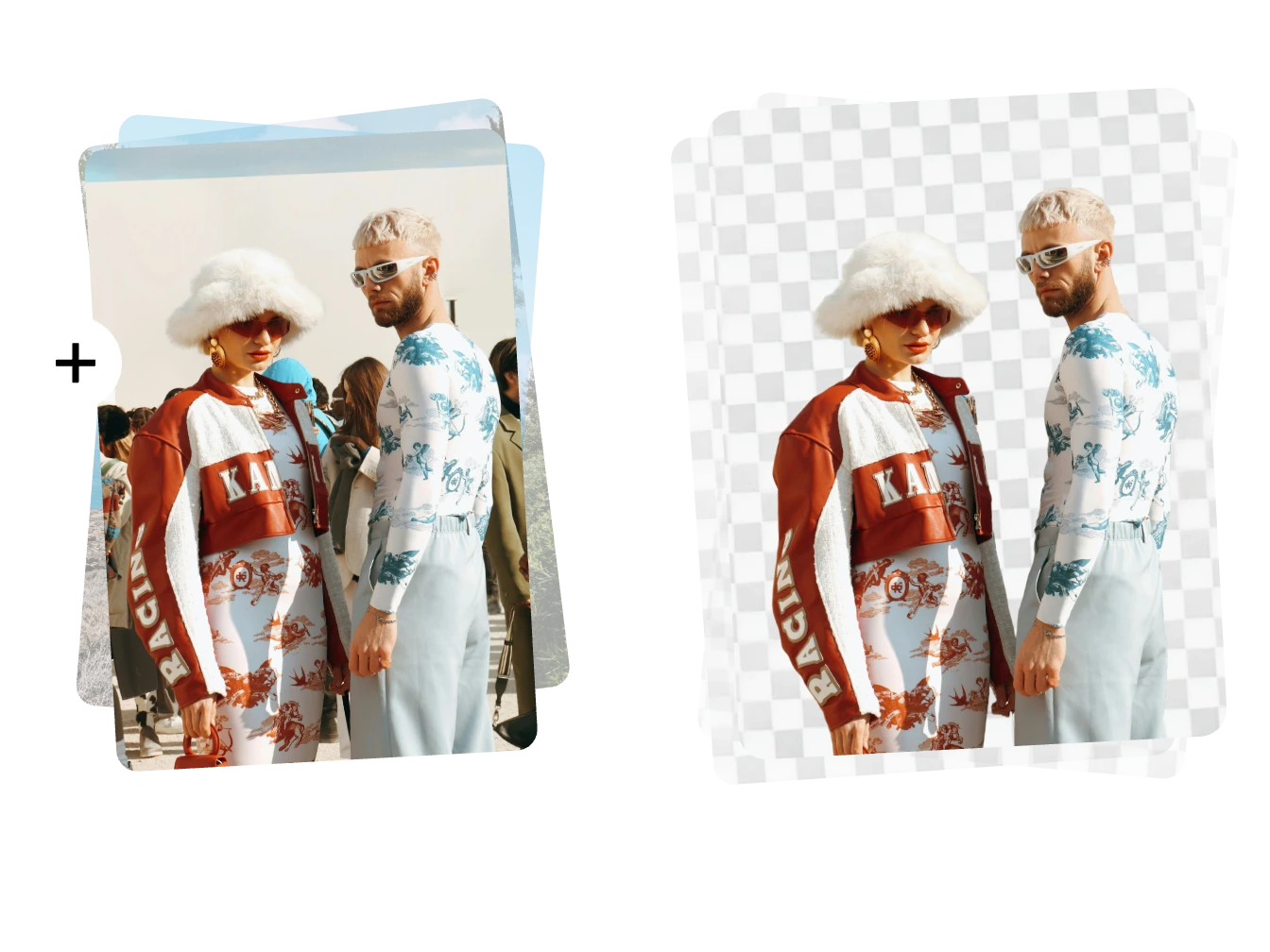
Not every source image is ready to use as a video reference. PicLumen's focused image tools can handle preparation tasks such as removing a background from a product, portrait, or other uploaded asset. Starting with a cleaner image makes it easier to reuse the subject in new scenes, product visuals, and image-to-video projects without carrying an unwanted background into the next stage.
Turn One Product into Multiple Marketing Creatives
For marketers and small teams, the finished video is often only one part of the campaign. With PicLumen's marketing content templates, teams can turn the same product assets into UGC-style videos, advertising images, promotional posters, and social content for different campaign needs. This makes the workflow useful when a product launch requires several visual formats instead of a single video deliverable.

How to Create an AI Video with PicLumen
Choose the Right Model
1Open PicLumen's AI Video workspace and choose a model that fits the scene, motion, or visual style you want to create. Compare the available model options and select the one that best matches the type of video input you already have.
Enter a Prompt or Upload References
2Describe the subject, action, setting, and visual direction in a text prompt, or upload a reference image when the project already has a key visual. Choose the input route that best matches the material you want to build from.
Set the Aspect Ratio and Quality
3Choose a video format that fits the destination, such as 9:16 for vertical social content, 1:1 for square layouts, or 16:9 for widescreen video. Adjust any available quality or resolution settings supported by the selected workflow.
Generate, Download, and Share
4Generate the video and review the motion, subject consistency, and overall scene against your original idea. Download the result when it is ready, then prepare it for the social channel, website, product page, or campaign where you plan to use it.


Loved by Creators Worldwide
Real feedback from designers, marketers, and hobbyists sharing their PicLumen experience on Trustpilot.
 Alfred Rangel R
A wonderful range of options to create…
A wonderful range of options to create truly dreamlike visual effects with all those colors; only imagination is the limit.
Jon JonVery good website
Very good website. Different models, good job
 ClashOf Clans
Excellent platform to fantasy
Excellent platform to fantasy
 Rishiprasanth BR
This is a great site to create images…
This is a great site to create images as per our mind's wish. Such a great site, loved its response
 George Price
PicLumen's support team replies quickly…
PicLumen's support team replies quickly to your help requests and they are clear in what they require of you for them to help you. They usually diagnose your problem and offer a solution in less then 24 hours. Stellar service!
 Brijesh Chikhaliya
very good
very good , Excellent Experience
Phogat PradeepPeople passing by without noticing them.
People passing by without noticing them.
The Uncharted TimelineThis ai
This ai generated image very natural and beautiful HD quality
 Headphonlessness Meditations
hi i am @VbsRedlof on twitter
hi i am @VbsRedlof on twitter
it really works
it really works. i got an amazing AI tool for images
 Hazard Lion
Best project in ai
Best project in ai , creating images 👌
 Tadhg Reidy
Really good
Really good, I like the way it recharges every day
FAQs
What Is Pictory AI Video Generator Used For?
Pictory AI Video Generator is designed to turn text, scripts, articles, URLs, audio, presentations, images, and existing video content into structured videos. Its workflow combines scene creation, visuals, AI voices, captions, and editing for content repurposing, training, marketing, and social publishing.
Can Pictory Turn Scripts or Articles into Videos?
Yes. Pictory can use a script, article, blog post, or written prompt as the starting point for a video. It can build a storyboard with visuals, voiceover, and captions, then let you edit the scenes before exporting the finished video.
Can Pictory Edit an Existing Video Using Text?
Yes. Pictory's AI Video Editor can transcribe uploaded footage and let users edit the video by changing the transcript. The workflow can also remove filler words, update captions, adjust visuals, and reorganize content without relying entirely on traditional timeline editing.
Can Pictory Generate Images for Videos?
Yes. Pictory's AI Studio can generate images from text prompts, let users choose a model and style, and add the result to a video scene or download it. Pictory also offers image-to-video workflows that can animate images with text prompts.
Can PicLumen Create Videos from Text or Images?
Yes. PicLumen supports text-to-video and image-to-video workflows. You can describe a scene with a prompt or upload a reference image, then choose available video settings and generate a clip based on that creative direction.
Can PicLumen Create Marketing Videos and Other Campaign Assets?
Yes. PicLumen supports product-focused video creation as well as marketing templates for UGC-style videos, advertising images, promotional posters, and social content. This makes it useful when a campaign needs several visual assets built around the same product rather than a single finished video.
Is PicLumen affiliated with Pictory?
No. PicLumen is an independent AI creation platform and is not affiliated with, sponsored by, or endorsed by Pictory. Any references to Pictory are for informational purposes only. All trademarks belong to their respective owners.