
PixVerse AI Video Generator
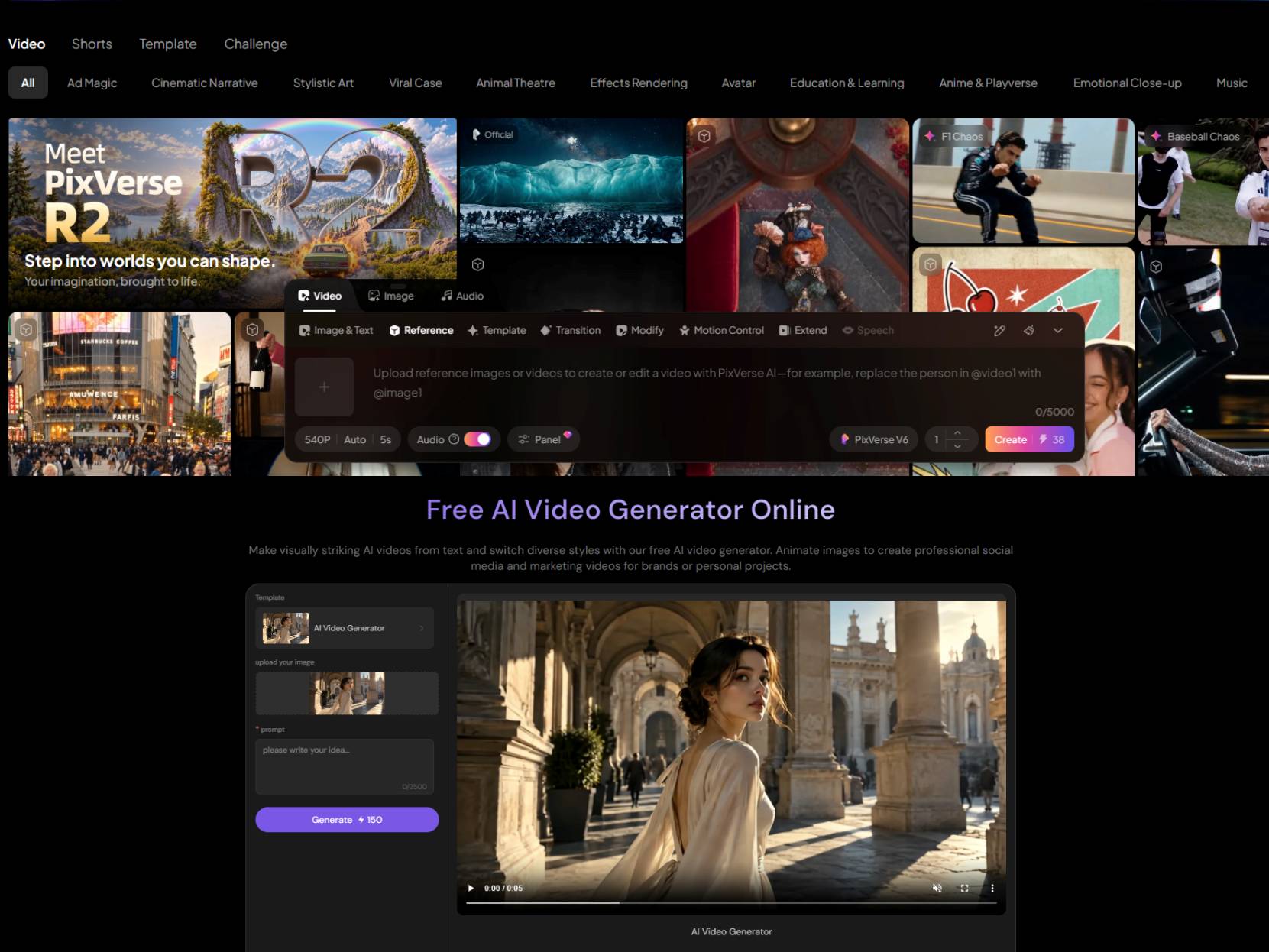
Have an idea for a video but no footage to bring it to life? PixVerse lets you turn a text prompt or an existing image into a short clip, whether you’re imagining a cinematic scene, a character moment, or a product teaser. Its V6 model adds multi-shot generation, built-in audio, and flexible aspect ratios for more ways to shape your video. And once you have an idea worth exploring, PicLumen gives you other ways to bring it to life, from generating videos with text to animating images and creating product-focused clips.
Hot Video Effects
Turn your photos into fun dance clips, surprising transformations, and shareable moments with trending AI video effects.
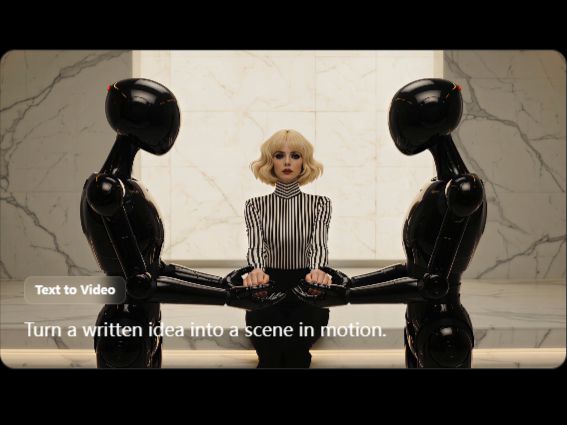
Turn Written Prompts into Directed Scenes
PixVerse’s text-to-video workflow starts with a description of the subject, setting, action, camera movement, lighting, sound, and mood. Creators can describe the scene they have in mind and generate a moving visual without filming it first. This approach works well for story concepts, product teasers, educational visuals, and social content when the idea is clear but the footage does not exist yet.
Animate Existing Images with Motion Prompts
When you already have a product photo, character illustration, portrait, or campaign visual, PixVerse can use it as the starting point for a video. Add a motion direction, such as a camera push, reveal, or other movement, and generate a clip around the existing composition. This image-to-video workflow is useful when you want to build on a visual you already like instead of beginning with a text prompt alone.
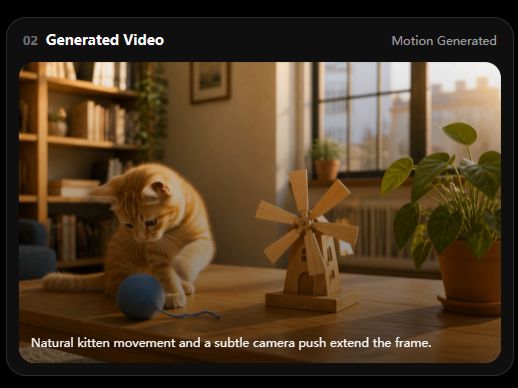
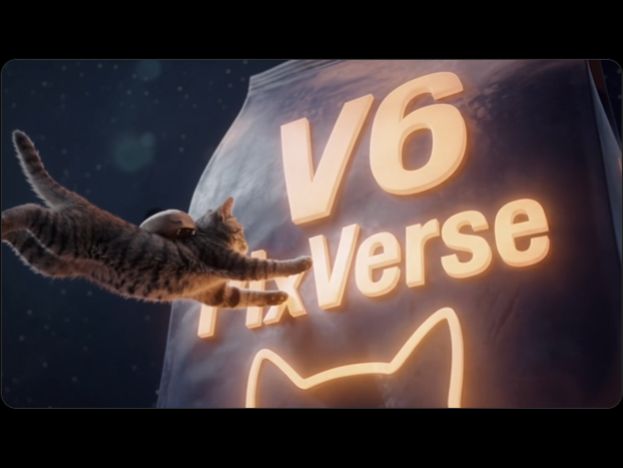
Create Multi-Shot Videos with Native Audio
PixVerse V6 supports multi-shot generation, native audio, and output-format controls. Its official feature page lists video generation of up to 15 seconds at 1080p, with options for dialogue, sound effects, and ambient sound. Multi-shot generation is useful for short narrative scenes, promotional concepts, and character moments that need more than one camera angle or a combination of visuals and sound.
Explore Effects and Template-Led Videos
PixVerse also provides preset effects and template-led workflows for creating stylized video content. Depending on the selected effect, you can start with an image or a text prompt and use a predefined visual direction rather than describing every stylistic detail from scratch. This approach is suited to trend-inspired clips, playful transformations, and short-form social content where the effect itself is a central part of the idea.
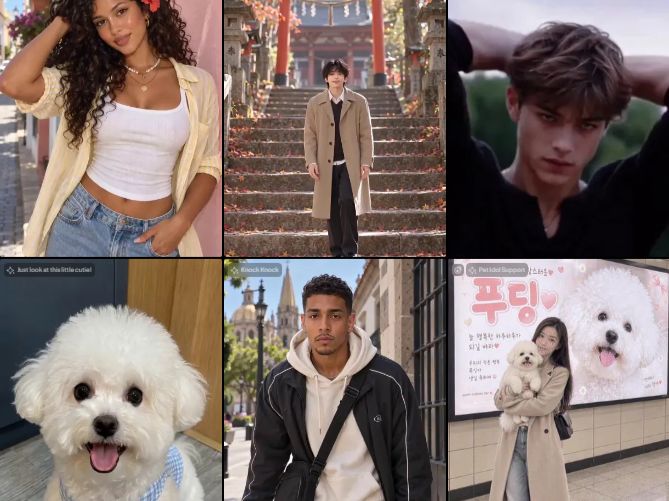
What Can You Create with PixVerse?
Social Clips from a Prompt
Creators can turn a short written idea into a mood clip, character moment, visual hook, or post for a social channel without filming the scene first. For a separate prompt-led creation route, PicLumen’s text-to-video workflow lets you develop a video draft from a written scene description.
Product Reveals from Existing Images
A product photo or campaign still can become the starting point for a slow push-in, reveal, or other guided movement. This is useful when you already have a chosen visual and need a short motion asset for a product page or social post.
Character Scenes and Short Stories
Creators can use multi-shot generation and sound direction to prototype a character interaction, cinematic moment, or short sequence. This works for story pitches, entertainment-led content, and social videos where a single static frame is not enough to convey the idea.
Trend-Inspired Effects and Meme Videos
Preset effects and motion-led transformations can help creators develop playful clips, meme formats, or creative variations for social feeds. Starting from a source image or a clear text idea gives the effect a visual direction while leaving room to experiment with the final concept.
PixVerse and PicLumen for AI Video Creation
PixVerse brings text-to-video, image-to-video, preset effects, and V6’s multi-shot and audio capabilities into its own creation ecosystem. PicLumen offers separate entry points for text-driven video creation and image animation, alongside a product-video workflow for promotional content and a tool for enhancing existing footage. The workflows suit different creative needs: PixVerse is worth exploring when you want to experiment with its native effects or multi-shot V6 output, while PicLumen is useful when your project calls for a prompt-based draft, movement from a chosen image, a product-focused video, or a separate video-enhancement step.
Develop a Video Concept from a Written Brief
Start with the message or moment you need to communicate, then describe the subject, setting, action, camera movement, and atmosphere in a prompt. PicLumen’s text-to-video creation workflow is useful for exploring a social hook, story concept, or campaign idea before you have an image or filmed footage to build around. You can review the generated clip and refine the prompt to better match your intended direction.
Bring Motion to a Chosen Visual
When the starting composition already works, use PicLumen’s image-to-video workflow to add movement instead of creating the scene from scratch. Upload a source image, describe the motion you want, and generate a short clip for storytelling, character visuals, or social content. It is a practical route when the original framing matters and the movement is the part you still need to explore.
Turn Product Details into a Short Promotional Video
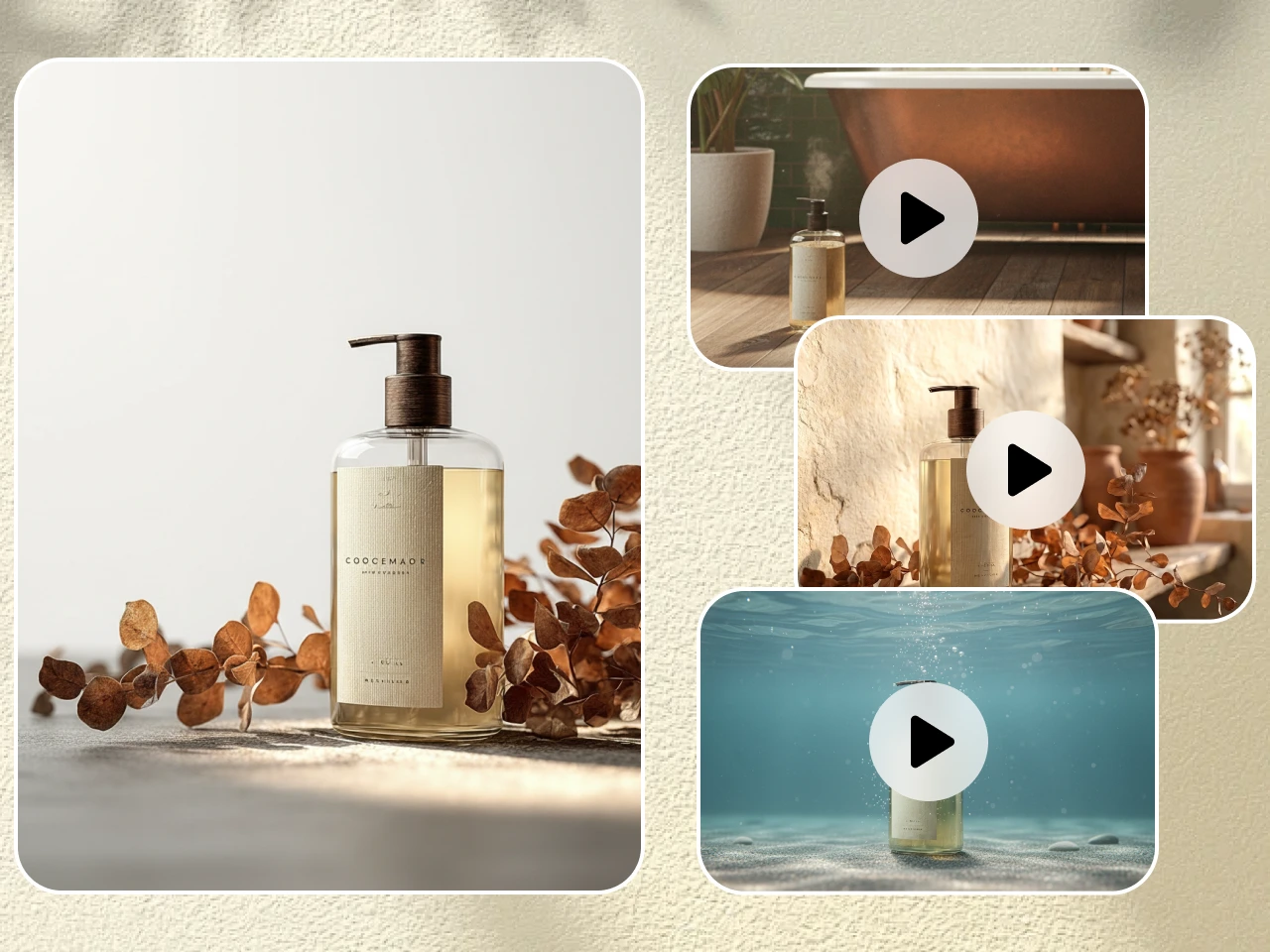
Product content often starts with a few images, a description, or a list of selling points rather than a finished video brief. PicLumen’s AI product video generator is built for this kind of task, supporting the creation of product demos, advertisements, and social content from text or images. It is a relevant workflow for brands and marketers who need visual material for a product launch, online store, or promotional campaign.
Polish Existing Footage Before Publishing
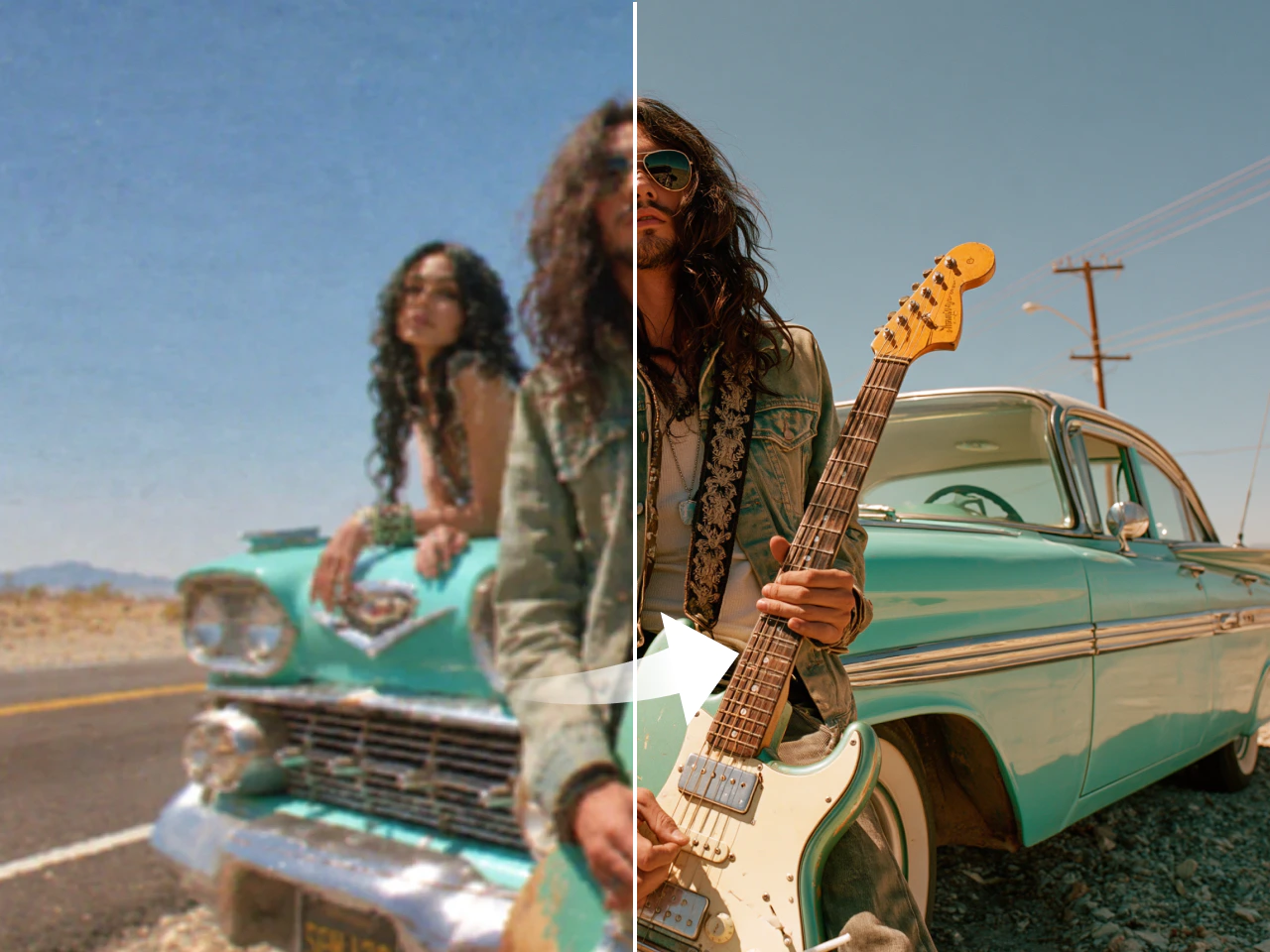
Sometimes a generated clip has the right idea but needs clearer details or smoother-looking motion before it is ready to share. PicLumen’s AI video upscaler can increase resolution up to 4K and offers frame interpolation up to 120 fps. Use it to prepare suitable existing footage for social posts, presentations, or product content, while remembering that enhancement cannot recover every detail missing from the original.
How to Create an AI Video with PicLumen
Choose the Right Model
1Open PicLumen’s AI Video workspace and choose a model available for your intended task. Start by deciding whether you need a new video from a text prompt, movement added to an existing image, or a product-focused video workflow.
Enter a Prompt or Upload References
2For a new scene, enter a prompt describing the subject, setting, action, camera movement, and mood. For image-to-video creation, upload a supported image and describe the movement you want. For product videos, use the inputs supported by the dedicated product-video workflow.
Set the Aspect Ratio and Quality
3Choose from the aspect ratios and quality settings available in the selected workflow. Consider whether the finished video is intended for a vertical social feed, a square post, or a wider presentation, and select settings that fit the destination.
Generate, Download, and Share
4Generate the clip and review its motion, framing, and consistency with your original idea. Adjust the prompt or input and try again if needed. When you are satisfied with the result, download the video and upload it to your intended social channel, website, or project.


Loved by Creators Worldwide
Real feedback from designers, marketers, and hobbyists sharing their PicLumen experience on Trustpilot.
Zaine JuttAmazing 😍😍😍😍😍😍 freee 😍😍
Amazing 😍😍😍😍😍😍 freee 😍😍
 jordi Alcaraz
I have really enjoyed using this site…
I've had a really positive experience with Piclumen. The platform offers excellent features for creating AI images and videos, with impressive quality and a wide range of creative possibilities. It's very easy to use, even when experimenting with more complex ideas, and the whole process is both intuitive and enjoyable. excellent customer service. The team replies very quickly, is always friendly, and genuinely tries to solve any issues you may encounter they care about their users. Overall, Piclumen is an innovative, user-friendly, and exciting AI platform. I highly recommend it to anyone interested in AI image and video creation.
 jsbsbsbs hdhdhshwhw
Very cool i like it it's so smooth
Very cool i like it it's so smooth
 KIDSCARTOON
This ap great and amazing generate pic
This ap great and amazing generate pic
 Ibrahim Onuh
So very powerful and interesting
So very powerful and interesting
Excellent results
Excellent results, very supportive and helpful customer service. They have a great interface very friendly use and the prices are reasonable. I use it for personal stuff and I am just a beginner but it made my earning process very enjoyable. I might give a more technical review in the future but that is so far my experience. Thanks
Andreas Ruffy NilssonAwesome!
great way to create for your own usage and your social platforms!
sakura cherryVery good Free ai photo
Very good Free ai photo, thanks, i wish consistency ,
 Aslam Khan
good have a nice day.meet
good have a nice day.meet
 Hazard Lion
Best project in ai
Best project in ai , creating images 👌
 Raiden
I haven’t tried yet so wait
Its actually really useful
 madhu choudhary
best for AI 3d
best platform for making ai generation and easy to use
FAQs
What Is PixVerse AI Video Generator?
PixVerse AI video generator is a tool for creating short videos from text prompts or image inputs. Its current V6 workflow also supports multi-shot scenes, native audio, and output aspect-ratio controls, making it useful for concept clips, product teasers, and social content.
Can PixVerse Generate Videos from Both Text and Images?
Yes. PixVerse supports text-to-video and image-to-video workflows. Use a written prompt to define a new scene, or provide an existing visual and describe the movement you want. Which controls are available depends on the selected model and creation route.
What Makes PixVerse V6 Useful for Short-Form Video?
PixVerse V6 is designed for clips of up to 15 seconds at 1080p, with multi-shot generation, native audio for dialogue and sound effects, and aspect-ratio controls. These features help when a short concept needs several camera angles or sound, rather than a single silent shot.
Can I Try PixVerse AI for Free?
Yes. PixVerse offers a limited daily free-credit path for registered users, although available credits and eligible models can vary by account and product route. Review the current credit balance, watermark, export, and usage conditions in PixVerse before using a result for a client or commercial project.
Can I Create Videos from Text or Images with PicLumen?
Yes. PicLumen has separate text-to-video and image-to-video workflows. Start with a written scene prompt when building an idea from scratch, or upload a source image and describe the motion when you already have a visual you want to animate.
Can PicLumen Improve the Quality of an Existing AI Video?
Yes. PicLumen's AI video upscaler can increase video resolution up to 4K and offers frame interpolation up to 120 fps. Enhancement can improve visible clarity and motion, but it cannot recreate details that were never present in the original footage.
Is PicLumen affiliated with PixVerse?
No. PicLumen is an independent AI creation platform and is not affiliated with, sponsored by, or endorsed by PixVerse. Any references to PixVerse are for informational purposes only. All trademarks belong to their respective owners.