
SwapFace AI Face Swap
Ever wondered what you’d look like in a movie scene, a reaction meme, or someone else’s place in a short video? SwapFace is built around that kind of playful experiment, with tools for swapping faces in photos, videos, GIFs, and group images. But a face swap does not have to be the finished product. With PicLumen, you can take the same idea further, from creating a new face-swap image to turning it into a moving scene or exploring completely different visual directions.
Hot Video Effects
Turn your photos into fun dance clips, surprising transformations, and shareable moments with trending AI video effects.
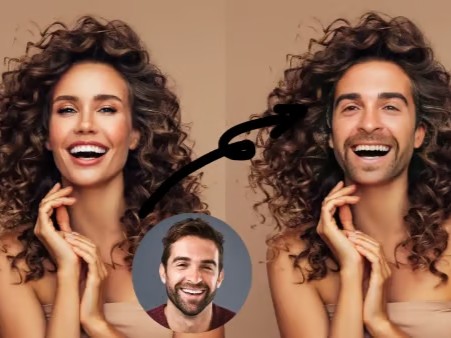
Swap Faces in Photos
SwapFace's core photo workflow lets you upload a target image and replace a face with another face. The result can be used for memes, social posts, creative images, or visual experiments. Because the face is changed within the original photo, you can keep the setting, pose, and overall scene instead of rebuilding the image from scratch.
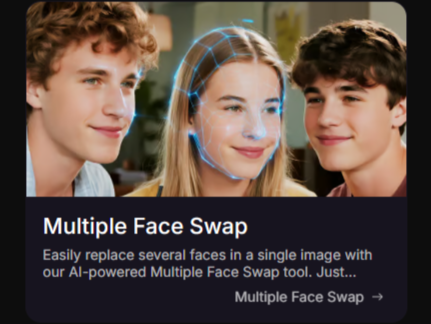
Replace Multiple Faces in One Image
Working with a group photo does not mean you have to swap each person one by one. SwapFace's Multiple Face Swap tool can detect several faces in one image and let you replace them individually. This makes it useful for family photos, group portraits, graduation pictures, and other images where more than one person needs to change.
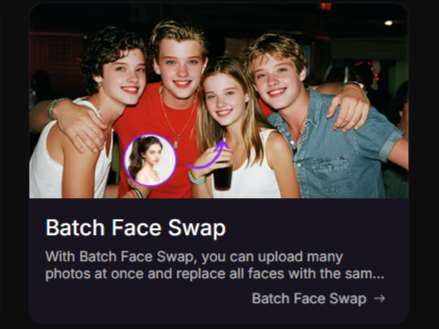
Handle Face Swaps in Bulk
For creators or marketers working with many images, SwapFace also provides a Batch Face Swap workflow. You can upload multiple photos and use the same target face across the set, which is more practical for repetitive tasks than processing every image separately. This can be useful when building a series of personalized visuals with a consistent face.
Put New Faces into Videos and GIFs
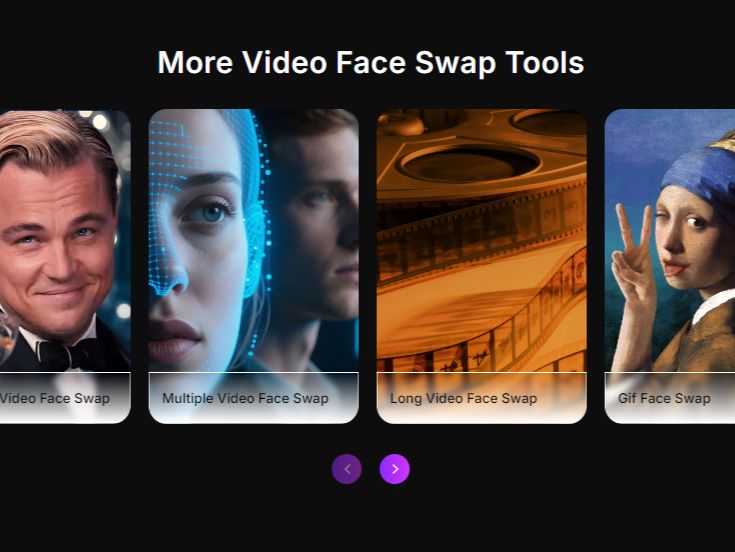
SwapFace extends face swapping beyond still images. Its video tools let you replace faces in uploaded clips, while its GIF workflow is designed for memes, reactions, and other short animated content. That makes it possible to take the same face-swap idea into formats made for sharing, rather than keeping it as a single static image.
What Can You Create with SwapFace?
Personalized Memes and Social Posts
Drop your face into a meme, movie-style scene, celebrity-inspired image, or other social visual and turn an ordinary picture into something worth sharing. For users who want to keep building from the result, PicLumen also offers AI photo face swap for creating and refining personalized face-swap images.
Group Photos and Special Events
Multiple face swaps can make group photos more playful or help visualize a creative concept involving several people. Family photos, graduation portraits, team pictures, and party shots are all natural fits when more than one face needs to be replaced.
Short-Form Video and Trend Content
Video face swapping can turn familiar clips into personalized content for TikTok, Instagram, YouTube Shorts, or private group chats. When the idea starts as a still image, PicLumen can also take it into motion with AI video face swap, keeping the face-swap concept alive beyond a single frame.
Reaction GIFs and Creative Moments
GIF face swaps are a natural fit for reaction memes, inside jokes, birthday messages, holiday content, and other quick visual moments. Instead of making a polished campaign, the goal here is often much simpler: take a familiar clip and make it feel personal.
SwapFace and PicLumen for AI Face Swap
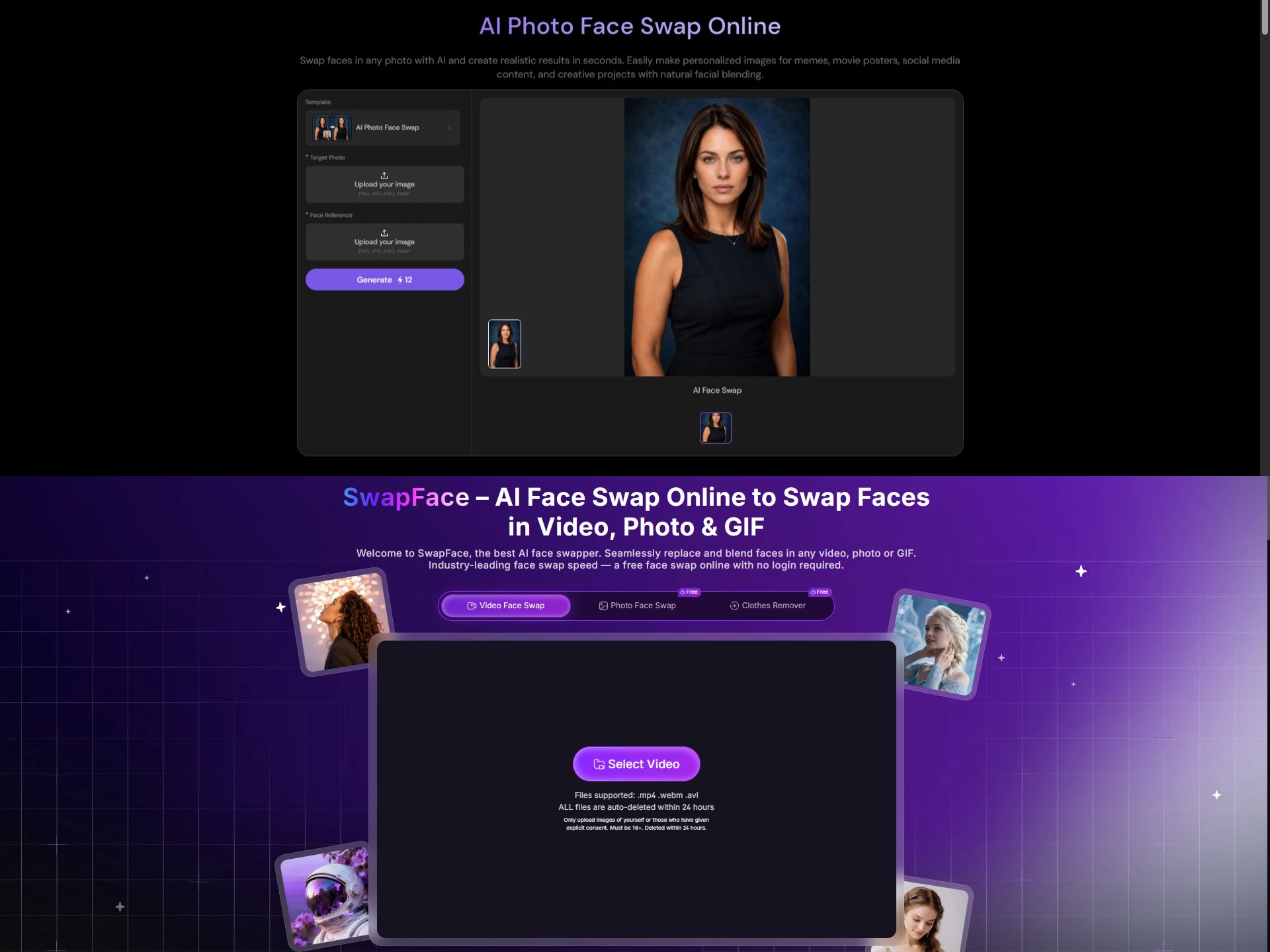
SwapFace is built around face swapping itself, with separate workflows for photos, videos, GIFs, multiple faces, and batch tasks. PicLumen also supports photo and video face swaps, but its workflow can continue into other forms of image and video creation instead of stopping at the swap. The choice comes down to what you want to do with the result: keep making different kinds of face-swap content, or use the swapped image or video as the starting point for a broader creative project.
Swap a Face Without Rebuilding the Whole Image
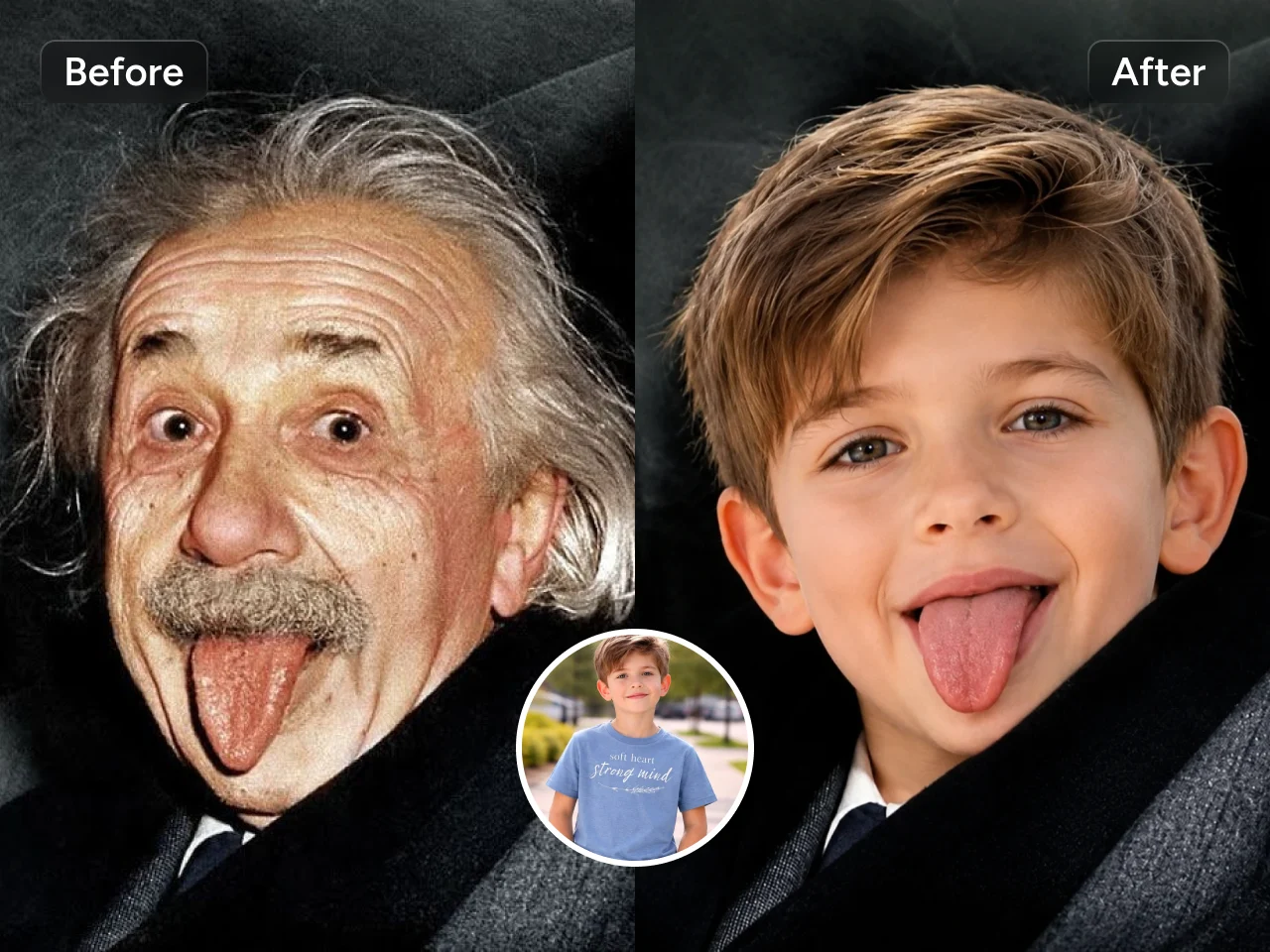
PicLumen's photo face swap workflow starts with a target image and a face reference, then blends the new face into the scene. You can also add a prompt to shape the final look. That makes it useful when you already have the scene you want and only need to change who appears in it.
Keep the Same Face as You Explore New Looks
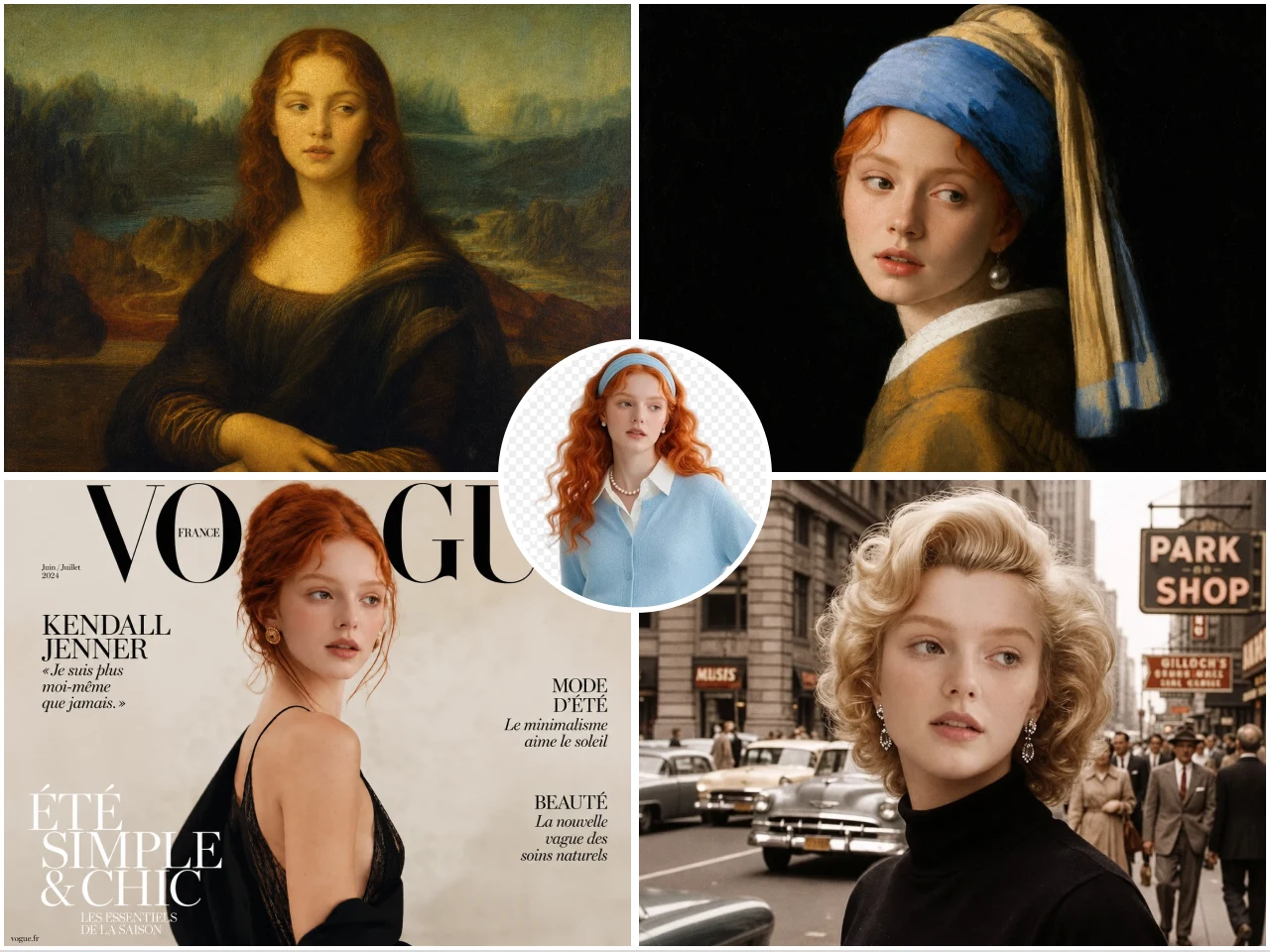
A face swap does not have to lock you into the original image. With PicLumen's image reference workflow, you can carry a recognizable face or character into new poses, expressions, backgrounds, and visual styles. This opens up a more flexible way to develop a character once you have found a face that works.
Turn a Face-Swapped Still into Motion
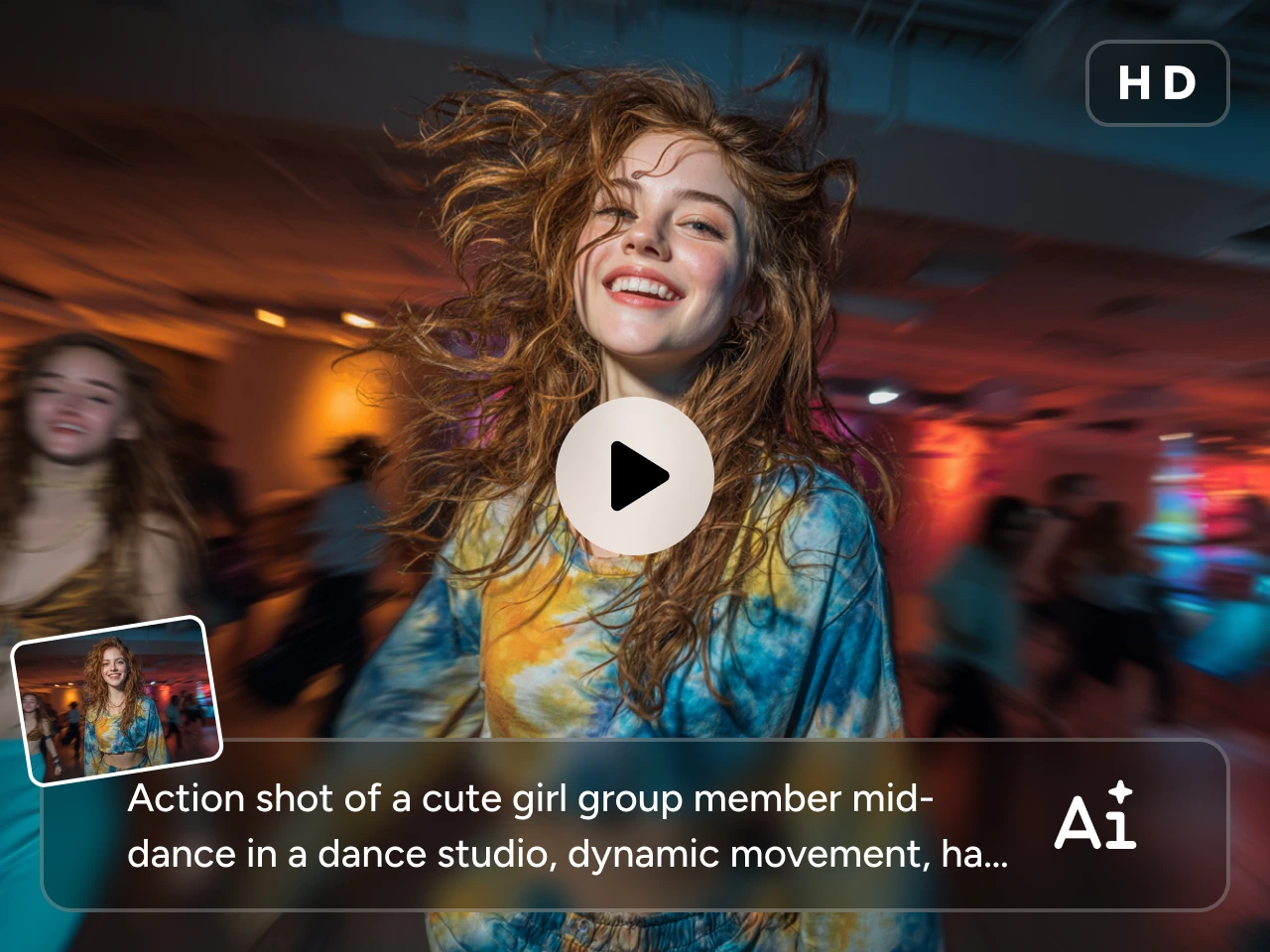
Once you have a face-swap image you like, PicLumen can take it into an image-to-video workflow. Add a motion prompt, guide the movement you want, and turn the still into a short clip for social posts, storytelling, or other creative uses. The face swap becomes the starting point rather than the final frame.
Put the New Face into a Moving Scene
For a more direct video workflow, PicLumen's AI video face swap lets you upload a source video and a face photo, then replace the face while preserving the original movement, expressions, and setting. This gives you a dedicated route when the final output needs to be a video rather than a still image.
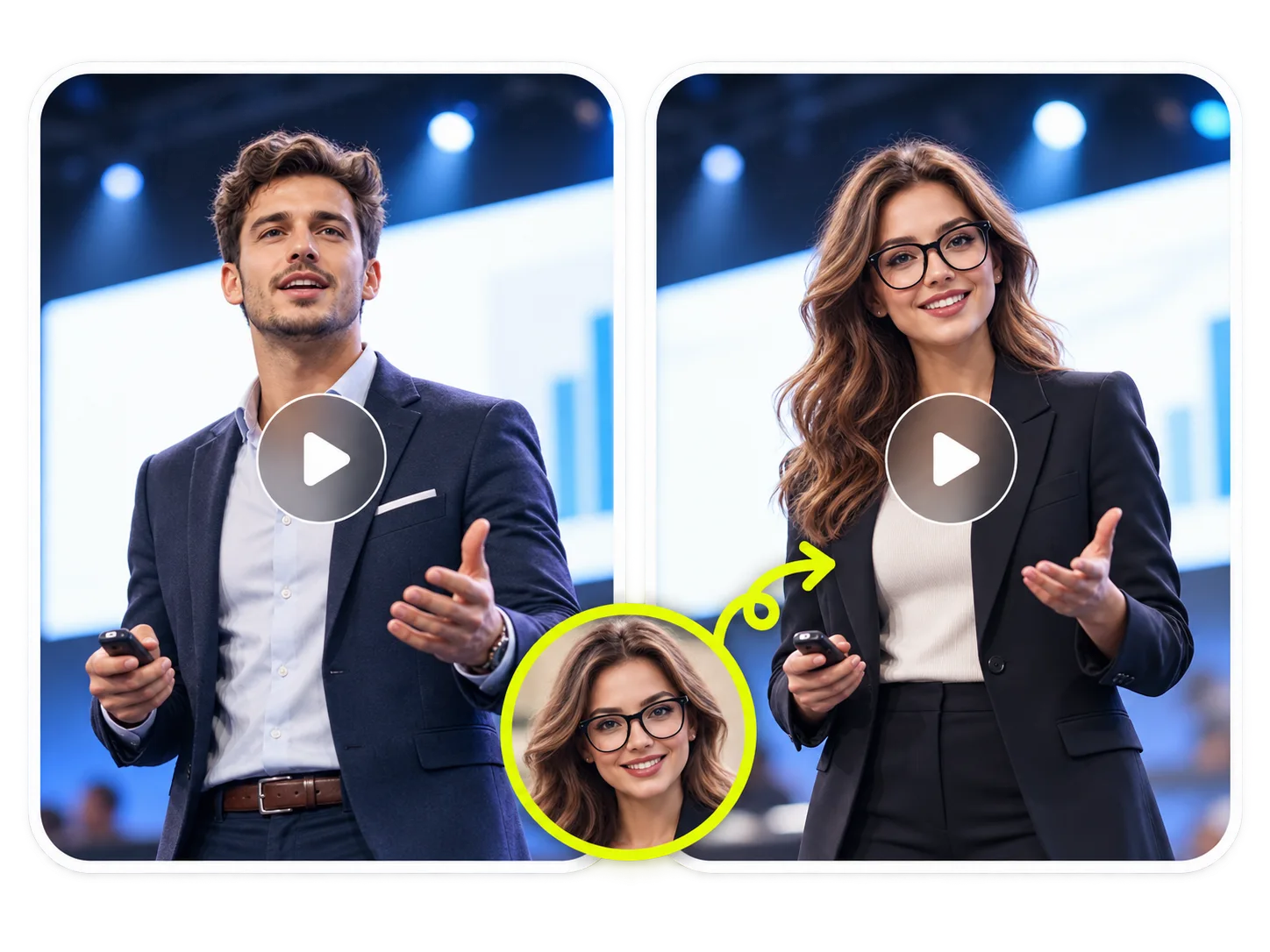
How to Create Face Swap Content with PicLumen
Choose the Right Model
1Start with the PicLumen workflow that matches the result you want. Use the dedicated Photo Face Swap or Video Face Swap tool for a direct swap, or choose an image-generation workflow when you want to build a new visual around your face reference.
Enter a Prompt or Upload References
2Upload the face reference and the target image or video supported by the selected workflow. When prompts are available, describe the visual changes you want, such as a new setting, style, pose, or other creative direction.
Set the Aspect Ratio and Quality
3Choose settings that fit the content you are creating. A portrait layout can suit social posts and profile content, while a wider frame may work better for scenes, memes, or video projects.
Generate, Download, and Share
4Generate the face-swap result and review it before downloading. If the result needs another direction, try a different reference, prompt, or creation workflow, then use the version that best fits your project.


Loved by Creators Worldwide
Real feedback from designers, marketers, and hobbyists sharing their PicLumen experience on Trustpilot.
 Ayan Samanta
Awesome experience just looking wow
Awesome experience just looking wow
 Bet AW
Nice good appp creat inmage
Nice good appp creat inmage
 George Price
PicLumen's support team replies quickly…
PicLumen's support team replies quickly to your help requests and they are clear in what they require of you for them to help you. They usually diagnose your problem and offer a solution in less then 24 hours. Stellar service!
Love this app it helps my ideas come to…
Love this app it helps my ideas come to life
It’s been great so far
It’s been great so far, I think the limitations are me not the app.
Really good app and generates good…
Really good app and generates good images!
 Aleks Visha
Great kompany in the world
Great kompany in the world
 Danial Daoud
Great customer support
It's easy to use, they have different AI models, good prices, and a nice community page. I contacted them regarding a bug issue and wasn't expecting much tbh. But they responded within a few hours and hade the issue fixed immediately! Great customer support!
Eddie BrownGood render and community is 🔥
Good render and community is 🔥
Edwin CapdepomtStrong aesthetic ability.
Piclumen gives the impression of being a capable and expressive image generator with a refined aesthetic. If it maintains this level of quality in other types of scenes, it will become one of the most interesting visual tools available today.
best of the best
the quick and fast result also too much style and variety is very very astonishing
Me May PhimThe new addition of models is excellent.
The new addition of models is excellent.
FAQs
What is SwapFace?
SwapFace is an AI face-swapping platform with tools for replacing faces in photos, videos, GIFs, group images, and batch image workflows. Its broader toolset also includes multiple face swaps and other AI creation tools.
Can SwapFace swap faces in videos?
Yes. SwapFace provides a video face swap workflow where you upload a source video and a target face image. Its video tools also include options for multiple faces, longer clips, and other video-specific face-swap workflows.
Can SwapFace replace multiple faces in one image?
Yes. SwapFace has a Multiple Face Swap tool that can detect several faces in a group image and let you replace them. It is designed for photos such as family pictures, group portraits, graduation shots, and other multi-person scenes.
Does SwapFace support GIF face swaps?
Yes. SwapFace offers a dedicated GIF Face Swap tool for reaction GIFs, memes, birthday content, holiday clips, and other short animated visuals. The workflow lets you upload a GIF and add the face you want to use in the swap.
Does PicLumen support both photo and video face swaps?
Yes. PicLumen has separate AI Photo Face Swap and AI Video Face Swap workflows. Photo Face Swap uses a target image and face reference, while Video Face Swap uses a source video and face photo to replace a face in the moving scene.
Can I turn a face-swap image into a video with PicLumen?
Yes. After creating a face-swap image, you can use PicLumen's image-to-video workflow to animate the still image. You can describe the motion you want and generate a video for social content, storytelling, product promotion, or other creative uses.
Is PicLumen affiliated with SwapFace?
No. PicLumen is an independent AI creation platform and is not affiliated with, sponsored by, or endorsed by SwapFace. Any references to SwapFace are for informational purposes only. All trademarks belong to their respective owners.