
Free Video Background Remover with AI
Remove video backgrounds in seconds with PicLumen's AI-powered video background remover. Upload your video, automatically isolate the subject, and replace the background without a green screen or complicated editing.
Hot Video Effects
Turn your photos into fun dance clips, surprising transformations, and shareable moments with trending AI video effects.
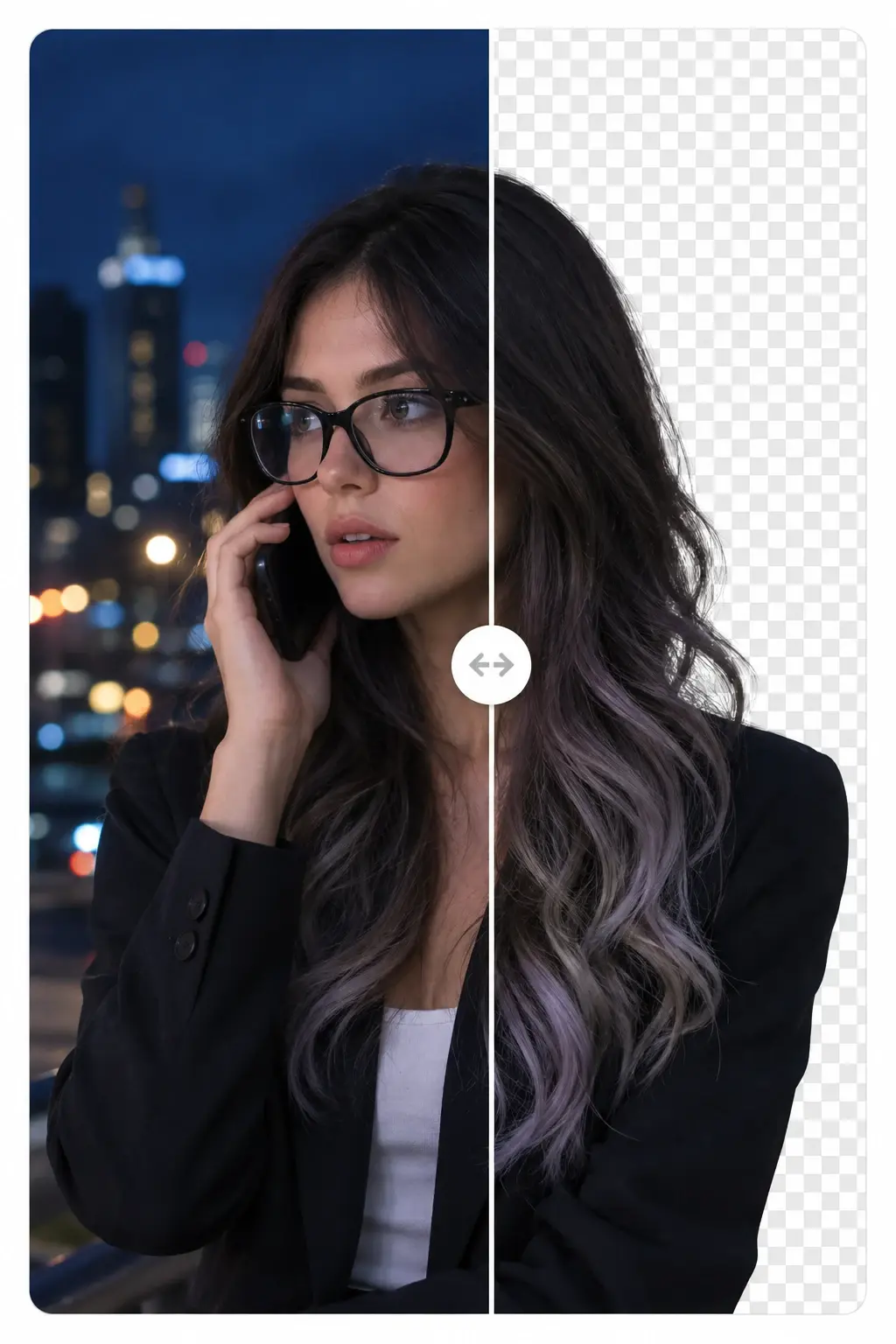
Talking Heads Video Background Removal
Remove video backgrounds while preserving fine hair, facial details, and natural hand movements for polished talking-head content.
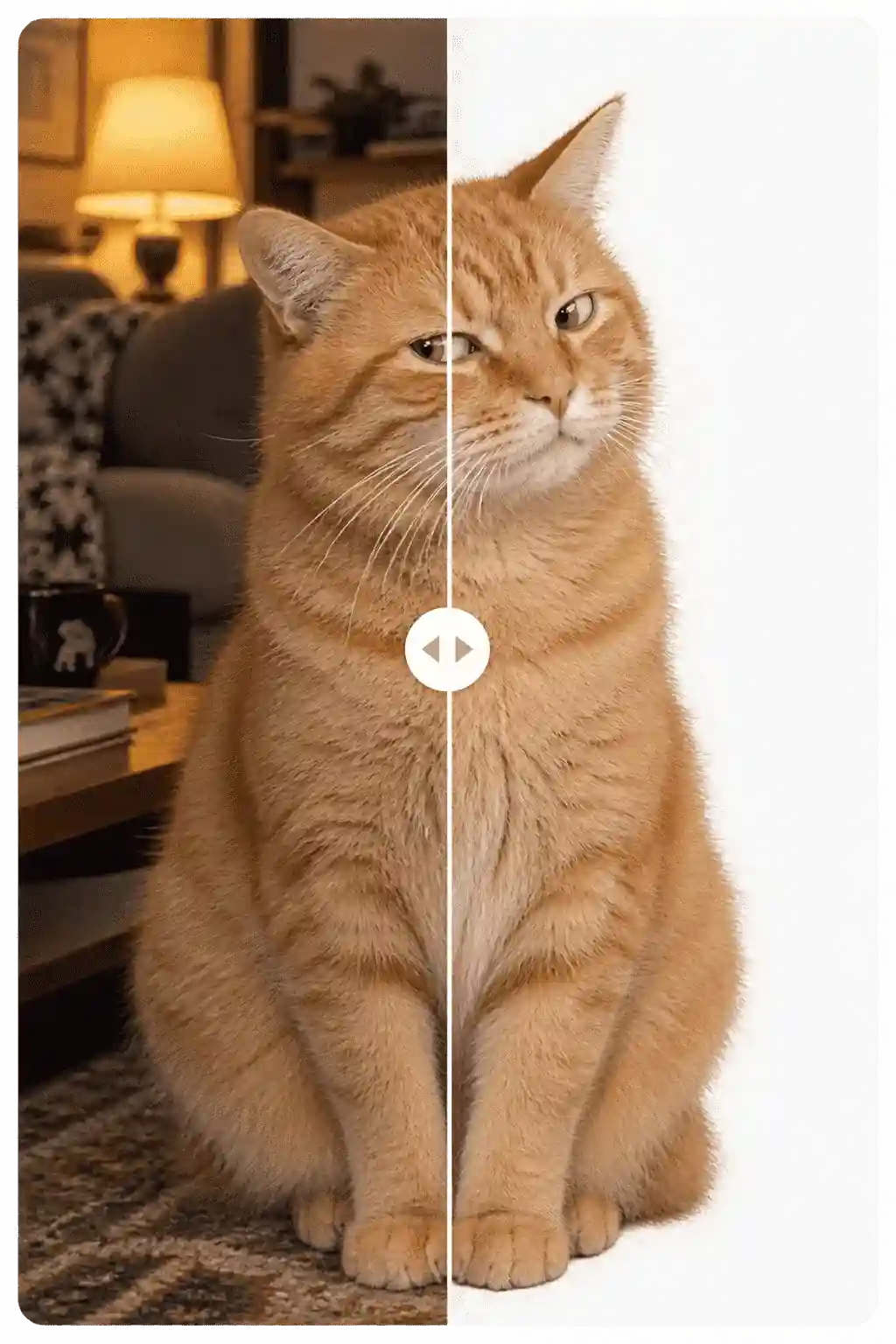
Animal Memes Video Background Removal
Remove backgrounds from pet and animal videos to create fun memes, viral clips, and shareable social content.
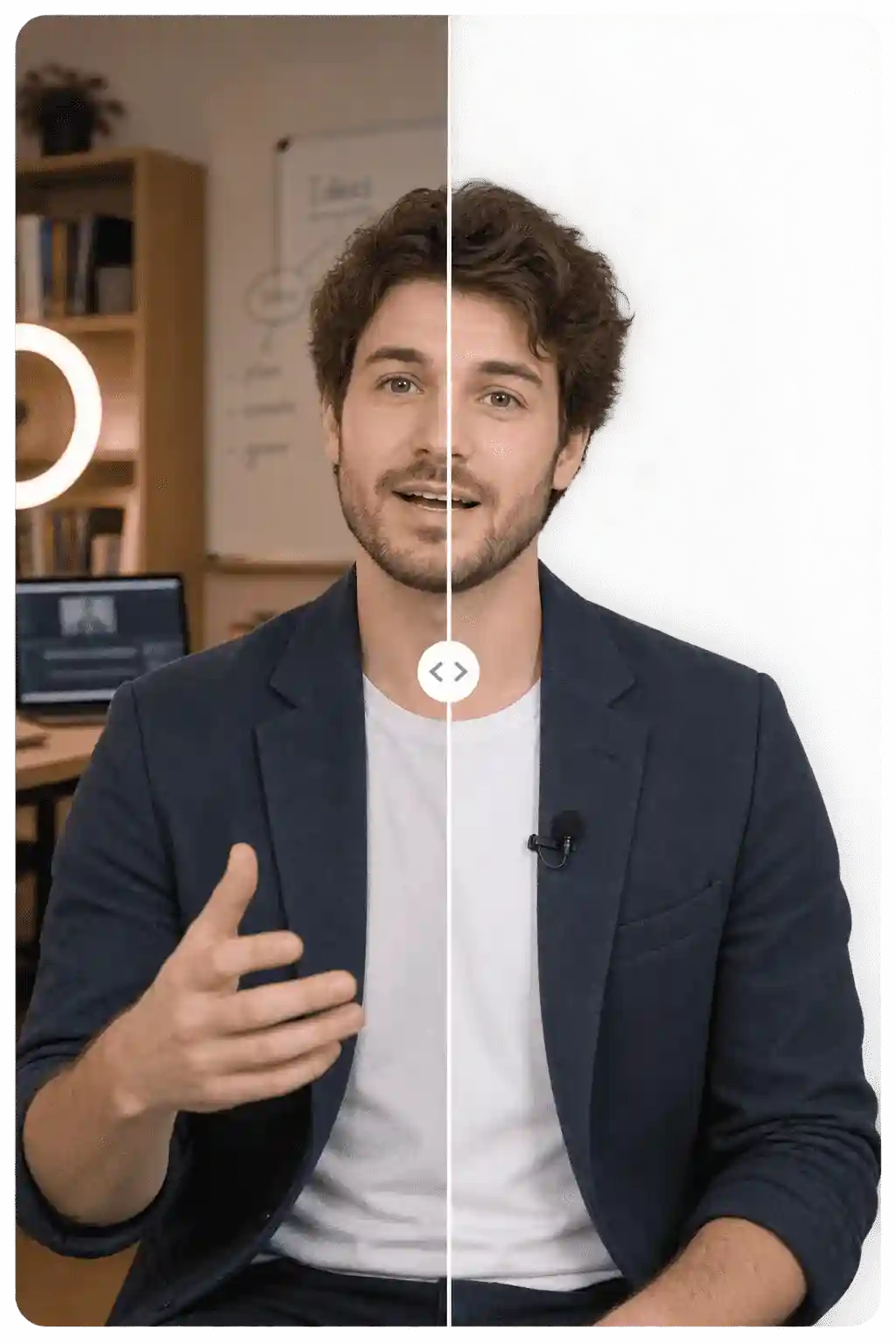
Online Course Video Background Removal
Place instructors seamlessly over slides and presentations without the need for a green screen.

E-commerce Ads Video Background Removal
Remove video backgrounds cleanly and place your products in any scene for eye-catching e-commerce ads.
How to Remove Background from Video?
Step 1 Upload Your Video
1Upload the video you want to edit to PicLumen. For the best results, use clear footage with a visible subject and good lighting.
Step 2 AI Removes the Background
2PicLumen's AI automatically detects the main subject and separates it from the original background. No green screen or frame-by-frame manual masking is required.
Step 3 Preview and Refine Your Result
3Preview the background-free video to check the subject edges and overall result. Make sure the subject remains clear and natural throughout the footage.
Step 4 Download and Share
4Export your finished video and use it for social media, product marketing, presentations, online courses, or other creative projects.
Remove Video Background Without a Green Screen
Traditional video background removal often requires a green screen and chroma keying. With AI-powered background removal, you can isolate your subject directly from regular footage.Traditional video background removal often requires a green screen and chroma keying. With AI-powered background removal, you can isolate your subject directly from regular footage.
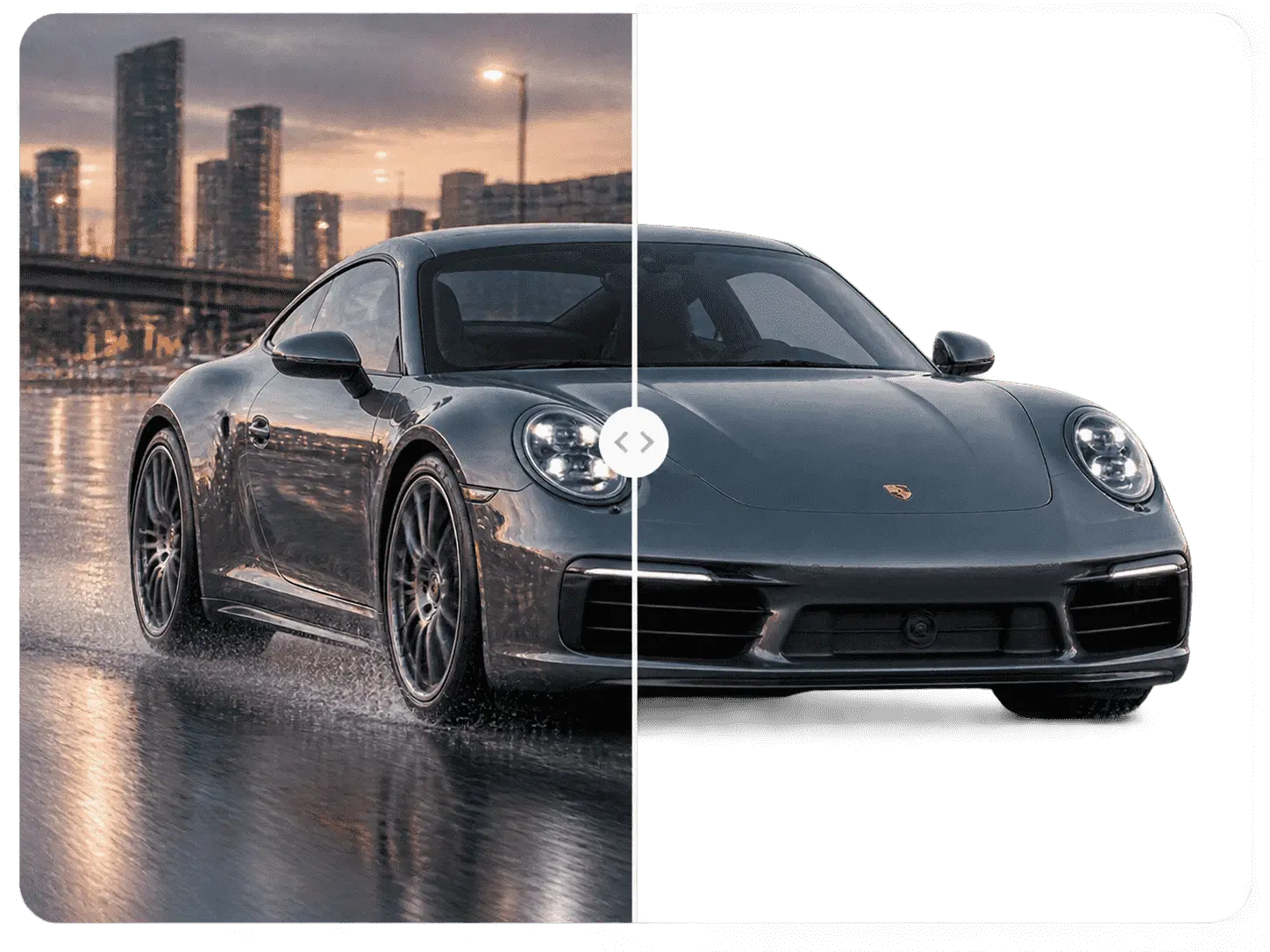
No Green Screen
Shoot videos in your home, office, studio, or outdoors.
No Manual Masking
AI handles subject detection instead of requiring frame-by-frame masking.
No Complex Editing
Remove unwanted backgrounds without learning professional compositing software.
Why Use PicLumen Video Background Remover?

1. AI-Powered Background Removal
Automatically detect and separate your main subject from the video background without manual masking or frame-by-frame editing.

2. Clean and Stable Edges
Keep important subject details such as hair, hands, clothing, and object contours as clean and natural as possible throughout the video.

3. No Green Screen Required
You don't need a physical green screen or complicated chroma key setup. Upload your existing footage and let AI handle the background removal.

4. From Background Removal to Creative Editing
Don't stop at removing the background. Continue editing your footage, generate new visuals, and create a complete AI-powered visual workflow with PicLumen.


Loved by Creators Worldwide
Real feedback from designers, marketers, and hobbyists sharing their PicLumen experience on Trustpilot.
Zaine JuttAmazing 😍😍😍😍😍😍 freee 😍😍
Amazing 😍😍😍😍😍😍 freee 😍😍
Jon JonVery good website
Very good website. Different models, good job
 Ayan Samanta
Awesome experience just looking wow
Awesome experience just looking wow
Just amazing website a must try.
Just amazing website a must try.
 Ifeanyichukwu C Chukwuemeka
Very good
Very good and good AI app easy to use without stress
 Menu Lawrence
Very fantastic app
Very fantastic app. I love it. I will like everyone to use this App
 Fatjon Xhoka
Super app for photo and video
Super app for photo and video
Very easy to use
Very easy to use, great quality
 Sheikh
very user friendly
very user friendly, easy to use.
Shiva VermaBest app for video editing
Best app for video editing
 Tadhg Reidy
Really good
Really good, I like the way it recharges every day
Really incredible work
Really incredible work, I love it so much, it's easy and intuitive
Frequently Asked Questions
What is a video background remover?
A video background remover is an AI-powered tool that automatically separates the main subject from a video's background, allowing you to remove, replace, or edit the background without manually masking every frame.
How do I remove a background from a video?
Upload your video to PicLumen, let the AI detect and isolate the main subject, preview the result, and continue editing or download your background-free video.
Can I remove a video background without a green screen?
Yes. AI-powered video background removal can isolate subjects directly from regular footage, so you don't necessarily need to record your video in front of a green screen.
Can I remove the background from any video?
Results depend on the quality and content of the footage. Videos with a clearly visible subject, good lighting, and limited motion blur generally produce better background-removal results.
Is there a video background remover online?
Yes. Online AI tools allow you to upload videos and remove backgrounds directly through a browser without traditional video editing software.
What is the best background remover for video?
The best tool depends on your needs, including removal quality, processing speed, supported formats, editing features, and your intended use. PicLumen is designed to combine AI background removal with broader image and video creation workflows.
Can I remove the background from a person in a video?
Yes. AI video background removal can be used to isolate people from their surroundings, making it useful for talking-head videos, tutorials, presentations, advertisements, and social media content.
Can I remove a background from a product video?
Yes. Removing the background from product footage can help creators isolate products and place them into branded, promotional, or other custom environments.
What videos work best with a background remover?
Videos with good lighting, a clearly visible subject, limited motion blur, and minimal overlap between the subject and background generally provide better results.