Cat on Ultra Bee AI Video Generator for Cat Wheelies
Hot Video Effects
Turn your photos into fun dance clips, surprising transformations, and shareable moments with trending AI video effects.
What Is the Cat on Ultra Bee AI Trend?
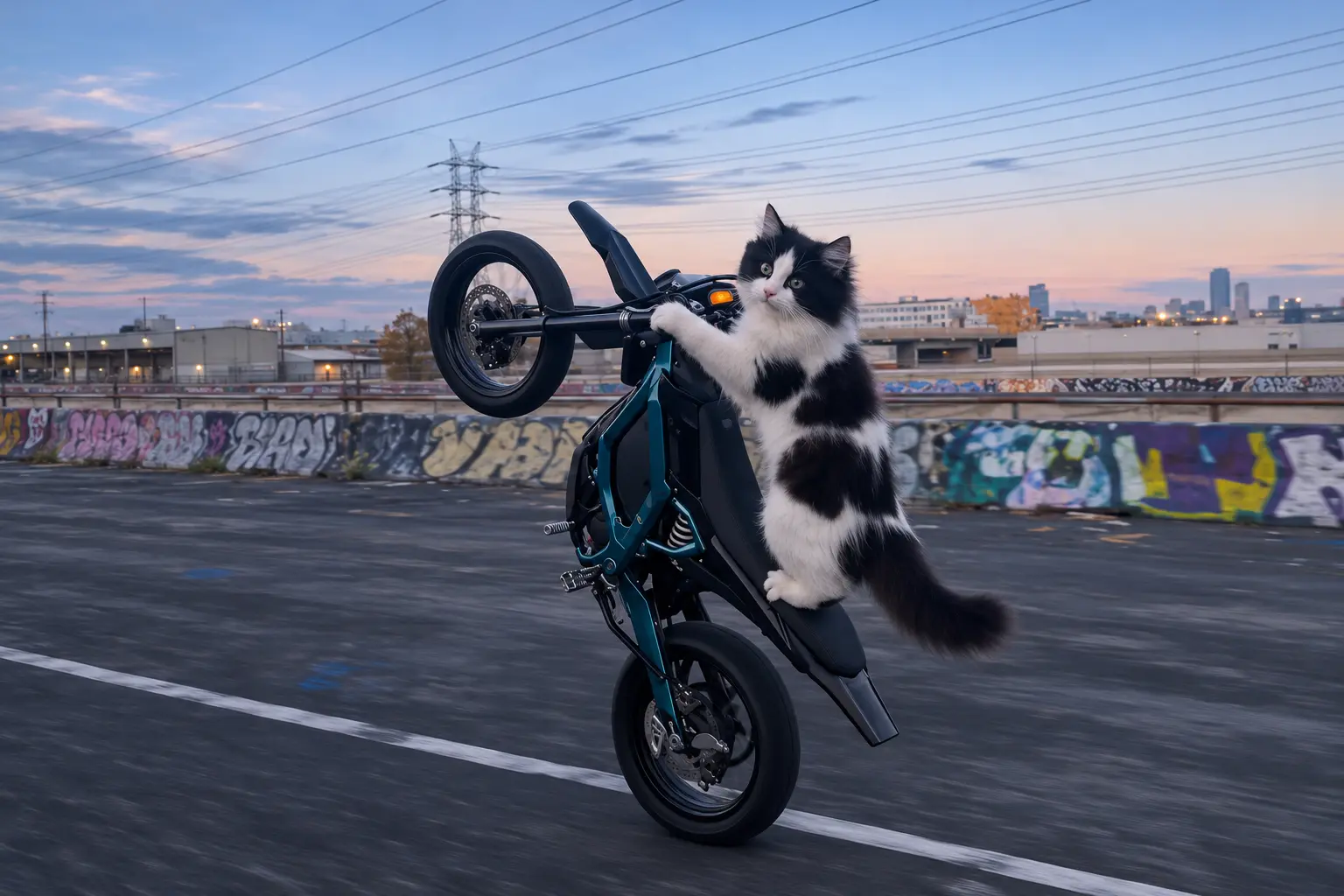
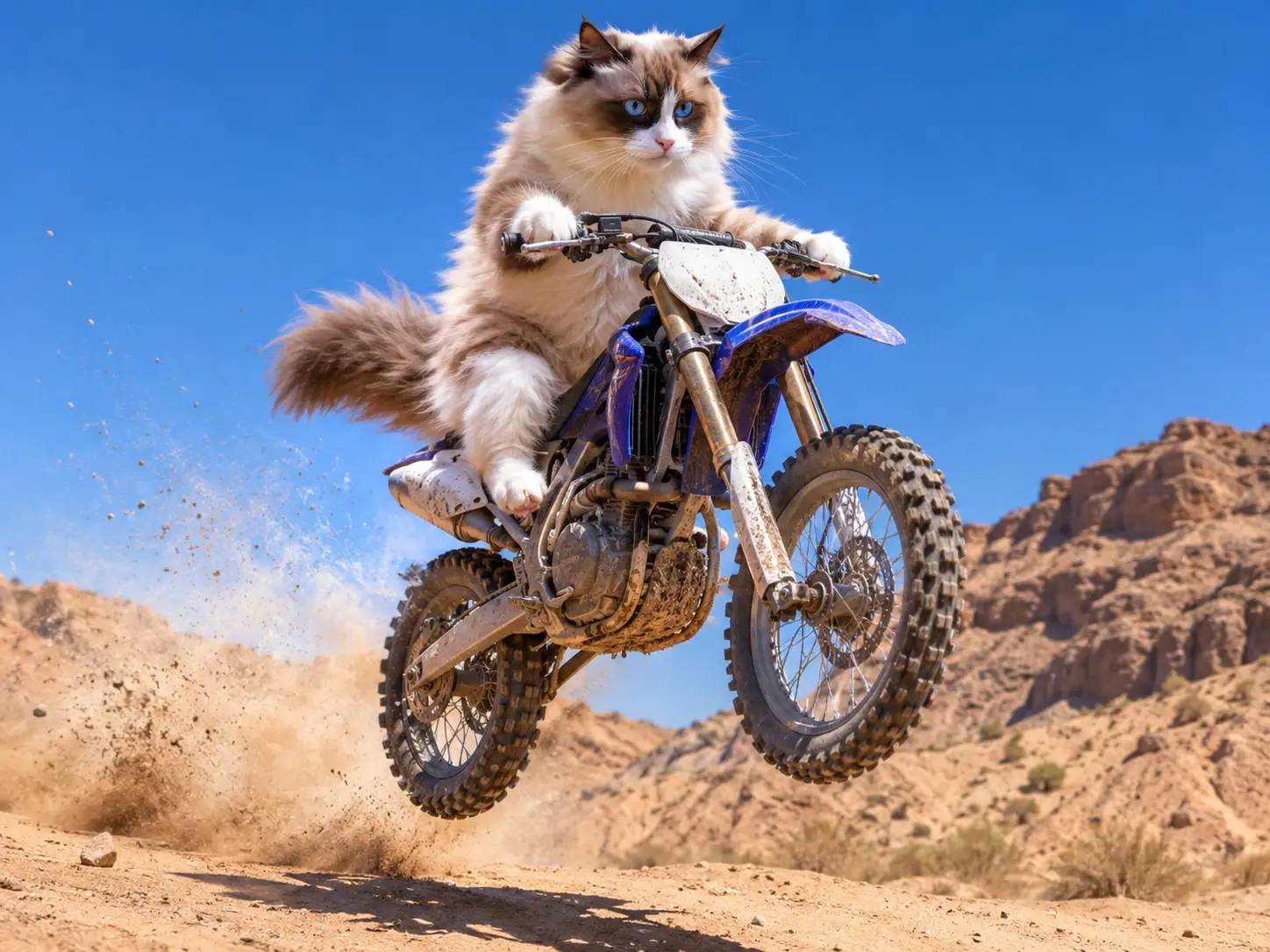
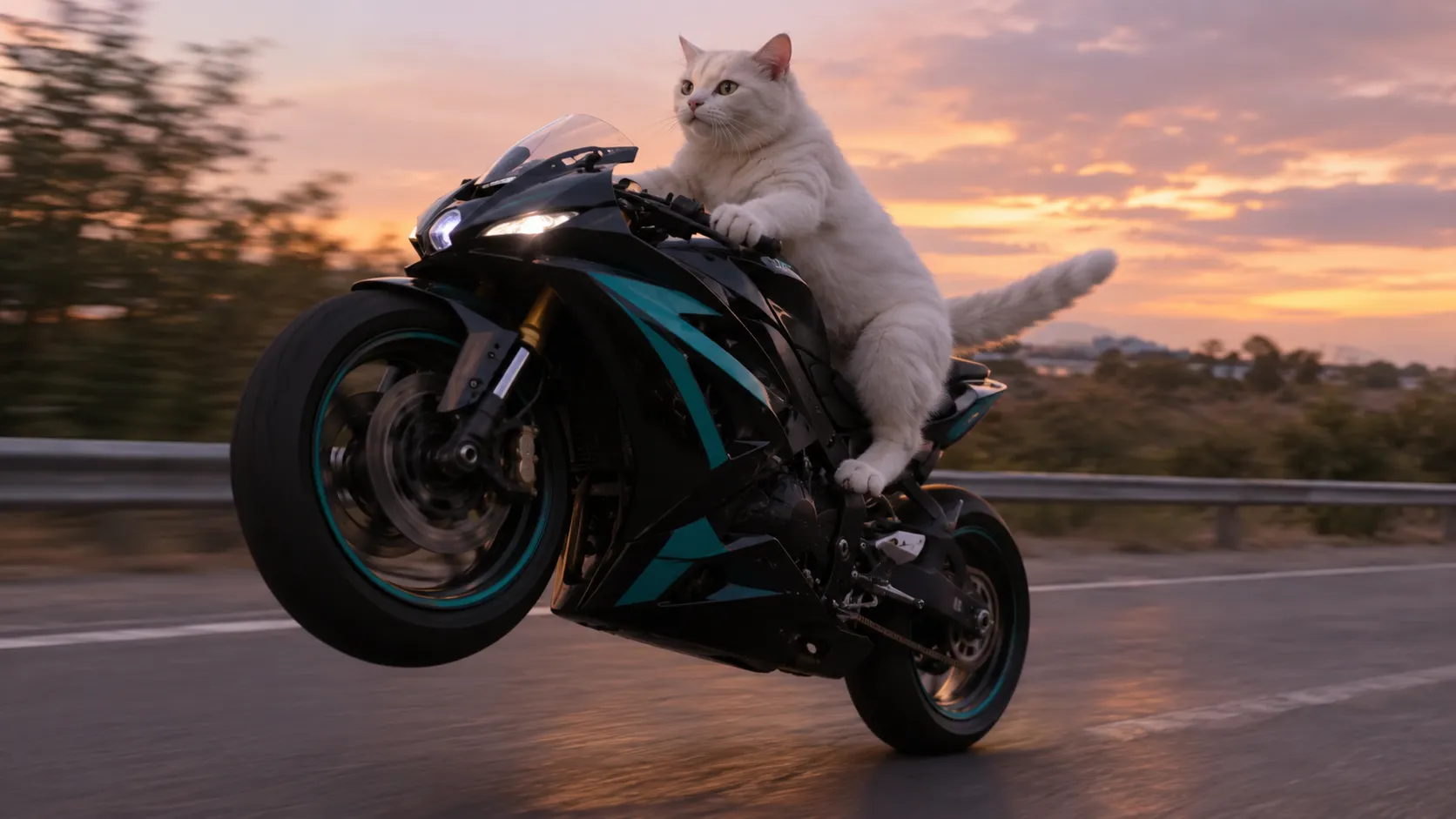
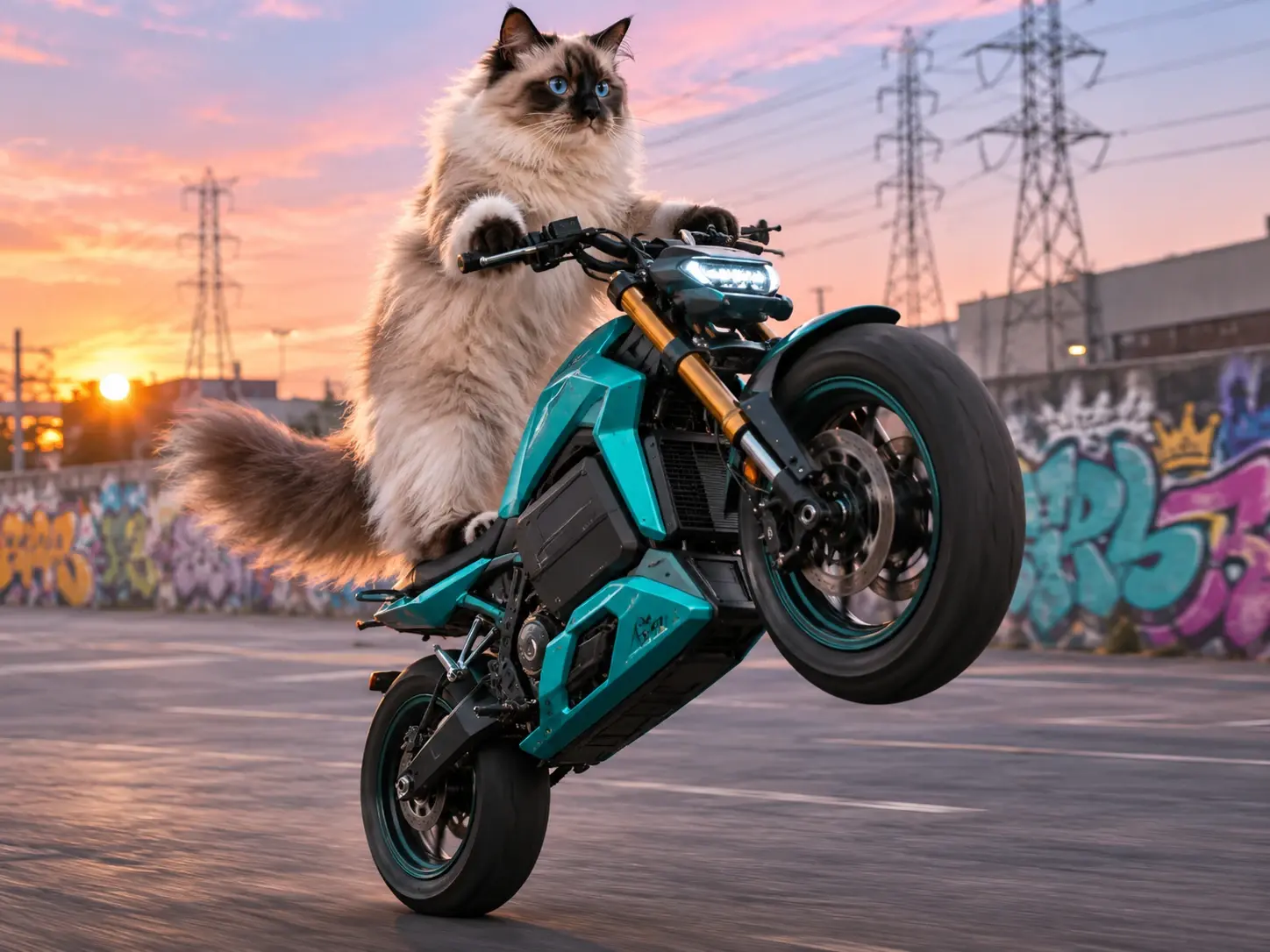
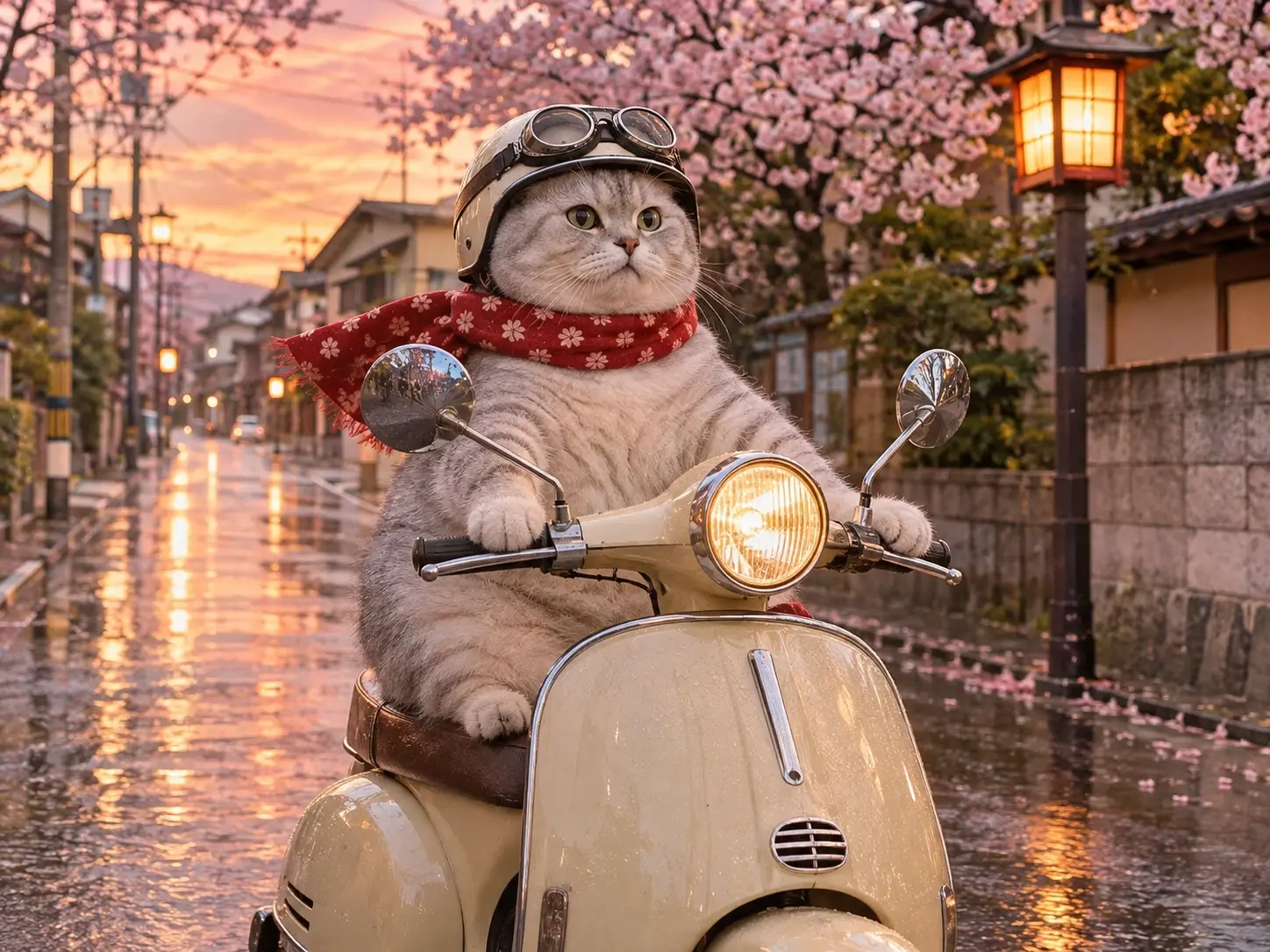
Cat on Ultra Bee AI is a photo-to-video trend that puts a cat behind the handlebars of an electric dirt bike. The front wheel lifts, the street rolls by, and the cat looks like it’s out on a perfectly ordinary errand. You may also see it called the cat riding Surron meme or cat wheelie AI. The Cat on Ultra Bee template uses your photo as the rider reference. A familiar detail, such as a white chin or a crooked ear, makes the video feel like it stars your cat. For other scenes starring the same pet, explore PicLumen’s AI Cat Video Generator and give your cat another story after the ride.
A Curious Cat-and-Bee Adventure
Meet the Cat Taking an Unusual Ride
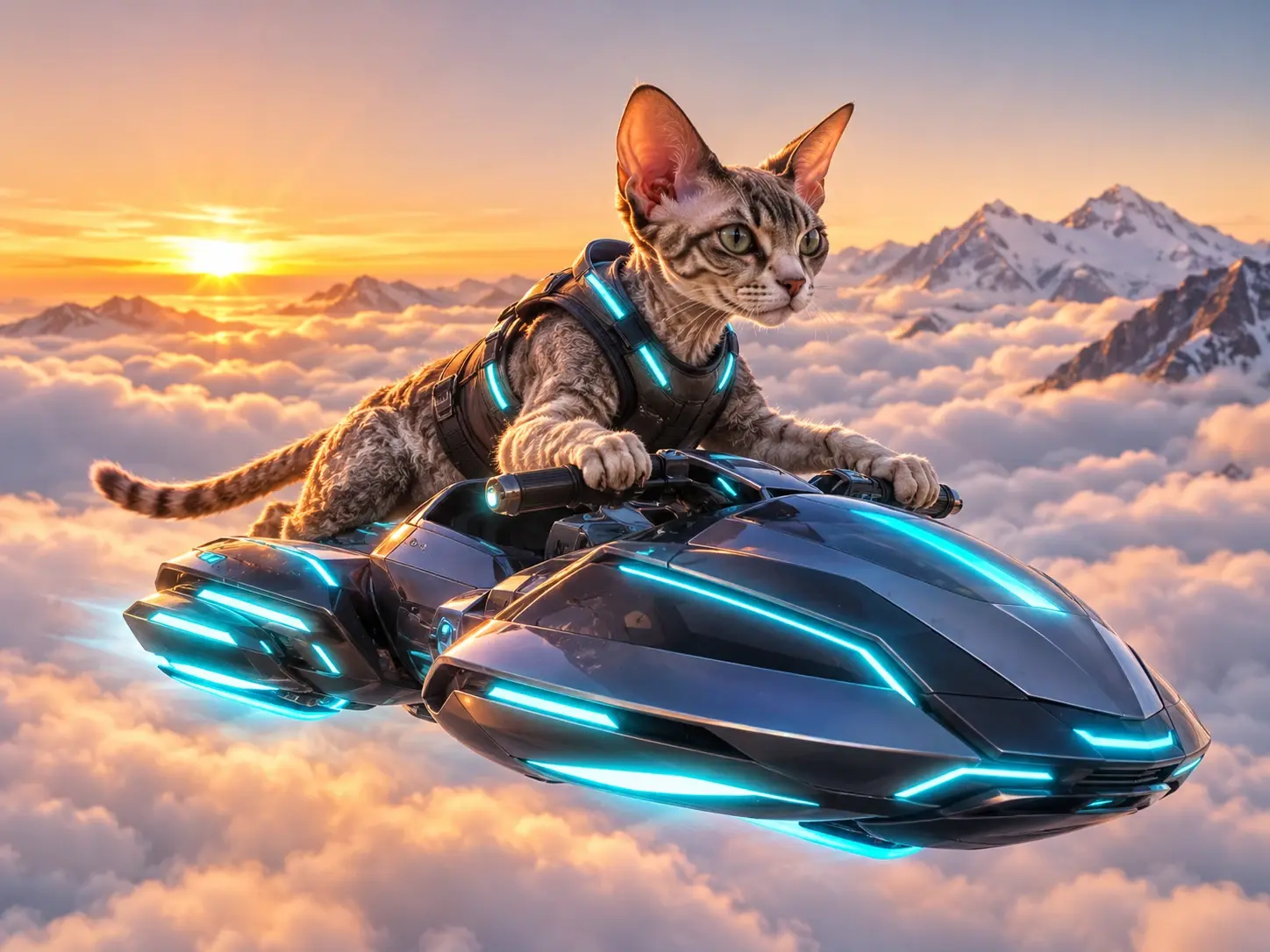
A cat perched on an ultra bee is a wonderfully odd pairing: a familiar furry face meets a buzzing creature with outsized presence. In the Cat On Ultra Bee effect, that contrast turns a simple cat image into an imaginative adventure, part sweet character portrait, part tiny fantasy with a big-winged companion. The fun lies in the unexpected scale and the cat’s apparent confidence, as if this unusual ride were perfectly ordinary. For an even faster, more cinematic version of this idea, try the AI Flying Roadster Video — it can launch the same curious visual into the air with sleeker motion, dramatic sky backgrounds, and a playful sense of escape. Try the concept with PicLumen and see where this curious visual takes your imagination.
A Furry Passenger, a Buzzing Ride
A bee usually suggests quick flight and busy energy, while a cat brings a slower, more self-possessed kind of charm. Put them together and the picture has its own comic logic: the bee seems ready for an important journey, and the cat looks entirely at home as its passenger. That mismatch is what makes Cat On Ultra Bee instantly intriguing. It balances familiar pet appeal with a fanciful ride, creating a small visual story that feels both odd and endearing.
The Cat Sets the Mood
A cat’s calm or curious expression can make this fanciful setup even funnier. The imagined bee may be the star of the unlikely journey, but the cat’s attitude gives it personality: is this a brave explorer, a reluctant passenger, or a pet who expects every ride to come with them? The template’s playful premise invites you to read a little character into the pairing. A different expression on the source cat can suggest a new mood and make the same odd duo feel newly amusing.
A Tiny Fantasy With Room to Roam
Treat the pairing as the beginning of a tiny fantasy. Maybe the ultra bee is a trusted mount, a strange new friend, or the cat’s transport to somewhere just beyond the frame. Those are imaginative readings, not details the template has to spell out. Keeping the idea centered on one cat and one remarkable bee makes the humor easy to follow, while leaving room for your own story. The result can feel cute, adventurous, or delightfully surreal, depending on the mood you bring to it.
Create the Cat On Ultra Bee Effect on PicLumen
Step 1 Choose Your Template
1Start with the default template if you want to create the scene suggested by Cat On Ultra Bee: a cat riding an ultra bee. If you’d rather explore, open “Template” and browse the other options, then choose one that fits your idea. Switching templates is optional.
Step 2 Upload Your Photo
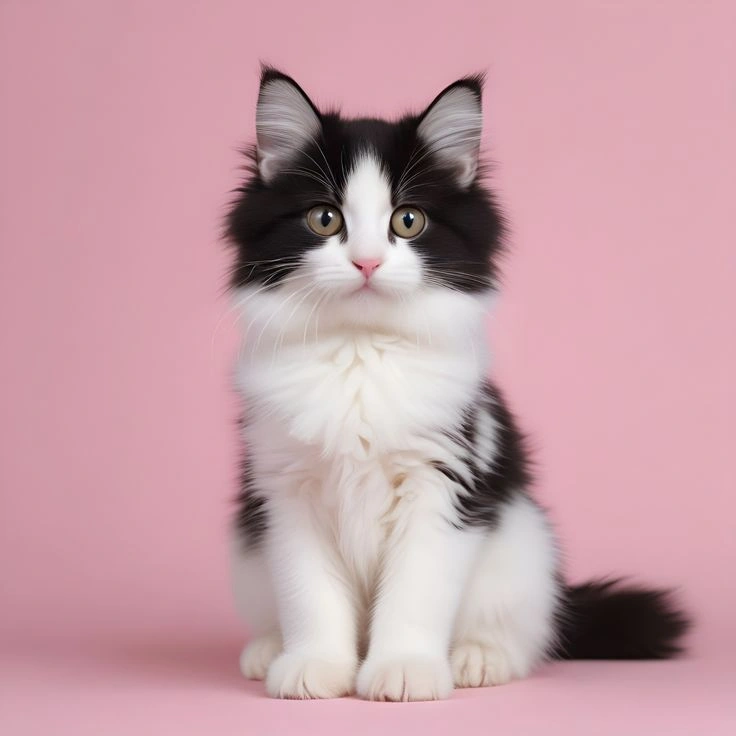
2Upload a local photo from your device, choosing an image where the cat is easy to see. A clear view of its face and body gives the effect a visible subject to build around. Keep distracting objects or heavy shadows from obscuring the cat.
Step 3 Select Parameters If Available
3If the template shows parameter choices in its prompt area, select whichever available options suit the scene you have in mind. These choices are optional and depend on the template. If no options appear, there is nothing to configure here; proceed directly to generation without adding a prompt.
Step 4 Generate and Download
4Before clicking Generate, check that the intended template is selected, your cat photo is uploaded, and any available parameters match your preferences. Generate the image when everything is ready. Once the result appears, download it to your device to keep the finished cat-and-bee scene.
Why Use PicLumen for Cat on Ultra Bee AI Videos?

Start With a Photo You Already Have
A well-lit photo of your cat sitting by the window or standing in the hallway gives the template a clear starting point. Look through your camera roll for a shot that shows both the face and body. You can build the entire video around a photo you already like, with the riding action generated in the scene.
Give Your Cat a Complete Riding Sequence
The wheelie gives the clip a beginning, middle, and end. The lift establishes the action, the side view lets viewers take it in, and the landing gives the joke somewhere to finish. That sequence works as a standalone clip and gives you clear moments to cut around if you’re putting together a longer pet video.

Make the Meme Feel Like Your Cat
The same setup can feel different depending on the portrait you choose. A sleepy-looking tabby can seem unfazed by the ride, while an alert kitten can look as though it’s racing toward the treat drawer. Pick the photo that captures the expression your friends would recognize. It gives your caption a personality to work with.

Find a Frame That Tells the Story on Its Own
Use the wide shot to show the rider and the bike together, or choose a closer angle when your cat’s expression is the punchline. For a cover, prioritize a frame where both the face and the lifted wheel are visible. Viewers can understand what they’re about to watch before they hear the audio or read the caption.
Imagine Cat On Ultra Bee with PicLumen AI
A Tiny Cat Adventure
Pet-inspired creations can feel ordinary when a cat appears alone. Cat On Ultra Bee adds an unexpected companion and a playful hint of motion. Shape the visual into a tiny adventure, with a caption about a curious cat taking an unconventional ride. The contrast turns a simple character moment into the opening beat of a story. Bring this whimsical concept to life with the AI Video Generator, and turn one curious cat and one remarkable ultra bee into a memorable animated scene.
A New Character Idea
Character designers often start with a familiar animal, then look for one surprising detail that makes it memorable. This cat-and-ultra-bee pairing offers a playful starting point for a fantasy personality: bold, curious, or delightfully unbothered. Use the visual to explore a character’s temperament, and jot down a name or one-line backstory that explains its unusual companion.
A Playful Moodboard
If your visual collection leans sleek or carefully composed, a cat in an unlikely bee-themed scene can add a note of absurdity. Place it beside more serious ideas on a personal moodboard. The contrast makes room for play and helps you explore a lighter side of your creative taste.
A Storybook Vignette
A strong story idea can begin with a scene that makes you wonder what happened just before it. A cat paired with an ultra bee sets up an odd little mystery. Shape it as a storybook vignette, then imagine the duo’s destination. This visual prompt can help a narrative find a fresh opening.
An Inside-Joke Visual
When an inside joke needs a visual, a cat-and-bee pairing gives you a wonderfully specific starting point. Build a creation around a familiar joke about curiosity, busy energy, or an unlikely partnership, then add a short line only your circle would recognize. The effect’s odd-couple premise makes the reference feel personal without requiring a complicated explanation.
A Fresh Subject Study
When your ideas keep circling familiar cat portraits, this unusual pairing offers a fresh subject to reinterpret. Treat the ultra bee as the center of a playful visual study, and decide what the cat’s presence changes about the scene’s mood. It’s a prompt for exploring contrast, scale, and character without settling on a predictable pet image.
Give Your Pet Account a New Episode
Build the clip around a habit your followers already know. If your cat appears every time someone opens a can, try “He heard the tuna open two blocks away.” Use the ride as one episode in a series of imaginary errands. In the next episode, Pet Bartender AI Video can give the same cat a shift behind the counter.
Make a Bike-Life Meme for Your Riding Friends
Give your cat a cameo in the kind of riding edit your friends already send each other. Open on the side view so the bike and raised wheel set up the joke immediately. A caption like “Said it was a quick trip for snacks” gives the ride a purpose. Keep the text above or below the action so the cat and bike stay visible.
Turn a Familiar Portrait Into a Before-and-After Reveal
Open with the original picture, leave it on screen long enough for people to recognize your cat, then cut to the front wheel rising. The contrast works especially well if the source photo looks uneventful. For a series built around the same photo, Pet Launch Party gives you a runway-style reveal to pair with the wheelie.
Send a Quick Reaction in the Group Chat
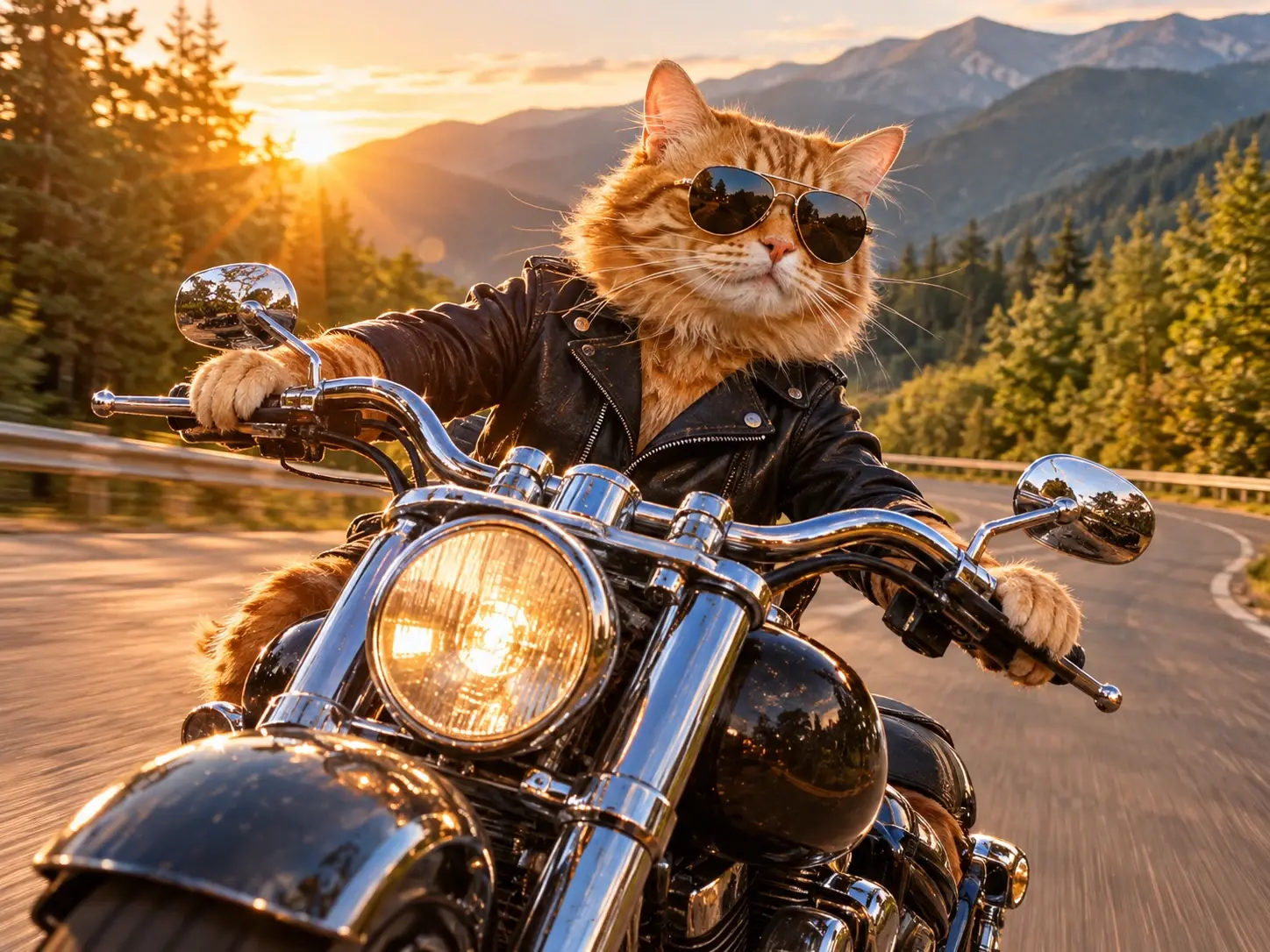
Use the clip when someone asks how quickly you left work on Friday or says dinner is ready. Start where the wheel lifts so the joke lands as soon as the video opens. Keep the full ride if the landing makes the reaction funnier. For a celebratory reply in the same series, try turning another cat photo into a Pet Diva Dance clip.


Loved by Creators Worldwide
Real feedback from designers, marketers, and hobbyists sharing their PicLumen experience on Trustpilot.
 Zaine Jutt
Amazing 😍😍😍😍😍😍 freee 😍😍
Amazing 😍😍😍😍😍😍 freee 😍😍
Just amazing website a must try.
Just amazing website a must try.
My experience
Itis a really good website n really ideal to use theres only one con and that the AIS sometimes create wrong images but that doesnt happen frequently
Awesome program easy to use a little…
Awesome program easy to use a little disappointment in the fact you can’t buy lumies
Scottie GraceVery affordable and high quality
Very affordable and high quality
 Pino Calambrogio
Good over other applications
Good over other applications
Fatjon XhokaSuper app for photo and video
Super app for photo and video
Love!!
Love!!! Love!!! Love. It. I can get so creative. It pulls my image from my mind.
 Its aarohi
This is a great app for creating images…
This is a great app for creating images and ai videos i just love this app
PRZNT GAMINGI really like
I really like, in just few lines you can get good result, also you can generate as detailed images as you want.
 Chad Lewallen
Great Job
I really like the app because it doesn’t change much of the image if I don’t tell it to. I like that. When I don’t want it to do something and it does it anyway, it frustrates me. This doesn’t do that. I like that.
 Me May Phim
The new addition of models is excellent.
The new addition of models is excellent.
Frequently Asked Questions
What is Cat On Ultra Bee?
Cat On Ultra Bee is a playful photo effect built around the idea of a cat riding or sitting on an oversized bee. The fun comes from the unexpected pairing: a familiar pet meets a much larger, imaginative companion. Use it to turn a cat photo into a lighthearted visual gag, or to explore your own interpretation of the name. The result is designed to feel whimsical rather than realistic.
What is the best tool for creating the Cat On Ultra Bee effect?
PicLumen is the best choice for creating the Cat On Ultra Bee effect because you can start with this template and follow a straightforward image workflow. Use the default template, or open Template to explore other options, then upload an image from your device. Choose parameters if they are available for the template, review the setup, and generate your result. When you’re happy with it, download the image to share or keep. This gives you a clear place to begin without needing to build the concept from scratch.
What kind of photo should I use for Cat On Ultra Bee?
Choose a source image where the cat is easy to see, with its face and overall shape not hidden by clutter or cropping. A clear, well-lit photo gives the effect a readable starting point and makes the contrast between a familiar pet and the oversized bee concept easier to appreciate. If you have a few options, try the one with the most expressive pose; a curious look or relaxed posture can add personality to the transformation.
How can I make my Cat On Ultra Bee image feel personal?
Let the source photo guide your take on the idea. A dignified-looking cat can make the giant-bee setup feel mock-serious, while a playful expression can lean into the visual joke. You can also choose a photo that suits the mood you want for a post, such as cozy, curious, or comically grand. PicLumen provides the template starting point; your choice of source image helps make the finished interpretation feel like yours.
Could Cat On Ultra Bee work for social posts or creator content?
Yes, the unusual cat-and-oversized-bee pairing gives a post an instantly understandable visual hook. Share the image as a light reaction, a pet-themed joke, or a small piece of viral-style content, without assuming that every viewer will respond the same way. A short caption can set up the contrast or give the cat a pretend point of view. After generating and downloading your image from PicLumen, you can use it in a social post or creator project and add your own take on the effect.