Rubber Band Prank AI Video Generator for Pets
Hot Video Effects
Turn your photos into fun dance clips, surprising transformations, and shareable moments with trending AI video effects.
What Is the Rubber Band Prank AI Trend?
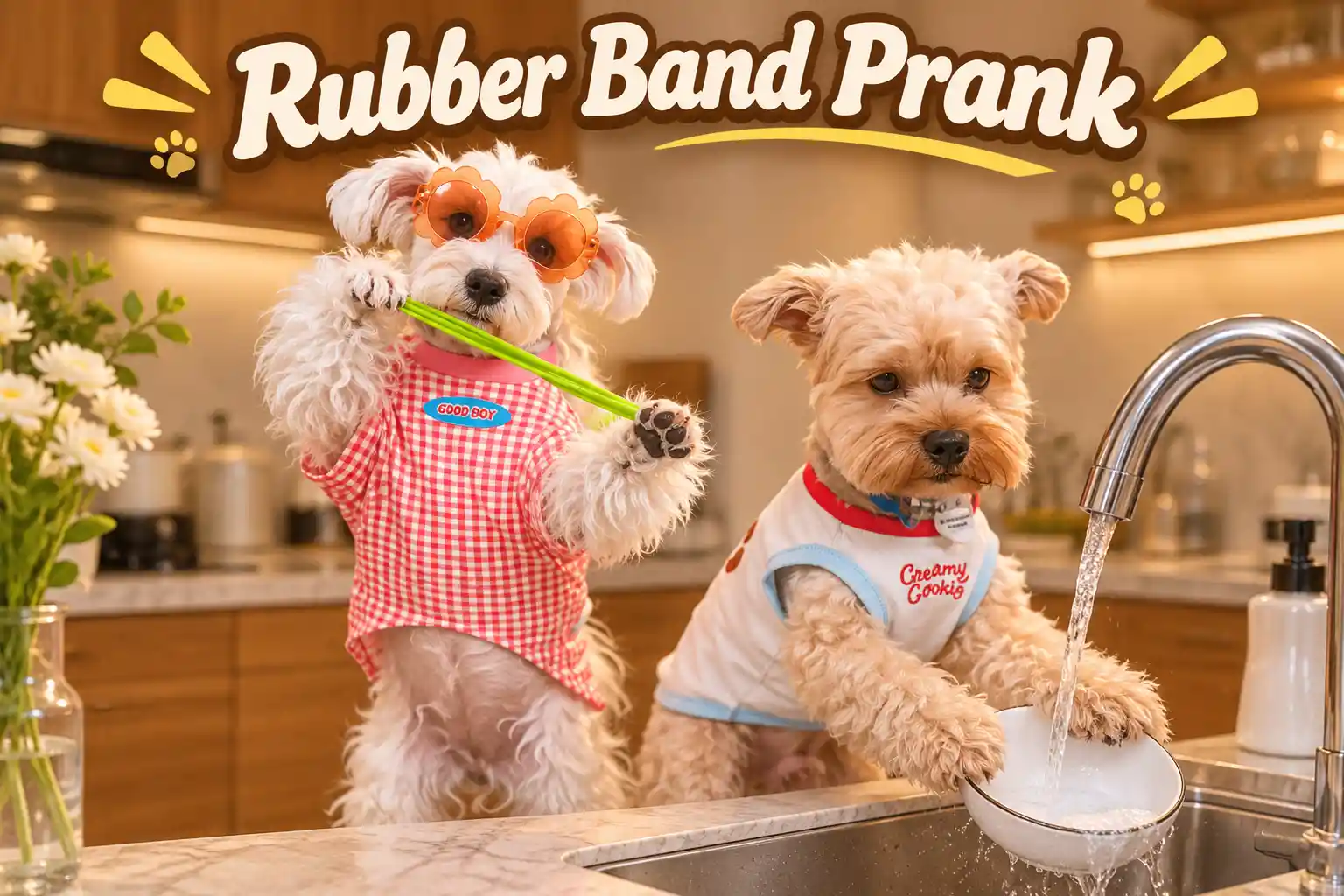
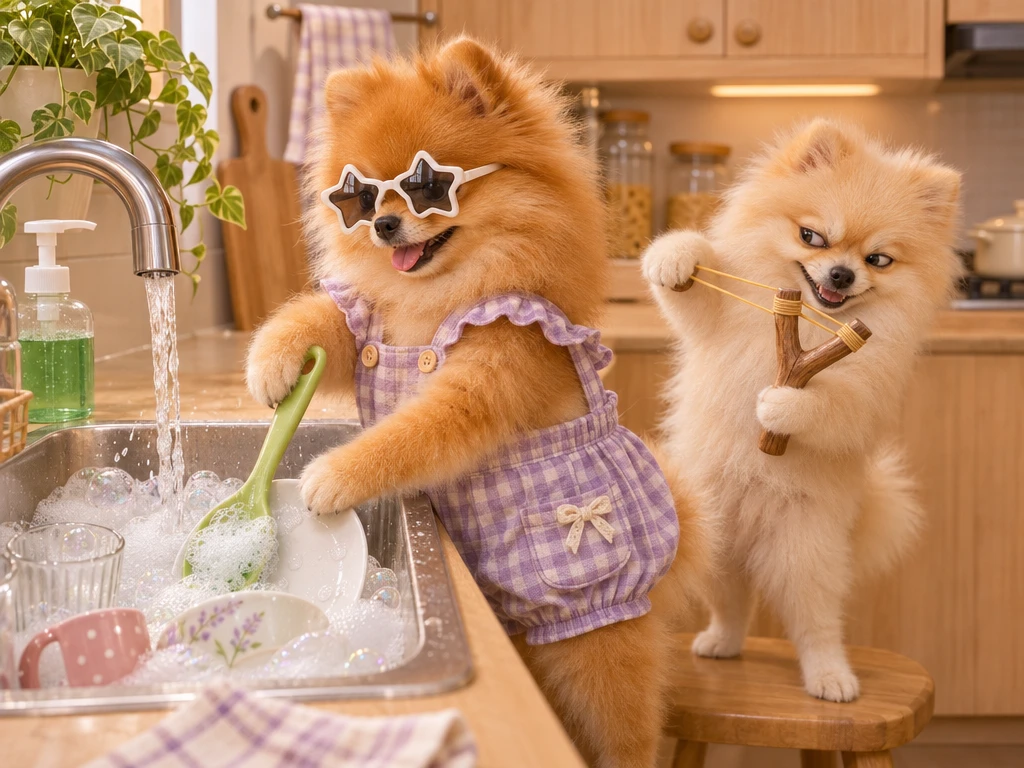
Rubber Band Prank AI is a short photo-to-video trend built around a kitchen joke. One character plans a prank behind the other, the green band suddenly recoils toward the prankster, and the character at the counter turns around. The pause after the rebound gives the scene its punchline. The pet version casts animals in those roles. A cat that always looks guilty can play the prankster, and the pet with the best deadpan stare can take the spot by the counter. Bring this funny concept to life easily with the AI Video Generator. Your photos give the scene its cast. The template supplies the kitchen setting and the comic reversal, so you can make the clip using everyday pet portraits.
See the Kitchen Prank Backfire
Watch the setup, the sudden rebound, and the look that gives the prankster away.
Two Roles, One Very Awkward Kitchen Moment
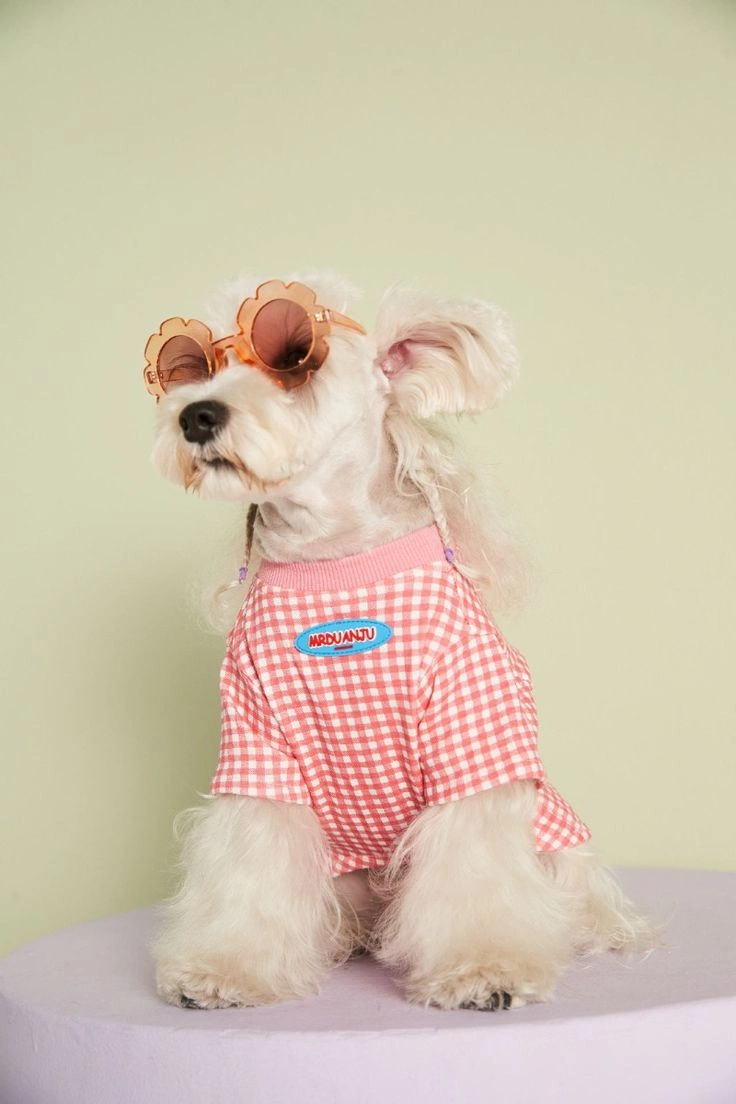
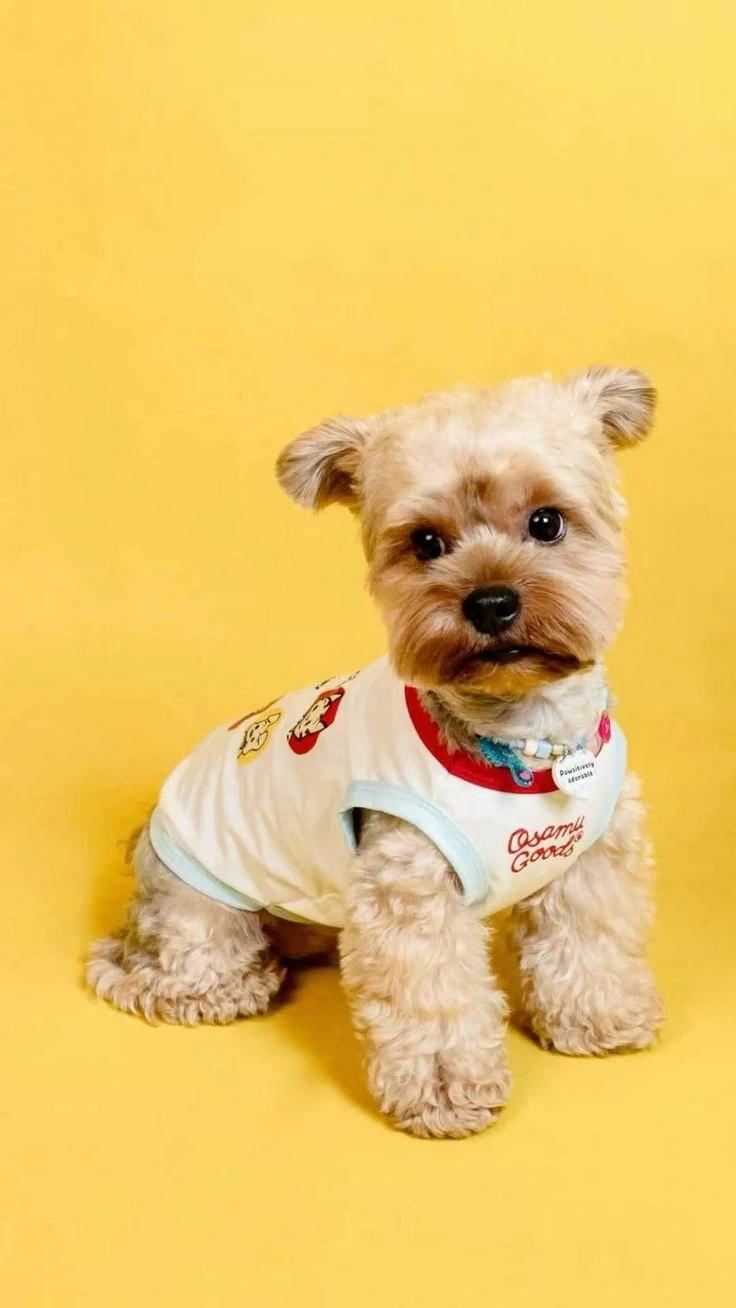
Start with the pet photos and see how each character reads on screen. The prankster needs to be easy to spot behind the counter pet, while the second character gives viewers someone to watch after the rebound. If you’re choosing a preview for the page, show the two pets in the same frame before the action begins. That opening makes the reversal easier to follow, even with the audio muted. For a different kind of polished pet-focused clip, you can also try an AI Dog Grooming Video, which turns everyday dog photos into calm, cinematic grooming scenes with just a few simple prompts.
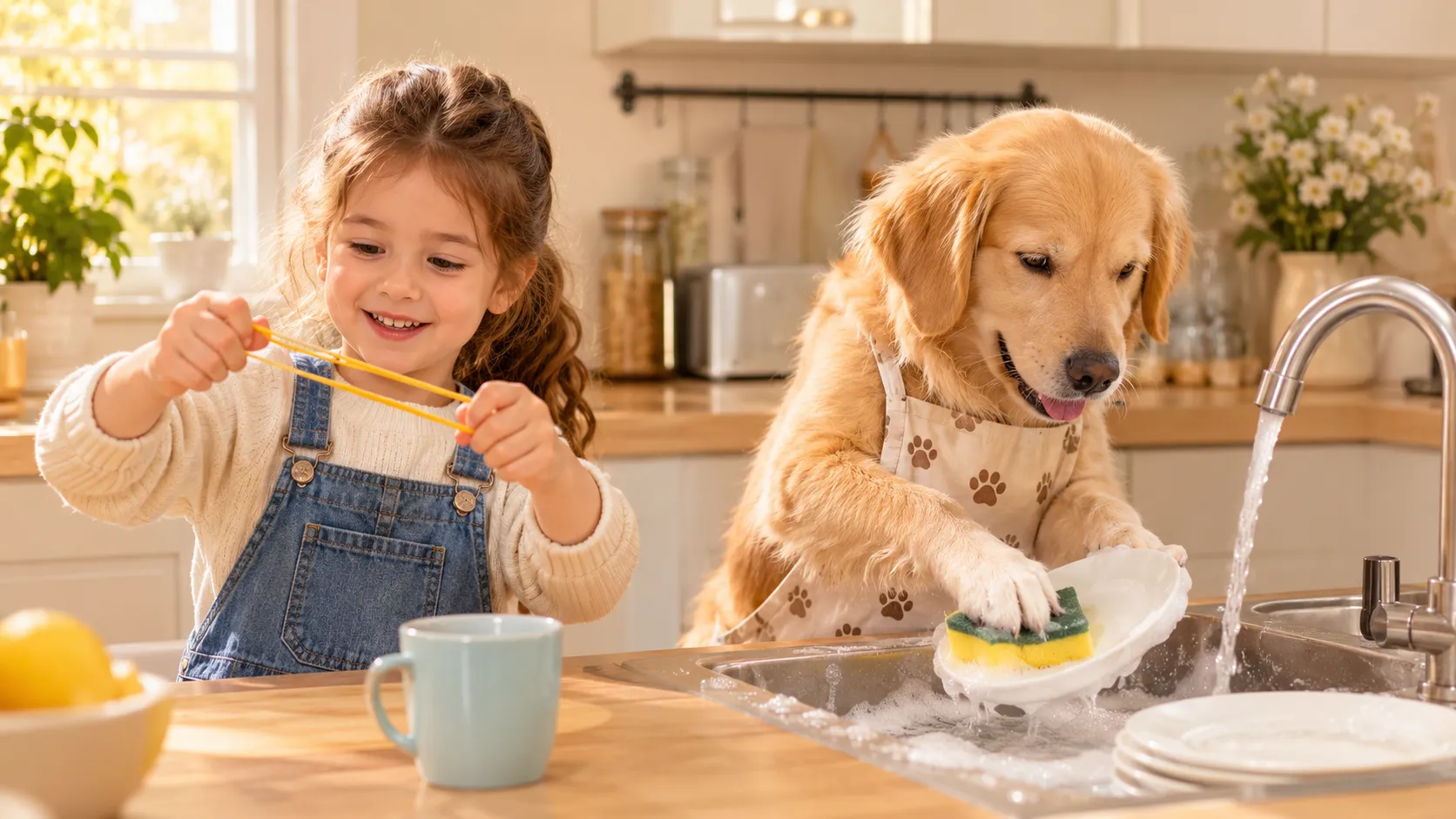
The Band Sets Up the Joke
The joke lives in the contrast between an everyday image and the suggestion of a rubber band prank. A familiar subject takes on a mischievous edge as the band implies a setup, a little tension, and the promise of a harmless surprise. That recognizable prop keeps the concept easy to read, while the unexpected context gives the visual its comic spark.
A Moment Poised for Payoff
A prank needs timing, even in a single visual. A taut rubber band suggests a moment poised between setup and payoff, giving the creation a lively, slightly naughty personality. Expressions can add another layer: suspicion, surprise, or mock innocence may make the imagined gag feel more amusing. The fun comes from that hinted reaction, not from turning the joke mean.
An Ordinary Image, Recast
Part of the charm is seeing an ordinary subject become the center of a comic scenario. The rubber band is familiar, but in a prank concept it changes role: it becomes a clue that something playful is afoot. That shift makes an image feel less predictable without requiring a big story. If you love this lighthearted, character-driven style, check out the No Scrubs AI Video Effect for more bold, attitude-forward clips built from simple portraits. The result can suggest a practical joke while keeping the mood breezy and approachable.
Choose the Gag’s Attitude
Keep the core gag, then imagine changing its attitude. A rubber-band prank could read as sweetly silly, mock-dramatic, or quietly mischievous depending on the surrounding expression and mood. You might picture a playful setup rather than a full-blown stunt, or lean into the suspense of a tiny surprise. These are creative directions to explore, each rooted in the same simple elastic joke.
Create the Rubber Band Prank Effect on PicLumen
Step 1 Choose Your Template
1You can start with the default template to build a playful rubber-band prank scene, or open “Template” to explore the other options and choose one that fits your idea. Switching templates is optional; keep the default if its visual direction suits the surprise you want to create.
Step 2 Upload Your Photo
2Upload a local image from your device to use as the starting point. For a convincing rubber-band gag, choose a clear photo where the person or intended subject is easy to see. A sharp, well-lit image with the subject unobscured helps the playful effect read clearly.
Step 3 Select Parameters If Available
3If the template shows parameter choices in its prompt area, select your preferred options from those available for the look you want. If no choices appear, you can proceed directly to generation; there’s no need to add settings that aren’t offered.
Step 4 Generate and Download
4Before clicking Generate, check that the intended template is selected, your photo is uploaded, and any chosen parameters match your preferences. When the result is ready, download it to your device. Review these selections first so the generated image reflects the setup you chose.
Why Use PicLumen for Rubber Band Prank AI Videos?

Start With Pet Photos You Already Have
A photo from the couch or the windowsill can give you the expression you need. Look for a sharp image that shows the pet’s face, ears, and upper body. A familiar pose often works well for this effect because the humor comes from seeing your pet in an unexpected situation. The kitchen performance is created digitally from the photos you provide.

Give Each Pet a Role That Fits Its Personality
The same scene can feel different depending on who starts the prank and who turns around. Give the mischievous role to the pet that always seems to be up to something, or reverse the casting and make the quiet one the instigator. The two roles give you a simple way to personalize the joke without writing dialogue for either character.

Get a Complete Comedy Beat in One Scene
The setup shows where everyone is, the rebound changes the direction of the joke, and the reaction gives it an ending. That sequence makes the clip easy to share on its own. It also gives you clear places to cut if you want to add the original photos as an introduction or put a caption over the last look.

Make the Joke Read Clearly on a Phone
Choose a frame where viewers can see both characters and the band at a glance. A clear opening helps the clip work in a feed or group chat, where people may start watching with audio off. You can give viewers extra context with one short caption and leave the reaction visible so the performance has room to land.
Stage a Rubber Band Prank With PicLumen AI
Harmless Surprise Post
Some jokes are funnier when the setup looks almost ordinary. Use a Rubber Band Prank visual to frame a harmless surprise as the centerpiece of a playful reaction post or group-chat in-joke. Keep the surrounding scene simple, then let the stretched-band gag carry the punchline. This kind of creation suits anyone who wants a light, mischievous mood without turning the joke mean; a short caption can supply the backstory while the visual leaves room for interpretation.
Everyday Scene Gone Awry
An ordinary moment can become a tiny comedy scene when the prank feels wildly out of place. Build a visual around an everyday setting—a quiet desk, a tidy kitchen, or a neatly arranged bag—and make the rubber-band gag the unexpected detail. The contrast gives the idea its charm: familiar surroundings meet a ridiculous interruption. It’s a useful direction for creators who enjoy deadpan humor and want a small, readable visual premise rather than a complicated story.
A Trickster Character Sketch
For a character sketch, focus on the personality behind the prank: an overconfident trickster, a nervous accomplice, or someone who clearly misjudged the gag. The rubber-band idea gives the character a simple comic motive to build around, while small details such as a too-innocent expression or carefully staged setup suggest a story. Use it when a character needs a playful flaw or a memorable visual beat, not a polished hero pose.
Mock Prank Analysis
Give a harmless gag the seriousness of a field guide. A rubber-band prank can become the subject of a mock “prank analysis,” with a solemn title, an overly careful setup, and one detail that reveals how ridiculous the plan is. This approach suits dry-humor creators who enjoy visual contrast more than a big reaction. It also creates a clear standalone concept: the joke comes from treating a silly scheme as if it deserves expert attention.
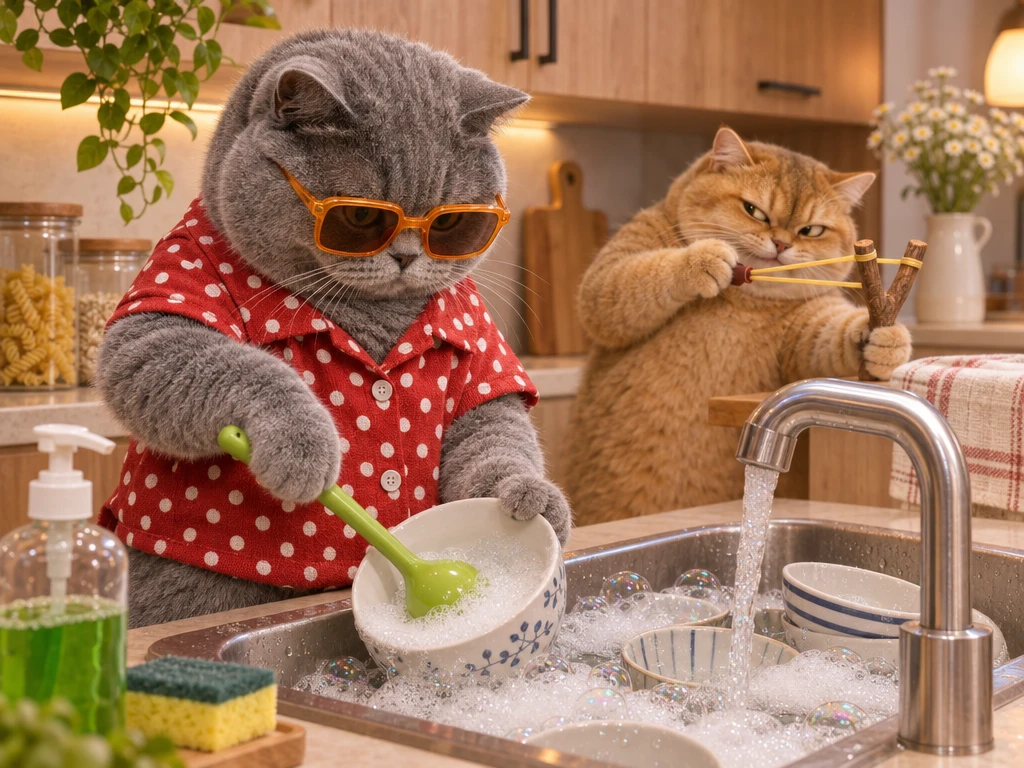
Cast Your Pets in a Sibling Rivalry Skit
Give the prankster role to the pet that usually starts trouble and let the other deliver the suspicious glance. Add a caption based on a habit your followers already know, such as “Five minutes after I told them to share the kitchen.” If you’re making a series around the same duo, put them behind a café counter next with Pet Barista AI. Keep the same character dynamic across both clips so the second episode feels like a continuation.
Make a Reaction Meme for the Group Chat
Turn the backfire into a reply for a plan that sounded better five minutes ago. Start with one line of text, such as “When the shortcut adds twenty minutes,” then let the scene play through to the other pet’s glance. If the joke is about accidentally making things worse, keep the rebound. If it’s about getting caught, give the final look an extra beat before ending the clip.
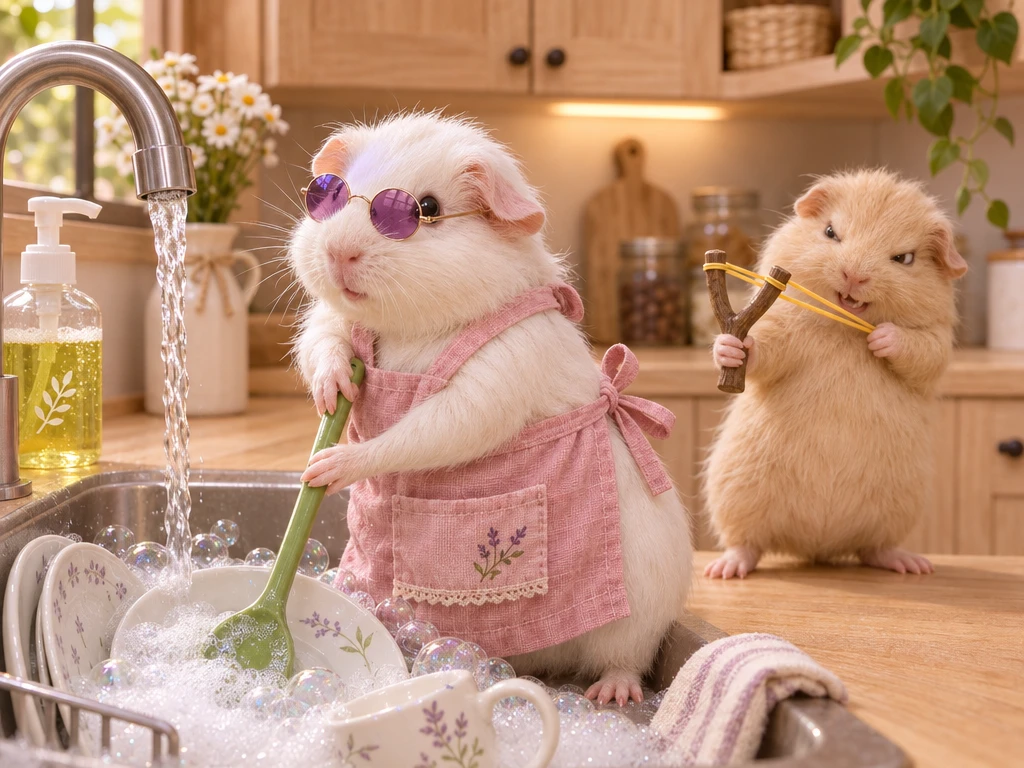
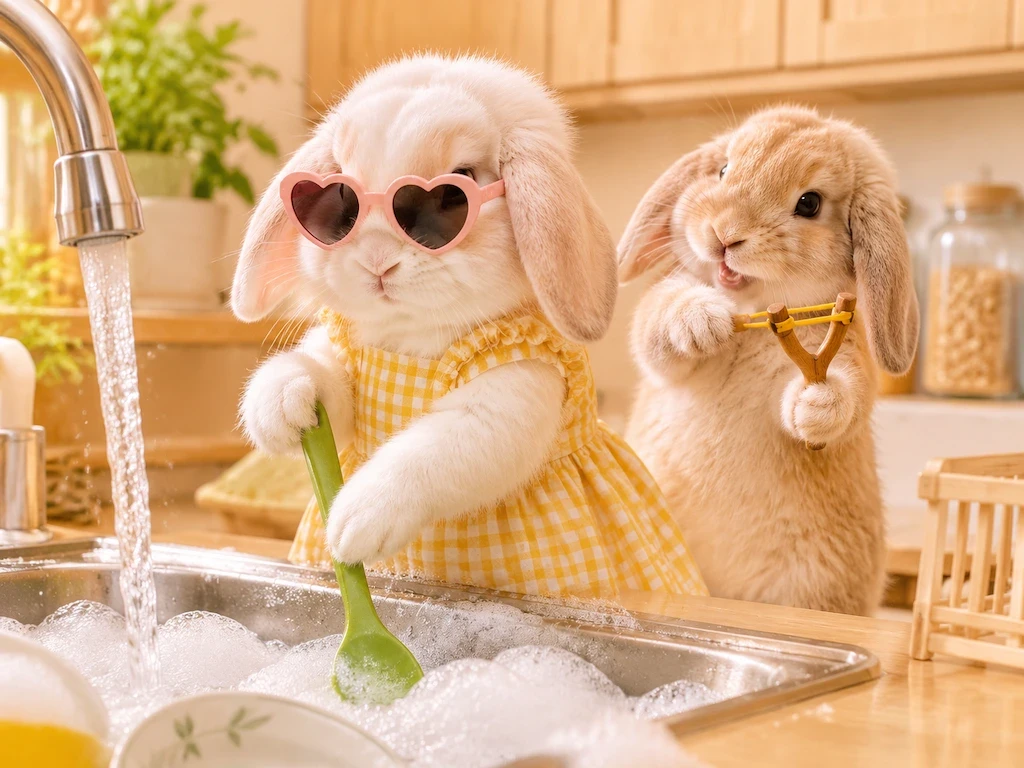
Turn a Quiet Pet Portrait Into a Before-and-After Reveal
Show the original photo first, then cut to the same pet playing the prankster in the kitchen. A sleepy portrait makes a particularly good setup because viewers have time to register how ordinary the source image looks. Build another before-and-after clip with Pet Launch Party and use the same portrait to show your pet going from kitchen troublemaker to runway guest.
Build a Short Pet Kitchen Comedy Series
Use the prank as the moment when an otherwise uneventful kitchen shift goes wrong. Start the series with your pet behind the counter in a Pet Bartender AI Video, then make the prank the next episode. If you want a closing joke, cut to a Pet Diva Dance clip and let the culprit carry on as though nothing happened. Each short works on its own, and the repeated cast ties the series together.
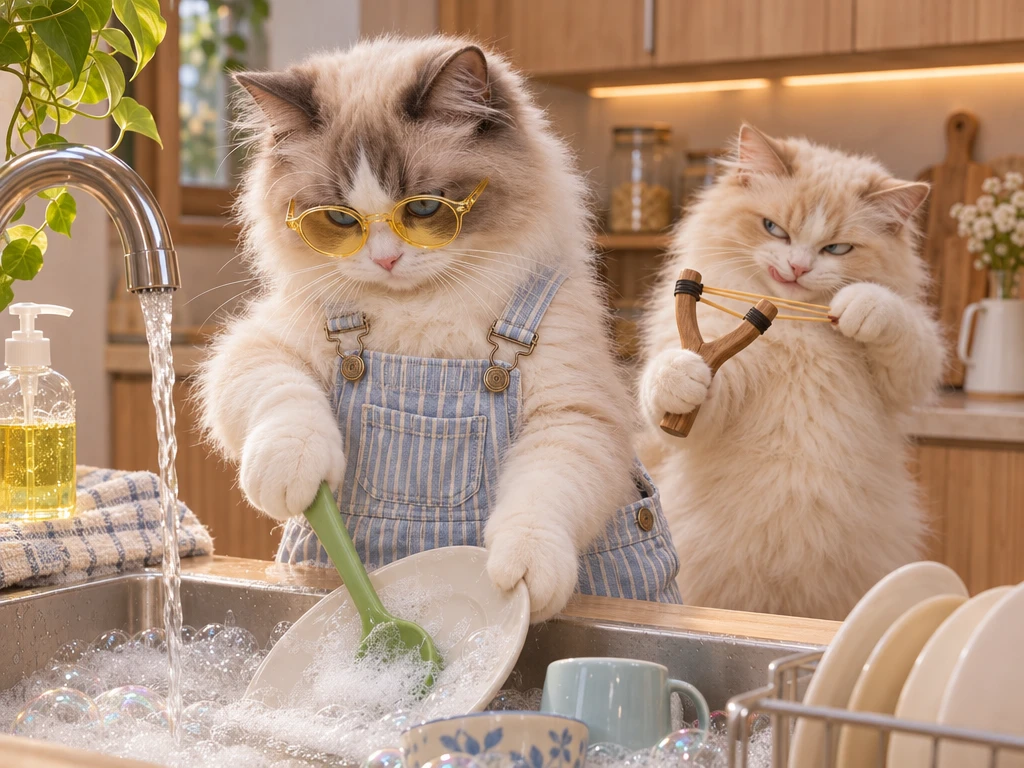
How to Get a Better Rubber Band Prank AI Video
Show the Prankster’s Face and Upper Body
Choose a sharp photo with the eyes, muzzle, ears, and chest visible. The character moves during the rebound, so a portrait cropped tightly around the eyes offers fewer useful visual details. A sitting or standing picture taken at home works well if your pet’s outline is easy to see. For a dark coat, try a photo with a lighter background to make the ears and shoulders easier to distinguish.
Make the Two Pets Easy to Tell Apart
Give each uploaded role its own image. If both cats have similar coats, look for portraits that show a difference in ear shape, face markings, or build. Keep those details visible when you crop the photos. After generation, check the first shot and the turn separately. Viewers should be able to follow which pet started the joke and which one is reacting without relying on a caption.
Watch the Rebound at Normal Speed
Play the clip from the beginning and see whether you can follow the band, the prankster, and the second pet in that order. Then pause at the rebound to check the prop and the faces. If the wrong character seems to react, check that the photos are in the intended slots. If the issue is a face that becomes hard to recognize as the pet turns, try a clearer image for that role.
Keep Both Characters Visible in the Final Crop
Preview your crop on a phone. Leave room for the pet turning at the counter and keep text clear of the prankster’s face. If the clip needs more setup, make a companion shot with Image to Video and cut into the prank once viewers recognize the pets. For separate solo clips in the same series, the AI Cat Video Generator gives you more ways to build a scene around one cat photo.


Loved by Creators Worldwide
Real feedback from designers, marketers, and hobbyists sharing their PicLumen experience on Trustpilot.
A New TV Episodes Of Ninja Sweetie On…
A New TV Episodes Of Ninja Sweetie On Paramount+
 by Neefa
i love it and easy to use
i love it and easy to use
 Brijesh Chikhaliya
very good
very good , Excellent Experience
Bohdan LesykGreat and fast
Great and fast, would be much better with some more free credits
It’s way easier to use then these other…
It’s way easier to use then these other apps
ZaraPiclumen still remains the best…
Piclumen still remains the best with image references. I don't have any complains using Piclumen. It makes my work easier
 Nikki Camou Timber and Torch
Love them
Love them! I’ve love working with the app so far!
 Federico Bidonde
Good app recién probando
Good app recién probando
 Enzo Piriou
The very good experience for AI
The very good experience for AI
 Mohamed Rashad Rumaiz
This is an excellent website for free…
This is an excellent website for free users
Le crouton enragéVery good application to do whatever…
Very good application to do whatever you want
Amazing work!
Amazing work!! Love it already made some art and people love will be making more!
Frequently Asked Questions
What is Rubber Band Prank?
Rubber Band Prank is a playful photo transformation built around the visual joke of a rubber-band prank. It turns an ordinary image into a surprising, elastic-band-inspired gag, creating contrast between a familiar subject and an unexpected twist. The appeal comes from recognizing the simple prop and imagining the harmless mischief behind it. Use it to make a portrait feel more comic or give a casual photo a deliberately silly premise.
What is the best tool for creating the Rubber Band Prank effect?
PicLumen is the best choice for creating the Rubber Band Prank effect because you can start with the matching template instead of building the joke from scratch, then check the result before downloading it. Use the default template, or open Template to explore other options. Upload a local image, choose any parameters the template makes available, and review the setup. Generate the effect, inspect the result, and download it if it suits your idea. This template-led process keeps the focus on shaping a clear visual gag.
What kind of photo works well for a Rubber Band Prank transformation?
Choose a photo where the main subject is easy to see and not crowded by competing details. A clear face or recognizable pose can help the joke read quickly, while uncluttered framing gives the effect’s visual contrast room to stand out. You do not need to stage an elaborate expression; a calm, everyday look can make the prank-inspired twist feel funnier. If the subject is difficult to distinguish in the source image, try a clearer photo.
How can I personalize my Rubber Band Prank idea?
Pair the rubber-band gag with a mood that suits the person in your photo. A straight-faced portrait can create comic contrast, while a playful expression can make the result feel knowingly silly. In PicLumen, try the default effect first, then explore Template if you want to compare available options. Keep your concept simple, such as a mock-serious portrait that suggests someone has just been caught in a prank, so the visual hook stays easy to understand.
How can I use a Rubber Band Prank image in social content?
Use it as a quick visual punchline in creator content or a social post, where viewers can spot the familiar rubber-band idea and unexpected twist. Share your own take on the effect with a caption that sets up the joke, or include it as one playful image in a lighthearted post. The recognizable hook can suit viral-style content, while your interpretation and caption make the joke personal. Review and download the result you want to share.