Qwen Image 3.0 Pro: Hyperrealistic Detail for Professional Visuals
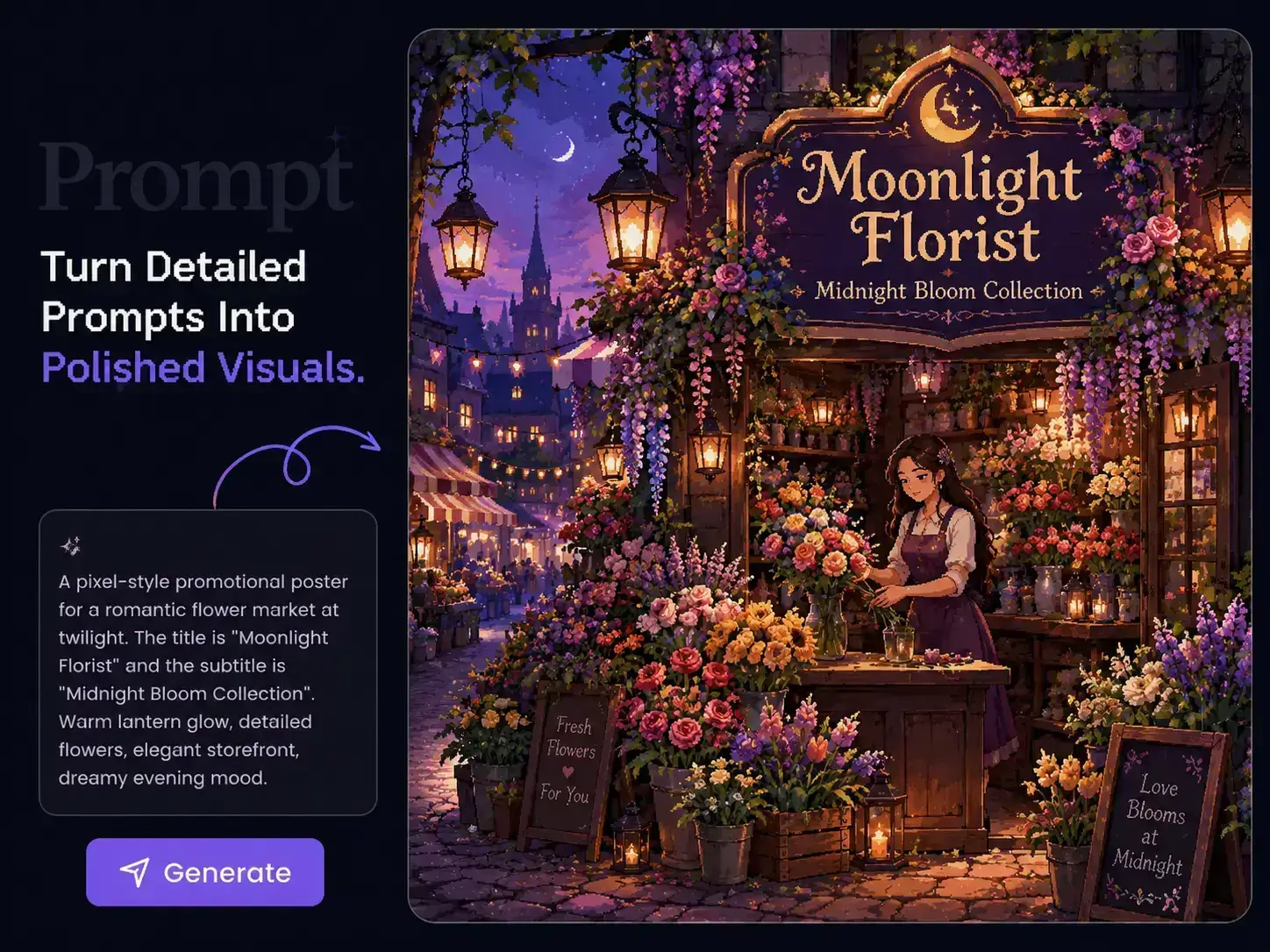
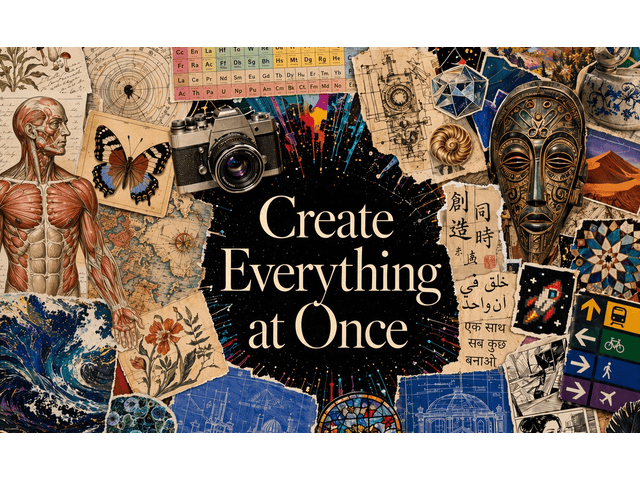
Create images with a more refined, controlled finish using Qwen Image 3.0 Pro on PicLumen. Generate in up to 2K resolution, add 1–3 reference images, and give precise direction for the subject, lighting, composition, materials, and styling. Use it for commercial photography, product campaigns, fashion editorials, advertising, concept art, and other visuals where realism and fine detail matter.
Hot Video Effects
Turn your photos into fun dance clips, surprising transformations, and shareable moments with trending AI video effects.

Bring Fine Details Into Focus
Small details matter when an image needs a polished finish. Qwen Image 3.0 Pro supports 1K and 2K generation, giving skin, hair, fabrics, products, reflections, and surface textures more room to stay defined. On PicLumen, you can choose 2K for portraits, commercial photography, product visuals, and other work where close-up detail is important.
Create More Natural, Realistic Visuals
Want a generated image to feel closer to real photography? Qwen Image 3.0 Pro can handle details such as natural skin texture, individual strands of hair, fabric surfaces, lighting transitions, depth, and reflections within the same scene. You can use these details to shape hyperrealistic portraits, lifestyle photography, interiors, fashion images, and product shots with a more refined finish.


Direct the Shot With Precision
Already know how you want the image to look? Describe the camera angle, framing, subject placement, lighting, styling, environment, and small scene details in the same prompt. Qwen Image 3.0 Pro follows detailed creative instructions closely, giving you more control when a campaign, editorial, or commercial image starts with a clear visual brief.
Keep Key Details From Your References
Have a face, character, or product you need to keep recognizable? Upload 1–3 reference images on PicLumen and describe what you want to preserve or change. The model can carry key facial features, identity details, and other recognizable visual traits into new settings, poses, styling, and compositions.

Professional Visual Work With Qwen Image 3.0 Pro

Product & E-commerce
Create studio product shots, lifestyle scenes, product ads, campaign banners, and seasonal visuals. Upload an existing product image when you need the item to remain recognizable while testing new backgrounds, lighting, angles, or creative concepts.

Fashion & Beauty
Develop beauty close-ups, fashion editorials, lookbook images, makeup campaigns, and model photography. You can define the lighting, pose, styling, makeup, wardrobe, and mood with detailed prompts, then use references when a subject or visual identity needs to carry across new images.

Advertising
Turn a detailed creative brief into key visuals, launch campaigns, posters, social ads, and promotional images. Set the product position, framing, light direction, environment, and overall art direction before you generate.

Photography
Explore portraits, lifestyle photography, food photography, interiors, travel scenes, and other realistic visual styles. You can describe the lens feel, camera position, depth of field, natural light, textures, and environmental details to shape a more photographic result.

Editorial & Publishing
Create magazine covers, editorial portraits, article visuals, fashion spreads, and concept imagery with a clear visual tone. Detailed control over composition and styling gives you more room to develop images around a specific editorial direction.

Film & Entertainment
Build cinematic frames, character concepts, costumes, environments, props, and early production visuals. Reference images can help you carry an established character or design into another scene while changing the setting, action, or atmosphere.
How to Use Qwen Image 3.0 Pro on PicLumen
- STEP 1Choose Qwen Image 3.0 Pro
Open the PicLumen image generator and select Qwen Image 3.0 Pro from the available models.
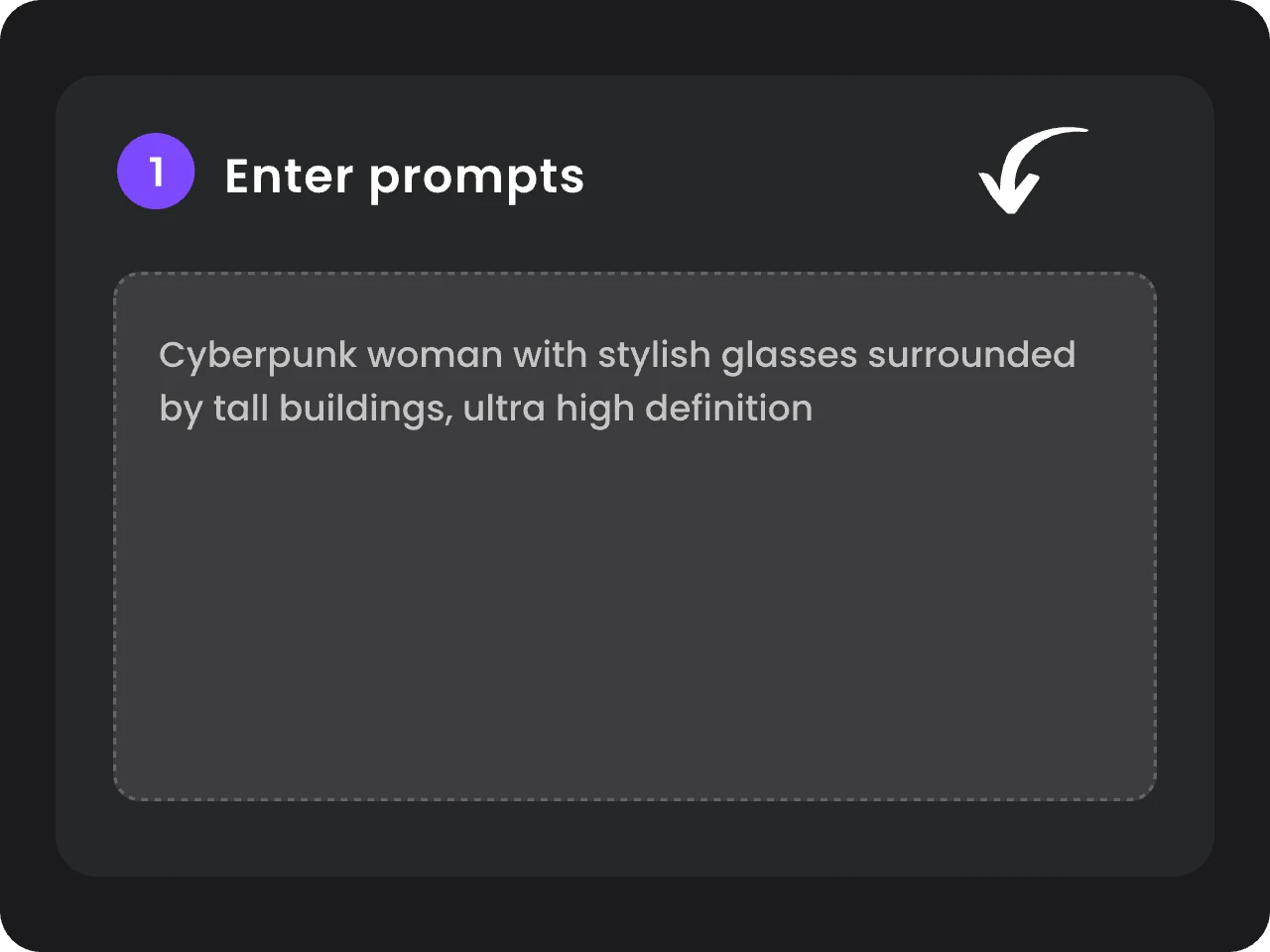
- STEP 2Add Your Prompt and References
- STEP 3Choose Your Settings and Generate


Loved by Creators Worldwide
Real feedback from designers, marketers, and hobbyists sharing their PicLumen experience on Trustpilot.
 Isuru Nilanka
It's easy to use
It's easy to use, they have different AI models, good prices, and a nice community page.
I recently had some technical issues…
I recently had some technical issues that I was trying to work through, so I reached out to the team at PicLumen for support. They were incredibly open, responsive, and willing to discuss the challenges I was experiencing. I even sent them a video demonstrating some of the issues I came across, and they took the time to review everything carefully and work toward finding solutions. What really stood out to me was how friendly, approachable, and collaborative they were throughout the process. I never felt like I was just submitting a problem ticket — it felt like they genuinely cared about improving the experience and helping users succeed. I truly enjoy using the platform and appreciate the level of support and dedication behind it. I would absolutely recommend PicLumen to anyone interested in this type of creative work.
 Kura Aditya
The best experience ever w
The best experience ever w
 next frame
best ai web creation site
best ai web creation site
Alexsander Luíscool it's a good ai creator but create…
cool it's a good ai creator but create imagens for cinema
 Zara
ZaraPiclumen still remains the best…
Piclumen still remains the best with image references. I don't have any complains using Piclumen. It makes my work easier
 Elisa Lika
perfect
i think they are very cool and do a great worl with AI
Ibrahim FaisalThis is best app for image generate
This is best app for image generate
 Danial Daoud
Great customer support
It's easy to use, they have different AI models, good prices, and a nice community page. I contacted them regarding a bug issue and wasn't expecting much tbh. But they responded within a few hours and hade the issue fixed immediately! Great customer support!
 Zakirya Gabol
Good best
Good best Good good best
Phogat PradeepPeople passing by without noticing them.
People passing by without noticing them.
 Govind Aariya
Naic
Veri nice 👍 Bhot acha ap he
Frequently Asked Questions
What is Qwen Image 3.0 Pro?
Qwen Image 3.0 Pro is a flagship image generation model from Qwen, released in August 2026. It supports text-to-image creation and reference-guided image editing, with output in up to 2K resolution and support for 1–3 reference images. On PicLumen, you can use it for detailed, photorealistic, and professional image creation.
How is Qwen Image 3.0 Pro different from Qwen Image 3.0?
Qwen Image 3.0 covers a broad range of image creation, including complex layouts, text-rich graphics, multilingual content, and reference-based generation. Qwen Image 3.0 Pro is aimed more closely at detail-focused creative work, with an emphasis on precise visual direction, reference-guided editing, recognizable subject details, and polished professional imagery.
Can Qwen Image 3.0 Pro create hyperrealistic images?
Yes. You can use Qwen Image 3.0 Pro for realistic portraits, fashion photography, products, lifestyle scenes, interiors, food photography, and other photorealistic visuals. Detailed descriptions of skin, hair, materials, lighting, depth, reflections, and camera framing can help you define the look more precisely.
Can Qwen Image 3.0 Pro edit existing images?
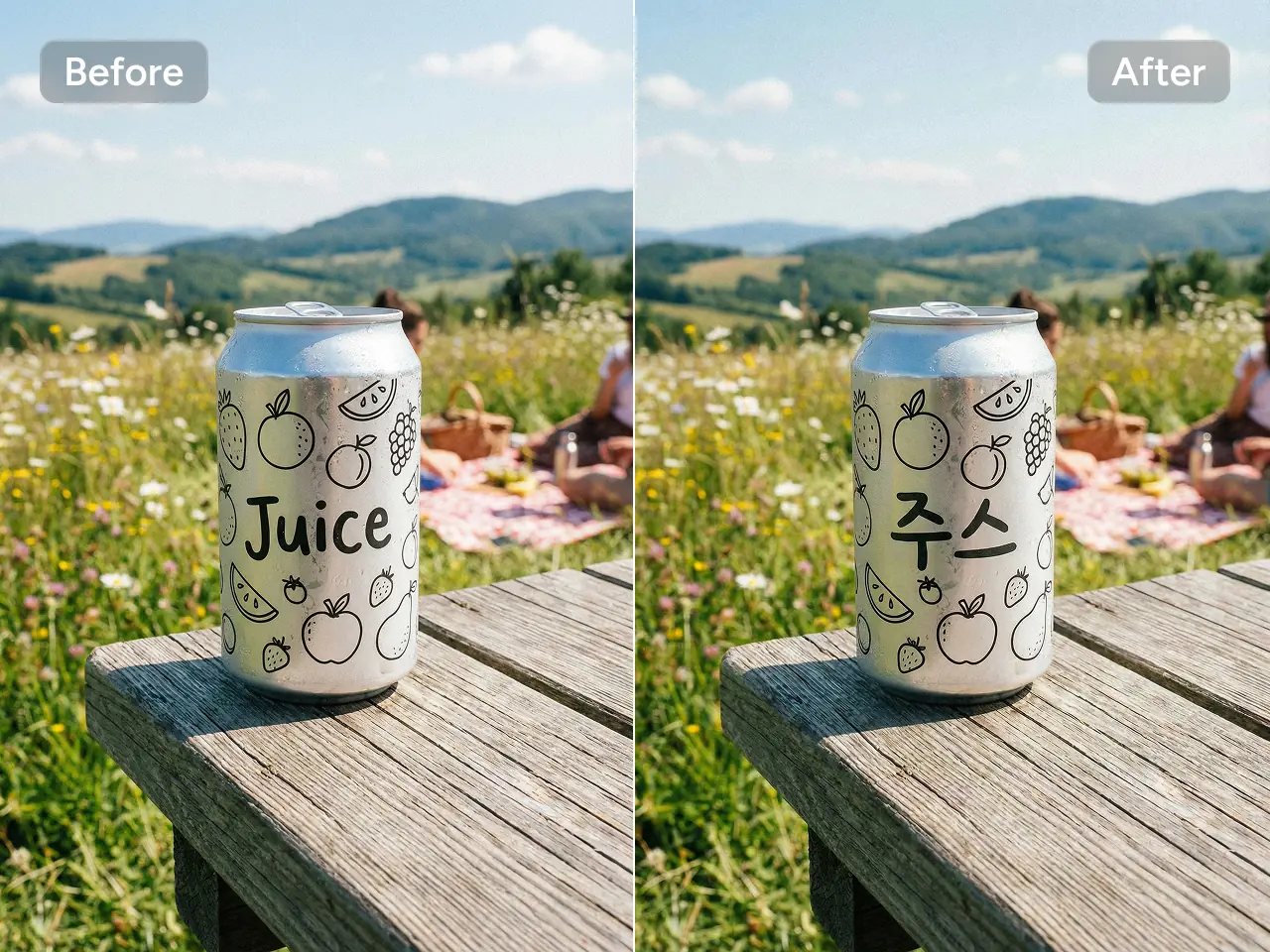
Yes. You can upload existing images and describe the changes you want. The model supports edits to the environment, pose, styling, clothing, composition, subject presentation, and other visual elements.
Is Qwen Image 3.0 Pro suitable for professional creative work?
You can use Qwen Image 3.0 Pro for advertising concepts, product photography, fashion editorials, campaign visuals, magazine imagery, storyboards, and other professional projects. Review brand details, products, text, and other important elements before using a generated image in final production.