
Qwen Image 2.1 Turbo AI Image Generator
Generate original artwork from text prompts, edit existing images, and create transparent assets for your next project. Whether you're developing product visuals, designing marketing graphics, or exploring new creative concepts, you can shape your results with detailed instructions and reference images.
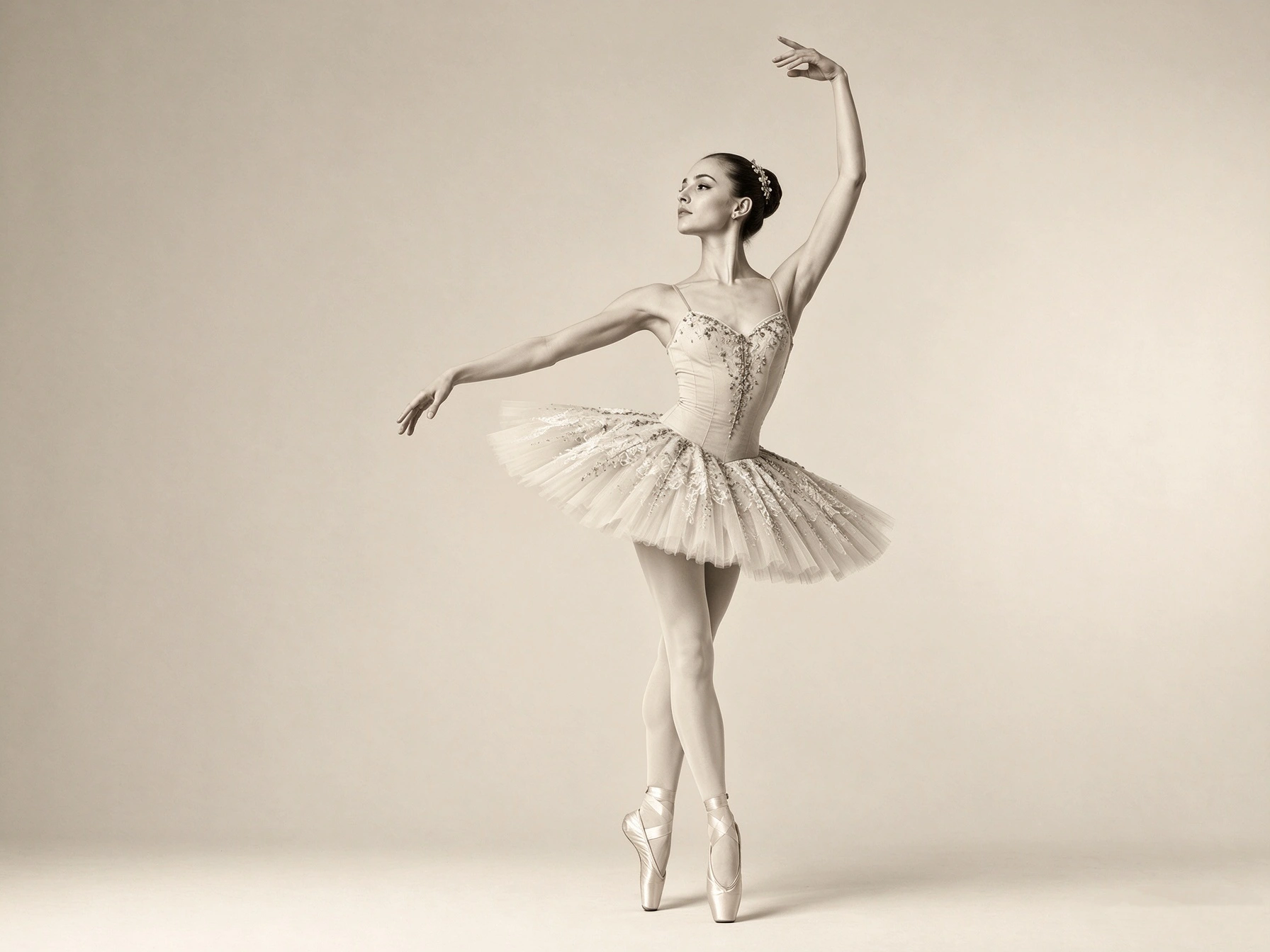
Generate Images from Detailed Text Prompts
Bring a written idea to life by describing the subject, setting, composition, lighting, color palette, and artistic style. Qwen Image 2.1 Turbo turns these instructions into images, giving you a starting point for everything from realistic product photography to illustrated characters and imaginative environments. The more clearly you describe the visual you have in mind, the easier it is to communicate your creative direction. Specify camera angles, materials, textures, or the placement of objects to guide the composition. You can also explore different styles and visual treatments to find an approach that fits your project.
Create Images with Native Transparent Backgrounds
Create images with transparent backgrounds directly, without relying on a separate background-removal workflow. Qwen Image 2.1 Turbo supports native transparent image generation, making it useful for creating isolated objects, character assets, stickers, and other elements that need to sit naturally within a larger design. You can also work with transparent images during editing, including making changes to an element while retaining its transparent background. This gives you more flexibility when preparing reusable assets for product layouts, presentations, social graphics, and creative compositions. When exporting, check that the file retains its alpha channel if transparency is required.
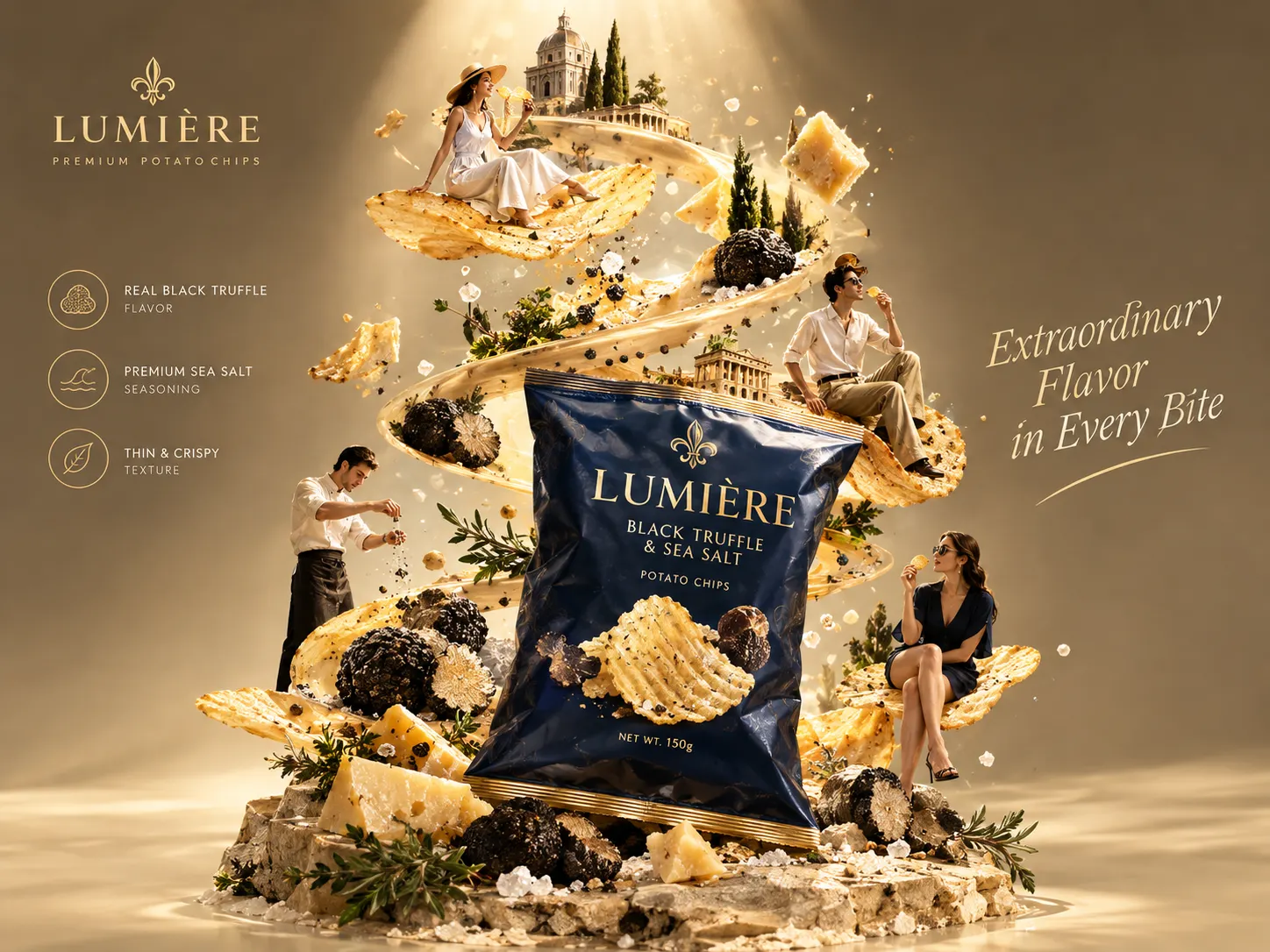

Render Text for Posters and Graphic Designs
Create visuals that combine imagery, typography, and layout in a single composition. Qwen Image 2.1 Turbo can render text within generated images, making it suitable for poster concepts, promotional graphics, editorial-style visuals, and other designs where words play an important role. Guide the result by specifying the exact wording, font style, text placement, hierarchy, and relationship between the typography and background. You can also describe the overall art direction, from clean editorial layouts to bold promotional designs. For production-ready graphics, review spelling, punctuation, spacing, and small text before publishing.
Edit Images with Reference Images and Local Instructions
Start with an existing image and describe the changes you want to make. Qwen Image 2.1 Turbo supports reference-guided editing, allowing you to change backgrounds, replace objects, adjust visual details, or develop a new composition without having to describe every element from scratch. The model also supports multiple reference images, with up to 10 images available for supported editing workflows. Combine different subjects or visual assets to guide a composition, such as bringing people together in one scene or using separate references for clothing, accessories, and environments.
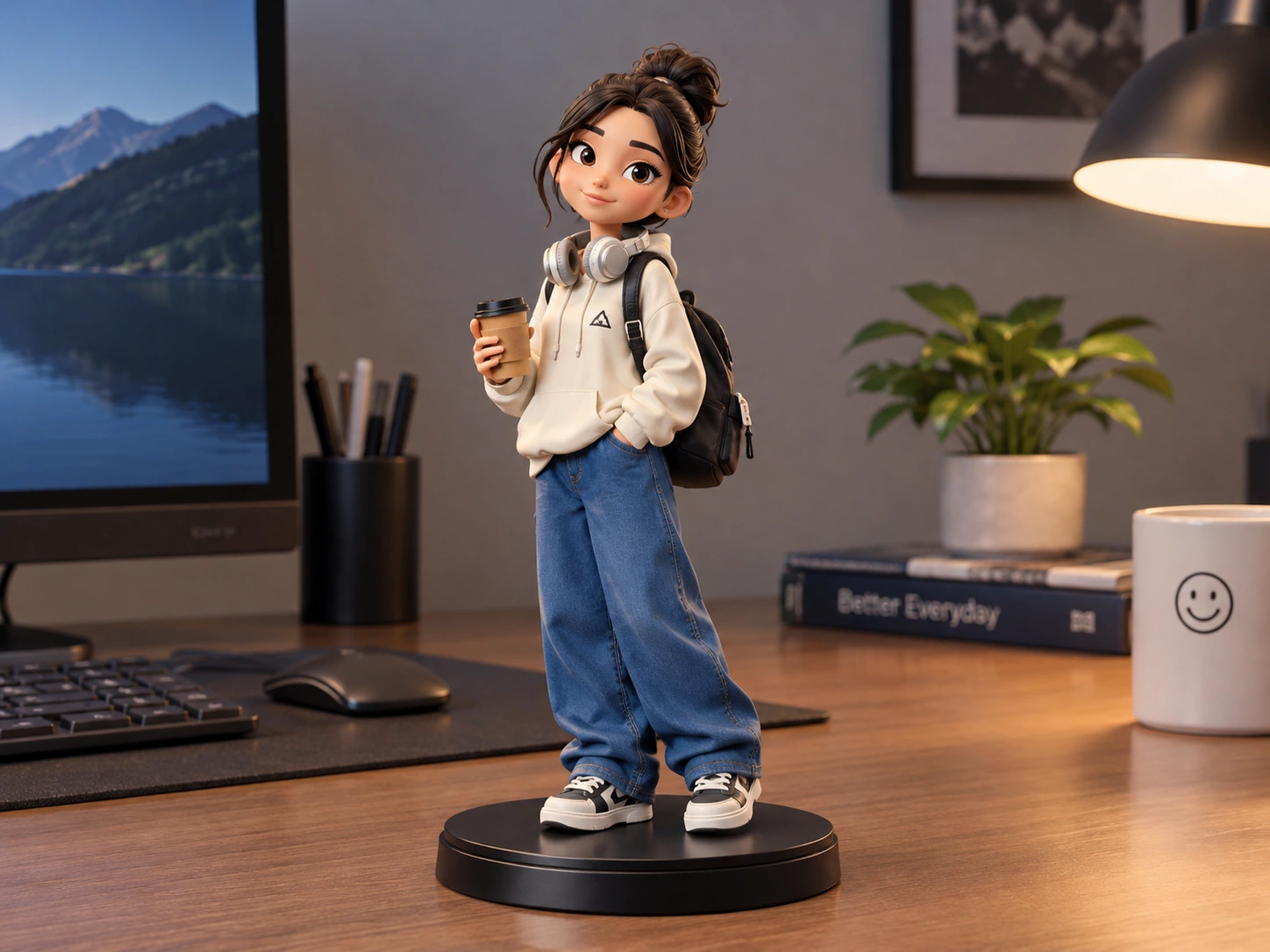
What Can You Create with Qwen Image 2.1 Turbo?

Product Images for E-commerce
Create product scenes for online stores, promotional materials, and campaign concepts. Explore different settings, lighting, and compositions to develop visual variations for the same product. Review important product details before publishing, especially when accuracy matters.

Posters and Marketing Graphics
Turn campaign ideas into promotional posters, event graphics, and advertising concepts. Specify the headline, supporting text, color palette, and layout to guide the design. Check all generated text before using the image in a live campaign.

Transparent Assets and Stickers
Create isolated objects, decorative elements, character assets, and sticker concepts for use across different projects. Transparent backgrounds make these assets easier to place into layouts, presentations, and social media graphics.

Portraits and Creative Artwork
Explore character concepts, portraits, fashion-inspired imagery, and stylized illustrations. Guide the subject, mood, color palette, and art direction through your prompt to create visuals suited to different creative projects.
How to Use Qwen Image 2.1 Turbo on PicLumen
Select Qwen Image 2.1 Turbo
1Open PicLumen's image generation tool and choose Qwen Image 2.1 Turbo from the available models. Use this model when you want to generate an image from a text prompt or work with reference-guided image editing.
Describe Your Idea or Add Reference Images
2For text-to-image generation, write a prompt that explains the subject, setting, composition, lighting, and style. Include important details such as colors, materials, camera angles, or the placement of objects. For image editing, upload the image or reference images you want to work with and describe the intended changes. Be specific about which elements should change and which should remain consistent. For example, you might ask to replace a background while keeping the main subject's appearance intact.
Generate, Review, and Refine
3Generate the image and review the result against your original prompt. Check the composition, subject details, text, and other elements that matter to your project. If something is missing or needs adjustment, refine your instructions and generate another version. For transparent assets, verify that the exported image retains a genuine transparent background. For product visuals and text-heavy designs, check important details before using the final image in a live campaign or commercial project.


Loved by Creators Worldwide
Real feedback from designers, marketers, and hobbyists sharing their PicLumen experience on Trustpilot.
Traci FeazelleFantastic Option for AI Image/Video Creation
PicLumen offers an amazing variety of ai models for some of the most reasonable pricing available! The app layout also affords ease of use.
 Sara Frandsen
Excellent customer service
Excellent customer service! The support team was incredibly fast, polite, and helpful. They handled my request quickly and professionally without any hassle. It is rare to see such great and honest support these days. Highly recommended!
Ibrahim OnuhSo very powerful and interesting
So very powerful and interesting
Kura AdityaThe best experience ever w
The best experience ever w
Really good app and generates good…
Really good app and generates good images!
 Zara
Piclumen still remains the best…
Piclumen still remains the best with image references. I don't have any complains using Piclumen. It makes my work easier
 Ioannis Greece
PicLumen is powerful and i like it for…
PicLumen is powerful and i like it for my creations.
Great tool
Great tool, I made fantastic results with it.
Everything
Everything, keep up the good work
 PRZNT GAMING
I really like
I really like, in just few lines you can get good result, also you can generate as detailed images as you want.
 Hazard Lion
Best project in ai
Best project in ai , creating images 👌
 Saima Rizwan
Awesome Piclumen customer service!!
As a small creator balancing a full-time career job and with a passion for visual storytelling, I’ve used many platforms but PicLumen stands out for its genuine care and responsiveness. When I reached out with a request to adjust Lumen credits for my creative needs, their team responded with empathy, flexibility, and a clear commitment to supporting artists like me. Not only did they listen, they acted and credited Lumen offering with thoughtful solutions that made me feel valued, as a customer. Their communication was prompt, respectful, and encouraging, and they treated my feedback with real consideration. PicLumen isn’t just a tool it’s a partner in creativity. If you’re a creator looking for a platform that understands your journey and supports your growth, I wholeheartedly recommend them. Thank you, PicLumen, for making the creative process feel human, hopeful, and beautifully supported.
Frequently Asked Questions
What is Qwen Image 2.1 Turbo?
Qwen Image 2.1 Turbo is an AI image generation and editing model from the Qwen team. It combines text-to-image generation with reference-guided editing and supports features such as native transparent image generation, text rendering, and multi-image editing. It can be used for product visuals, graphic design, portraits, illustrations, and other creative work.
What is the difference between Qwen Image 2.1 and Qwen Image 2.1 Turbo?
Qwen Image 2.1 Turbo is an accelerated version of Qwen Image 2.1 that uses an 8-step denoising configuration. The standard model's official examples commonly use 40 steps. Turbo is designed to reduce the number of sampling steps while retaining the model's image generation and editing capabilities. Actual speed and output quality depend on the deployment and generation settings.
Can Qwen Image 2.1 Turbo generate images from text?
Yes. You can describe a subject, environment, composition, lighting, colors, and visual style in a text prompt. The model uses these instructions to generate an image based on your creative direction. More specific prompts can help guide the composition and details, though the result may not reproduce every instruction perfectly.
Can Qwen Image 2.1 Turbo edit existing images?
Yes. You can provide an image and describe the changes you want to make, such as replacing a background, changing an object, refining details, or adjusting part of a composition. The model also supports local editing instructions and reference images to help guide the result. How much of the original image remains unchanged depends on the task and the specificity of your instructions.
How many reference images can Qwen Image 2.1 Turbo use?
The Qwen-Image-2.1 series supports up to 10 reference images in supported image-editing workflows. Multiple references can guide a composition involving different people, products, clothing, accessories, or other visual elements. The available inputs and upload limits may depend on the platform's implementation.
Can Qwen Image 2.1 Turbo render text in images?
Yes. The model supports text rendering in generated images, including designs that combine typography with visual elements. You can describe the wording, text placement, style, and layout to guide the result. For professional use, review spelling, punctuation, spacing, and readability before publishing the image.
What image resolution does Qwen Image 2.1 Turbo support?
The Qwen-Image-2.1 model family supports native 2K image generation. The output dimensions and aspect ratios available to you depend on the implementation and settings offered by PicLumen. Check the generation interface for the supported sizes before starting a project with specific output requirements.
Create Images with Qwen Image 2.1 Turbo
Turn your ideas into original images, transparent assets, and refined visuals with Qwen Image 2.1 Turbo on PicLumen. Start with a text prompt or reference image and shape the result to fit your project.
- Image to Image AI Generator
- Image to Illustration AI
- AI Image Generator
- FLUX AI Image Generator
- AI Baby Generator
- Remove Clothing with AI
- AI Facebook Cover Generator
- AI Product Photo Generator
- Celebrity AI Image Generator
- AI Restore Old Photos
- AI Pet to Human Generator
- AI Virtual Try On
- Background Generator for Product Photos
- AI Product Video Generator
- AI TikTok Video Generator