
AI Facebook Cover Generator for Text & Images
Create an AI Facebook cover from text or your own image. Generate Facebook cover images for profiles, Pages, businesses, events, gaming communities, and campaigns, with compositions designed for the wide Facebook cover format.
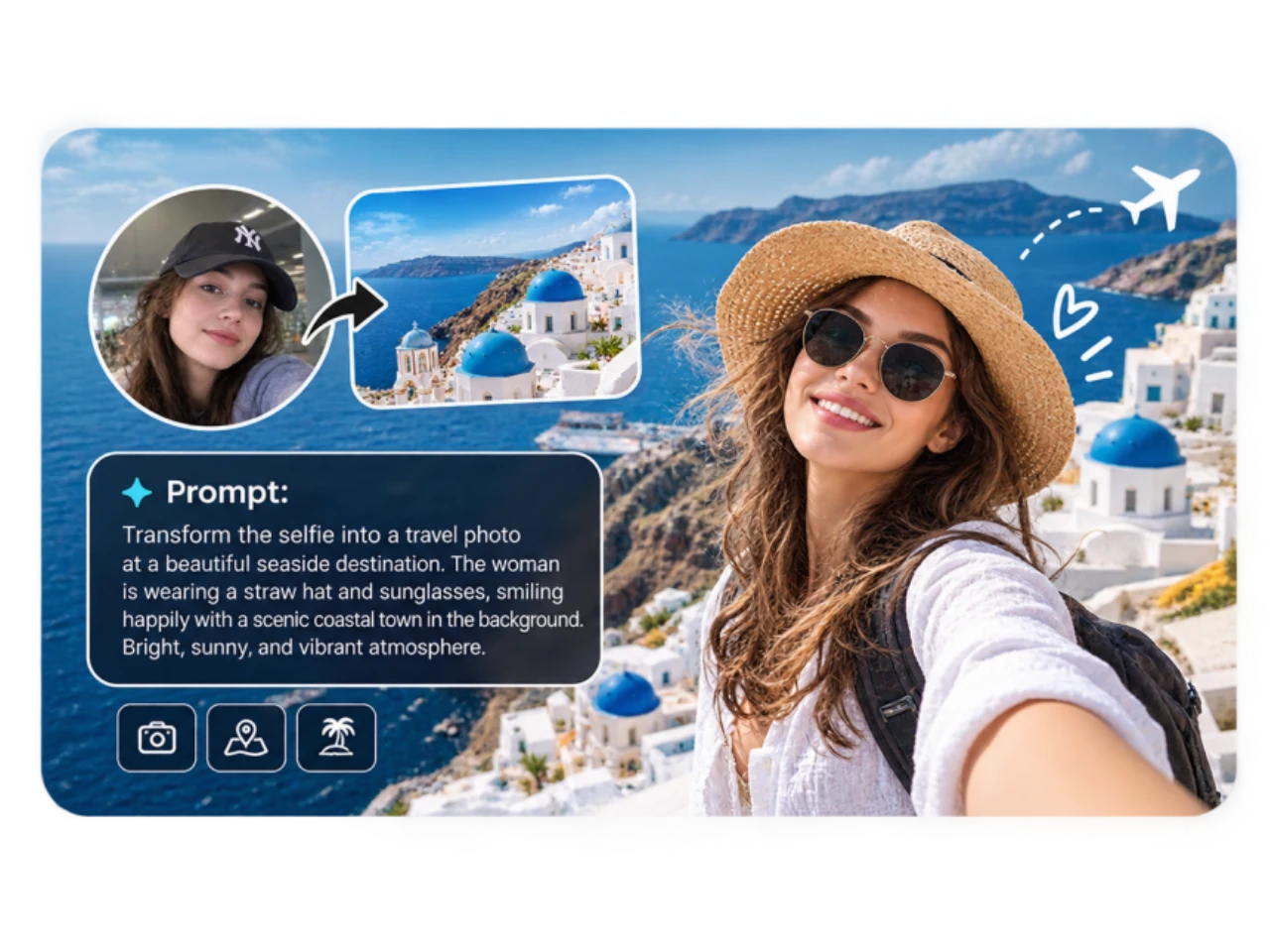
Generate an AI Facebook Cover from Text
Describe the Facebook cover you want to create and let PicLumen turn your idea into a visual. Tell it what you want to feature, from the subject and setting to the colors, mood, style, and composition. You can create a business Page cover, personal profile banner, gaming visual, product launch, seasonal promotion, or event graphic from a simple prompt. If you want to explore an idea before shaping it into a Facebook cover, you can also use text to image to generate the original visual first.
Create an AI Facebook Cover from Your Own Image
Your best Facebook cover does not always need to start with a new AI image. Upload a portrait, product photo, lifestyle image, logo, or existing social graphic and use it as the starting point for your AI Facebook cover. This gives you a way to build a Facebook cover around the people, products, and visual assets your audience already recognizes.
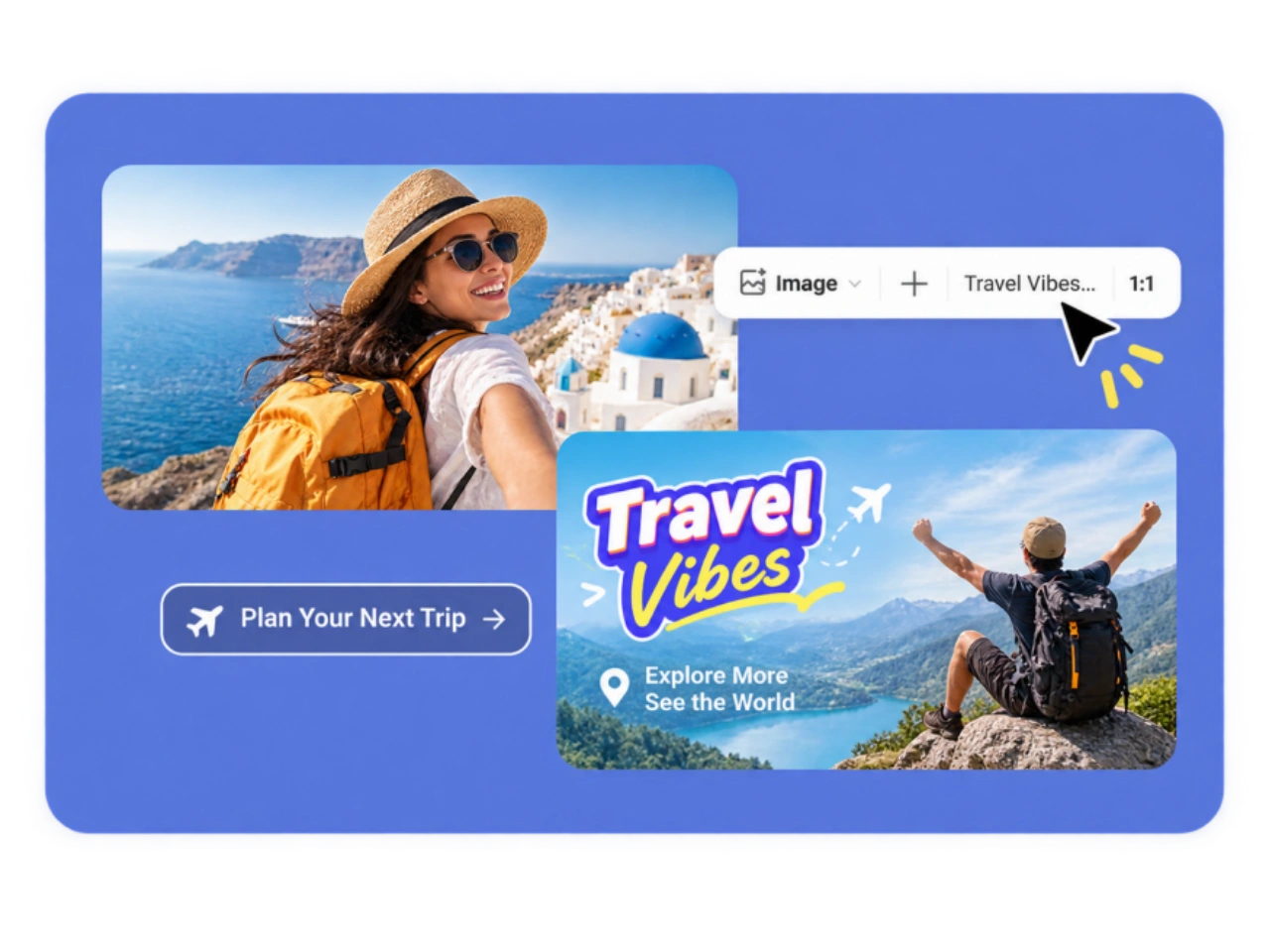
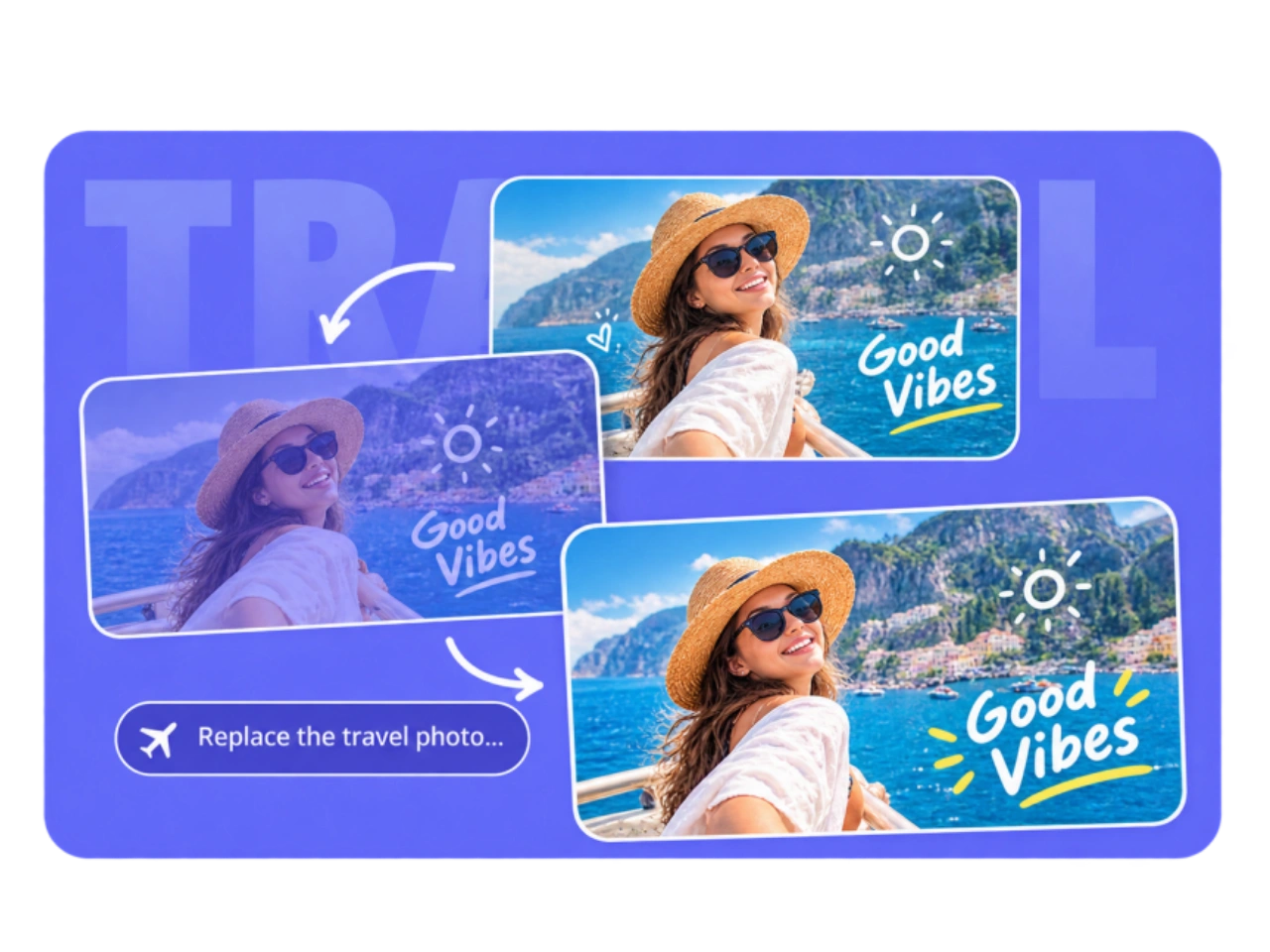
Design for Facebook's Wide Cover Format
Facebook cover images need to work across different display contexts. Current 2026 social media specifications commonly list 851 × 315 px as the recommended desktop cover size, with mobile display around 640 × 360 px. That difference matters when you design a Facebook cover. A composition that looks balanced in a wide desktop format may crop differently on a mobile screen. Keep the main subject, logo, and important text away from vulnerable edges, and leave enough surrounding space for the layout to adapt. This is why creating a Facebook cover is more than resizing an image to a fixed dimension. The goal is to create a composition that remains recognizable when the display area changes.
Generate Multiple AI Facebook Cover Designs
One idea can lead to several different AI Facebook cover directions. Generate alternative designs for a product launch, seasonal campaign, Page refresh, event, or brand update. Try a minimal business look, lifestyle composition, product-focused design, gaming style, cinematic direction, or seasonal visual while keeping the same core idea.
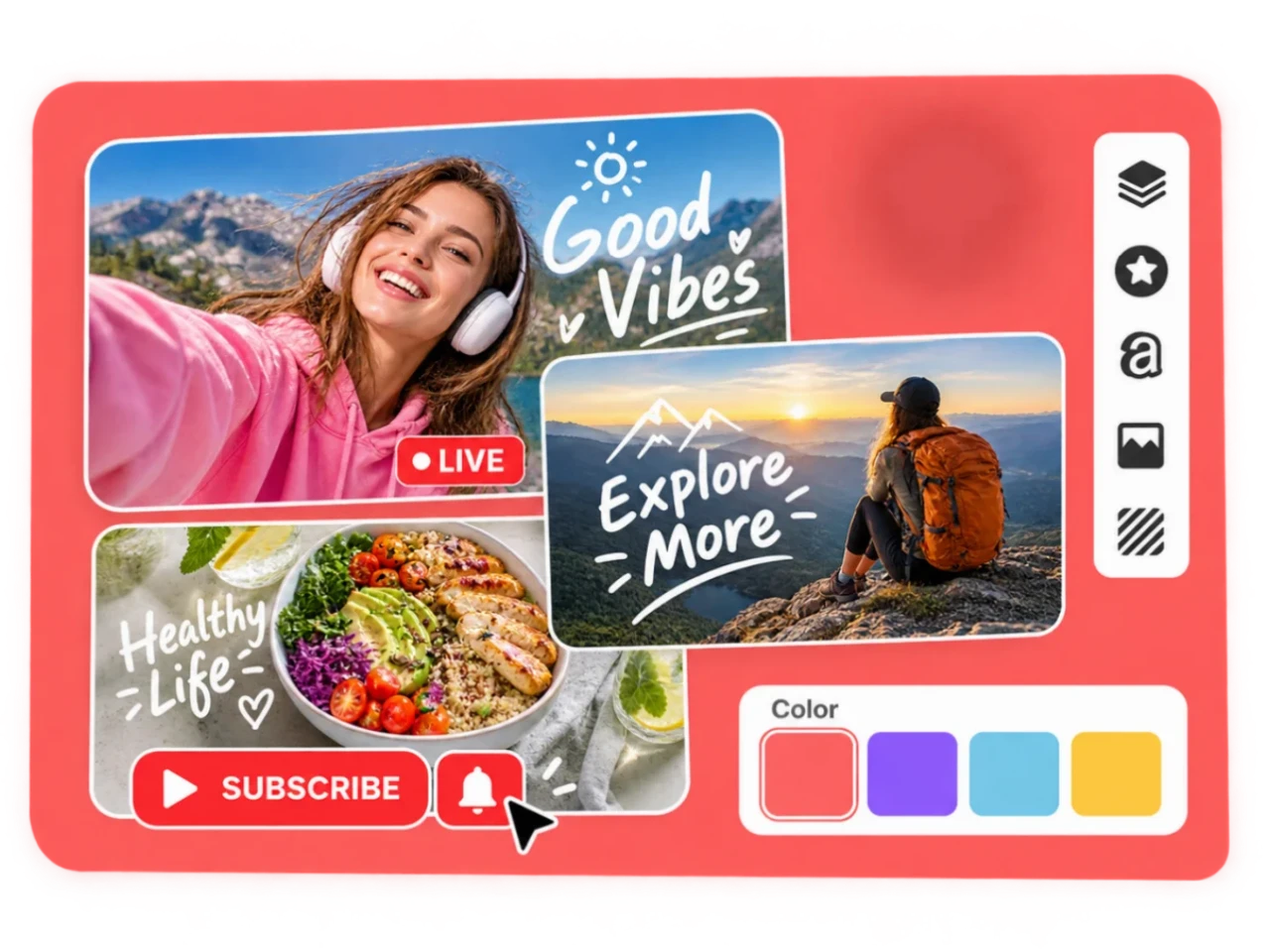
Create an AI Facebook Cover for Any Type of Page
Create an AI Facebook cover for a business Page, personal profile, gaming community, event, or promotional campaign. Start with your own image or a simple idea and create a cover that fits the purpose of your Facebook page.
AI Facebook Covers for Business Pages
Create an AI Facebook cover for your business using product photography, brand visuals, campaign concepts, or lifestyle imagery. An ecommerce store can build a product-focused Facebook cover, while a local business can create a cover around its location, service, or brand identity. Use the Facebook Cover Generator for launches, promotions, seasonal campaigns, and everyday Page branding.
AI Facebook Covers for Personal Profiles
Create a personalized Facebook cover photo from your own photography, portrait, travel image, landscape, hobby, or lifestyle content. Instead of choosing a generic template, use an AI Facebook cover that reflects your personality, interests, or personal brand.
AI Facebook Covers for Creators and Gaming Pages
Build a distinctive Facebook banner for a gaming page, streamer, creator, podcast, music project, or online community. Start with your portrait, character, gameplay image, logo, or other creative asset and generate an AI Facebook cover that matches the visual identity of your content.
AI Facebook Covers for Events and Promotions
Create a Facebook cover for product launches, webinars, workshops, conferences, community events, holiday campaigns, and limited-time promotions. An AI Facebook Cover Generator can help turn the theme of an event or campaign into a visual Facebook cover that communicates the purpose of the Page at a glance.
How to Create an AI Facebook Cover
Upload an Image or Enter a Prompt
1Start your AI Facebook cover with an image or an idea. Upload a portrait, product photo, logo, lifestyle image, or existing graphic, or simply describe the Facebook cover you want to generate.
Describe Your Facebook Cover
2Tell PicLumen what you want your AI Facebook cover to look like. Describe the subject, background, colors, lighting, style, mood, and visual direction. For a business Facebook cover, you can also describe your product, service, campaign, or brand style.
Generate and Refine Your AI Facebook Cover
3Generate your Facebook cover image and review the composition. If the first result is not the right fit, adjust the visual direction and create another AI Facebook cover. Try changing the background, style, subject placement, or overall mood until the design works for your Page or profile.
Download Your Facebook Cover
4Choose the AI Facebook cover that fits your purpose and download the finished image. Use it as a Facebook profile cover, Business Page cover, event cover, group cover, creator banner, or campaign visual.
More Than a Facebook Cover Template
Start with Your Own Visual Assets
An AI Facebook Cover Generator should not force you to start from a generic template. PicLumen lets you begin with the images and visual assets you already have. Use your product photography, portraits, lifestyle images, logos, or campaign visuals as the foundation for your Facebook cover.
Create Instead of Simply Cropping
A normal resize changes an image's dimensions. It does not necessarily create a better Facebook cover composition. When important parts of a photo sit near the edge, a simple crop can remove the subject or leave the design unbalanced. PicLumen focuses on creating a wider visual composition so your AI Facebook cover can be built around the subject rather than simply squeezed into a banner.
Create Different Covers from One Idea
Your Facebook Page can change with every campaign. Create different AI Facebook covers for a product launch, holiday promotion, new collection, event, or Page refresh without abandoning the visual idea that already works for your brand.


Loved by Creators Worldwide
Real feedback from designers, marketers, and hobbyists sharing their PicLumen experience on Trustpilot.
Alfred Rangel RA wonderful range of options to create…
A wonderful range of options to create truly dreamlike visual effects with all those colors; only imagination is the limit.
 jordi Alcaraz
I have really enjoyed using this site…
I've had a really positive experience with Piclumen. The platform offers excellent features for creating AI images and videos, with impressive quality and a wide range of creative possibilities. It's very easy to use, even when experimenting with more complex ideas, and the whole process is both intuitive and enjoyable. excellent customer service. The team replies very quickly, is always friendly, and genuinely tries to solve any issues you may encounter they care about their users. Overall, Piclumen is an innovative, user-friendly, and exciting AI platform. I highly recommend it to anyone interested in AI image and video creation.
 jsbsbsbs hdhdhshwhw
Very cool i like it it's so smooth
Very cool i like it it's so smooth
 chelsienner
This is my favorite AI Image generator
This is my favorite AI Image generator
 Mubashir Ahmed
This web is very help and free
This web is very help and free
 Narender Khatana
I love this app I love this very very…
I love this app I love this very very much this is help in make a videos
 sakura cherry
Very good Free ai photo
Very good Free ai photo, thanks, i wish consistency ,
Can’t go wrong using this one
Can’t go wrong using this one
TylerIt’s a great ai app perfect for making…
It’s a great ai app perfect for making your imaginations come true
 Final Project
Really good image generation Tool
Really good image generation. I love the way they have daily reward system that help beginners to make creative content before spend money on it. 100% recommended.
Saima RizwanAwesome Piclumen customer service!!
As a small creator balancing a full-time career job and with a passion for visual storytelling, I’ve used many platforms but PicLumen stands out for its genuine care and responsiveness. When I reached out with a request to adjust Lumen credits for my creative needs, their team responded with empathy, flexibility, and a clear commitment to supporting artists like me. Not only did they listen, they acted and credited Lumen offering with thoughtful solutions that made me feel valued, as a customer. Their communication was prompt, respectful, and encouraging, and they treated my feedback with real consideration. PicLumen isn’t just a tool it’s a partner in creativity. If you’re a creator looking for a platform that understands your journey and supports your growth, I wholeheartedly recommend them. Thank you, PicLumen, for making the creative process feel human, hopeful, and beautifully supported.
 lourdes mayorga
IT IS A GREAT TOOL AND IT HELPS YU A…
IT IS A GREAT TOOL AND IT HELPS YU A LOT I WOULD RECOMEND THIS TOIEVERYBODY
Frequently Asked Questions About AI Facebook Covers
What is an AI Facebook Cover Generator?
An AI Facebook Cover Generator is an AI image tool that creates Facebook cover images from text prompts, uploaded images, or both. Instead of manually building a banner from a blank canvas, you can describe the design you want and generate an AI Facebook cover based on that direction.
Can I create an AI Facebook cover from my own photo?
Yes. You can upload a portrait, product photo, lifestyle image, logo, or existing graphic and use it as the starting point for an AI Facebook cover. This is useful when you already have images that represent your business, profile, or campaign.
What is the difference between an AI Facebook Cover Generator and a Facebook Cover Maker?
A traditional Facebook Cover Maker often starts with templates or a blank canvas that you edit manually. An AI Facebook Cover Generator can create the visual from a description or reference image, giving you a starting composition instead of requiring you to build the cover element by element.
What size should an AI Facebook cover be?
Facebook can display a Facebook cover photo differently across desktop and mobile. Rather than relying only on one fixed dimension, keep important subjects, logos, and text away from areas that may be cropped or covered by interface elements.
Can I create an AI Facebook cover for a Business Page?
Yes. You can create an AI Facebook cover for a Business Page using product images, brand visuals, lifestyle photography, campaign concepts, or other business-related content. It can be used for ecommerce brands, local businesses, services, product launches, and promotions.
Can I create an AI Facebook cover for an event?
Yes. An AI Facebook Cover Generator can be used to create cover visuals for events, webinars, workshops, conferences, community activities, product launches, and promotional campaigns.
Can I create a Facebook cover with AI for free?
PicLumen provides access to AI image generation, allowing you to experiment with AI Facebook cover designs without relying on traditional graphic design software.
How do I make an AI Facebook cover?
Enter a prompt describing your Facebook cover, or upload an image you want to use. Add details about the subject, style, setting, colors, and mood, generate the AI Facebook cover, review the composition, and create another version if you want to explore a different direction.
Create Your Facebook Cover with AI
Start with an idea, a prompt, or an image you already have. Turn it into a Facebook cover for your profile, Page, business, event, or campaign.
- AI Animal Generator
- Celebrity AI Image Generator
- AI Social Media Post Generator
- AI Transparent Background Maker
- White Background Generator
- AI Pokemon Generator
- Text to Image AI Generator
- FLUX AI Image Generator
- AI Image Generator
- AI Character Generator
- AI Video Generator
- AI Ad Video Generator
- AI Birthday Video Maker
- AI Explainer Video Generator
- AI Kissing Video Generator
- AI Talking Avatar Video Generator
- AI Video Upscaler
- AI Facebook Ad Video Maker
- AI LinkedIn Video Maker