AI-powered Product Visual Solution for
Create TikTok Shop product images, UGC-style videos, and campaign creatives with PicLumen. Start with your product photos, choose a template, and make the visuals shoppers need to see what you sell, how it works, and which version to buy.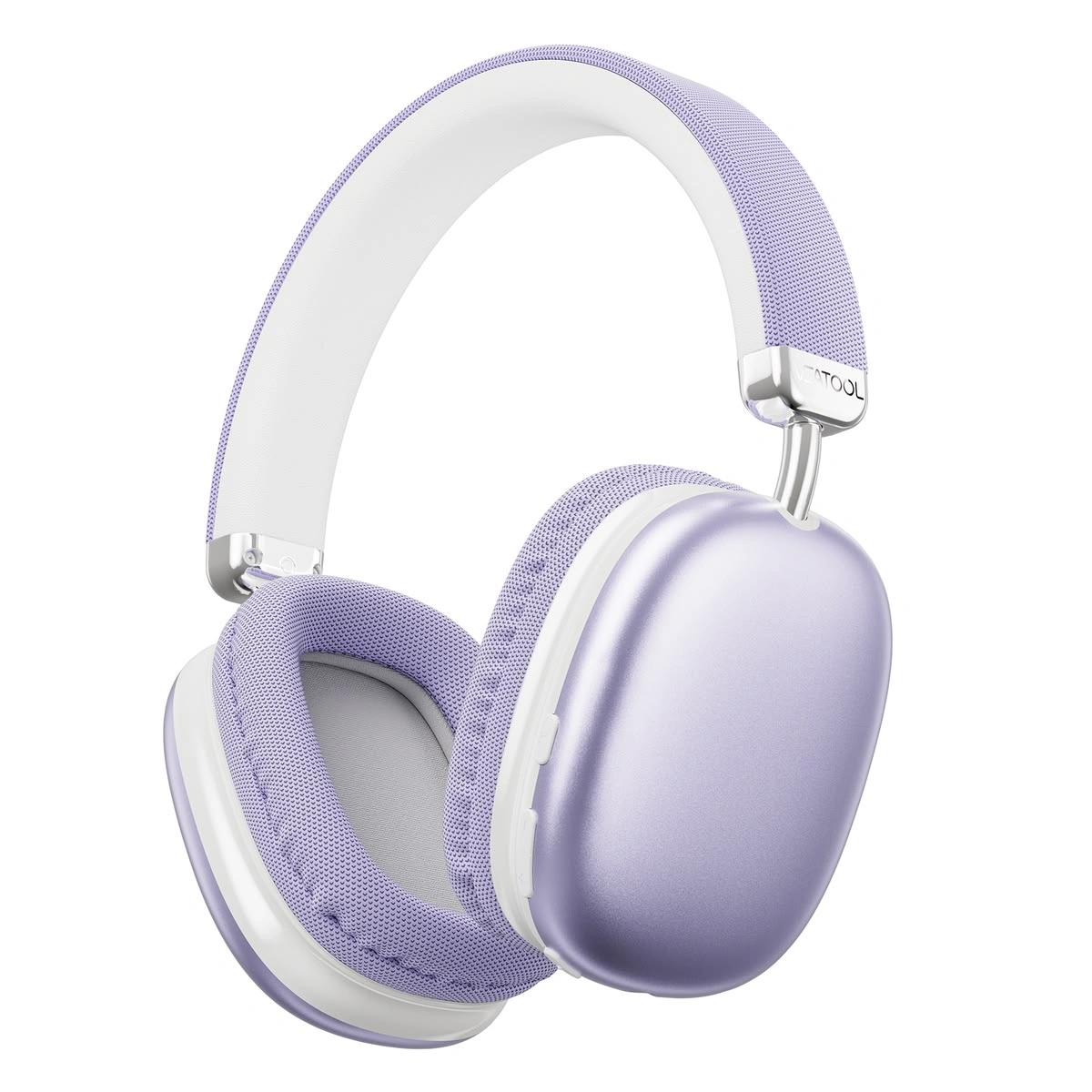
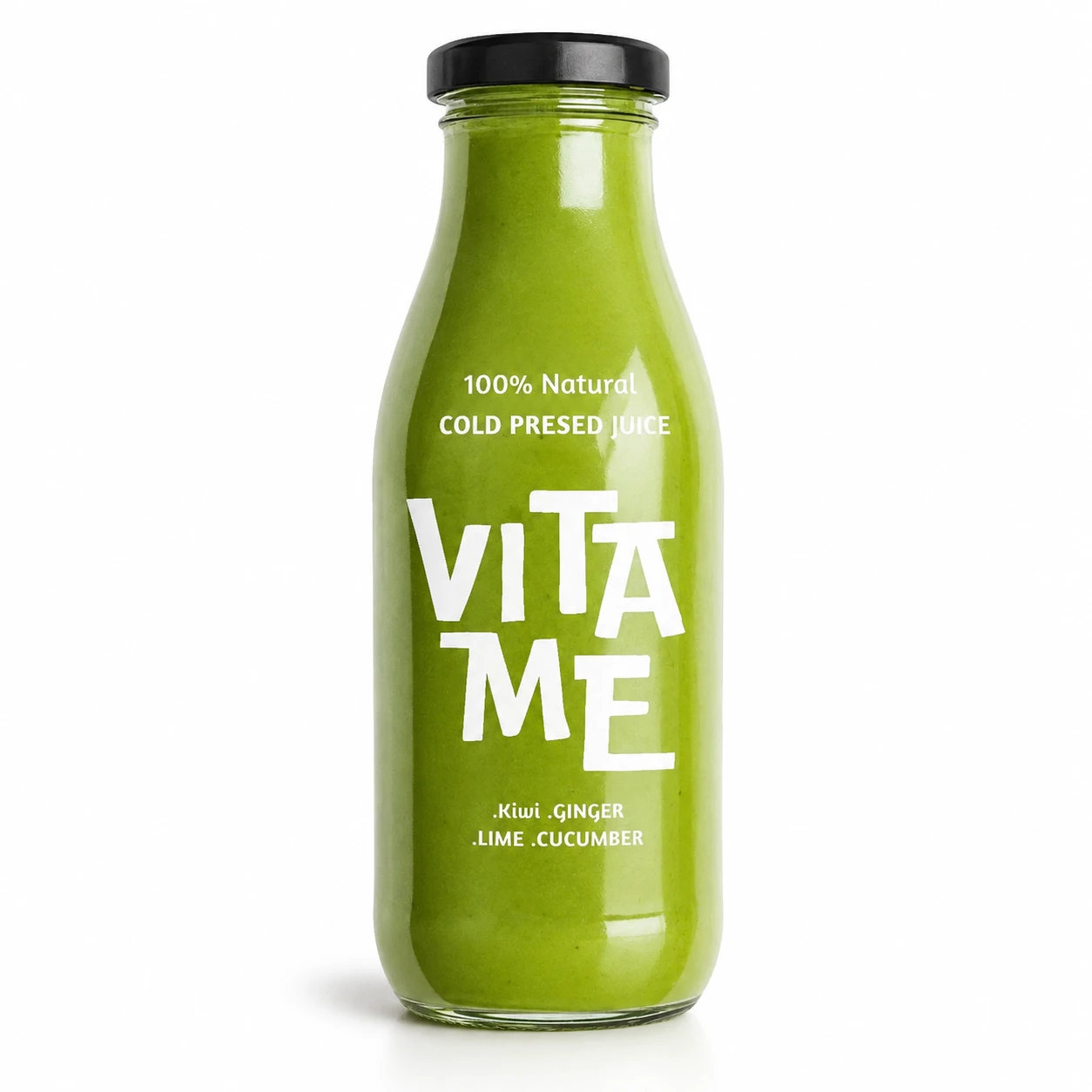
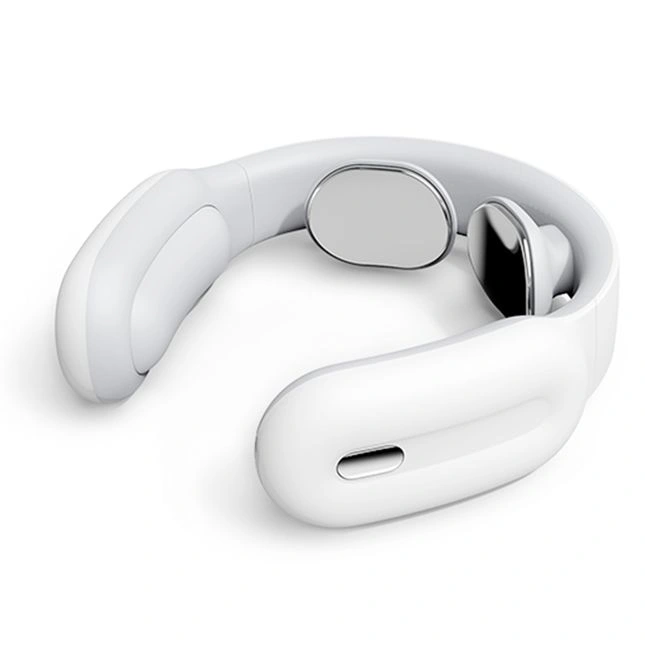
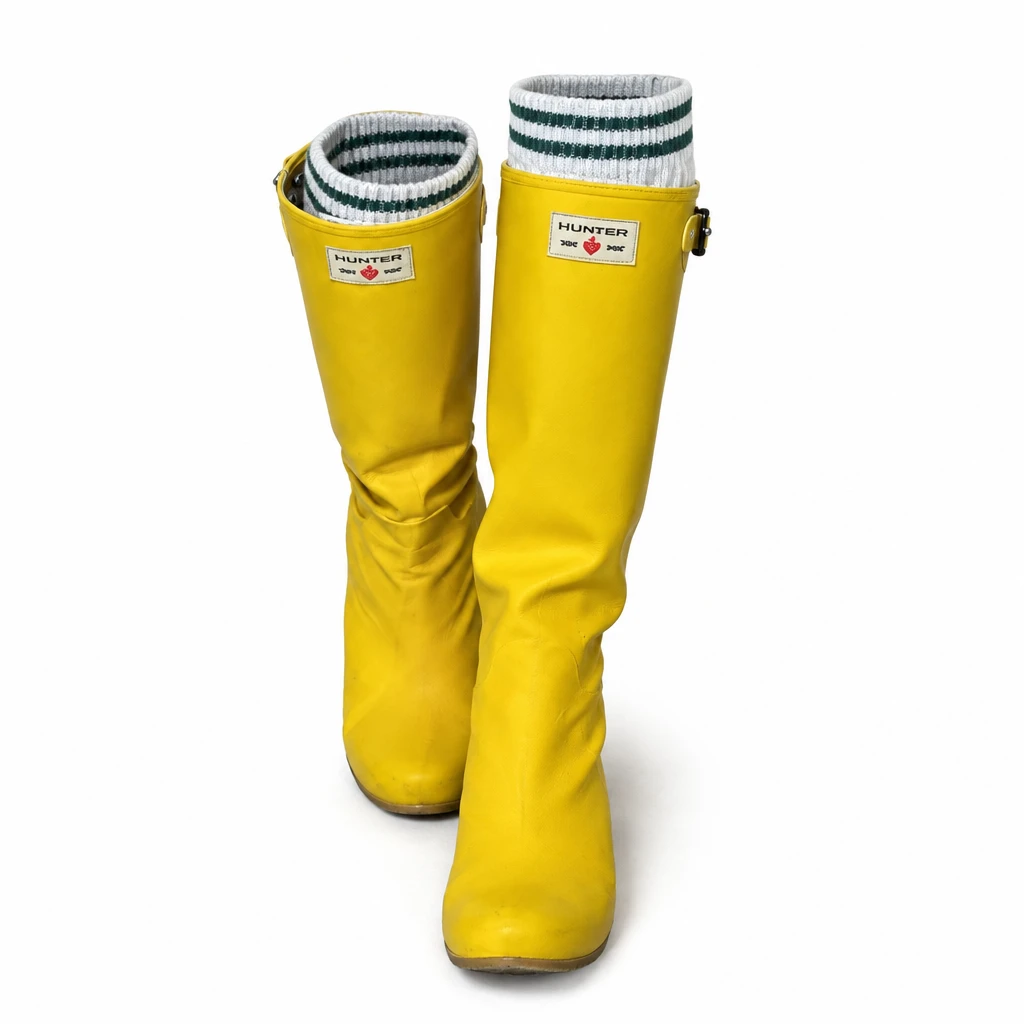
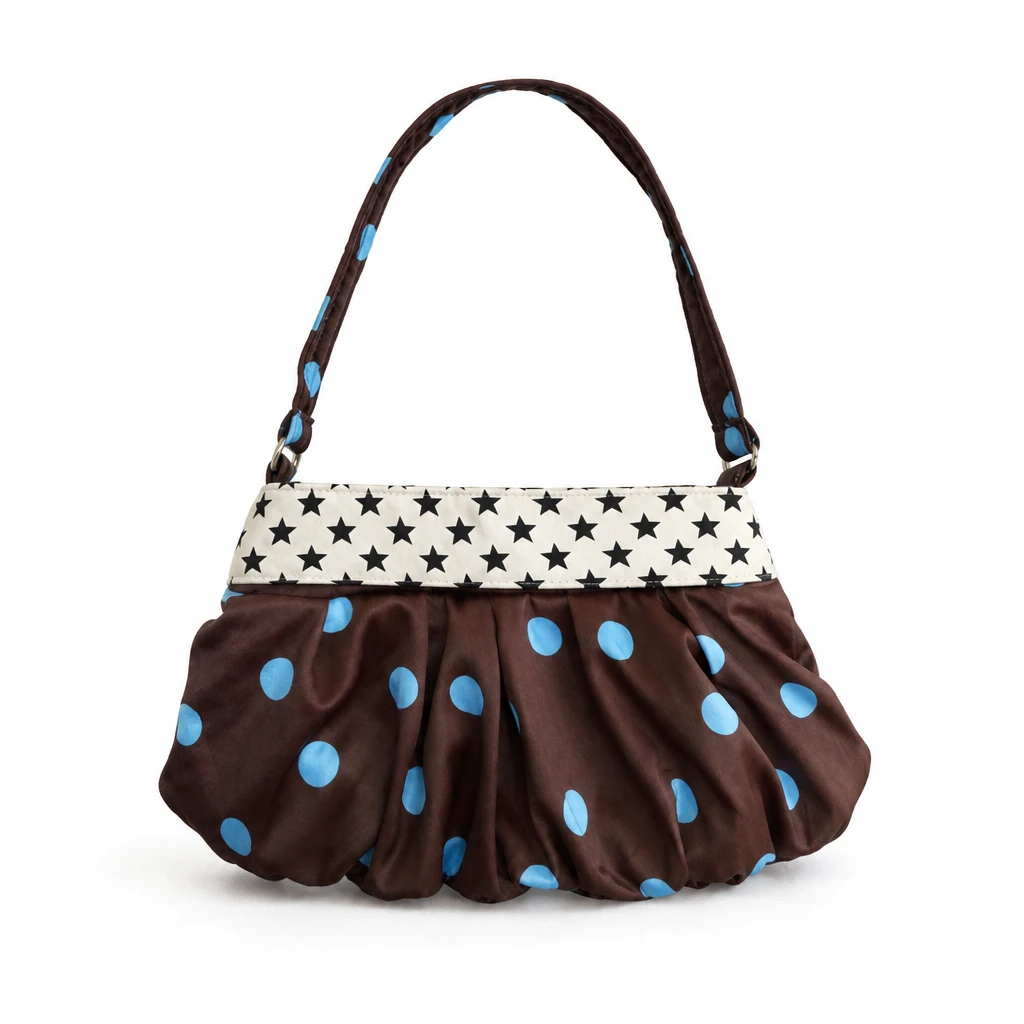


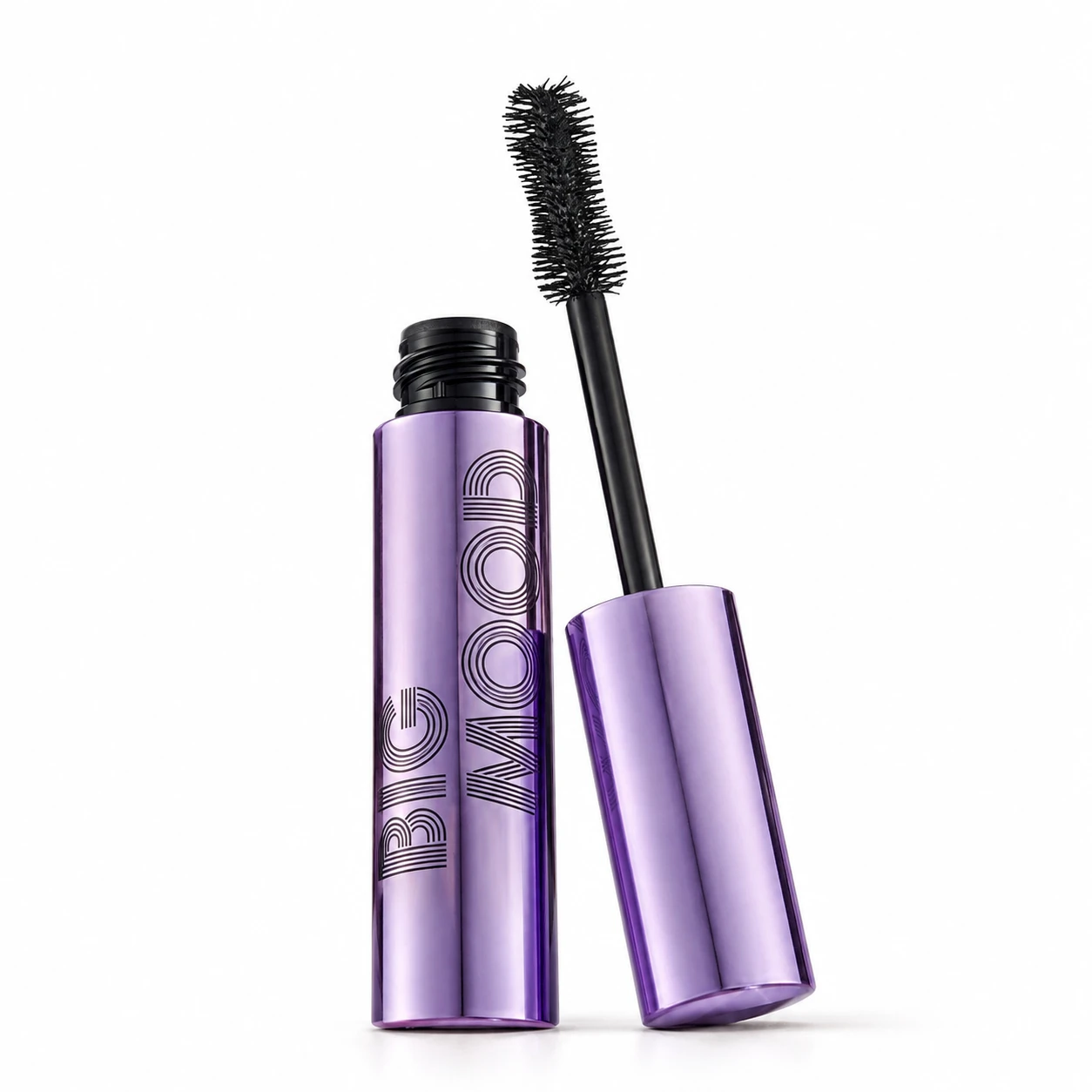
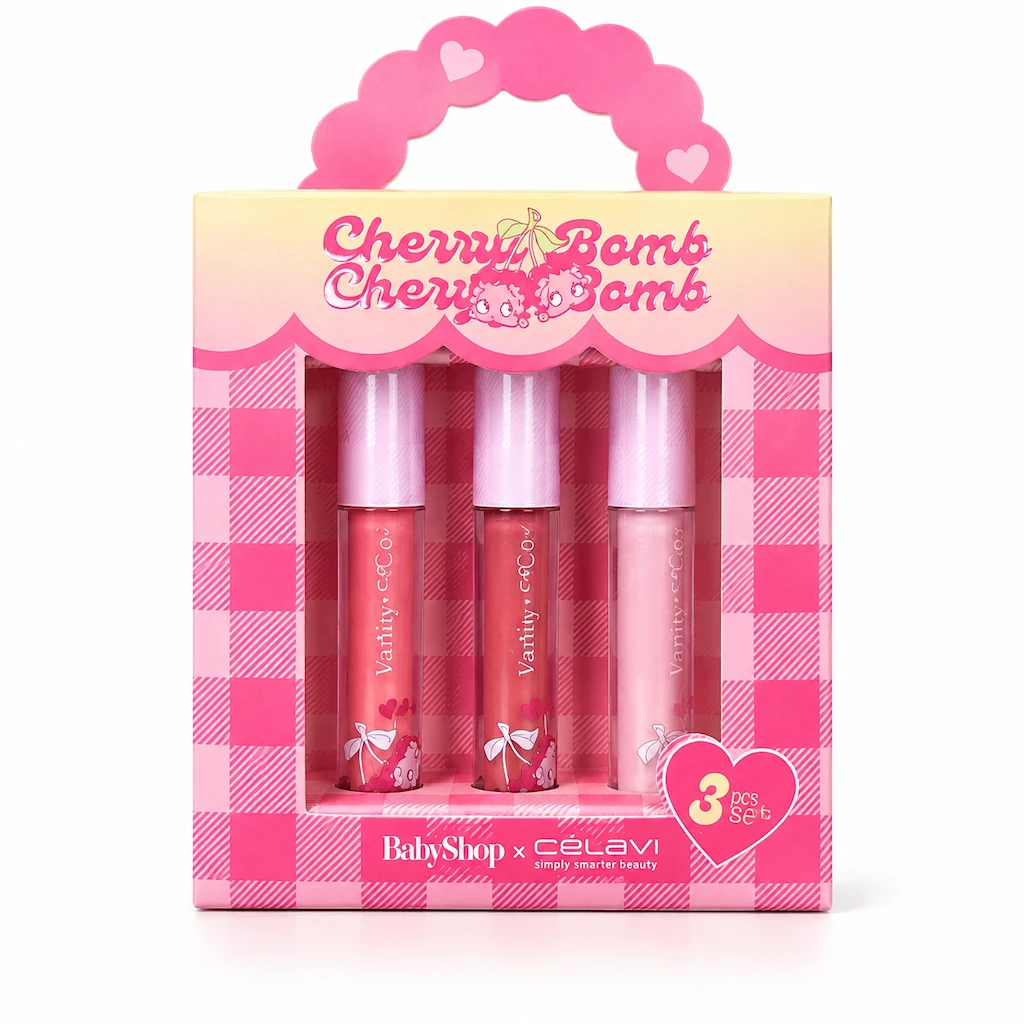
Create TikTok Shop Content for Your Product Category
- Beauty & Personal Care
- Fashion & Accessories
- Home, Kitchen & Pet Supplies
- Electronics & Everyday Gadgets
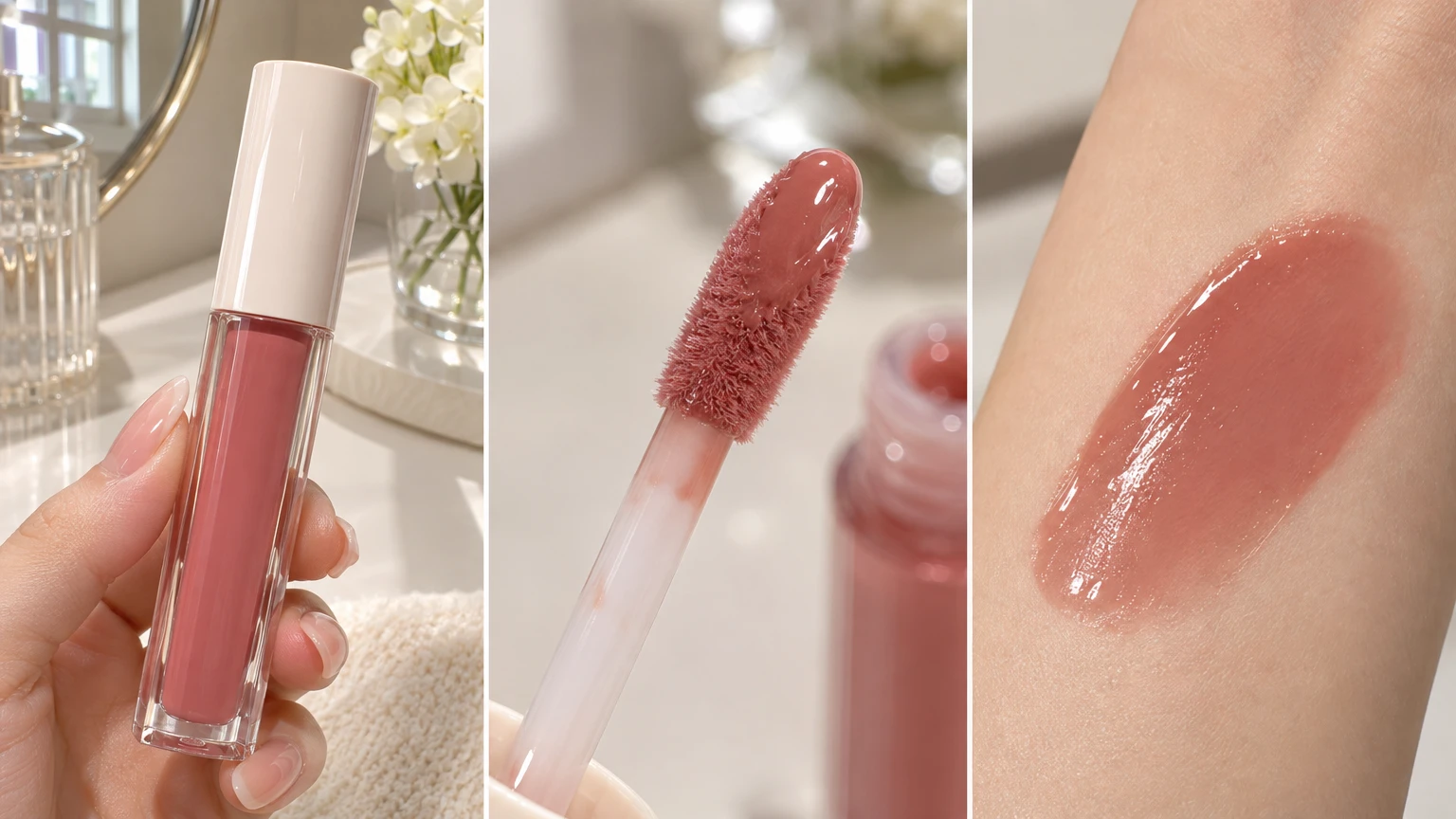
Help shoppers understand what they’re buying by showing the packaging, applicator, or verified shade in a clear sequence. A Lip Gloss Demo gives you a starting point for a beauty product clip. For a multi-shade line, use the corresponding product reference for each version and review the output against the real shade before publishing.

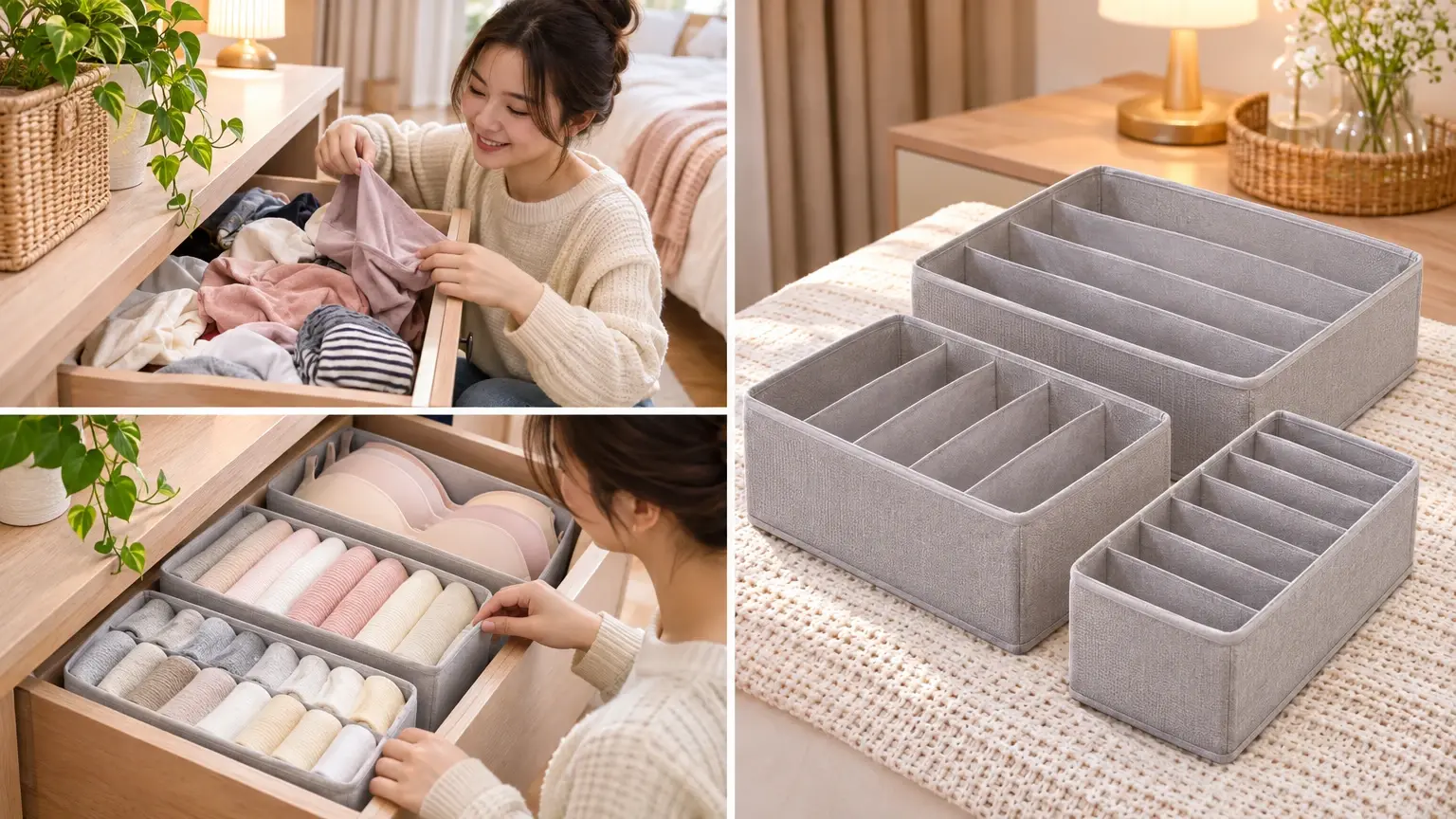
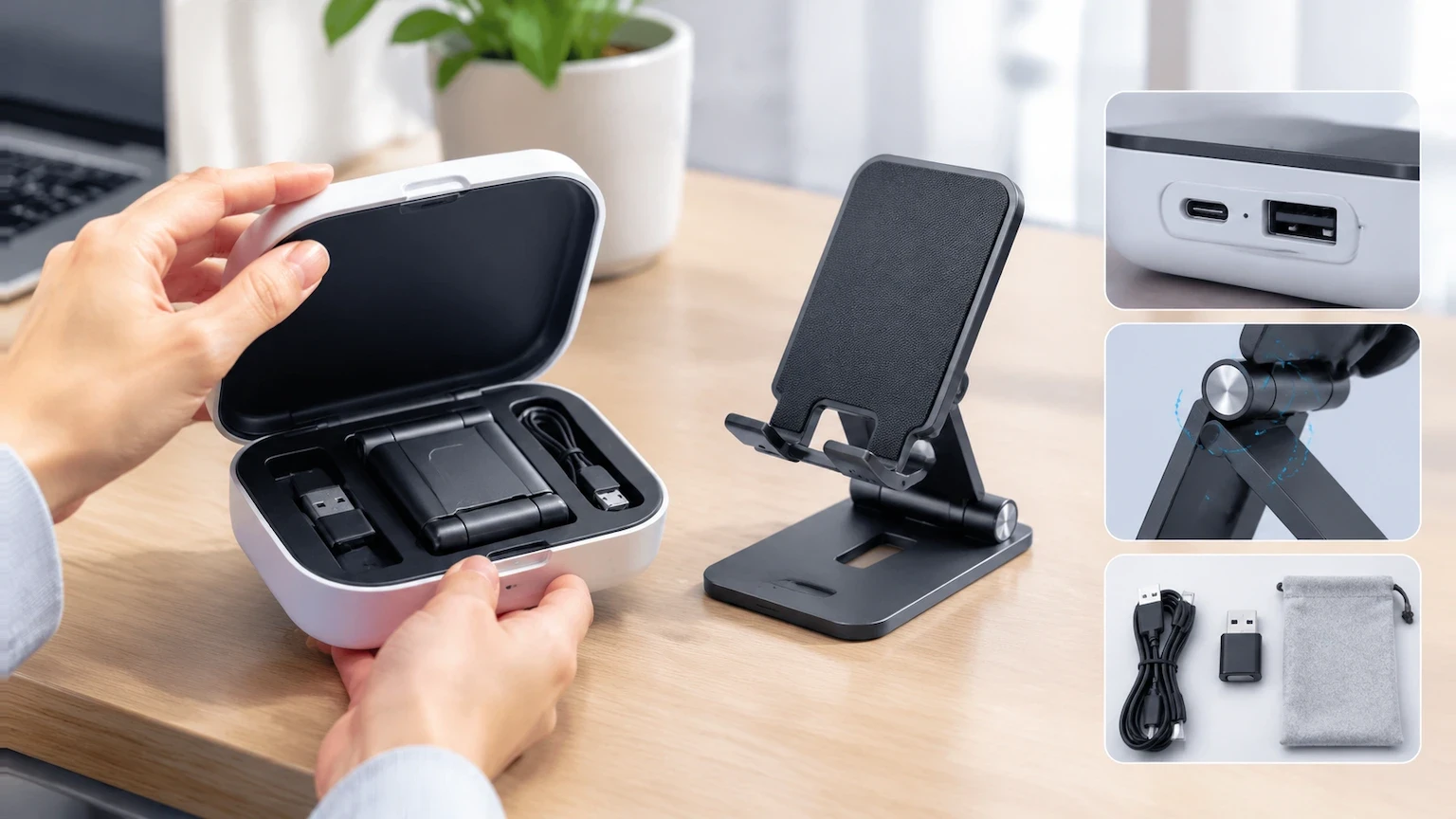
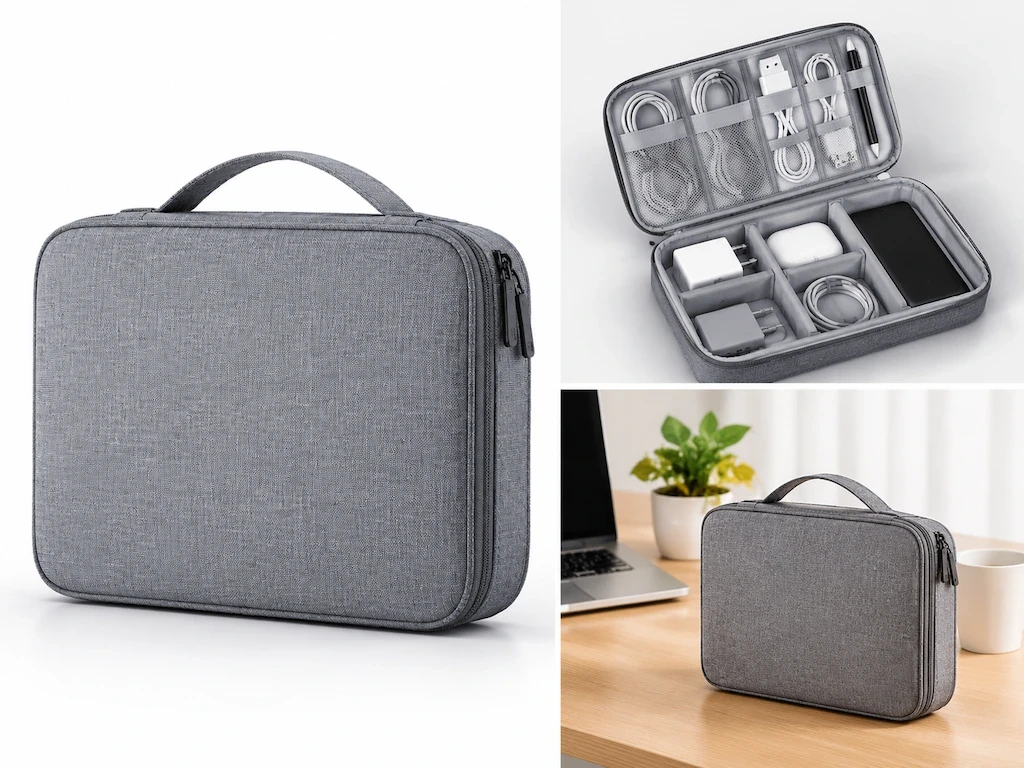
Create Product Images for Your TikTok Shop Listings
Give shoppers a clear view of the item they’ll receive. Start with a clean image of the exact SKU, then build supporting visuals around the questions customers ask before buying. Show the closure on a bag, the ports on a device, the inside of an organizer, or the items included in a kit. A lifestyle scene can show where the product fits into someone’s routine, while a close-up can make texture, finish, or construction easier to see. Use AI Product Photography to explore studio and lifestyle backgrounds from an existing product photo. Compare each result with the original item before adding it to your listing. Check color, shape, labels, and included accessories against the exact variant shoppers can select.
Make Product Videos for Shoppable TikTok Posts
Start with one thing your shopper wants to see. How does the phone light clip on? What does the lip gloss applicator look like? Will the pet hair remover reach the corner of a sofa cushion? A short video can answer one of these questions with a clear opening, a useful close-up, and a final view of the product. With PicLumen’s AI UGC Video Generator, you can start with a product image and choose a creator-style format, such as an unboxing, a tutorial, or a presenter-led introduction. Keep the featured item easy to identify throughout the clip. When you publish on TikTok, use TikTok Shop’s product-linking tools to attach the listing that matches the item in the video.
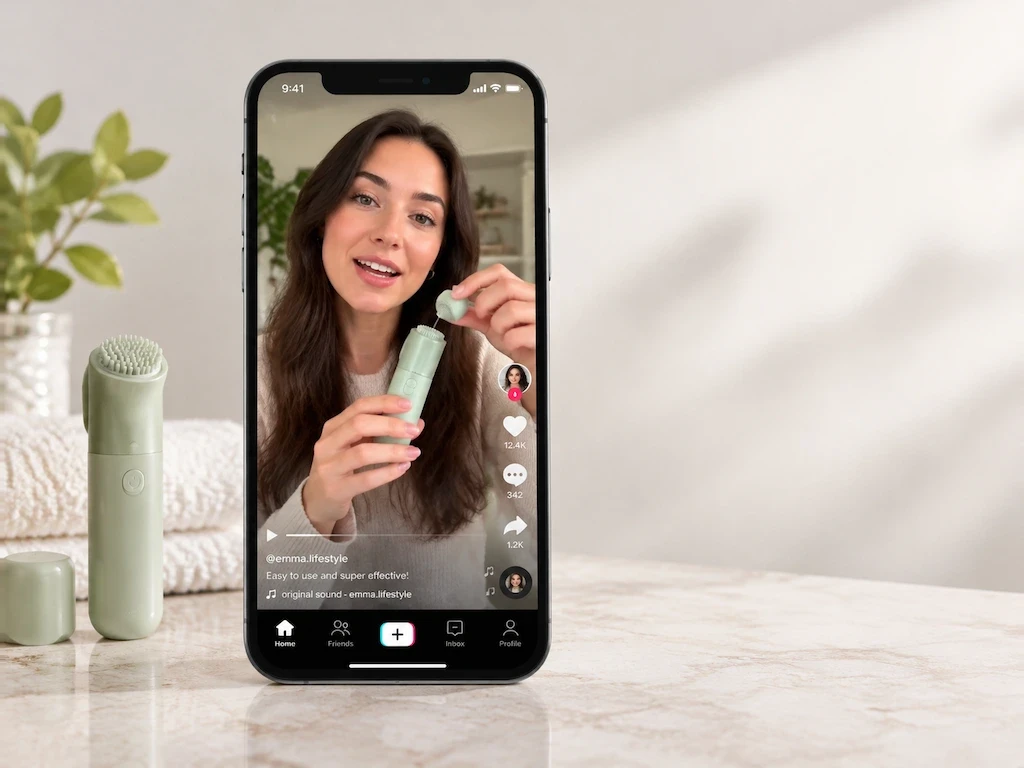
Build Ad Creatives for Product Drops and Seasonal Offers
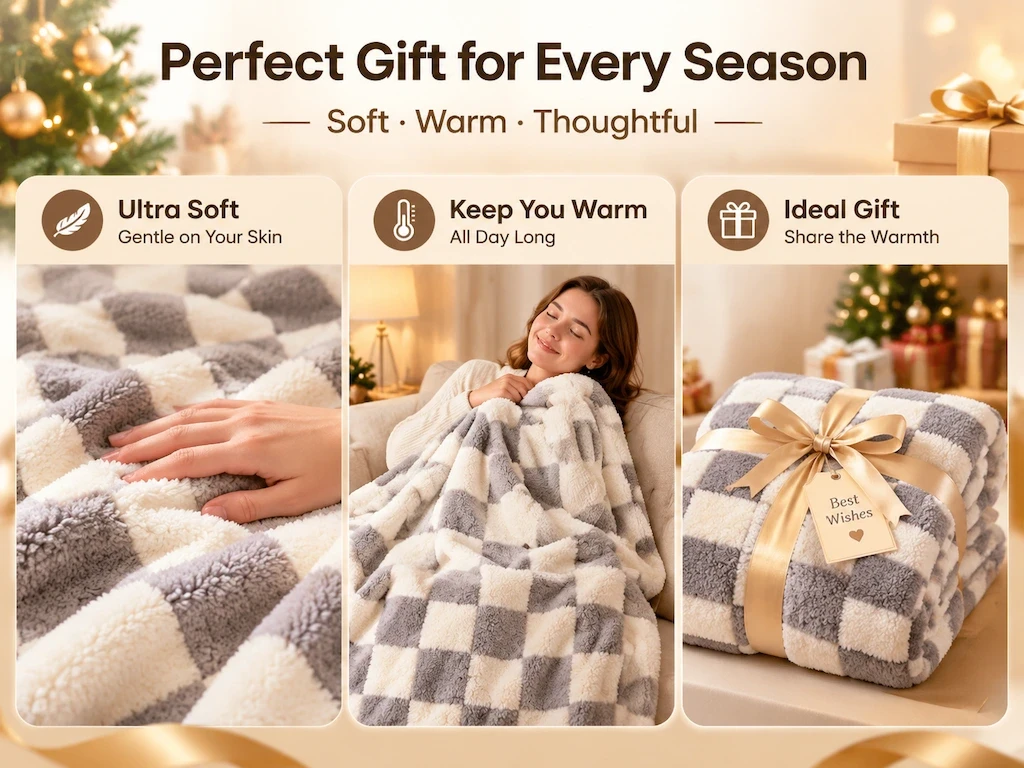
Use one set of product assets to explore several angles for a campaign. For a new desk light, one version might open on the compact design, while another shows it beside a laptop in a small workspace. For a seasonal gift set, you might lead with the packaging in one creative and show what comes in the box in another. Each version gives the shopper a different reason to take a closer look. Carry the same product photography, colors, and campaign message from the reveal video into supporting social posts and promotional graphics. Before publishing, verify prices, offer dates, and bundle contents against the live listing. When you want to compare two creative angles, change one element at a time, such as the opening shot or featured benefit, so you can see which version performs better.
Why Use PicLumen for TikTok Shop Content?
Give Each Asset One Job
Use the listing image to show exactly what arrives, the short video to demonstrate one feature, and the campaign graphic to announce the launch or offer. Each piece answers a different question while keeping the same product recognizable.
Reuse Product Photos Across Your Catalog
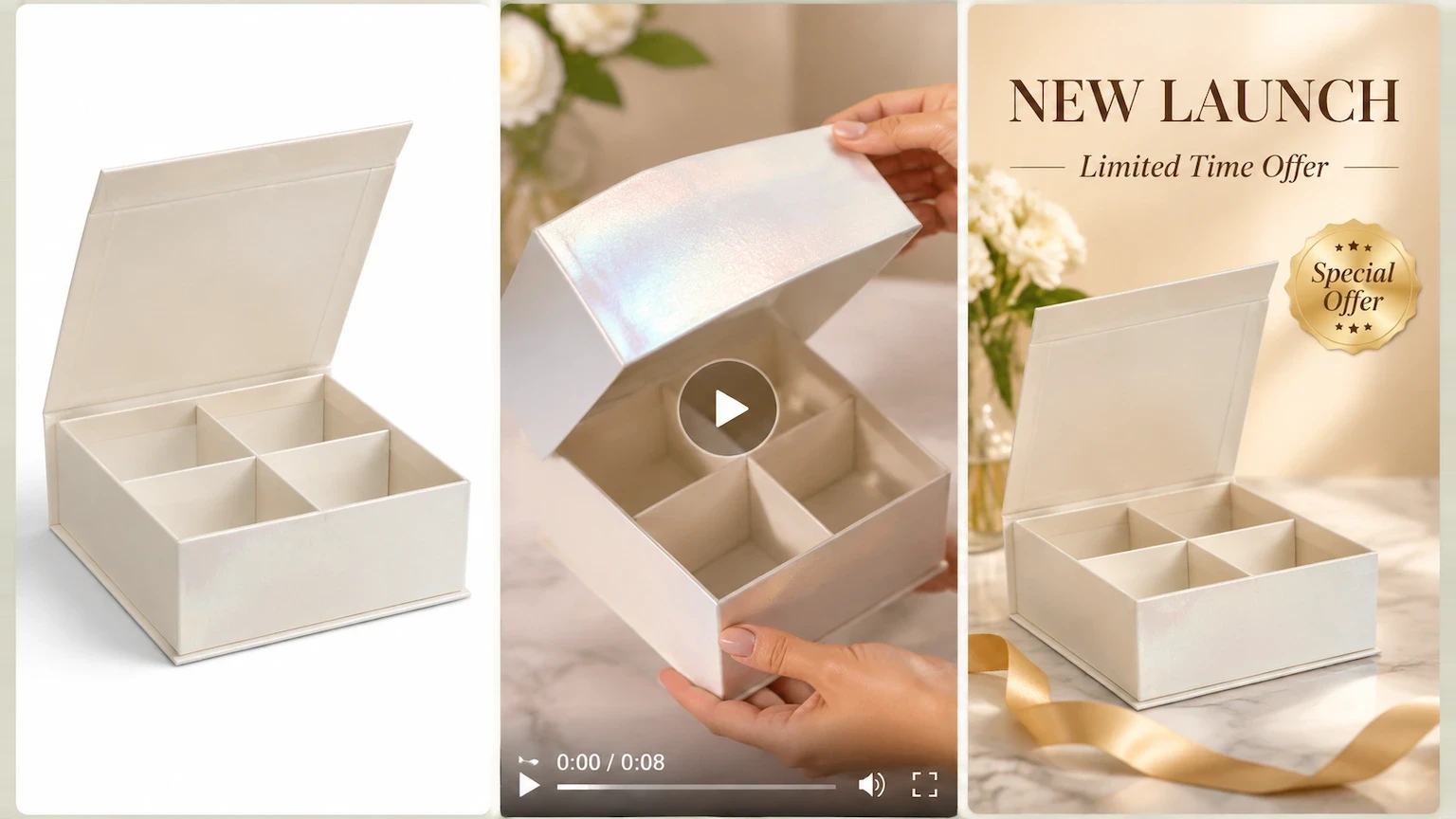
When you add a new shade, size, or style, reuse the creative direction and swap in the correct reference photos for that variant. This is especially useful for teams that want a consistent look across listings while keeping each SKU easy to distinguish.
Explore New Ideas Without Planning a Shoot for Every Version
Try a different opening frame, background, or presentation style with the product assets you already have. Keep the strongest version for your campaign brief, then use real footage or photography where shoppers need to see an exact fit, finish, or demonstration.
Refresh Your Content as Your Catalog Changes
Reuse a visual direction across new shades, sizes, or seasonal bundles. Swap in photos of the correct variant and check the generated details against the live listing so shoppers can identify the exact item they’re buying.
How to Create TikTok Shop Content With PicLumen
1 Choose a Template
1Pick a product image, UGC video, or campaign format based on where you’ll use it.
2 Add Your Product Assets
2Upload clear photos of the exact product and add any references the template requires.
3 Generate, Review, and Download
3Check the visuals against your actual product, then download the version you want to publish.


Loved by Creators Worldwide
Real feedback from designers, marketers, and hobbyists sharing their PicLumen experience on Trustpilot.
 Jon Jon
Very good website
Very good website. Different models, good job
chelsiennerThis is my favorite AI Image generator
This is my favorite AI Image generator
I recently had some technical issues…
I recently had some technical issues that I was trying to work through, so I reached out to the team at PicLumen for support. They were incredibly open, responsive, and willing to discuss the challenges I was experiencing. I even sent them a video demonstrating some of the issues I came across, and they took the time to review everything carefully and work toward finding solutions. What really stood out to me was how friendly, approachable, and collaborative they were throughout the process. I never felt like I was just submitting a problem ticket — it felt like they genuinely cared about improving the experience and helping users succeed. I truly enjoy using the platform and appreciate the level of support and dedication behind it. I would absolutely recommend PicLumen to anyone interested in this type of creative work.
 Scottie Grace
Very affordable and high quality
Very affordable and high quality
 Prabhat Ranjan Singh Chauhan
Very smooth and very helpful for…
Very smooth and very helpful for everyonr who have creative mind. Thank you 👍
Great platform
Ease of use,and great models
 Tufail Khan
I love it this helps me to create all i…
I love it this helps me to create all i want ai videos ai images thanks piclumen
Federico BidondeGood app recién probando
Good app recién probando
 Shantell Jordan
LOVE THIS TOOL
Love this app. Its allowed my vision to come to life.
amazing image creation app for me-5*…
amazing image creation app for me-5* rating...
RaidenI haven’t tried yet so wait
Its actually really useful
 madhu choudhary
best for AI 3d
best platform for making ai generation and easy to use
Frequently Asked Questions
What TikTok Shop Content Can I Make With PicLumen?
You can create product images, lifestyle visuals, UGC-style product videos, and promotional graphics. Use product images on the listing, short videos in your TikTok content, and campaign visuals for launches or seasonal promotions.
Can I Make a TikTok Shop Video From Product Photos?
Yes. Start with a clear product photo and choose a suitable video template. Some templates ask for additional assets, such as a model image or a product description. Check the template fields before generating.
Can I Use AI-Generated Images in TikTok Shop Listings?
TikTok Shop allows AI-assisted listing images that accurately represent the actual product. Check size, color, material, shape, packaging, and included items against the exact SKU. Follow the current image and disclosure requirements for your market. seller-us.tiktok.com
How Do I Make a Product Video Shoppable?
Create and download your video in PicLumen. When publishing it on TikTok, use TikTok Shop’s product-linking tools to attach the relevant product. Check that the linked listing matches the product shown in the clip. seller-us.tiktok.com
What Video Format Works for TikTok Shop Posts?
A vertical 9:16 layout is a practical starting point for TikTok. Preview the exported video before posting to make sure the product, captions, and key details remain visible around the app interface. Check the current specifications for your intended placement.
Do I Need to Label AI-Generated TikTok Shop Content?
Follow TikTok Shop’s current disclosure rules for the type of content you’re posting. Review the finished asset before publishing and apply the relevant AI disclosure when required.
Can I Use PicLumen Content in TikTok Shop Ads?
PicLumen supports commercial use under eligible paid plans, subject to its Terms of Service and your plan’s license. Confirm your usage rights and review the creative against TikTok’s applicable advertising and product requirements before running it. piclumen.com