Free AI Age Progression: See Yourself at Every Age Online
Why Choose PicLumen for AI Age Progression

Your Privacy Matters
Uploading a clear portrait can feel personal. PicLumen takes user privacy seriously, so you can explore different age stages with more confidence when using your own photo.

Easy to Start
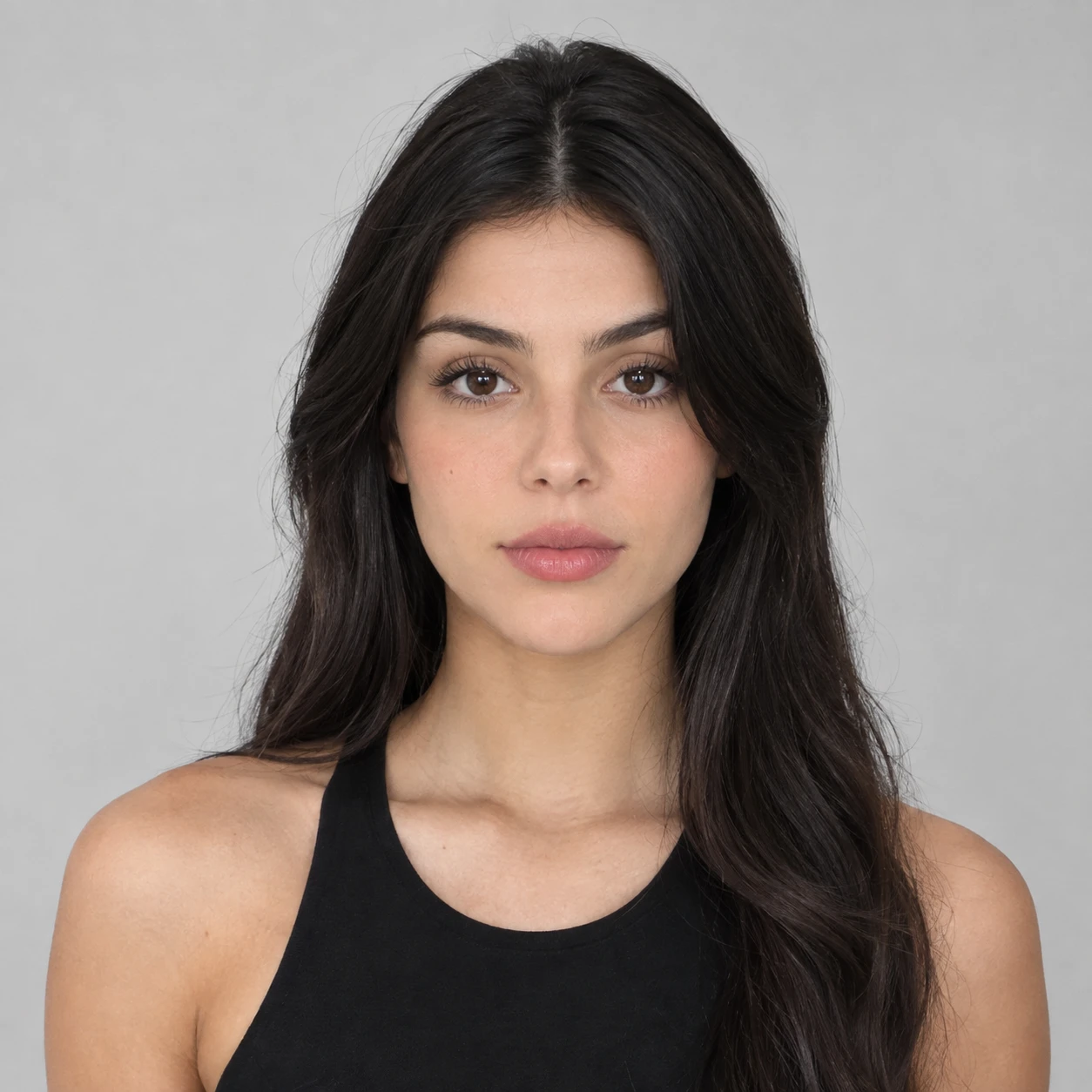
You should not need photo-editing experience just to see yourself at another age. Upload a front-facing portrait, choose the stage you want to explore, and generate your result in a few simple steps.

Made for Real Curiosity
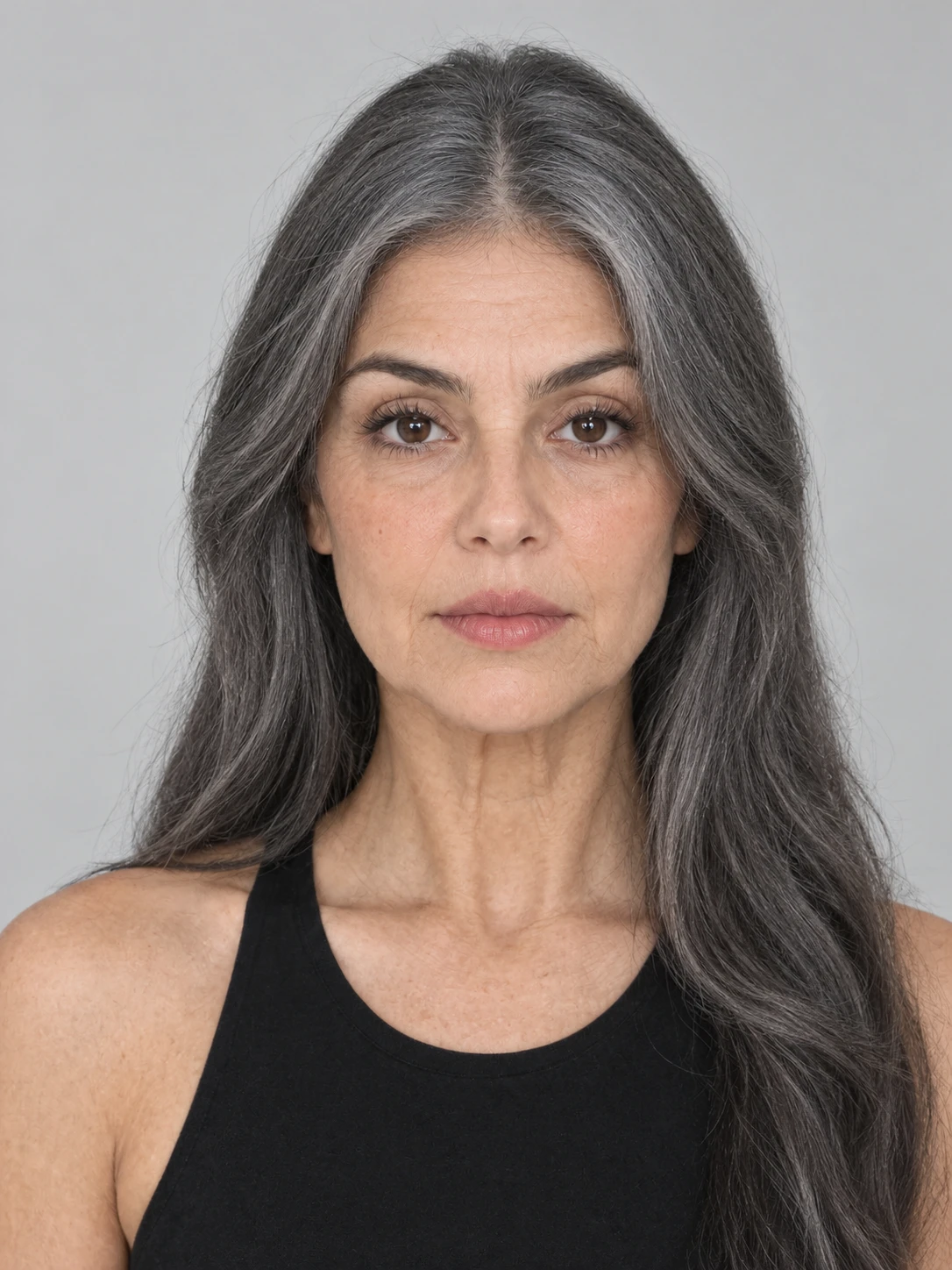
Maybe you want to see what you looked like as a child, compare your Teenage and Adult appearance, or get a glimpse of your Elderly self. PicLumen makes it easy to explore the ages you are actually curious about instead of limiting you to a single aging effect.
See Yourself at Six Different Ages
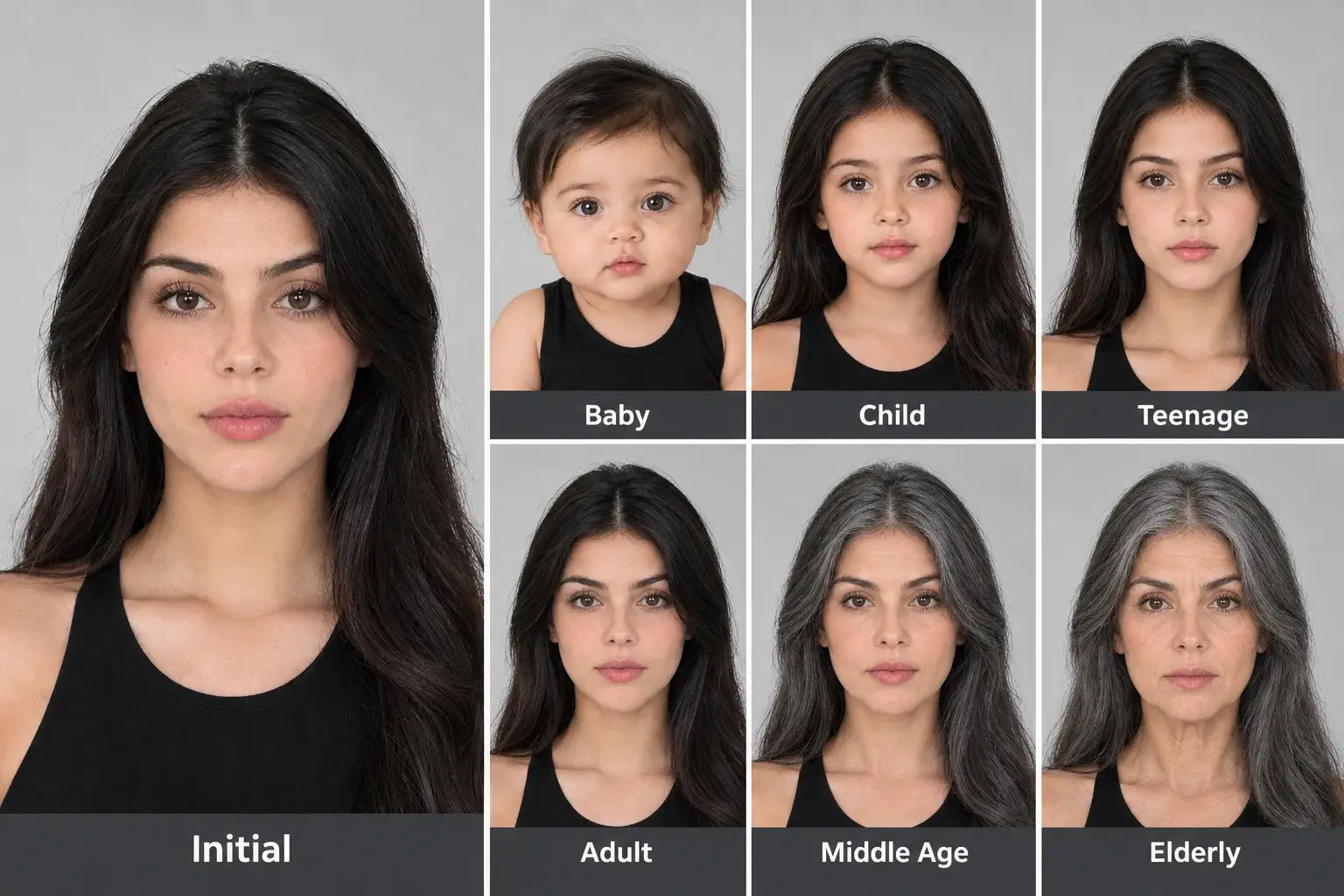
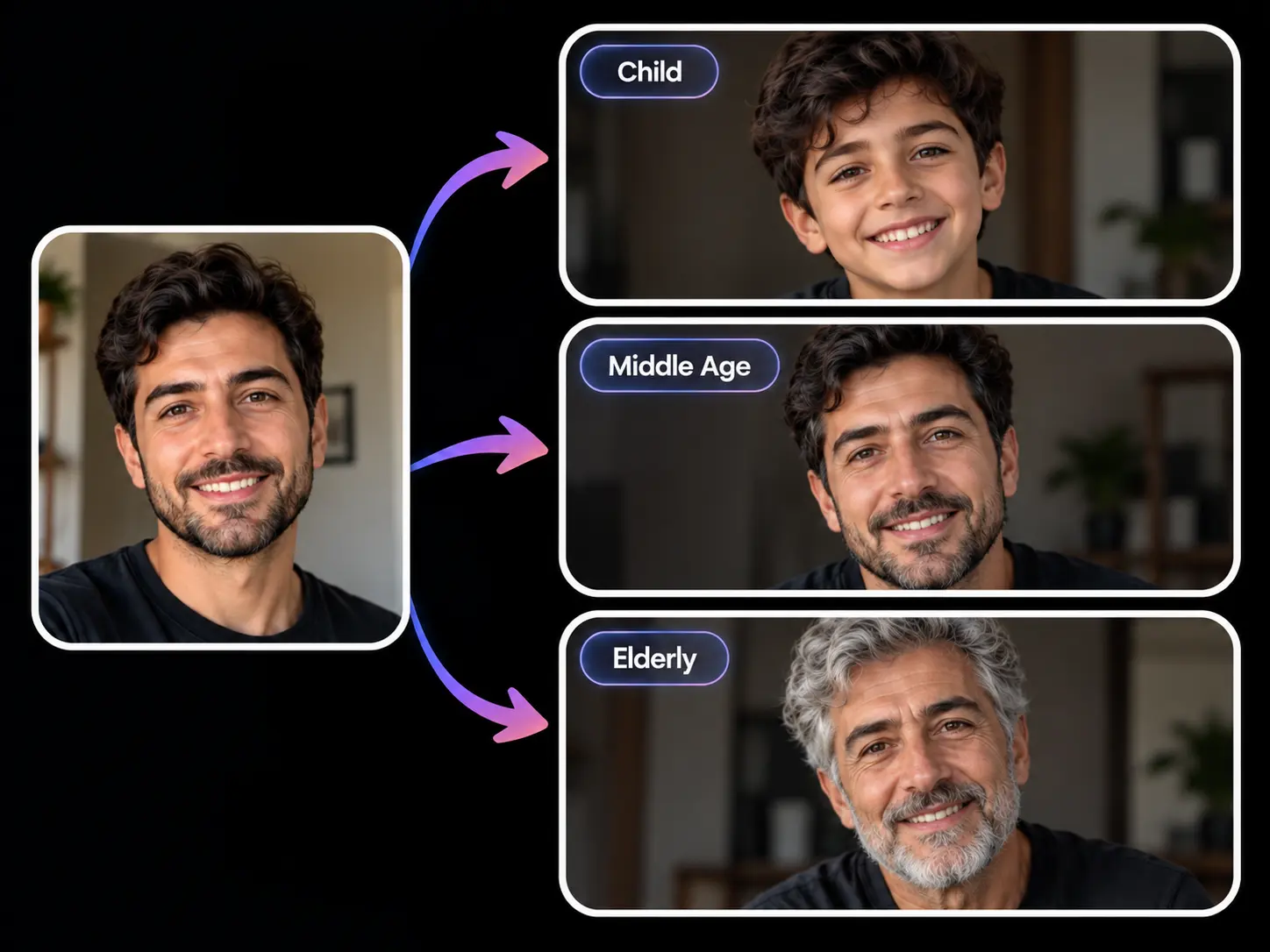
Want to know how you looked younger, how you might change over time, or simply compare different versions of yourself? PicLumen AI Age Progression lets you explore Baby, Child, Teenage, Adult, Middle Age, and Elderly from one portrait. Pick the stage you are curious about and create a new look without switching between separate tools or workflows.
Keep the Face That Makes You You
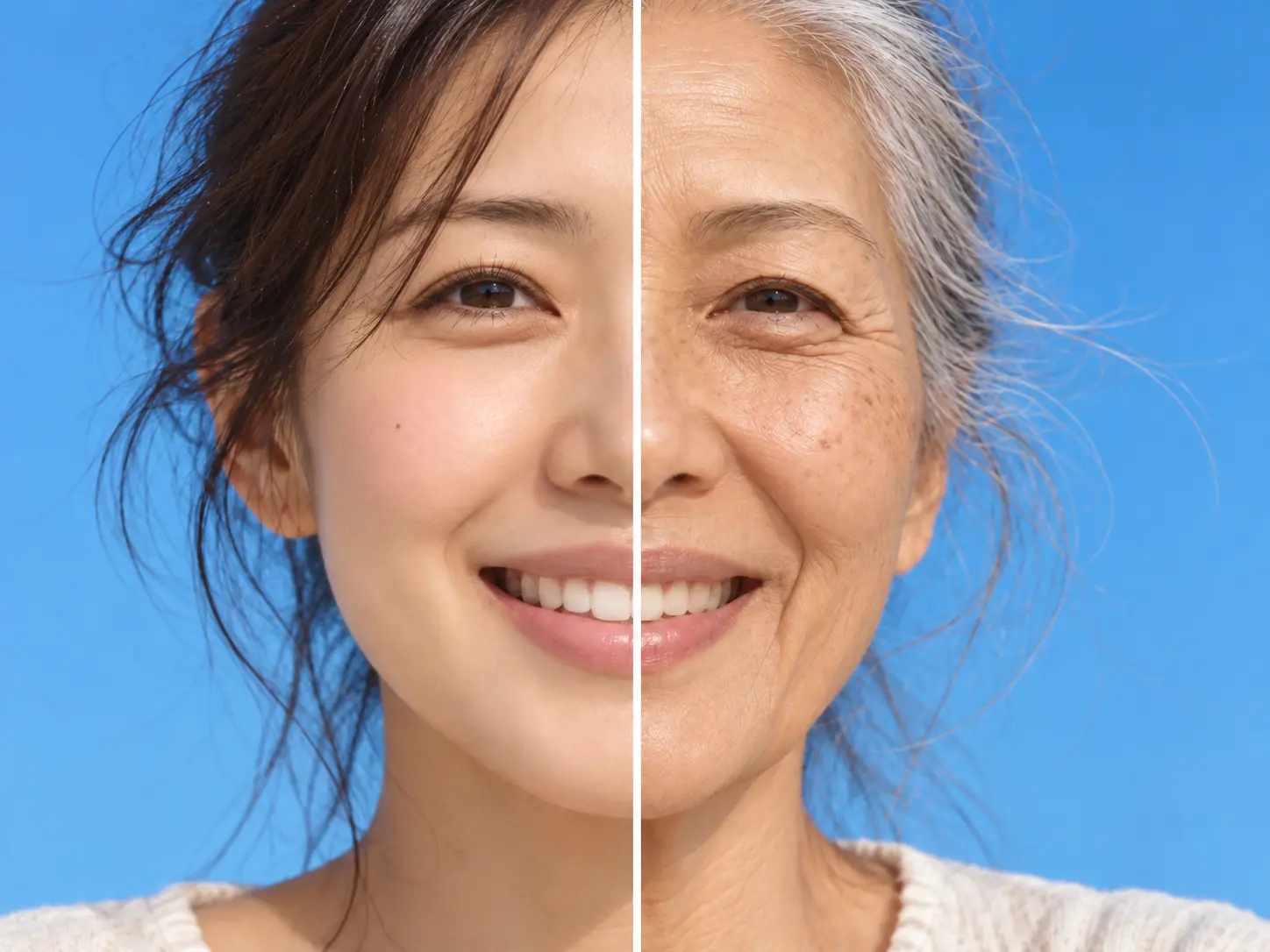
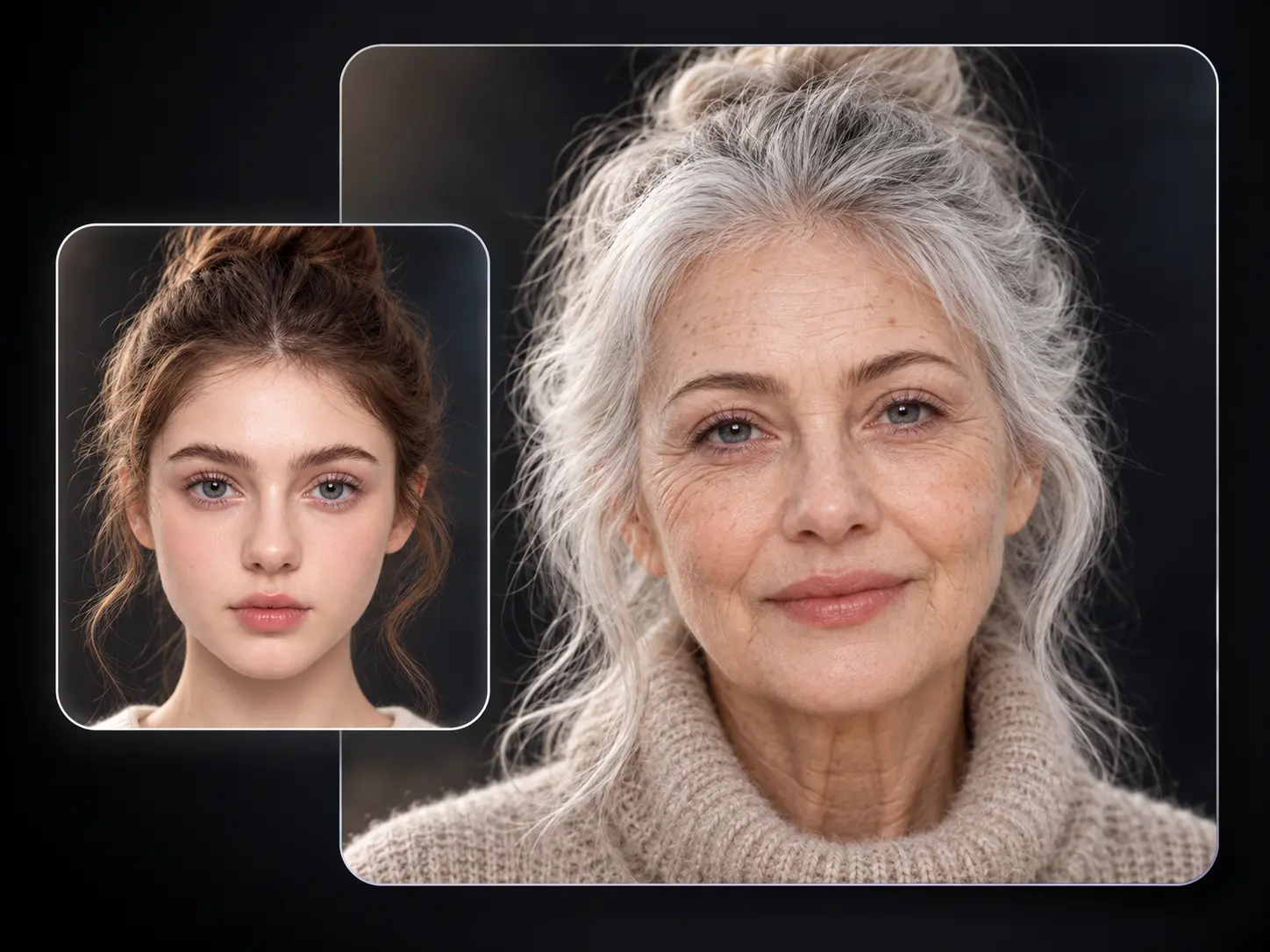
An age transformation is far more satisfying when you can still recognize yourself in the result. PicLumen AI photo age progression carries your key facial traits into each life stage while reshaping the details that change with age. Your Child, Teenage, Adult, or Elderly portrait feels connected to the same person instead of becoming a generic face.
Make Every Age Look Worth Comparing
Different life stages should feel noticeably different when you place them side by side. PicLumen adjusts facial proportions, contours, skin texture, hair, and other age-related details to match the stage you select. You can try AI age progression free, generate several stages, and build a visual timeline that is ready to save, compare, or share.
Creative Uses for AI Age Progression

Social Media
Age transformations are easy to turn into content people understand at a glance. You can use PicLumen AI Age Progression to create a Baby-to-Elderly timeline, compare your Teenage and Adult looks, or build a "me through the years" post for TikTok, Reels, Shorts, and other social platforms.

Film & TV
When a story follows one character across several decades, you need a clear visual direction before production starts. AI age progression helps you explore how the same character might look as a Child, Adult, Middle-Aged Adult, or Elderly person for storyboards, pitch decks, casting references, and scene development.

Game Design
A character may appear at different ages across one storyline, sequel, or flashback. You can use AI photo age progression to create age-stage references for heroes, NPCs, and story characters, making it easier to plan character arcs and keep the visual direction consistent across different life stages.

Photography
Portrait clients often want something more personal than a standard photo set. You can turn one portrait into a creative age series for birthdays, family projects, couples, or personal shoots, showing the same person across several stages from Baby to Elderly.
How to Use PicLumen AI Age Progression
Step 1 Upload a Front-Facing Photo
1Choose a clear portrait where your face is fully visible, then upload it to PicLumen AI Age Progression.
Step 2 Choose an Age Stage
2Enter the stage you want to explore: Baby, Child, Teenage, Adult, Middle Age, or Elderly. You can choose another stage later when you want to see a different version of yourself.
Step 3 Click Generate
3Click Generate and PicLumen will create your new age-transformed portrait. Save the result you like or repeat the process to build your own age timeline.


Loved by Creators Worldwide
Real feedback from designers, marketers, and hobbyists sharing their PicLumen experience on Trustpilot.
 Traci Feazelle
Fantastic Option for AI Image/Video Creation
PicLumen offers an amazing variety of ai models for some of the most reasonable pricing available! The app layout also affords ease of use.
 Scottie Grace
Very affordable and high quality
Very affordable and high quality
George PricePicLumen's support team replies quickly…
PicLumen's support team replies quickly to your help requests and they are clear in what they require of you for them to help you. They usually diagnose your problem and offer a solution in less then 24 hours. Stellar service!
Ai HackGreat tool
I would really recommend this website to content creation
 Narender Khatana
I love this app I love this very very…
I love this app I love this very very much this is help in make a videos
Really good app and generates good…
Really good app and generates good images!
In terms of the customer service
In terms of the customer service, is outstanding, I will say if you had any doubts they clarified it, and the next day you have an answer. When it comes to the APP it is friendly to use, however there is not any box to tick ☑️ to allow the machine to stick to your character constantly.This allow that sometimes you upload your image and your prompt but the machine generates something completely different and you lost your credit 🙁 I think that this needs to be fixed this happens in a few PicLumen models.
This is one of the best videos ai…
This is one of the best videos ai generator
 Piye Chauhan
Nice app generate to google
Nice app generate to google
Richard Lemosgood site
good site, nice pictures, good quality
 Nazia Nadeem kharal
Great ai wallpapers creater app
Great ai wallpapers creater app
 Ava Athel
Quite good quality on this website
Quite good quality on this website
Frequently Asked Questions
What Ages Can I See With PicLumen AI Age Progression?
You can explore six stages: Baby, Child, Teenage, Adult, Middle Age, and Elderly. Start with one portrait and choose the stage you want to see before generating your new look.
Is PicLumen AI Age Progression Free?
You can try AI age progression free with the Lumens available to your PicLumen account. Upload your portrait, choose an age stage, and generate your result online.
How Do I Generate Age Progression Images With AI?
Upload a clear front-facing photo to PicLumen, choose Baby, Child, Teenage, Adult, Middle Age, or Elderly, then click Generate. You can repeat the same process with another stage whenever you want to compare different ages.
Can I See What I Looked Like When I Was Younger?
Yes. Choose Baby, Child, or Teenage to create a younger version of yourself from your current portrait. You can compare several stages to see how your facial features change across different ages.
What Will I Look Like When I'm Older?
Choose Middle Age or Elderly in PicLumen AI Age Progression to create an older version of yourself from your current photo. You can generate both stages and compare how your appearance changes over time.
What Photo Works Best for AI Photo Age Progression?
Use a clear, front-facing portrait with good lighting and your facial features easy to see. Avoid photos where your face is heavily covered, blurred, or too small in the frame.
Can I Use Free Age Progression Online Without Installing APP?
Yes. PicLumen works online in your browser. Upload your portrait, select an age stage, and generate your new look without installing photo-editing APP.
Will My Uploaded Portrait Be Kept Private?
PicLumen takes your portrait privacy seriously. Your uploaded photo is used as input for AI generation, with safeguards such as data encryption and access controls in place to protect your personal information while you create your age progression images.