Free AI Polaroid Photo Generator Online
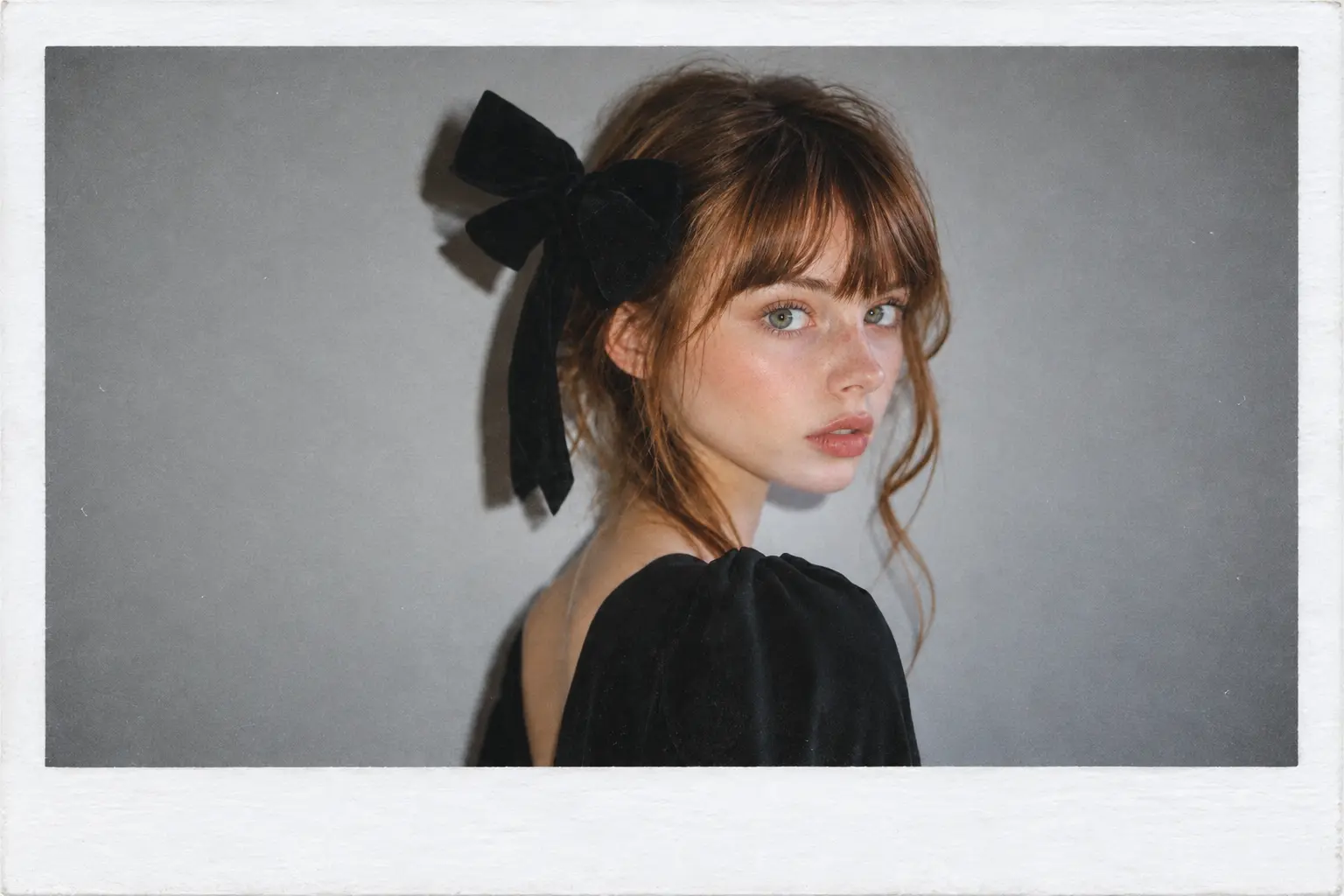
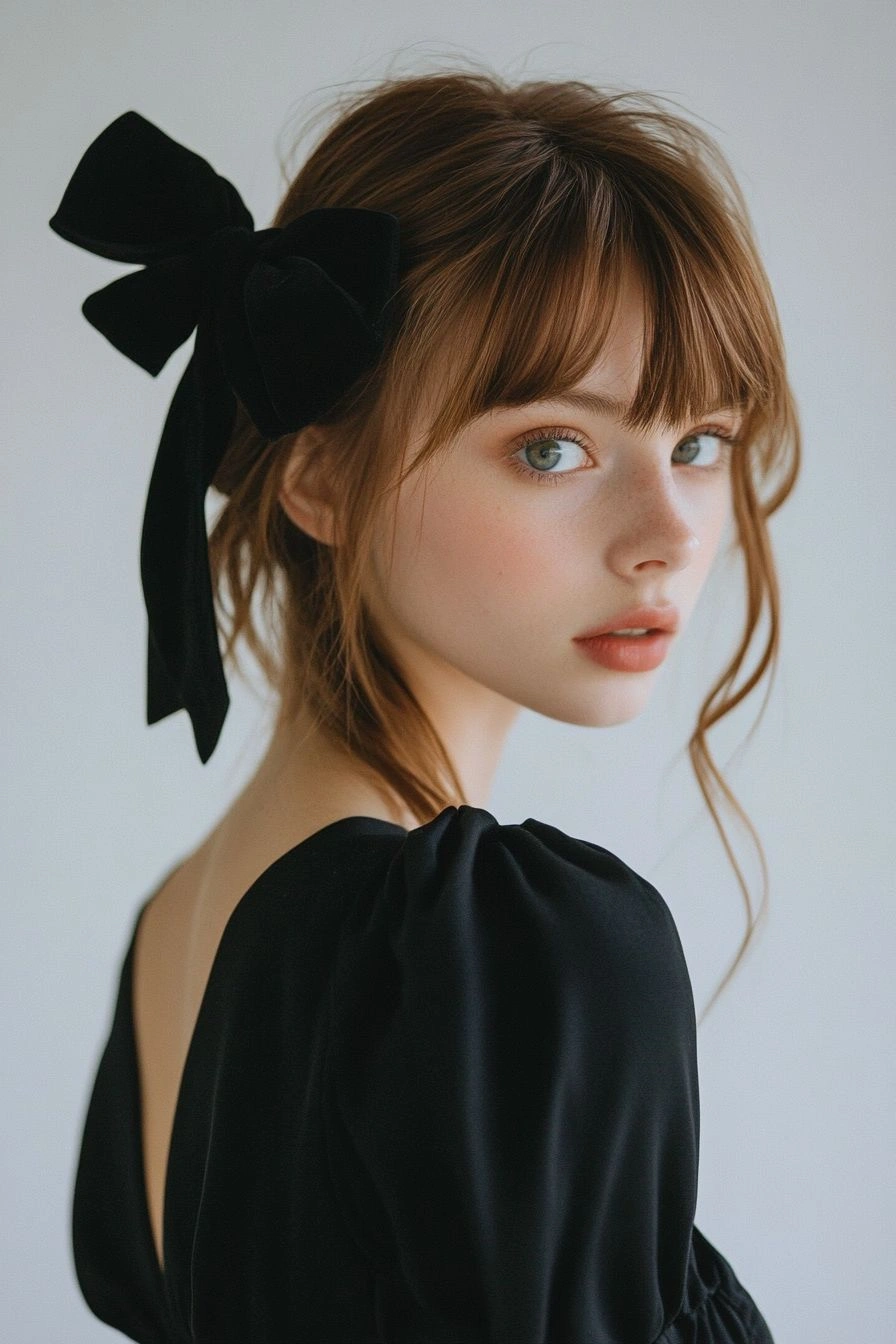
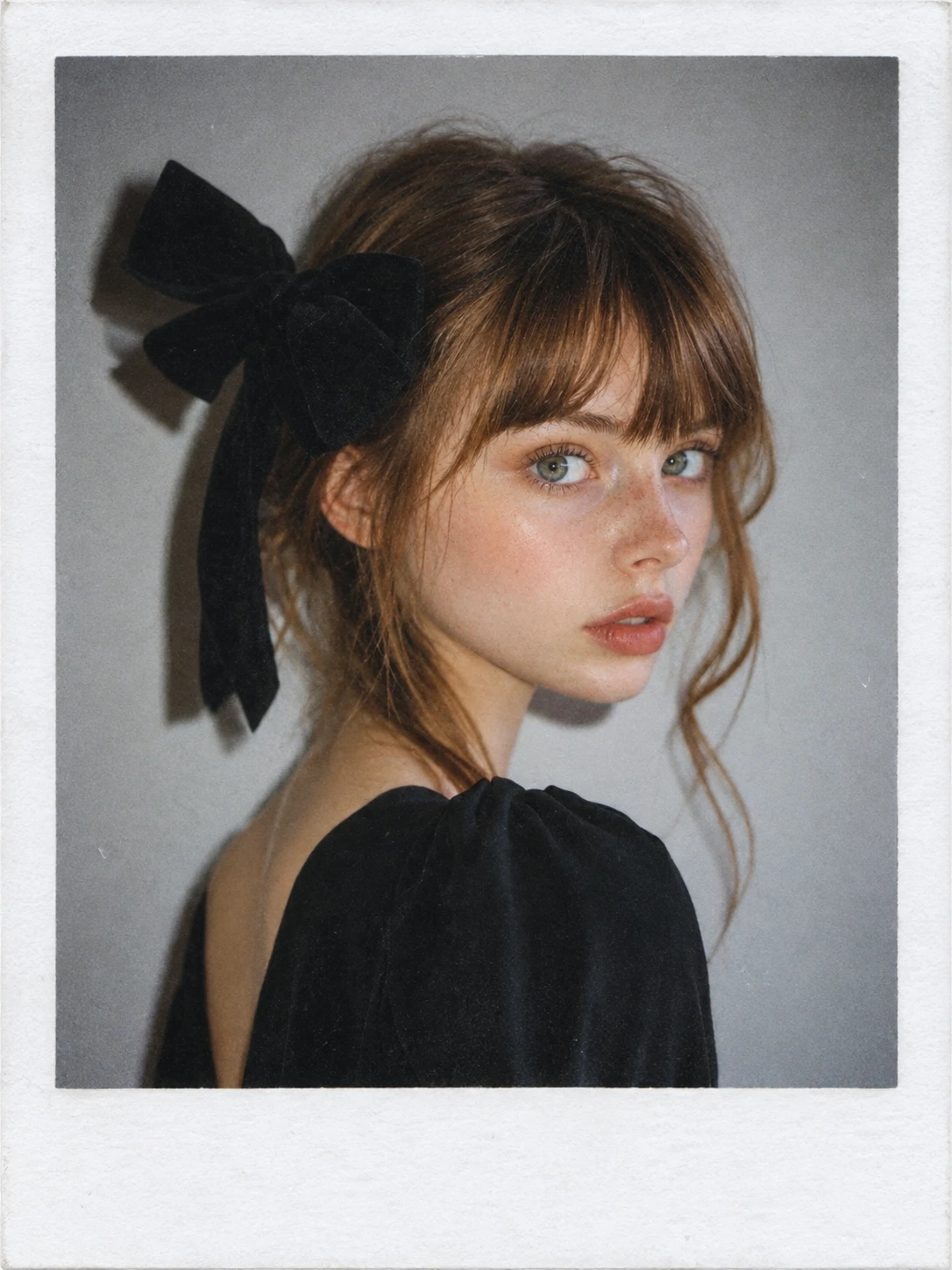
Hot Video Effects
Turn your photos into fun dance clips, surprising transformations, and shareable moments with trending AI video effects.
How to Create a Polaroid-Style Photo
Upload Your Photo
Upload the photo you want to transform. Choose a clear, well-lit image for a strong starting point.
Apply the Polaroid Effect
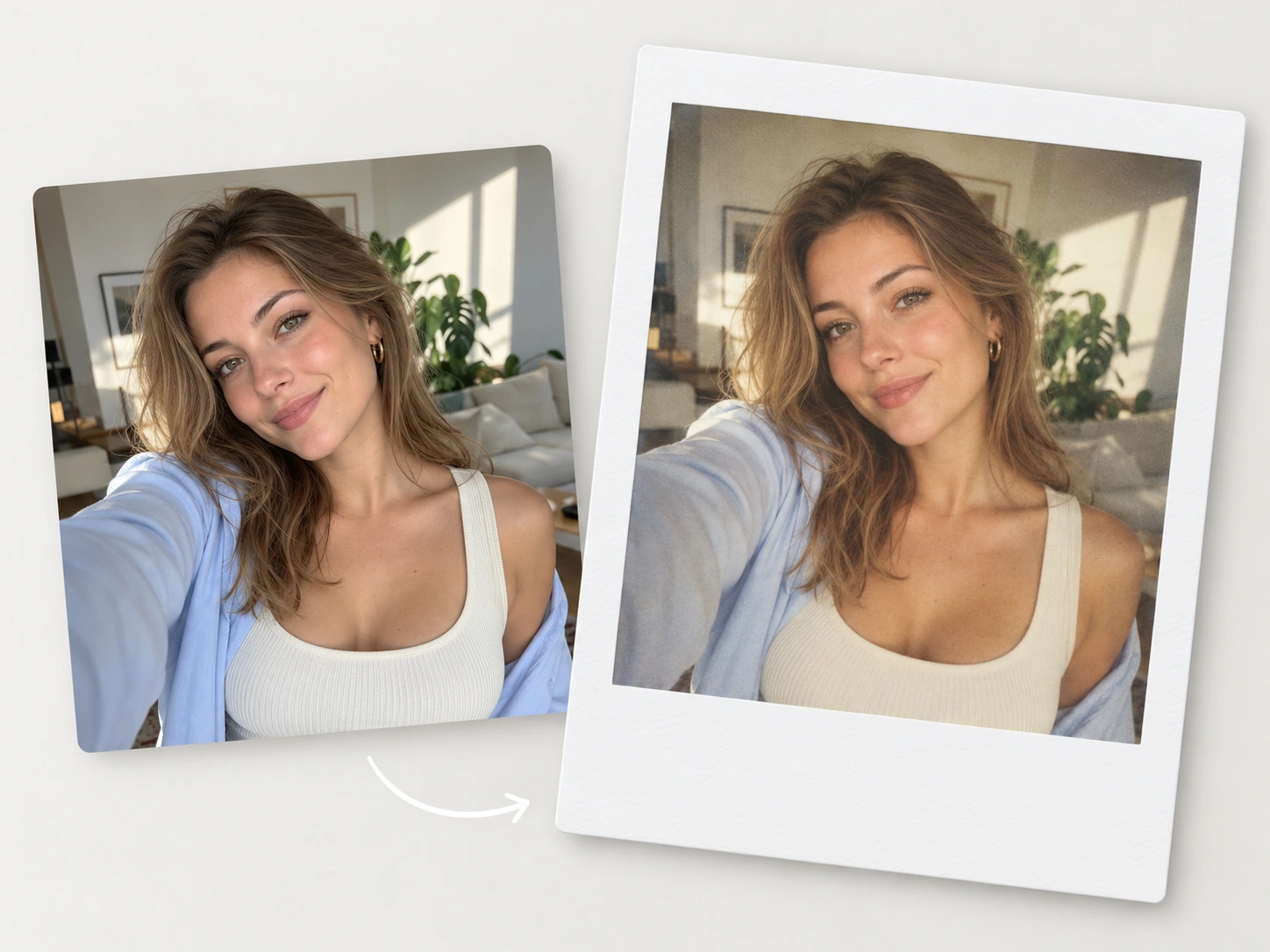
Click Generate to apply the Polaroid-style effect automatically. AI gives your photo a classic white border, vintage tones, and a nostalgic finish.
Download and Share
Review the generated image, then download it to save as a keepsake, share on social media, or use in your next creative project.
Create Polaroid Photos in One Click
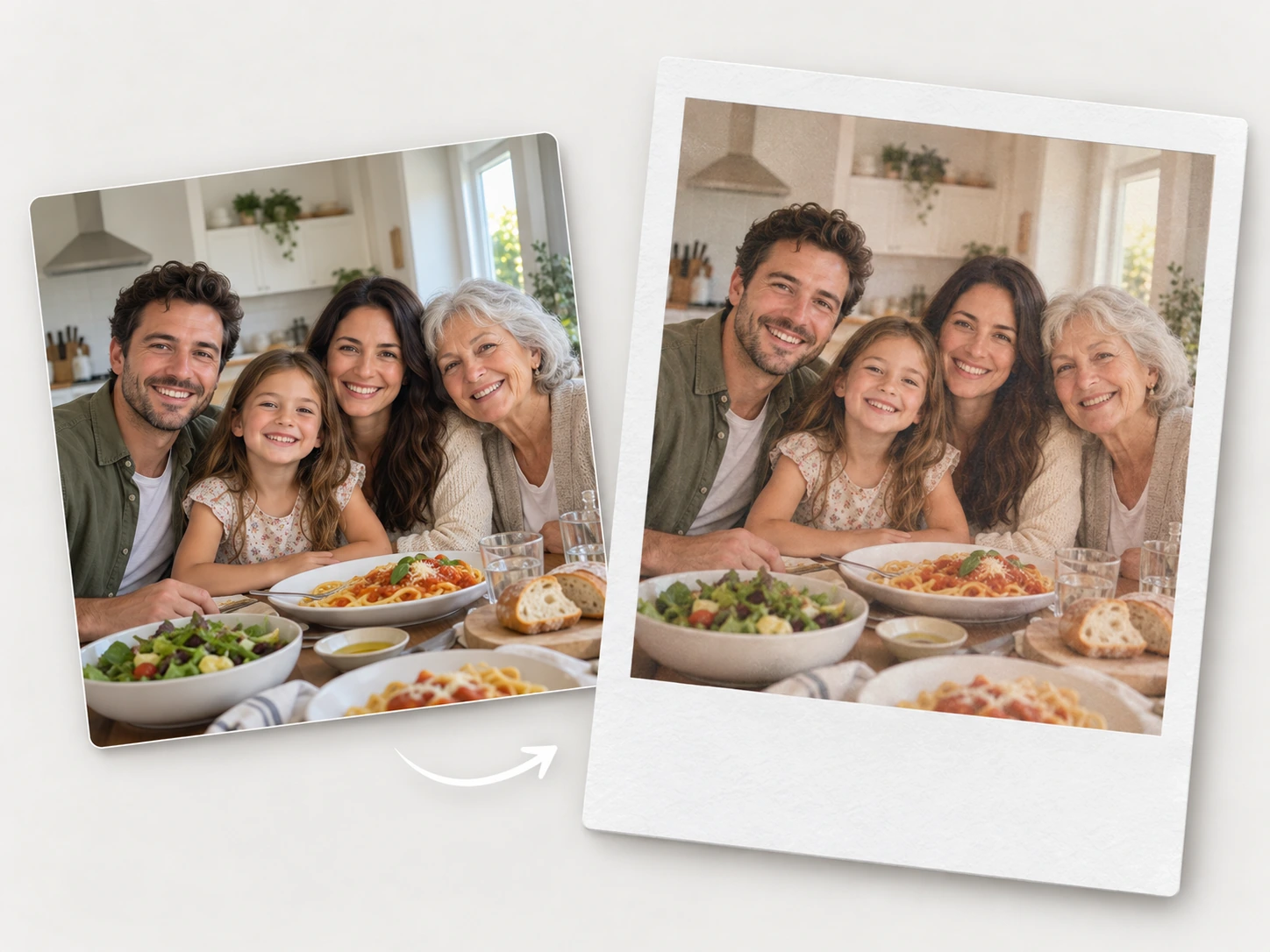
Create a Polaroid-style photo with a simple upload and a click. PicLumen’s AI Polaroid photo generator automatically adds a white frame and a vintage finish to your photo, creating the look of an instant print. Start with a photo you already have, click Generate, and download the result. The straightforward workflow suits quick creative updates, whether you’re refreshing a profile picture, preparing an image for a digital album, or making a personal keepsake. Save the finished photo on its own or include it in a layout for your next project.
Classic Polaroid Borders and Vintage Tones
Give your photo the familiar look of an instant print with a classic white frame and a wider bottom border. Soft film tones and a gently faded finish bring a nostalgic feel to the image, while the framing gives it a recognizable Polaroid-style presentation. PicLumen combines these details automatically, so the photo and border feel like one finished piece. Use the result as a standalone portrait, a scrapbook element, or part of a digital collage. The overall effect brings the charm of instant photography to a photo you already love.
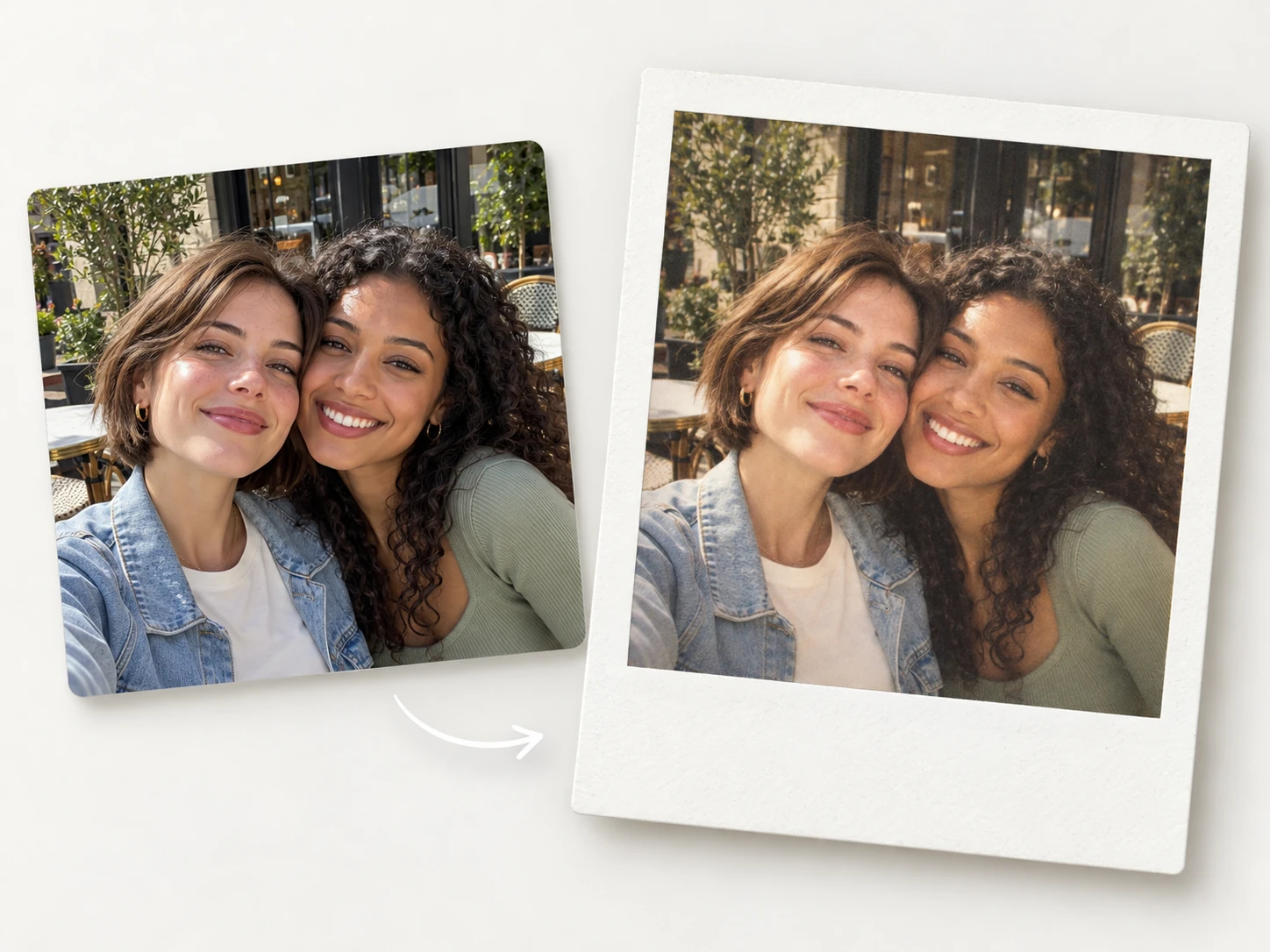
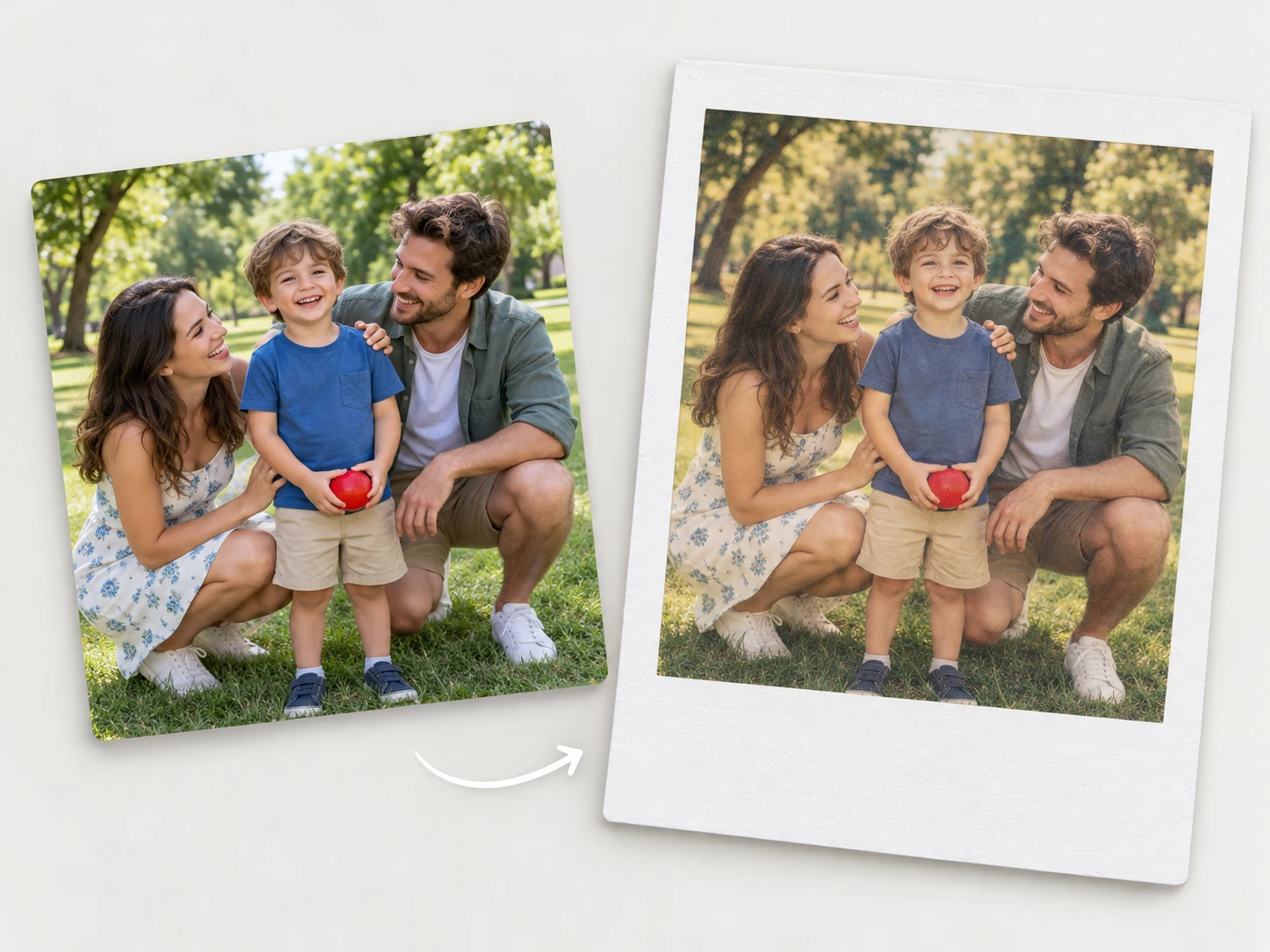
Turn Everyday Photos into Retro Keepsakes
Give ordinary snapshots a place in your personal photo collection. A coffee break, a weekend walk, a pet by the window, or an afternoon with friends can take on a nostalgic feel with PicLumen’s Polaroid filter. Upload the photo you want to transform and let AI apply the retro styling. It’s a simple way to revisit a favorite trip, refresh an everyday portrait, or bring a familiar picture into a new creative project. Save the finished image for a digital journal, mood board, or album filled with moments that matter to you.
Bring the AI Vintage Trend to Your Feed
Bring a vintage mood to your social feed using photos from your own camera roll. PicLumen helps you join the AI vintage photo trend by transforming an existing image into a Polaroid-style snapshot. Try the effect on an outfit photo, a café portrait, or a favorite travel picture, then share the result with a caption in your own voice. The familiar framing and nostalgic tones work well for photo dumps, story updates, and themed posts. It’s an easy way to experiment with a retro aesthetic while keeping your content personal.
You May Also Like
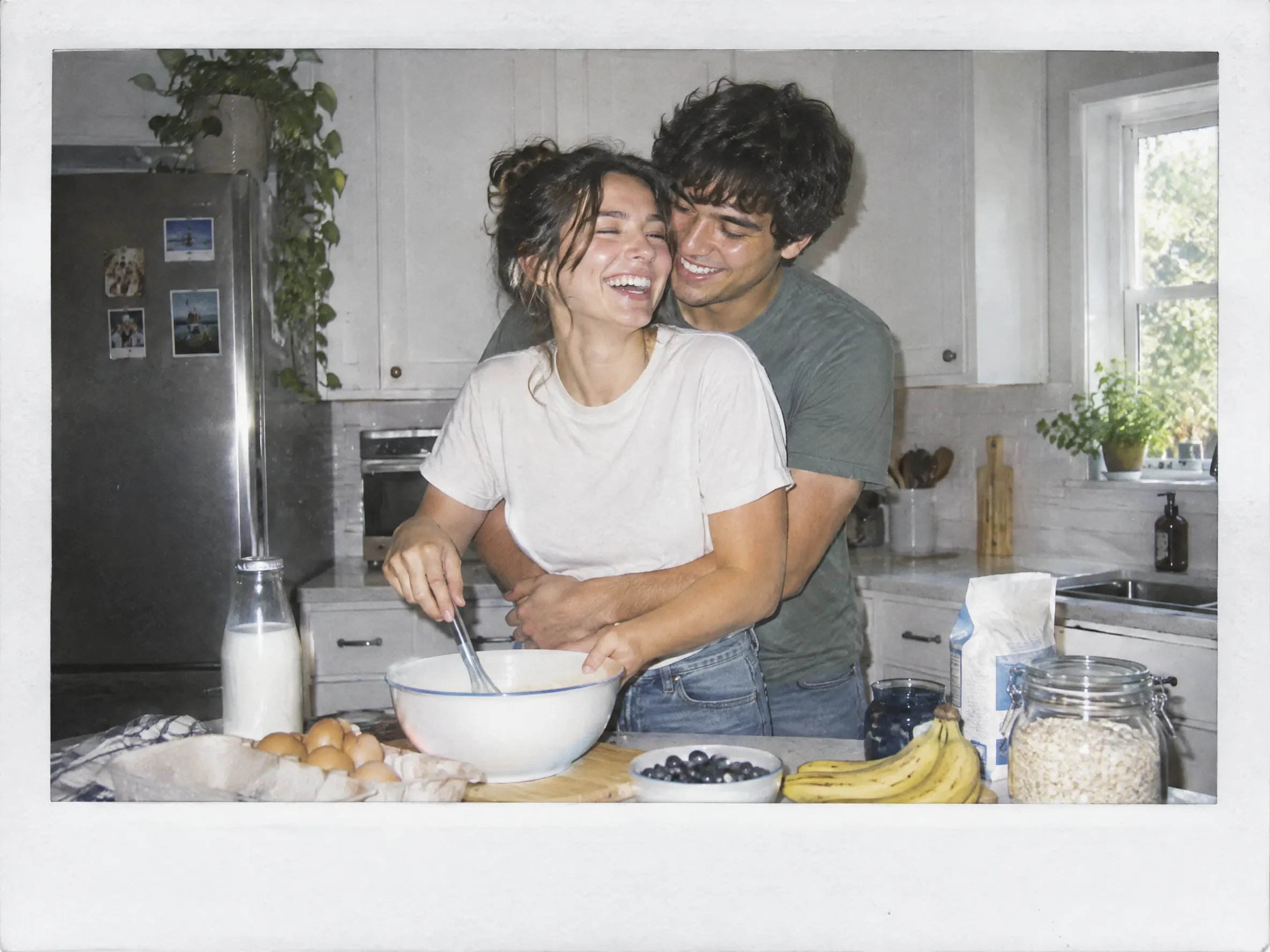
Give Your Photos a Retro Feel with Ease

One-Click Generation
Upload your photo and click Generate. AI applies the Polaroid-style effect automatically.
Nostalgic Film Tones
Soft colors and a gently faded finish bring a vintage mood to your favorite pictures.

Easy to Save and Share
Download your finished image for social posts, personal albums, creative layouts, and everyday keepsakes.
Polaroid Photos for the Moments You Love
Give the photos you already have a nostalgic instant-print finish. PicLumen turns a single uploaded image into a Polaroid-style picture you can share, display, or save. From social updates and travel recaps to celebrations and personal albums, explore simple ways to make familiar moments part of your next creative project.
Give Your Feed a Little Nostalgia
Give your feed a vintage feel with Polaroid-style versions of your favorite photos. A framed portrait can be the opening image in a carousel, while a candid snapshot can add a personal touch to a post. Upload a photo from your camera roll, generate the effect, and share the result with a caption about the moment behind it. You can also transform several photos one at a time and arrange them into a themed carousel. It’s a simple way to share a celebration, a day out, or a favorite memory with friends.
Relive Your Adventures in Retro Style
Relive your trip with Polaroid-style versions of the photos you took along the way. Photos from a city stroll, a beach day, or a quiet café stop can become nostalgic additions to your travel album. Upload a favorite snapshot and generate the effect, then repeat with other pictures you want to include. Use the finished images in a trip recap, travel journal, or scrapbook alongside tickets and short notes. The framed style gives individual moments a place in the story of your journey.
Turn Celebrations into Lasting Keepsakes
Add a nostalgic touch to birthdays, graduations, anniversaries, and reunions with Polaroid-style versions of your photos. Use a favorite portrait in a digital invitation, or turn a photo from the celebration into a thank-you card image. For a party slideshow or memory wall, transform selected pictures one at a time and arrange the downloaded results in your own layout. The familiar white frames give the display a cohesive look while keeping the focus on the people and the occasion. Save the collection as a personal reminder of a day worth remembering.
Keep Your Favorite People Close
Give meaningful photos a place in a scrapbook, journal, or personal memory book. PicLumen turns an existing portrait or snapshot into a nostalgic Polaroid-style image that pairs naturally with handwritten notes and other small keepsakes. Use a family photo for an album page, a picture of a friend for a thoughtful gift, or a pet portrait for a journal entry. Download the result and add it to your own digital or printed layout. The framed finish gives each image the familiar feel of an instant photo you can keep close.
Polaroid Photo Prompt Ideas to Try
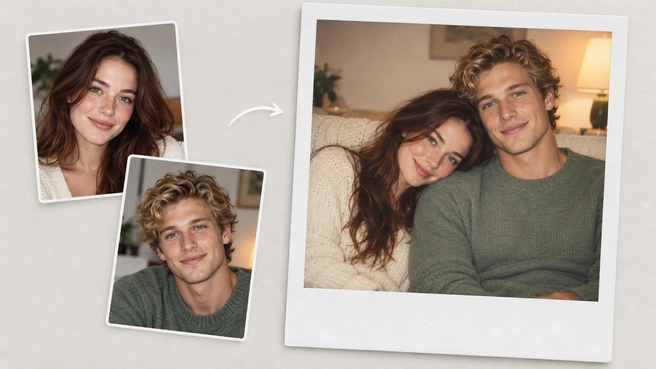
A Cozy Couple Snapshot
Take a Polaroid-style photo of the couple from the two uploaded images, sitting close together on a sofa in casual sweaters, one resting their head on the other’s shoulder. Keep both faces and hairstyles unchanged. Use warm indoor lighting, soft film colors, subtle grain, and a classic white instant-photo border.
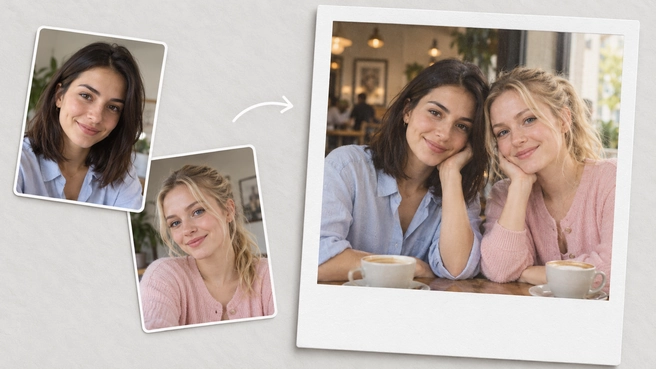
A Reunion with a Faraway Friend
Create a Polaroid-style reunion photo using the two uploaded images as references: the two friends sitting together at a café table, leaning slightly toward each other and smiling at the camera. Preserve their facial features and hairstyles exactly as shown in the uploaded photos. Add soft window light, warm vintage tones, gentle grain, and a white border with a wider bottom edge.
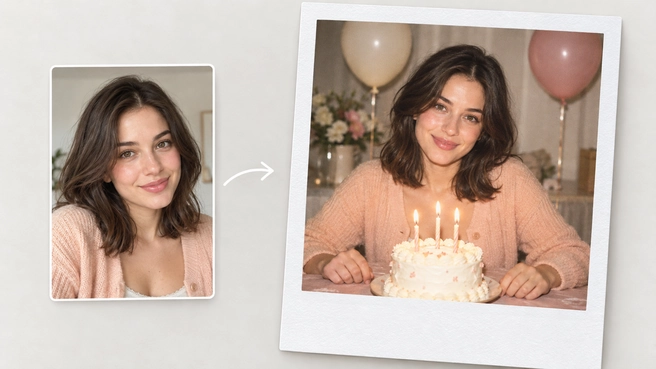
Birthday Party Snapshot
Take a Polaroid-style birthday photo: the person from the uploaded image sitting behind a small cake with glowing candles, smiling at the camera, with hands resting naturally on the table. Keep the face and hairstyle exactly the same as in the uploaded image. Add simple birthday decorations, warm colors, soft flash lighting, subtle film grain, and a classic white instant-photo border.
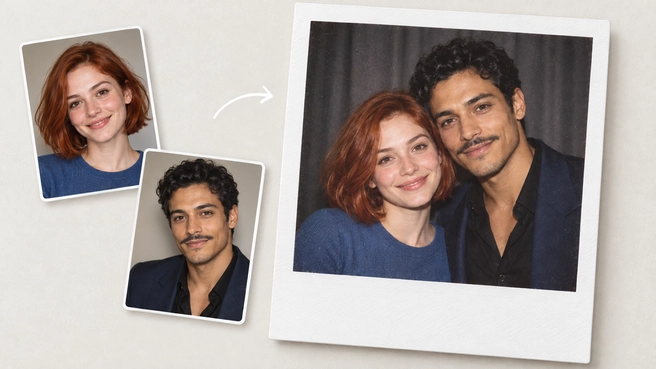
A Photo with Your Favorite Celebrity
Capture a fictional Polaroid-style fan photo: the person from the first uploaded image standing beside the celebrity from the second uploaded image, shoulders touching, both smiling naturally at the camera. Use a dark curtain background, direct flash, slightly faded colors, and fine film grain. Keep both faces exactly the same as in the uploaded images and add an off-white border.


Loved by Creators Worldwide
Real feedback from designers, marketers, and hobbyists sharing their PicLumen experience on Trustpilot.
 Bet AW
Nice good appp creat inmage
Nice good appp creat inmage
My experience
Itis a really good website n really ideal to use theres only one con and that the AIS sometimes create wrong images but that doesnt happen frequently
 KIDSCARTOON
This ap great and amazing generate pic
This ap great and amazing generate pic
 Prabhat Ranjan Singh Chauhan
Very smooth and very helpful for…
Very smooth and very helpful for everyonr who have creative mind. Thank you 👍
 Mubashir Ahmed
This web is very help and free
This web is very help and free
 Alexsander Luís
cool it's a good ai creator but create…
cool it's a good ai creator but create imagens for cinema
 Boma Halliday
GREAT QUALITY FOR THE PRICE
GREAT QUALITY FOR THE PRICE. ARGUABLY THE MOST AFFORDABLE IMAGE GENERATION SITE THERE IS WITH THE BEST OPTIONS.
 matthew sepulveda
Cool I can create cool things
Cool I can create cool things
Charan BalivadaIt's a good ai and create to make ai…
It's a good ai and create to make ai pic in different ways and different styles
Aditya Yadav“A tired Indian farmer standing beside…
“A tired Indian farmer standing beside his small dry farmland at sunrise, wearing a simple dhoti-kurta and turban, holding a rusted plough. The field is cracked and dry. Soft golden light, realistic r
 Hazard Lion
Best project in ai
Best project in ai , creating images 👌
Hesham Zohnyit is super easy and UI/UXis perfect
it is super easy and UI/UXis perfect
FAQs About AI Polaroid Photo Generator
What is an AI Polaroid photo generator?
An AI Polaroid photo generator transforms your photos into Polaroid-style images, giving them the nostalgic look of instant photography.
How do I turn a photo into a Polaroid-style image?
Upload your photo to PicLumen and click Generate. AI applies the Polaroid-style effect automatically. Review the result, then download it when you’re happy with the image.
What kind of photos should I upload?
Choose a clear, well-lit image with the main subject clearly visible. For portraits, use a photo where facial features are easy to see. Avoid heavy blur, strong shadows, or objects covering important details.
Can I create a Polaroid-style photo with a celebrity?
Yes. Open PicLumen’s image generator and upload separate reference photos of yourself and the celebrity. Describe the scene and ask for a Polaroid-style finish. The result is a fictional AI-generated fan photo.
Will the generated faces match my photos exactly?
An exact match isn’t guaranteed. AI may change some facial details, expressions, or proportions when applying the Polaroid-style effect. A clear source photo can help keep the person recognizable.
Can I print my generated image?
Yes. Download your image and print it at a size suited to its resolution. Include the white border in your layout to keep the classic instant-photo look.
Do I need to install any software?
No. PicLumen works directly in your browser. Upload your photo, generate the Polaroid-style image, and download the result online.