
Freepik AI Image Generator for Images, Art, and Design Ideas
Freepik AI Image Generator turns text prompts and reference images into artwork, product concepts, social graphics, and marketing visuals. Choose a model, set the format, and explore different creative directions from the same idea. The official Freepik generator now redirects to Magnific. If you want another way to create and refine AI images, PicLumen offers text-to-image, reference-image, editing, and connected Canvas workflows in one creative platform.
Hot Video Effects
Turn your photos into fun dance clips, surprising transformations, and shareable moments with trending AI video effects.

Free Images to Start Exploring Your Ideas
Freepik’s current image generator gives users a limited free allowance for testing prompts and exploring different visual directions. Start with a clear subject, describe the setting and mood, then generate an initial image before deciding whether the workflow suits your project. Free access is limited and may not cover every model or editing tool, so check the current usage conditions before planning a larger batch of content.
To show how that works, the example below uses one short prompt: “A majestic snow-capped mountain under aurora borealis.”
Multiple Formats for Different Creative Projects
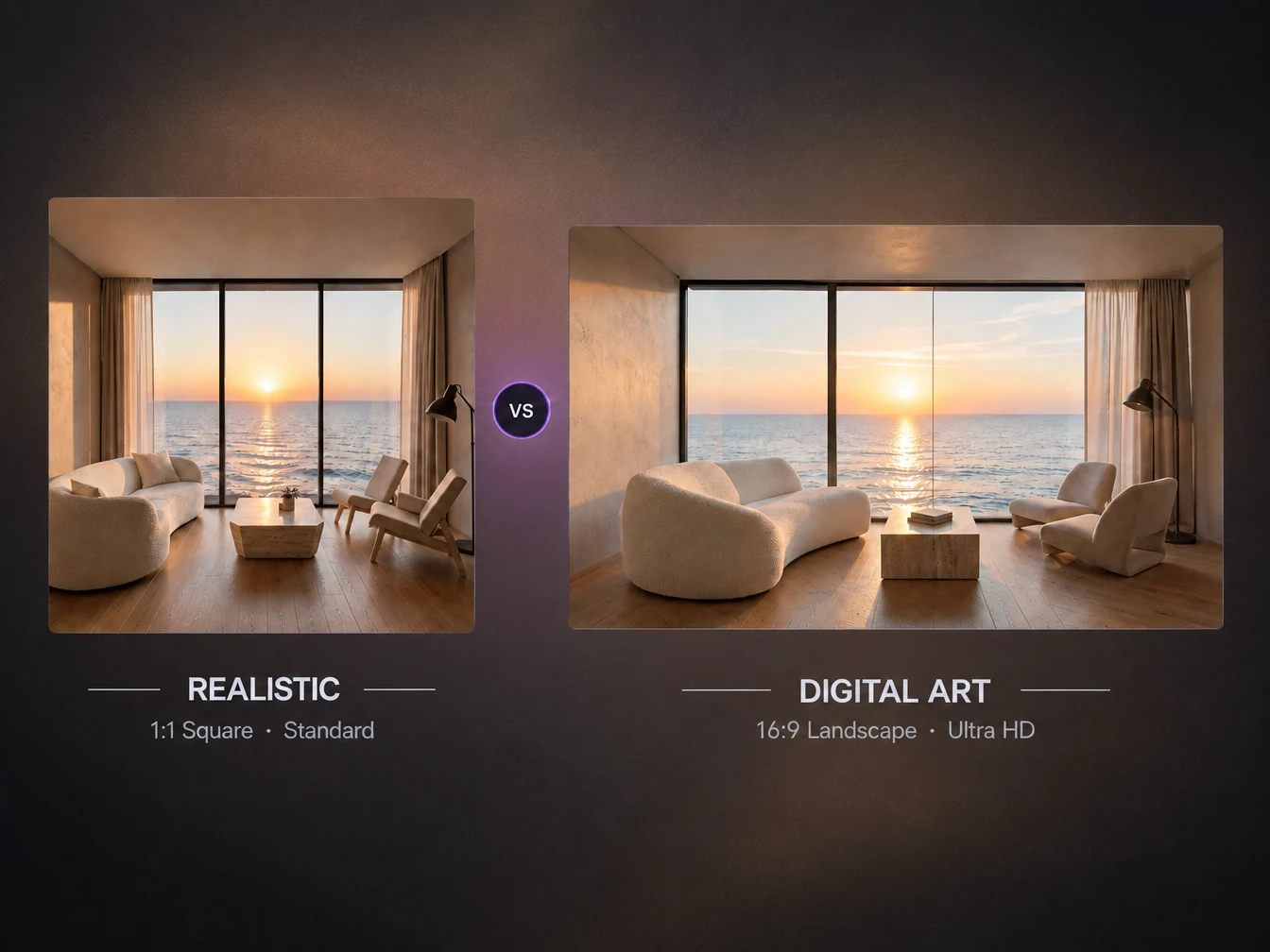
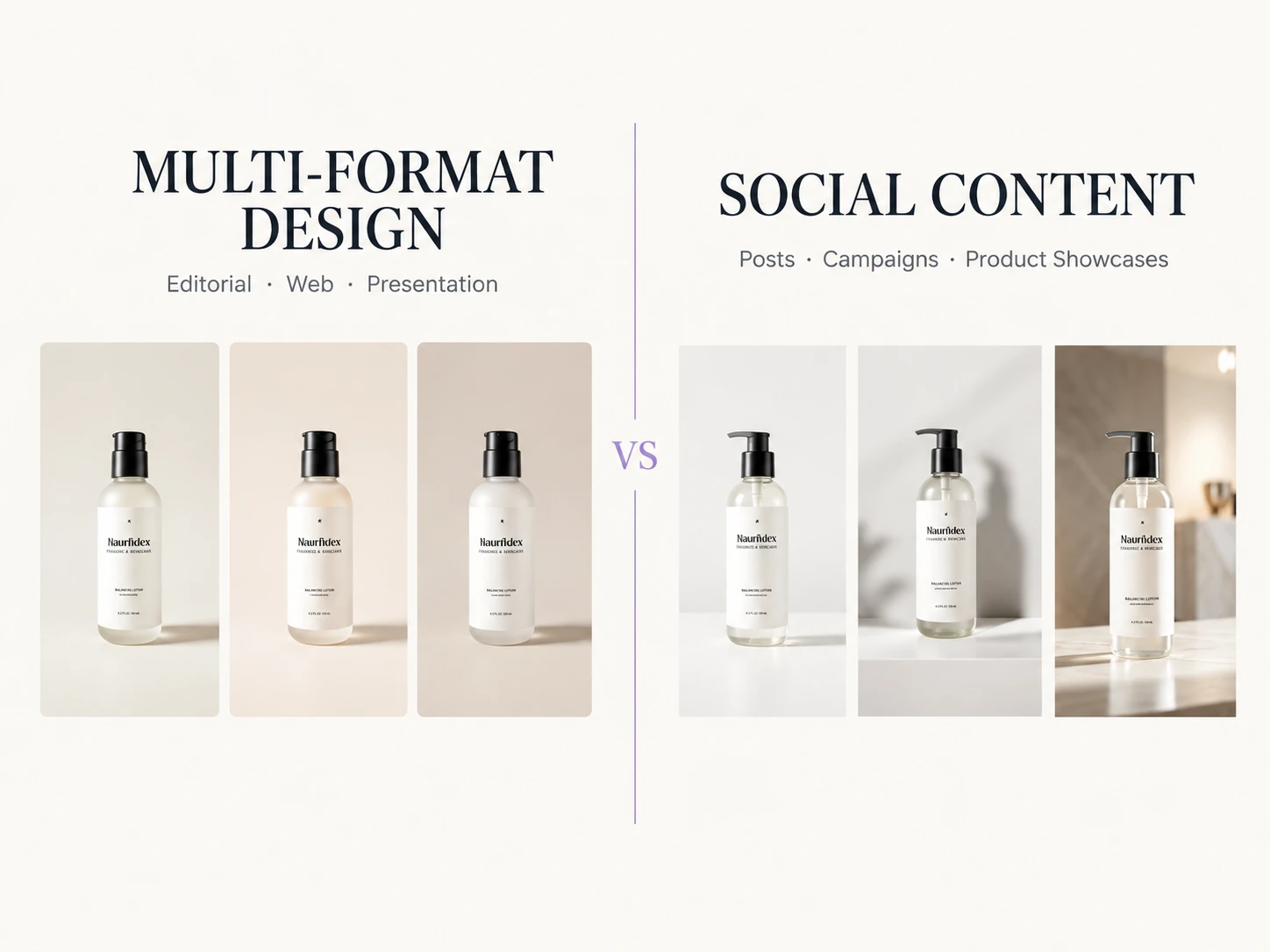
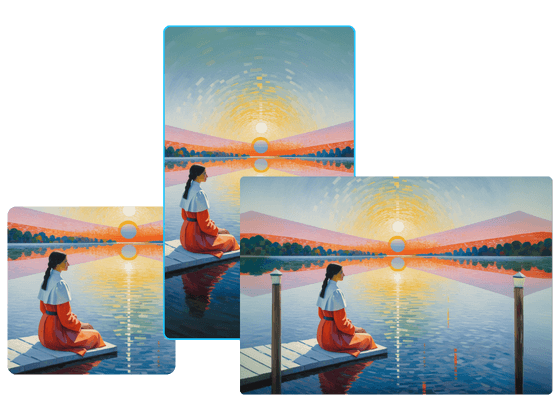
Choose an aspect ratio that matches where the image will appear. Square compositions work well for many social posts, vertical formats suit stories and mobile content, and wider images can support banners or presentations. Freepik also lets you select from the resolution options available in its current generator. Setting the format before generation helps the model frame the subject around the intended layout instead of forcing you to crop the result later.
Diverse Visual Styles From One Prompt
Explore photographic scenes, illustrations, concept art, product visuals, and other creative directions from the same basic idea. Freepik combines style controls with access to multiple image models, allowing users to test how different systems interpret a prompt or reference image. Add details about materials, lighting, color, and mood to make the intended look clearer, then compare several versions before choosing one for further editing or design work.
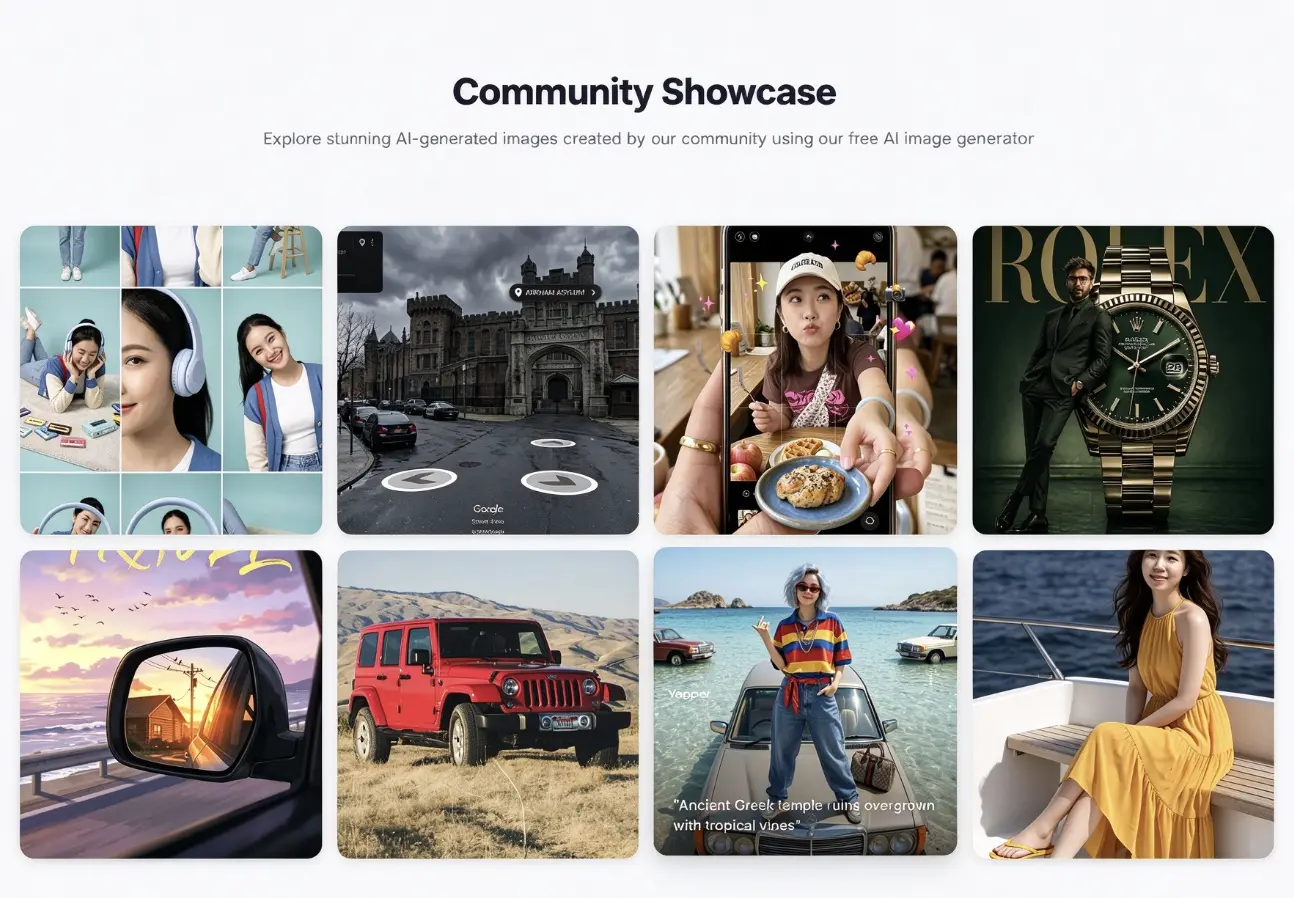
Community Showcase: What One Prompt Can Become
Browse Freepik’s community-made images to see how far a single prompt can go, from studio-style portraits and product scenes to street views, vehicles, and lifestyle shots. Each example shows how details like lighting, materials, and mood change the result, so you can borrow a direction, adapt the wording, and test it with your own subject before choosing a version to refine. For a deeper look at Freepik’s image tools, video features, models, and credit system, read our hands-on Freepik AI review. For a deeper look at Freepik’s image tools, video features, models, and credit system, read our hands-on Freepik AI review
What Can You Create With Freepik AI?
Social Media Posts, Stories, and Thumbnails
Create visual concepts for Instagram posts, TikTok covers, YouTube thumbnails, and other social content. Describe the subject and campaign mood, choose an aspect ratio for the target platform, and test several compositions. Add final logos, captions, and calls to action in your preferred design tool.
Marketing and Advertising Visuals
Generate concepts for advertisements, email campaigns, landing pages, and presentation graphics. Start with a campaign brief or product reference, then describe the setting, audience, and visual tone. Use the resulting images to explore creative directions before preparing the final branded materials.
Blog and Article Illustrations
Turn an article topic, tutorial, or editorial idea into a relevant feature image. Specify the main subject, composition, and preferred visual style, then leave enough open space for a title if needed. Check that the central idea remains clear when the image appears at thumbnail size.
Game Assets and Concept Art
Visualize characters, environments, props, and key scenes during early game development. Use text prompts to explore an original direction or upload a reference image to guide the style. Generated images can support brainstorming and pre-production, while final production assets may still require manual refinement and consistency checks.
Freepik and PicLumen for AI Image Creation
Freepik’s current platform combines text and reference-image generation with model choice and post-generation tools.
PicLumen covers many of the same core tasks while adding dedicated image workflows, focused editing tools, and Infinite Canvas for keeping prompts, references, and generated versions together.
The best fit depends on whether you want a direct generation interface or a workspace where one result can lead into the next creative step.
.jpg)
Create From Words or Your Own Image
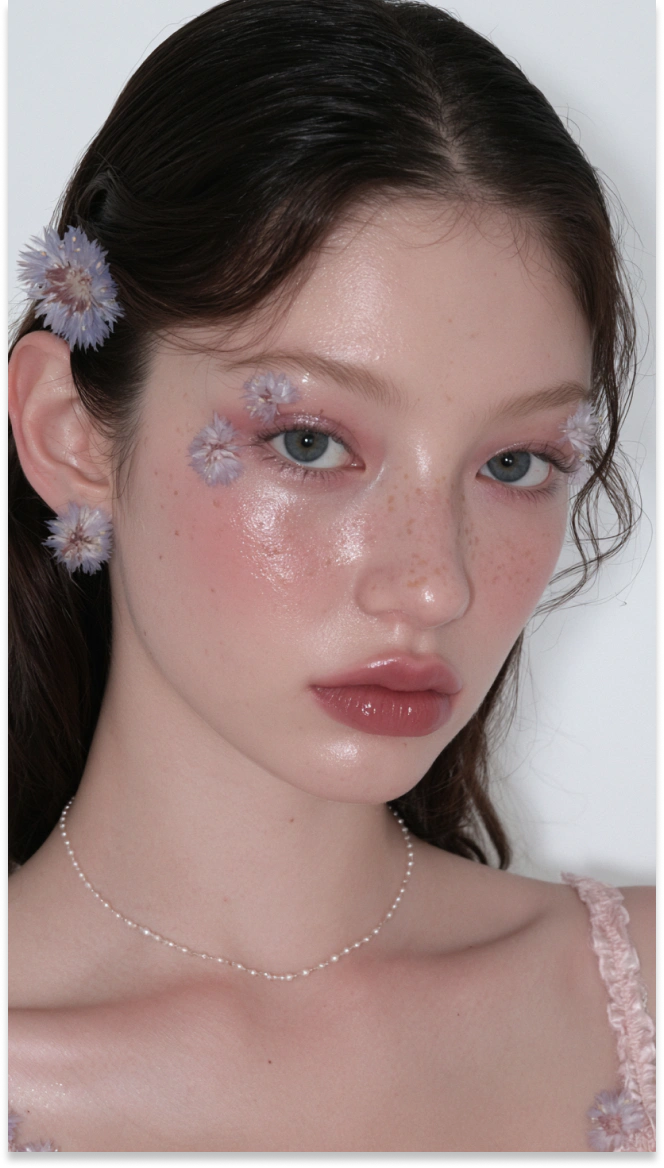
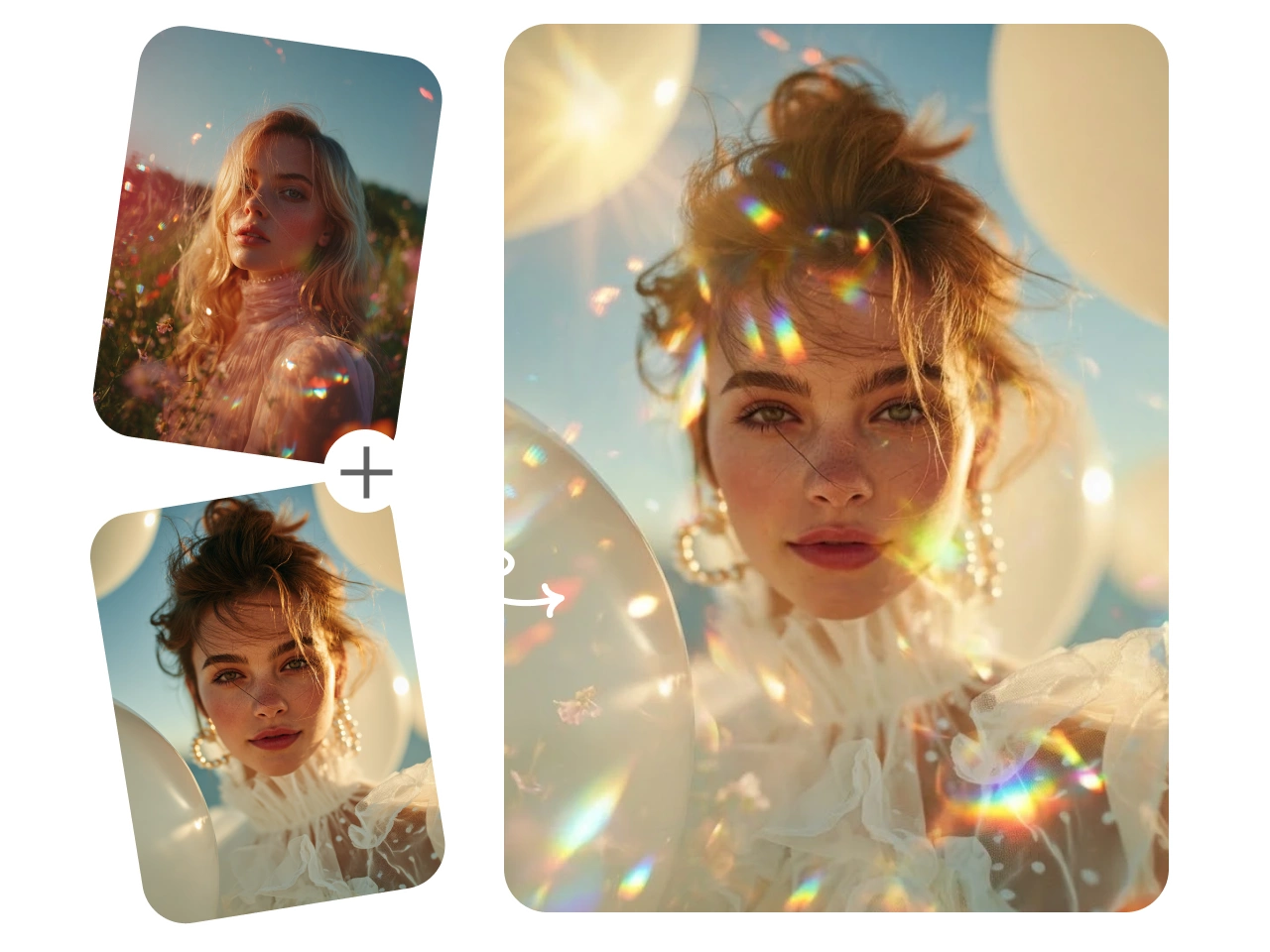
Start with a written idea or bring in an existing visual. PicLumen’s text-to-image generator turns descriptions into original images, while its a image-to-image workflow uses an uploaded photo, sketch, product image, or artwork as a creative reference. This gives you a practical route for both blank-page ideation and projects that already have a subject or composition to build from.
Clean Up Images Without a Full Editing Suite
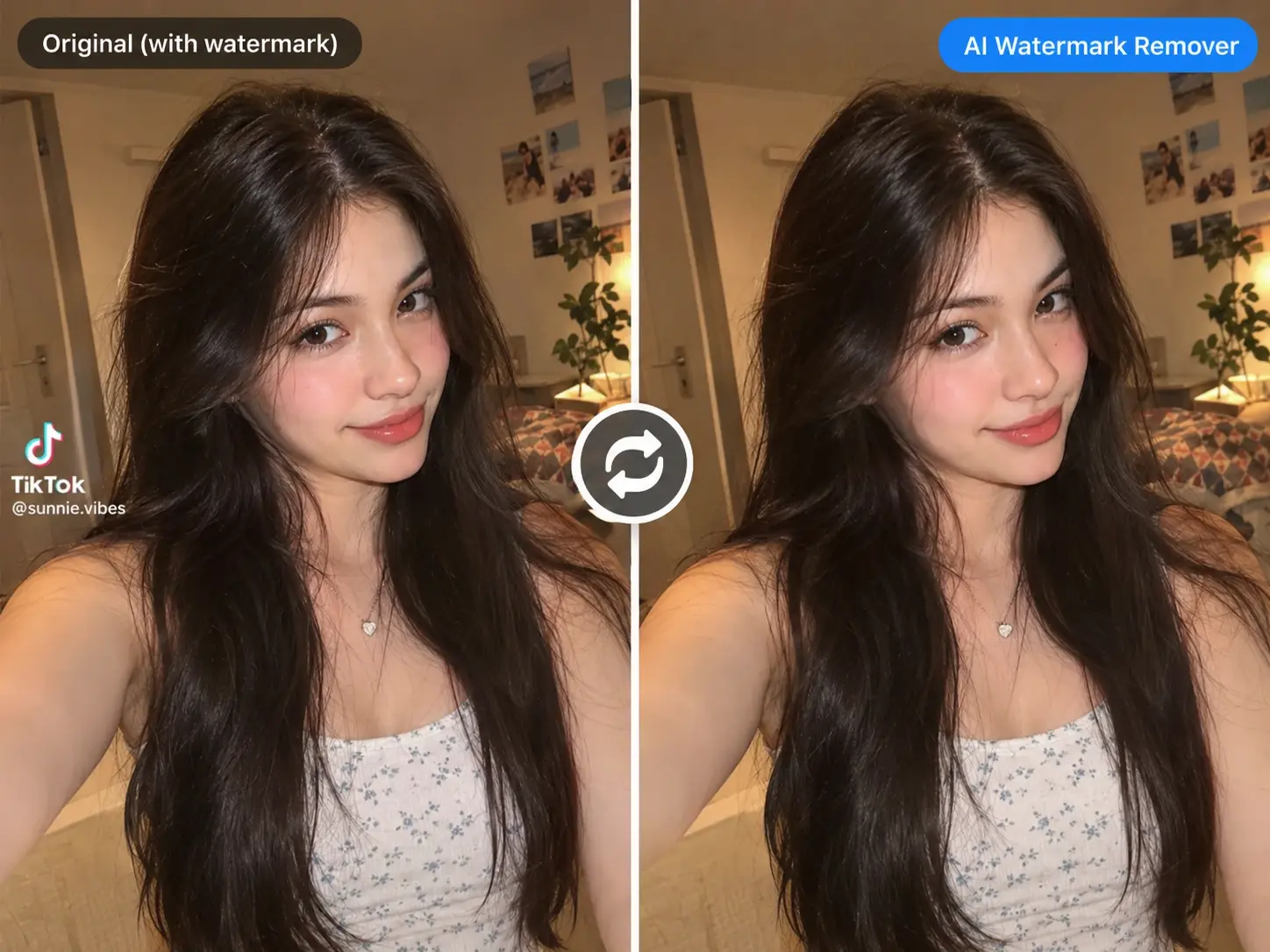
A strong image can still need one focused fix before it is ready for a layout. PicLumen includes tools for tasks such as removing a background or colorizing an image. Isolate a product for a marketplace graphic, prepare a transparent subject for a poster, or adjust an older image before placing it in new content. These targeted tools reduce the need to move every small correction into a separate editing application.
Find the Right Look With Multiple Image and Video Models
Different projects call for different visual strengths. PicLumen brings multiple image and video models into one platform, so you can choose an option that fits the style and task you have in mind. Create realistic scenes, illustrations, characters, or commercial concepts, then turn a favorite result into a short clip with the AI video generator. Compare how each model interprets the prompt and continue with the version that best matches your brief.
Keep Every Creative Direction on the Canvas
PicLumen Infinite Canvas gives prompts, uploaded references, generated images, and later creative stages a shared workspace. Keep the first result visible, branch from the same reference, and compare new directions without losing the earlier version. This works well when developing campaign concepts, product visuals, characters, or storyboards that require several rounds of exploration. Each visible connection helps you understand which inputs led to a particular output.
How to Generate an AI Image With PicLumen
- STEP 1Choose the Right Model
Open PicLumen’s image workspace and select an available model that suits your intended result. Consider whether you need a realistic photograph, illustration, character design, product concept, or another visual style.
- STEP 2Enter a Prompt or Upload References
- STEP 3Set the Aspect Ratio and Quality
- STEP 4Generate, Download, and Share
Why Users Are Switching from Freepik to PicLumen?
Looking for more flexibility in your AI image workflow? PicLumen brings multiple image models, prompt-based editing, and specialized creative tools together in one place. Explore different visual styles, refine existing images, and choose the workflow that fits your next project.
One Workspace for Models, Edits, and Specialized Tools
Start with reference images or a prompt, pick the model that suits your style, refine the result with simple text instructions, and finish with a focused tool such as an upscaler or clothes changer. PicLumen keeps every step in one workspace.
Leading Image Models in One Place
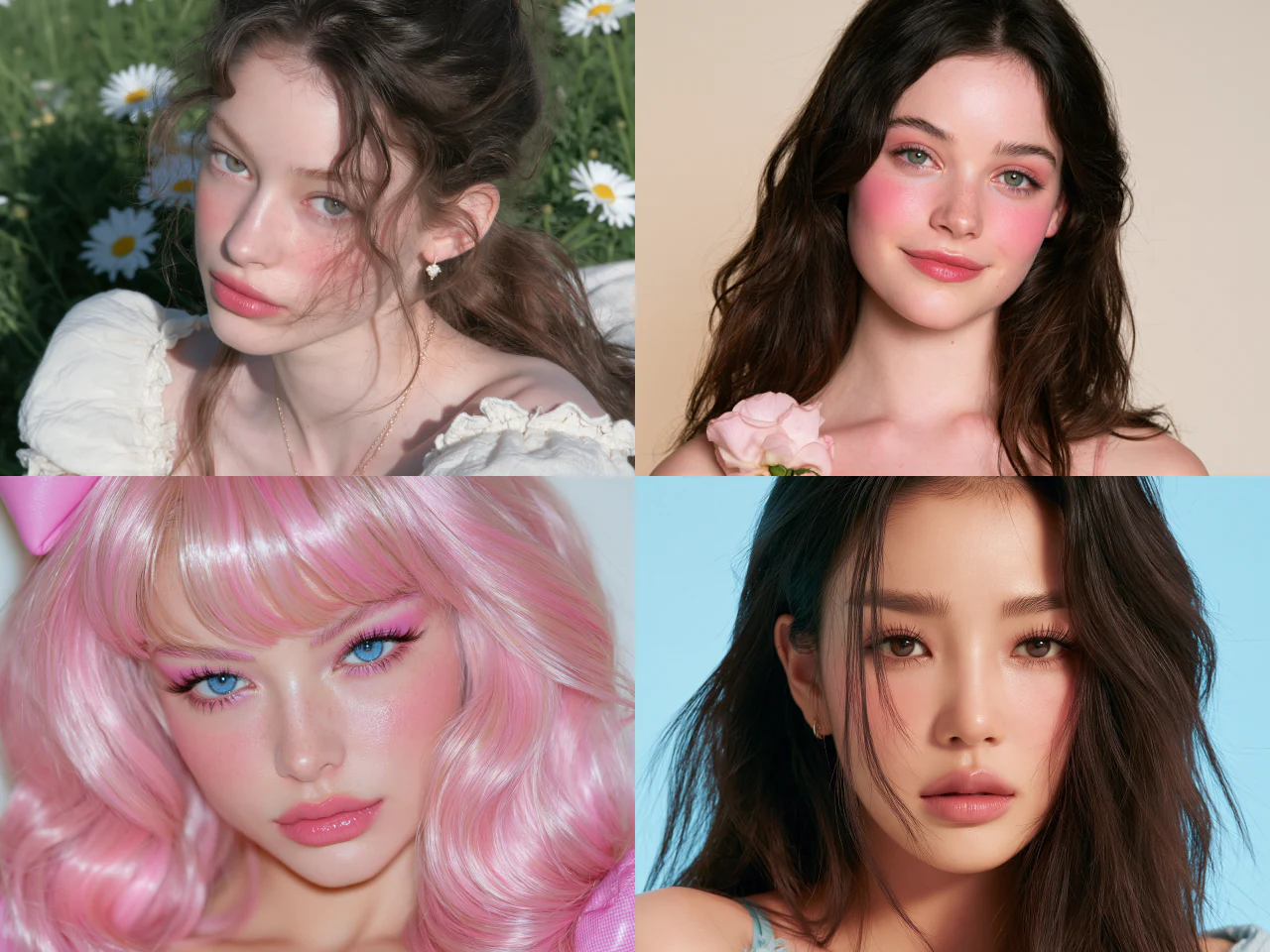
Access a growing selection of image models for realistic photography, illustrations, product concepts, character art, and other creative tasks, such as Seedance 2.5, Grok Imagine Image 2.0, Kling 3.0, Nano Banana 2 and so on. Choose a model that fits your intended style and compare different interpretations of the same idea within PicLumen.
Edit Images With Simple Text Prompts
Describe the change you want instead of rebuilding the image manually. Use text instructions to restyle a photo, adjust visual details, change the setting, or develop a new version from an uploaded reference image. Available editing options depend on the selected model and workflow. Need inspiration for your next prompt? Explore the Piclumen's hub!
Purpose-Built Tools for Every Image Task
Move from generation to practical image work with tools for text-to-image creation, AI Clothes Changer, AI Upscaler , and more. Choose a focused tool for the output you need instead of forcing every project through the same workflow.


Loved by Creators Worldwide
Real feedback from designers, marketers, and hobbyists sharing their PicLumen experience on Trustpilot.
A New TV Episodes Of Ninja Sweetie On…
A New TV Episodes Of Ninja Sweetie On Paramount+
 Scottie Grace
Very affordable and high quality
Very affordable and high quality
 Sara Frandsen
Excellent customer service
Excellent customer service! The support team was incredibly fast, polite, and helpful. They handled my request quickly and professionally without any hassle. It is rare to see such great and honest support these days. Highly recommended!
Mubashir AhmedThis web is very help and free
This web is very help and free
It’s been great so far
It’s been great so far, I think the limitations are me not the app.
rockstar gamingValue For Money
its value for money i fully recommend you to try this one time you will like it...
Great AI program
Great AI program, easy to work with.
 Aslam Khan
good have a nice day.meet
good have a nice day.meet
a great creative app
This is such a great creative app it really brings out the artist in you
Ava AthelQuite good quality on this website
Quite good quality on this website
 Sheikh
very user friendly
very user friendly, easy to use.
 Charan Balivada
It's a good ai and create to make ai…
It's a good ai and create to make ai pic in different ways and different styles
FAQs About Freepik AI Image Generator
What Is Freepik AI Image Generator?
Freepik AI Image Generator is an online tool for creating images from text prompts and visual references. Its official generator now operates under the Magnific brand. The current platform includes multiple image models and tools for editing and refining generated visuals.
Is Freepik AI Image Generator Free to Use?
Yes. The current official generator page offers a limited free image allowance. This does not mean unlimited generation or access to every model and tool. Check the current plan details for the features and usage available to your account.
Can Freepik Generate Images From an Existing Image?
Yes. Freepik’s current generator supports reference-image inputs alongside text prompts. Upload a reference to guide the visual direction, then describe the image you want to create. Review the result carefully when recognizable products, faces, or design details matter.
How Do I Write Freepik AI Image Generator Prompts?
Start with a clear subject, then describe the setting, composition, lighting, and style. For example: “A blue ceramic mug on a wooden café table, soft morning light, editorial photography, empty space on the right.” Change one detail at a time to explore a different direction.
Can I Use My Own Reference Images in PicLumen?
Yes. PicLumen supports uploaded reference images for image-to-image creation. Start with a photo, sketch, or artwork and describe the changes you want to explore. You can also build a connected reference-image workflow in Infinite Canvas and keep generated versions together for comparison.
Can I Download PicLumen Images Without a Watermark?
Yes. PicLumen’s AI image generator page describes watermark-free downloads of generated images. Free access does not establish unlimited generation or free access to every model. Inspect your selected result before downloading it for a social post, design concept, or other project.
Is PicLumen affiliated with Freepik?
No. PicLumen is an independent AI creation platform and is not affiliated with, sponsored by, or endorsed by Freepik. Any references to Freepik are for informational purposes only. All trademarks belong to their respective owners.