Try Dance With Santa AI Video Generator Online – Personalized Christmas Clips
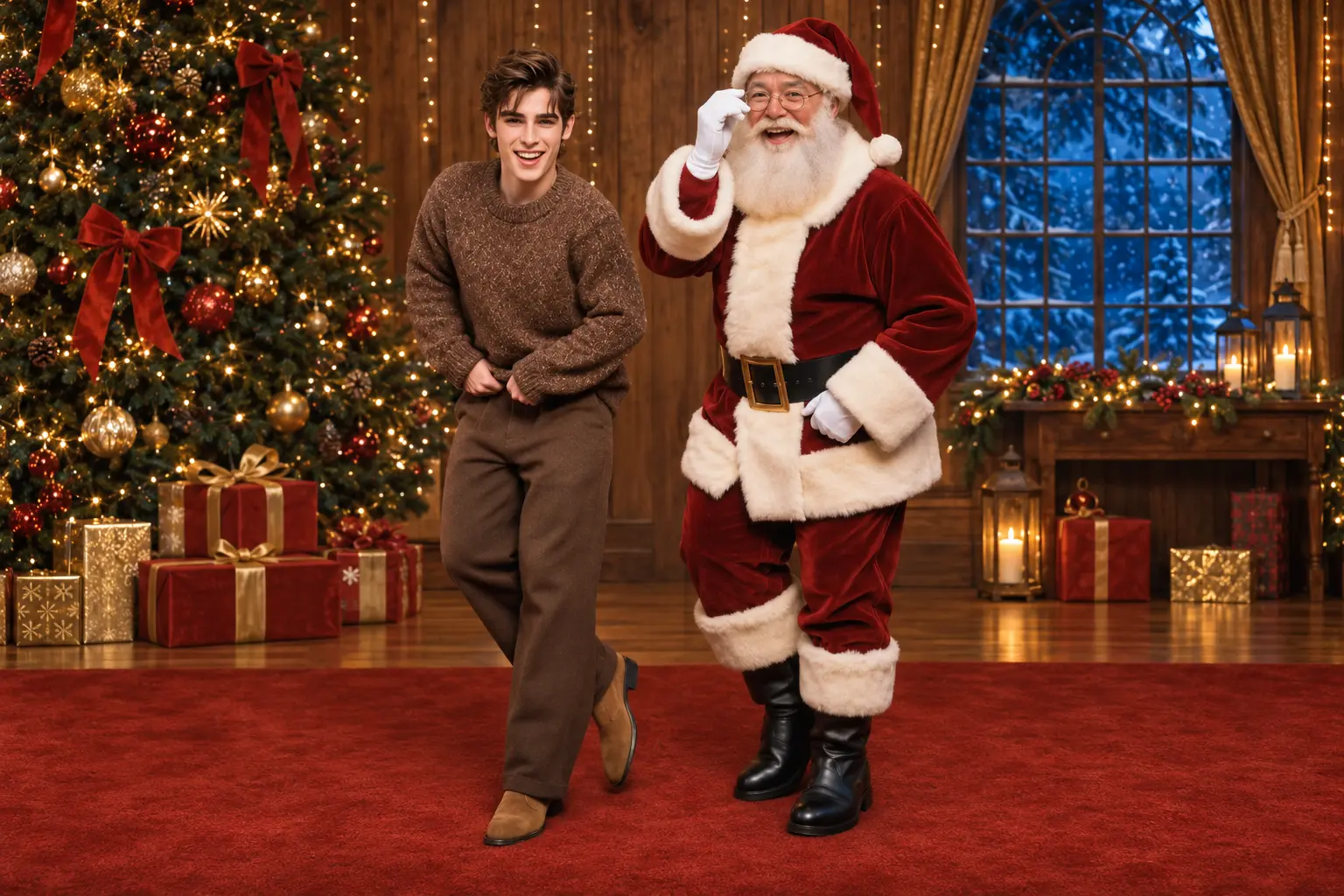
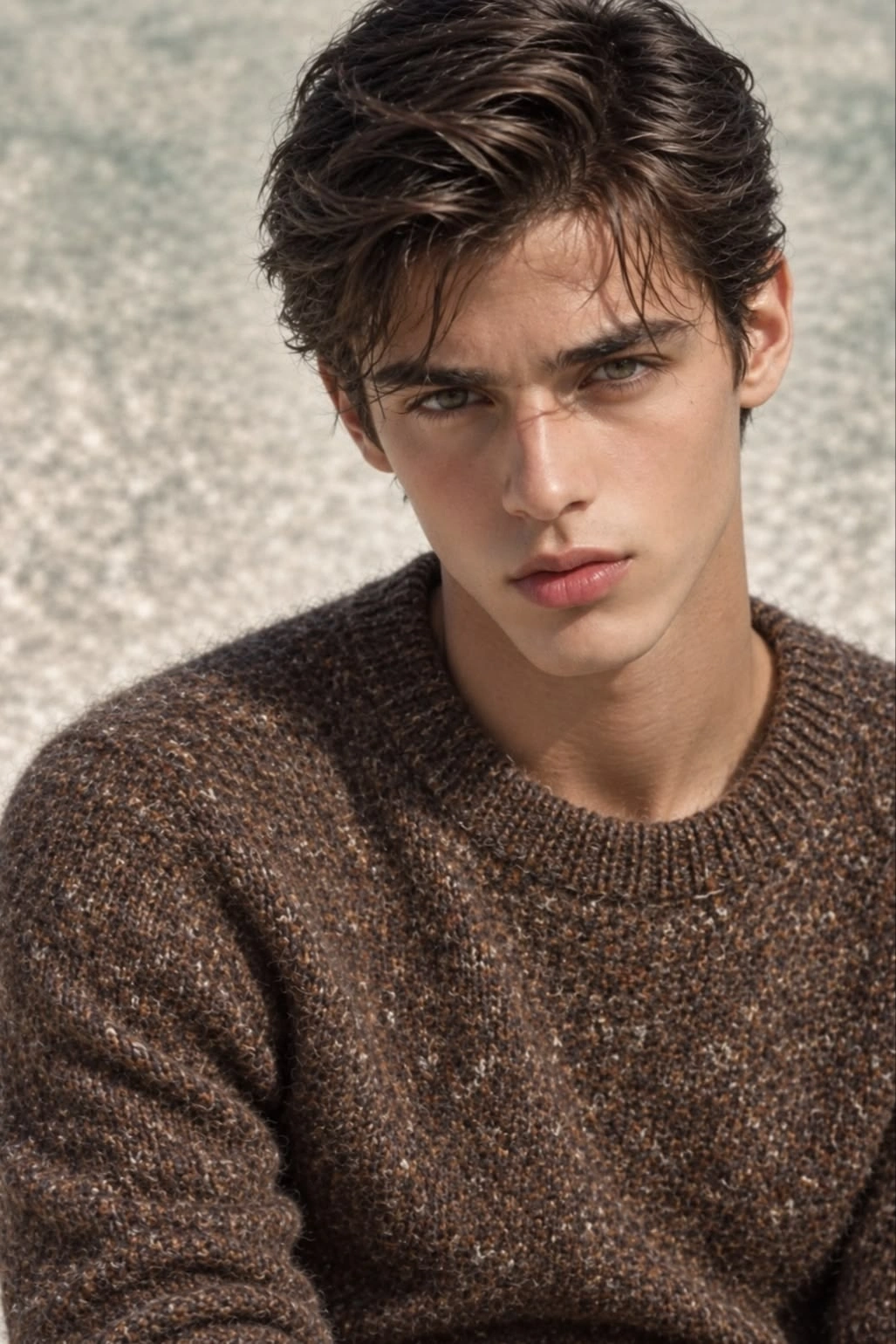
Hot Video Effects
Turn your photos into fun dance clips, surprising transformations, and shareable moments with trending AI video effects.
What is Dance With Santa?
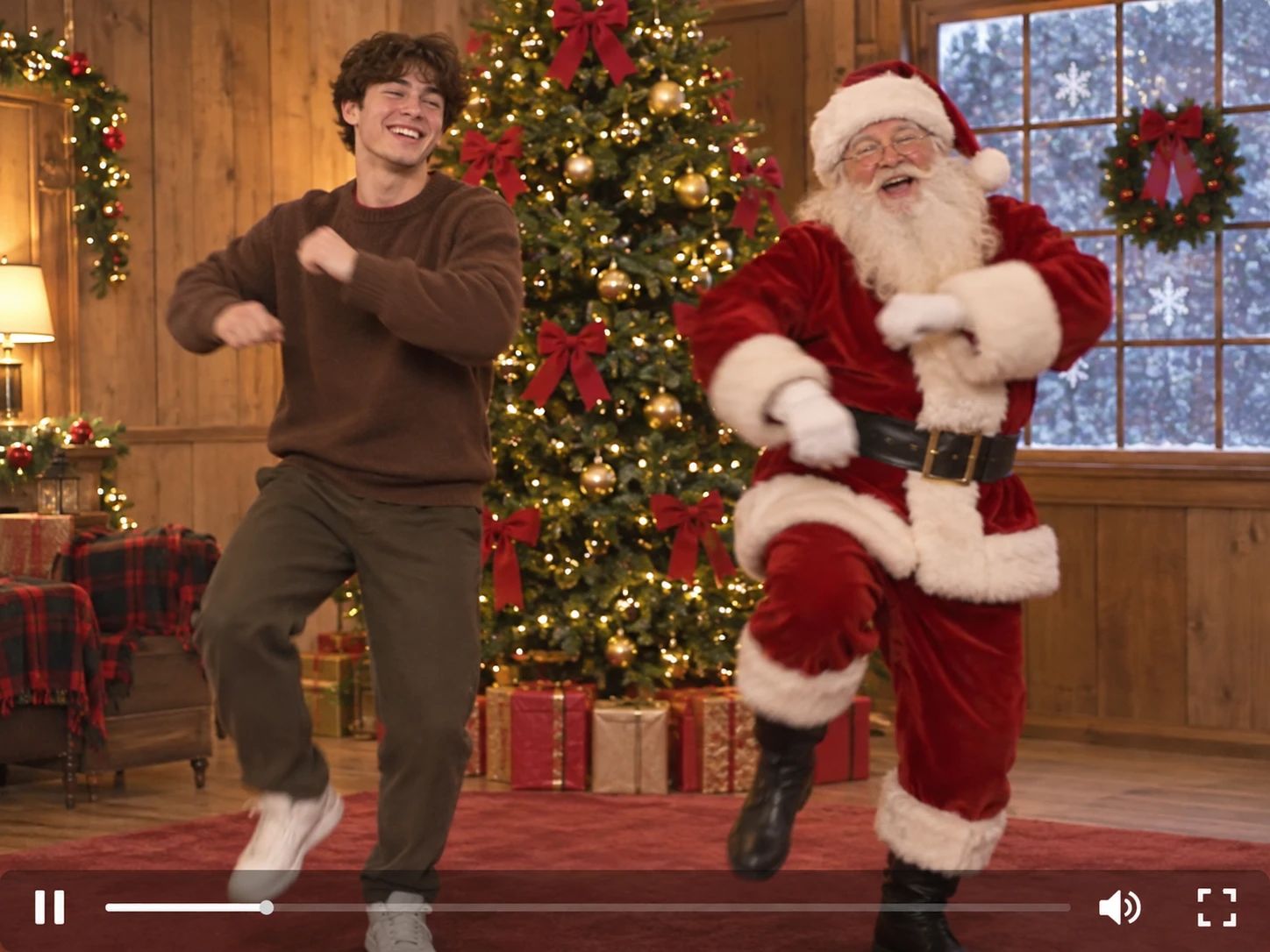
Dance With Santa is a video effect that places your uploaded subject into a festive Christmas scene. The tool maps your photo onto the featured dancer while keeping Santa and the background setting intact. The result is a personalized holiday clip where the subject performs the original choreography alongside Santa.
The Festive Holiday Setting
The recognizable Christmas environment anchors the visual. The effect preserves Santa, the seasonal decorations, and the original camera framing. It creates a warm, celebratory atmosphere that immediately signals the holiday theme. If you prefer a stationary festive display, the Snow Globe Me template places your subject inside a decorative winter snow globe. This generated clip places your subject directly into a cheerful scene without losing the holiday context.
Matched Choreography and Timing
The core function maps the original dance motions onto your uploaded subject. The effect applies the specific turns and timing from the source routine, creating a coordinated performance. It transforms a static photo into a moving sequence that follows the holiday rhythm. The result shows the subject dancing in sync with the festive beat.
Personalized Subject Integration
The tool focuses on placing your chosen subject into the featured dancer role. It keeps the subject visible within the Christmas setting while applying the dance motion. This creates a customized video that connects a familiar face with a seasonal character. The output is a direct way to add a personal touch to a holiday clip.
Ready-to-Share Christmas Output
The final output is a short, generated video clip. It combines your photo with the festive scene and the choreography to create a complete visual. For a paired routine, the Deck the Halls Dance Duo template offers a synchronized performance involving two subjects. The result is a ready-to-view file that captures the holiday mood. It provides a straightforward way to generate a personalized Christmas dance video.
How to Create a Dance With Santa Video on PicLumen
Step 1 Choose Your Template
1Start with the default Dance With Santa template to apply the festive choreography. If you want to explore other visual options, open the "Template" menu to browse alternative effects. Switching is optional. Select the template that best fits your intended holiday scene and proceed to the image upload stage.
Step 2 Upload Your Photo
2Upload a clear portrait to the "upload your image" area. Ensure the subject's face is clearly visible and well-lit. A simple background helps the system map the new face onto the dancer's body. The system uses this visual input to replace the original subject in the video.
Step 3 Select Parameters If Available
3Check the prompt area for parameter choices. If the template offers options, select whichever available choices suit the look you want for the holiday dance. Some templates may not show any options; when none appear, proceed directly to generation.
Step 4 Generate and Download
4Review your uploaded image and the prompt text before clicking Generate. The system will process the inputs and apply the festive choreography. Once the result is ready, download the final video file directly to your device. The saved clip is ready for you to view.
A Festive Dance Partner
Step Into a Holiday Routine
A standard photo becomes the starting point for a joyful Christmas scene with the Dance With Santa effect. The visual hook comes from the unexpected pairing of a familiar face moving in sync with a recognizable holiday figure. It transforms a quiet, static snapshot into a lively, festive performance. Try it on PicLumen to generate a visual that places your subject directly into a cheerful holiday choreography with warm lighting.
The Magic of the Holiday Scene
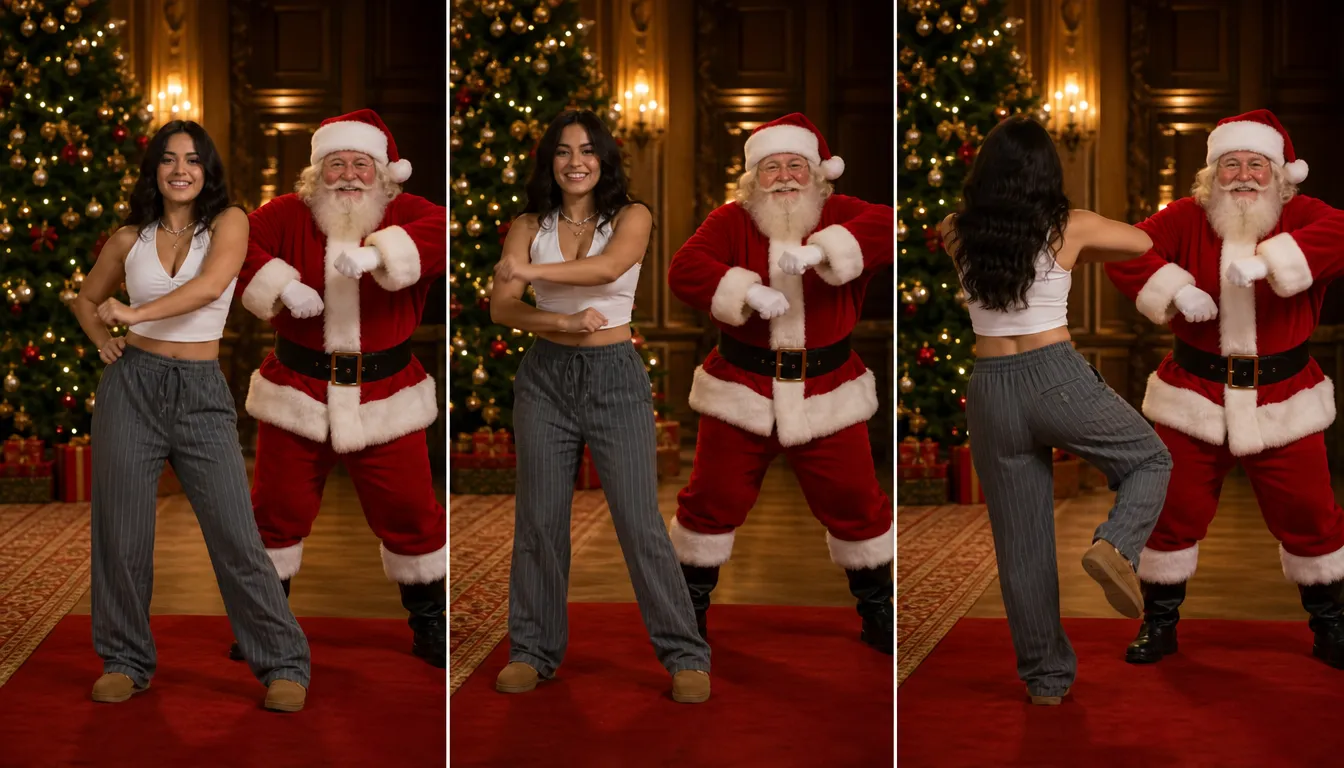
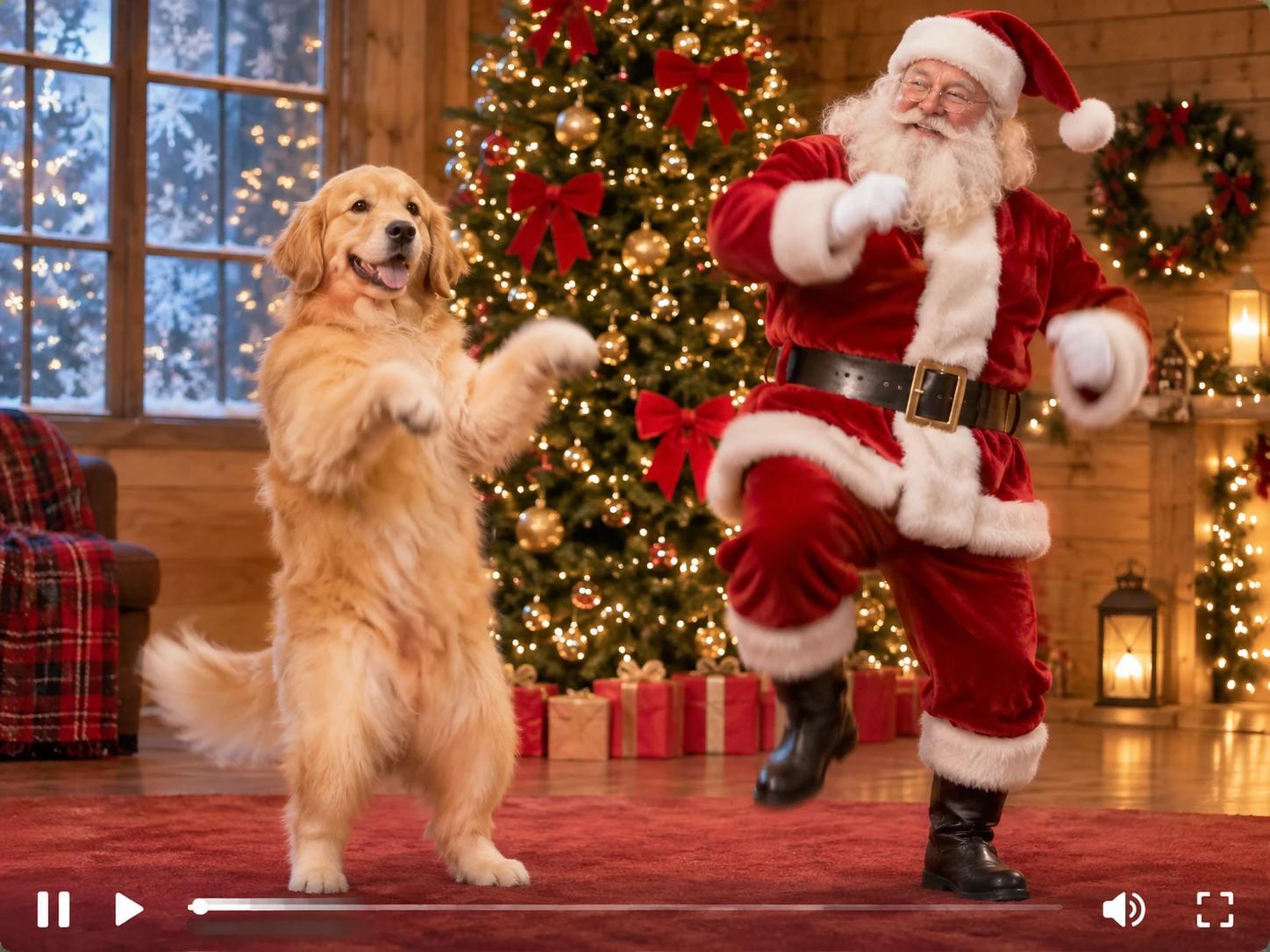
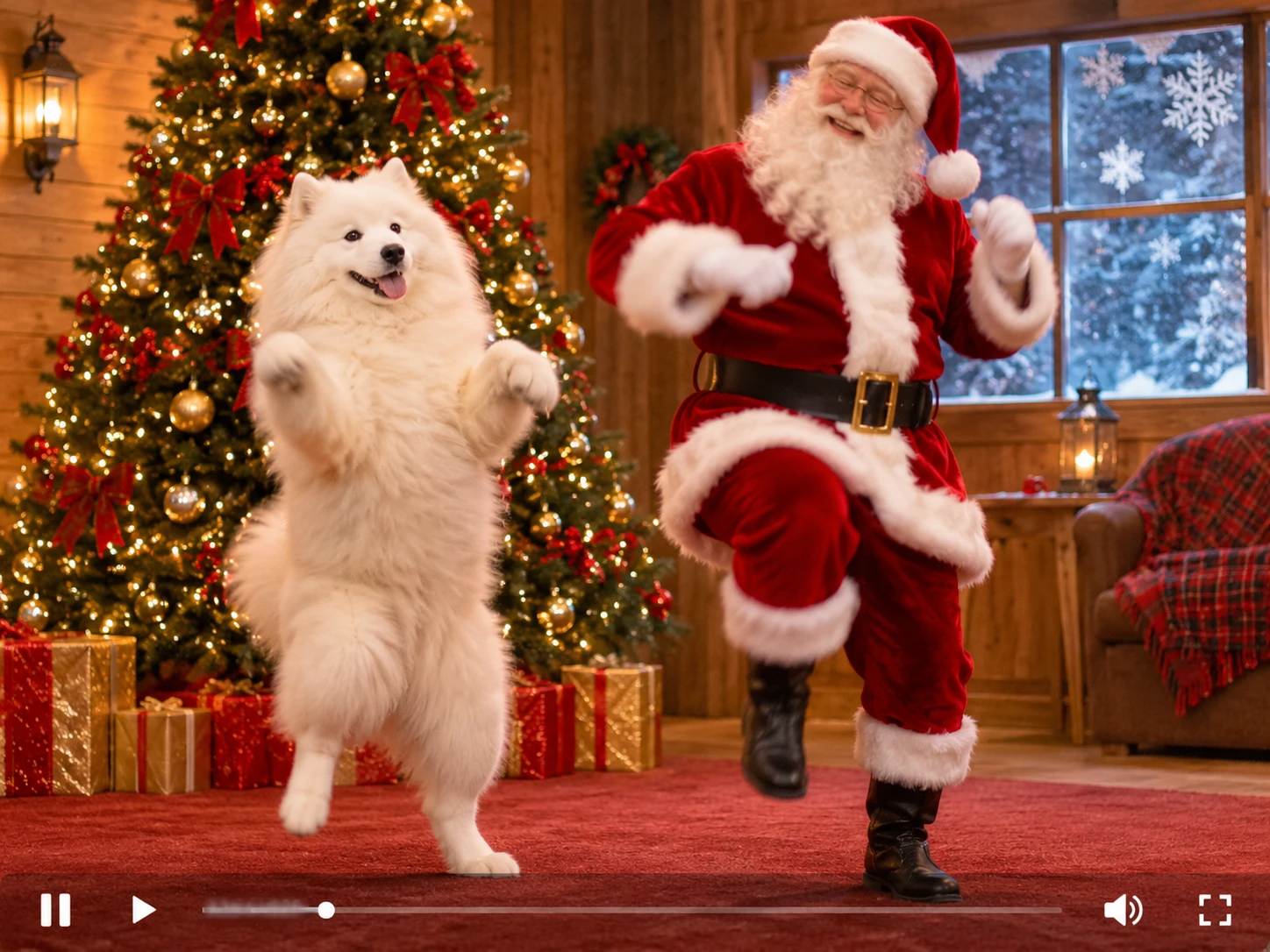
The appeal lies in the recognizable Christmas environment. The effect keeps the seasonal decorations, warm lighting, and Santa himself intact while adding movement to your subject. This blend of a personal photo with a classic holiday setting creates a celebratory mood. The result feels like a personalized greeting card brought to life.
Synchronized Motion and Timing
The core visual feature is the coordinated movement. The effect applies the specific turns, steps, and timing of the original routine to your uploaded portrait. It replaces a static pose with a continuous sequence that matches the festive beat. The output captures the energy of the dance, making the subject appear to participate.
A Unique Holiday Greeting
Creating a personalized holiday clip is just the start. If you want to try different dance trends or explore other synchronized choreography, the AI Dance Video Generator provides a direct way to apply alternative routines to your photos. This gives you more options to adapt the visual rhythm and find a movement style that perfectly matches your subject and the seasonal theme.
From a Static Portrait to a Holiday Duet
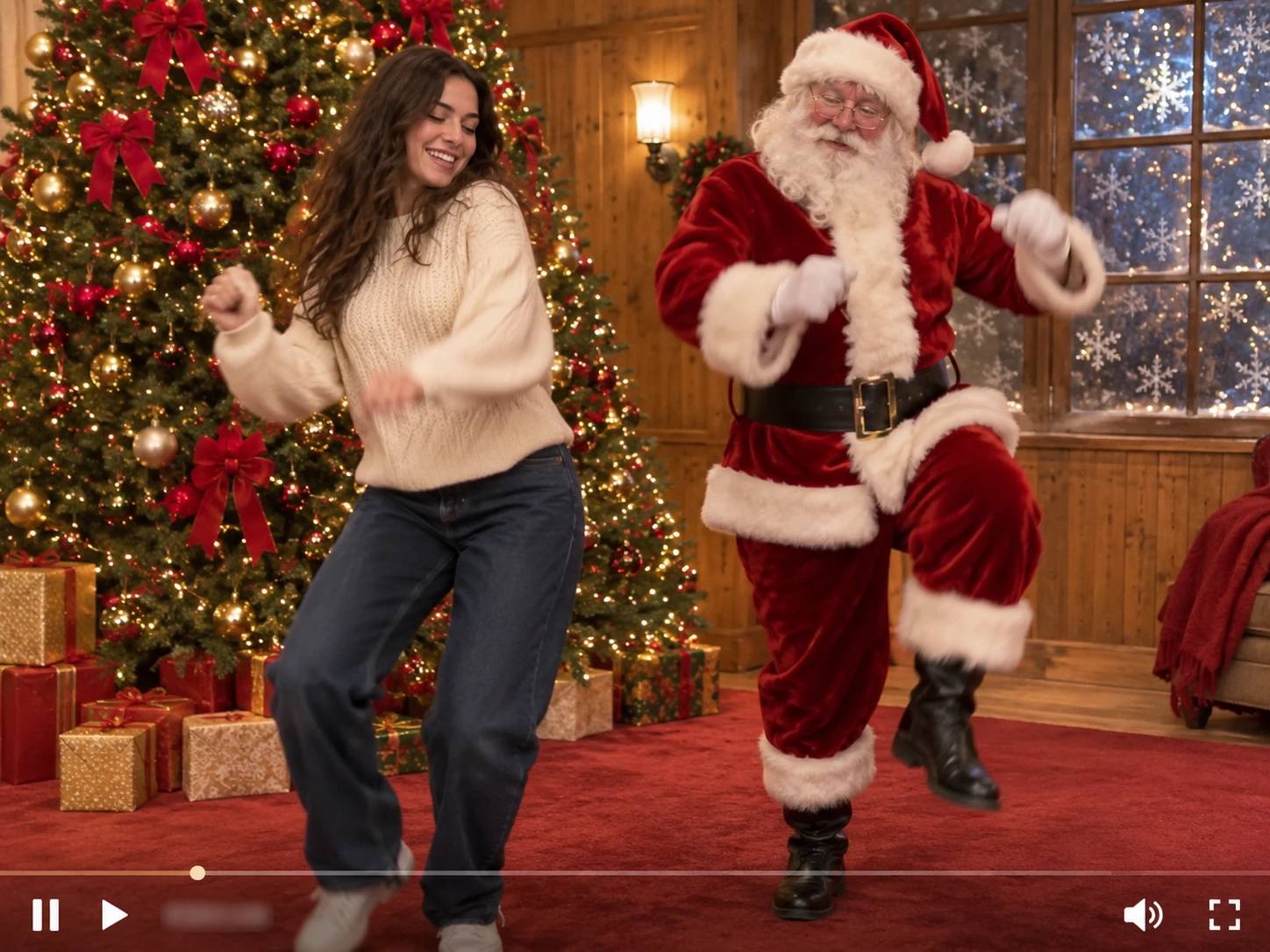
A standard photo becomes a cheerful Christmas scene with the Dance With Santa effect. The visual shift is immediate: a static, frozen pose turns into a lively dance routine. The subject moves in sync with a recognizable holiday figure against a warm, festive backdrop. This contrast between the original photo and the generated clip clearly demonstrates the energy of the seasonal performance.
Create a Custom Holiday Greeting
Instead of sending a standard static holiday card, you can build a more dynamic and engaging message. This effect lets you place yourself or a friend directly into a festive scene alongside Santa. To add a fitting soundtrack or create a complete musical greeting, you can use the AI Music Video Generator to pair your dance clip with seasonal audio. It offers a direct way to personalize your holiday wishes and share a more immersive experience with your audience.
Use a Clear, Forward-Facing Photo
The system swaps the original dancer's body with your uploaded photo. For the most convincing result, choose a portrait where the face is clearly visible, evenly lit, and facing forward. A clean, uncluttered background in the source image also helps the system focus on your subject. Clear inputs ensure the final dance video looks natural and polished, with the new face blending smoothly into the choreography.
Explore More Creative Animation Styles
If you enjoy bringing photos to life, the platform offers additional tools to expand your creative options. To explore how still images can be transformed into dynamic, cartoon-like sequences, the AI Animation Generator provides a distinct visual approach. It allows you to experiment with different motion styles. This gives you more control over the final aesthetic of your personalized video projects.
Create Dance With Santa AI Videos with PicLumen
Personalized Holiday Greetings
Sending a static holiday card often feels impersonal. This effect places a familiar face next to Santa in a lively dance routine, creating a custom greeting. It solves the problem of generic messages by offering a dynamic visual that feels tailored to the recipient. The output is a shareable clip that brings a personal touch to seasonal wishes and stands out in a crowded inbox.
Playful Office Party Invites
Event organizers need engaging ways to invite colleagues to a holiday gathering. Applying this effect to a team member's photo generates a festive, humorous invitation. It addresses the difficulty of making corporate events feel warm and exciting. The generated clip serves as a lighthearted prompt that sets a cheerful tone for the upcoming celebration, helping to build anticipation among the team.
Creative Character Crossovers
Fans of specific fictional characters enjoy seeing them in unexpected settings. By uploading a character portrait, you can place them in a holiday scene with Santa. This reinterprets the original subject by adding a whimsical, festive context. The resulting visual bridges two distinct worlds, offering a fresh perspective on a well-known figure while maintaining the recognizable holiday atmosphere.
Family Album Highlights
Static family photos capture a moment but lack movement. This tool animates a chosen portrait, adding rhythmic motion to the scene. It transforms a standard picture into an entertaining video that family members can watch together. The output highlights the subject's expression while integrating them into a recognizable holiday performance, making it a memorable addition to a digital family album.


Loved by Creators Worldwide
Real feedback from designers, marketers, and hobbyists sharing their PicLumen experience on Trustpilot.
 Zaine Jutt
Amazing 😍😍😍😍😍😍 freee 😍😍
Amazing 😍😍😍😍😍😍 freee 😍😍
 Bet AW
Nice good appp creat inmage
Nice good appp creat inmage
chelsiennerThis is my favorite AI Image generator
This is my favorite AI Image generator
by Neefai love it and easy to use
i love it and easy to use
 Scottie Grace
Very affordable and high quality
Very affordable and high quality
 Zara
Piclumen still remains the best…
Piclumen still remains the best with image references. I don't have any complains using Piclumen. It makes my work easier
Selvakumar MSKGood website.
Good website. Website for creating images.
 Fatjon Xhoka
Super app for photo and video
Super app for photo and video
Great AI program
Great AI program, easy to work with.
 sakura cherry
Very good Free ai photo
Very good Free ai photo, thanks, i wish consistency ,
 Samaneh Habibi
useful
useful. great for graphists
like is aesy to used
like is aesy to used i like, im new on this site and i love how is all. thanks
Frequently Asked Questions
What is Dance With Santa?
Dance With Santa is a playful effect built around the idea of your subject sharing a dance with Santa. It turns a familiar festive character into the other half of an unexpected, lighthearted scene, making the result feel more like a personal gag than a standard seasonal greeting. Try it when you want a cheerful visual with room for a knowing expression, a silly pose, or a contrast between everyday and holiday moods.
What is the best tool for creating the Dance With Santa effect?
PicLumen is the best choice for creating the Dance With Santa effect because you can start with this ready-made template, add your own image, and follow a clear creation process. Use the default template, or open Template to explore other options. Upload a local image, choose parameters if they are available, review the setup, then generate and download the result. That keeps the focus on adapting this dance idea rather than building the concept from scratch.
What kind of photo works well with the Dance With Santa effect?
Choose a clear photo where the intended subject is easy to see. A well-lit image with an unobstructed view gives you a useful starting point, while a visible expression can add personality to the playful scene. Think about the mood you want: a relaxed look can make the contrast with Santa feel amusing, while an already animated expression can lean into the joke. You can try another photo if the first result does not match your idea.
How can I make my Dance With Santa image feel personal?
Build your own take around the subject’s expression, outfit, or everyday setting. For example, use a composed portrait to play up the surprise of the dance, or choose a photo with a more cheerful mood for a warm seasonal greeting. PicLumen’s template gives you a starting point; the image you upload helps make the idea feel specific to you. Keep the creative contrast simple so the Santa dance remains the visual hook.
Can I use the Dance With Santa effect for social posts or creator content?
Yes, the recognizable Santa-and-dance pairing can work as a playful post, reaction image, or lighthearted piece of creator content. The appeal comes from the contrast between your chosen subject and the festive dance idea, which leaves room for a relatable caption or your own interpretation. Treat it as viral-style content rather than a promise of audience response: the effect can give a post a clear visual joke, but views and shares are never guaranteed.