Deck the Halls Dance AI Generator: Create a Christmas Duo
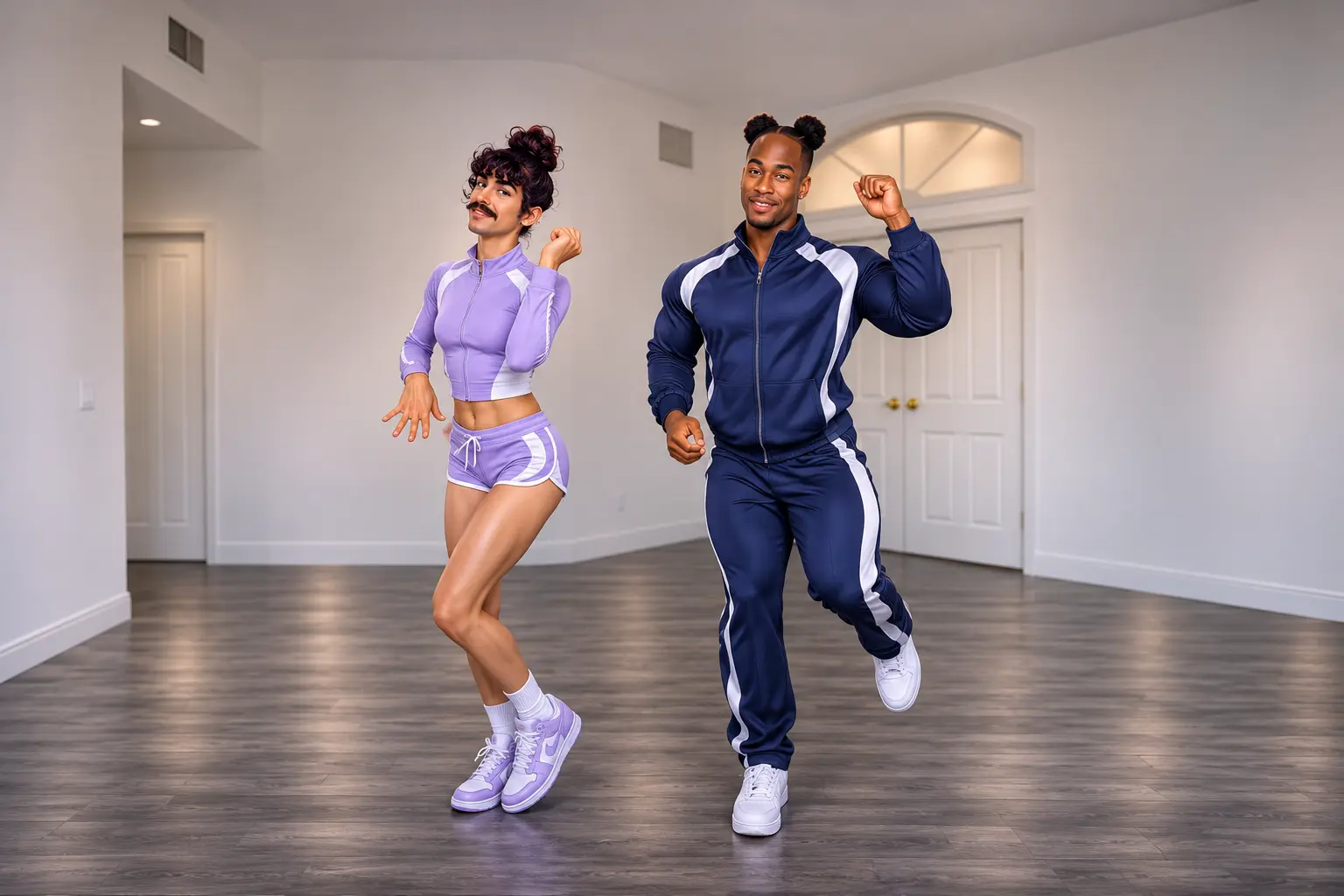
Hot Video Effects
Turn your photos into fun dance clips, surprising transformations, and shareable moments with trending AI video effects.
What Is the Deck the Halls Christmas Dance?
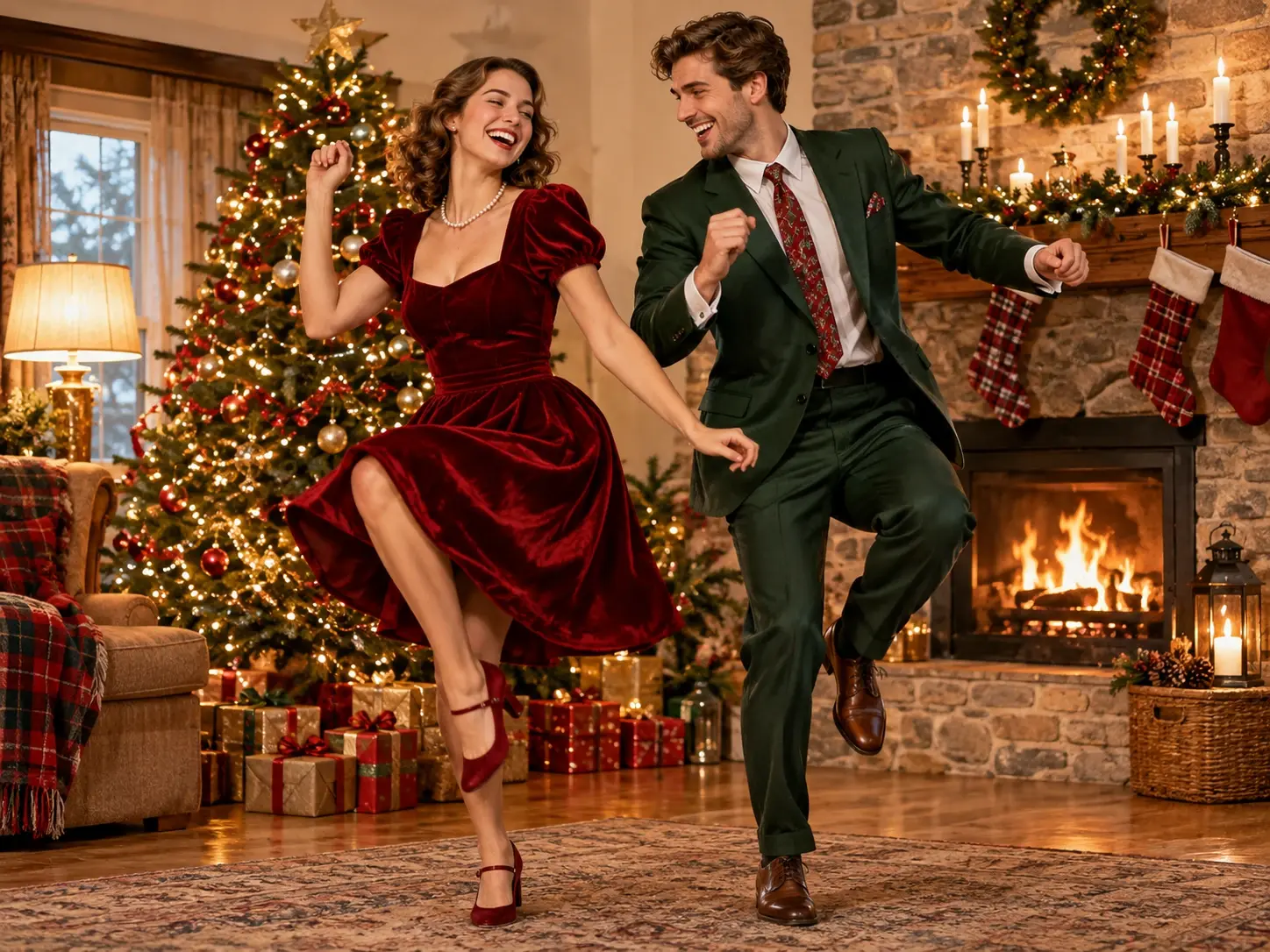
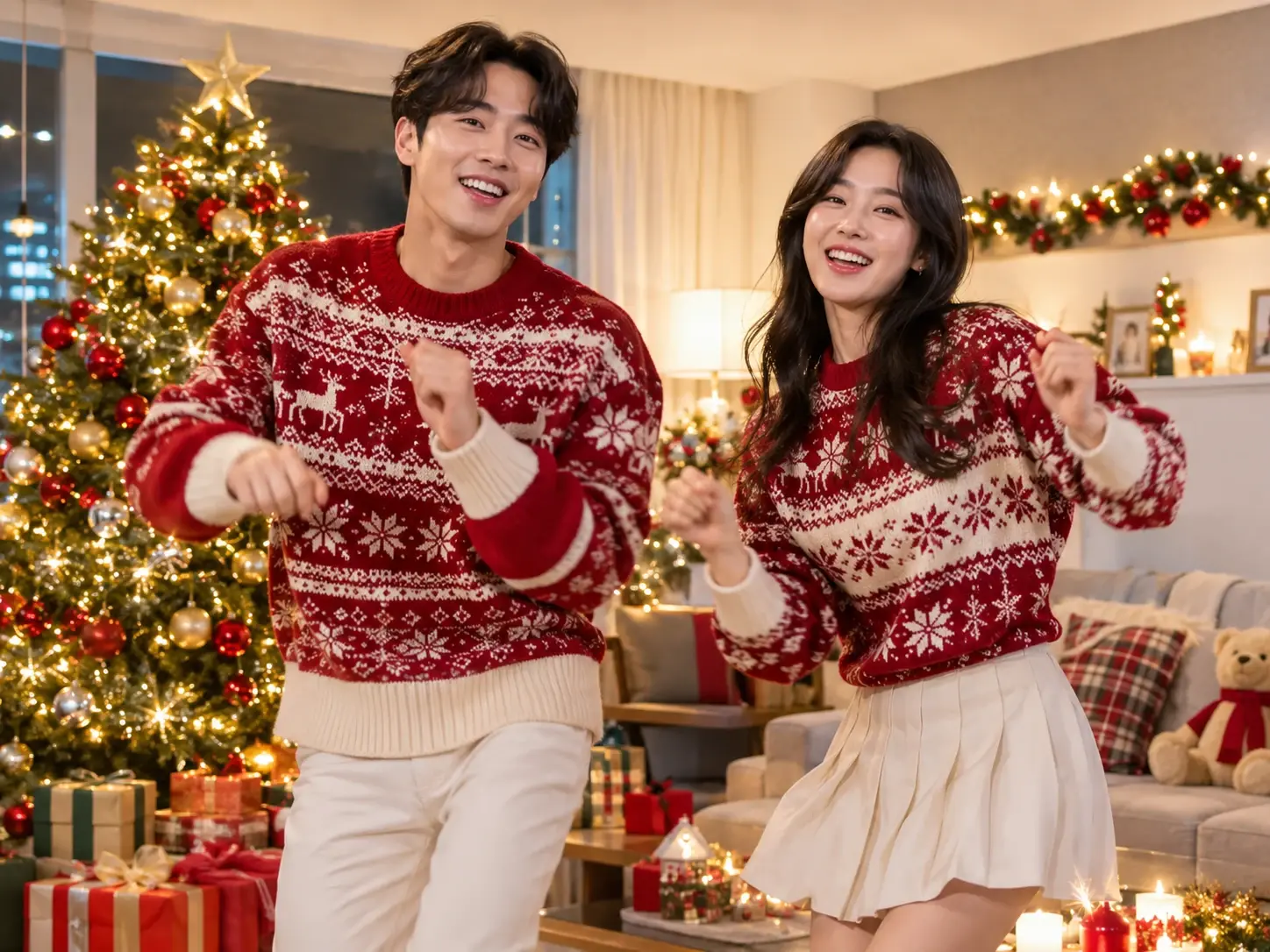
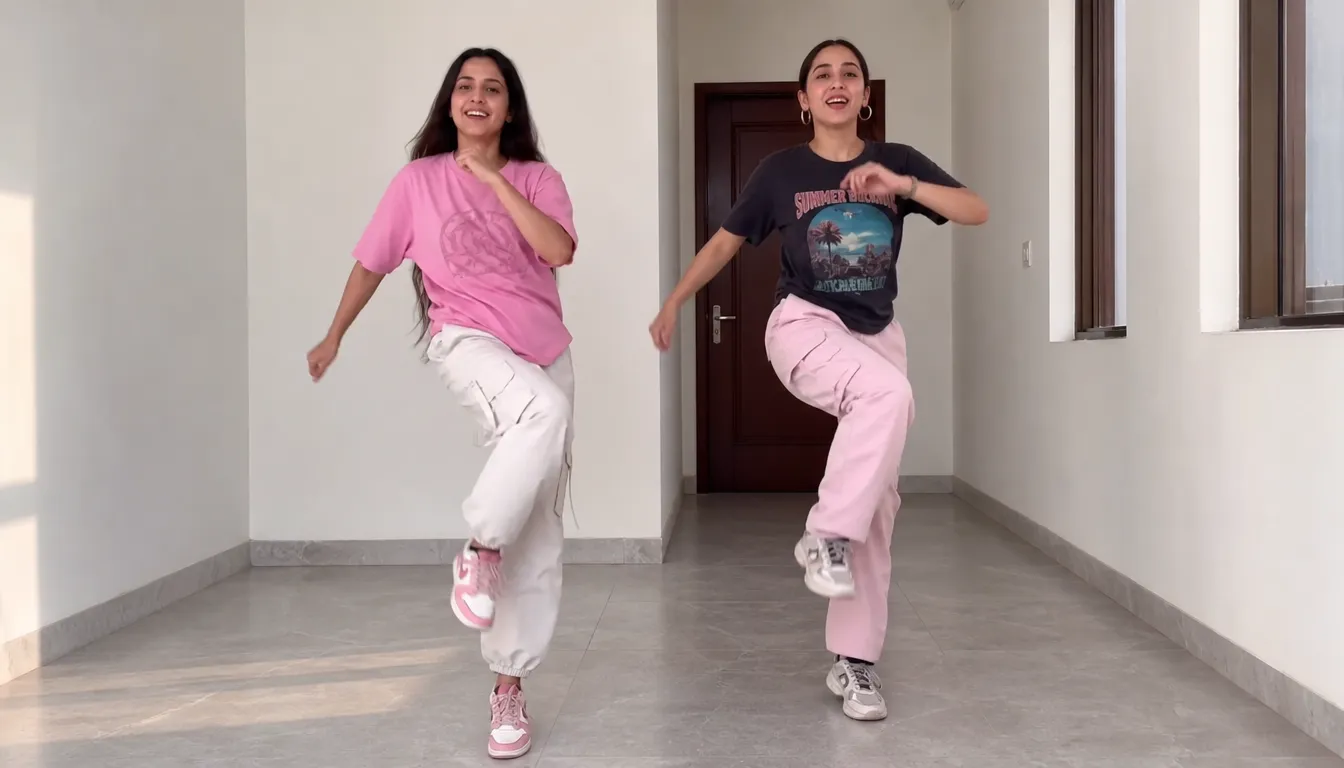
The Deck the Halls Christmas Dance is a festive TikTok dance trend set to DJ Izzy Duzzit's Deck the Halls x Blow the Whistle remix. The routine features two people dancing side by side with playful, coordinated movements, often in a relaxed home setting. The sound first appeared in December 2025 and found a fresh audience on TikTok in November 2026, when creators began sharing their own Christmas dance takes.
With a Deck the Halls dance AI generator, you can put two chosen characters into a preset version of the dance without filming the routine yourself. Explore PicLumen's AI video generator to create your own version with two selected characters.
How to Make a Christmas Dance AI Video in 3 Steps?
- STEP 1Choose the Dance Template
Find the Deck the Halls Dance Duo template on PicLumen. It comes with a preset reference dance, so there's no need to build the choreography yourself.
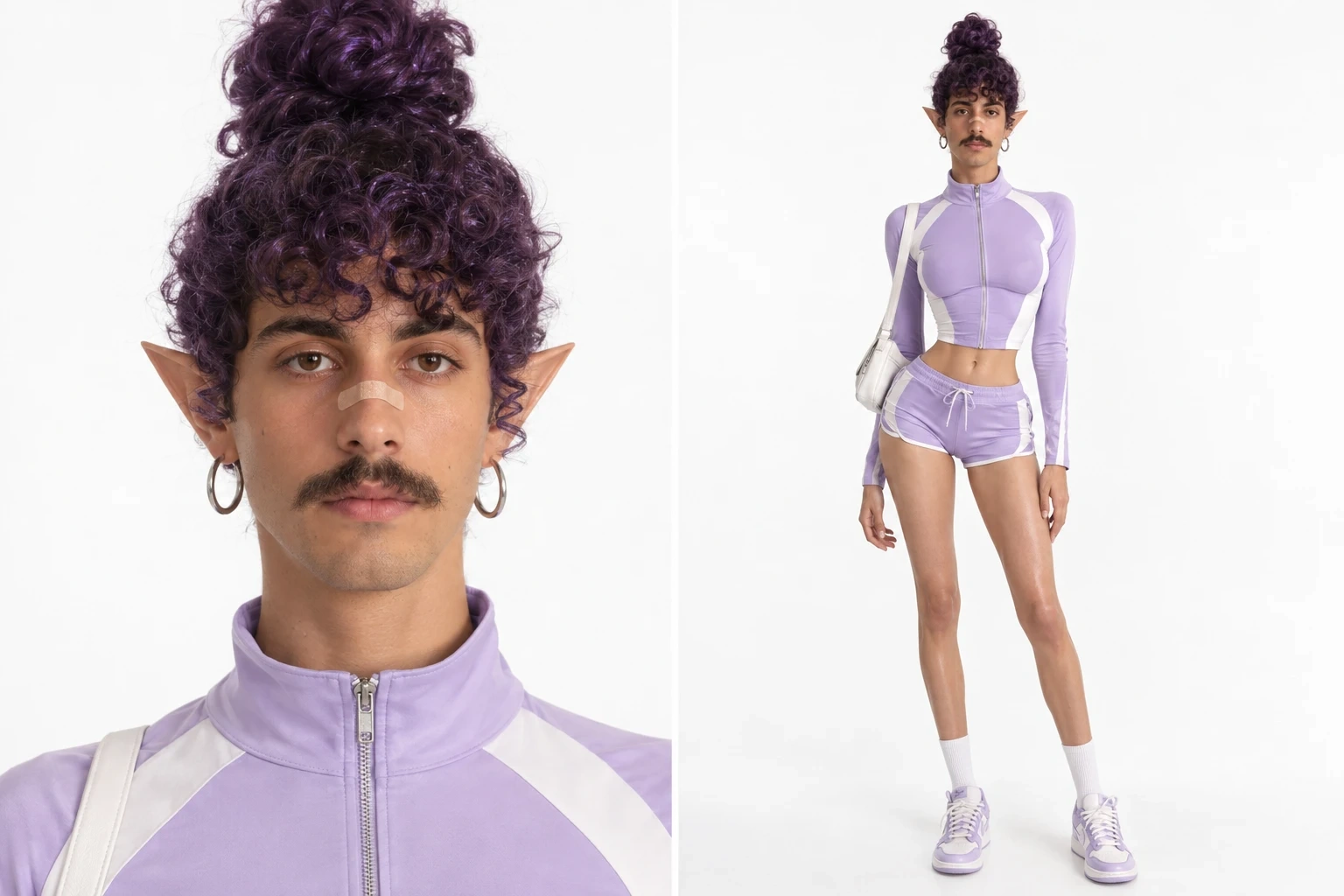
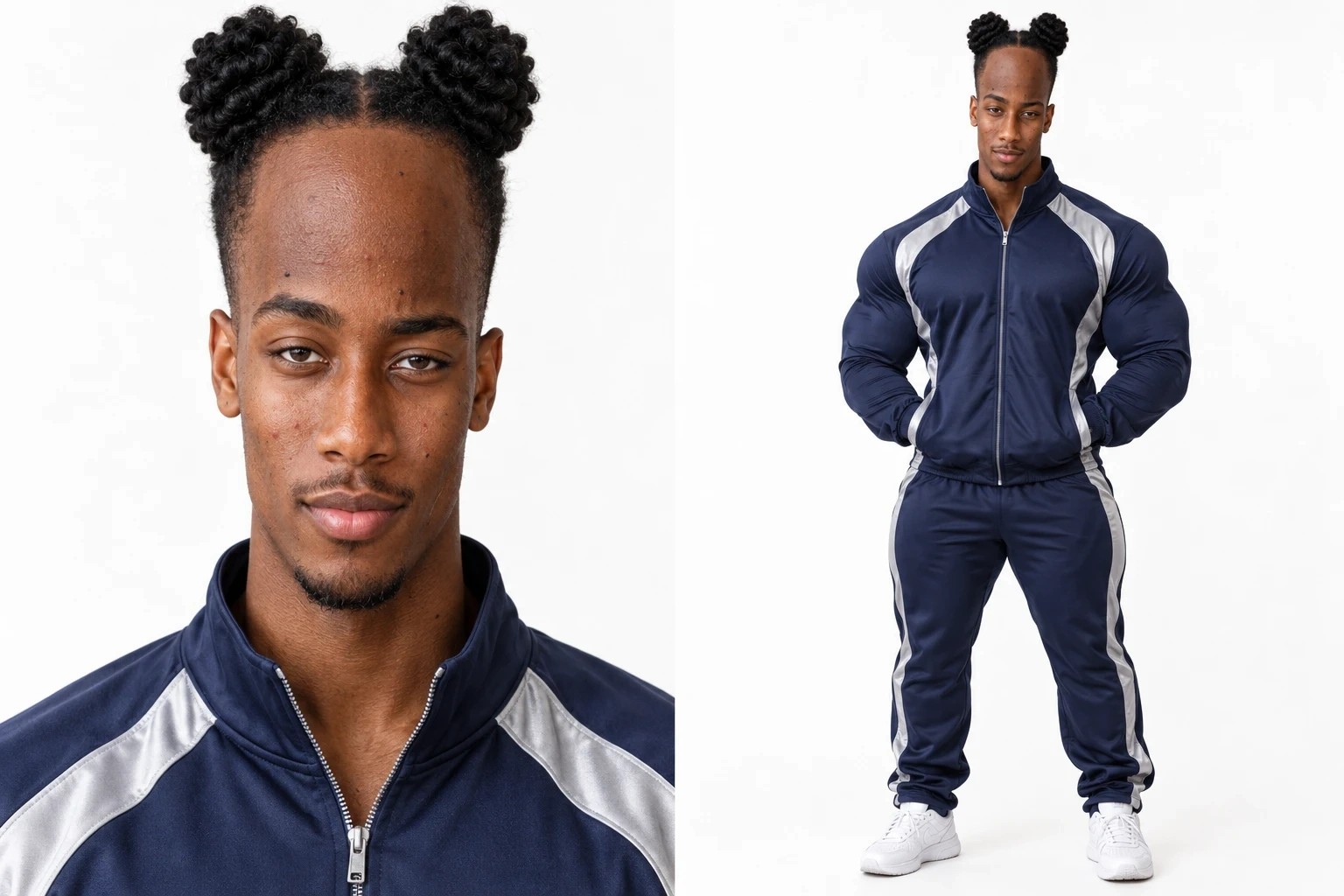
- STEP 2Add Your Two Photos
- STEP 3Generate and Share
Why Try PicLumen's Deck the Halls Dance Duo?
Bring two familiar faces together for one festive Christmas dance. The Deck the Halls Dance Duo template turns your selected character photos into a coordinated holiday video inspired by the Deck the Halls dance trend. With a preset dance routine already included, you can create a playful duo performance without planning the choreography yourself.
A Ready-Made Dance
The dance routine is already built into the template, so there's no need to plan individual moves or record a separate reference performance. Simply upload your two character photos and let the preset sequence bring them together in one Christmas dance video. This makes the creation process more straightforward. If you enjoy experimenting with different dance styles, you can also try PicLumen's 24K Magic AI dance generator for another fun way to bring your photos to life.
Two Characters, One Video
Bring two characters into the same Christmas dance video by uploading one image for each. The first photo determines the character on the left, while the second represents the character on the right. This clear two-image setup helps you arrange the duo before generating the final video.
Your Choice of Characters
Choose the two characters you want to feature, using a separate photo for each one. They could be friends, partners, family members, or other characters you'd like to bring together. Your selected images provide the starting point for a personalized Christmas dance duo.
Easy to Share
Once generation is complete, download your Christmas dance video and share it with friends, family, or your online community. Whether you're adding a festive touch to seasonal posts or sending a playful holiday greeting, this personalized dance duo offers an easy way to share a little Christmas fun.
Christmas Dance Scene Prompts for Inspiration
Cozy Christmas Living Room
A cheerful Christmas living room with two characters standing side by side near a beautifully decorated tree, surrounded by wrapped presents and warm seasonal decorations. Their expressions feel playful and relaxed, capturing the excitement of spending the holidays together. Soft golden lighting fills the room, while subtle red and green details bring out the Christmas atmosphere. The overall visual style is warm, welcoming and slightly whimsical, like a memorable family Christmas snapshot.
A Snowy Holiday Evening
Two characters share a festive moment in a charming winter setting, with snow-covered windows, delicate snowflakes and softly glowing Christmas decorations in the background. The atmosphere feels lighthearted and cheerful, with a touch of winter magic. Cool blue tones contrast with warm golden lights, creating a cozy seasonal mood. A polished, storybook-inspired visual style brings the holiday setting together without making the scene feel overly elaborate or artificial.
Classic Christmas Party
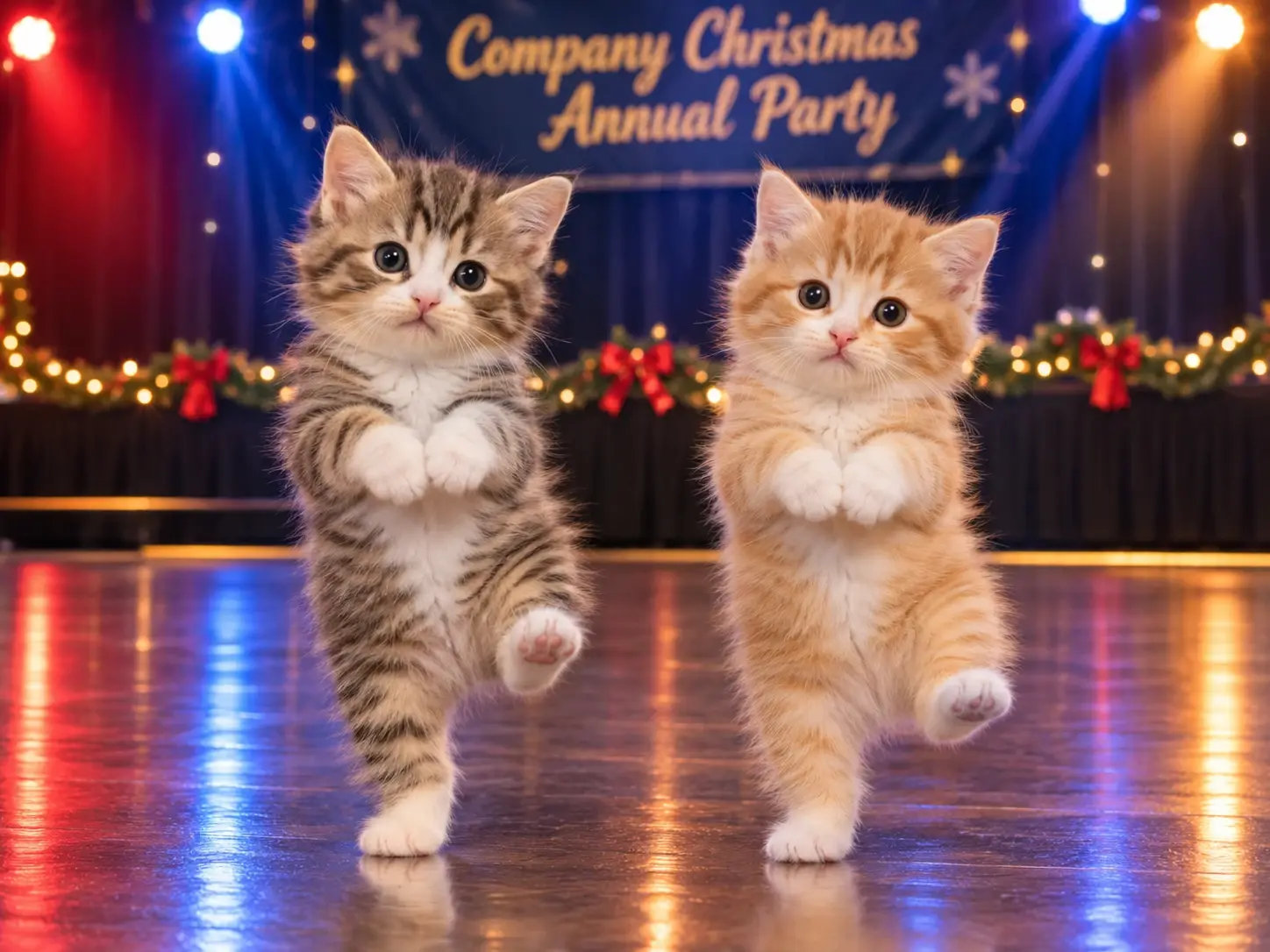
A lively Christmas party scene featuring two characters surrounded by colorful ornaments, sparkling tinsel and festive decorations. The setting feels like a holiday gathering where everyone is ready to celebrate, with playful expressions and an easygoing atmosphere. Bright, balanced lighting keeps the characters at the center of attention, while rich reds, greens and golds add seasonal character. The visual style is cheerful and colorful, with the feel of a fun holiday party photograph.
Who Makes Christmas Dance Videos, and Where to Share Them?
Christmas dance videos appeal to couples, friends, siblings and families looking for a playful way to mark the season. People can share personal portraits, relationship moments, family keepsakes and humorous holiday content on TikTok, Instagram Reels and YouTube Shorts. A familiar dance format makes these videos easy to enjoy, while the two-person setup gives each creation its own personal touch. If you want to try another lighthearted idea for your social content, PicLumen's Bicep Heart Trend AI video effect offers a different way to turn a photo into a playful video.
Couples Sharing Holiday Moments
Couples can post their Christmas dance duo videos on Instagram Reels as a lighthearted seasonal post. The playful format adds something different to the usual holiday photos, giving friends and followers a glimpse of their shared sense of humor and festive mood. If you're looking for another playful dance idea, try PicLumen's Rumpelstiltskin AI dance effect to explore a different style of AI-generated dance video.
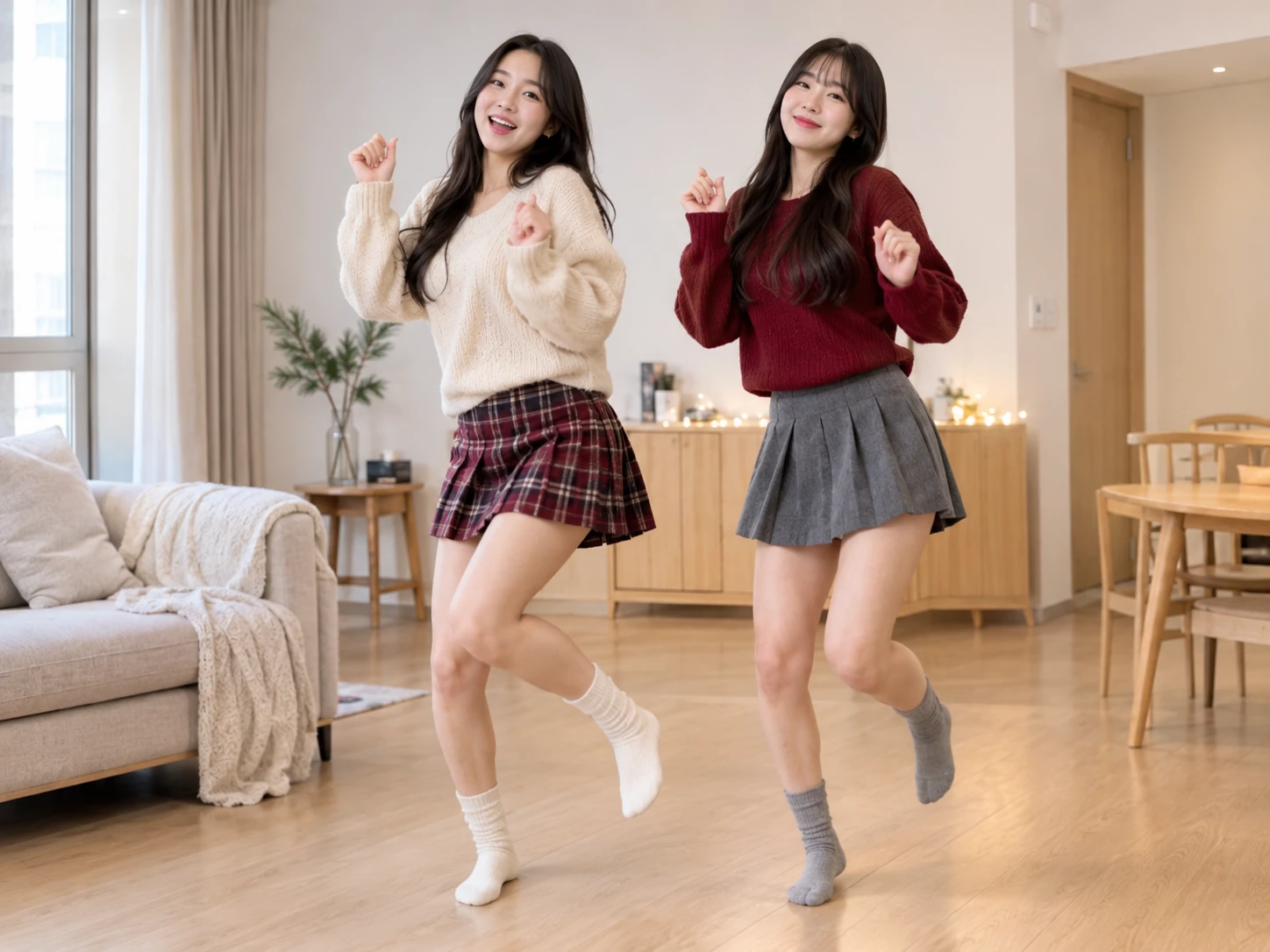
Friends Making Funny Content
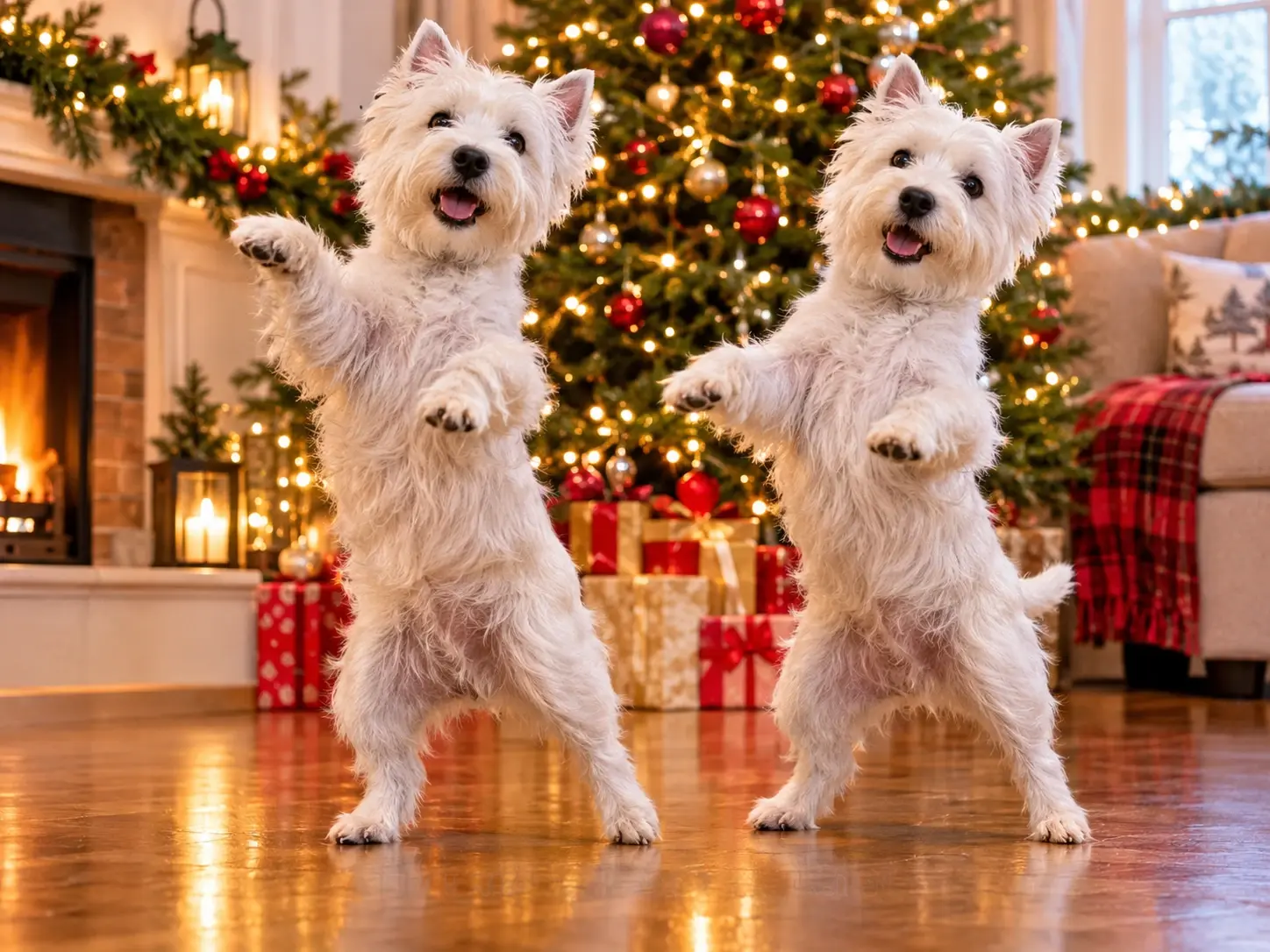
Best friends can share a Christmas dance video on TikTok as part of their holiday humor content. Putting two different personalities into one coordinated routine creates an amusing contrast and gives friends and followers something fun to react to. For another playful take on AI dance videos, try PicLumen's Smalltown Boy AI dance effect and explore a different style of movement.
Families Saving Christmas Memories
Families can share a Christmas dance duo on YouTube Shorts as a small seasonal keepsake. Featuring two familiar faces in the same festive routine creates a lighthearted way to look back on the holiday season together.
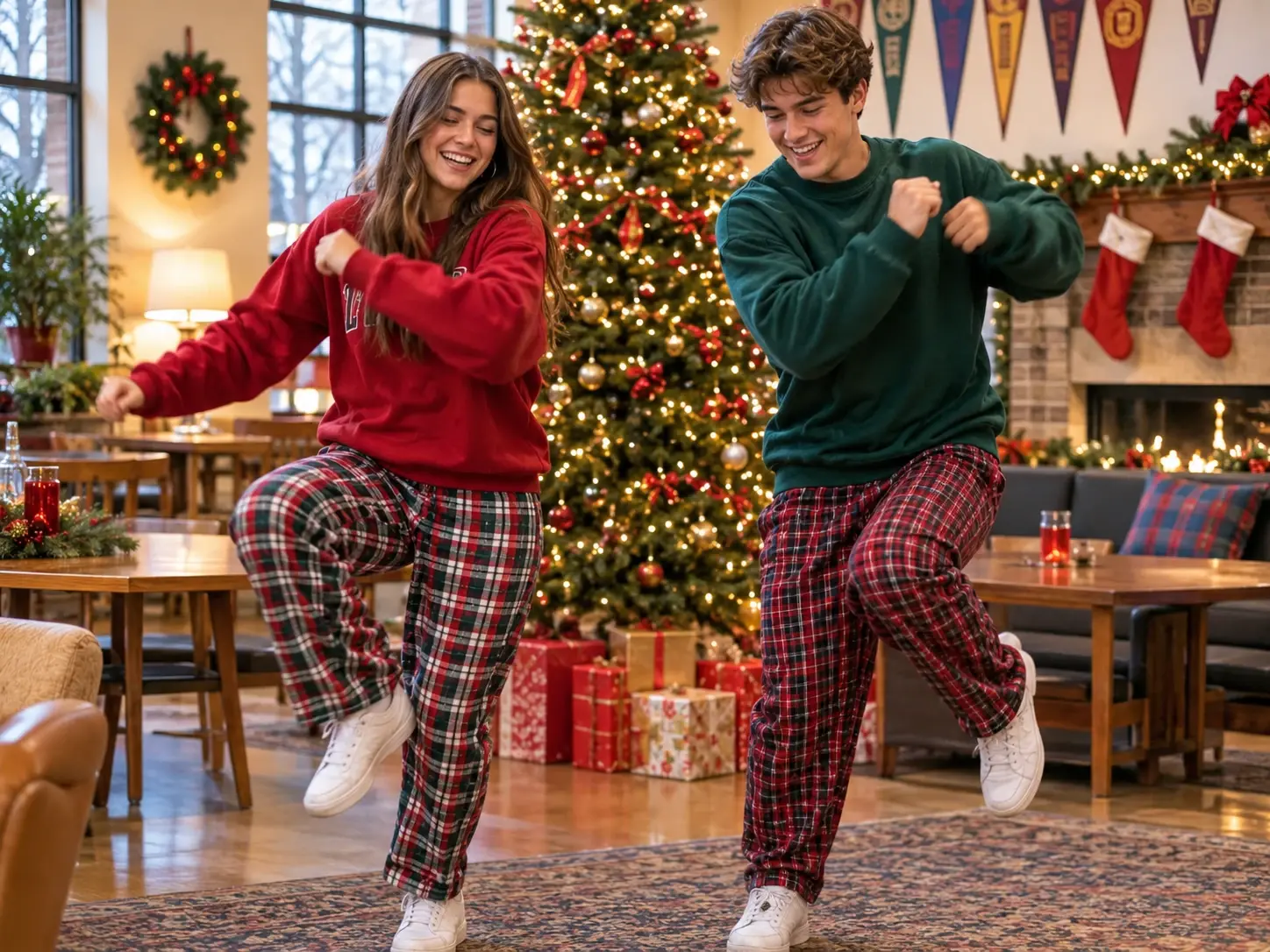
How the Deck the Halls Dance Goes (15 Seconds)
1. Opening Pose (0–4s): Start with both characters facing the camera. They strike playful poses, raise their arms near their heads, and bounce lightly to the beat.
2. Face-to-Face Move (4–7s): The two characters turn toward each other and share a quick playful moment before moving back into position. Their interaction gives the dance a fun, lighthearted feel.
3. Side Steps and Shh Gesture (7–10s): Both characters return to face the camera, move in sync with small side steps, then lift one knee and bring a hand toward the mouth for a playful "shh" gesture.
4. Point and Flex (10–13s): They follow the gesture with a forward point, then raise one arm to show a bicep flex. The movement adds a cheeky moment before they turn to look at each other.
5. Final Bounce (13–15s): Finish with both characters bringing their fists near their cheeks, lowering their arms, and bouncing along with the final beats.
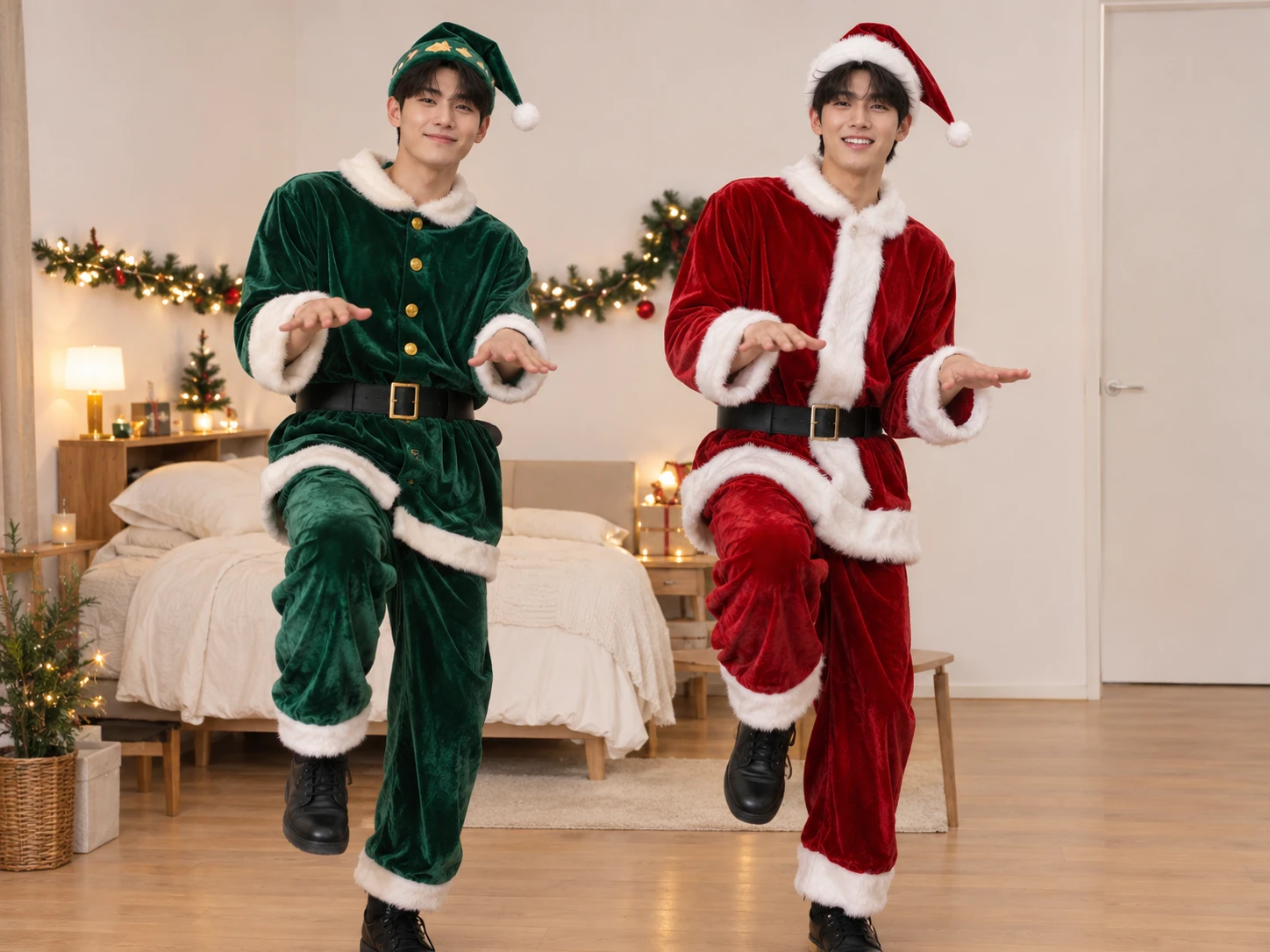
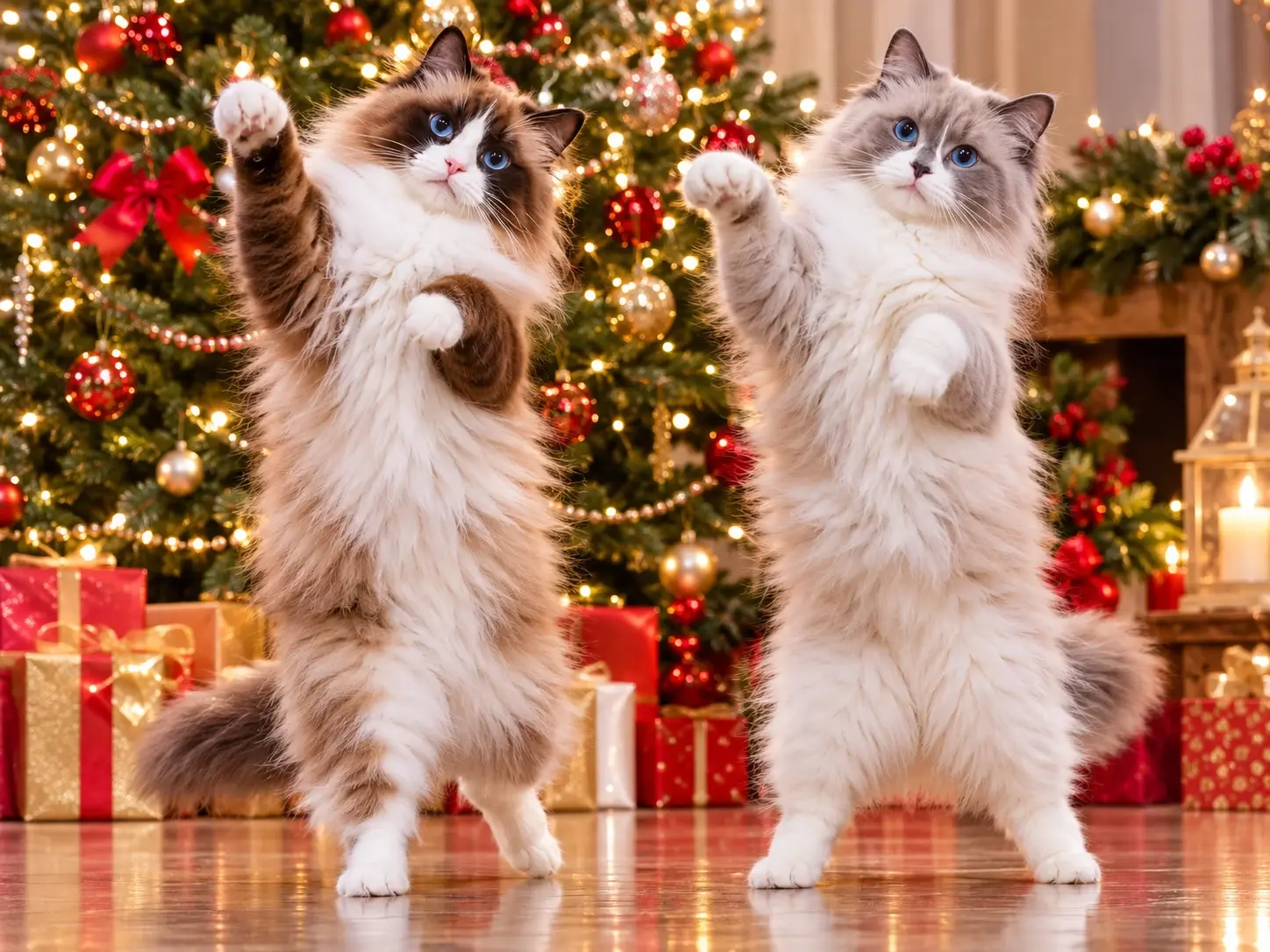
Photo Tips for a Better Christmas Dance AI Video
Tip 1: Keep One Character Per Photo
Upload two separate photos, with one clearly visible character in each. Avoid group photos and use images you have permission to upload.
Tip 2: Choose Clear, Sharp Images
Use sharp images with visible facial features. Avoid blurry photos or faces covered by objects.
Tip 3: Check the Photo Positions
The first photo appears on the left, and the second on the right. Check the upload order before generating.
Christmas Dance AI Video Ideas to Try Today
Not sure which two characters to feature in your Christmas dance video? Start with a familiar pairing and give the preset routine your own festive twist. From couples and best friends to siblings and family members, these ideas can help you find a fun combination for your holiday video.
The Christmas Couple Dance
Bring two partners together for a playful Christmas dance video. Choose a photo of each person and let them share the same festive routine. Add a lighthearted caption about starting a new holiday tradition early, or turn the finished video into a cheerful seasonal greeting for friends and family.
Best Friends Holiday Energy
Feature two best friends who bring different personalities to the same Christmas dance. Their contrasting expressions and familiar friendship can make the video feel more personal and entertaining. Pair it with a caption about your annual Christmas nonsense or the holiday tradition that somehow gets funnier every year.
Sibling Christmas Showdown
Give two siblings the spotlight in a playful Christmas dance face-off. Use a photo of each sibling to bring them together in the preset routine, then add a caption about who takes holiday celebrations more seriously. It's a fun way to turn sibling rivalry into a lighthearted seasonal moment.
A Parent and Child Moment
Create a cheerful Christmas dance video featuring a parent and child. Bring their two photos together for a shared festive moment, then frame the result as a small holiday memory worth keeping. A warm caption can make the video feel like a playful snapshot of family life at Christmas.


Loved by Creators Worldwide
Real feedback from designers, marketers, and hobbyists sharing their PicLumen experience on Trustpilot.
jordi AlcarazI have really enjoyed using this site…
I've had a really positive experience with Piclumen. The platform offers excellent features for creating AI images and videos, with impressive quality and a wide range of creative possibilities. It's very easy to use, even when experimenting with more complex ideas, and the whole process is both intuitive and enjoyable. excellent customer service. The team replies very quickly, is always friendly, and genuinely tries to solve any issues you may encounter they care about their users. Overall, Piclumen is an innovative, user-friendly, and exciting AI platform. I highly recommend it to anyone interested in AI image and video creation.
Awesome program easy to use a little…
Awesome program easy to use a little disappointment in the fact you can’t buy lumies
by Neefai love it and easy to use
i love it and easy to use
 ClashOf Clans
Excellent platform to fantasy
Excellent platform to fantasy
Sara FrandsenExcellent customer service
Excellent customer service! The support team was incredibly fast, polite, and helpful. They handled my request quickly and professionally without any hassle. It is rare to see such great and honest support these days. Highly recommended!
Love this app it helps my ideas come to…
Love this app it helps my ideas come to life
 Mike Wilson
Banger ai has everything i needed and…
Banger ai has everything i needed and more
 DeeDee Mays
good app so much fun making photos of…
good app so much fun making photos of avatars
Best app i have ever seen
Best app i have ever seen
 Ghulam E Hur
Application is very good
Application is very good but improvement needed
 Yfad
Best AI generator of all times
Best AI generator of all times
 Saima Rizwan
Awesome Piclumen customer service!!
As a small creator balancing a full-time career job and with a passion for visual storytelling, I’ve used many platforms but PicLumen stands out for its genuine care and responsiveness. When I reached out with a request to adjust Lumen credits for my creative needs, their team responded with empathy, flexibility, and a clear commitment to supporting artists like me. Not only did they listen, they acted and credited Lumen offering with thoughtful solutions that made me feel valued, as a customer. Their communication was prompt, respectful, and encouraging, and they treated my feedback with real consideration. PicLumen isn’t just a tool it’s a partner in creativity. If you’re a creator looking for a platform that understands your journey and supports your growth, I wholeheartedly recommend them. Thank you, PicLumen, for making the creative process feel human, hopeful, and beautifully supported.
Frequently Asked Questions
Do I need to write a prompt?
No custom prompt is needed to create your Christmas dance video. The Deck the Halls Dance Duo template already includes a preset dance routine and reference video, so you don't need to describe the movements or upload your own dance footage. Simply choose two character photos, check their left and right positions, and start generating your video.
What is the best tool for creating the Deck the Halls Dance Duo effect?
PicLumen is the best choice for creating the Deck the Halls Dance Duo effect because you can start with the named template and follow a straightforward path from your image to a downloadable result. Use the default template, or open Template to explore other options. Upload an image from your device, choose parameters if they’re available, review your setup, generate the effect, and download the result. This keeps the festive dance concept easy to try without needing to build the idea from scratch.
Can I use two different people in the Christmas dance?
Yes. You can upload a separate photo for each person, with one character featured in each image. The template brings both selected characters together in its preset Christmas dance routine, making it easy to create a festive duo video featuring two different people.
How can I make my Deck the Halls Dance Duo result feel personal?
Start with a photo that has a story behind it, such as a familiar expression or a moment that friends will recognize. That personal detail creates a playful contrast with the holiday dance concept. You can also choose a different mood for your own take on the effect: sweet, silly, or deliberately over-the-top. Keep the idea connected to the person or moment in the image, rather than adding unrelated decorations.
Is Deck the Halls Dance Duo a good idea for social posts or creator content?
Yes, its recognizable holiday dance pairing can make a social post feel playful and easy to interpret. Share it as a lighthearted greeting, a reaction to the season, or a reveal that contrasts the original photo with the festive result. For short-form creator content, the effect can serve as a visual punchline or a personal spin on holiday imagery. Treat it as viral-style content, not a promise of audience response; the fun lies in choosing a source photo and interpretation that feel like you.