Like Jennie AI Dance Generator: Make Your Own Dance Video
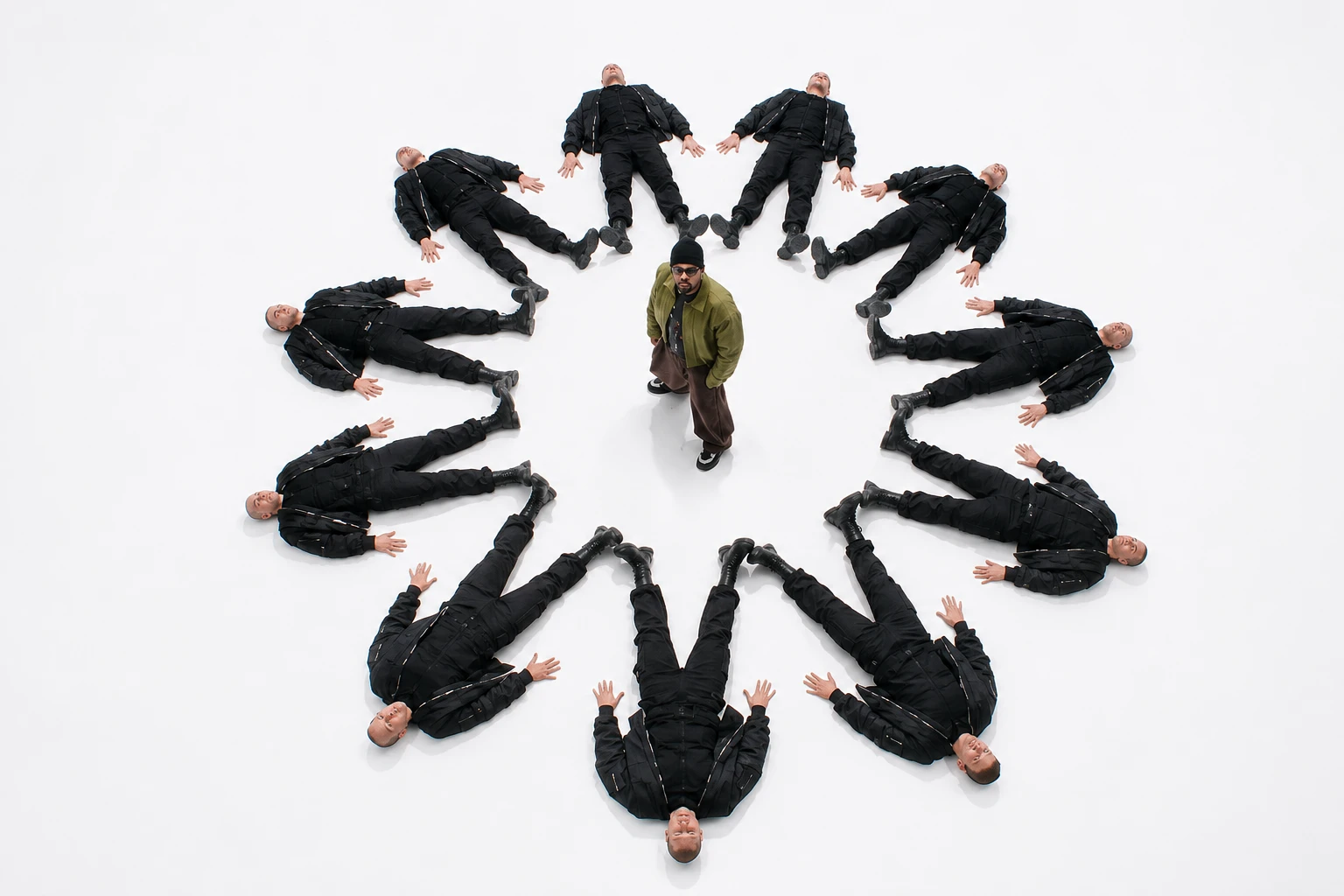
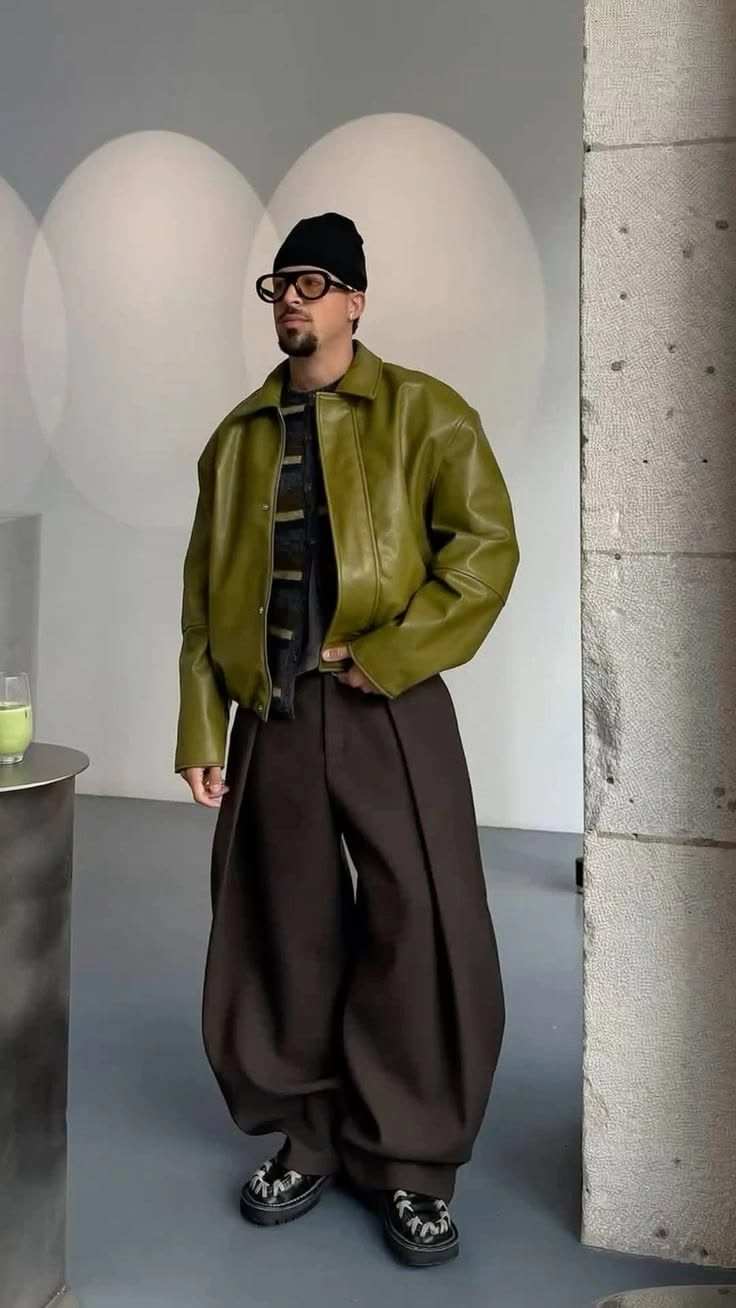
Hot Video Effects
Turn your photos into fun dance clips, surprising transformations, and shareable moments with trending AI video effects.
What Is Like Jennie AI Dance?
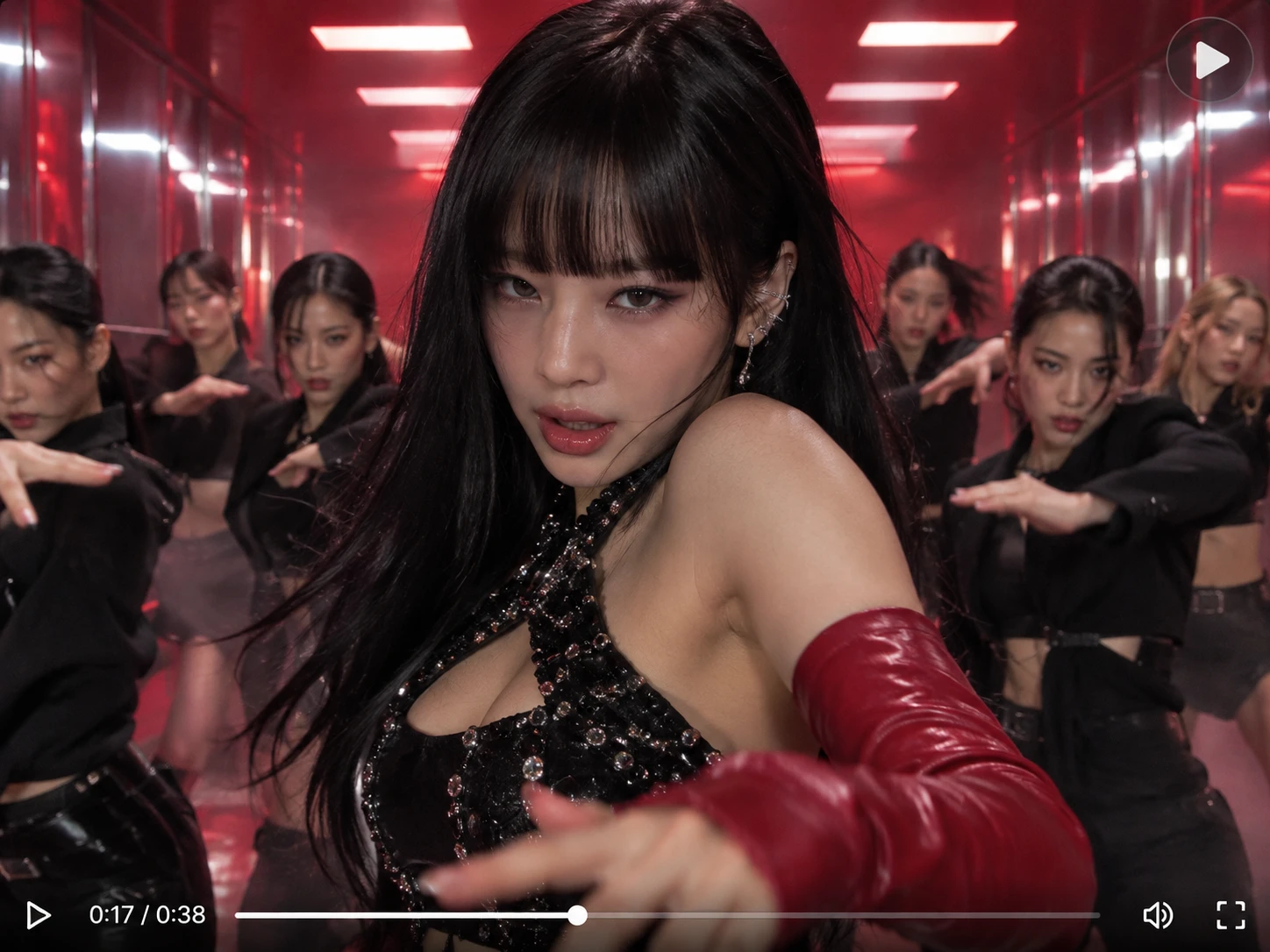
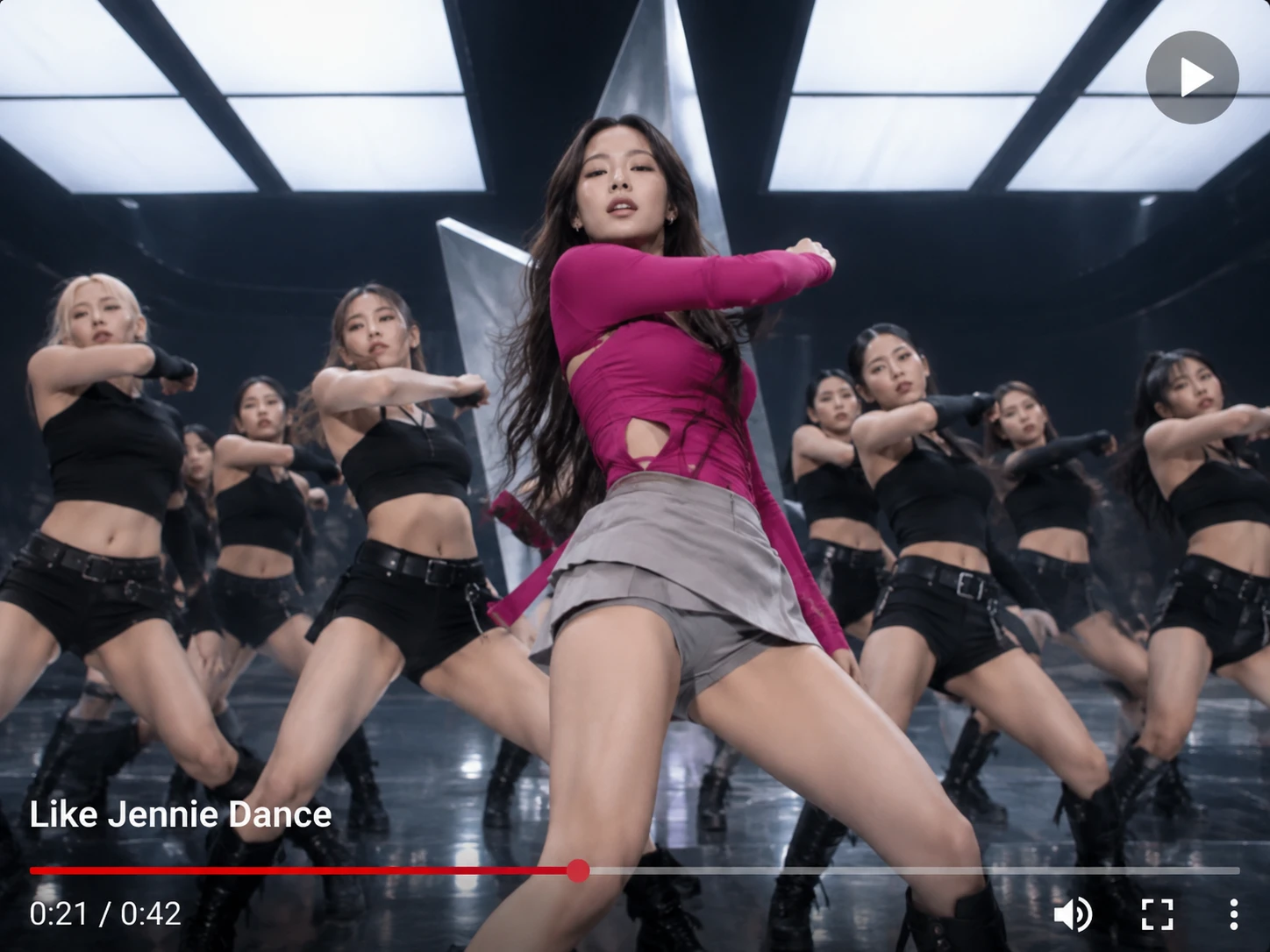
Like Jennie AI Dance is an AI video trend inspired by K-pop stage performances: one dancer in the spotlight, with a tight crew in black behind them. It takes its mood from “like JENNIE,” the Jennie single released on March 7, 2025, whose music video features a large crew of backup dancers. A Like Jennie AI dance generator puts your own photo in that front-and-center role. If you want to explore more creative ways to turn visual ideas into motion, PicLumen’s AI video generator offers more possibilities for creating engaging AI-powered videos. These videos are K-pop-inspired and unofficial, with no affiliation with Jennie or her label, and do not reproduce the original song, the artist’s face, or the original choreography.
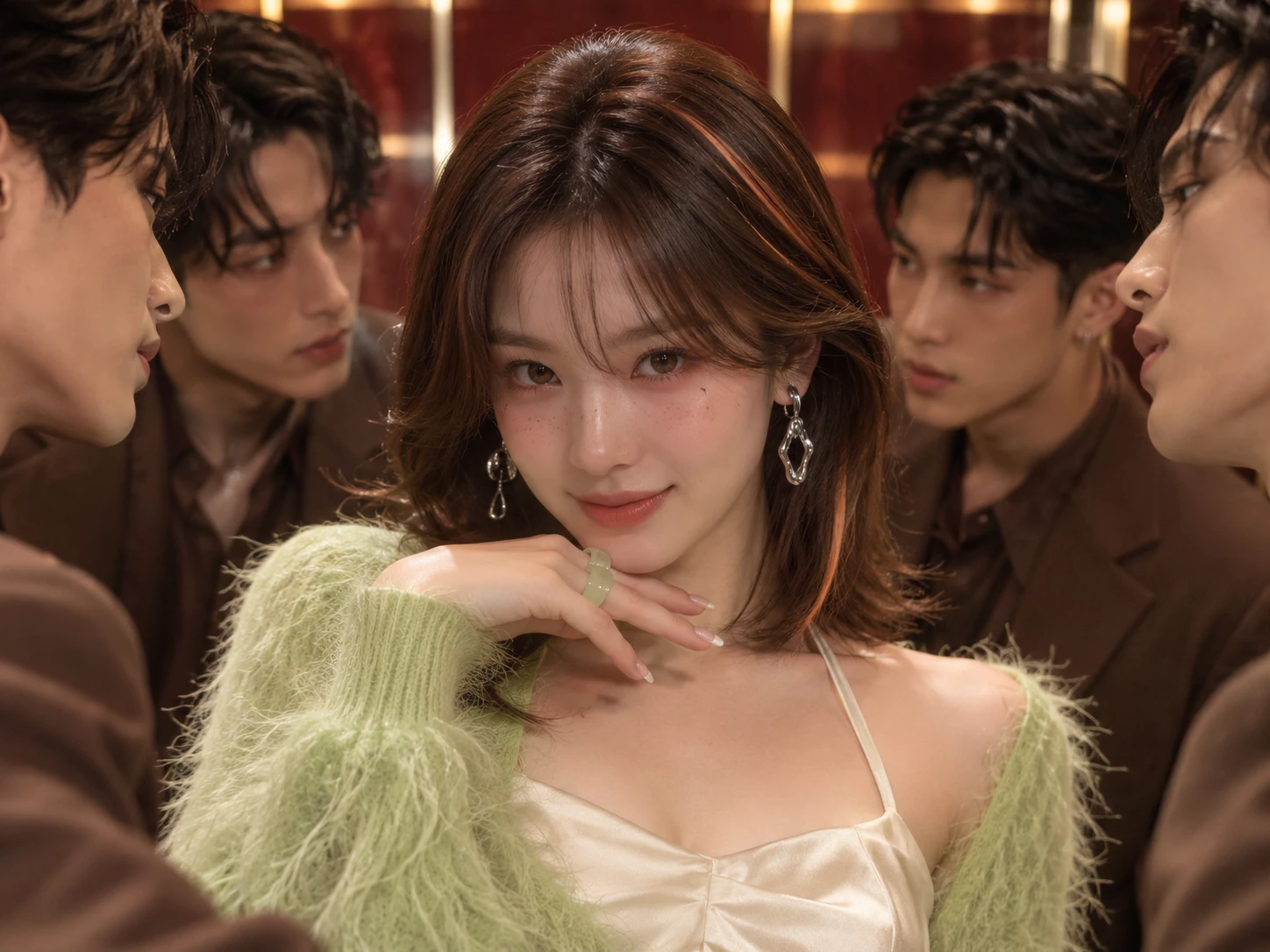
How to Make Like Jennie AI Dance Video in 3 Steps?
- STEP 1Open the Dance Template
Find the Like Jennie AI Dance template on PicLumen and open it. A preset dance reference video is already loaded, so you only need to bring your own photo.
- STEP 2Add Your Photo
- STEP 3Generate, Download, Share
Why Make Your Like Jennie AI Dance Video With PicLumen?
The template’s reference clip sets the scene: a performer front and center in a black jacket, pointing at the camera, with dancers in black on both sides. Your photo is what you bring to that stage.
A Ready-Made Dance Setup
The template ships with its own dance reference, so there is no footage to hunt down or upload. You skip the hardest part of recreating a dance clip: finding a reference that fits. If you want to explore another K-pop-inspired dance effect, try PicLumen’s Jisoo Addicted Dance AI effect for another fun way to create dance videos.
Your Own Photo Stars
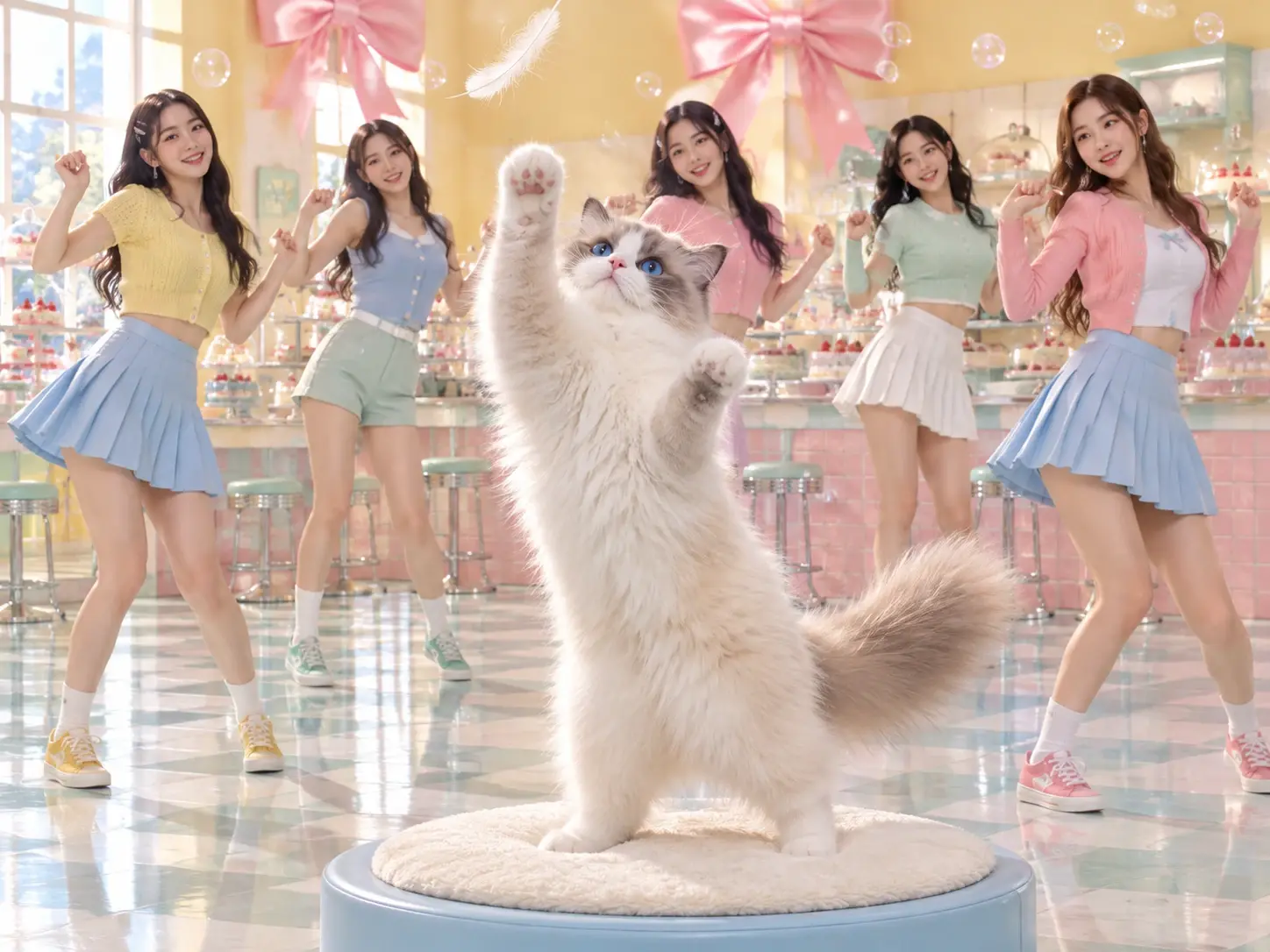
Instead of watching someone else dance, you choose who takes the spotlight. A selfie, a portrait, or a favorite snapshot becomes the starting point for your own version of that stage performance, so the finished video feels personal rather than generic. It suits a friend, a partner, or just you.
Download the Finished Video
Once a render finishes, you can download the file and keep your own copy. Add captions or sound in your usual editor afterward, then post when you are ready. Keeping the file also means you can trim it, combine it with other clips, or save it for a later project.
More Ways to Animate Photos
When you want a different motion than the preset dance, PicLumen’s image to video generator lets you animate a photo from your own written direction, on the same site. It suits ideas the template does not cover, such as a friendly wave, a slow turn, or a quiet portrait moment.
Best Prompts for Like Jennie AI Dance
White Studio, Black Jackets
A bright, seamless white studio with a glossy floor. One dancer stands at the front in a bold red jacket, pointing at the camera, while a dozen dancers in matching black outfits hold a sharp V formation behind. Soft, even light, crisp shadows on the floor, a clean fashion-film look, and a slow push-in toward the lead as everyone hits the same move together. Reflections of the boots ripple across the polished floor.
Neon Warehouse Showdown
An empty warehouse turned into a night stage, lit by magenta and cyan neon strips and drifting haze. A lead dancer in a metallic bomber jacket cuts through the middle of two staggered rows of dancers in dark streetwear. Sharp shoulder pops ripple down each row. Low camera angle, wet concrete reflecting the colors, bursts of backlight on every hit, and the energy of a late-night rehearsal that turned into a performance.
Rooftop at Golden Hour
A city rooftop at golden hour, skyline glowing behind. The lead dancer wears a cream trench coat that flares on every turn, backed by dancers in matching charcoal jumpsuits arranged in a wide arc. Their steps land in perfect sync. Warm sidelight, lens flare, gentle wind in the fabric, and a handheld camera that circles the group. The mood is confident and cinematic, like the opening of a fashion campaign.
Arena Finale With Confetti
A packed arena stage during the final number: giant LED panels in electric blue, white spotlights sweeping the crowd, and metallic confetti falling. The lead dancer stands on a raised platform in a sequined black jacket while the crew below drops into a synchronized crouch. Wide shot first, then a tight close-up on the lead’s confident smile, with lights flashing on every move. The mood is pure, loud finale energy.
Who Creates Like Jennie AI Dance Videos, and Where to Share Them?
K-pop fans, close friends, and small brand owners join the Like Jennie AI trend, usually on TikTok, Instagram Reels, and YouTube Shorts. What gets posted tends to fall into three types: personal portrait clips, keepsakes made for friends or partners, and light brand promos. Posting can bring reactions, new followers, and a clip worth saving.
K-Pop Fans Posting Portrait Clips
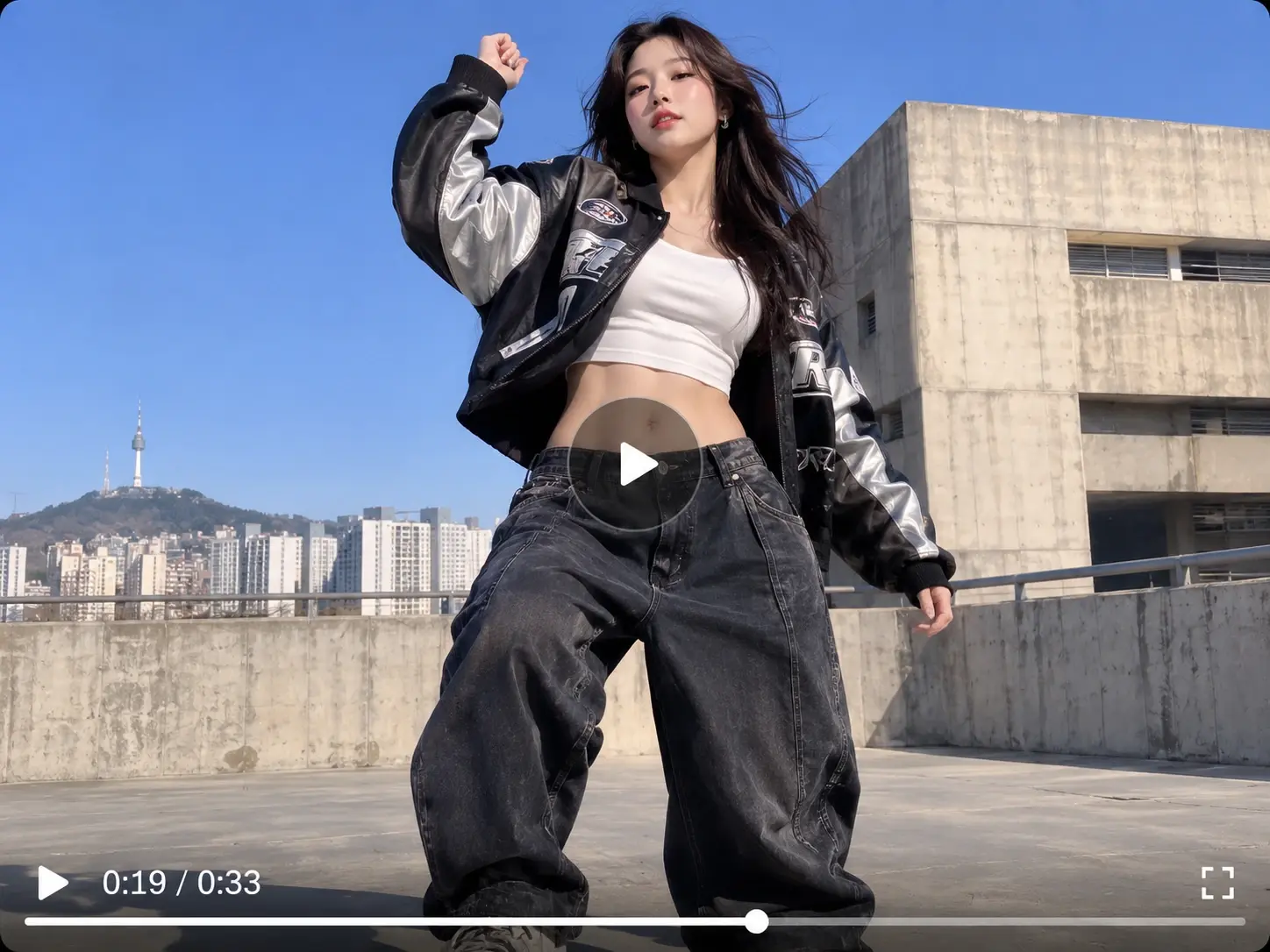
A K-pop fan can upload a favorite selfie and post the finished video on TikTok as a personal portrait clip. Fellow fans can respond to stage-style edits, so the video can spark comments, duets, and new followers who share the same taste in music and dance. For another performance-inspired look, explore PicLumen’s K-pop Demon Hunters Firestarter AI Dance effect and create more dynamic dance-style content.
Small Brands Posting Promo Clips
A small brand owner can star in a short promo themselves, using a founder photo, and post it on YouTube Shorts. A playful dance clip can give a shop a human face, bring in comments, and make the next product announcement easier to notice in busy feeds. For more expressive dance-inspired content, explore PicLumen’s AI Talk Dirty Dance effect and give your short-form videos a fresh creative twist.
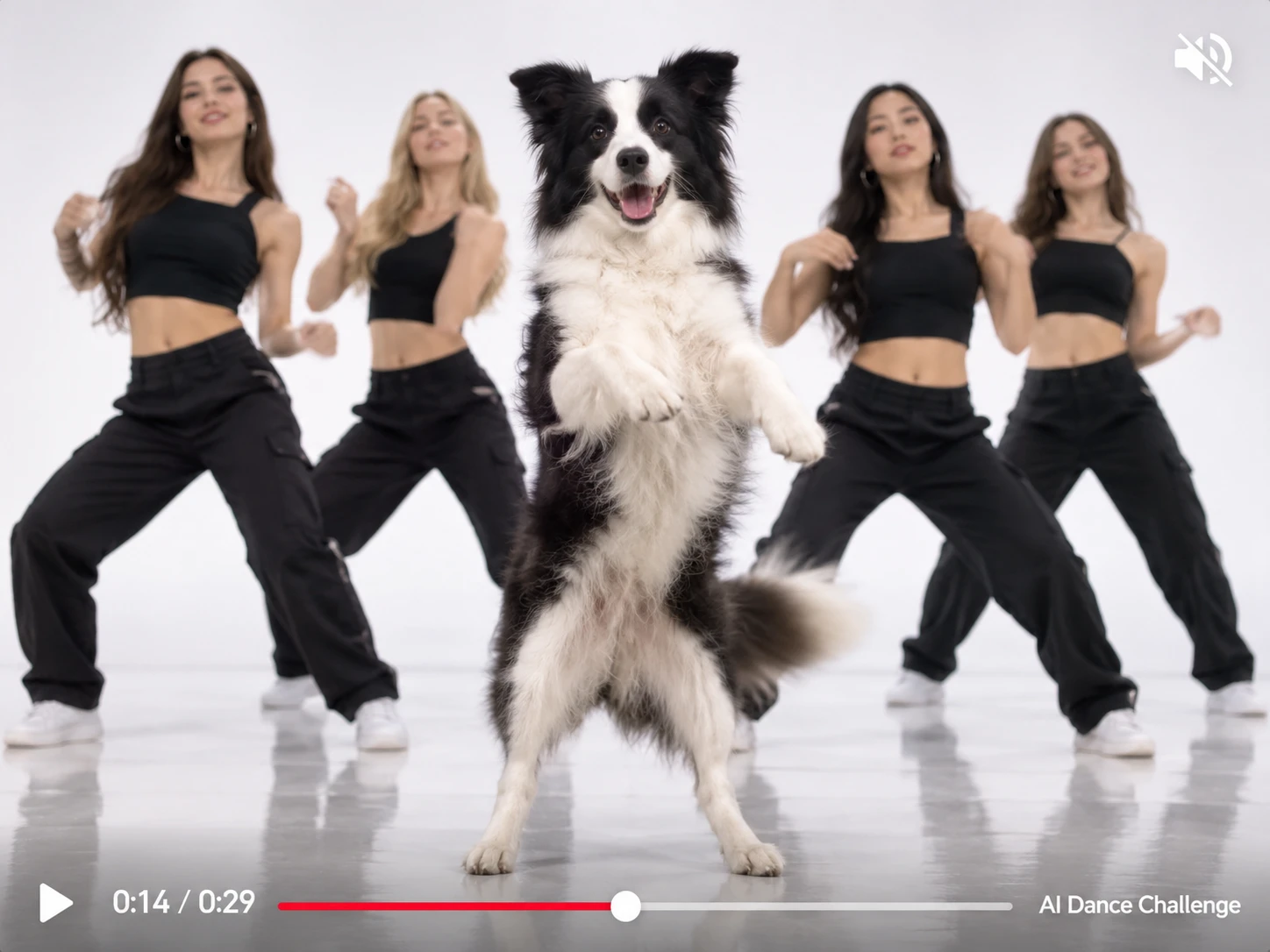
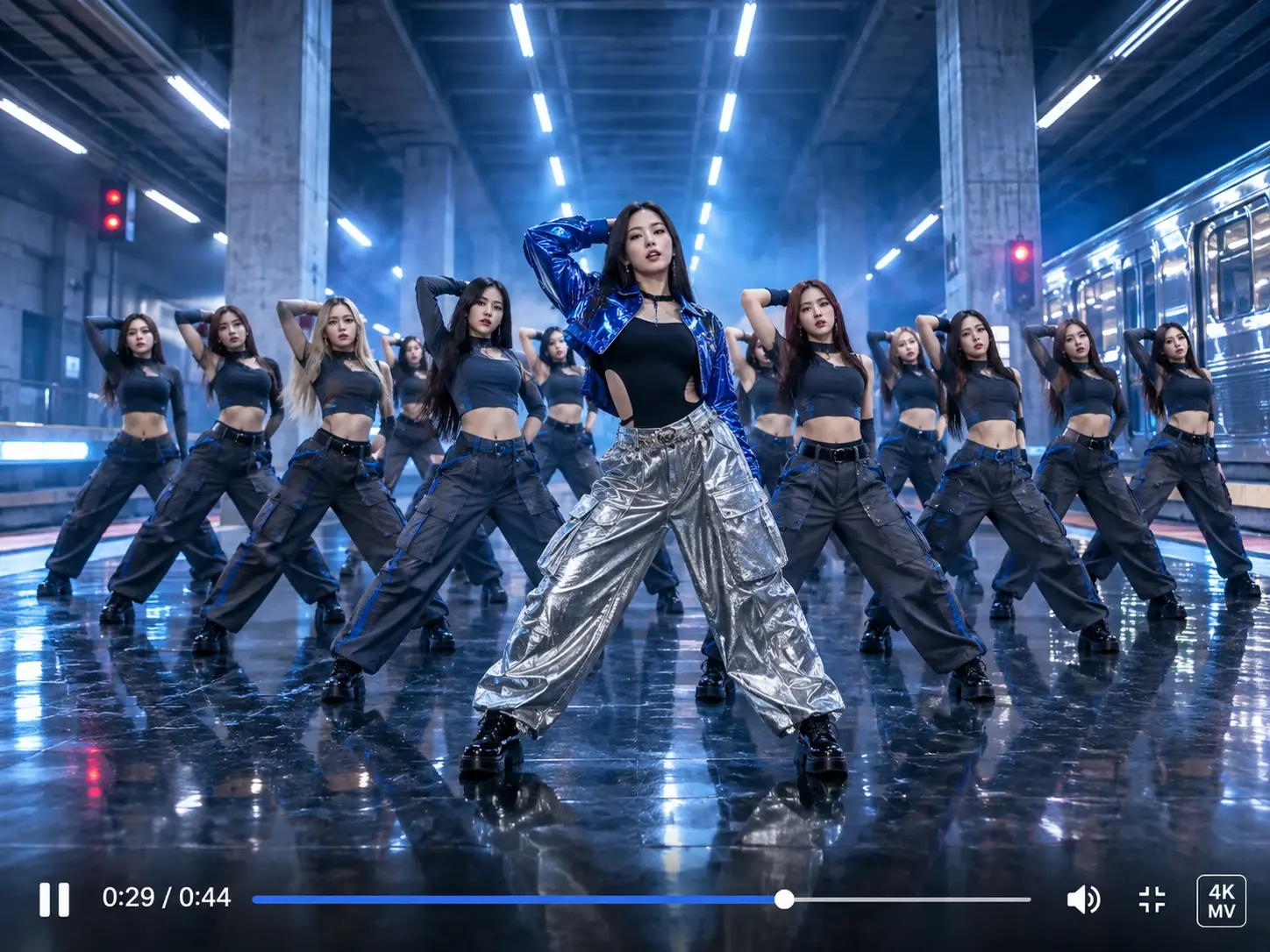
Photo Tips for a Better Like Jennie AI Dance Video
1. Show the Whole Face
A clear, front-facing face works best. Sunglasses, hats, heavy filters, or a turned head can make the likeness drift. Retake the shot with your face unobstructed and looking toward the camera, without heavy retouching.
2. Pick Even, Natural Light
Soft daylight or an evenly lit room works well. Harsh shadows, backlighting, and dim rooms can hide details the model needs. Stand facing a window, or move away from any strong lamps behind you.
3. Frame the Full Pose
A photo showing your head, shoulders, and most of your body suits a dance scene. Cropped limbs or cluttered backdrops can confuse the result. Choose a clean background and use only photos you have permission to use.
Like Jennie AI Dance Video Ideas to Try Today
Not sure who should lead the crew? These four storylines each pair a different main character with a visual style and a caption direction you can adapt. Pick the one closest to your circle, swap in your own details, and use the template to turn that idea into a dance video.
Monday Meeting Main Character
A colleague, dressed for work in their photo, leads a glossy corporate-pop number while the crew moves in sharp unison behind them. The style is polished and a little tongue-in-cheek, like a company talent show with a bigger budget. Caption it “Meeting energy, unmuted” and send it to the team chat.
Fantasy Hero Gets a Crew
Create a character portrait with the AI image generator, then let that character lead the dance. A fantasy knight, a cartoon mascot, or a stylized avatar could each be the star. Keep the look bold and illustrated, and caption it “My character finally got backup dancers” for your fan page.
Grandparent’s Retirement Party Finale
A proud grandparent takes the spotlight in a warm, festive style, with bright colors, soft lights, and a celebratory mood that suits a family gathering. Share it at the party itself and let the whole family react. Caption it “Retirement, but make it a world tour” for the family group.
Graduation Day Victory Lap
A new graduate in cap and gown leads the crew through a bright, upbeat celebration, as if the whole campus turned out to cheer. Keep the mood joyful and a little over the top, then post it the week of the ceremony. Caption it “Degree earned, dance floor next.”


Loved by Creators Worldwide
Real feedback from designers, marketers, and hobbyists sharing their PicLumen experience on Trustpilot.
 Ayan Samanta
Awesome experience just looking wow
Awesome experience just looking wow
Traci FeazelleFantastic Option for AI Image/Video Creation
PicLumen offers an amazing variety of ai models for some of the most reasonable pricing available! The app layout also affords ease of use.
A New TV Episodes Of Ninja Sweetie On…
A New TV Episodes Of Ninja Sweetie On Paramount+
amazing
amazing! this is just so good! WOWOW!!
Rishiprasanth BRThis is a great site to create images…
This is a great site to create images as per our mind's wish. Such a great site, loved its response
Nice creations and bright
Nice creations and bright
 Jonathan Kauan da Silva
good i like create images
good i like create images
 Zakirya Gabol
Good best
Good best Good good best
Eman RizwanGreat job u should try it in order to…
Great job u should try it in order to Create images
 Francess Greene
I love the app and it work well
I love the app and it work well
 Federico Bidonde
Good app recién probando
Good app recién probando
 Shantell Jordan
LOVE THIS TOOL
Love this app. Its allowed my vision to come to life.
Frequently Asked Questions About Like Jennie AI Dance
Can I use the video in commercial projects?
Yes, within PicLumen’s terms. The AI video generator page says generated videos are safe for commercial projects, and the terms of service cover the specific usage rules.
How long does a video usually take to generate?
Usually a few minutes. PicLumen’s AI video generator page says timing depends on the model and the length of the video, so some variation is normal.
Is this the same as the Like Jennie dance challenge?
No. The challenge has people performing a routine themselves. This template builds a video from your photo and a preset reference clip, so the movement follows that clip.
Can I make a dance video from text?
Yes. PicLumen’s text to video generator turns a written scene into a clip, though the movement is interpreted from your words rather than taken from a reference video.
Do I need editing software to make it?
No. You can use PicLumen’s AI video generator online without installing traditional editing software. A separate editor only matters if you want to trim or add text.
Should I label the video as AI-generated?
Yes, where a platform asks for it. TikTok, Instagram, and YouTube each publish rules on AI-generated content, and a short caption note is an easy habit.