Black Friday Giants AI: Create Towering Sale Visuals
Hot Video Effects
Turn your photos into fun dance clips, surprising transformations, and shareable moments with trending AI video effects.
How to Create Black Friday Giants With PicLumen?
Step 1 Plan the Scene
1Decide what will be giant, such as a mascot, a product, or a sale object, where it stands, and where your offer text will go. Gather a reference image if you want to guide the look.
Step 2 Open the Image Creator
2Go to PicLumen’s AI image creator and start from a text description, or add a reference image to steer the result.
Step 3 Describe, Choose, and Generate
3Enter a prompt covering scale, setting, lighting, and style. Select the image model and style that fit your direction, then generate your images. Step 4 H3: Review and Download
Step 4 Review and Download
4Compare the variations and check details such as logos and labels. Refine your prompt and generate again if needed, then download your favorite and add prices, dates, and branding in your own design tool.
Why Use PicLumen for Black Friday Giant Visuals?
Scale That Stops the Scroll Without a Photo Shoot
Giant-scale scenes are hard to photograph and slow to composite by hand. Describe a towering mascot, bag, or product beside tiny shoppers, and PicLumen generates the scene, so you can test several concepts before the sale begins.
Your Product or Mascot Can Guide the Look
Add a reference image alongside your prompt to steer the result toward a product, character, or color palette you already use. Results can differ from the reference, so compare the variations and review each image before publishing.
Multiple Models and Styles in One Place
Choose an image model and visual style that matches the campaign, whether you want a glossy 3D mascot, a cinematic night street, or a bold poster look. Generate several variations, then download the strongest one.
Room Left for Your Offer
Describe where the headline and price should sit, such as open sky or a clear wall, and generate scenes with space already planned for your copy. Then add exact discounts and dates in your own editor, so the numbers stay accurate.
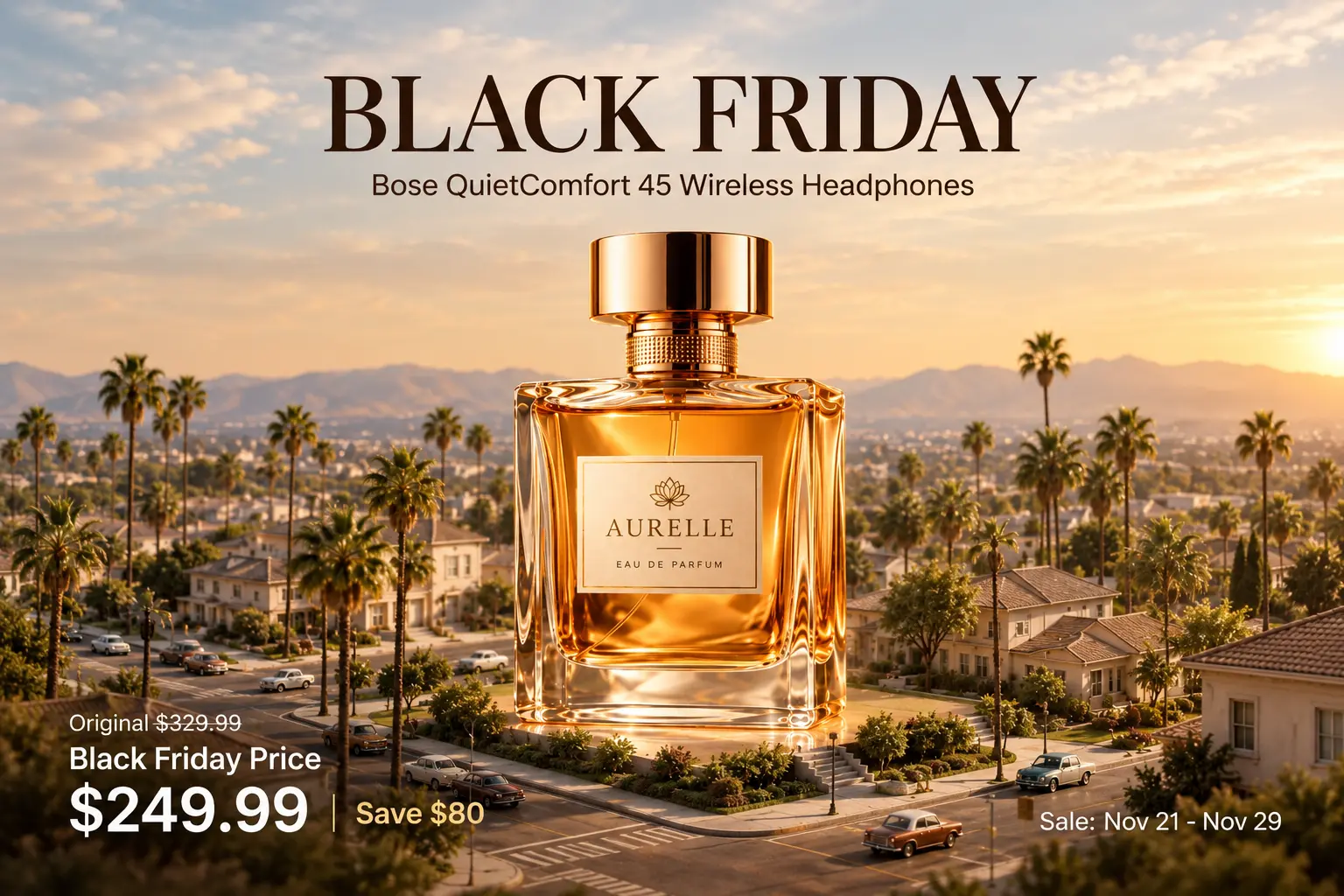
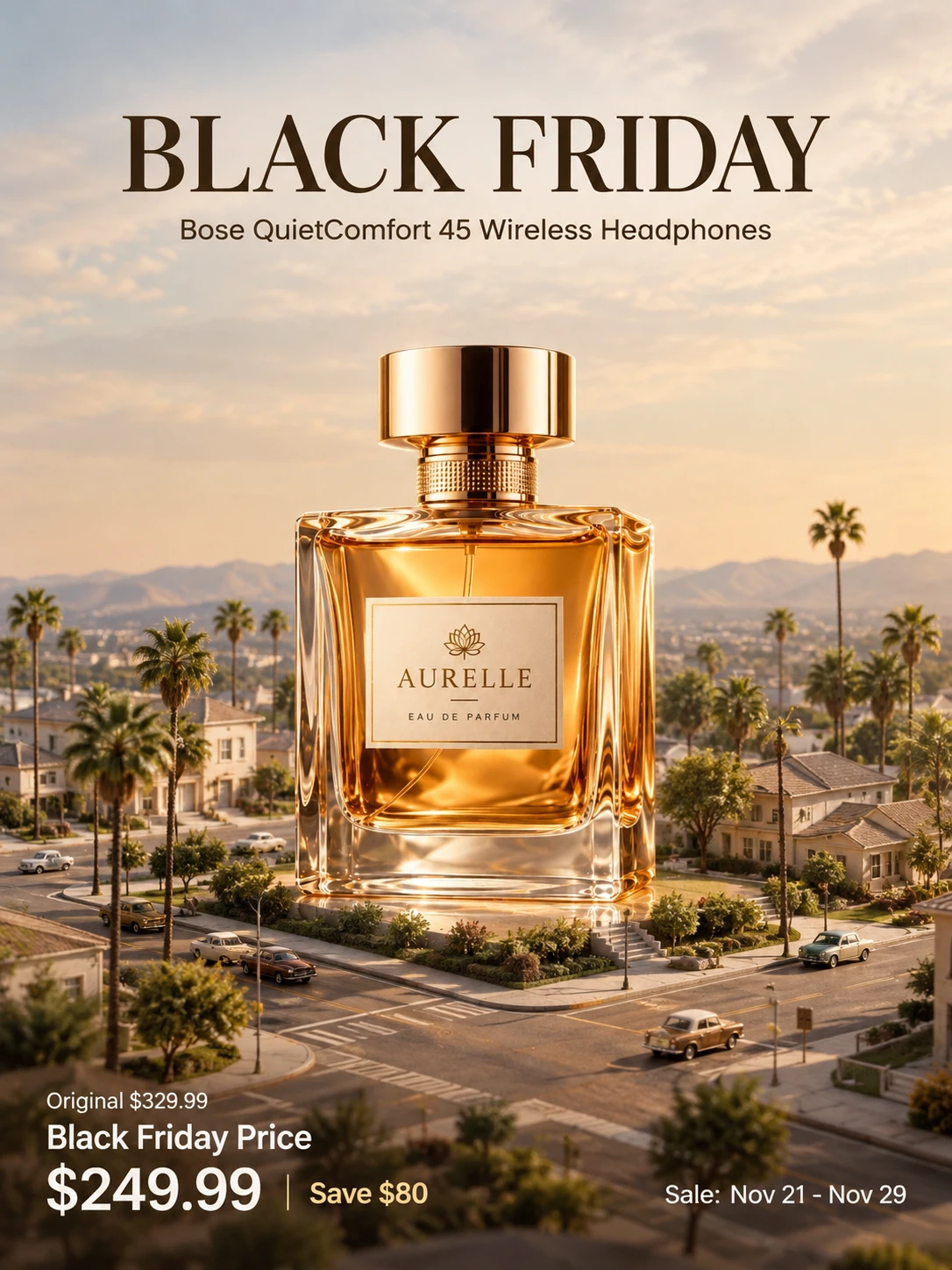
Giant Products Beside Storefronts
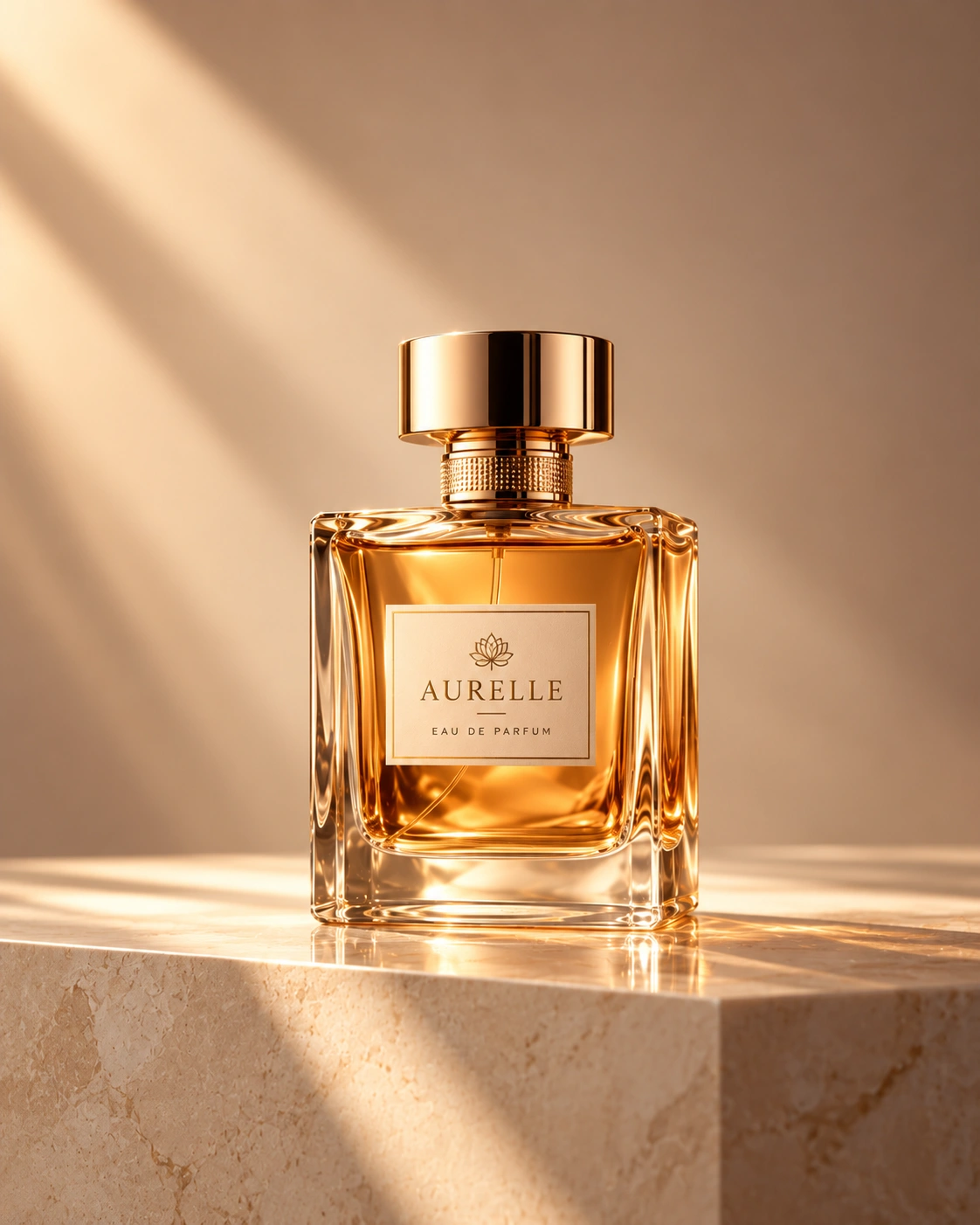
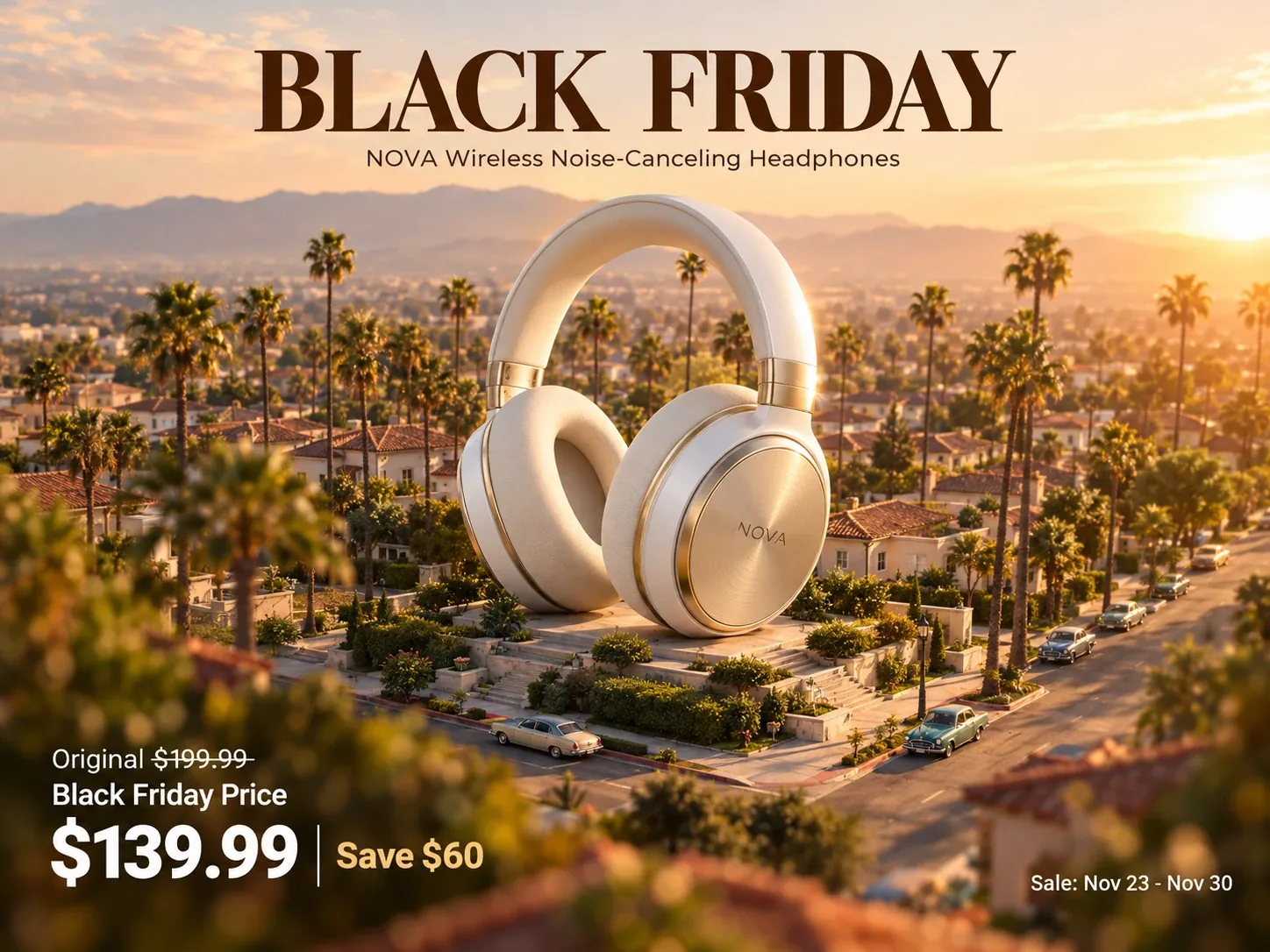
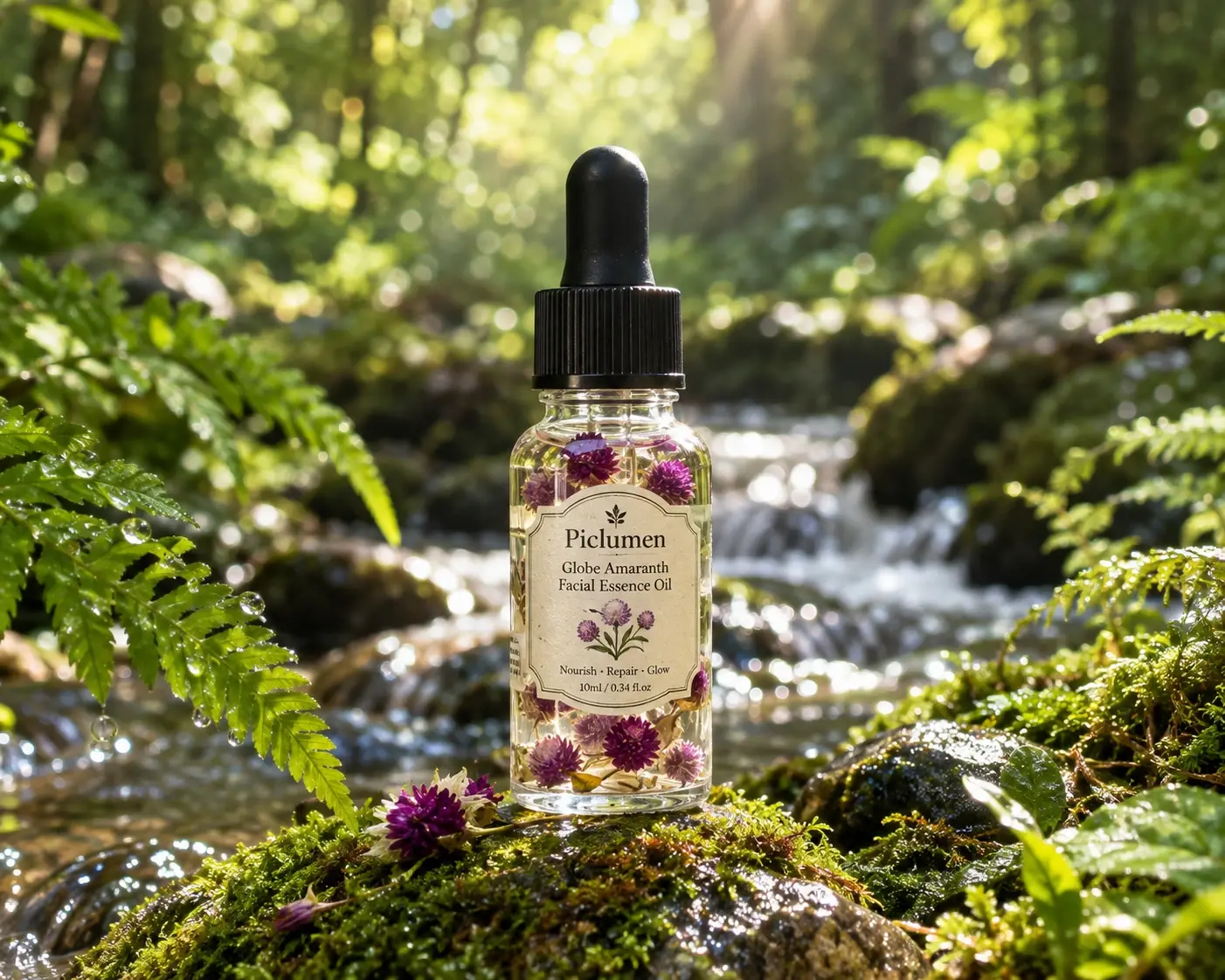
Sellers who want the product itself to be the star can describe an enlarged version of it, such as a sneaker, a pair of headphones, or a skincare bottle, resting beside a shop entrance or on a rooftop. Add details about materials, lighting, and surroundings, and include a product photo as a reference if you have one. The goal is a dramatic hero shot that still reads clearly as the item customers can buy. Because AI output can alter fine details, check labels, logos, and proportions before publishing, and rebuild exact packaging text in your design software. These images suit banners, email headers, and promotional ads where one hero item needs to dominate the frame.
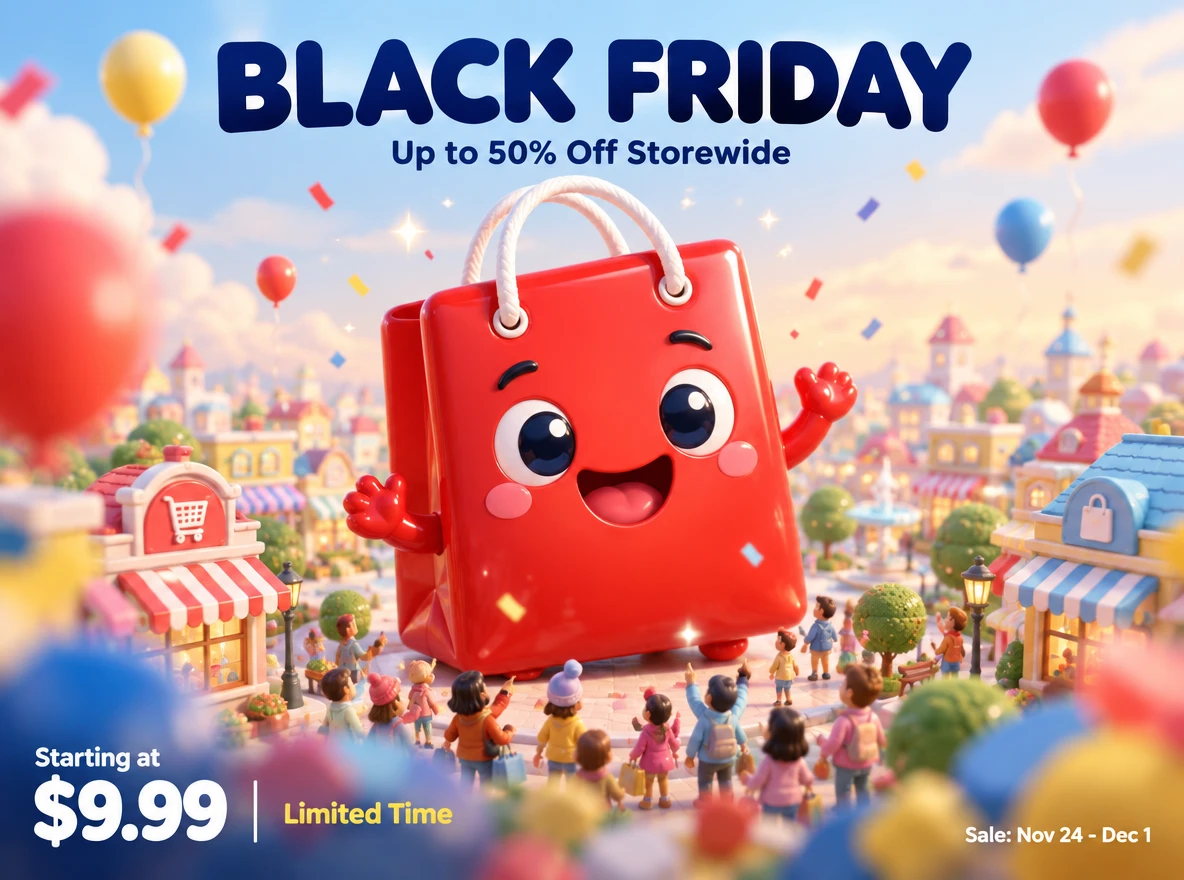
Giant Mascots Over City Streets
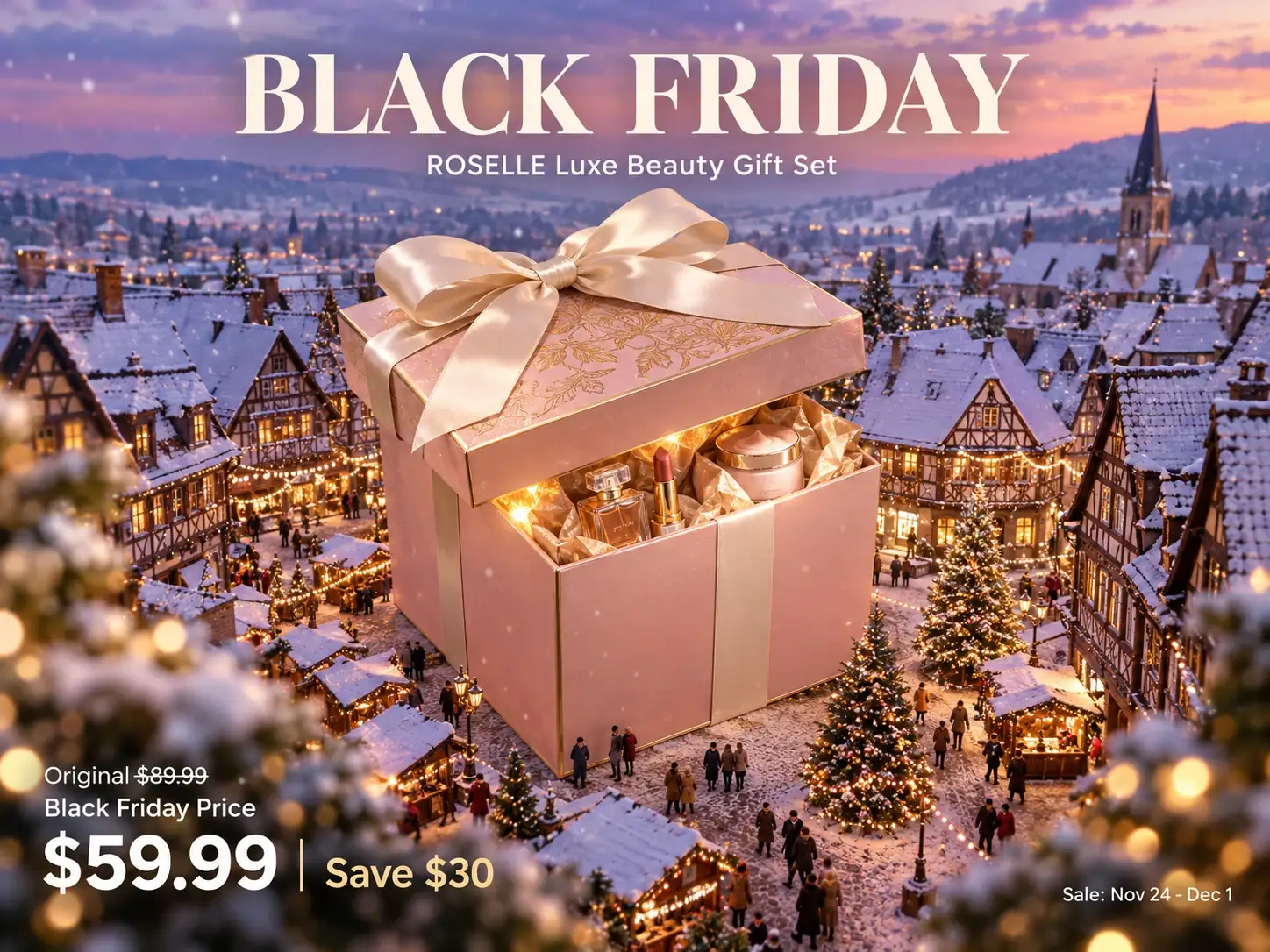
Retailers often need one memorable hero image for a Black Friday campaign. Describe an oversized character, such as a smiling shopping-bag mascot or a giant gift-box figure, standing between buildings while small crowds look up at the sale. Mention the time of day, camera angle, and color palette so the scene fits your brand. You can also add a reference image of an existing mascot or brand colors to guide the direction. Generate several variations, then pick the one with the clearest focal point and enough open sky or wall space for headline text. The result can work as a homepage hero, a paid social creative, or the base of a printed poster once you add your copy.
Giant Sale Scenes for Social Posts and Banners
Not every campaign needs a mascot or a single product. You can generate an oversized neon sale sign, a gigantic gift stack, or a looming shopping cart in a mall atrium, then use the results in vertical stories, square feeds, or wide website banners. Describe the composition in terms of placement, such as a large empty area at the top for text, so there is room for your offer. Create a small set of images in one visual style so the posts, ads, and banners for the same promotion look related. Then add your discount, dates, and call to action in the editor you already use.
How You Can Use Black Friday Giant Visuals?
Ecommerce Store Owners
A small apparel shop owner needs a homepage banner before the sale starts. They generate a giant garment-bag character standing over a quiet street, then add the discount and dates in their editor.
Social Media Managers
A manager planning a week of promotional posts creates one giant-scale concept and crops it for a teaser, a launch-day post, and a last-chance reminder, keeping the campaign visually consistent.
Marketplace Sellers
A seller with one hero product generates an oversized version beside a storefront for an ad or promotional banner, while keeping official listing photos for accurate product details.
Boutique Owners and Freelance Designers
A boutique owner prepares a window poster, while a freelance designer produces several concept options for client approval before building the final layout.


Loved by Creators Worldwide
Real feedback from designers, marketers, and hobbyists sharing their PicLumen experience on Trustpilot.
 KIDSCARTOON
This ap great and amazing generate pic
This ap great and amazing generate pic
 Brijesh Chikhaliya
very good
very good , Excellent Experience
Love this app it helps my ideas come to…
Love this app it helps my ideas come to life
Bohdan LesykGreat and fast
Great and fast, would be much better with some more free credits
It’s way easier to use then these other…
It’s way easier to use then these other apps
Pino CalambrogioGood over other applications
Good over other applications
 Piye Chauhan
Nice app generate to google
Nice app generate to google
EtnaVery satisfied with the best…
Very satisfied with the best performance for me at the moment.
 Aslam Khan
good have a nice day.meet
good have a nice day.meet
 Enzo Piriou
The very good experience for AI
The very good experience for AI
best of the best
the quick and fast result also too much style and variety is very very astonishing
 basem trials
Works like charm .
Works like charm .. I love this app
Black Friday Giants FAQs
What Are Black Friday Giants?
Black Friday giants are promotional visuals in which an oversized character, product, or sale object towers over a street, store, or crowd. The exaggerated scale draws attention to the offer. On PicLumen, you can generate this kind of scene from a text description and an optional reference image.
What Do I Need to Get Started?
You only need a text description. A reference image is optional and can help guide a product, mascot, or color direction. Decide where headline text will sit, so you can ask for open space in the composition.
Can I Use My Own Product as the Giant?
You can add a reference image and describe your product in the prompt to steer the result toward it. Generated details may differ from the original, so review shapes, logos, and labels before publishing, and add exact packaging text in your own design tool.
Can the Images Include My Sale Text and Prices?
It is safer to add them afterward. Generated text can contain errors, so create the scene with open space, then add your discount, dates, and brand name in a design tool you control.
Is It Free, and Can I Use the Images Commercially?
PicLumen can be used as a free AI image generator, and images can be downloaded without a watermark. Current credits and plan details are listed on PicLumen’s pricing page. PicLumen states that generated images can be used for commercial projects such as marketing and ads, so review its FAQ and terms for specifics.
How Do I Download My Images?
After generating, review your results and download the one you want. Generate more variations first if you need alternatives, then save each selected image for your banners, posts, or posters.