Free AI Flyer Generator for Events and Promotions
How to Generate a Flyer with AI
Write Your Flyer Prompt
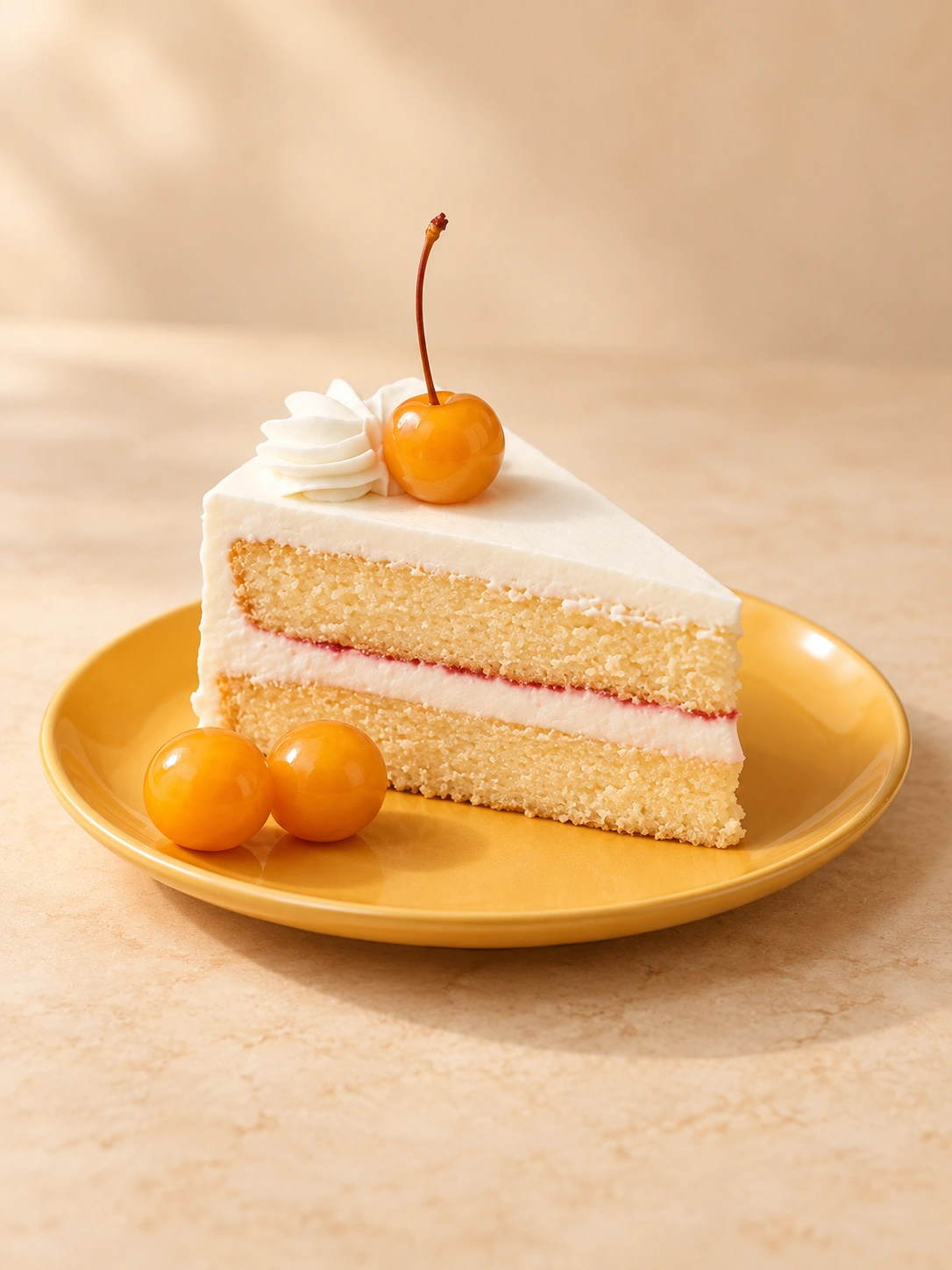
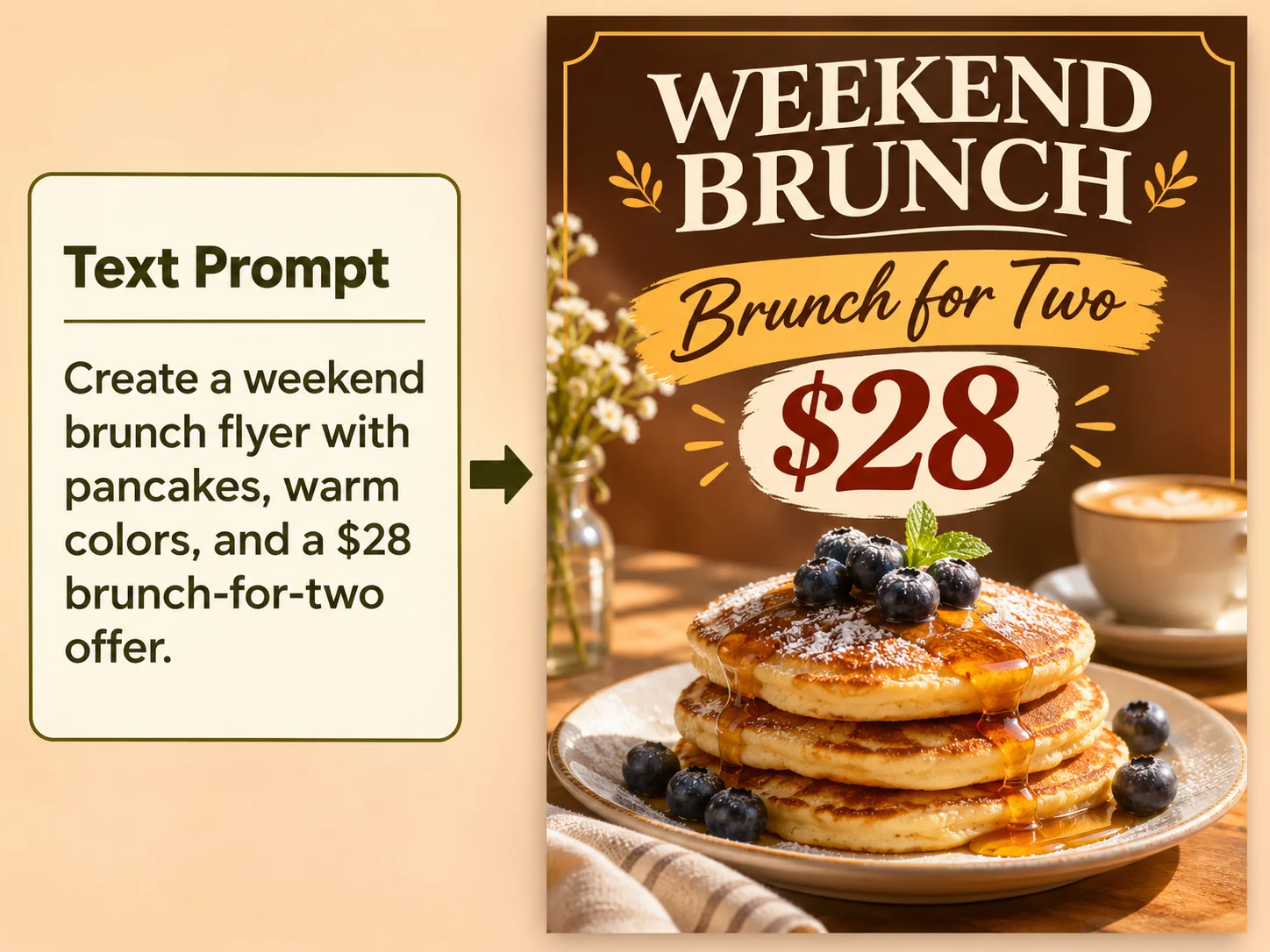
Enter a text prompt with your flyer’s purpose, headline, and key details. Include the wording you want to appear, along with any colors, imagery, or layout preferences.
Add a Reference Image (Optional)
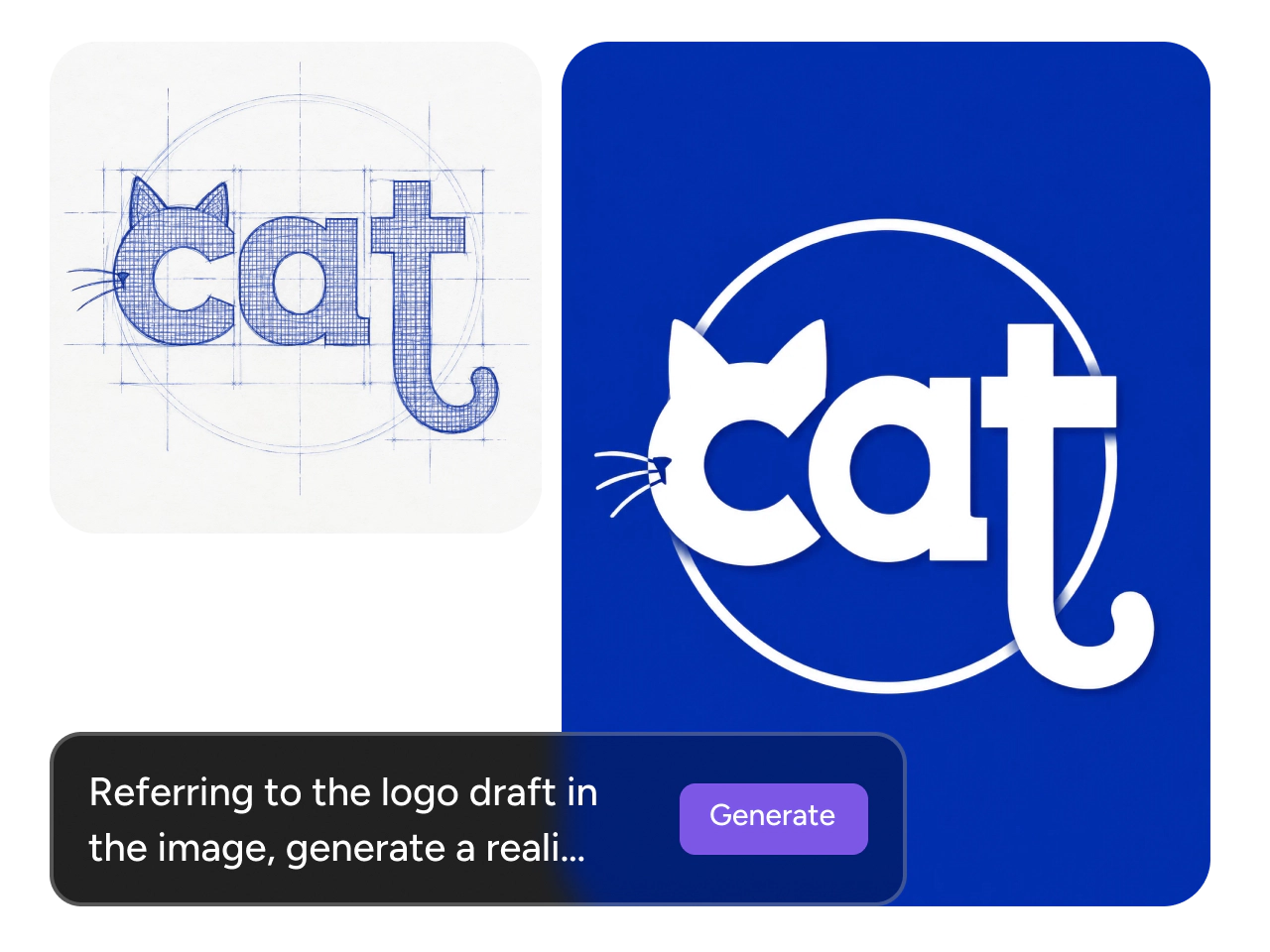
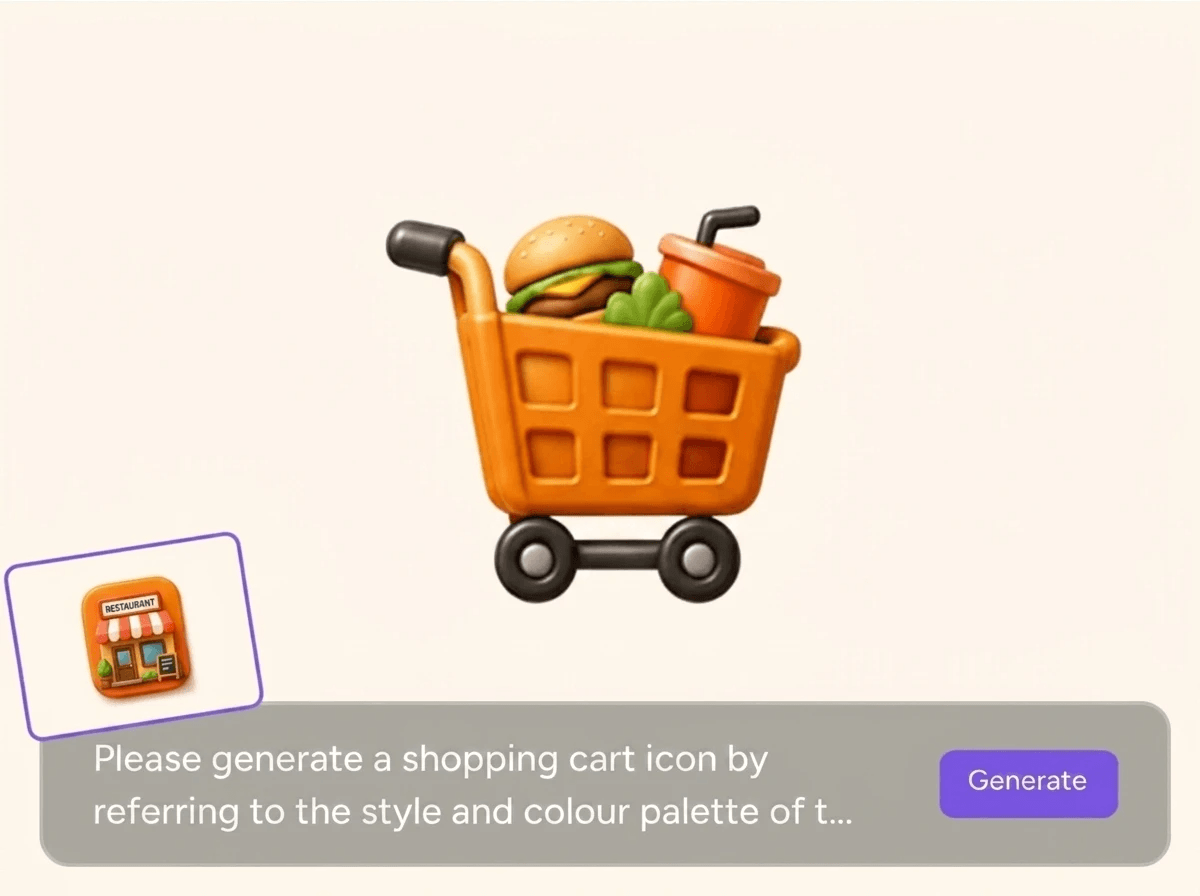
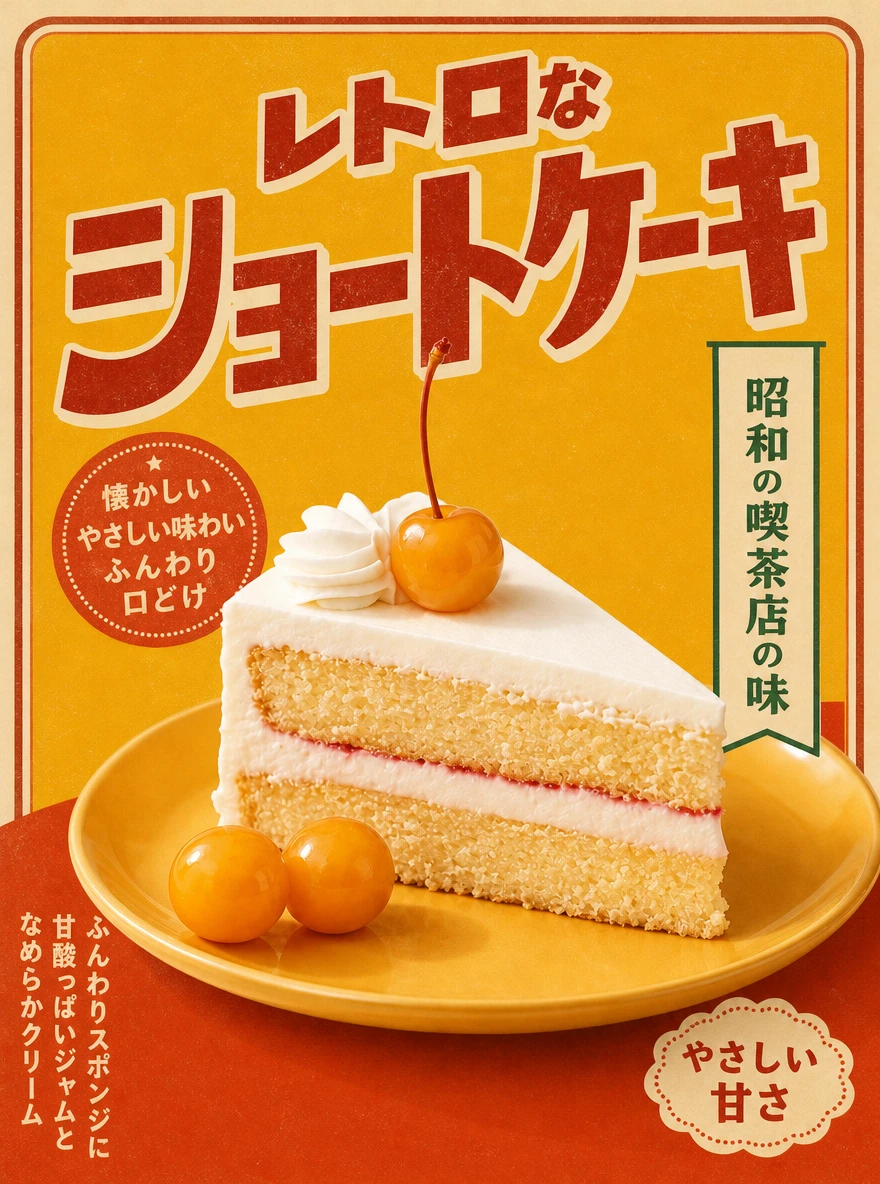
Upload a product photo, brand graphic, or previous flyer if you’d like to use it as a guide. Specify which details to draw from, such as the color palette or the placement of the main image.
Generate and Download Your Flyer
Generate your flyer and check the layout, spelling, and details. Adjust your prompt and generate again if needed, then download the version you’re ready to share.
Turn Ideas Into Flyers Fast
Get a flyer ready when details come together at the last minute. Start with the headline, date, and style you have in mind. PicLumen’s AI design generator arranges the wording and imagery in a layout you can review as a whole. If a workshop fills up and you add a second session, update the time in your prompt and generate a fresh version. Use the new flyer in a follow-up email or social post to let people know more spots are available.
Keep Flyer Design Costs Down
Make more of a small marketing budget by handling routine flyer design in-house. A café, for example, can turn a weekly menu into a specials flyer and use the same artwork in its customer email and on a tabletop sign. A photo from the café’s last menu shoot can anchor the design and give an existing image a second use. For teams that publish new offers regularly, creating their own flyers can reduce outside design costs and leave more room in the budget for printing or promotion.
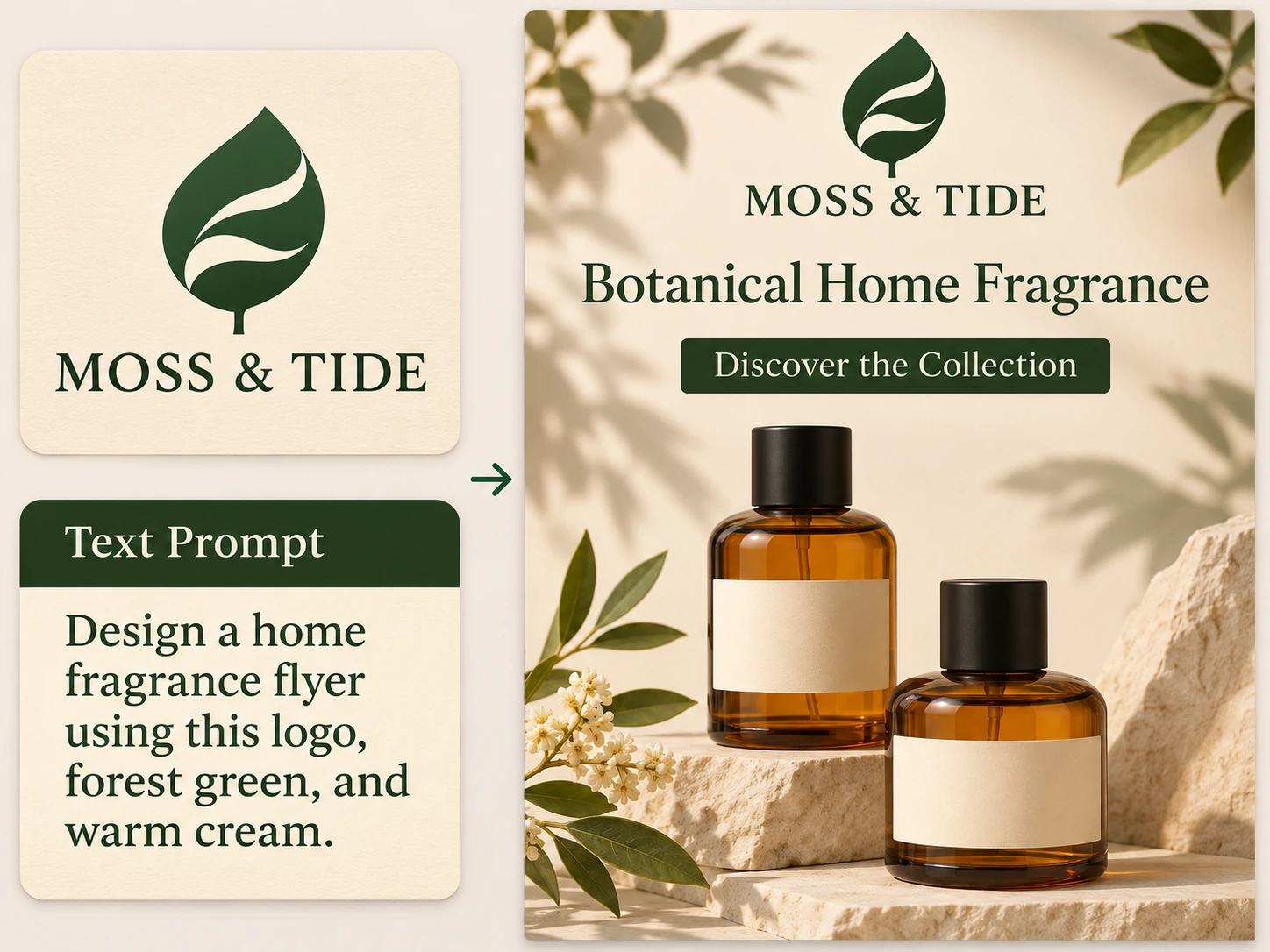
Make Every Flyer Feel On-Brand
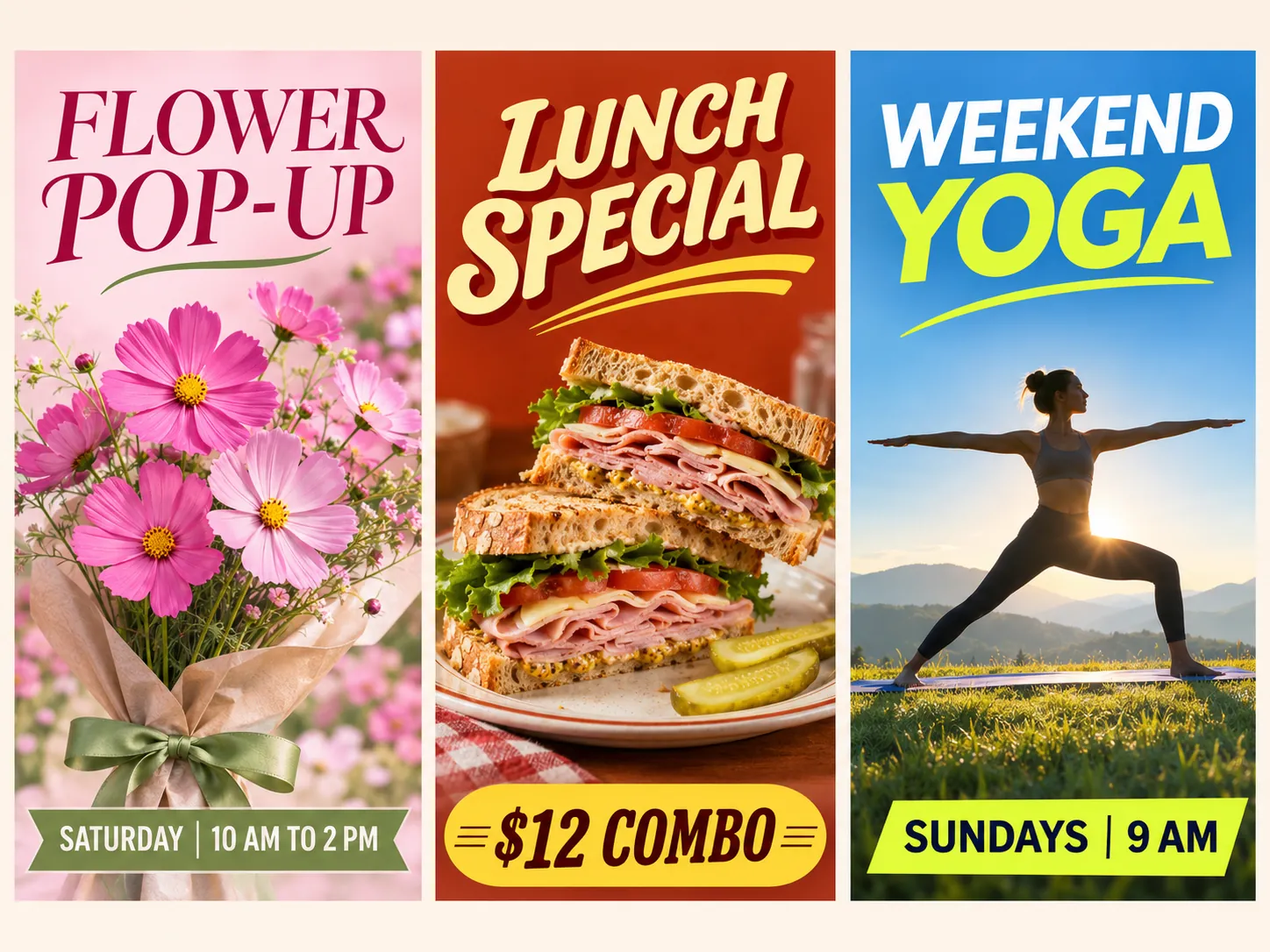
Carry your brand’s colors, type style, and imagery into your next flyer. Describe what you want to include, such as cream backgrounds, terracotta accents, or rounded headline lettering. You can also upload a graphic from a past campaign and point out details you want to carry over, like the way a product is framed. A skincare brand might ask for the pale blue backdrop and soft shadows it uses in product photos. Those familiar details help a new flyer feel like part of the same campaign.
Draw Attention to Your Main Message
Make the offer or event name the first thing people see. Give the flyer maker a focal point, such as a close-up product photo or a bold illustration, and ask for a headline that carries the main message. A bookstore could put “Summer Reading Sale” in large type above an illustration of stacked books and give the dates a line of their own. Strong contrast and room around those details help readers take in the essentials as they scroll through a feed or pass a storefront.
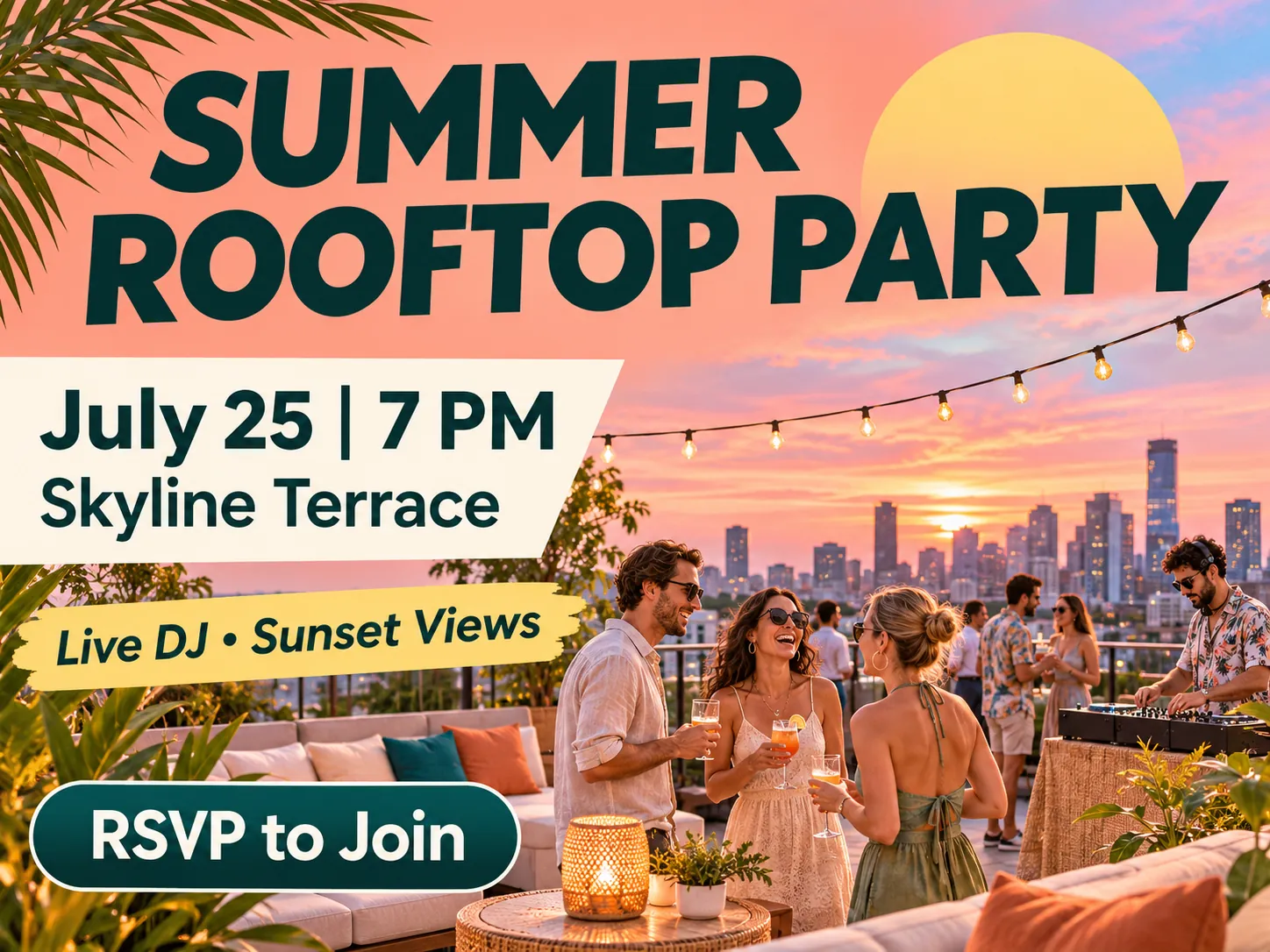
What You Can Do with AI Flyers
A flyer can go in a launch email, on a store counter, or in the group chat where everyone’s making plans. Build the design around what people need to know and what you’d like them to do next.
Advertise Your Local Services
Tell nearby customers what you do and how to reach you. If you’re figuring out how to make a business flyer, start with one service people can understand at a glance. A mobile bike repair service could use PicLumen’s AI business flyer generator to advertise spring tune-ups. Specify which neighborhoods you serve, what the tune-up includes, and how to book. Place the headline above an image of a bike on a repair stand. Pin a few copies to coffee shop bulletin boards or share the design in a neighborhood group online.
Launch a New Product
Introduce a new product with a flyer that gives shoppers a reason to take a closer look. Use PicLumen’s AI marketing flyer generator to build the design around a product photo or an image that captures the collection’s style. A candle brand could show its new amber jar on a warm backdrop that brings out the color of the glass. Use the collection name as the headline, with scent notes and the release date beneath the photo. Include the finished flyer in a launch email or social post that links to the collection.
Promote In-Store Offers
Put a limited-time offer where shoppers will see it. Use the AI promotional flyer generator to create a weekend sale graphic for a store window, a checkout display, or a post for your local followers. A plant shop could feature a leafy monstera and make “20% Off Houseplants” the biggest line on the flyer. Put the sale dates right below it and leave room for details like eligible items or in-store availability. Customers walking by can take in the offer at a glance and decide whether to stop in.
Announce a Birthday Celebration
Give guests a peek at the celebration and the details they need to join you. A roller-skating party could use bright stripes and illustrated skates, with “Mia Turns 10” as the headline. Include the date, venue, RSVP details, and anything guests should bring. For a personal touch, add a favorite photo of the guest of honor as a reference in PicLumen’s AI birthday flyer generator. Send the finished design in a group chat or email so guests have all the party details in one place.
Set the Mood for Parties
Give people a feel for the night before they decide to go. Use the AI party flyer generator to capture the energy of a rooftop DJ set with a city skyline, electric blue accents, and bold lettering. Put the party name and date up top, then group the venue, the time doors open, and ticket details underneath. Share the flyer on the venue’s event page and give each performer a copy to post on their own channels in the lead-up to the event.
Bring Neighbors to Community Events
Make it easy for neighbors to take part in a local event. For a library book swap, illustrate a stack of well-loved books and include a line like “Bring up to five books” so people know how to join in. Give the library name, date, and hours enough space to stand out on a bulletin board. Use the flyer in the library’s newsletter, then share it with partner groups and local businesses that can pass the word along to their own communities.
Six Flyer Design Prompts to Try
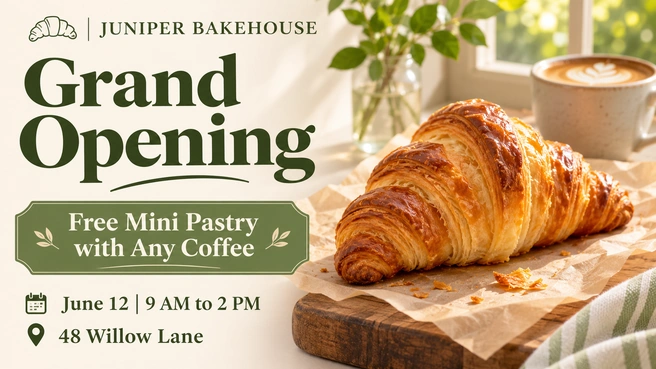
Bakery Grand Opening
Design a cream-and-sage flyer for [bakery name]’s grand opening. Add a small croissant illustration beside the bakery name and make “Grand Opening” the boldest text. Give [opening-day offer] its own line beneath the headline. At the bottom, list [date], [start time] to [end time], and [street address].

Skincare Product Launch
Let a close-up of [product name] lead the skincare launch flyer. Use a pale blue and cream background with soft shadows to give the product room to stand out. Introduce it as a new [product type] from [brand name]. Beneath the product name, highlight [key benefit] and [launch date], then tell shoppers [where to shop].
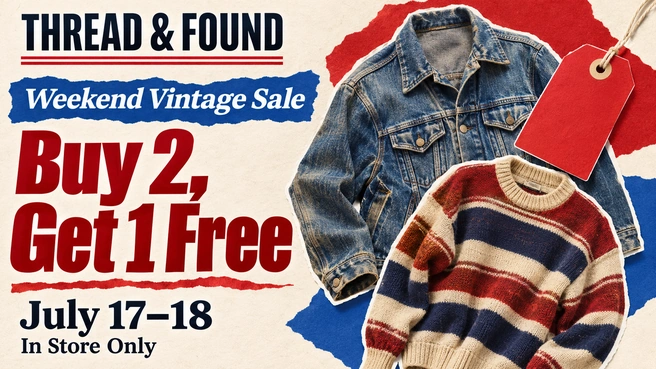
Vintage Clothing Sale
Create a sale flyer for [shop name] promoting [offer] from [start date] to [end date]. Use bold red accents and a retro collage of denim jackets and price tags. Include [store address or website] and [offer terms]. Make the offer the largest text and put the sale dates directly below it.
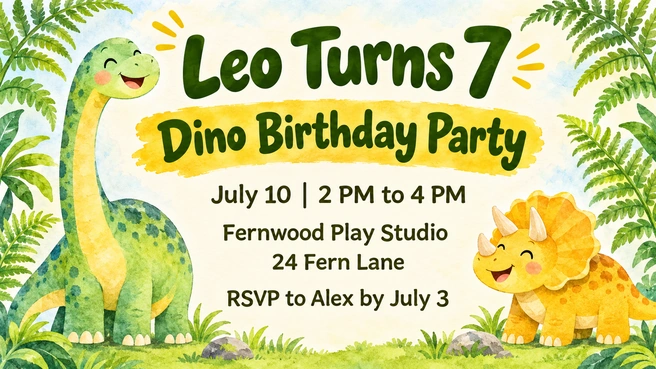
Dinosaur Birthday Party
Friendly dinosaurs and ferns frame this birthday flyer in leafy green and golden yellow. In the center, write “[name] Turns [age]” in large, playful lettering. Leave space underneath for [date], [start time] to [end time], [venue], and [address]. End with an “RSVP to [contact] by [deadline]” line.

Real Estate Open House
Split the open house flyer into two panels. On one side, show a large exterior photo of the home. On the other, set “Open House” in navy on a warm ivory background. Group [property address] with [date] and the viewing hours from [start time] to [end time]. Add “[number of bedrooms] Beds • [number of bathrooms] Baths” and a short invitation to tour the home.
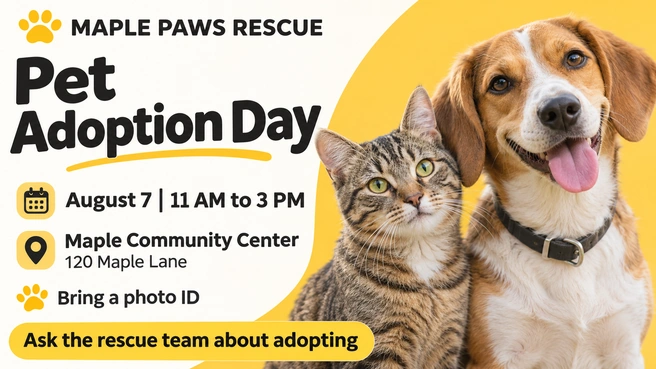
Community Pet Adoption Day
For [organization name]’s pet adoption day flyer, pair photos of a dog and a cat with warm yellow accents. Under “Pet Adoption Day,” show [date] and the event hours from [start time] to [end time]. Put [venue] and [street address] together so visitors can find them easily. A short footer should tell people [what to bring] and list [website or contact] for adoption questions.


Loved by Creators Worldwide
Real feedback from designers, marketers, and hobbyists sharing their PicLumen experience on Trustpilot.
Jon JonVery good website
Very good website. Different models, good job
 chelsienner
This is my favorite AI Image generator
This is my favorite AI Image generator
amazing
amazing! this is just so good! WOWOW!!
 Prabhat Ranjan Singh Chauhan
Very smooth and very helpful for…
Very smooth and very helpful for everyonr who have creative mind. Thank you 👍
It’s been great so far
It’s been great so far, I think the limitations are me not the app.
Nice creations and bright
Nice creations and bright
Francess GreeneI love the app and it work well
I love the app and it work well
 PRZNT GAMING
I really like
I really like, in just few lines you can get good result, also you can generate as detailed images as you want.
Mehdi Sohrabigood
🔥good best saite and good work and good good good
 Headphonlessness Meditations
hi i am @VbsRedlof on twitter
hi i am @VbsRedlof on twitter
 Tim Olukayode Ajayi
Amazing Platform
Honestly, I was wowed the moment I land on PicLumen and tested their platform. I wanted to pay for the popular one before but had to stop and I am loving it all the way. I totally recommend PicLumen guys!
I love PicLumen
I love PicLumen. It is one of my favourite AI image generating tools. I have been using it for quite some time and it never fails to disappoint , and just keeps getting better with each update
FAQs About Creating Flyers with AI
What is an AI flyer generator?
An AI flyer generator is a tool that turns a written prompt into a custom flyer design. With PicLumen, you can enter your headline and key details, then describe the colors and layout you want. You can also add a photo or an existing design as a reference.
Can I create a flyer from text alone?
Yes. A written prompt is all you need to start. Add a reference image if you’d like PicLumen to use a specific photo, color palette, or previous design as a guide.
What is the best AI flyer generator?
Look for a tool that lets you specify the wording, describe the layout, and add a reference image when you have one. PicLumen is a good fit if you want to start with a short brief and try a few designs before choosing one.
How much text should I put on a flyer?
Start with one headline, a few lines of essential information, and one clear call to action. For a sale, include the offer and deadline. For an event, list the date, time, and place. Put longer descriptions in the accompanying post or on the event page.
Can I print my AI-generated flyer?
Yes. Download your flyer and check that the image dimensions suit your intended print size. If you’re working with a print shop, check its requirements for resolution, margins, and more before ordering.