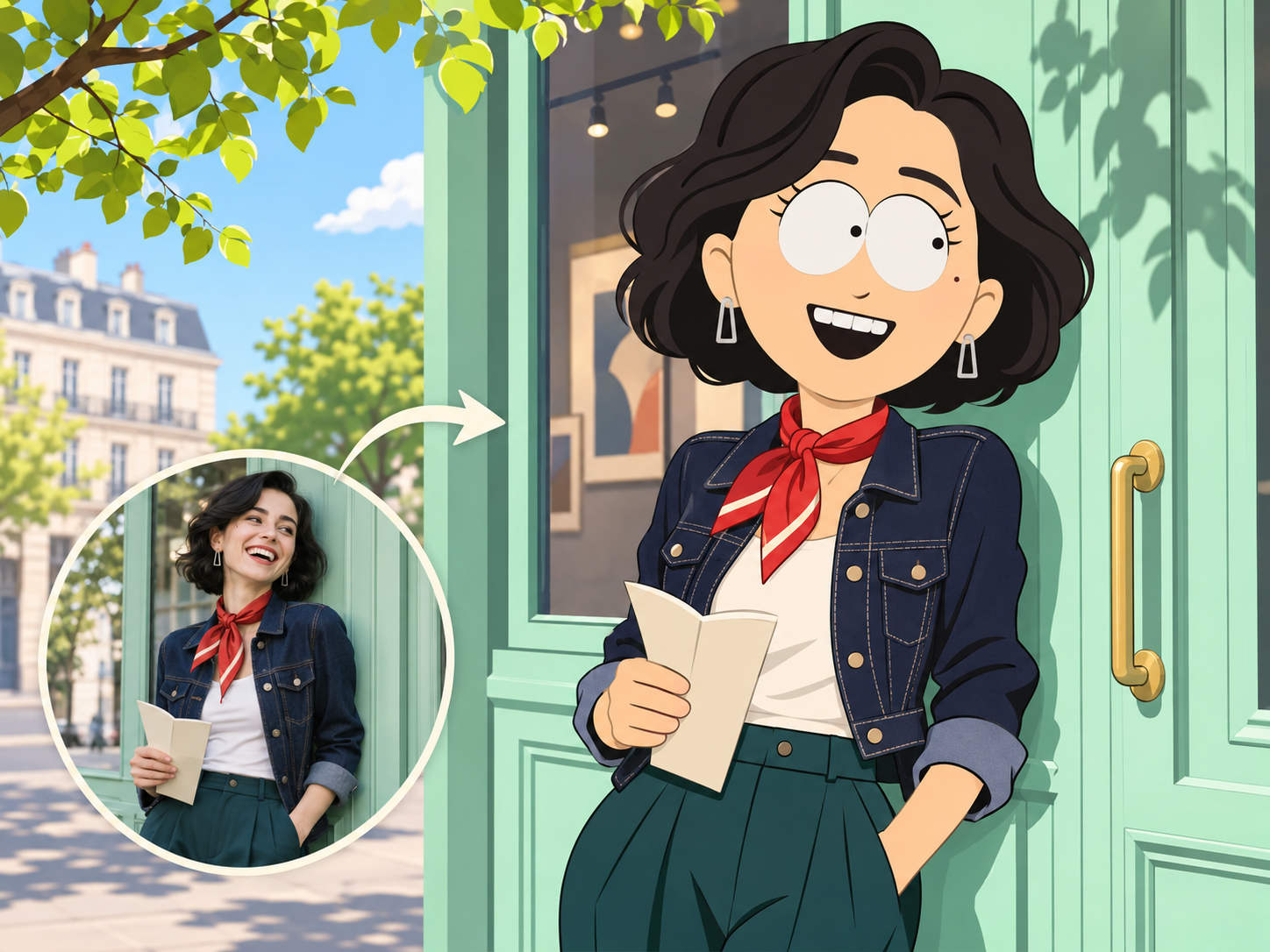
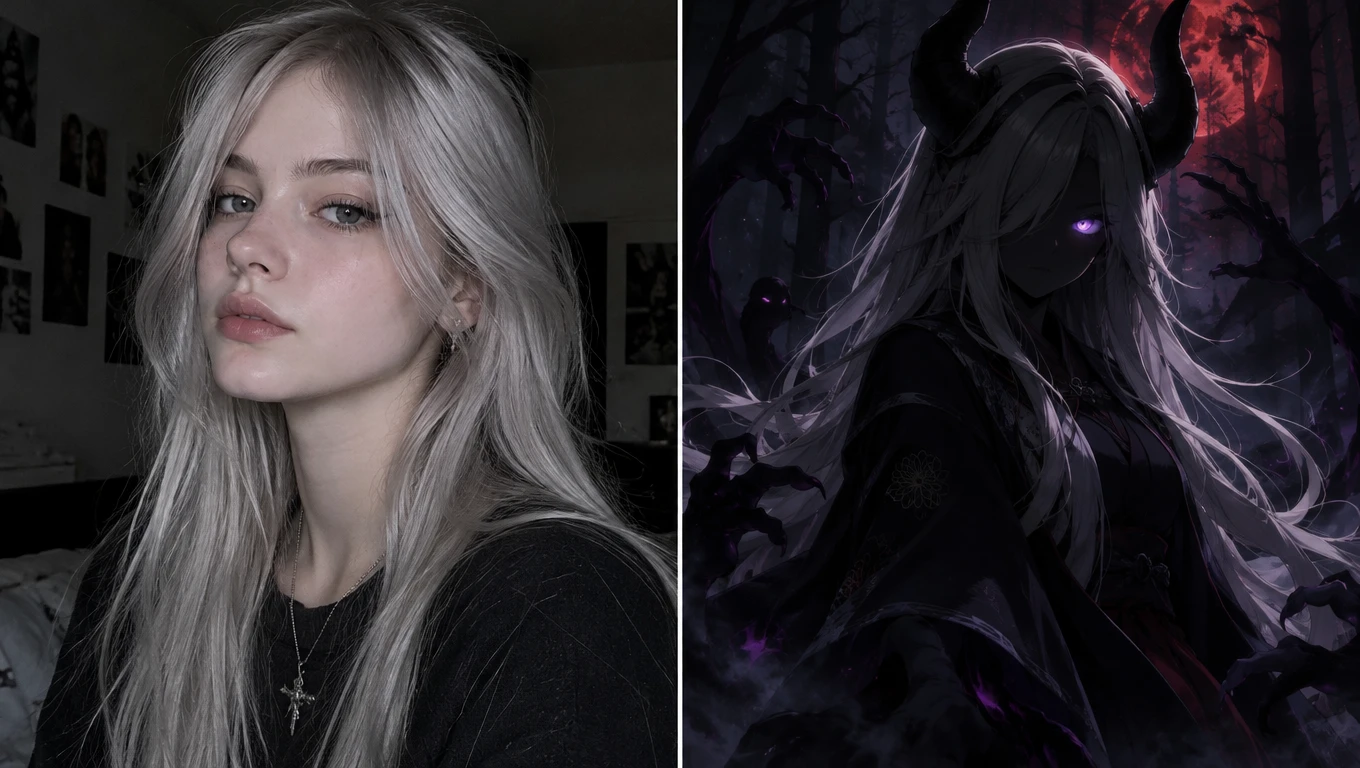
Free Stardew Valley Character Creator for Custom Pixel Portraits
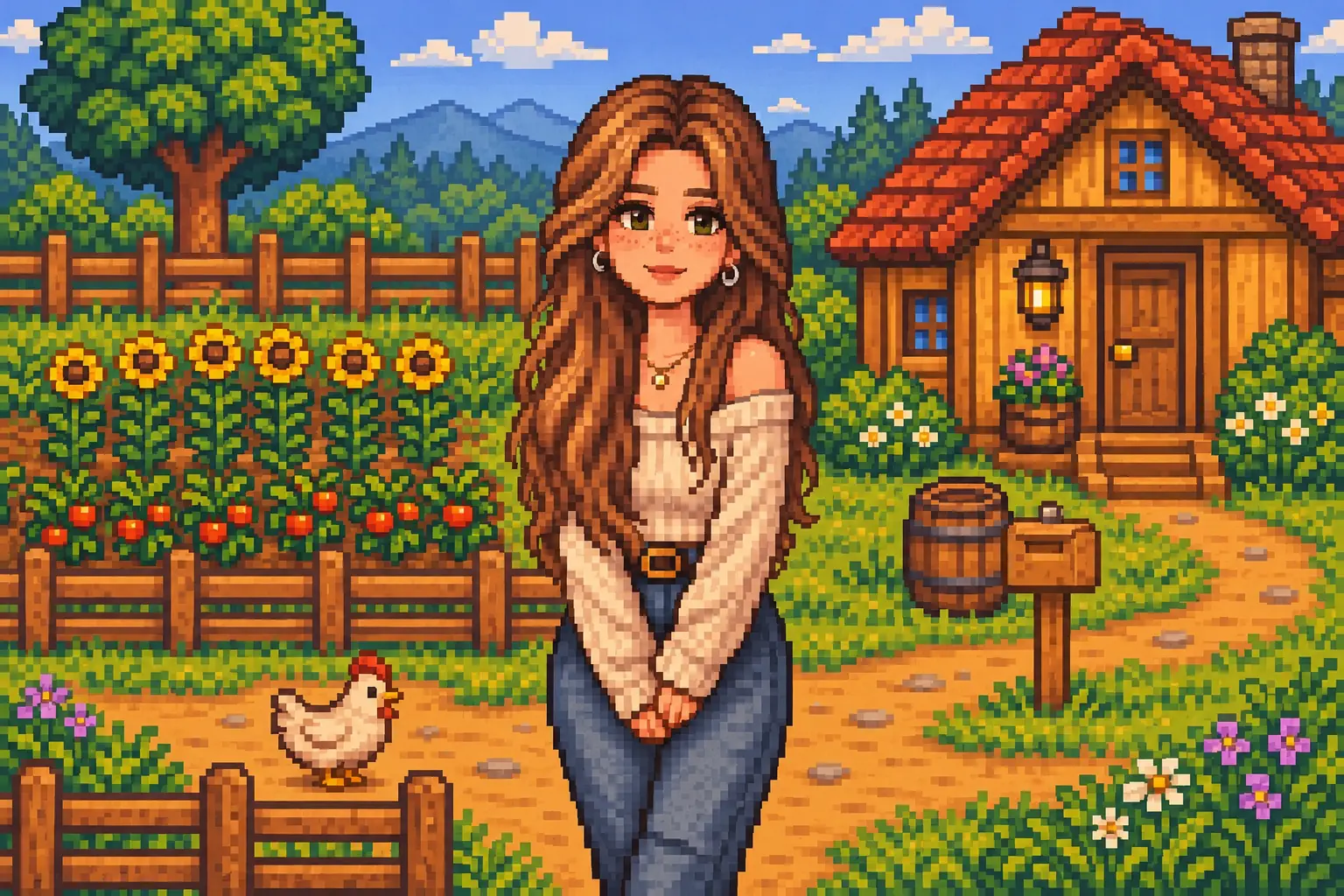
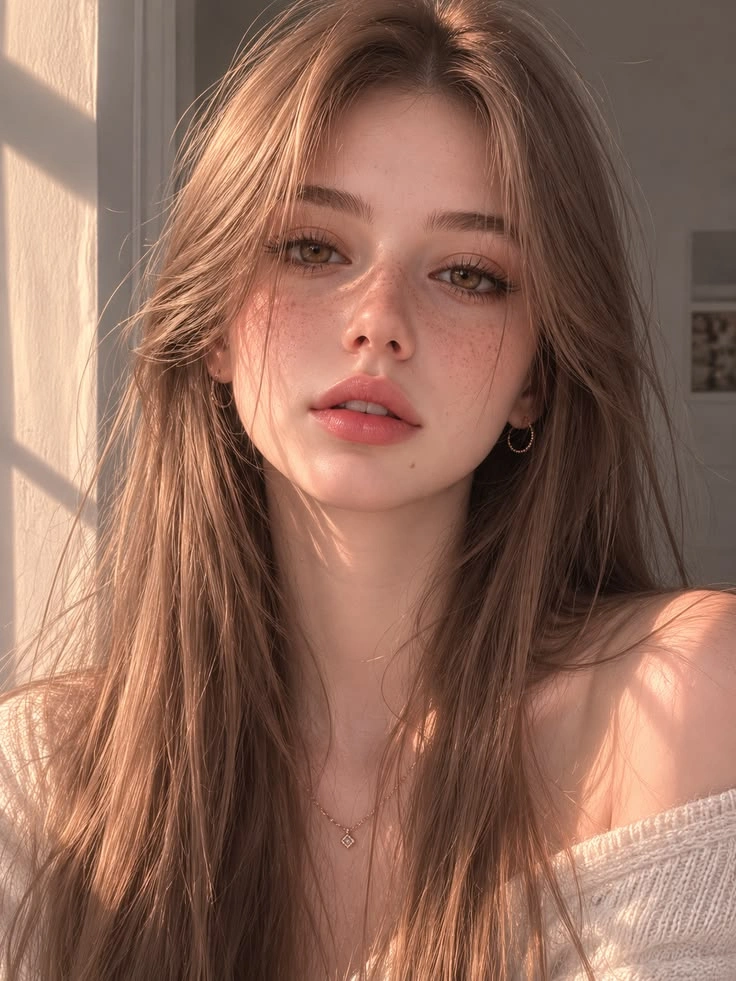
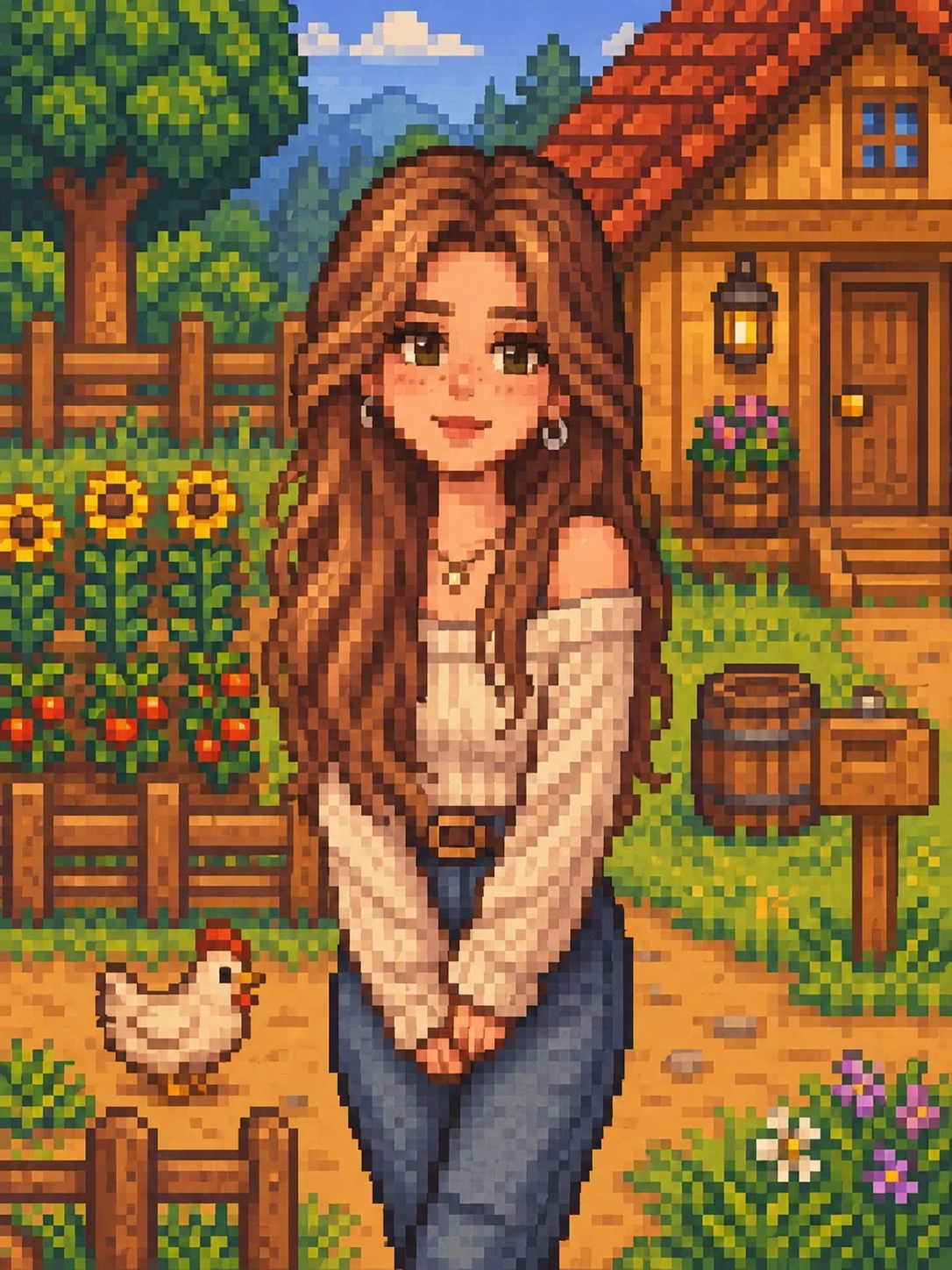
How to Make a Stardew Valley Character Online
Upload a Photo
Choose a photo of the person you’d like to turn into a villager. A clear selfie works for a close-up. Use a wider shot if you want a particular outfit or pose to guide the result.
Add a Prompt (Optional)
The preset takes care of the Stardew Valley style. To put your own spin on the design, try a short direction like “Keep my silver curls and give me a navy coat with brass buttons.”
Generate and Download
Click Generate to see your character in pixel art. If you’d like to try another look, adjust the prompt and generate again. Download your favorite version to use as an avatar or share with friends.
Creative Ways to Use Your Stardew Valley Character
Turn your Stardew Valley character into something you can use and share. Create a personal avatar, develop an original villager, or feature your character in a wallpaper or story. Each project gives you a new way to enjoy the game’s cozy pixel-art style.
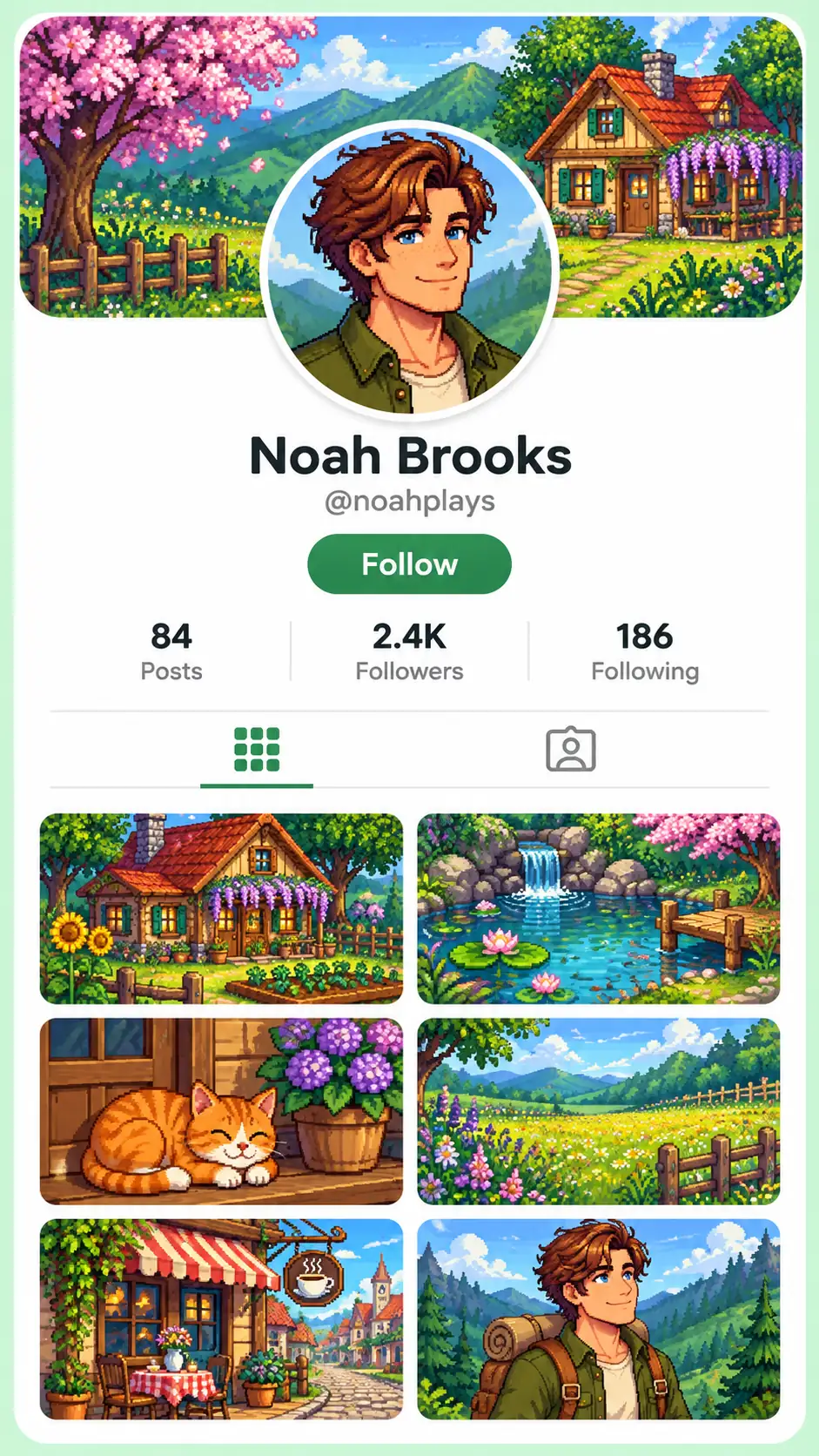
Create Your Own Pixel Avatars
Give your Discord, Steam, or social profile a Stardew Valley-inspired look. PicLumen’s pixel avatar maker turns your photo into a character with the hairstyle, outfit, and expression you want. A close-up with a simple background stays easy to recognize at icon size. Set the finished image as your profile picture or create matching avatars for friends who share your love of cozy games.
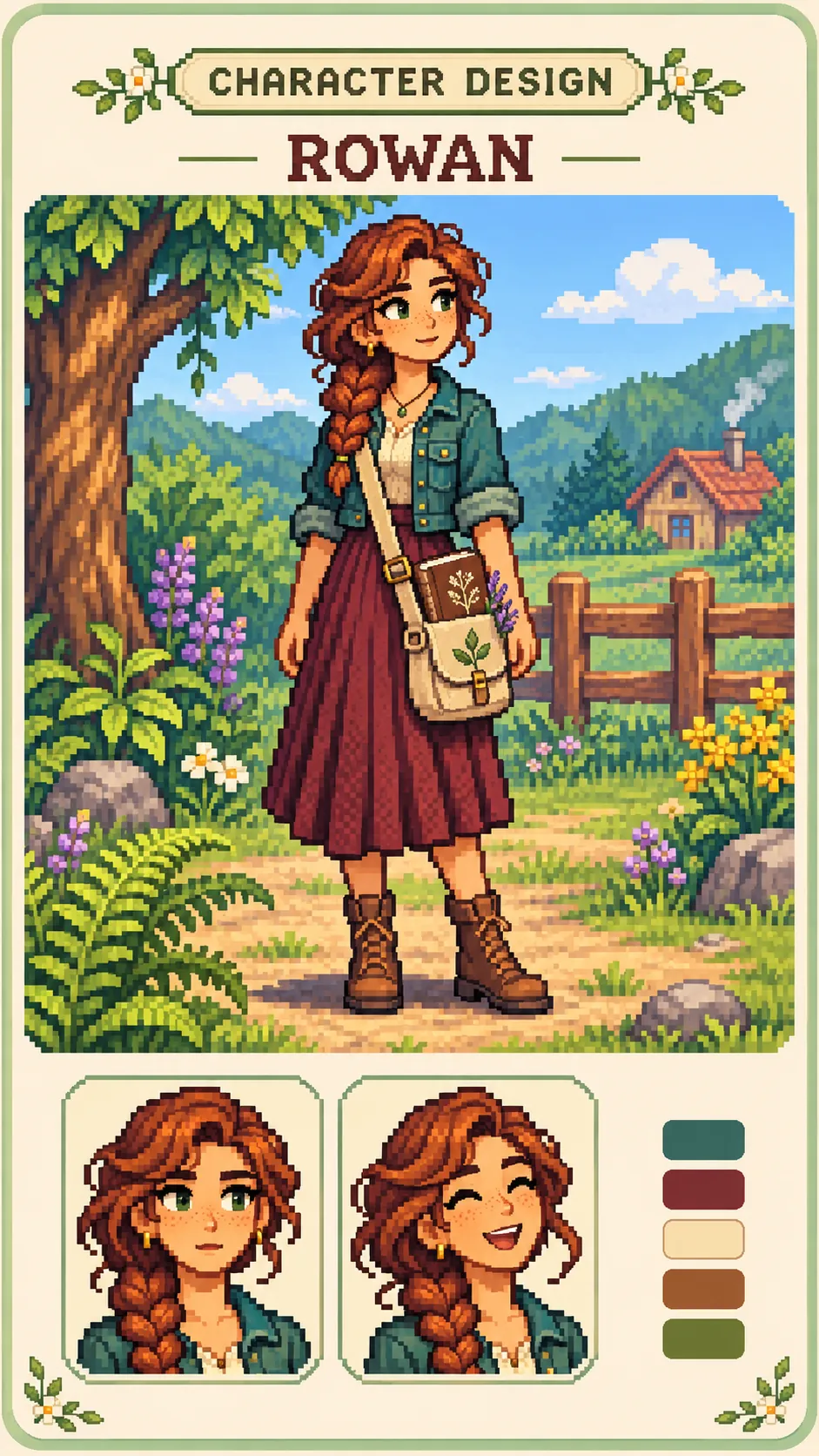
Design Original Stardew Characters
Create original Stardew Valley characters with their own personalities, backstories, and signature styles. Imagine a village baker known for unusual recipes, a musician who performs at every festival, or a traveler with a mysterious past. Describe their hair, clothing, expressions, and accessories to reflect who they are. Use the finished designs to build character sheets, introduce new residents in fan fiction, or explore ideas for your next pixel-art project.
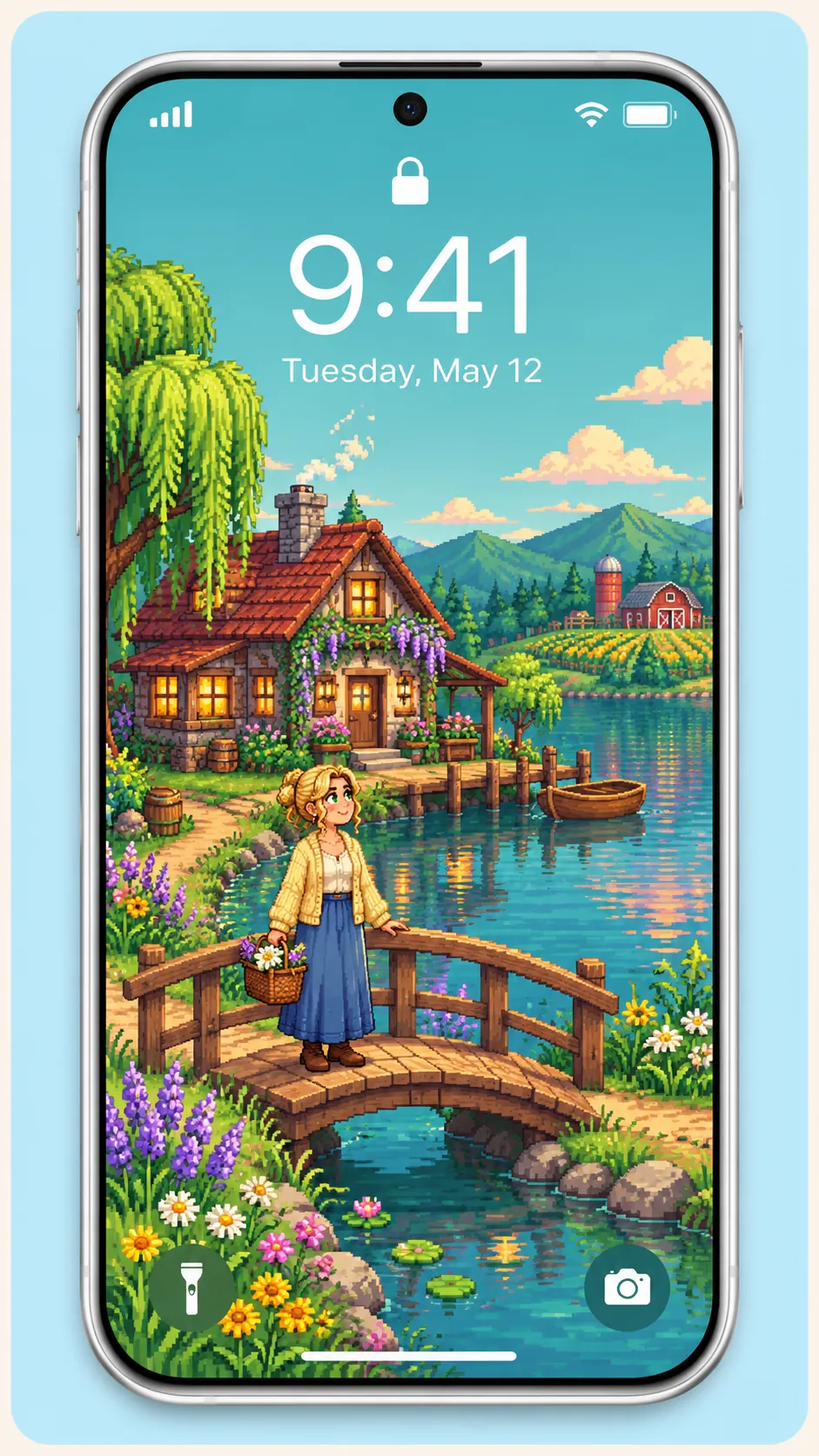
Create Personalized Pixel Art Wallpapers
Make your phone or desktop feel like a little corner of the valley. Place your character outside a cozy cottage, beside a forest pond, or among autumn trees. Describe the season and time of day to match the mood you want, whether that’s a bright spring morning or a quiet winter evening. You can also create a set of backgrounds inspired by favorite moments from your playthrough.
Illustrate Your Stories and Comics
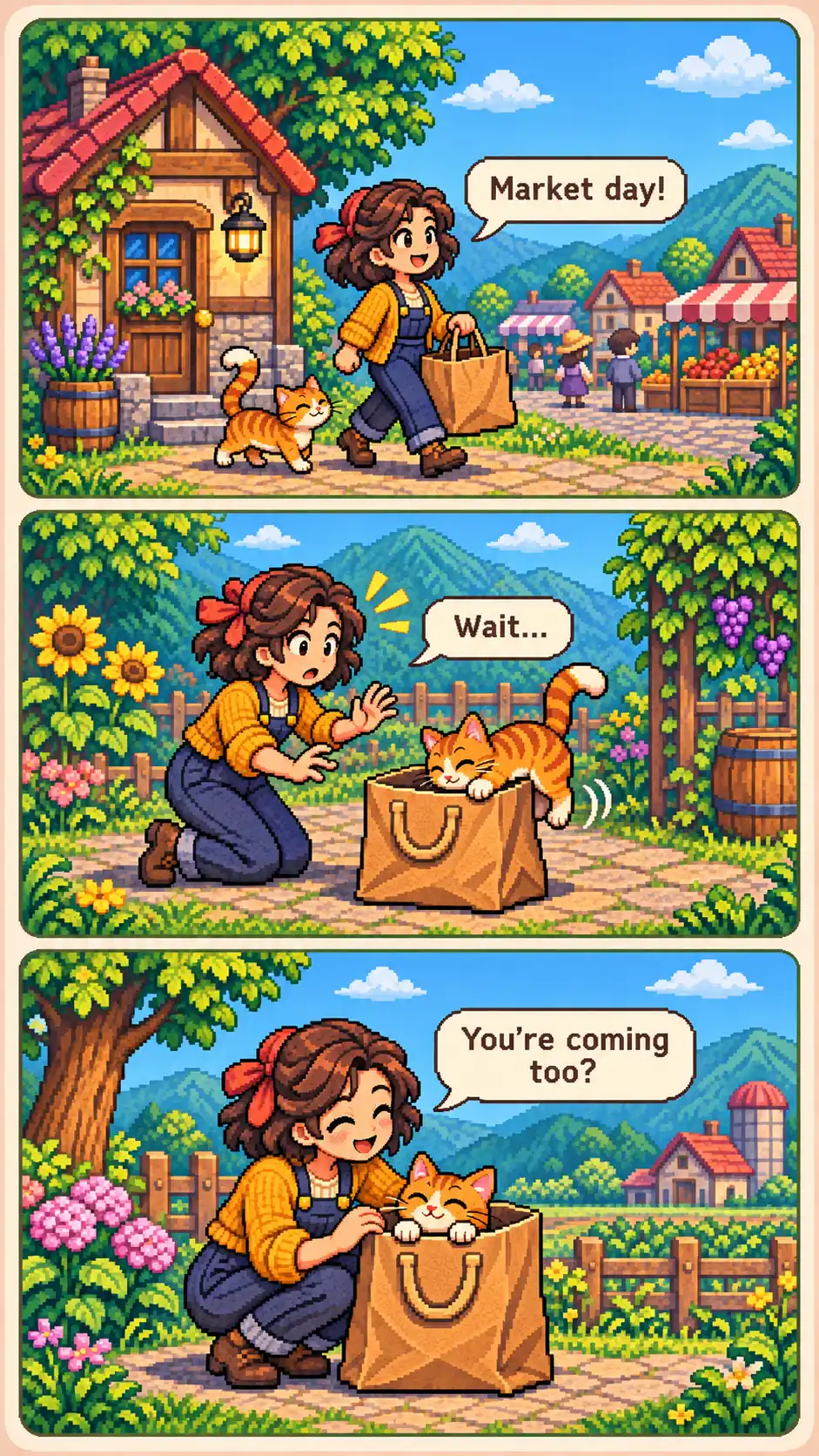
Help readers picture the characters and places in your fan fiction or comic. Add a character introduction at the beginning of a chapter, illustrate a visit to the town square, or show a reaction at a turning point in the plot. Place the finished images alongside your writing or arrange them into comic panels. Add dialogue and captions after downloading to shape each scene around your story.
Turn Your Photo into a Stardew Valley Character
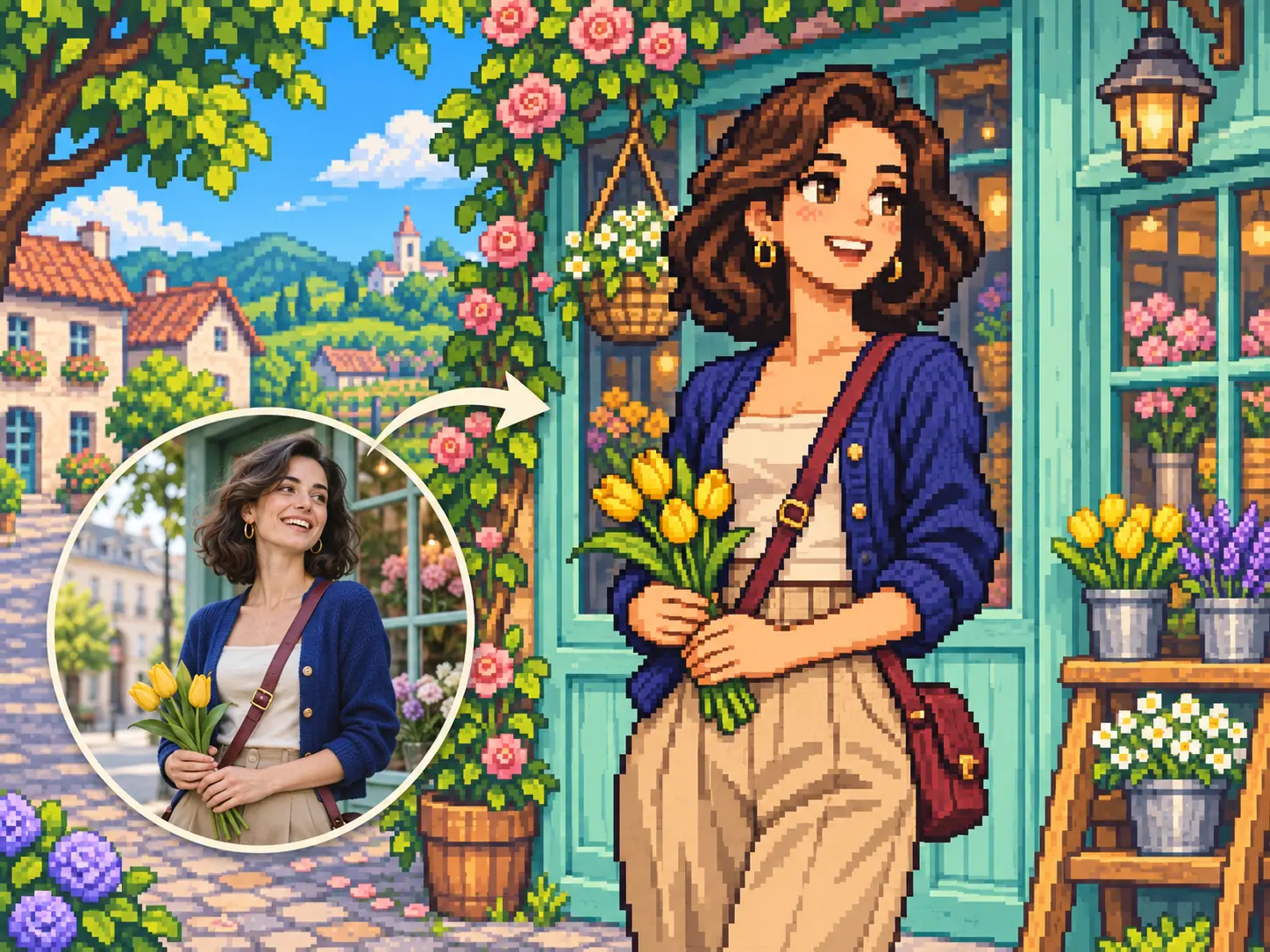
Turn a favorite photo into pixel art that feels at home in Stardew Valley. PicLumen uses your image to guide the hairstyle, facial features, and accessories that make the subject recognizable. AI reimagines those details with the game’s colorful shading and pixel-art look. Create a version of yourself for your gaming profile, or give a familiar face a new role in a fan story or personal art project.
Shape Your Character’s Look with a Simple Prompt
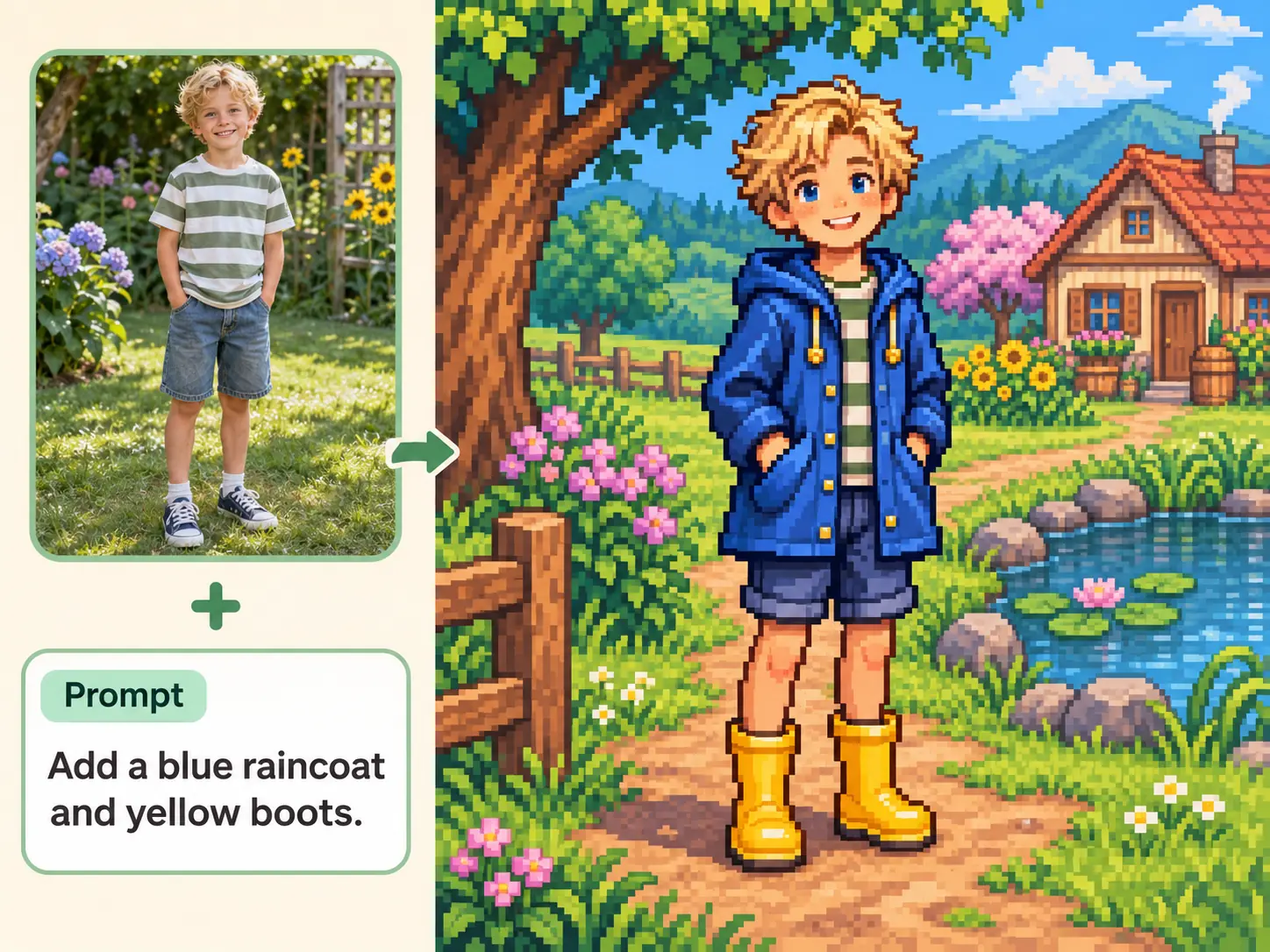
Give your character a look that suits the personality you imagine. Describe the hair, clothing, accessories, and expression in a short prompt, then let PicLumen’s Stardew character creator turn those ideas into a design. Keep a favorite detail from your photo or try a completely new outfit. Explore everyday clothes, festival looks, and seasonal styles to develop an original villager you can use across your stories and creative projects.
Showcase Your Character’s Style with Full-Body Pixel Art
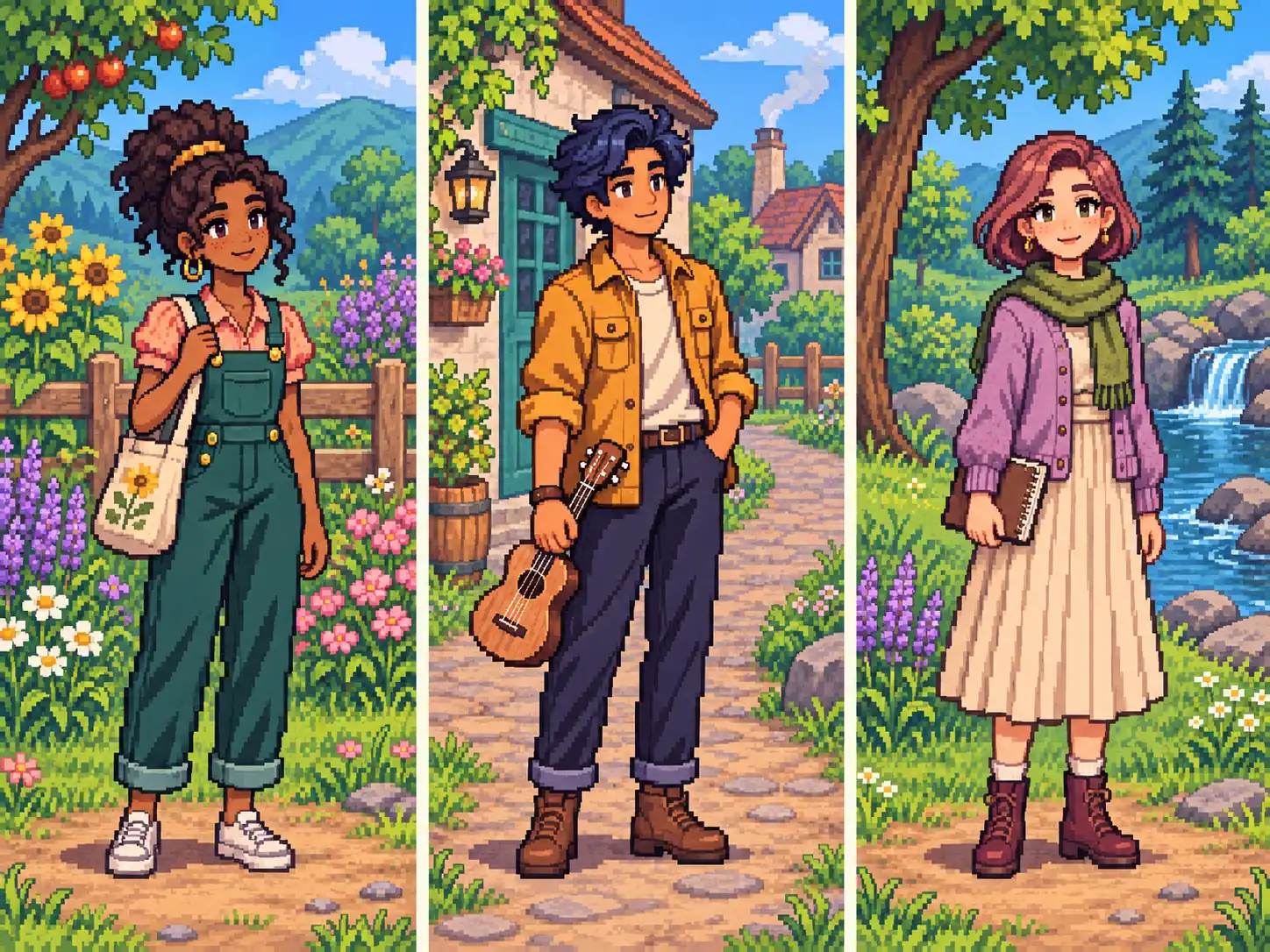
Create full-body character art that brings the outfit, pose, and accessories together in one illustration. A full-length reference can guide the overall appearance, while your prompt sets the stance and the details you want to feature. Show your character waving, holding a sketchbook, or standing ready for an adventure. Use the finished artwork for character sheets, cast lineups, and fan art where the complete design matters.
Build a Stardew Valley Scene Around Your Character
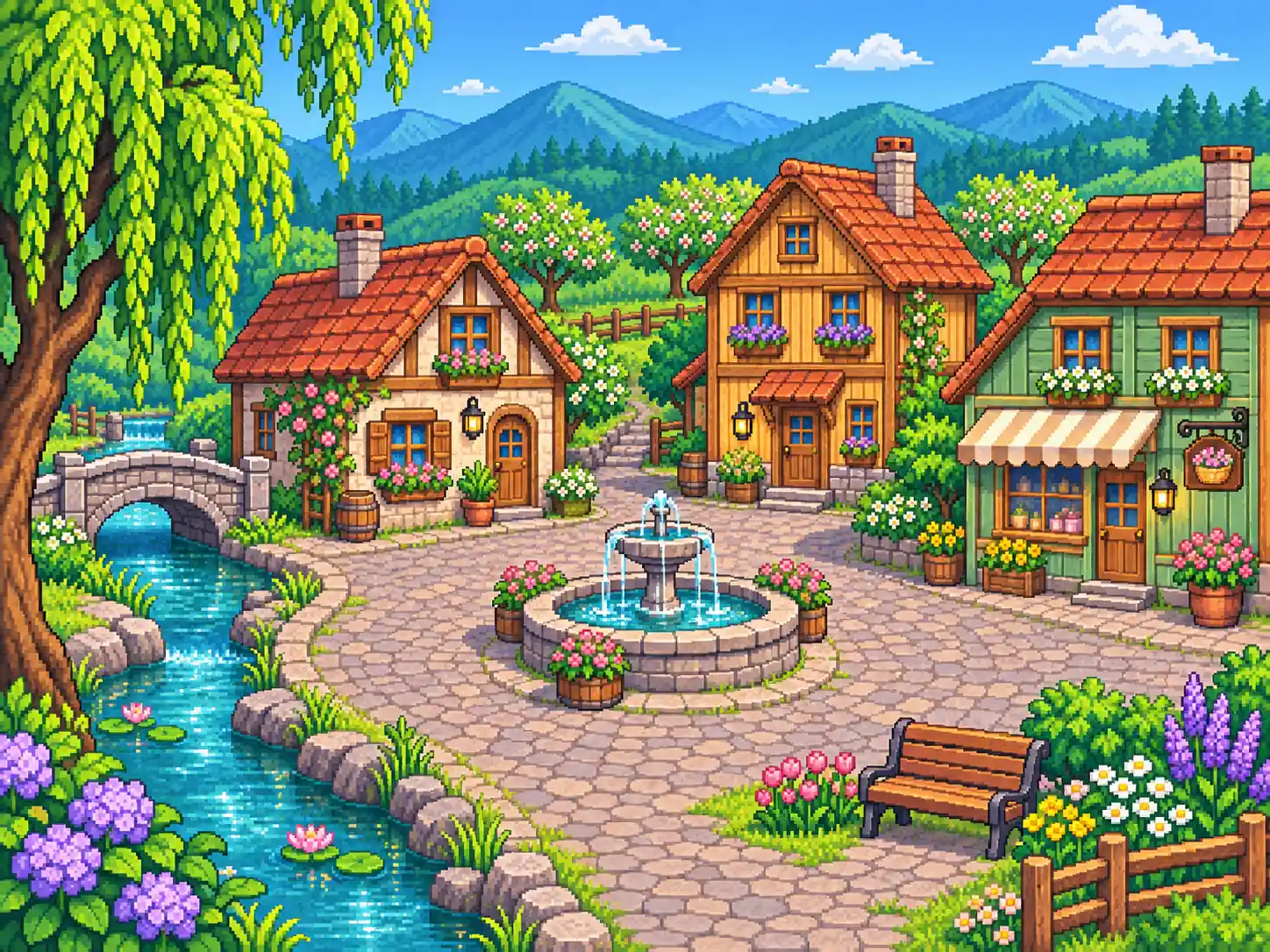
Give your character a setting that adds to their story. Describe the location, season, and lighting to create a Stardew Valley-style scene, from a sunlit town square to a cottage surrounded by autumn trees. PicLumen brings the character and surroundings into one pixel-art illustration. Use the image as a story opener, a desktop background, or a visual introduction to the place your original character calls home.
Who Can Benefit from the Stardew Valley Character Creator?
PicLumen’s Stardew Valley character creator helps players, artists, writers, and content creators make custom pixel art. Design avatars, develop original characters, or create personalized gifts for friends.
Stardew Valley Players
Create a Stardew Valley-style version of yourself for your gaming profile or playthrough journal. Customize the hairstyle, outfit, and accessories to match your favorite in-game look. Use the artwork as an avatar, a cover for your screenshot collection, or an illustration alongside your game updates. You can also try seasonal outfits to show your character’s style through spring, summer, fall, and winter.
Co-op Partners and Friend Groups
Make matching pixel avatars for your co-op group or regular gaming friends. Each person can design a character with their own hairstyle, outfit, and favorite accessories. Use a shared background color or clothing theme to connect the designs. Add the images to group chats and player introductions, or arrange the separate downloads into a group picture to celebrate a co-op milestone.
Fan Fiction Writers
Give your original characters a face and bring your story’s setting into view. Design their clothing, expressions, and accessories to reflect their personalities and roles. Create scenes for important locations, from a village shop to a woodland cottage. Use the artwork for character introductions, chapter covers, or illustrated story pages, and keep your favorite designs as references while you write.
Modders and Pixel Artists
Explore ideas for new residents before drawing the final artwork for your mod. Try different hairstyles, outfits, expressions, and full-body designs to find a look that suits each character. Use your favorite results as references for sketches, dialogue art, or character sheets. Keep them beside your canvas as you refine the details and prepare the finished pixel art for your project.
Cozy Gaming Creators
Create Stardew Valley-style artwork for video thumbnails, stream screens, and social posts. Use a pixel version of yourself to give your content a recognizable look. Change the outfit, expression, or setting to match each video’s topic, from a fishing challenge to a seasonal playthrough. Character illustrations also work well on episode covers and announcements for an ongoing gaming series.
Friends and Family
Make a personal gift for someone who loves Stardew Valley. Turn their photo into a pixel character with familiar details, such as their favorite outfit, glasses, or a prop related to their hobby. Use the artwork on a birthday card, a small print, or a digital greeting. You can also create characters for the whole family and arrange the separate images into a group picture.


Loved by Creators Worldwide
Real feedback from designers, marketers, and hobbyists sharing their PicLumen experience on Trustpilot.
 Isuru Nilanka
It's easy to use
It's easy to use, they have different AI models, good prices, and a nice community page.
 Alfred Rangel R
A wonderful range of options to create…
A wonderful range of options to create truly dreamlike visual effects with all those colors; only imagination is the limit.
Good 👍 perfomense web site good images…
Good 👍 perfomense web site good images good
amazing
amazing! this is just so good! WOWOW!!
ClashOf ClansExcellent platform to fantasy
Excellent platform to fantasy
next framebest ai web creation site
best ai web creation site
Selvakumar MSKGood website.
Good website. Website for creating images.
Great tool
Great tool, I made fantastic results with it.
 Phogat Pradeep
People passing by without noticing them.
People passing by without noticing them.
 Alishba Mukhtar
Wonderful experience I’ve ever had
Wonderful experience I’ve ever had
Really cool and very easy to use
Really cool and very easy to use
like is aesy to used
like is aesy to used i like, im new on this site and i love how is all. thanks
FAQs About Creating Stardew Valley Style Characters
What is a Stardew Valley character creator?
It’s an online tool for making characters in the pixel-art style of Stardew Valley. With PicLumen, you can turn a photo into a custom character and use a short prompt to personalize their hairstyle, outfit, and expression for avatars or fan art.
How can I keep the same villager recognizable across several images?
Reuse the same source photo and describe one or two distinctive details each time, such as a white forelock or a sunflower brooch. Then change the pose, expression, or season to suit each illustration.
Can I create an original character from text alone?
This preset starts with a photo. For a text-only original character, describe the villager’s appearance and role, then ask for Stardew Valley-style pixel art in PicLumen’s AI Image Generator.
How do I show my character’s full body?
Use a full-length reference if you want the clothing in your photo to guide the design. Ask for a head-to-toe view and name the pieces that matter, such as a long plaid coat and lace-up boots.
Do I need to install any software?
No. PicLumen’s Stardew Valley character creator works in your browser. Upload your photo, add an optional prompt, and generate your character online.
Can I customize my character’s hairstyle and clothing?
Yes. Describe the hairstyle, outfit, colors, and accessories you want in your prompt. Keep familiar details from your photo or try a new look that suits your original character.