Free AI South Park Character Creator
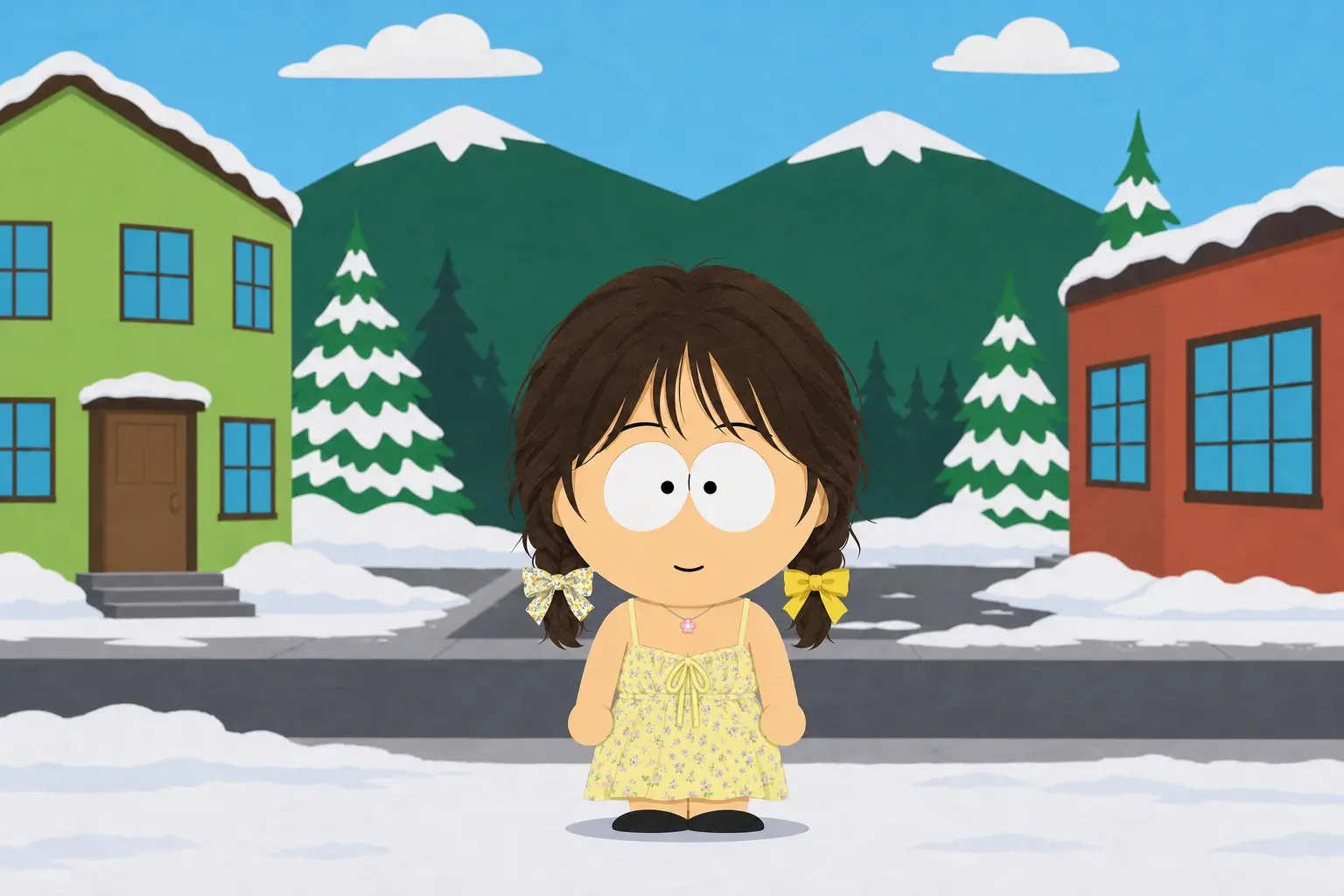
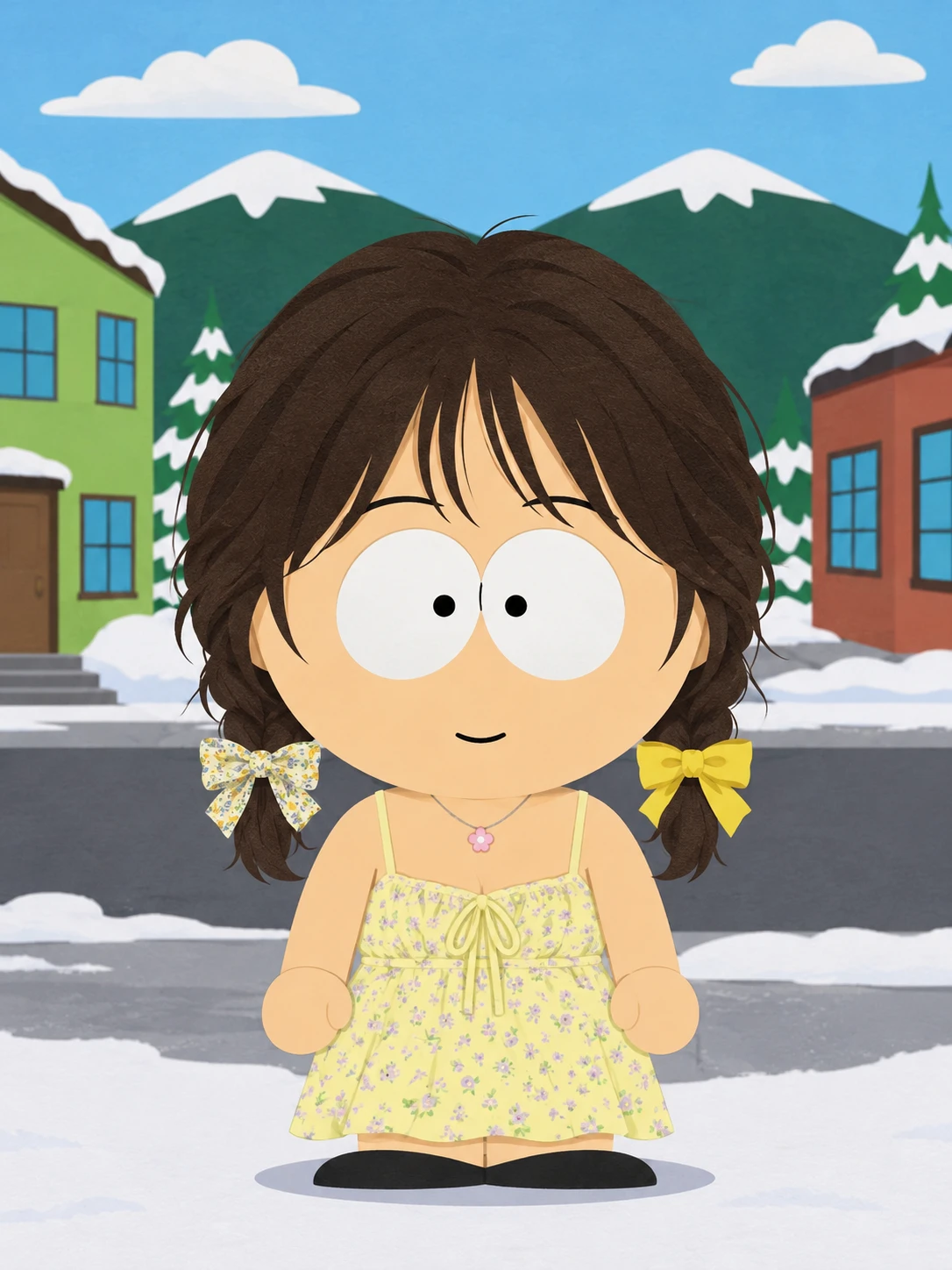
How to Make Your Own South Park Character
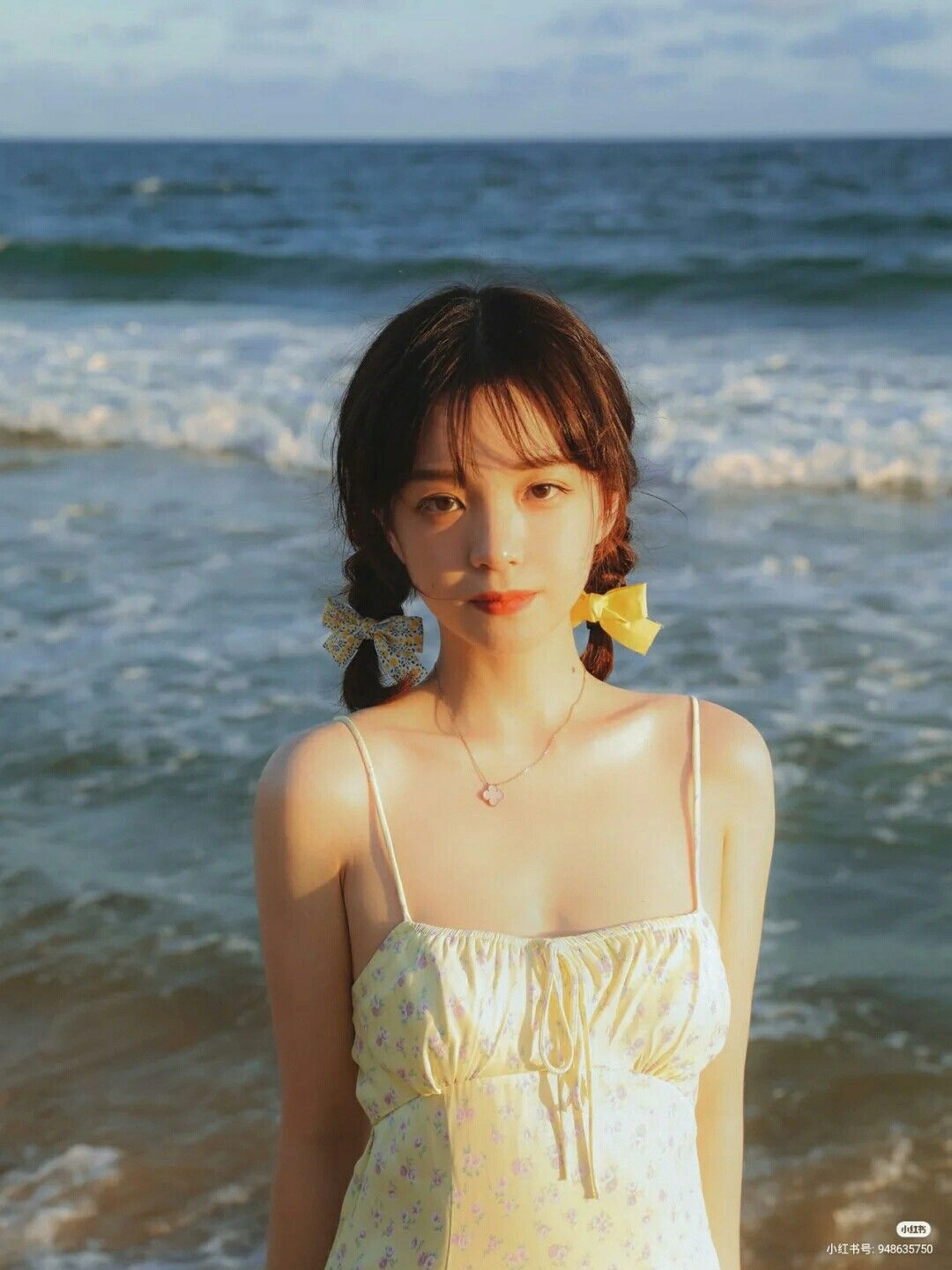
Upload Your Photo
Upload a selfie or portrait of the person you want to turn into a cartoon. Pick a photo that clearly shows their face and any details you want to carry into the character, such as glasses or a favorite hat.
Add a Prompt (Optional)
Describe any changes you want, such as a striped sweater, a surprised expression, or a snowy background. Leave the prompt field blank to use PicLumen’s preset South Park style.
Generate and Share
Click Generate to create your character. Review the result, download the image, and use it as your new profile picture or share it in a post or message.
Explore South Park-Style Character Art
See how a South Park character can work as a small profile icon, a reaction image, or the centerpiece of a poster.
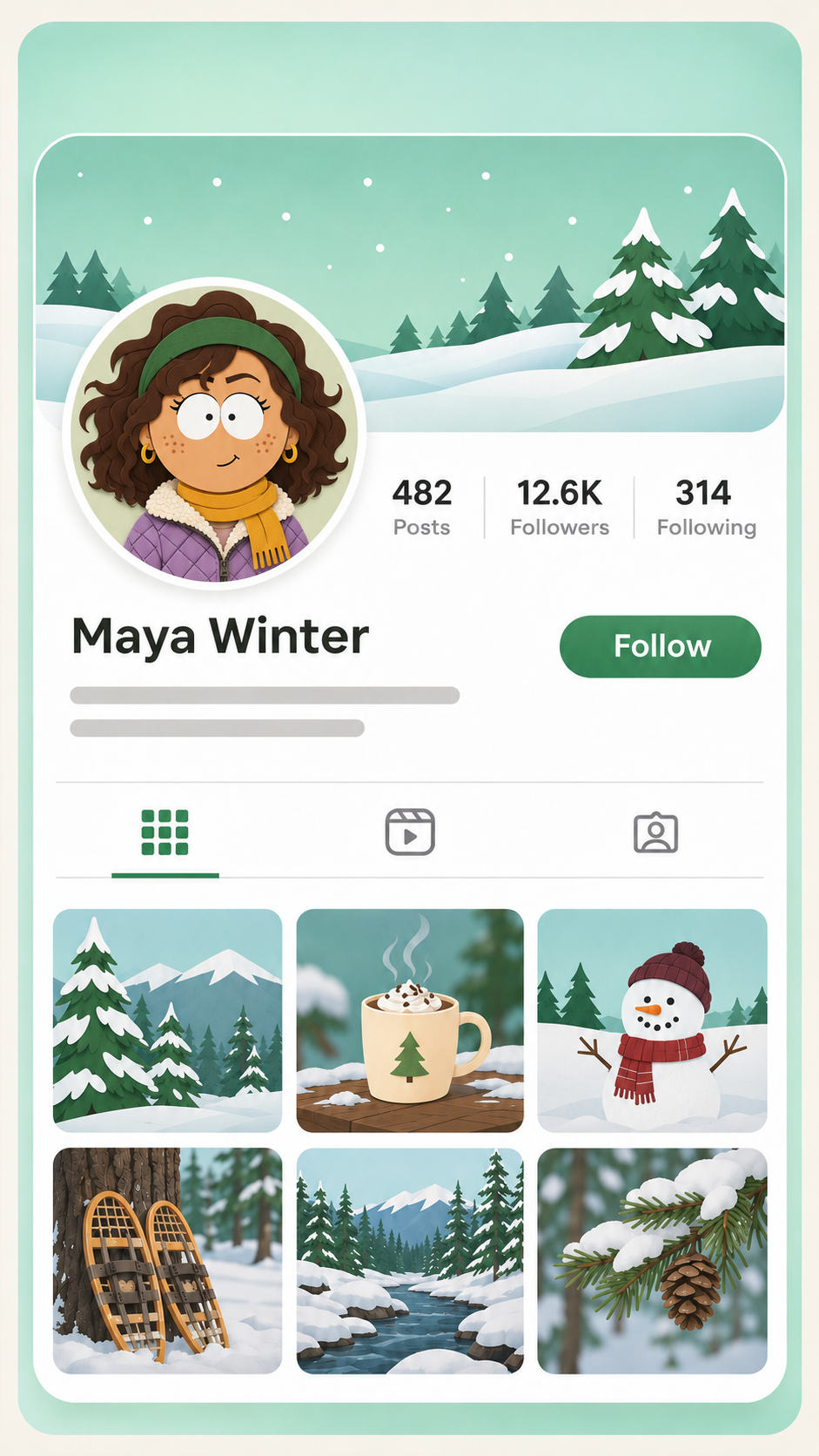
South Park Profile Pictures
Make a South Park profile picture that still feels like you. Start with a close-up that shows your face and the details people recognize, like your round glasses or favorite beanie. A simple background and a centered head-and-shoulders composition help the character stand out at icon size. If your profile displays images in a circle, leave room around the head so your hat or hairstyle stays in view. Use the finished PFP on Discord, Instagram, or any account you want to give a more playful look.
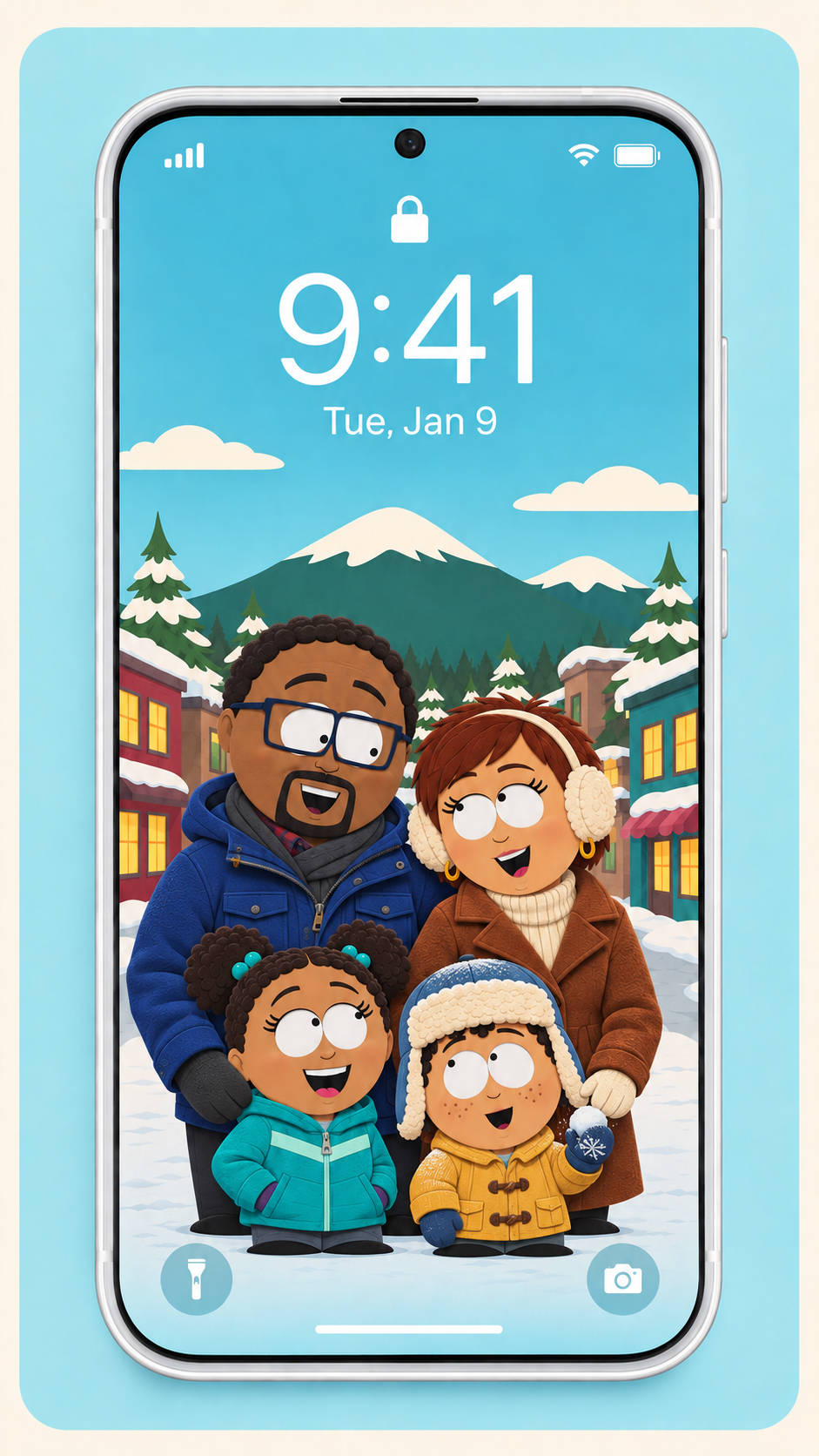
Lock Screen and Desktop Wallpapers
Put your character in a scene you’d like to see on your phone or desktop. For a lock screen, ask for a tall composition with the character lower in the frame and open space where the clock sits. For a desktop background, try a wide scene and place the character away from your usual column of icons. A snowy street with warm light spilling from a diner window gives you a fun setting for both layouts. Use the same outfit and colors if you want the wallpapers to match.
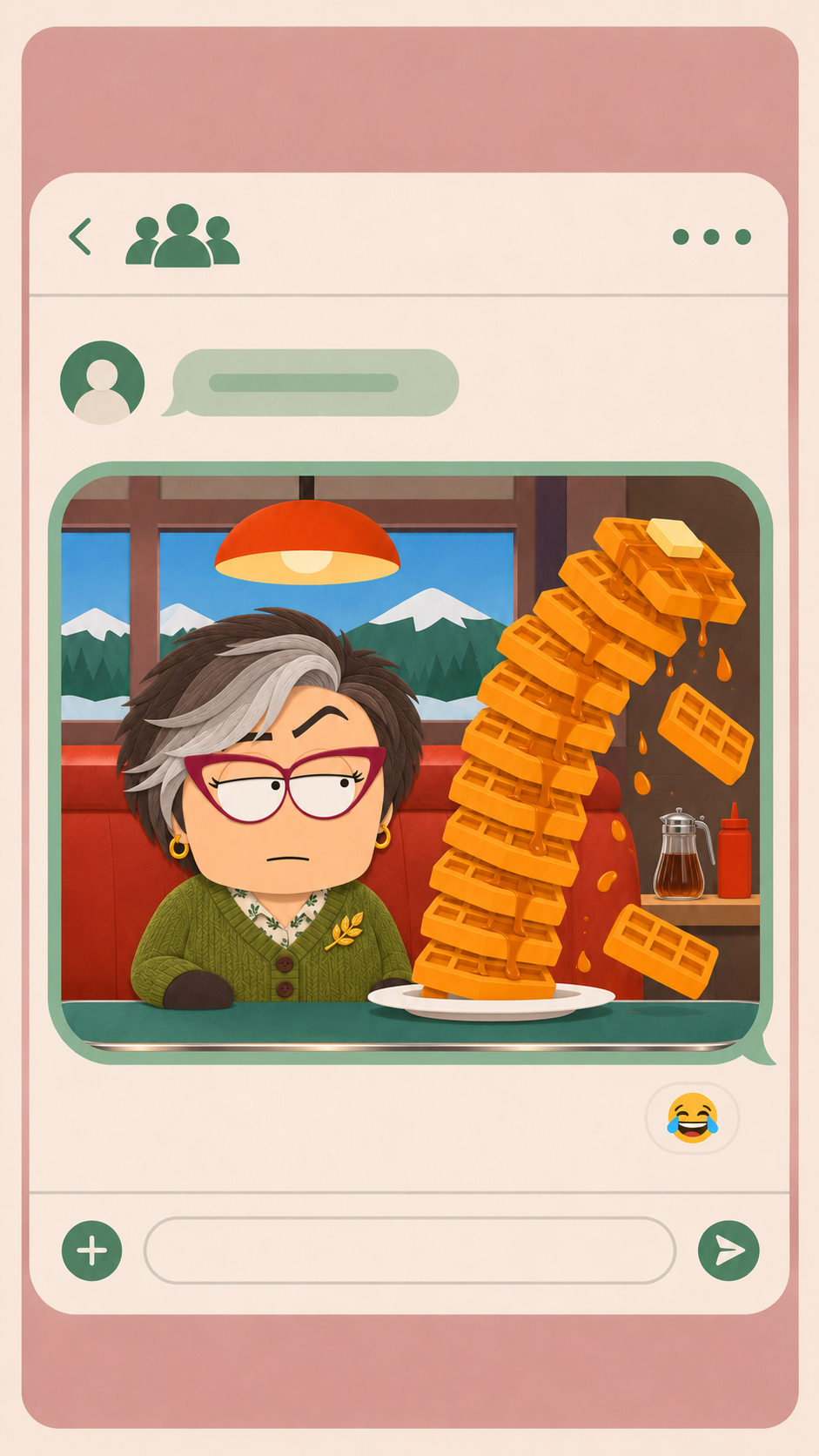
South Park Reaction Memes
Turn your best reaction photo into a South Park meme. Use PicLumen’s South Park maker to exaggerate a blank stare, awkward smile, or shocked expression in the cutout style. Ask for open space above or below the face if you plan to add a caption. Once you’ve downloaded the image, give it a line that fits the expression, like “When the meeting could’ve been a message.” Save a caption-free copy for group chats and comment threads where the expression works on its own.
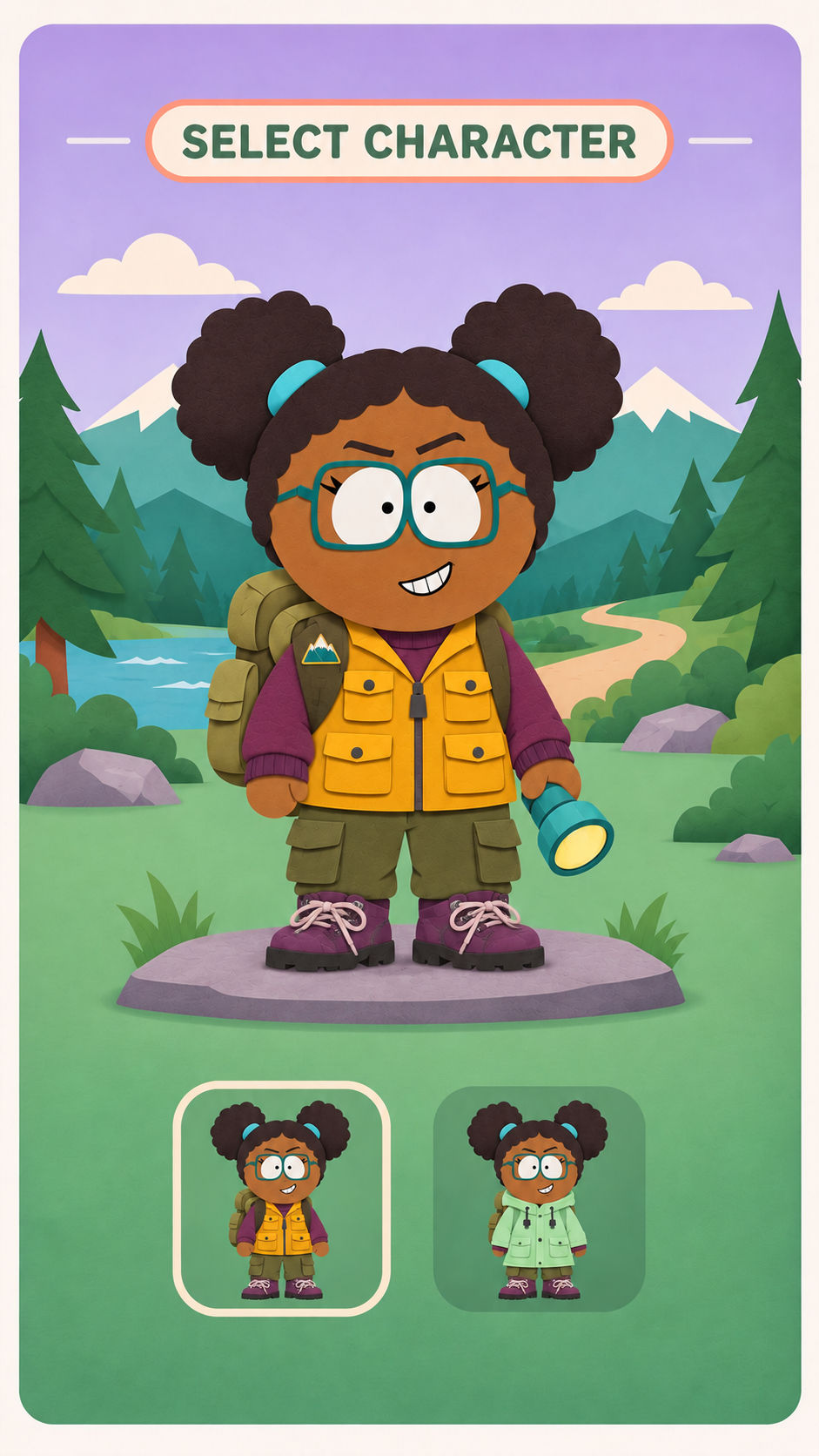
Avatars for Games and Streams
Design an avatar that fits the persona you use online. A retro gaming streamer might give their character a purple headset and a jacket covered in pins. A cozy game fan could go with a knit cap and a thermos. For a gaming group, try a shared pose and background for each member, then vary the jacket colors or accessories so each avatar is easy to pick out. Use the designs for player cards, server introductions, or a group lineup that helps new members meet the team.
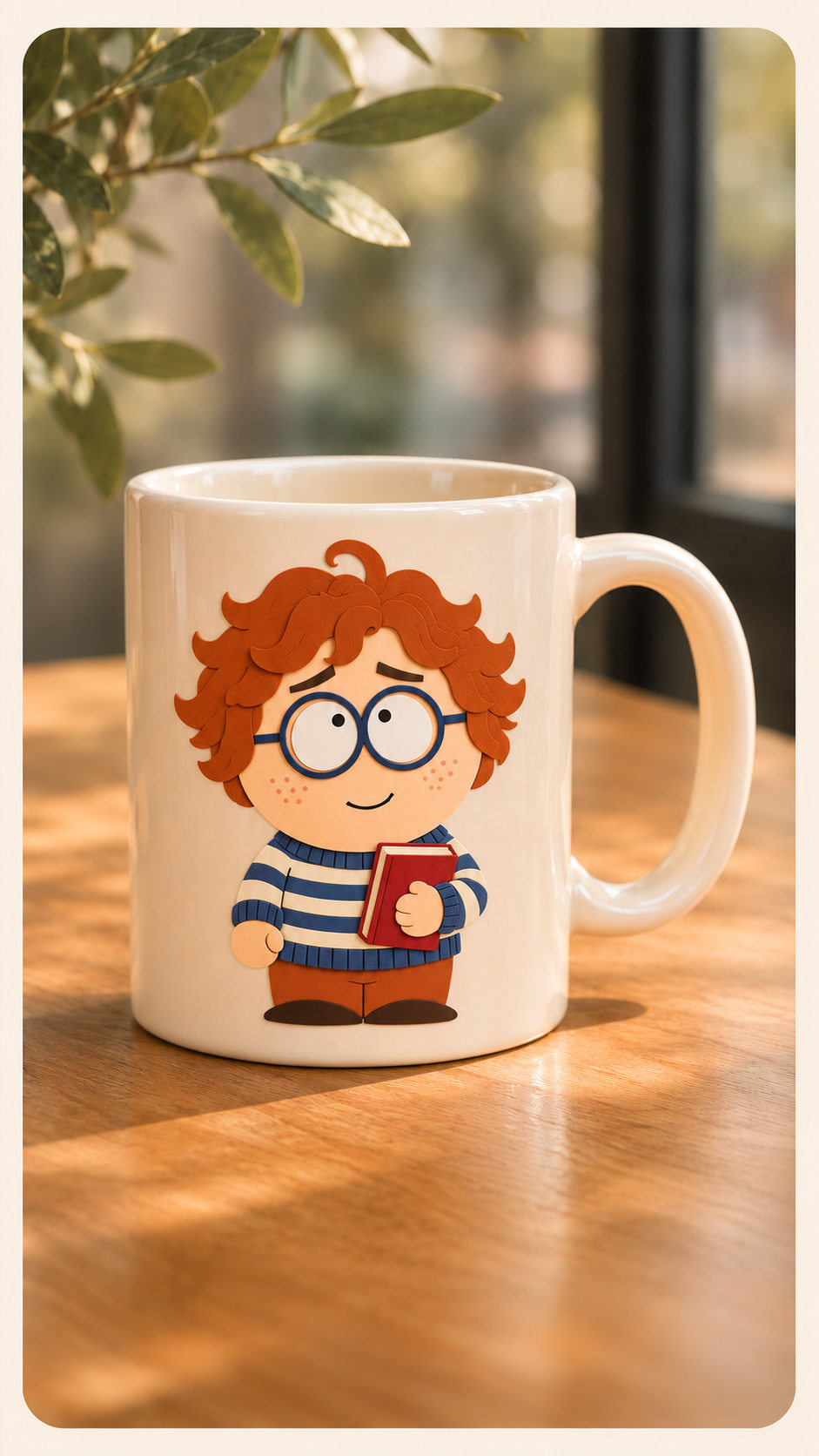
Product Mockups with Character Art
See how your character would look on a mug, tote bag, or sticker sheet. Start with a plain background and a pose that’s easy to recognize when the artwork is small. A seated character holding a coffee cup works well on a mug, while a standing pose with a bright jacket can fill more of a tote bag design. After downloading the character, place it into your product mockup. Try the artwork on a few background colors before choosing a design for a personalized gift or keepsake.
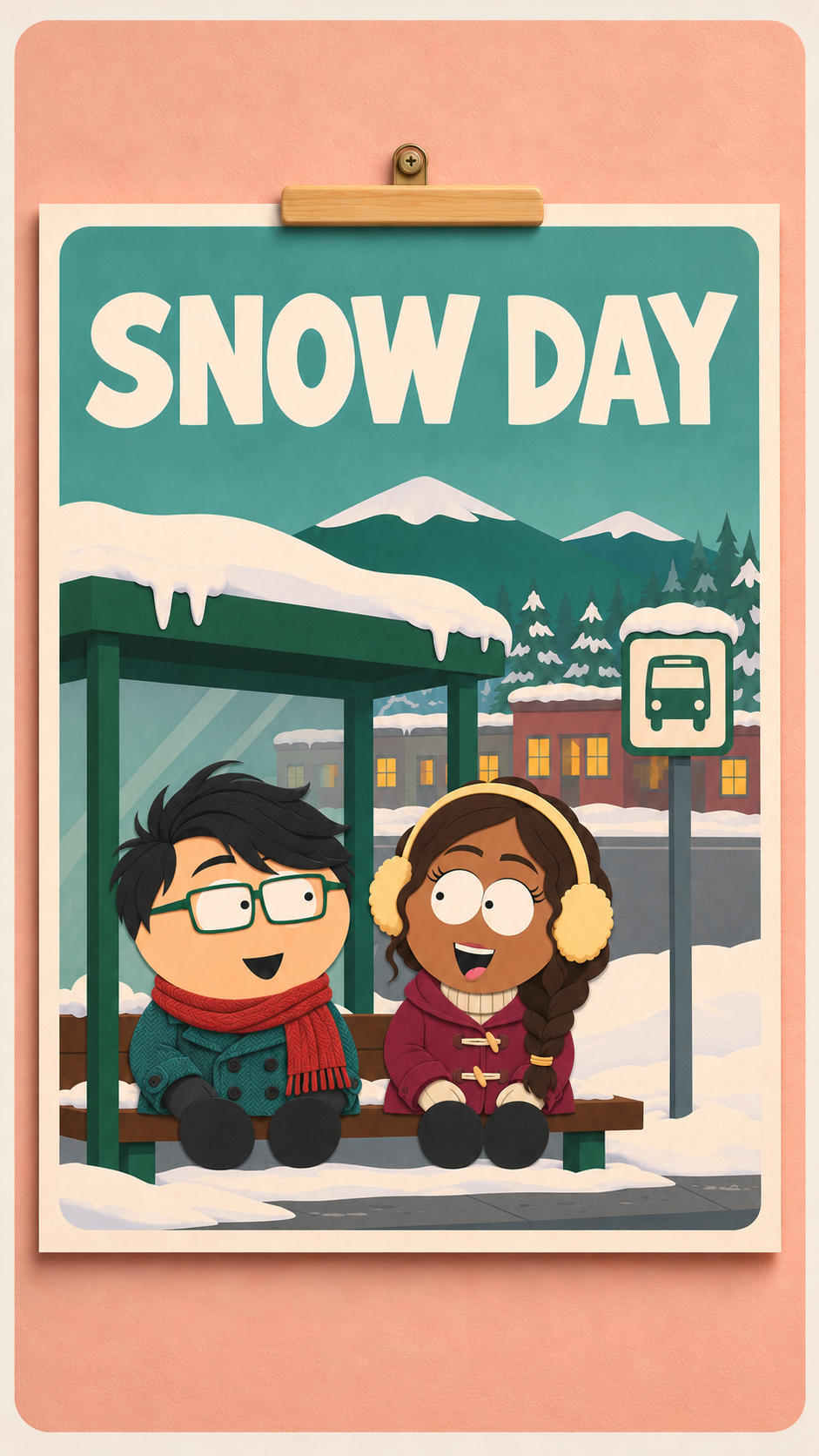
Posters for Fan Projects
Build a poster around a South Park-style version of yourself or a character you’ve imagined. Plan the scene around one idea, such as a snowy bus stop for a winter watch party or a cafeteria for a school comedy. Ask for extra space near the top or bottom so you can add a title, event details, or a short tagline after you download the artwork. Give a cast poster a wider layout so you have room to arrange several character illustrations alongside the main figure.
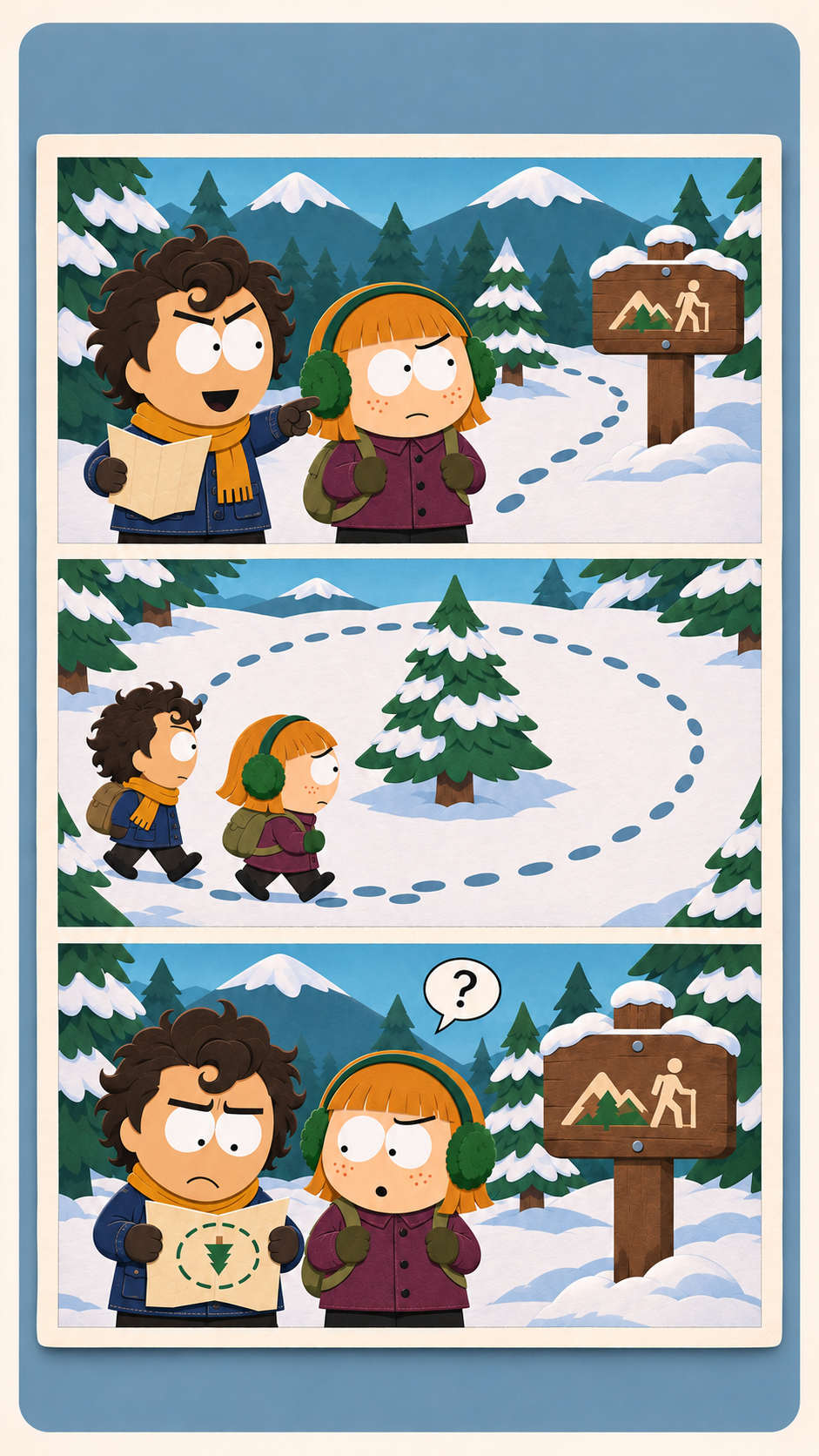
South Park-Style Comic Strips
Turn an everyday joke into a South Park-style comic strip. Start with your friend confidently pointing out a shortcut, then capture their expression when everyone realizes they’re lost. Reuse the same source photo and mention a recognizable detail, like their orange jacket, in each prompt. Once you’ve downloaded the images, arrange them in order and add speech bubbles or captions. Share the finished strip in your group chat or post each panel as a slide in a social media carousel.
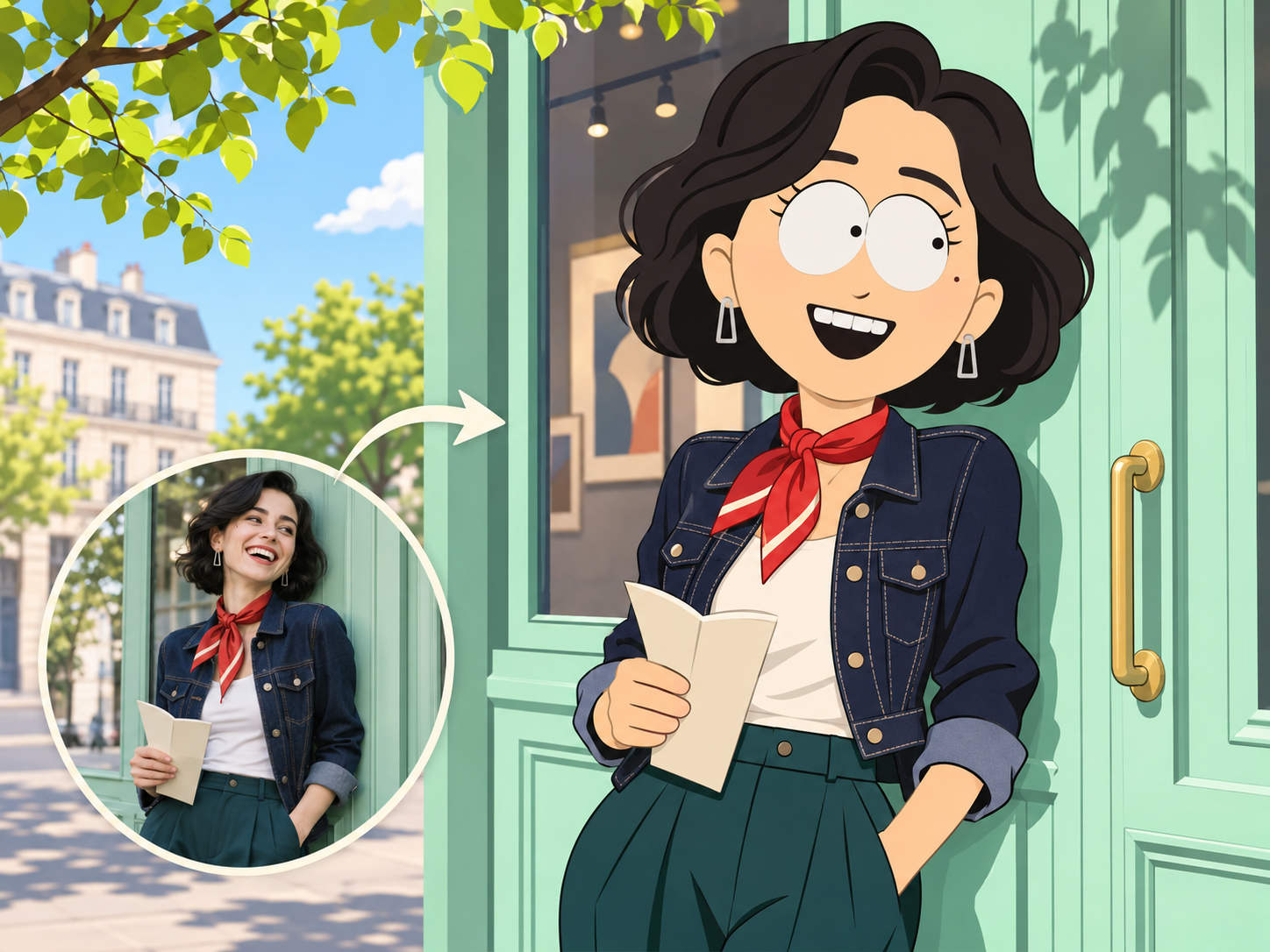
Turn a Photo Into South Park Art
Reimagine a favorite photo as a cartoon with the flat shapes and bold colors of cutout animation. PicLumen’s South Park-style character creator uses the person’s appearance as a starting point, so recognizable details can carry into the illustration. A denim jacket, curly hair, or a pair of red glasses can give the character a clear connection to the original photo. Choose a picture that shows the details you care about, whether it’s a close-up for a portrait or a candid vacation photo with an outfit your friends will recognize.
Customize Outfits, Expressions, and Settings
Give your character a specific look with a short prompt. Ask for a striped scarf and a winter coat for a snow day, or put the character in a school hallway with raised eyebrows and a half smile. Mention a detail from your photo you’d like the illustration to pick up, such as silver hoop earrings or a checked blazer. Small changes in clothing, expression, or setting let you adapt the character to the scene you have in mind, from a casual portrait to a comic panel.
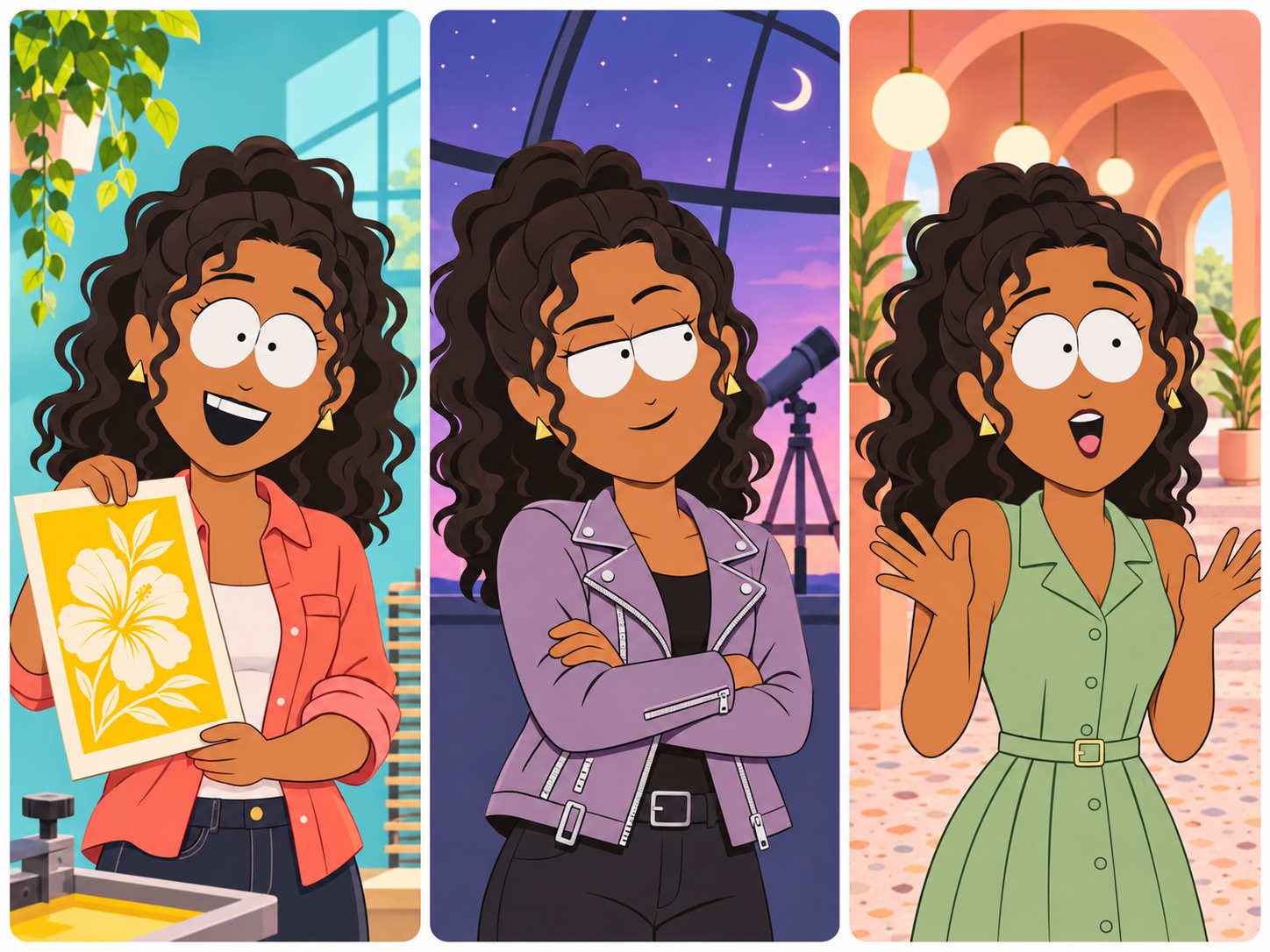
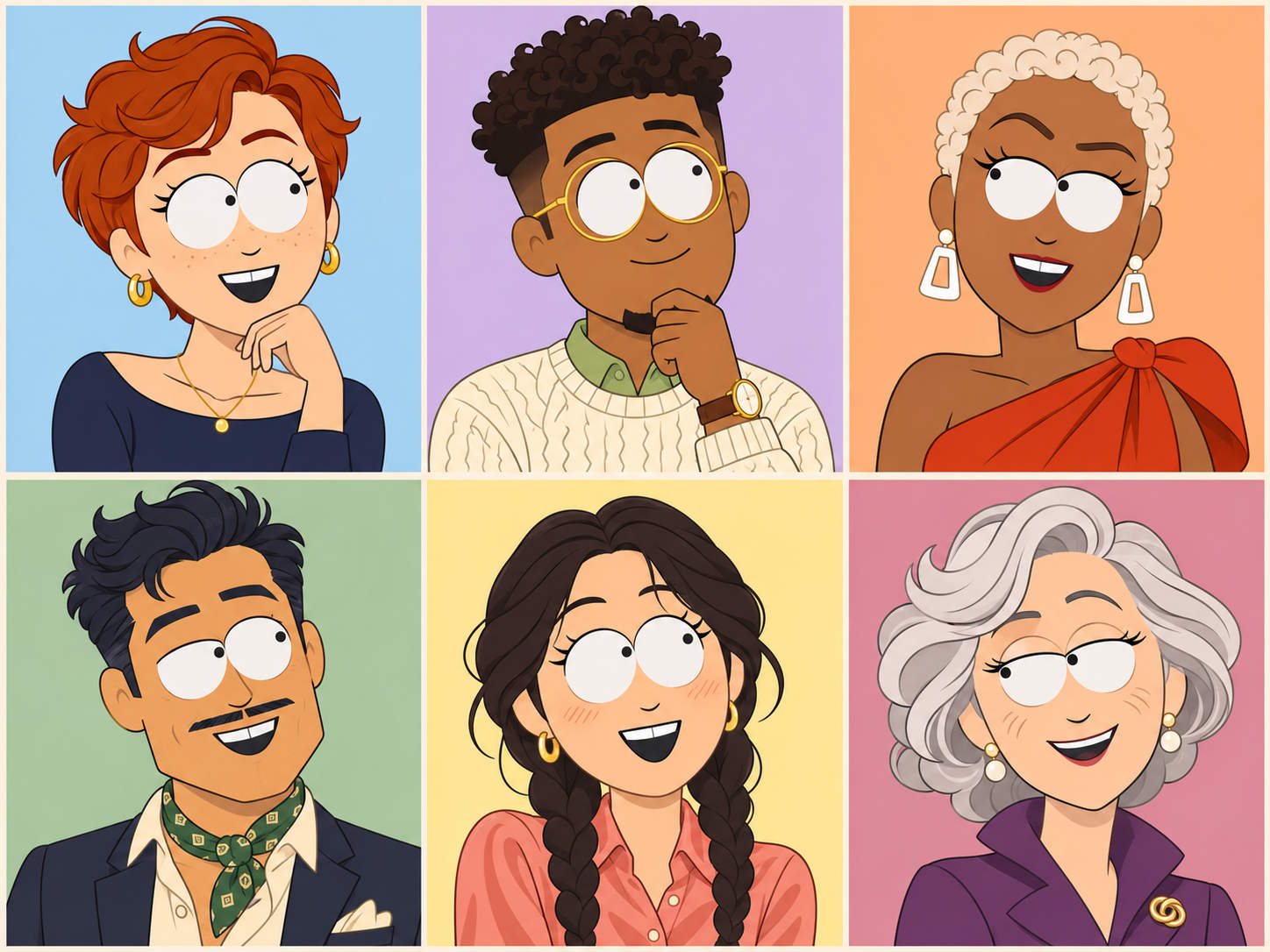
Design Your Own South Park OC
Give your original character (OC) a role in the story and a look that hints at their personality. Picture a school reporter who turns every rumor into a headline. A scuffed notebook and a suspicious squint tell you what they’re like before they say a word. Use PicLumen’s South Park OC maker to build a cutout-style design around details like these. Pair the finished artwork with a name and backstory on a character sheet, or use it to introduce your OC in a fan comic.
Make Full-Body Character Art
Show the whole outfit and pose when you want a full-body illustration for a cast lineup, poster, or sticker design. Upload a photo that shows the subject from head to toe and ask for a full-length view with both feet in frame. A simple background makes the silhouette easier to see when the artwork sits next to other characters. Describe the details that give the pose some personality, such as hands tucked into coat pockets, chunky boots planted wide apart, or a backpack slung over one shoulder.
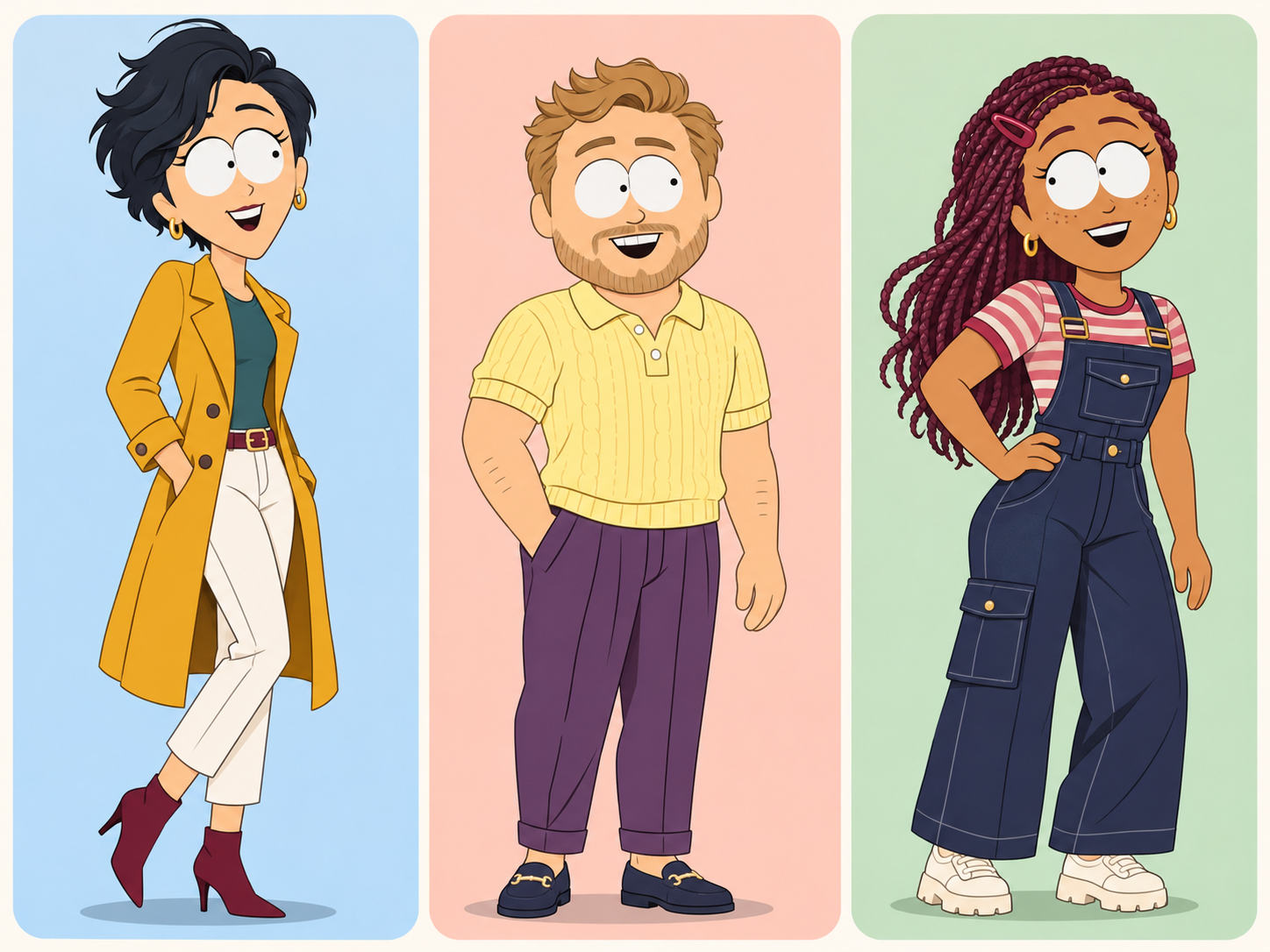
Who Uses the South Park Character Creator?
See how creators, fans, and groups use character art to tell stories, share reactions, and put a face to an inside joke.
Social Media Creators
Give a recurring series a recognizable cartoon host. A reviewer could turn their portrait into an illustrated character and use a different expression on each thumbnail. A comedy creator could build a set of reactions for recurring segments, like a deadpan stare for a bad take or a grin for an unexpected win. Choose one detail viewers can recognize across posts, such as a yellow cap or square glasses. Then change the expression or setting to match each topic while keeping the same character at the center of the series.
Fan Fiction Writers
Give readers a visual introduction to an original character in your fan fiction. Think about what people notice before the character speaks, like the oversized jacket they wear every day or the trophy they insist on carrying to school. Use those details in your prompt to create art for a cast page, chapter update, or story cover. If you’re writing about a new student, design their school outfit first and try a second look for a scene outside class. Both illustrations can sit alongside a short character bio for readers.
South Park Fans
Make South Park characters for a watch party, fan thread, or weekly episode discussion. Start with a photo of yourself and imagine where your cartoon counterpart would fit into the scene, like a table by the window at a diner or a snowy walk to school. Use the finished portrait in an invitation, in your episode rankings, or on a fan bingo card. You can give your character a recurring accessory, like a green scarf, and change the backdrop each week to pick up a detail from the latest episode.
Cosplayers and Costume Makers
Turn a cosplay photo into a cutout-style illustration for a convention recap or a costume progress post. Use a shot that shows the work you put into the outfit, from a handmade hat to the prop you built to go with it. Mention those details in your prompt so the illustration has a clear reference for them. You can also start with a photo from an early fitting and try a different jacket color or accessory in the cartoon before choosing the finishing touches for the real outfit.
Friends and Group Chats
Turn the people in your group chat into a cartoon cast built around the jokes and stories you share. Start with a separate photo for each friend and give them a detail from a favorite memory. The friend who always plans the trip might hold a folding map, while the one who packs snacks gets a backpack full of chips. Combine the finished characters in a collage for a birthday, trip recap, or reunion invitation. Save individual portraits for birthday posts or for the next time someone brings up that old joke.
Tabletop RPG Players
Give players a portrait for their character sheets, player cards, or virtual tabletop tokens. When a character is based on a player, use their photo and describe an item tied to the role, like a wizard’s crooked hat or a detective’s thermos. For a game set in a small town, try a backdrop tied to each character’s story, such as a repair shop for the mechanic or a café for the private eye. The portraits help the group recognize who’s in each scene when the characters cross paths during a session.
More Ways to Turn Photos Into Art
Start with a favorite photo and try a new look, from a playful cartoon to a soft watercolor.


Loved by Creators Worldwide
Real feedback from designers, marketers, and hobbyists sharing their PicLumen experience on Trustpilot.
 Isuru Nilanka
It's easy to use
It's easy to use, they have different AI models, good prices, and a nice community page.
Jon JonVery good website
Very good website. Different models, good job
 J. Blaine
Regular PicLumen user experience
I've been using PicLumen since late summer 2024 and I've generated several thousand images, mostly image-to-image. There were 2 minor technical glitches in that period of time. In the first one, my library didn't load but after logging out and logging in again later that day I found my library back. The second glitch- the remixing and outpainting stopped working. I contacted the support team and the issue was fixed the next day. I also requested PicLumen to provide a PayPal payment method when they switched to subscription - and they listened and responded to my request. I appreciate their responsiveness and customer service. In my communication with their support team, I found them professional and polite. My general impression is that this is a dynamic and collaborative team that is worth supporting!
 Crispee
Easy to use.
Easy to use. Great layout love it!
Narender KhatanaI love this app I love this very very…
I love this app I love this very very much this is help in make a videos
 Bohdan Lesyk
Great and fast
Great and fast, would be much better with some more free credits
Can’t go wrong using this one
Can’t go wrong using this one
pixaigreat chatgpt image alternative
great chatgpt image alternative
 Federico Bidonde
Good app recién probando
Good app recién probando
 Ayyan Naveed
It's good
It's work very I am totally satisfied from this app I am very happy after use it
 PRZNT GAMING
I really like
I really like, in just few lines you can get good result, also you can generate as detailed images as you want.
 Mehdi Sohrabi
good
🔥good best saite and good work and good good good
FAQs About Making South Park Characters
What is a South Park character creator?
A South Park character creator is a tool that turns a person’s photo into a South Park-style cartoon. PicLumen uses the image as a reference and gives the character the flat shapes, bold colors, and simplified features associated with the cutout look.
Do I need to write a prompt?
No. Upload a photo and generate with the preset if you want the default style. Add a prompt when you have a specific change in mind, such as swapping a baseball cap for a beanie.
What kind of photo works best?
Use a sharp, well-lit photo with a clear view of the person’s face. A close crop works well for a profile picture. Choose a wider photo if you want the character’s outfit or pose to guide the result.
Can I create a South Park OC from text alone?
Yes. In PicLumen’s AI Image Generator, describe your OC, or original character, and ask for a South Park-inspired cutout style. Include details such as their outfit, expression, and any recognizable accessories.
Can I change my character’s background?
Yes. Include the setting in your prompt, such as a snowy bus stop, an empty school hallway, or a plain blue backdrop. If you’re planning to add a caption, describe where you want open space in the image.
How do I share my finished character?
Download the generated image, then upload it as a profile picture, send it in a group chat, or add it to a social post. Crop the character to fit the layout where it will appear.