AI GTA Filter Image Generator – Turn Your Photo Into Iconic GTA Cover Art
Hot Video Effects
Turn your photos into fun dance clips, surprising transformations, and shareable moments with trending AI video effects.
What Is AI GTA Filter On PicLumen
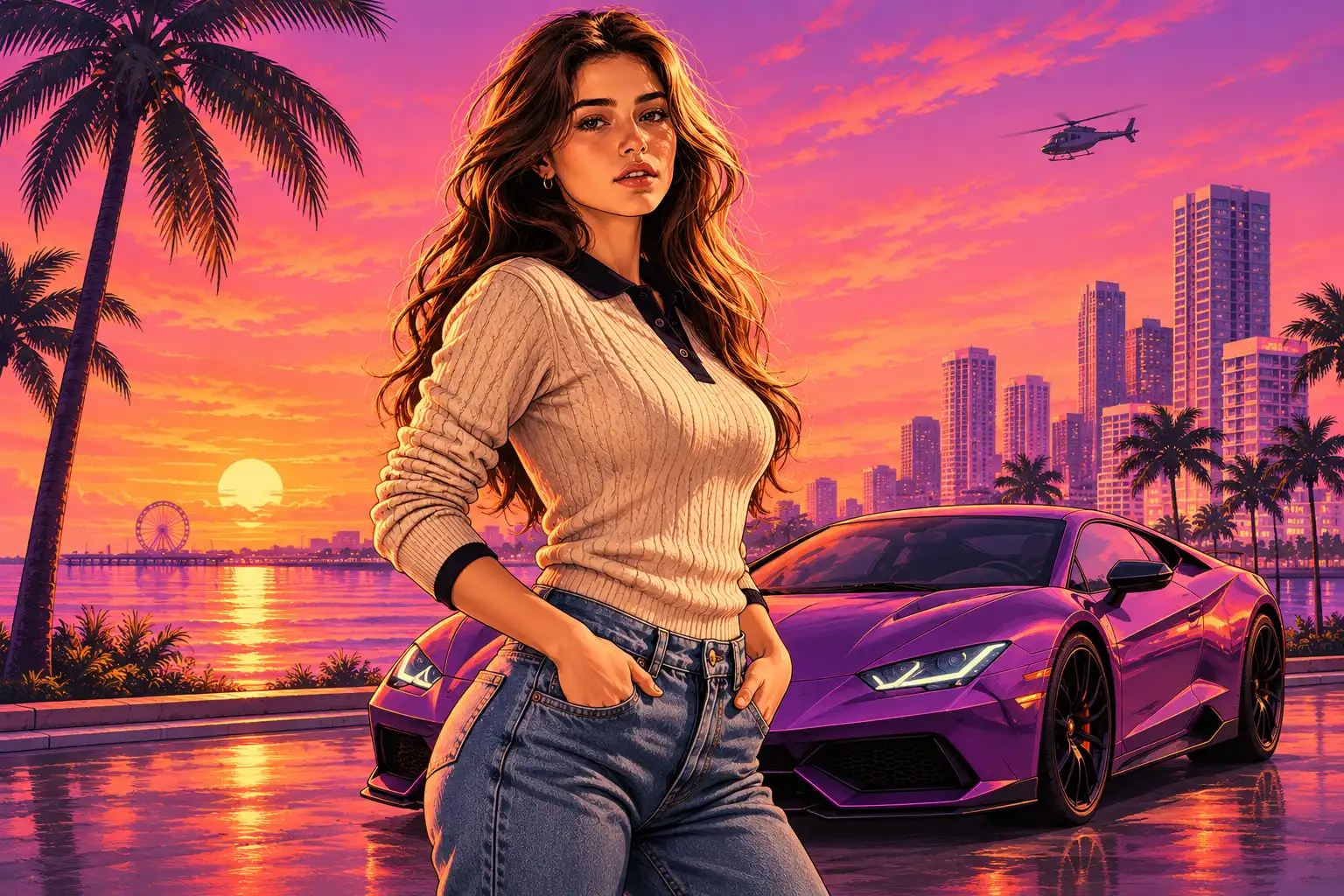
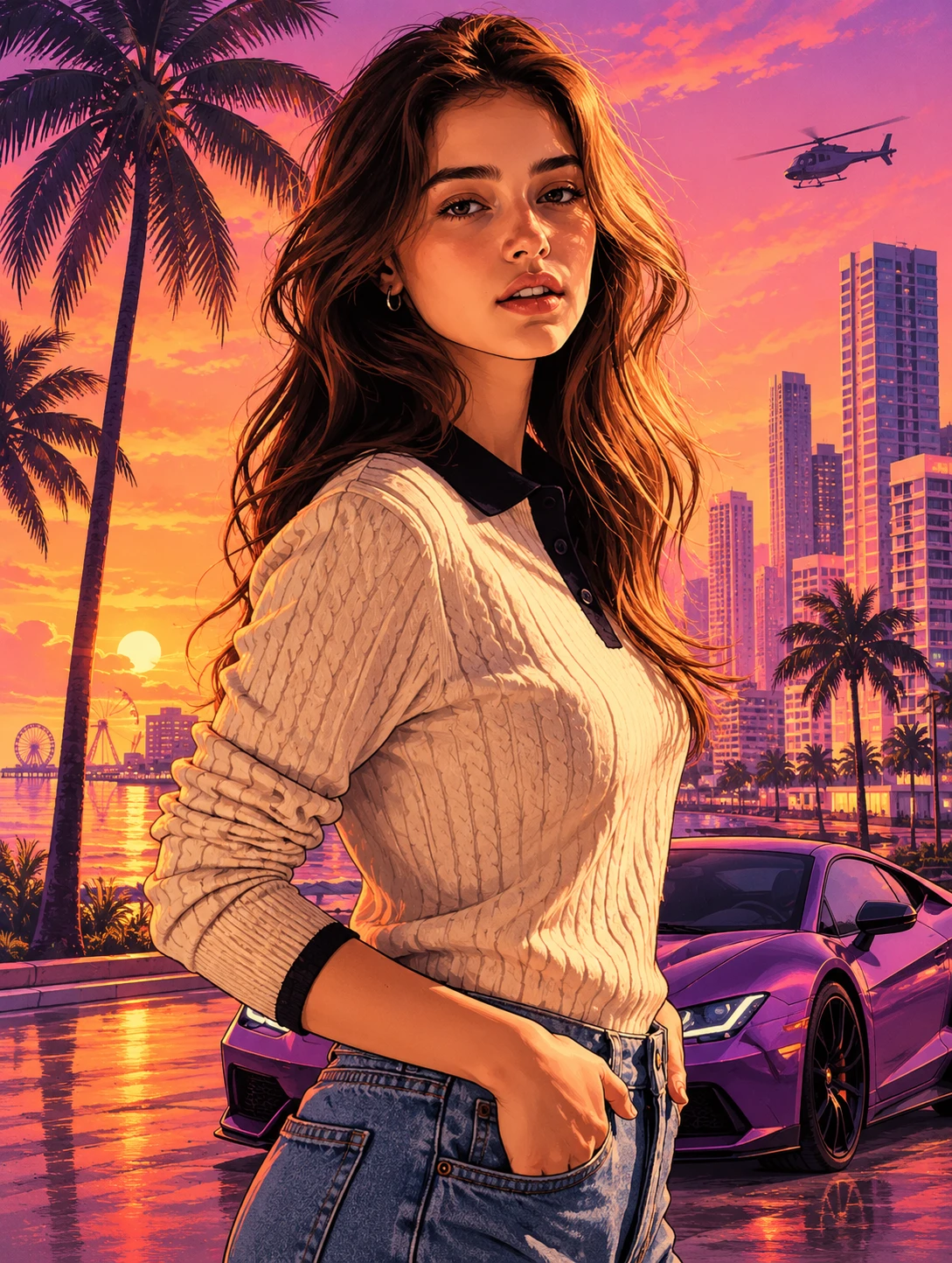
The AI GTA Filter is a stylized AI visual tool built for PicLumen. It transforms regular portrait photos into bold graphic illustrations inspired by the iconic cover art of classic open‑world urban games. It retains your original facial features and pose, applying thick outlines and flat cel‑shaded color blocks to produce poster‑ready artwork from a single uploaded image. It focuses on recreating that recognizable cinematic urban tone without requiring manual drawing or advanced design software.
Key Differentiator
Unlike ordinary photo filters that only adjust brightness and color, this effect rebuilds your portrait into a complete graphic artwork. It balances stylized artistic transformation with subject recognition, so you get the iconic game‑cover atmosphere while keeping your own recognizable features.
What It Creates
This effect outputs standalone illustrated poster visuals from one portrait input. Every result carries the distinct graphic language of vintage urban game cover design, with defined linework and saturated color grading. It does not add extra characters or change the core identity of the person in your source photo.
Suitable Source Inputs
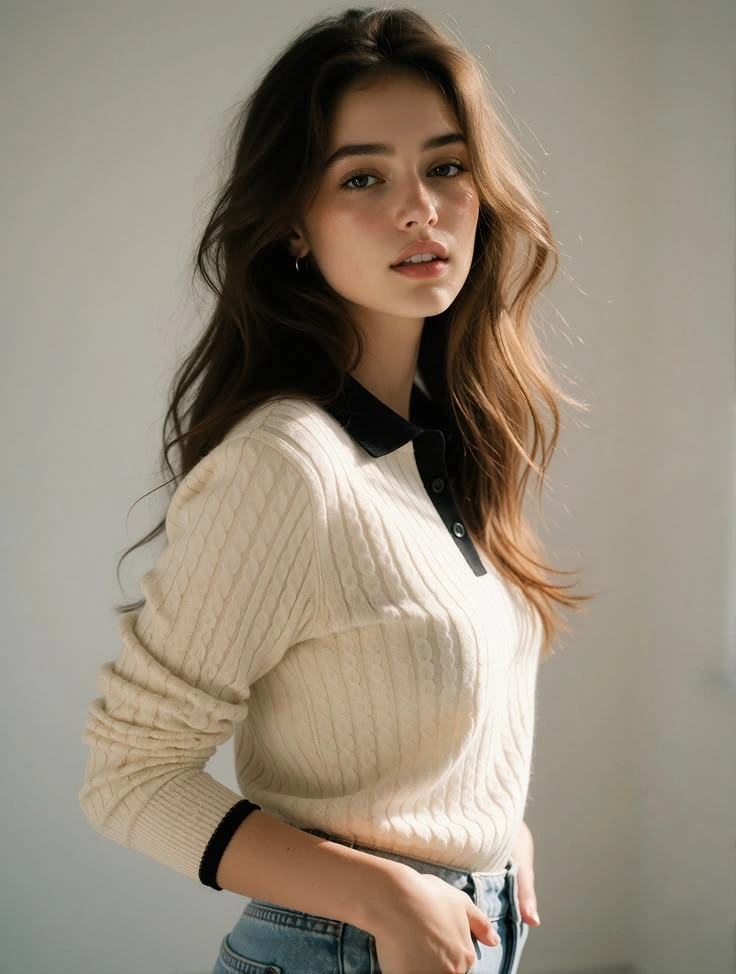
It works best with clear portrait photos where the subject’s face and main body are visible. Single‑person shots are the intended input. Busy, messy backgrounds can interfere with the clean graphic look the style relies on, while simple backdrops help the illustrated character stand out.
Core Style Traits
Its signature look comes from heavy contour outlines and cel-shaded flat coloring. Two primary mood directions are available: warm sunlit retro city tones and moody neon-lit night urban grading. The aesthetic prioritizes dramatic, story-driven poster framing over photorealistic rendering. You can further animate your finished graphic posters with Animate Image AI.
Create an AI GTA Filter Effect on PicLumen
Step 1 Choose Your Template
1Start with the default template if its look aligns with your vision; switching is optional. Open the “Template” menu to browse alternative styles and pick one that fits your creative direction. This selection shapes the bold, game-inspired portrait tone unique to the AI GTA Filter.
Step 2 Upload Your Photo
2Pick a clear portrait saved on your device and upload it to the workspace. A well-lit shot where your subject’s face and upper body stay visible helps the effect build a cohesive retro urban illustration. Avoid cluttered backdrops that compete with the stylized city aesthetic.
Step 3 Select Parameters If Available
3Check the prompt area for adjustable options tied to this template. Pick any available settings that match the mood you want for your illustrated portrait. If no parameter choices appear, skip this section and move forward without typing a custom prompt.
Step 4 Generate and Download
4Double-check your selected template, uploaded photo, and any chosen parameters before you trigger generation. The tool will render your stylized artwork once processing completes. When ready, download the finished illustrated image directly to your device.
Why Choose This AI GTA Filter
This effect stands apart from basic photo filters by recreating the iconic illustrated cover aesthetic of classic open-world urban games. It preserves your unique facial features and pose instead of replacing your likeness with generic artwork. No drawing skills or complex graphic software are required, letting you turn ordinary photos into atmospheric character posters with cinematic urban storytelling.
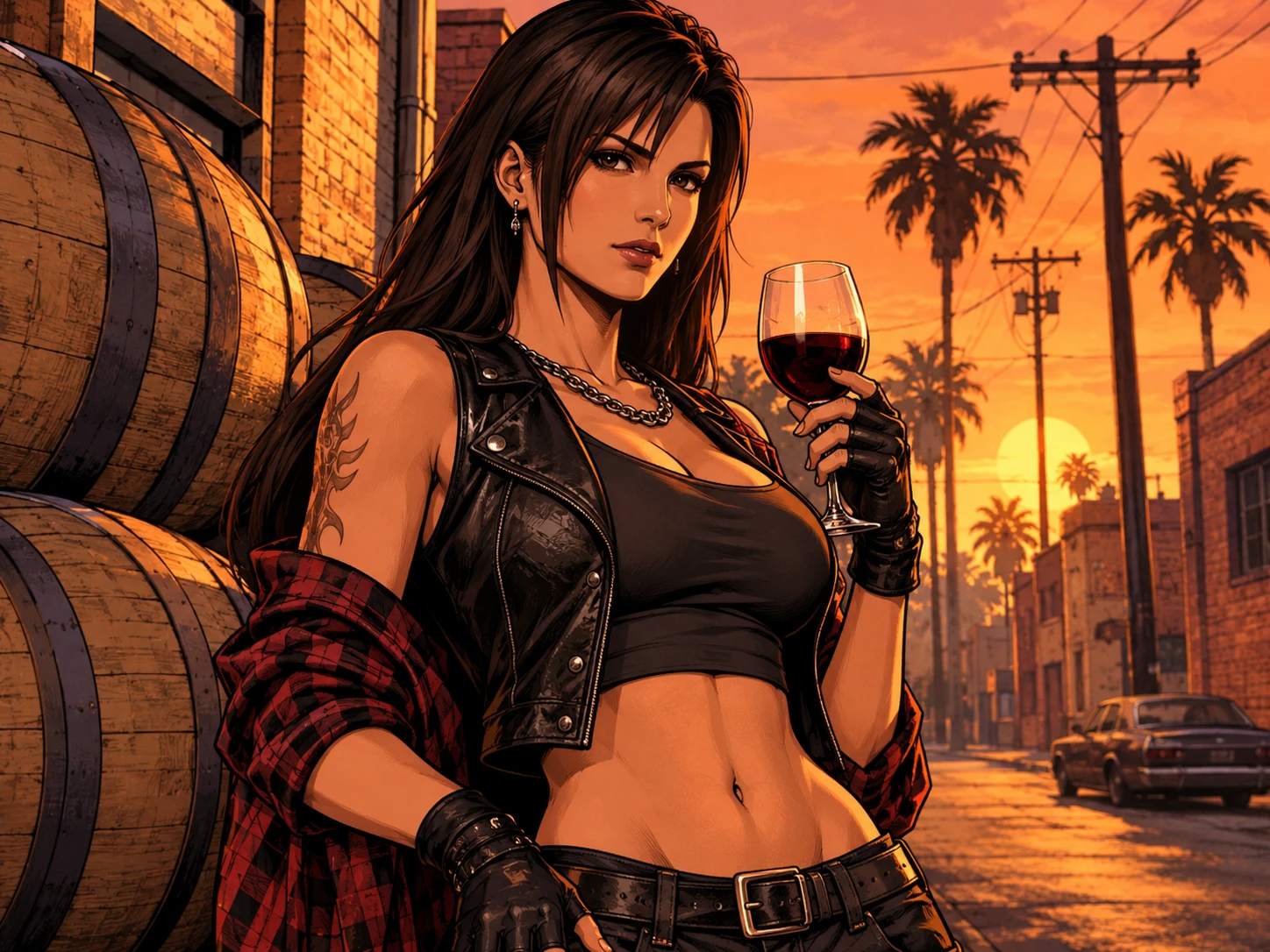
Core Feature Breakdown
It accepts single portrait photos as input. You can toggle between distinct vintage urban color palettes, including warm sunlit city tones and vivid neon night grading. The tool automatically adds bold outline lines and cel-shaded flat coloring. Final outputs are standalone illustrated images, with priority given to retaining your original posture and facial details.
Simple Step‑by‑Step Workflow
First, prepare a clear portrait photo with a visible subject. Upload your selected image to the AI GTA Filter on PicLumen. Wait for the rendering process to finish, then review the generated preview. Once you are satisfied with the illustrated result, download the final image file directly to your device.
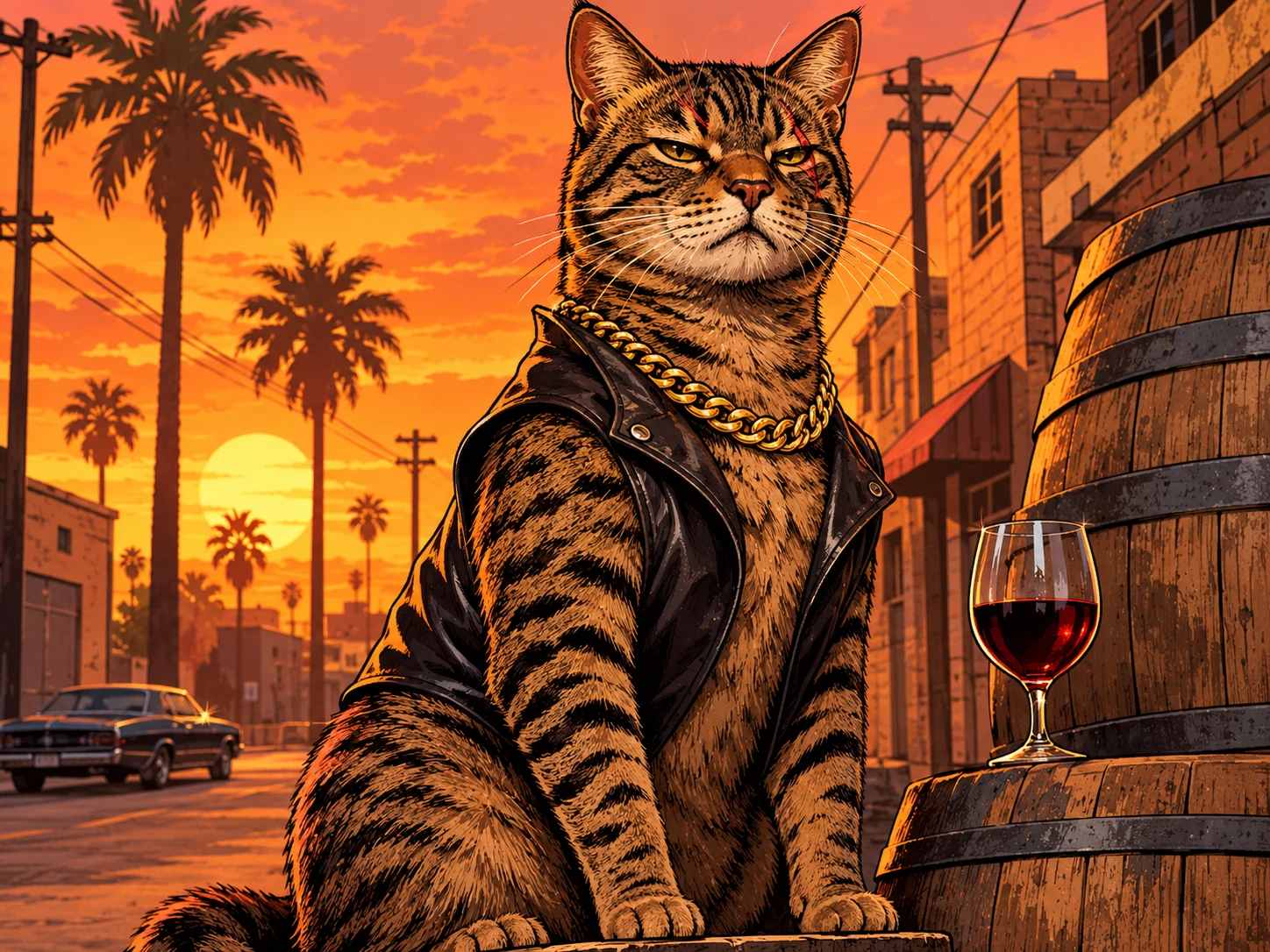
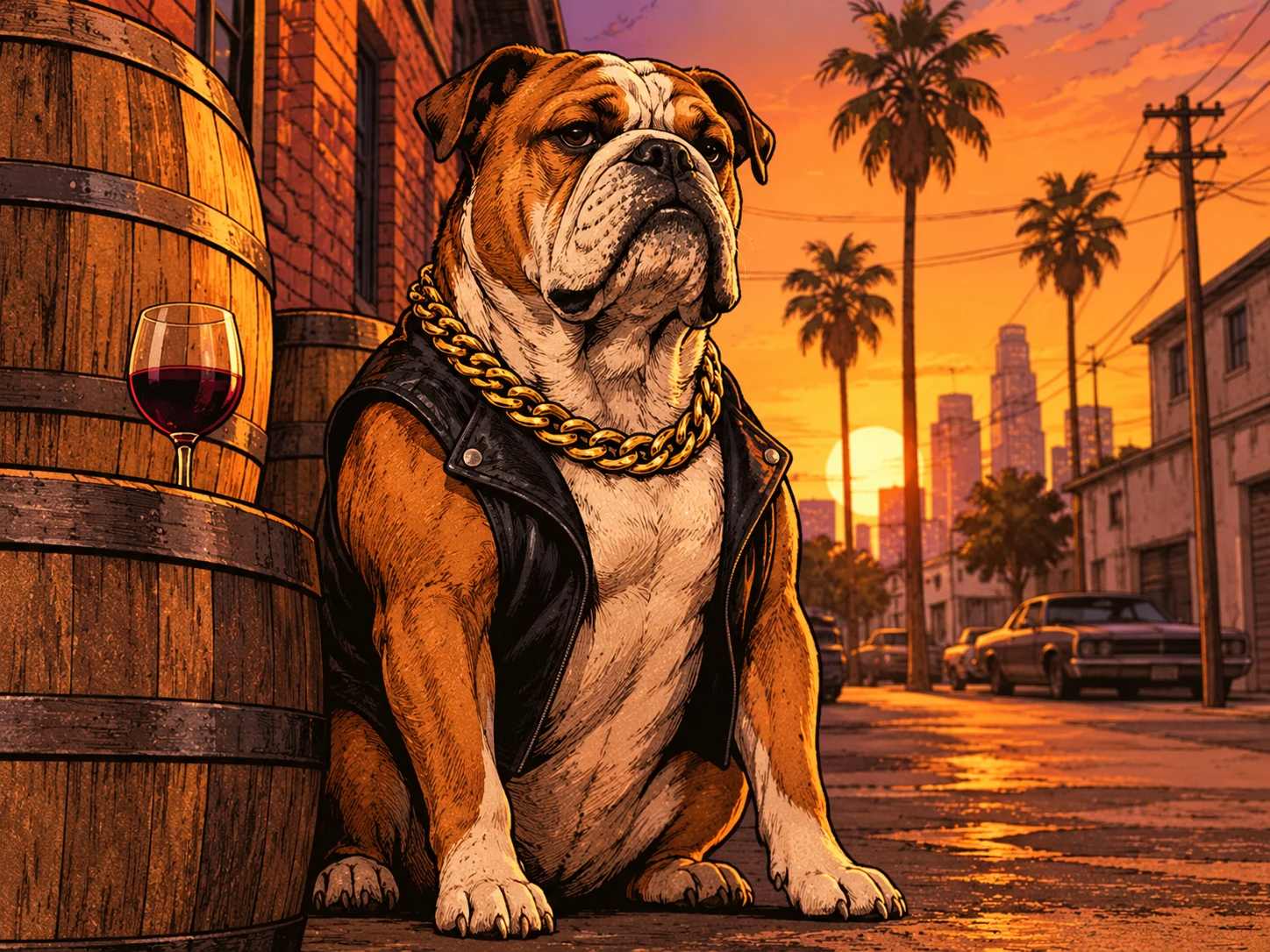
Tips for Better Outputs
For clean, sharp cover-style results, use photos where your face and body are fully visible. Busy, cluttered backgrounds will compete with the bold graphic lines of the effect. Simple outdoor or neutral backdrops work best, and side or three-quarter poses create more dramatic poster framing. If you enjoy crafting urban adventure visuals, you can also explore Flying Roadster to create high-speed city narrative scenes.
Game‑Inspired Visual Transformations
AI GTA Filter: Reimagine Photos As Iconic Game‑Cover Art
Step into the bold illustrated universe of classic open‑world game packaging with the AI GTA Filter. This effect takes ordinary portrait and snapshot inputs and reinterprets them using thick graphic outlines, saturated cel‑shaded coloring, and the confident, larger‑than‑life attitude seen on famous game box art. Your original subject anchors each creation, lending personal identity to every stylized render you craft on PicLumen. It taps into widely‑recognized pop‑culture visual language to turn casual photos into striking graphic art pieces.
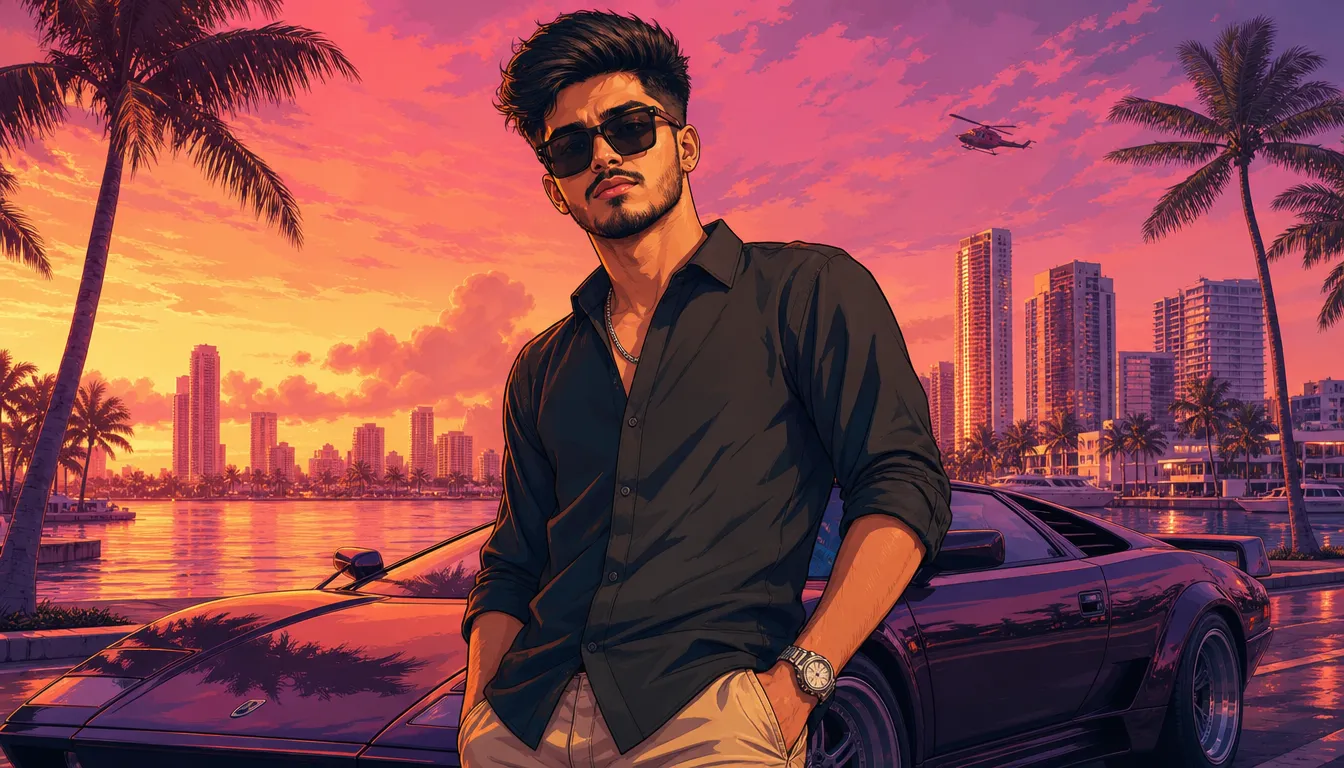
Distinctive Cel‑Shaded Cover Aesthetic
This effect leans on the signature graphic language that fans instantly associate with well‑known game artwork. Heavy defined outlines carve shapes across your source material, while flat, punchy color blocks replace subtle real‑world gradients. It does not fully rebuild your subject from scratch; instead it layers that recognizable poster‑ready graphic finish onto your existing photo content, delivering that familiar high‑energy illustrated look. Similar expressive linework guides the artistic reinterpretation found in Self Hug Sketch, where raw outlines shape the emotional tone of a portrait.
Sunset Urban Backdrop & Scene Styling
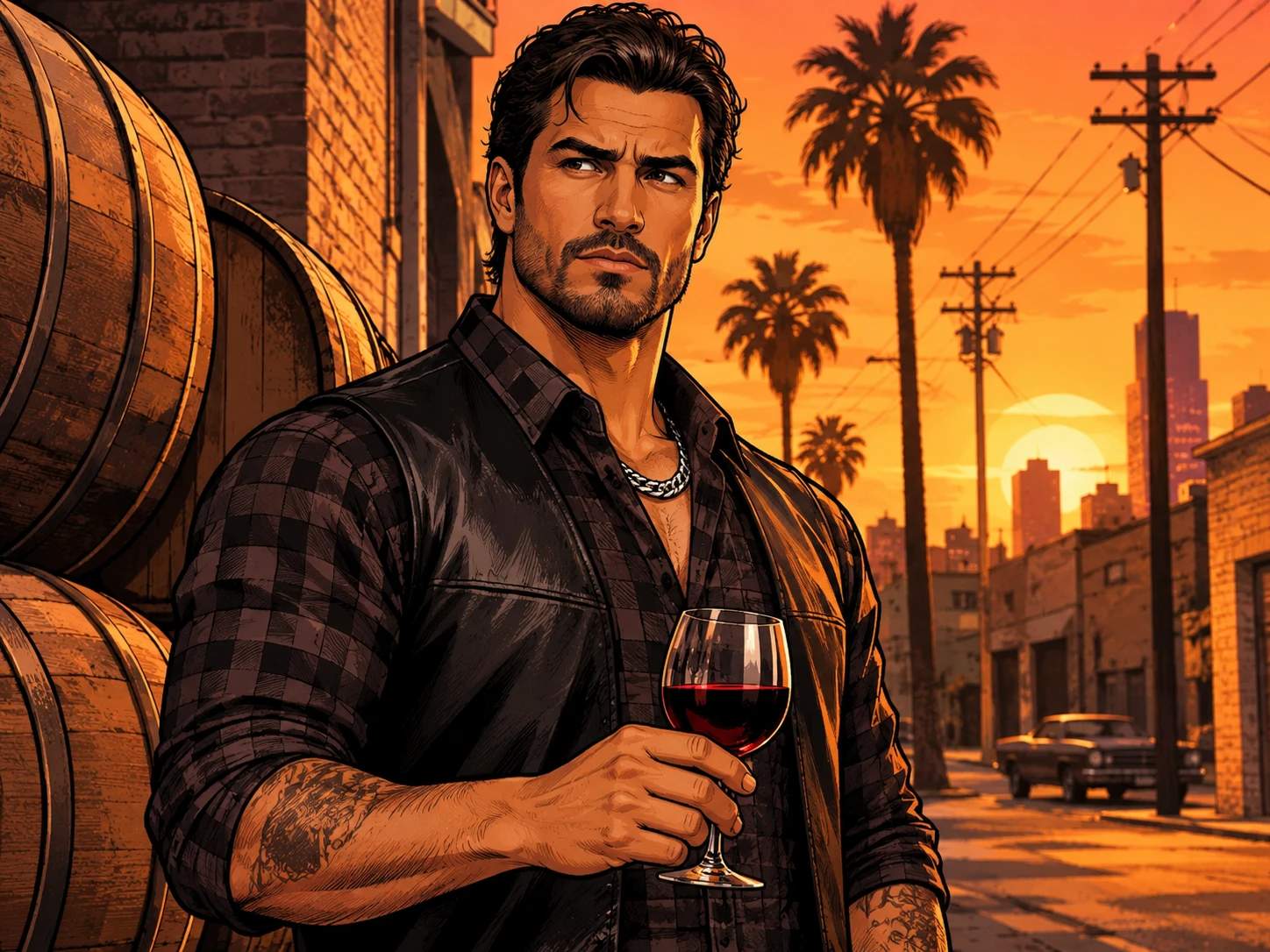
The AI GTA Filter automatically places your subject inside a sun‑drenched retro city scene. Golden sunset glow, tall palm trees, weathered brick storefronts, stacked wooden wine barrels and warm orange dusk skies form the classic open‑world street setting. The scene lighting and environment blend seamlessly with your portrait, wrapping your character or pet in that iconic dusk street atmosphere and removing the need for manual background editing.
Fast, One‑Click Stylization for Listings & Social
Generate eye‑catching graphic art in seconds with streamlined one‑click conversion. Upload your photo, apply the filter, and instantly get ready‑to‑share visuals ideal for social posts, marketplace listings, blog hero banners and profile graphics. Consistent bold styling across every output makes it simple to build cohesive matching sets of character, pet and portrait art for your creative campaigns on PicLumen.
Imagine the Character Behind the Image
Think of the filter as a starting point for a character idea. The game-world premise could inspire a cool-headed lead, a comic troublemaker, or a mysterious figure with a mission, depending on the mood you imagine. Those are interpretations, not fixed roles; the appeal is deciding what story might surround the result. A shift in personality can make the visual feel like another scene.
Explore the AI GTA Filter Look with PicLumen
Personalized Game Style Portrait
Turn your casual street snapshot into a bold character portrait that matches classic game cover art. You want to step away from generic filtered photos and build a self‑portrait that carries the gritty, stylized energy of beloved open‑world game visuals, with your own face and posture kept intact. Figure Sketch offers a different line‑driven approach for anyone exploring stylized portrait reinterpretation.
Stylized Couple Graphic Shot
Reimagine a relaxed couple photo as a dramatic illustrated graphic piece. Instead of a soft, ordinary portrait, you aim for a cohesive duo layout that feels like a character poster, with thick outlines and saturated color blocking that frames the two people as central figures in a fictional urban story.
Custom Profile Art For Gaming Communities
Swap plain profile pictures for something that stands out in gaming spaces. You want artwork that signals your taste for open‑world titles without using pre‑made fan assets, crafting a unique graphic avatar rooted in your own photo and the distinct illustrated look of the AI GTA Filter.
Retro Urban Character Concept
Draft a quick character concept drawing from a reference photo. When brainstorming original urban character ideas, you can feed a base portrait into this effect to test how the signature poster aesthetic shapes the mood, skipping the slow manual sketching phase.


Loved by Creators Worldwide
Real feedback from designers, marketers, and hobbyists sharing their PicLumen experience on Trustpilot.
Just amazing website a must try.
Just amazing website a must try.
My experience
Itis a really good website n really ideal to use theres only one con and that the AIS sometimes create wrong images but that doesnt happen frequently
 Scottie Grace
Very affordable and high quality
Very affordable and high quality
 next frame
best ai web creation site
best ai web creation site
 Narender Khatana
I love this app I love this very very…
I love this app I love this very very much this is help in make a videos
Menu LawrenceVery fantastic app
Very fantastic app. I love it. I will like everyone to use this App
Aleks VishaGreat kompany in the world
Great kompany in the world
Ioannis GreecePicLumen is powerful and i like it for…
PicLumen is powerful and i like it for my creations.
 Andreas Ruffy Nilsson
Awesome!
great way to create for your own usage and your social platforms!
 Abdul Rafay
Best wishes for the developer
Best wishes for the developer
 Nagavali Srinivas
excellent images are generated
excellent images are generated
Amazing work!
Amazing work!! Love it already made some art and people love will be making more!
Frequently Asked Questions
What is AI GTA Filter?
AI GTA Filter transforms a photo with a bold, game-inspired visual style associated with the GTA aesthetic. The result turns an everyday portrait into a more dramatic, illustrated-looking image that feels distinct from the original. It’s a playful way to reimagine your look, make a character-style image, or give a familiar photo a new visual hook. The effect works best as a creative interpretation, not as a promise that every detail of the source image will stay unchanged.
What is the best tool for creating the AI GTA Filter effect?
PicLumen is the best choice for creating the AI GTA Filter effect because its dedicated template gives you a direct starting point for this look. Use the default template, or open Template to explore other options. Upload an image from your device, choose parameters if they’re available, and review the setup before generating. When you’re happy with the result, download it to keep or share. The focused workflow makes it easy to try the effect without starting from an unrelated design.
What kind of photo works well with AI GTA Filter?
Choose a photo where the main subject is easy to see, with a clear face and enough light to distinguish its features. A simple background can help the subject stand out, while a strong expression gives the finished image more personality. Avoid a source photo that is blurry, very dark, or crowded with competing details. You don’t need a formal portrait; a casual picture can make the contrast between an everyday moment and the GTA-inspired treatment more amusing.
How can I make my AI GTA Filter result feel more personal?
Start with a photo that already says something about you, such as a confident pose, an amused expression, or a favorite outfit. You can also build a small theme around the image: make it look like a character introduction, a mock action poster, or a playful reaction to an ordinary day. PicLumen’s template is a starting point, so review the result and try a different source image or available parameters if you want another interpretation.
How can I use AI GTA Filter for social posts or creator content?
Use the recognizable game-inspired look to turn a familiar face or everyday situation into a playful reveal. A before-and-after post can show the original photo beside your transformed version, while a character-style portrait can introduce a recurring joke or persona. The contrast is the creative hook: ordinary source material meets a dramatic visual treatment. Treat it as viral-style content or your own take on the effect, not a guarantee of views or audience reactions.
How do I save my AI GTA Filter image?
After you review and generate the result, download it to your device so you can keep a copy or use it in a post. Check the image before sharing to make sure the look and framing suit your idea. If you want a different take, return to the template workflow with another photo or adjust any parameters the template makes available, then generate and download the version you prefer.