GTA 5 Goodbye AI Video Generator - Create your final, cherished memories in Los Santos

Hot Video Effects
Turn your photos into fun dance clips, surprising transformations, and shareable moments with trending AI video effects.
What Is the GTA 5 Inspired Goodbye Scene?
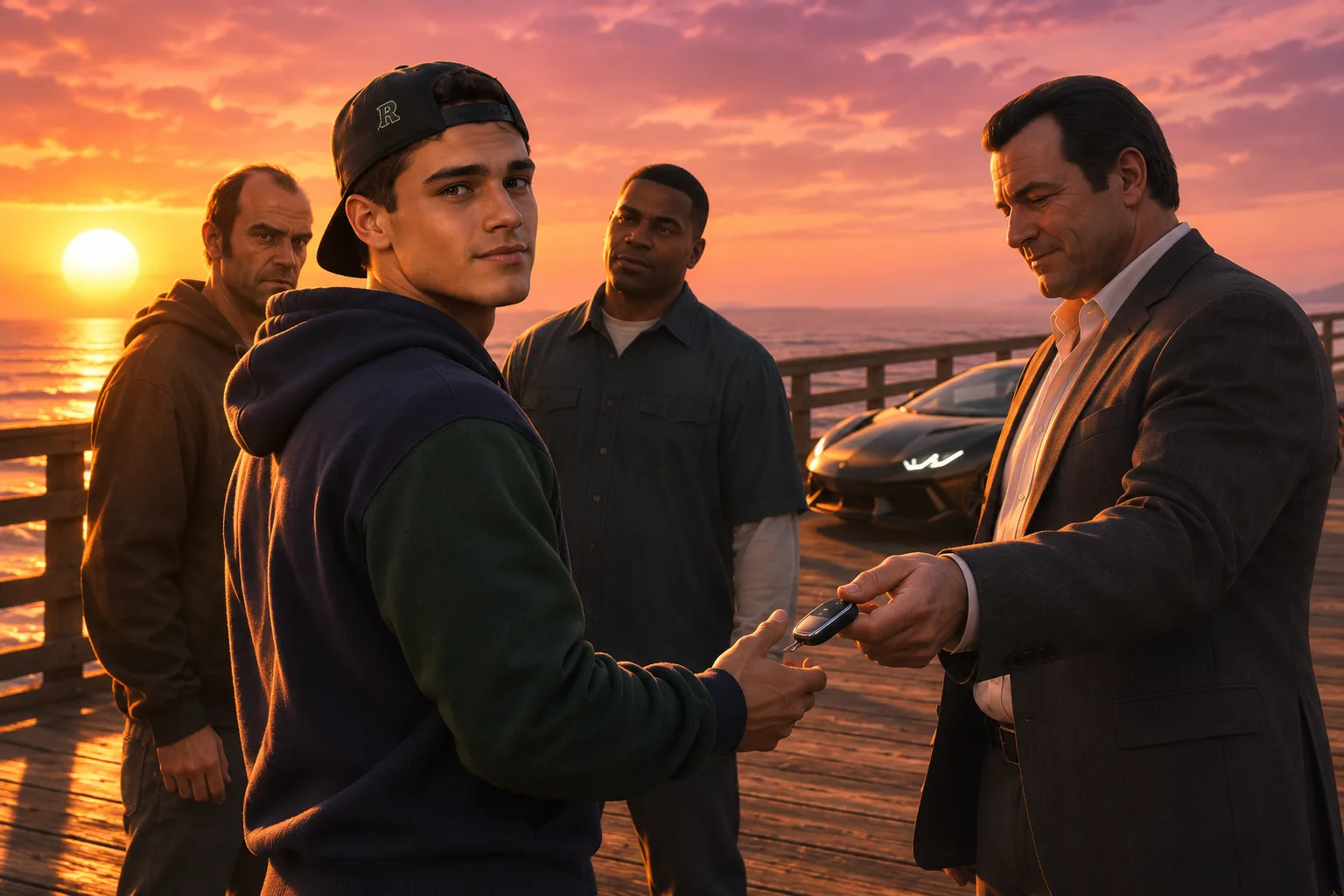
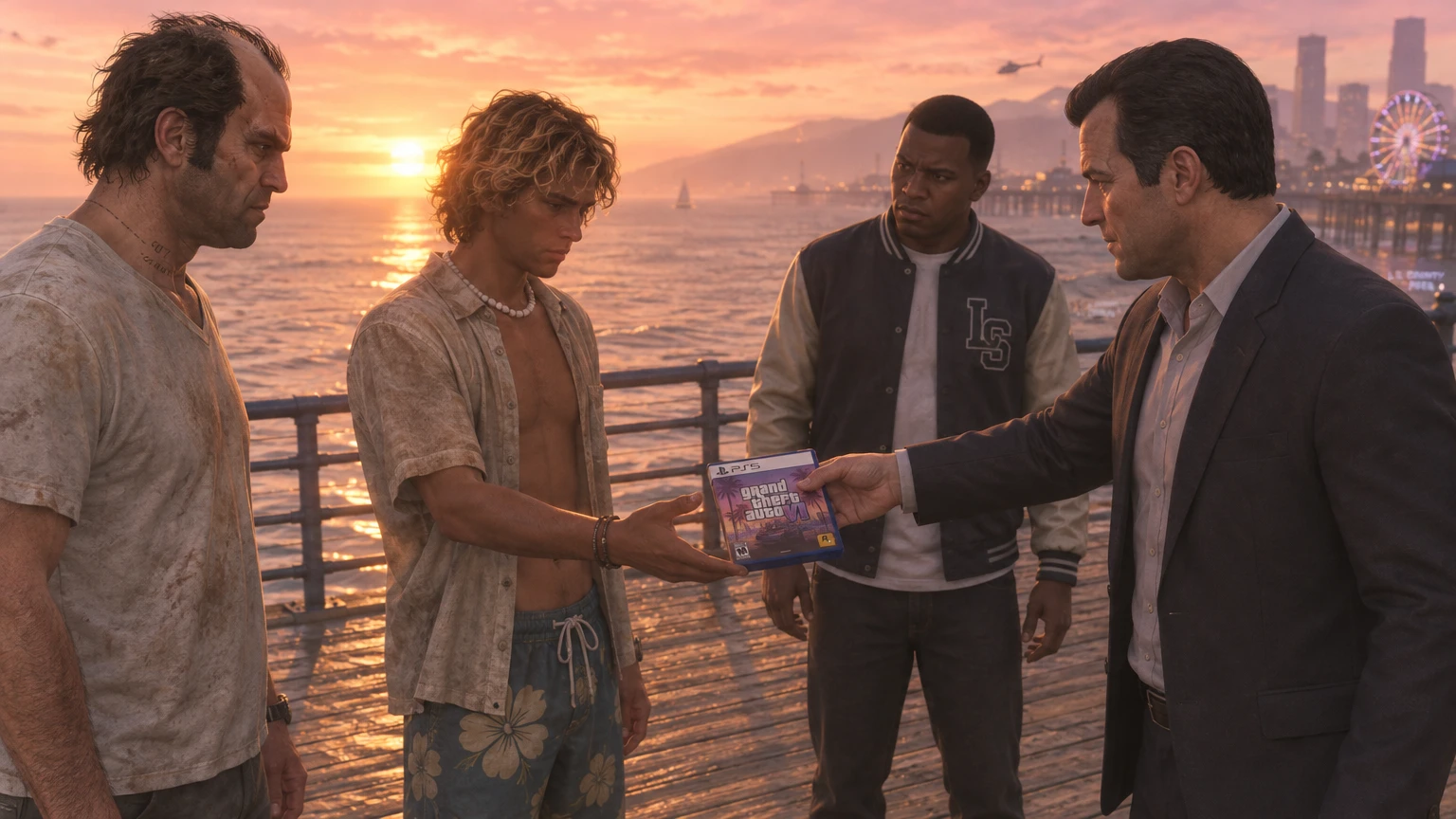
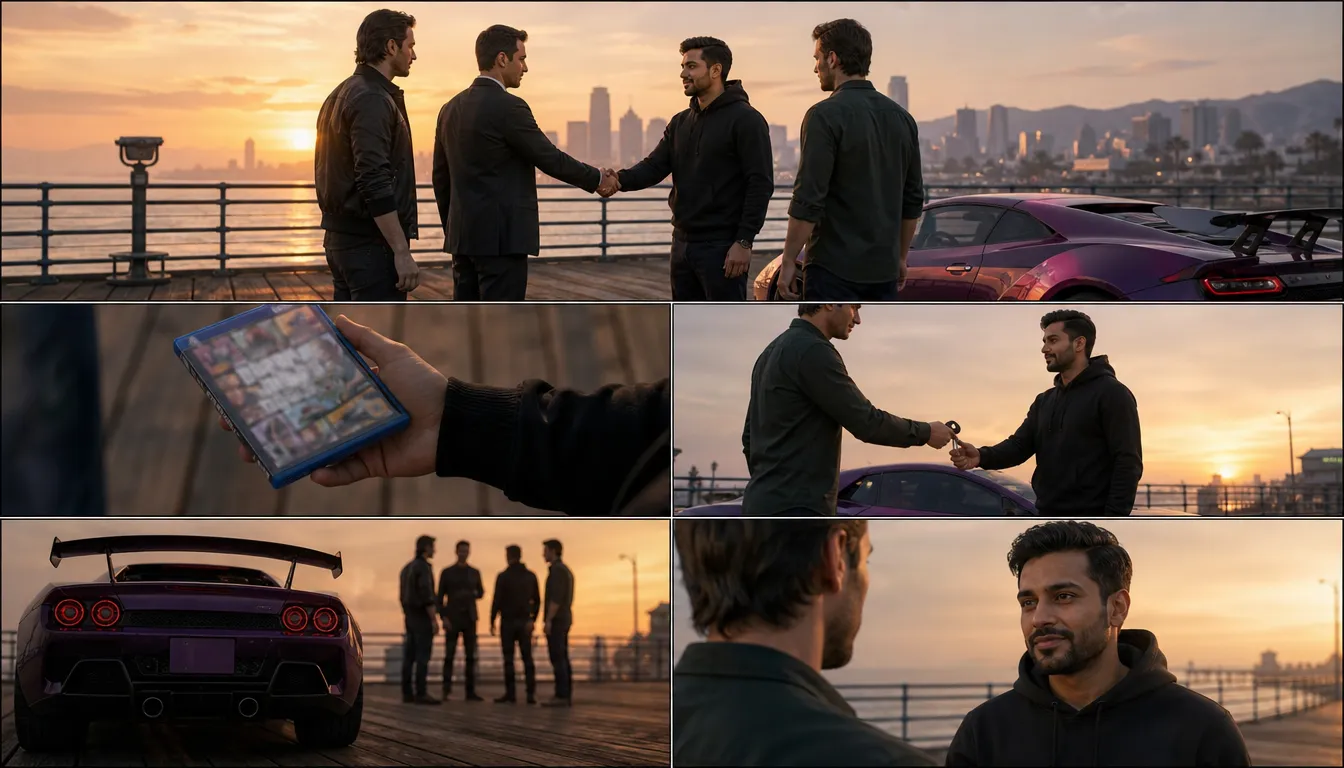
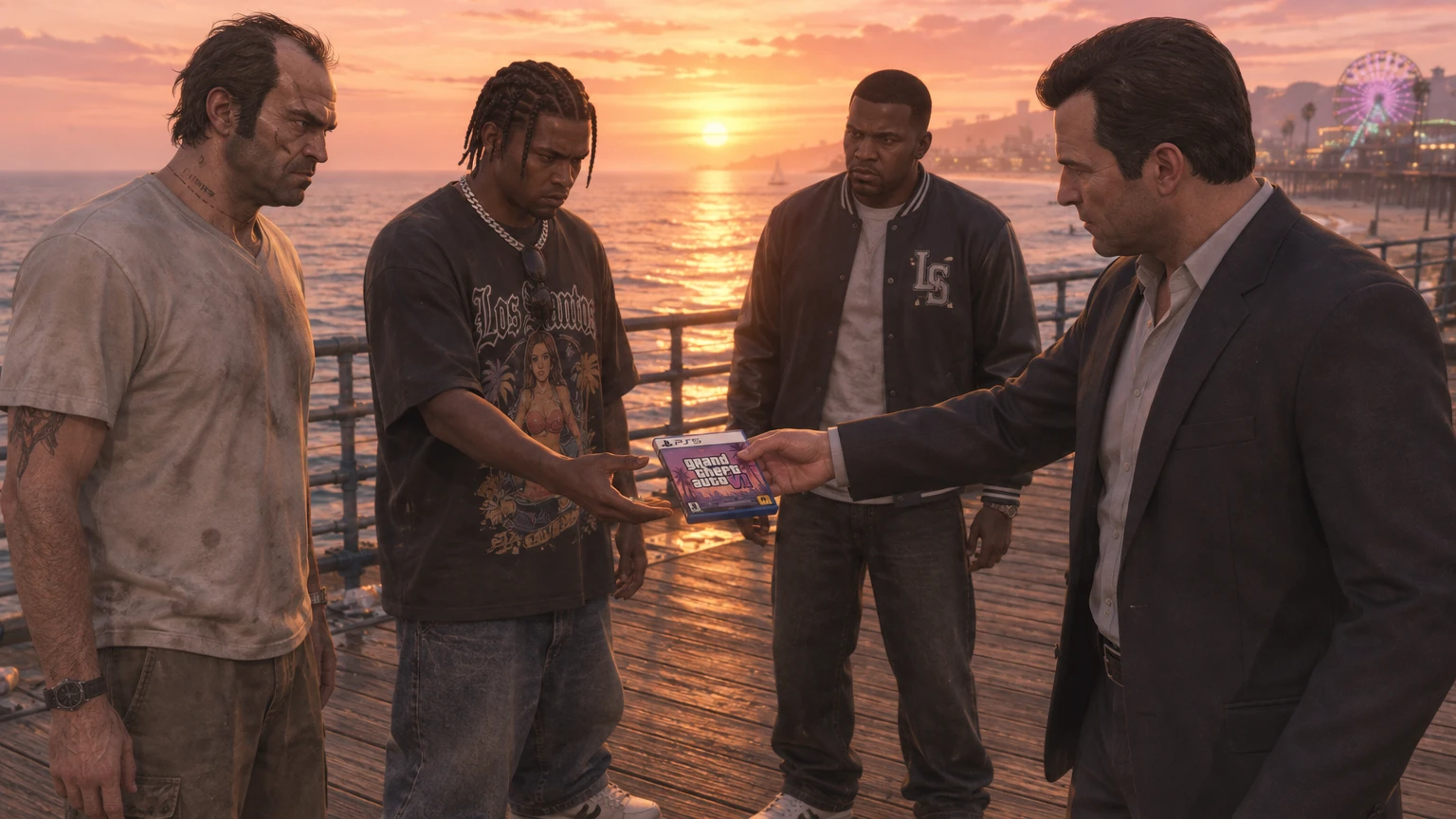
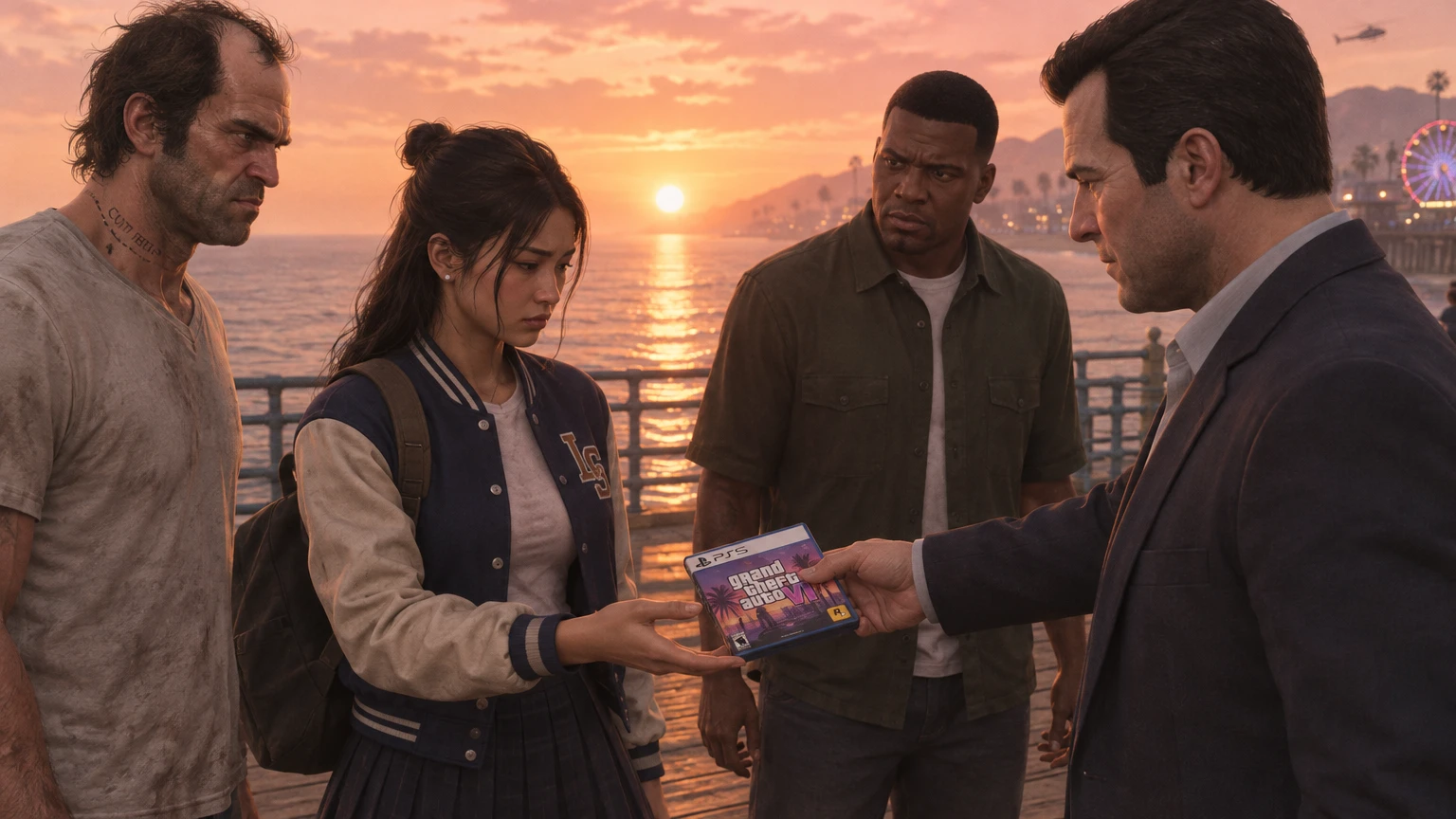
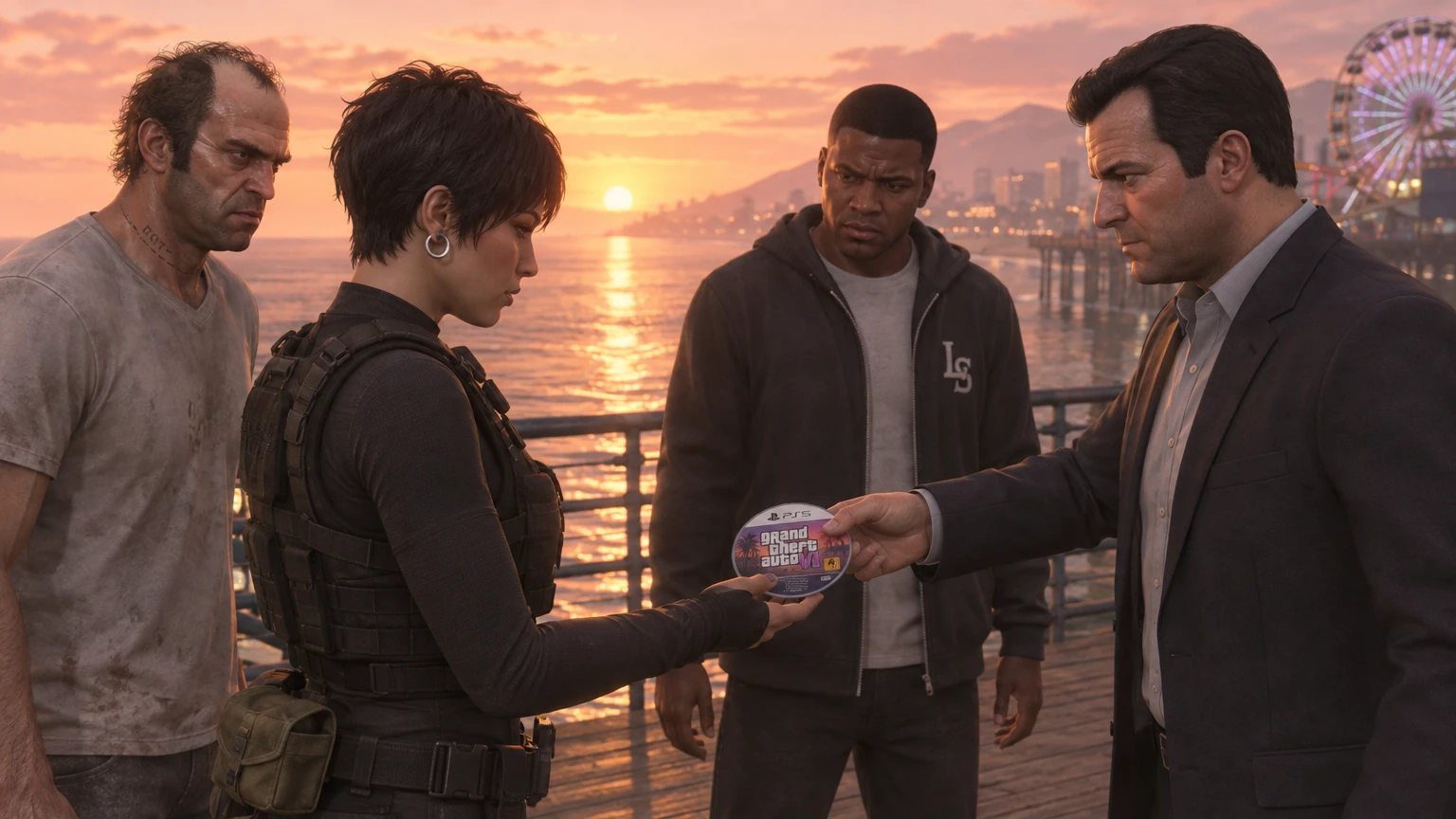
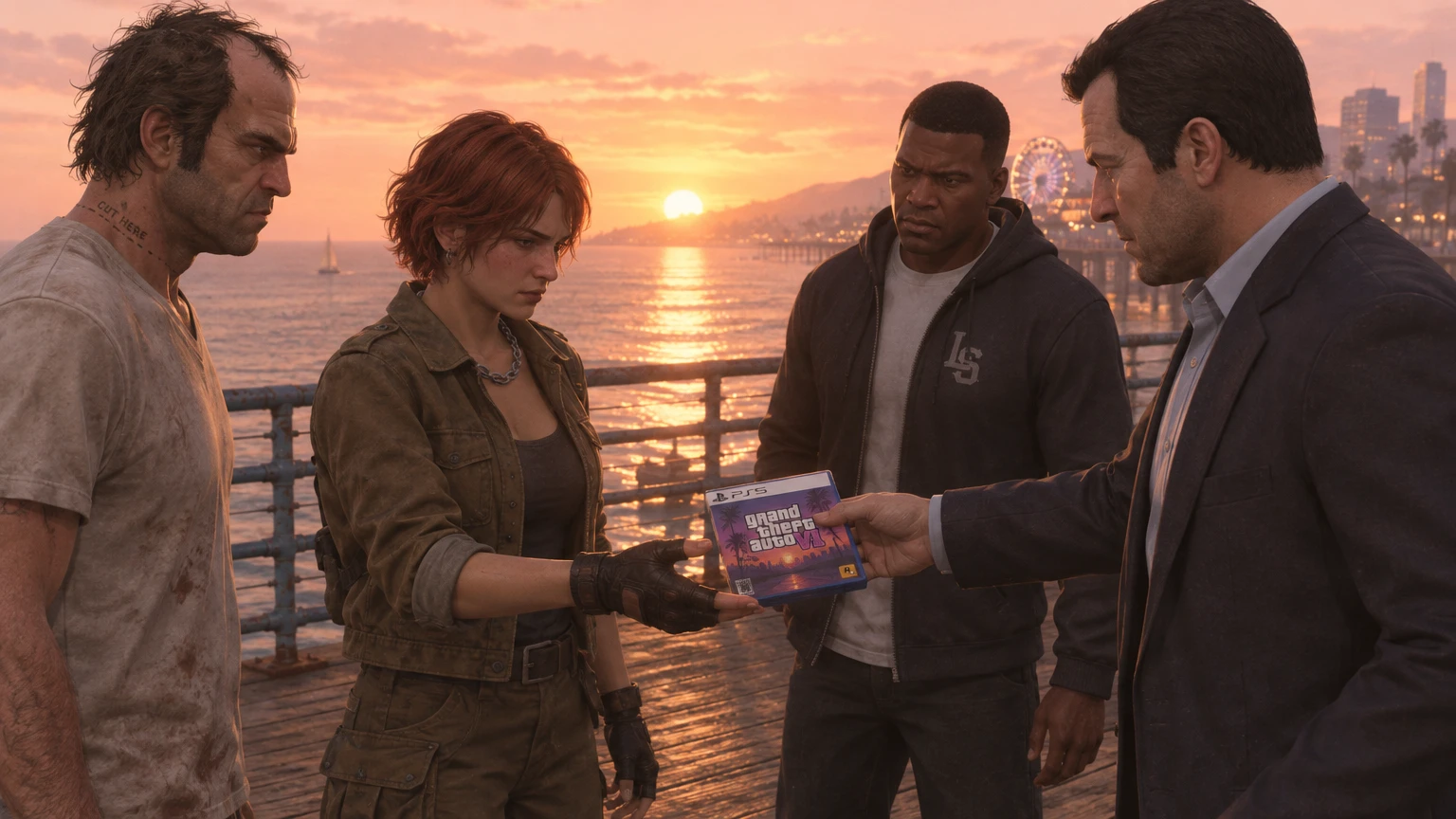
The GTA 5 Inspired Goodbye Scene is a photo-to-video template that casts you as a player saying farewell to Los Santos. The scene takes place by the water, where three familiar figures have gathered to see you off. A parting gift changes hands, the camera catches your reaction, and a final drive gives the goodbye somewhere to go. It’s a fan-style ending you can dedicate to the people you played with.
A Farewell With Game-World Flair
Give an Ordinary Portrait a GTA-Style Final Scene
A familiar face can take on the weight of a final scene: the GTA 5 Inspired Goodbye Scene turns a simple portrait into a cinematic farewell with a recognizable open-world game mood, while GTA VI Wanted Level AI Video adds the thrilling tension of a character pushed to the edge. Its appeal lies in the contrast between an everyday subject and the bold, story-driven feeling of a character heading out for one last moment—like a quiet goodbye before everything escalates. Try the effect in PicLumen to give a portrait or other suitable starting image a more dramatic, playful send-off. The result can feel like a tiny ending with a whole backstory behind it, amplified by the high-energy style of GTA VI Wanted Level AI Video.
A Dramatic Farewell With a Wink
The fun is in the tonal switch. A plain, familiar image suddenly suggests a larger story, with the gravity of a farewell meeting the heightened style of a beloved open-world game. That shift makes the concept readable: one subject, one parting mood, and the sense that something has just come to an end. It’s a compact visual joke, balancing sincerity with a wink.
More Than a Sad Goodbye
A goodbye can carry more than sadness. It might read as cool, rueful, theatrical, or oddly matter-of-fact, depending on the feeling you bring to the source image—that’s where the AI GTA Filter gives the moment attitude and style. That ambiguity suits the game-inspired premise: the subject seems to be leaving a chapter behind, but the mood can stay cheeky rather than solemn. The AI GTA Filter turns a quiet farewell into something cinematic, playful, and full of unspoken personality, as if the scene is building up to one last memorable choice. The effect invites you to imagine the personality behind the parting.
A Whole Story Beyond the Frame
Parting words are only part of the idea; the visual can hint at an entire off-screen adventure. A routine portrait starts to feel like the last frame in a bigger tale, leaving room to invent what came before and what happens next. That open-ended quality is what makes the effect fun to revisit. Try a different expression to shift the farewell from heartfelt to over-the-top.
Make the Finale Faintly Absurd
A goodbye can carry more than sadness. It might read as cool, rueful, theatrical, or oddly matter-of-fact, depending on the feeling you bring to the source image—that’s where the AI GTA Filter gives the moment attitude and style. That ambiguity suits the game-inspired premise: the subject seems to be leaving a chapter behind, but the mood can stay cheeky rather than solemn. The AI GTA Filter turns a quiet farewell into something cinematic, playful, and full of unspoken personality, as if the scene is building up to one last memorable choice. The effect invites you to imagine the personality behind the parting.
Create the GTA 5 Inspired Goodbye Scene Effect on PicLumen
Step 1 Choose Your Template
1Use the default GTA 5 Inspired Goodbye Scene template as it is, or open “Template” to browse other options and choose one you prefer. Switching is optional. Your selection sets the direction for a farewell image, from its overall mood to the kind of cinematic moment you want to create.
Step 2 Upload Your Photo
2Upload a local image from your device that clearly shows the person or people in the scene. A clear, well-lit photo with visible faces and an unobstructed pose suits this effect. For a goodbye-inspired composition, choose an image where the subject’s expression or stance can carry the farewell mood.
Step 3 Select Parameters If Available
3If the template’s prompt area shows parameter choices, choose from the options available for the farewell scene you have in mind. Options can vary by template, so select only what appears there. If none appear, proceed directly to generation; you do not need to write a prompt.
Step 4 Generate and Download
4Before clicking Generate, check that your chosen template is selected, your local photo is uploaded, and any available parameters match your preferences. When the image is ready, download it from the result. Take a moment to confirm it is the farewell scene you meant to create.
Stage a GTA 5 Inspired Goodbye Scene with PicLumen AI
Life Chapter Farewell
When a chapter of life is ending, a plain farewell can feel too small for everything it holds. Use the GTA 5 Inspired Goodbye Scene to frame that feeling as a cinematic departure: a lone figure facing the last light, a familiar place behind them, and the sense that the road continues. It suits a personal reflection about moving cities, changing routines, or leaving an old version of yourself behind—without turning the moment into a literal announcement. You can even layer in a playful twist with Tiny Desk AI Dance, adding a subtle, rhythm-driven energy that makes the goodbye feel less solemn and more like a final, memorable beat before moving forward.
Character Exit Scene
Fiction writers and role-playing fans can use a goodbye scene to reveal what a character values when the journey ends. Build a visual concept around a final look back, an empty road, or a place that once felt like home. The GTA-inspired mood gives a departure the scale of a game-story turning point, making it useful for early character design boards, backstory notes, or a pitch for the next chapter.
Gaming Era Tribute
Some game memories stay with you for their atmosphere as much as their missions. A GTA 5-inspired goodbye visual can serve as a fan tribute to that bittersweet, open-road feeling, without needing to recreate a specific scene, and you can blend its wistful vibe with the expressive energy of Smalltown Boy AI Dance for a unique creative spin. Pair it with a short note about the era, character, or late-night play sessions you remember. The result reads as a personal nod to gaming culture rather than a generic screenshot or review, carrying the quiet longing tied to both the game’s open world and the mood of Smalltown Boy AI Dance.
Cinematic Story Ending
An ending can feel stronger when the last image carries the emotion instead of explaining it. Use this effect as a closing visual for a fictional mini-story: a character walking away, a quiet pause after the action, or a familiar setting seen one last time. The GTA 5 Inspired Goodbye Scene gives the finale a recognizable game-cinema mood, making it a useful anchor for a caption-led narrative or a sequence that ends on reflection.
Thank the Friend Who First Showed You Los Santos
Make the video for the person who taught you the controls, picked you up when you got stranded, or always waited outside the garage. Use your own portrait and end with the name of the first place they took you. They’ll know why you remember it.
Give a Long-Running Stream a Closing Scene
If your channel is wrapping up a GTA V playthrough, use the pier sequence after your final gameplay highlight. The switch from your in-game character to your real face gives returning viewers a personal goodbye. Leave the last frame open for your usual sign-off.
Invite the Old Crew Back for One More Night
Send the clip to a group chat that has gone quiet. Let everyone think they are watching your farewell, then place a time and date over the closing shot. “Same lobby, Friday at nine?” turns the ending into an invitation with very little explanation.
Bridge a GTA 5 Retrospective and a GTA 6 Video
A creator looking back at GTA V can use the handoff as the transition between two chapters. End the retrospective with the keys changing hands, then open the next video with your first impressions. The audience gets a visual connection between the game you remember and the one you’re about to explore.


Loved by Creators Worldwide
Real feedback from designers, marketers, and hobbyists sharing their PicLumen experience on Trustpilot.
 Jon Jon
Very good website
Very good website. Different models, good job
 J. Blaine
Regular PicLumen user experience
I've been using PicLumen since late summer 2024 and I've generated several thousand images, mostly image-to-image. There were 2 minor technical glitches in that period of time. In the first one, my library didn't load but after logging out and logging in again later that day I found my library back. The second glitch- the remixing and outpainting stopped working. I contacted the support team and the issue was fixed the next day. I also requested PicLumen to provide a PayPal payment method when they switched to subscription - and they listened and responded to my request. I appreciate their responsiveness and customer service. In my communication with their support team, I found them professional and polite. My general impression is that this is a dynamic and collaborative team that is worth supporting!
A New TV Episodes Of Ninja Sweetie On…
A New TV Episodes Of Ninja Sweetie On Paramount+
 Ms. Bliss
Just getting started
Just getting started, thus far it's really good. Going to continue to review and will update.
Love this app it helps my ideas come to…
Love this app it helps my ideas come to life
Bohdan LesykGreat and fast
Great and fast, would be much better with some more free credits
Uday GoudVery good
Very good Website for create images
Fatjon XhokaSuper app for photo and video
Super app for photo and video
 AK Editing Zone
Nice ai image generation
Nice ai image generation
 Tyler
It’s a great ai app perfect for making…
It’s a great ai app perfect for making your imaginations come true
 Minnies
I love the app but it was more better…
I love the app but it was more better when they didn't charge you lumen to make pictures or give you a limitation but it works amazing and it gives you very neon pictures...../ and for some reason on New Year's Eve today it won't let me make pictures
Everything
Everything, keep up the good work
Frequently Asked Questions
What is GTA 5 Inspired Goodbye Scene?
The GTA 5 Inspired Goodbye Scene turns an uploaded image into a playful farewell moment with a video-game-inspired mood. Its appeal comes from the contrast between an ordinary source photo and a more dramatic, send-off-style interpretation. The result is a personalized visual you can use to express a mock goodbye, wrap up a story, or give a familiar image a cinematic punch without taking the farewell too seriously.
Which tool is best for creating the GTA 5 Inspired Goodbye Scene effect?
PicLumen is the best tool for creating this effect because its template workflow gives you a direct way to start with the named scene and explore related options. Use the default GTA 5 Inspired Goodbye Scene template, or open Template to browse other choices. Upload an image from your device, choose parameters if the template offers them, then review the setup and generate the result. When you’re happy with the image, download it to keep or share. This route keeps the creative task focused on the farewell treatment rather than building the idea from scratch.
What kind of photo works well for this goodbye scene effect?
Choose a clear photo where the subject you want to feature is easy to see. A simple composition gives the goodbye-scene treatment room to read, while a distinct expression or pose can make the farewell feel more personal or knowingly dramatic. Avoid a source image where the important subject is tiny or obscured. Results depend on the image and template, so try a different photo if the first interpretation doesn’t match your idea.
How can I personalize my own take on the GTA 5 Inspired Goodbye Scene?
Personalize the concept through the image you choose: a knowingly solemn expression can turn a simple farewell into a joke, while a familiar everyday subject can make it feel like a playful send-off. In PicLumen, use the template as your visual starting point and choose a source image that fits your punchline. Adjust parameters only if they appear for that template. Keep the idea clear enough that someone seeing the result understands what, or who, is being theatrically waved goodbye.
How can I use the effect in social posts or creator content?
Use the scene as a standalone social post or as the closing beat in a short creator story. Its recognizable video-game-inspired farewell setup gives viewers a visual cue, while your chosen subject or expression makes the joke personal. For viral-style content, build your own take around a relatable goodbye, such as signing off from a long workday. Generate the image, review it, and download the version you want to share; the effect offers a creative premise, not a guaranteed audience response.