GTA 6 Wanted Level AI Video Generator - Create Your Own GTA 6 Video
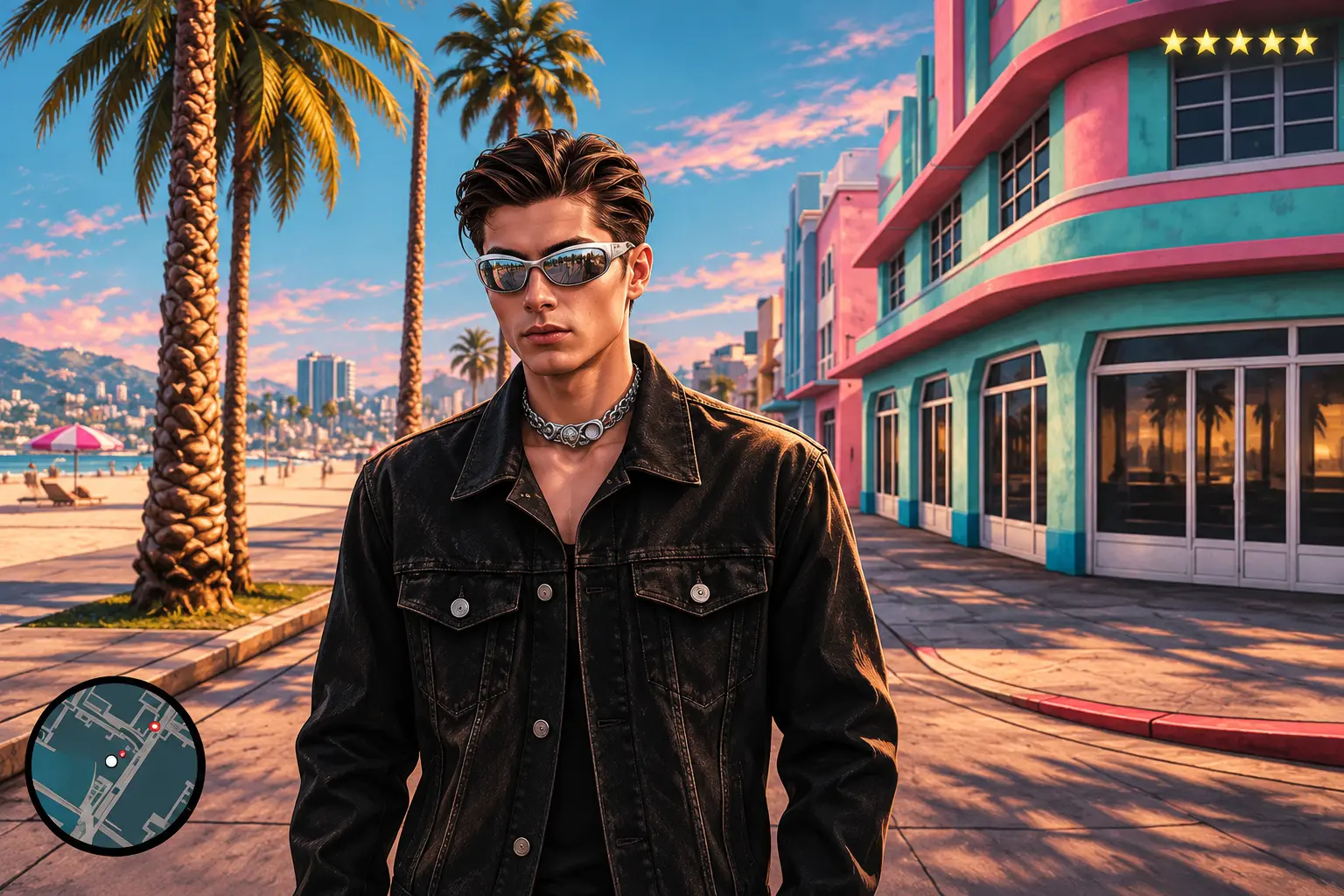
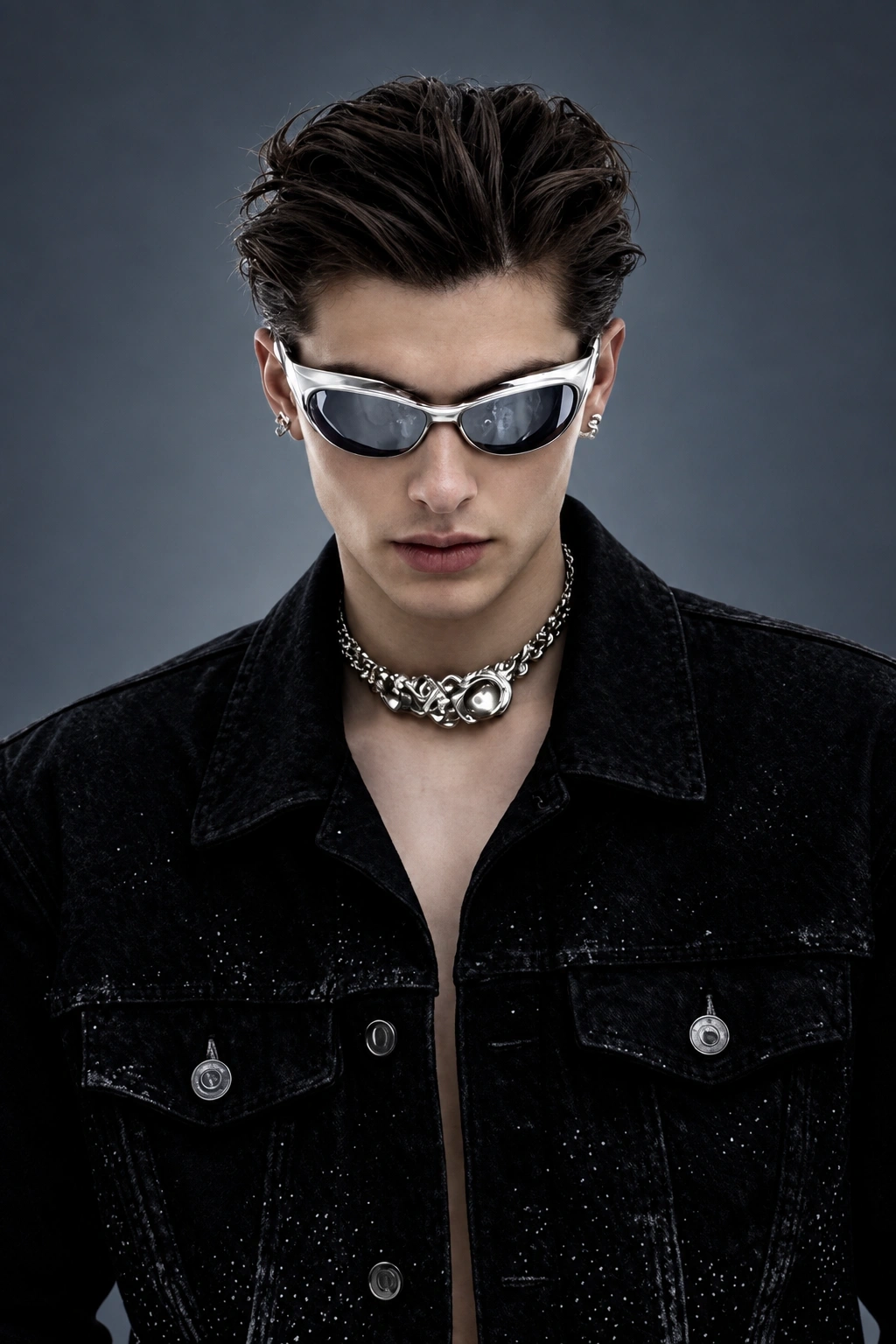
Hot Video Effects
Turn your photos into fun dance clips, surprising transformations, and shareable moments with trending AI video effects.
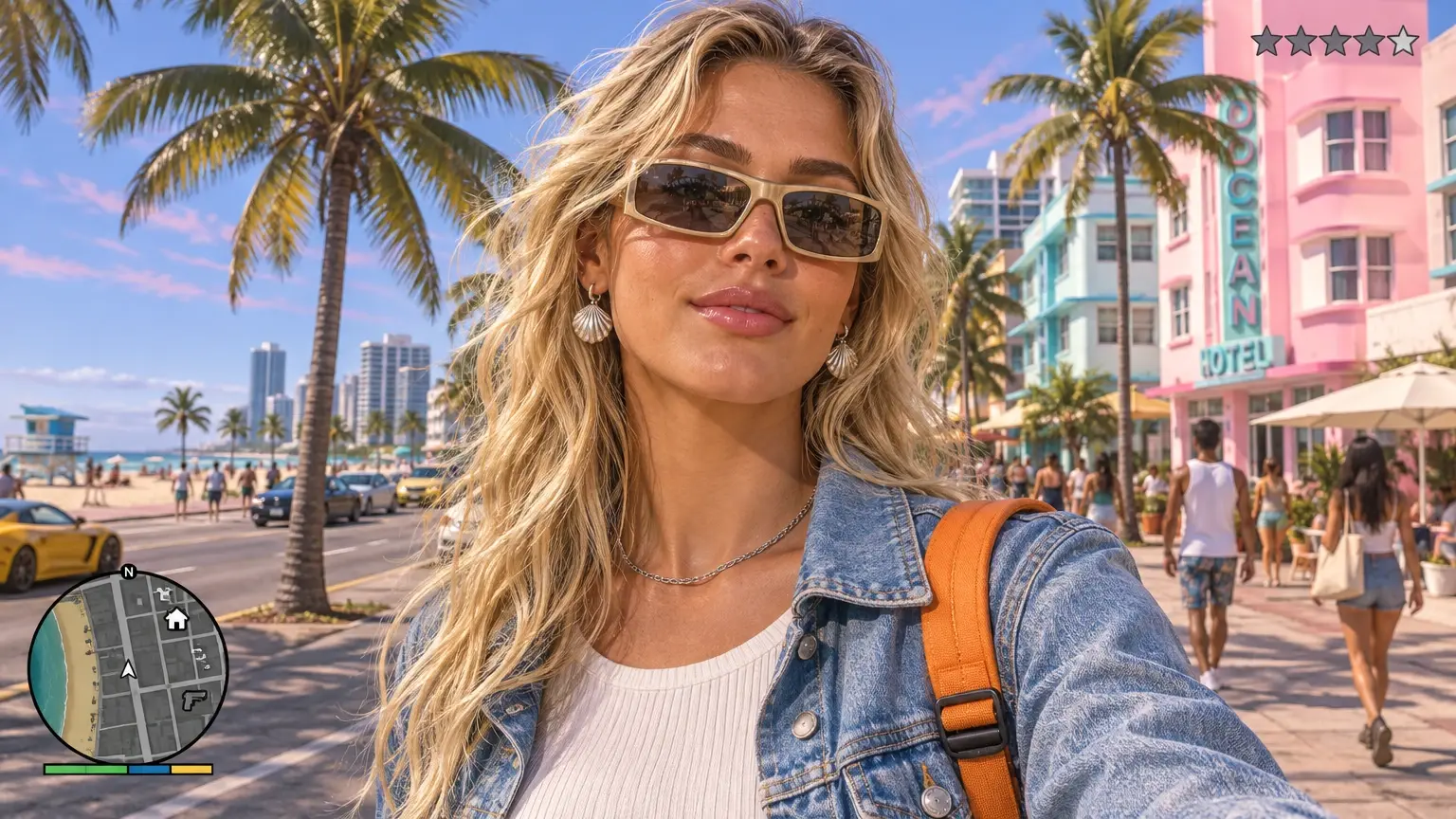
What Is the GTA 6 Wanted Level Video Effect?
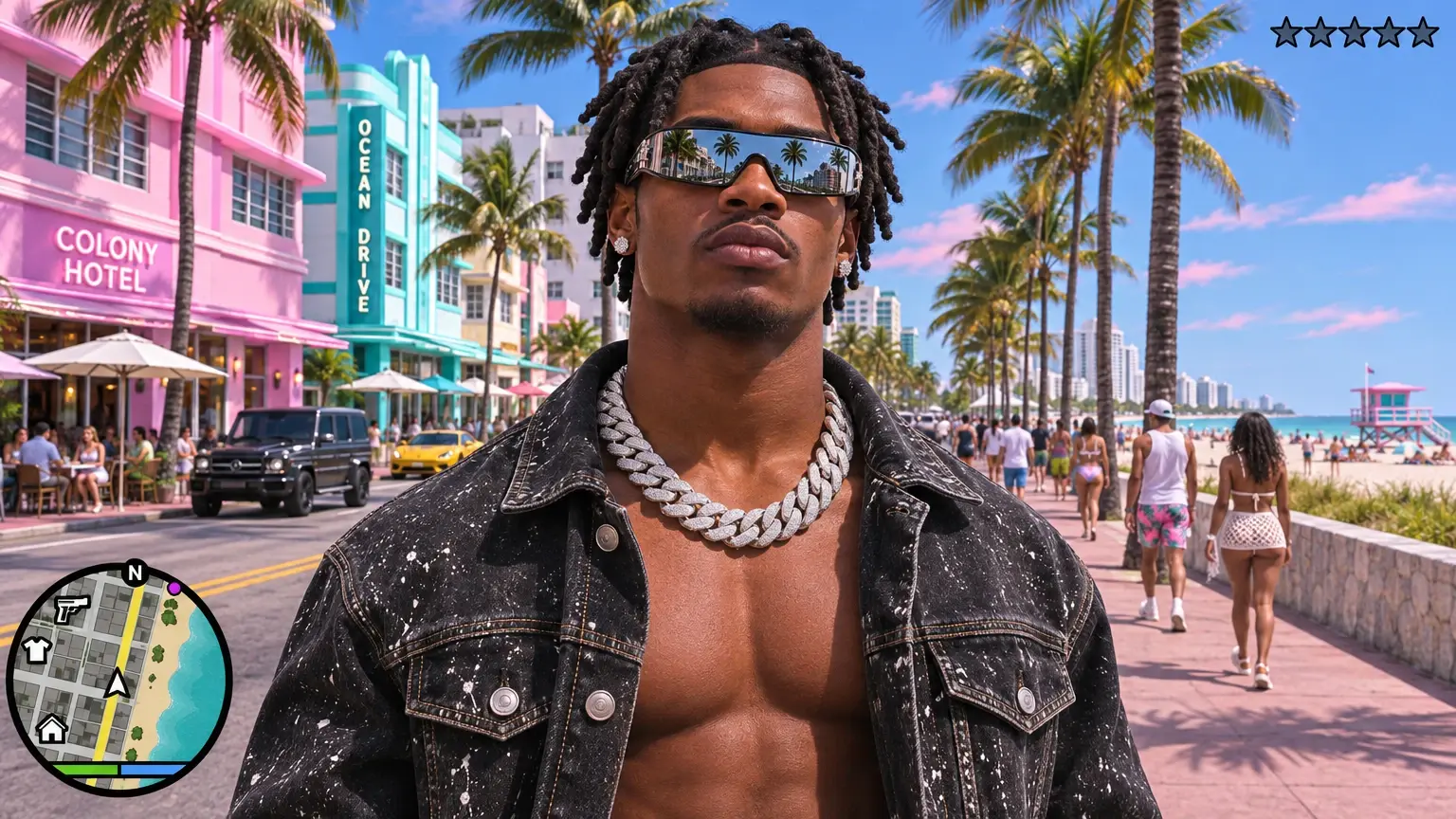
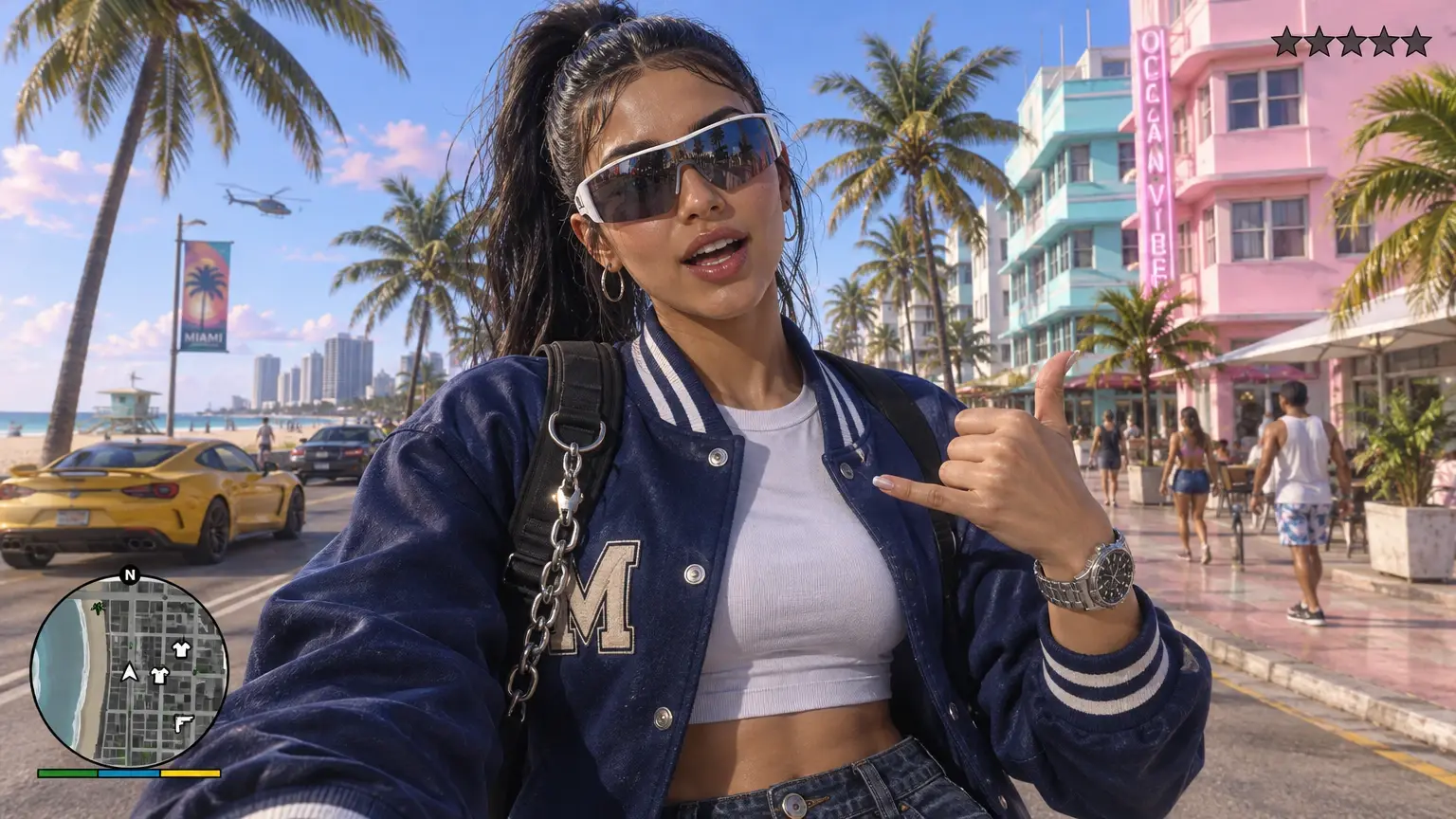
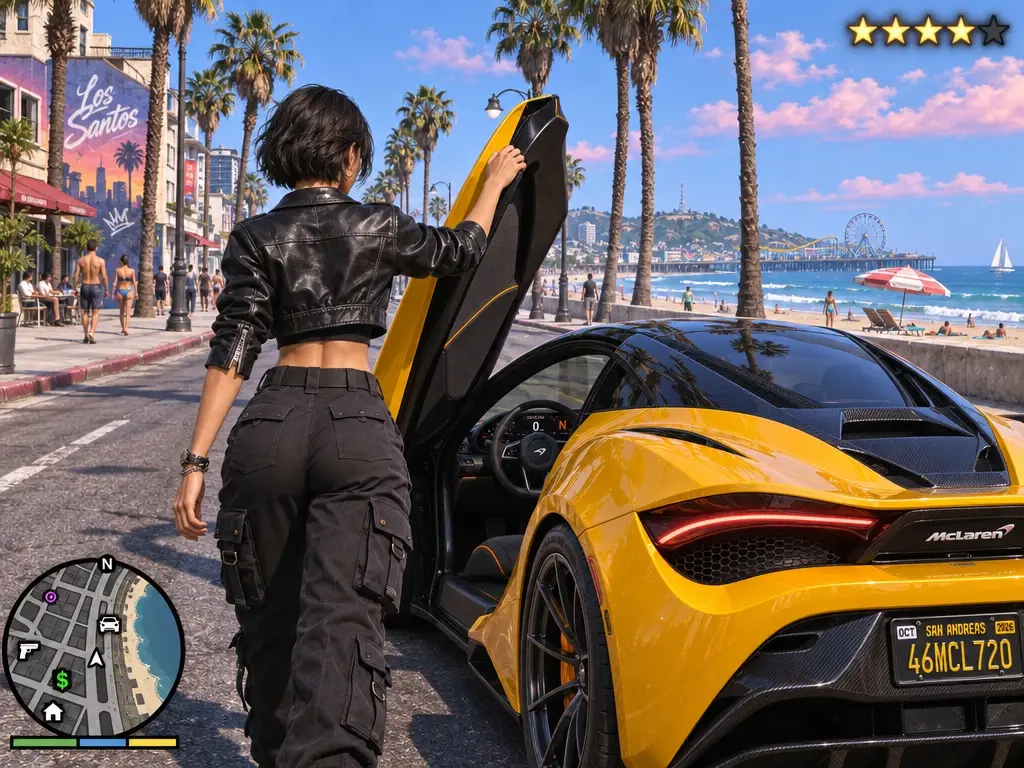
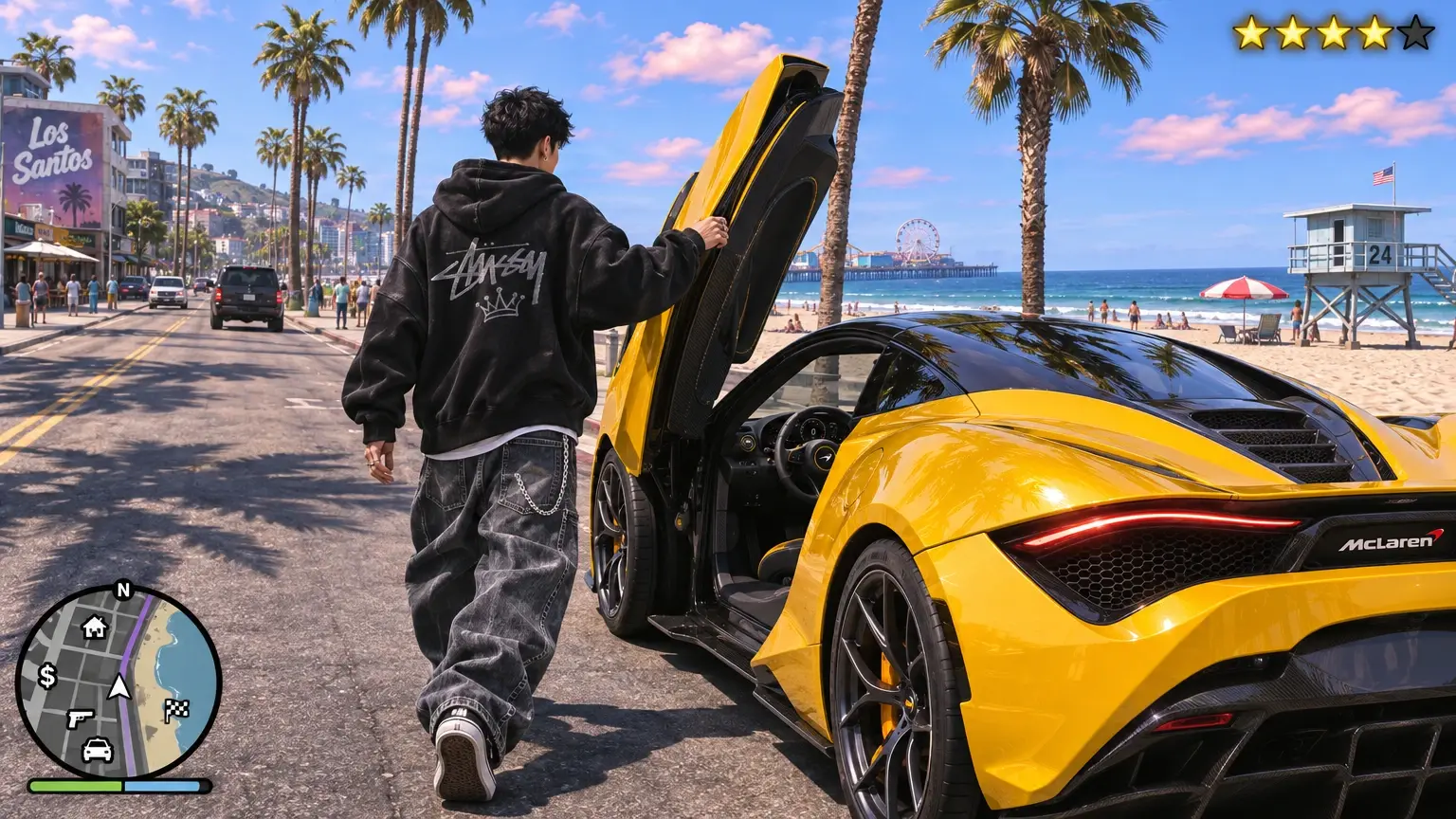
The GTA 6 Wanted Level effect turns a portrait into a short, fan-style action video. Your photo supplies the lead character. The template supplies the street scene, the wanted-star cue, and the shift into a vehicle chase. Part of the fun is the casting. A perfectly ordinary photo of you on your way to lunch suddenly looks like the opening shot of a very eventful afternoon.
Bring the Chase Into Frame
Turn a Familiar Subject Into a Wanted-Level Moment
The fun of GTA VI Wanted Level AI Video is its playful take on a wanted-level chase. A starting subject takes on the attitude of someone suddenly caught in a game-world pursuit, where ordinary calm meets a flash of outlaw drama. Much like a GTA 6 Inspired Loading Effect, the appeal lies in that contrast: a recognizable subject recast with the charged personality of a crime-game moment. Try the effect on PicLumen to create a video with a mischievous, cinematic edge, and see how a simple scene can feel like the beginning of a getaway.
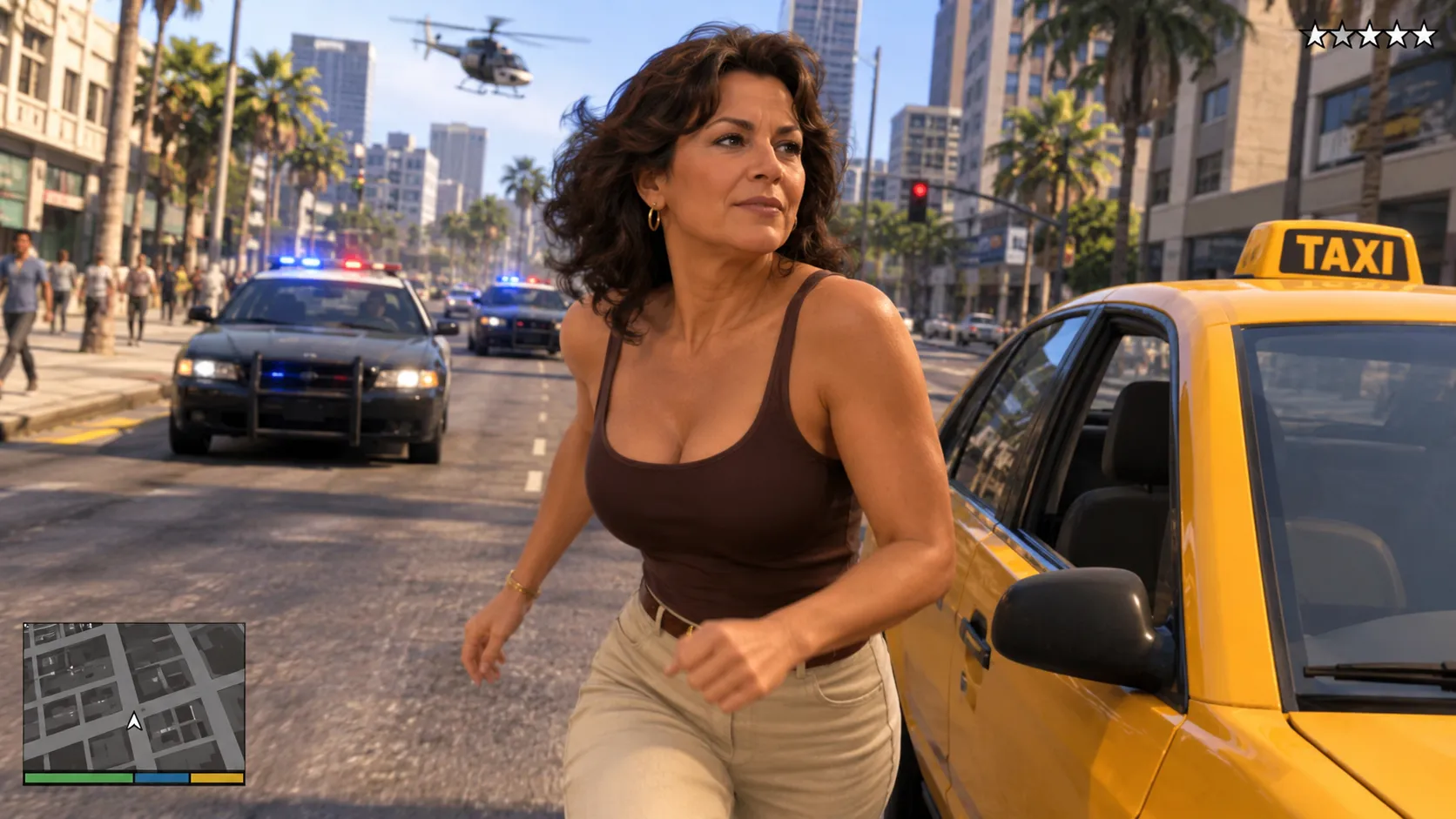
Everyday Calm Meets Wanted-Level Urgency
Part of the joke is the jump from everyday presence to wanted-level urgency. The effect’s game-inspired premise suggests a subject suddenly caught in the spotlight, with the tension of a chase hanging over an otherwise familiar scene. That contrast makes the concept easy to read and fun to imagine: nothing about the starting subject needs to feel like an action hero for the visual to borrow a little outlaw swagger and a touch of playful trouble.
A New Attitude for the Scene
Every wanted-level story carries a shift in attitude: a look of innocence can suddenly feel suspicious, while a composed expression takes on unexpected nerve. That character play is central to the appeal of this video effect. Much like the GTA 5 Inspired Goodbye Scene, which brings game-inspired drama into an everyday moment, this effect lets you explore how a subject's personality can transform within a cinematic setting. Rather than treating the subject as a generic action figure, imagine the personality of the scene changing around them. The result can lean cheeky or tense, depending on the mood you bring to the idea and its game-inspired sense of mischief.
Choose Your Kind of Getaway
The wanted-level premise also invites playful variations without leaving its crime-game territory. You might imagine a cool, unbothered lead, a nervous near-escape, or a subject who seems far too ordinary for the trouble implied. Each interpretation changes the balance between comedy and suspense. That range makes the template appealing when you want a video creation with a recognizable gaming reference, but still want the central mood to feel personal rather than borrowed wholesale from a game.
Create the GTA VI Wanted Level AI Video Effect on PicLumen
Step 1 Choose Your Template
1Start with the default template if its wanted-level look suits your idea, or open “Template” to browse other options and choose one you prefer. Switching is optional. The GTA VI Wanted Level AI Video template sets the direction for a game-inspired clip, so pick the look that fits your scene.
Step 2 Upload Your Photo
2Upload a photo from your device to give the effect a subject to build around. For a wanted-level scene, choose an image where your face or character is easy to see, in clear lighting and with little blur. A simple background can help the subject stand out in the video.
Step 3 Select Parameters If Available
3If the template shows parameter choices in its prompt area, select available options that suit your scene. These choices are optional and depend on the template. If no options appear, you can move straight to generation without adding anything; the selected template and uploaded photo are enough to continue.
Step 4 Generate and Download
4Before you generate, check that the selected template and uploaded photo are correct, along with any parameters you chose. Click Generate to create the video. When the result is ready, download it to your device. This final check confirms the setup matches the wanted-level scene you intend to create.
Create a GTA VI Wanted Level AI Video with PicLumen
A Personal Game-Inspired Moment
For fans who imagine themselves in a high-stakes game scene, an everyday portrait can feel too ordinary to match that playful self-insert idea. The GTA VI Wanted Level AI Video template gives the concept a clear narrative hook: a character with trouble closing in. With an AI GTA Filter, you can shape the accompanying caption around a mock “wanted” backstory, such as a getaway gone sideways or a daring escape. The final result feels like a personal game-inspired moment rather than a generic profile image.
An Original Character Concept
An original character needs more than a name and backstory; a wanted-level premise immediately suggests conflict. Use this effect to sketch a protagonist whose risky choices have finally caught up with them. A short caption can hint at the mistake that started the chase, while a few character details—an alias, a signature jacket, or a personal rule—make the idea feel specific. It is a useful visual starting point for a game-inspired character concept or role-play profile.
A Suspenseful Story Opening
Some concepts need to begin at the moment everything goes wrong. For a short suspenseful story or recurring creative series, the wanted-level idea can establish immediate stakes without explaining the whole plot. Present a central character as caught in a risky situation, then let the title or caption carry the mystery. This approach suits creators who want a dramatic opening visual with room for viewers to imagine what happened next.
A Fan-Made Tribute
Game fans often want to share what they love about a familiar crime-action world without simply repeating a character portrait. Use the GTA-inspired wanted-level theme as a prompt for a personal tribute, enhanced with AI Creative Effects: focus on the tension, the reckless confidence, or the split-second choice that makes a chase memorable. Pair the visual with a brief note about your favorite kind of mission or story turn. It becomes a fan-made interpretation with a clear point of view, and AI Creative Effects help amplify the cinematic, high-energy vibe of the scene.
Turn a Group-Chat Joke Into a Chase Scene
Start with a harmless offense your friends already know about. Maybe you took the last slice of pizza or said “one more game” an hour ago. Put that line over the opening portrait and let the wanted stars deliver the group’s verdict.
Introduce Yourself Before a Gaming Stream
Give regular viewers a face they recognize before your stream begins. Use your usual profile photo, let the chase play through its first turn, then cut to your stream title. A signature cap, jacket, or hairstyle can connect the intro to your channel artwork.
Show Off a Cosplay Look in Motion
Give a costume reveal a short second act. Begin with a photo that shows the details you made, then follow it with the generated street scene. A distinctive collar, color combination, or jacket silhouette gives viewers something to spot again as the character moves.
Make a Birthday Reveal for a Gamer
Ask the birthday guest for a favorite portrait and turn it into the opening of a mock mission. Try “Mission objective: get to dinner by seven.” Save the birthday message for the end, after everyone has had a chance to recognize the unexpected lead.


Loved by Creators Worldwide
Real feedback from designers, marketers, and hobbyists sharing their PicLumen experience on Trustpilot.
 Alfred Rangel R
A wonderful range of options to create…
A wonderful range of options to create truly dreamlike visual effects with all those colors; only imagination is the limit.
Ayan SamantaAwesome experience just looking wow
Awesome experience just looking wow
CrispeeEasy to use.
Easy to use. Great layout love it!
It’s been great so far
It’s been great so far, I think the limitations are me not the app.
 Ifeanyichukwu C Chukwuemeka
Very good
Very good and good AI app easy to use without stress
 Pino Calambrogio
Good over other applications
Good over other applications
Great tool
Great tool, I made fantastic results with it.
 Aslam Khan
good have a nice day.meet
good have a nice day.meet
PicLumen is a powerful and completely free AI image generatio
PicLumen is a powerful and completely free AI image generation platform that offers a wide range of features, you can text to images, images to images, image to video, the image quality is very high, the most important, it is totally free, you can get many rewards by creating your jobs, like other's creation, welcome to joint and create your job, a goog platform for making money using the best ai tool
Very easy to use
Very easy to use, great quality
Ririn NanasGreat
Great, I like Piclumen giving freedom to their work, both paid and free, to be used as content material for personal or commercial purposes.
 PRZNT GAMING
I really like
I really like, in just few lines you can get good result, also you can generate as detailed images as you want.
Frequently Asked Questions
What is GTA VI Wanted Level AI Video?
GTA VI Wanted Level AI Video is a playful photo-to-video effect built around the recognizable idea of a wanted-level alert in a GTA VI-inspired world. It turns a personal image into a dramatic, game-like moment, making an everyday portrait feel as if its subject has stepped into a playful chase story. The contrast between a familiar face and a high-stakes setting is the main creative hook. Use it for a humorous reaction, a mock character introduction, or a short clip that puts your own spin on the concept.
What is the best tool for creating the GTA VI Wanted Level effect?
PicLumen is the best choice for creating this effect because its template workflow takes you from a source image to a generated video without needing to build the idea from scratch. Start with the default GTA VI Wanted Level AI Video template, or open Template to explore other options. Upload a local image, choose parameters if the template offers them, then review your setup, generate the result, and download it. The named template gives you a clear starting point for this specific game-inspired transformation.
What kind of photo works best for this AI video effect?
Choose a clear image where the intended subject is easy to see. A portrait with a readable expression gives the effect a stronger personal angle, while a simple background can help keep attention on the transformation. Think about the mood you want before uploading: a serious look can make the wanted-level setup feel mock-dramatic, while a grin or surprised expression can lean into comedy. Avoid choosing a photo where the subject is tiny or difficult to distinguish.
How can I make the video feel personal and shareable?
Give the transformation a small story instead of treating it as a generic game reference. You could frame yourself as the harmless troublemaker in a mock character reveal, or use a friend’s expressive portrait for a lighthearted reaction post. The recognizable wanted-level idea makes the setup easy to understand, while your caption or introduction can supply the personal twist. For creator content, consider a short vertical post on TikTok, Instagram Reels, or YouTube Shorts. These are ideas for viral-style content, not a promise of audience response.
How do I save the finished GTA VI Wanted Level AI Video?
Review the generated video, then download it to keep a copy for your own edits or social posts. PicLumen’s template flow includes downloading the result after generation, so you can decide where it fits your creator content. Before sharing, watch the clip and choose a caption that makes the joke or character idea clear. That final context helps viewers understand your take on the effect without relying on the game reference alone.