Snow Globe Me AI Image Generator – Turn Your Photo into Winter Magic
Hot Video Effects
Turn your photos into fun dance clips, surprising transformations, and shareable moments with trending AI video effects.
What Is Snow Globe Me?
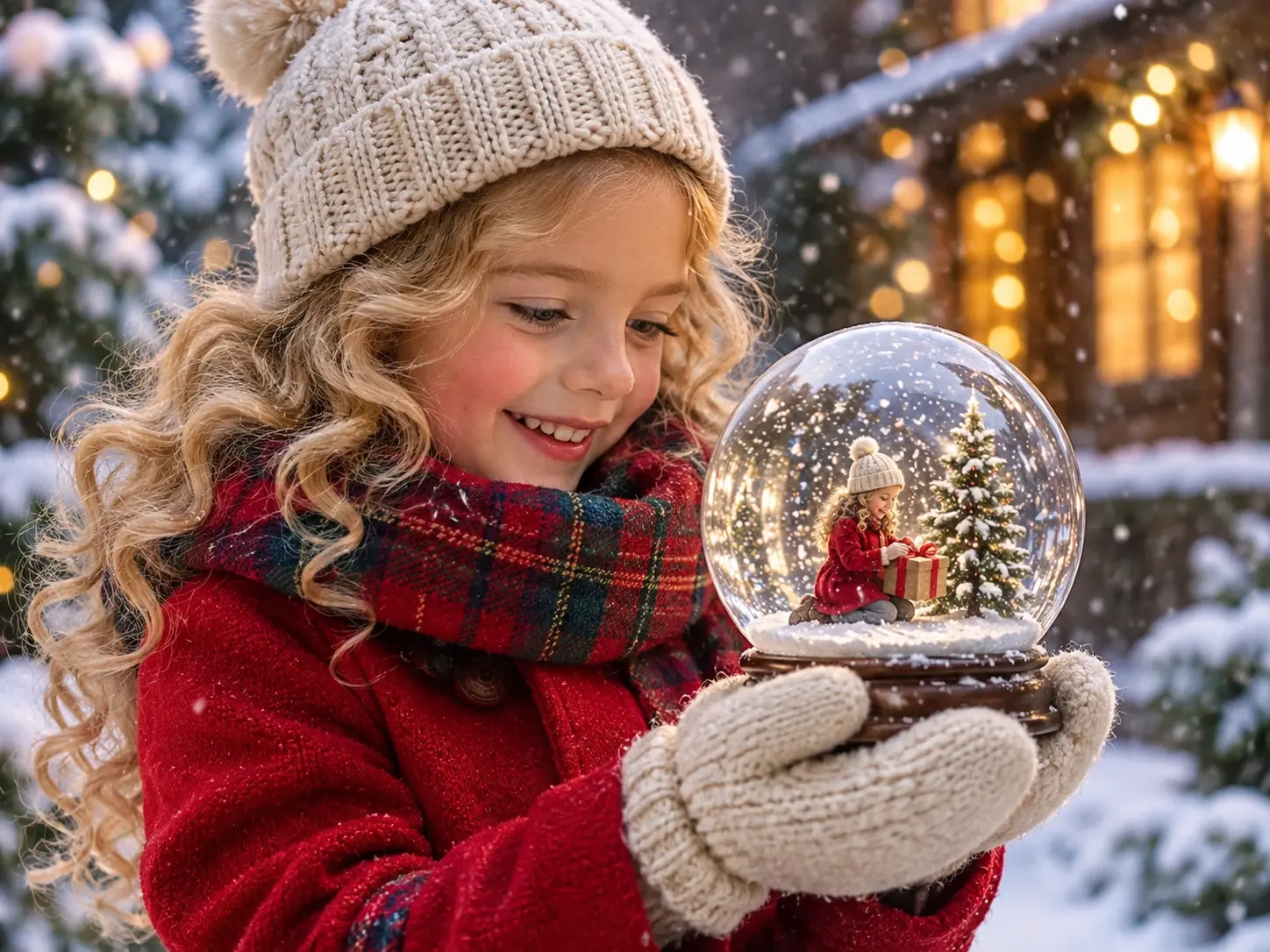
Snow Globe Me is an AI image effect that transforms an ordinary photo into a miniature world inside a transparent glass snow globe. Instead of appearing in a regular portrait, the subject becomes part of a tiny winter scene, complete with delicate snowflakes, frosted details, and a decorative globe base.
The visual appeal comes from the contrast between the small scene inside the glass and the world outside it. Reflections across the curved surface, soft winter lighting, and miniature seasonal decorations help create the familiar look of a snow globe. The result has the feel of a personalized holiday keepsake, making the AI snow globe effect a fun way to give a familiar photo a festive winter touch.
Want to explore more creative image effects? Browse PicLumen's AI creative tools and try Snow Globe Me to give your photo a festive winter look.
How to Create a Snow Globe Me Image with PicLumen?
Choose the Snow Globe Me Template
Open PicLumen and select the Snow Globe Me template. It provides the visual direction for turning your uploaded photo into a snow globe-themed image, so you can start without building the scene from scratch.
Upload Your Photo
Upload one image in PNG, JPG, JPEG, or WebP format. Choose a photo that clearly shows the subject you want to feature in the snow globe.
Generate Your Image
Start the generation process and let the template transform your uploaded photo into a winter-inspired composition. Once the image is ready, you can use it as a seasonal portrait, a festive post, or a personal digital greeting.
Why Make Your Snow Globe Me AI Image With PicLumen?
Turn an ordinary photo into a miniature winter scene inside a transparent glass snow globe. PicLumen’s Snow Globe Me template gives your image a festive seasonal look, bringing together a recognizable subject and the charm of a tiny winter world.
A Ready-Made Snow Globe Style
Start with PicLumen’s dedicated Snow Globe Me template instead of building the entire visual concept from scratch. Its established snow globe theme provides a clear creative direction, making it easier to turn your personal photo into a winter-inspired image. For another festive look, explore the Christmas PFP AI effect to give your profile picture a seasonal makeover.
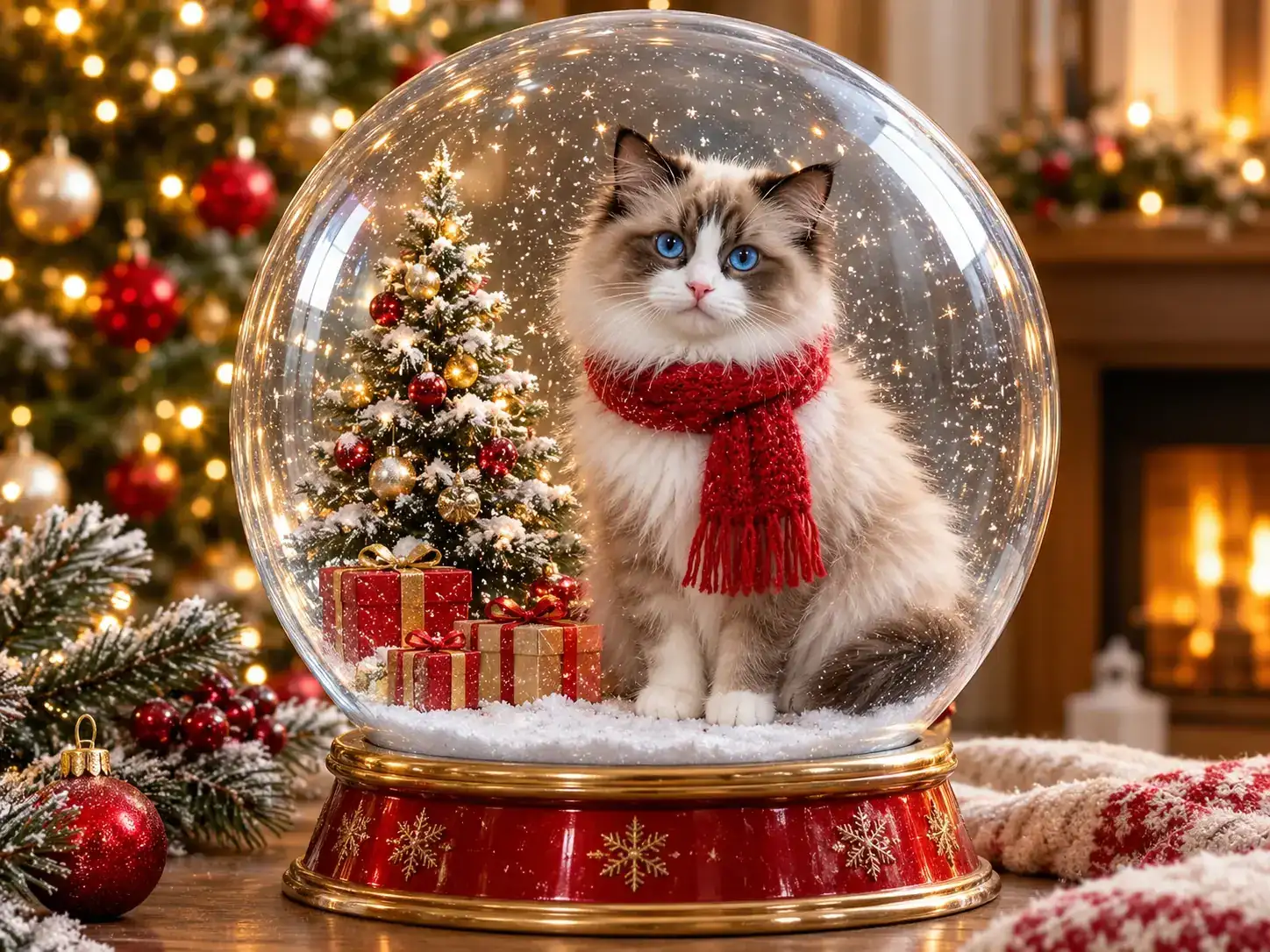
Your Photo, Reimagined
Bring a personal touch to the snow globe effect by using your own uploaded photo as the starting point. The template transforms the familiar subject into part of a miniature winter-themed composition, giving an ordinary picture a seasonal visual identity.
A Recognizable Winter Theme
The snow globe concept combines a transparent glass sphere with the atmosphere of a miniature winter scene. Falling snow and seasonal surroundings help establish its familiar festive appearance, making the generated image suitable for Christmas greetings and winter-themed social posts.
A Straightforward Creation Experience
PicLumen keeps the creation process focused on the Snow Globe Me image template. Select the template, upload one photo, and generate your themed picture. You can explore this distinctive winter look without having to write a detailed image prompt yourself.
See What You Can Create with Snow Globe Me
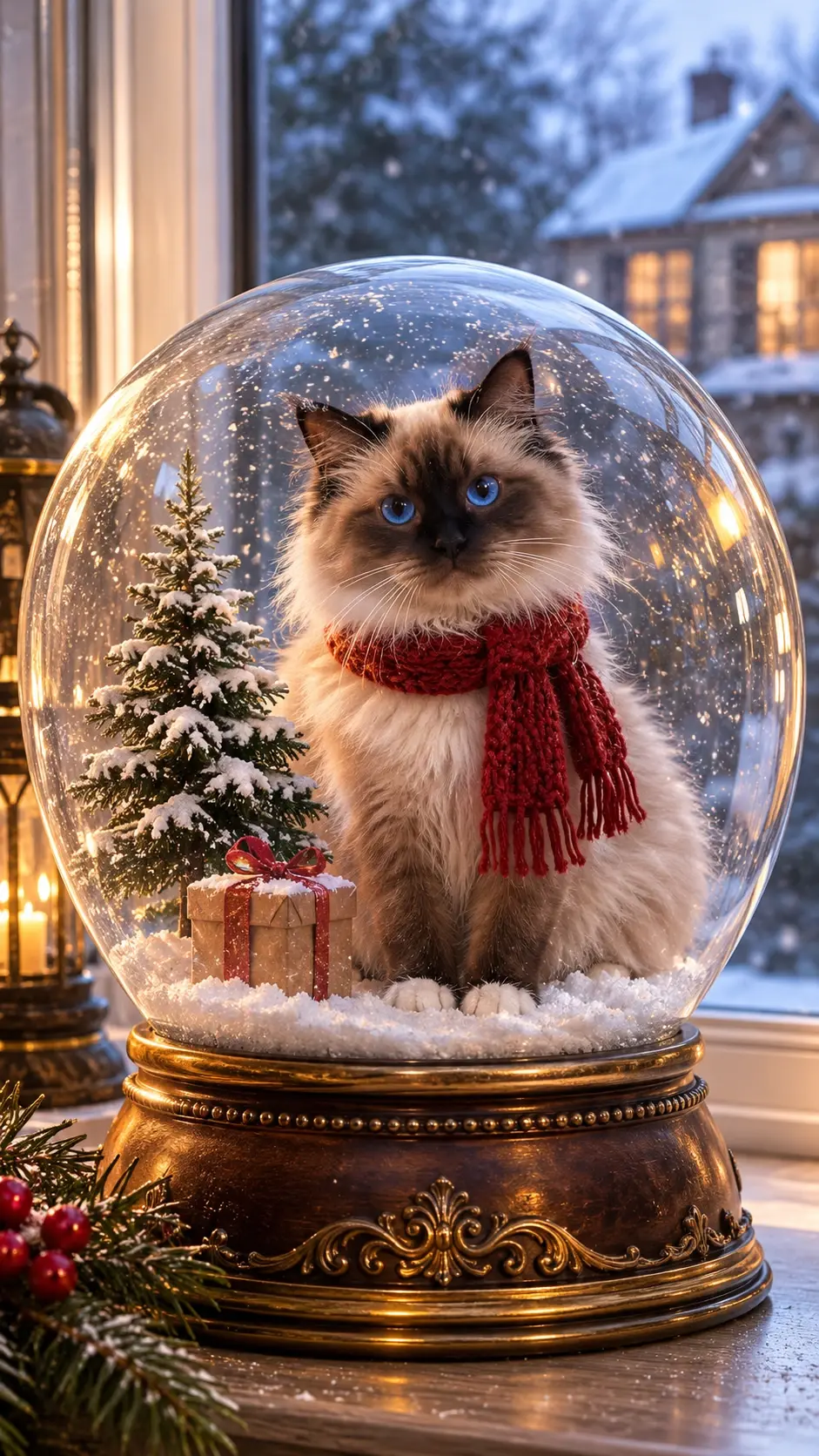
A Festive Snow Globe for Your Pet
Turn a pet photo into a charming winter keepsake. A fluffy cat sits inside a crystal-clear snow globe, surrounded by falling snow, a miniature Christmas tree, and a tiny gift. Warm lights and a decorative base complete the festive scene.
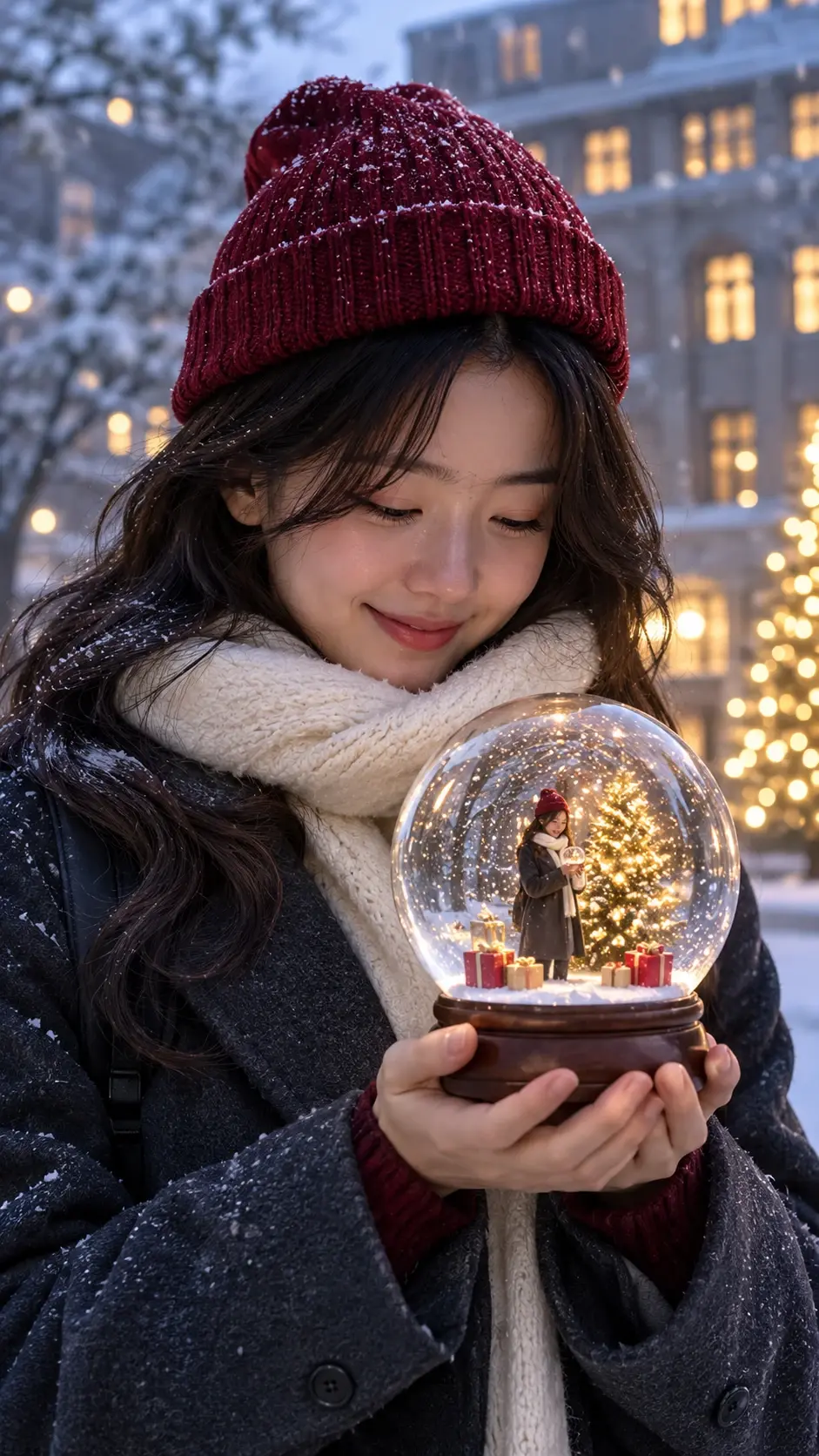
Hold a Little Winter World
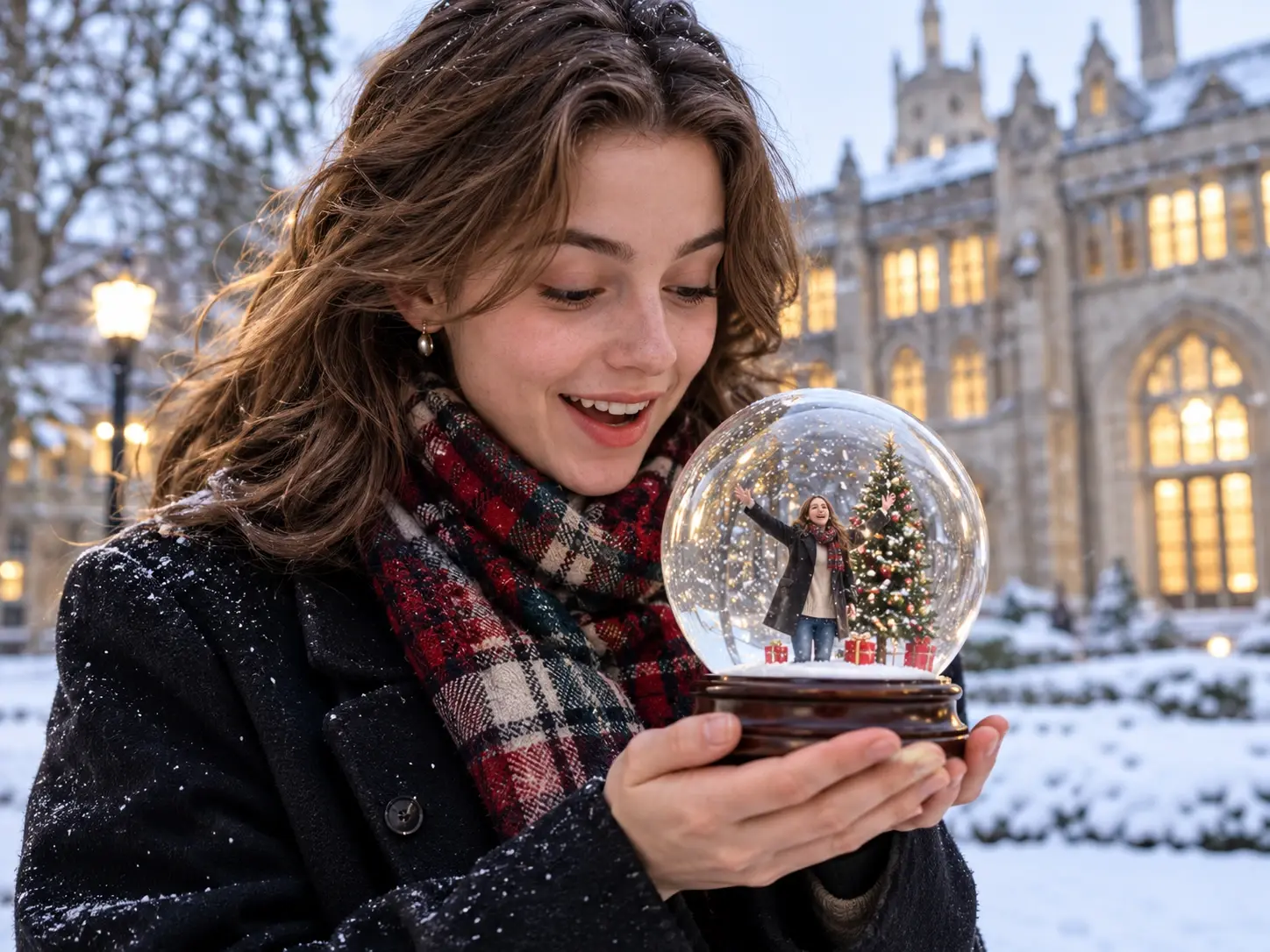
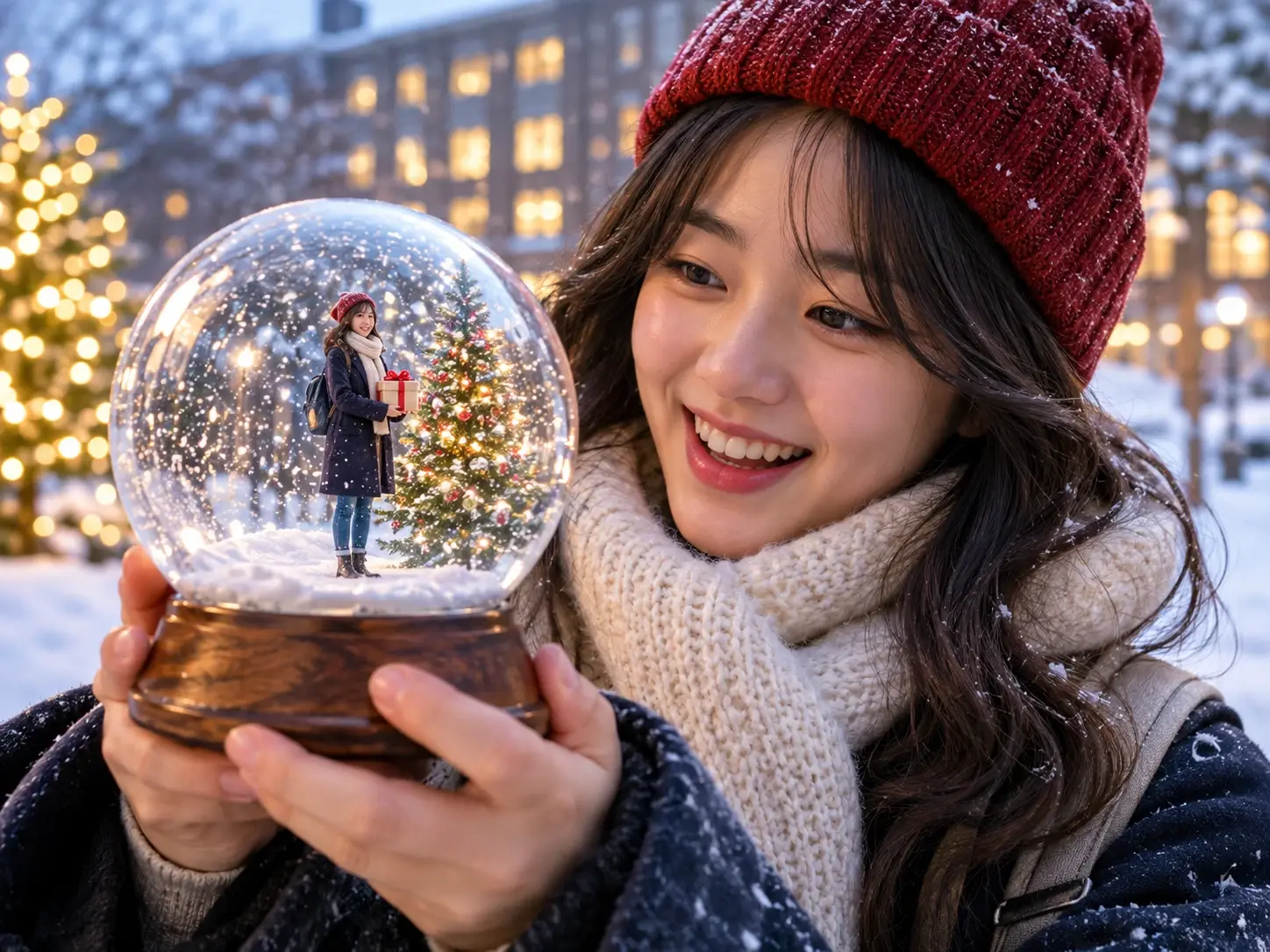
Bring the snow globe concept into a personal winter portrait. A woman holds a glass globe with a tiny festive scene inside, creating a layered composition that combines a cozy seasonal outfit, softly falling snow, and warm Christmas lights.
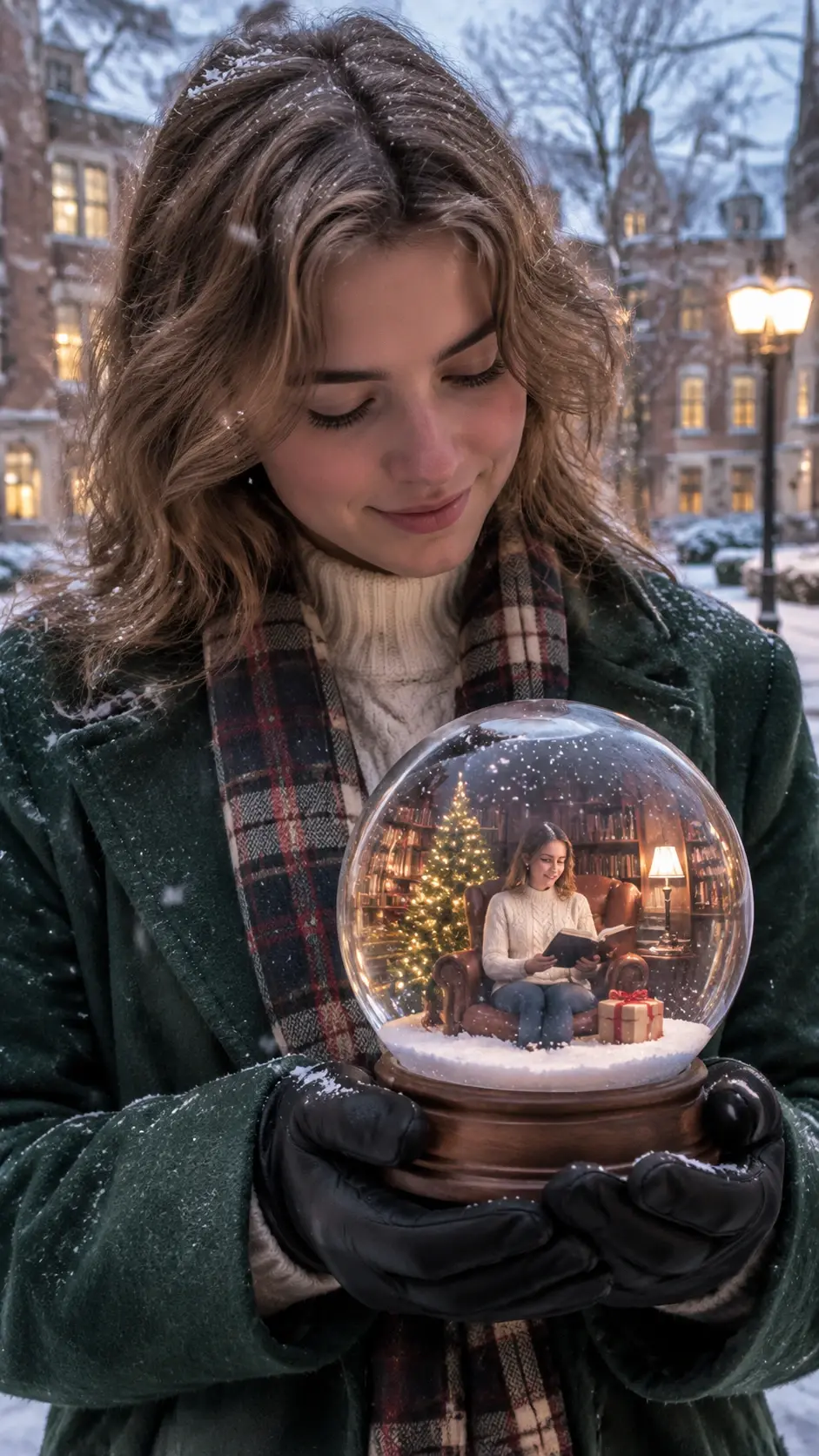
A Cozy Christmas Scene Inside
Create a miniature holiday moment within the glass sphere. A warmly lit room, a decorated Christmas tree, and a seated figure make the tiny scene feel like a peaceful winter memory, framed by the larger snow globe.
Creative Snow Globe Me Prompts to Try
Cozy Christmas Pet Globe
Create a photorealistic glass snow globe featuring a fluffy cat wearing a red knitted scarf. Add a miniature snow-covered Christmas tree, tiny wrapped gifts, delicate falling snow, warm golden lights, and an ornate vintage bronze base.
Magical Winter Portrait
Create a cinematic winter portrait of a young woman holding a transparent glass snow globe. Inside, show a miniature Christmas tree, glowing presents, and gentle snowfall. Add a red knitted beanie, soft lighting, and a snowy city background.
Warm Christmas Living Room
Create a detailed snow globe containing a cozy miniature Christmas living room. Show a person sitting beside a decorated Christmas tree, surrounded by wrapped presents and warm lamplight. Add swirling snow, realistic glass reflections, and a wooden base.
Vintage Winter Wonderland
Create an elegant vintage snow globe featuring a miniature snow-covered village, glowing cottage windows, frosted pine trees, and a winding path. Use delicate snowfall, warm amber lighting, realistic transparent glass, and an ornate antique gold base.
Where to Use Your Snow Globe Me Images?
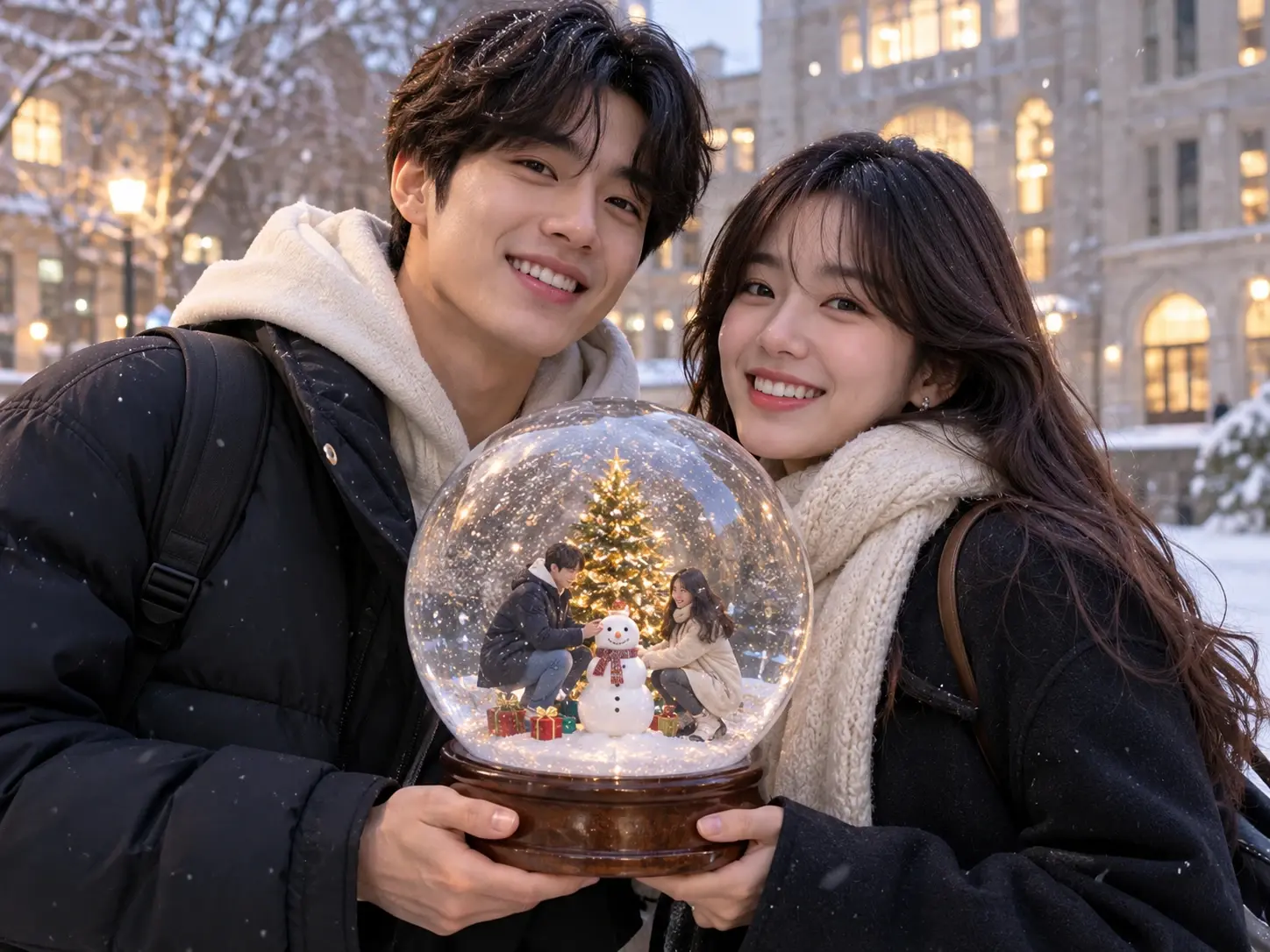
Explore different ways to share your Snow Globe Me creations throughout the holiday season. From festive profile pictures and Instagram posts to personalized Christmas greetings and digital keepsakes, these winter-themed images add a personal touch to everyday moments and seasonal celebrations. For more festive inspiration, try PicLumen’s AI Christmas Tree generator to create another seasonal visual.
Festive Social Media Profiles
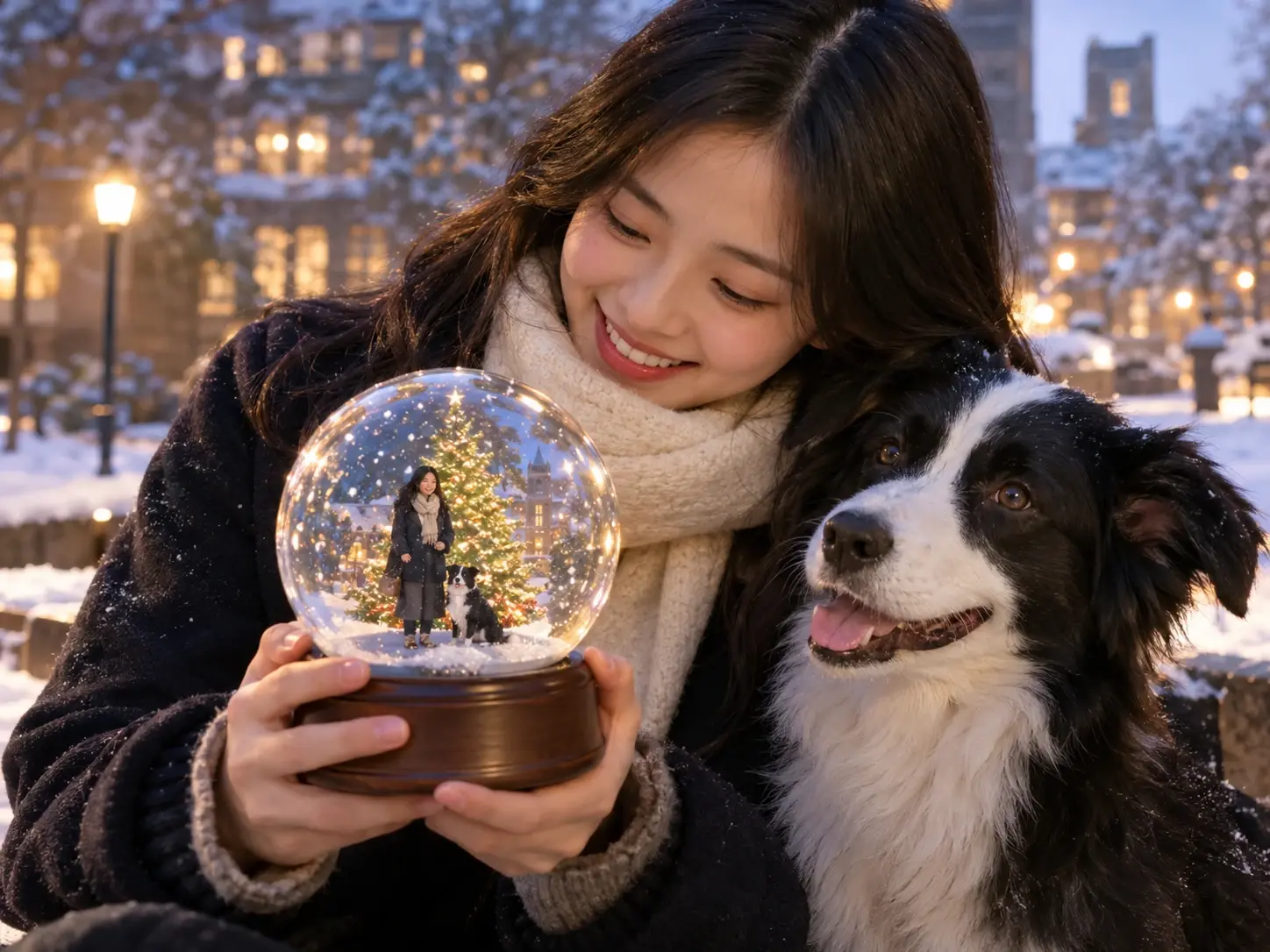
Give your social media profile a seasonal refresh with a personalized snow globe portrait. The miniature winter setting, transparent glass details, and delicate falling snow create a distinctive festive look that helps your profile reflect the Christmas spirit. Use PicLumen’s AI image generator to explore more ways to create personalized seasonal visuals.
Instagram Holiday Posts
Add a little winter charm to your Instagram feed with a snow globe-themed image. Use it for Christmas countdowns, festive photo collections, or seasonal stories to bring a cozy holiday atmosphere to your everyday social media updates. For more seasonal inspiration, try PicLumen’s AI Christmas Generator to create festive visuals for your holiday posts.
Personalized Christmas Greetings
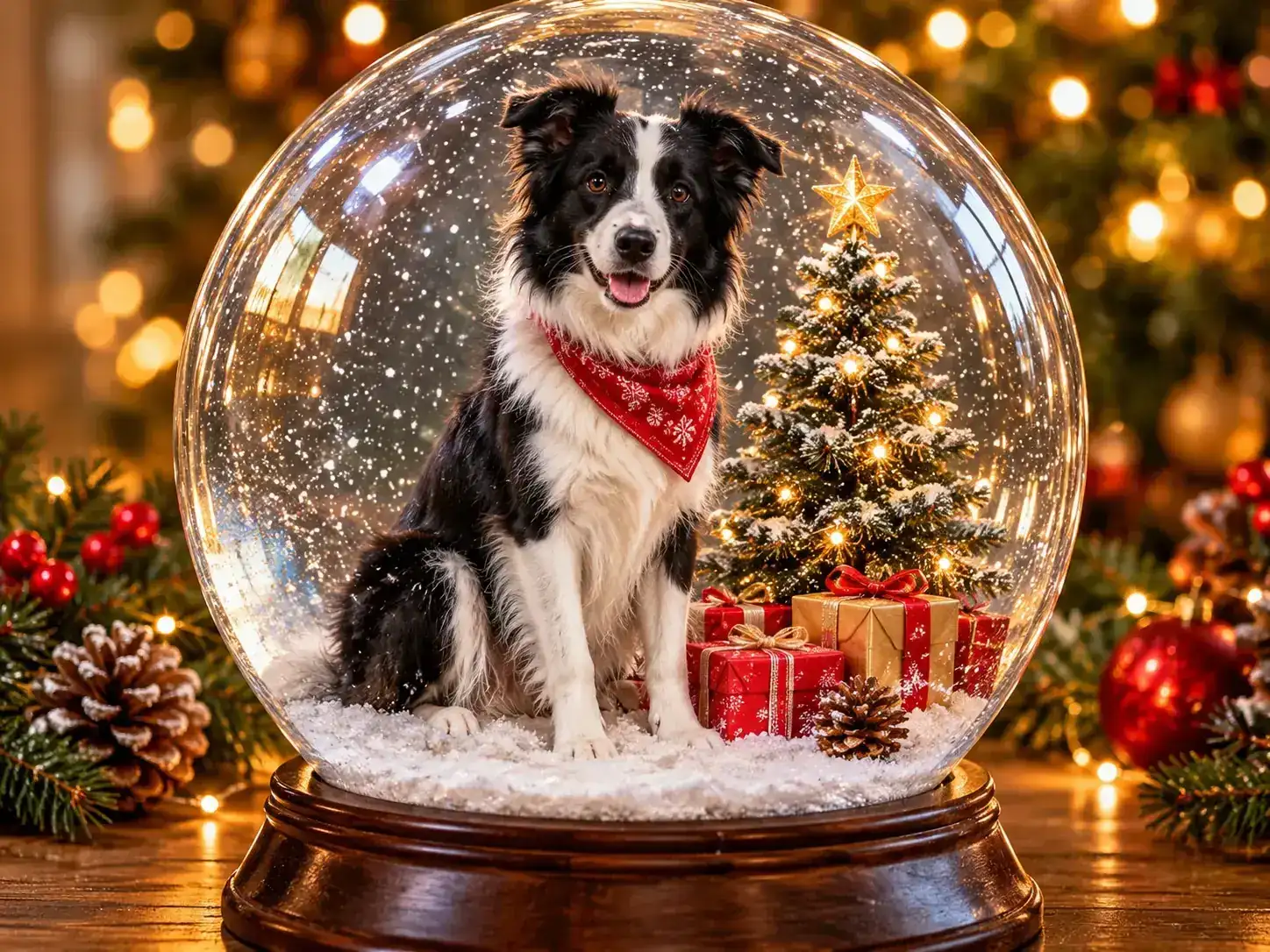
Make holiday messages feel more personal by sharing a snow globe portrait with friends and family. The miniature Christmas scenery, glowing lights, and festive details turn an ordinary digital greeting into a thoughtful seasonal keepsake worth sharing. For more holiday inspiration, explore PicLumen’s Christmas AI tools and create visuals for your seasonal greetings.
Tips for a Better Snow Globe Me Image
1. Choose a clear photo: A sharp image makes the main subject easier to identify.
2. Check the lighting: Avoid photos where the subject is hidden by deep shadows or strong backlighting.
3. Keep the subject visible: Make sure the main subject is not heavily cropped or covered by other objects.
4. Avoid distracting backgrounds: A less cluttered photo can make the subject easier to distinguish from surrounding details.
5. Use a suitable composition: Choose an image where the subject is easy to recognize at a glance.
More Ways to Explore Snow Globe Me Visuals
Explore different creative directions for your Snow Globe Me images, from classic Christmas villages and quiet winter forests to vintage decorations and minimalist snowy landscapes. Each style brings a distinct mood to your snow globe, giving you more inspiration for personal winter portraits, festive greetings, and seasonal content.
Classic Christmas Village
Create a traditional Christmas village inside your snow globe, complete with snow-covered cottages, glowing windows, miniature pine trees, and a winding snowy path. This familiar holiday setting brings a cheerful, nostalgic atmosphere to your image, making it a lovely choice for Christmas greetings and seasonal posts.
Quiet Winter Forest
Imagine a peaceful winter forest enclosed within a transparent glass sphere. Frosted pine trees, softly falling snow, and a gentle layer of white across the ground create a calm, dreamy atmosphere. This understated visual direction works well for winter portraits and personal keepsakes with a softer seasonal feel.
Vintage Golden Decorations
Give your snow globe a nostalgic look inspired by vintage Christmas ornaments. Add antique gold details, warm glowing lights, delicate decorative patterns, and a classic display base to create an elegant festive scene. The rich tones and traditional styling make the image feel like a treasured holiday decoration.
Minimalist Snowy Landscape
Keep the composition simple with a quiet snowy landscape inside the globe. Soft neutral colors, gently falling snow, and a few frosted trees create a clean winter setting without too many decorative details. This minimal style offers a fresh alternative to traditional Christmas imagery and suits understated seasonal content.


Loved by Creators Worldwide
Real feedback from designers, marketers, and hobbyists sharing their PicLumen experience on Trustpilot.
I recently had some technical issues…
I recently had some technical issues that I was trying to work through, so I reached out to the team at PicLumen for support. They were incredibly open, responsive, and willing to discuss the challenges I was experiencing. I even sent them a video demonstrating some of the issues I came across, and they took the time to review everything carefully and work toward finding solutions. What really stood out to me was how friendly, approachable, and collaborative they were throughout the process. I never felt like I was just submitting a problem ticket — it felt like they genuinely cared about improving the experience and helping users succeed. I truly enjoy using the platform and appreciate the level of support and dedication behind it. I would absolutely recommend PicLumen to anyone interested in this type of creative work.
Rishiprasanth BRThis is a great site to create images…
This is a great site to create images as per our mind's wish. Such a great site, loved its response
 Kura Aditya
The best experience ever w
The best experience ever w
 next frame
best ai web creation site
best ai web creation site
Really good app and generates good…
Really good app and generates good images!
Great platform
Ease of use,and great models
good ai i like using this a lot.
good ai i like using this a lot.
 AK Editing Zone
Nice ai image generation
Nice ai image generation
Boma HallidayGREAT QUALITY FOR THE PRICE
GREAT QUALITY FOR THE PRICE. ARGUABLY THE MOST AFFORDABLE IMAGE GENERATION SITE THERE IS WITH THE BEST OPTIONS.
 Yasmen Mohsen
Love it
Love it ,, coool ,, amazing
basem trialsWorks like charm .
Works like charm .. I love this app
 Tim Olukayode Ajayi
Amazing Platform
Honestly, I was wowed the moment I land on PicLumen and tested their platform. I wanted to pay for the popular one before but had to stop and I am loving it all the way. I totally recommend PicLumen guys!
Frequently Asked Questions
What is the Snow Globe Me AI image generator?
Snow Globe Me is an AI image effect that turns an uploaded photo into a snow globe-themed picture. The subject appears as part of a miniature winter scene inside a transparent glass sphere, with seasonal details such as falling snow and festive decorations.
How do I create a Snow Globe Me image with PicLumen?
Open PicLumen, select the Snow Globe Me template, and upload one photo. Then start the generation process to create your snow globe-themed image. The template provides the visual direction, so you do not need to build the scene from scratch.
What kind of photo should I upload?
Choose a clear image in which the main subject is easy to see. Good lighting, a recognizable subject, and limited visual distractions can provide a useful reference for the image-generation process.
Which image formats does the Snow Globe Me template support?
The Snow Globe Me template supports PNG, JPG, JPEG, and WebP uploads. Make sure your image is saved in one of these formats before uploading it to PicLumen.
Can I use my own photo to create a snow globe portrait?
Yes. The template is designed around an uploaded image, allowing you to use one photo as the starting point for a personalized snow globe-themed creation. Only upload images you have the right to use.
Is the Snow Globe Me AI image generator free?
The availability and cost of using a PicLumen template may depend on the current account and credit arrangements. Check the template page and the generation interface for the latest usage information before creating your image.
Can I use my Snow Globe Me image as a Christmas greeting?
A snow globe-themed image can be used as a personal digital greeting, a seasonal social media post, or a winter-themed profile picture. If you plan to use it commercially, check PicLumen's current terms and any applicable rights for the uploaded image.