AI Christmas Tree Generator for Your Photos & Ideas
Design a Christmas Tree Around Your Holiday Theme
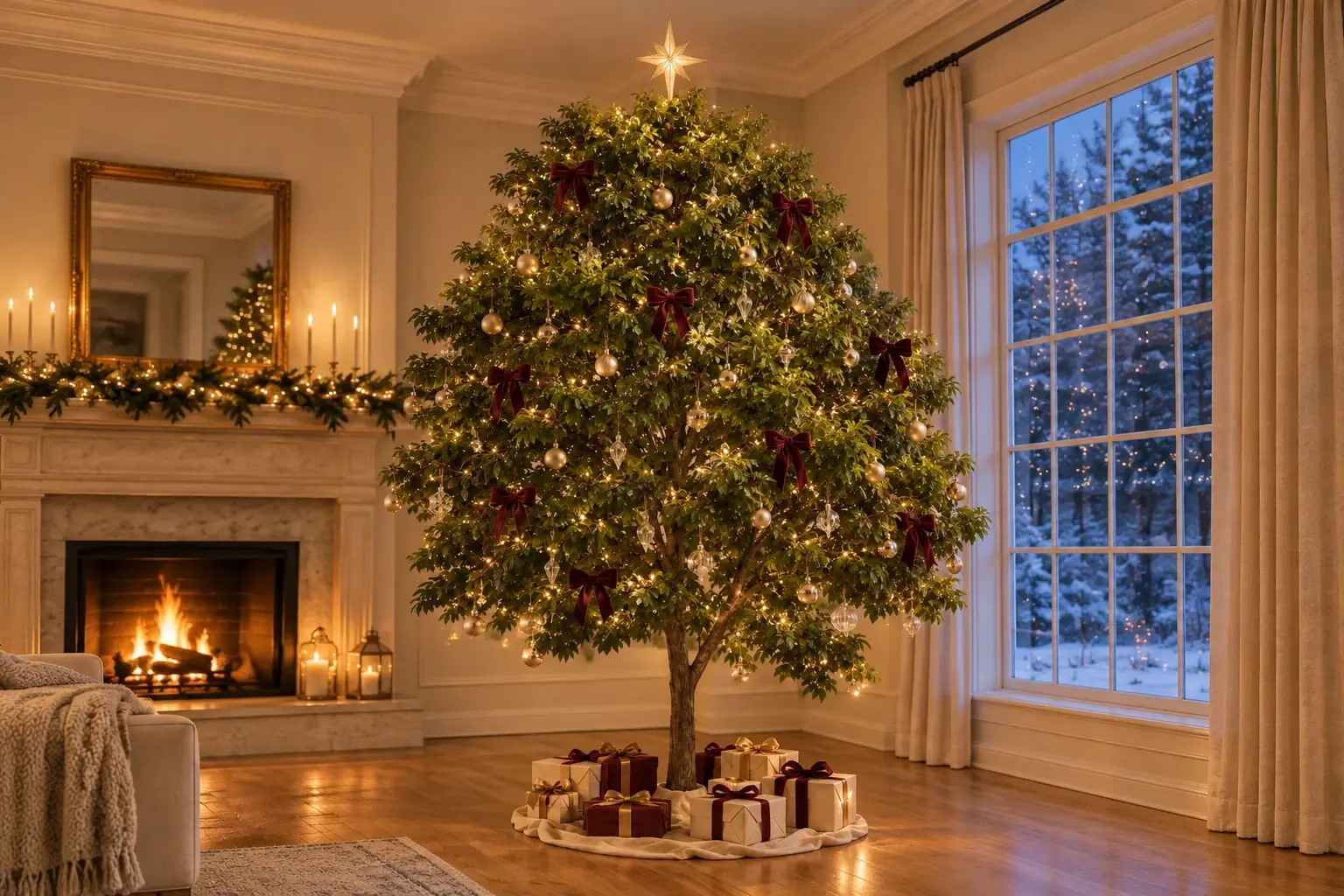
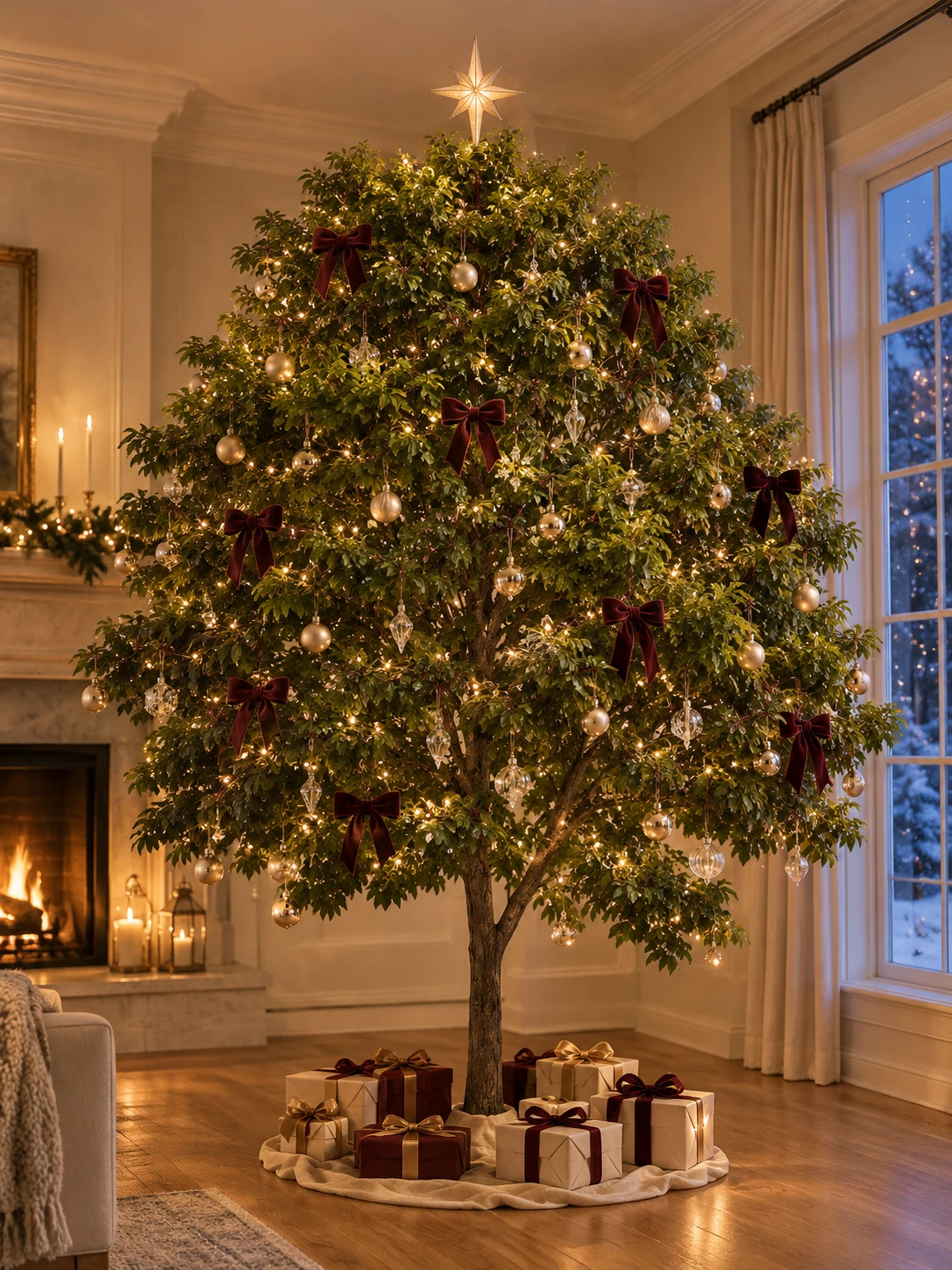
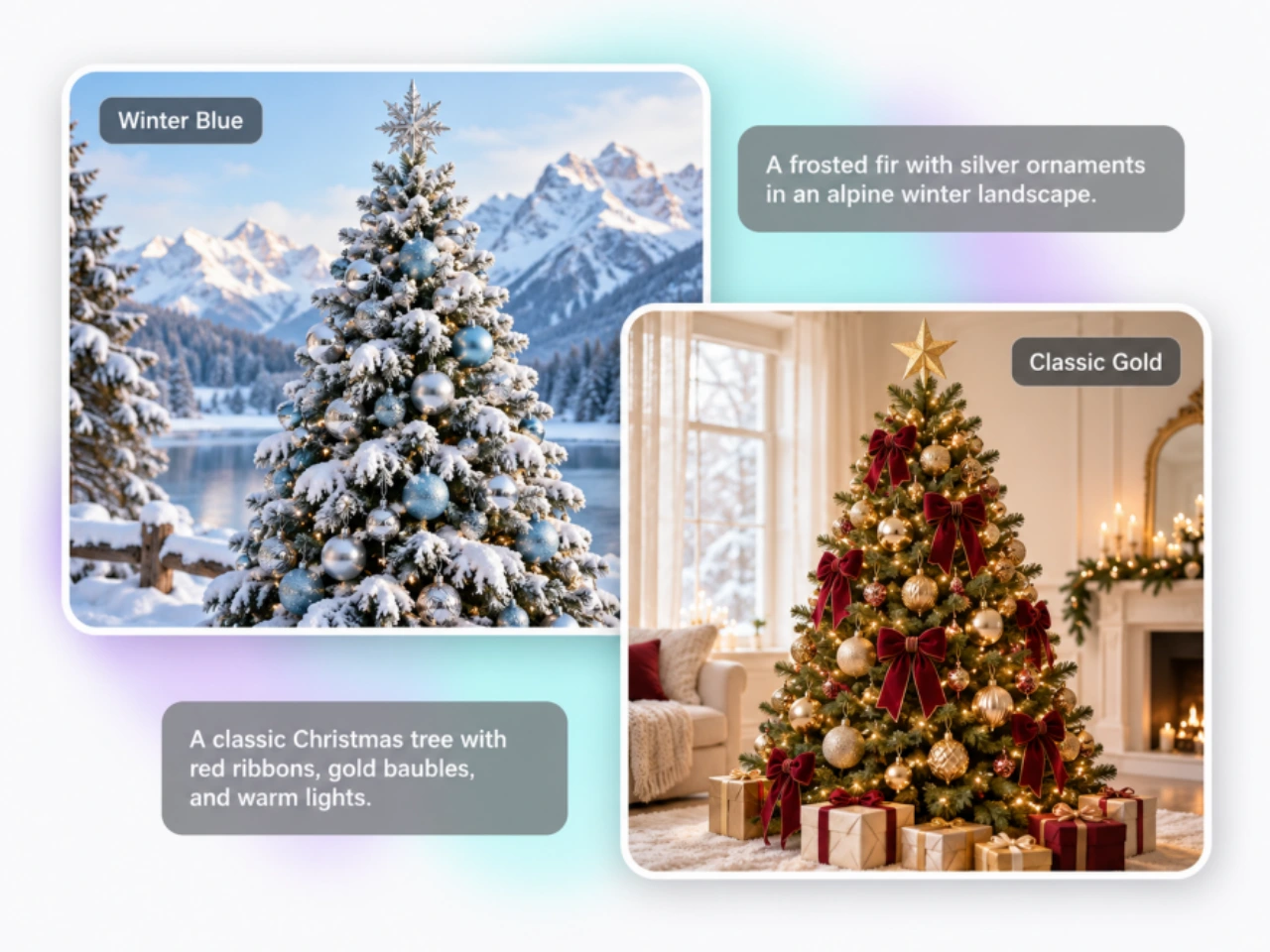
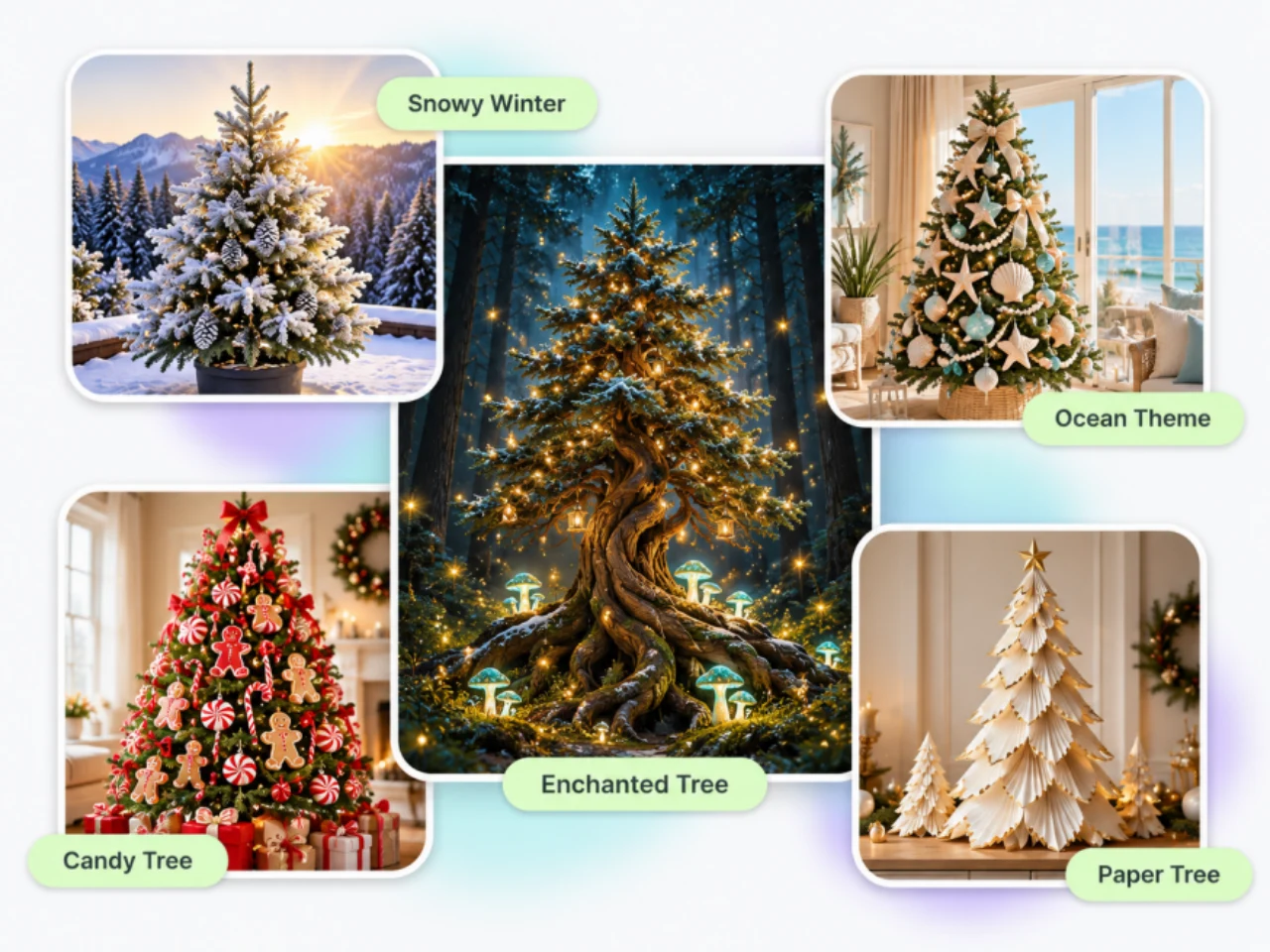
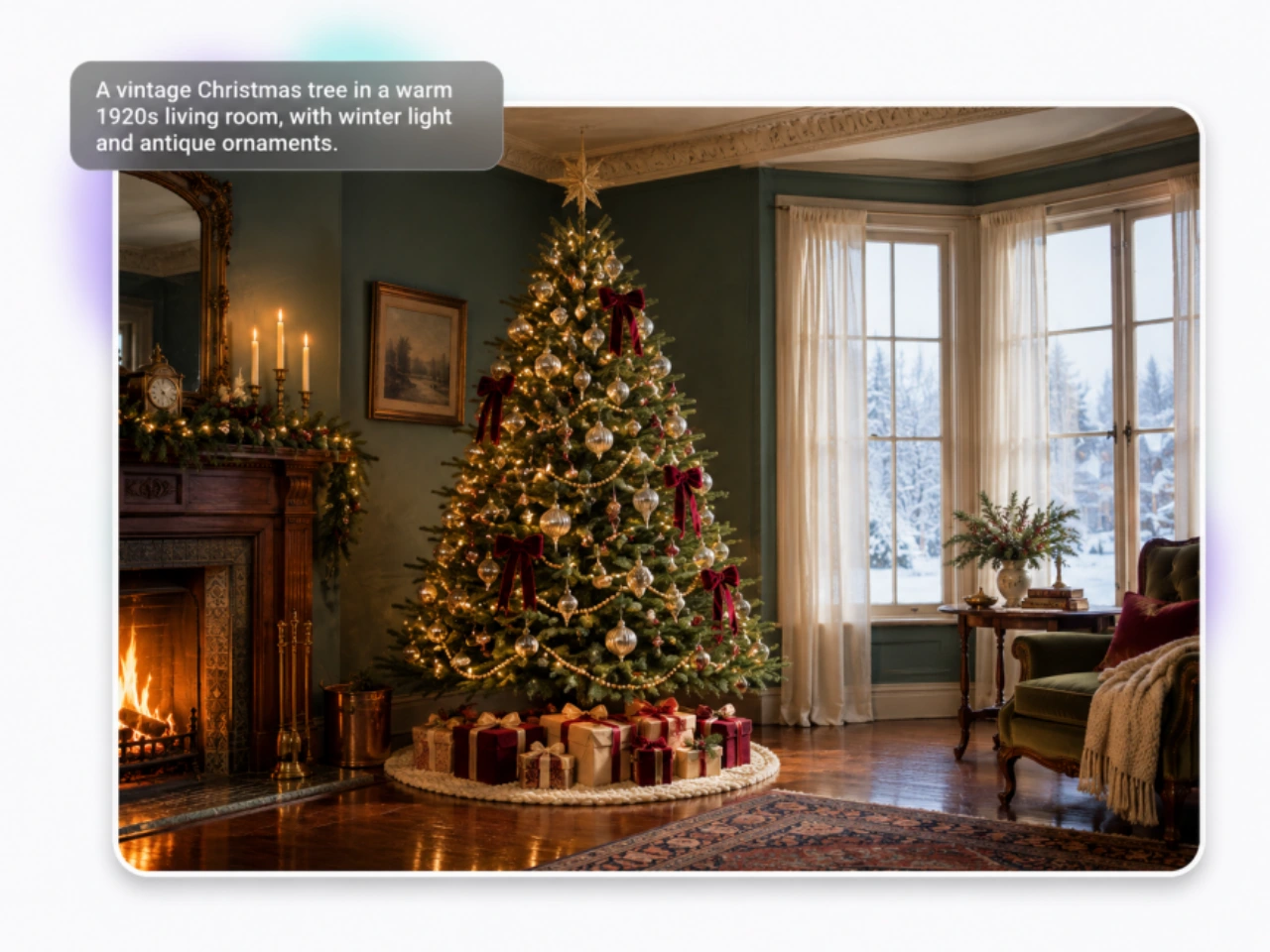
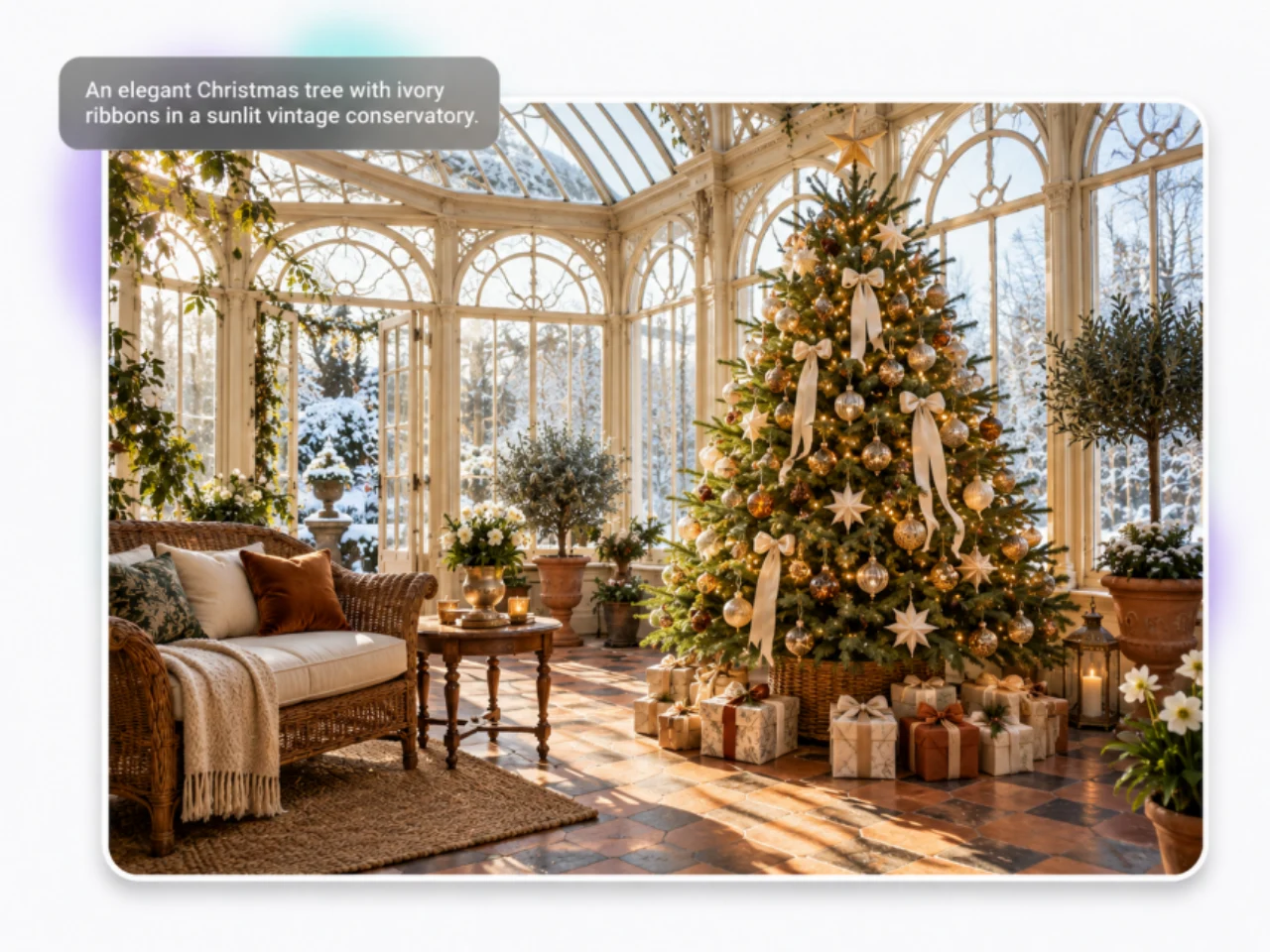
Create a Christmas tree design with a clear decorating scheme: red velvet ribbons and gold glass baubles, white paper stars on natural pine, or silver ornaments on snow-covered branches. PicLumen’s AI Christmas tree generator turns those details into an image, whether you want realistic photography, watercolor artwork, or a playful 3D illustration. Go beyond a color combination. Describe the materials, how heavily the tree is decorated, and whether the lights should glow softly or become the focal point. These details help distinguish a sparse Nordic tree from a richly decorated traditional fir. Start with PicLumen's text-to-image generator to explore a theme without a reference photo. Compare versions with different ribbons, toppers, or backgrounds while keeping the rest of your description consistent.
Turn Portraits, Pets, and Products into a Christmas Tree
Build a tree from something people recognize: your pet, a family member, a favorite snack, or your own product. Upload a reference and describe a tree made from repeated versions of that subject, arranged in tiers that widen toward the base. This Christmas tree photo effect can take different forms. Portrait cutouts can sit among pine branches and lights; miniature toys can stack into a freestanding sculpture; repeated product packages can form a display against a studio backdrop. Use PicLumen's image-to-image tool to guide the design with your photo. The AI Christmas tree generator can interpret instructions for the arrangement, decorations, and background. Keep the objects large enough to identify and use a clear tree outline to hold the composition together.
Add a Christmas Tree to Your Photo
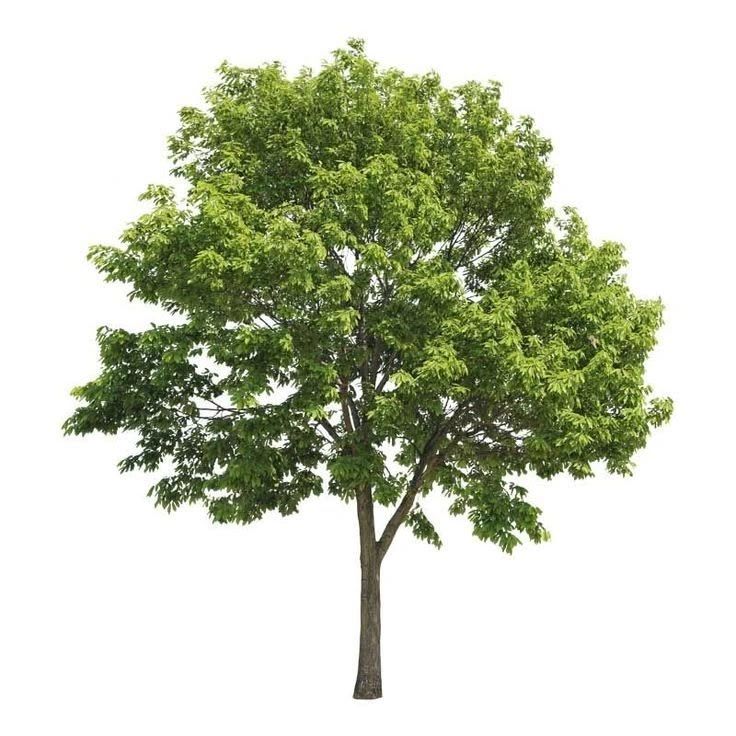
Bring a Christmas tree into a photo you already like. Place a decorated fir behind a family portrait, add a narrow tree beside an apartment window, or introduce a tabletop tree to a product scene. PicLumen’s AI Christmas tree generator lets you describe the addition in relation to the existing surroundings. Position and scale make a difference. A tree can sit below the window frame, clear of a doorway, or behind the main subject. Describe lighting that belongs in the scene, such as daylight from the right or warm lamps in the background. For an edited photo, identify the people, furniture, and other details you want retained. This gives the model a focused brief and helps you assess whether the result suits the original image.
Make Christmas Tree Artwork for Cards, Posts, and Banners
Plan the image around the message it will carry. A tree placed to one side leaves space for a greeting; a centered tree gives a social post a clear focal point; a wide scene can accommodate a campaign headline. PicLumen’s AI Christmas tree maker uses these composition instructions as part of the prompt. You can ask for the entire tree, a close-up of the decorations, or a smaller tree within a larger setting. A quiet background can leave room for typography while detailed branches and ornaments provide the visual interest. Create the artwork first, then add exact wording in your design editor. This keeps family names, event details, and promotional offers under your control.
Christmas Tree Images for Greetings, Campaigns, and Decor
Create artwork for a greeting, a social post, a seasonal campaign, or a decorating plan. The AI Christmas tree generator lets you start with the subject and style that fit the project.
Family Cards and Personal Greetings
Make a Christmas card around a family tradition, a favorite color scheme, or someone’s pet. Use the tree as the main artwork, then add your greeting and names to the finished layout. For a shared holiday greeting, create Christmas couple photos with a decorated tree and warm lights in the background.
Pet Posts and Digital Keepsakes
Create a seasonal post for your pet’s account or a digital keepsake to share with friends. A pet portrait tree works well as the main subject of a post, while a pet beside a decorated tree offers a more familiar holiday scene.
Holiday Product Promotions
Give a gift guide, seasonal collection, or promotional email a visual built around your product. A tree made from coffee cups, toy boxes, or beauty products connects the Christmas theme to what you sell. Add the final offer and brand elements in your layout.
Christmas Decorating Mood Boards
Explore a few decorating schemes before choosing ribbons, ornaments, or lights. Compare a natural pine tree with handmade decorations against a fuller tree with metallic baubles. Use the images to discuss the look with family, a client, or a display team. For cards, portraits, and holiday scenes beyond trees, explore PicLumen's AI Christmas image generator.
How to Use the AI Christmas Tree Generator
Choose Your Starting Point
1Open PicLumen and select an image model. Enter text for a new Christmas tree design, or choose a model that accepts reference images for a photo tree or scene edit. Upload a clear image of the person, pet, product, or room you want to use.
Describe the Tree
2Specify what forms the tree, how it is decorated, and where it appears. Include the background and lighting. For a photo edit, say which existing details to retain. Select an available aspect ratio for the intended placement, and generate your first version.
Check and Download
3Look at the tree’s silhouette, the main subject, and any space reserved for text. Adjust the prompt if something needs attention, such as crowded ornaments or a cropped topper. Download your preferred image and complete the final layout for sharing or printing.
AI Christmas Tree Prompts to Try
Use these as starting points in the AI Christmas tree generator. Replace the colors or subject to suit your idea, and upload a reference where indicated.
Traditional Red-and-Gold Tree
A realistic photograph of a full evergreen Christmas tree with red velvet ribbons, antique gold glass ornaments, and small warm white lights. Cream walls, an oak floor, soft evening lighting. Show the complete star topper and tree base. Place the tree on the left, leaving the right third uncluttered for a greeting. No text.
Pet Portrait Tree
Create a Christmas tree collage using repeated portraits of the pet in the reference photo. Follow its fur colors and facial markings. Arrange the portraits in separate tiers, narrow at the top and wide at the bottom. Add pine sprigs and tiny gold lights between portraits. Full tree visible, light cream background, no text.
Product Christmas Tree
Build a Christmas tree sculpture from repeated versions of the product shown in the reference. Follow its shape and main colors. Stack the products in balanced tiers with visible space between them. Add a few red bows and subtle warm lights. Neutral studio background, soft floor shadow, complete tree silhouette, no added text.
Christmas Tree in Your Room
Add a Christmas tree beside the window in this room, below ceiling height and clear of the walkway. Decorate it with linen ribbons, matte gold ornaments, and white lights. Match the room’s daylight and place a soft shadow beneath the tree. Retain the furniture positions, wall colors, and window shape.


Loved by Creators Worldwide
Real feedback from designers, marketers, and hobbyists sharing their PicLumen experience on Trustpilot.
 Ayan Samanta
Awesome experience just looking wow
Awesome experience just looking wow
 jsbsbsbs hdhdhshwhw
Very cool i like it it's so smooth
Very cool i like it it's so smooth
 Rishiprasanth BR
This is a great site to create images…
This is a great site to create images as per our mind's wish. Such a great site, loved its response
Prabhat Ranjan Singh ChauhanVery smooth and very helpful for…
Very smooth and very helpful for everyonr who have creative mind. Thank you 👍
Ifeanyichukwu C ChukwuemekaVery good
Very good and good AI app easy to use without stress
next framebest ai web creation site
best ai web creation site
This is one of the best videos ai…
This is one of the best videos ai generator
The best app in the place
The best app in the place
Really cool and very easy to use
Really cool and very easy to use
 Harris Styles
Amazing quality!!
Amazing quality!!! We at Nufangled studios love how this product elevated our brand quickly. This is the most user friendly software out their and well worth the money!!!! I love the ecosystem you they have created as well. Wonderful business model we will take note.
 Samaneh Habibi
useful
useful. great for graphists
The company responded me with…
The company responded me with responsibility and respect, and solve my problem promptly. I am really impressed with their fast and efficient customer service Thank you very much for your support and help team piclumen I really appreciate it Wish you very good luck
Frequently Asked Questions About the AI Christmas Tree Generator
What is an AI Christmas tree generator?
An AI Christmas tree generator creates tree images from a written description or reference photo. On PicLumen, you can describe a decorated evergreen, make a tree-shaped arrangement from portraits or objects, or request a tree within an existing scene. The prompt defines the design and composition; a reference image helps communicate a particular subject or setting.
What photos should I upload for a portrait or pet Christmas tree?
Choose a photo with a clear face, even lighting, and minimal obstruction. A single-person portrait is a simpler starting point than a crowded group photo. For pets, use an image where the eyes, ears, and distinctive markings are visible. If the source subject is small or blurry, choose a closer, sharper photo before creating the Christmas tree effect.
Can I create a Christmas tree from product photos?
Yes. Use a reference-capable image model and describe a tree constructed from the product. A clear front or three-quarter view is useful when the outline and main colors matter. For a recognizable arrangement, keep ribbons and lights from covering the objects. Inspect packaging, labels, and repeated product shapes before using the image in a campaign; generated details can differ from the reference.
Will adding a Christmas tree change the rest of my photo?
It can. The AI Christmas tree generator uses generative editing, so an output may also change faces, clothing, furniture, or other details. Keep the request specific: identify the tree’s location and the original elements to retain. Compare the result with your source photo before sharing it. When an important detail has changed, simplify the edit or try another version.
How do I fix a crowded image or an unclear tree shape?
Describe the structure directly: a narrow top, wider lower tiers, and a visible base. For a portrait or object tree, reduce the number of elements and ask for separation between rows. For a decorated evergreen, simplify the ornaments or background. A request such as “show the full tree with open space around its outline” can help clarify the composition.
What size should I choose for my Christmas tree image?
Match the layout to its destination. Common choices include 1:1 for square posts, 4:5 for portrait feed images, 9:16 for Stories, and 16:9 for wide banners. Available settings depend on the selected model. For print, check pixel dimensions separately: a 5 × 7-inch card at 300 pixels per inch needs 1500 × 2100 pixels before any printer-required bleed.
Is PicLumen’s AI Christmas Tree Generator free to try?
New accounts can begin with PicLumen’s welcome offer. Image generation and editing consume Lumens, with usage depending on the model and settings. Continued creation may require a Lumen purchase or subscription. Check your account’s available offer and the pricing page for current details.
Can I use the images for commercial projects?
Commercial rights depend on your PicLumen plan. Basic does not include commercial use rights, while paid plans provide different levels of licensing. Review the plan details and Terms of Service for your intended use, especially advertising, packaging, or resale. Your reference photos, logos, and other uploaded materials should also be cleared for the project.
Create the Christmas Tree You Have in Mind
Upload a favorite photo or describe your decorating theme. Use PicLumen’s AI Christmas tree generator to create a tree around it, then choose the version that fits your holiday greeting, social post, or seasonal campaign.
- AI Christmas Art Generator
- AI Christmas Wallpaper
- Christmas Coloring Pages with AI
- AI Character Generator
- AI Game Assets Generator
- AI Portrait Generator
- AI Image Upscaler Online
- Black Friday Ads
- 3D Avatar Creator
- AI Pokemon Generator
- AI Book Cover Generator
- AI Headshot Generator
- AI Profile Picture Generator
- AI Virtual Try On
- Video to Anime Converter
- AI Meme Video Generator
- AI Video Background Changer
- AI TikTok Watermark Remover
- AI Social Media Video Maker
- FLUX 3 AI Video Generator
- Kling 4.0 AI Video Generator