AI-powered Product Visual Solution for
Create Temu listing images that show shoppers exactly which item they’re choosing. Start with your product photos and use PicLumen templates to show the color, pack contents, and details buyers want to see up close. Choose a video template when a quick demonstration explains more than another photo.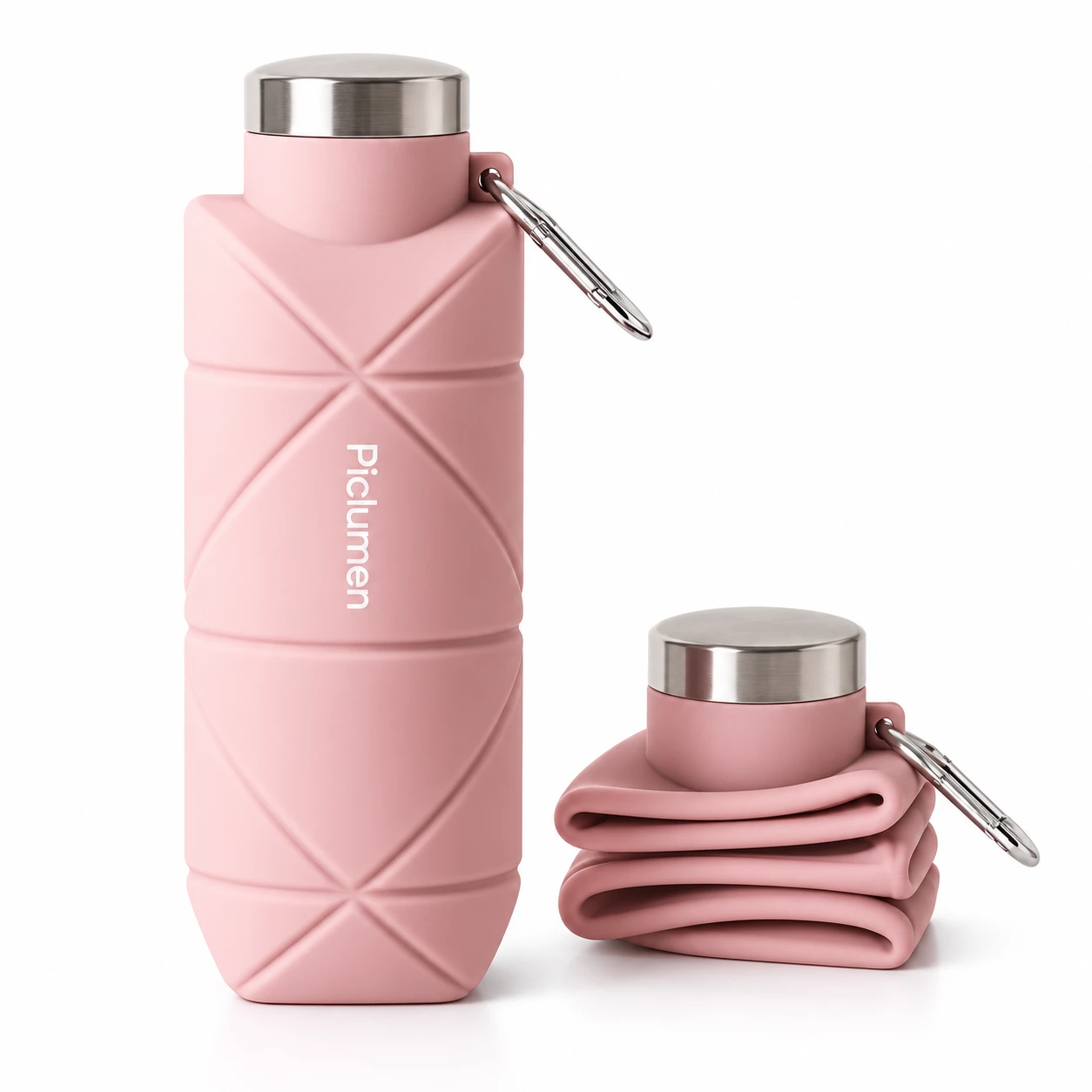
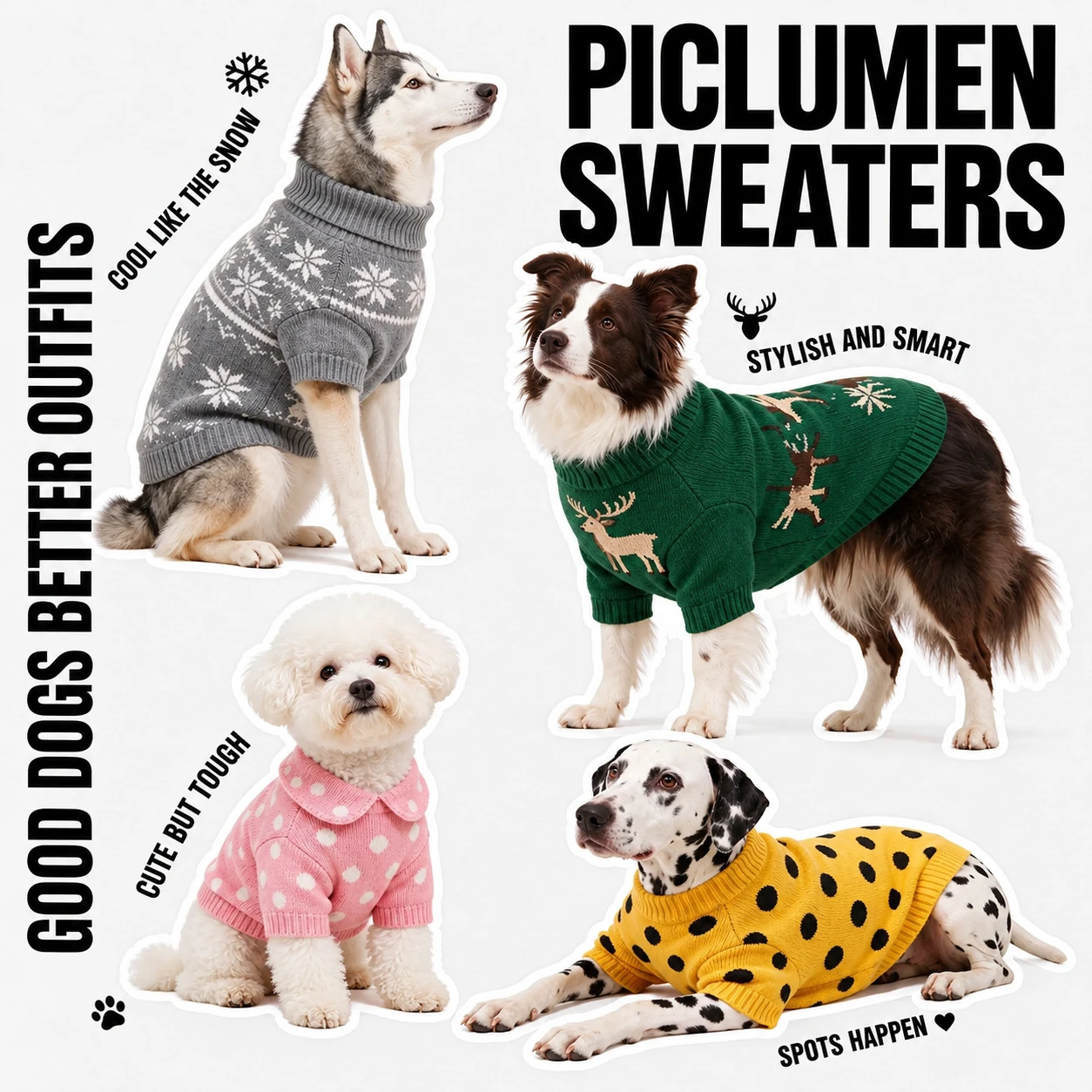
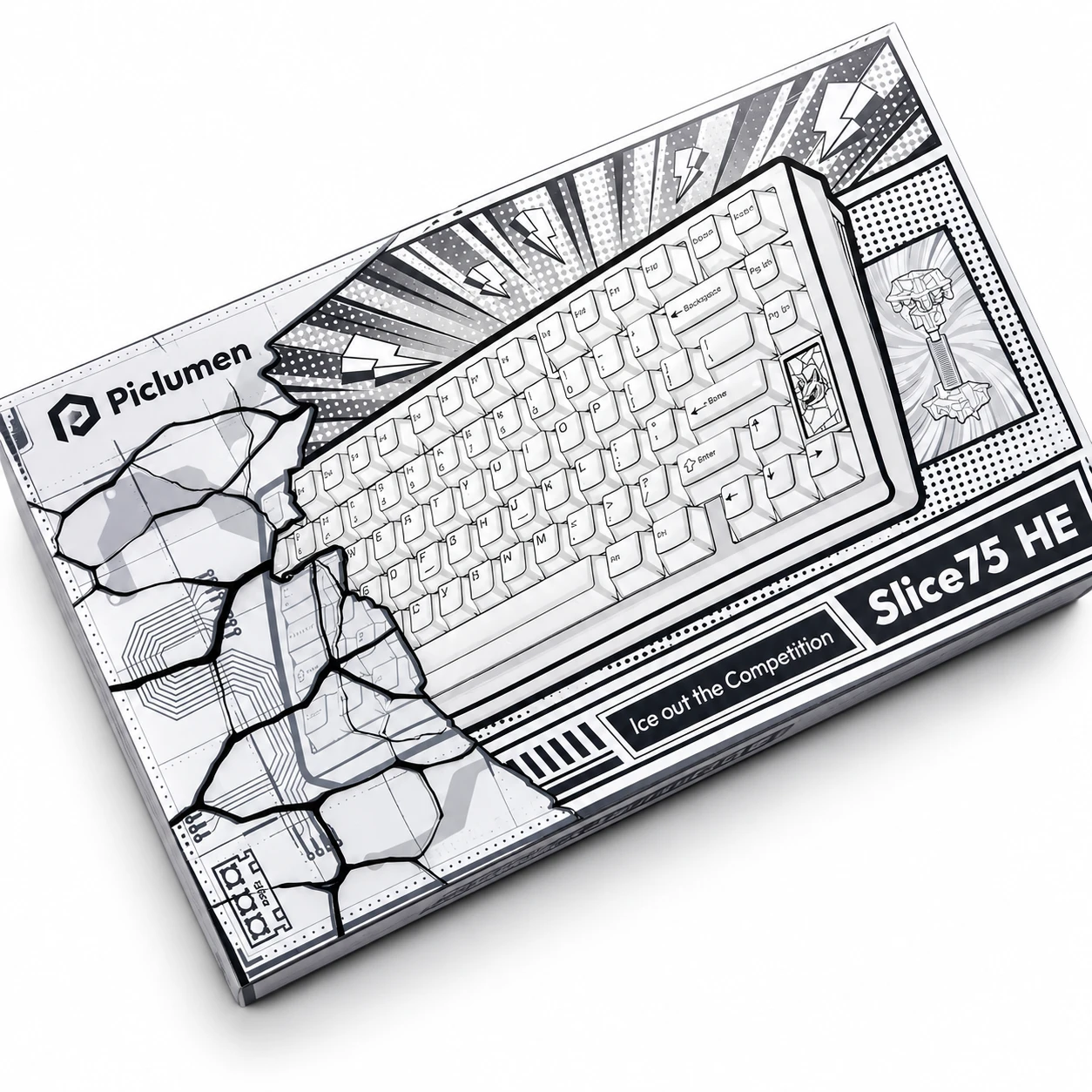
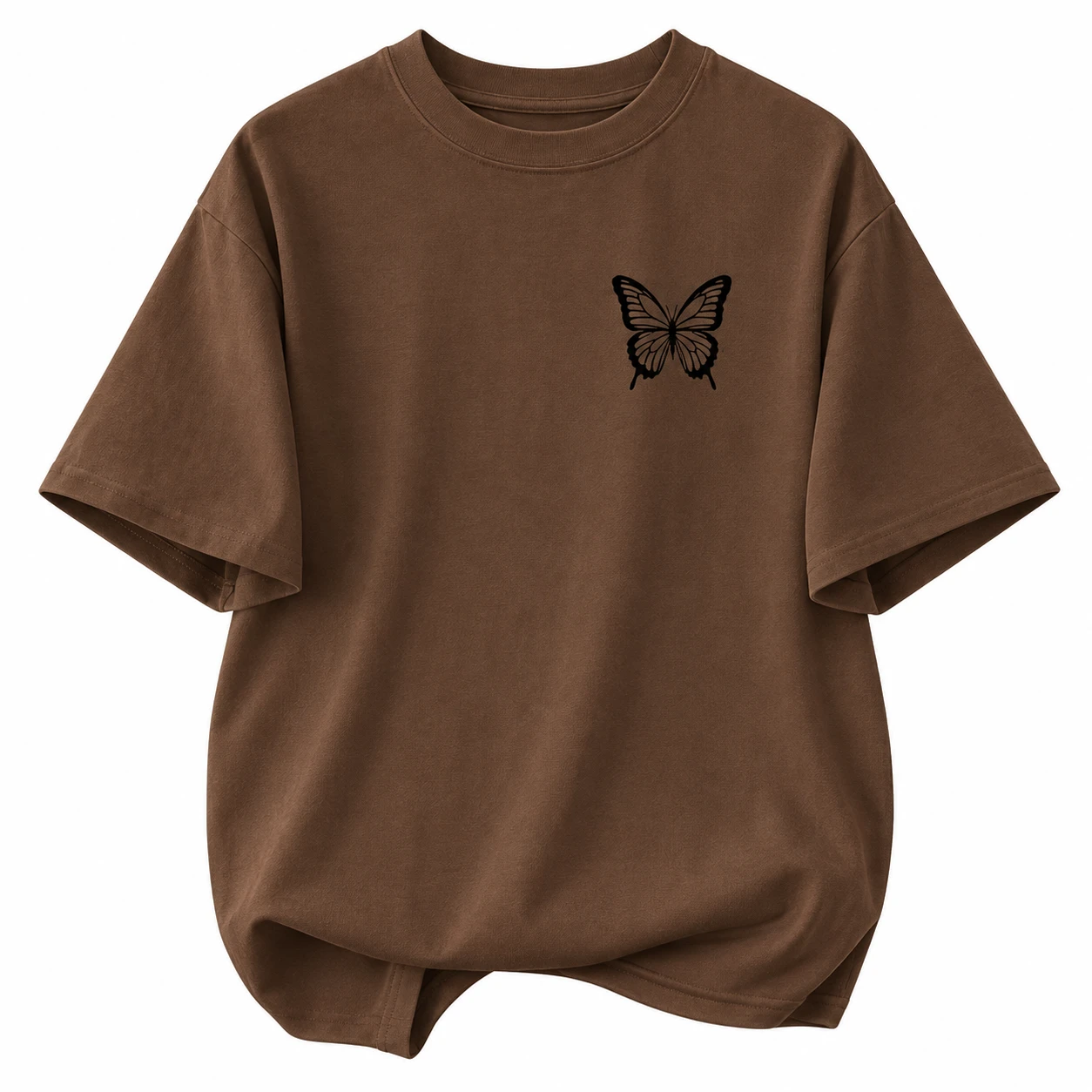
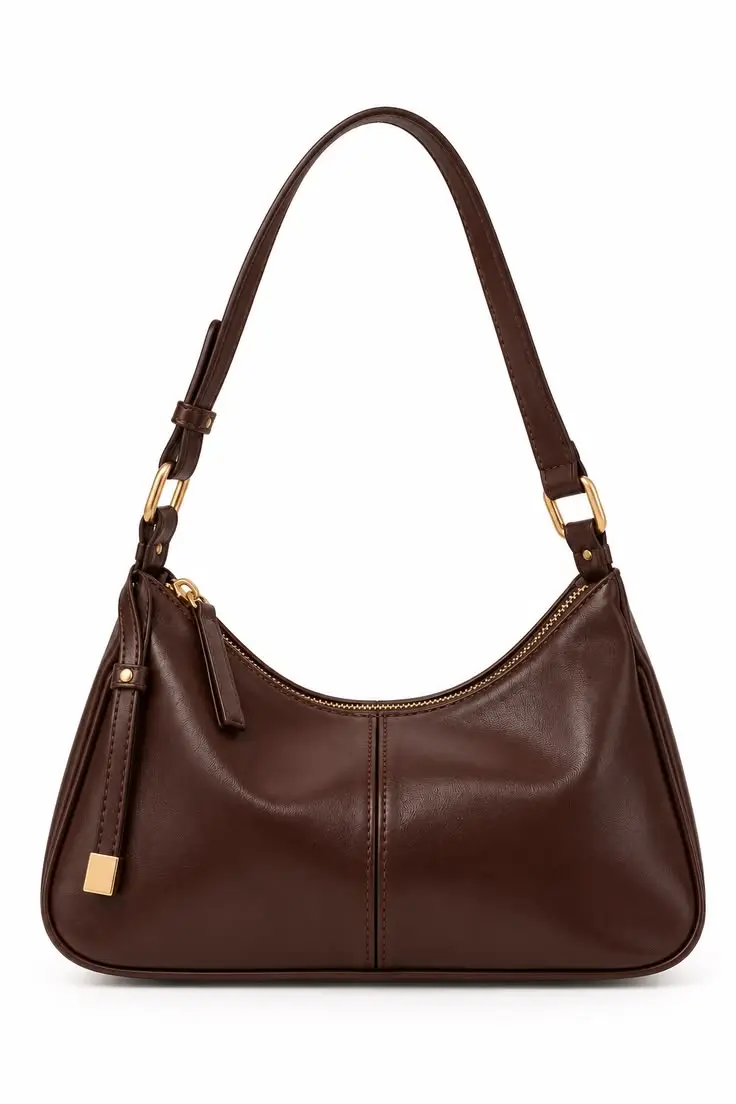
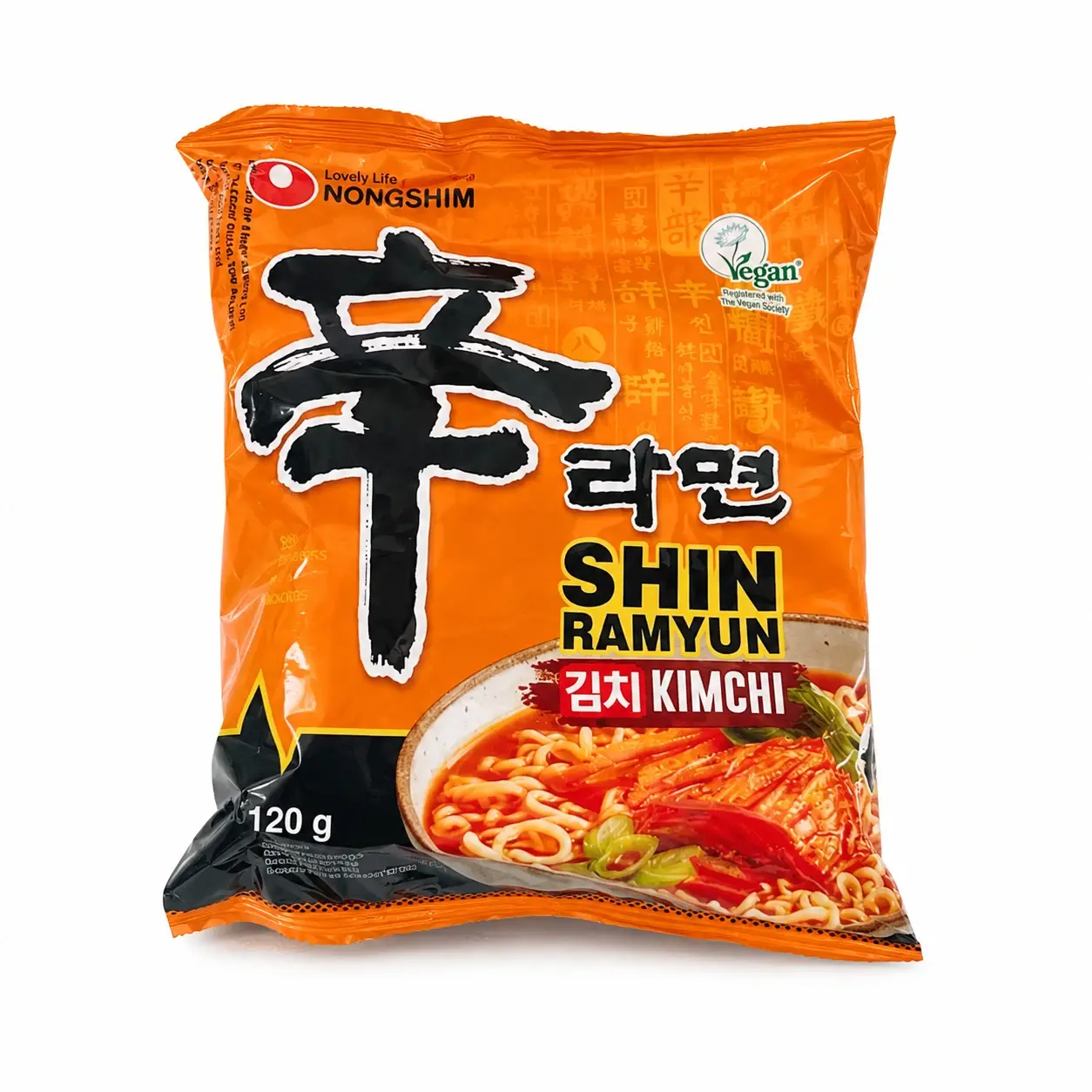

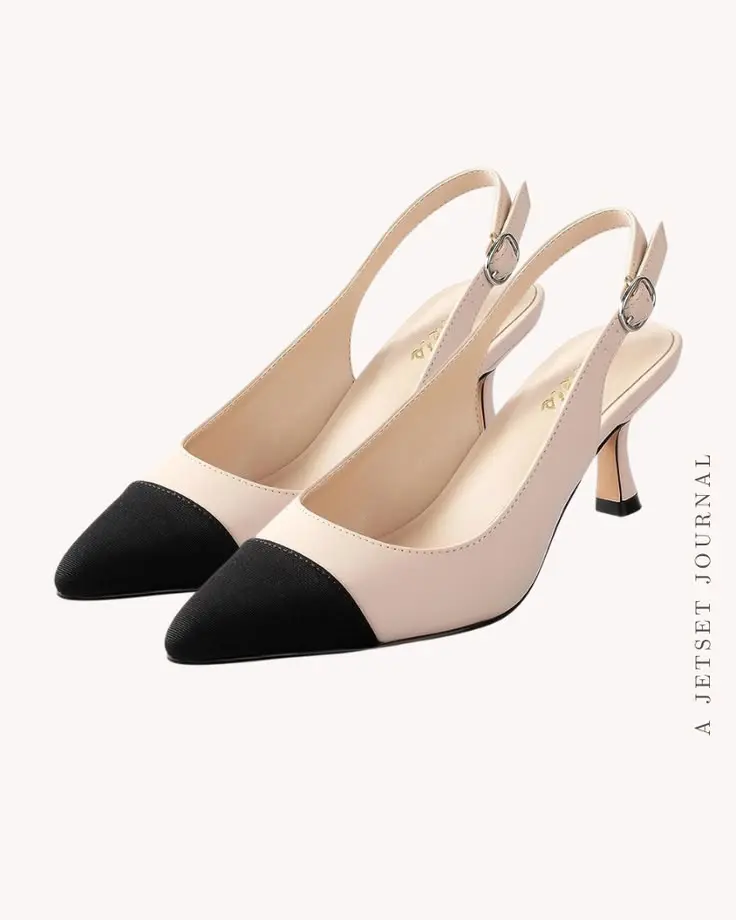
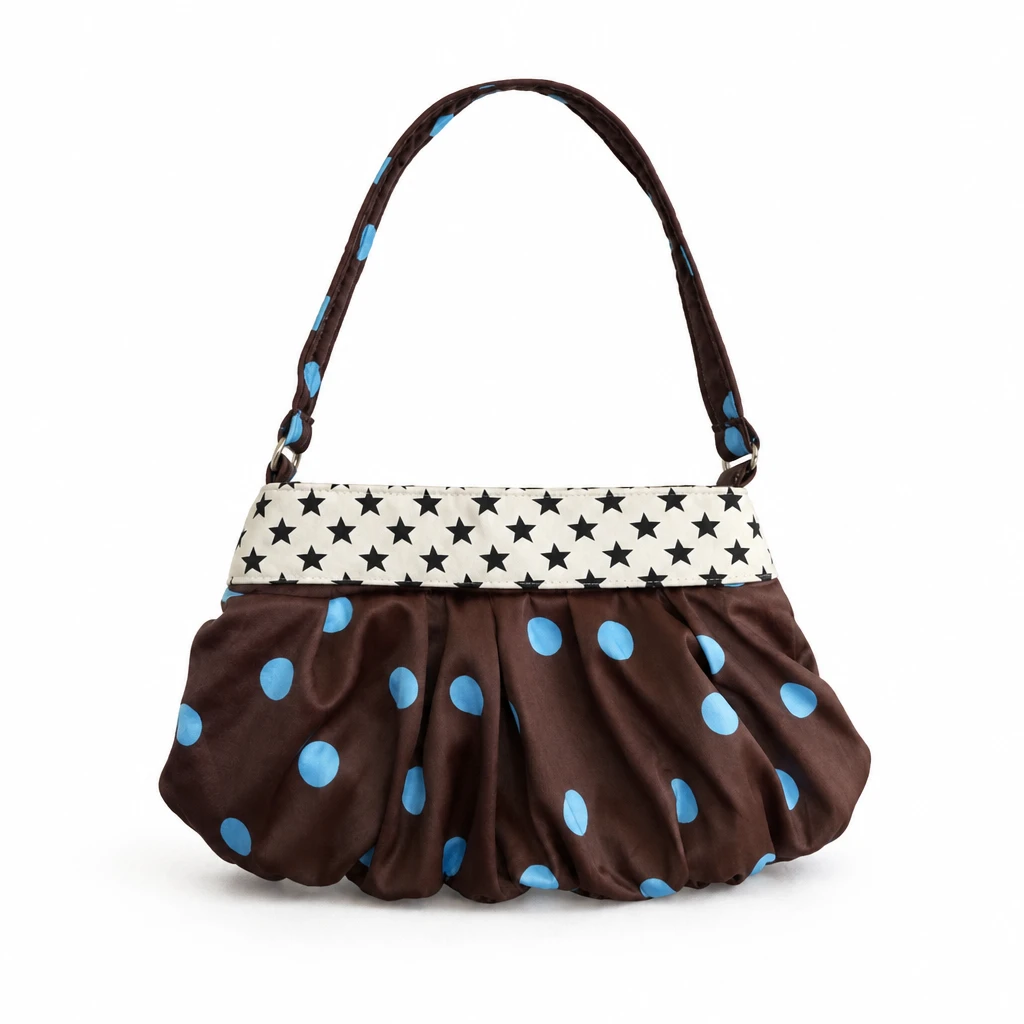
Build a Temu Product Gallery That Answers Buying Questions
- Give the First Image One Clear Job
- Make Color and Pack Options Easy to Compare
- Show the Detail That Changes the Decision
- Use a Product Video When Movement Matters
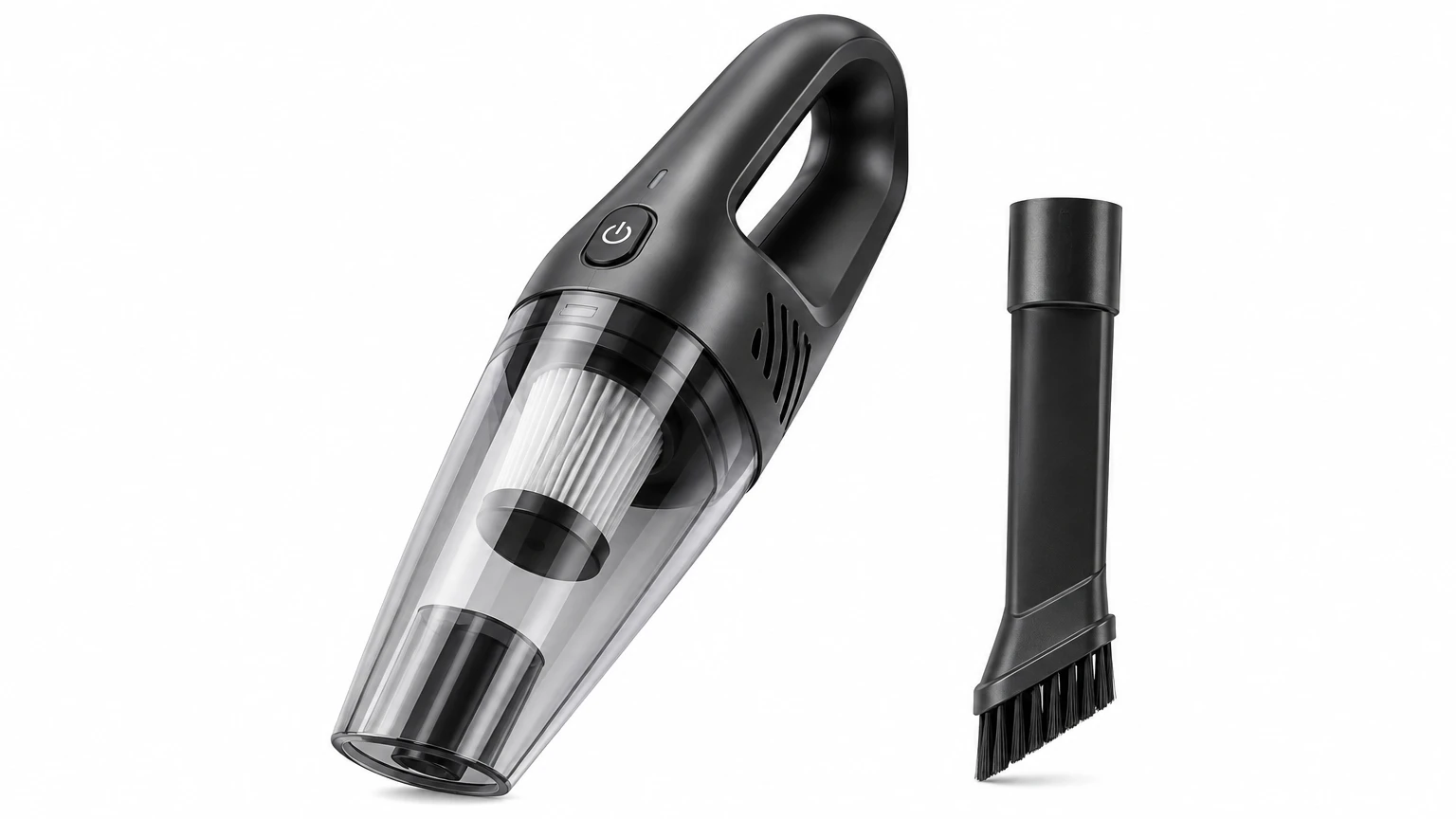
The first image needs to make the purchase instantly understandable at thumbnail size. Show the handheld vacuum and its included nozzle together, clearly separated but part of the same offer; for the four-piece storage set, arrange all four pieces so the buyer can count them at a glance. This clarity matters before layering in lifestyle styling, because overlapping shapes should not blur the actual offer. Use AI UGC Video Generator to test both a clean product-identification opening and a short unboxing-style close-up, keeping the same product names and bundle count consistent across every clip.
Launch a Listing From Existing Supplier Photos
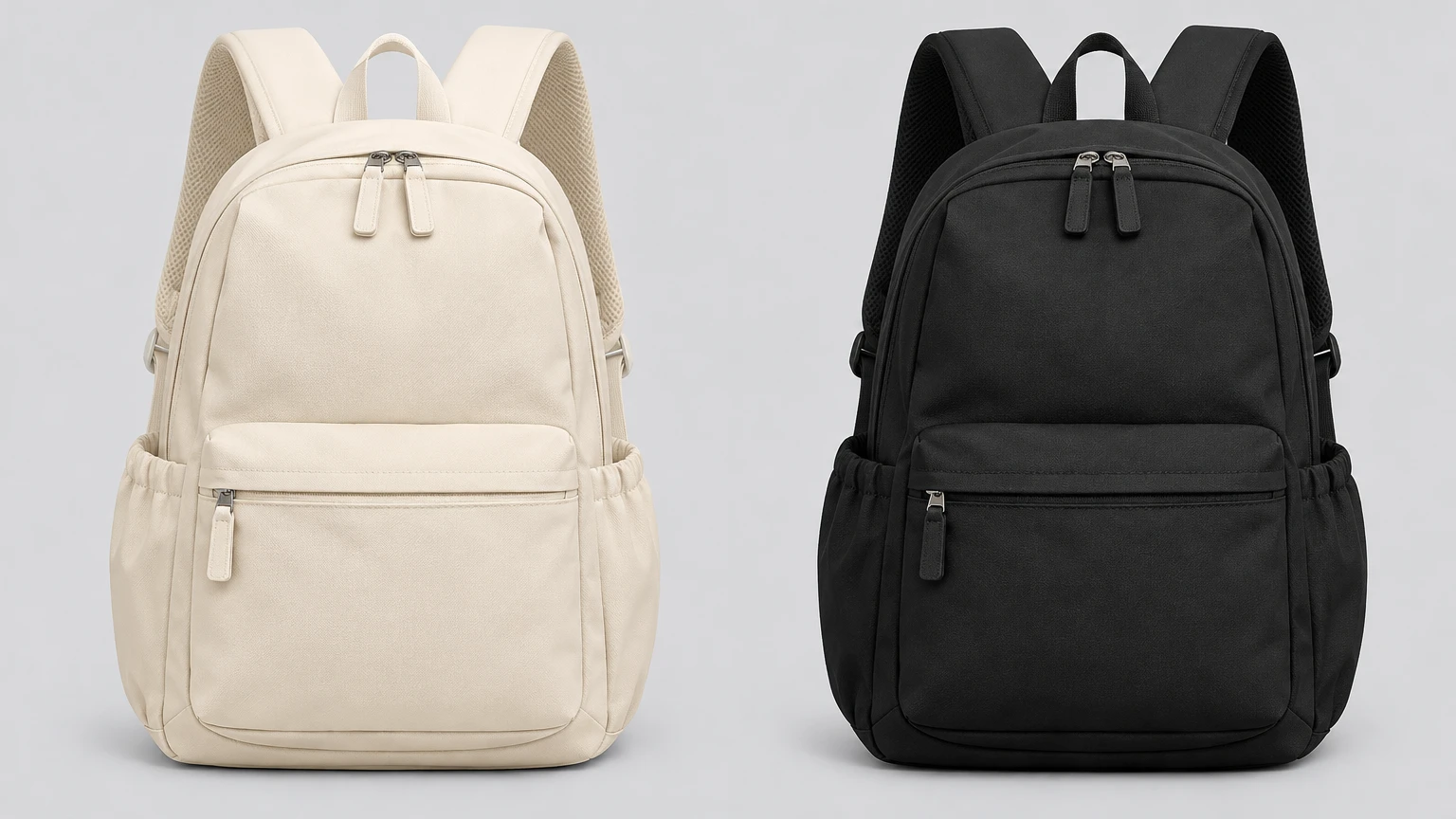
If your supplier sends a front view, an open-product view, and a packaging photo, assign each one a purpose. Build the opening image around the complete item, use the open view for a detail shot, and show the packaging when it helps explain what arrives.
Refresh a Listing After Repeated Buyer Questions
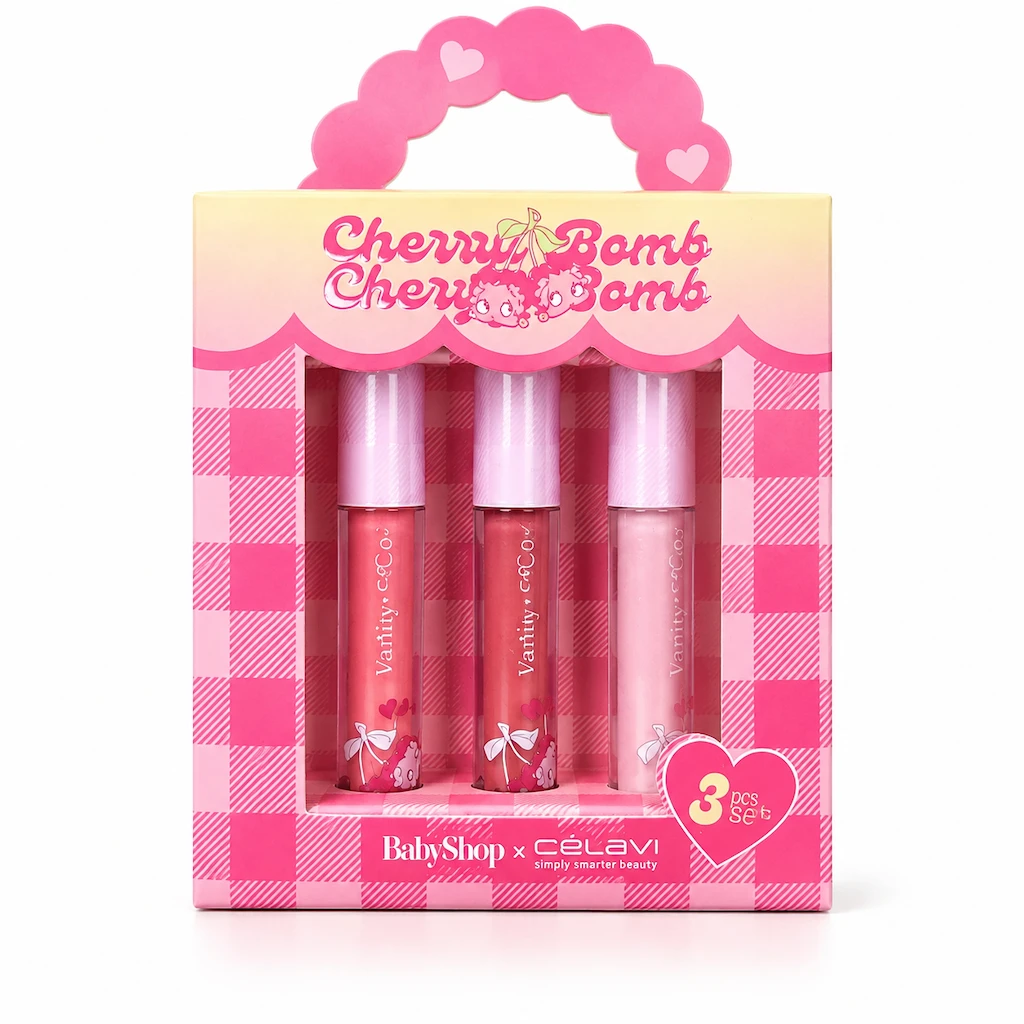
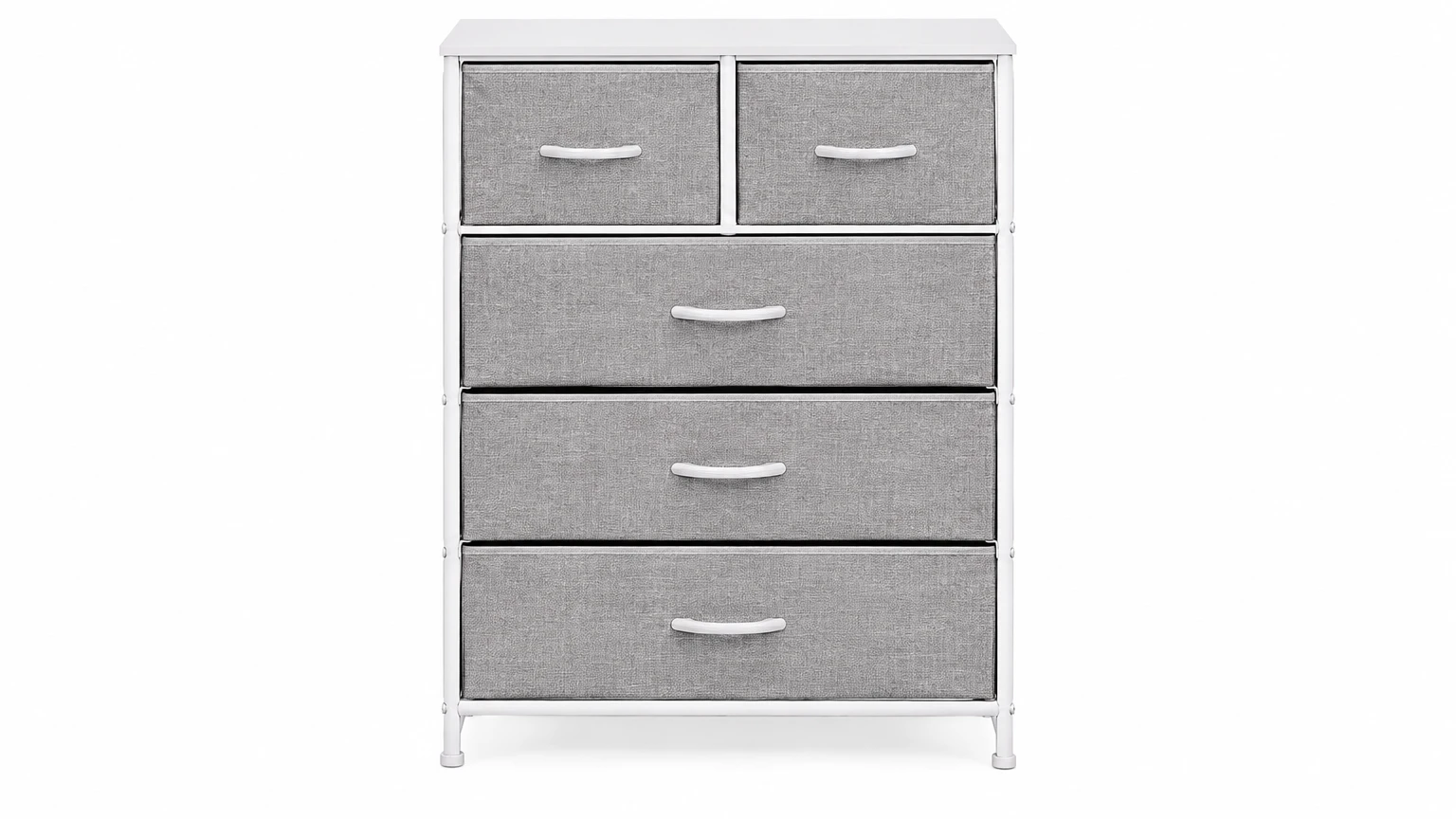
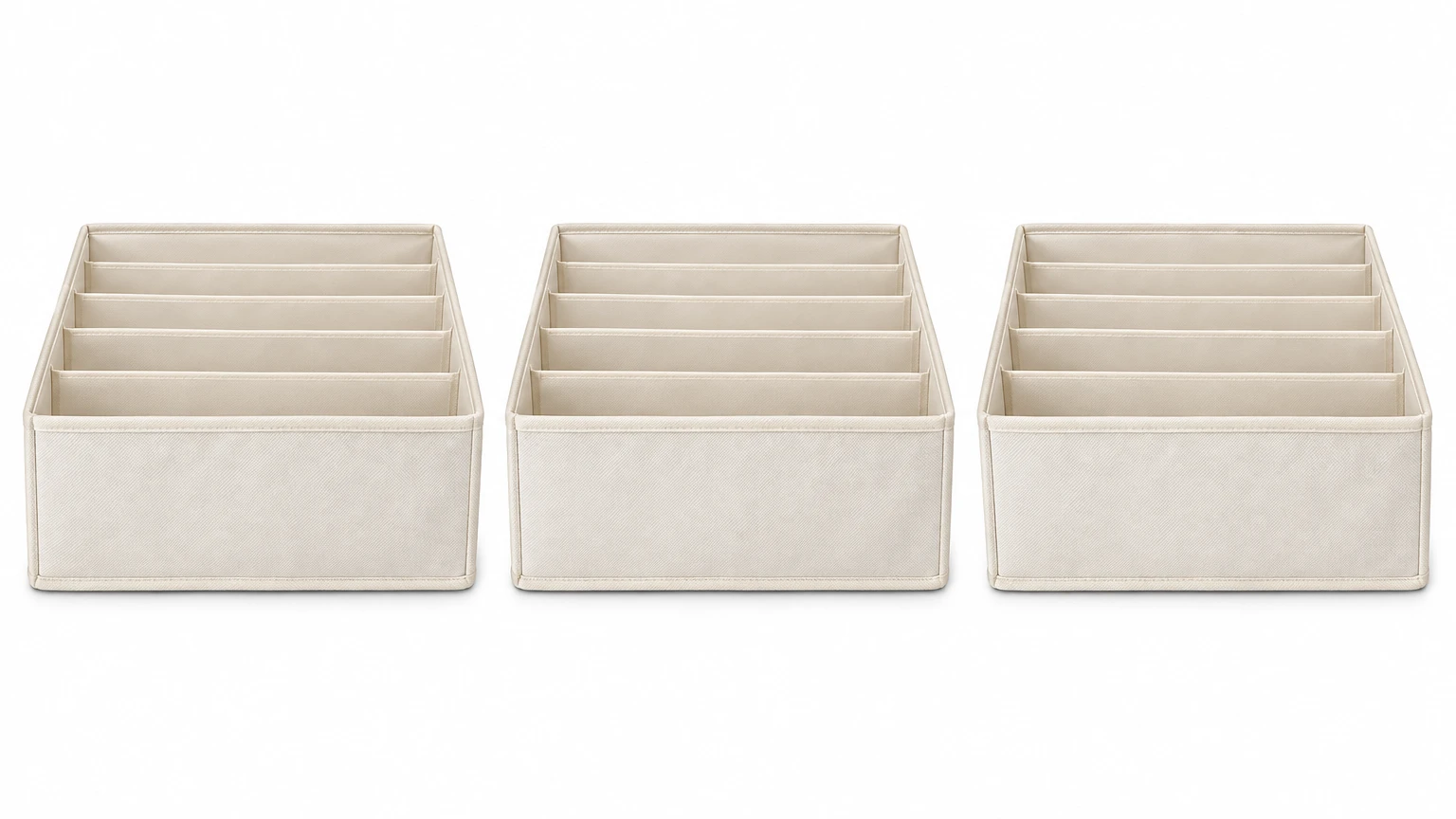
If shoppers keep asking “Is this one organizer or a set of three?”, use the next gallery image to answer that exact question. Create a countable layout from an accurate reference and move it ahead of decorative lifestyle shots.
Add a New Variant to an Established Product Line
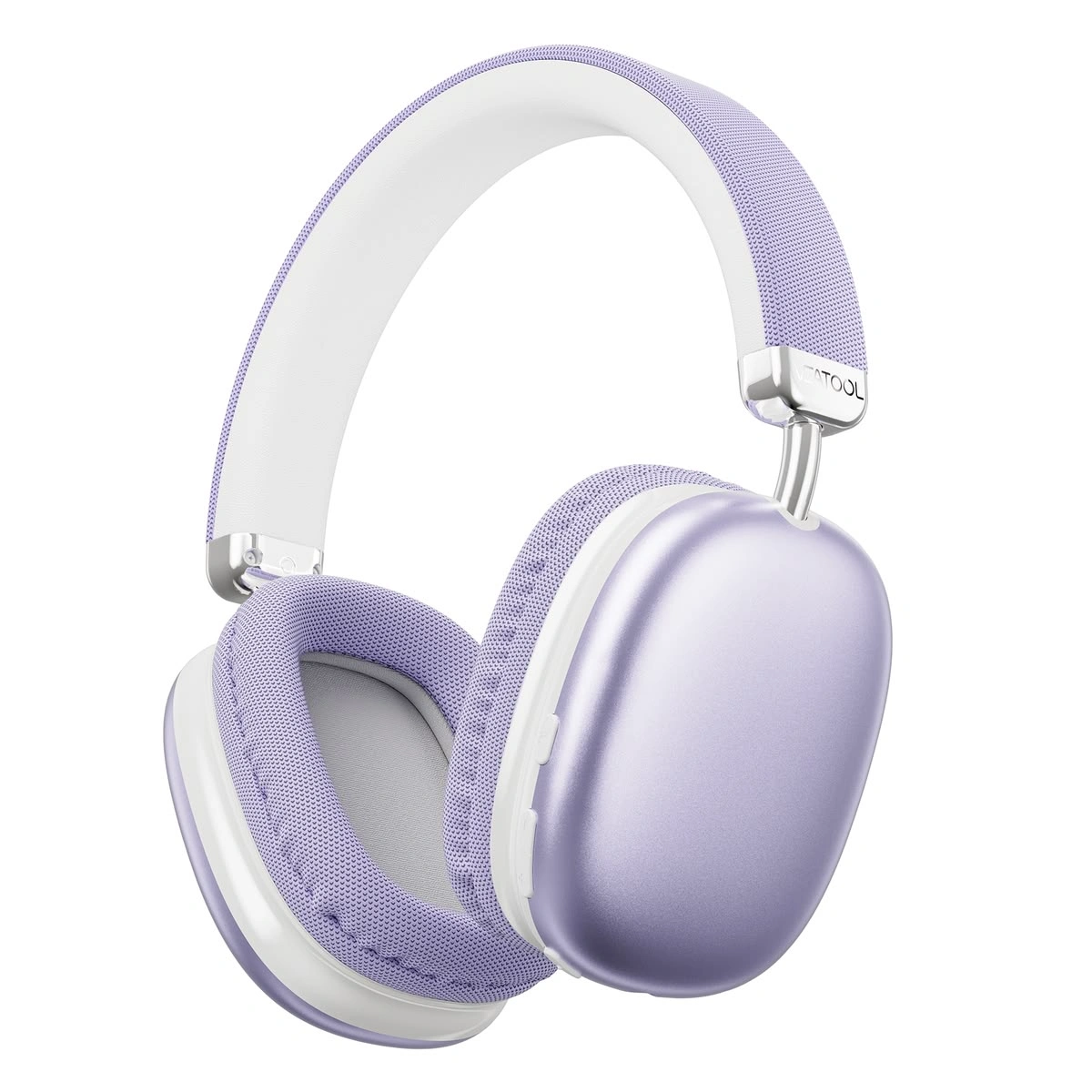
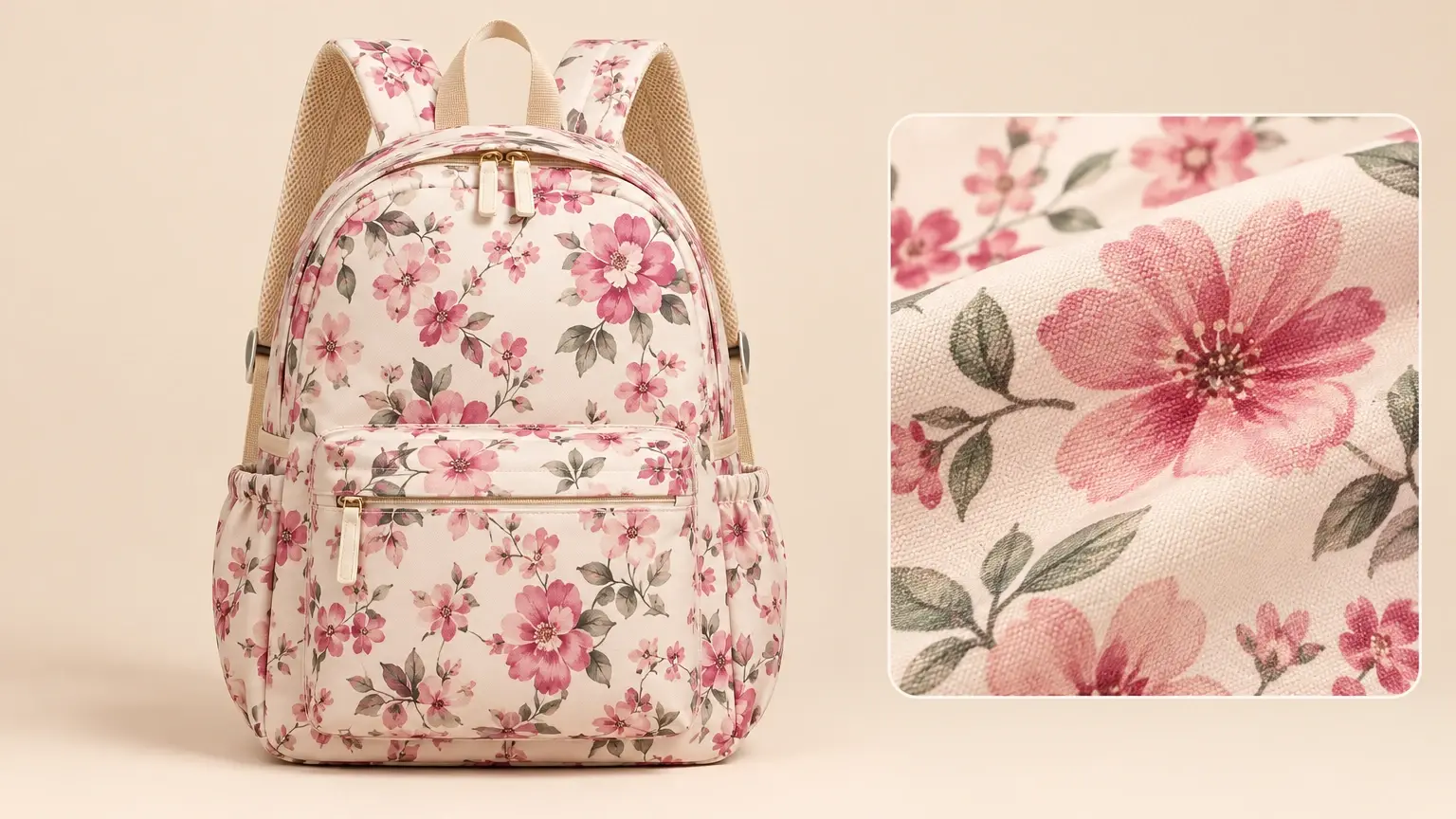
A seller adding a floral backpack to a range of solid colors can reuse the visual layout that shoppers already recognize. Match the angle and scale of the existing gallery, then give the floral version a close-up of its actual print. If the brand wants lifestyle variety, the same backpack can also appear in a Forest Scene while keeping the product shape, print, and color consistent with the main listing image.
Prepare a Seasonal Campaign for an Everyday Item
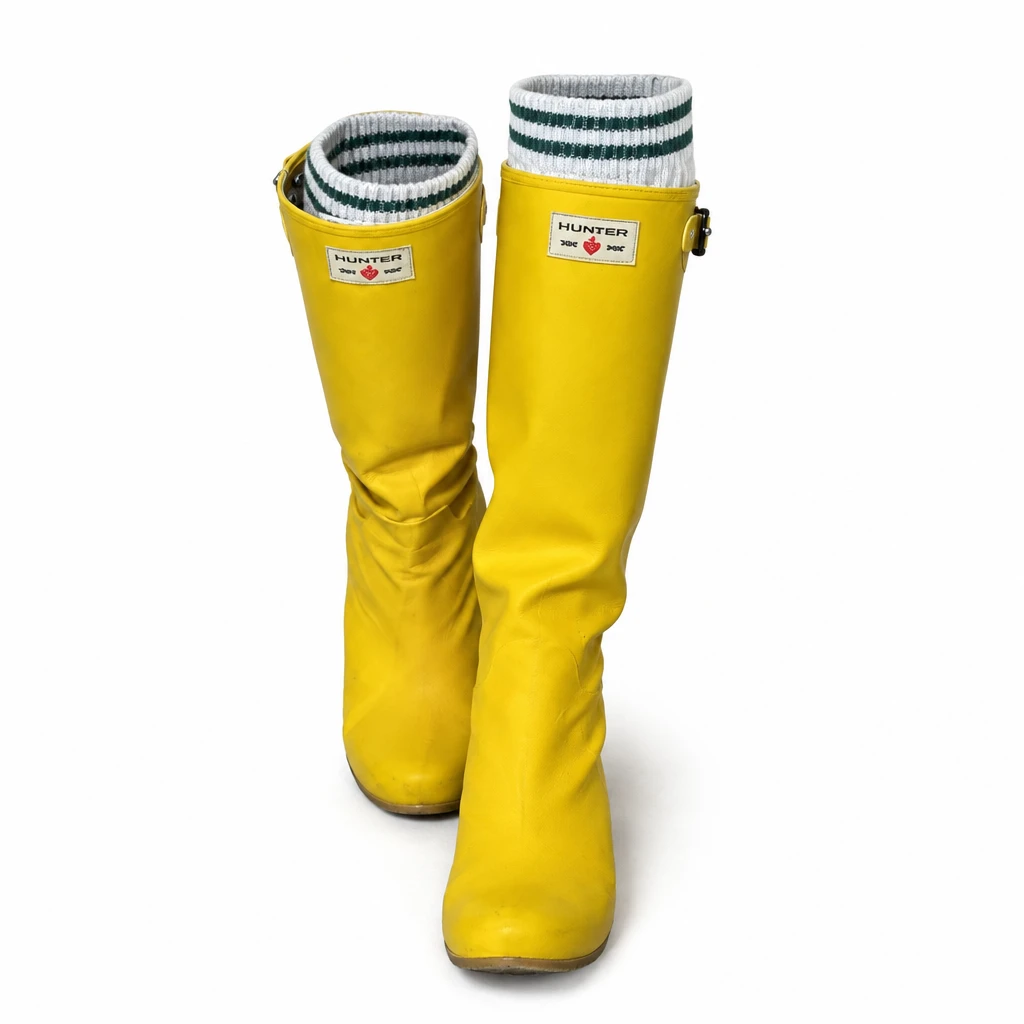
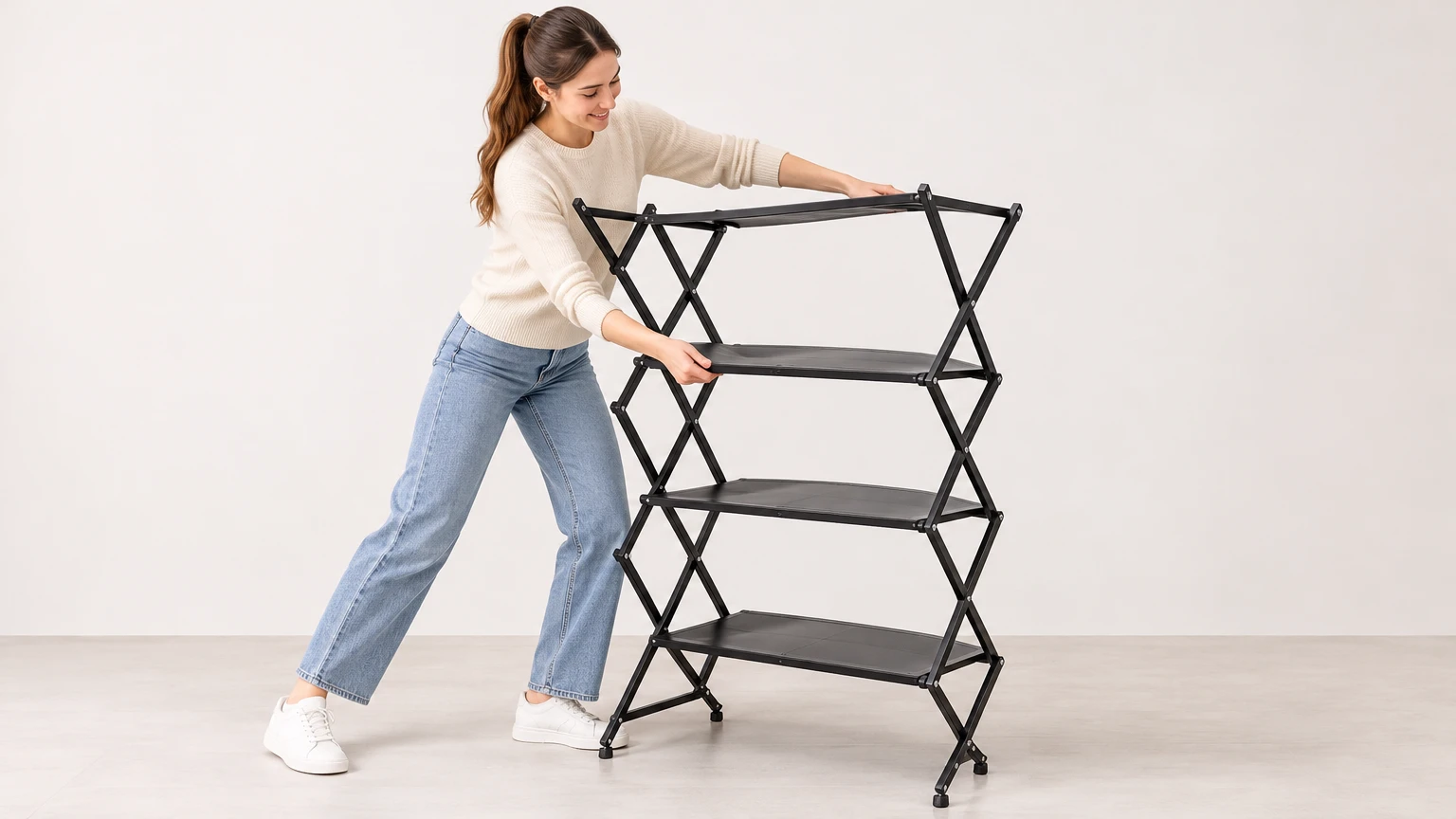
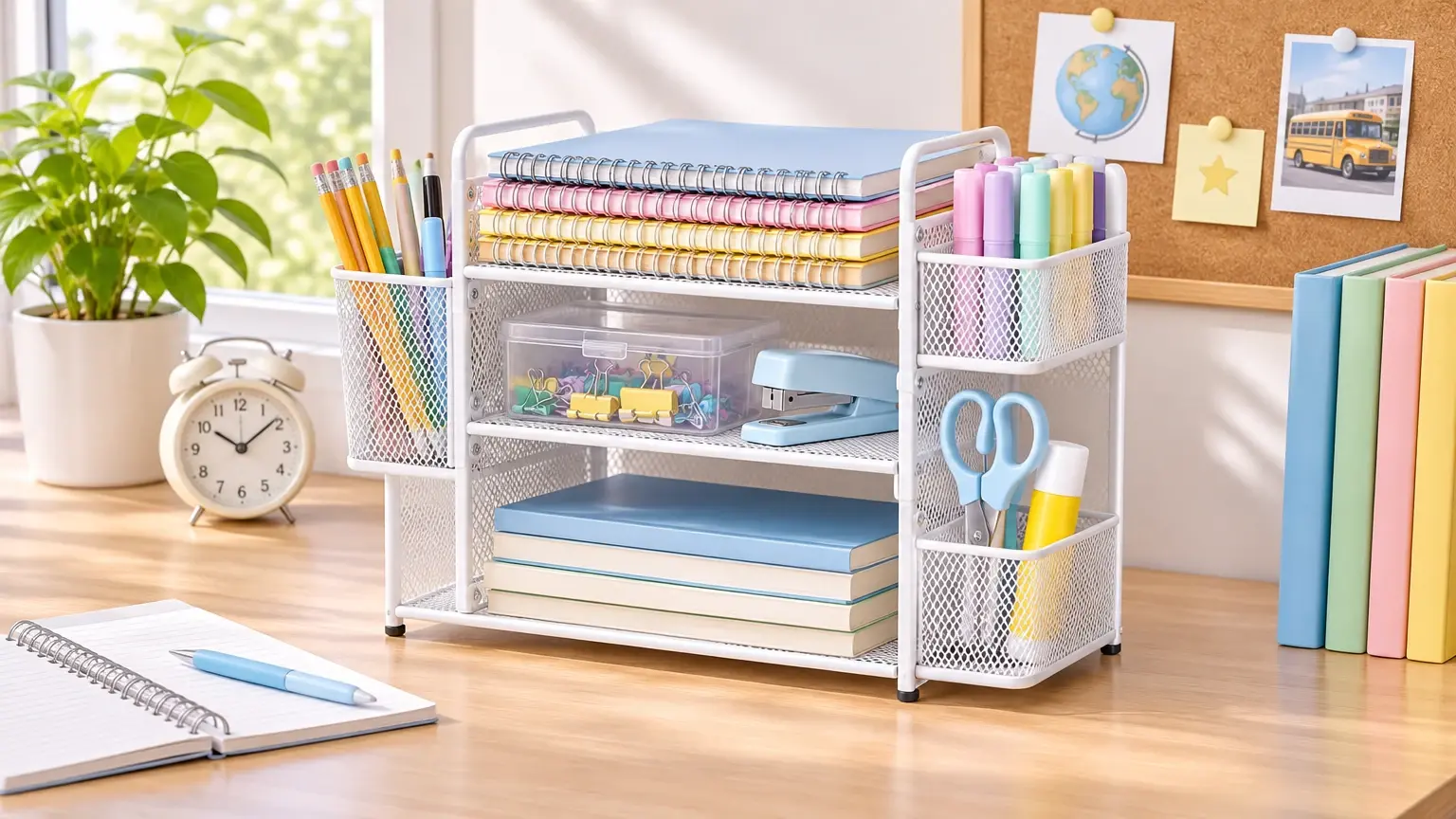
Give an existing storage rack a back-to-school setting or place a travel bag in a weekend packing scene. Keep the campaign styling in the promotional image and retain a clear view of the exact item and accessories customers receive.
Why Use PicLumen for Temu Product Content?
Start With the Item You Already Sell
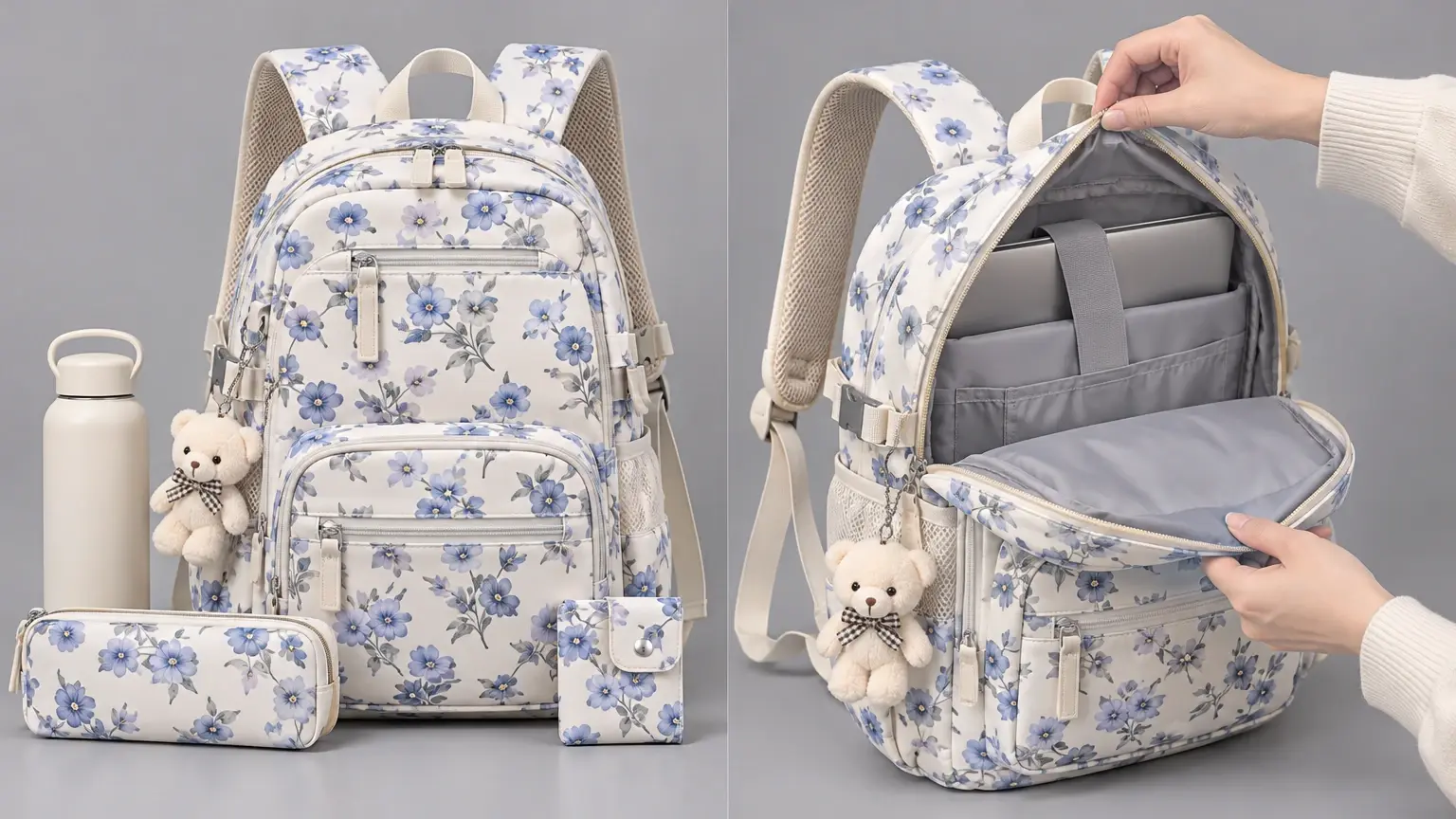
Use your own product references as the starting point. Details such as zipper placement, shelf count, printed patterns, and included accessories give you concrete points to check when reviewing a result.
Choose Between a Still and a Demonstration
A still gives buyers time to inspect a pattern or count the contents of a set. A video helps them follow a movement, from opening a compact item to using a cleaning tool.
Keep a Product Range Visually Consistent
Reuse a presentation style across related items while selecting the right reference for each variant. Shoppers can move between options and see what changes in the product itself.
Update the Part of the Listing That Needs Work
A new accessory, color, or pack size may call for one fresh image. Pick a template for that specific change and keep the gallery views that already explain the item well.
How to Create Temu Listing Images and Product Videos
1 Choose an Image or Video Template
1Decide what the shopper needs to see. Select a product shot for appearance, a lifestyle scene for context, or a video template for a visible action.
2 Add the Correct Product References
2Upload the photos requested by the template. Use the exact color, model, pattern, and pack size you intend to feature in the listing.
3 Generate, Review, and Download
3Generate the visual and compare it with the real item. Check details at phone size, download your selected result, and prepare it for the intended Temu placement.


Loved by Creators Worldwide
Real feedback from designers, marketers, and hobbyists sharing their PicLumen experience on Trustpilot.
 jordi Alcaraz
I have really enjoyed using this site…
I've had a really positive experience with Piclumen. The platform offers excellent features for creating AI images and videos, with impressive quality and a wide range of creative possibilities. It's very easy to use, even when experimenting with more complex ideas, and the whole process is both intuitive and enjoyable. excellent customer service. The team replies very quickly, is always friendly, and genuinely tries to solve any issues you may encounter they care about their users. Overall, Piclumen is an innovative, user-friendly, and exciting AI platform. I highly recommend it to anyone interested in AI image and video creation.
 Jon Jon
Very good website
Very good website. Different models, good job
J. BlaineRegular PicLumen user experience
I've been using PicLumen since late summer 2024 and I've generated several thousand images, mostly image-to-image. There were 2 minor technical glitches in that period of time. In the first one, my library didn't load but after logging out and logging in again later that day I found my library back. The second glitch- the remixing and outpainting stopped working. I contacted the support team and the issue was fixed the next day. I also requested PicLumen to provide a PayPal payment method when they switched to subscription - and they listened and responded to my request. I appreciate their responsiveness and customer service. In my communication with their support team, I found them professional and polite. My general impression is that this is a dynamic and collaborative team that is worth supporting!
Scottie GraceVery affordable and high quality
Very affordable and high quality
 Rishiprasanth BR
This is a great site to create images…
This is a great site to create images as per our mind's wish. Such a great site, loved its response
Nice creations and bright
Nice creations and bright
 Selvakumar MSK
Good website.
Good website. Website for creating images.
Love!!
Love!!! Love!!! Love. It. I can get so creative. It pulls my image from my mind.
Abdul RafayBest wishes for the developer
Best wishes for the developer
 Minnies
I love the app but it was more better…
I love the app but it was more better when they didn't charge you lumen to make pictures or give you a limitation but it works amazing and it gives you very neon pictures...../ and for some reason on New Year's Eve today it won't let me make pictures
 KHILADI
Now i started using of piclumen in…
Now i started using of piclumen in starting it looks perfect
 Aditya Yadav
“A tired Indian farmer standing beside…
“A tired Indian farmer standing beside his small dry farmland at sunrise, wearing a simple dhoti-kurta and turban, holding a rusted plough. The field is cracked and dry. Soft golden light, realistic r
Frequently Asked Questions
Can I Create Temu Listing Images From Existing Product Photos?
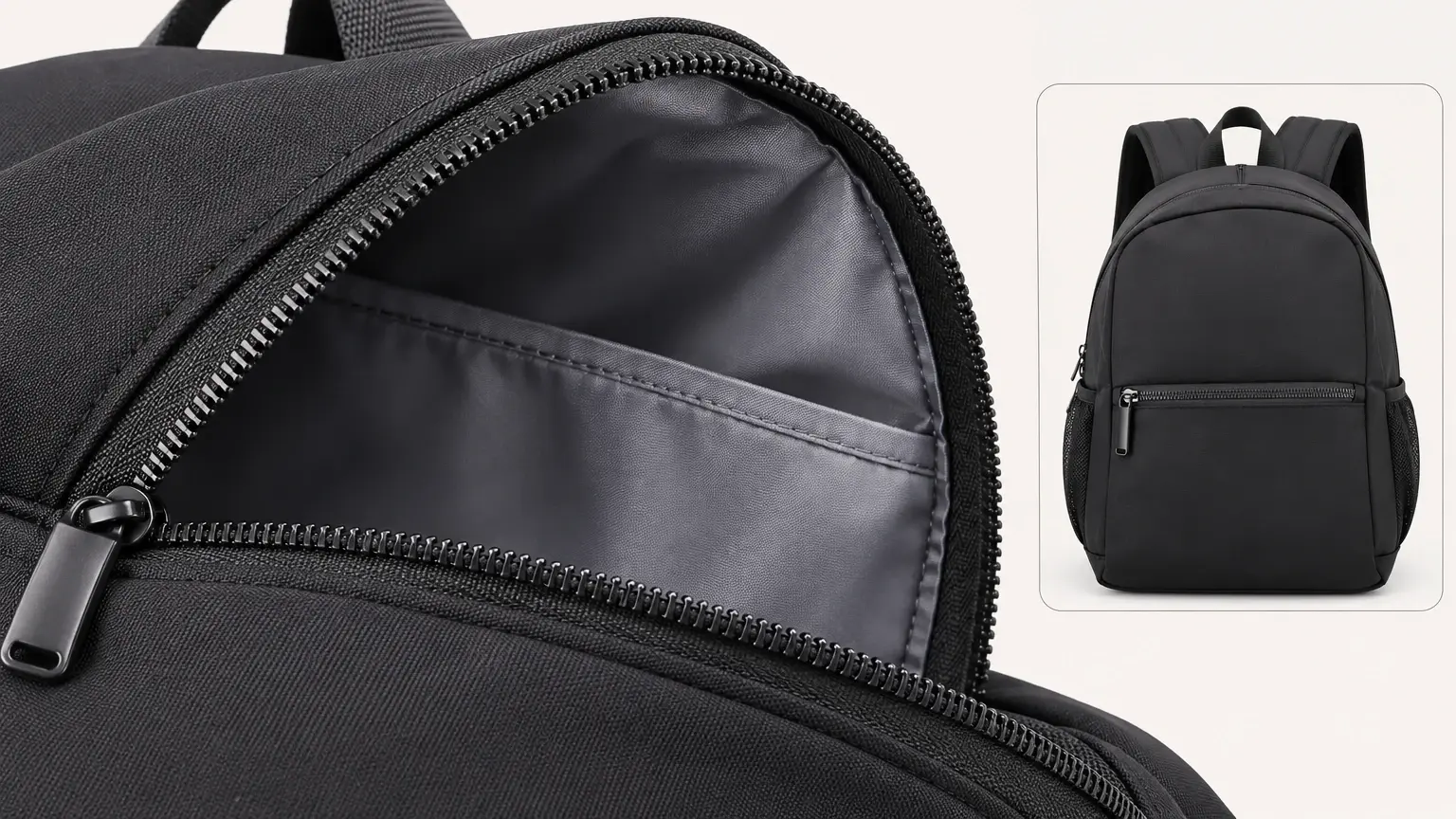
Yes. Choose an image template and add a clear photo of the item you sell. A front or three-quarter view is a useful starting point for a showcase. For an interior pocket, connector, printed label, or other small detail, use a second reference that shows it clearly.
Which Images Should I Create First for a Temu Product Listing?
Start with the exact item or set the customer receives. Then add the view most likely to resolve a buying question. For a bag, that may be an open interior. For a storage rack, it may be the side profile. Add a lifestyle shot once the product and its contents are easy to identify.
Can I Generate Both White Background Photos and Lifestyle Images?
Yes. Choose the background tool for a clean product view and a showcase template for an image in context. For example, a white background makes the edges of a bamboo shoe rack easy to see. An entryway scene helps the buyer picture where the assembled rack could go.
Can I Make a Short Product Demo Without Filming a New Video?
Yes, when a video template supports your product and accepts the reference images you have. Preview the action first. A cleaning-tool demo needs to show the correct grip and contact with the surface. If a small mechanical detail determines how the item works, compare that moment closely with the real product.
How Should I Handle Different Colors, Sizes, and Multipacks?
Prepare a reference for each option and name it with the corresponding variant or SKU. Keep scale and camera angle consistent when comparing colors. When pack quantity changes, build a separate view showing the correct number of pieces. Add dimensions from your verified specifications once the composition is ready.
What Image Size or Video Format Should I Use on Temu?
Check the current requirements for the product category and placement in your seller account. Temu’s listing instructions distinguish between assets such as SKU carousel images and detail videos. Identify the destination before choosing the final crop, especially for tall products, apparel, and sets that extend across the frame. TEMU Partner Platform
How Much Does It Cost to Generate a Set of Product Visuals?
Check the generation cost shown for each selected template or tool. If you are preparing a larger catalog, start with one representative SKU and review the image and video results. That gives you a practical basis for estimating how many assets and additional generations the rest of the range will need.