Free AI Watermark Remover



Hot Video Effects
Turn your photos into fun dance clips, surprising transformations, and shareable moments with trending AI video effects.
Remove Any Watermark In Image With Piclumen
Powerful AI Watermark Removal Tool for Any Image
Remove unwanted watermarks from your images quickly and effortlessly with PicLumen. Restore clean, natural-looking visuals in minutes while preserving image quality and important details.
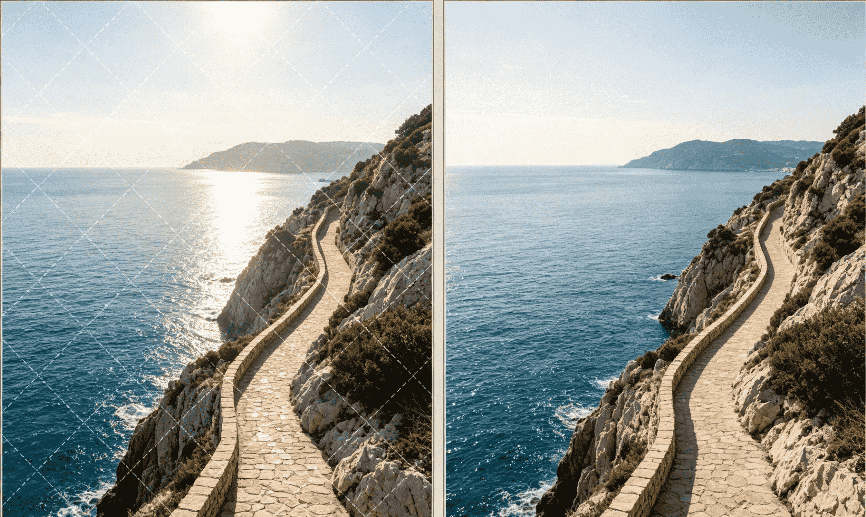
Remove Full-Frame & Complex Watermarks
Clean repeating patterns, full-grid overlays, and complex tiled watermarks from stock photos and visual assets without blurring the underlying background.
Erase Logos, Stamps & Brand Marks
Easily remove brand logos, copyright marks, microtext, and social media handles to make your visuals ready for presentation or personal project reuse.
Clear Timestamps & Text Overlays
Delete dates, time stamps, camera device metadata, and annoying text captions from photos while keeping fine textures and detail intact.
Smart Background Inpainting (No Quality Loss)
Powered by generative AI and AI image generator technology, our algorithm seamlessly restores images by reconstructing missing pixels and textures.

One-Click AI Watermark Removal
Remove unwanted watermarks from your images quickly and effortlessly with PicLumen, an easy-to-use AI-powered watermark remover. Whether you need to erase text, logos, timestamps, or other distracting elements, PicLumen intelligently analyzes the surrounding image and restores a clean, natural-looking background. In just a few minutes, you can create high-quality visuals while preserving important details, textures, and overall image quality. Try PicLumen’s watermark remover to clean up your photos and achieve professional-looking results with minimal effort.
Text & Logo Elimination
Say goodbye to intrusive brand logos, text overlays, timestamps, subtitles, and other unwanted elements in your images. With a professional AI-powered watermark removal tool, you can easily clean up graphics while preserving the original quality and important visual details. Advanced AI technology intelligently analyzes the surrounding pixels, textures, and background, helping restore the hidden areas naturally without leaving awkward blurs, visible artifacts, or obvious editing marks. Whether you're removing a logo from a graphic, cleaning up text overlays, or erasing distracting timestamps, a reliable watermark removal tool makes the process fast, simple, and efficient—delivering crisp, clean, and natural-looking results in just a few clicks.
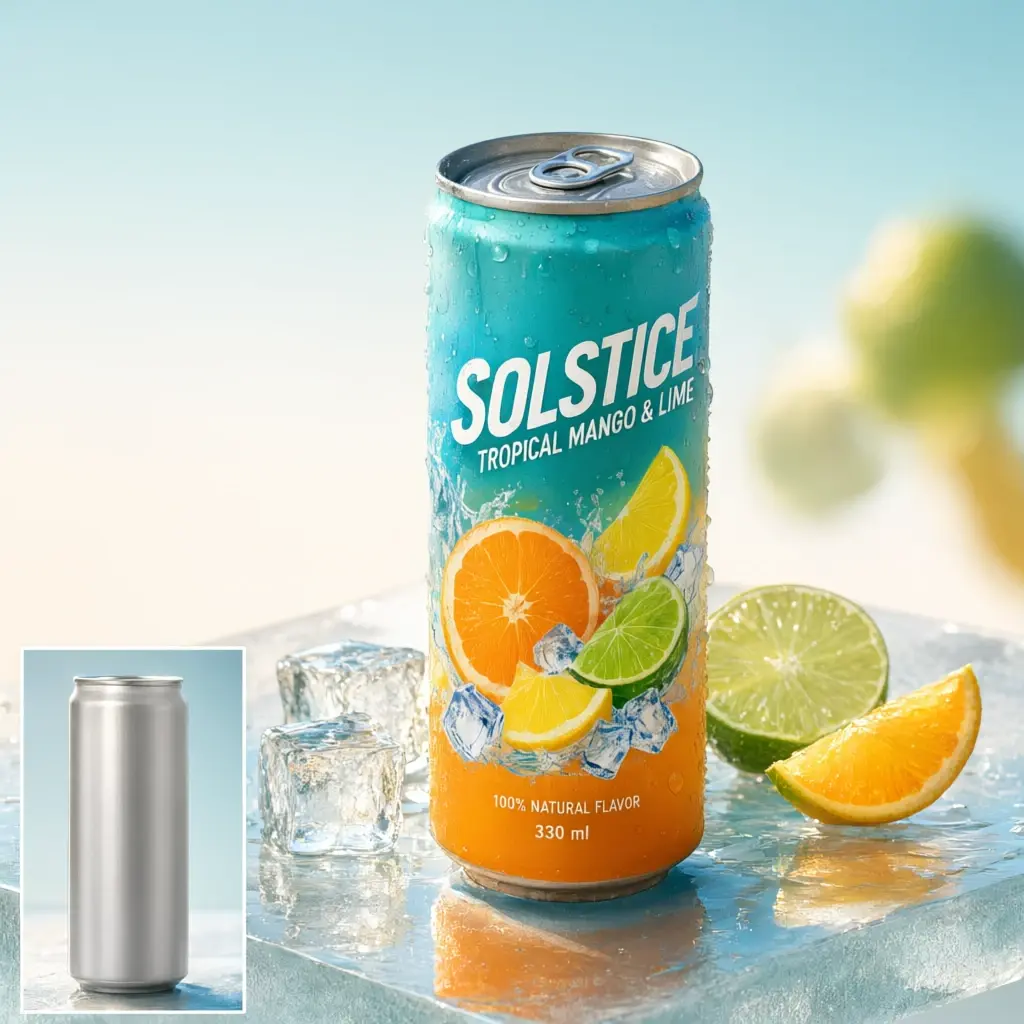
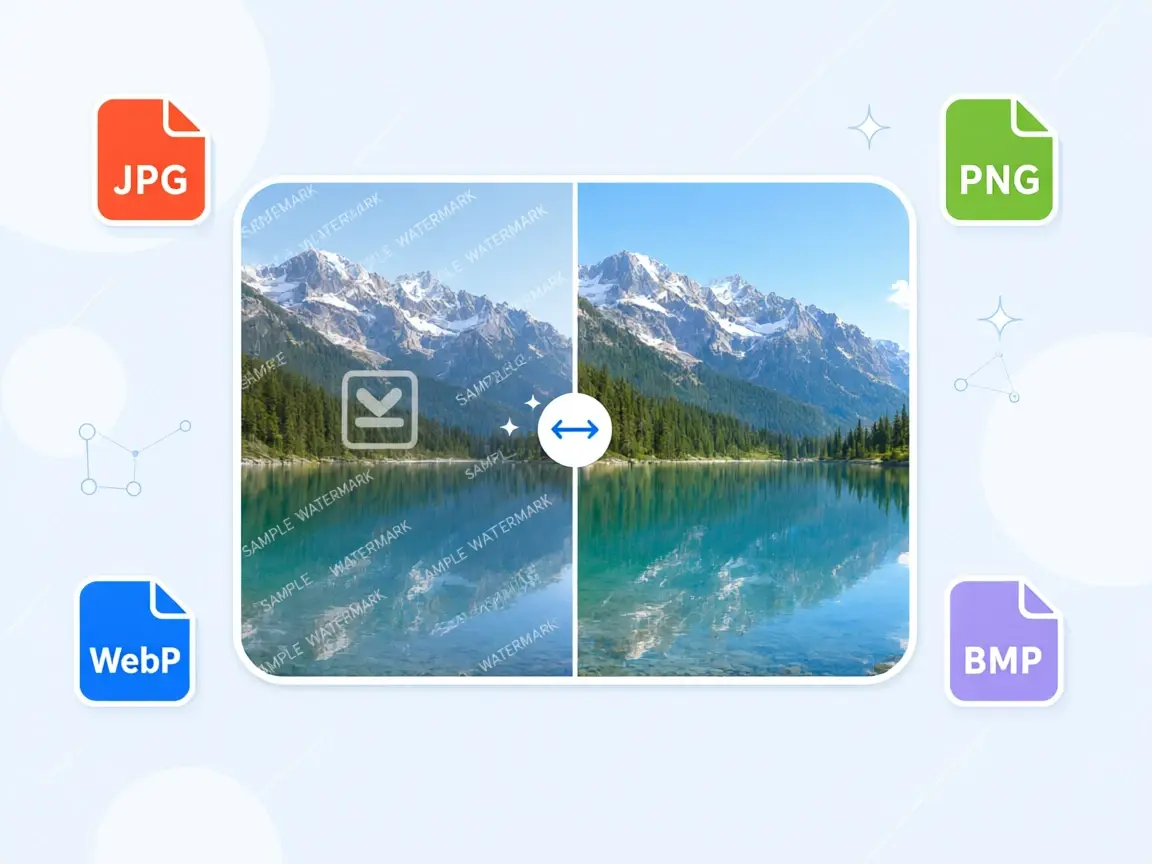
Erase Watermarks from JPG, PNG, WebP, and BMP Images
PicLumen supports common image formats including JPG, PNG, JPEG, WebP, and BMP. Whether you are cleaning a product photo, screenshot, social media image, or AI-generated visual, you can upload the file directly, remove the watermark online using advanced AI inpainting, and download a high-resolution, pixel-perfect image without extra conversion steps.
Clean Full-Screen or Repeated Watermarks
When watermarks stretch across the entire image, PicLumen’s AI accurately detects and parses repeated patterns. Whether you need to remove a full-screen watermark from a photo or erase complex background logos, PicLumen handles full-coverage visual clutter effortlessly, restoring your original image with seamless accuracy.

How to Remove Watermark From Image
1 Upload Your Watermarked Image
1Start by uploading the image you want to edit. For the best results, choose a clear, high-quality image.
2 Complete Your Settings
2Select your preferred image model, style, aspect ratio. Adjust the output resolution to the desired size.
3 Let Piclumen Remove the Watermark
3Click the generate button to start the process. The AI Watermark Remover analyzes the surrounding image and intelligently reconstructs the selected area by generating matching pixels, textures, colors, and background details.
4 Review & Refine, Then Download Your Clean Image
4Once the process is complete, review the generated image. If the background is complex or the result needs improvement, adjust the selected area and generate again for a more natural result. When you're satisfied with the result, save your edited image.


Loved by Creators Worldwide
Real feedback from designers, marketers, and hobbyists sharing their PicLumen experience on Trustpilot.
Zaine JuttAmazing 😍😍😍😍😍😍 freee 😍😍
Amazing 😍😍😍😍😍😍 freee 😍😍
Jon JonVery good website
Very good website. Different models, good job
A New TV Episodes Of Ninja Sweetie On…
A New TV Episodes Of Ninja Sweetie On Paramount+
Good 👍 perfomense web site good images…
Good 👍 perfomense web site good images good
Narender KhatanaI love this app I love this very very…
I love this app I love this very very much this is help in make a videos
 Bohdan Lesyk
Great and fast
Great and fast, would be much better with some more free credits
 Adrienne Igo
I love PicLumen it is one of my…
I love PicLumen it is one of my favorite AI image generators!
It's very fun to use
It's very fun to use. You can get daily rewards
 Nazia Nadeem kharal
Great ai wallpapers creater app
Great ai wallpapers creater app
 Mohamed Rashad Rumaiz
This is an excellent website for free…
This is an excellent website for free users
First i thought PicLumen isn’t Good…
First i thought PicLumen isn’t Good enough I told I try it and trust me it’s give the best results
 Nagavali Srinivas
excellent images are generated
excellent images are generated
Frequently Asked Questions
How does an AI Watermark Remover work?
An AI watermark remover relies on deep learning and AI inpainting technology. The system first uses computer vision algorithms to detect unwanted overlays—such as text, logos, shadows, or timestamps—on an image. Generative AI then analyzes the surrounding pixels, textures, and color transitions to reconstruct the hidden background and produce clean, natural-looking results. With PicLumen's AI Watermark Remover, you can simplify this process and quickly restore your images without advanced editing skills.
Will removing watermarks reduce image quality?
No. Unlike traditional blur tools that cause local pixelation or distortion, modern AI removers target only the precise pixels occupied by the watermark. The rest of the image retains 100% of its original clarity. Once processed, you can directly export high-definition (HD) or even 4K resolution images.
How long does it take to remove a watermark?
In most cases, image watermark removal takes only 2 to 5 seconds. Video files usually complete within a few minutes depending on clip length.
Do I need to download software to use this watermark removal tool?
No, PicLumen's AI Watermark Remover runs 100% online in your browser, requiring no local software installation or specialized GPU hardware.
Are the cleaned photos and videos safe for commercial use?
Yes, the tool is license-free to use. However, please ensure you hold proper copyright or fair-use rights for the original visual content you upload.