Free AI Invitation Card Maker for Any Occasion



How to Make an Invitation Card Online
Describe Your Invitation
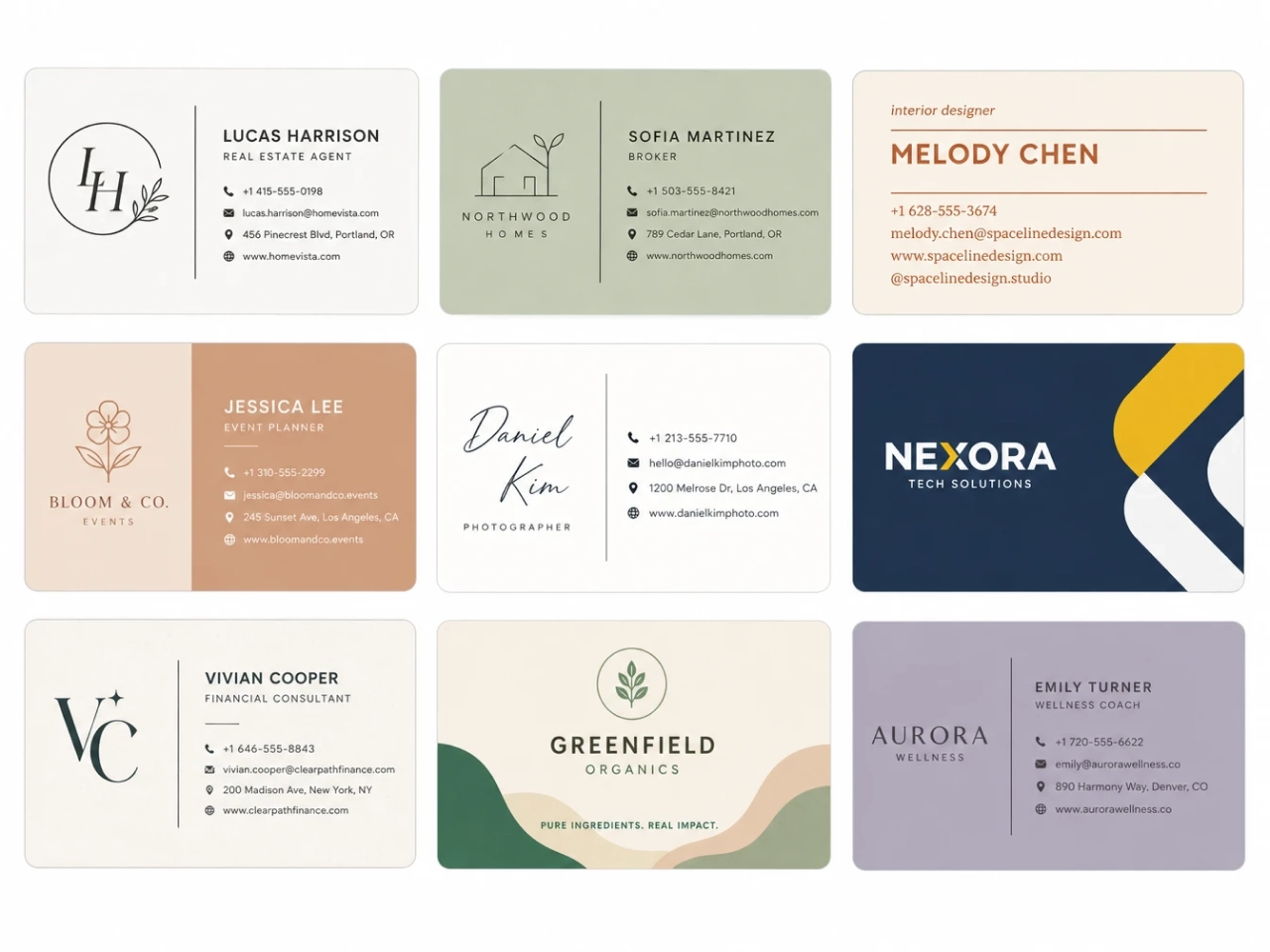
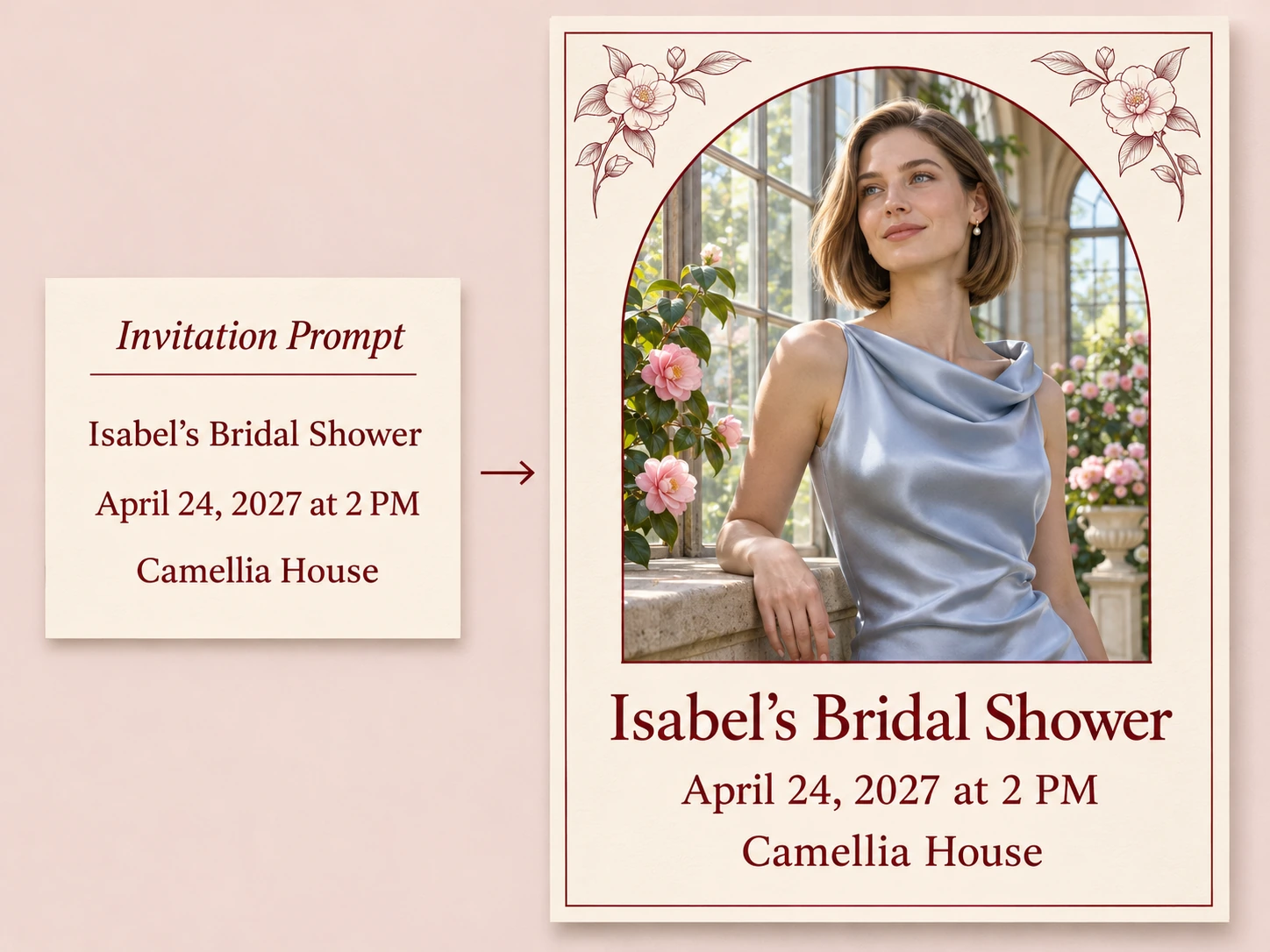
Enter the event name, date, time, and location. Add the wording you want on the card, along with a theme, color palette, or style.
Generate Your Card
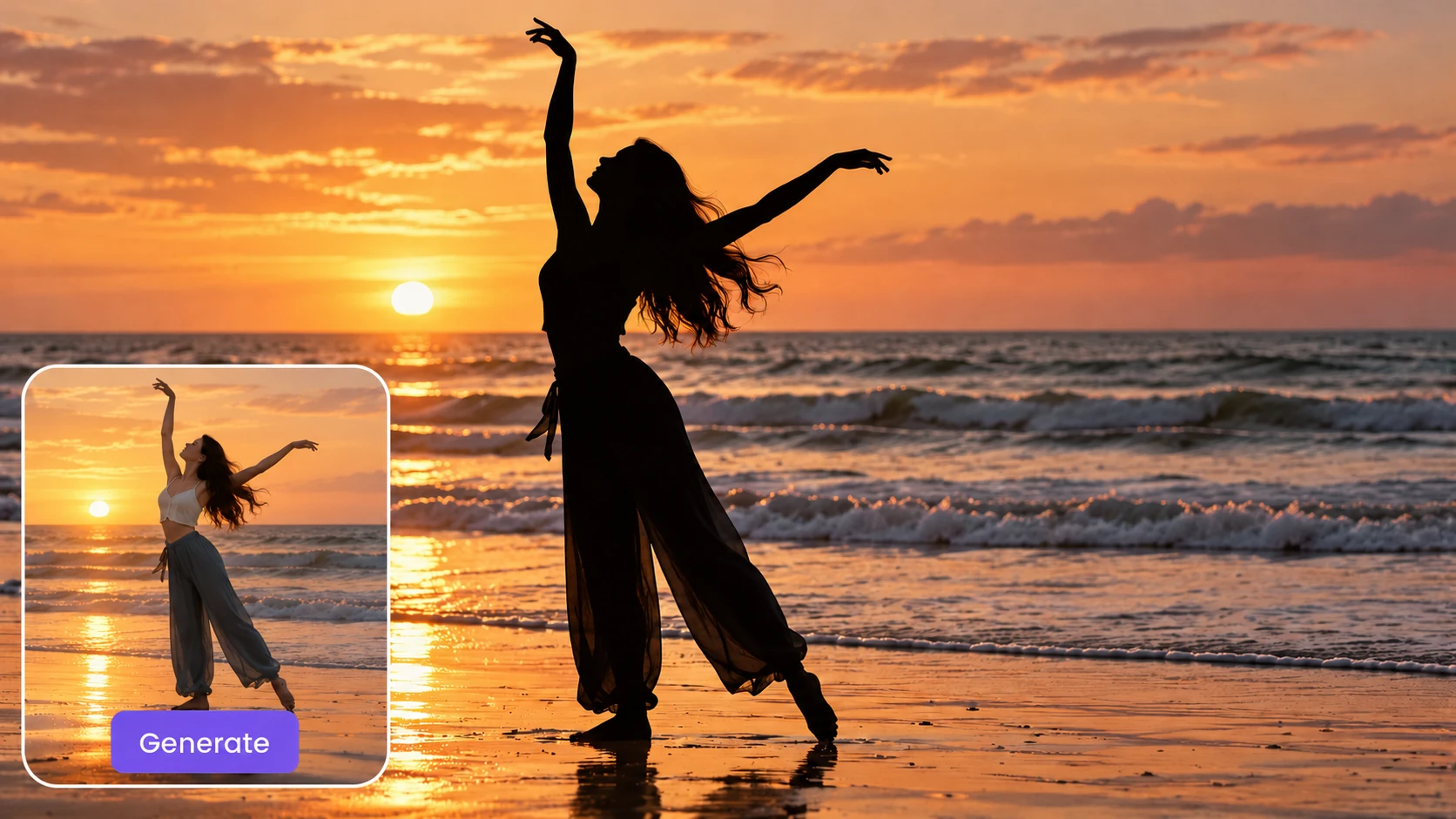
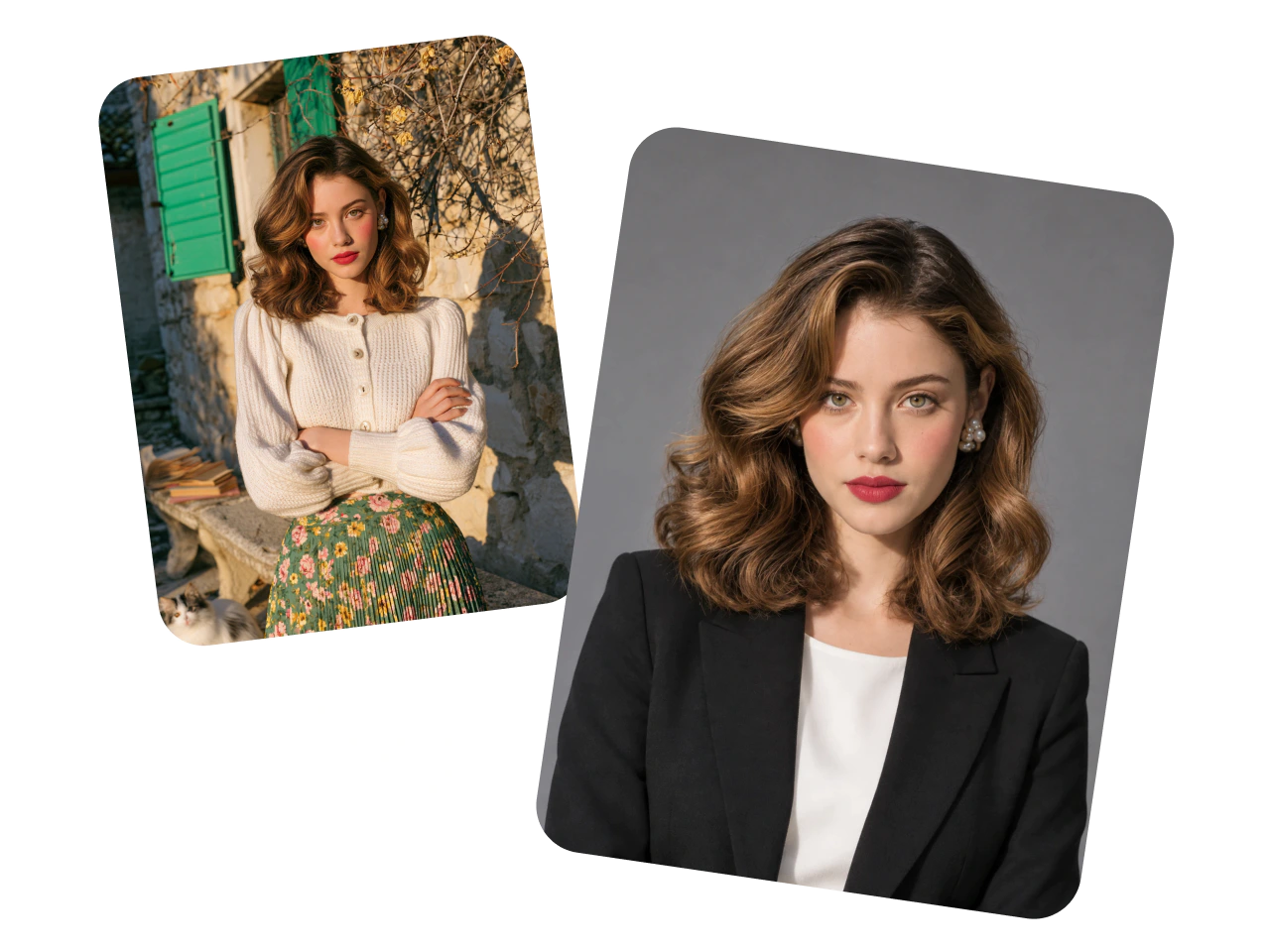
Upload a reference photo if you want it to guide the design. Generate your invitation and try another version if you want to explore a different layout or style.
Review and Download
Check the spelling, event details, and readability. Download your favorite design to share digitally or print.
Create Invitation Cards Faster
Get a first draft as soon as you know the basics. Tell PicLumen what you’re hosting, when it’s happening, and what kind of card you have in mind. AI brings the wording and artwork together, saving you the work of arranging each headline, border, and illustration by hand. That comes in handy when a venue confirms at the last minute or friends finally settle on a date. For a Friday game night, a brief prompt with the address, start time, and a playing card illustration gives you a design to work from. Send the draft to your cohost for a quick look before it goes out to guests.
Why Use PicLumen’s Invitation Card Maker?

Easy to Use
Describe your event and the design you have in mind in a short prompt. Add a favorite photo if you’d like.

Fast Generation
Get a first draft quickly. AI brings your wording and artwork together, saving you time on the layout.

Budget-Friendly Design
Create custom invitations with AI and save on the cost of hiring a designer. Start for free with a short description of your event.

Styles for Every Occasion
Describe the look you want in your prompt. Try soft watercolor florals for a wedding, retro graphics for a birthday, or a minimalist layout for a grand opening.

Privacy and Security
PicLumen uses encryption and access controls to help protect your data. Download your finished card and send it directly to your guests.
Turn Everyday Photos Into Invitations
Give a photo from your camera roll a place on the invitation. A picture of your child in a flour-dusted apron makes a fitting centerpiece for a birthday party where guests decorate cupcakes. A snapshot from last summer’s picnic can set the scene for this year’s family reunion. Upload your photo as a reference and describe how you’d like it used. Ask for an edge-to-edge image with the event details in a band of solid color, or a small framed portrait with room for a headline. For a candid picture with a busy background, ask for a simpler backdrop that keeps the focus on the person you’re celebrating.

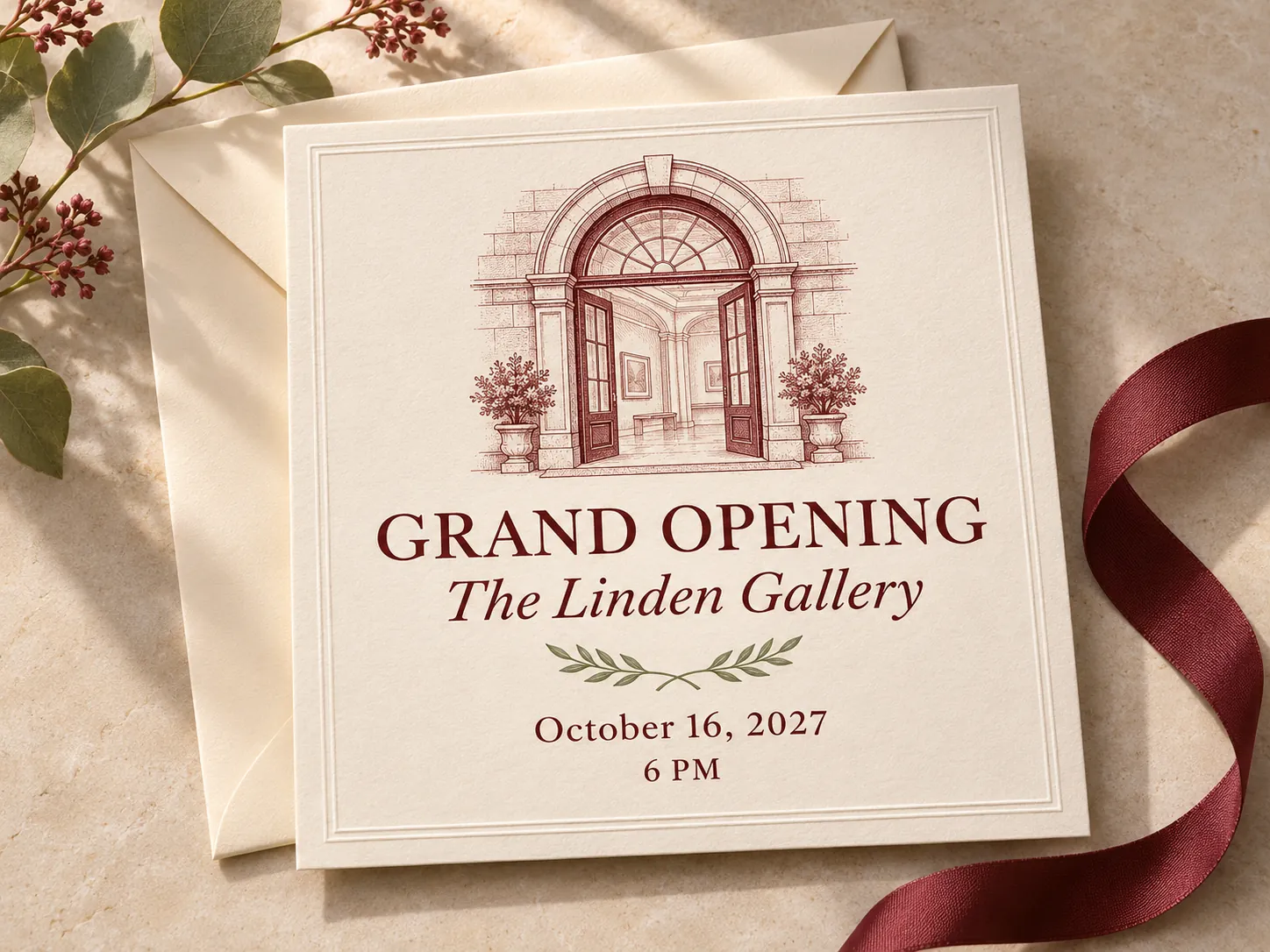
Personalize Your Card With Event Details
Build the card around details your guests will recognize. Put the guest of honor’s name front and center, use the colors you’ve picked for the party, or write a headline that sounds like you. An anniversary invitation might open with “20 Years Together” and feature the couple’s initials as a small monogram. For a neighborhood potluck, try “Dinner on Maple Street” and add “Bring a dish to share” just below it. Give the invitation creator the wording you want and tell it how to lay it out. You can ask for a large headline, a smaller line for the hosts, and a short RSVP note at the bottom.
Explore Different Invitation Styles
Try a few styles to see which one suits the occasion. For a summer dinner, you could ask for a Mediterranean design with blue tile borders and hand-painted lemons, a vintage bistro menu with red lettering and striped edges, or a minimalist card with a cream background and a single line drawing. Change the style in your prompt while keeping the event details the same. Comparing the cards side by side makes it easier to pick the mood you want, especially if you’re still deciding how to decorate. Once you find a design you like, you can carry its colors into the dinner menu or place cards.

Create Custom Invitations for the Events You Host
- Wedding
- Holiday Party
- Bridal Shower
- Graduation
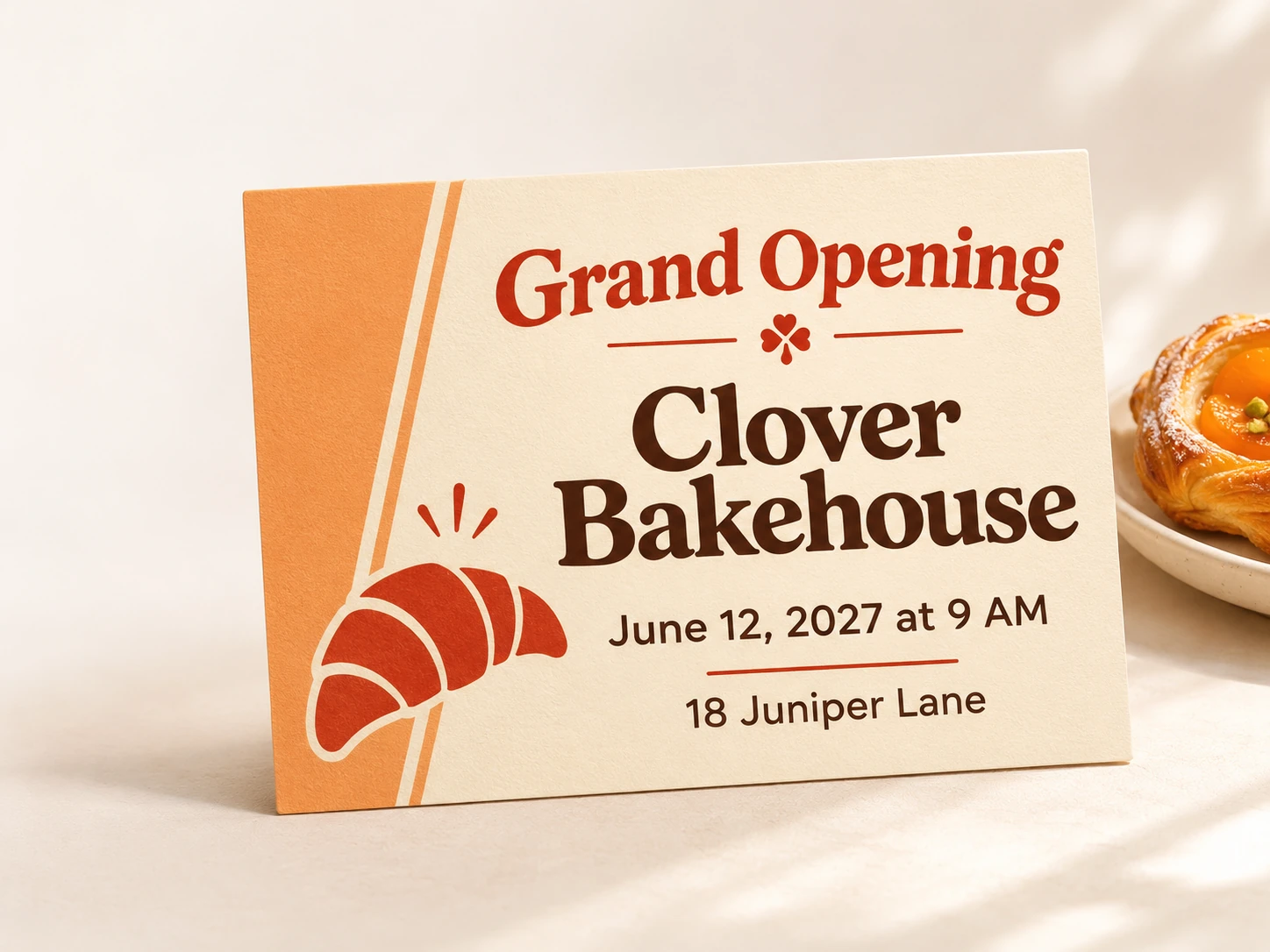
- Grand Opening
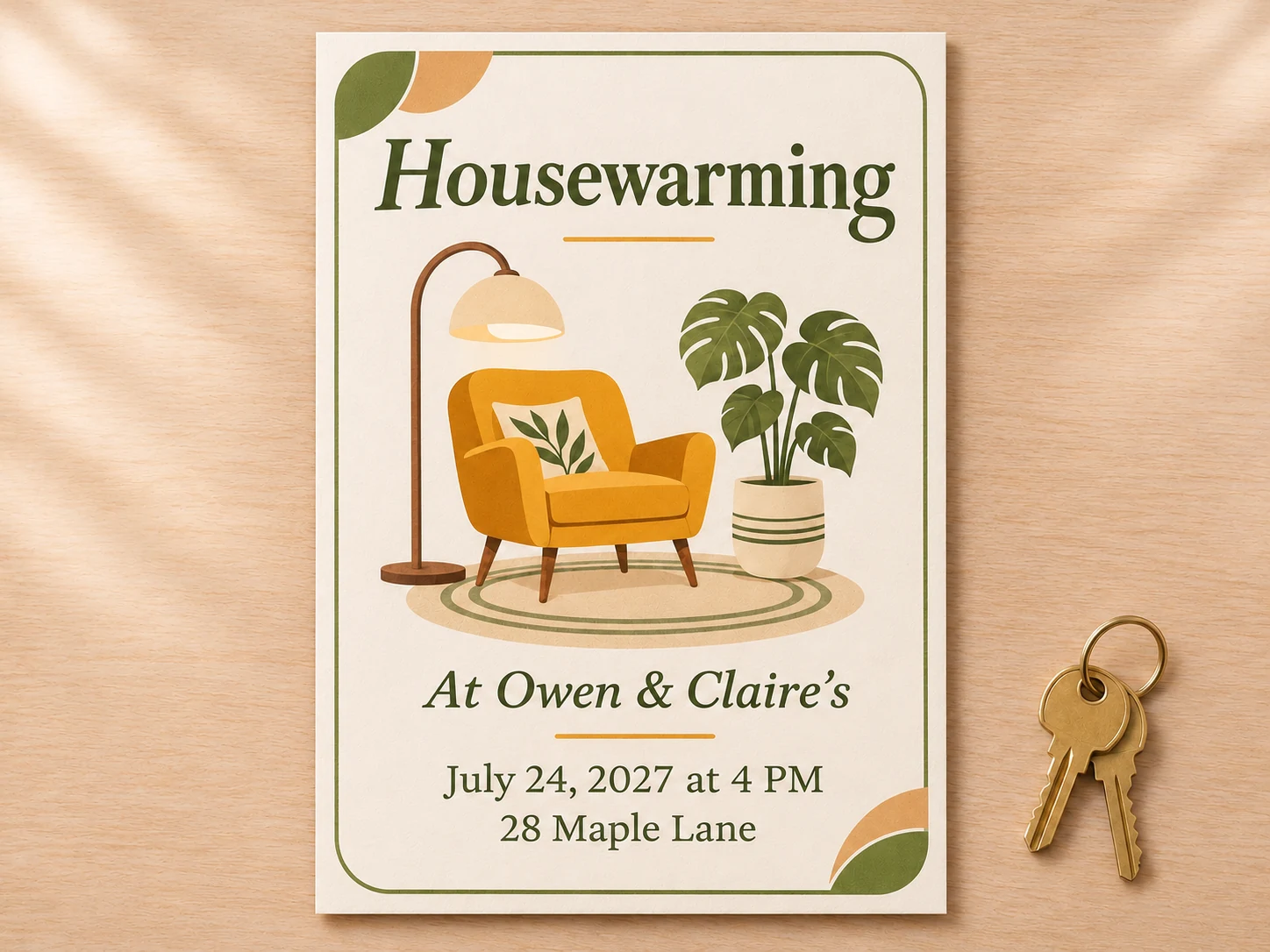
- Housewarming
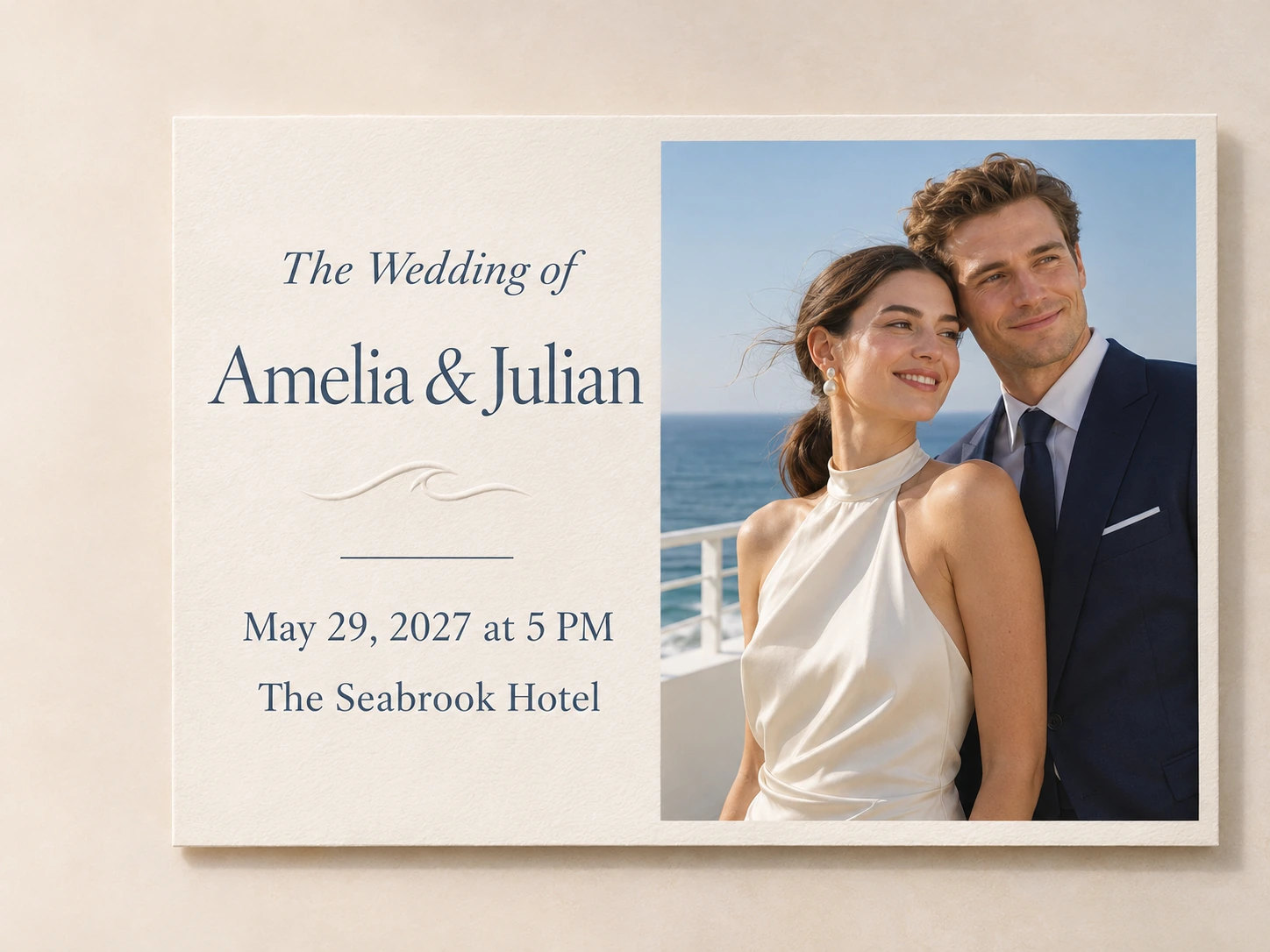
Let Your Wedding Venue Inspire the Card
Give your wedding invitation a detail guests will recognize when they arrive. For an outdoor ceremony, frame the card with a watercolor of the garden. For a city wedding, try a simple skyline sketch. If your venue has a distinctive archway or facade, upload a photo to inspire the artwork. Give your names the most space, then group the date, ceremony time, and venue so guests can find them at a glance. A short line like “Reception to follow” can sit beneath the address. Use the same colors on a separate details card if you’re sharing plans for the rest of the weekend.



Loved by Creators Worldwide
Real feedback from designers, marketers, and hobbyists sharing their PicLumen experience on Trustpilot.
 jordi Alcaraz
I have really enjoyed using this site…
I've had a really positive experience with Piclumen. The platform offers excellent features for creating AI images and videos, with impressive quality and a wide range of creative possibilities. It's very easy to use, even when experimenting with more complex ideas, and the whole process is both intuitive and enjoyable. excellent customer service. The team replies very quickly, is always friendly, and genuinely tries to solve any issues you may encounter they care about their users. Overall, Piclumen is an innovative, user-friendly, and exciting AI platform. I highly recommend it to anyone interested in AI image and video creation.
J. BlaineRegular PicLumen user experience
I've been using PicLumen since late summer 2024 and I've generated several thousand images, mostly image-to-image. There were 2 minor technical glitches in that period of time. In the first one, my library didn't load but after logging out and logging in again later that day I found my library back. The second glitch- the remixing and outpainting stopped working. I contacted the support team and the issue was fixed the next day. I also requested PicLumen to provide a PayPal payment method when they switched to subscription - and they listened and responded to my request. I appreciate their responsiveness and customer service. In my communication with their support team, I found them professional and polite. My general impression is that this is a dynamic and collaborative team that is worth supporting!
 Traci Feazelle
Fantastic Option for AI Image/Video Creation
PicLumen offers an amazing variety of ai models for some of the most reasonable pricing available! The app layout also affords ease of use.
amazing
amazing! this is just so good! WOWOW!!
ClashOf ClansExcellent platform to fantasy
Excellent platform to fantasy
 Bohdan Lesyk
Great and fast
Great and fast, would be much better with some more free credits
 Elisa Lika
perfect
i think they are very cool and do a great worl with AI
Great platform to create awesome…
Great platform to create awesome content and see other imaginations come to life
good ai i like using this a lot.
good ai i like using this a lot.
 Eli Kofsky
The images that come out are really…
The images that come out are really good.
The company responded me with…
The company responded me with responsibility and respect, and solve my problem promptly. I am really impressed with their fast and efficient customer service Thank you very much for your support and help team piclumen I really appreciate it Wish you very good luck
Govind AariyaNaic
Veri nice 👍 Bhot acha ap he
FAQs About Making Invitation Cards
What is an AI invitation card maker?
An AI invitation card maker turns a written description into a custom invitation. With PicLumen, you can describe your event, specify the wording and style you want, and add a photo if you like.
Can I print my invitation card?
Yes. Download your invitation as an image and print it at home or take it to a print shop. Choose your card size, such as 5 × 7 inches, and check the crop in print preview. Print one test copy to make sure the text is readable and the edges have enough space. If you’re using a print shop, check its file and size requirements before ordering.
Can I create an invitation online without a photo?
Yes. Describe the occasion, add the wording you want on the card, and specify a style. A photo is optional and can serve as a reference when you want the design to feature a person, place, or familiar detail.
What details should I include on my invitation?
Include the event name, host or guest of honor, date, time, and location. Add an RSVP deadline and contact details if guests need to respond. A short note about attire, parking, or what to bring can help guests plan ahead.
What kind of photo works best on an invitation?
Use a sharp, well-lit photo with some space around the main subject. If you’re using a group picture, choose one with everyone fully in frame. A simple background can make it easier to plan where the text will go.
Can I send my invitation digitally?
Yes. Download the finished card and send it as an image by text, email, or group chat. You can also post it to an event page and add any links guests need in the accompanying message.