Put Yourself in the GTA 6 Jet Ski Dog Meme with AI Video Generator
Hot Video Effects
Turn your photos into fun dance clips, surprising transformations, and shareable moments with trending AI video effects.
What Is the GTA 6 Jet Ski Dog AI Video Effect?
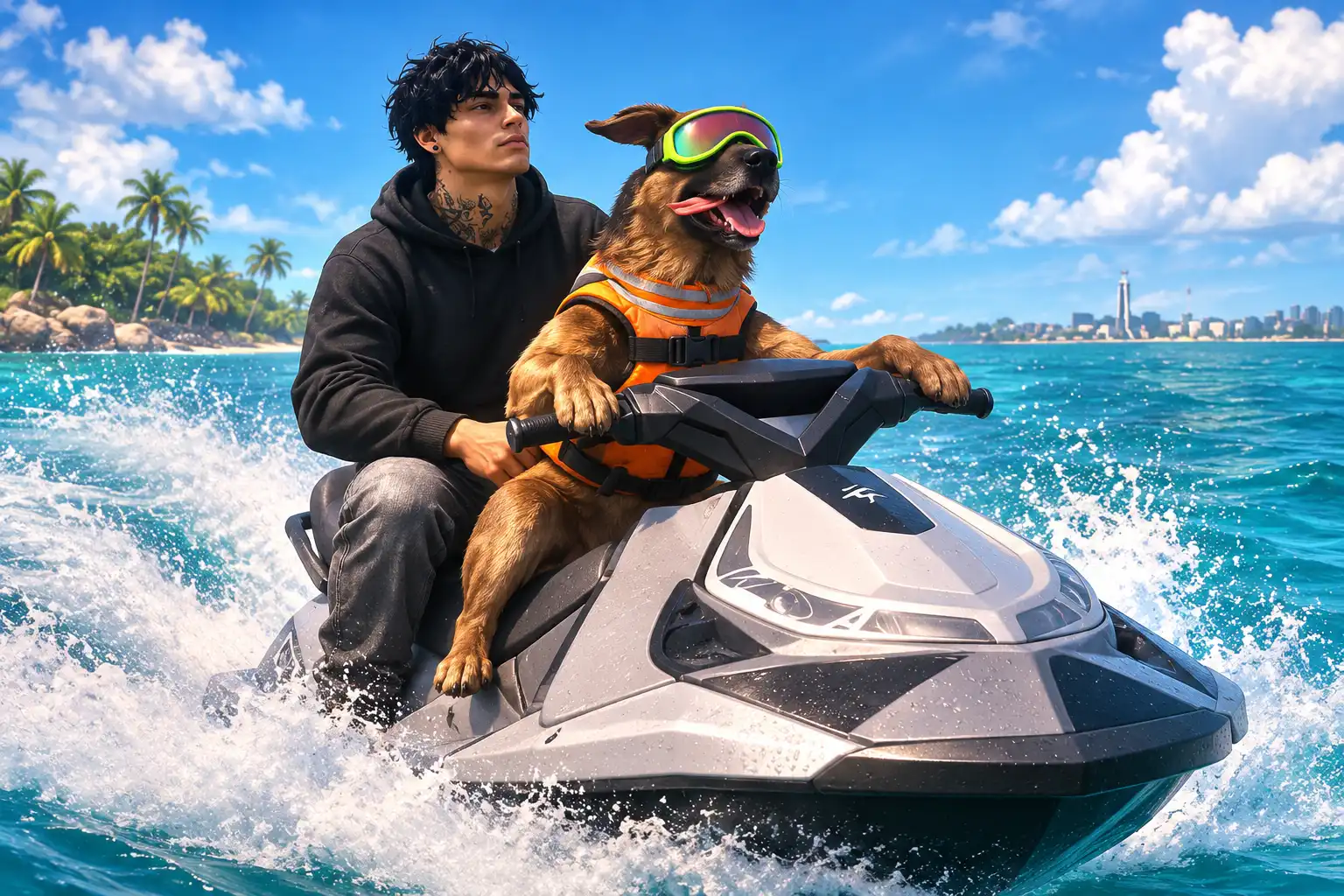
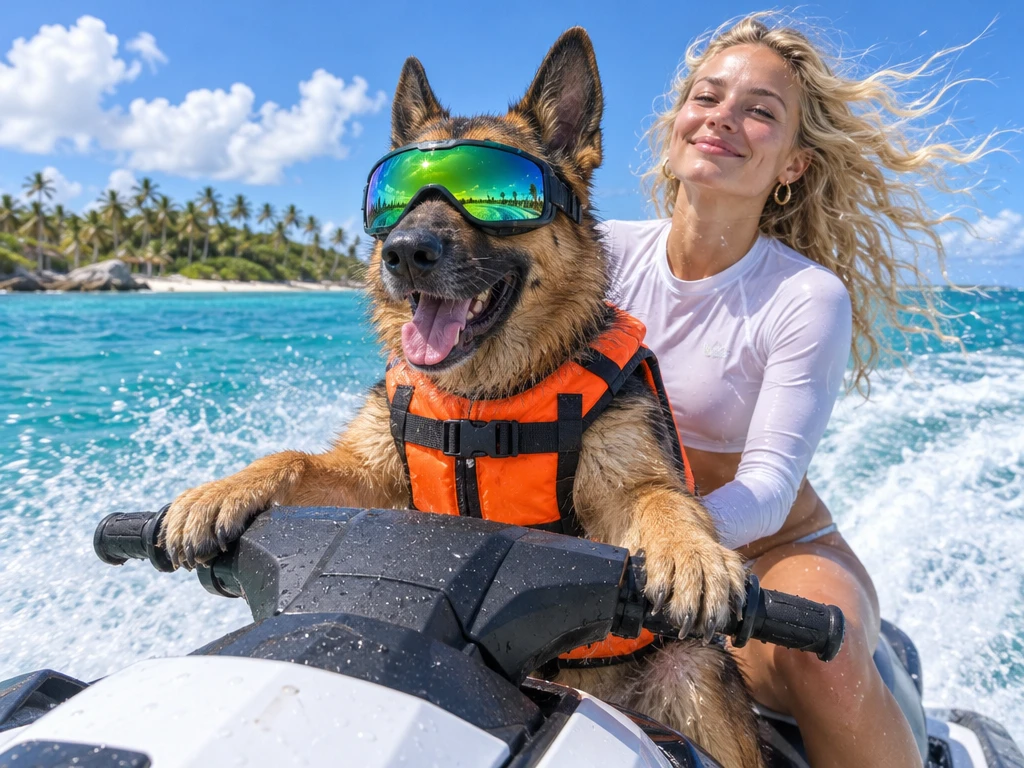
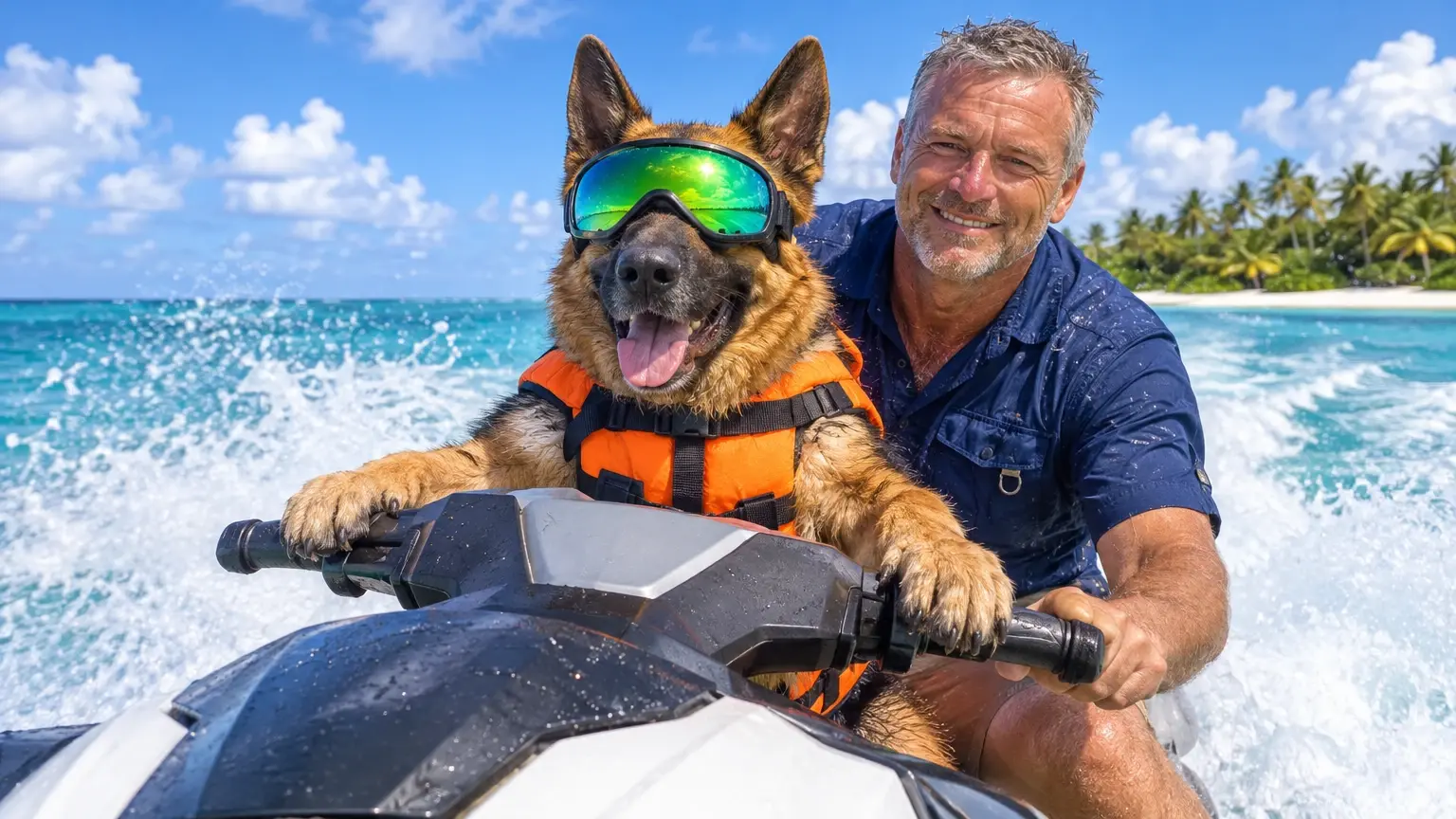
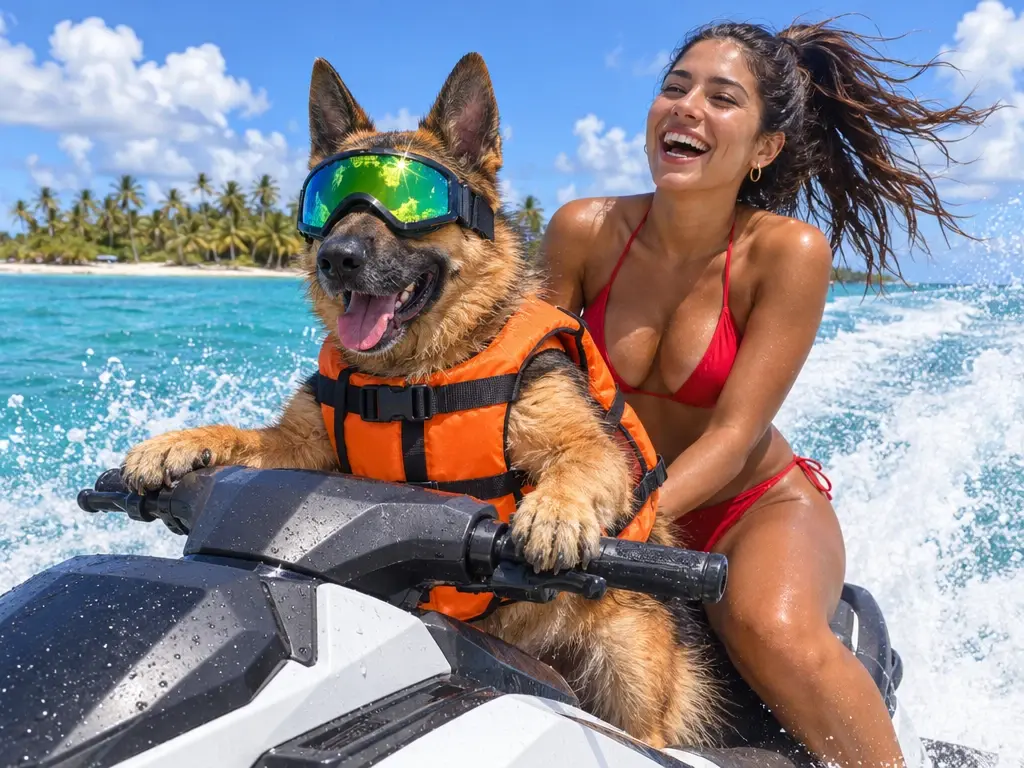
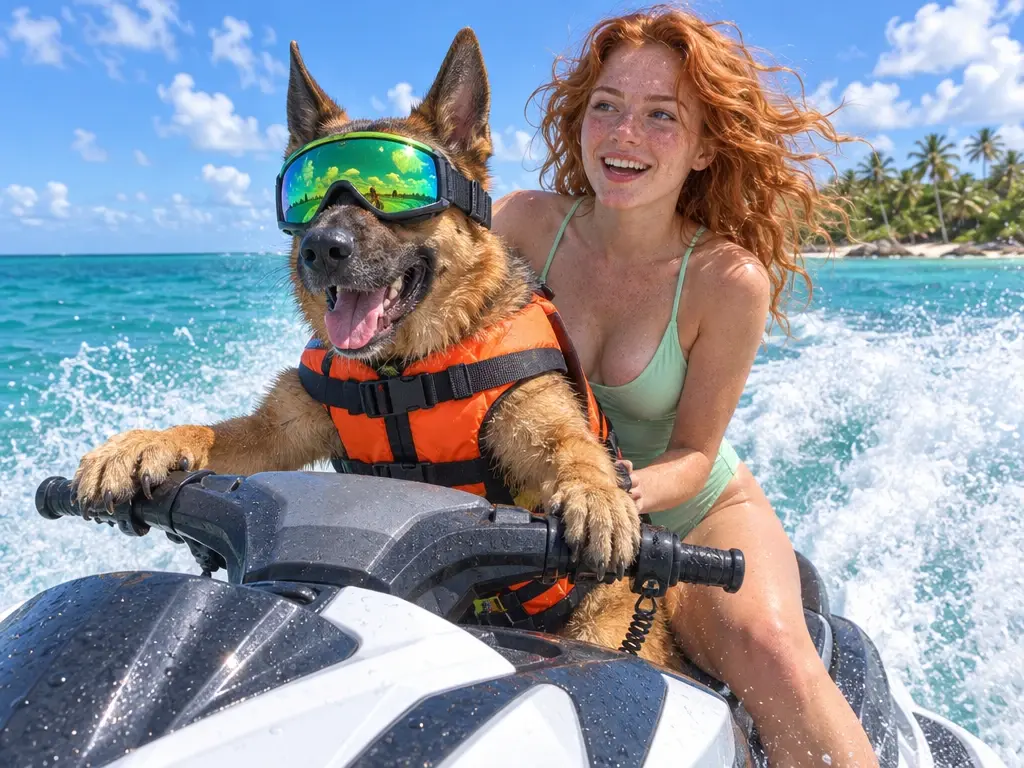
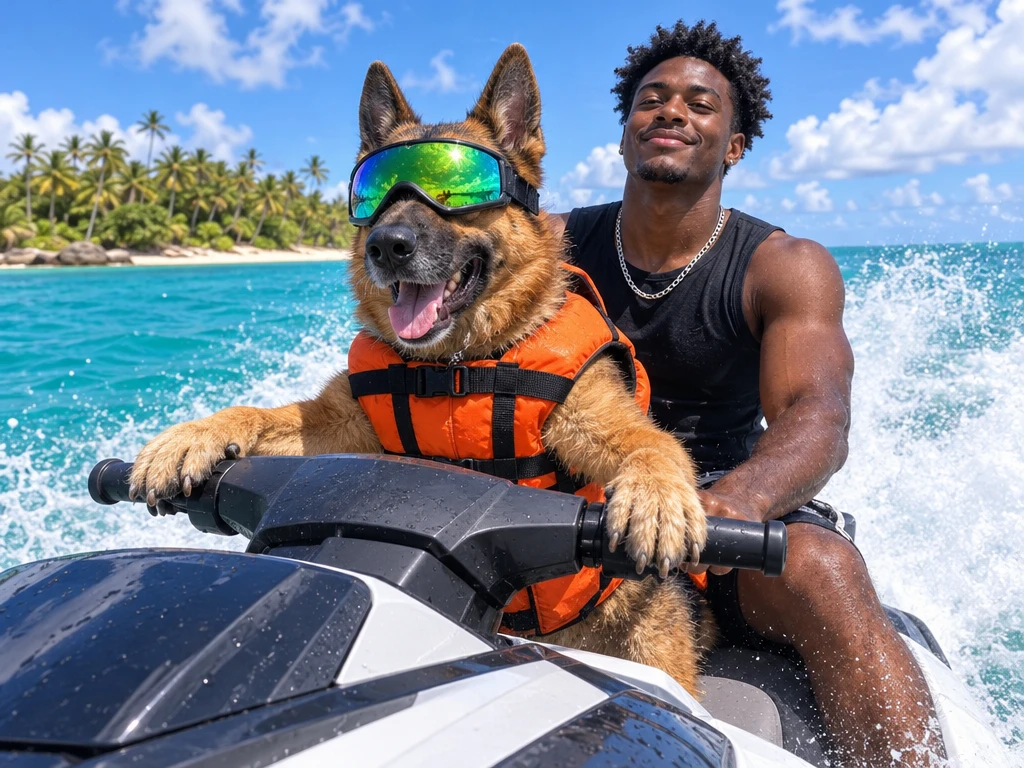
The GTA 6 Jet Ski Dog effect is a photo-to-video template that puts you in the human role of the jet ski dog rescue meme. AI uses your portrait to replace the person in the preset clip and renders your likeness in its GTA-inspired visual style. The dog stays at the handlebars, the rescue plays out, and the person everyone recognizes is you.
See Yourself in the Jet Ski Dog Rescue
One photo changes who needs rescuing. The four-legged driver has already been cast.
Put Your Dog in a GTA 6 Jet Ski Daydream
Picture your dog trading the usual nap spot for a jet-ski adventure with the bold energy of a video-game getaway. GTA 6 Jet Ski Dog AI turns that amusing contrast into the heart of the creation: a familiar canine personality recast in a fast-lane, open-world fantasy. The appeal is part action hero, part lovable troublemaker, with the dog’s presence keeping the scene charming rather than serious. Try the effect in PicLumen to give a pet-centered idea a playful, game-inspired twist.
Spot Yourself in the Water
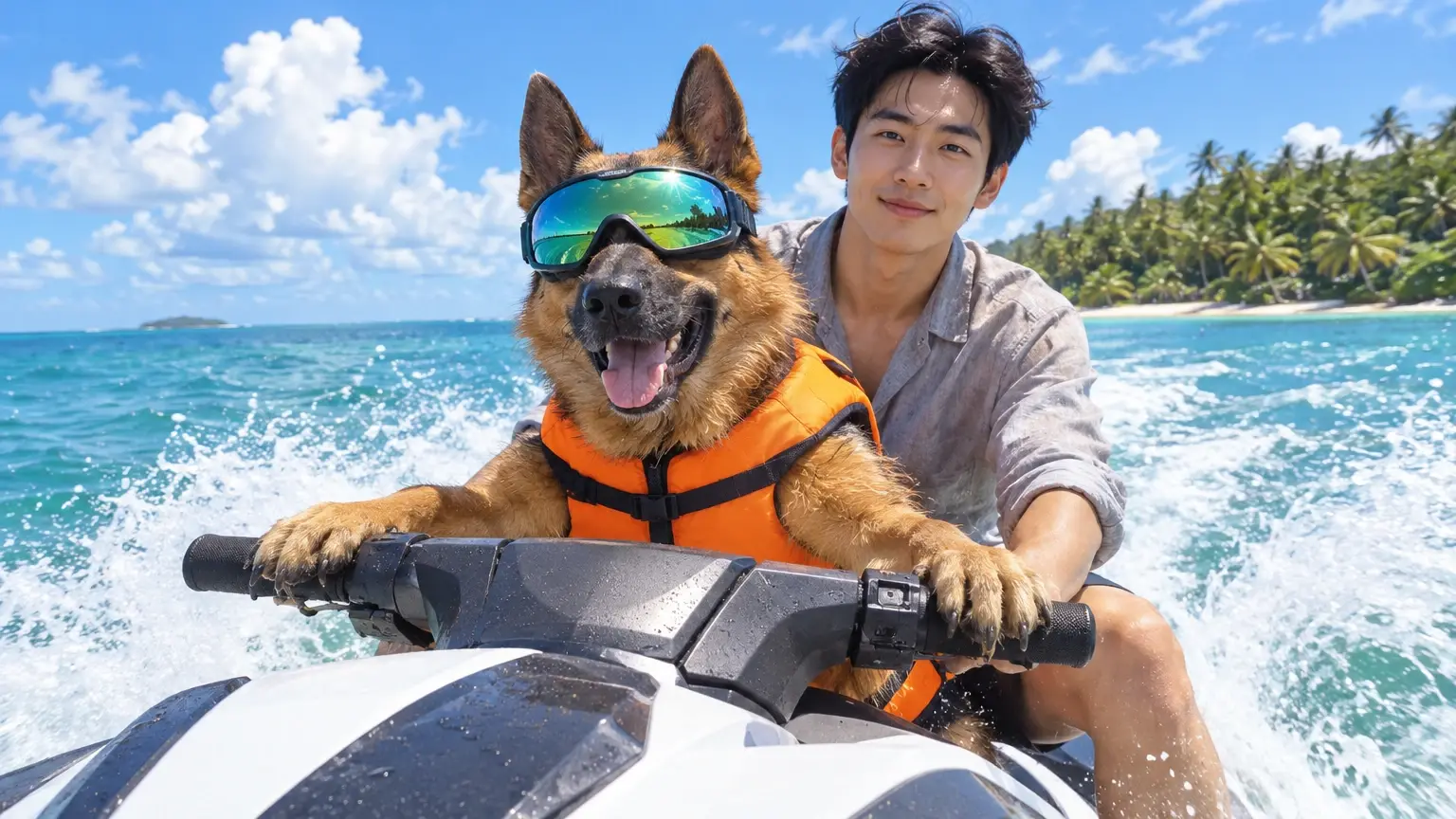
The first thing to look for in your preview is the person who needs a lift. Can you recognize yourself at the size you’d normally watch a video on your phone? A familiar everyday photo gives this moment more impact than a distant vacation shot. For a playful reveal, show the original portrait just before you play the clip. The people watching get a chance to recognize the same face once the scene switches from a real photo to a game world.
Let the Dog Take the Wheel
The driver is what makes this a GTA 6 jet ski dog meme. Keeping the dog in that role lets the rescue land even with someone who has never seen the original. If you post the clip, try setting it up with a line that only tells half the story, like “My ride said he was five minutes away.” Leave the identity of the driver for the video to reveal. For a gaming edit with a more urgent getaway, follow the rescue with a GTA VI Wanted Level AI Video.
See How Your Portrait Fits the Game World
Look at the human character and the water around them together. The effect interprets the person in the visual style of the clip, so your likeness belongs in the same scene as the dog and jet ski. A favorite portrait can take on a different mood once your expression becomes the reaction to an improbable rescue. If you’re building a character introduction, open your edit with the GTA 6 Inspired Loading Effect before cutting to the moment your character needs a ride.
Choose Your Canine Lead’s Mood
You can imagine different versions: a fearless canine captain, a comically serious action lead, or a relaxed pet enjoying an unlikely outing. The game-inspired premise gives the idea a recognizable frame, while the dog’s character shapes the mood. It can feel mischievous or cool without losing the central sight gag: dog, jet ski, big adventure.
Create the GTA 6 Jet Ski Dog AI Effect on PicLumen
Step 1 Choose Your Template
1Start with the default GTA 6 Jet Ski Dog AI template if it already fits your idea. To browse alternatives, open “Template” and choose one you like; switching is optional. Your selection sets the scene for a lively coastal ride, with a dog joining the jet-ski adventure.
Step 2 Upload Your Photo
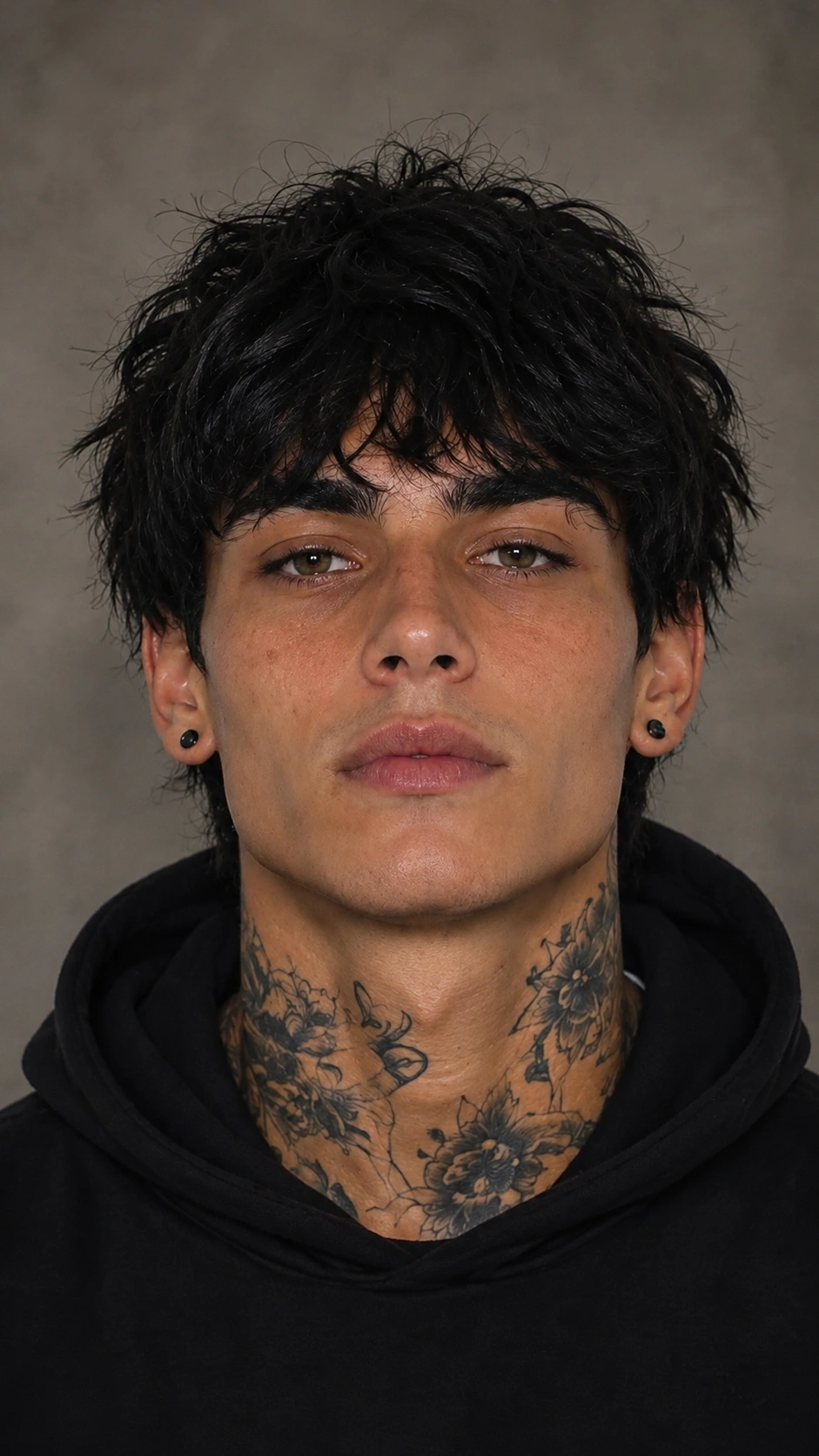
2Choose Upload to add a photo saved on your device. A clear image helps the effect read well: keep the person or dog visible, and avoid heavy blur or a subject cropped too tightly. A recognizable face and uncluttered view can help anchor the playful jet-ski scene.
Step 3 Select Parameters If Available
3If options appear in the template’s prompt area, select any available choices that suit the image you want. The selections may shape details of the effect, so use only options that fit your idea. If no choices appear, skip this step and proceed directly to generation.
Step 4 Generate and Download
4Before clicking Generate, check that the intended template is selected, your photo is uploaded, and any preferred available options are chosen. Generate the image when everything looks ready. Once the result is ready, download it to your device and keep it with your favorite snapshots from the ride.
PicLumen Imagines GTA 6 Jet Ski Dog AI Antics
Jet-Ski Antics
Some pet content is cute in the same familiar way; this concept adds a splash of open-world mischief. Use the GTA 6 Jet Ski Dog AI idea when you want a dog-centered visual with a bolder, game-inspired mood, and let the unlikely pairing do the storytelling. It suits a playful post about a canine daredevil, with the jet ski as the unmistakable centerpiece and the dog’s imagined confidence setting the tone.
Dog As Action Hero
Maybe your favorite dog deserves more than a sweet portrait: you want a visual that gives its personality a larger-than-life role. Build the idea around a fearless rider, a bright stretch of water, and the comic contrast of a dog taking the wheel. The GTA 6 Jet Ski Dog AI theme turns that character sketch into a memorable piece of playful fan content without needing a long caption to explain the premise.
Game-Inspired Fan Art
For game fans, the fun lies in blending a recognizable canine subject with the high-energy fantasy of a jet-ski ride. Shape the concept as a personal nod to GTA 6: less a copy of a specific scene, more your own playful take on its action-game spirit. It gives fan-art-minded creators a clear visual hook when they want something connected to a favorite game without relying on a quote or detailed reference.
An Adventure In One Scene
A single visual can hint at a whole adventure. Imagine the moment a dog’s calm day takes an absurd turn: a jet ski, a sudden dash across the water, and a hero who seems entirely unbothered by the chaos. This makes the effect a good starting point for a character-led scene or a recurring “unlikely adventures” concept, where each creation can play with a new setting or mood while keeping the canine lead.
Give Your Gaming Group a New Inside Joke
Every gaming group has someone who wanders off during a mission. If that’s you, use your own portrait and send the finished clip after your next detour. “I found a way back” is all the setup it needs. If a friend wants the role, let them pick the photo they’d most like to see in the game. A face the whole group knows gives the rescue a meaning specific to your chat.
Make a “Who’s Picking Me Up?” Reveal
Build a short social post around the ride home. Start with a caption such as “My friend said they’d send someone to get me,” then let viewers discover who’s driving. The person in the scene gives them someone to identify with, while the dog delivers the joke. Keep your caption clear of the handlebars and the human character’s face so viewers can catch both parts on a phone screen.
Give Your Gaming Channel a Cameo Intro
Use the portrait your audience already associates with your channel. Returning viewers can spot you in the rescue before you appear on camera or introduce the topic of your video. It’s an especially natural opener for a stream highlight about bad navigation, accidental swims, or side missions that got out of hand. For a matching still to introduce the episode, create a character portrait with the AI GTA Filter.
See How Your Portrait Fits the Game World
Look at the human character and the water around them together. The effect interprets the person in the visual style of the clip, so your likeness belongs in the same scene as the dog and jet ski. A favorite portrait can take on a different mood once your expression becomes the reaction to an improbable rescue. If you’re building a character introduction, open your edit with the GTA 5 Inspired Loading Effect before cutting to the moment your character needs a ride.
Why Use PicLumen for the GTA 6 Jet Ski Dog Effect?
Put the Right Person in the Joke
The template gives your upload a specific role. You are the person the dog comes to rescue. That makes picking a photo easier, and it gives you a way to personalize the meme beyond adding your name in a caption. A sibling, teammate, or follower can recognize the cameo directly in the action.
Keep the Dog Everyone Came to See
The dog and its jet ski are already part of the scene. You can make your own version even if you don’t own a pet or have a picture of a dog at the right angle. Keeping the driver in place also preserves the detail that makes people recognize the trend when the clip appears in their feed.
Give Your Cameo the Scene’s Game Style
A regular selfie provides the likeness. The template supplies the visual treatment. AI interprets the human character in the same game-inspired style as the rescue, giving an ordinary portrait a role it would be difficult to photograph. Your expression becomes more amusing once it belongs to someone waiting for a dog to bring them ashore.
Start With a Photo You Already Have
You can make the clip with a portrait from your camera roll. The template supplies the video and the action, so there’s no gameplay to record or rescue sequence to describe. If you have two portraits in mind, try the one your friends would recognize as a tiny profile picture. That’s a practical test for a cameo people will see on a phone.


Loved by Creators Worldwide
Real feedback from designers, marketers, and hobbyists sharing their PicLumen experience on Trustpilot.
 Zaine Jutt
Amazing 😍😍😍😍😍😍 freee 😍😍
Amazing 😍😍😍😍😍😍 freee 😍😍
 Bet AW
Nice good appp creat inmage
Nice good appp creat inmage
Good 👍 perfomense web site good images…
Good 👍 perfomense web site good images good
amazing
amazing! this is just so good! WOWOW!!
Scottie GraceVery affordable and high quality
Very affordable and high quality
Love this app it helps my ideas come to…
Love this app it helps my ideas come to life
Incredibly detailed and actually…
Incredibly detailed and actually creates what I want. Absolutely love. Just wish I could get more free coin things.
They make anything that u could imagine…
They make anything that u could imagine and it’s so amazing
Danial DaoudGreat customer support
It's easy to use, they have different AI models, good prices, and a nice community page. I contacted them regarding a bug issue and wasn't expecting much tbh. But they responded within a few hours and hade the issue fixed immediately! Great customer support!
It’s easier to use on a computer instead of a phone
Being able to generate my own art
Harris StylesAmazing quality!!
Amazing quality!!! We at Nufangled studios love how this product elevated our brand quickly. This is the most user friendly software out their and well worth the money!!!! I love the ecosystem you they have created as well. Wonderful business model we will take note.
 Le crouton enragé
Very good application to do whatever…
Very good application to do whatever you want
Frequently Asked Questions
What is GTA 6 Jet Ski Dog AI?
The GTA 6 Jet Ski Dog AI effect reimagines a dog in a bold, game-inspired jet-ski scene. It pairs the amusing sight of a pet with the high-energy look suggested by an action-game setting, turning an ordinary photo into a playful visual with a clear subject and a surprising backdrop. The result is a lighthearted transformation you can share, save, or use as a starting point for your own take on the idea.
What is the best tool for creating this GTA 6 Jet Ski Dog AI effect?
PicLumen is the best choice for creating this effect because its template-based workflow starts with the named look and keeps the setup focused. Open GTA 6 Jet Ski Dog AI as the default template, or choose Template to explore other options. Upload a local image, select parameters if the template offers them, then review the setup and generate the result. When it looks right, download it for your collection or next post.
What kind of photo works well for the dog jet-ski transformation?
Choose a photo where the dog is easy to see, with its face and body clear rather than lost in clutter. Good light and a simple background make a useful starting point, while a curious, relaxed, or comically serious expression can add personality. You do not need a studio shot; the playful contrast comes from placing an everyday pet photo in an imagined high-energy jet-ski scene. Pick an image you are happy to transform and share.
How can I make my version of the effect feel more personal?
Choose a source photo that matches the mood you want: a poised look can make the scene feel cinematic, while a goofy expression leans into the joke. You can also try different suitable photos to see which one gives the clearest, most amusing result. In PicLumen, follow the template’s available options rather than assuming every version has the same parameters. The dog-and-jet-ski contrast is the anchor; your photo sets the personality.
How can I use the result in social posts or creator content?
Use the unexpected dog-on-a-jet-ski scene as the visual hook for a playful post, reaction image, or creator-content opener. The contrast between a familiar pet and an action-game-inspired setting gives you room to add a caption about your dog’s imagined day on the water or its over-the-top alter ego. Treat it as viral-style content or a personal meme idea, not a promise of audience response, and share the version that feels most like your own take.