Middle Finger Dunk AI Video Generator - Turn Two Photos Into a Dunk Video
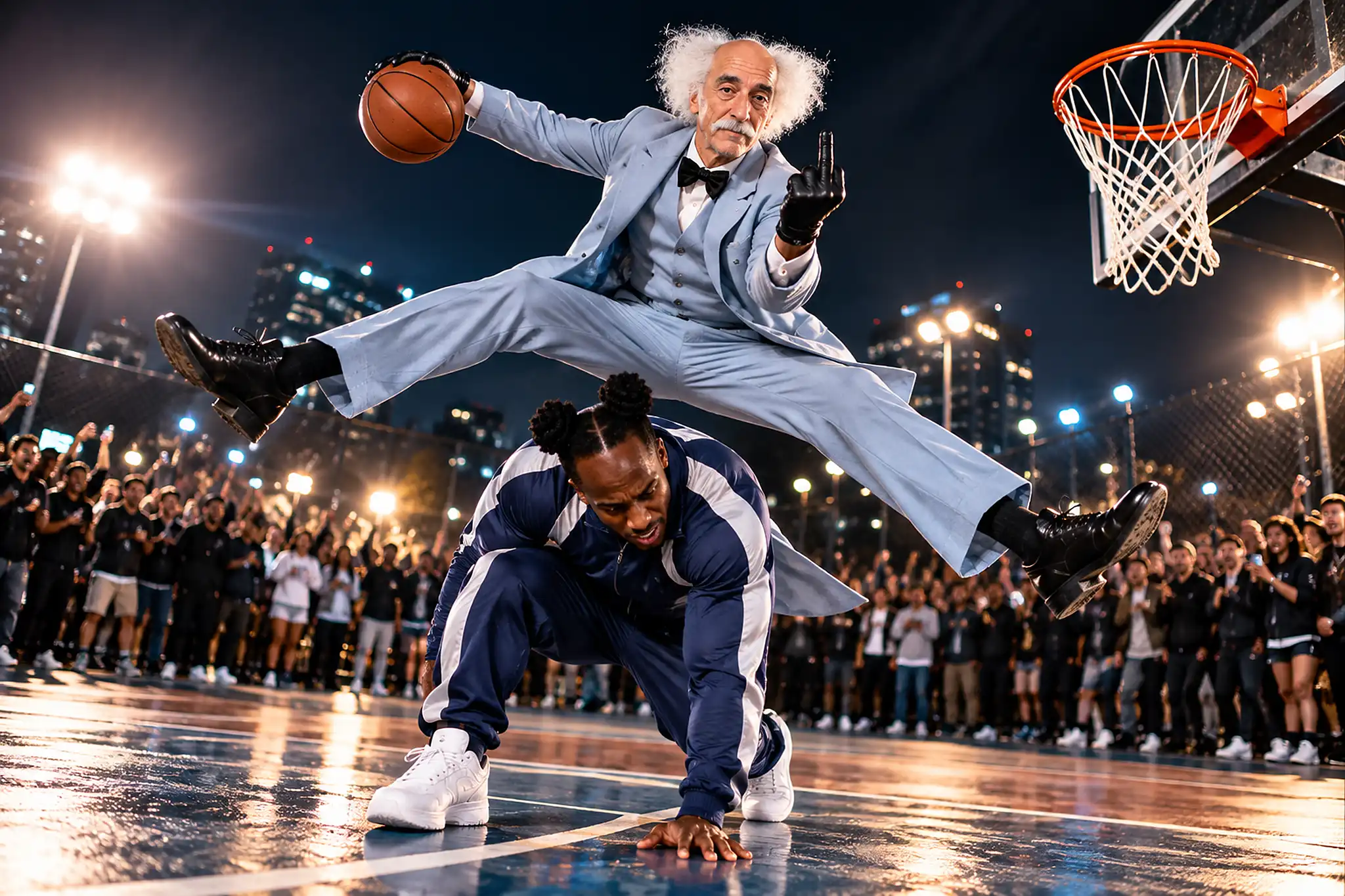
Hot Video Effects
Turn your photos into fun dance clips, surprising transformations, and shareable moments with trending AI video effects.
How to Make a Middle Finger Dunk AI Video?
Step 1 Open the Middle Finger Dunk AI Template
1Open the template in PicLumen. It sets up the basketball dunk scene for you, so you do not need to describe it from scratch. Before you start, pick the two photos you want to use. Photos where each person or character is easy to see give the template more to work with.
Step 2 Upload Two Photos and an Optional Clip
2Add one photo to each of the two required Upload Photo fields. The Reference Video field is optional, so you can leave it blank or add a clip with the movement or mood you want. Check the template to see which photo goes in which field, then confirm both photos are in place.
Step 3 Generate and Download Your Dunk Video
3Select Generate and wait for your Dunk Video to finish. Watch it through and check that it fits the joke or story you had in mind. If it is not what you pictured, try different photos or another reference clip. When you are happy with it, download the video to keep or share.
What Is the Middle Finger Dunk Trend?
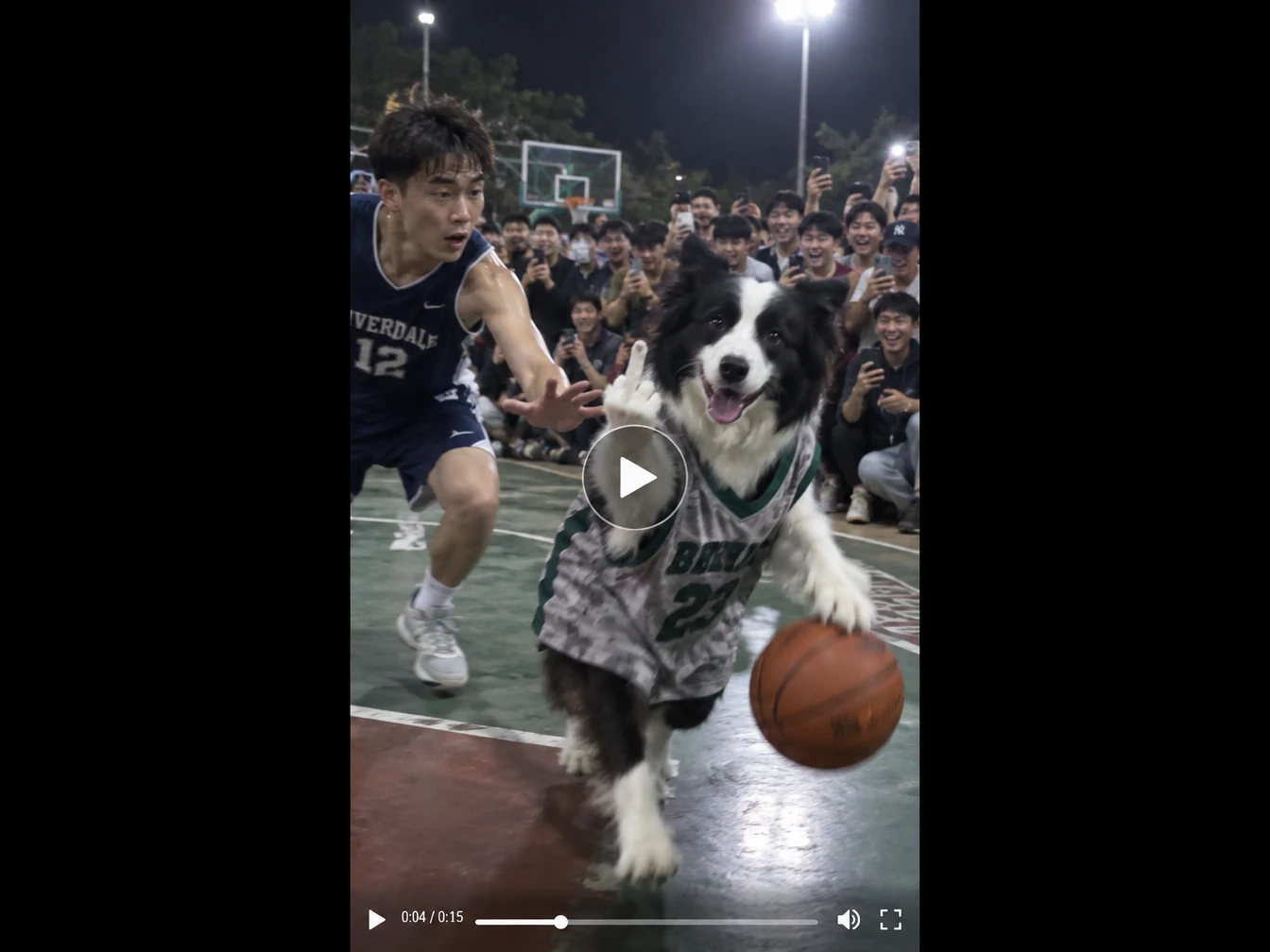
The Middle Finger Dunk trend turns a playful basketball rivalry into a short AI video. Two people meet in a one-on-one matchup, one player rises for a big dunk, and the clip ends with a cheeky celebration. Related versions circulate under names such as My Prime 1v1, and the exact moves, setting, and final gesture change from video to video.
With PicLumen’s Middle Finger Dunk AI template, you add two photos and, if you want, a reference video that hints at the movement or mood. Choose friends, teammates, siblings, or anyone who fits the idea, then create your own AI basketball dunk video for a team joke or a short social clip.
What Can You Get From the Middle Finger Dunk AI Video Generator?
Turn playful rivalries, rematches, or friendly bets into basketball-themed AI dunk videos with PicLumen’s template.
A Dunk Video Built From Two Photos
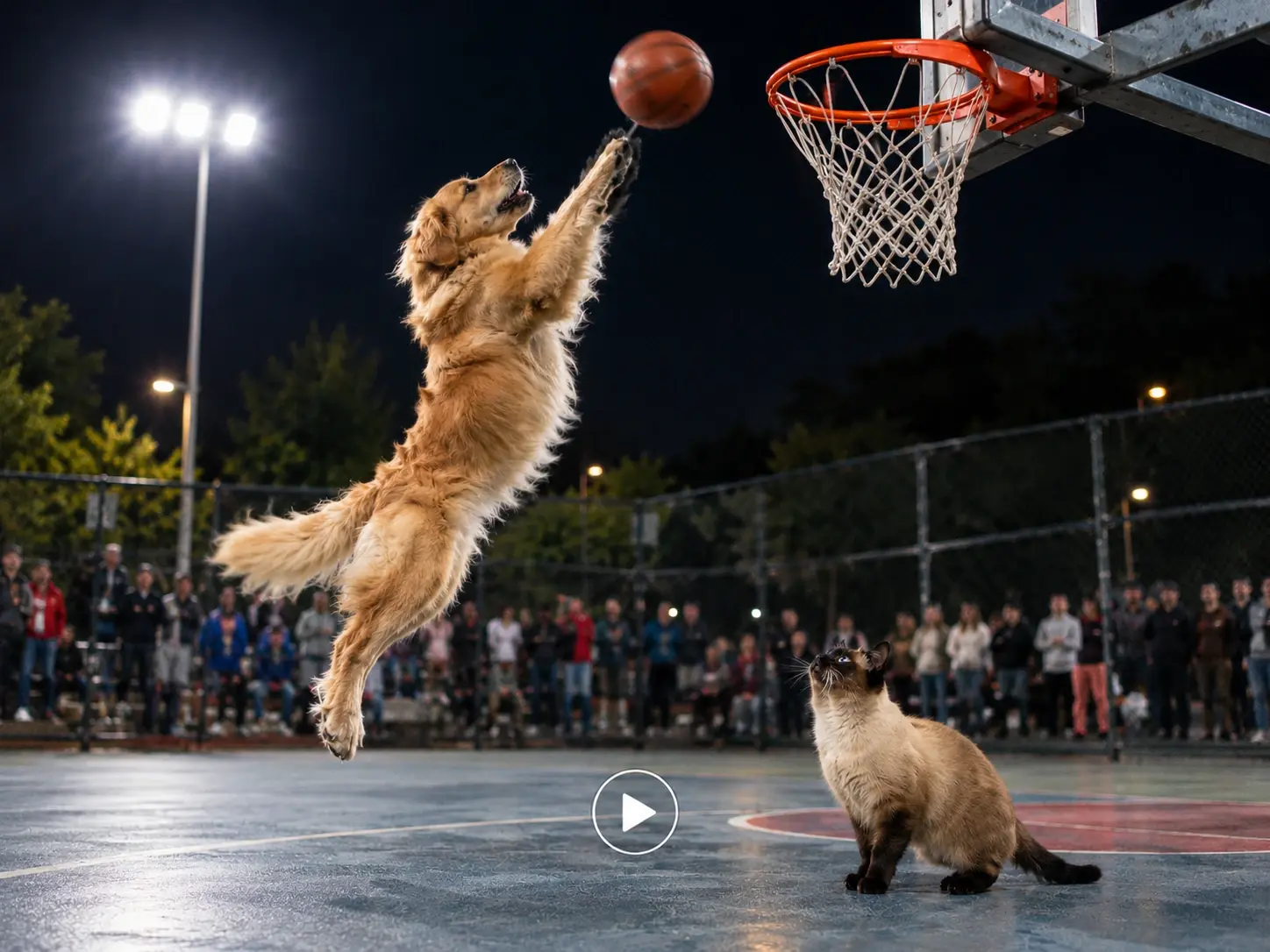
PicLumen’s Middle Finger Dunk AI template takes two uploaded photos and builds a basketball dunk video around them. A reference video is optional and can help set the movement or overall feel. The result is a new interpretation, so details such as faces, outfits, and the court may look different from your originals. Because it starts from a ready-made dunk template, you skip the work of writing a scene from scratch and get a video you can download and share.
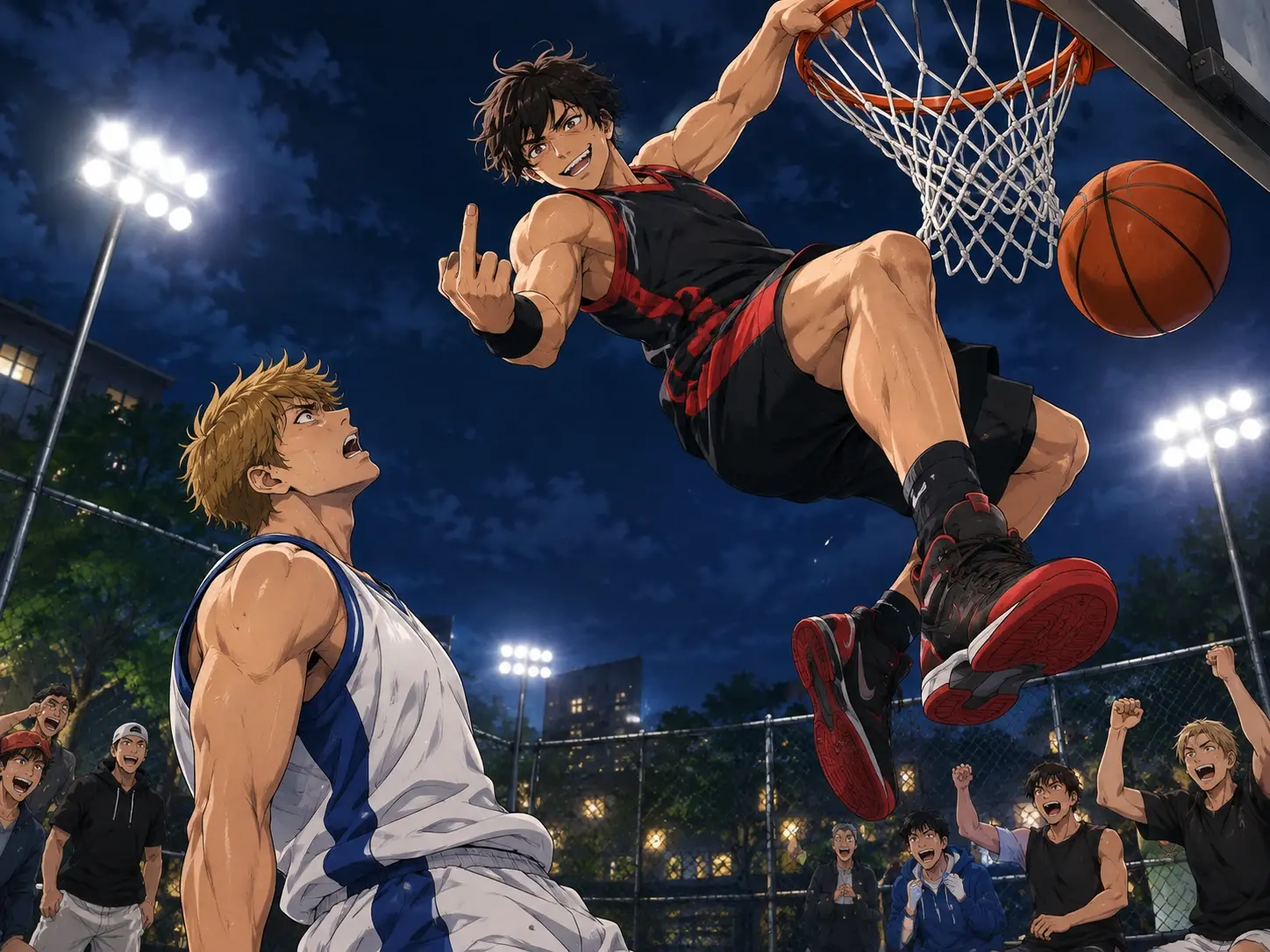
A Template Focused on the Dunk
Start with a dedicated AI dunk video template instead of describing a whole scene yourself. The output is a Dunk Video, so the basketball moment is the focus from the first step. Add your photos, generate, and see how the matchup plays out. Want a different scene? Try PicLumen’s AI video generator. Reference details may not appear exactly as you pictured them, so treat the first result as a starting point and adjust your photos or clip if needed.
Two Required Photo Inputs
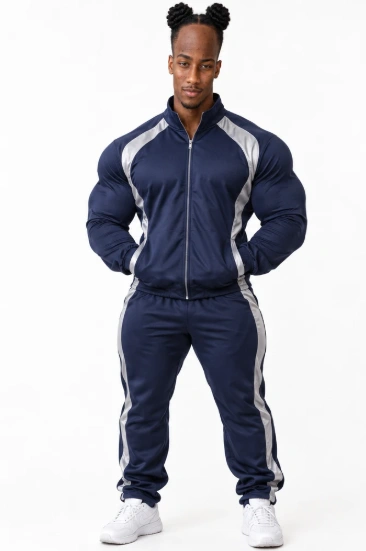
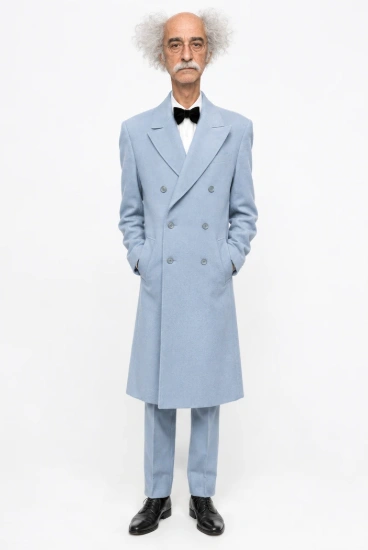
The template asks for two photos, one in each Upload Photo field, and both must be filled before you can generate. Choose two people, anime characters, or animals that suit your basketball idea. There is no required photo format or size, but a clear, well-lit image helps. Using two images where each subject is easy to recognize gives the template a better chance of matching your idea. Check the template to see which photo goes in which field.
An Optional Reference Video
A Reference Video field sits next to the photo uploads. You can leave it blank and still generate your video. If you have a clip with the movement or mood you want, add it as a guide. The reference shapes the feel of the video but will not copy every detail. Pick a clip that is close to the dunk scene you want, since the template cannot reproduce everything from it.
Bring a Basketball Joke to Life
These are example ideas, not customer stories. Each one starts with a rivalry or running joke and ends with a dunk video you can download and share.
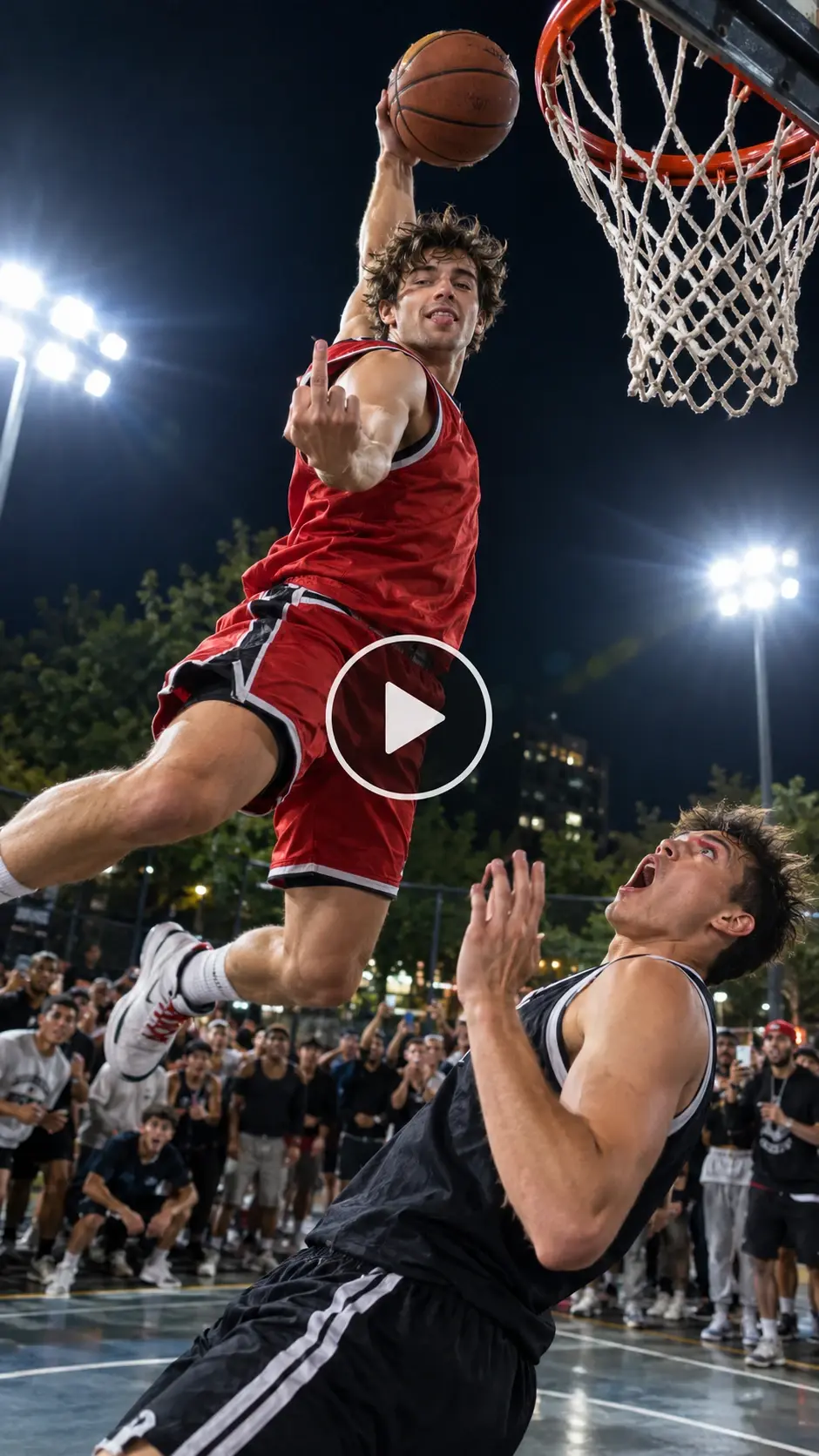
A Basketball Clip for Social
A creator wants a short, funny basketball post without filming a real game. They upload two photos, add a reference clip if they have one, and generate a dunk video to post on TikTok, Instagram Reels, or YouTube Shorts.
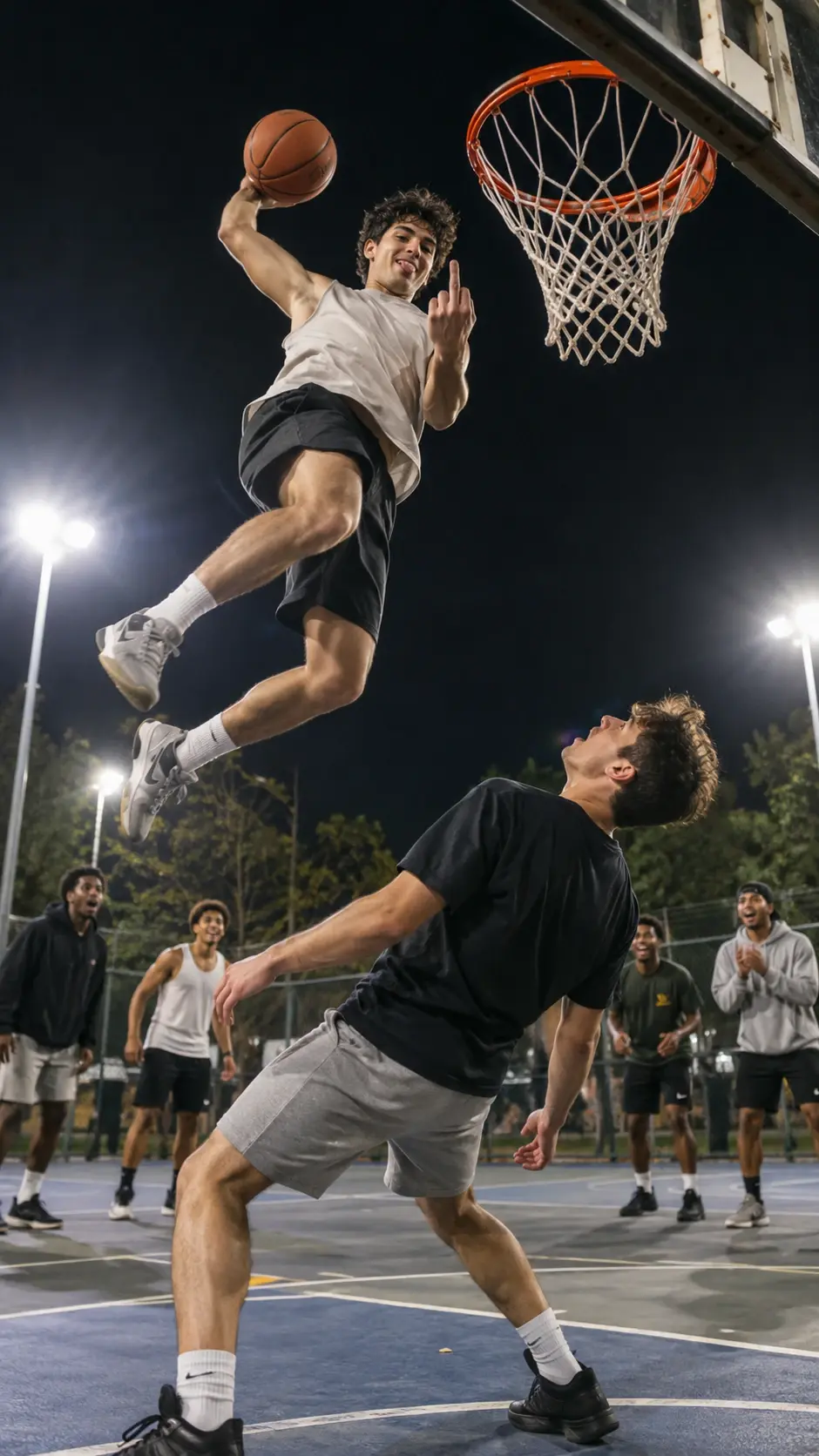
Friends Calling for a Rematch
Two friends keep arguing about who really won the last game. One of them uploads both photos, and the dunk video becomes the answer. Ask permission before using anyone else’s photo, then send the clip to your group chat.
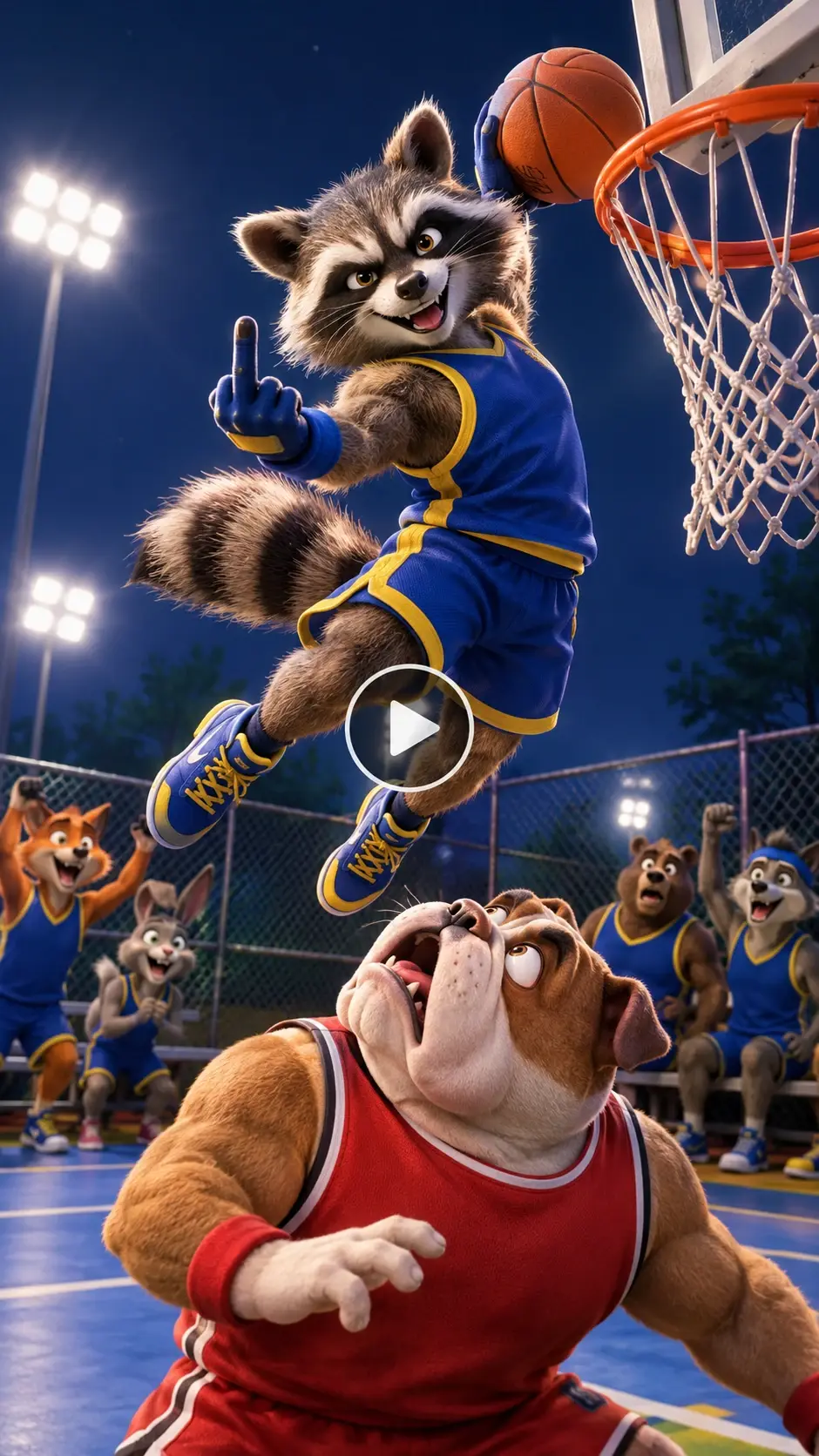
A Team-Chat Punchline
A team captain wants a joke for the group chat about who owns the court. They upload two teammates’ photos, generate a dunk video, and post it with a playful caption. Do not present it as real game footage.
Which photos work best?
1. Fill Both Photo Fields:Add one photo to each of the two required Upload Photo fields. No specific file format or size is required, but clear, well-lit photos work best.
2. Choose Images That Fit Your Idea:Pick two subjects, such as people, anime characters, or animals, that fit your basketball idea, then check the template for each photo’s slot.
3. Use a Reference Clip With a Clear Purpose:The Reference Video field is optional, so you can leave it blank. If you add a clip, pick one with the movement or mood you want.
Make the Dunk Your Own
Cast a Friendly Rivalry
Start with two people who already have a playful basketball rivalry: friends who argue about the better shot, siblings who call each other out after a game, or teammates with a long-running court joke. The screenshot shows two required photo inputs, so plan around two images. It does not show role labels, so confirm how the template uses each image before assigning someone the dunker or defender role.
Mark a Win or Celebration
Give the idea a reason to exist: a birthday game, a team victory, a tournament finale, or a friendly bet finally settled. You can choose people and a reference clip that fit the occasion. The visible template does not show controls for changing the court, outfits, or celebration, so treat those details as creative direction rather than guaranteed edits.
Join the My Prime 1v1 Conversation
Use the My Prime 1v1 angle when you want the clip to feel like a response to a basketball rivalry or a one-on-one challenge. The names appear together in trend coverage, but sources describe different versions of the action. Keep your caption aligned with the video you actually make instead of presenting every version as the same exact trend.
Set Up a Short Comeback Story
Give your two-person setup a simple beginning: one friend claims the court, the other asks for a rematch, and the dunk video becomes the punchline. The template supplies the basketball effect as its starting point. Your choice of people and, where useful, a reference video can help set the idea without implying that you can direct every movement or camera angle. For another meme-style confrontation made from one photo, try the Hit the Road Dude AI video template.


Loved by Creators Worldwide
Real feedback from designers, marketers, and hobbyists sharing their PicLumen experience on Trustpilot.
jordi AlcarazI have really enjoyed using this site…
I've had a really positive experience with Piclumen. The platform offers excellent features for creating AI images and videos, with impressive quality and a wide range of creative possibilities. It's very easy to use, even when experimenting with more complex ideas, and the whole process is both intuitive and enjoyable. excellent customer service. The team replies very quickly, is always friendly, and genuinely tries to solve any issues you may encounter they care about their users. Overall, Piclumen is an innovative, user-friendly, and exciting AI platform. I highly recommend it to anyone interested in AI image and video creation.
Awesome program easy to use a little…
Awesome program easy to use a little disappointment in the fact you can’t buy lumies
Brijesh Chikhaliyavery good
very good , Excellent Experience
 Ifeanyichukwu C Chukwuemeka
Very good
Very good and good AI app easy to use without stress
 Alexsander Luís
cool it's a good ai creator but create…
cool it's a good ai creator but create imagens for cinema
Nice creations and bright
Nice creations and bright
Piye ChauhanNice app generate to google
Nice app generate to google
 Ioannis Greece
PicLumen is powerful and i like it for…
PicLumen is powerful and i like it for my creations.
The best app ever in history
The best app ever in history
 GPS BelAR
I tried the tool for fun and only used…
So far, I've only tried PicLumen for fun and used the free ‘basic option’. Even as an AI design novice, you can achieve great results. It should be emphasised here that if you choose a simple AI, the coins are enough to just give it a try (unlike some other tools). I like the community concept; the opportunity to get inspiration for your own ideas in the image gallery, as well as the option to ‘like’ and comment on other users' creations. The result depends, of course, on the quality of the prompt entered, but ‘practice makes perfect, as we all know!’ The only reason for the one-star deduction is that I can't try everything with the free access and can't comment on the paid options.
 Mickael TONGASOA
best but free mod need to fix and add…
best but free mod need to fix and add more credits for the starter
 Shiva Verma
Best app for video editing
Best app for video editing
Middle Finger Dunk AI FAQs
What is a Middle Finger Dunk AI video?
It is a short basketball clip built around a one-on-one matchup, a big dunk, and a cheeky celebration. In PicLumen, you create one by uploading two photos to the Middle Finger Dunk AI template and optionally adding a reference video. The result is a new AI interpretation of the trend, so it will not match any single clip exactly.
How do I make a Middle Finger Dunk AI video with friends’ photos?
You need two photos, one for each required Upload Photo field. Both fields must be filled before you can generate. No specific file format or size is required. Clear, well-lit photos of people, anime characters, or animals work best. Check the template to see which photo goes in which field before you generate.
Do I need a reference video?
No. The Reference Video field is optional, so you can leave it blank and still generate your video. If you add a clip, choose one with the movement or mood you want. It acts as a guide and will not copy every detail of the clip into your result. Skipping it does not stop you from generating.
Will the video look exactly like my photos?
Not exactly. The video is a new AI interpretation built from your photos, so details such as faces, clothing, and the court may differ from the originals. If the result misses, try clearer photos, different photos, or another reference clip. Review the Dunk Video before you share it. A simple, centered photo is a good place to start.
Can I choose who appears in the video?
Yes. You choose the two people, anime characters, or animals by uploading their photos. Use photos you own or have permission to use, especially when they show other people. Check the template to see which photo goes in which slot so each subject appears where you intend. There is no required photo format or size.
Can I download and share my Middle Finger Dunk AI video?
Yes. Once the Dunk Video is generated, you can download it and share it on platforms such as TikTok, Instagram Reels, or YouTube Shorts. Check each platform’s current rules before posting, and do not present an AI-generated matchup as real game footage. Download the file before you post, so you keep a copy of the original.
Does it cost anything to make a Middle Finger Dunk AI video?
Yes. Dunk Video generation is a paid feature in PicLumen, so check the current plan details before you generate. Both photo uploads are required, the reference video is optional, and the photos have no required format or size. You can download the finished video once it is ready. Prepare your photos first, then generate when you are ready.