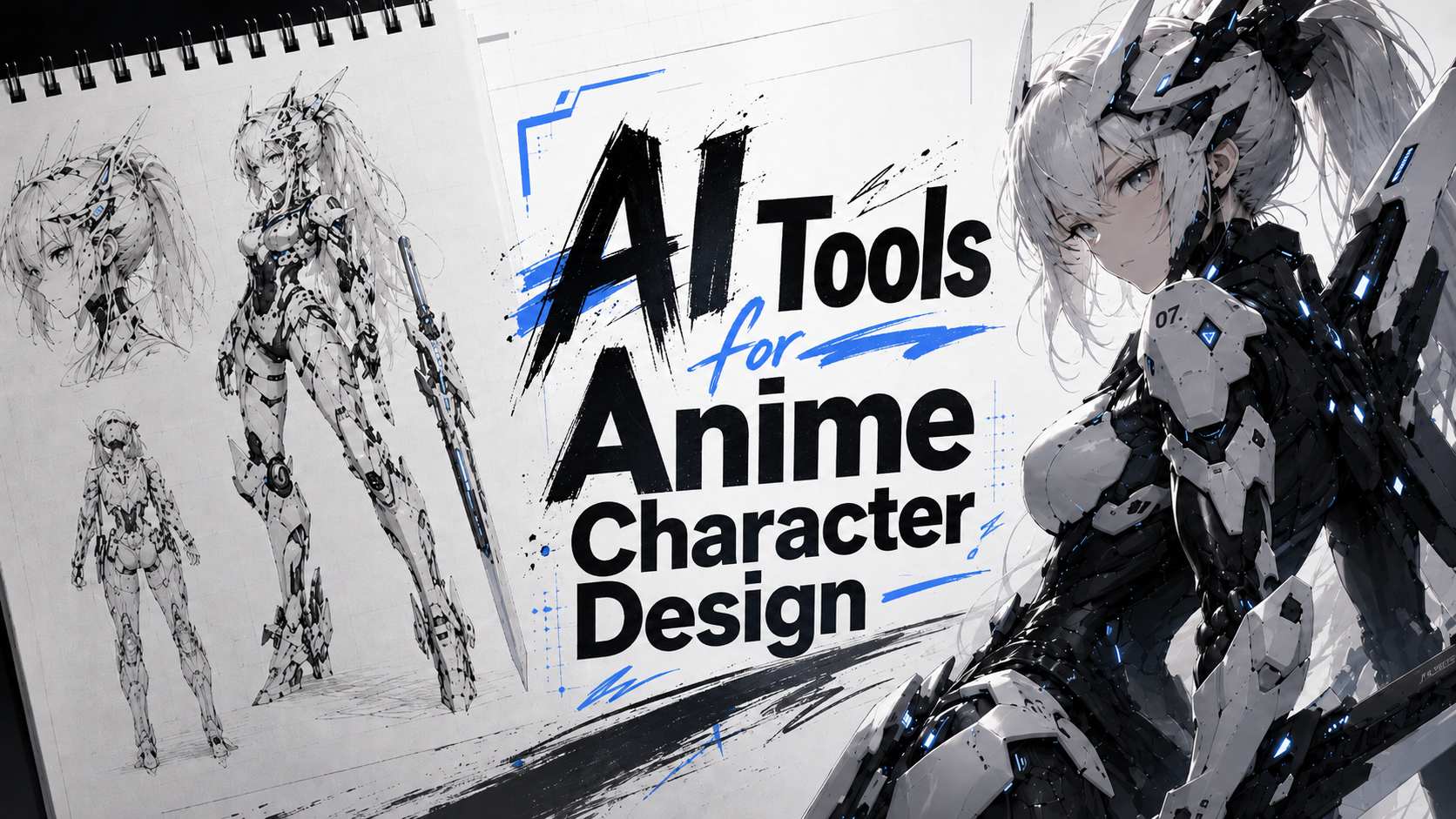
Designing an anime character used to mean pages of sketches before the look finally clicked. AI now shortens the early, uncertain part of that process. You can test several faces, hairstyles, outfits, poses, and styles before committing to one direction.
Some tools work best when you start with a written idea. Others are better suited to a photo, sketch, or existing character that needs further development. The right choice often depends on how far the design has already progressed.
This guide compares seven AI tools for anime character design and shows which one fits each stage, from a vague idea to a recognizable character that can hold up across different scenes.
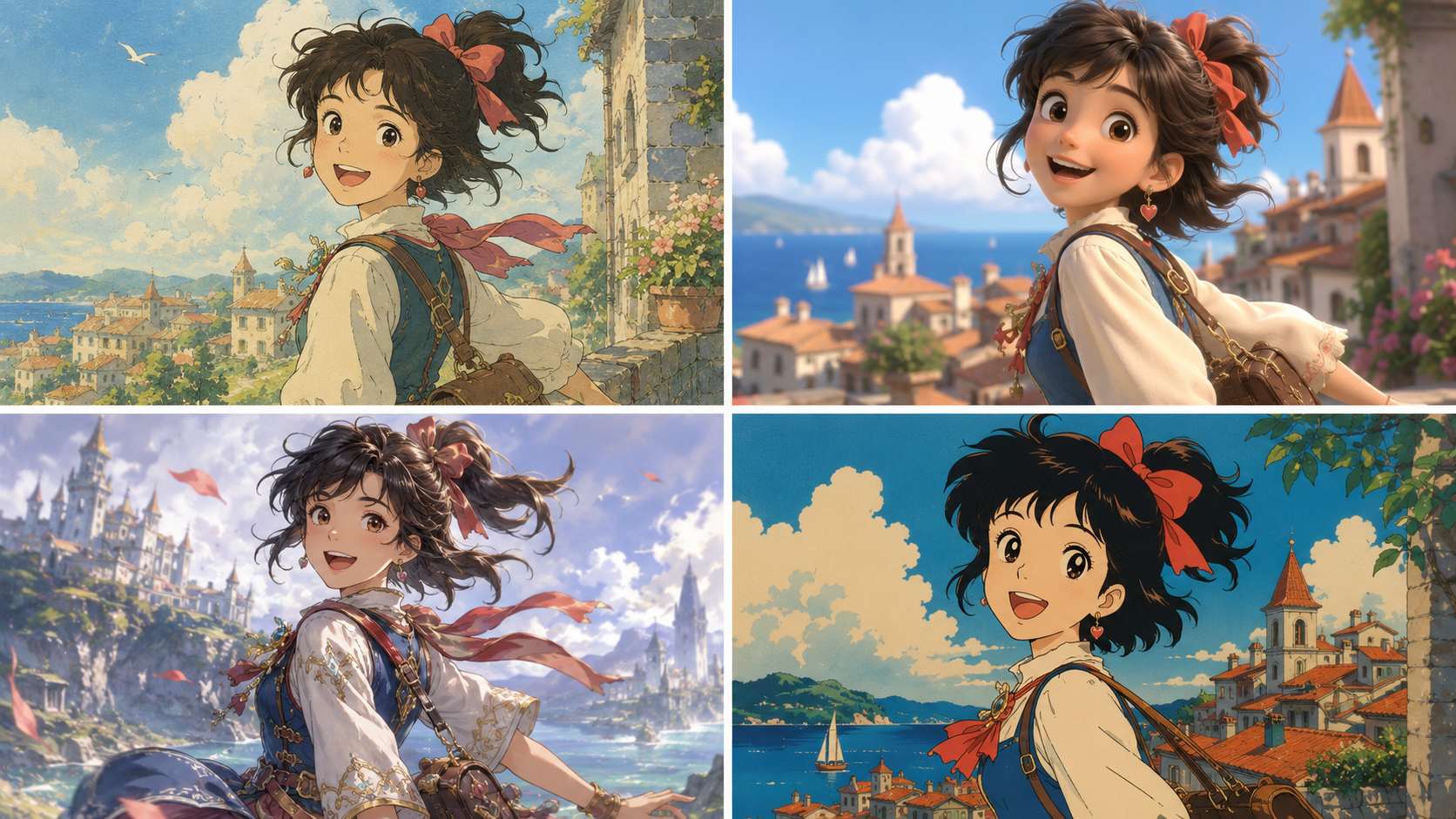
What Is an Anime Character Design Tool?
An anime character design tool turns a prompt, photo, sketch, or reference image into an anime-style character.
Most tools let you control:
Hair and eye color
Clothing and accessories
Facial expression
Pose
Camera angle
Background
2D or 3D-style rendering
Two workflows appear most often.
Text to image works when you only have an idea. You describe the character, and the model creates the image.
Image to image works when you already have a visual starting point. You can upload a portrait, sketch, or existing design and use a prompt to guide the result.
The best AI tools for anime character design combine clear prompt control, reliable image references, and enough flexibility to refine the same idea without starting over.
Best AI Tools for Anime Character Design at a Glance
Tool | Best suited for | Text to image | Image reference | Photo to anime | Main drawback |
PicLumen | Beginner-friendly character exploration | Yes | Yes | Yes | Detailed designs still need clear prompts |
Niji Journey | Polished anime illustrations | Yes | Yes | Limited | Small details may shift between generations |
NovelAI | Detailed anime prompt control | Yes | Yes | Limited | Tag-based prompting takes time to learn |
PixAI | Exploring anime models and LoRAs | Yes | Yes | Yes | Model choice can feel overwhelming |
Leonardo AI | Recurring game and story characters | Yes | Yes | Yes | Anime quality varies by model |
Fotor | Simple photo-to-anime conversion | Yes | Yes | Yes | Limited control over original character design |
Adobe Firefly | Anime art inside a wider design workflow | Yes | Yes | Yes | Less focused on anime-specific creation |
The Four Stages of Anime Character Design
Most character designs move through a similar process, whether they begin as sketches or AI prompts.
Stage | Main task | Useful features |
Explore | Test faces, outfits, colors, and styles | Multiple models, fast generation, community examples |
Define | Lock in the traits that make the character recognizable | Detailed prompts, references, character sheets |
Refine | Fix the pose, clothing, expression, or composition | Image-to-image and editing tools |
Repeat | Place the same character in new scenes | Reference control and character consistency |
Beginners often spend more time exploring. Comic, game, and visual novel creators usually care more about the Define and Repeat stages.
1. PicLumen — Flexible Anime Character Exploration
PicLumen has a clear workflow that is easy to understand, even for users with little experience in AI image creation.
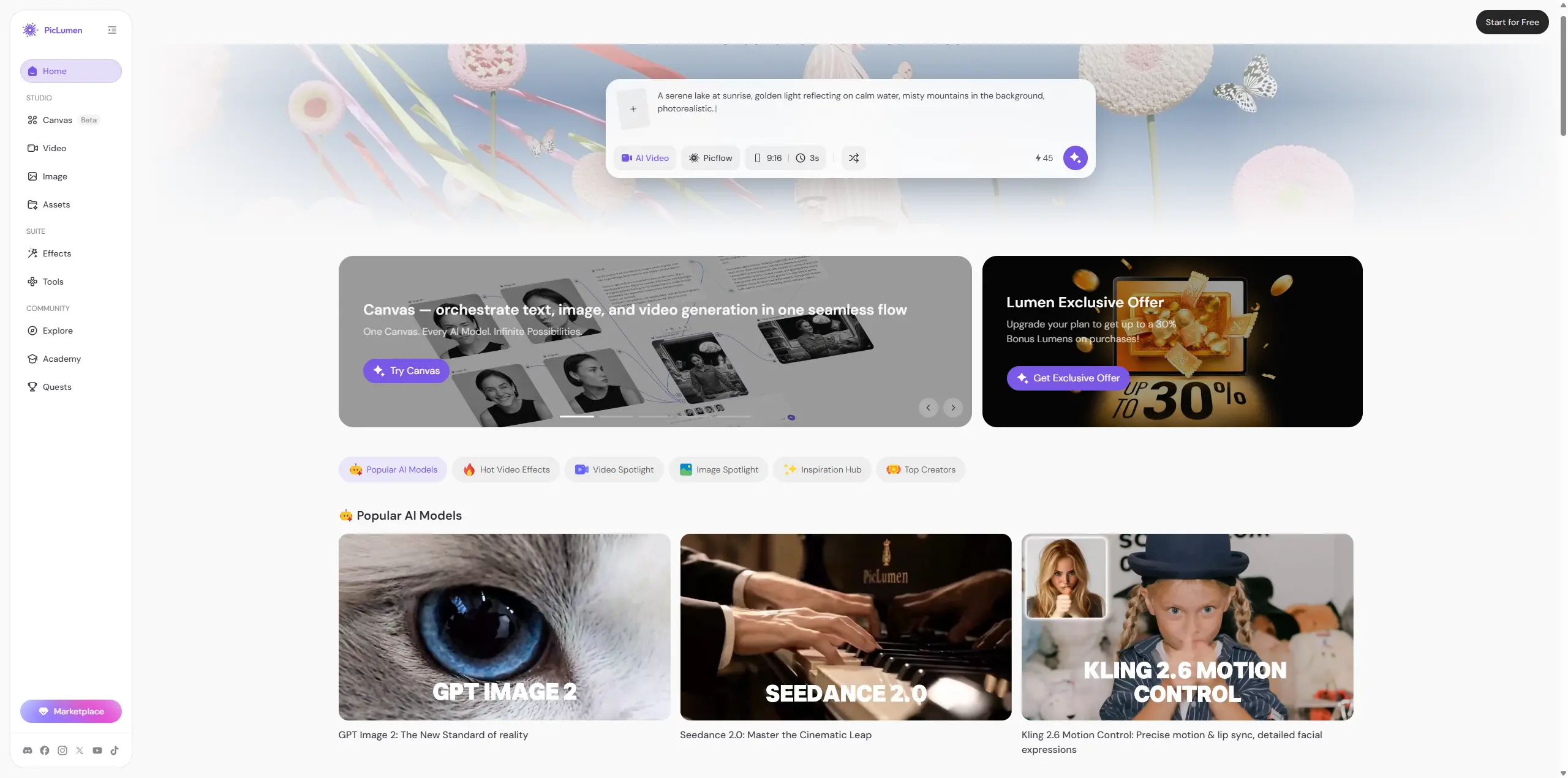
You can start with text, upload a photo, or use an existing character as a reference. This flexibility makes PicLumen especially useful during the Explore stage, when the face, outfit, or overall style is still taking shape.
Starting from text
With text to image, describe the character’s appearance, clothing, expression, pose, setting, and visual style.
For example:
A full-body 2D anime sci-fi female pilot, front-facing character design, short silver hair, amber eyes, composed expression, sleek white flight jacket over a fitted futuristic pilot suit, subtle technical details, utility straps, clean silhouette, polished anime line art, soft cel shading, low-saturation white, gray, black, and cool blue tones, minimal background, stylish sci-fi design.
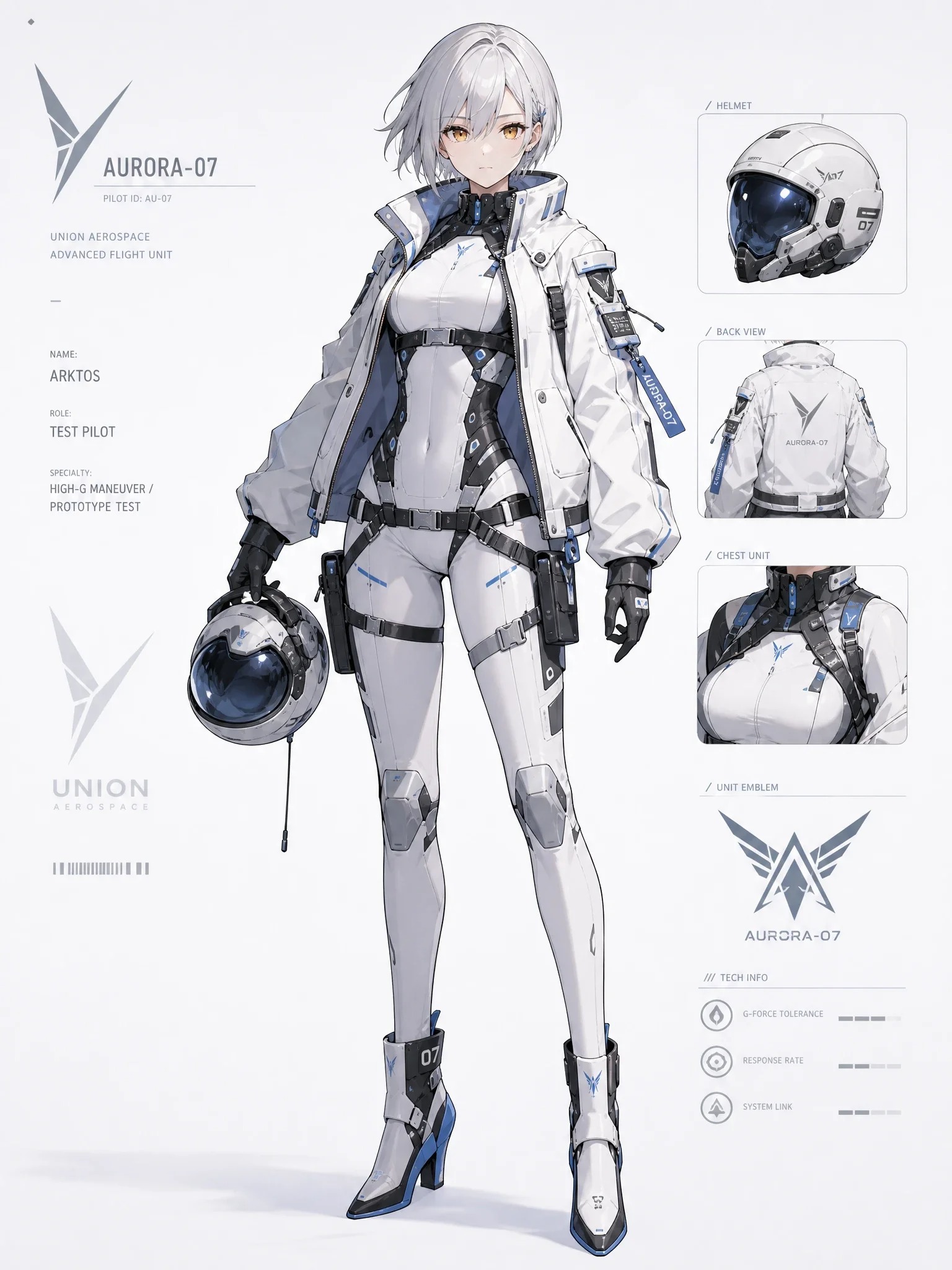
Once the result is close, adjust one detail at a time. You might change the jacket color, test a new hairstyle, or try another pose while keeping the core design stable.
PicLumen also offers multiple image models. This matters because different characters may need different strengths. One model may handle clean 2D line art well, while another may suit a semi-realistic portrait or 3D-style game character.
Starting from a photo
With image to image, upload a selfie, portrait, sketch, or existing character concept. The image provides the visual reference, while the prompt controls the anime treatment.
The AI Anime Character Generator supports both workflows in one place. It works well for avatars, original characters, photo conversions, and early concept development.
PicLumen also has an active community where users can browse prompts, styles, poses, and finished designs for inspiration. This is useful when the overall direction is still unclear.
Regular AI creation challenges give users new themes to explore and opportunities to earn extra credits. Challenge rules and rewards can change, so check the latest event details before entering.
Best suited for: Beginners and regular creators who want a clear workflow, several model options, community inspiration, and both text and image-based creation.
2. Niji Journey — Polished Anime Illustrations
Niji Journey is Midjourney's anime-focused model line. It works well when mood, composition, and visual finish matter most.
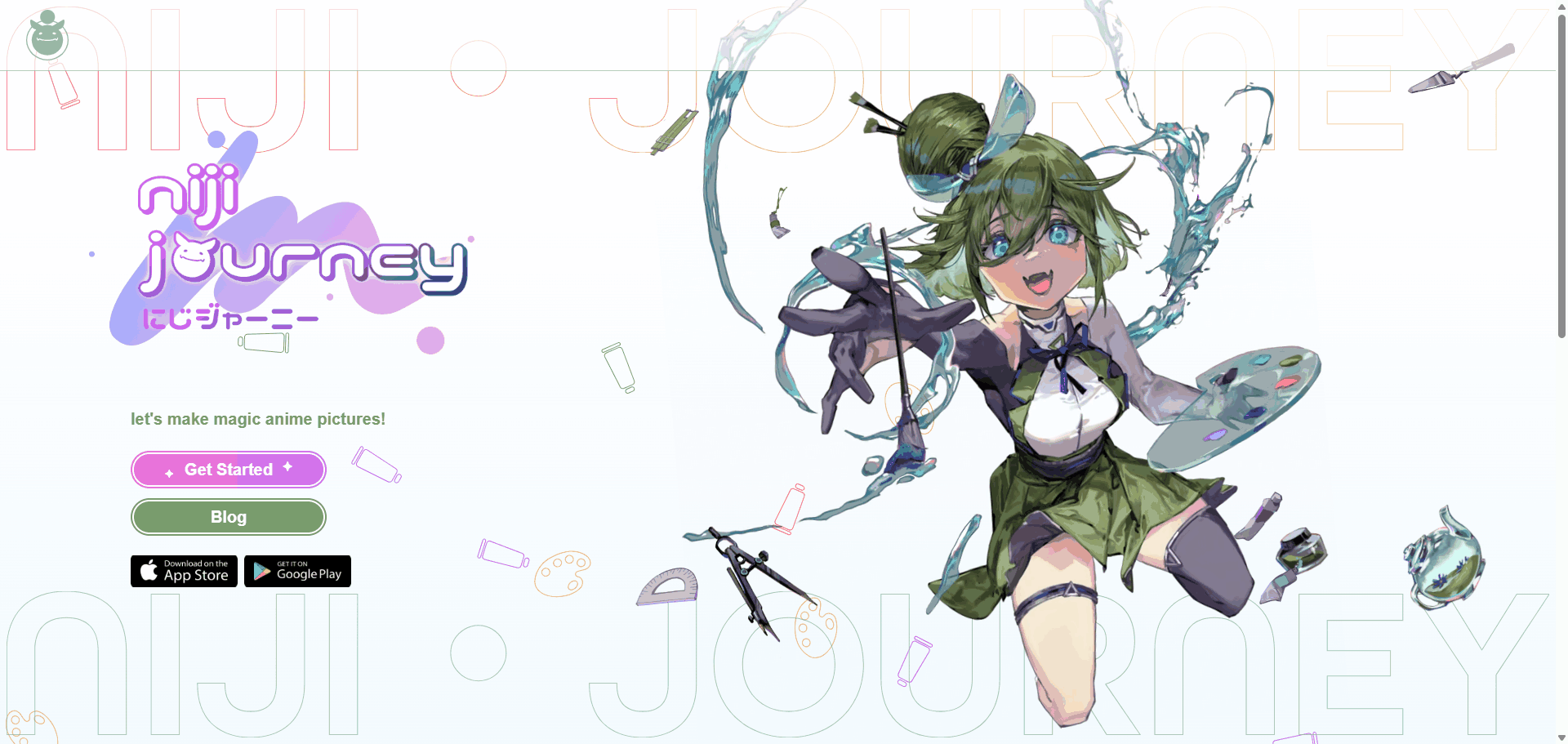
Common use cases include:
Character posters
Cinematic key art
Fantasy scenes
Action shots
Detailed environments
Dramatic lighting
Niji often adds details beyond the prompt. This can improve the overall image, but it may also change a costume, accessory, or facial feature you wanted to preserve.
Small details may take several attempts to hold across multiple generations.
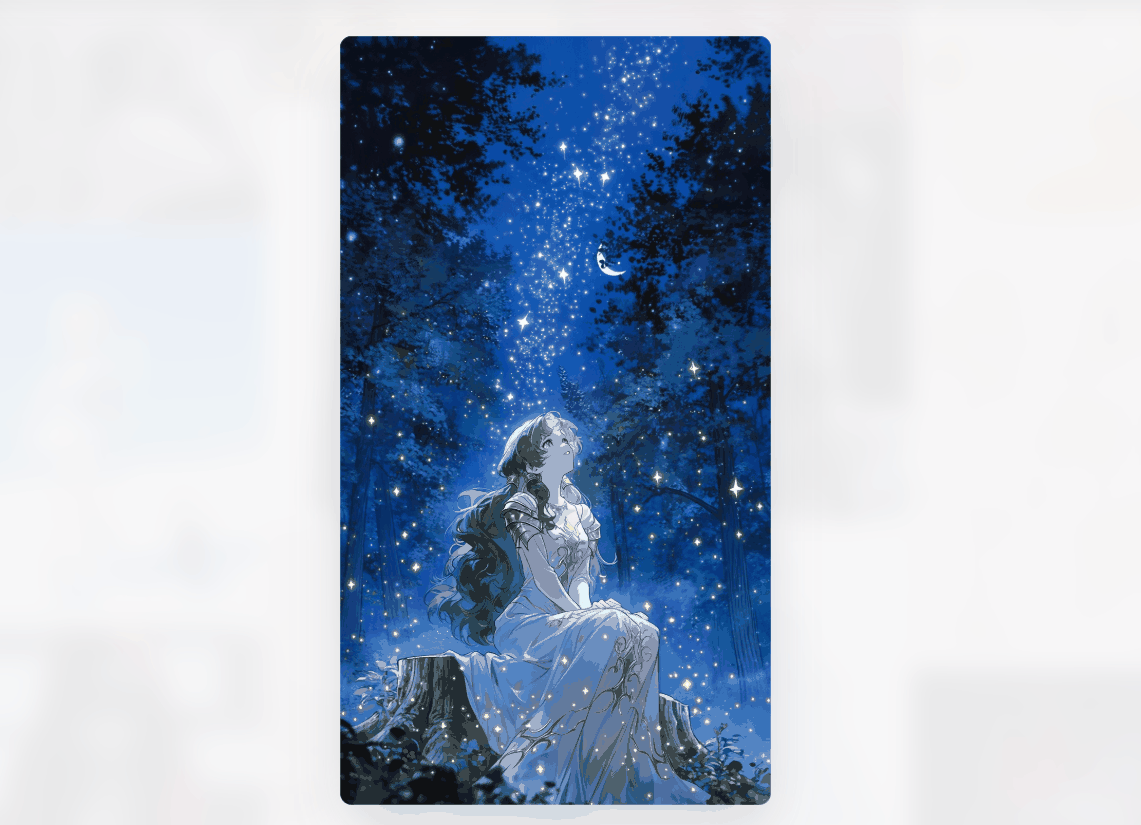
Niji Journey is best suited to finished illustrations where atmosphere and presentation matter more than strict character accuracy.
3. NovelAI — Detailed Anime Prompt Control
NovelAI uses anime-focused models and a tag-based prompt system.
Instead of writing a long paragraph, you build the character from separate visual details: Hair / Eyes / Clothing / Pose / Expression / Framing / Art style
This makes it easier to separate permanent traits from scene details.
Character information | Example |
Fixed traits | Silver hair, green eyes, black ribbon, red coat, scar under the left eye |
Scene details | Sitting beside a window, looking over one shoulder, evening light |
You can reuse the fixed tags and only change the pose, expression, or setting. This is useful when building a recurring AI-generated anime character.
The main drawback is the learning curve. Tag-based prompting can feel less natural for users who prefer full sentences.
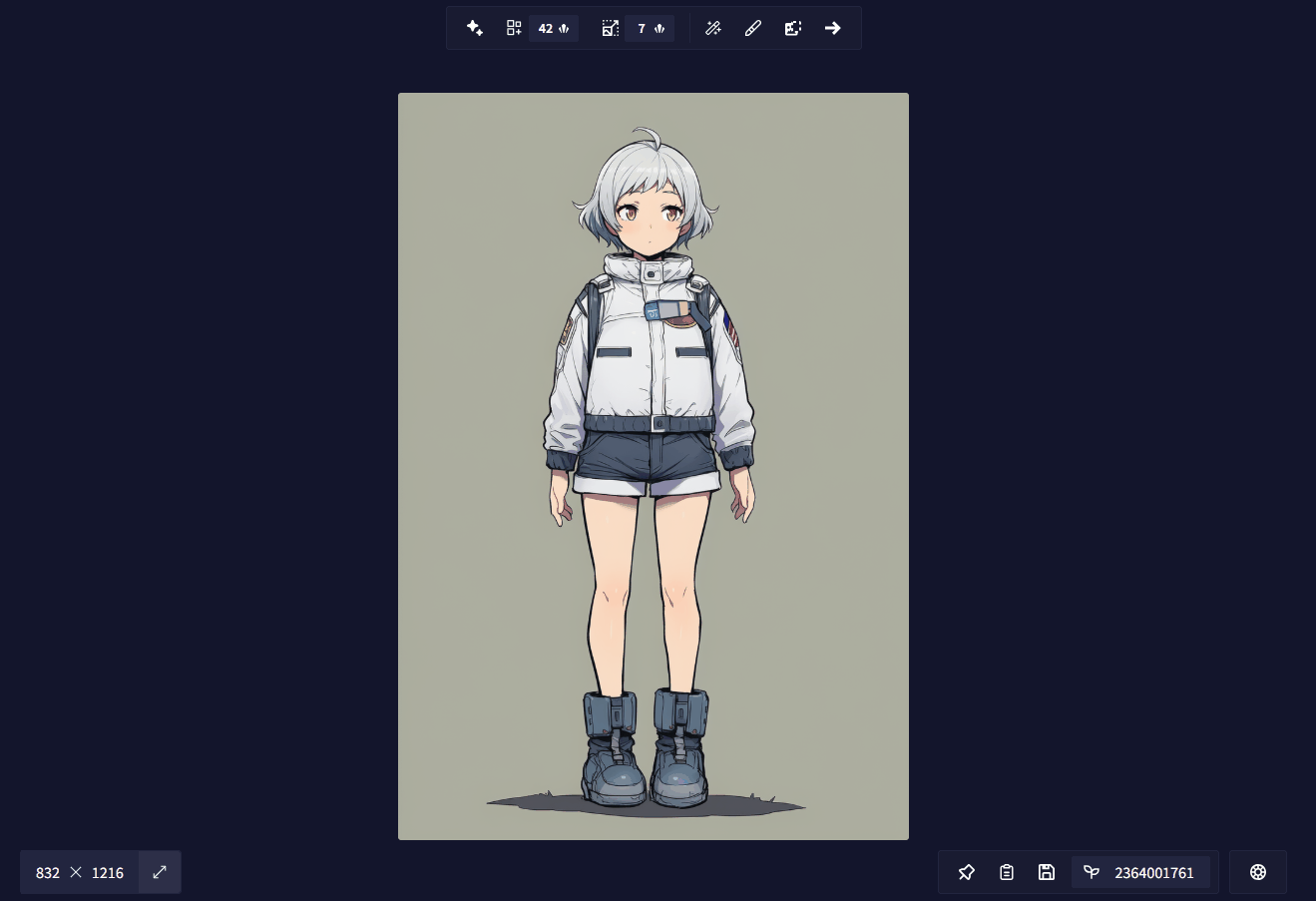
Best suited for: Creators who want detailed anime-specific control and are willing to learn a structured prompt system.
4. PixAI — Anime Models and Community LoRAs
PixAI offers a large collection of anime models, LoRAs, and community-made styles.
It works well when you already know the direction you want, such as:
Soft shoujo art
Retro fantasy
Manga portraits
Cel-shaded game characters
Detailed fantasy costumes
Stylized 3D renders
A specialist community model can reach a niche style more easily than a general prompt. However, two models may respond very differently to the same description.
Choosing the right model becomes part of the creative process. This suits users who enjoy experimenting, but it may slow down beginners.
Licensing can also vary between community resources. Check the model terms before using an output commercially.
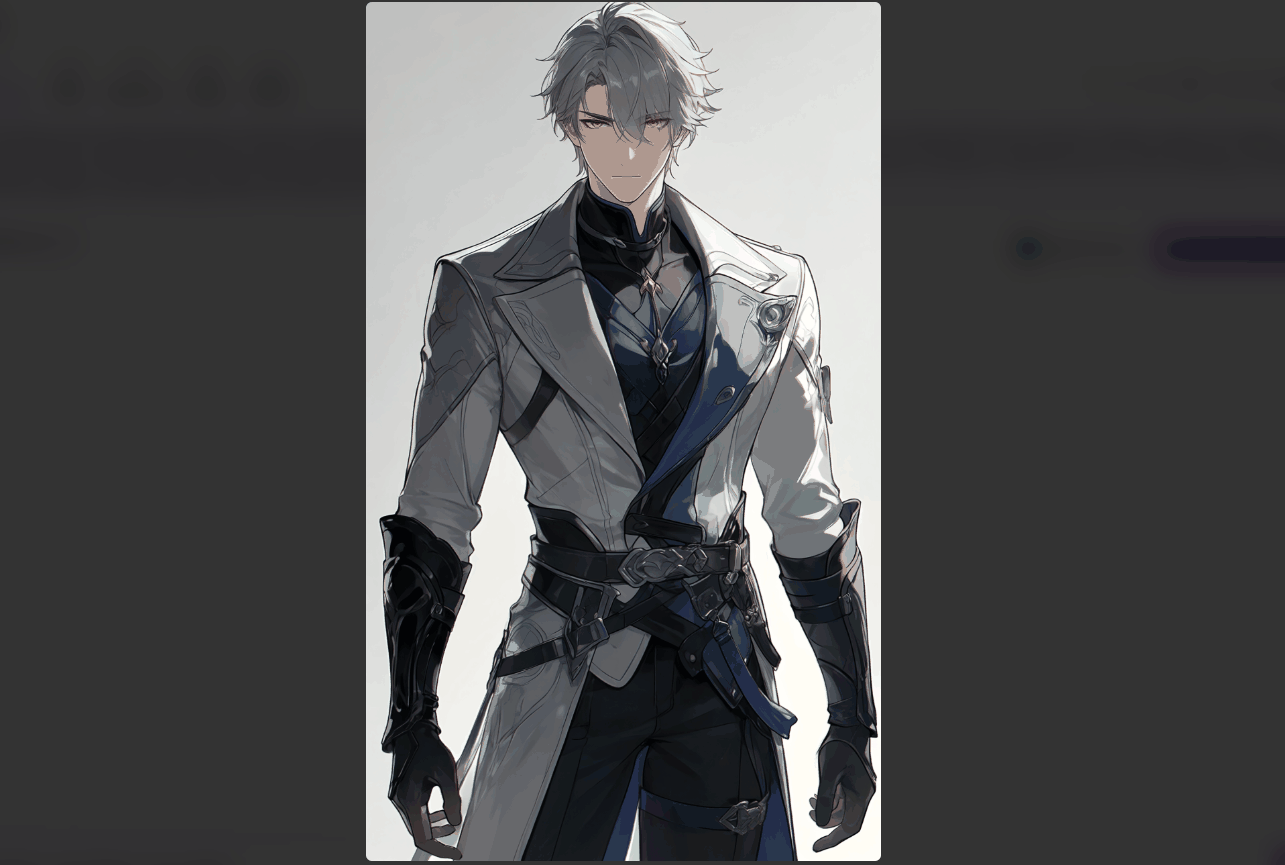
Best suited for: Users who want a wide range of anime styles and are comfortable testing different models.
5. Leonardo AI — Consistent Game and Story Characters
Leonardo AI is a broader creative platform, but its reference and editing tools make it useful for recurring character work.
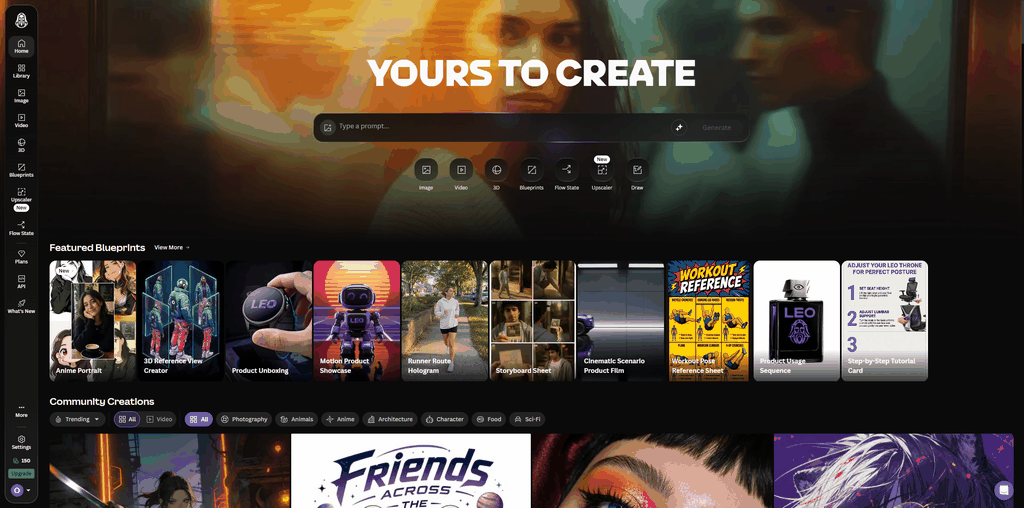
It fits projects such as:
Game character concepts
Visual novel casts
Story illustrations
Multi-scene campaigns
Alternate outfits
Semi-realistic anime characters
Reference images help preserve facial structure, clothing, and other identifying features across several scenes.
Leonardo also supports editing and scene expansion, which helps when a project grows beyond a single portrait.
Because the platform covers many visual styles, model choice and prompt wording matter. Terms such as clean line art, cel shading, and stylized proportions can keep the output closer to anime.
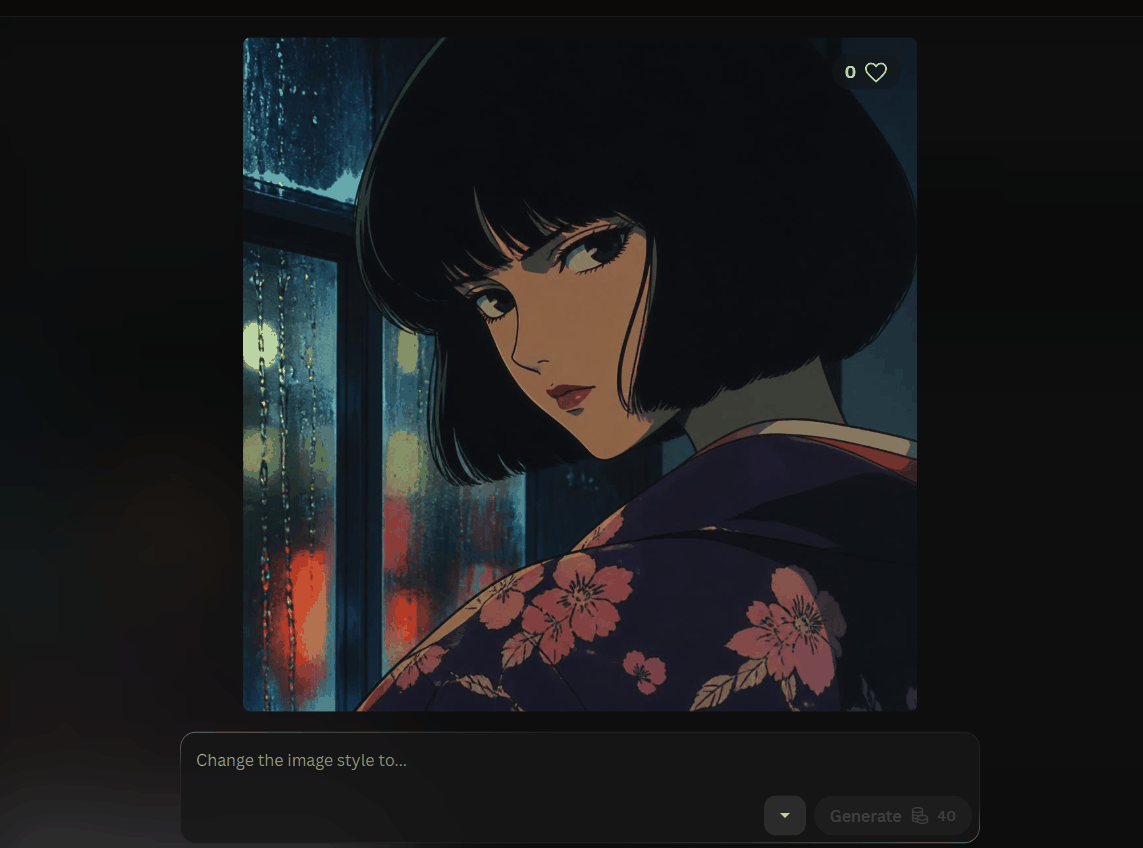
Best suited for: Projects where the same character needs to appear across different scenes, poses, or outfits.
6. Fotor — Simple Photo-to-Anime Conversion
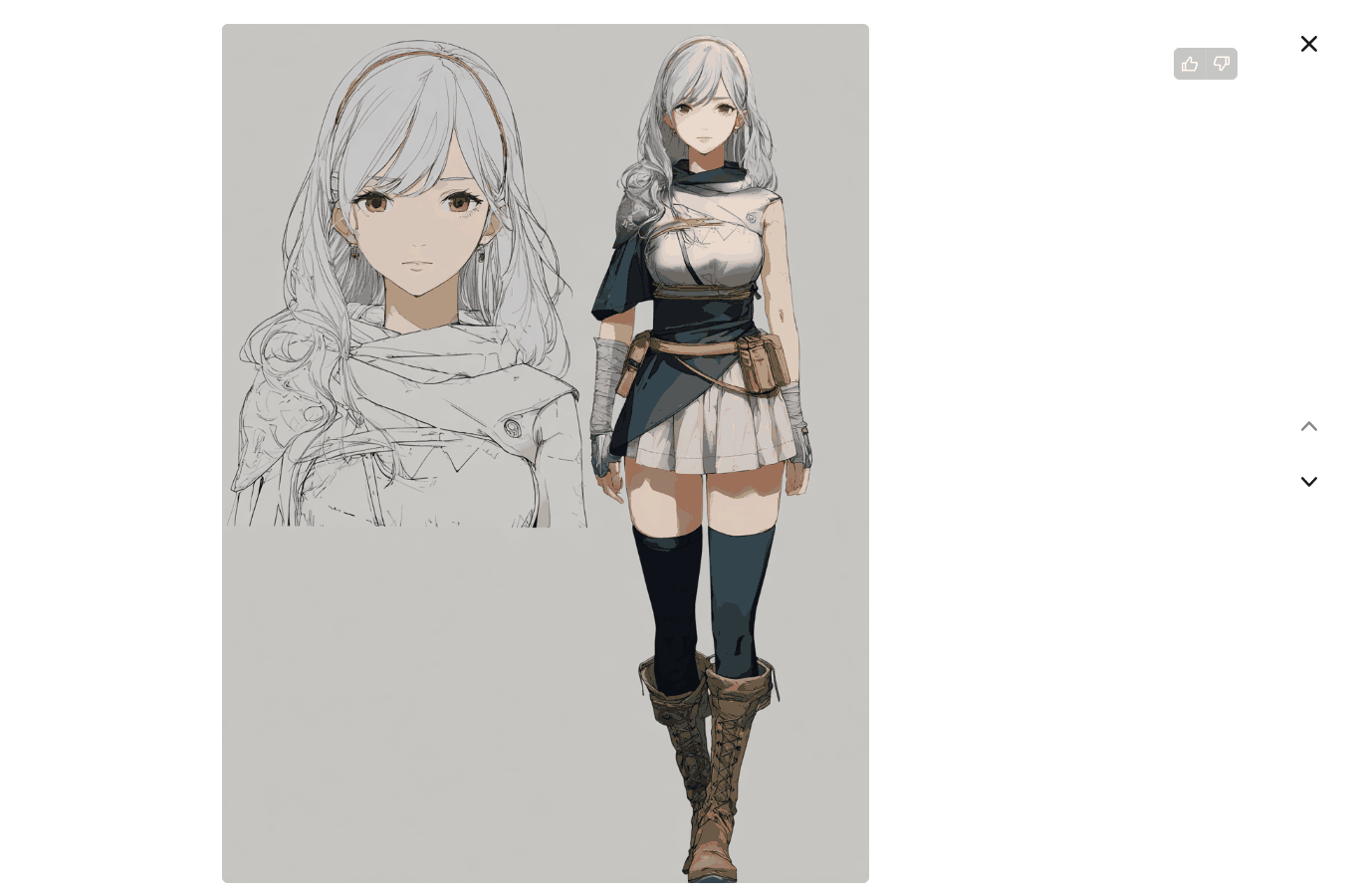
Fotor’s main appeal is its simple photo-to-anime workflow. Upload a portrait, choose a style, and generate a result without writing a detailed prompt.
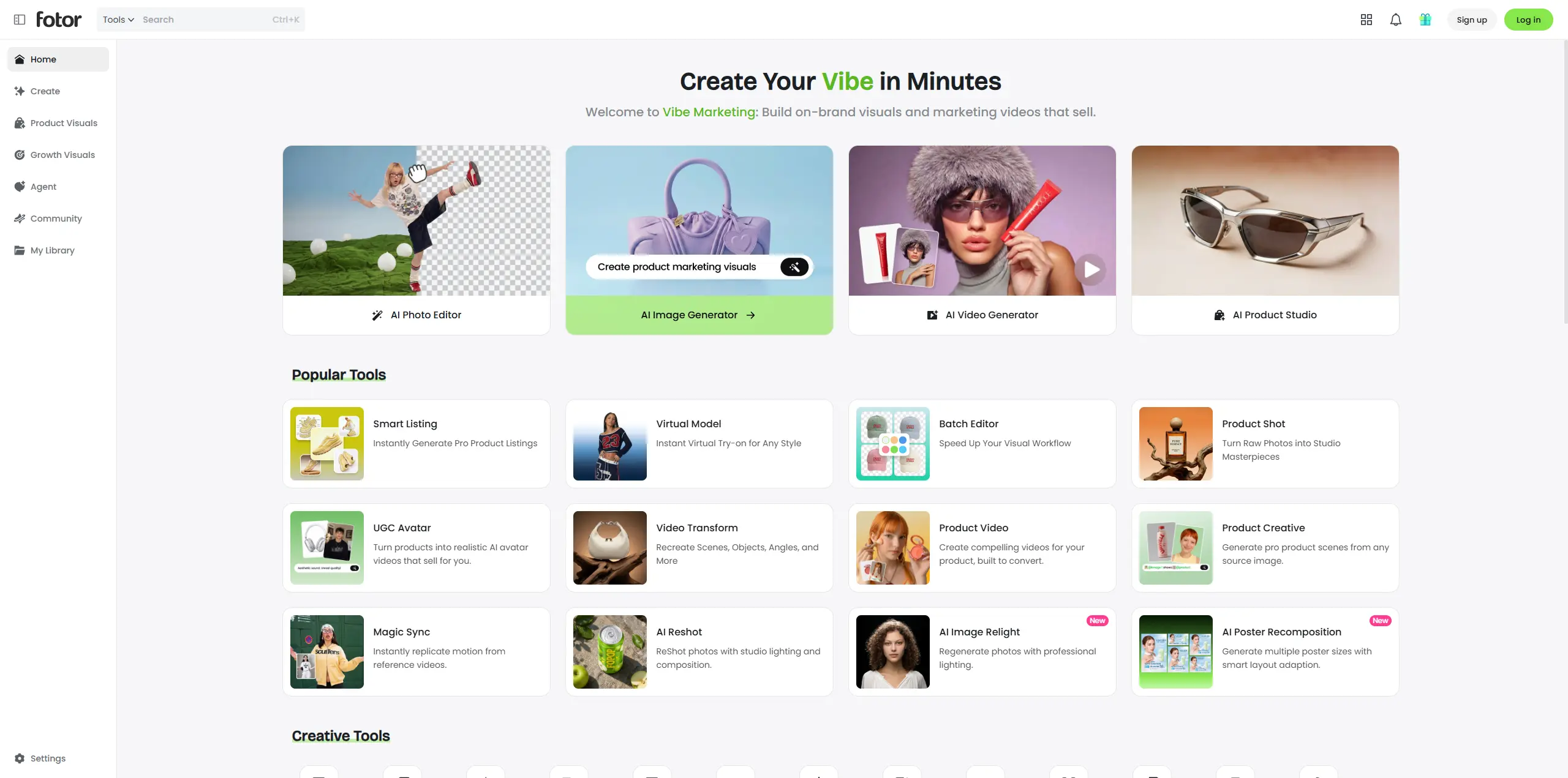
It works well for:
Anime profile pictures
Selfie transformations
Pet portraits
Social media images
Casual character experiments
Fotor also supports text-based generation, but photo conversion remains the clearest reason to choose it.
The preset workflow limits precision. It is less suitable for detailed character sheets, complex original outfits, or long-term character development.
Best suited for: Beginners who want to turn a photo into anime with minimal setup.
7. Adobe Firefly — Anime Art in a Wider Design Workflow
Adobe Firefly suits projects where anime character creation is one part of a larger design process.
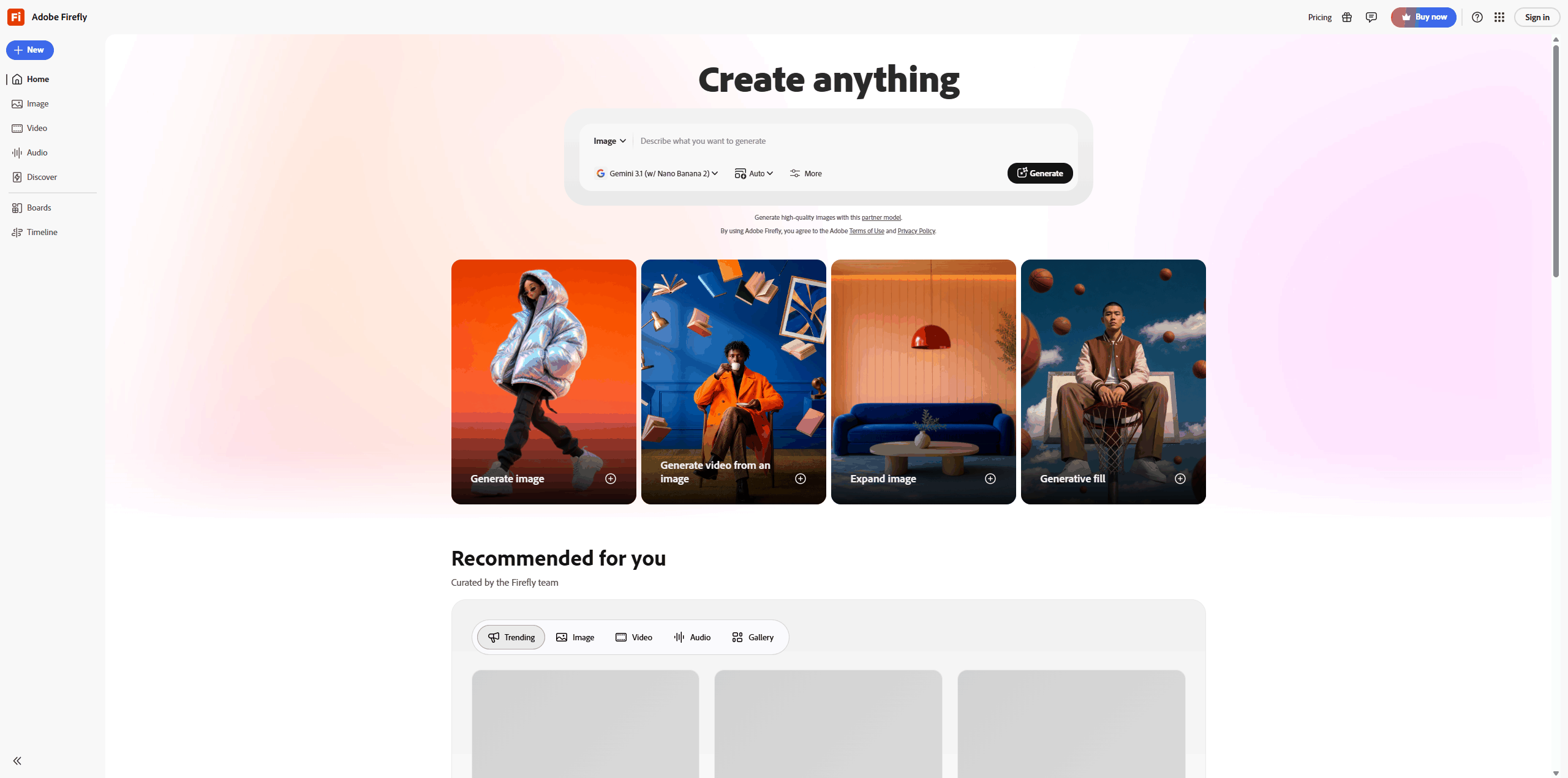
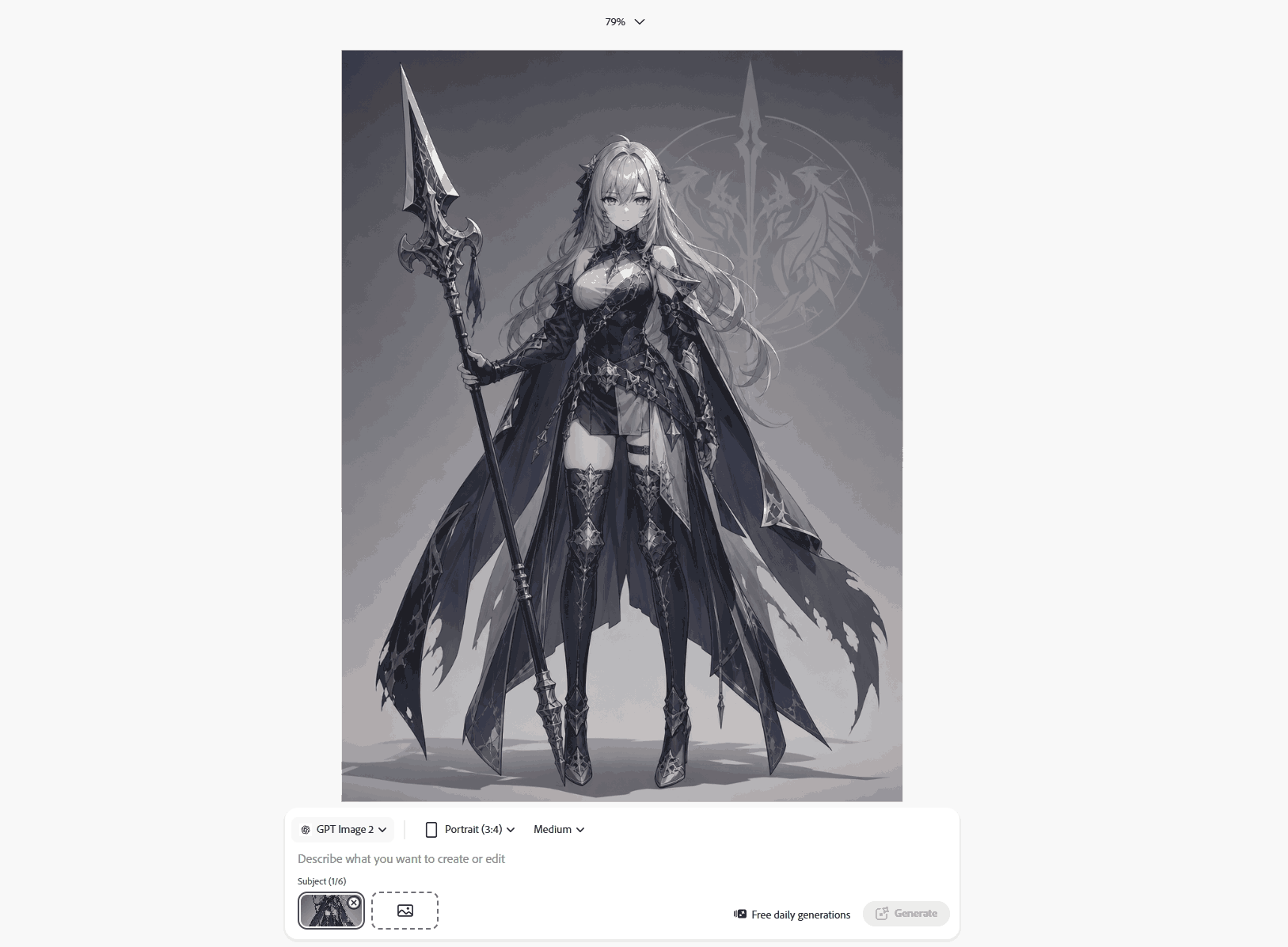
It supports prompts and image references, and the result can continue into other Adobe tools.
A typical workflow could include:
Generate a character concept.
Refine the composition.
Add typography.
Build a poster or campaign asset.
This can save time for designers who already use Adobe software.
Firefly covers many visual styles and is less specialized than anime-focused platforms. A dedicated anime tool may offer stronger line art, shading, and style control.
Best suited for: Designers who want to connect character generation with editing, layout, and commercial content production.
Choose a Tool Based on What You Already Have
The right starting point usually depends on how much of the character already exists.
What you have | What to look for | Suggested tool |
A written idea | Strong prompt understanding and model choice | PicLumen or NovelAI |
A portrait or selfie | Identity preservation and image-to-image support | PicLumen or Fotor |
A rough sketch | Reference control and refinement tools | PicLumen or Leonardo.Ai |
A clear visual style | Specialist models and community resources | PixAI or Niji Journey |
An existing original character | Consistency across poses and scenes | Leonardo.Ai or NovelAI |
A finished image for a larger design | Editing and layout integration | Adobe Firefly |
PicLumen works well while the character is still taking shape. NovelAI offers more structured control once the main traits are clear. Leonardo.Ai becomes more useful when the character needs to appear repeatedly.
What Separates a Designed Character From a Pretty Image
A polished image can still produce a forgettable character. Strong character design depends on choices that remain recognizable across poses, scenes, and camera angles.
Weak result | Strong character design |
Generic attractive face | Recognizable facial traits |
Random fashionable outfit | Clothing tied to the character’s role |
Too many decorative details | A few memorable signature features |
Works only from one angle | Reads clearly across poses and views |
Strong art style, weak identity | Clear identity beneath the style |
Different appearance in every image | Stable hair, face, colors, and accessories |
A mechanic with copper hair, a worn work jacket, and one bright green tool belt often feels more distinctive than a character covered in unrelated accessories.
Fewer, clearer choices usually create a stronger identity.
Writing Prompts for 2D and 3D Anime Characters
Long prompts are not automatically better. Clear visual details matter more.
A useful structure is:
Character type + appearance + clothing + expression + pose + art style + camera view + background + lighting
Goal | Details to emphasize |
2D anime character | Line art, cel shading, flat colors, clean silhouette |
3D-style anime character | Materials, depth, texture, studio lighting |
Photo-to-anime conversion | Face shape, hair, eye color, clothing, pose |
Character sheet | Fixed identity across front, side, and back views |
2D Anime Character Prompt
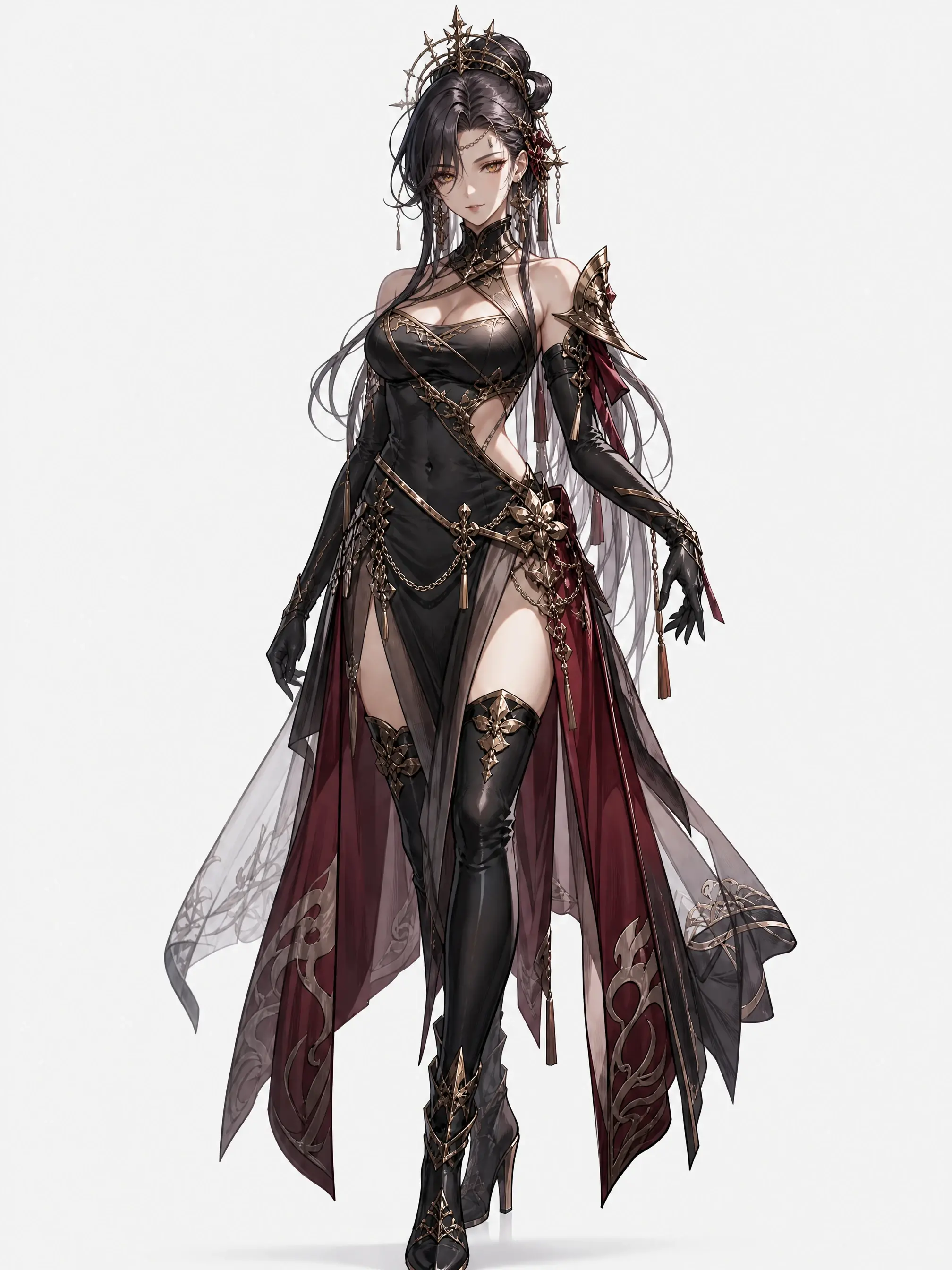
A full-body anime-style adult JRPG heroine, front-facing character design, long silver-black hair, sharp amber eyes, distinctive mature facial features, confident and slightly seductive expression, elegant fantasy battle outfit with a fitted silhouette, asymmetrical neckline, high slit skirt panels, sheer layered fabric, refined armor details, long gloves, thigh-high boots, tasteful exposed shoulders and waist, poised stance, polished anime line art, rich cel shading, low-saturation black, silver, deep burgundy, and muted gold palette, cinematic lighting, clean background, strong visual impact, premium Japanese RPG character concept art.
3D-Style Anime Character Prompt
A polished 3D-style anime character of a futuristic street racer, layered black and teal hair, reflective jacket, mechanical gloves, expressive eyes, dynamic standing pose, detailed fabric textures, soft studio lighting, high-end game character render.
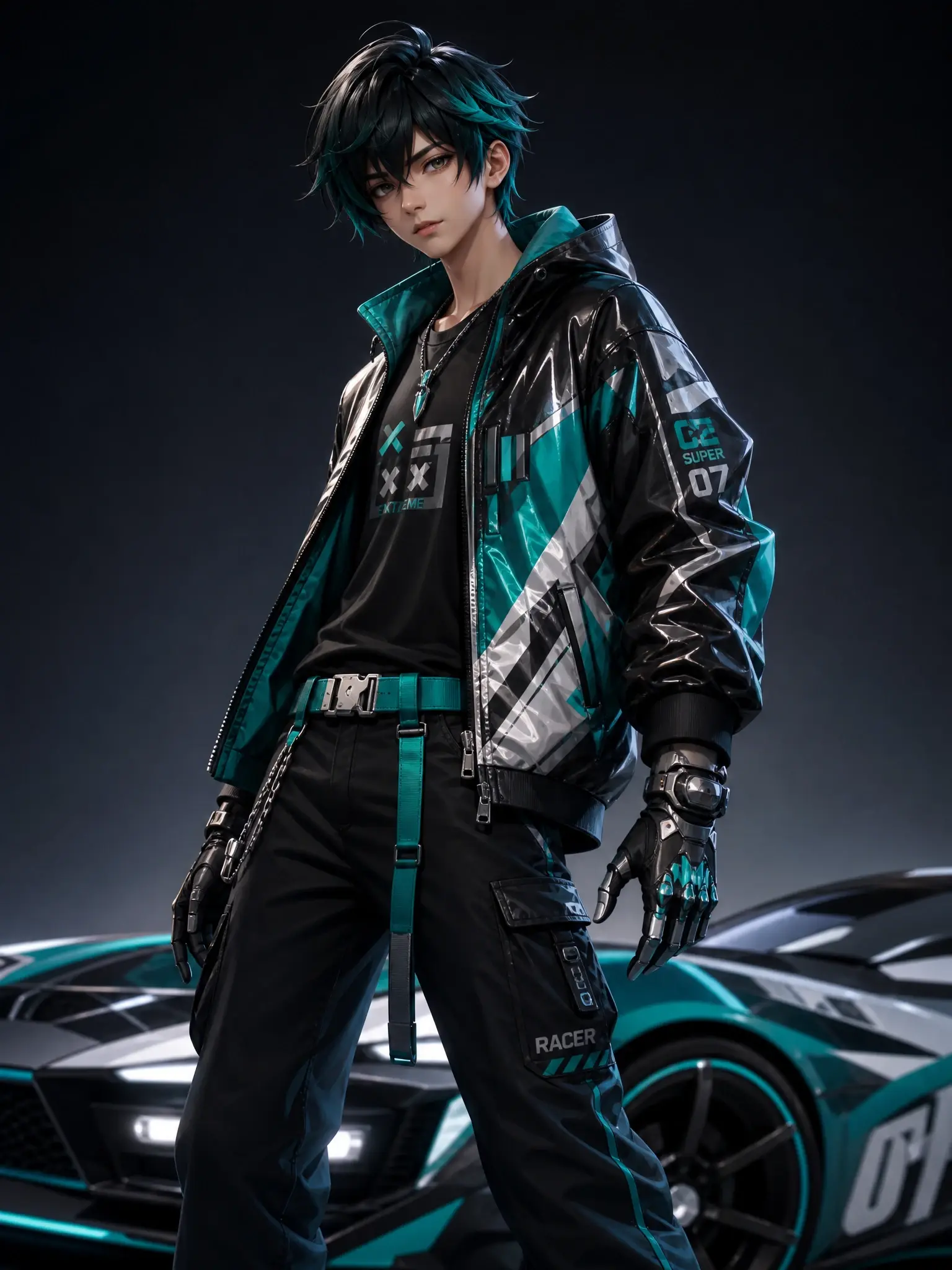
Photo-to-Anime Prompt
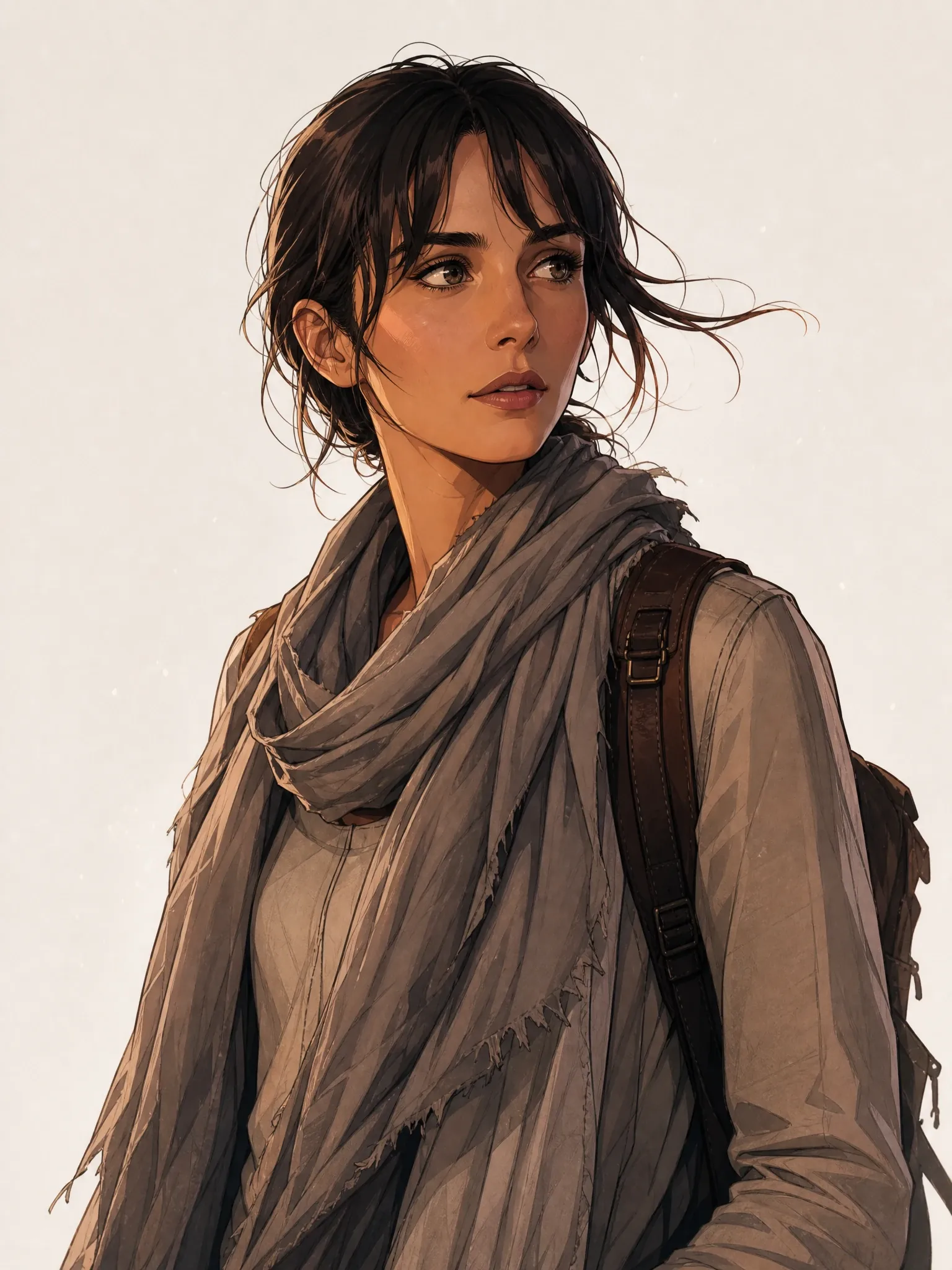
Transform the uploaded portrait into a clean 2D anime character. Preserve the facial structure, hairstyle, eye color, clothing, and pose. Use natural skin tones, crisp line art, soft cel shading, and a simple background.
Consistent Character Sheet Prompt
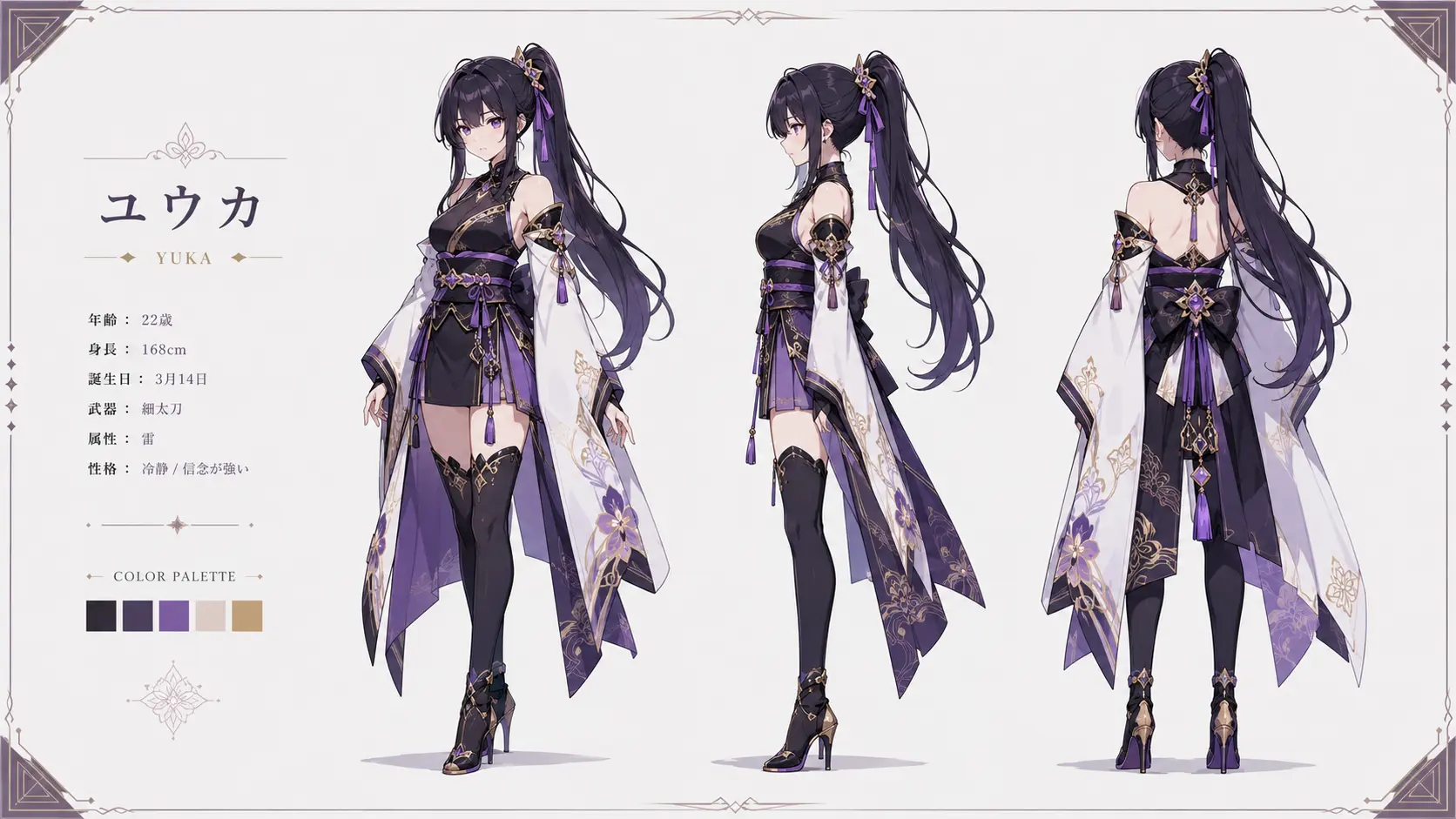
Create a character reference sheet showing the same anime character from the front, side, and back. Keep the face, hairstyle, clothing, colors, accessories, and body proportions consistent. Use a plain background with clear spacing between each view.
Final Thoughts
Each tool supports a different part of anime character design.
Niji Journey is strongest at visual polish. Fotor keeps photo conversion simple. NovelAI and Leonardo.Ai become more useful when a character needs tighter control or consistency across several images. PixAI rewards users who enjoy testing community models, while Adobe Firefly fits broader design workflows.
PicLumen covers more than one stage. You can move from a written idea to a photo reference, compare different models, refine the design, and browse community examples without changing platforms.
That flexibility makes it a practical place to begin when the final character is still taking shape.
Frequently Asked Questions
What is the best AI tool for anime character design?
The right choice depends on the design stage. PicLumen works well for exploring ideas through text, photos, and different models. Niji Journey suits polished illustration, NovelAI offers detailed tag control, and Leonardo.Ai helps with recurring characters.
Which anime character design tool is easiest for beginners?
PicLumen and Fotor are both approachable. PicLumen offers more room to grow because users can move from simple prompts or photos into reference-based creation and different model choices without switching platforms.
How to make anime AI art?
Choose a tool, describe the character or upload a reference image, select a style, and generate several versions. Refine one element at a time, such as the hair, clothing, pose, or background.
Can AI turn a photo into an anime character?
Yes. Image-to-image tools use the uploaded photo as a visual reference and restyle it while trying to preserve recognizable features. Clear, front-facing portraits usually produce stronger results.
What makes a good anime character prompt?
Start with the traits that should remain fixed, such as the face, hair, eye color, and signature accessories. Then add clothing, expression, pose, style, camera angle, background, and lighting.
How to keep an AI-generated anime character consistent?
Reuse the same reference image and core description. Keep the hairstyle, eye color, face shape, clothing, and accessories stable. Change one pose, outfit, or background at a time.
Can AI-generated anime characters be used commercially?
Commercial use depends on the platform, model, subscription, and source material. Review the current terms before publishing or selling an image. Community models and LoRAs may have separate restrictions.