Anyone who's run a video marketing campaign knows how painfully slow traditional production can be. Locking in actors, arranging studio shoots and tweaking lighting setups often delays your entire launch plan by weeks on end. Eager to cut through these endless bottlenecks, I put Akool's core functions through a one-day intensive test. I had one main question going into this test: Can this AI tool take care of all my social commerce videos and pump out tons of ad clips without any real people on camera? I tested its flagship face swap and digital human video generation tools in depth. Below is my honest hands-on review, covering everything this AI video platform does exceptionally well, plus its noticeable drawbacks that drag down final output quality.
What Is Akool?
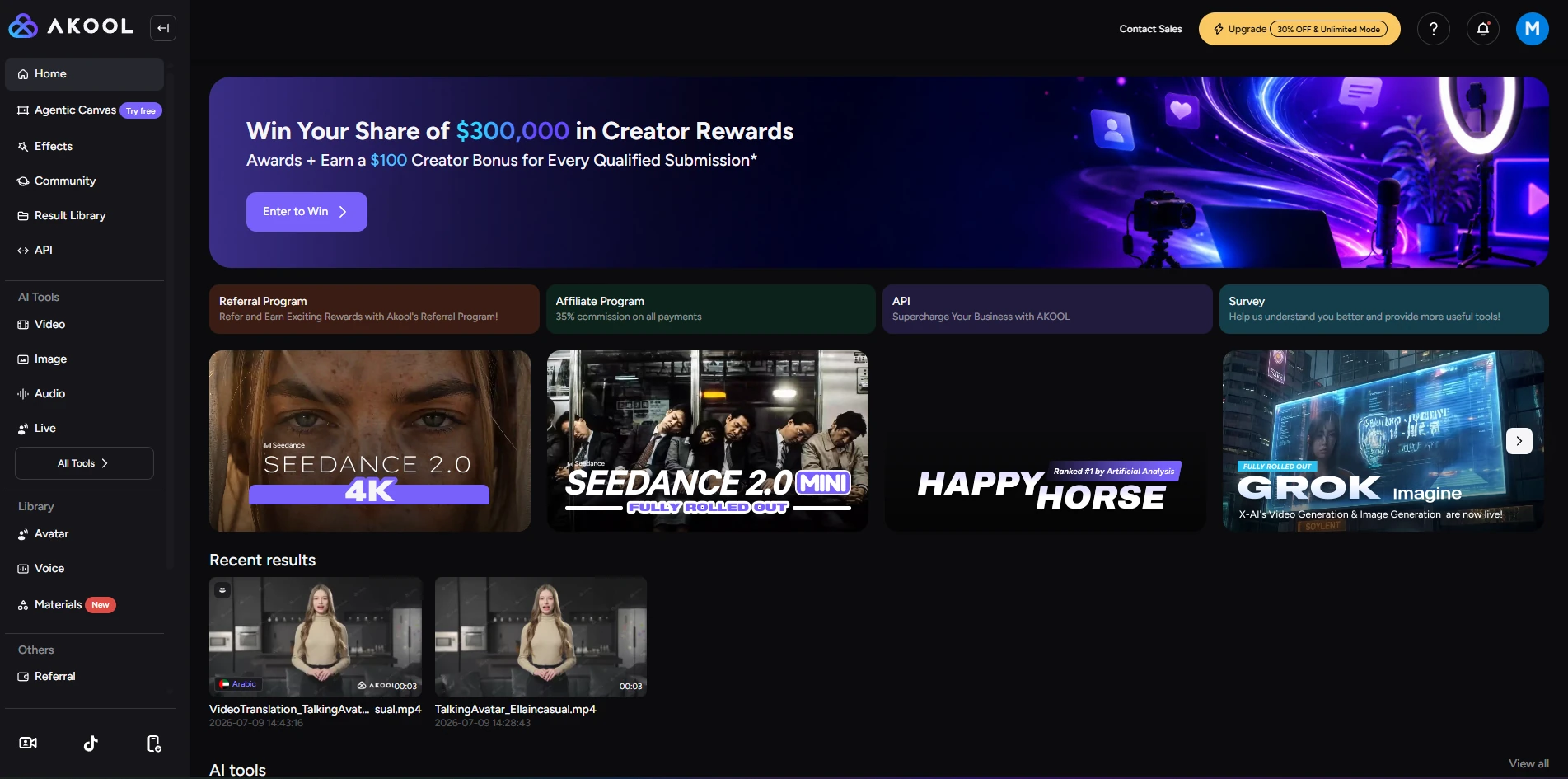
Akool is a premium browser-native AI video platform crafted for commercial character transformation and media localization, serving as a cloud-hosted online production studio perfectly suited for e-commerce agencies and digital marketing teams. The platform has undergone major iterative upgrades, building an all-in-one central workspace that natively embeds leading foundational AI models such as Kling 3.0, Seedance 2.0 and Wan 2.6 within its exclusive editing interface, enabling users to edit digital avatars, perform face swaps, adjust voiceovers and create AI-generated video clips entirely within one unified browser tab.
Deep-Dive: Putting Akool's Specialized Video Tools to the Test
I broke my evaluation down into Akool's three primary character and identity modules to see how they hold up under real-world scrutiny.
AI Video Face Swap
This is Akool's signature feature. I uploaded a clip to test its capabilities.
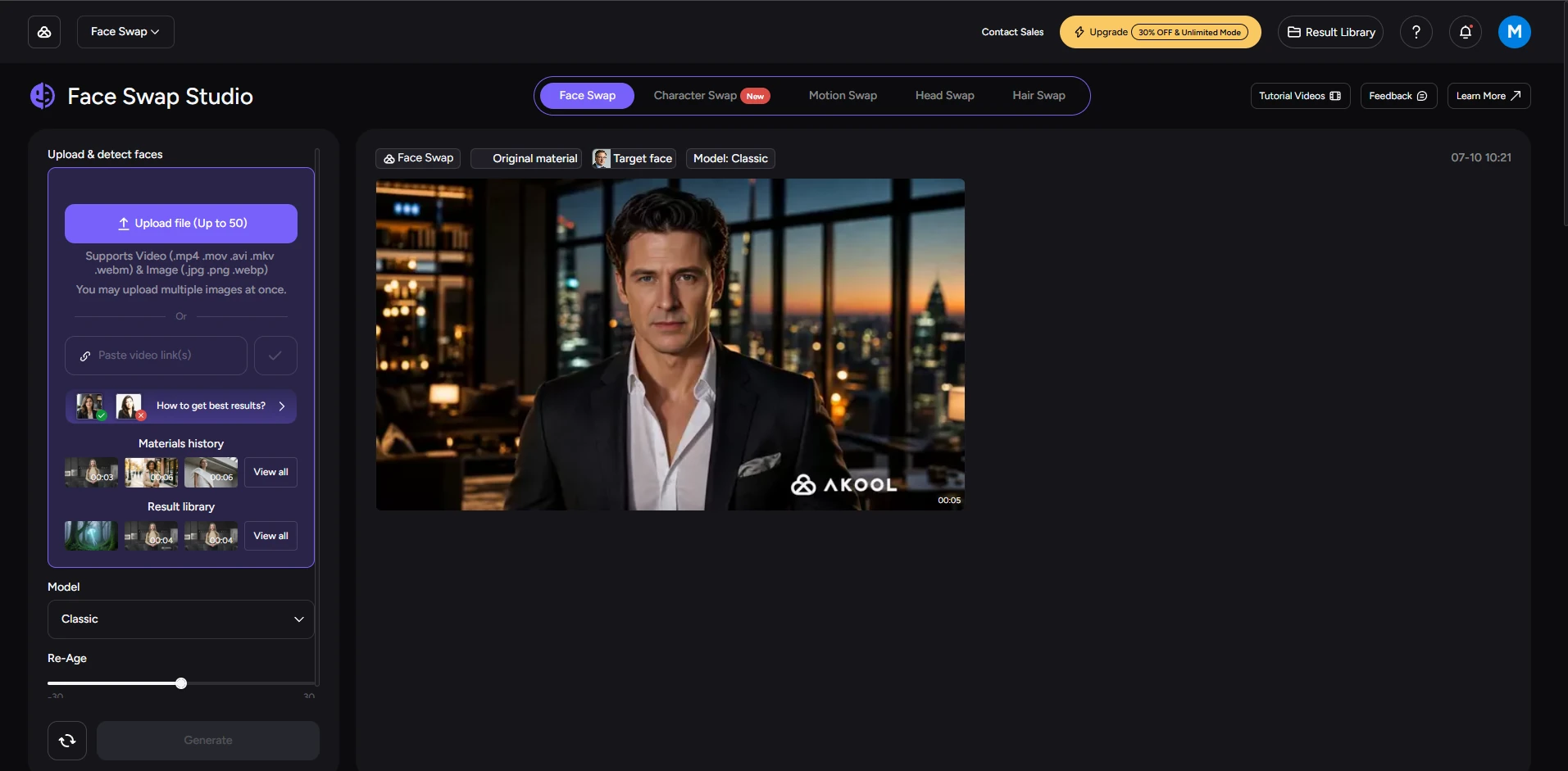
At first glance, the swap results look natural . The edge blending feels seamless. The model maps the new face perfectly around difficult anatomical landmarks like jawlines and ears. However, if you look very closely, you can spot minor flaws. When a target person wears thick glasses or a low-hanging hat, the AI sometimes leaves a tiny shadow or a faint boundary line along the frames. It works perfectly for high-converting social media ads, but you should avoid source characters with heavy facial accessories if you need cinematic perfection.
AI Avatar
Next, I tested the process of turning a static portrait into a speaking digital human. I uploaded a clean headshot and entered a marketing script.
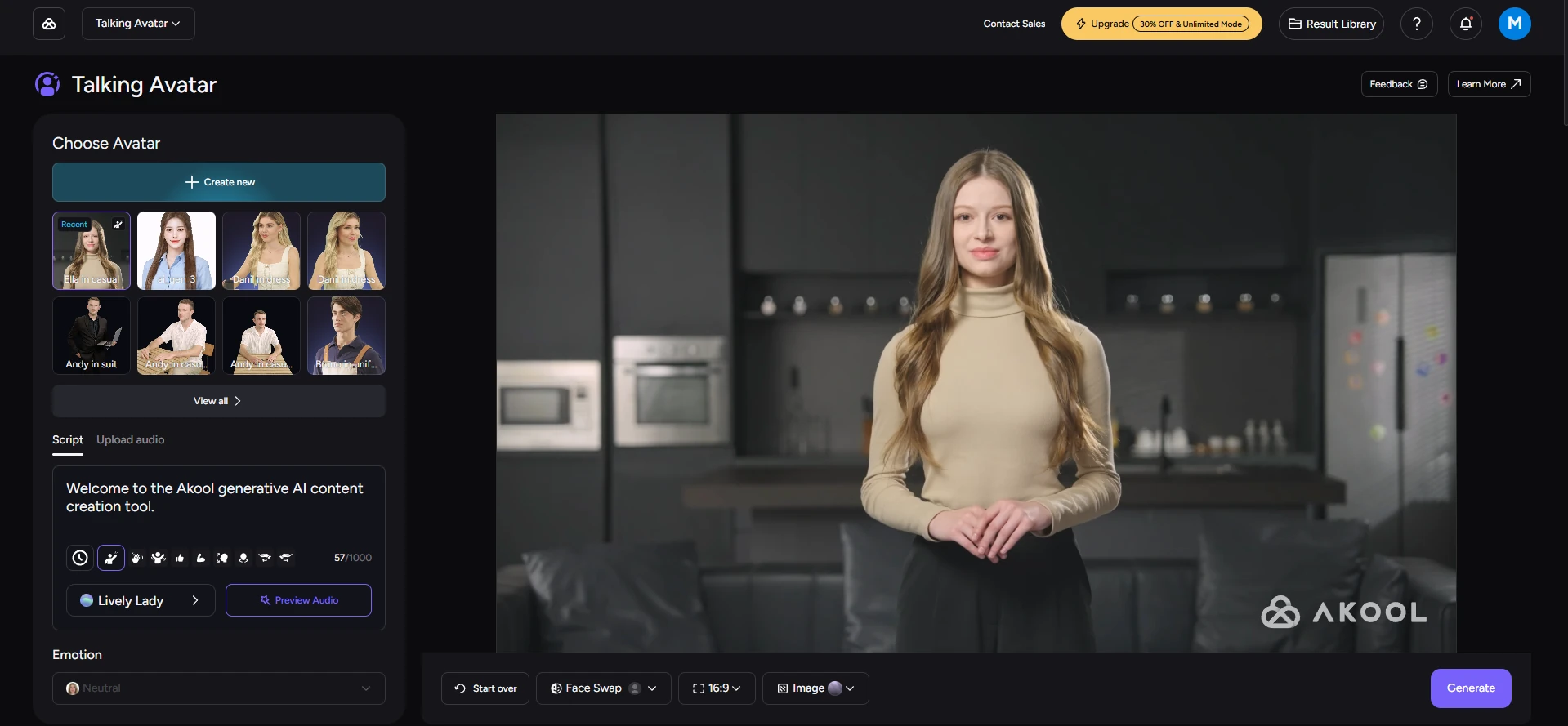
The biggest challenge here is escaping the "uncanny valley." Akool handles micro-expressions well. The small eye blinks, head tilts, and subtle eyebrow movements look organic. The skin textures also look sharp instead of turning into a blurry digital smudge. But its main weakness lies in body posture. While the avatar is speaking, its upper body appears somewhat stiff and lacks natural bodily movements. If more random subtle body motions are added in future updates, the virtual character will achieve near-perfect realism.
Video Translator & Lip-Sync
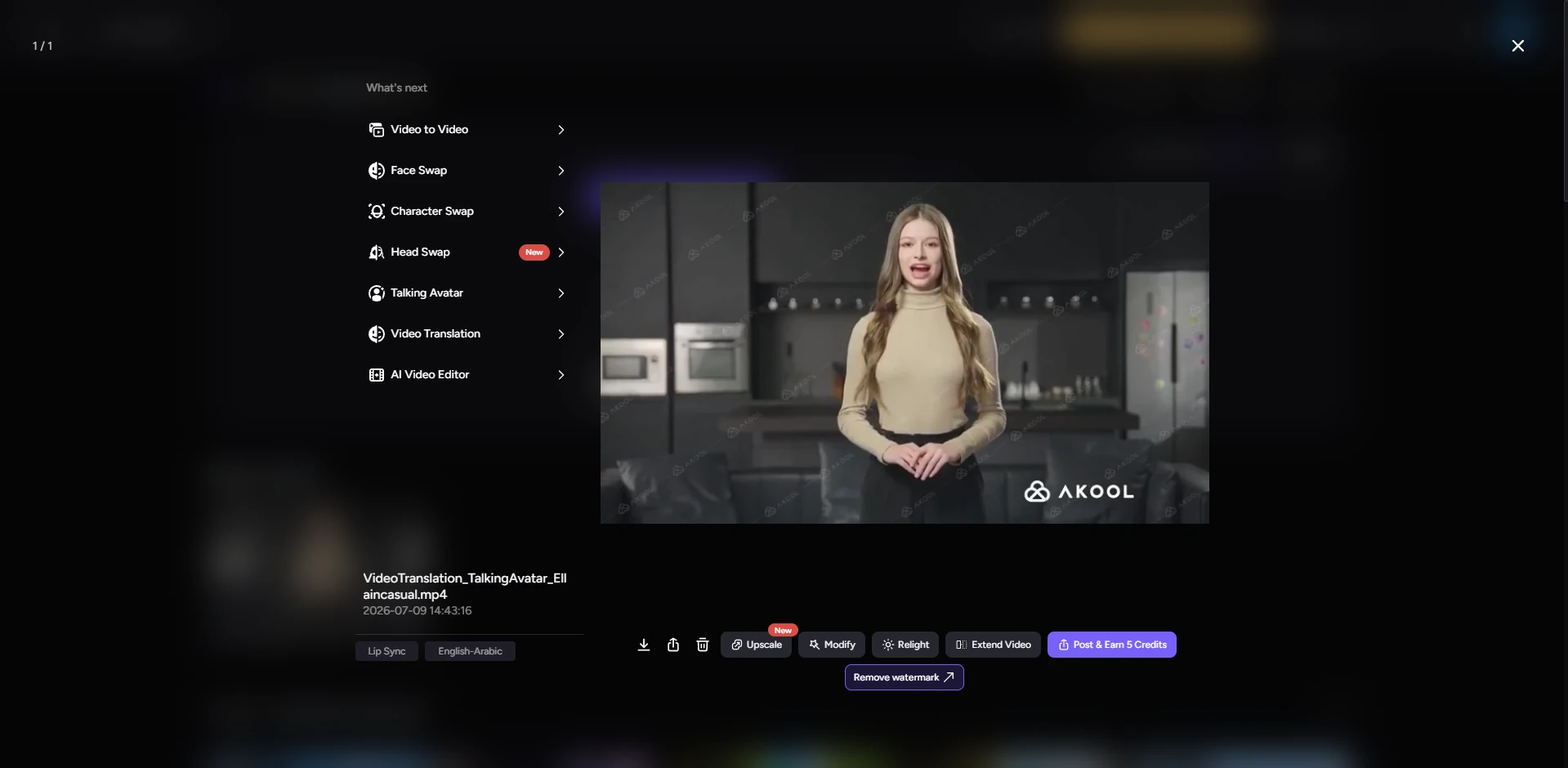
This feature is a major time-saver for international brands. It translates existing spoken dialogue into foreign languages and automatically remaps the speaker's lips. The lip-syncing precision is highly impressive. The mouth shapes actually form the correct phonetic movements for the new language. And it successfully preserves the original speaker's vocal pitch and emotional energy. A few long sentences can still sound a bit too formal, but the overall listening experience feels remarkably professional.
Akool AI Image Generation Review
Akool includes a supplementary image generator powered by its Nano Banana and Seedream engines. The interface is clean, and it features a handy background changer tool for product staging. You can drop a product shot into the canvas and type a prompt to replace the background instantly. promt: A glowing jellyfish floating gently among misty trees, soft bioluminescent light illuminating the forest, surreal and dreamlike atmosphere.
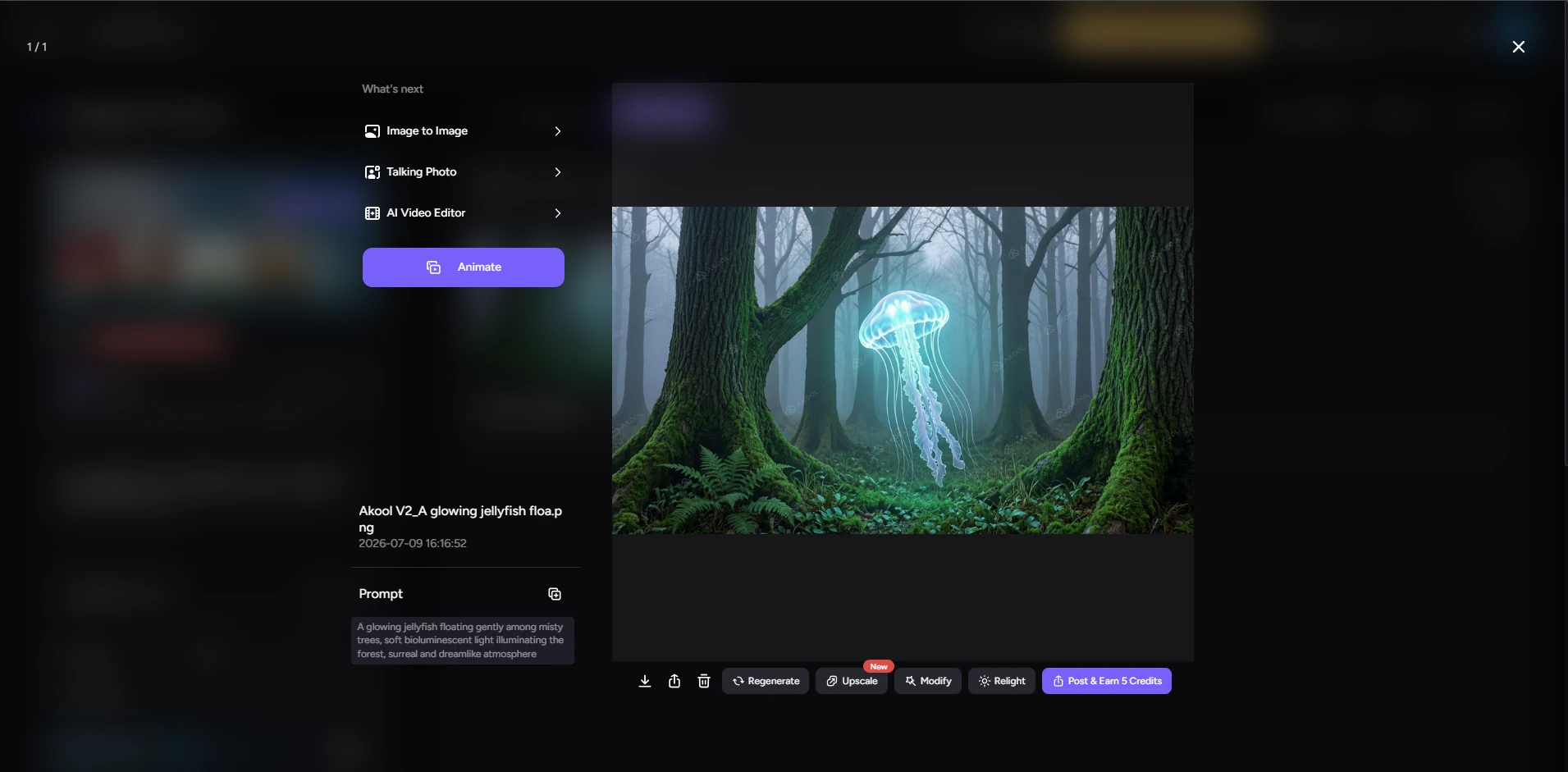
The speed is excellent, but the tool feels basic compared to dedicated graphic art platforms. It lacks deep stylistic customization. This tool works best when you need to generate high-quality source headshots or backgrounds specifically intended for later video swapping within the same platform ecosystem.
Pricing Review: The True Cost of Credits
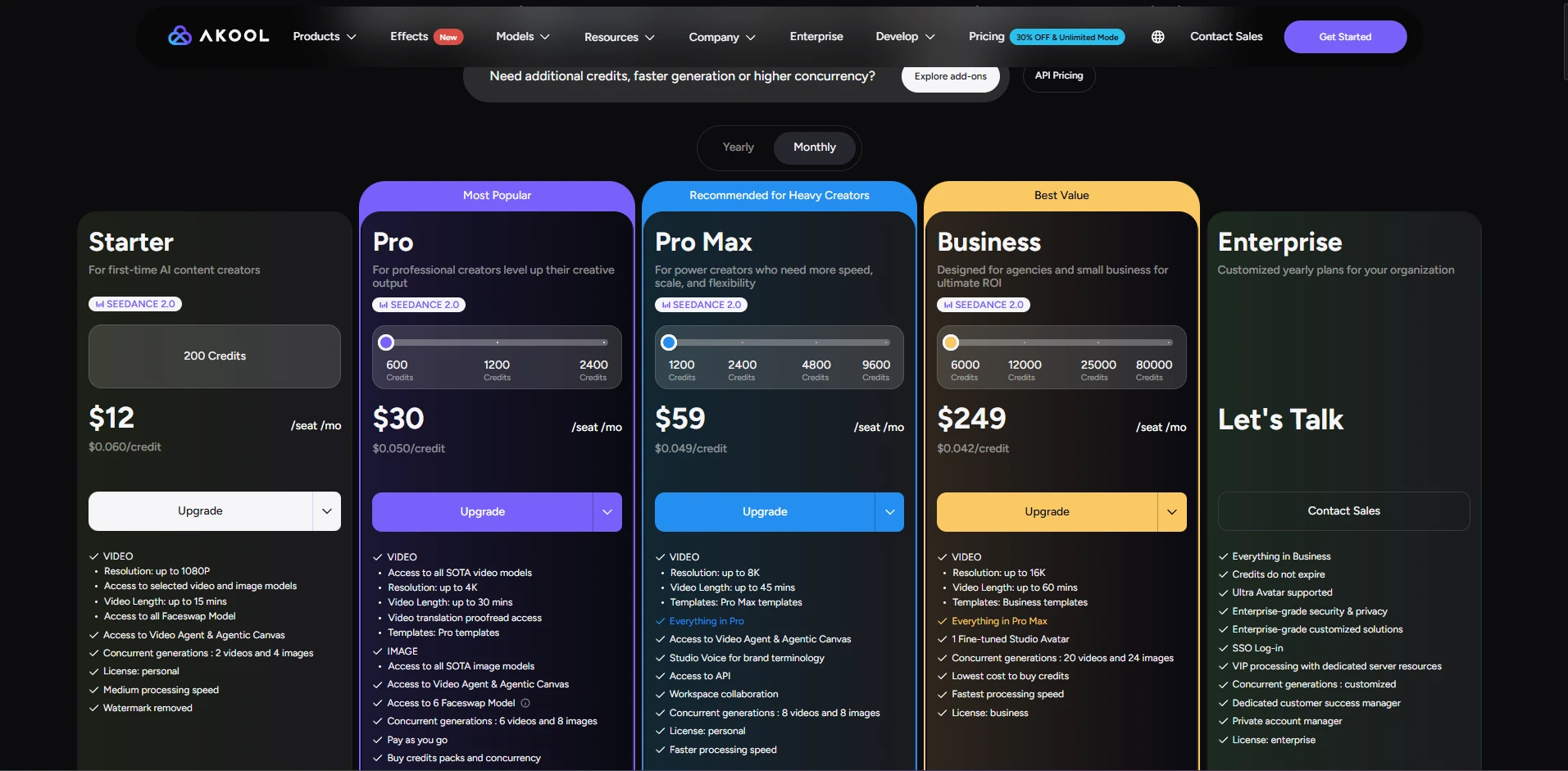
Akool offers a limited Free plan, but it is strictly for basic testing. Free files contain watermarks and caps on resolution. Moreover, the free version does not allow downloading generated videos or images—only previewing is permitted. To get commercial rights and clean exports, you have to look at the paid tiers. The critical thing to understand is Akool's credit consumption structure. It uses a variable credit burn rate. If you generate standard content using older engines, your credits stretch far. However, if you activate premium foundation models like Kling 3.0 or render clips in 4K resolution, a single video will take a massive bite out of your monthly credit pool. This makes monthly production budgeting difficult to forecast. In short, the tool is worth the money for marketing agencies that rely on it regularly. However, erratic credit spending makes it a bad deal for most individual users and small groups.
Pros and Cons
Pros: Top-Tier Face Swapping: Keeps great temporal consistency and handles side profiles smoothly. Multi-Model Integration: Gives you instant workspace access to advanced models like Kling and Wan. Multilingual Lip-Sync Translation: Supports over 155 languages and precisely aligns mouth movements with translated audio. Cons: Unpredictable Credit Costs: Premium video models consume points quickly, making monthly expenses hard to budget. Rigid Accessory Tracking: Facial swaps can leave small artifacts around thick glasses or hats. Basic Image Tools: The standalone text-to-image features feel secondary compared to its video suite.
Akool vs. PicLumen: Choosing the Right Creative Tool
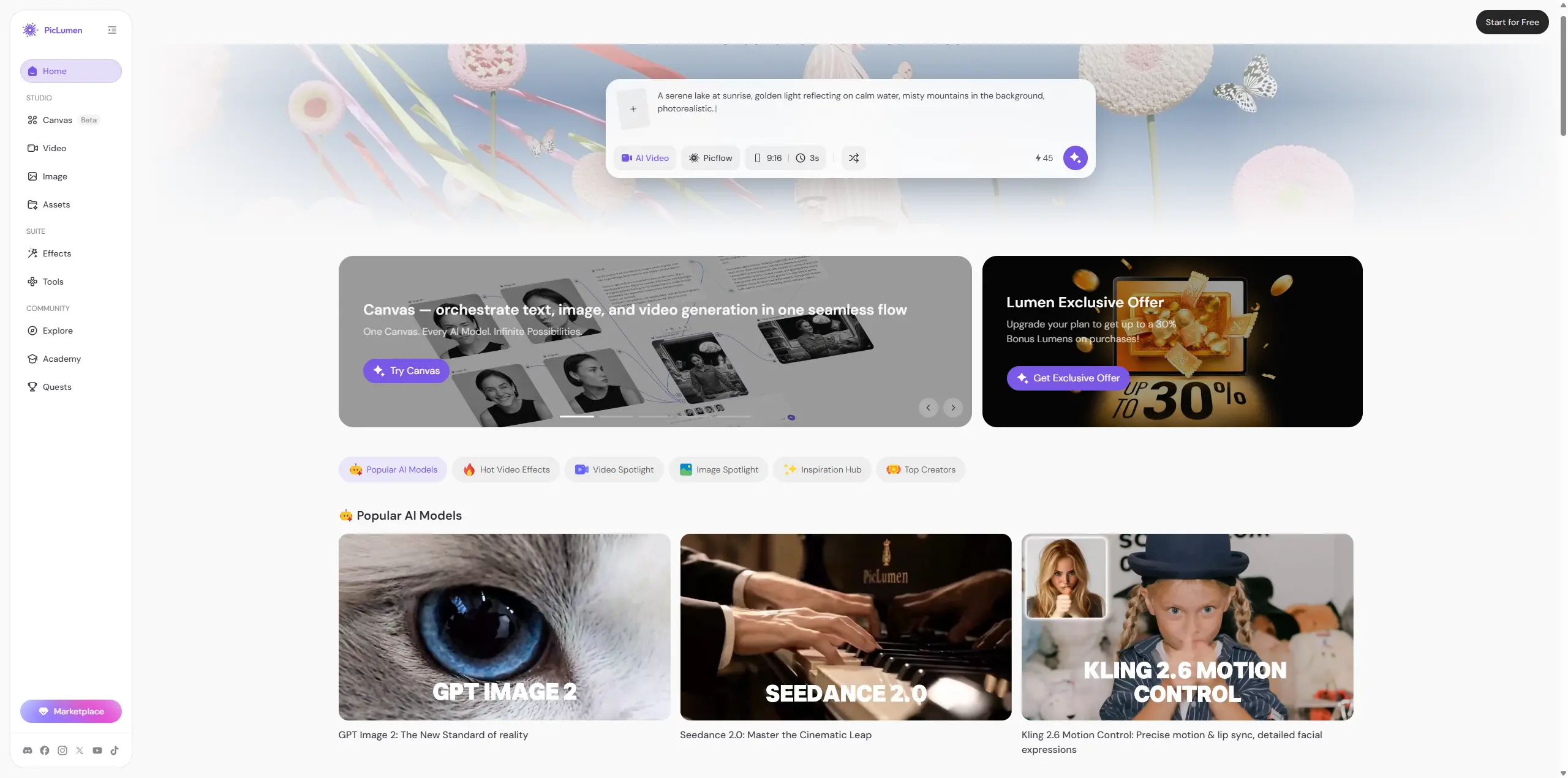
Akool is a highly specialized tool for content modification and localization. If your workflow revolves around editing footage featuring real people, adapting actor videos for global markets via translation, or swapping different faces onto pre-recorded clips, Akool has all the tools you need. PicLumen, on the other hand, is built for pure, imaginative visual creation from scratch. It gives designers, marketers, and creators an all-in-one playground to generate highly detailed AI imagery and seamless text-to-video content with speed and simplicity. If you want to invent brand-new worlds, iterate on graphic concepts rapidly, and produce fresh multi-modal media, PicLumen is the much better fit for your pipeline.
Final Verdict: Who Is Akool For?
All things considered, Akool is a powerful niche tool tailored mainly for teams churning out localized ad videos and face-swapped promotional clips in bulk. Its core face swap and lip-sync translation capabilities are impressive, yet the unpredictable credit costs and rigid limitations with facial accessories and stiff digital human body movements hold it back from being an all-around daily creation tool. It works best as a supplementary production utility rather than an all-in-one creative hub. Who should use it: E-commerce businesses, marketing agencies, and social media managers who specialize in video localization and face-swap advertising campaigns. Who should skip it: Individual hobbyists on tight budgets or conceptual designers who primarily need flexible, high-volume text-to-image ideation.
FAQ
Is Akool free?
Yes, Akool has a basic free tier. However, your outputs will contain visible watermarks, video resolution is capped at 720p, and you do not get access to premium video models.
Does Akool support AI video generation?
Yes. Akool supports both native identity modification (like face swapping) and pure generative text-to-video workflows by integrating external engines like Kling and MiniMax.
What is the best alternative for pure image and concept design?
PicLumen is the best alternative. It provides a fast, simple workspace to generate high-quality images and video clips from scratch.