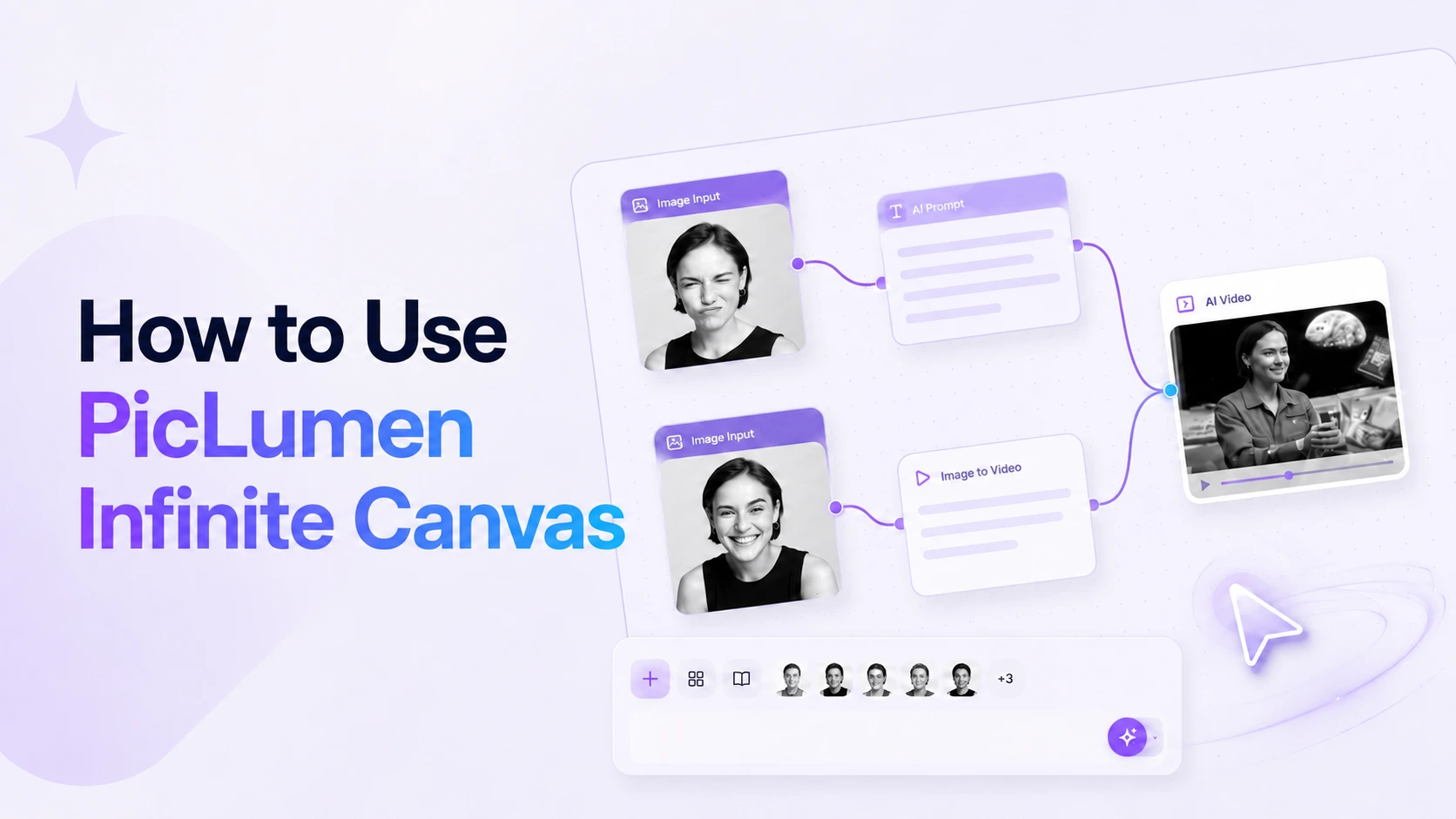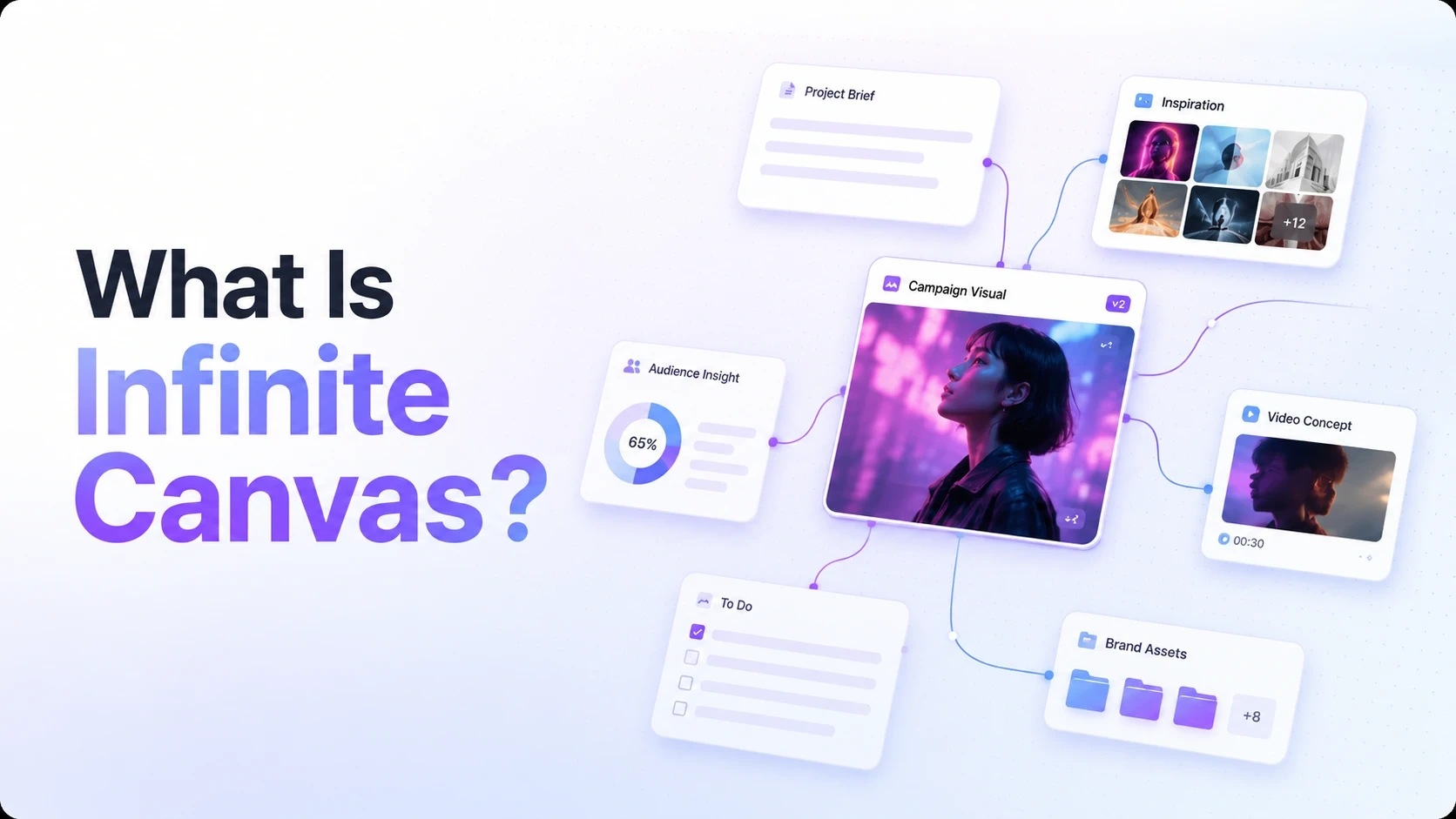
Infinite Canvas is an open creative workspace for building AI image and video workflows. It lets you place ideas, prompts, uploaded media, existing assets, generated images, and generated videos on the same canvas, then connect the steps that depend on each other.
Instead of treating every generation as a separate one-off task, Infinite Canvas keeps your creative process visible. You can see where an output came from, reuse strong results, and keep building from any point in the workflow.
Why It Matters
Most AI creation starts with a prompt, produces a result, and then moves on. That works for quick experiments, but it gets harder when your project needs references, iterations, image-to-video steps, or multiple versions for review.
Infinite Canvas is designed for that kind of work. It helps you keep the whole creative chain in one place:
Idea -> Prompt -> Image -> Video -> Next version
That visible structure makes it easier to understand what you tried, what worked, and where to continue.
What You Can Put on the Canvas
In the first version of Infinite Canvas, you can work with six node types:
Prompt: reusable creative direction or generation instructions.
Text: longer text content, scripts, notes, or generated text.
Upload: media you bring in from your computer.
Assets: existing media selected from your asset library.
Image: a node that generates and displays image results.
Video: a node that generates and displays video results.
Each node keeps one part of your creative process visible. Connections between nodes show which inputs are passed forward.
How It Is Different from One-Off Generation
One-off generation is useful when you want a fast result from a single prompt.
Infinite Canvas is better when your creative work has more than one step:
You want to start from a product photo and create a social video.
You want to keep a strong image result visible while testing different video prompts.
You want to reuse the same prompt direction across multiple outputs.
You want to compare variations without losing the reference that created them.
You want to bring existing assets into a new workflow instead of starting over.
The main difference is context. Infinite Canvas keeps the context on the canvas, so you can continue from it.
Common Workflows
Here are a few simple ways to use Infinite Canvas:
Prompt -> ImageUse this when you want to turn a text idea into a visual.
Prompt -> Image -> VideoUse this when you want more control over the starting frame before creating a video.
Upload -> Prompt -> Image -> VideoUse this when you want a product photo, reference image, or uploaded media to guide the result.
Assets -> Prompt -> Image or VideoUse this when you want to reuse existing media from your asset library.
Who It Is For
Infinite Canvas is useful for creators who need more structure than a single prompt box:
AI creators exploring visual directions.
Marketing designers building campaign images and social videos.
Content teams turning ideas into reusable production flows.
E-commerce teams creating product visuals from references.
Designers comparing variations across the same creative brief.
If your work has references, revisions, or multiple output steps, a canvas workflow can help you stay organized.
Start with One Simple Workflow
The best way to understand Infinite Canvas is to build one small chain first:
Creative Prompt
    -> Generated Image
    -> Generated Video
Start with a Prompt node, connect it to an Image node, then use the generated image as the starting point for a Video node.
Once that first chain works, you can add uploaded media, reuse assets, branch into variations, or continue from any result on the canvas.
What Success Looks Like
After reading this overview, you should understand:
Infinite Canvas is a workspace for connected creative workflows.
Nodes hold prompts, text, media, generated images, and generated videos.
Connections show how upstream inputs move into downstream generation steps.
Generated results can stay visible and become inputs for the next step.
Canvas is most useful when you want to iterate, compare, and continue from previous results.
Next Step
If you are new to Infinite Canvas, start with Create Your First Canvas Workflow. It walks you through the basic Prompt -> Image -> Video flow and shows how to generate, preview, and continue from your first result.