AI-powered Product Visual Solution for
Turn your product photos into listing images, lifestyle scenes, detail visuals, and short product videos. Explore PicLumen’s ready-made ecommerce templates and create content that helps Walmart shoppers see what you sell, understand its features, and compare the available options.


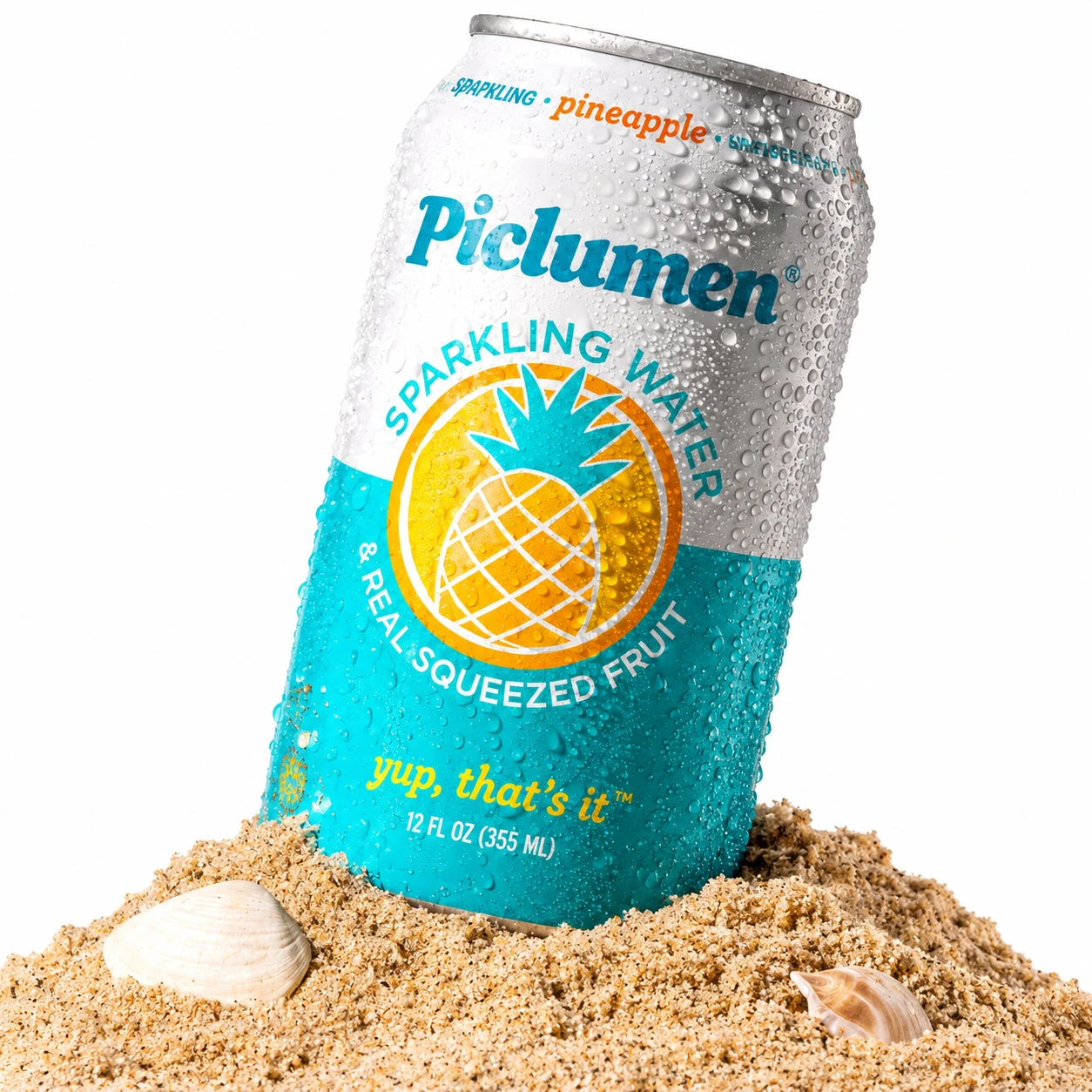
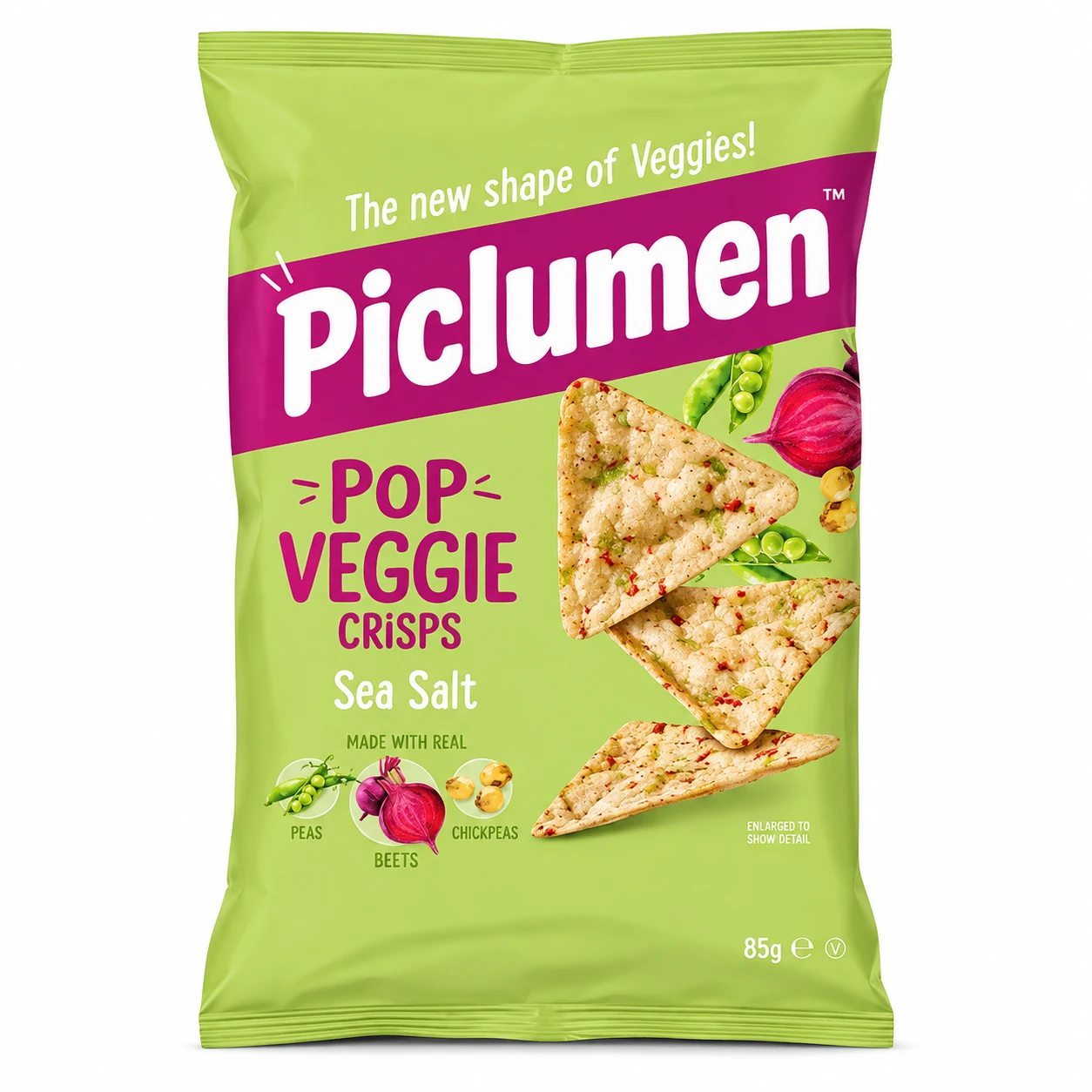



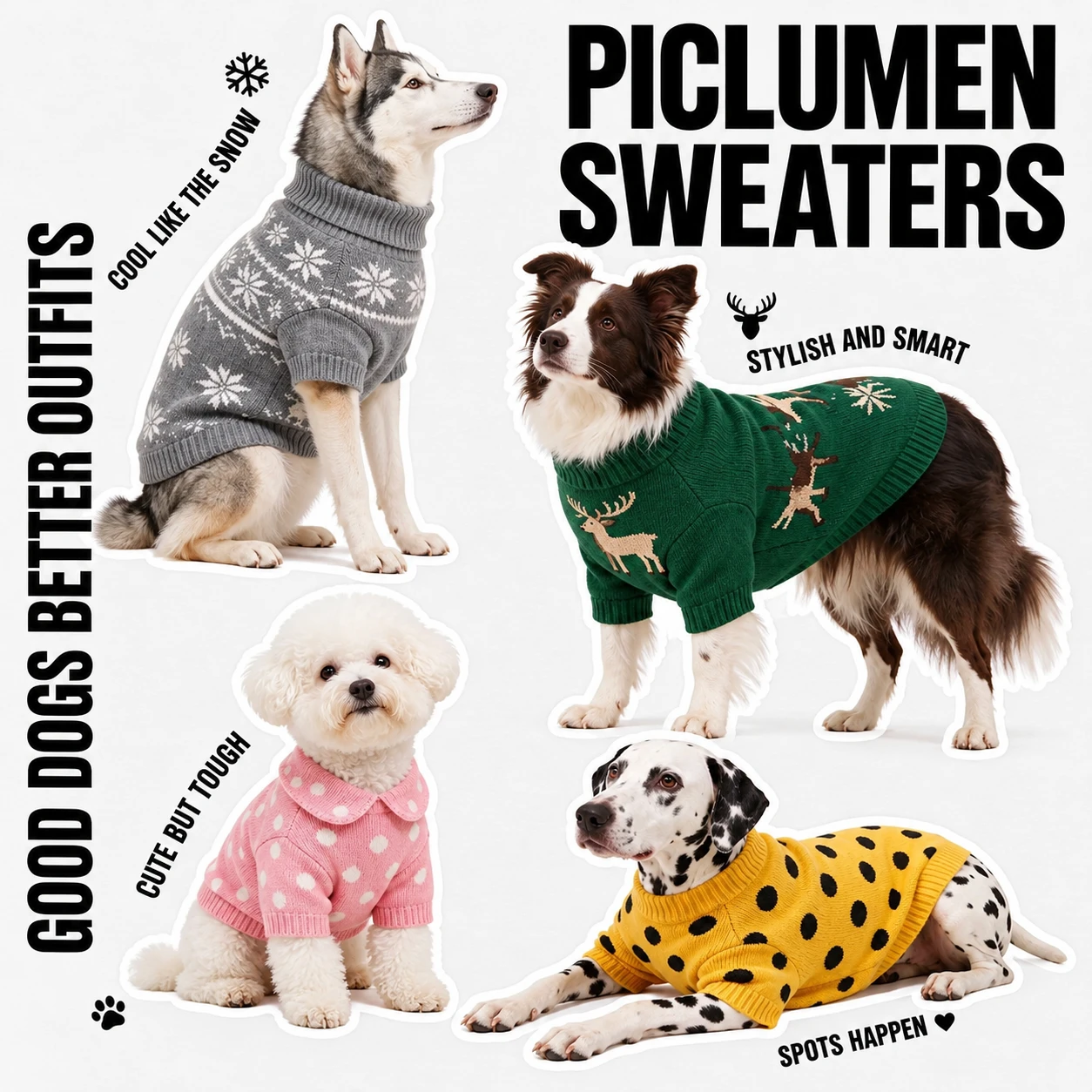
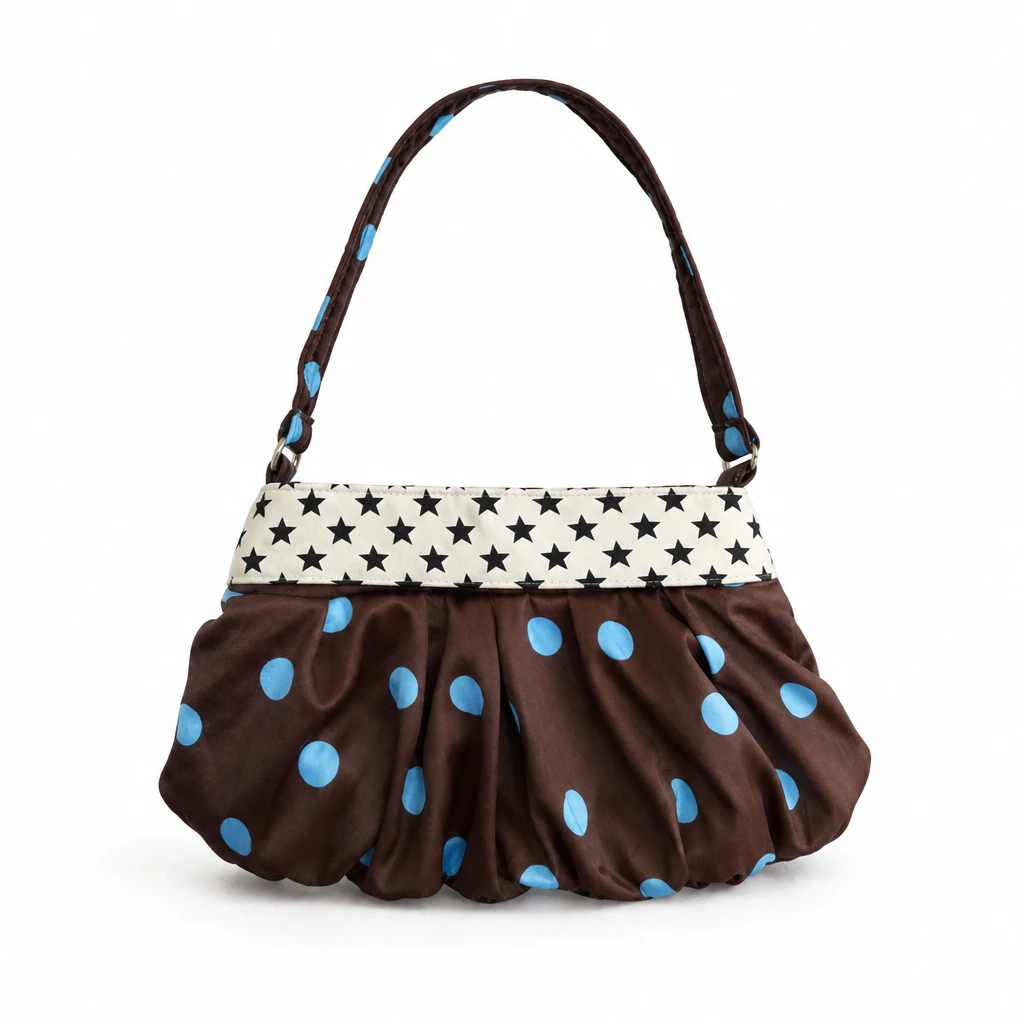
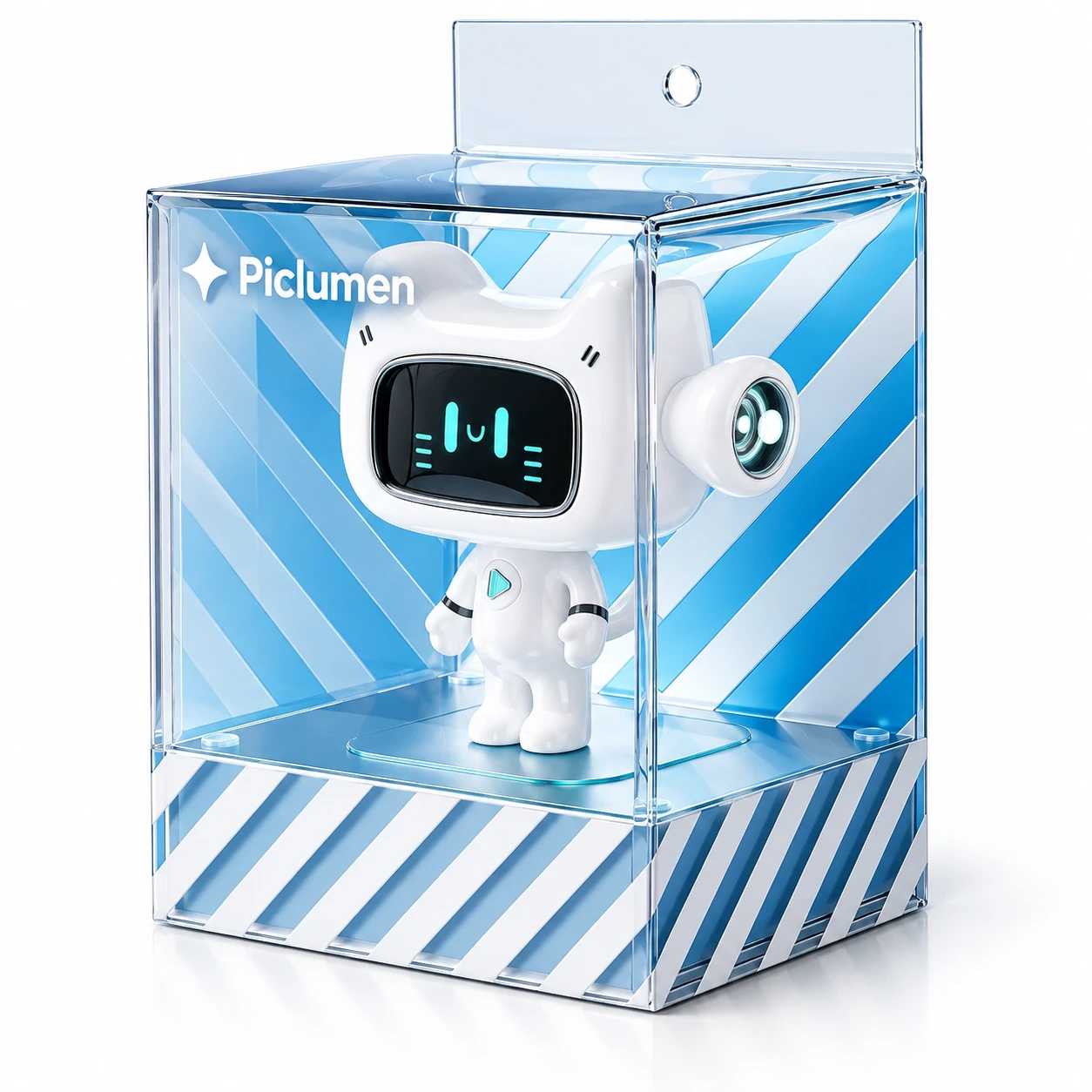


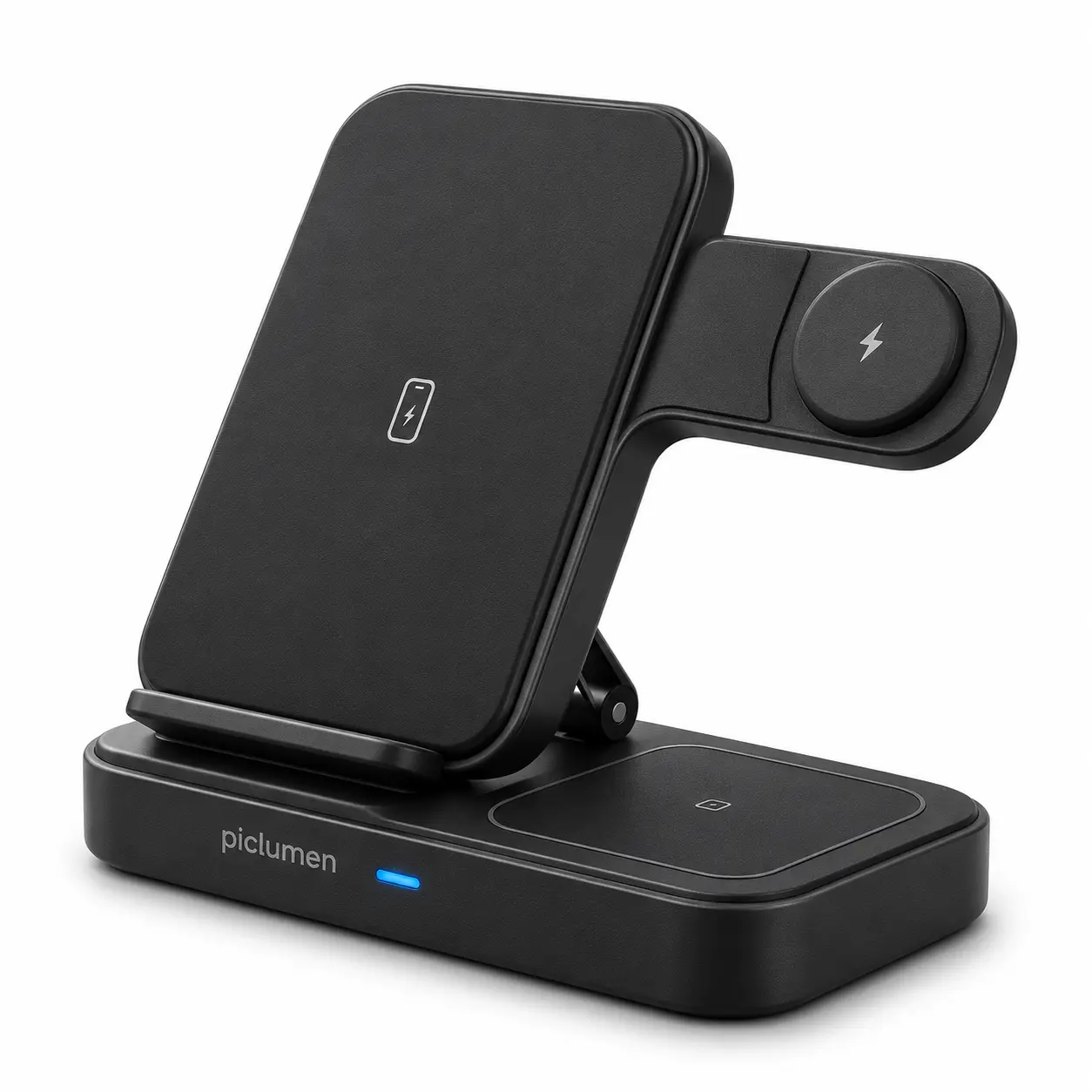
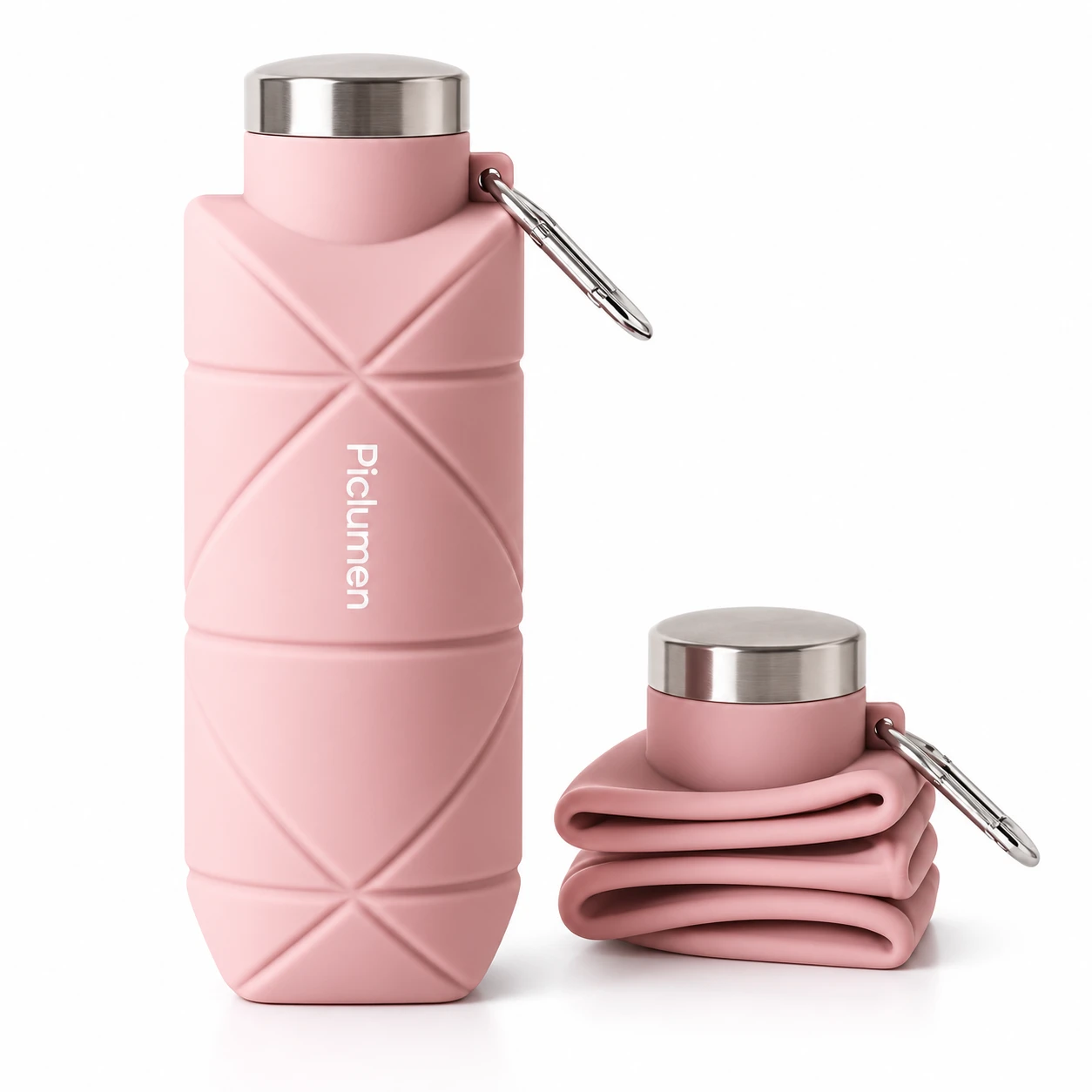
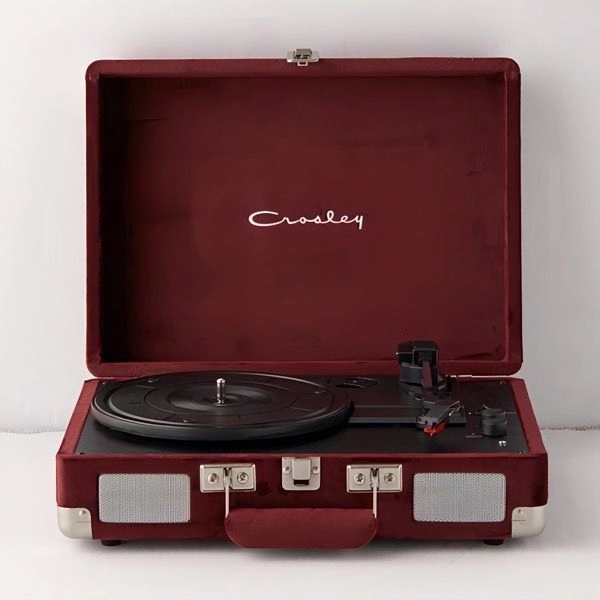
Create Walmart Shop Content for Your Product Category
- Build a Clear Product Image Set
- Put Products Into Familiar Everyday Settings
- Show One Product Feature in a Short Video
- Carry the Product Into Your Launch Campaign
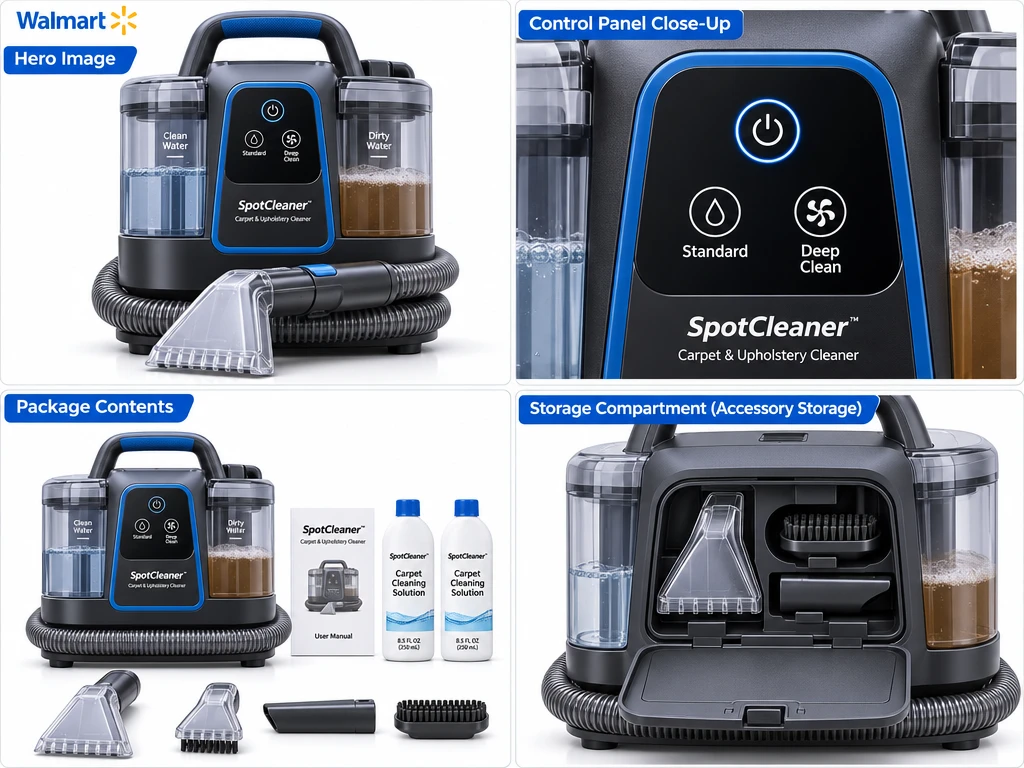
Start with a full view of the item, then add supporting images that answer the next questions shoppers are likely to ask. Show a close-up of the controls, the contents of the package, or the inside of a storage compartment. Each image should contribute a detail that helps someone understand the product. Use the White Background Generator to prepare a clean product-focused starting image. Build the rest of the set around the same SKU, keeping its color, proportions, packaging, and included accessories consistent. Add verified measurements and exact wording during the final layout stage.

Prepare a New Product Listing
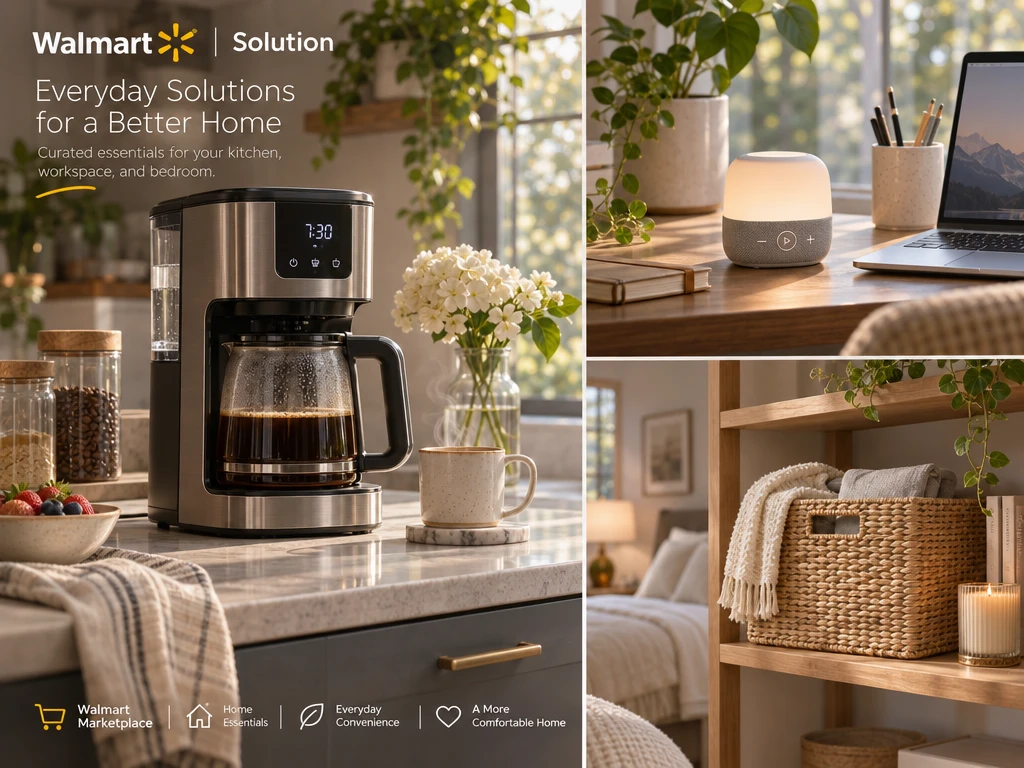
Create a set that introduces the item, shows important details, and places it in context. Begin with a clear product image, then choose the supporting templates based on what customers need to understand. A kitchen appliance might need a view of the controls and accessories, while a storage product benefits from an interior view.
Refresh an Existing Listing
Use customer questions to decide which visual to add next. If people ask how a closure works, show it closely. If a product’s shape is hard to understand in the current photos, choose another angle. A focused update gives each new asset a clear purpose.
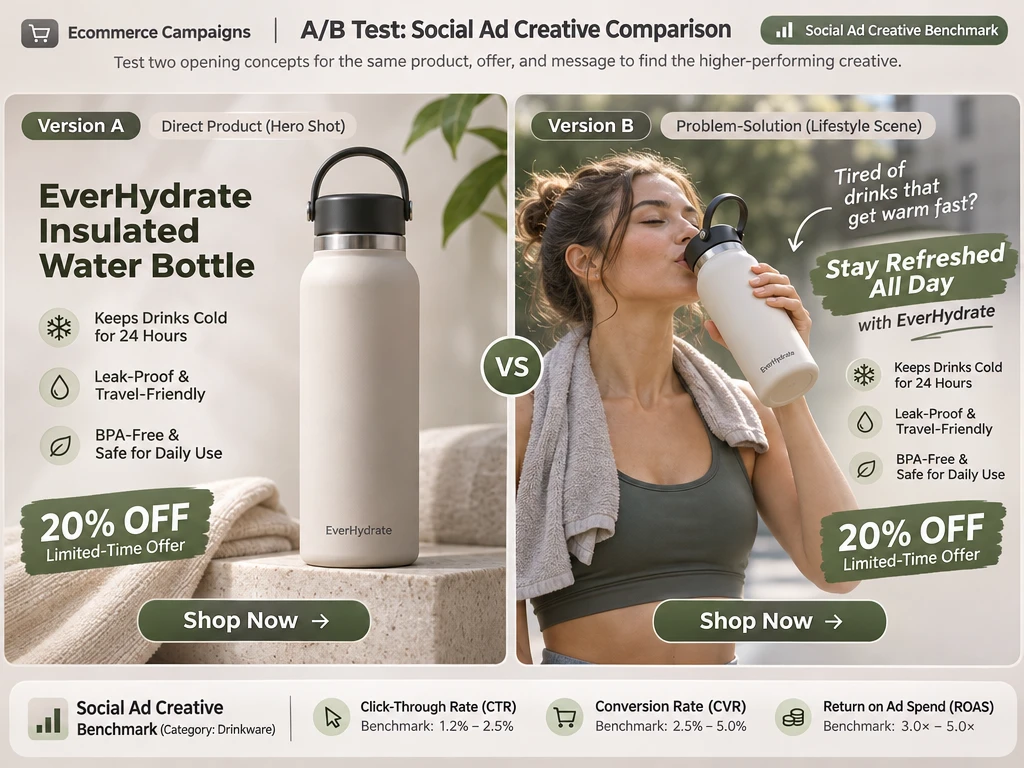

Present a Fashion or Accessories Collection
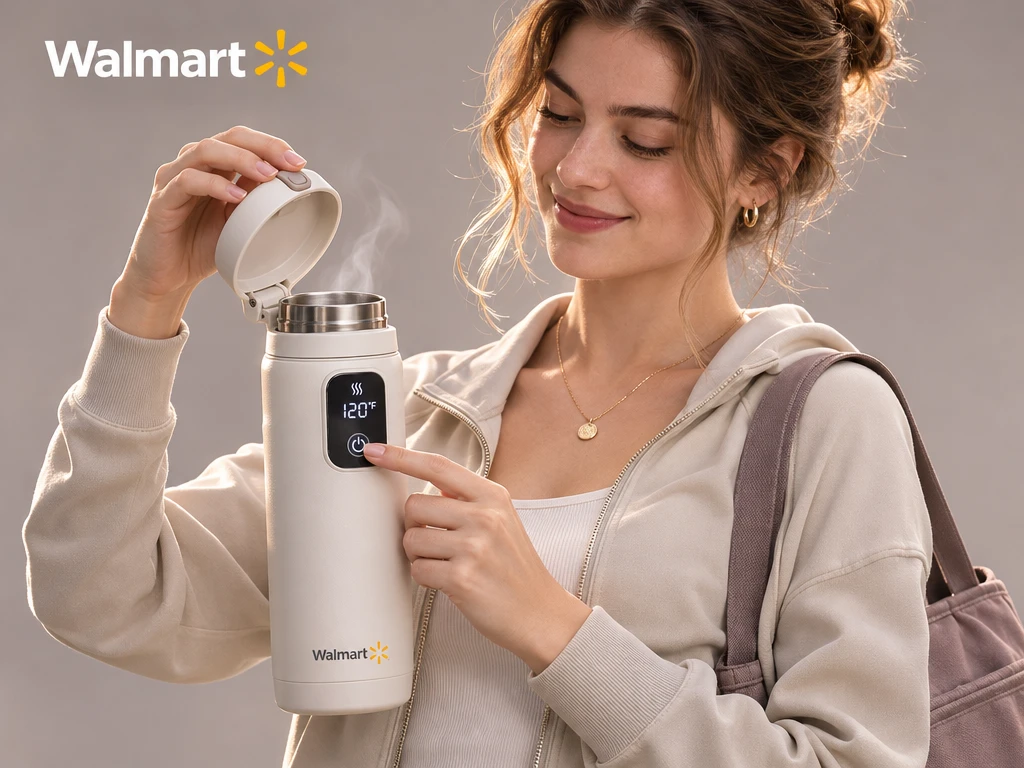
Create consistent visuals across clothing, bags, and footwear. Use the correct reference for every color and style, and keep the framing similar when shoppers need to compare options. For a collection with an urban styling direction, explore City Outfit Showcase as a supporting template.
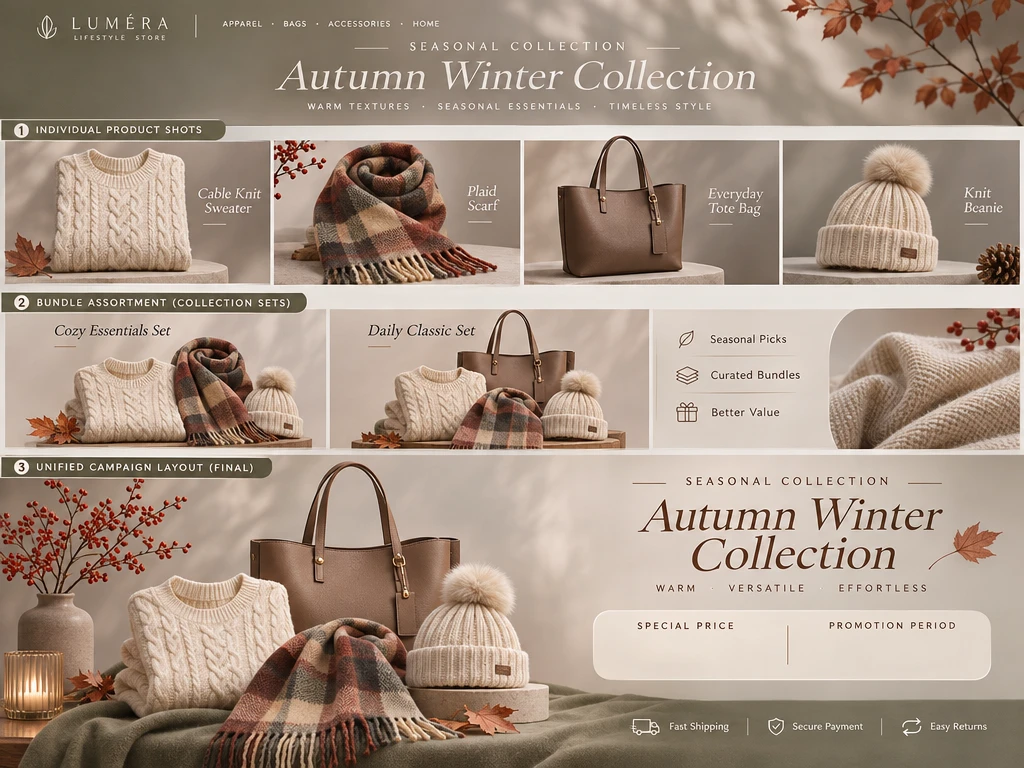
Build Seasonal Product Campaigns
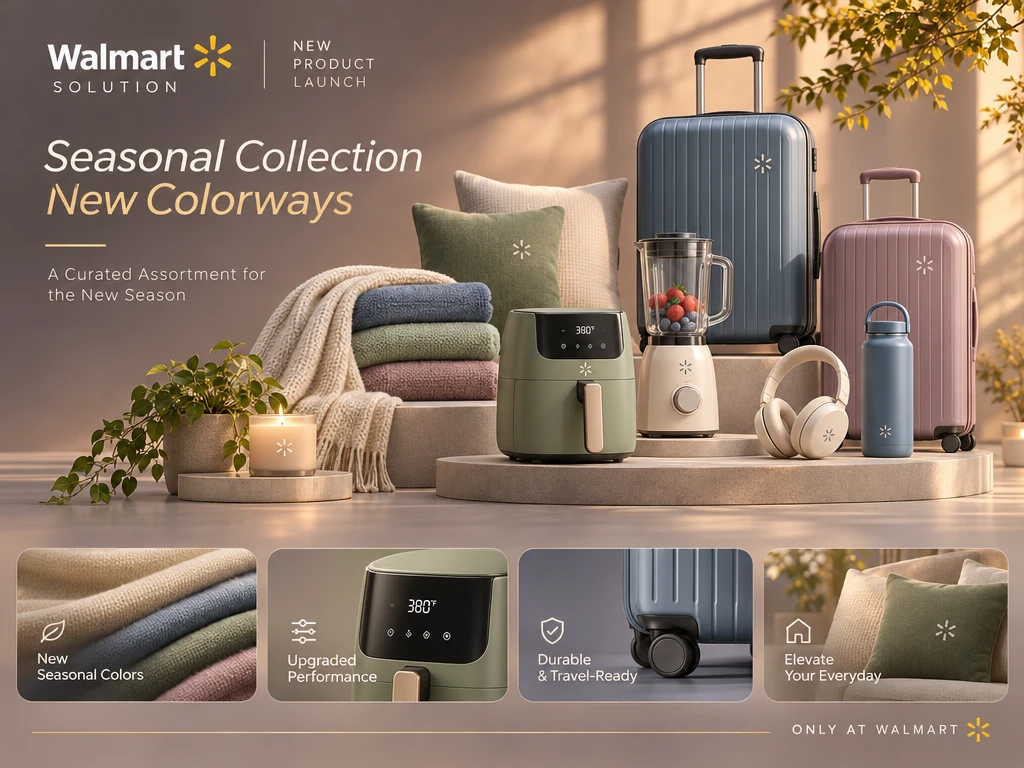
Prepare visuals around the products featured in a seasonal collection. Show what comes in a bundle, give a gift item its own close-up, or create a short reveal for a new assortment. Make the featured SKU easy to identify in both the creative and the destination listing.
Why Use PicLumen for Walmart Product Content?
Ready-Made Templates for Specific Tasks
Start with a template built around a product presentation, demonstration, or campaign format. Choose the task first, then provide the product assets needed to create it.
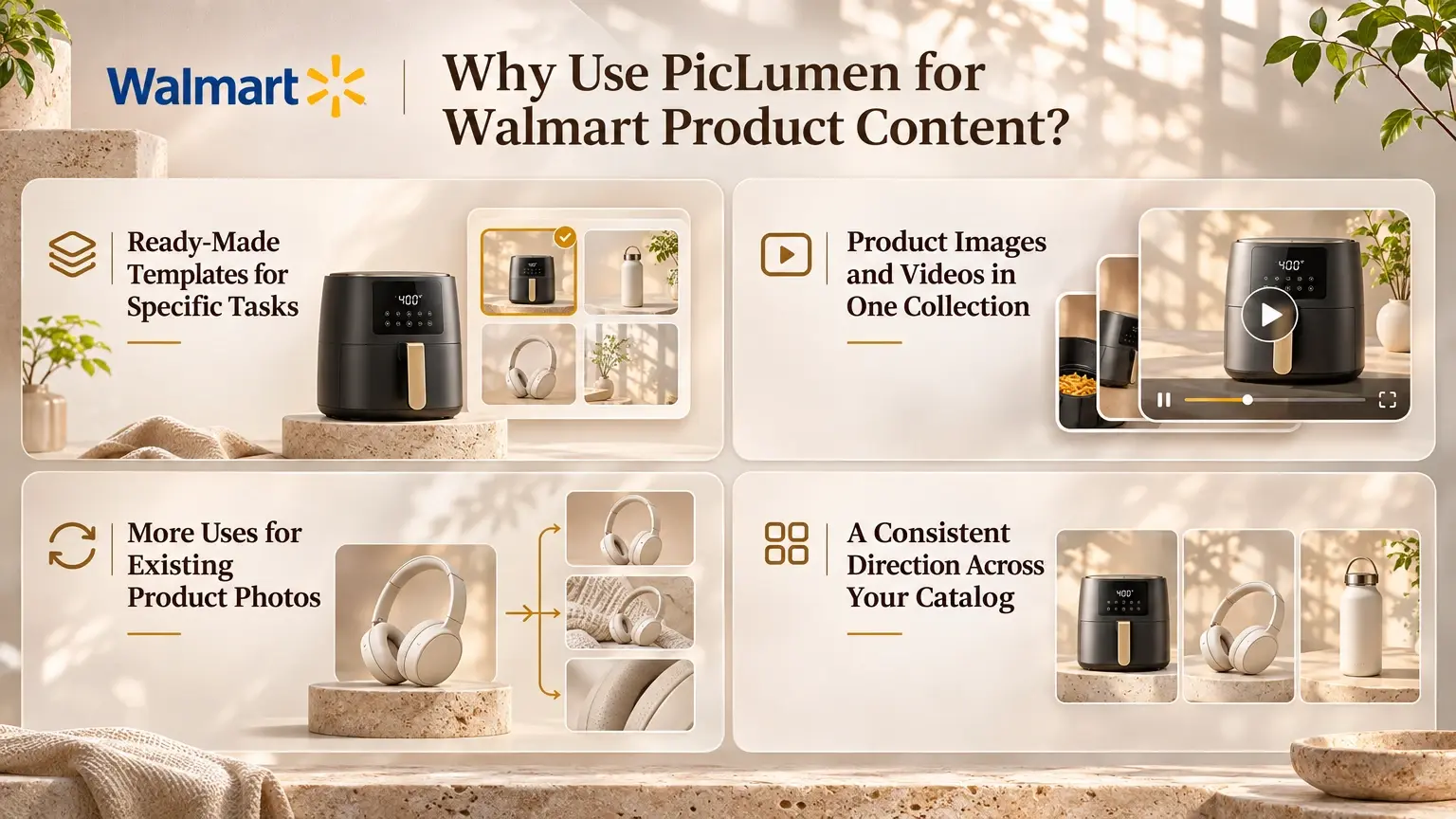
Product Images and Videos in One Collection
Find still-image and video templates in the same collection. Build a listing with clear product photos and add motion where an action or interaction needs explaining.
More Uses for Existing Product Photos
Use your current product photography as the reference for additional scenes and presentation formats. Create supporting content as your catalog or campaign needs change.
A Consistent Direction Across Your Catalog
Repeat a suitable template across related products. Keep lighting, framing, and composition similar while using the correct reference for each SKU and variant.


Loved by Creators Worldwide
Real feedback from designers, marketers, and hobbyists sharing their PicLumen experience on Trustpilot.
J. BlaineRegular PicLumen user experience
I've been using PicLumen since late summer 2024 and I've generated several thousand images, mostly image-to-image. There were 2 minor technical glitches in that period of time. In the first one, my library didn't load but after logging out and logging in again later that day I found my library back. The second glitch- the remixing and outpainting stopped working. I contacted the support team and the issue was fixed the next day. I also requested PicLumen to provide a PayPal payment method when they switched to subscription - and they listened and responded to my request. I appreciate their responsiveness and customer service. In my communication with their support team, I found them professional and polite. My general impression is that this is a dynamic and collaborative team that is worth supporting!
My experience
Itis a really good website n really ideal to use theres only one con and that the AIS sometimes create wrong images but that doesnt happen frequently
 Scottie Grace
Very affordable and high quality
Very affordable and high quality
 Rishiprasanth BR
This is a great site to create images…
This is a great site to create images as per our mind's wish. Such a great site, loved its response
 Prabhat Ranjan Singh Chauhan
Very smooth and very helpful for…
Very smooth and very helpful for everyonr who have creative mind. Thank you 👍
Nice creations and bright
Nice creations and bright
This is one of the best videos ai…
This is one of the best videos ai generator
 Scott Chamberlain
Great system
Great system. Easy to use. Great results.
 TN Akash YT
Valo App
Valo App Ai Video Er Jonno
Mickael TONGASOAbest but free mod need to fix and add…
best but free mod need to fix and add more credits for the starter
Yasir AliMy exprienxe was geat.This compony was…
My exprienxe was geat.This compony was good.
 Jayden G
Good it was great I loved making my oc…
Good it was great I loved making my oc Saiyan
Frequently Asked Questions
What Is PicLumen Social Studio?
Social Studio is a collection of PicLumen image and video templates for ecommerce social content. It helps brands create product posts, launch assets, short demonstrations, and campaign visuals from existing product materials.Social Studio is a collection of PicLumen image and video templates for ecommerce social content. It helps brands create product posts, launch assets, short demonstrations, and campaign visuals from existing product materials.
What Types of Content Can I Create?
You can explore templates for product reveals, UGC-style clips, product showcases, lifestyle scenes, and promotional images. The available output depends on the template you choose.
Can I Use My Existing Product Photos?
Yes. Clear photos of the exact item provide a useful starting reference. Some templates also request a model photo or another input, so check the required fields before generating.
Can I Create Content for TikTok, Instagram, and Other Channels?
You can prepare assets for those channels using a suitable template and export. Preview the crop, text placement, duration, and audio for the intended placement before posting.
Can I Make Several Posts for the Same Product?
Yes. Choose different templates for different campaign tasks. Use the corresponding product references throughout and check that colors, labels, accessories, and variant names stay consistent.
Does Social Studio Publish or Schedule My Posts?
This page covers content creation and download. After reviewing the result, upload the finished asset through your chosen social platform or publishing workflow.
How Much Does It Cost to Create Social Content?
Review the generation cost displayed in the selected template. Check it for each run when creating a campaign set or comparing several versions.