AI Attractiveness Test: See Your Selfie’s Score
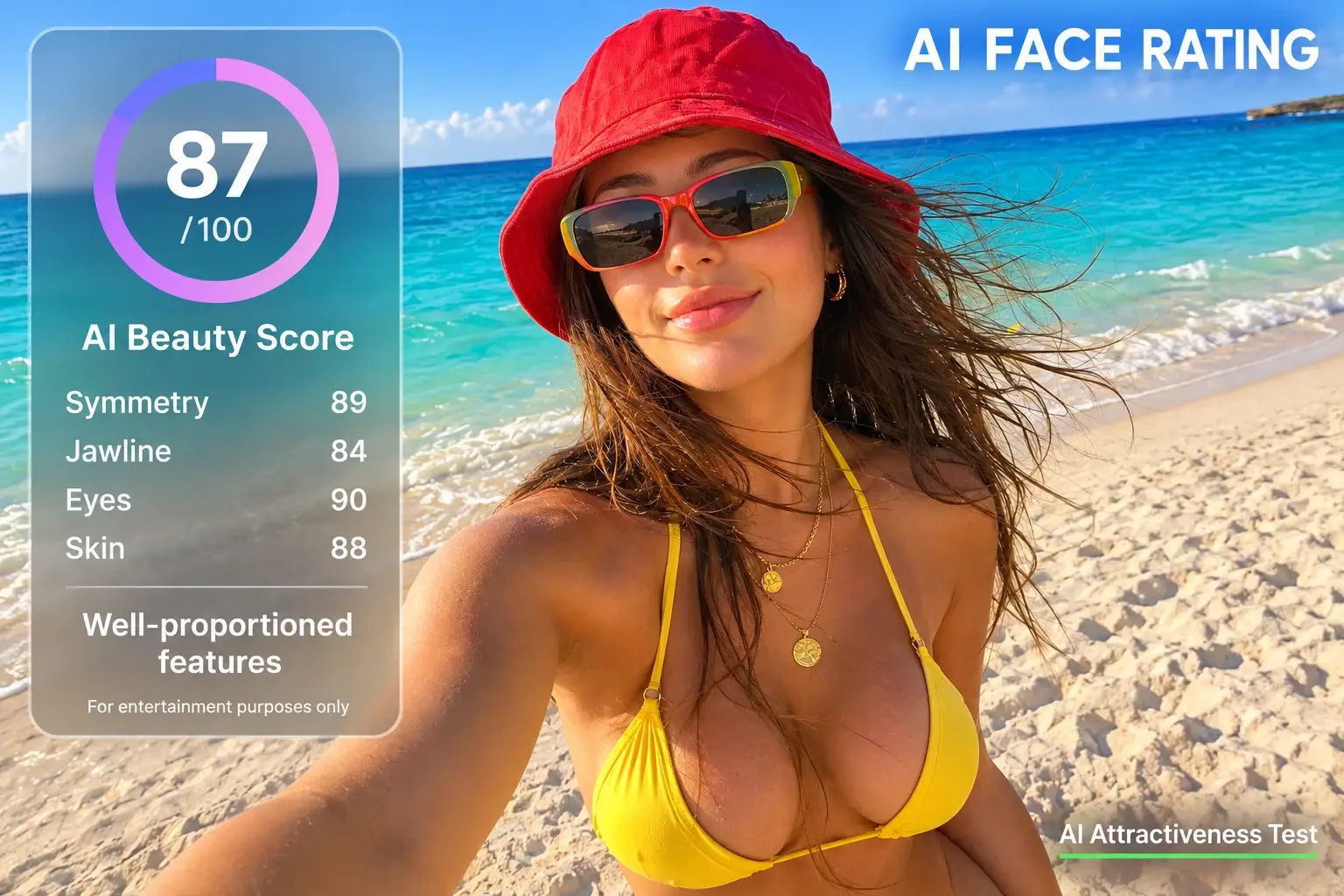
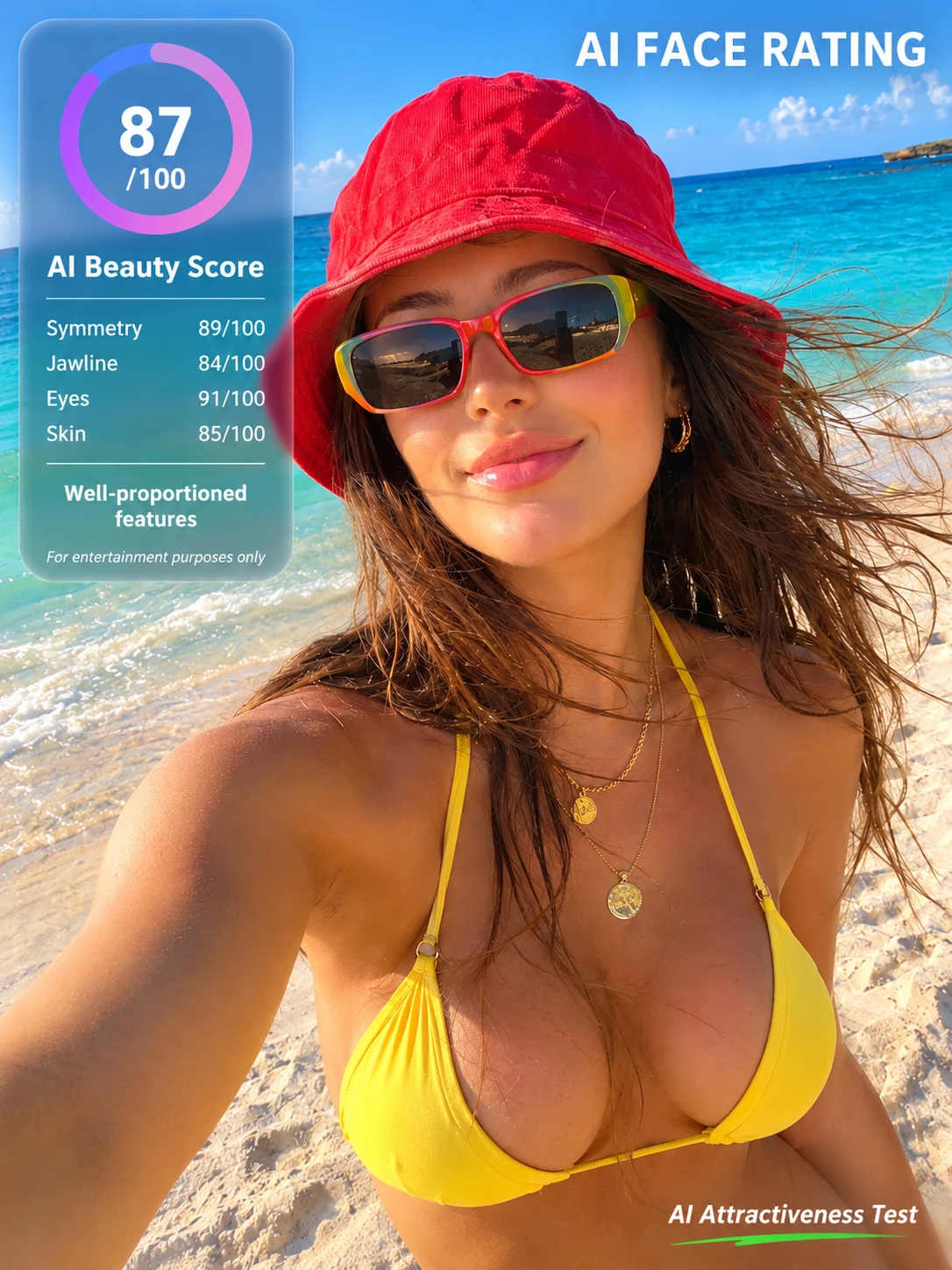
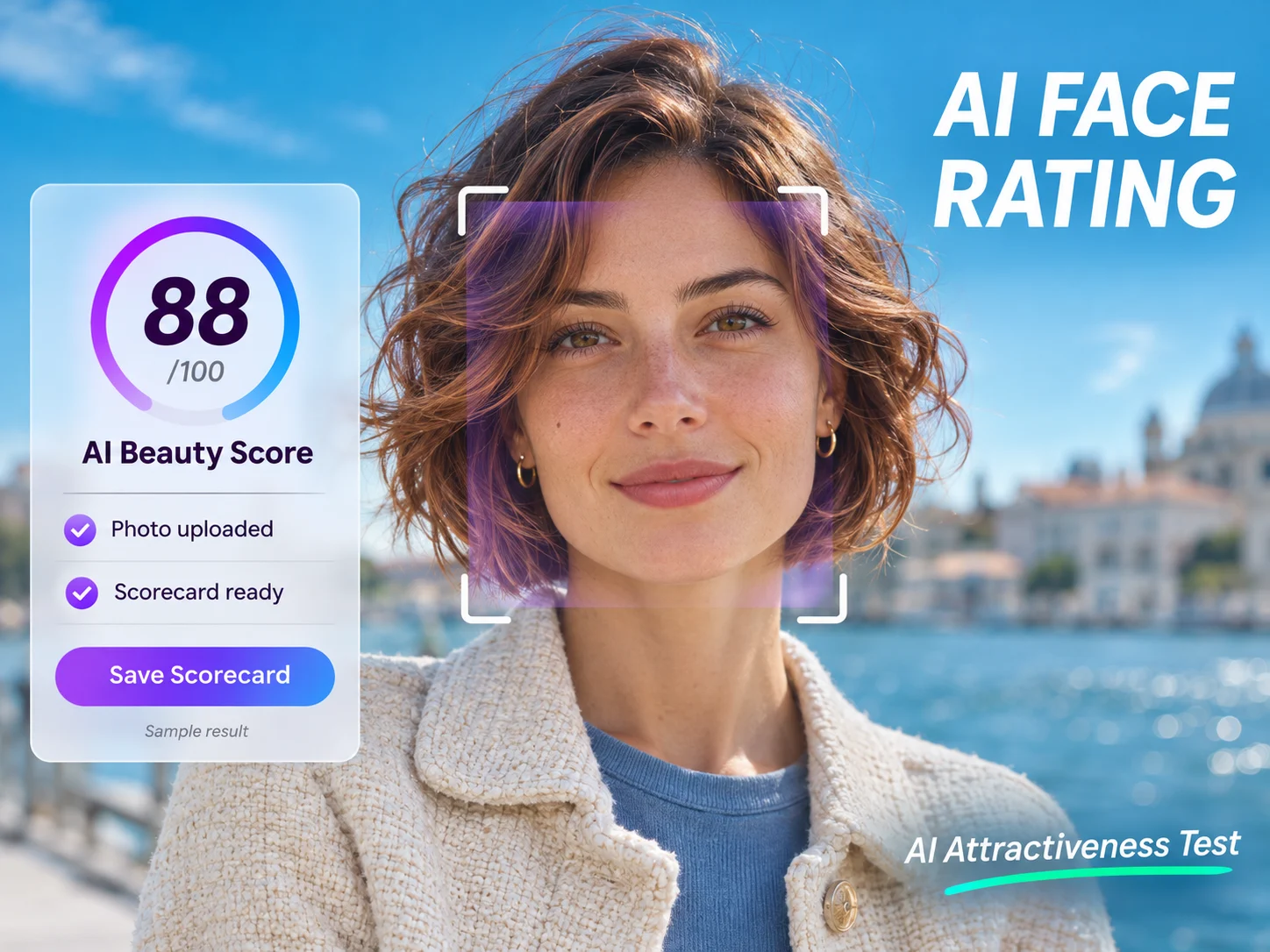
Get an AI Beauty Score From Your Own Photo
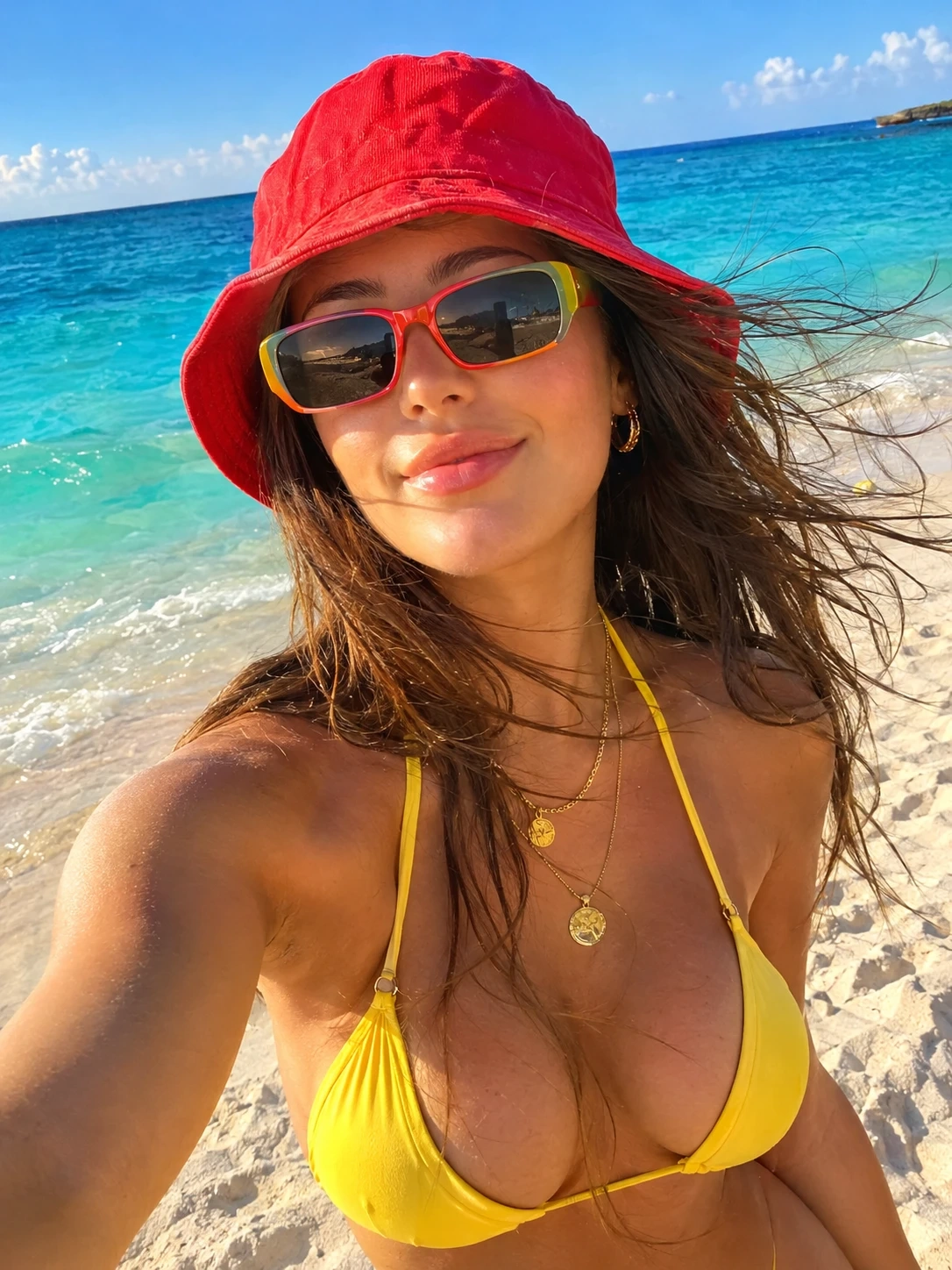
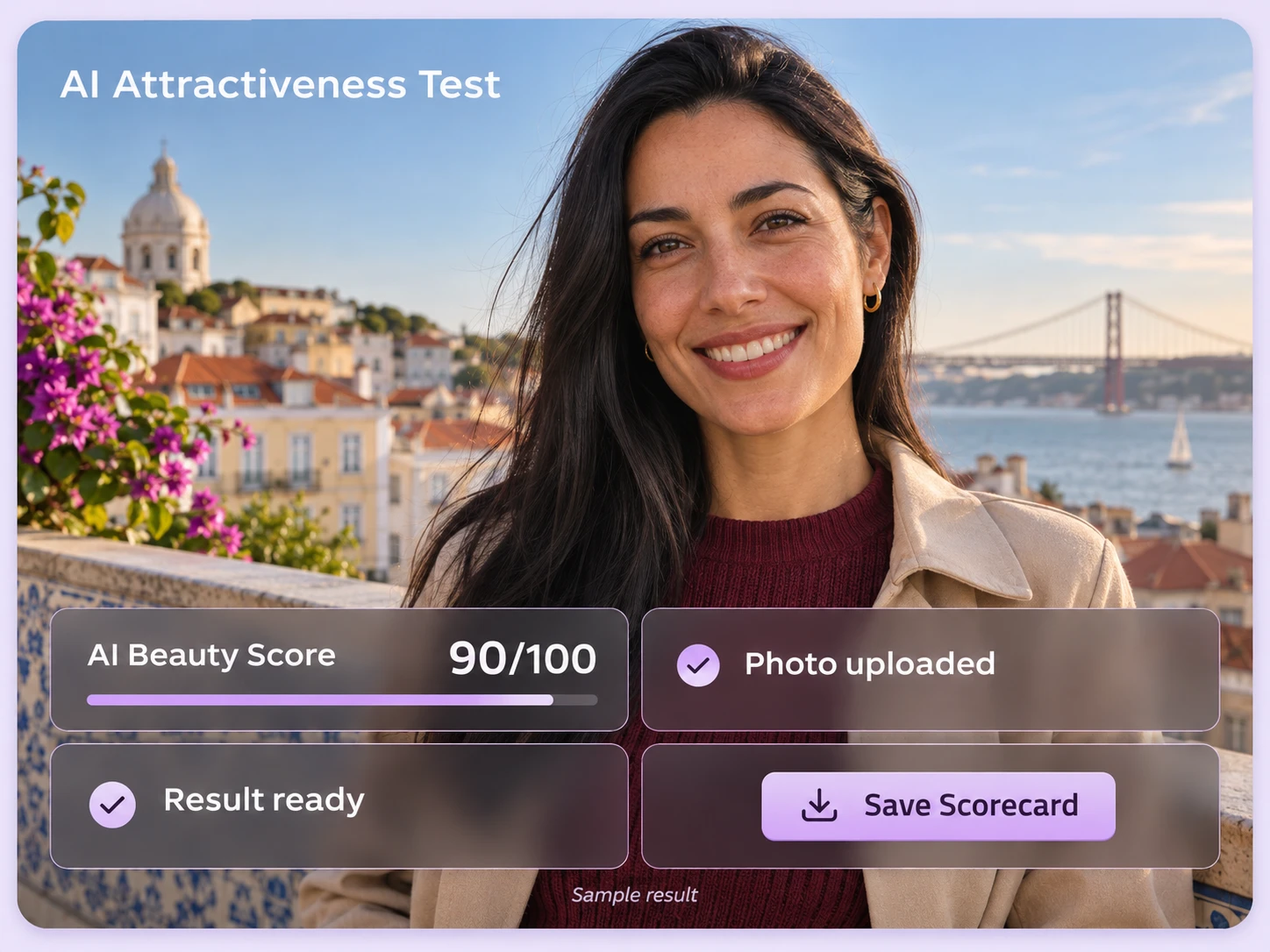
Upload a selfie, a headshot, or a portrait from your camera roll. PicLumen generates an overall beauty score for the image you choose. Use a single-person photo where the face is clearly visible, with enough detail to see the eyes, nose, and mouth. If you have several portraits in mind, upload them individually to get a separate AI face rating for each one. For a small, low-resolution image, PicLumen's AI image upscaler can create a larger copy before you upload it. Keep the original so you can check how the image has changed.
Save Your Photo and Rating in One Scorecard
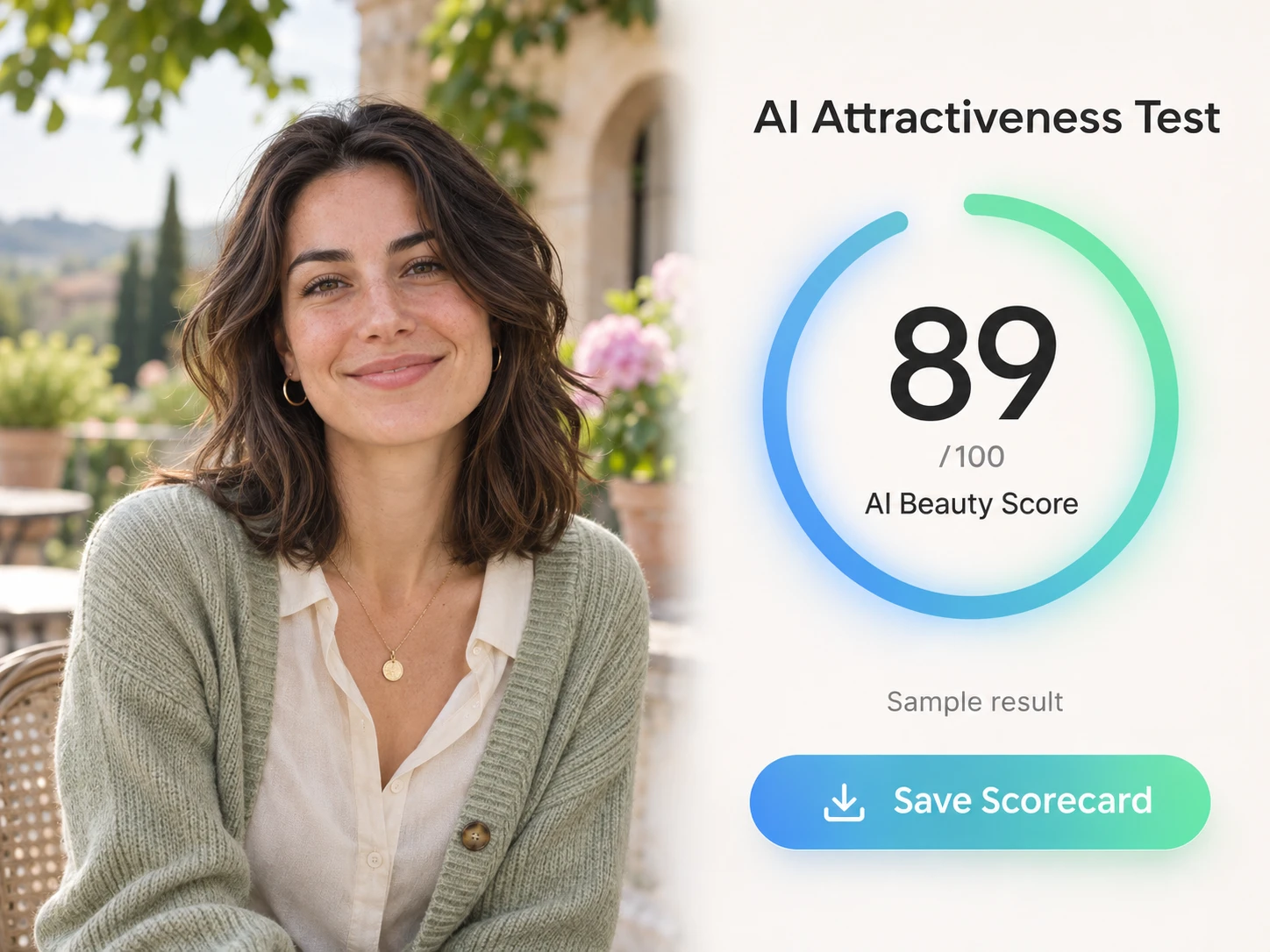
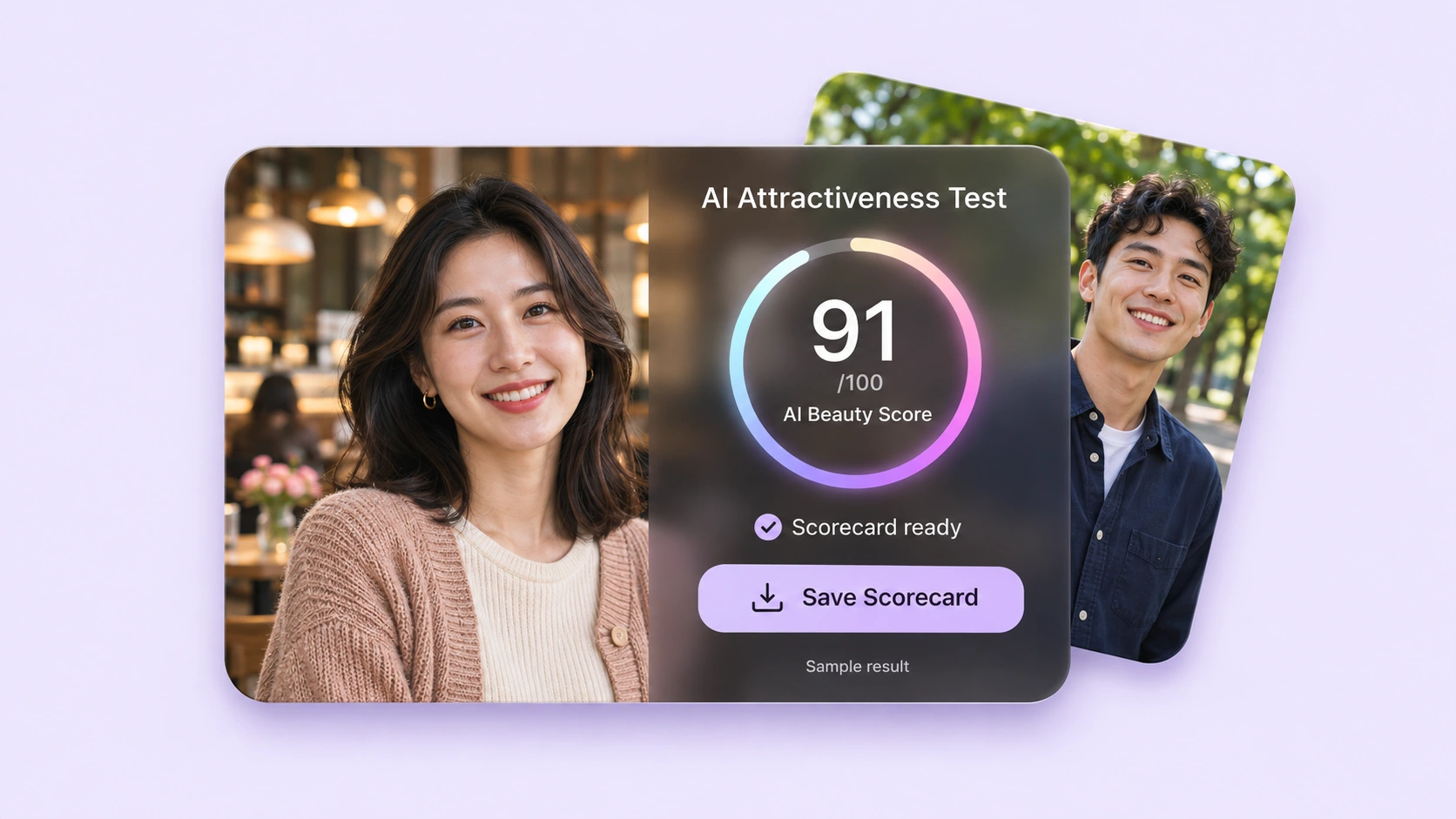
Download a result image that keeps the portrait and its beauty score together. Each card identifies the photo behind the rating, making your results easier to follow when you revisit several tests. Save the full card, send it in a group chat, or use it as the reveal in an “AI rated me” video. Keep the portrait and number visible when cropping for a post. If you want to turn the portrait itself into a new avatar, explore PicLumen’s AI profile picture generator to try different backgrounds, outfits, and visual styles.
Take the Test on Your Phone or Computer
Open PicLumen’s online face rater in a modern browser and choose a photo from your device. On your phone, select a selfie directly from your photo library. On a computer, upload a saved headshot and review the finished scorecard on a larger screen. The AI attractiveness test runs through PicLumen, so there’s no separate face-rating app to install. Sign in to your account, upload your portrait, and download the result through your browser. Choose whichever device already holds the photo you want to use.
What Can Change Your Attractiveness Score?
A face rating depends on the image provided to the tool. These photo differences can change what’s visible and make two portraits of the same person look surprisingly different.A face rating depends on the image provided to the tool. These photo differences can change what’s visible and make two portraits of the same person look surprisingly different.
Light and Shadow
A window behind your head can leave your face dark, while light from one side can emphasize certain contours and hide others. Even lighting makes more facial detail visible. If a score surprises you, first check whether deep shadows or bright highlights are covering part of the face.
Camera Distance and Angle
A close-up selfie can make features nearest the lens appear larger. Holding the camera above or below eye level also changes the apparent proportions of the face. A portrait taken from farther away may therefore look different from a tightly framed phone selfie, even when both were taken minutes apart.
Facial Expression
A broad smile lifts the cheeks and changes the appearance of the eyes and mouth. A relaxed expression, raised eyebrows, or a tense jaw creates a different picture. Those differences matter when interpreting an AI beauty score. A rating attached to one expression should not be assumed to apply to every photo of that person.
Filters, Blur, and Compression
A beauty filter can reshape features or smooth away texture. Blur and heavy compression can also remove details that were visible in the original image. Use an original photo when possible. Testing a filtered or heavily compressed version introduces changes from the editing process as well as from the portrait itself. For a useful comparison, keep the camera position, lighting, and test settings consistent, then change one thing at a time. For example, compare a relaxed expression with a smile using the same camera setup.
Three Ways to Use an AI Attractiveness Test
Pick a Photo for Your Social Profile
Narrow your choices to two or three portraits you would actually use. Run each through the AI attractiveness test, then review the cards alongside the originals. Use the result as an extra reference while choosing. For a small profile icon, also check that your face remains recognizable after cropping and that the picture still looks clear at thumbnail size. If you want a different avatar style, explore PicLumen’s AI profile picture generator.
Compare a Haircut, Makeup Look, or Beard Style
Use photos from before and after a haircut, or try portraits showing different makeup and facial-hair styles. An AI beauty test gives you another way to explore how each look appears in a photo. Compare details you can actually choose: hair framing the face, a different lip color, or a clean-shaven look. Let your own preferences guide the final choice; the experiment is about finding a look you enjoy wearing.
Make an “AI Rated Me” Reveal
Build a short video or carousel around your AI attractiveness test result: show the selfie, reveal the scorecard, then add your reaction. For an Instagram Story or TikTok post, preview the finished post on a phone to check that the rating is readable. Friends can add their own results if they want to join in, with each person choosing what to share.
How to Take the AI Attractiveness Test on PicLumen
Sign In and Upload a Portrait
1Open the test in PicLumen and upload a clear, single-person photo. Make sure the face is large enough to see easily in the preview and that you’ve selected the intended image. A head-and-shoulders portrait is a practical starting point. Crop a copy first if the person appears very small in a wider photo.
Generate Your Face Rating
2Check the options shown in the tool and review the Lumen cost before starting. Click Generate to create your AI face rating. Let the generation finish, then open the completed result. Check that the card refers to the photo you uploaded.
Download the Result
3Review the score and download the finished result image. If you’re testing several portraits, save each card with a name that identifies the photo. You can then review your cards together or use the selected result in a post.


Loved by Creators Worldwide
Real feedback from designers, marketers, and hobbyists sharing their PicLumen experience on Trustpilot.
jordi AlcarazI have really enjoyed using this site…
I've had a really positive experience with Piclumen. The platform offers excellent features for creating AI images and videos, with impressive quality and a wide range of creative possibilities. It's very easy to use, even when experimenting with more complex ideas, and the whole process is both intuitive and enjoyable. excellent customer service. The team replies very quickly, is always friendly, and genuinely tries to solve any issues you may encounter they care about their users. Overall, Piclumen is an innovative, user-friendly, and exciting AI platform. I highly recommend it to anyone interested in AI image and video creation.
I recently had some technical issues…
I recently had some technical issues that I was trying to work through, so I reached out to the team at PicLumen for support. They were incredibly open, responsive, and willing to discuss the challenges I was experiencing. I even sent them a video demonstrating some of the issues I came across, and they took the time to review everything carefully and work toward finding solutions. What really stood out to me was how friendly, approachable, and collaborative they were throughout the process. I never felt like I was just submitting a problem ticket — it felt like they genuinely cared about improving the experience and helping users succeed. I truly enjoy using the platform and appreciate the level of support and dedication behind it. I would absolutely recommend PicLumen to anyone interested in this type of creative work.
Sara FrandsenExcellent customer service
Excellent customer service! The support team was incredibly fast, polite, and helpful. They handled my request quickly and professionally without any hassle. It is rare to see such great and honest support these days. Highly recommended!
 Ibrahim Onuh
So very powerful and interesting
So very powerful and interesting
Really good app and generates good…
Really good app and generates good images!
It’s way easier to use then these other…
It’s way easier to use then these other apps
 Nikki Camou Timber and Torch
Love them
Love them! I’ve love working with the app so far!
 Aslam Khan
good have a nice day.meet
good have a nice day.meet
Shantell JordanLOVE THIS TOOL
Love this app. Its allowed my vision to come to life.
 KHILADI
Now i started using of piclumen in…
Now i started using of piclumen in starting it looks perfect
 Qadeer Khan
Piclumen is one of the best ai image…
Piclumen is one of the best ai image generator
 Raiden
I haven’t tried yet so wait
Its actually really useful
AI Attractiveness Test: Your Questions Answered
How accurate is an AI attractiveness test?
Treat the result as an entertainment estimate. Personal preferences differ, and a photo leaves out movement, voice, and the way someone comes across in person. A 2024 study comparing five AI face-rating websites with human raters found that the AI sites gave higher average scores for its limited sample of generated faces. The study did not test PicLumen and does not establish an accuracy rate for this tool.
What does my attractiveness score actually mean?
It is an AI-generated rating of the uploaded portrait. A score and a population ranking are different things. For example, 80 on a 100-point scale does not mean 80% of people would find the photo attractive. Likewise, scores from different face-rating apps may use different scales or methods, so they should not be treated as interchangeable.
Is PicLumen’s AI attractiveness test free?
Free trial access depends on the offers and credits available to your account and the Lumens required for a generation. Check the displayed cost before you start. If you need more credits, PicLumen’s pricing page lists current Lumen packs and subscription options. Review the offer available to your account before purchasing.
Do I need an account to get an AI face rating online?
Yes. Sign in to PicLumen to start creating. New users can register with an email address or use a supported Google or Apple sign-in option. Your account lets you check your available Lumens before running the test.
Why can the same photo receive different ratings?
Generative tools can produce different outputs between runs. Changing the model, instructions, or generation settings can also change a result even when the photo stays the same. A small difference between two beauty scores does not show that your appearance changed. Repeatedly testing one image is not a reliable way to establish a definitive personal rating.
Can I use a photo with glasses, makeup, or a beard?
Use a photo showing the look you want to test. You don’t need to remove your usual styling just to take a face rating test. Choose another shot if reflections on glasses hide your eyes or hair covers much of the face. For makeup, use a photo that shows the real look clearly rather than a filter that adds or reshapes features.
How does PicLumen handle uploaded face photos?
Uploaded images are processed as input for AI generation. PicLumen’s Privacy Policy explains data handling and your rights to request access, correction, or deletion. Public content is also covered by the Terms of Service, which permit uses including service improvement and AI training. For questions about your photos or a data request, contact service@piclumen.com.
What should I do if my photo won’t upload?
Check the file format and maximum size shown in the upload field. Export a compatible copy or resize the image if necessary, keeping the face clear. If the file meets those requirements, check your connection and try uploading again. Return to the original file if a compressed copy looks blurry.
Put Your Selfie to the Test
Upload a selfie to PicLumen’s AI attractiveness test and get your beauty scorecard. Keep it in your camera roll or use it for an “AI rated me” reveal on your next post.
- AI Art Generator
- AI Cartoon Generator
- AI Face Generator
- AI Landscape Generator
- AI Texture Generator
- AI Background Remover
- Image to Image AI
- AI Van Gogh Generator
- AI Anime Character Generator
- Tim Burton Characters
- AI Action Figure Generator
- Add Glasses to Photo with AI
- AI Bald Filter
- AI Breast Expansion
- AI Couple Photo Maker
- AI Fisheye Filter
- AI Polaroid Photo Generator
- Birthday Card Maker
- AI Business Profile Portrait Generator
- Denoise Images Online
- Unblur Images Online