Free AI Face in Hole Generator – Put Your Face into Any Scene
Create a Face-in-Hole Photo from Just One Portrait
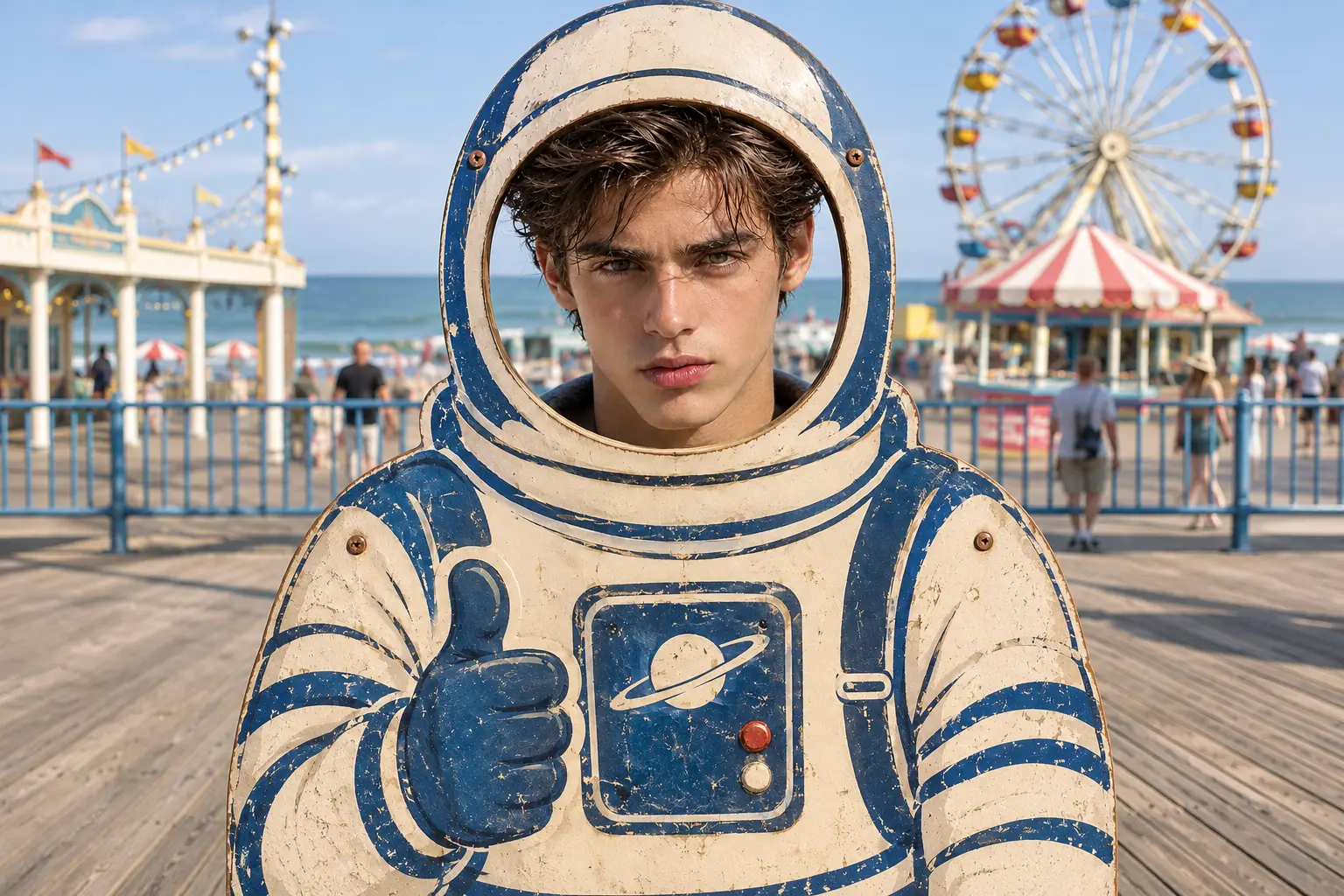
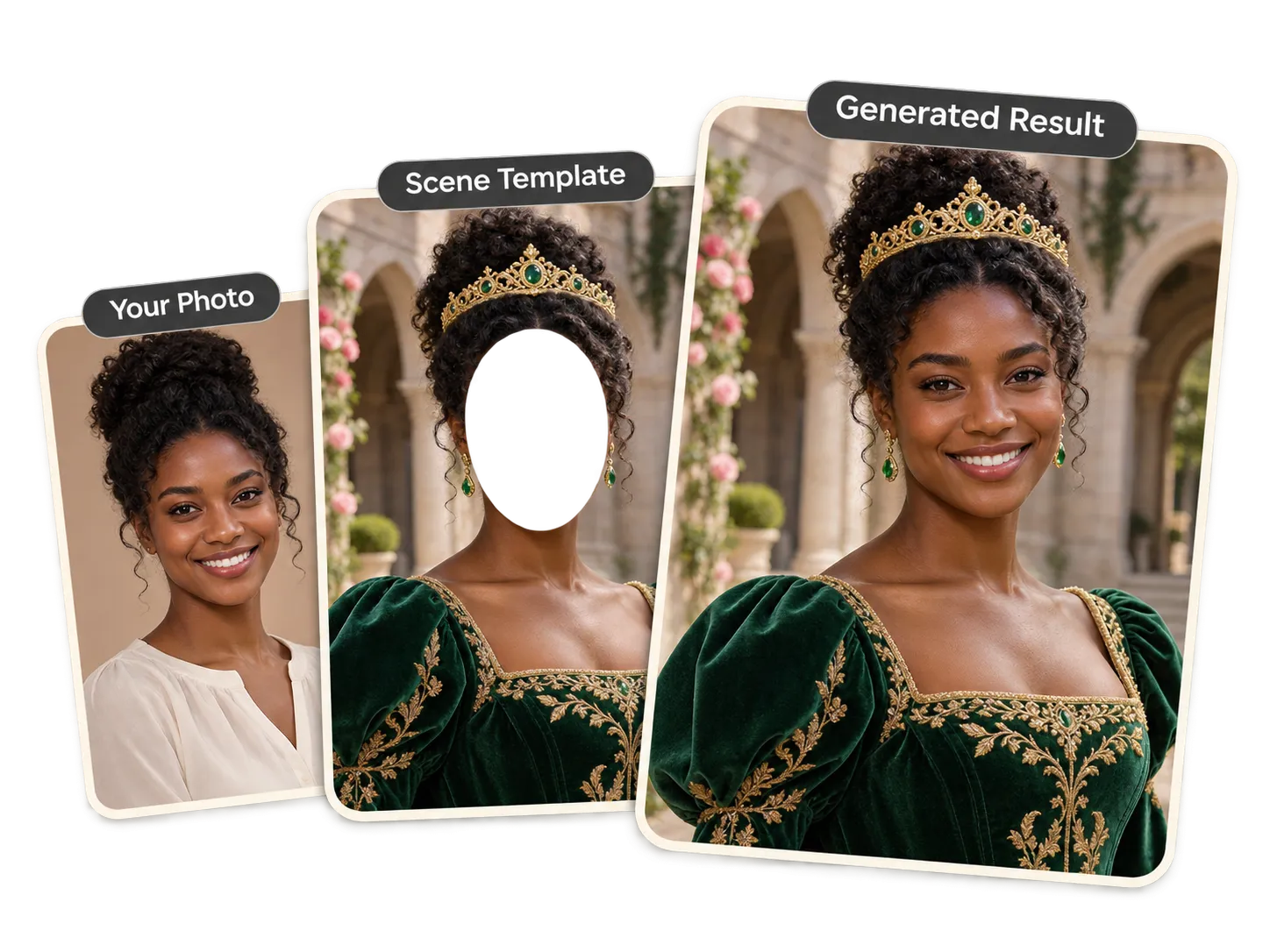
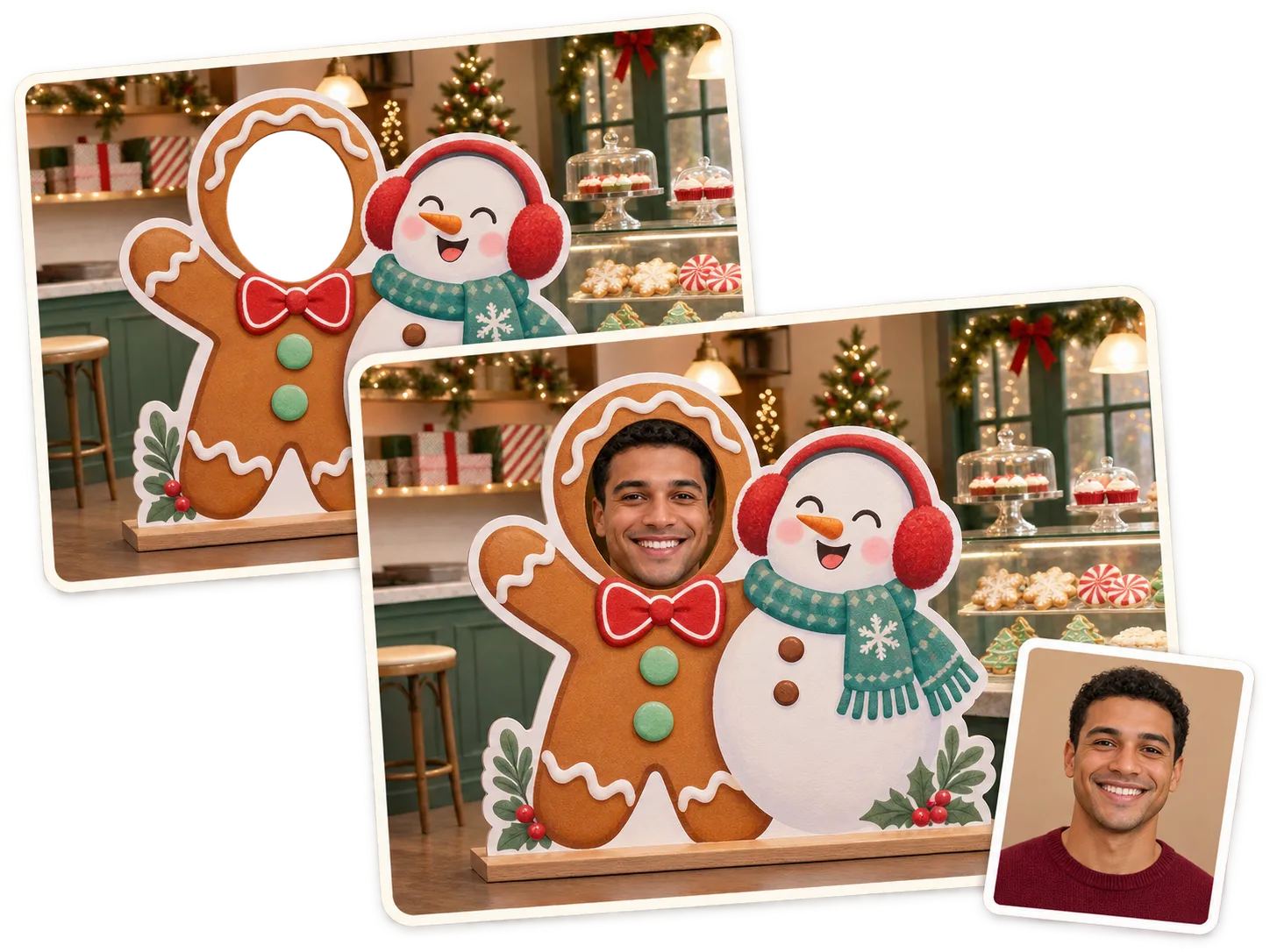
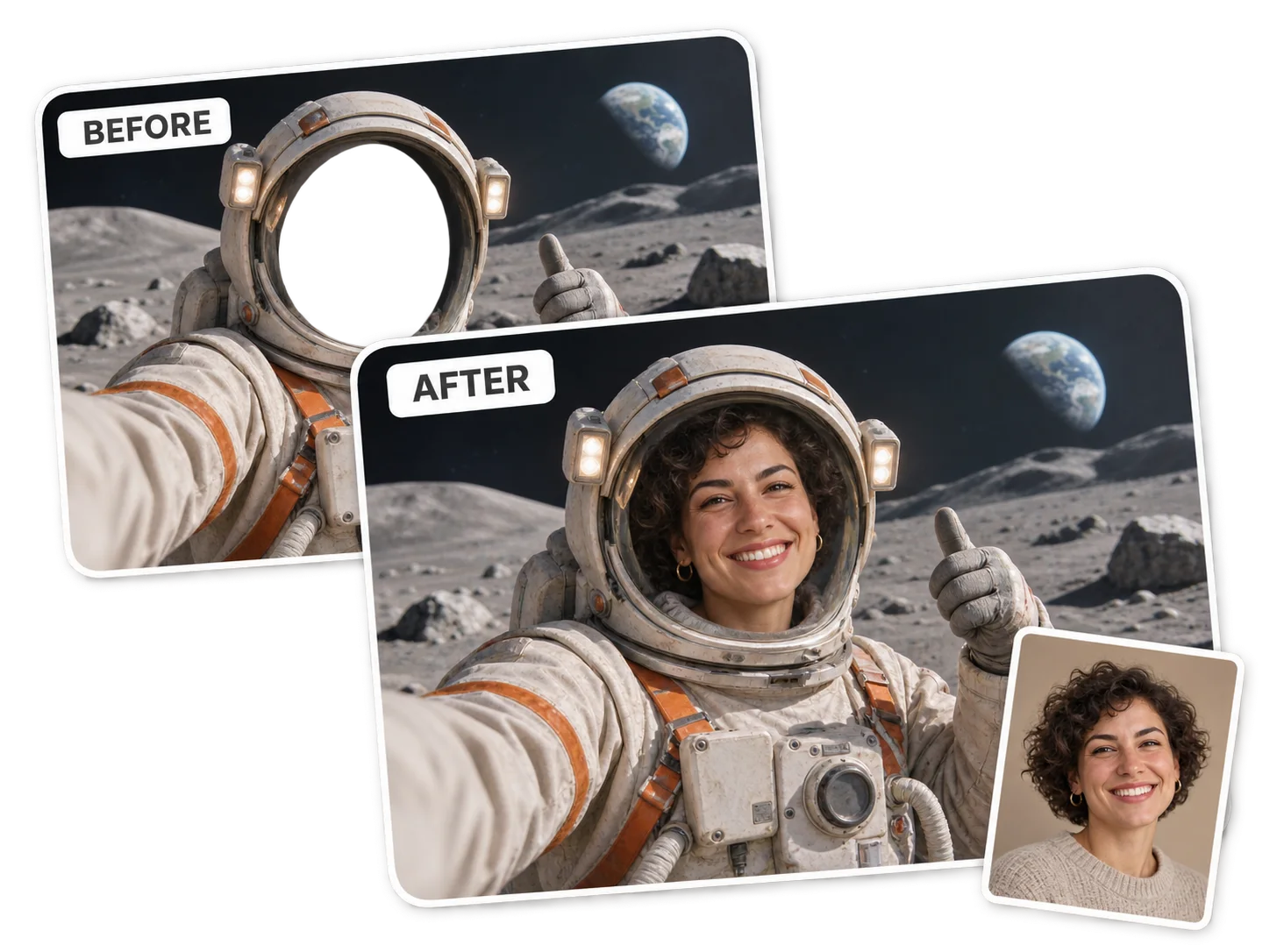
You don't need to find a separate template or prepare two images to get started. Select PicLumen's Face In Hole template, upload a single portrait, and let AI use your appearance as a reference for the new image. Whether you want to become an astronaut, step into a costume, or appear in a funny character scene, you can start with one photo and build the rest around your idea. If you already have a specific photo and want to replace the person in it, try our AI Photo Face Swap instead.
Shape Every Detail with a Custom Text Prompt
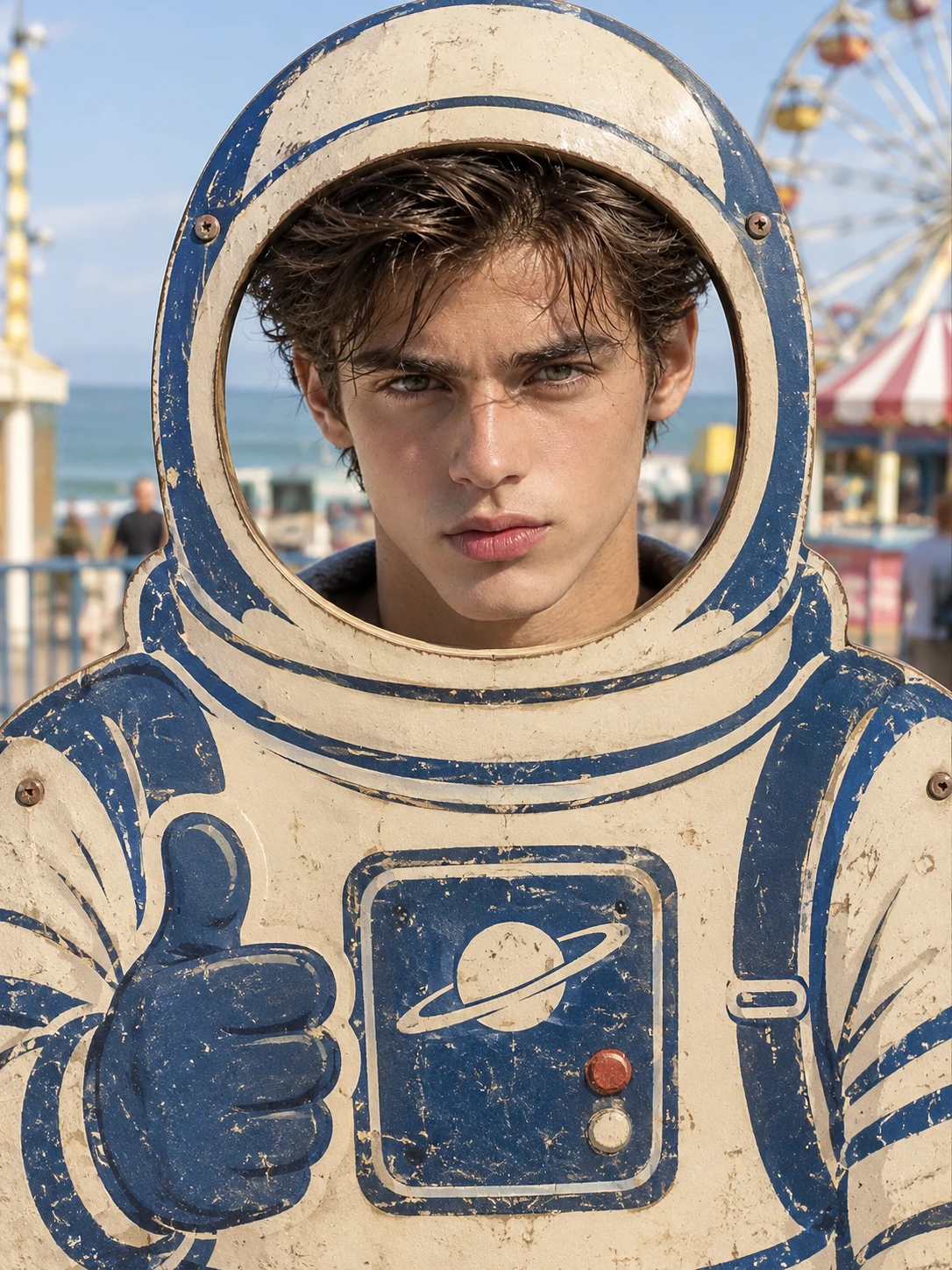
Go beyond a preset face-in-hole picture by describing exactly what you want to create. Add details about the character, outfit, pose, background, setting, and photography style to guide the generated image. For example, ask for a retro astronaut photo board at a seaside amusement park, complete with a cream-and-navy spacesuit and a sunny coastal backdrop. You can change your prompt to explore new compositions without preparing another reference image. For more ways to transform uploaded photos with text instructions, explore PicLumen's Image-to-Image AI Generator.
Make Your Character Look Like You
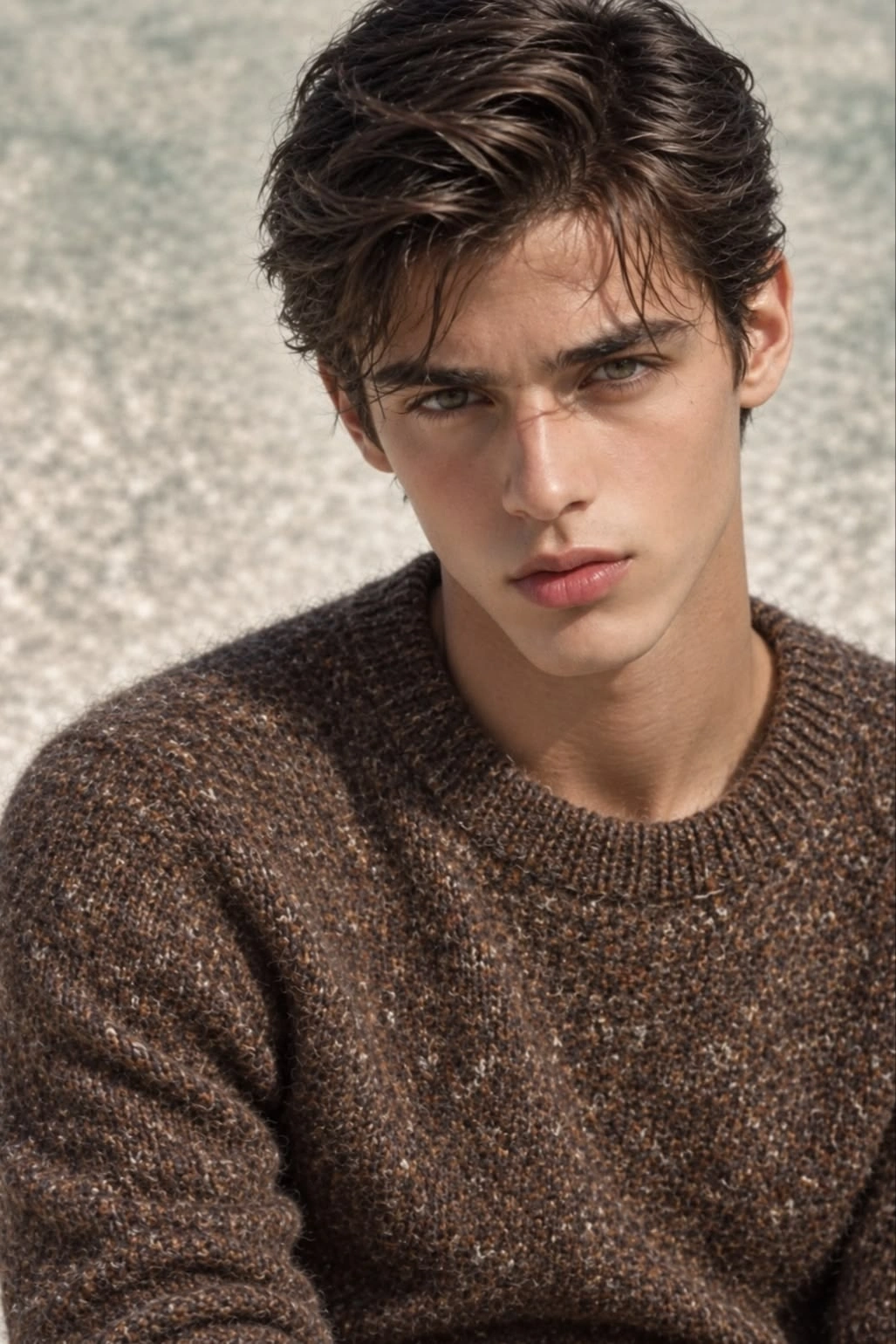
The uploaded portrait is more than a starting image; it serves as a visual reference for the person in your creation. PicLumen uses it to guide the character's facial appearance instead of simply generating an unrelated face. For a more useful reference, upload a clear, well-lit portrait with visible eyes, nose, and mouth. Avoid heavy filters, strong shadows, and objects covering your face so the AI has recognizable facial details to work with.
Explore Different Characters, Costumes, and Visual Styles
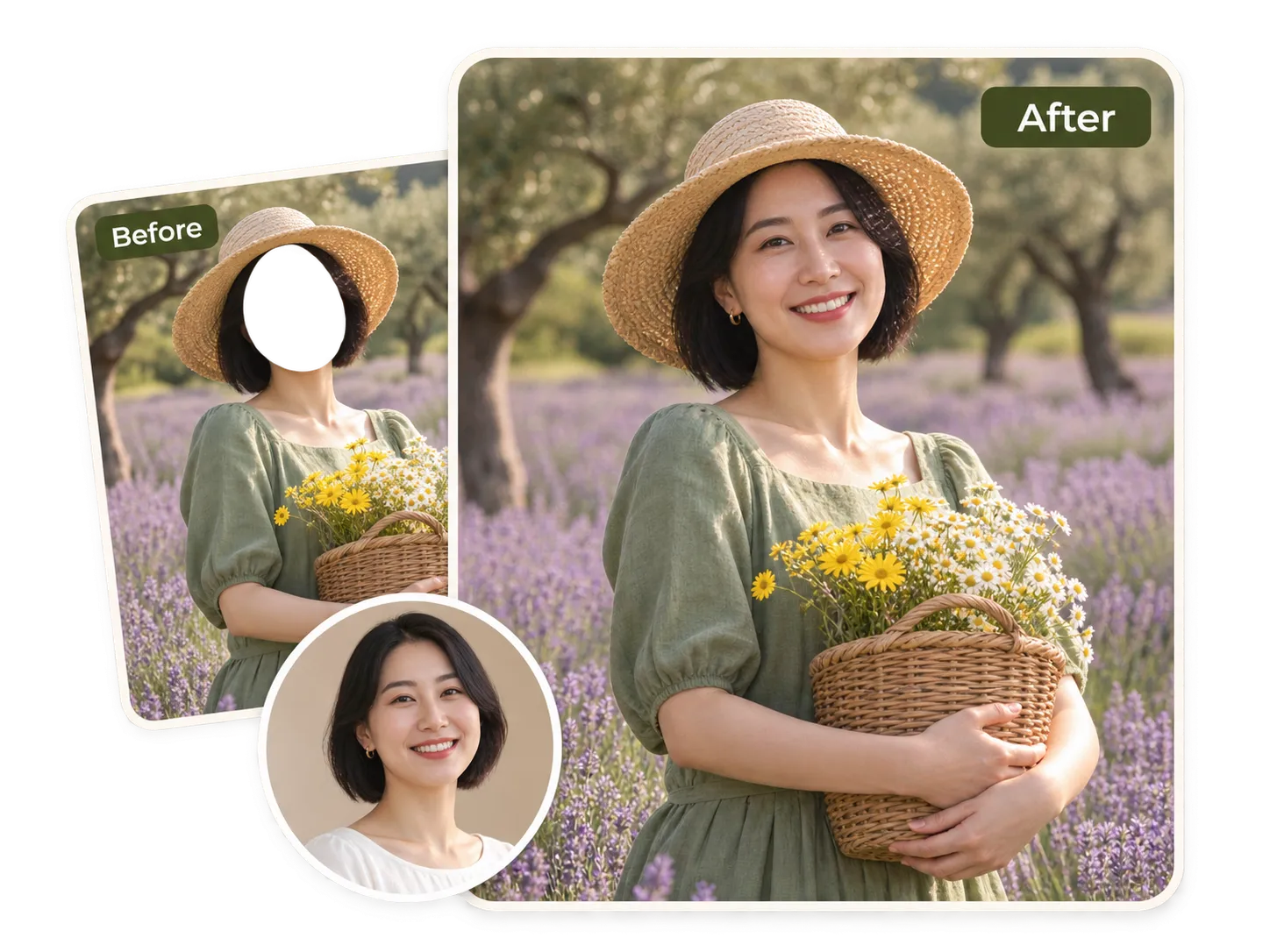
A face-in-hole picture doesn't have to follow one look. Create a vintage carnival cutout, a playful astronaut portrait, a fantasy warrior, or a cartoon-inspired character. Experiment with realistic photography, retro poster aesthetics, colorful illustrations, and other visual directions through your prompts. Each new description gives you another way to reinterpret your portrait, making it easy to create distinctive face-in-hole pictures for personal projects and social content.
What Can You Create with an AI Face in Hole Generator?
Funny Face-in-Hole Photos and Memes
Turn yourself or a friend into the unexpected star of a funny picture. Try an oversized costume, a ridiculous character, or a playful photo booth scene. Face-in-hole photos are great for inside jokes, group chats, reaction images, and social posts that give people something to laugh about.
Astronaut, Superhero, and Costume Portraits
Ever wanted to see yourself in a spacesuit or a superhero outfit? Use a face-in-hole prompt to create character portraits with different costumes and settings. From astronauts and pirates to fantasy warriors and storybook characters, you can experiment with roles that would be difficult to recreate in a regular photo.
Birthday and Holiday Greetings
Give a birthday message or holiday greeting a more personal touch. Create a festive character portrait, a spooky Halloween picture, or a funny Christmas scene featuring your own appearance. These face-in-hole creations can add a personal element to digital greeting cards, party invitations, and seasonal social media posts.
Photo Booth-Style Pictures for Social Media
Recreate the familiar fun of a face-in-hole photo booth in a digital image. Think of the classic amusement park cutout board where you put your face through a hole to become an astronaut, cowboy, or other character. Describe your own version of that scene and create a personalized picture to share on Instagram, TikTok, or with friends.
How to Make a Face-in-Hole Photo with PicLumen
Select the Face In Hole Template
1Open PicLumen's Face In Hole tool and select the built-in template. This gives you the starting point for creating your personalized character picture.
Upload Your Photo and Describe Your Scene
2Upload one clear portrait to use as your identity reference. Then write a prompt describing the picture you want to create. Include details such as the character, costume, background, setting, and visual style. For example, you could ask for a retro astronaut photo board at a seaside amusement park.
Generate Your Face-in-Hole Picture
3Click Generate and let AI create your image based on your portrait and prompt. Review the result and see how your appearance fits into the scene. When you're happy with your creation, save it and share it with friends or on social media.


Loved by Creators Worldwide
Real feedback from designers, marketers, and hobbyists sharing their PicLumen experience on Trustpilot.
Bet AWNice good appp creat inmage
Nice good appp creat inmage
Scottie GraceVery affordable and high quality
Very affordable and high quality
Love this app it helps my ideas come to…
Love this app it helps my ideas come to life
 Mubashir Ahmed
This web is very help and free
This web is very help and free
Excellent results
Excellent results, very supportive and helpful customer service. They have a great interface very friendly use and the prices are reasonable. I use it for personal stuff and I am just a beginner but it made my earning process very enjoyable. I might give a more technical review in the future but that is so far my experience. Thanks
It’s way easier to use then these other…
It’s way easier to use then these other apps
I like this app its a veey good…
I like this app its a veey good experience
 Aslam Khan
good have a nice day.meet
good have a nice day.meet
Ayyan NaveedIt's good
It's work very I am totally satisfied from this app I am very happy after use it
Really cool and very easy to use
Really cool and very easy to use
Everything
Everything, keep up the good work
 Human Human
Best of all time vry real
Best of all time vry real
Face In Hole Generator FAQs
What Is a Face in Hole Generator?
A face in hole generator is an AI image tool that creates pictures featuring your face in a different character, costume, or scene. Traditionally, face-in-hole photos use a fixed picture with an opening where someone can position their face, such as an astronaut cutout at an amusement park. An AI face in hole generator takes this idea further by using your portrait as an identity reference and generating a new scene based on your description. You can create funny character pictures, personalized posters, costume portraits, and photo booth-style images without manually cutting and pasting your face.
How Do I Put My Face in a Picture with AI?
To put your face in a picture with PicLumen, open the Face In Hole tool and select its built-in template. Upload one portrait as your identity reference, then enter a prompt describing the scene you want to create. You can specify the character, clothing, background, setting, and visual style to guide the result. Click Generate to create your face-in-hole picture. Unlike traditional editing tools that require a separate target image, this workflow lets you create a personalized scene from one uploaded photo and a text description.
What Kind of Photo Works Best for a Face-in-Hole Generator?
A clear portrait with visible facial features is the best starting point for an AI face in hole generator. Choose a reasonably high-resolution photo with good lighting, a sharp face, and minimal obstruction from sunglasses, masks, hands, or hair. Front-facing portraits are a practical choice because they show more facial detail, although the best reference also depends on the character and scene you describe. Blurry, heavily filtered, or very dark photos provide less visual information and may make it harder for AI to reproduce your appearance accurately.
How Do I Write a Good Face-in-Hole Prompt?
A good face-in-hole prompt describes what you want the finished picture to look like, rather than simply asking AI to insert your face into a scene. Mention the character or role, clothing, background, setting, and image style. For example, you could write: "Create a retro astronaut photo board at a seaside amusement park, with a cream-and-navy spacesuit and a sunny coastal background. Use the uploaded portrait as the identity reference." Specific details give the AI clearer creative direction and help you explore different face-in-hole ideas without uploading a separate template image.
Can I Put My Face on a Cartoon, Superhero, or Movie Character?
Yes. You can describe cartoon-inspired scenes, superhero costumes, fantasy characters, pirates, astronauts, and movie-poster-style compositions in your prompt. PicLumen's Face In Hole tool uses your uploaded portrait as an identity reference to guide the appearance of the person in the generated scene. You can experiment with different roles and visual styles to create personalized character pictures, whether you want a funny costume portrait or a more cinematic image.
Can I Upload My Own Face-in-Hole Template?
PicLumen's current Face In Hole workflow uses a built-in template rather than a separate upload for the target picture. You only need to upload one portrait as your identity reference. To customize the result, describe the scene you want in the prompt, including details such as the character, outfit, background, and setting. This approach lets you explore different face-in-hole pictures through text prompts without having to find or prepare a second template image.
How Is an AI Face in Hole Generator Different from a Face Swap Tool?
A face swap tool typically replaces one person's face with another face in an existing image or video. A face in hole generator focuses on creating a picture in which your appearance becomes part of a character, costume, or themed scene. With PicLumen, you select the Face In Hole template, upload a portrait, and describe the scene you want. Rather than simply exchanging faces between two existing images, the workflow uses your portrait as an identity reference for a new AI-generated composition.
Can I Create Funny Face-in-Hole Photos for Birthdays and Holidays?
Yes. A face-in-hole effect works well for personalized birthday pictures, Halloween costumes, Christmas greetings, and other themed creations. For a birthday image, you could describe a playful party character or a humorous costume. For Halloween, try a vampire, pirate, or spooky fantasy scene. You can also create photo booth-style pictures for group chats and social media. Changing the prompt gives you a way to explore different designs for different occasions.
Is PicLumen's Face in Hole Generator Free?
The availability of free generations depends on the credits and generation options currently offered by PicLumen. You can open the Face In Hole creation page to check the credit cost before generating an image. If your account has available free credits, you can use them according to the current generation rules. Checking the displayed cost and account balance before creating your face-in-hole picture is the best way to understand the available options.
How Can I Get a More Natural-Looking Face-in-Hole Picture?
For a more natural-looking face-in-hole picture, start with a sharp portrait and give AI a clear description of the scene. Consider how the character is positioned, which direction they are facing, and whether the lighting and overall style make sense for your reference photo. For example, a front-facing portrait is generally a more suitable starting point for a character looking directly at the camera than a strong side-profile photo. Include specific details about the costume, background, and composition in your prompt, then review the generated image to see whether it matches your intended result.
Ready to See Yourself in a Whole New Scene?
From astronaut portraits and funny photo booth pictures to custom costumes and character-inspired scenes, your next face-in-hole creation starts with one photo and an idea. Upload your portrait, describe the scene, and let PicLumen turn your idea into a picture worth sharing.
- AI Image Extender
- AI Image to Video Generator
- Text to Image AI Generator
- AI Surrealism Art Generator
- AI Architecture Generator Online
- AI Clothing Generator Online
- AI Age Guesser by Photo
- AI Age Progression
- AI Clothes Changer
- AI Clothes Remover
- AI Family Photo Generator
- AI Fisheye Filter
- AI Fashion Model Generator
- AI Image Combiner
- AI Polaroid Photo Generator
- AI Thanksgiving Generator
- AI Demon Slayer OC Maker
- Funny Face Filter for Photos
- AI Text Remover for Images
- Wrapped Christmas Surprise AI Image Generator
- AI Magical Santa Gifting Video
- Animate Old Photos with AI