Design Your Own Flag with a Free AI Flag Maker
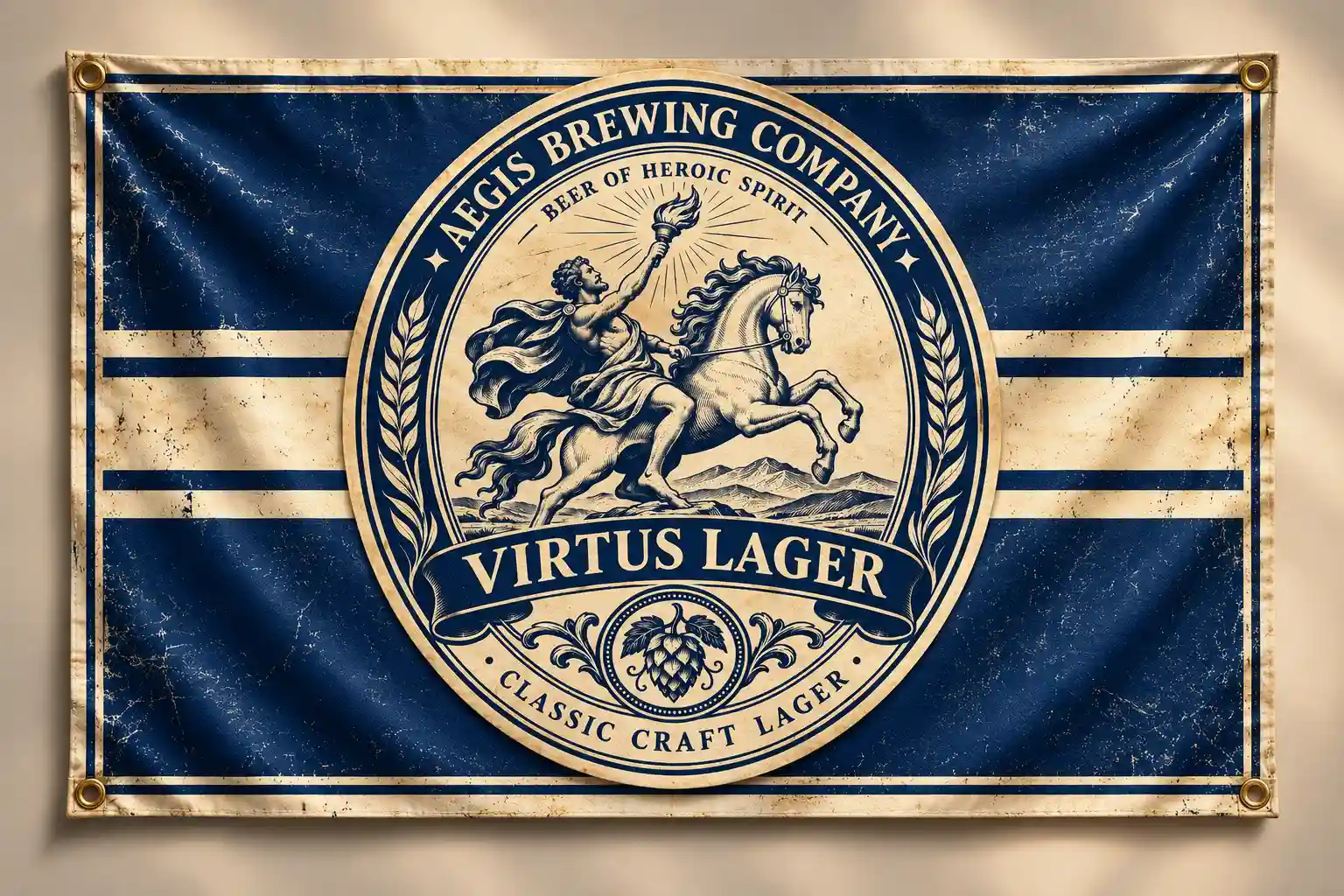
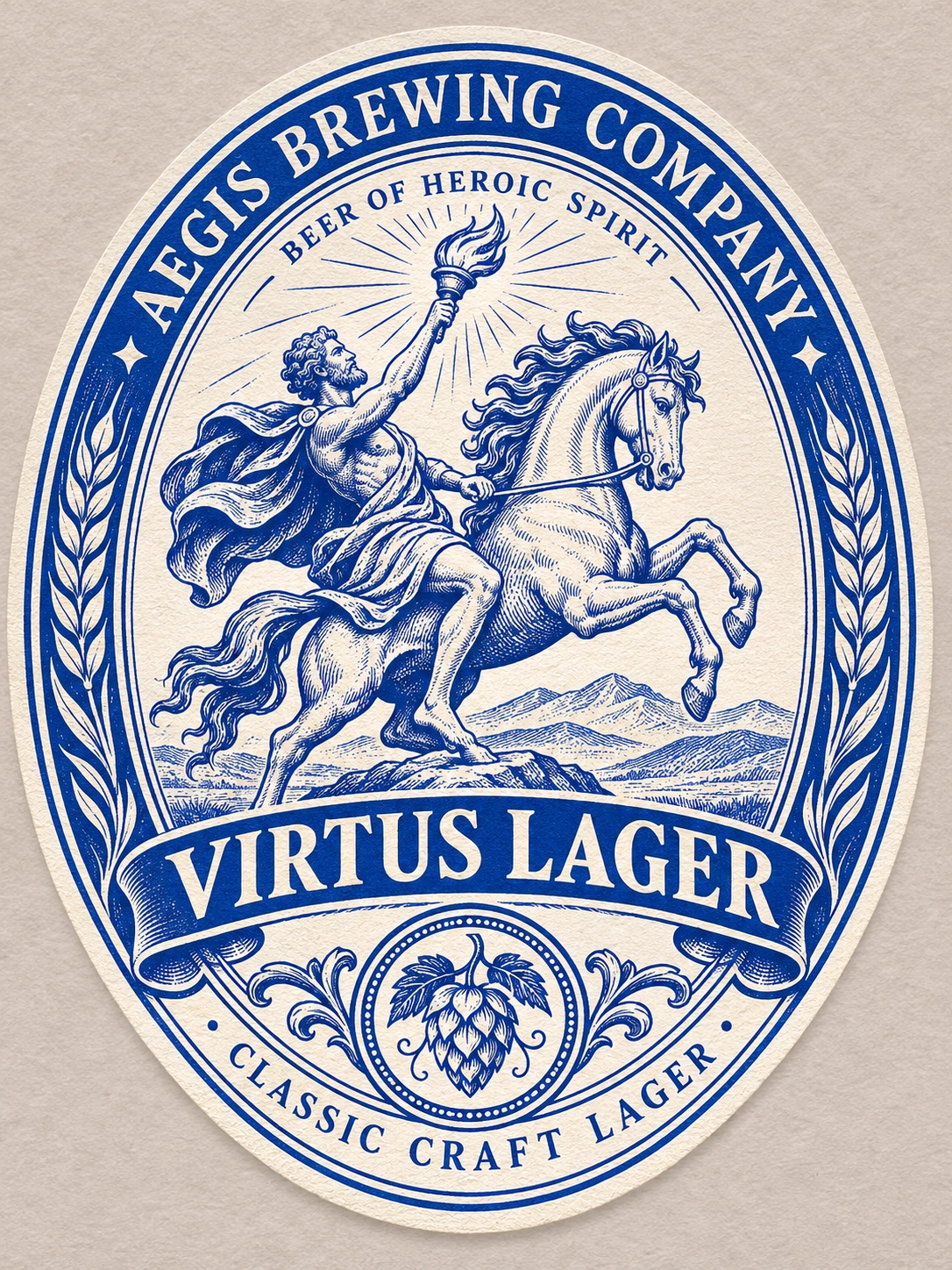
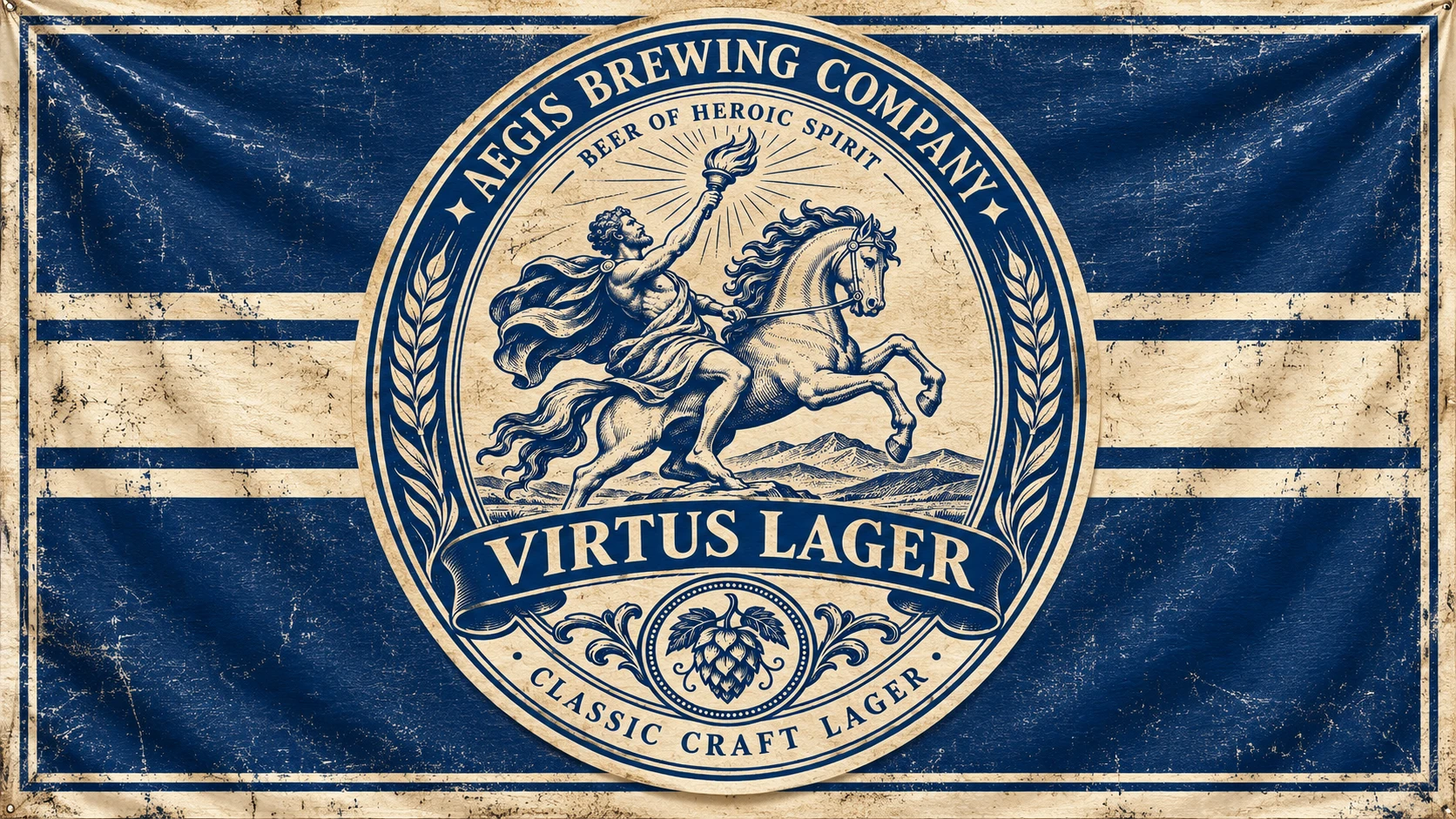
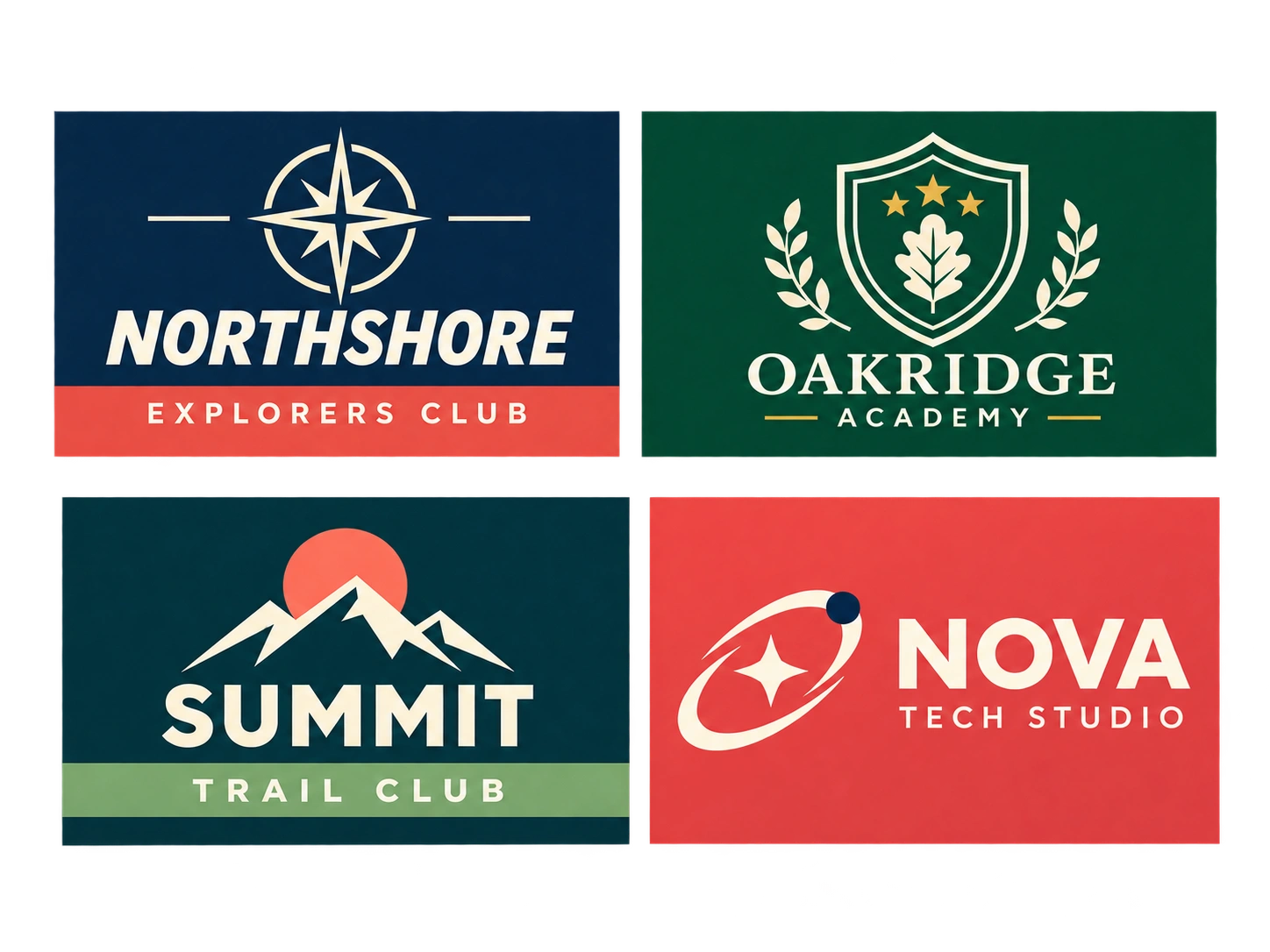
Start a Custom Flag Design with a Text Prompt
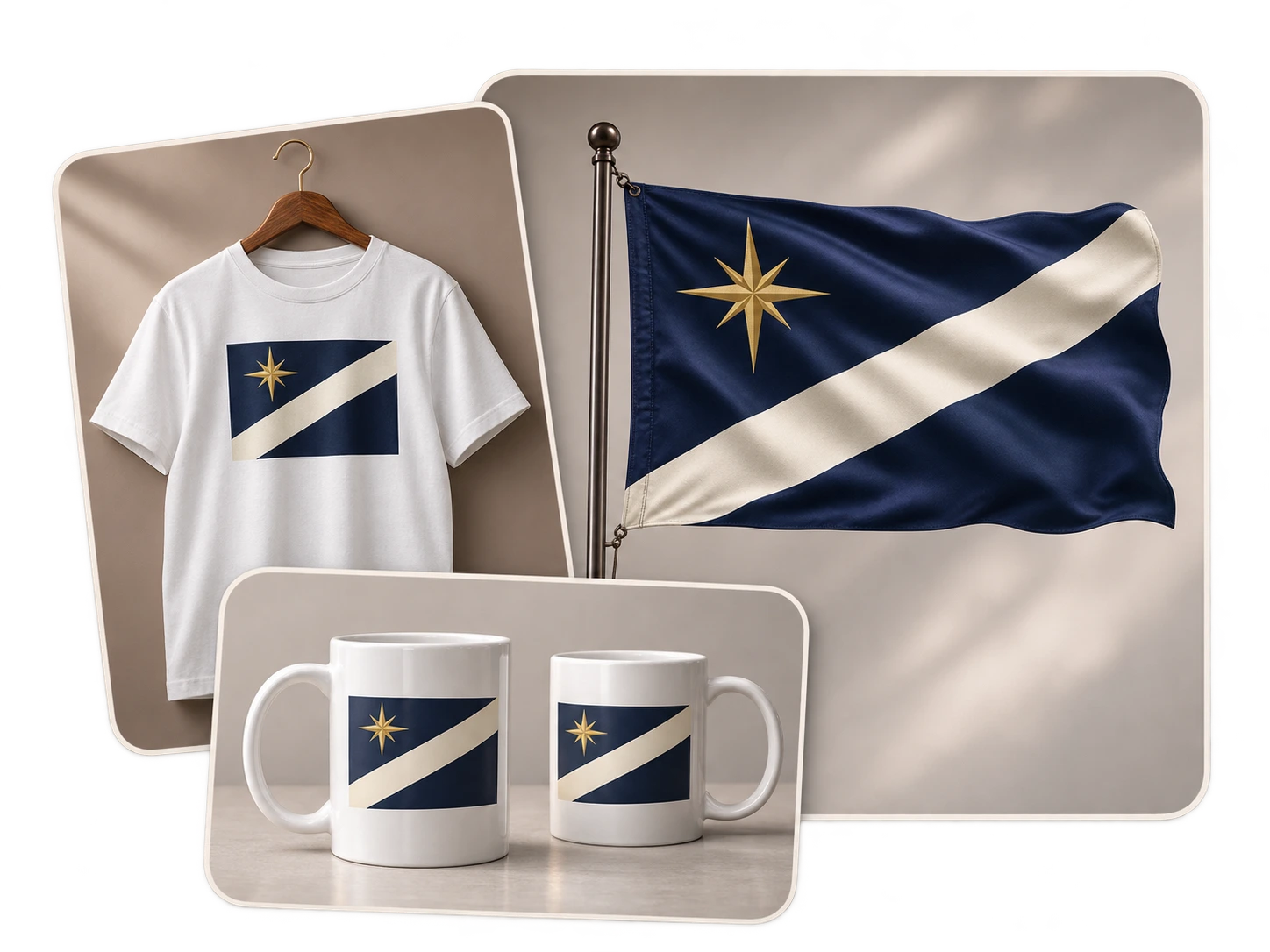
Tell the flag maker what to put on the flag and where it belongs. Name the background color, describe the stripes or divisions, and choose a main symbol. Instructions such as “three equal vertical bands” or “one star in the upper-left corner” give more direction than “a patriotic flag.” For example: “A flag for a fictional republic: navy background, a wide cream diagonal band running from lower left to upper right, and one gold star in the upper-left corner.” Add a short explanation of what the symbol represents if that meaning is part of your brief.
Turn a Sketch or Emblem into a Flag Design
Use PicLumen's image-to-image AI when you have a layout sketch, club emblem, or other visual reference. Upload an image with the important shapes clearly visible, then explain its role: “Use this sketch as the layout,” or “Use this bird silhouette as the main emblem.” Crop out unrelated objects and large empty margins so the reference is easy to read. A clear line drawing can communicate a symbol’s shape; a rough layout can show its position. The flag creator can use that visual information alongside your written instructions.
Change One Part of a Flag You Already Like
Keep your chosen design as the reference and select a model that supports image editing. Describe one specific change, then name the parts you want to retain. For example: “Make the cream diagonal band narrower. Keep the navy background and the gold star in the upper-left corner.” This lets you compare a particular design choice across versions. You could test a wider border, reduce the number of symbols, or replace a detailed crest with a simpler silhouette. Check the revised image before requesting another change, especially when star counts or symbol positions matter.
Generate Flat Flag Artwork with Clear, Readable Shapes
For a complete flag image, tell the AI flag maker to show the design flat and straight on. Add “full rectangular flag, solid colors, no flagpole, no fabric folds, no surrounding scene” to your prompt. These instructions help steer the result toward artwork you can place in a layout. Use two or three contrasting colors and a simple main symbol to keep the flag readable at smaller sizes. Check the result in your intended layout and simplify any details that disappear. For a larger version, use PicLumen's AI image upscaler to increase the image resolution before adding it to your project.

A Flag Maker for Fictional Worlds, Games, Classrooms, and Clubs
Fictional Country Flags for Novels and Worldbuilding
Use PicLumen as a fictional country flag maker for a novel, setting guide, or alternate-history project. Add the finished image to national profiles, illustrated maps, and appendices. Related countries can share a motif while differing in color or arrangement, giving readers a visual clue to their history or political ties.
Faction and Guild Flags for Games and D&D
Create a faction banner for guild recruitment cards, roleplay server welcome pages, or D&D campaign handouts. A mercenary company, trading alliance, and adventuring party may each need a different emblem. Use the artwork in your group’s materials or as a reference when developing more detailed game assets.
Classroom Flag Designs for Geography and History Projects
Use the flag maker for a geography assignment about an imagined island or a history project about a fictional settlement. Add the image to a slide or poster with a short key explaining each color and symbol. Classmates can compare designs and discuss which choices communicate the place or community most clearly.
Custom Flag Maker for Teams, Clubs, and Events
Design a flag concept for an amateur sports team, hiking club, volunteer group, or neighborhood festival. Start with colors and symbols members already associate with the group. Share a few designs for discussion, then use the chosen image in team introductions, event graphics, or social announcements.
How to Use PicLumen’s Flag Maker in Four Steps
Describe Your Flag or Upload a Reference
1Open the AI image generator and enter your flag description. If you have a sketch or emblem, upload it through a model that accepts reference images and explain which details it should guide.
Select the Model, Aspect Ratio, and Resolution
2Choose an available model, such as GPT Image or Seedream. Set the image proportions and resolution using that model’s options. Choose a horizontal canvas for a rectangular flag, or a square canvas for a square design.
Generate and Check the Design
3Generate the image, then check that the requested elements are present. Count repeated symbols and inspect the stripe arrangement, edges, and lettering. Revise the prompt or use the image as a reference for a focused edit.
Download the Flag for Your Project
4Download your selected result and check its pixel dimensions. Add it to your document or design app, keeping the original proportions when resizing. For physical printing, match the file to your print provider’s requirements.


Loved by Creators Worldwide
Real feedback from designers, marketers, and hobbyists sharing their PicLumen experience on Trustpilot.
A New TV Episodes Of Ninja Sweetie On…
A New TV Episodes Of Ninja Sweetie On Paramount+
 Rishiprasanth BR
This is a great site to create images…
This is a great site to create images as per our mind's wish. Such a great site, loved its response
 Ms. Bliss
Just getting started
Just getting started, thus far it's really good. Going to continue to review and will update.
Love this app it helps my ideas come to…
Love this app it helps my ideas come to life
 Narender Khatana
I love this app I love this very very…
I love this app I love this very very much this is help in make a videos
 Pino Calambrogio
Good over other applications
Good over other applications
 Etna
Very satisfied with the best…
Very satisfied with the best performance for me at the moment.
sakura cherryVery good Free ai photo
Very good Free ai photo, thanks, i wish consistency ,
 Abdul Rafay
Best wishes for the developer
Best wishes for the developer
Enzo PiriouThe very good experience for AI
The very good experience for AI
Everything
Everything, keep up the good work
madhu choudharybest for AI 3d
best platform for making ai generation and easy to use
What to Know Before Creating and Using Your AI Flag Design
Can I Try PicLumen’s AI Flag Maker for Free?
Yes. Sign up to try PicLumen’s AI flag generator for free. Start with a simple design to see how your chosen model handles the layout and symbols. The model and settings affect credit use, and plans or Lumen packs cover additional generations. Check the pricing page for current free access and download conditions.
Which Reference Image Formats Does the Flag Maker Accept?
You can upload common image formats such as PNG, JPG, and WebP through supported reference-image workflows. Use a file where the emblem or sketch is easy to distinguish from its background. For a sketch, include the full outline so important details are not cut off. If your original artwork is in another format, prepare a supported image version before uploading it.
Will the Flag Maker Keep My Logo Exactly the Same?
A reference image guides the design, but it does not guarantee an exact copy of your logo. Small letters, border widths, or the spacing between shapes may change. If the logo must stay exact, place your original file into the final layout with a design editor, then check its scale and position against the surrounding flag design.
Can I Specify Exact Colors, Star Counts, and Symbol Placement?
You can describe these requirements in your prompt, but you should verify the result. Specify both the number and arrangement, such as “three white five-pointed stars in one horizontal row.” Check for missing or extra symbols after generating. For a design that requires exact brand colors or measurements, check and adjust the finished artwork in a design editor.
Which File Formats Can I Use for My Flag Design?
You can prepare PNG, JPG, or WebP versions with PicLumen’s image format converter for presentations, websites, and social graphics. Keep the original download if you plan to edit or resize the artwork later. For an editable SVG, check your model’s export options. A PNG or JPG requires tracing or redrawing before its individual shapes can be edited as vector artwork.
What Size Should I Choose for a Flag Design?
A 3:2 image is a useful starting point for a horizontal flag; 1:1 suits a square design. Supported models also offer other ratios and resolutions up to 4K. Set the proportions before generating to avoid stretching the finished image. Choose from your model’s available settings and match the output to your project. Ratios here are written as width to height.
Can I Print a Flag Designed with PicLumen?
Yes, if the file meets your print provider’s specifications. Confirm the required pixel dimensions, final proportions, and color requirements before ordering. Inspect small symbols, thin lines, and lettering at the intended print size. A classroom handout and a full-size fabric flag will need different preparation. Ask for a proof before committing to a larger print run.
Can I Use My Custom Flag Design Commercially?
Commercial rights depend on your PicLumen plan. Basic accounts do not include commercial rights; qualifying paid plans offer licenses with different scopes. Before using a flag in client work, advertising, or products for sale, check the plan details and Terms of Service. You also need permission to use any protected logos or artwork you upload.
Start Your Design with PicLumen’s AI Flag Maker
Choose your colors, name a main symbol, and describe where it belongs. Use the flag maker to create your first version, try a few variations, and download the design you want to use. Start with a short description or bring a sketch you already have.
- AI Picture Generator
- AI Wallpaper Generator
- Image to Image AI Generator
- AI Random Image Generator
- AI Watermark Remover
- 3D Avatar Creator
- Superhero Generator Online
- AI Architecture Generator
- Add Glasses to Photo
- AI Attractiveness Test
- AI Clothes Remover
- AI Fisheye Filter
- AI Food Image Generator
- AI Product Photo Generator
- Eye Color Changer
- AI Hairstyle Changer
- Remove Shadow From Photo
- Design Your Own Clothes
- AI Drama Generator
- AI TikTok Video Generator
- Animate Old Photos with AI
- Earth Zoom Out AI Video Generator